Download as PDF, PPTX














![FORM: INPUT CHECKBOX
<label>City:</label><br>
<input type="checkbox" name="city[]" value="Dhaka">
Dhaka<br>
<input type="checkbox" name="city[]" value="Sylhet">
Sylhet<br>
<input type="checkbox" name="city[]" value="Rajshahi">
Rajshahi<br>
<input type="checkbox" name="city[]" value="Khulna">
Khulna<br>](https://image.slidesharecdn.com/5-190203123851/75/5-1-html-lec-5-30-2048.jpg)
![FORM: INPUT CHECKBOX CHECKED
<label>City:</label><br>
<input type="checkbox" name="city[]" value="Dhaka">
Dhaka<br>
<input type="checkbox" name="city[]" value="Sylhet">
Sylhet<br>
<input type="checkbox" name="city[]" value="Rajshahi"
checked> Rajshahi<br>
<input type="checkbox" name="city[]" value="Khulna">
Khulna<br>](https://image.slidesharecdn.com/5-190203123851/75/5-1-html-lec-5-31-2048.jpg)
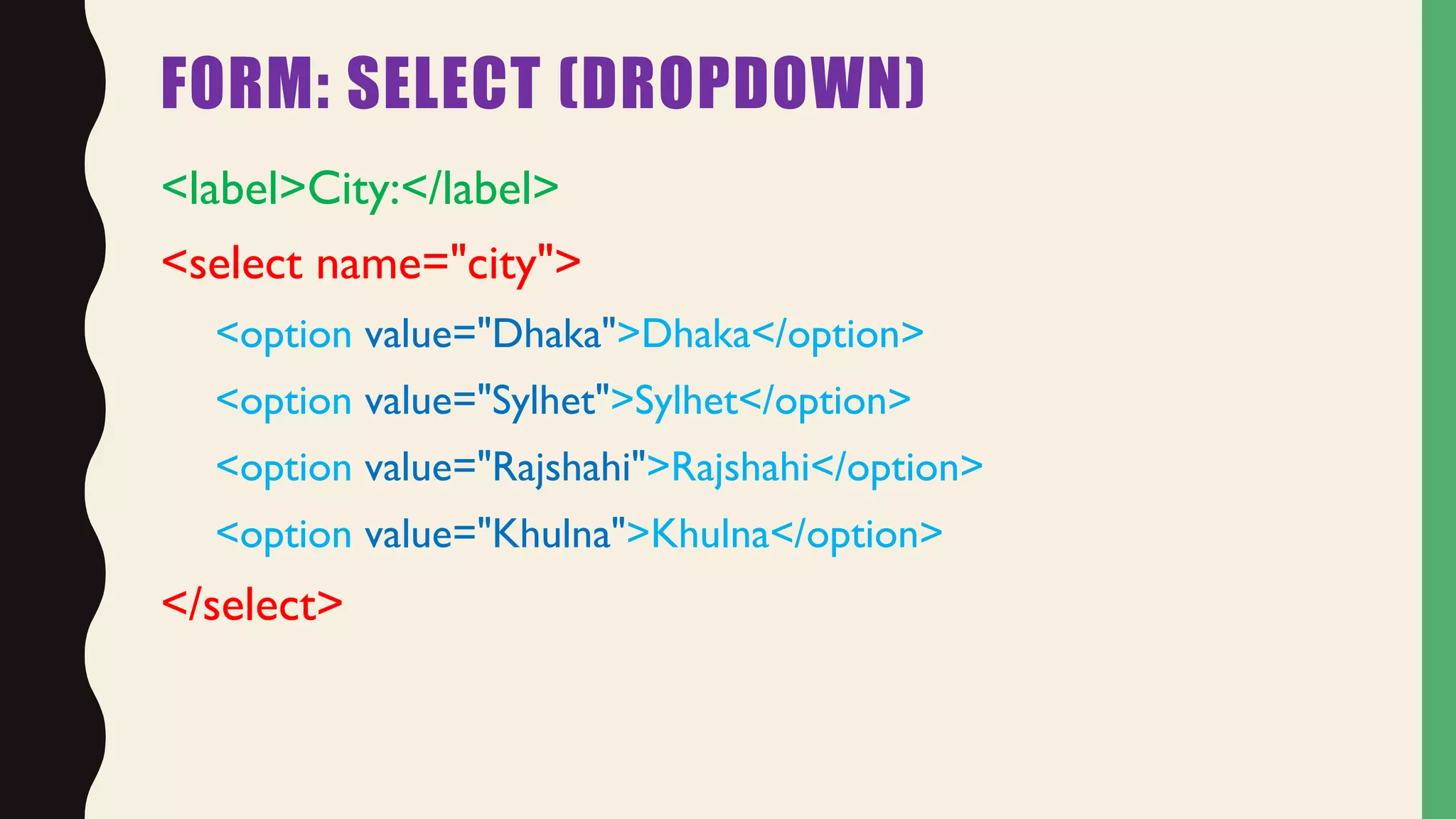
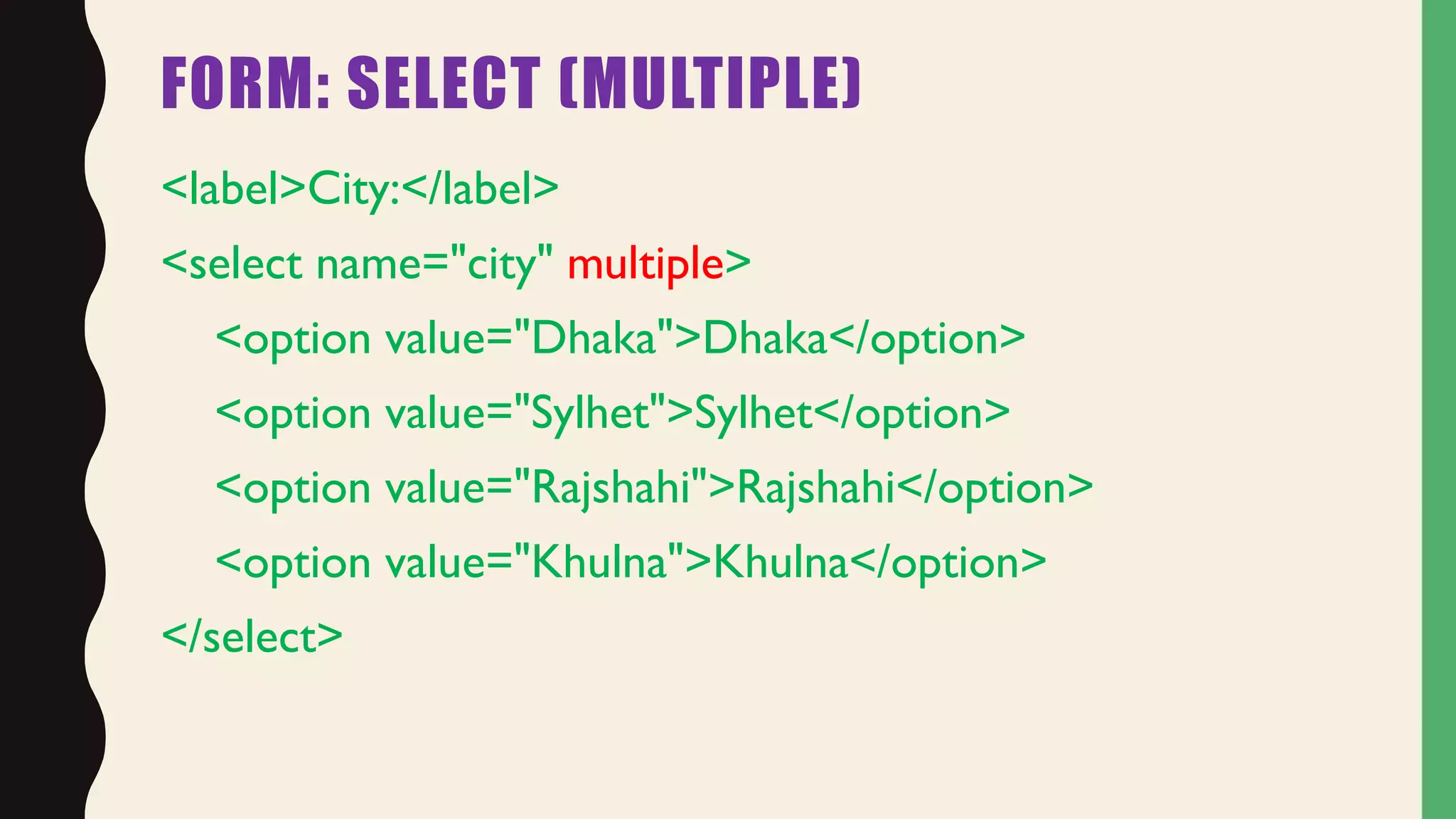
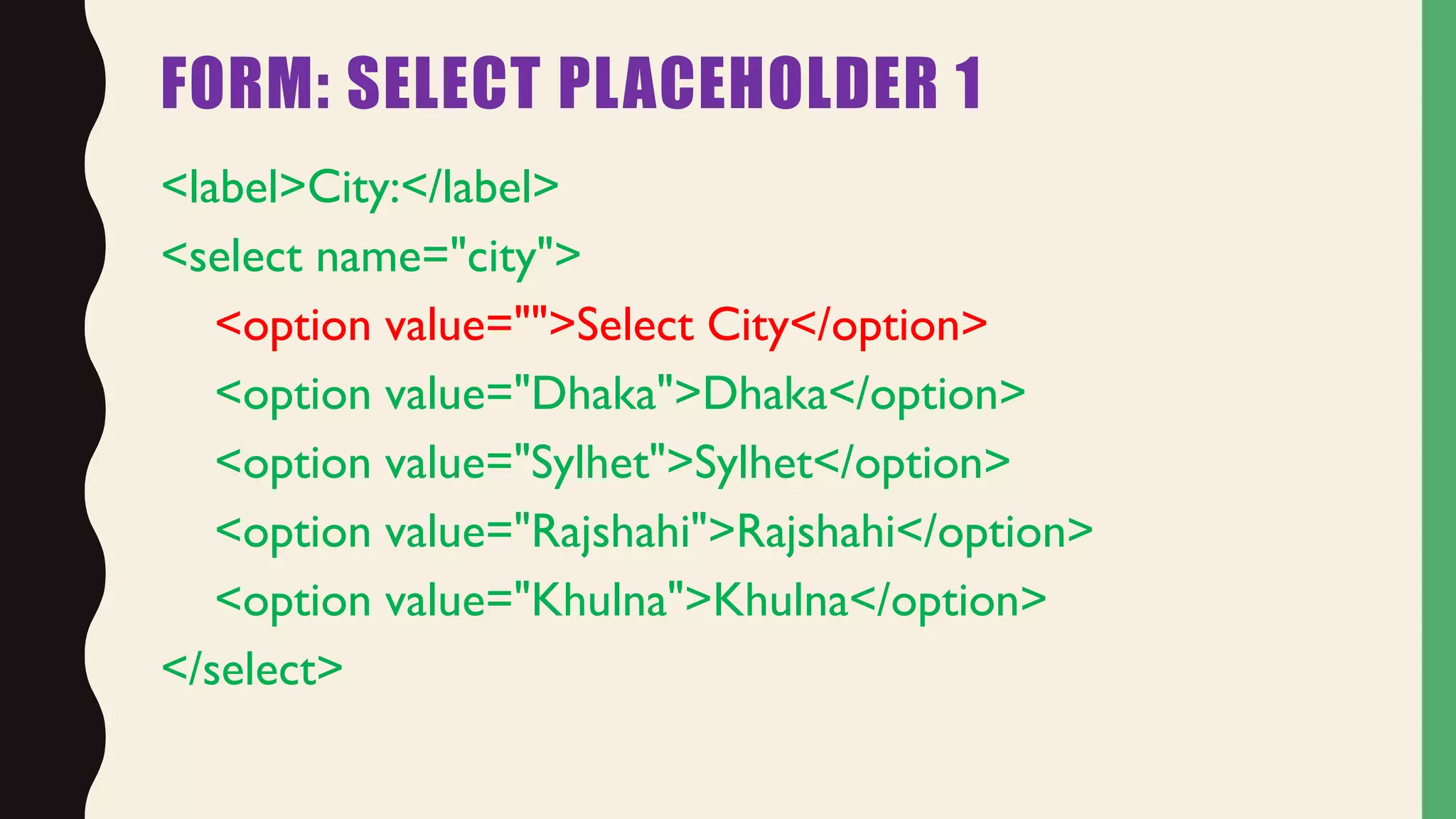


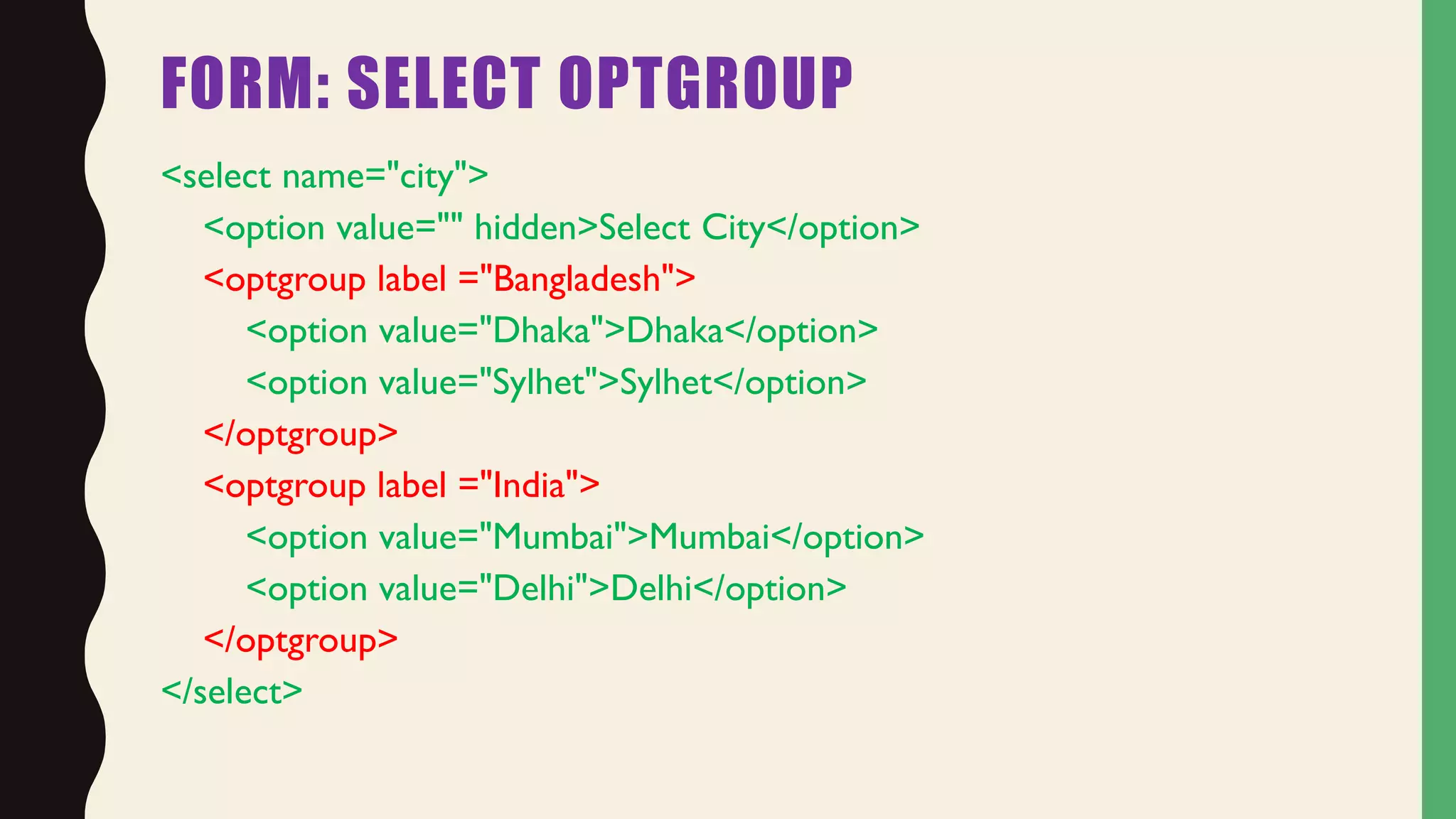

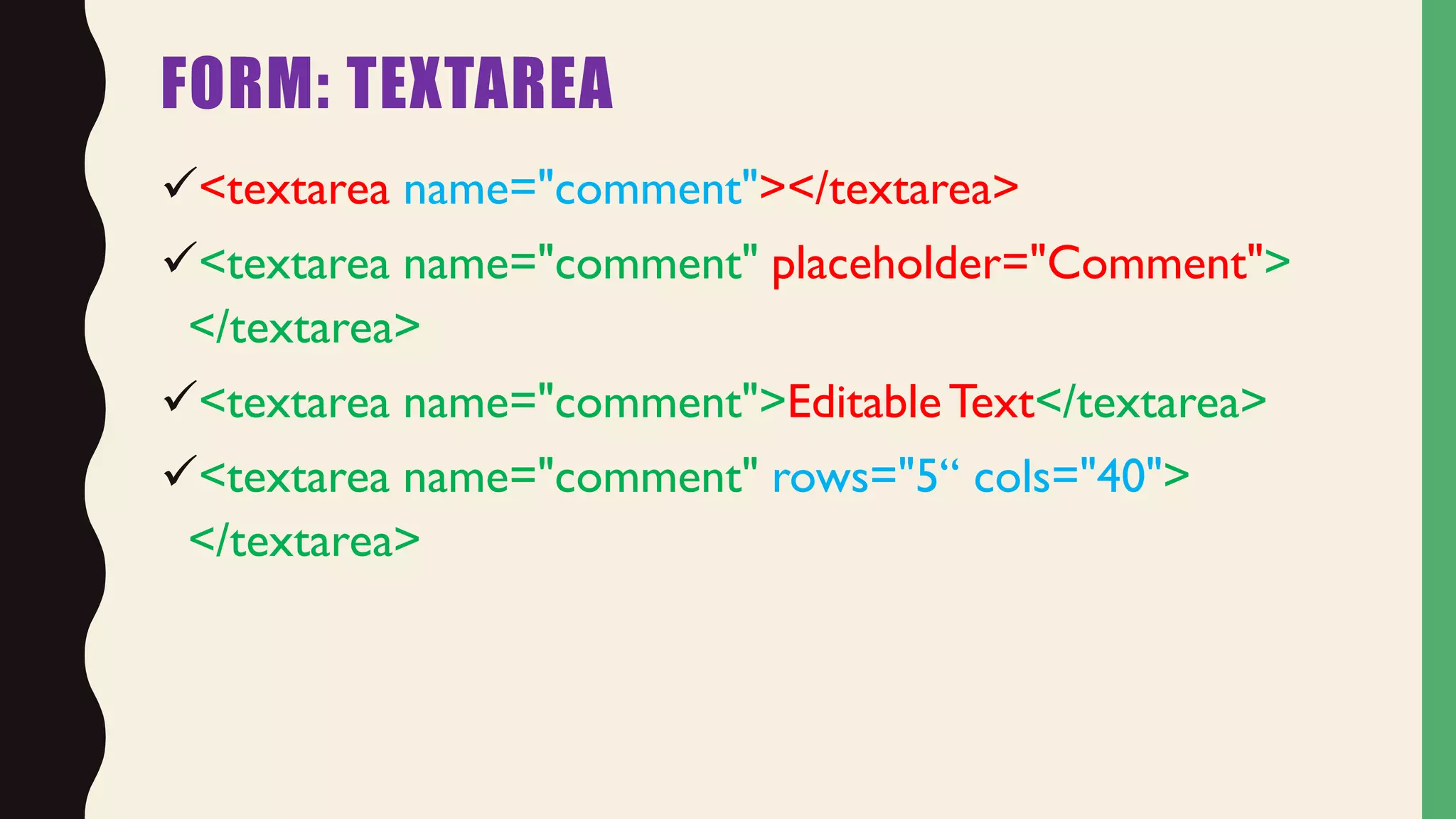

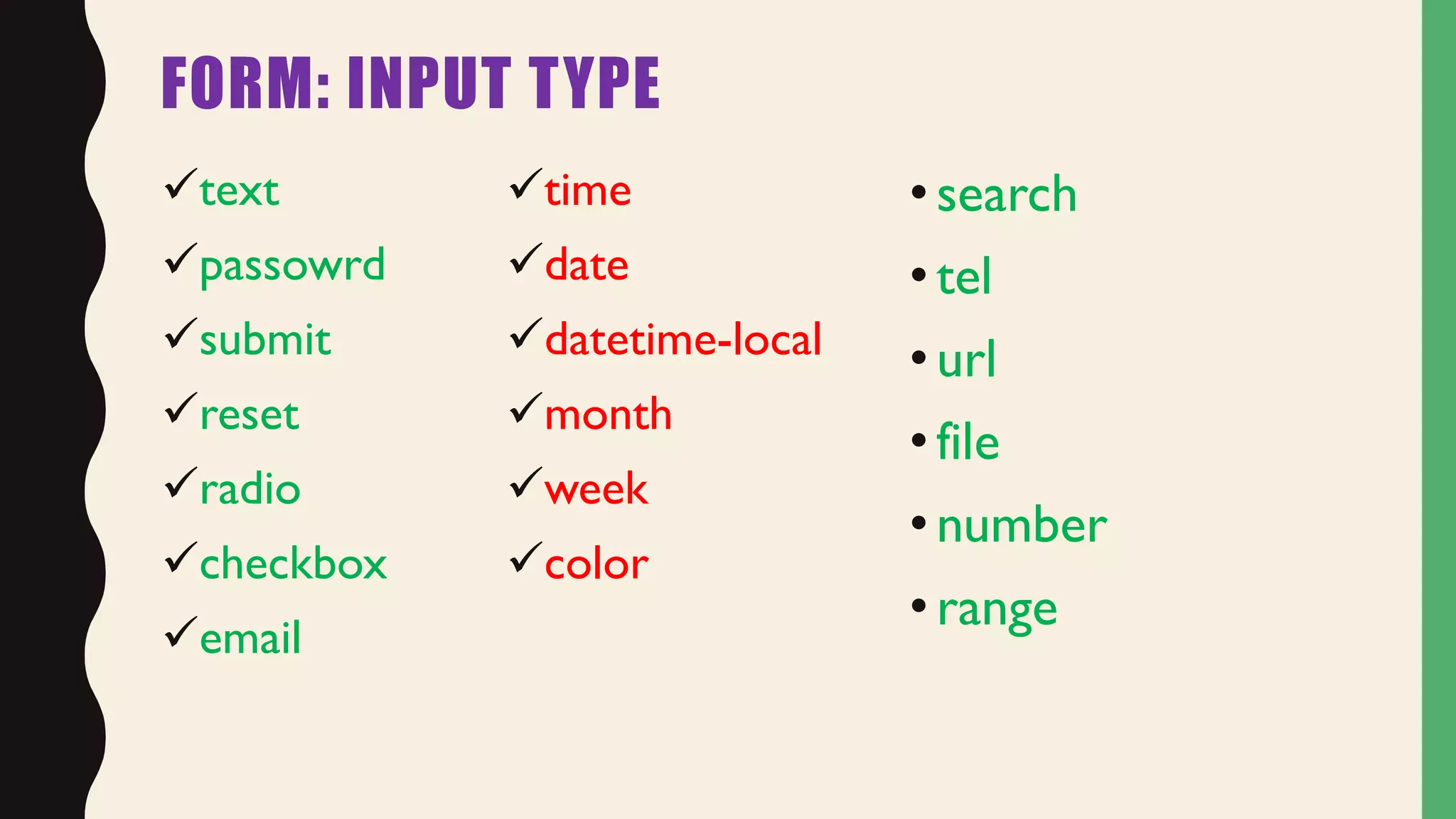

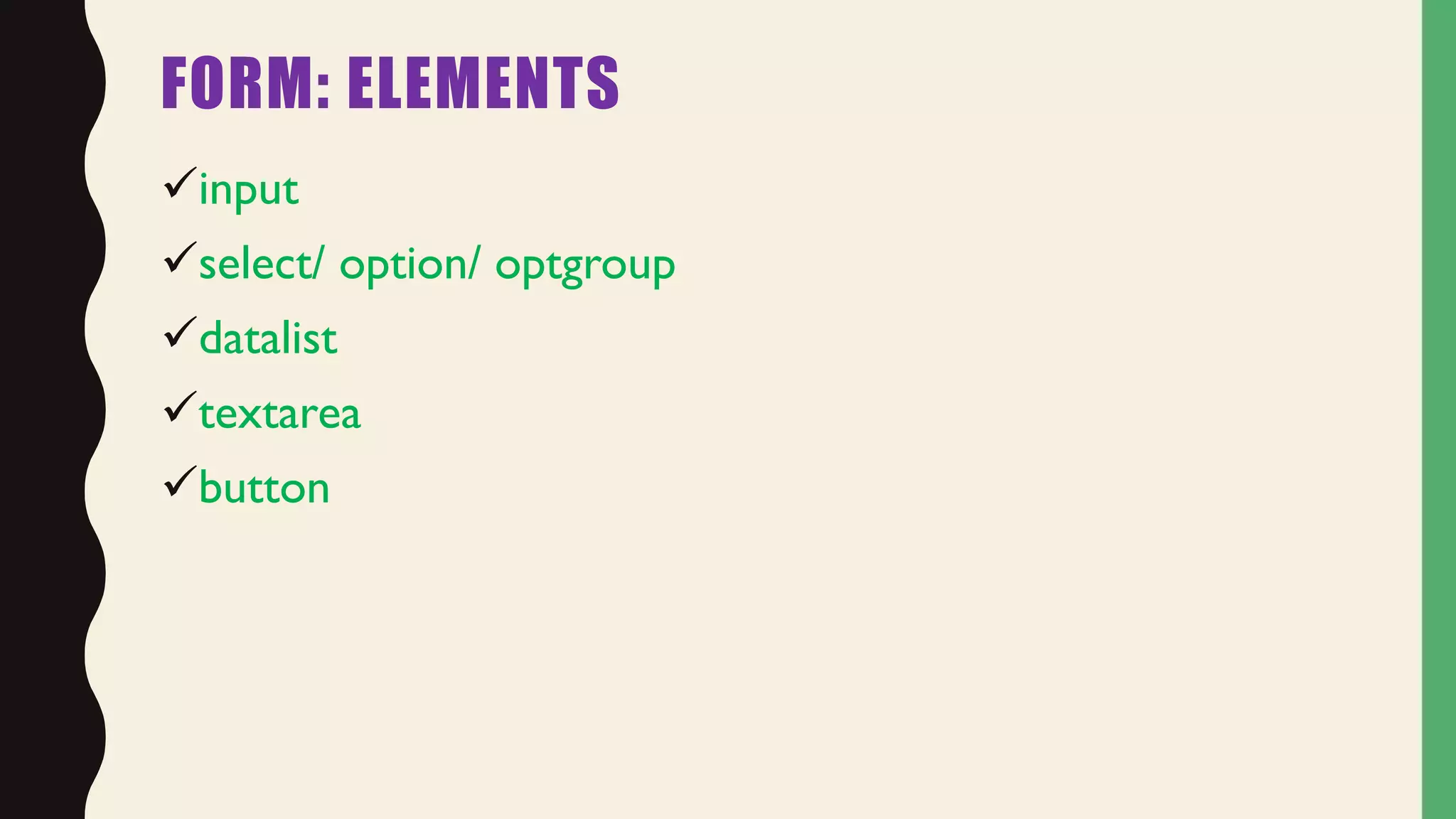


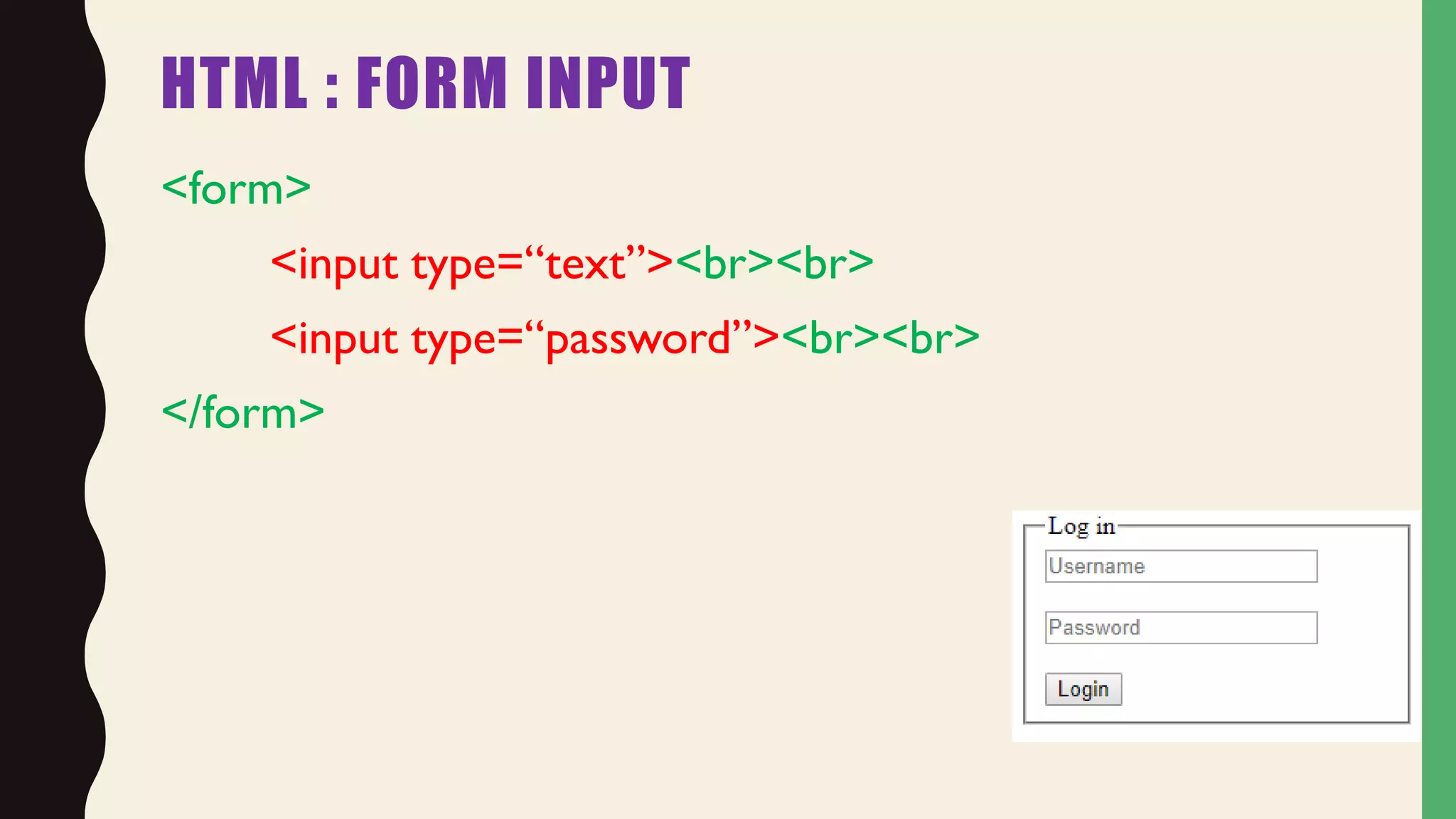
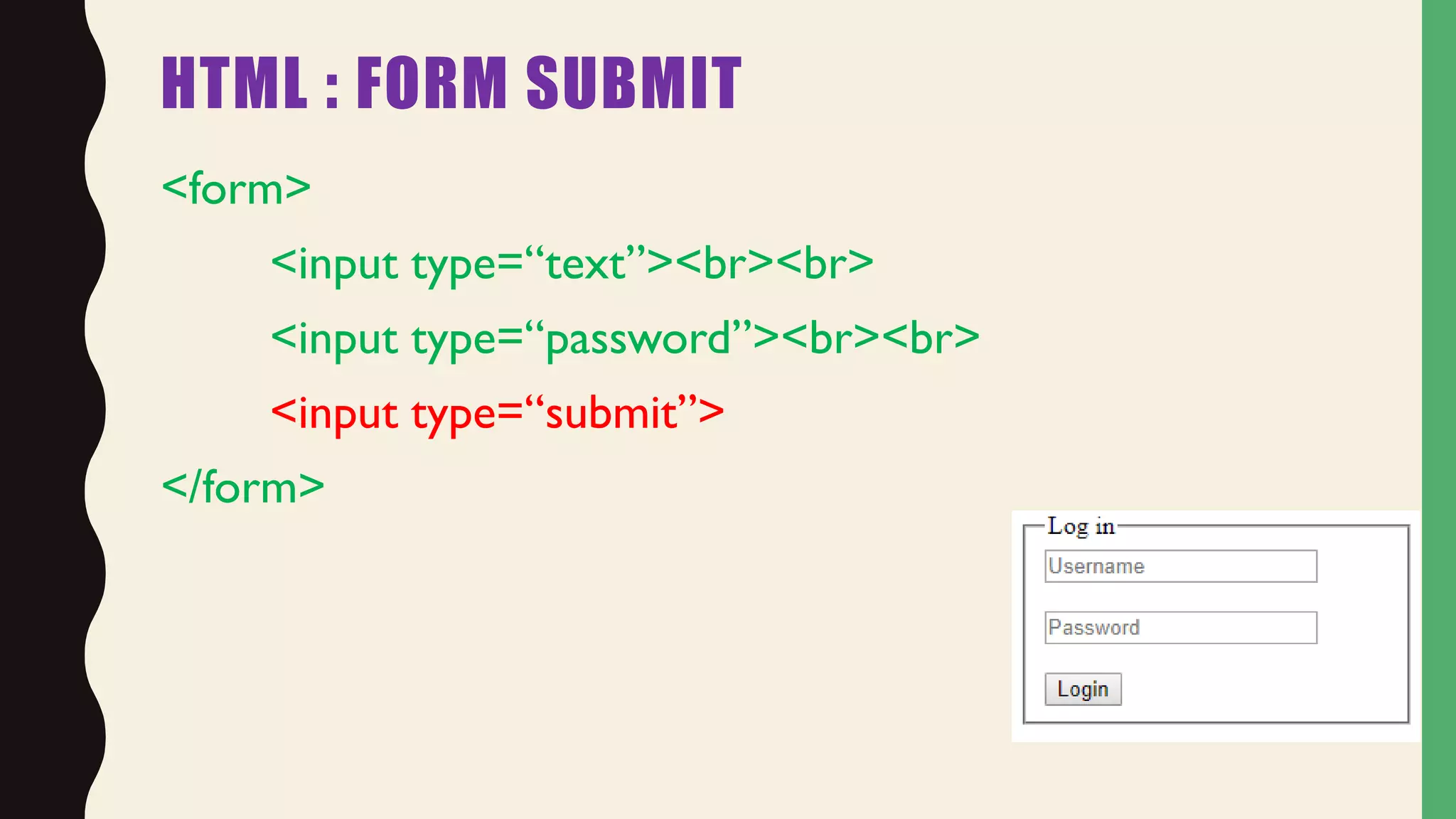
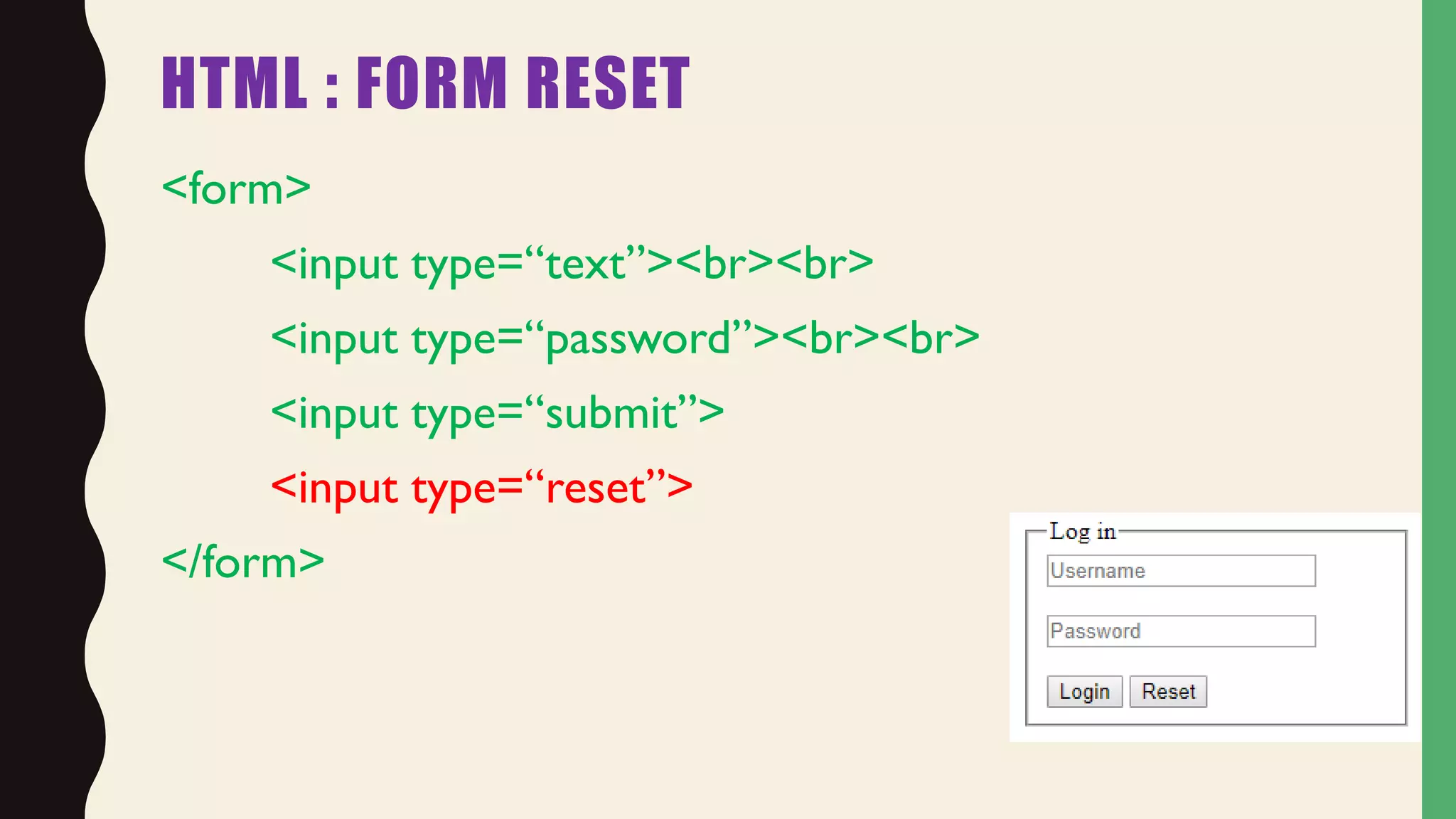
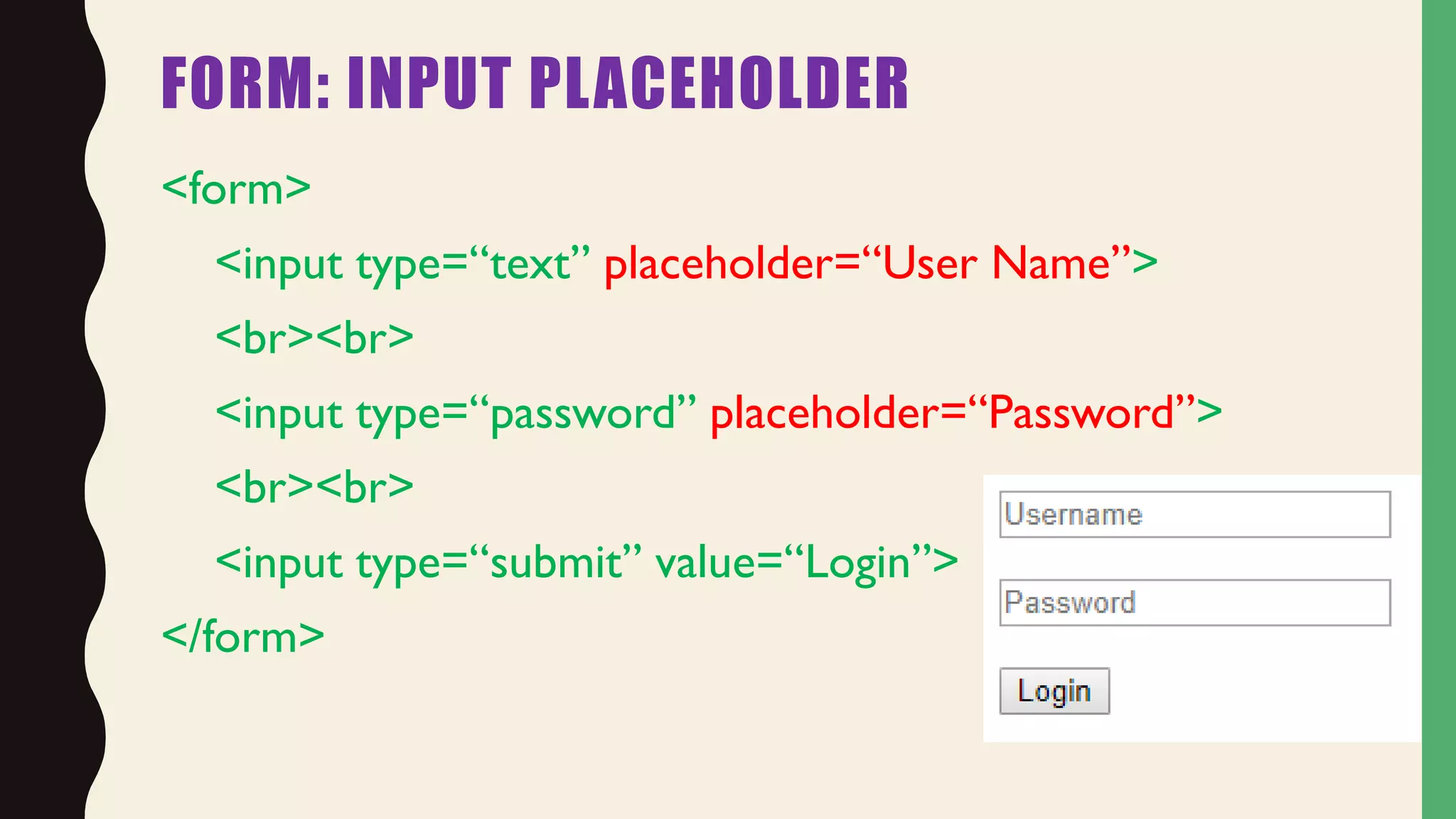
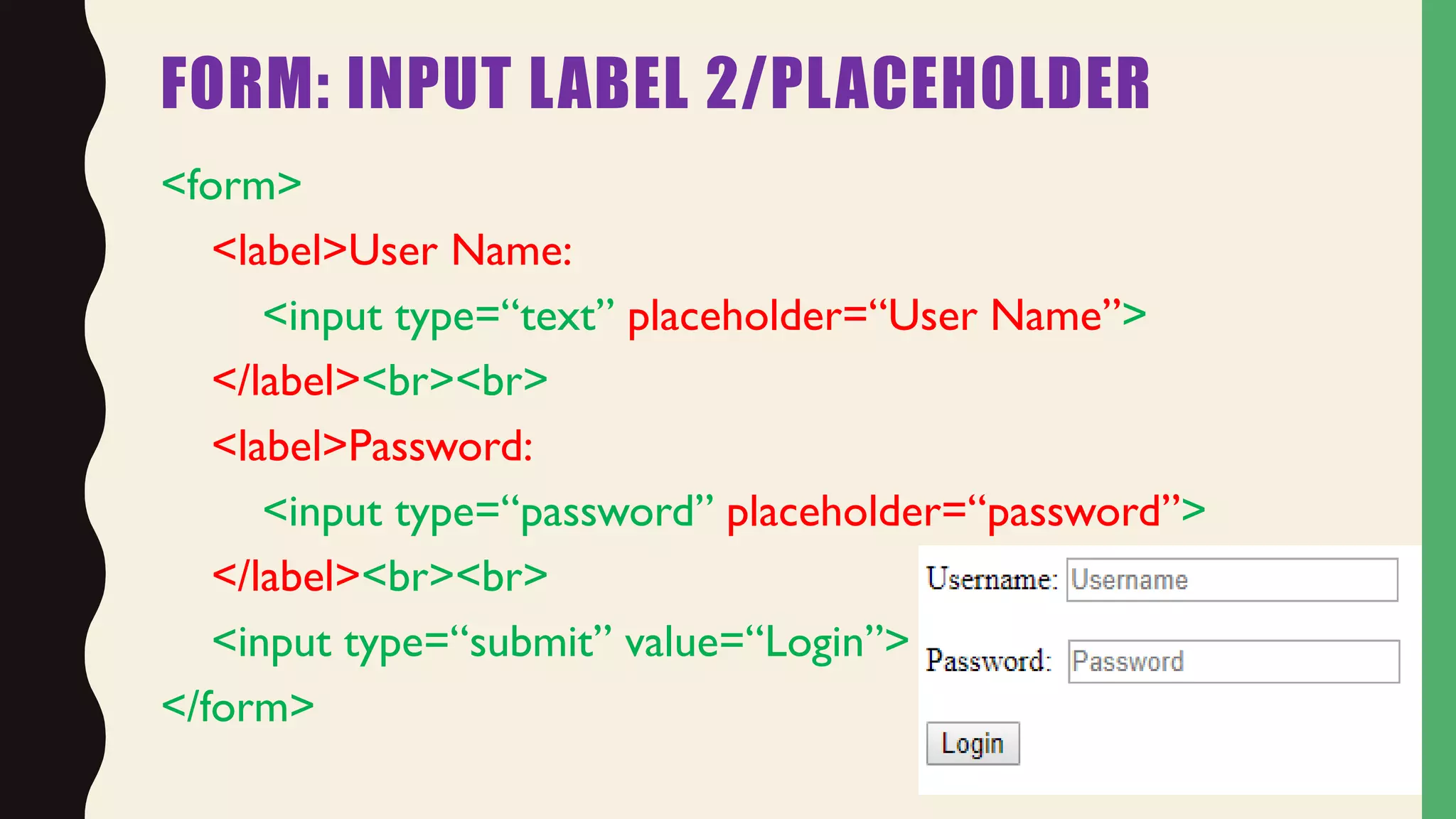
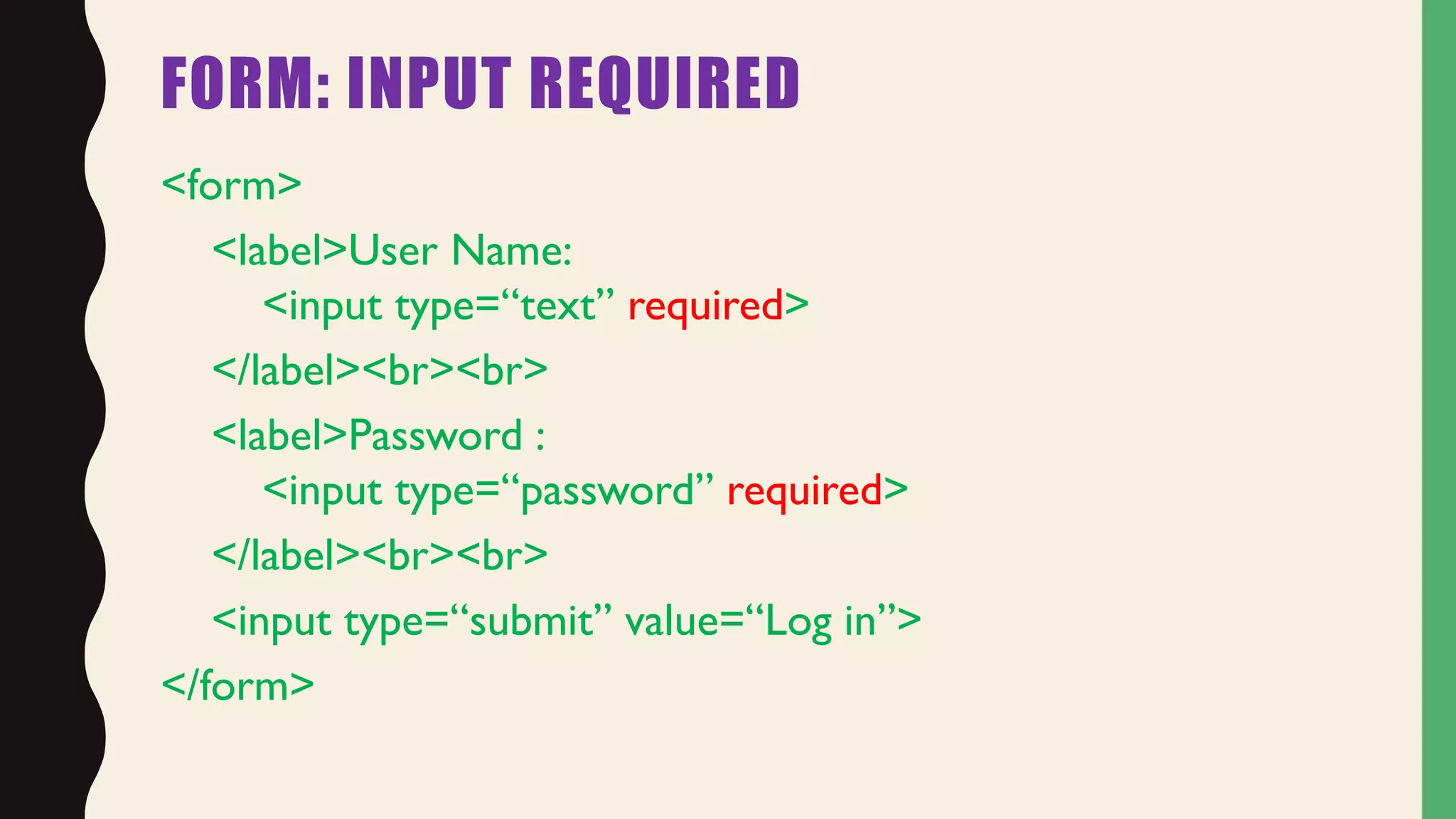
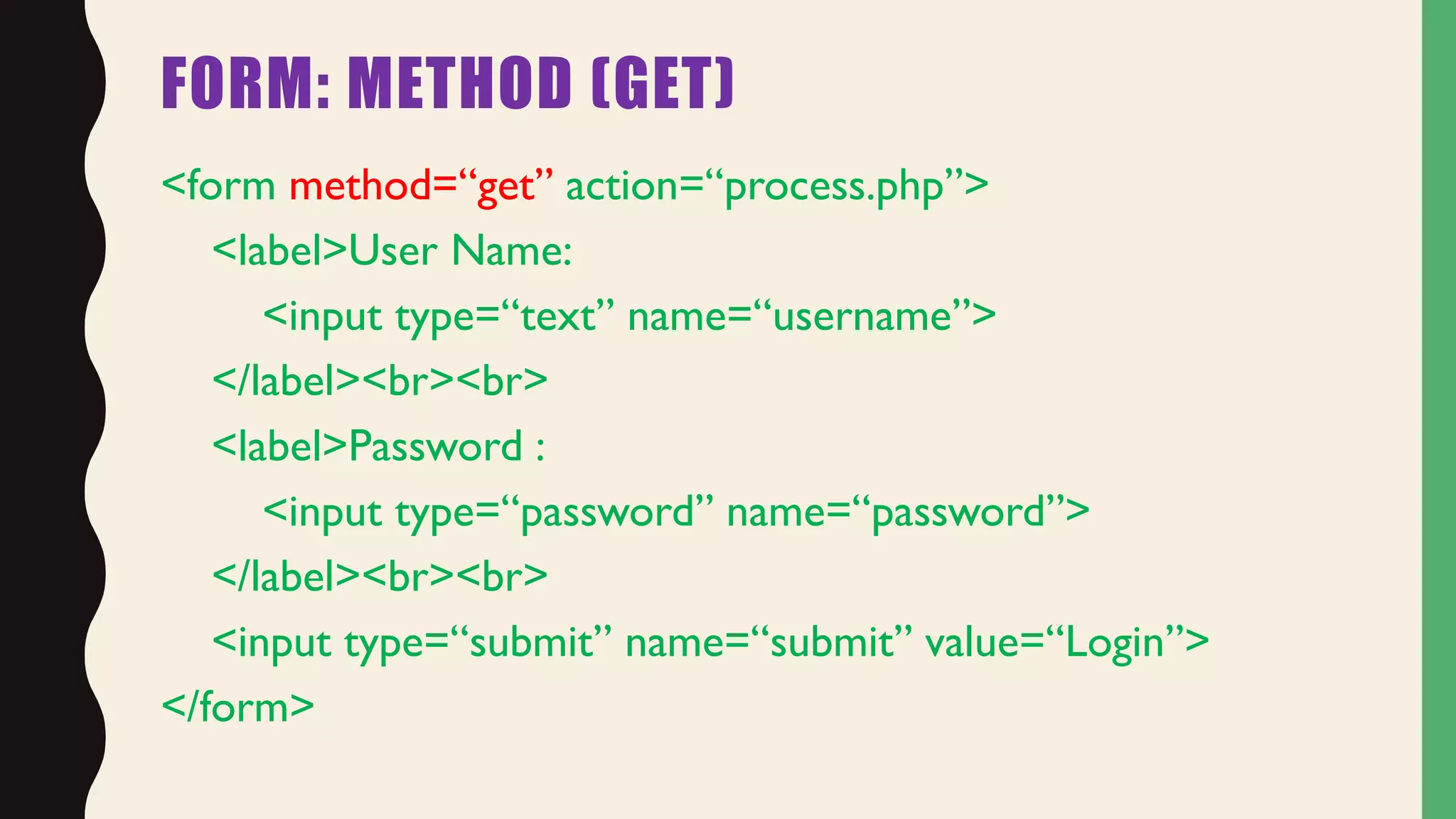
The document provides an overview of HTML forms, including how to create basic forms with different input types like text, password, submit and radio buttons. It covers various form attributes like name, value, placeholder, required and different ways to style labels. The document also discusses form elements like select dropdowns, checkboxes and textareas. It provides examples of how to use these different form features to collect user input through a web form.


