Download as PDF, PPTX
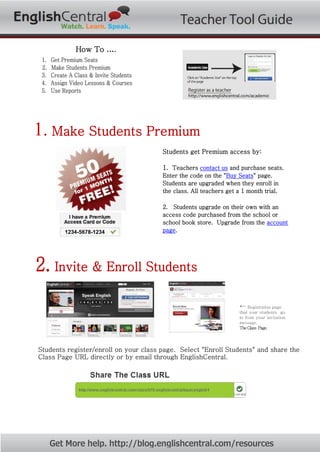
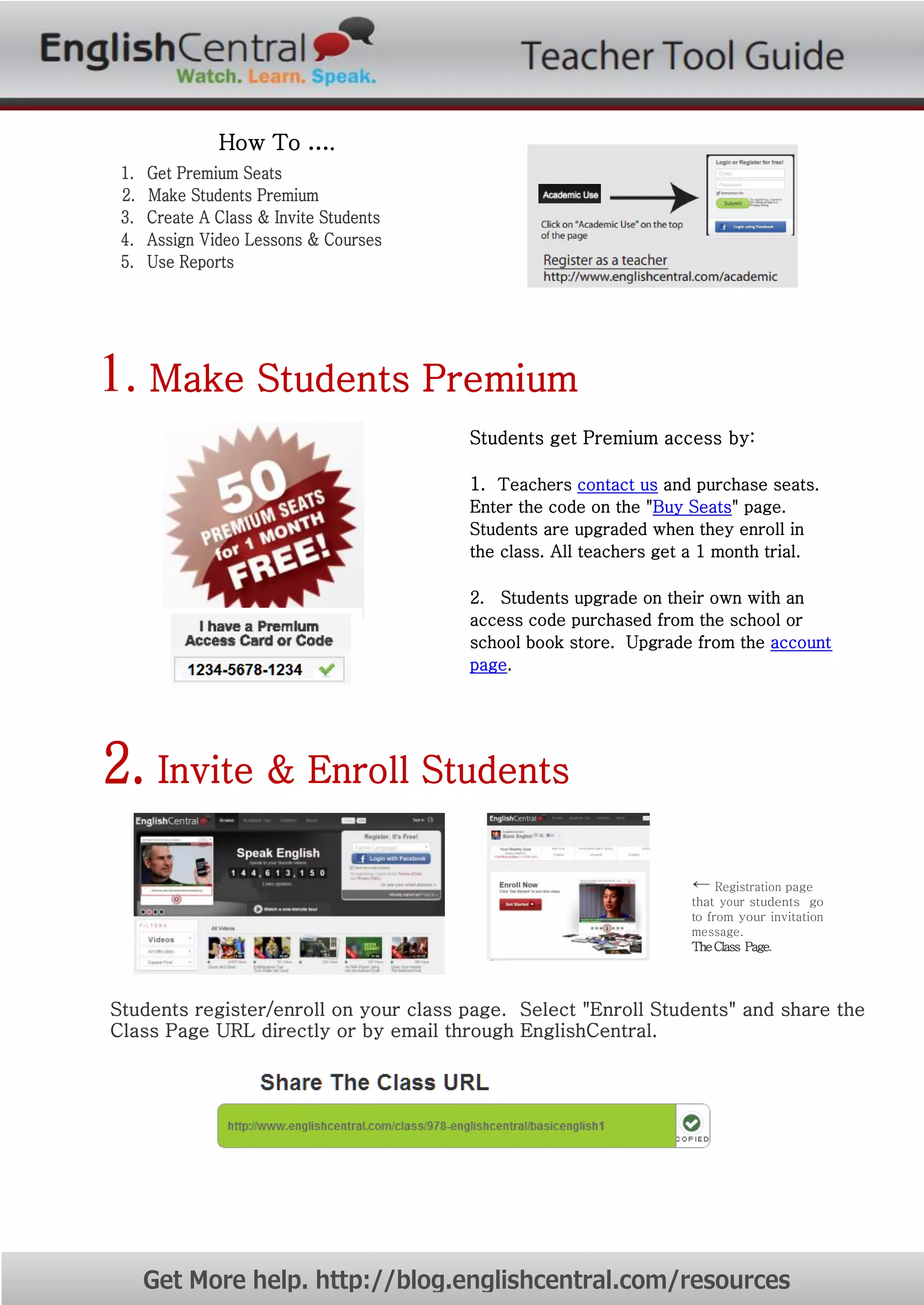
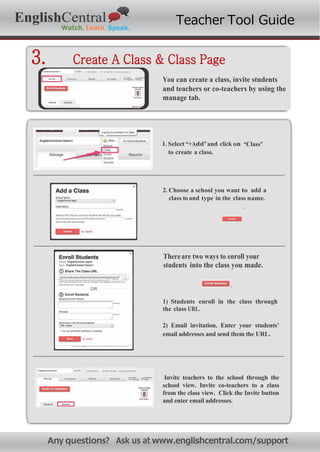
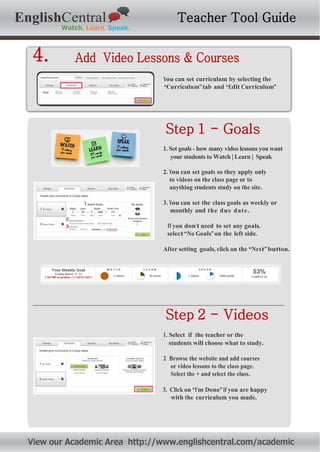
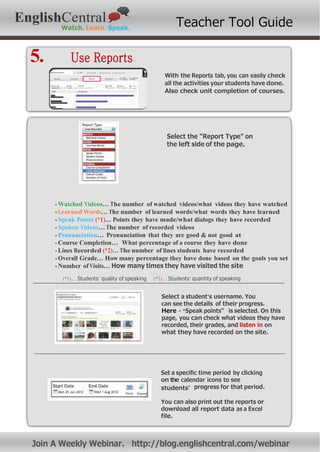

The document outlines how to use the EnglishCentral Teacher Tool to create classes, enroll students, assign video lessons and courses, and monitor student progress through reports. Teachers can make students premium, invite students to enroll in classes, set curriculum goals and select videos/courses, and then track watching, speaking, learning and course completion data for each student. The reports feature allows teachers to easily check student activities and progress over specific time periods.


