Make your project a success with your own people
and by introducing the right tools
Take control of your FTTH
network design
Learning Objectives
• Learn about the value of doing a pilot project
• Learn about the impact of GIS data on a project
• Learn how you can save time and costs by introducing automation
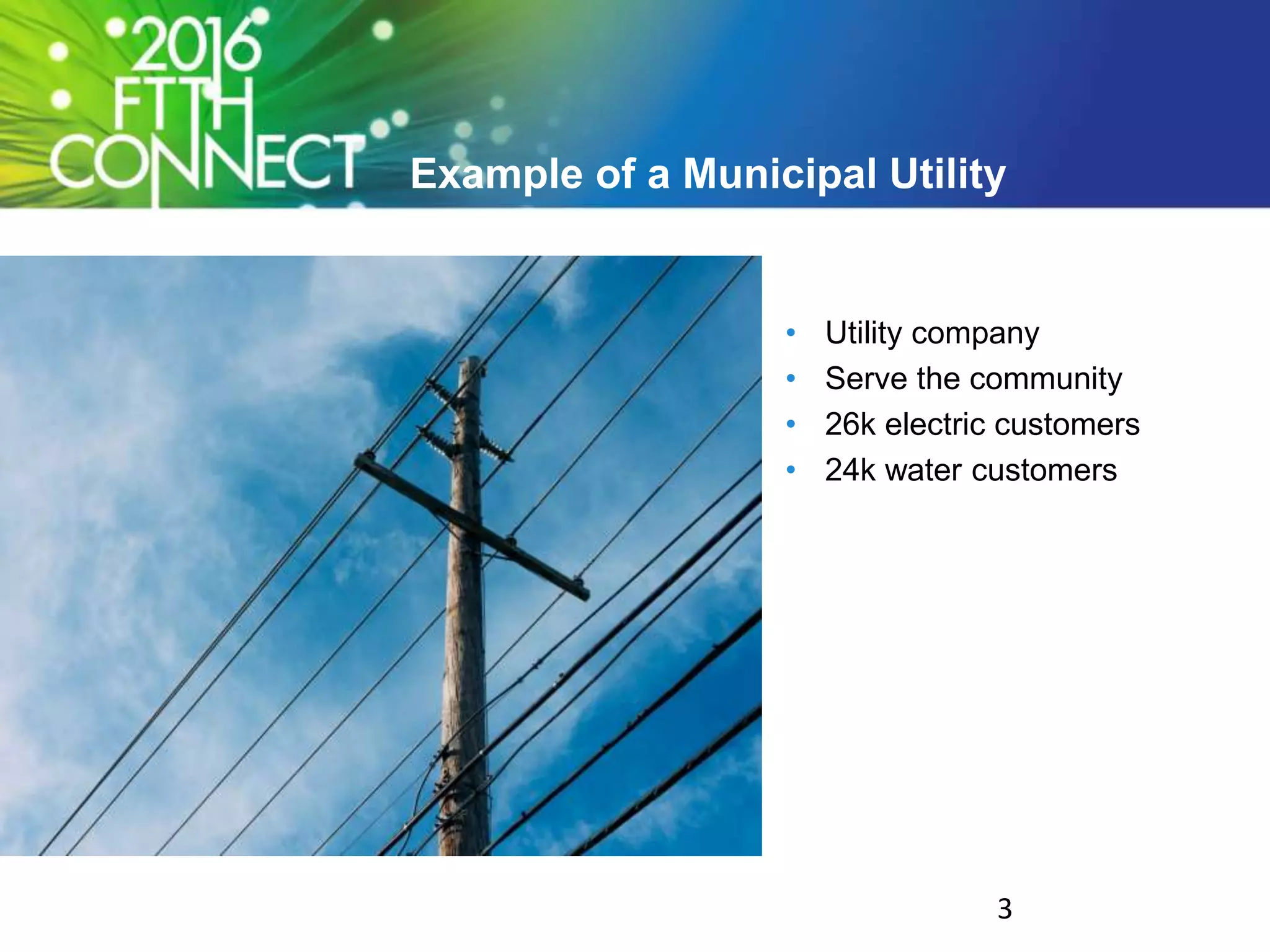
Example of a Municipal Utility
• Utility company
• Serve the community
• 26k electric customers
• 24k water customers
3
Goal: Build the best network…
• Cost-effective
• Operable
• Manageable
• Future-proof
4
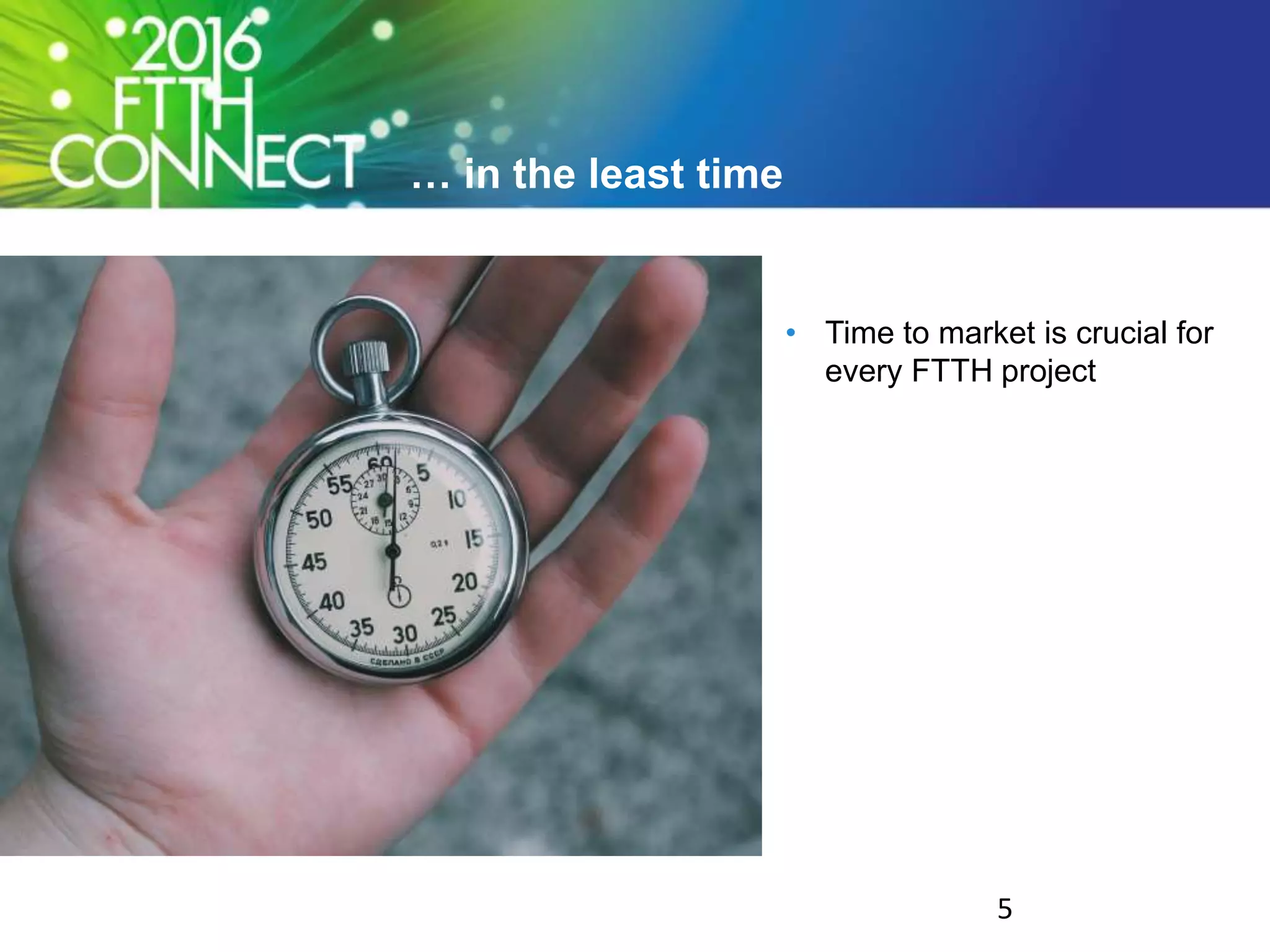
… in the least time
• Time to market is crucial for
every FTTH project
5
Challenges & Advantages in this project
6
Lack of experience in FTTH
• Limited in-house FTTH
knowledge
7
In-house engineering
• Good technical knowledge
• Experience of other utilities
• Network management
8
A lot of information available
• FTTH Handbook
• Community toolkit
• Case studies
• White papers
9
Many tools available
• CAD software
• GIS based design solutions
• Automation & Optimization
10
Why not do it yourself?
• Use your own resources
• Leverage engineering
experience
• add Information
• add Tools
11
Small pilot program to ensure quality
• Test equipment
• Evaluate processes
• Asses infrastructure
• Determine best practices
• Ensure customer satisfaction
12
Valuable support of good GIS data
13
Garbage in = garbage out
• Good GIS input data needed
• Tools will help but cannot
magically generate data
14
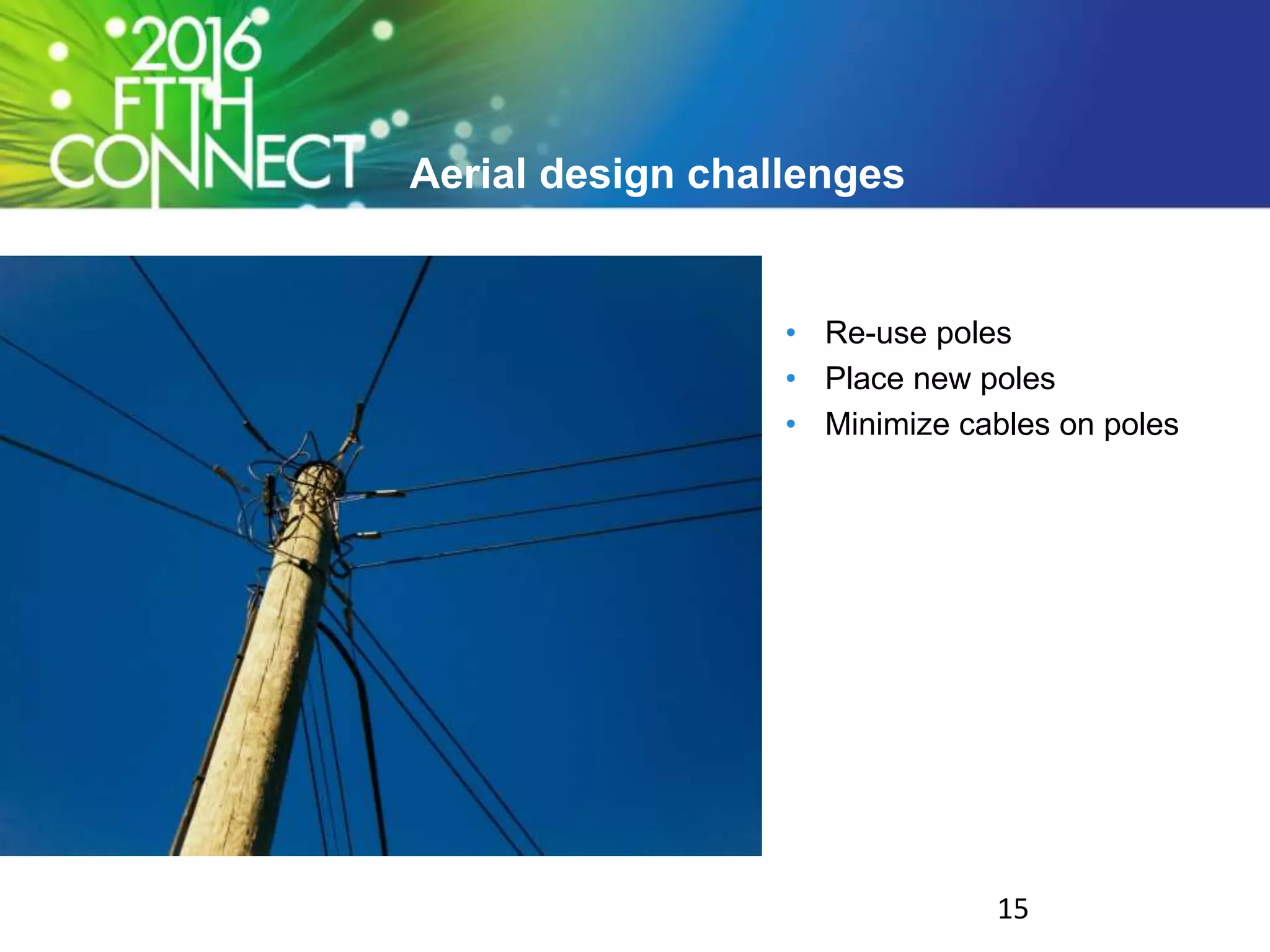
Aerial design challenges
• Re-use poles
• Place new poles
• Minimize cables on poles
15
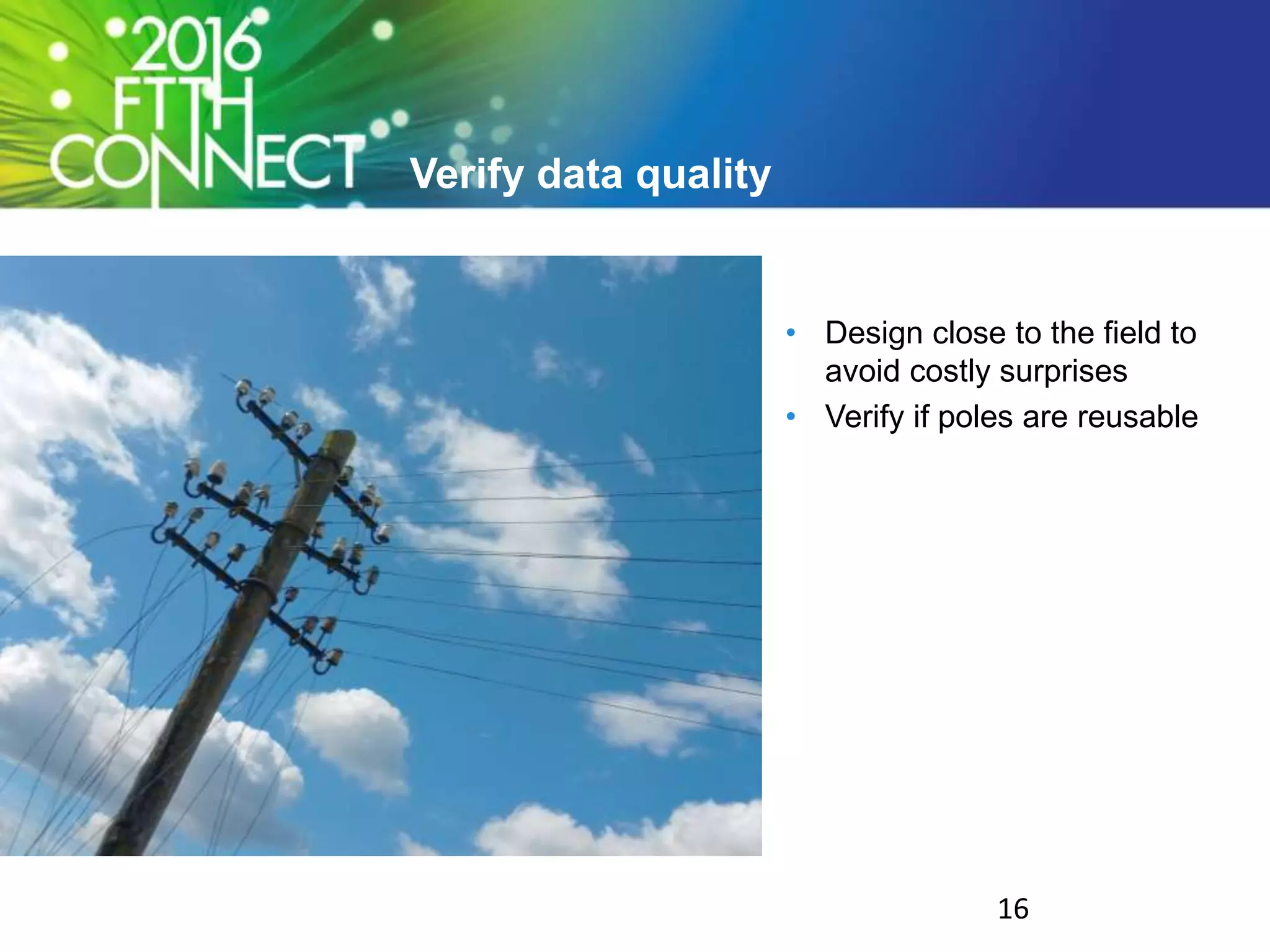
Verify data quality
• Design close to the field to
avoid costly surprises
• Verify if poles are reusable
16
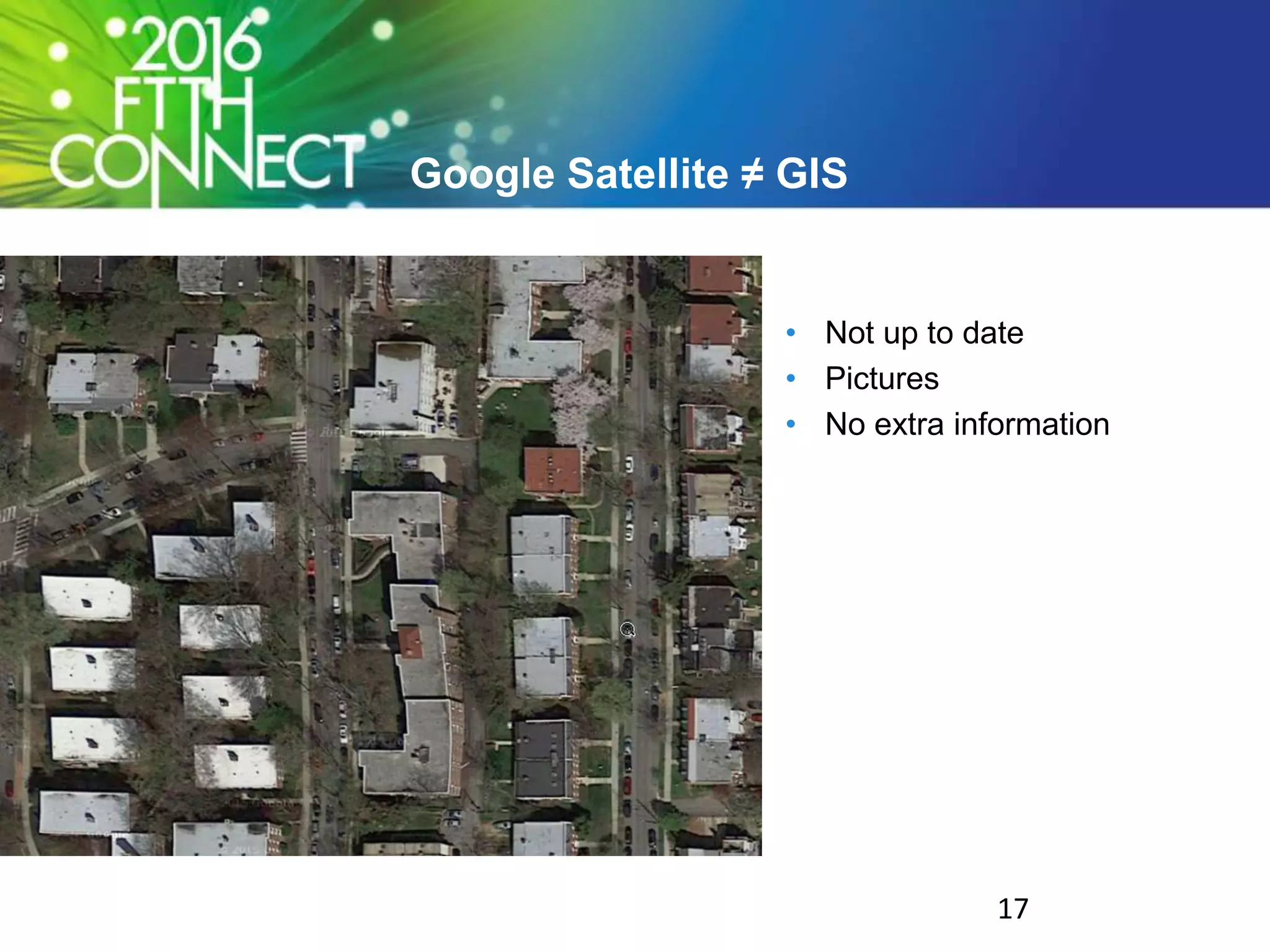
Google Satellite ≠ GIS
• Not up to date
• Pictures
• No extra information
17
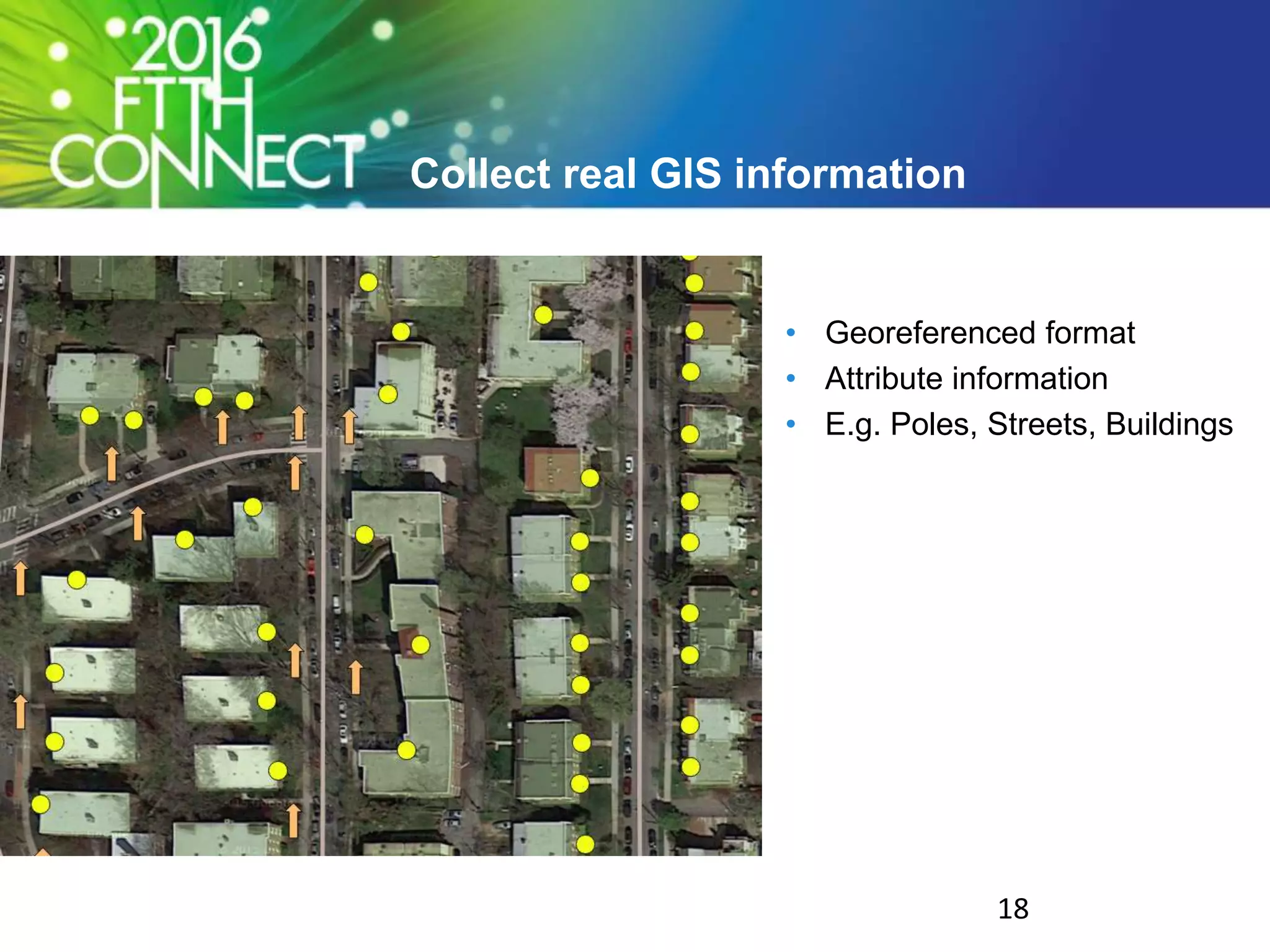
Collect real GIS information
• Georeferenced format
• Attribute information
• E.g. Poles, Streets, Buildings
18
Design architecture
19
A lot of different rules to follow
• Cascaded design
• Minimize splices (costs)
• Single cable per route
• Spare capacity
20
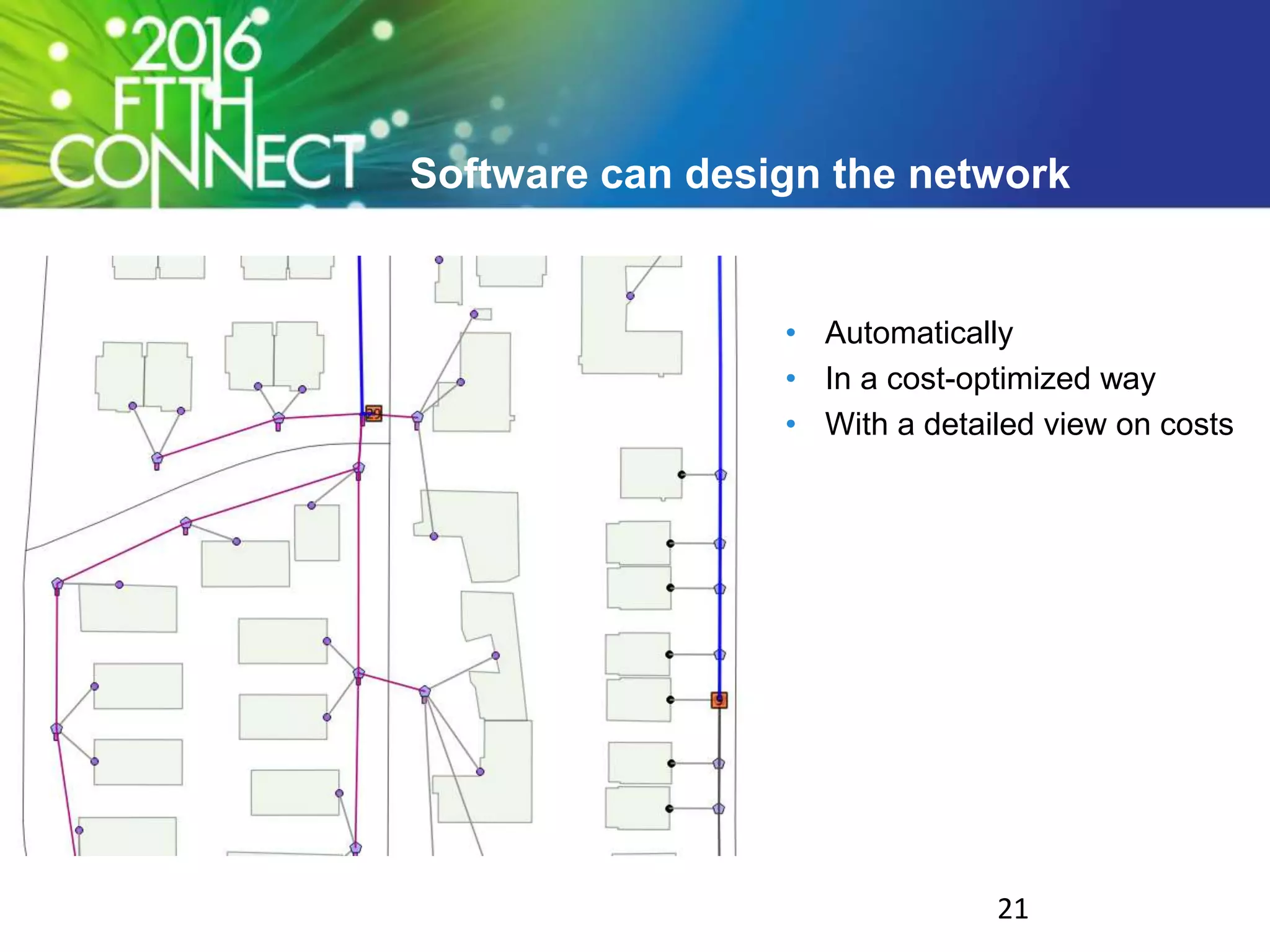
Software can design the network
• Automatically
• In a cost-optimized way
• With a detailed view on costs
21
Keep learning and iterating
• Learn from the experience of
a pilot project
• Rely on your own people
• Adopt the right tools and
processes
22
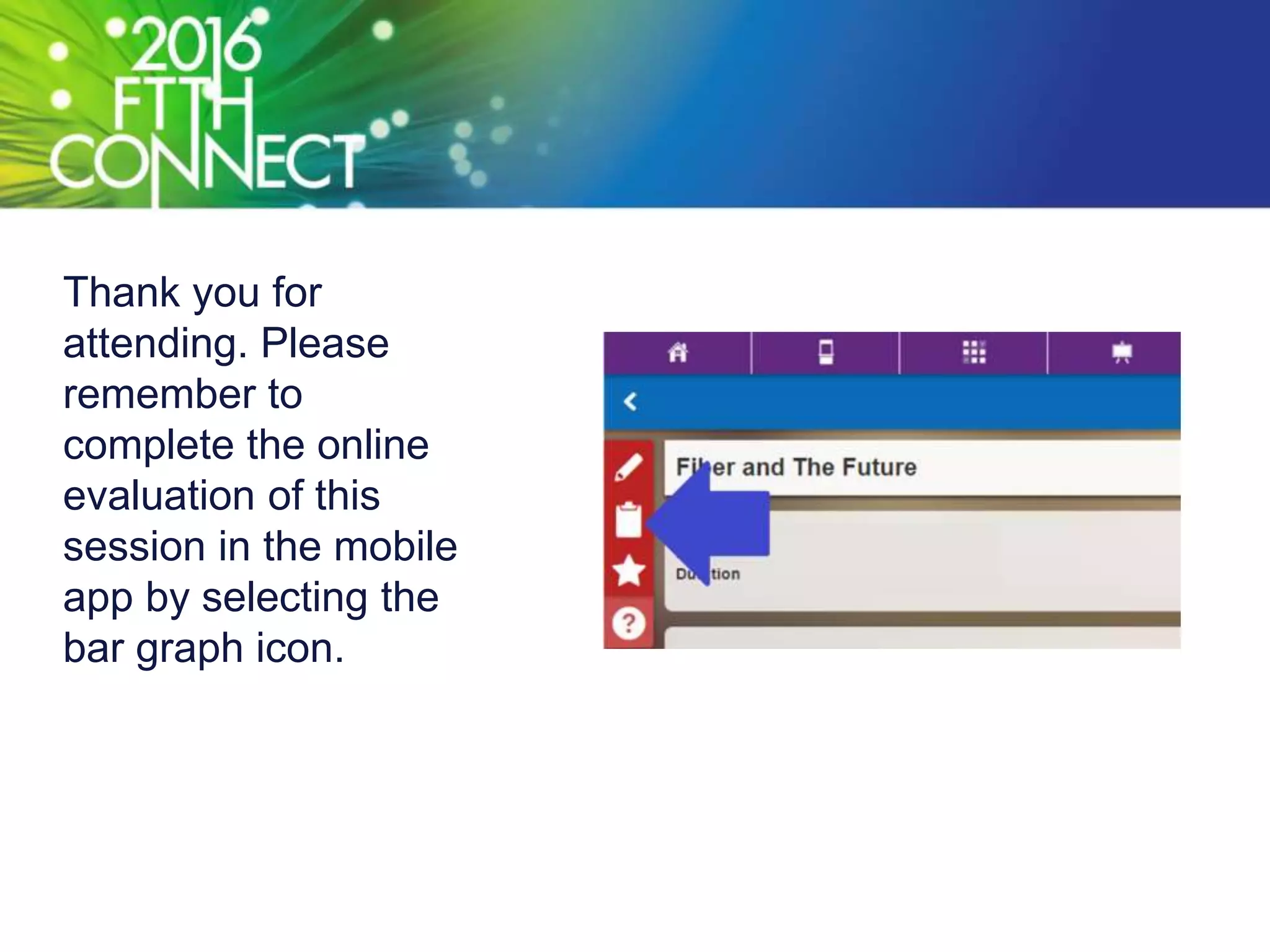
Thank you for
attending. Please
remember to
complete the online
evaluation of this
session in the mobile
app by selecting the
bar graph icon.

Take control of your FTTH network design

  • 1.
    Make your projecta success with your own people and by introducing the right tools Take control of your FTTH network design
  • 2.
    Learning Objectives • Learnabout the value of doing a pilot project • Learn about the impact of GIS data on a project • Learn how you can save time and costs by introducing automation
  • 3.
    Example of aMunicipal Utility • Utility company • Serve the community • 26k electric customers • 24k water customers 3
  • 4.
    Goal: Build thebest network… • Cost-effective • Operable • Manageable • Future-proof 4
  • 5.
    … in theleast time • Time to market is crucial for every FTTH project 5
  • 6.
    Challenges & Advantagesin this project 6
  • 7.
    Lack of experiencein FTTH • Limited in-house FTTH knowledge 7
  • 8.
    In-house engineering • Goodtechnical knowledge • Experience of other utilities • Network management 8
  • 9.
    A lot ofinformation available • FTTH Handbook • Community toolkit • Case studies • White papers 9
  • 10.
    Many tools available •CAD software • GIS based design solutions • Automation & Optimization 10
  • 11.
    Why not doit yourself? • Use your own resources • Leverage engineering experience • add Information • add Tools 11
  • 12.
    Small pilot programto ensure quality • Test equipment • Evaluate processes • Asses infrastructure • Determine best practices • Ensure customer satisfaction 12
  • 13.
    Valuable support ofgood GIS data 13
  • 14.
    Garbage in =garbage out • Good GIS input data needed • Tools will help but cannot magically generate data 14
  • 15.
    Aerial design challenges •Re-use poles • Place new poles • Minimize cables on poles 15
  • 16.
    Verify data quality •Design close to the field to avoid costly surprises • Verify if poles are reusable 16
  • 17.
    Google Satellite ≠GIS • Not up to date • Pictures • No extra information 17
  • 18.
    Collect real GISinformation • Georeferenced format • Attribute information • E.g. Poles, Streets, Buildings 18
  • 19.
  • 20.
    A lot ofdifferent rules to follow • Cascaded design • Minimize splices (costs) • Single cable per route • Spare capacity 20
  • 21.
    Software can designthe network • Automatically • In a cost-optimized way • With a detailed view on costs 21
  • 22.
    Keep learning anditerating • Learn from the experience of a pilot project • Rely on your own people • Adopt the right tools and processes 22
  • 23.
    Thank you for attending.Please remember to complete the online evaluation of this session in the mobile app by selecting the bar graph icon.

Editor's Notes

  • #5 The goal is the same old same old. You want a cost-effective, operable, manageable design.
  • #6 And you want it quick
  • #13 Why a pilot program? In order to ensure that we will deliver quality, reliable and high-speed access, OMU is starting with a comprehensive pilot program. This provides an opportunity, on a smaller scale, to test equipment, assess infrastructure, determine the best practices and ensure customer satisfaction. After the initial pilot program, if it is successful, OMU will expand to other areas, methodically and deliberately to maintain the same level of service and satisfaction.