1
System Calls and I/O
SUBMITTED BY:- ROHIT MALAV
SID :- 38725
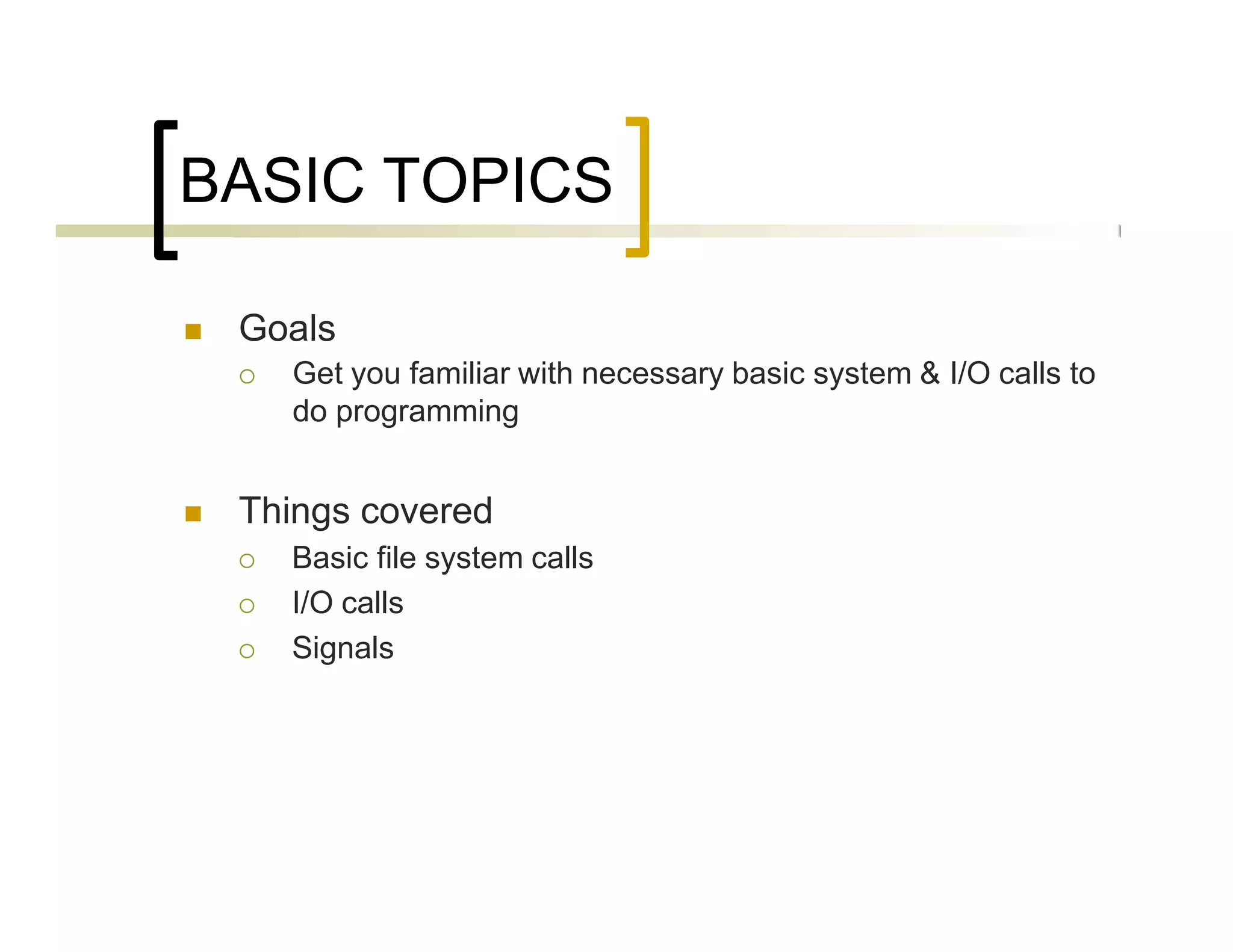
BASIC TOPICS
 Goals
 Get you familiar with necessary basic system & I/O calls to
do programming
 Things covered
 Basic file system calls
 I/O calls
 Signals
System Calls
3
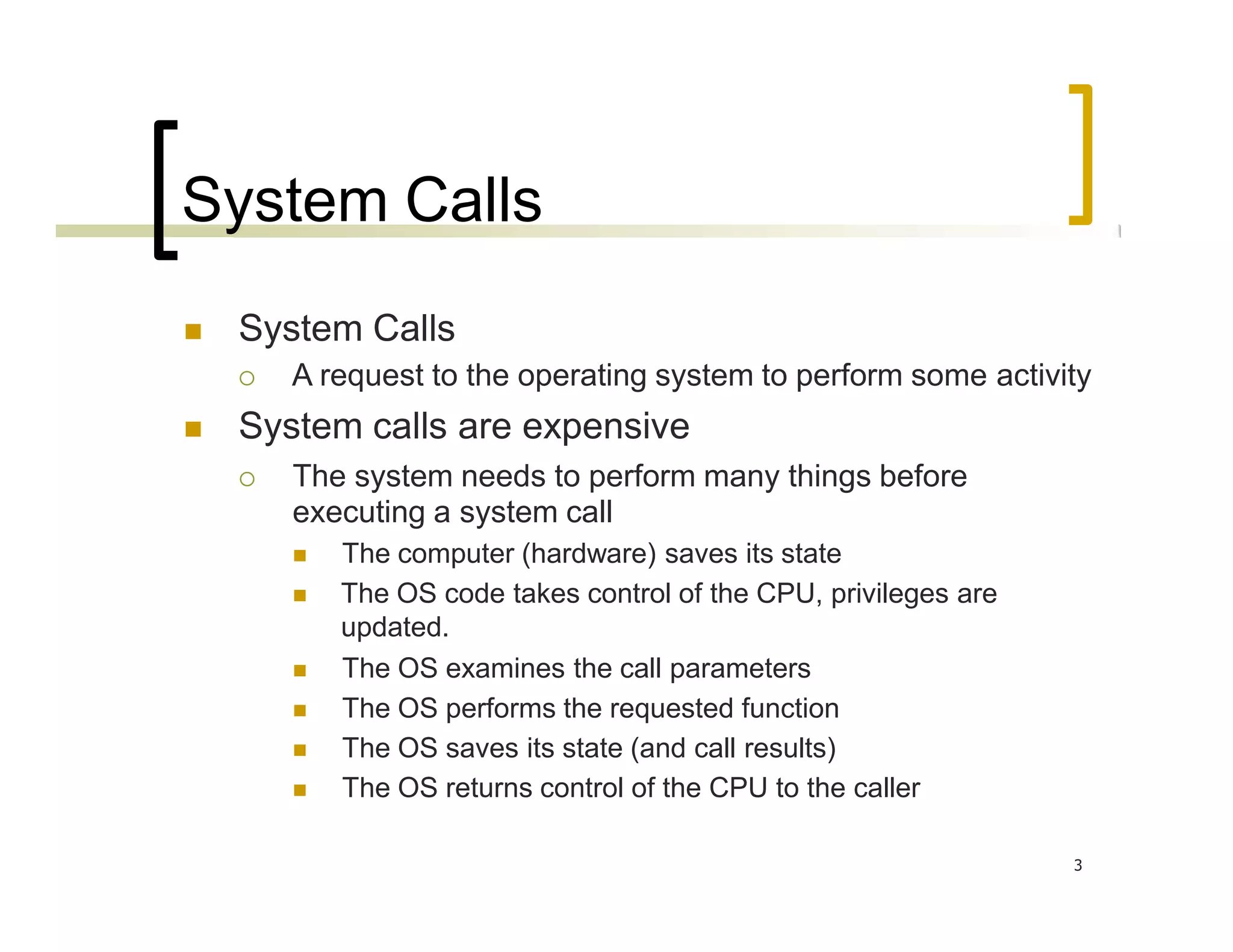
 System Calls
 A request to the operating system to perform some activity
 System calls are expensive
 The system needs to perform many things before
executing a system call
 The computer (hardware) saves its state
 The OS code takes control of the CPU, privileges are
updated.
 The OS examines the call parameters
 The OS performs the requested function
 The OS saves its state (and call results)
 The OS returns control of the CPU to the caller
Examples of System Calls
4
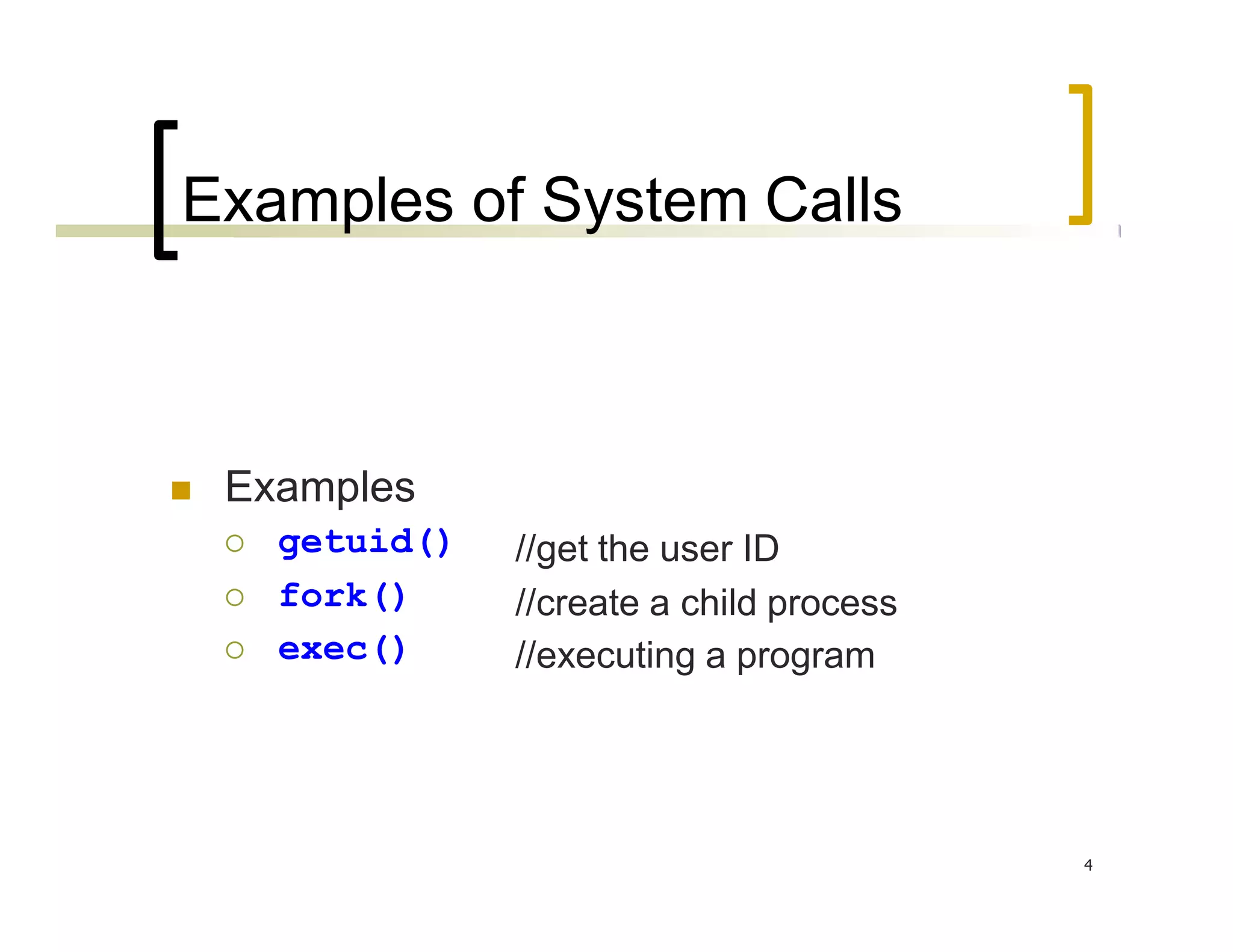
 Examples
 getuid()
 fork()
 exec()
//get the user ID
//create a child process
//executing a program
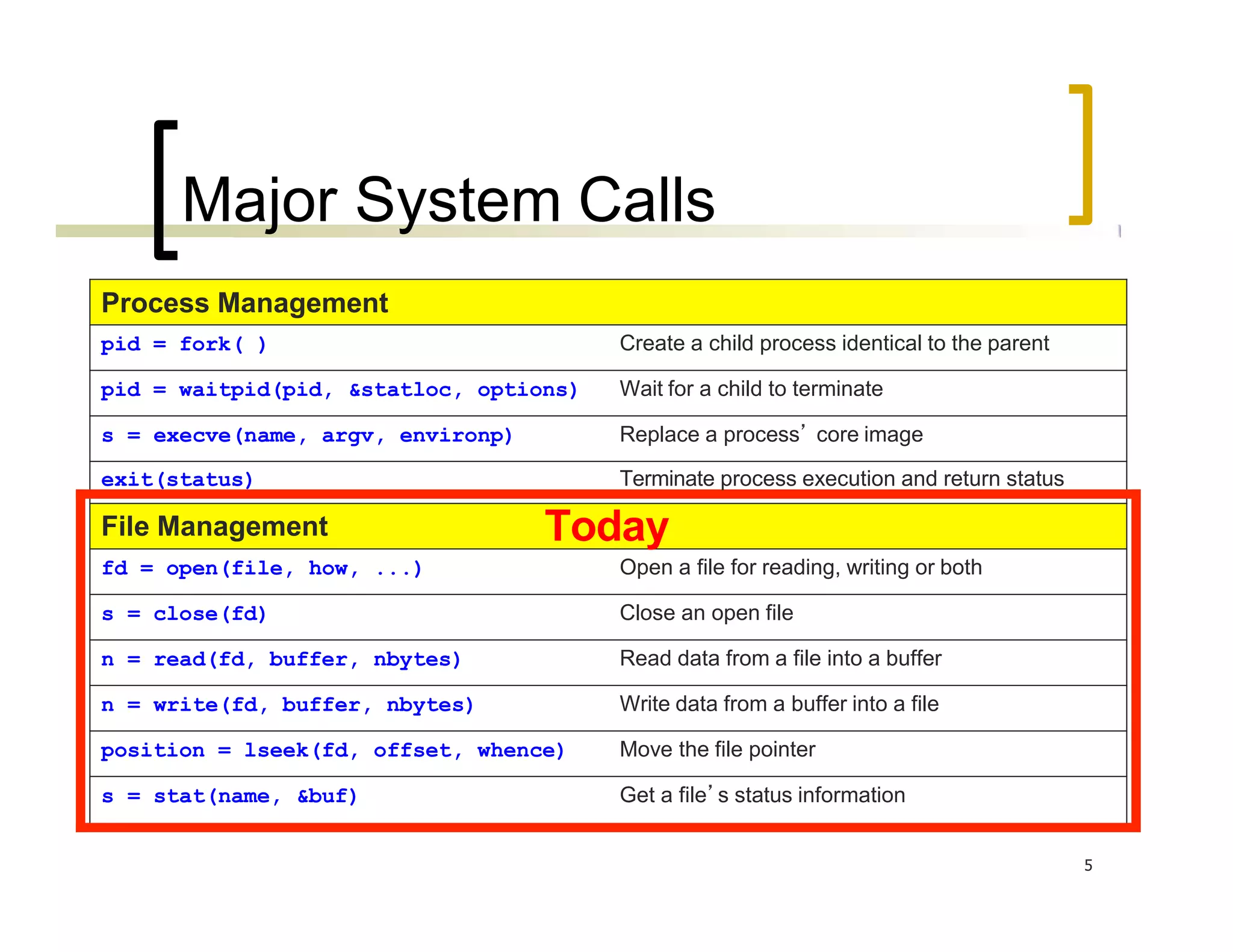
Major System Calls
5
Process Management
pid = fork( ) Create a child process identical to the parent
pid = waitpid(pid, &statloc, options) Wait for a child to terminate
s = execve(name, argv, environp) Replace a process’ core image
exit(status) Terminate process execution and return status
File Management Today
fd = open(file, how, ...) Open a file for reading, writing or both
s = close(fd) Close an open file
n = read(fd, buffer, nbytes) Read data from a file into a buffer
n = write(fd, buffer, nbytes) Write data from a buffer into a file
position = lseek(fd, offset, whence) Move the file pointer
s = stat(name, &buf) Get a file’s status information
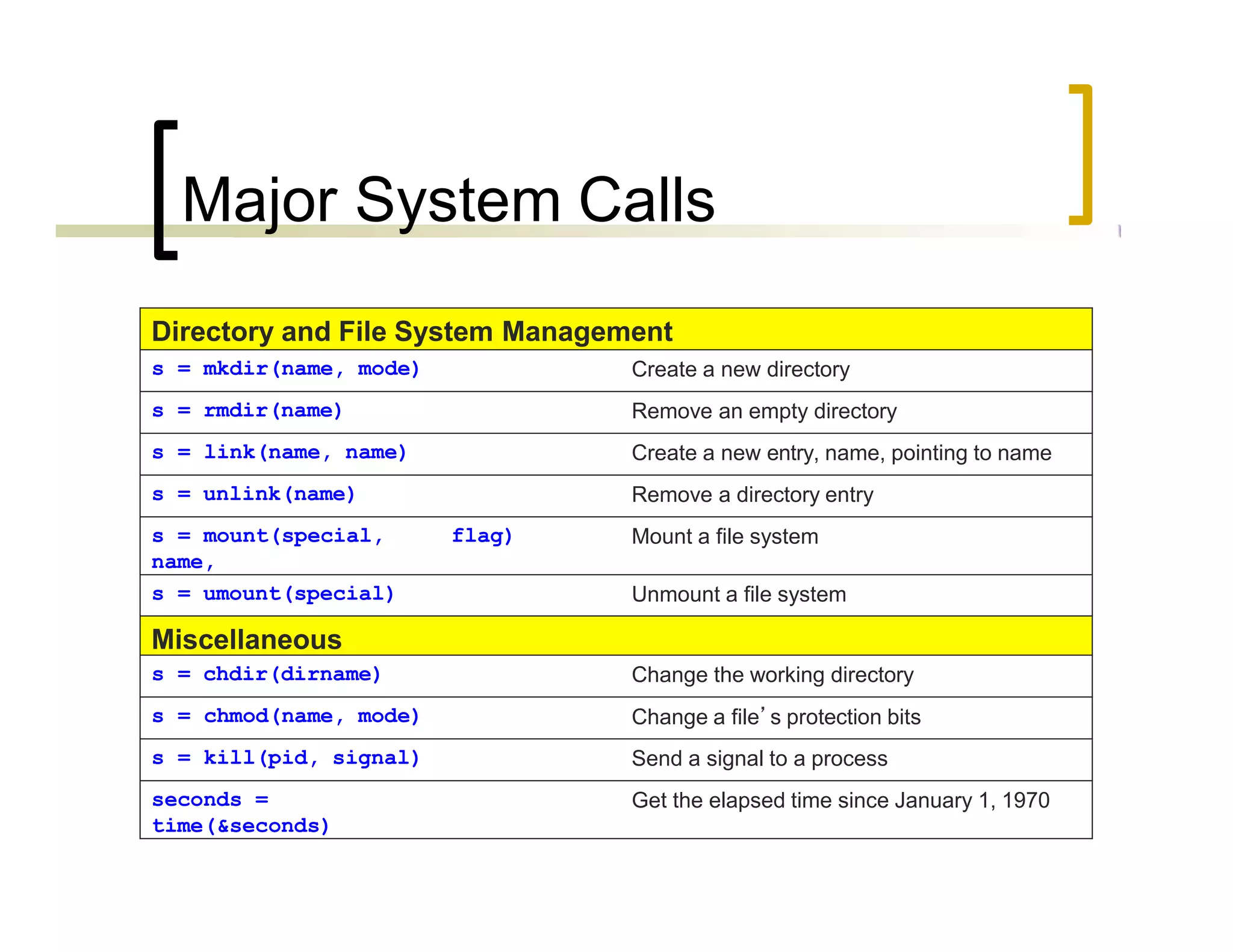
Directory and File System Management
s = mkdir(name, mode) Create a new directory
s = rmdir(name) Remove an empty directory
s = link(name, name) Create a new entry, name, pointing to name
s = unlink(name) Remove a directory entry
s = mount(special,
name,
flag) Mount a file system
s = umount(special) Unmount a file system
Miscellaneous
s = chdir(dirname) Change the working directory
s = chmod(name, mode) Change a file’s protection bits
s = kill(pid, signal) Send a signal to a process
seconds =
time(&seconds)
Get the elapsed time since January 1, 1970
Major System Calls
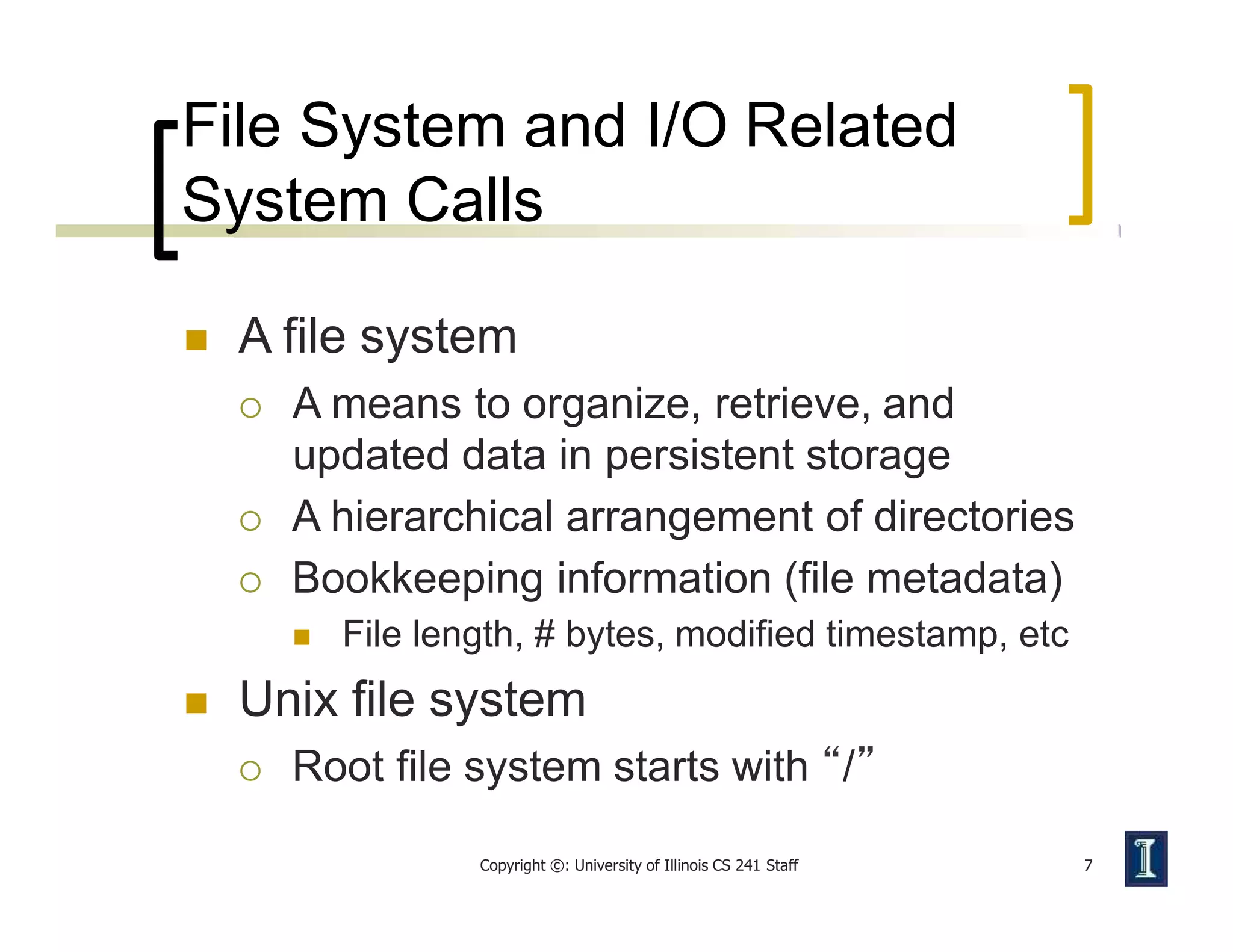
File System and I/O Related
System Calls
Copyright ©: University of Illinois CS 241 Staff 7
 A file system
 A means to organize, retrieve, and
updated data in persistent storage
 A hierarchical arrangement of directories
 Bookkeeping information (file metadata)
 File length, # bytes, modified timestamp, etc
 Unix file system
 Root file system starts with “/”
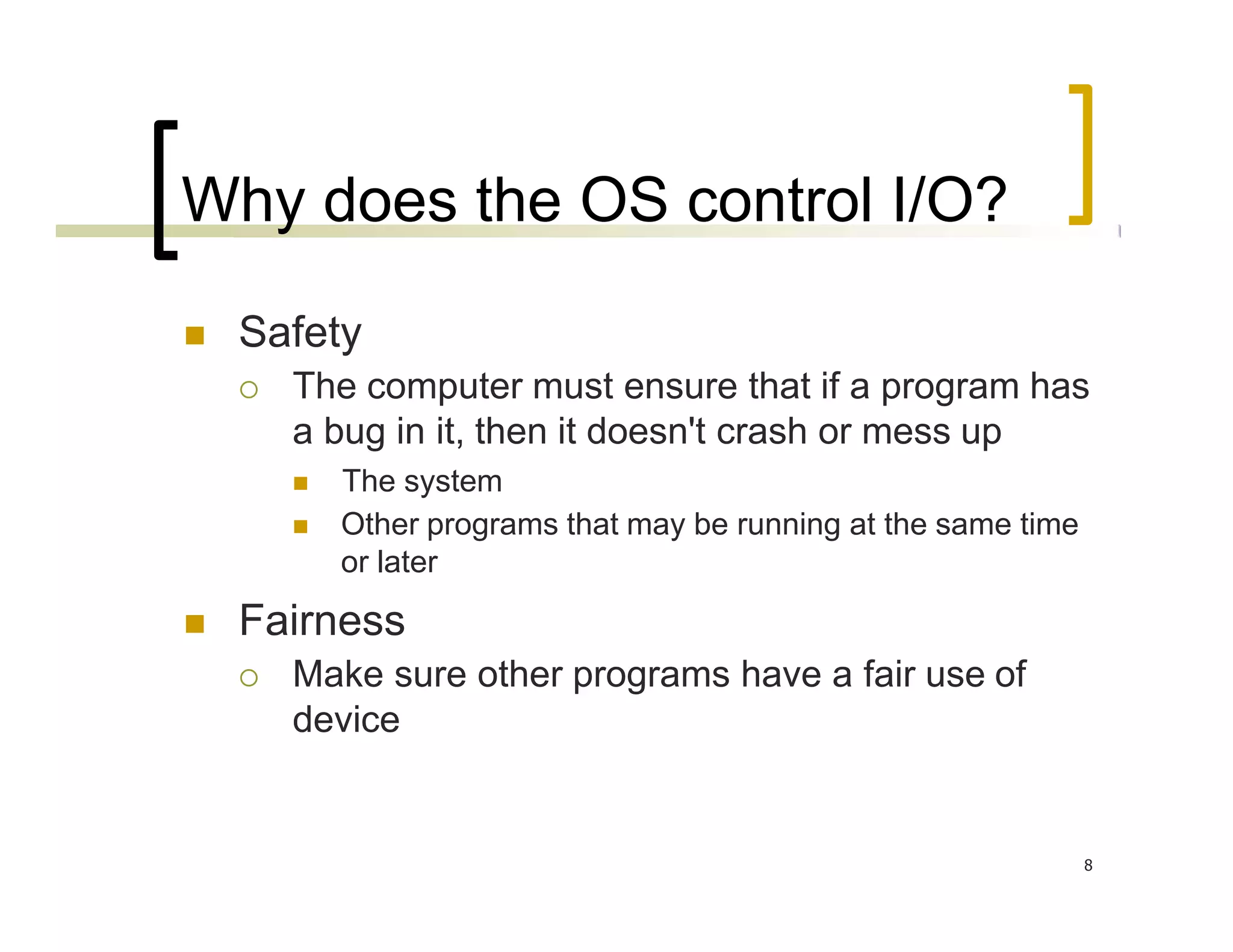
Why does the OS control I/O?
8
 Safety
 The computer must ensure that if a program has
a bug in it, then it doesn't crash or mess up
 The system
 Other programs that may be running at the same time
or later
 Fairness
 Make sure other programs have a fair use of
device
Basic Unix Concepts
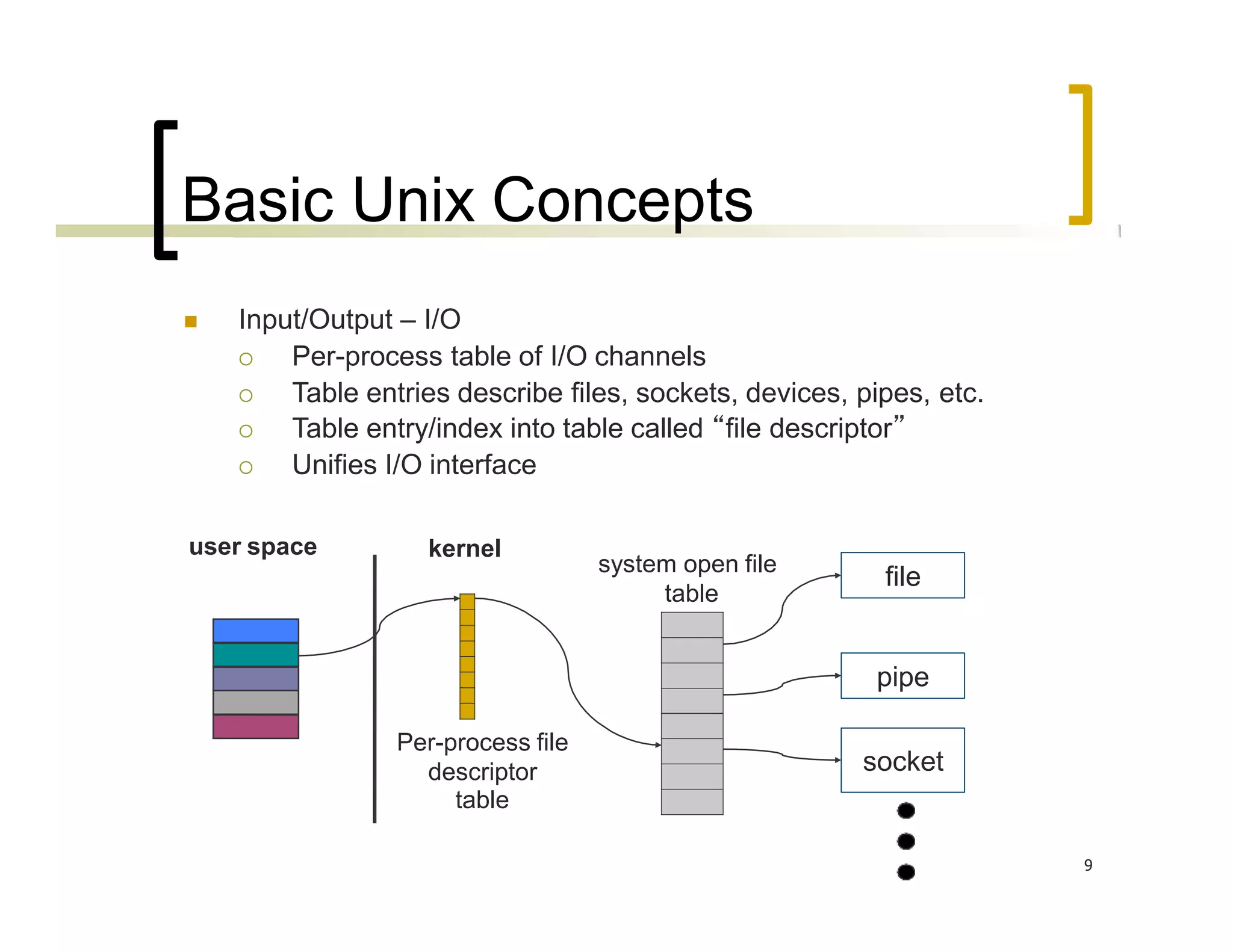
 Input/Output – I/O
 Per-process table of I/O channels
 Table entries describe files, sockets, devices, pipes, etc.
 Table entry/index into table called “file descriptor”
 Unifies I/O interface
user space
pipe
file
socket
Per-process file
descriptor
table
kernel
system open file
table
9
System Calls for I/O
Copyright ©: University of Illinois CS 241 Staff 10
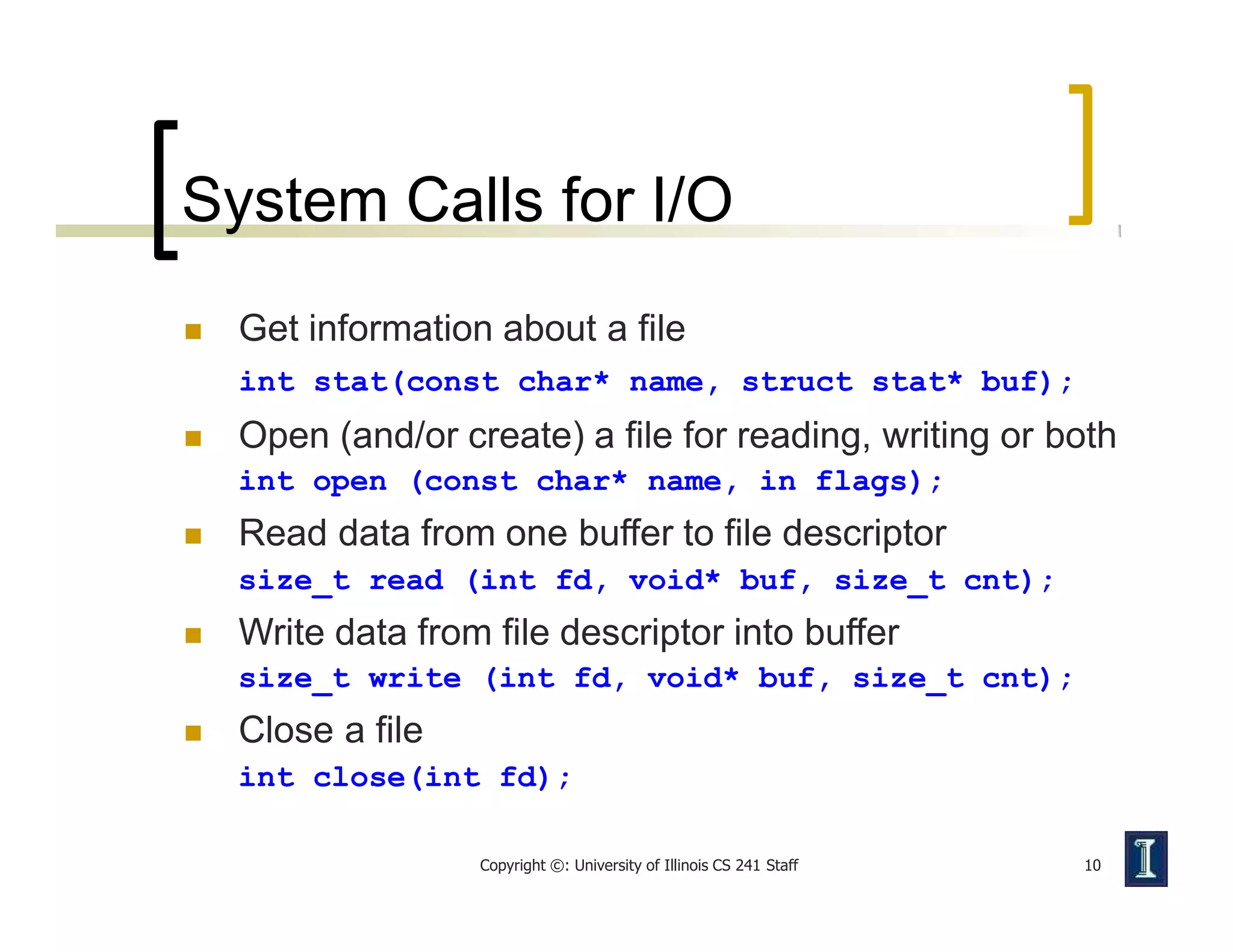
 Get information about a file
int stat(const char* name, struct stat* buf);
 Open (and/or create) a file for reading, writing or both
int open (const char* name, in flags);
 Read data from one buffer to file descriptor
size_t read (int fd, void* buf, size_t cnt);
 Write data from file descriptor into buffer
size_t write (int fd, void* buf, size_t cnt);
 Close a file
int close(int fd);
System Calls for I/O
Copyright ©: University of Illinois CS 241 Staff 11
 They look like regular procedure calls but
are different
 A system call makes a request to the operating
system by trapping into kernel mode
 A procedure call just jumps to a procedure
defined elsewhere in your program
 Some library procedure calls may
themselves make a system call
 e.g., fopen() calls open()

System calls operating system ppt by rohit malav

  • 1.
    1 System Calls andI/O SUBMITTED BY:- ROHIT MALAV SID :- 38725
  • 2.
    BASIC TOPICS  Goals Get you familiar with necessary basic system & I/O calls to do programming  Things covered  Basic file system calls  I/O calls  Signals
  • 3.
    System Calls 3  SystemCalls  A request to the operating system to perform some activity  System calls are expensive  The system needs to perform many things before executing a system call  The computer (hardware) saves its state  The OS code takes control of the CPU, privileges are updated.  The OS examines the call parameters  The OS performs the requested function  The OS saves its state (and call results)  The OS returns control of the CPU to the caller
  • 4.
    Examples of SystemCalls 4  Examples  getuid()  fork()  exec() //get the user ID //create a child process //executing a program
  • 5.
    Major System Calls 5 ProcessManagement pid = fork( ) Create a child process identical to the parent pid = waitpid(pid, &statloc, options) Wait for a child to terminate s = execve(name, argv, environp) Replace a process’ core image exit(status) Terminate process execution and return status File Management Today fd = open(file, how, ...) Open a file for reading, writing or both s = close(fd) Close an open file n = read(fd, buffer, nbytes) Read data from a file into a buffer n = write(fd, buffer, nbytes) Write data from a buffer into a file position = lseek(fd, offset, whence) Move the file pointer s = stat(name, &buf) Get a file’s status information
  • 6.
    Directory and FileSystem Management s = mkdir(name, mode) Create a new directory s = rmdir(name) Remove an empty directory s = link(name, name) Create a new entry, name, pointing to name s = unlink(name) Remove a directory entry s = mount(special, name, flag) Mount a file system s = umount(special) Unmount a file system Miscellaneous s = chdir(dirname) Change the working directory s = chmod(name, mode) Change a file’s protection bits s = kill(pid, signal) Send a signal to a process seconds = time(&seconds) Get the elapsed time since January 1, 1970 Major System Calls
  • 7.
    File System andI/O Related System Calls Copyright ©: University of Illinois CS 241 Staff 7  A file system  A means to organize, retrieve, and updated data in persistent storage  A hierarchical arrangement of directories  Bookkeeping information (file metadata)  File length, # bytes, modified timestamp, etc  Unix file system  Root file system starts with “/”
  • 8.
    Why does theOS control I/O? 8  Safety  The computer must ensure that if a program has a bug in it, then it doesn't crash or mess up  The system  Other programs that may be running at the same time or later  Fairness  Make sure other programs have a fair use of device
  • 9.
    Basic Unix Concepts Input/Output – I/O  Per-process table of I/O channels  Table entries describe files, sockets, devices, pipes, etc.  Table entry/index into table called “file descriptor”  Unifies I/O interface user space pipe file socket Per-process file descriptor table kernel system open file table 9
  • 10.
    System Calls forI/O Copyright ©: University of Illinois CS 241 Staff 10  Get information about a file int stat(const char* name, struct stat* buf);  Open (and/or create) a file for reading, writing or both int open (const char* name, in flags);  Read data from one buffer to file descriptor size_t read (int fd, void* buf, size_t cnt);  Write data from file descriptor into buffer size_t write (int fd, void* buf, size_t cnt);  Close a file int close(int fd);
  • 11.
    System Calls forI/O Copyright ©: University of Illinois CS 241 Staff 11  They look like regular procedure calls but are different  A system call makes a request to the operating system by trapping into kernel mode  A procedure call just jumps to a procedure defined elsewhere in your program  Some library procedure calls may themselves make a system call  e.g., fopen() calls open()