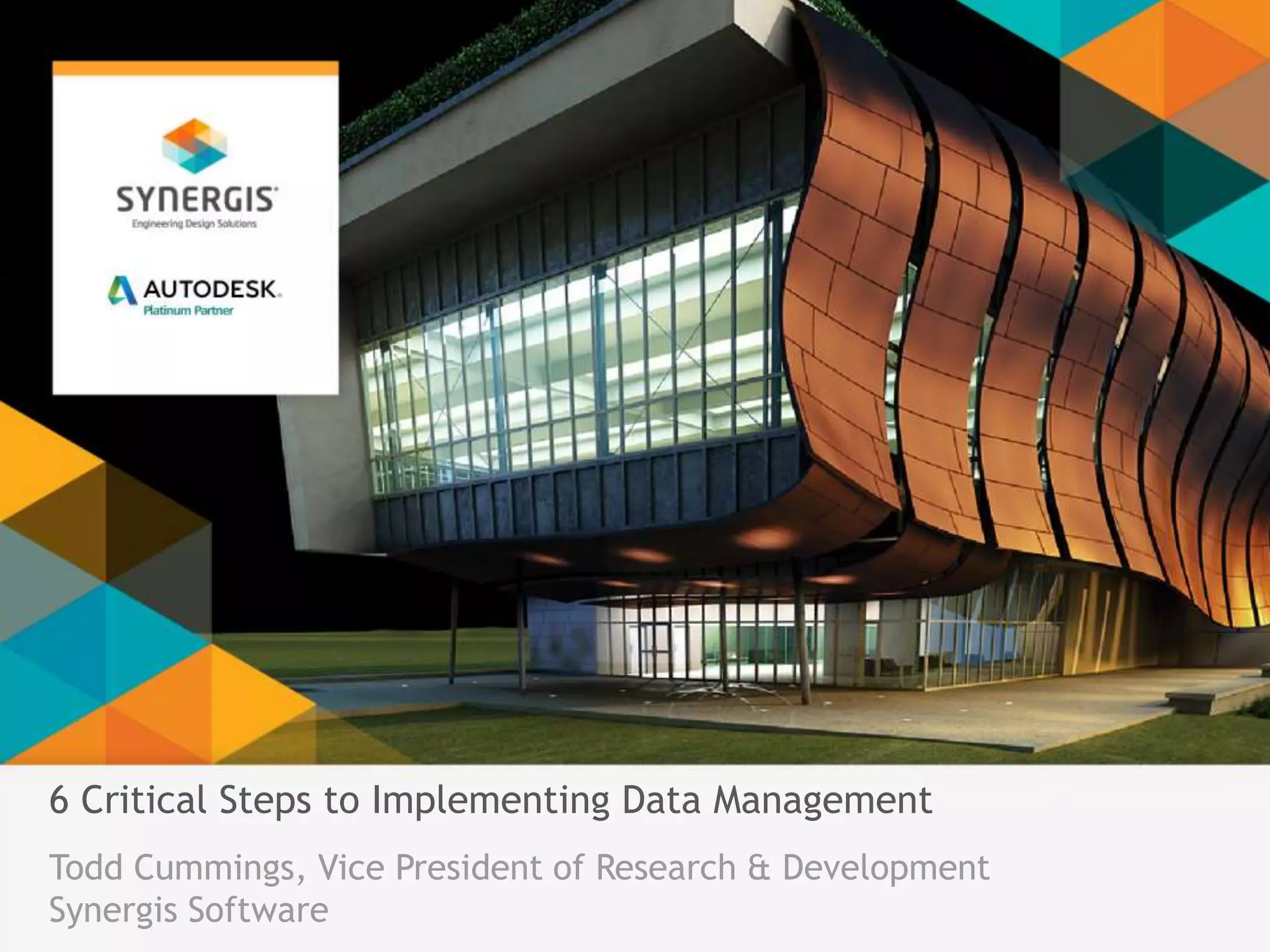
6 Critical Steps to Implementing Data Management 
Todd Cummings, Vice President of Research & Development 
Synergis Software
Introduction 
Avid fan, student, and evangelist of 
data and data management 
solutions and benefits 
Years of experience in data 
management 
Involved in product design, 
development, production, 
marketing, implementation, 
training, support, business 
development, and partner 
technologies
Autodesk Vault 
Developed by the worldwide 
leader in CAD software 
Three-tier solution to meet 
the needs of a variety of 
clients across many 
industries
Synergis Software 
Synergis Software has been developing, 
implementing and supporting engineering 
data management solutions for more 
than two decades 
More than 40,000 worldwide users across 
many industries benefit from our flagship 
product, Adept
Your Data Management Experts 
A proven partner with a 
long history 
Unmatched depth, 
expertise & experience 
Consultative approach 
Implementation services 
• Assessment and systems design 
• Implementation and configuration 
• Legacy data import 
• Workflow consulting and optimization 
• Custom data migration and custom add-ins 
• Training and technical support
Expectations… 
Today we’re going to: 
• Understand the 6 critical steps to a successful implementation 
• Learn why creating internal alignment and generating positive buzz 
are essential to success 
• Touch on best practices that will make your project successful 
• Identify the heroes who will help support best practices 
• Understand common pitfalls that can impact ROI and the success of 
your implementation
Expectations… 
And we won’t be covering: 
• In-depth ‘how to’ on the technical aspects of implementing a Data 
Management solution 
• A software demonstration 
• Specific product or service recommendations
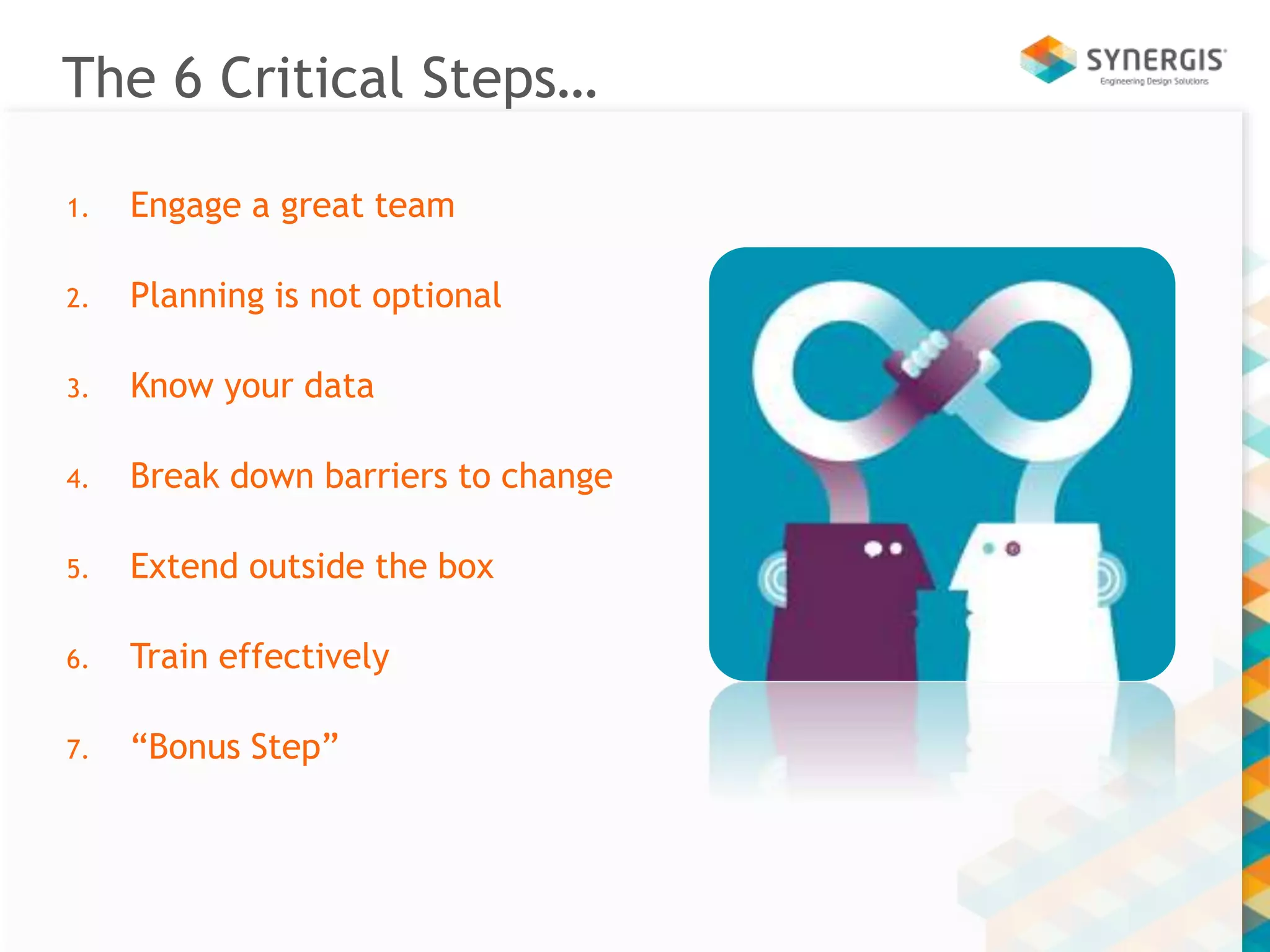
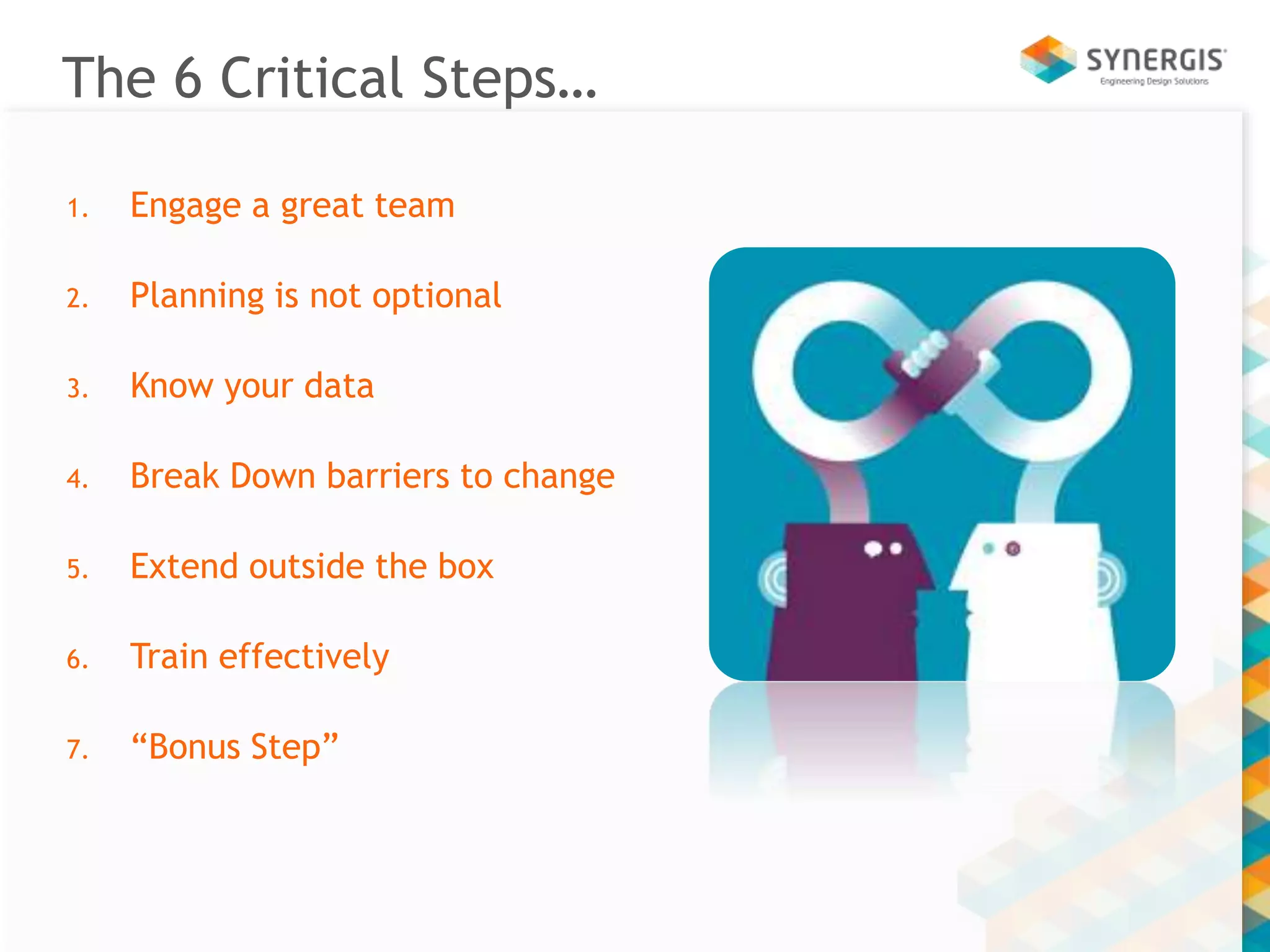
The 6 Critical Steps… 
1. Engage a great team 
2. Planning is not optional 
3. Know your data 
4. Break down barriers to change 
5. Extend outside the box 
6. Train effectively 
7. “Bonus Step”
Engage a Great Team
Your Ideal Project Team… 
Provides a 360 degree worldview with diverse 
representatives from: 
• User community 
• Department(s) 
• IT 
Leverages executive sponsorship 
• Set tone, expectations & communicates business goals 
Internal Project lead: Quarterback, sponsor and monitor 
Solutions Partner Project Manager
Critical Project Team Activities 
Keep your eyes and ears open 
Leverage team member strengths 
Complete homework (it’s important) 
Communicate to stakeholders 
• Thoroughly, regularly and in a way that’s meaningful to them
Break Down Barriers to Change
Break Down Barriers to Change 
Participation & Education 
• Involve stakeholders throughout the process 
Commitment 
• Educate, discuss, debate and then ask for buy-in 
Ownership 
• Ideally, everyone accepts some level of ownership for 
implementation success
Enlist Heroes… 
“Heroes don’t look like they used to…” 
The Champion 
• “A functional leader who supports and promotes the Project. 
The Champion is responsible for removing organizational 
barriers to Project success.” 
Champions come in many forms with many titles 
• An ‘opt in’ Champion has the highest likelihood of success 
• Recruit and accept more than one!
Planning is Not Optional
Define and Clarify Your Implementation 
Assessment – Project Scope 
• A process that helps you get very clear about scope 
• Informs your partner about your project goals, and desired 
outcomes 
• Document baselines – ‘as is’ 
• Captures goals and objectives – ‘to be’ 
• Results in clear statement of work
Define and Clarify your Implementation 
Requirements: Capture, clarify, and then 
document intent 
• Who owns the initiative within the organization? 
• What problems is the Project trying to solve? 
• What are the intended benefits? 
• Who is supporting the initiative at the various levels in your organization? 
What data will be managed? 
• For whom? 
• Across which continents?
Define and Clarify your Implementation 
Which data/departments will not be included 
and why? 
• On large projects, most critical first 
What potential risks are you currently aware of? 
• New technology 
• New business processes 
• ‘As Is’ conditions
Goals and Outcomes 
Discuss and document how the Team defines and 
will demonstrate success 
• What does ‘winning’ look like 
• How will it be measured? 
Define, set, and manage expectations 
• Relates directly to Scope and intent 
• Early and often 
• Be redundantly repetitive
Implementation Planning & Design 
Execute an IPD after the Assessment 
• And you have an agreed upon Scope of Work 
Design, model, test & validate 
• Administrator Training for key stakeholders 
• Detailed system design 
• Workflows & processes 
• Naming schemes 
• BOM and Transmittal mapping & design 
• Define users, group and access rights 
• Finalize training plan 
• Backup, disaster recovery, contingencies
Know Your Data
Know Your Data 
Get to the people who know the data 
• How ‘clean’ is your data? Do I scrub it all? 
• Envision your data in the solution you have selected 
• Data ‘owners’ know your company’s data best 
• Do Revisions need to be imported? 
Tow the line on which data to import 
• Refer to your plan! 
• Revisit if it becomes absolutely necessary 
Data materializes
Know Your Data 
‘Me too’ mitigation 
• Be firm about Scope (initially) 
• Just say ‘No’, or consider a phased approach 
• Then add, add, add some more 
A DM system connects metadata and documents 
Data Validation / Migration Dry Run
Train Effectively
Train Effectively 
Train Administrators and Champions early 
• Train the knowledge experts and trainers before 
Implantation, Planning and Design 
• Provide these people an opportunity to learn without being 
interrupted 
User Training 
• Work the plan you modeled during Assessment & IPD 
• Allow time for “over-the-shoulder” training 
• Record training
Extend Outside the Box
Extending your solution outside the box 
To customize or not to customize… 
• If requirements are met out of the box, great! 
• If requirements are not met out of the box, then 
Invest in a Specification 
Avoid unnecessary complexity 
Understand pros and cons of ‘non-recurring engineering’
Bonus: Enjoy Excellent Support
Enjoy Excellent Support! 
Once implemented, everyone relies on the system 
• It becomes the critical path gateway to your company’s electronic 
assets 
Supporting data management is different than CAD 
• Inter-related, multi-user vs. single workstation, single user 
Data management crosses boundaries 
• Design 
• Engineering 
• IT 
• Global 
Remember that when you need help, you may need it now
The 6 Critical Steps… 
1. Engage a great team 
2. Planning is not optional 
3. Know your data 
4. Break Down barriers to change 
5. Extend outside the box 
6. Train effectively 
7. “Bonus Step”
Questions? 
todd.cummings@synergis.com 
www.Synergis.com

Synergis60: 6 Critical Steps to Implementing Data Managment

  • 1.
    6 Critical Stepsto Implementing Data Management Todd Cummings, Vice President of Research & Development Synergis Software
  • 2.
    Introduction Avid fan,student, and evangelist of data and data management solutions and benefits Years of experience in data management Involved in product design, development, production, marketing, implementation, training, support, business development, and partner technologies
  • 3.
    Autodesk Vault Developedby the worldwide leader in CAD software Three-tier solution to meet the needs of a variety of clients across many industries
  • 5.
    Synergis Software SynergisSoftware has been developing, implementing and supporting engineering data management solutions for more than two decades More than 40,000 worldwide users across many industries benefit from our flagship product, Adept
  • 6.
    Your Data ManagementExperts A proven partner with a long history Unmatched depth, expertise & experience Consultative approach Implementation services • Assessment and systems design • Implementation and configuration • Legacy data import • Workflow consulting and optimization • Custom data migration and custom add-ins • Training and technical support
  • 8.
    Expectations… Today we’regoing to: • Understand the 6 critical steps to a successful implementation • Learn why creating internal alignment and generating positive buzz are essential to success • Touch on best practices that will make your project successful • Identify the heroes who will help support best practices • Understand common pitfalls that can impact ROI and the success of your implementation
  • 9.
    Expectations… And wewon’t be covering: • In-depth ‘how to’ on the technical aspects of implementing a Data Management solution • A software demonstration • Specific product or service recommendations
  • 10.
    The 6 CriticalSteps… 1. Engage a great team 2. Planning is not optional 3. Know your data 4. Break down barriers to change 5. Extend outside the box 6. Train effectively 7. “Bonus Step”
  • 11.
  • 12.
    Your Ideal ProjectTeam… Provides a 360 degree worldview with diverse representatives from: • User community • Department(s) • IT Leverages executive sponsorship • Set tone, expectations & communicates business goals Internal Project lead: Quarterback, sponsor and monitor Solutions Partner Project Manager
  • 13.
    Critical Project TeamActivities Keep your eyes and ears open Leverage team member strengths Complete homework (it’s important) Communicate to stakeholders • Thoroughly, regularly and in a way that’s meaningful to them
  • 14.
  • 15.
    Break Down Barriersto Change Participation & Education • Involve stakeholders throughout the process Commitment • Educate, discuss, debate and then ask for buy-in Ownership • Ideally, everyone accepts some level of ownership for implementation success
  • 16.
    Enlist Heroes… “Heroesdon’t look like they used to…” The Champion • “A functional leader who supports and promotes the Project. The Champion is responsible for removing organizational barriers to Project success.” Champions come in many forms with many titles • An ‘opt in’ Champion has the highest likelihood of success • Recruit and accept more than one!
  • 17.
  • 18.
    Define and ClarifyYour Implementation Assessment – Project Scope • A process that helps you get very clear about scope • Informs your partner about your project goals, and desired outcomes • Document baselines – ‘as is’ • Captures goals and objectives – ‘to be’ • Results in clear statement of work
  • 19.
    Define and Clarifyyour Implementation Requirements: Capture, clarify, and then document intent • Who owns the initiative within the organization? • What problems is the Project trying to solve? • What are the intended benefits? • Who is supporting the initiative at the various levels in your organization? What data will be managed? • For whom? • Across which continents?
  • 20.
    Define and Clarifyyour Implementation Which data/departments will not be included and why? • On large projects, most critical first What potential risks are you currently aware of? • New technology • New business processes • ‘As Is’ conditions
  • 21.
    Goals and Outcomes Discuss and document how the Team defines and will demonstrate success • What does ‘winning’ look like • How will it be measured? Define, set, and manage expectations • Relates directly to Scope and intent • Early and often • Be redundantly repetitive
  • 22.
    Implementation Planning &Design Execute an IPD after the Assessment • And you have an agreed upon Scope of Work Design, model, test & validate • Administrator Training for key stakeholders • Detailed system design • Workflows & processes • Naming schemes • BOM and Transmittal mapping & design • Define users, group and access rights • Finalize training plan • Backup, disaster recovery, contingencies
  • 23.
  • 24.
    Know Your Data Get to the people who know the data • How ‘clean’ is your data? Do I scrub it all? • Envision your data in the solution you have selected • Data ‘owners’ know your company’s data best • Do Revisions need to be imported? Tow the line on which data to import • Refer to your plan! • Revisit if it becomes absolutely necessary Data materializes
  • 25.
    Know Your Data ‘Me too’ mitigation • Be firm about Scope (initially) • Just say ‘No’, or consider a phased approach • Then add, add, add some more A DM system connects metadata and documents Data Validation / Migration Dry Run
  • 26.
  • 27.
    Train Effectively TrainAdministrators and Champions early • Train the knowledge experts and trainers before Implantation, Planning and Design • Provide these people an opportunity to learn without being interrupted User Training • Work the plan you modeled during Assessment & IPD • Allow time for “over-the-shoulder” training • Record training
  • 28.
  • 29.
    Extending your solutionoutside the box To customize or not to customize… • If requirements are met out of the box, great! • If requirements are not met out of the box, then Invest in a Specification Avoid unnecessary complexity Understand pros and cons of ‘non-recurring engineering’
  • 30.
  • 31.
    Enjoy Excellent Support! Once implemented, everyone relies on the system • It becomes the critical path gateway to your company’s electronic assets Supporting data management is different than CAD • Inter-related, multi-user vs. single workstation, single user Data management crosses boundaries • Design • Engineering • IT • Global Remember that when you need help, you may need it now
  • 32.
    The 6 CriticalSteps… 1. Engage a great team 2. Planning is not optional 3. Know your data 4. Break Down barriers to change 5. Extend outside the box 6. Train effectively 7. “Bonus Step”
  • 33.

Editor's Notes

  • #4 Autodesk Vault of course is developed by Autodesk, the worldwide leaders in CAD. Vault comes in 3 flavors, so depending on what your goals and requirements are, there is likely a solution for you. And like Adept, Vault is an excellent fit for a variety of industries.
  • #5 Here are just a few of the clients Synergis has implemented Autodesk Vault for here in our local region.
  • #6 Synergis Software has been developing, implementing and supporting enterprise document management and workflow solutions for more than two decades, with particular emphasis on addressing the array of challenges facing engineering organizations of all sizes, in many industries, across the globe. Today, more than 40,000 users benefit from our flagship product, Adept. Our software is made in America, in our Pennsylvania facilities, and our clients are located all over the world.
  • #7 Most important, we want you to be aware of why Synergis is the right partner for engineering data management We’ve been doing this a very long time. We have a team of experts with highly relevant experience that extends far beyond any other organization in the region – a software development team of 35 people, 25 solution engineers and project managers with experience in a wide range of CAD products, and 10 of which are experts in the field of enterprise engineering data management. We take a consultative approach with our clients – understanding your goals, requirements, legacy data, processes and systems before recommending a solution or beginning your implementation. We offer a complete range of services to help you move from where your are today to a solution that helps you become vastly more organized, efficient, collaborative, and profitable.
  • #8 Some of the world’s most recognizable brands rely on Adept.
  • #9 Today we’ll be talking about…
  • #10 So we can be sure everyone’s in the right place, we wont be talking about…
  • #11 Here are the 6 Critical Steps and a bonus step for you. They are all important and each of these critical steps an opportunity to maximize the return on your data management implementation. Each step can also have pitfalls that you can avoid. As we move through our discussion today, I want to share with you not only what the steps are and why they’re important, but also underscore the opportunities they represent as well as the potential pitfalls or road blocks.
  • #12 First, we’ll talk about the hallmark of any successful projects – a great team.
  • #13 Offers a 360 degree worldview (diversity and alignment)
  • #14 Leverage strengths: Speak to customer strengths: You know your business, partner is just learning you know your data, processes, interactions between departments and other intricacies Speak to examples of what homework means: Process diagrams by such and such a data, data audits, data normalization
  • #16 Users are critical and a great resource for both Ah Ha’s (successes) and Gotchas (opportunities for improvement)
  • #17 Heroes don’t look like they used to, they look like you do…!
  • #19 Statement of work, set expectations You’ll start out with a few challenges you want to solve, etc.
  • #20 Management Design / Engineering IT Others
  • #21 ‘Large’ is a matter of perspective Attitudes Previous Data Managements experience (positive or negative) Infrastructure Others
  • #25 Has it been updated to the most recent file format / versions Accurate metadata increases search/query relevance Are there databases that already describe the data you are importing? Some kind of database to migrate – populate metadata Who needs to know about the data? What does it look like in the system? How can we do a dry run Better yet, why not test drive by piloting a solution?
  • #26 Be clear and straight Communicate early and often Internal PR / MarCom Involve ‘asset owners’ early and often No one knows the data as intimately as those who have responsibility for it Did I repeat myself, again? Remember that data and users come out of the woodwork How to handle ‘me-too’ Just say ‘no’, or consider a phased approach The Project Team can always add implementation phases later If your Project is going smoothly, you can always choose to add data and users
  • #28 It will create people knowledgeable in the tool People from your company are most familiar with your data user communities, business processes and practices And are best qualified to provide insight into system success – before implementation
  • #30 API training, get spec and review it
  • #33 Here are the 6 Critical Steps and a bonus step for you. They are all important and each of these critical steps an opportunity to maximize the return on your data management implementation. Each step can also have pitfalls that you can avoid. As we move through our discussion today, I want to share with you not only what the steps are and why they’re important, but also underscore the opportunities they represent as well as the potential pitfalls or road blocks.