



LOGO
Structuring of
Effective Presentation
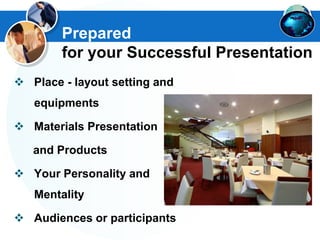
 Place - layout setting and
equipments
 Materials Presentation
and Products
 Your Personality and
Mentality
 Audiences or participants
Prepared
for your Successful Presentation
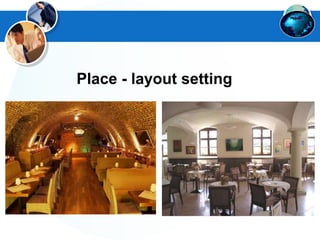
Place - layout setting
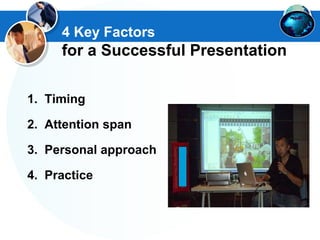
1. Timing
2. Attention span
3. Personal approach
4. Practice
4 Key Factors
for a Successful Presentation
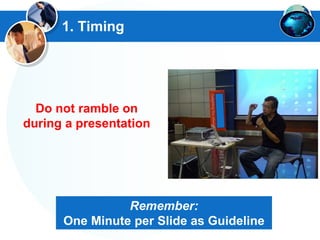
1. Timing
Do not ramble on
during a presentation
Remember:
One Minute per Slide as Guideline
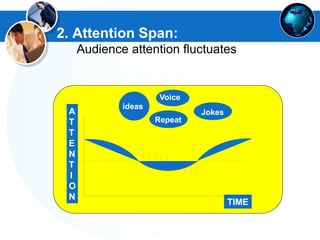
2. Attention Span:
Audience attention fluctuates
TIME
keyideas
Voice
JokesA
T
T
E
N
T
I
O
N
Repeat
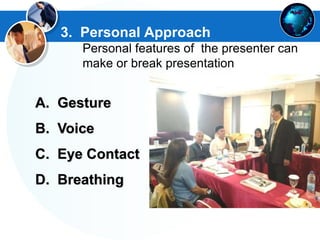
3. Personal Approach
Personal features of the presenter can
make or break presentation
A. Gesture
B. Voice
C. Eye Contact
D. Breathing
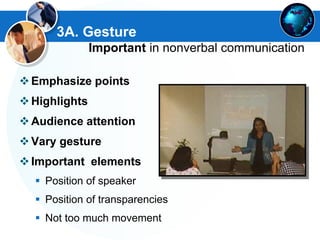
3A. Gesture
Important in nonverbal communication
Emphasize points
Highlights
Audience attention
Vary gesture
Important elements
 Position of speaker
 Position of transparencies
 Not too much movement
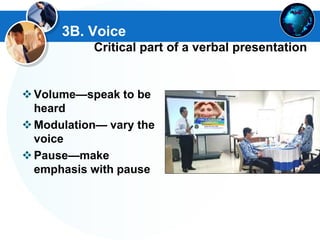
3B. Voice
Critical part of a verbal presentation
Volume—speak to be
heard
Modulation— vary the
voice
Pause—make
emphasis with pause
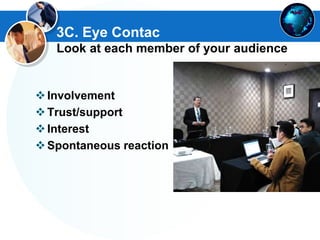
3C. Eye Contac
Look at each member of your audience
Involvement
Trust/support
Interest
Spontaneous reaction
3D. Breathing
Breathing during presentation is different
from normal breathing
Breathe deeper for
 Volume
 Control
 Emphasis
Don't lose your breath
or you will drown in
mid-air
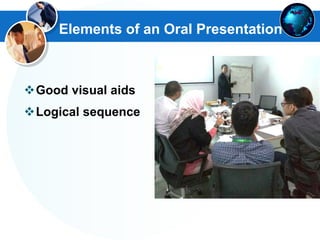
Elements of an Oral Presentation
Good visual aids
Logical sequence
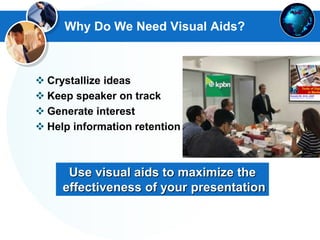
Why Do We Need Visual Aids?
Use visual aids to maximize the
effectiveness of your presentation
 Crystallize ideas
 Keep speaker on track
 Generate interest
 Help information retention
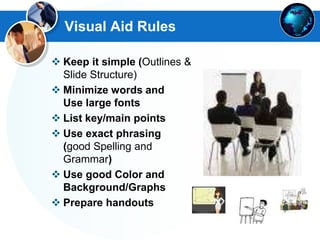
Visual Aid Rules
 Keep it simple (Outlines &
Slide Structure)
 Minimize words and
Use large fonts
 List key/main points
 Use exact phrasing
(good Spelling and
Grammar)
 Use good Color and
Background/Graphs
 Prepare handouts
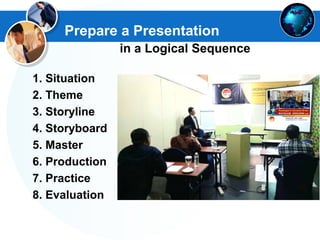
Prepare a Presentation
in a Logical Sequence
1. Situation
2. Theme
3. Storyline
4. Storyboard
5. Master
6. Production
7. Practice
8. Evaluation
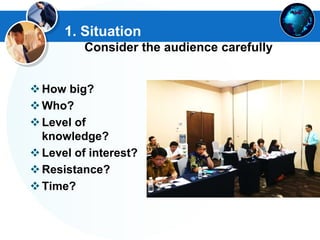
1. Situation
Consider the audience carefully
How big?
Who?
Level of
knowledge?
Level of interest?
Resistance?
Time?
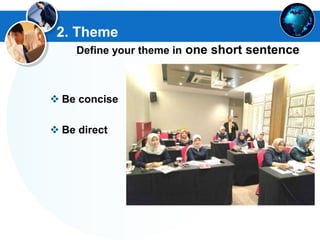
2. Theme
Define your theme in one short sentence
 Be concise
 Be direct
www.themegallery.com
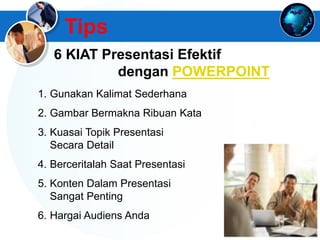
Tips
1. Gunakan Kalimat Sederhana
2. Gambar Bermakna Ribuan Kata
3. Kuasai Topik Presentasi
Secara Detail
4. Berceritalah Saat Presentasi
5. Konten Dalam Presentasi
Sangat Penting
6. Hargai Audiens Anda
6 KIAT Presentasi Efektif
dengan POWERPOINT
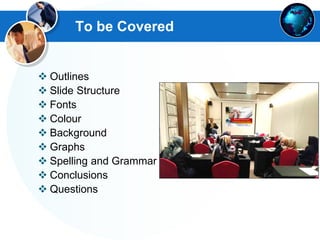
To be Covered
 Outlines
 Slide Structure
 Fonts
 Colour
 Background
 Graphs
 Spelling and Grammar
 Conclusions
 Questions
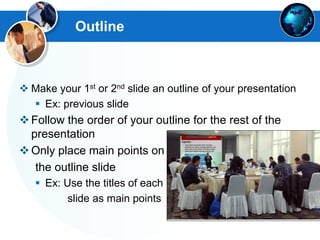
Outline
 Make your 1st or 2nd slide an outline of your presentation
 Ex: previous slide
Follow the order of your outline for the rest of the
presentation
Only place main points on
the outline slide
 Ex: Use the titles of each
slide as main points
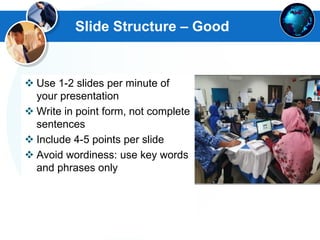
Slide Structure – Good
 Use 1-2 slides per minute of
your presentation
 Write in point form, not complete
sentences
 Include 4-5 points per slide
 Avoid wordiness: use key words
and phrases only
Slide Structure – Good
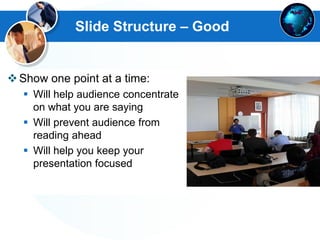
Show one point at a time:
 Will help audience concentrate
on what you are saying
 Will prevent audience from
reading ahead
 Will help you keep your
presentation focused
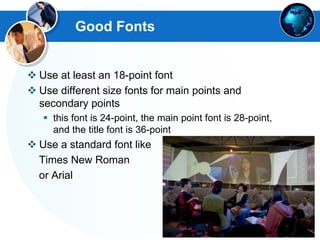
Good Fonts
 Use at least an 18-point font
 Use different size fonts for main points and
secondary points
 this font is 24-point, the main point font is 28-point,
and the title font is 36-point
 Use a standard font like
Times New Roman
or Arial
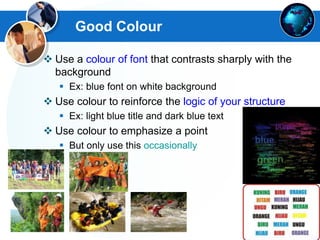
Good Colour
 Use a colour of font that contrasts sharply with the
background
 Ex: blue font on white background
 Use colour to reinforce the logic of your structure
 Ex: light blue title and dark blue text
 Use colour to emphasize a point
 But only use this occasionally
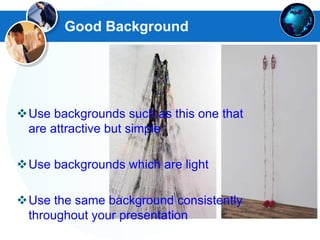
Good Background
Use backgrounds such as this one that
are attractive but simple
Use backgrounds which are light
Use the same background consistently
throughout your presentation
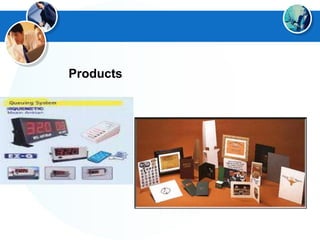
Products
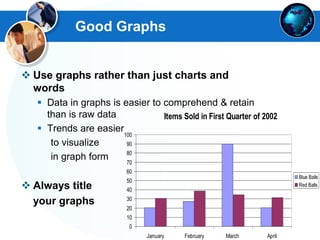
Good Graphs
 Use graphs rather than just charts and
words
 Data in graphs is easier to comprehend & retain
than is raw data
 Trends are easier
to visualize
in graph form
 Always title
your graphs
Items Sold in First Quarter of 2002
0
10
20
30
40
50
60
70
80
90
100
January February March April
Blue Balls
Red Balls
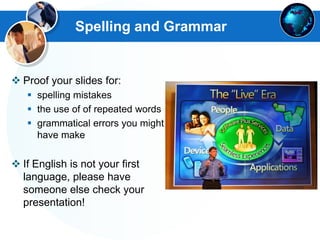
Spelling and Grammar
 Proof your slides for:
 spelling mistakes
 the use of of repeated words
 grammatical errors you might
have make
 If English is not your first
language, please have
someone else check your
presentation!
LOGO
Presentasi dengan Aplikasi
PowerPoint
Tips
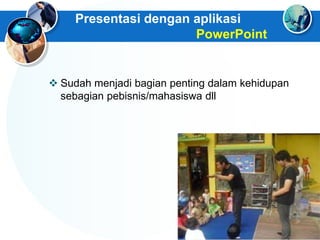
Presentasi dengan aplikasi
PowerPoint
 Sudah menjadi bagian penting dalam kehidupan
sebagian pebisnis/mahasiswa dll
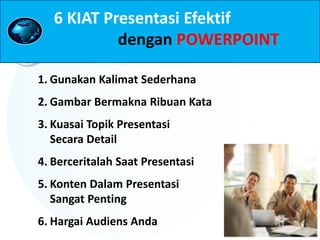
1. Gunakan Kalimat Sederhana
2. Gambar Bermakna Ribuan Kata
3. Kuasai Topik Presentasi
Secara Detail
4. Berceritalah Saat Presentasi
5. Konten Dalam Presentasi
Sangat Penting
6. Hargai Audiens Anda
6 KIAT Presentasi Efektif
dengan POWERPOINT
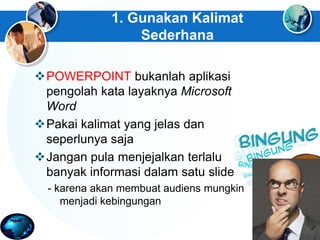
1. Gunakan Kalimat
Sederhana
POWERPOINT bukanlah aplikasi
pengolah kata layaknya Microsoft
Word
Pakai kalimat yang jelas dan
seperlunya saja
Jangan pula menjejalkan terlalu
banyak informasi dalam satu slide
- karena akan membuat audiens mungkin
menjadi kebingungan
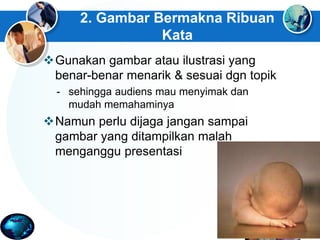
2. Gambar Bermakna Ribuan
Kata
Gunakan gambar atau ilustrasi yang
benar-benar menarik & sesuai dgn topik
- sehingga audiens mau menyimak dan
mudah memahaminya
Namun perlu dijaga jangan sampai
gambar yang ditampilkan malah
menganggu presentasi
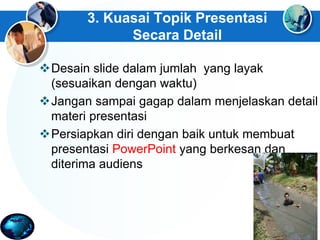
3. Kuasai Topik Presentasi
Secara Detail
Desain slide dalam jumlah yang layak
(sesuaikan dengan waktu)
Jangan sampai gagap dalam menjelaskan detail
materi presentasi
Persiapkan diri dengan baik untuk membuat
presentasi PowerPoint yang berkesan dan
diterima audiens
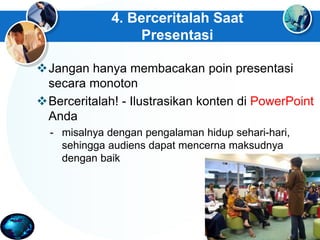
4. Berceritalah Saat
Presentasi
Jangan hanya membacakan poin presentasi
secara monoton
Berceritalah! - Ilustrasikan konten di PowerPoint
Anda
- misalnya dengan pengalaman hidup sehari-hari,
sehingga audiens dapat mencerna maksudnya
dengan baik
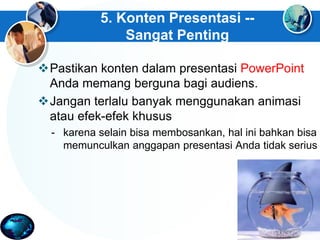
5. Konten Presentasi --
Sangat Penting
Pastikan konten dalam presentasi PowerPoint
Anda memang berguna bagi audiens.
Jangan terlalu banyak menggunakan animasi
atau efek-efek khusus
- karena selain bisa membosankan, hal ini bahkan bisa
memunculkan anggapan presentasi Anda tidak serius
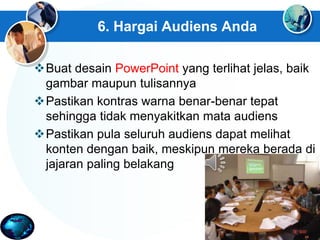
6. Hargai Audiens Anda
Buat desain PowerPoint yang terlihat jelas, baik
gambar maupun tulisannya
Pastikan kontras warna benar-benar tepat
sehingga tidak menyakitkan mata audiens
Pastikan pula seluruh audiens dapat melihat
konten dengan baik, meskipun mereka berada di
jajaran paling belakang
www.slideshare.net/kenkanaidi
(Narasumber)
www.ken-spektakuler.blogspot.com
e-mail: kanaidi63@gmail.com atau
kanaidi@yahoo.com
Fax. 022-4267749 HP. 0812 2353 284
WA. 0877 5871 1905
www.antawijaya.com

Structuring Effective Presentation Skills _ Materi Training "Leadership for Manager & Supervisor"

  • 1.
  • 2.
     Place -layout setting and equipments  Materials Presentation and Products  Your Personality and Mentality  Audiences or participants Prepared for your Successful Presentation
  • 3.
  • 4.
    1. Timing 2. Attentionspan 3. Personal approach 4. Practice 4 Key Factors for a Successful Presentation
  • 5.
    1. Timing Do notramble on during a presentation Remember: One Minute per Slide as Guideline
  • 6.
    2. Attention Span: Audienceattention fluctuates TIME keyideas Voice JokesA T T E N T I O N Repeat
  • 7.
    3. Personal Approach Personalfeatures of the presenter can make or break presentation A. Gesture B. Voice C. Eye Contact D. Breathing
  • 8.
    3A. Gesture Important innonverbal communication Emphasize points Highlights Audience attention Vary gesture Important elements  Position of speaker  Position of transparencies  Not too much movement
  • 9.
    3B. Voice Critical partof a verbal presentation Volume—speak to be heard Modulation— vary the voice Pause—make emphasis with pause
  • 10.
    3C. Eye Contac Lookat each member of your audience Involvement Trust/support Interest Spontaneous reaction
  • 11.
    3D. Breathing Breathing duringpresentation is different from normal breathing Breathe deeper for  Volume  Control  Emphasis Don't lose your breath or you will drown in mid-air
  • 12.
    Elements of anOral Presentation Good visual aids Logical sequence
  • 13.
    Why Do WeNeed Visual Aids? Use visual aids to maximize the effectiveness of your presentation  Crystallize ideas  Keep speaker on track  Generate interest  Help information retention
  • 14.
    Visual Aid Rules Keep it simple (Outlines & Slide Structure)  Minimize words and Use large fonts  List key/main points  Use exact phrasing (good Spelling and Grammar)  Use good Color and Background/Graphs  Prepare handouts
  • 15.
    Prepare a Presentation ina Logical Sequence 1. Situation 2. Theme 3. Storyline 4. Storyboard 5. Master 6. Production 7. Practice 8. Evaluation
  • 16.
    1. Situation Consider theaudience carefully How big? Who? Level of knowledge? Level of interest? Resistance? Time?
  • 17.
    2. Theme Define yourtheme in one short sentence  Be concise  Be direct
  • 18.
    www.themegallery.com Tips 1. Gunakan KalimatSederhana 2. Gambar Bermakna Ribuan Kata 3. Kuasai Topik Presentasi Secara Detail 4. Berceritalah Saat Presentasi 5. Konten Dalam Presentasi Sangat Penting 6. Hargai Audiens Anda 6 KIAT Presentasi Efektif dengan POWERPOINT
  • 19.
    To be Covered Outlines  Slide Structure  Fonts  Colour  Background  Graphs  Spelling and Grammar  Conclusions  Questions
  • 20.
    Outline  Make your1st or 2nd slide an outline of your presentation  Ex: previous slide Follow the order of your outline for the rest of the presentation Only place main points on the outline slide  Ex: Use the titles of each slide as main points
  • 21.
    Slide Structure –Good  Use 1-2 slides per minute of your presentation  Write in point form, not complete sentences  Include 4-5 points per slide  Avoid wordiness: use key words and phrases only
  • 22.
    Slide Structure –Good Show one point at a time:  Will help audience concentrate on what you are saying  Will prevent audience from reading ahead  Will help you keep your presentation focused
  • 23.
    Good Fonts  Useat least an 18-point font  Use different size fonts for main points and secondary points  this font is 24-point, the main point font is 28-point, and the title font is 36-point  Use a standard font like Times New Roman or Arial
  • 24.
    Good Colour  Usea colour of font that contrasts sharply with the background  Ex: blue font on white background  Use colour to reinforce the logic of your structure  Ex: light blue title and dark blue text  Use colour to emphasize a point  But only use this occasionally
  • 25.
    Good Background Use backgroundssuch as this one that are attractive but simple Use backgrounds which are light Use the same background consistently throughout your presentation
  • 28.
  • 29.
    Good Graphs  Usegraphs rather than just charts and words  Data in graphs is easier to comprehend & retain than is raw data  Trends are easier to visualize in graph form  Always title your graphs Items Sold in First Quarter of 2002 0 10 20 30 40 50 60 70 80 90 100 January February March April Blue Balls Red Balls
  • 30.
    Spelling and Grammar Proof your slides for:  spelling mistakes  the use of of repeated words  grammatical errors you might have make  If English is not your first language, please have someone else check your presentation!
  • 31.
  • 32.
    Presentasi dengan aplikasi PowerPoint Sudah menjadi bagian penting dalam kehidupan sebagian pebisnis/mahasiswa dll
  • 33.
    1. Gunakan KalimatSederhana 2. Gambar Bermakna Ribuan Kata 3. Kuasai Topik Presentasi Secara Detail 4. Berceritalah Saat Presentasi 5. Konten Dalam Presentasi Sangat Penting 6. Hargai Audiens Anda 6 KIAT Presentasi Efektif dengan POWERPOINT
  • 34.
    1. Gunakan Kalimat Sederhana POWERPOINTbukanlah aplikasi pengolah kata layaknya Microsoft Word Pakai kalimat yang jelas dan seperlunya saja Jangan pula menjejalkan terlalu banyak informasi dalam satu slide - karena akan membuat audiens mungkin menjadi kebingungan
  • 35.
    2. Gambar BermaknaRibuan Kata Gunakan gambar atau ilustrasi yang benar-benar menarik & sesuai dgn topik - sehingga audiens mau menyimak dan mudah memahaminya Namun perlu dijaga jangan sampai gambar yang ditampilkan malah menganggu presentasi
  • 36.
    3. Kuasai TopikPresentasi Secara Detail Desain slide dalam jumlah yang layak (sesuaikan dengan waktu) Jangan sampai gagap dalam menjelaskan detail materi presentasi Persiapkan diri dengan baik untuk membuat presentasi PowerPoint yang berkesan dan diterima audiens
  • 37.
    4. Berceritalah Saat Presentasi Janganhanya membacakan poin presentasi secara monoton Berceritalah! - Ilustrasikan konten di PowerPoint Anda - misalnya dengan pengalaman hidup sehari-hari, sehingga audiens dapat mencerna maksudnya dengan baik
  • 38.
    5. Konten Presentasi-- Sangat Penting Pastikan konten dalam presentasi PowerPoint Anda memang berguna bagi audiens. Jangan terlalu banyak menggunakan animasi atau efek-efek khusus - karena selain bisa membosankan, hal ini bahkan bisa memunculkan anggapan presentasi Anda tidak serius
  • 39.
    6. Hargai AudiensAnda Buat desain PowerPoint yang terlihat jelas, baik gambar maupun tulisannya Pastikan kontras warna benar-benar tepat sehingga tidak menyakitkan mata audiens Pastikan pula seluruh audiens dapat melihat konten dengan baik, meskipun mereka berada di jajaran paling belakang
  • 40.