Downloaded 72 times

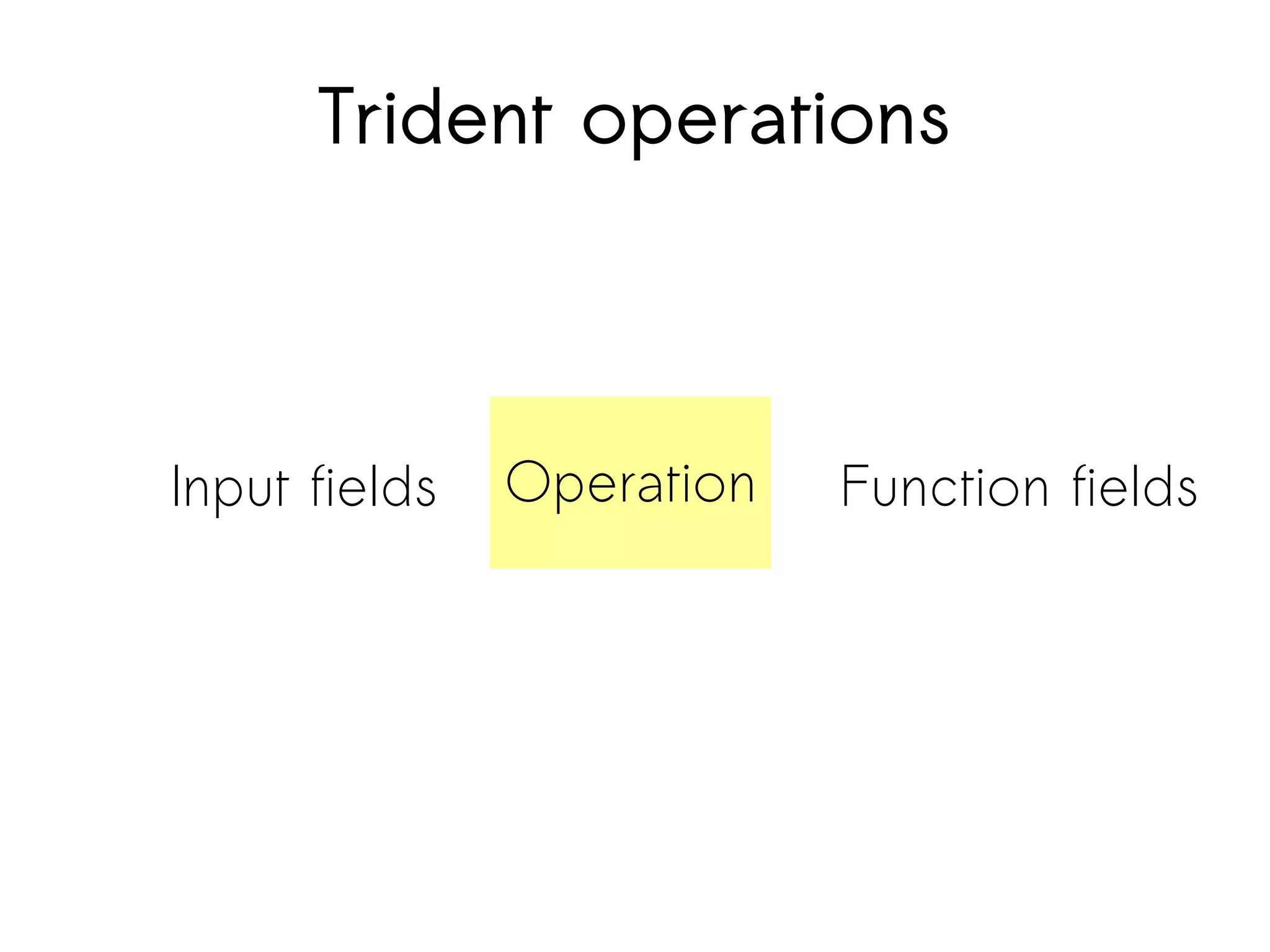
![Filter
Implement a Filter class called FilterWords
.each(new Fields("status"), new FilterWords(interestingWords))
String[] words = {“instagram”, “flickr”, “pinterest”, “picasa”};
public boolean isKeep(TridentTuple tuple) {
Tweet t = (Tweet) tuple.getValue(0);
//is tweet an interesting one?
for (String word : words)
if (s.getText().toLowerCase().contains(word))
return true;
return false;
}
}](https://image.slidesharecdn.com/storm-130430045457-phpapp02/75/Storm-real-time-processing-20-2048.jpg)
![Function
Implement a function class
.each(new Fields("status"), new
ExpandName(), new Fields("name"))
Tuple before:
[{”fullname”: “Iris HappyWorker”,
“text”:”Having the freedom to choose your
work location feels great. This week is
London. pic.twitter.com/BHZq86o6“}]](https://image.slidesharecdn.com/storm-130430045457-phpapp02/75/Storm-real-time-processing-21-2048.jpg)

![Function
Implement a function class
.each(new Fields("status"), new ExpandName(), new
Fields("name"))
Tuple before:
[{”fullname”: “Iris HappyWorker”, “text”:”Having the
freedom to choose your work location feels great. This week
is London. pic.twitter.com/BHZq86o6“}]
Tuple after:
[{”fullname”: “Iris HappyWorker”, “text”:”Having the
freedom to choose your work location feels great. This week
is London. pic.twitter.com/BHZq86o6“},
“Iris”]](https://image.slidesharecdn.com/storm-130430045457-phpapp02/75/Storm-real-time-processing-23-2048.jpg)
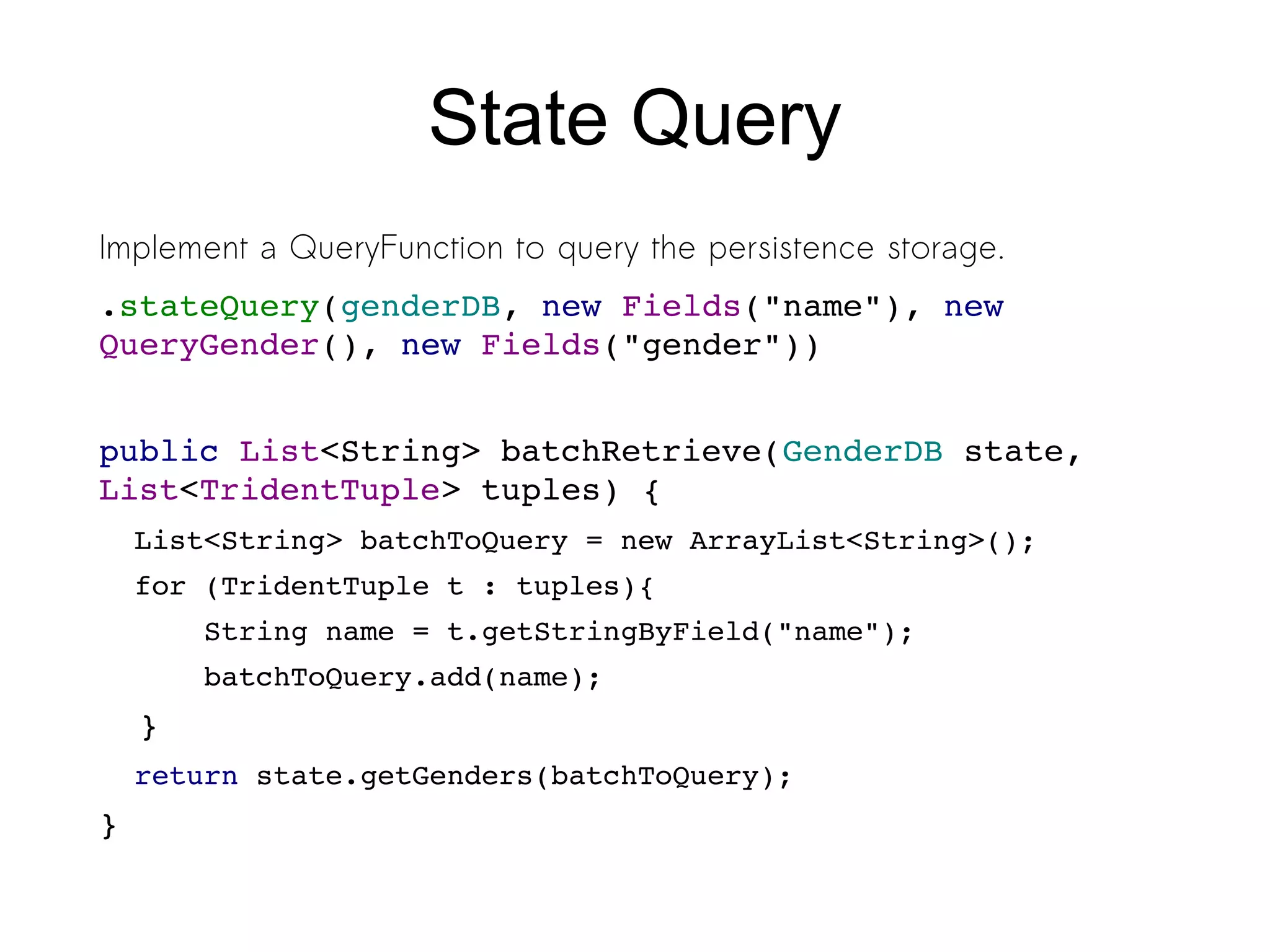
![State Query
Tuple before:
[{”fullname”: “Iris
HappyWorker”, “text”:”Having
the freedom to choose your work
location feels great. This
week is London.
pic.twitter.com/BHZq86o6“},
“Iris”]](https://image.slidesharecdn.com/storm-130430045457-phpapp02/75/Storm-real-time-processing-25-2048.jpg)
![State Query
Tuple before:
[{”fullname”: “Iris HappyWorker”, “text”:”Having the
freedom to choose your work location feels great.
This week is London. pic.twitter.com/BHZq86o6“},
“Iris”]
Tuple after:
[{”fullname”: “Iris HappyWorker”, “text”:”Having the
freedom to choose your work location feels great.
This week is London. pic.twitter.com/BHZq86o6“},
“Iris”,
“Female”]](https://image.slidesharecdn.com/storm-130430045457-phpapp02/75/Storm-real-time-processing-26-2048.jpg)
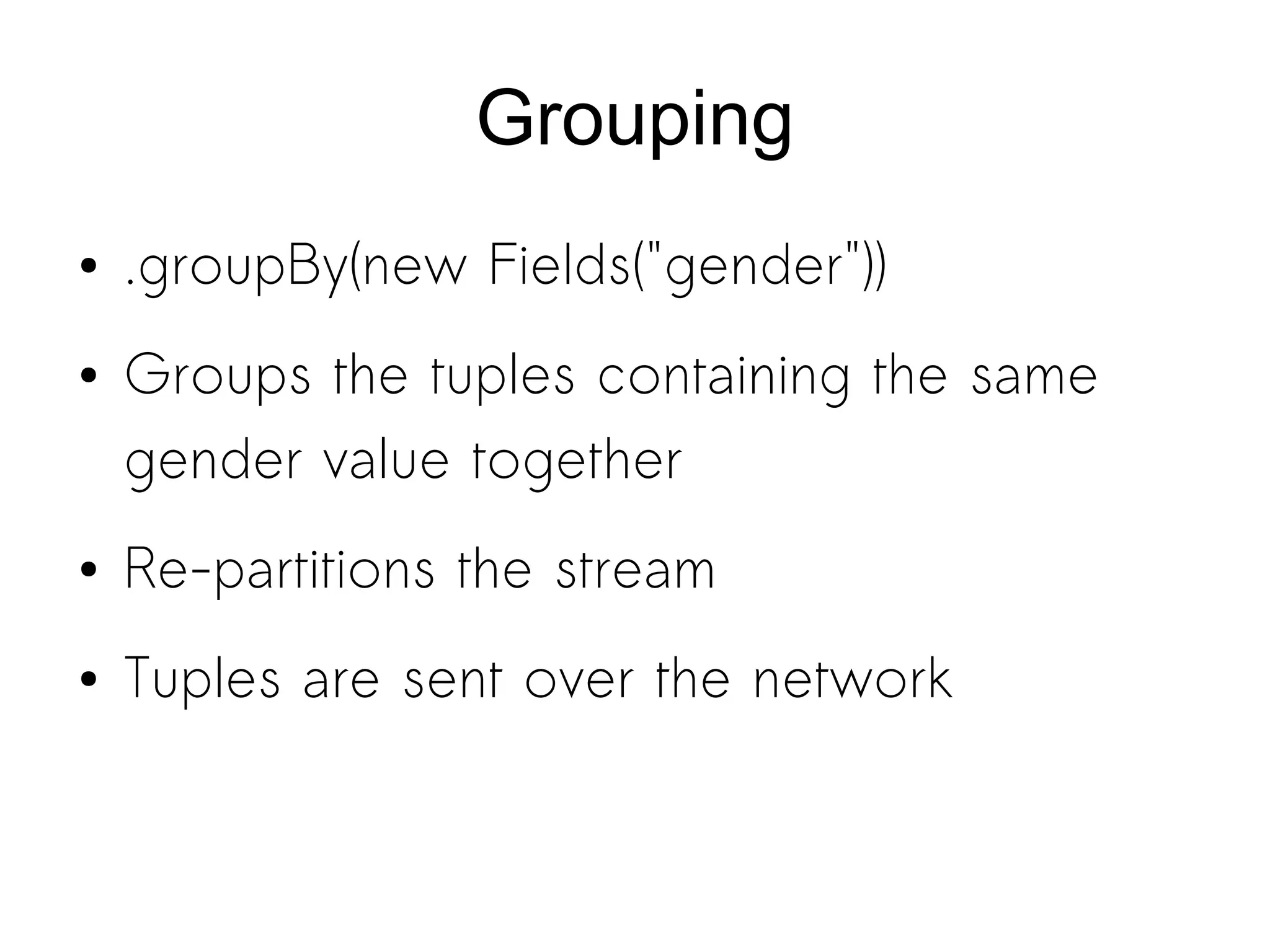
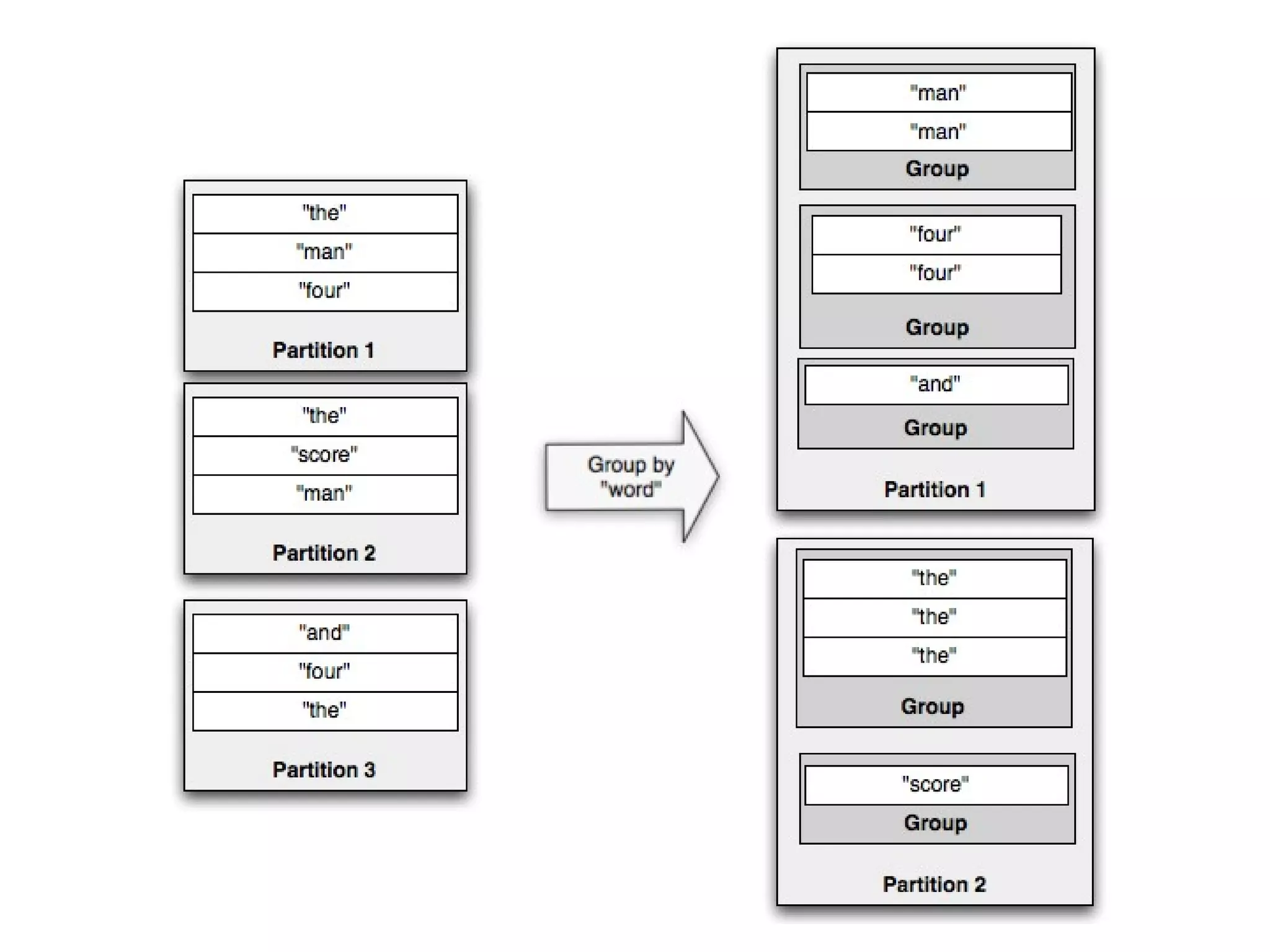
![Grouping
● Tuples before:
1st
Partition: [{TweetJson1},
“Iris”, “Female”]
1st
Partition: [{TweetJson2},
“Michael”, “Male”]
2nd
Partition: [{TweetJson3},
“Lena”, “Female”]](https://image.slidesharecdn.com/storm-130430045457-phpapp02/75/Storm-real-time-processing-29-2048.jpg)
![Grouping
● Tuples before:
1st
Partition: [{TweetJson1}, “Iris”, “Female”]
1st
Partition: [{TweetJson2}, “Michael”, “Male”]
2nd
Partition: [{TweetJson3}, “Lena”, “Female”]
Group By Gender
● Tuple after:
new 1st
Partition: [{TweetJson1}, “Iris”, “Female”]
new 1st
Partition: [{TweetJson3}, “Lena”, “Female”]
new 2nd
Partition: [{TweetJson2}, “Michael”, “Male”]](https://image.slidesharecdn.com/storm-130430045457-phpapp02/75/Storm-real-time-processing-30-2048.jpg)
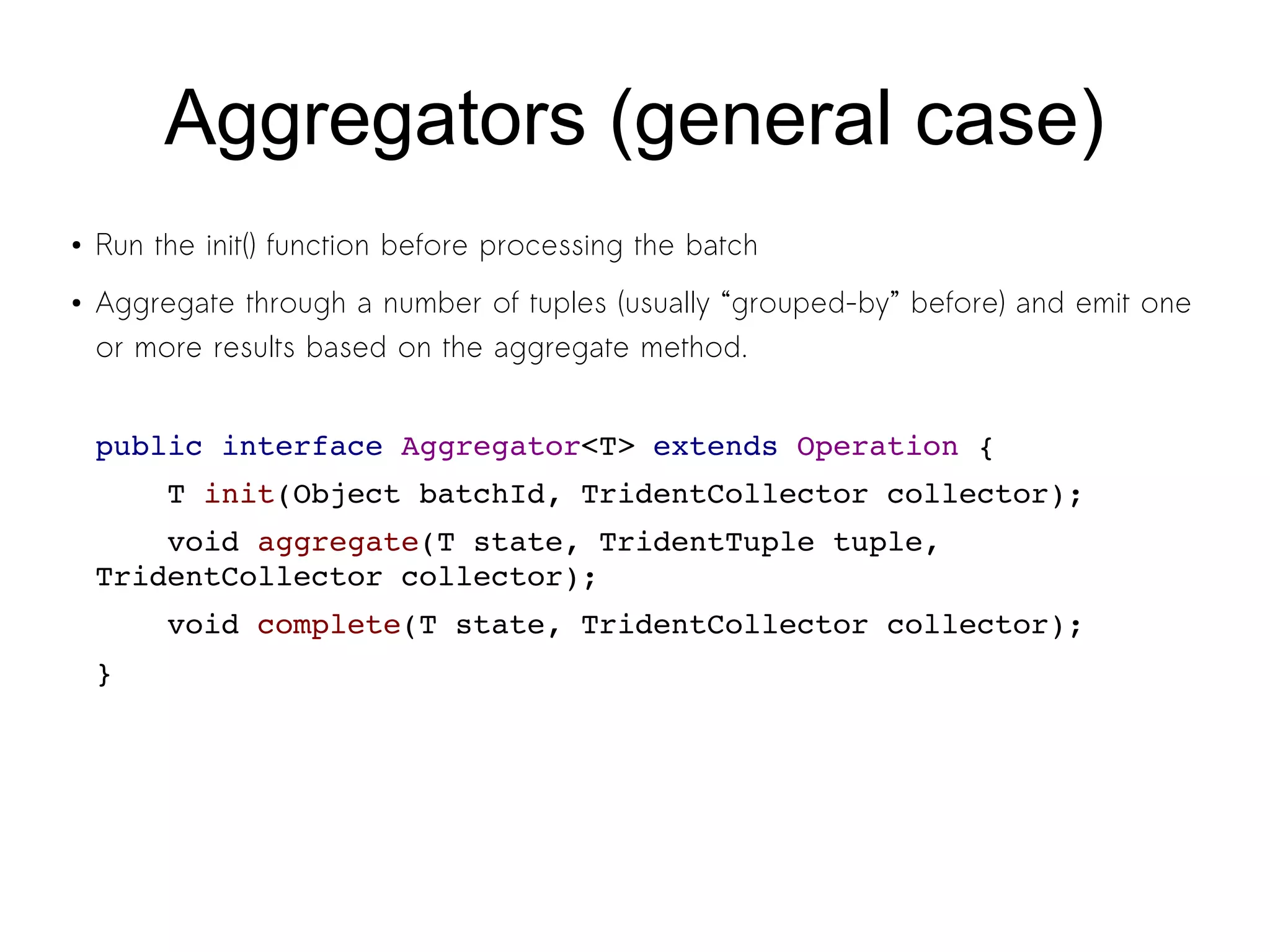
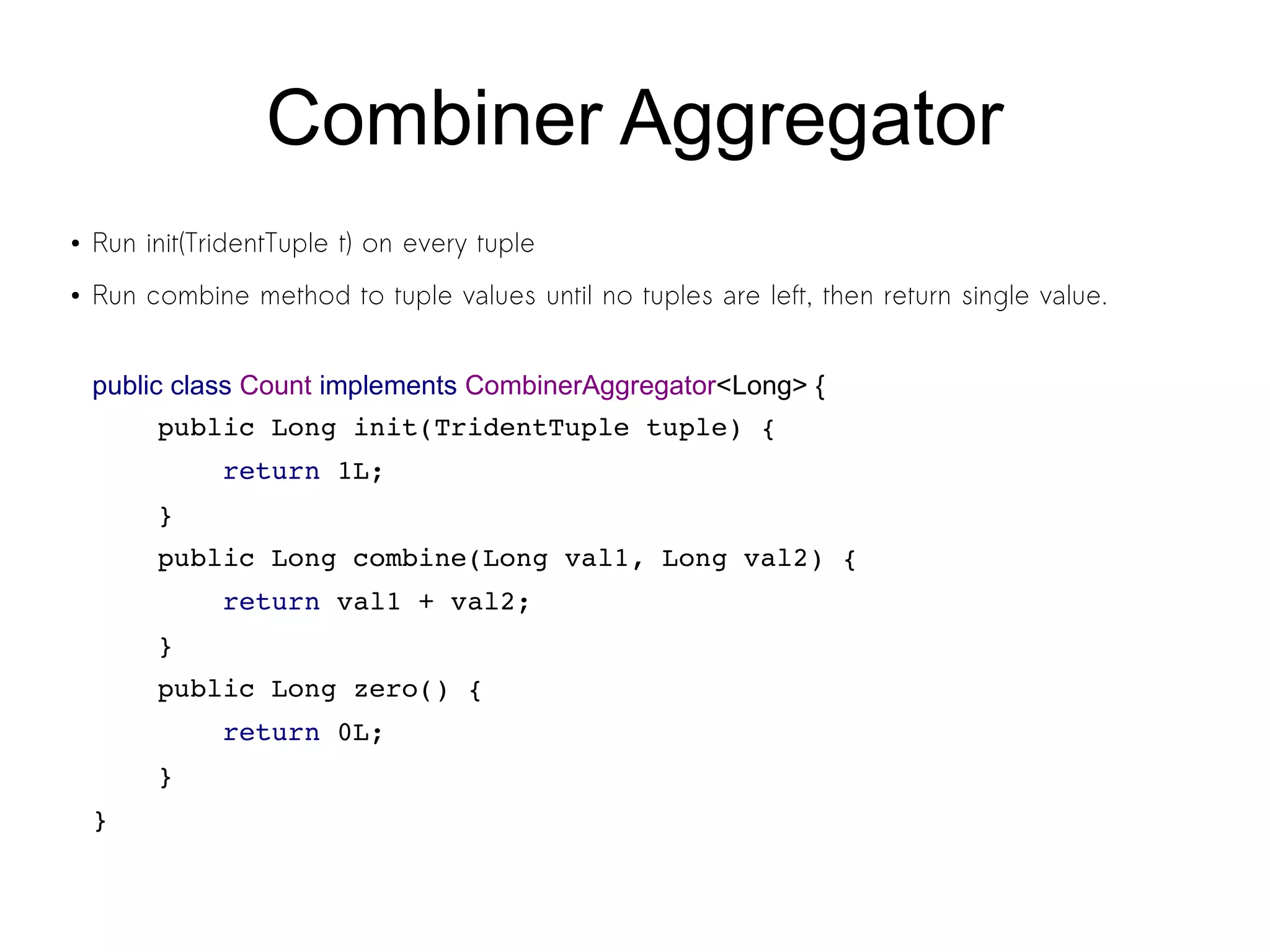
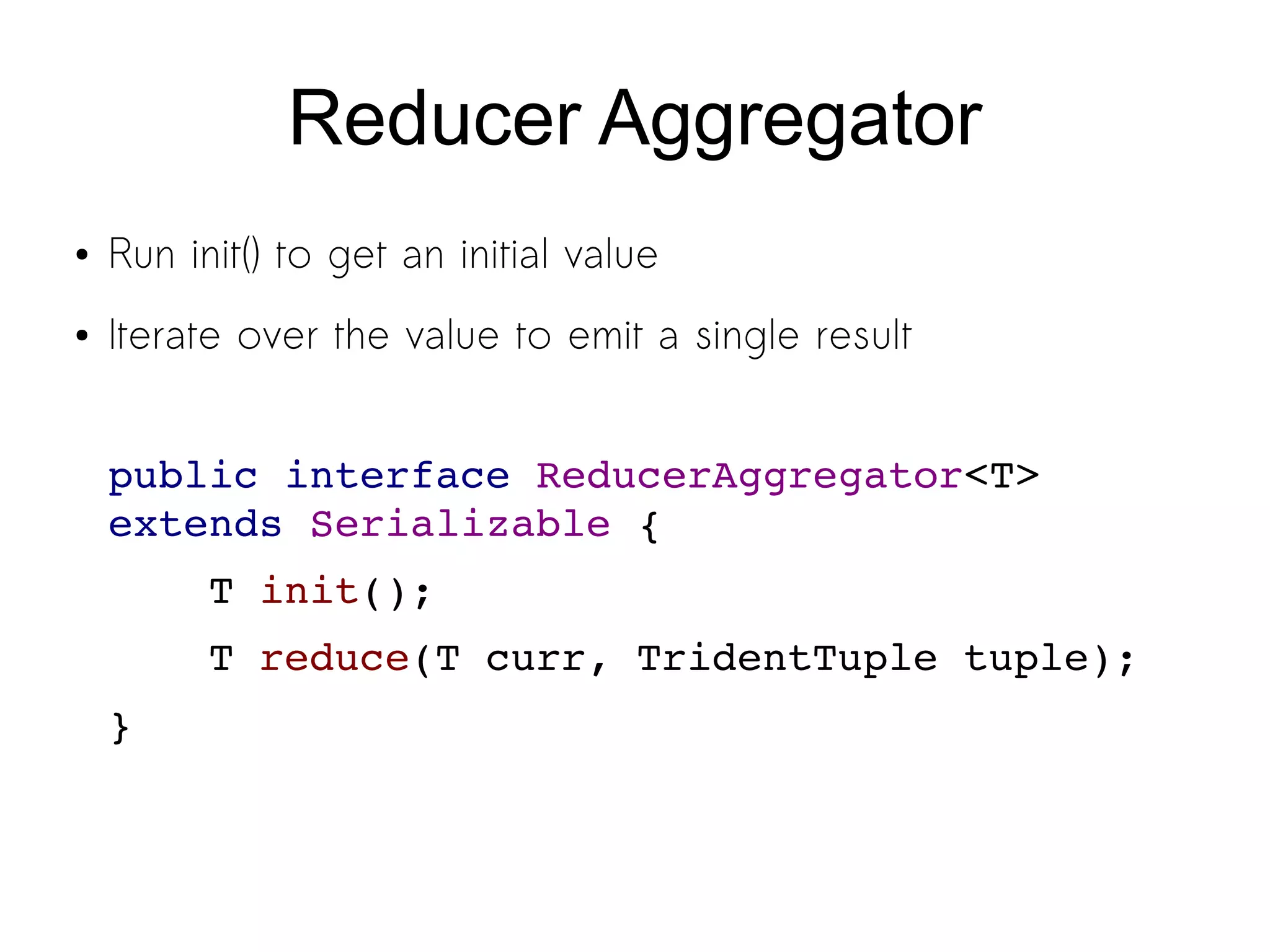
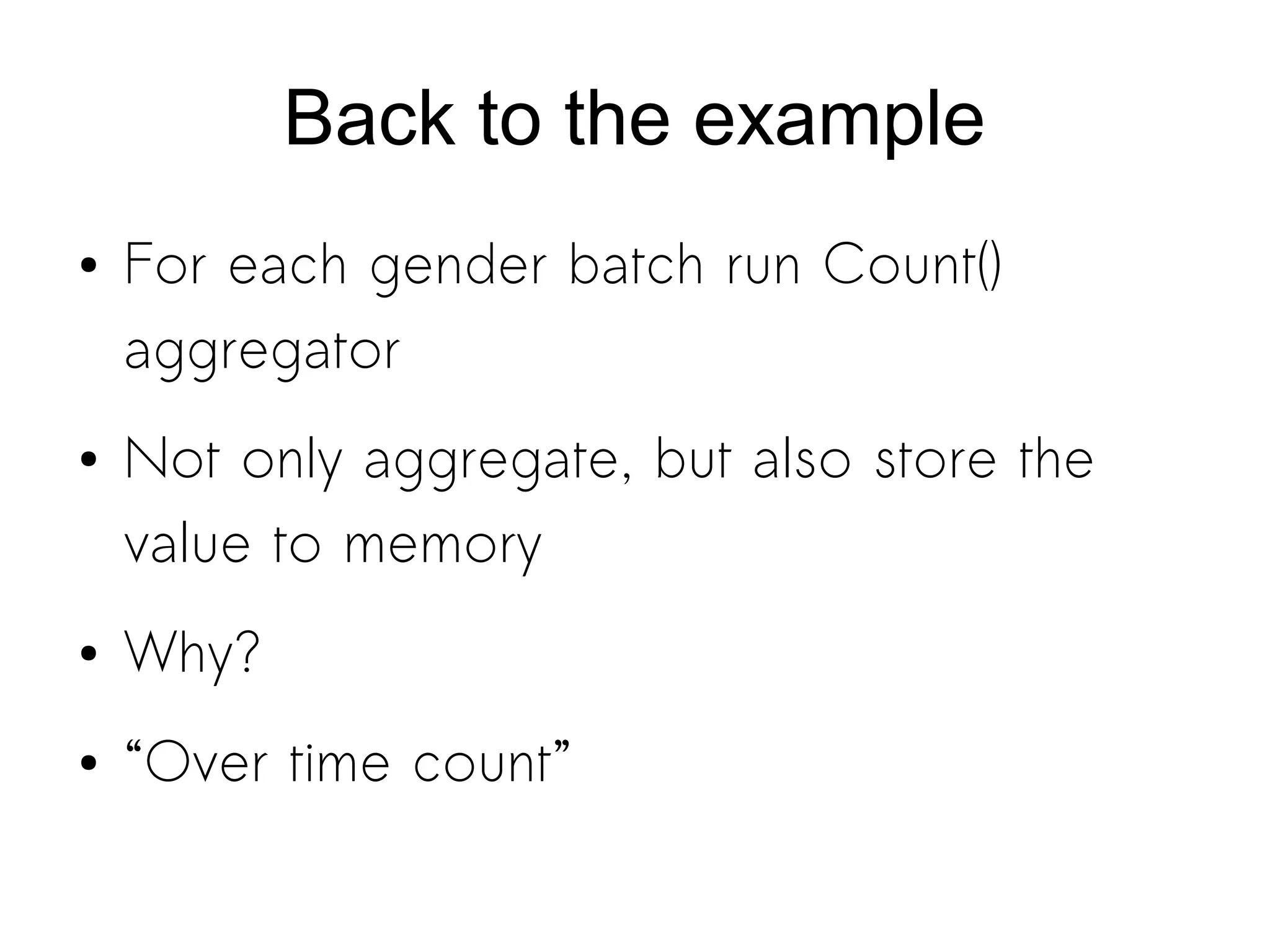
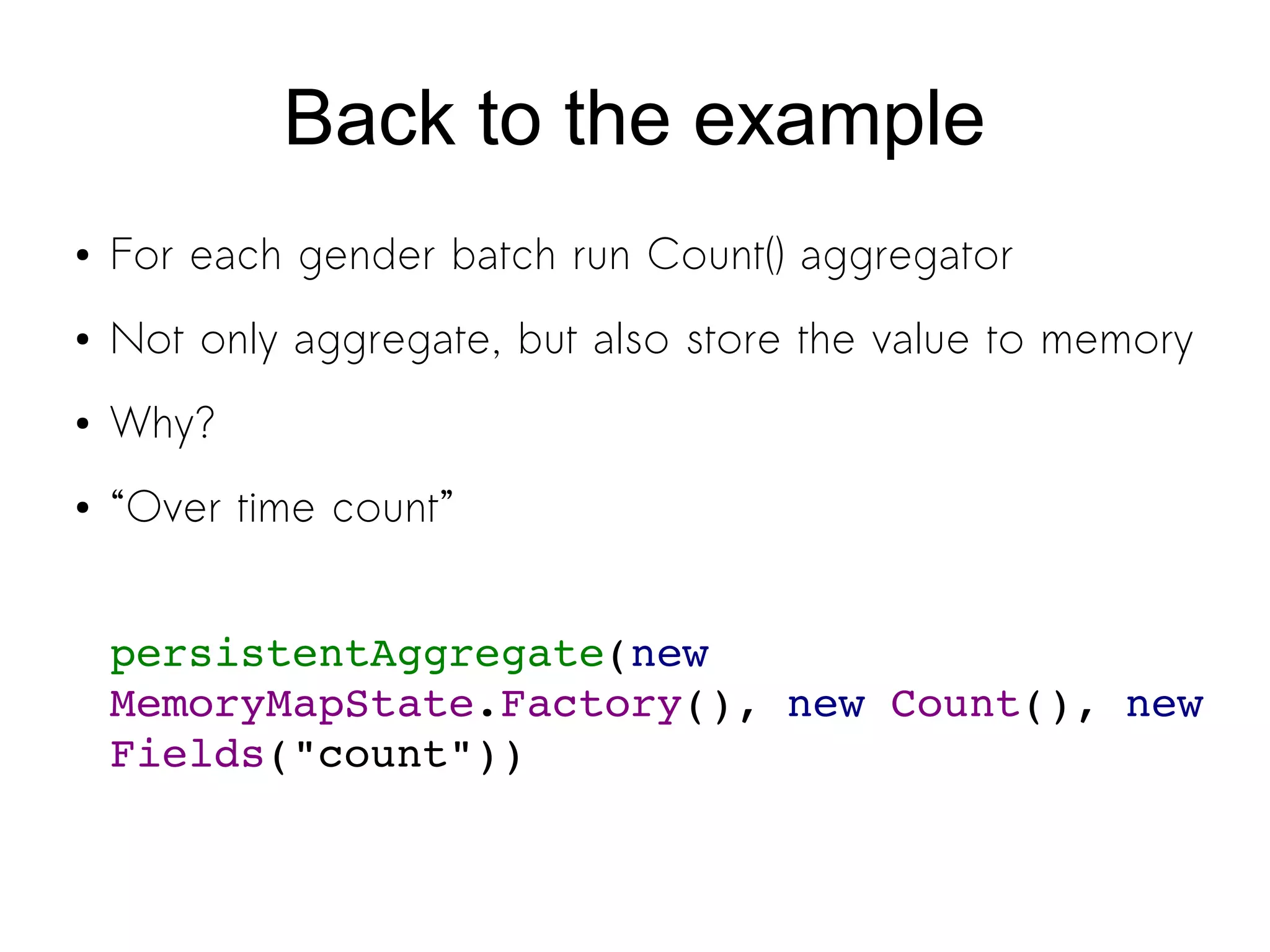
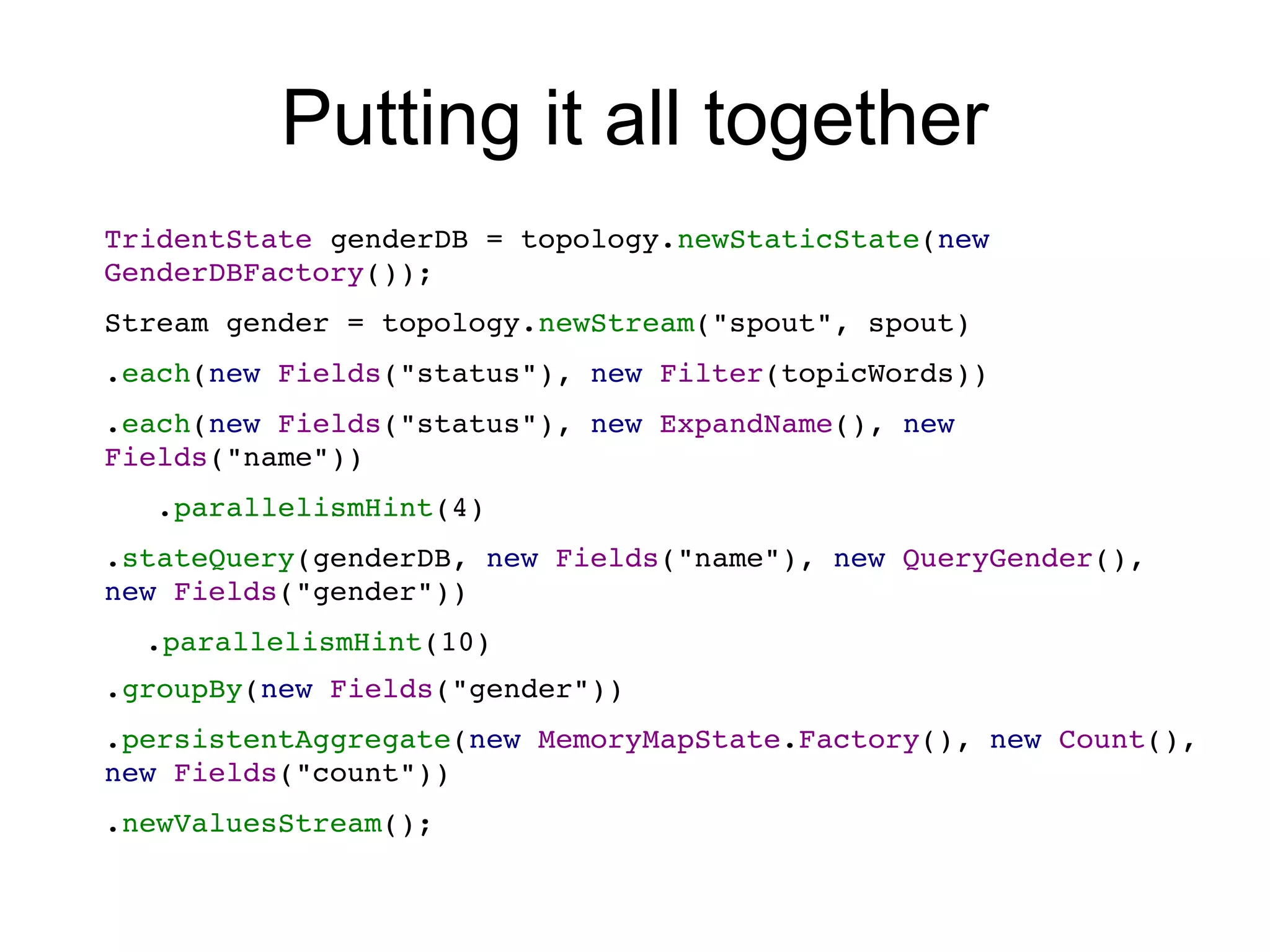
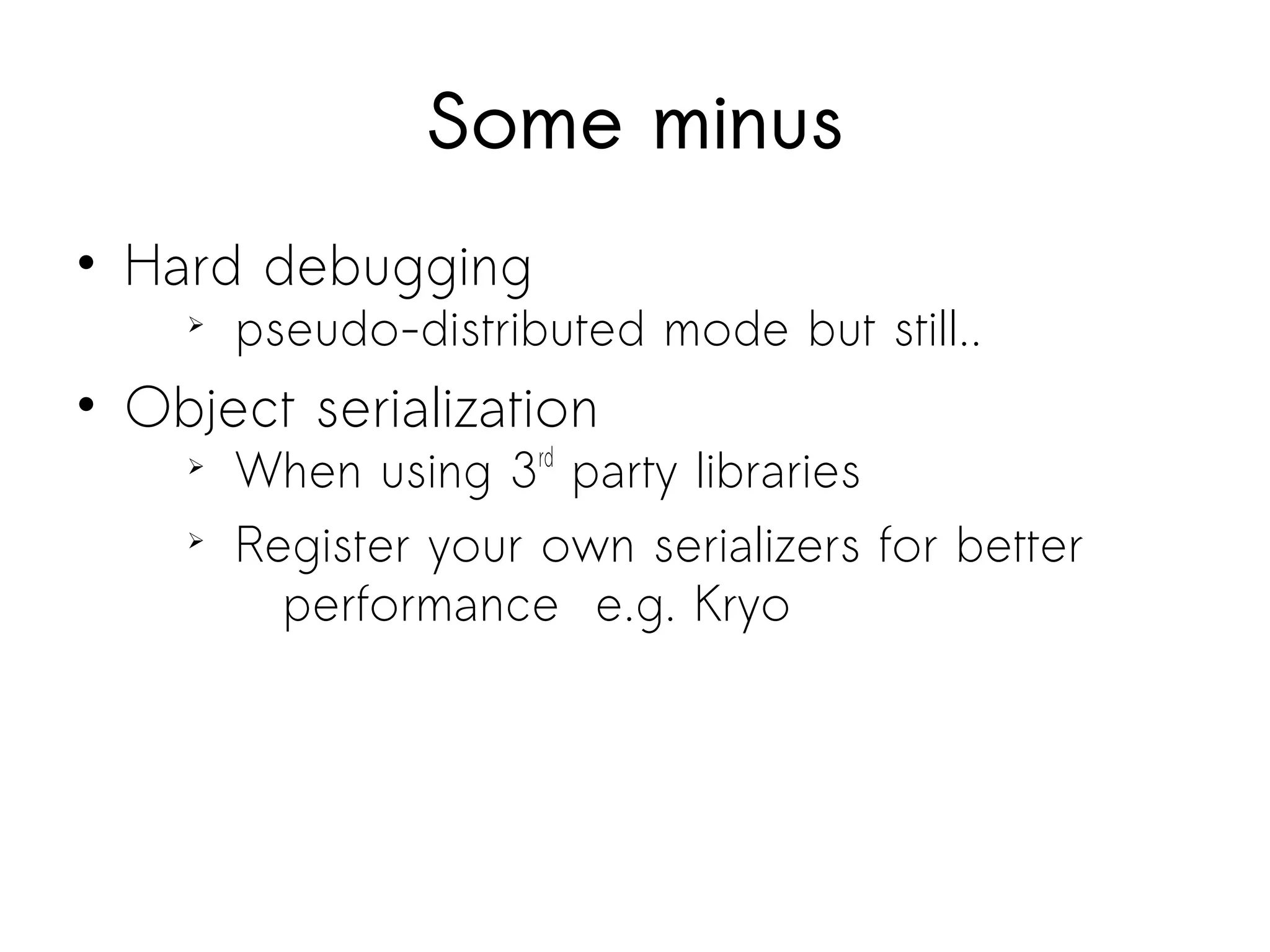
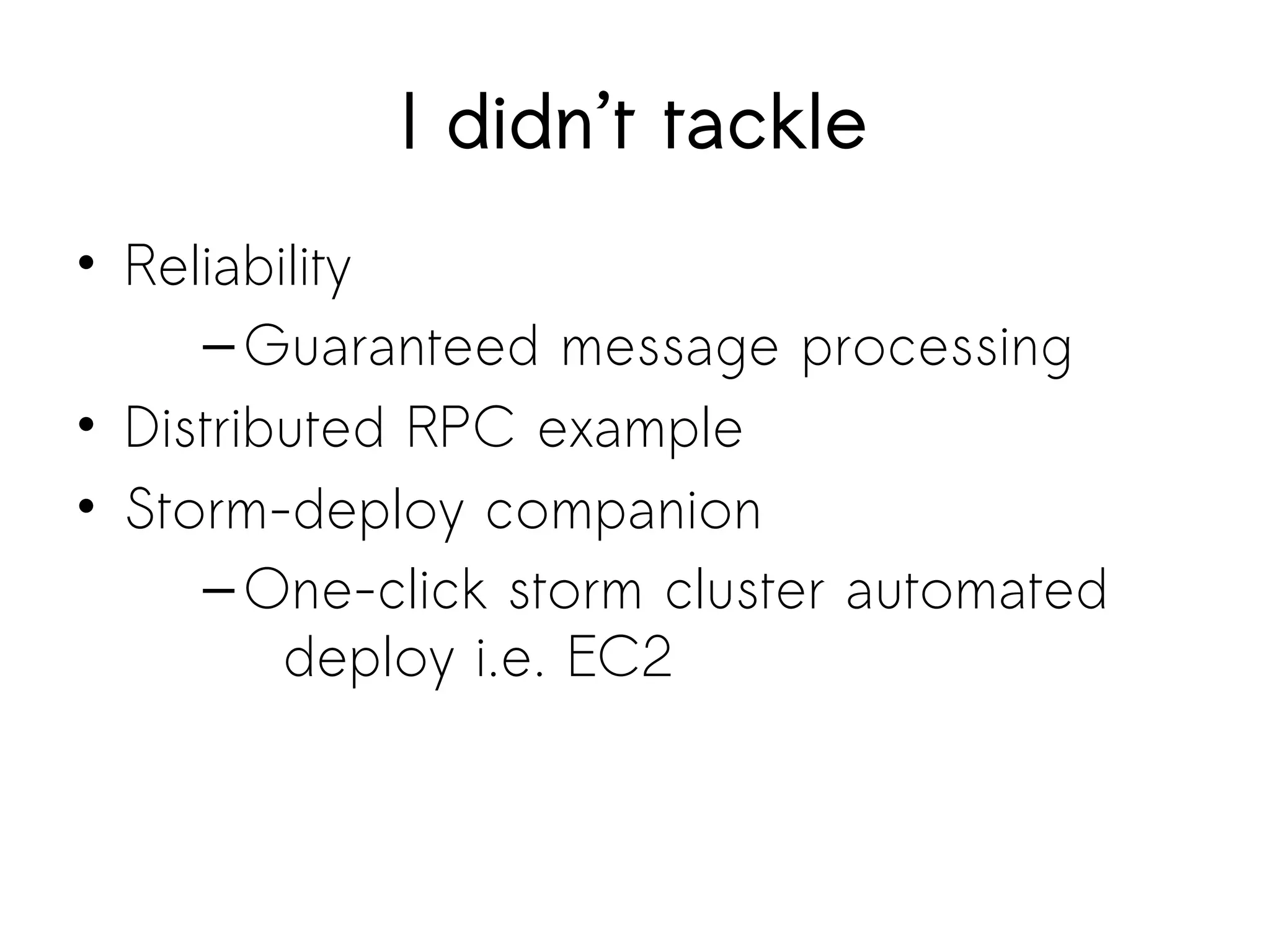
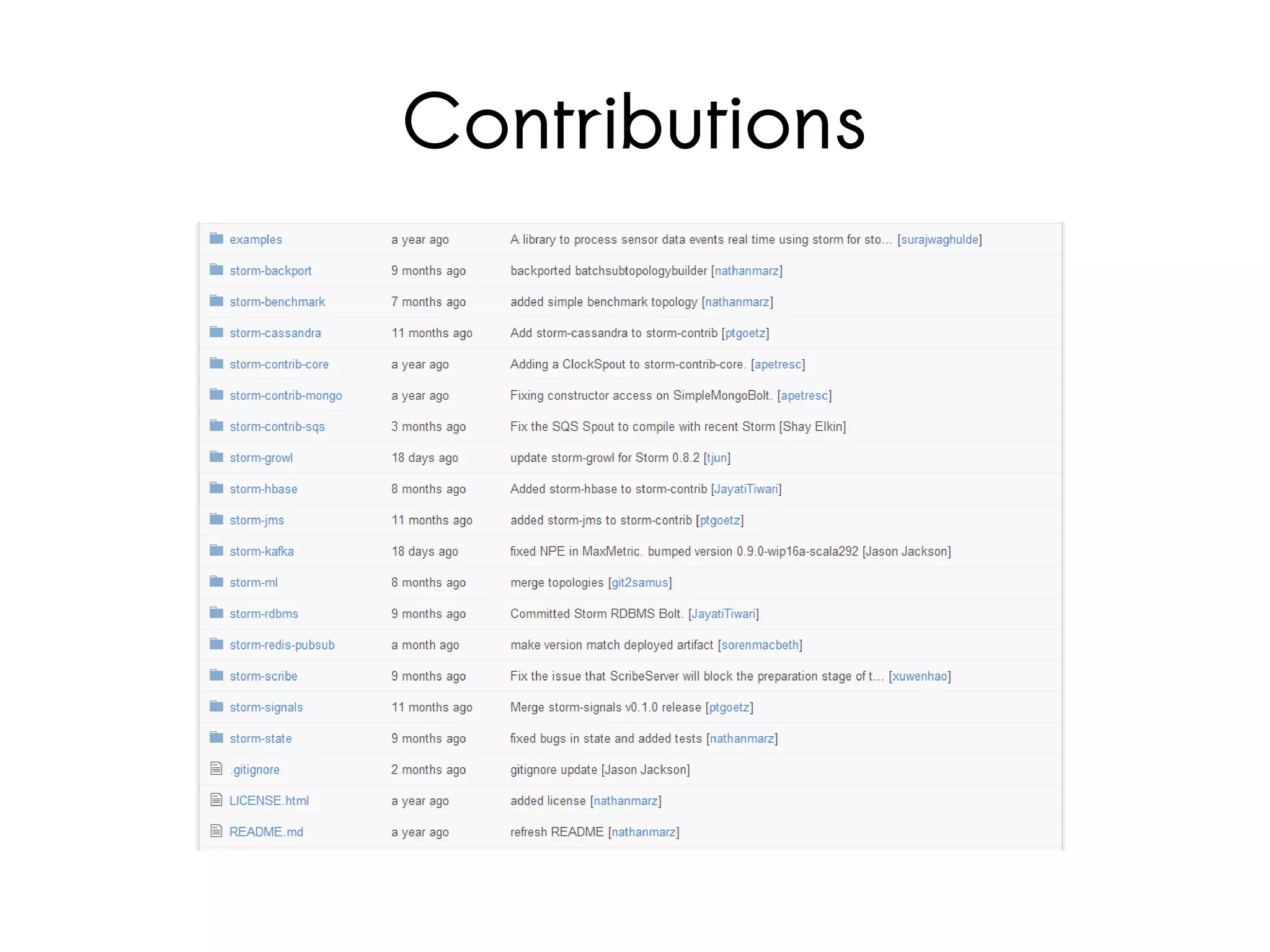



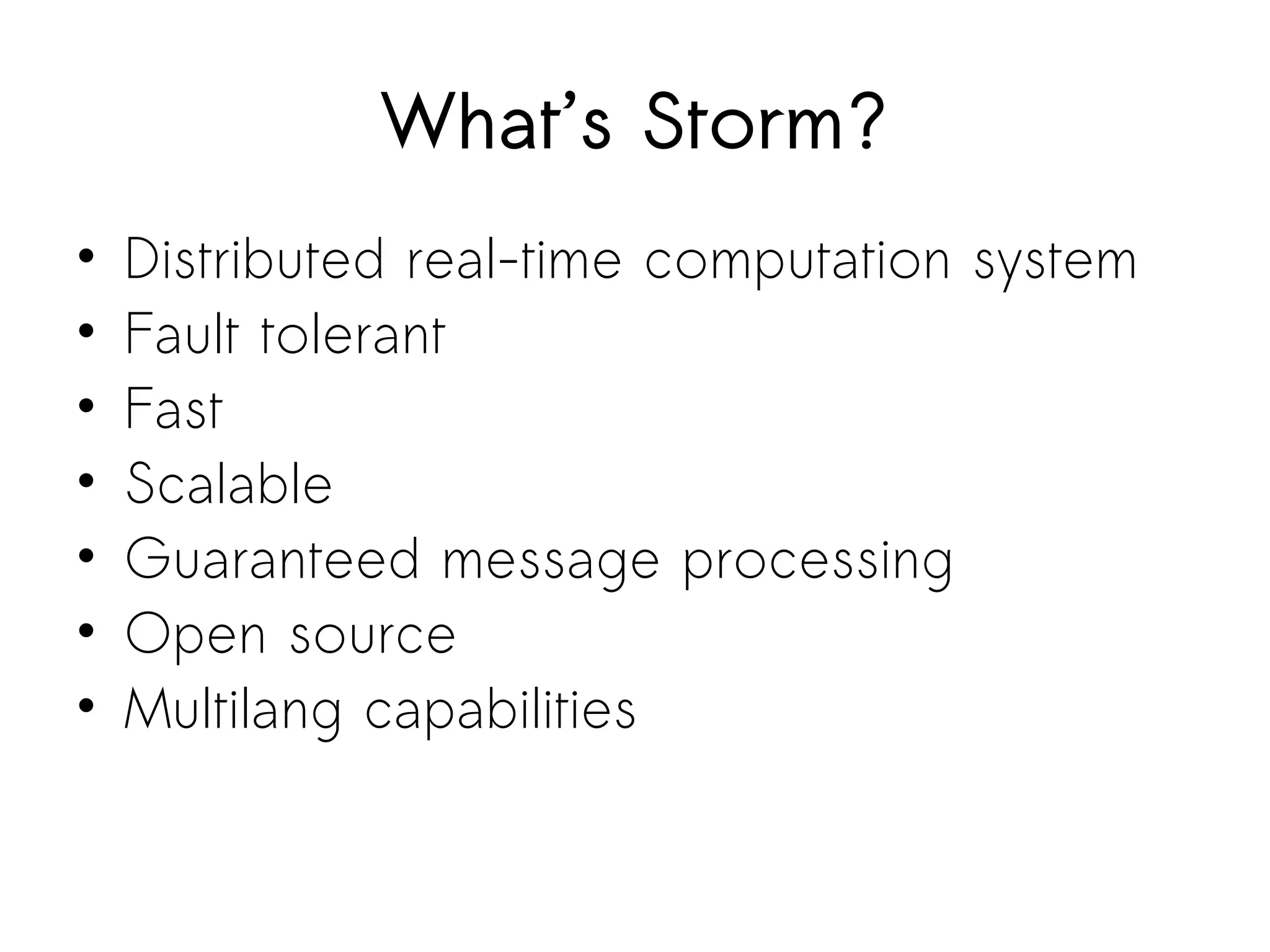
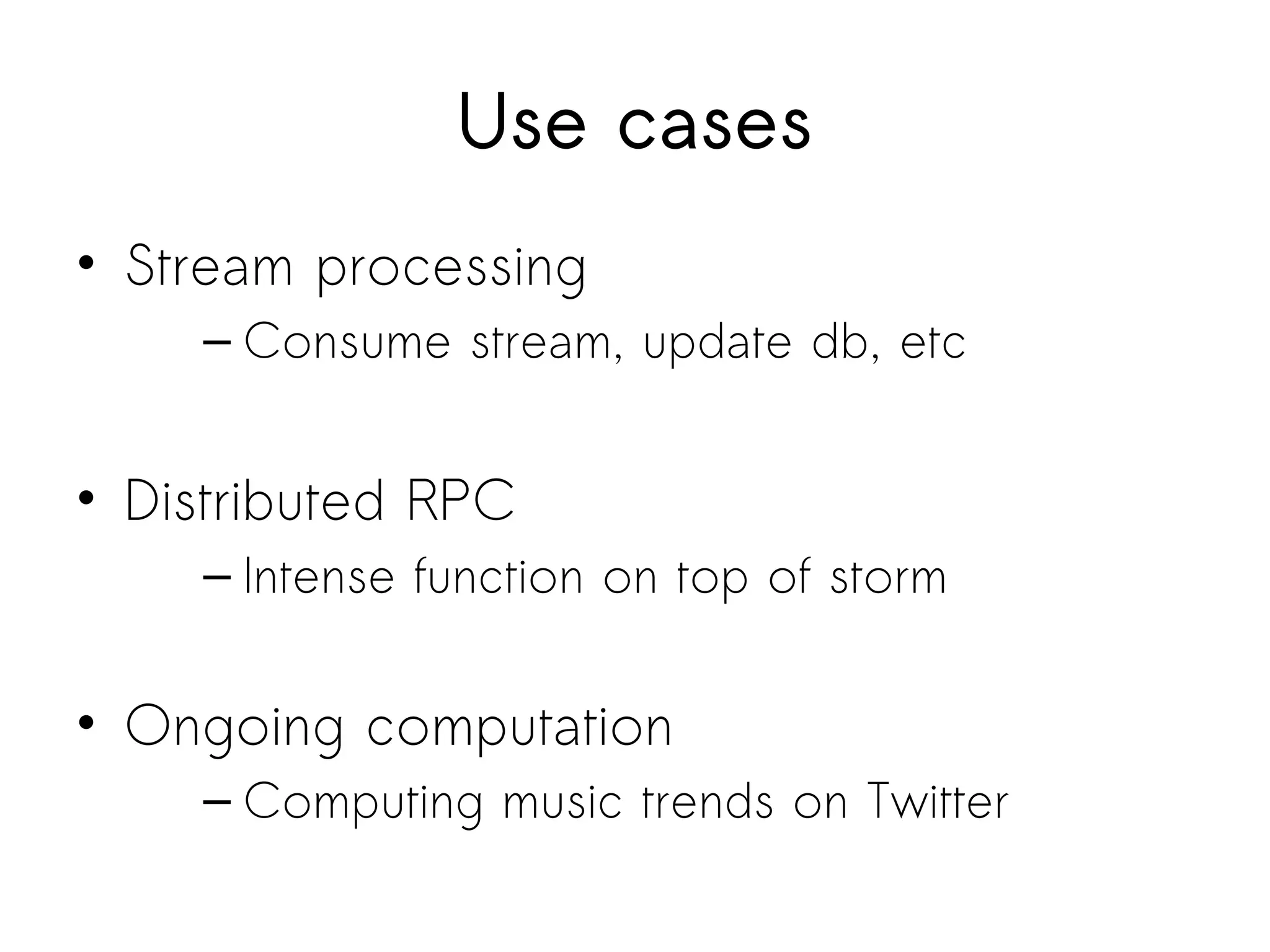
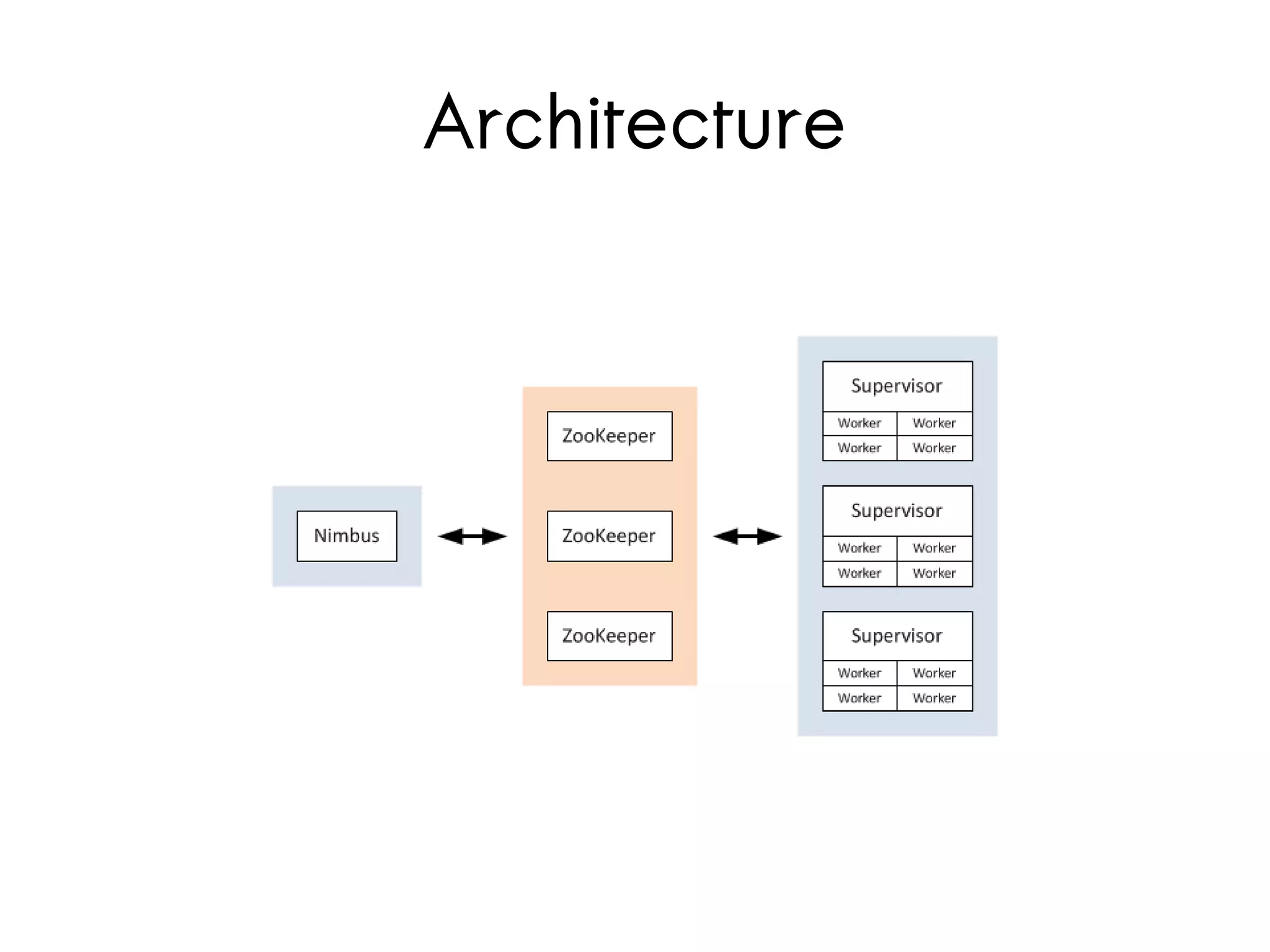
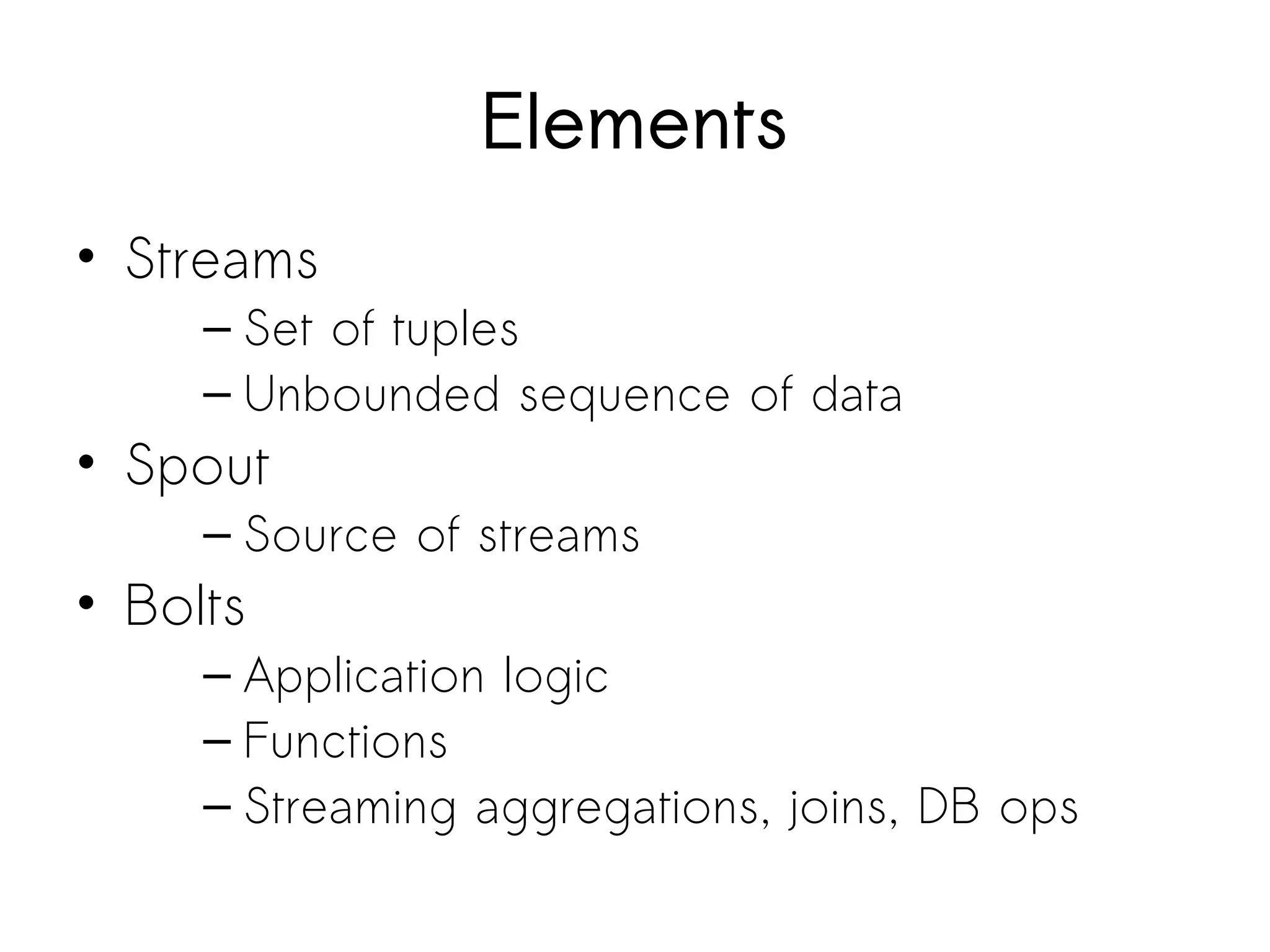
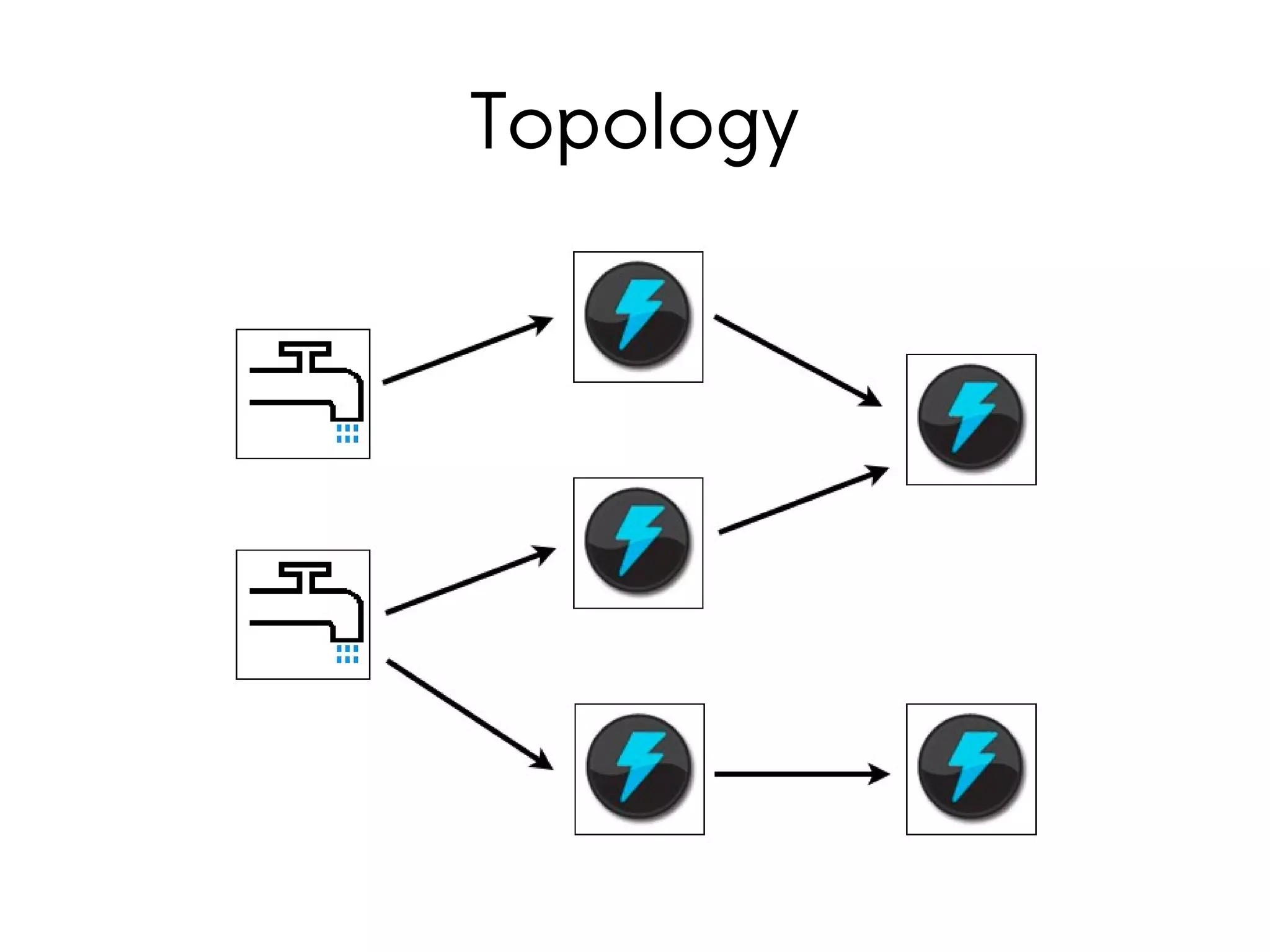
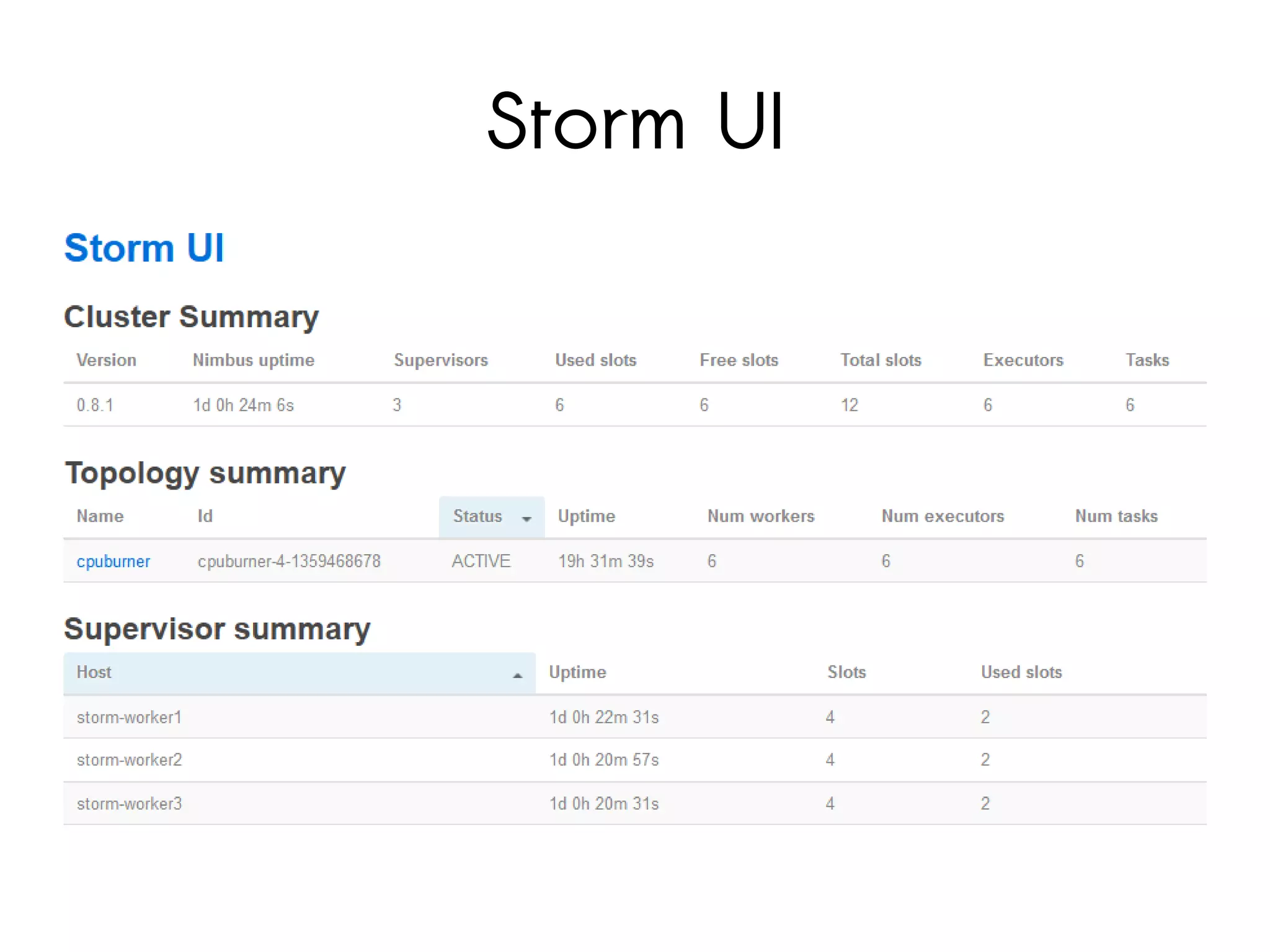
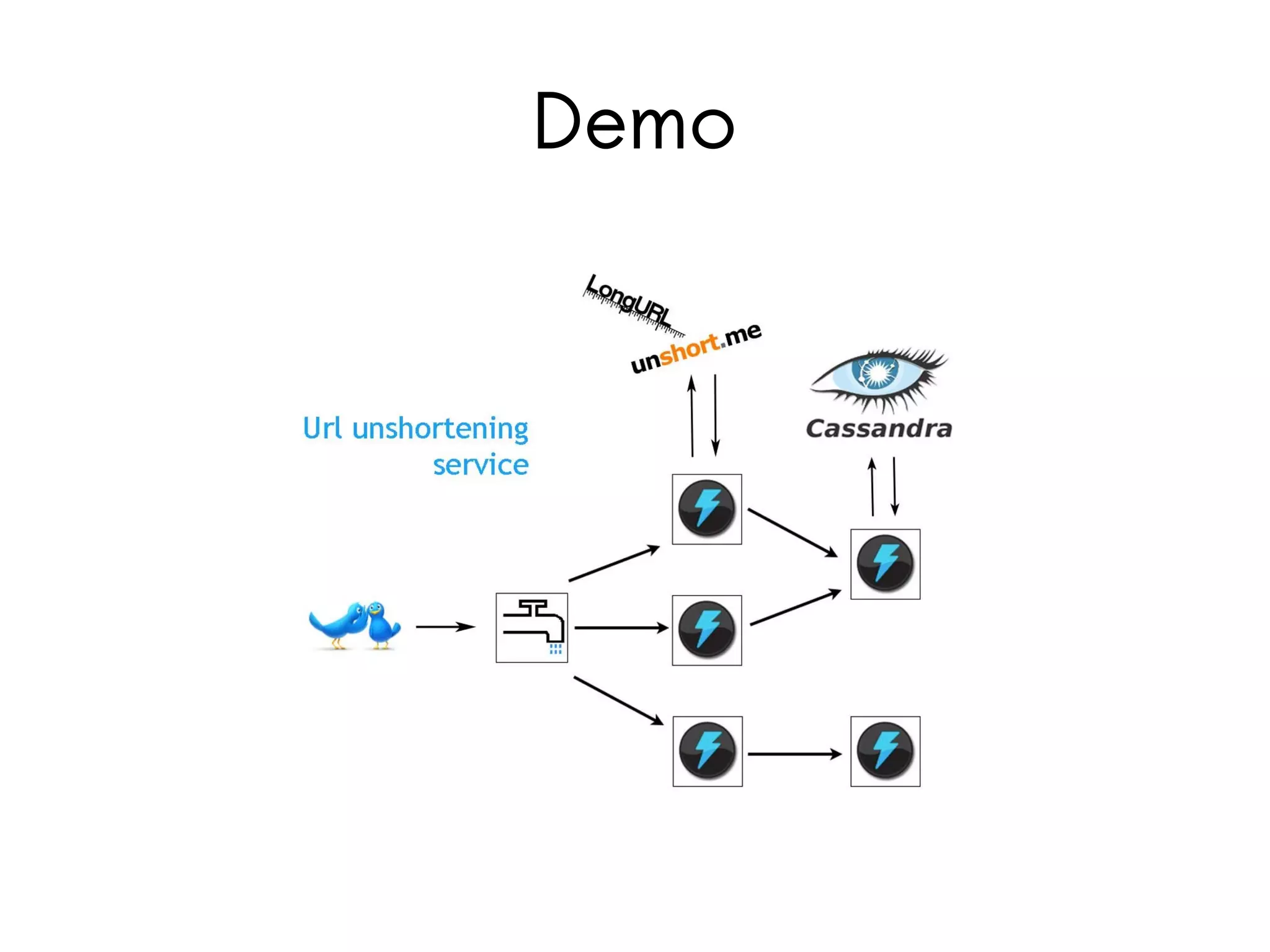
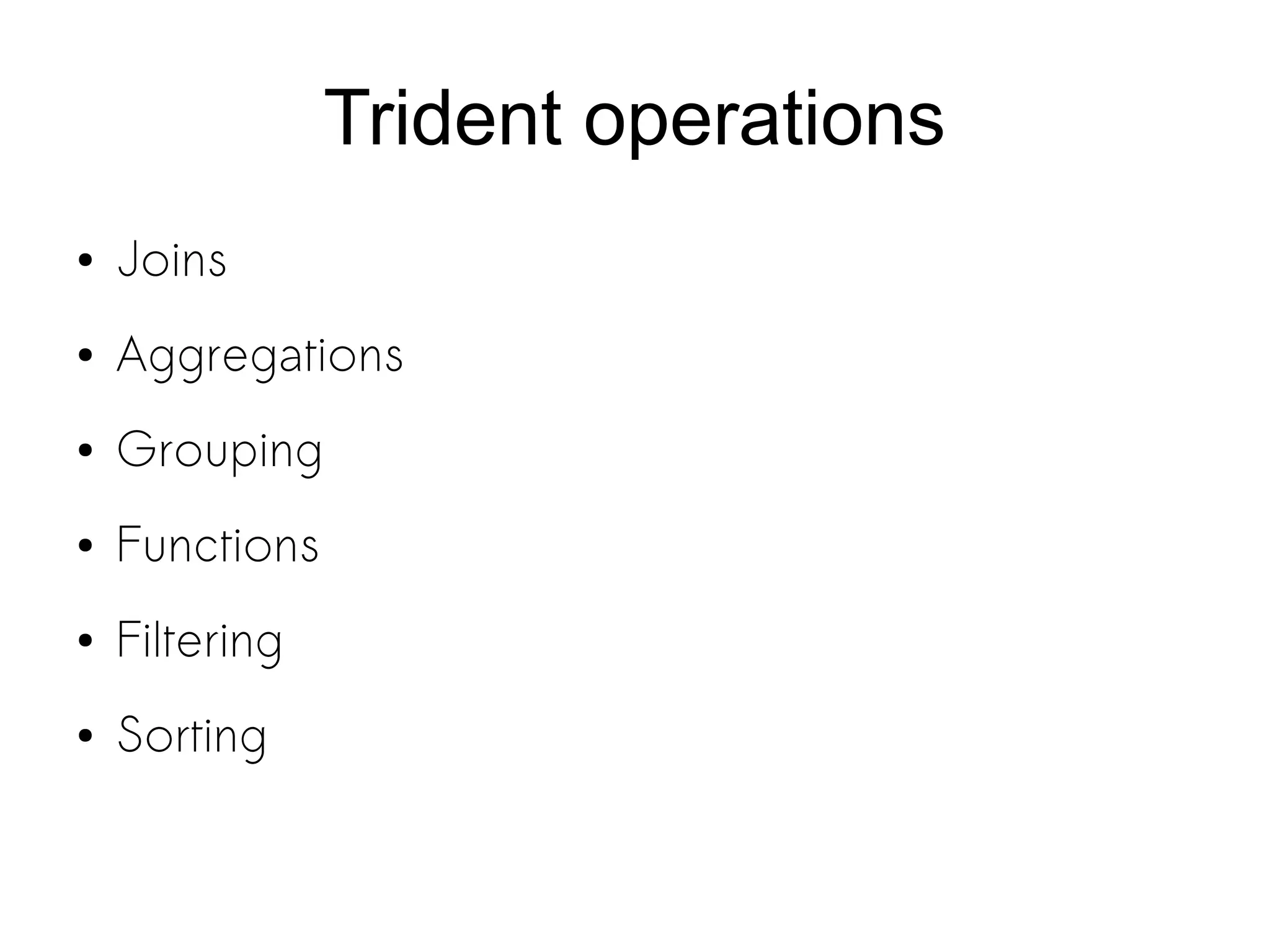
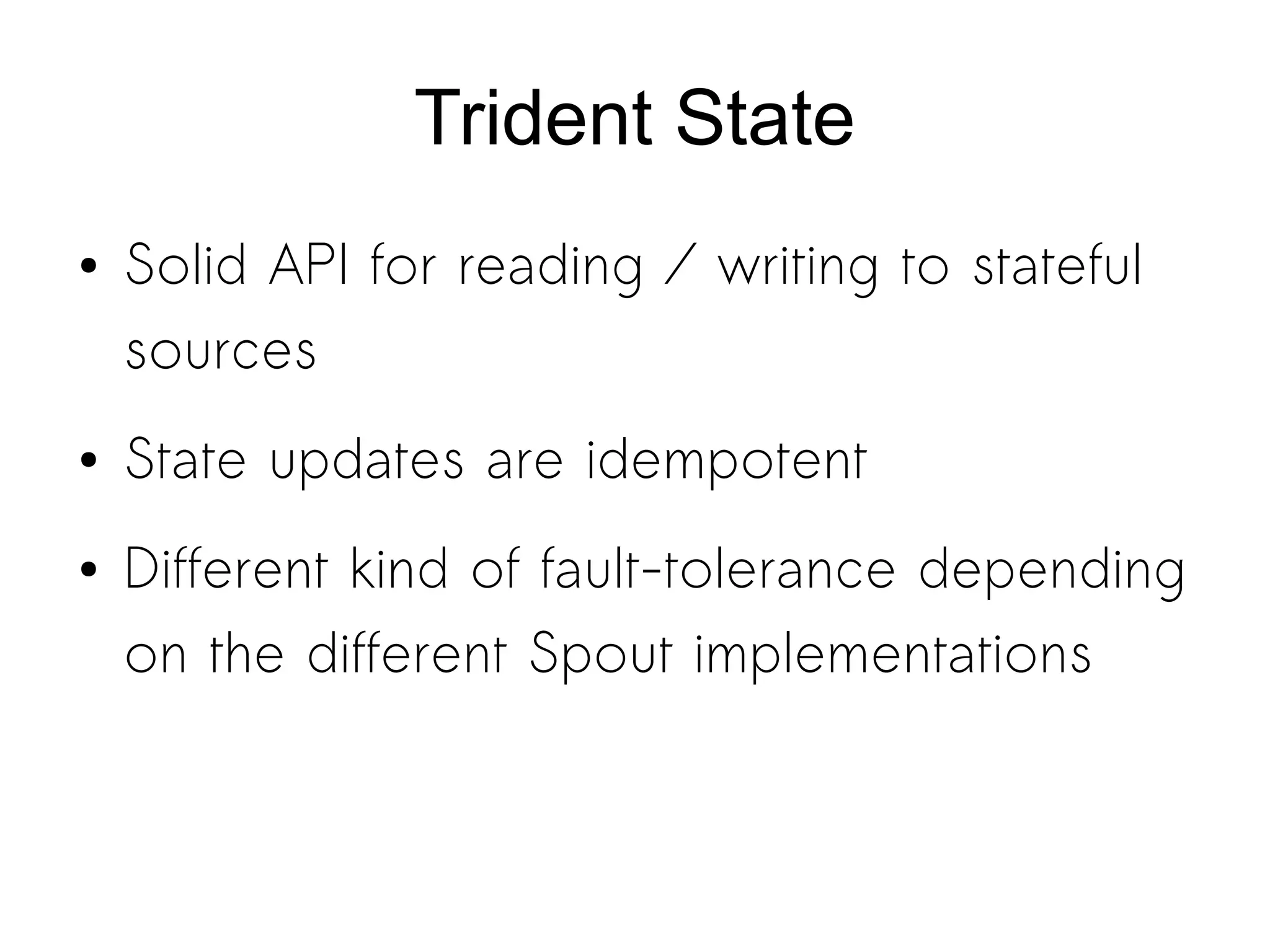
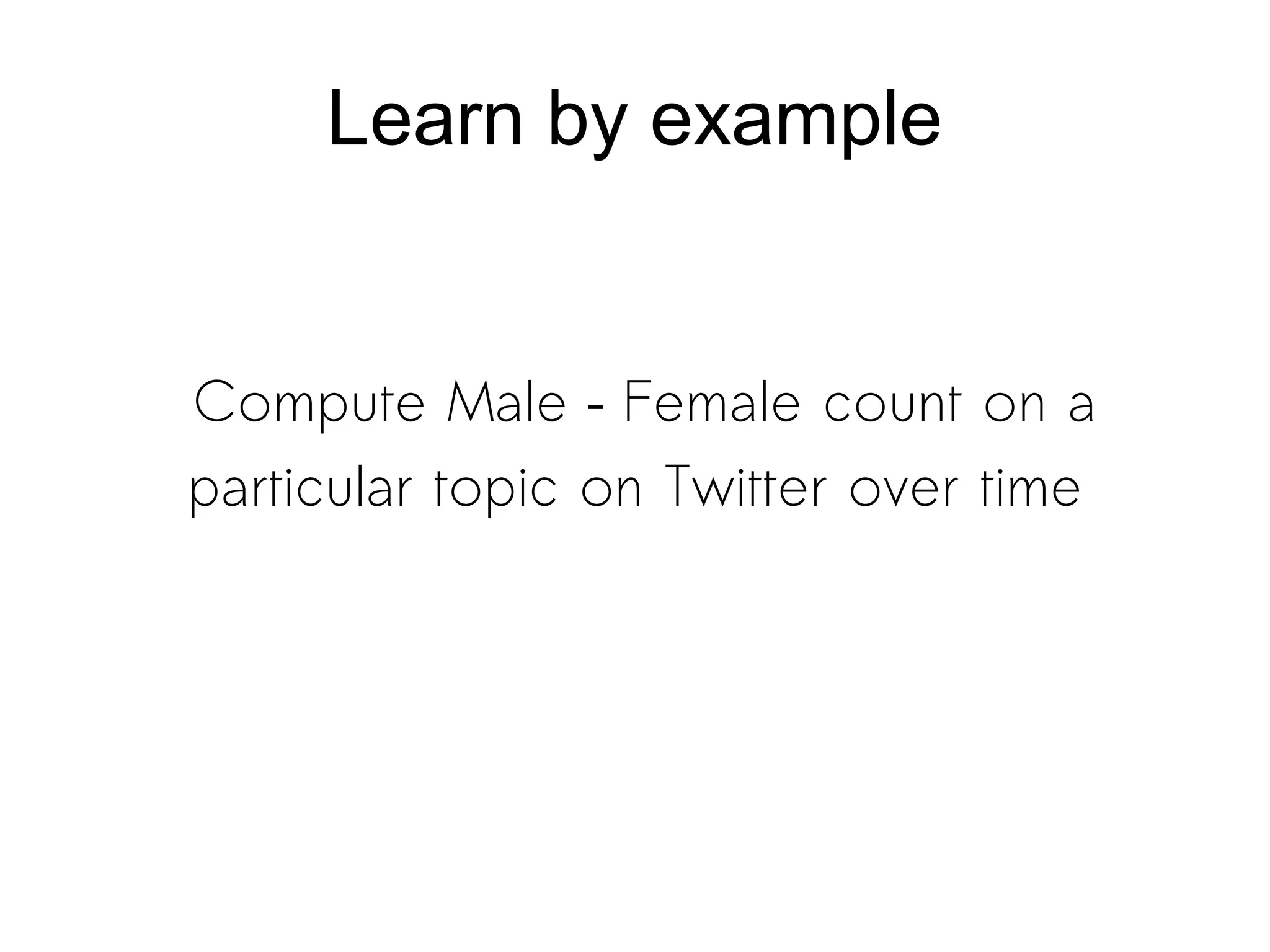
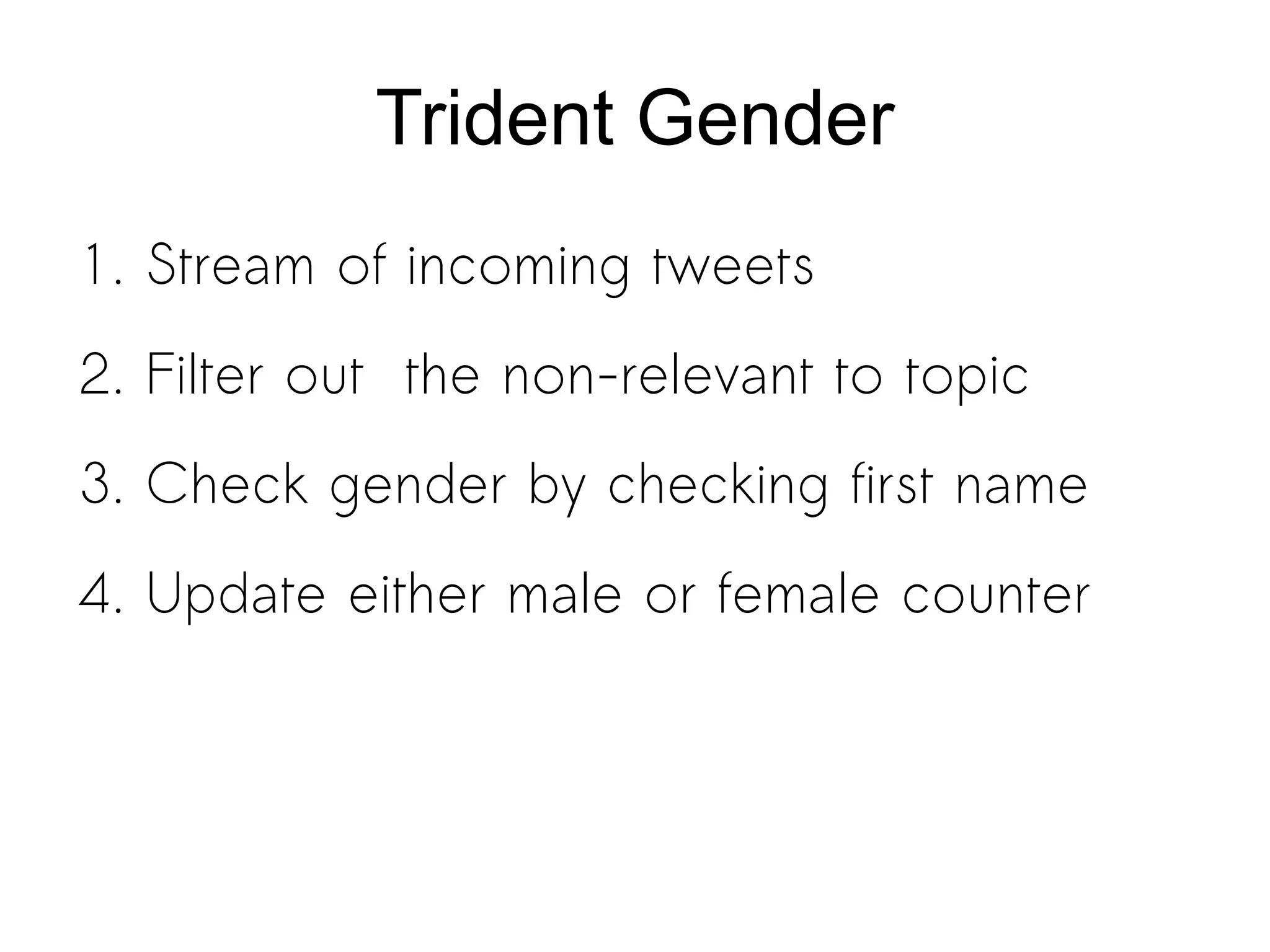
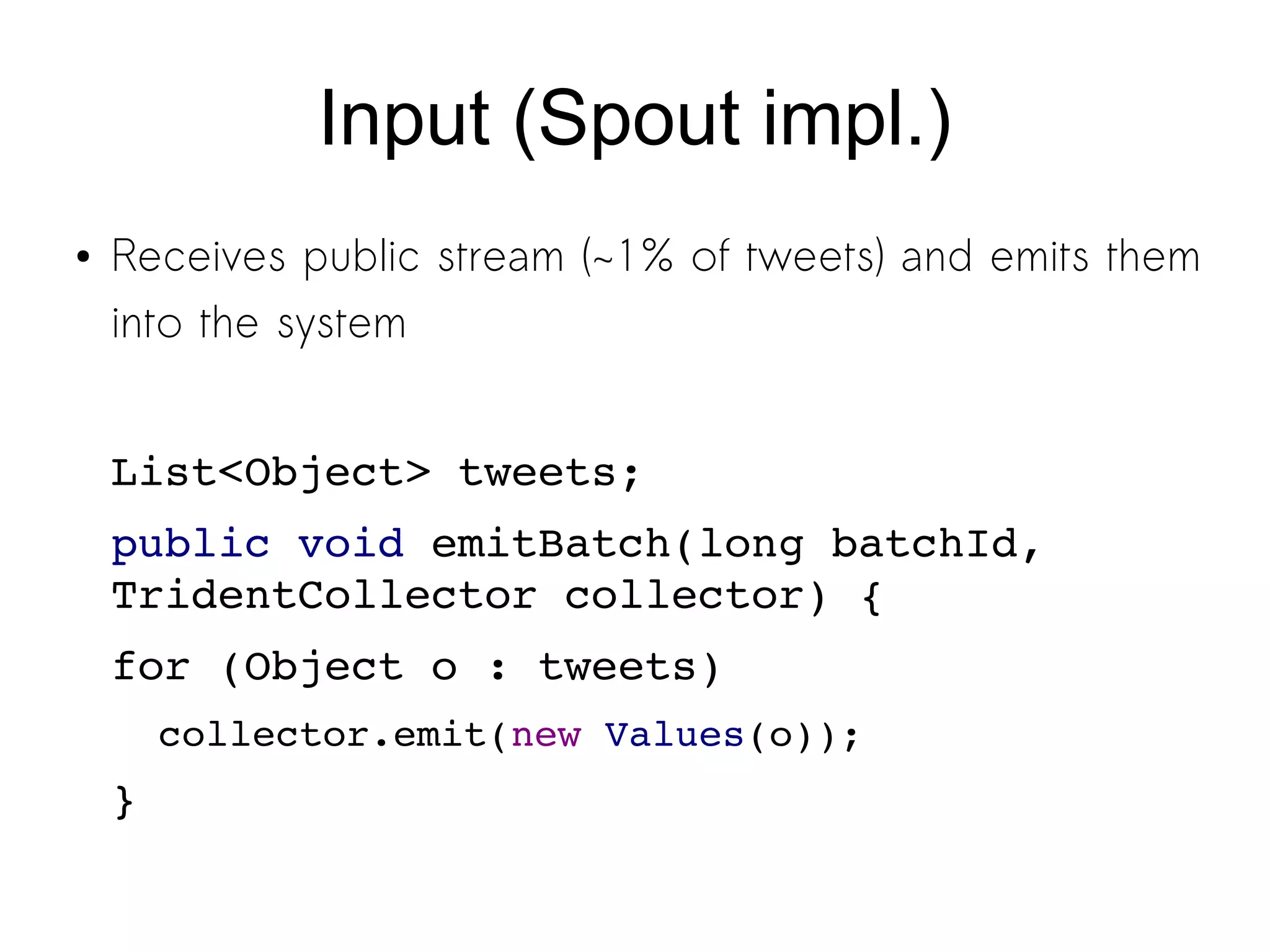
Storm is a distributed real-time computation system for processing streams of data. It provides guarantees of message processing and is fault tolerant, fast, scalable, and allows for coding in multiple languages. Trident is a higher-level abstraction built on Storm that provides batch processing, state management, and exactly-once processing semantics. The document demonstrates how to use Storm and Trident to analyze Twitter data streams to compute gender counts over time by filtering tweets, extracting names, querying a database for genders, grouping by gender, and aggregating counts. Debugging Storm applications can be challenging due to its distributed nature.


![Vibe Coding vs. Spec-Driven Development [Free Meetup]](https://cdn.slidesharecdn.com/ss_thumbnails/vibecodingvsspecdrivendevelopment-251209105622-43f455e7-thumbnail.jpg?width=640&height=640&fit=bounds)

