STL : Stack
Prepared by
Dr.S.Raja Ratna
1
2
STL Stack
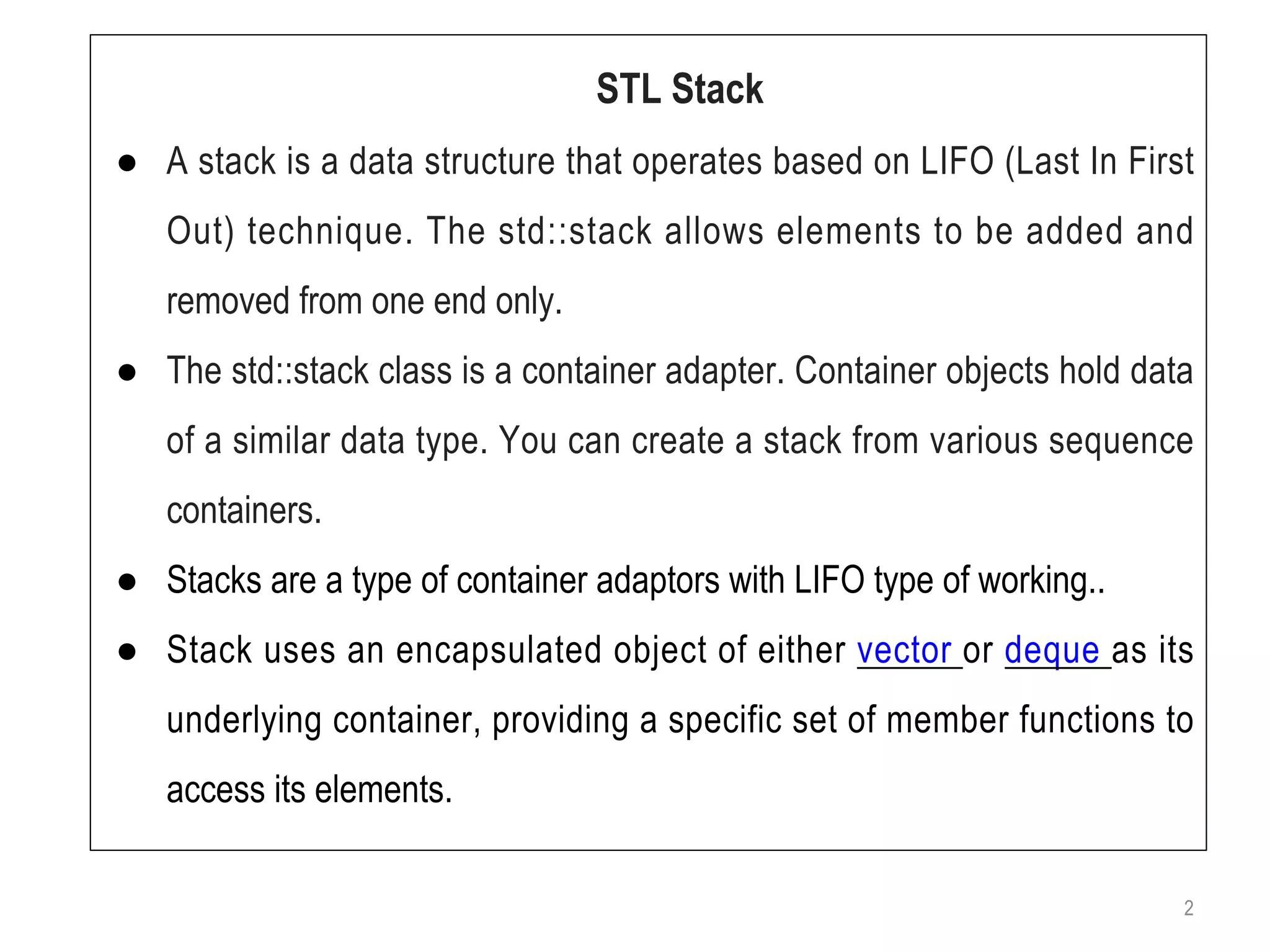
● A stack is a data structure that operates based on LIFO (Last In First
Out) technique. The std::stack allows elements to be added and
removed from one end only.
● The std::stack class is a container adapter. Container objects hold data
of a similar data type. You can create a stack from various sequence
containers.
● Stacks are a type of container adaptors with LIFO type of working..
● Stack uses an encapsulated object of either vector or deque as its
underlying container, providing a specific set of member functions to
access its elements.
3
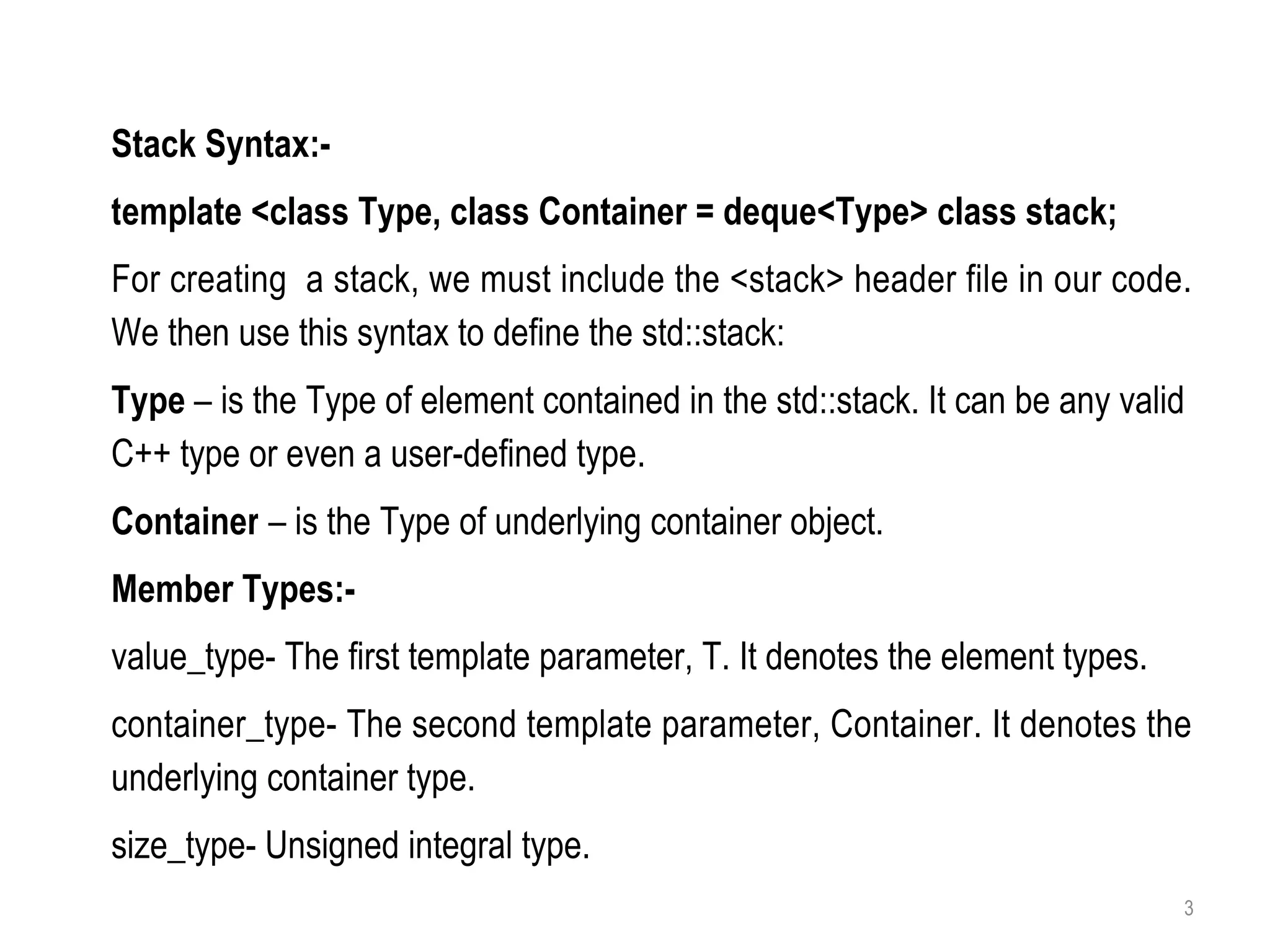
Stack Syntax:-
template <class Type, class Container = deque<Type> class stack;
For creating a stack, we must include the <stack> header file in our code.
We then use this syntax to define the std::stack:
Type – is the Type of element contained in the std::stack. It can be any valid
C++ type or even a user-defined type.
Container – is the Type of underlying container object.
Member Types:-
value_type- The first template parameter, T. It denotes the element types.
container_type- The second template parameter, Container. It denotes the
underlying container type.
size_type- Unsigned integral type.
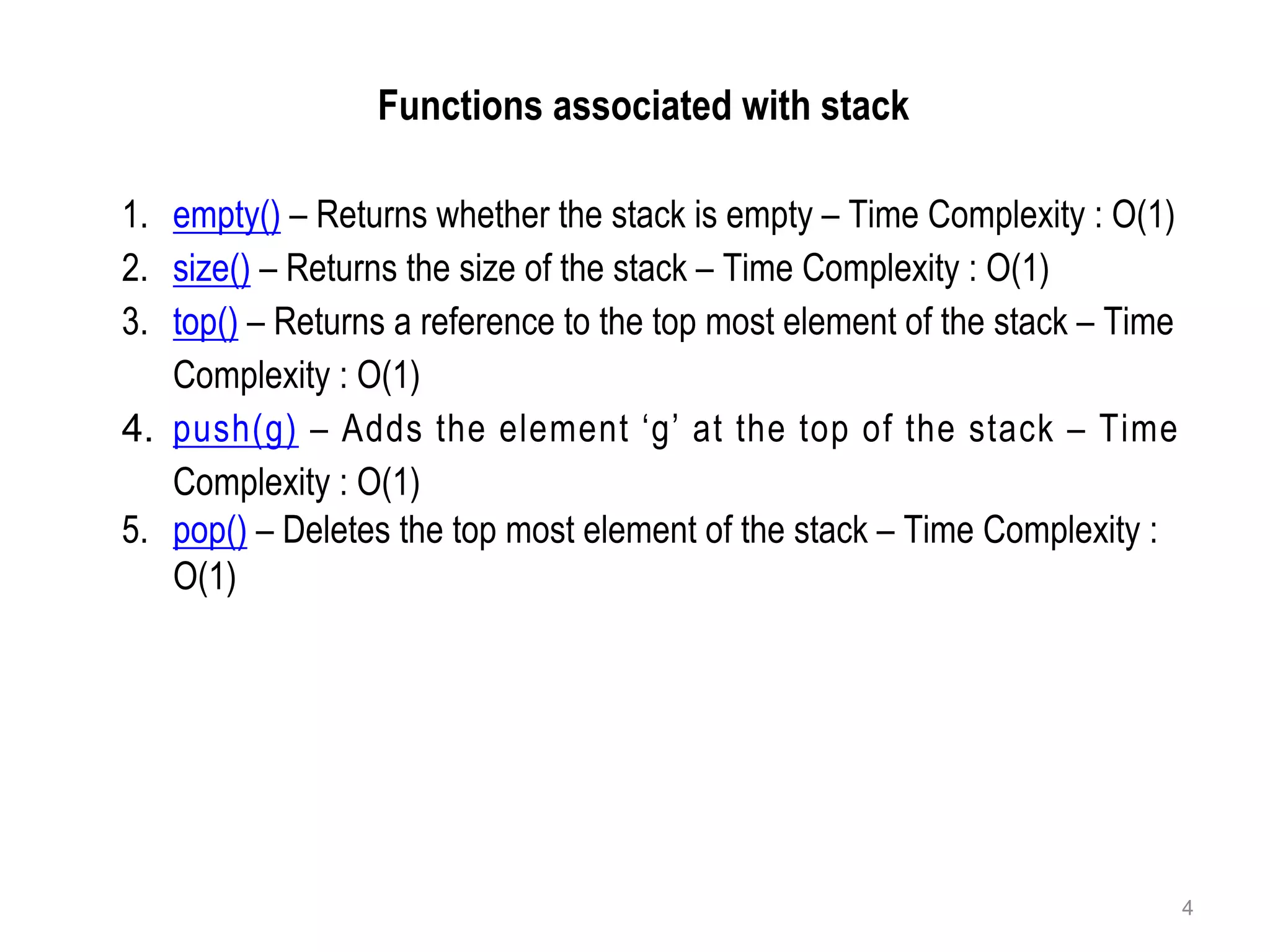
The functions associated with stack are:
Functions associated with stack
1. empty() – Returns whether the stack is empty – Time Complexity : O(1)
2. size() – Returns the size of the stack – Time Complexity : O(1)
3. top() – Returns a reference to the top most element of the stack – Time
Complexity : O(1)
4. push(g) – Adds the element ‘g’ at the top of the stack – Time
Complexity : O(1)
5. pop() – Deletes the top most element of the stack – Time Complexity :
O(1)
4
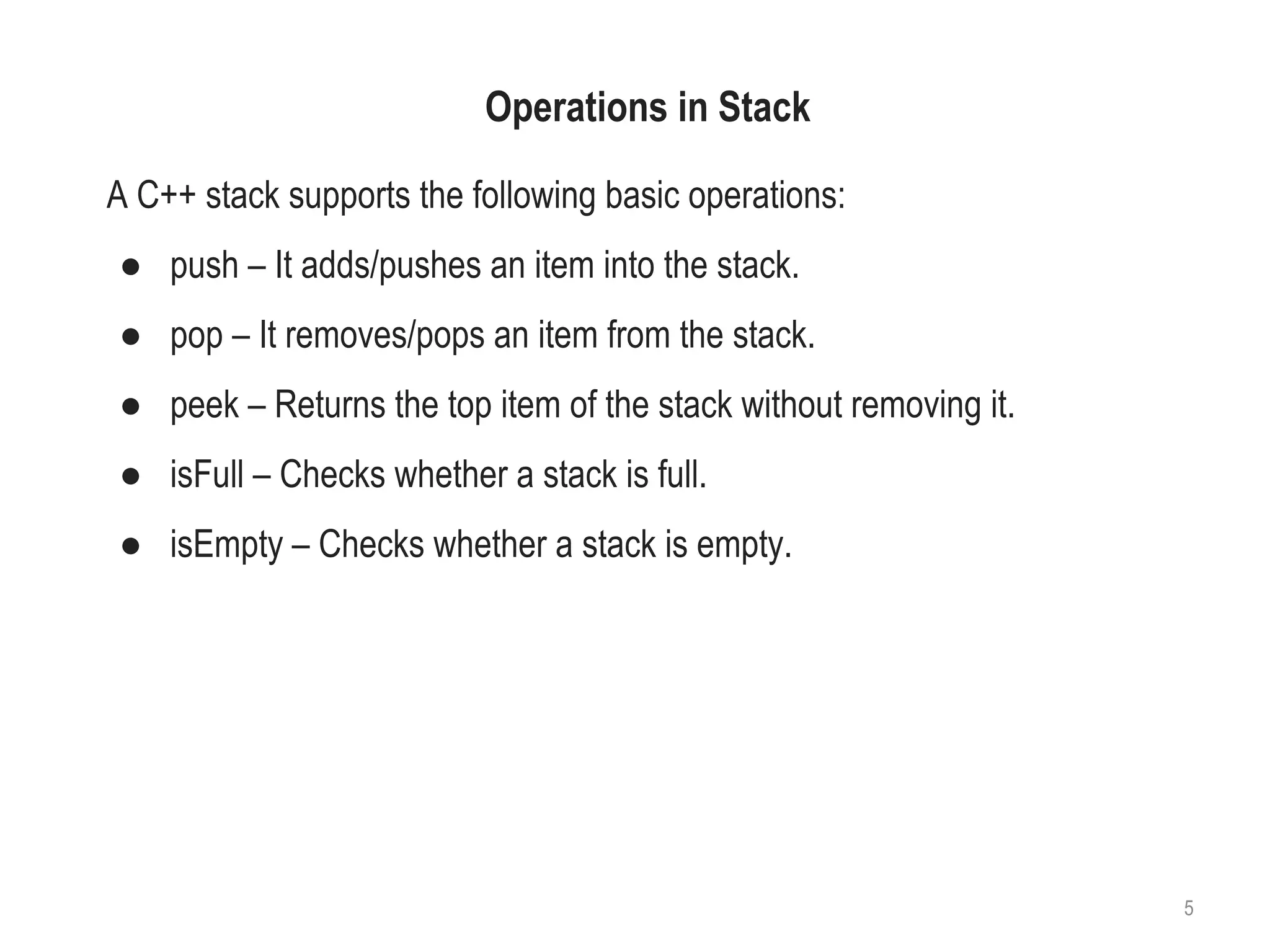
Operations in Stack
A C++ stack supports the following basic operations:
● push – It adds/pushes an item into the stack.
● pop – It removes/pops an item from the stack.
● peek – Returns the top item of the stack without removing it.
● isFull – Checks whether a stack is full.
● isEmpty – Checks whether a stack is empty.
5
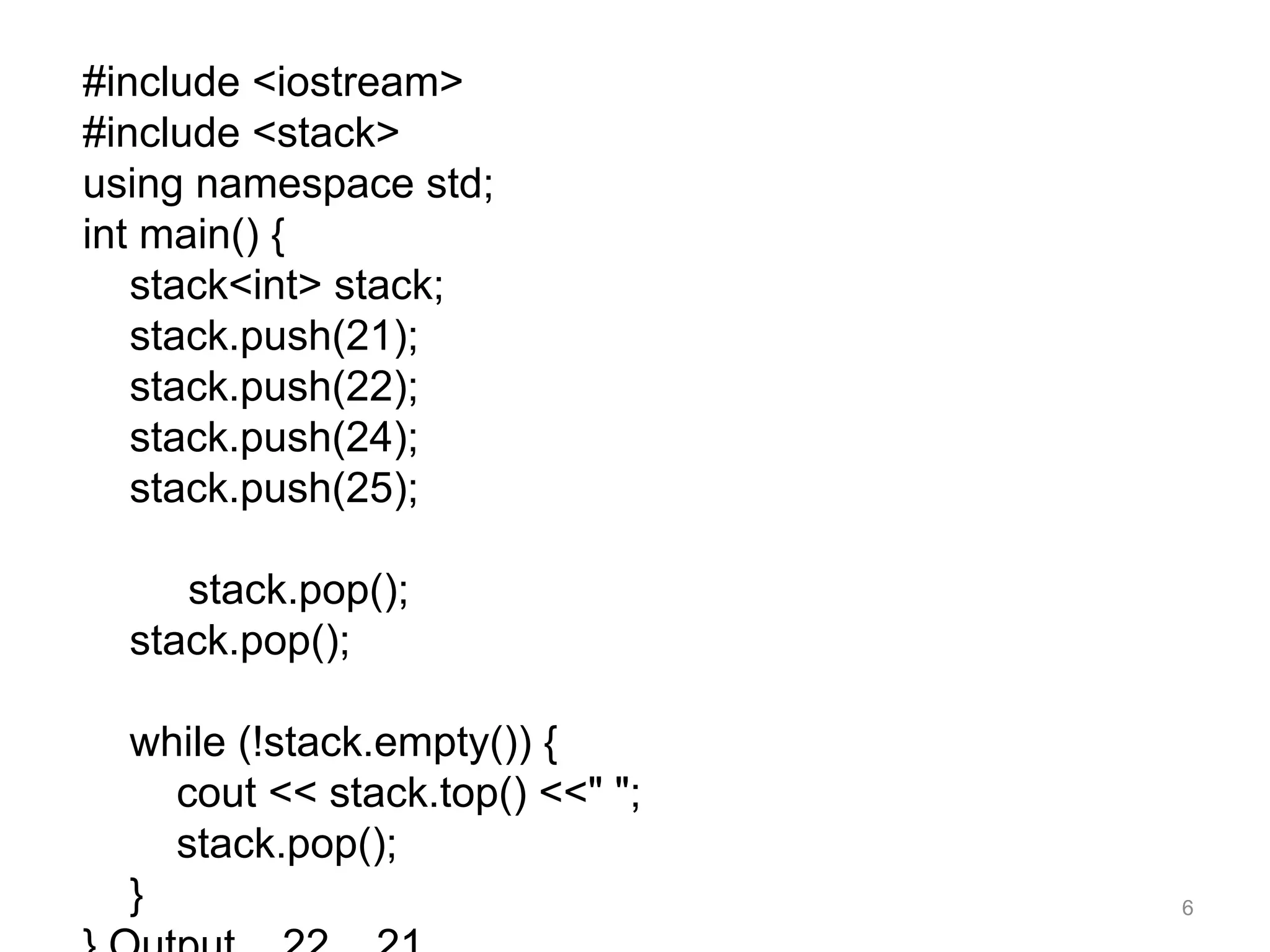
#include <iostream>
#include <stack>
using namespace std;
int main() {
stack<int> stack;
stack.push(21);
stack.push(22);
stack.push(24);
stack.push(25);
stack.pop();
stack.pop();
while (!stack.empty()) {
cout << stack.top() <<" ";
stack.pop();
} 6
7
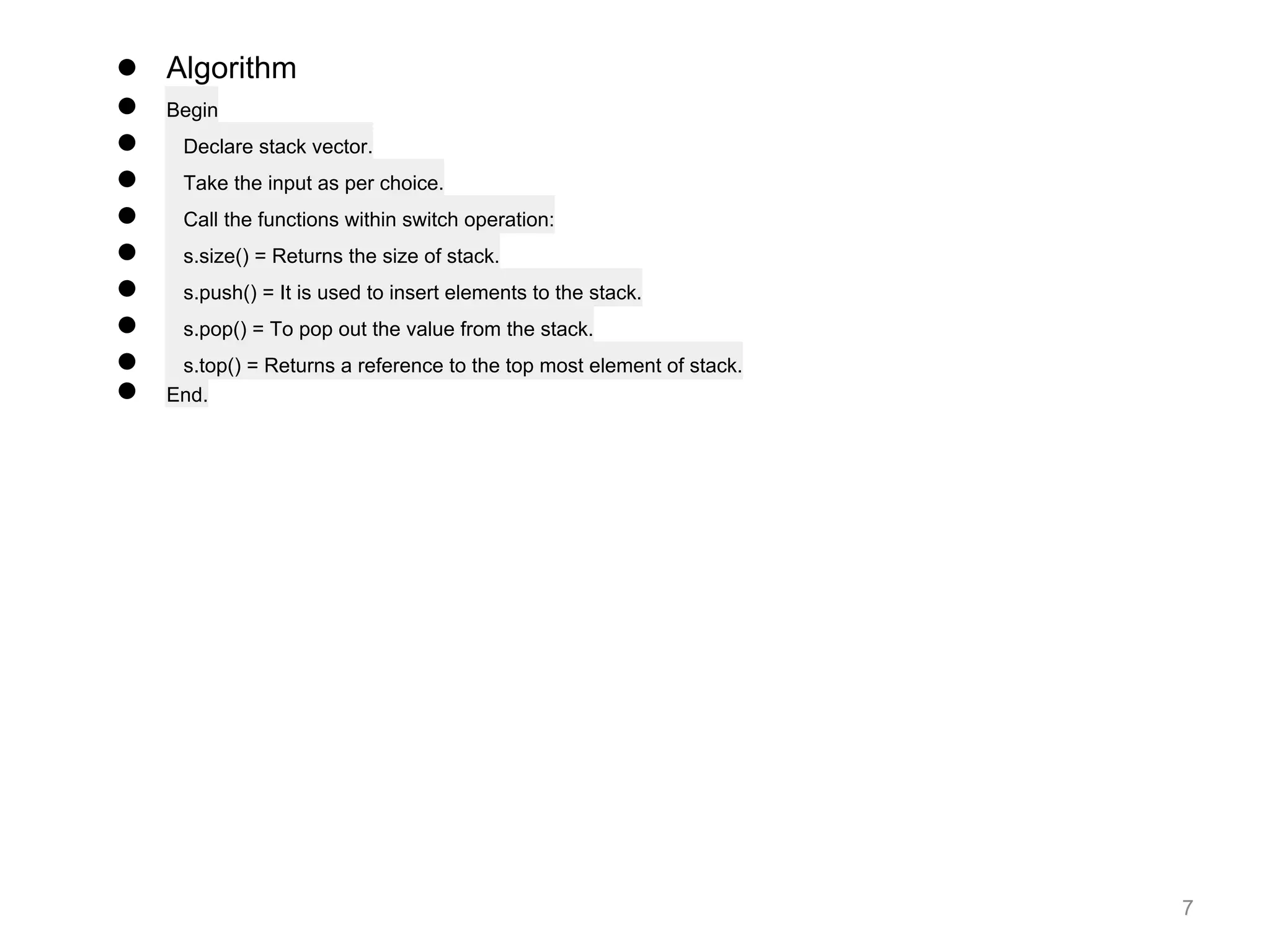
● Algorithm
● Begin
● Declare stack vector.
● Take the input as per choice.
● Call the functions within switch operation:
● s.size() = Returns the size of stack.
● s.push() = It is used to insert elements to the stack.
● s.pop() = To pop out the value from the stack.
● s.top() = Returns a reference to the top most element of stack.
● End.
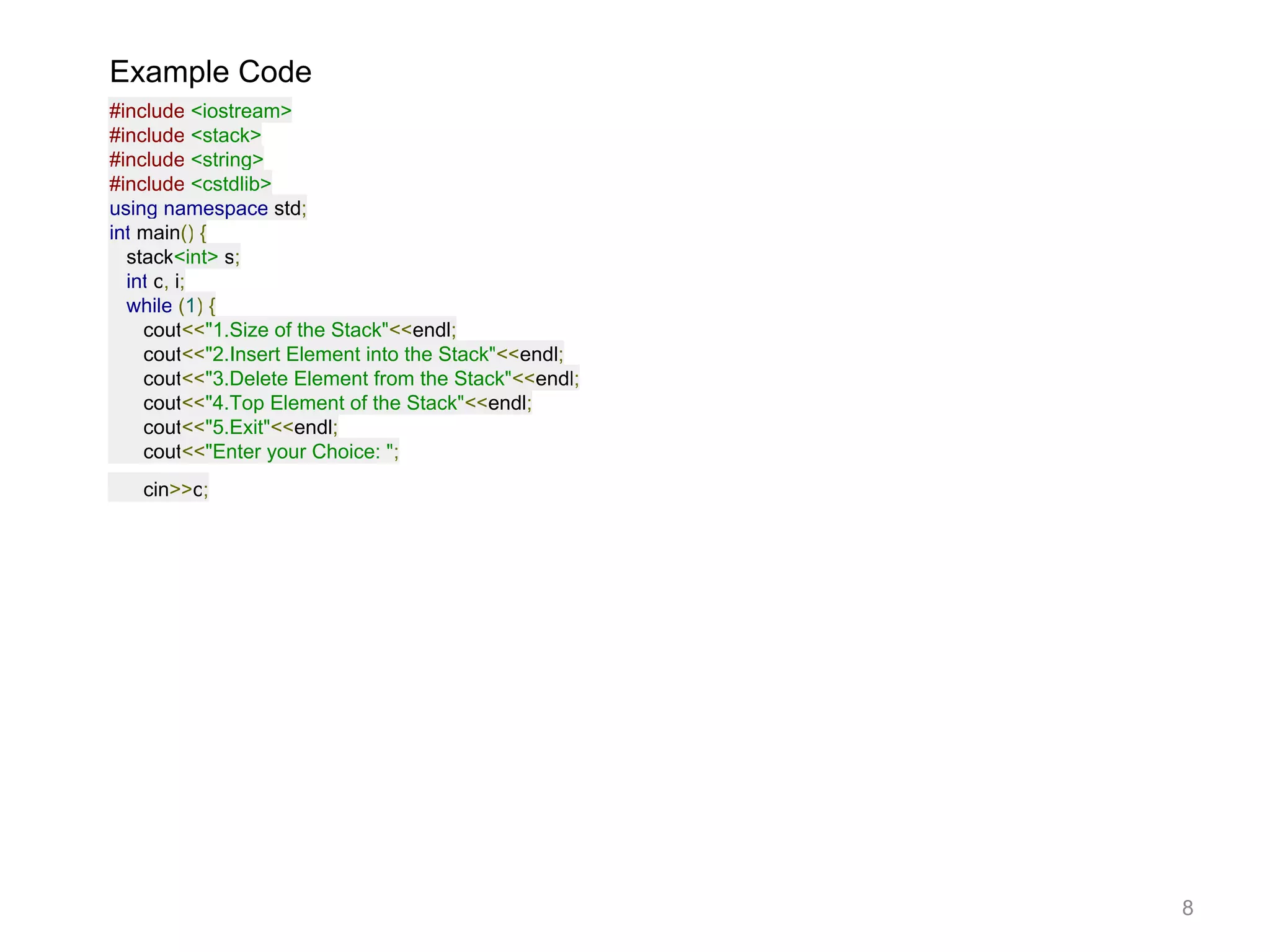
Example Code
#include <iostream>
#include <stack>
#include <string>
#include <cstdlib>
using namespace std;
int main() {
stack<int> s;
int c, i;
while (1) {
cout<<"1.Size of the Stack"<<endl;
cout<<"2.Insert Element into the Stack"<<endl;
cout<<"3.Delete Element from the Stack"<<endl;
cout<<"4.Top Element of the Stack"<<endl;
cout<<"5.Exit"<<endl;
cout<<"Enter your Choice: ";
cin>>c;
8
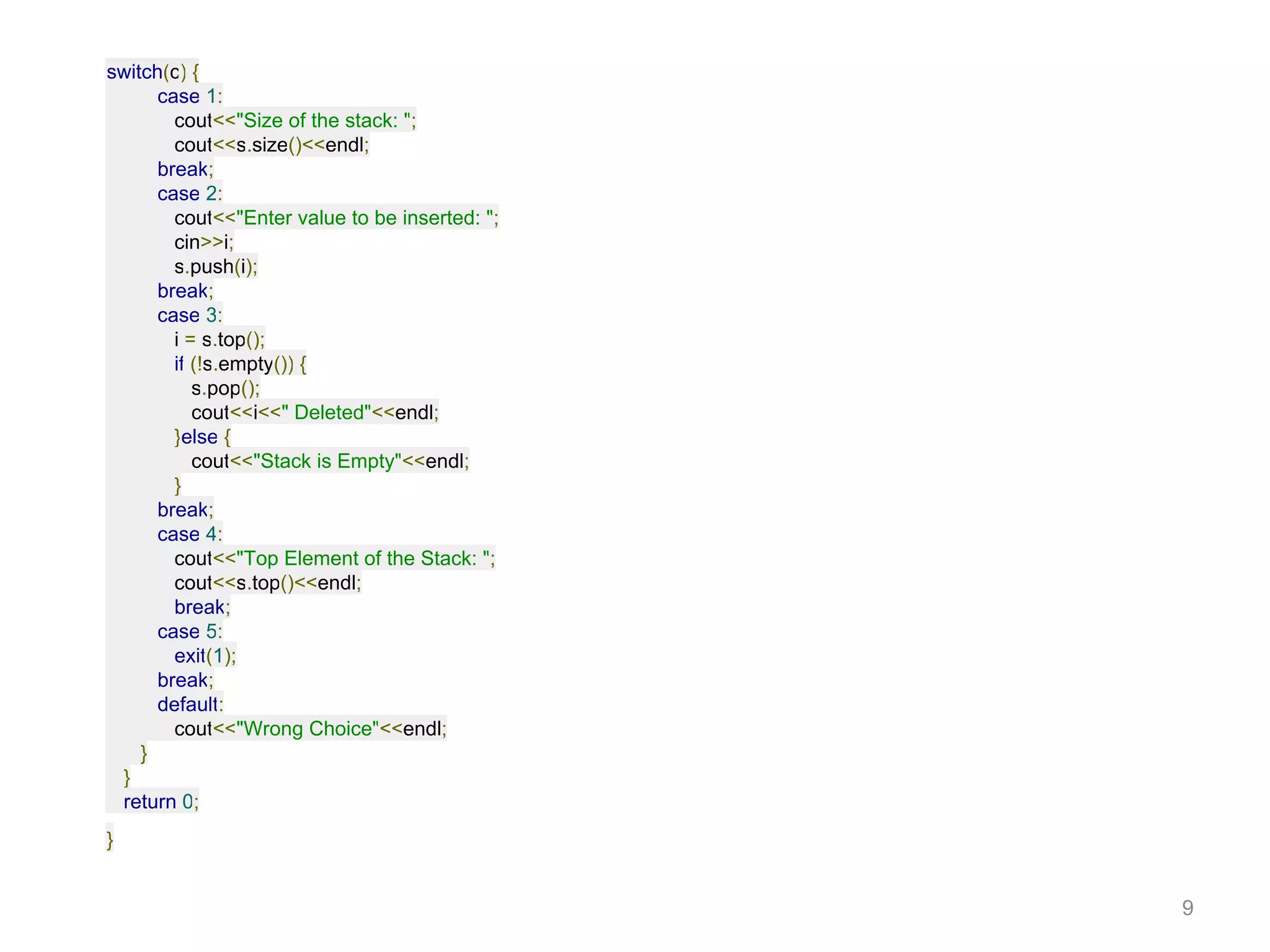
switch(c) {
case 1:
cout<<"Size of the stack: ";
cout<<s.size()<<endl;
break;
case 2:
cout<<"Enter value to be inserted: ";
cin>>i;
s.push(i);
break;
case 3:
i = s.top();
if (!s.empty()) {
s.pop();
cout<<i<<" Deleted"<<endl;
}else {
cout<<"Stack is Empty"<<endl;
}
break;
case 4:
cout<<"Top Element of the Stack: ";
cout<<s.top()<<endl;
break;
case 5:
exit(1);
break;
default:
cout<<"Wrong Choice"<<endl;
}
}
return 0;
}
9
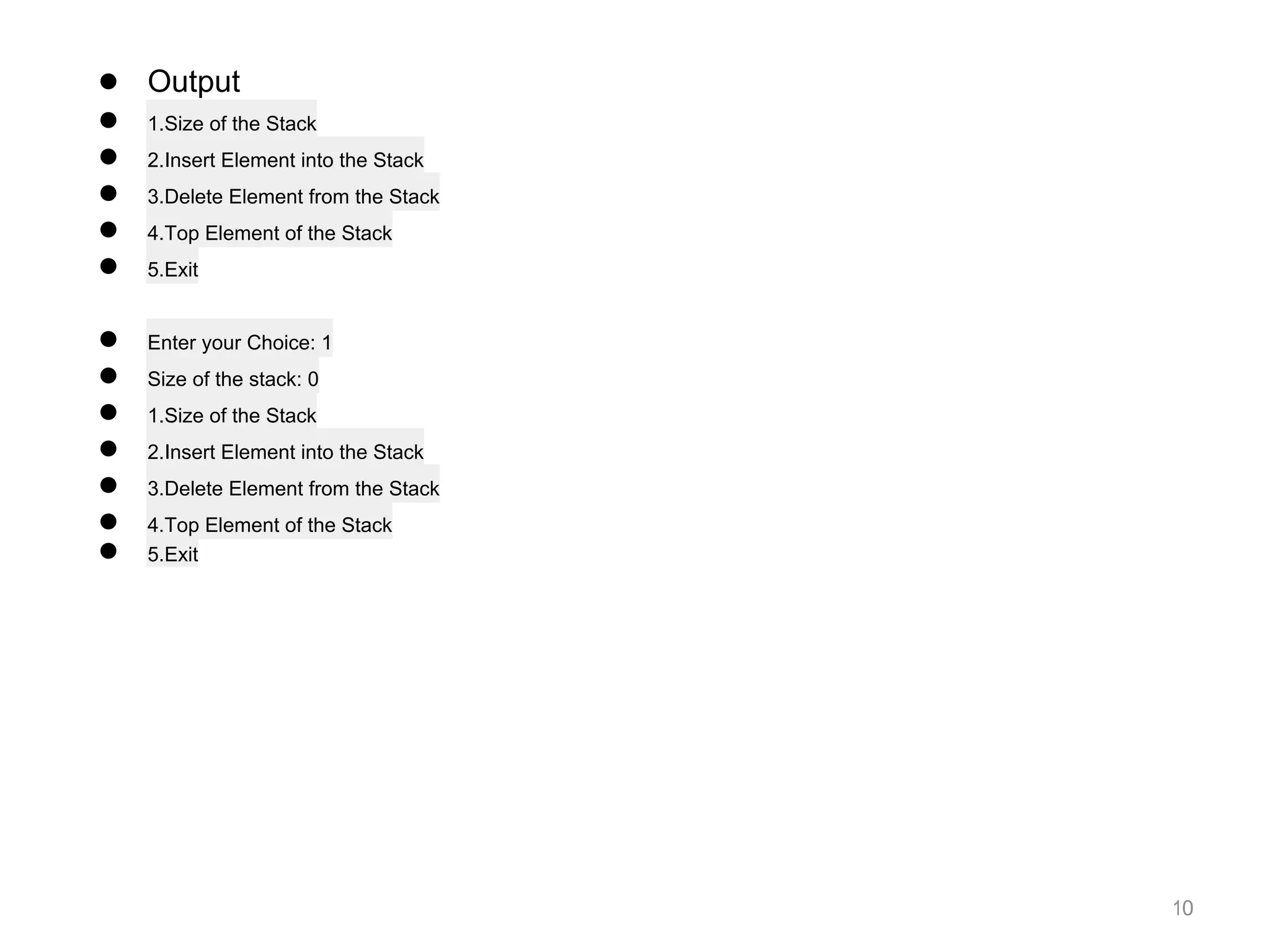
● Output
● 1.Size of the Stack
● 2.Insert Element into the Stack
● 3.Delete Element from the Stack
● 4.Top Element of the Stack
● 5.Exit
● Enter your Choice: 1
● Size of the stack: 0
● 1.Size of the Stack
● 2.Insert Element into the Stack
● 3.Delete Element from the Stack
● 4.Top Element of the Stack
● 5.Exit
10
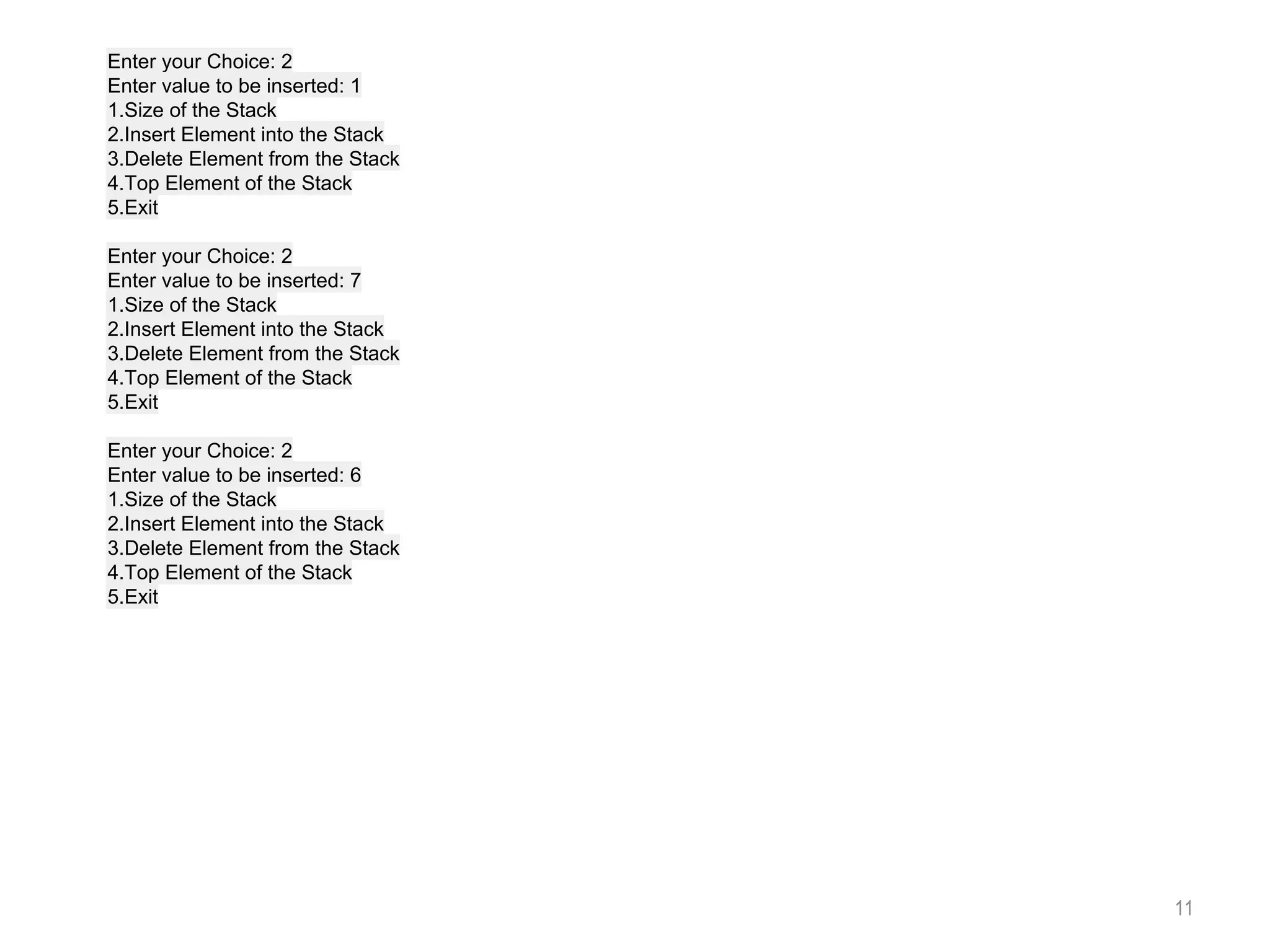
Enter your Choice: 2
Enter value to be inserted: 1
1.Size of the Stack
2.Insert Element into the Stack
3.Delete Element from the Stack
4.Top Element of the Stack
5.Exit
Enter your Choice: 2
Enter value to be inserted: 7
1.Size of the Stack
2.Insert Element into the Stack
3.Delete Element from the Stack
4.Top Element of the Stack
5.Exit
Enter your Choice: 2
Enter value to be inserted: 6
1.Size of the Stack
2.Insert Element into the Stack
3.Delete Element from the Stack
4.Top Element of the Stack
5.Exit
11

STLStack.pdf

  • 1.
    STL : Stack Preparedby Dr.S.Raja Ratna 1
  • 2.
    2 STL Stack ● Astack is a data structure that operates based on LIFO (Last In First Out) technique. The std::stack allows elements to be added and removed from one end only. ● The std::stack class is a container adapter. Container objects hold data of a similar data type. You can create a stack from various sequence containers. ● Stacks are a type of container adaptors with LIFO type of working.. ● Stack uses an encapsulated object of either vector or deque as its underlying container, providing a specific set of member functions to access its elements.
  • 3.
    3 Stack Syntax:- template <classType, class Container = deque<Type> class stack; For creating a stack, we must include the <stack> header file in our code. We then use this syntax to define the std::stack: Type – is the Type of element contained in the std::stack. It can be any valid C++ type or even a user-defined type. Container – is the Type of underlying container object. Member Types:- value_type- The first template parameter, T. It denotes the element types. container_type- The second template parameter, Container. It denotes the underlying container type. size_type- Unsigned integral type.
  • 4.
    The functions associatedwith stack are: Functions associated with stack 1. empty() – Returns whether the stack is empty – Time Complexity : O(1) 2. size() – Returns the size of the stack – Time Complexity : O(1) 3. top() – Returns a reference to the top most element of the stack – Time Complexity : O(1) 4. push(g) – Adds the element ‘g’ at the top of the stack – Time Complexity : O(1) 5. pop() – Deletes the top most element of the stack – Time Complexity : O(1) 4
  • 5.
    Operations in Stack AC++ stack supports the following basic operations: ● push – It adds/pushes an item into the stack. ● pop – It removes/pops an item from the stack. ● peek – Returns the top item of the stack without removing it. ● isFull – Checks whether a stack is full. ● isEmpty – Checks whether a stack is empty. 5
  • 6.
    #include <iostream> #include <stack> usingnamespace std; int main() { stack<int> stack; stack.push(21); stack.push(22); stack.push(24); stack.push(25); stack.pop(); stack.pop(); while (!stack.empty()) { cout << stack.top() <<" "; stack.pop(); } 6
  • 7.
    7 ● Algorithm ● Begin ●Declare stack vector. ● Take the input as per choice. ● Call the functions within switch operation: ● s.size() = Returns the size of stack. ● s.push() = It is used to insert elements to the stack. ● s.pop() = To pop out the value from the stack. ● s.top() = Returns a reference to the top most element of stack. ● End.
  • 8.
    Example Code #include <iostream> #include<stack> #include <string> #include <cstdlib> using namespace std; int main() { stack<int> s; int c, i; while (1) { cout<<"1.Size of the Stack"<<endl; cout<<"2.Insert Element into the Stack"<<endl; cout<<"3.Delete Element from the Stack"<<endl; cout<<"4.Top Element of the Stack"<<endl; cout<<"5.Exit"<<endl; cout<<"Enter your Choice: "; cin>>c; 8
  • 9.
    switch(c) { case 1: cout<<"Sizeof the stack: "; cout<<s.size()<<endl; break; case 2: cout<<"Enter value to be inserted: "; cin>>i; s.push(i); break; case 3: i = s.top(); if (!s.empty()) { s.pop(); cout<<i<<" Deleted"<<endl; }else { cout<<"Stack is Empty"<<endl; } break; case 4: cout<<"Top Element of the Stack: "; cout<<s.top()<<endl; break; case 5: exit(1); break; default: cout<<"Wrong Choice"<<endl; } } return 0; } 9
  • 10.
    ● Output ● 1.Sizeof the Stack ● 2.Insert Element into the Stack ● 3.Delete Element from the Stack ● 4.Top Element of the Stack ● 5.Exit ● Enter your Choice: 1 ● Size of the stack: 0 ● 1.Size of the Stack ● 2.Insert Element into the Stack ● 3.Delete Element from the Stack ● 4.Top Element of the Stack ● 5.Exit 10
  • 11.
    Enter your Choice:2 Enter value to be inserted: 1 1.Size of the Stack 2.Insert Element into the Stack 3.Delete Element from the Stack 4.Top Element of the Stack 5.Exit Enter your Choice: 2 Enter value to be inserted: 7 1.Size of the Stack 2.Insert Element into the Stack 3.Delete Element from the Stack 4.Top Element of the Stack 5.Exit Enter your Choice: 2 Enter value to be inserted: 6 1.Size of the Stack 2.Insert Element into the Stack 3.Delete Element from the Stack 4.Top Element of the Stack 5.Exit 11