Download to read offline


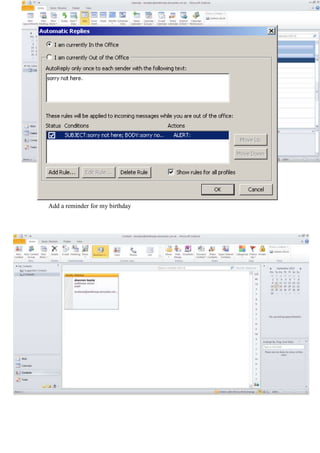
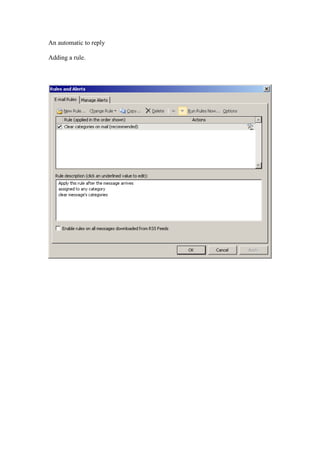
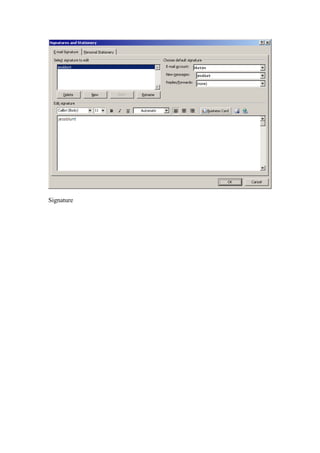
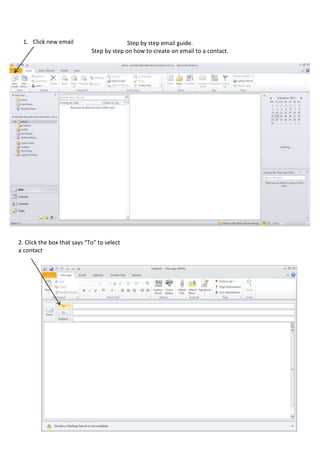
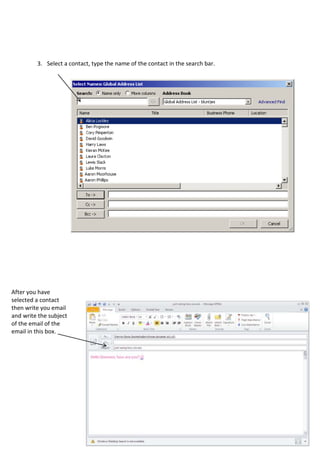
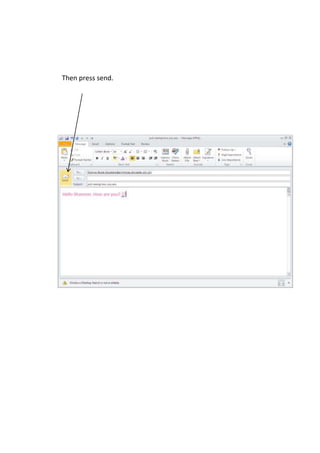
The document provides step-by-step instructions for sending an email to a contact in 6 steps: 1) click new email, 2) click the "To" box to select a contact, 3) search for and select the contact, 4) write the email, 5) add a subject line, 6) press send. The instructions are for creating a simple email to a contact with the essential steps listed in order.


![Getting Started with Apache Spark: Big Data Made Simple [Free Meetup]](https://cdn.slidesharecdn.com/ss_thumbnails/apachesparkgettingstarted-260203175547-8361bcc3-thumbnail.jpg?width=640&height=640&fit=bounds)


