CHAPTER 2
Head and Body Sections in HTML
PART 2 – Body Section in HTML
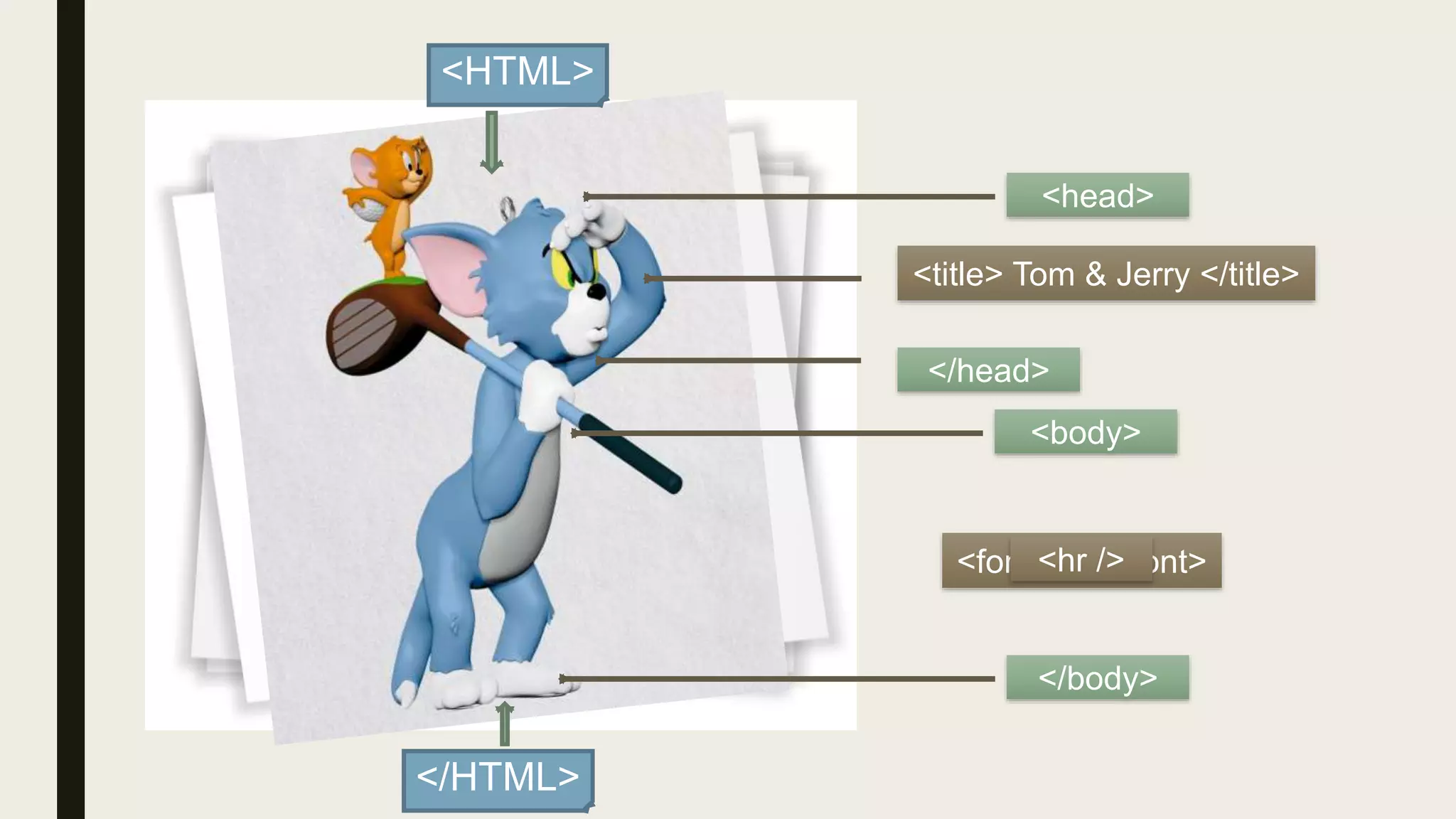
<HTML>
</HTML>
<head>
</head>
<title> Tom & Jerry </title>
<body>
</body>
<font>…..</font><hr />
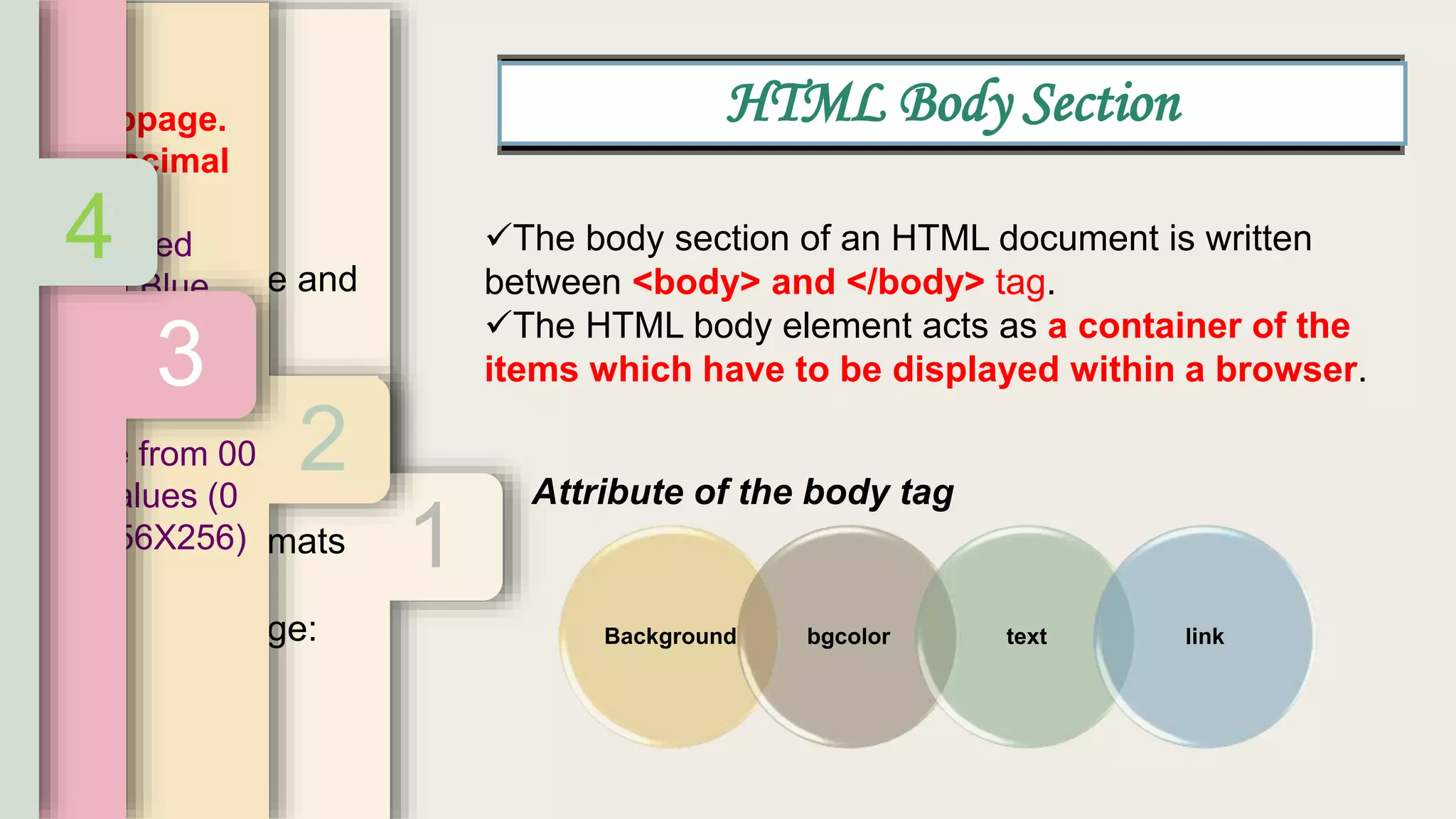
Attribute of the body tag
The body section of an HTML document is written
between <body> and </body> tag.
The HTML body element acts as a container of the
items which have to be displayed within a browser.
Background bgcolor text link
HTML Body Section
1
ground
tent on decorative and
d
ckground=“”>
ground attribute is a
ally an image file) that
ackground.
ny valid image formats
nd tiff.
background image:
“”
d”>
2
the webpage.
r hexadecimal
a is displayed
reen and Blue
three basic color
s degree from 00
of 256 values (0
(256X256X256)
3.
4
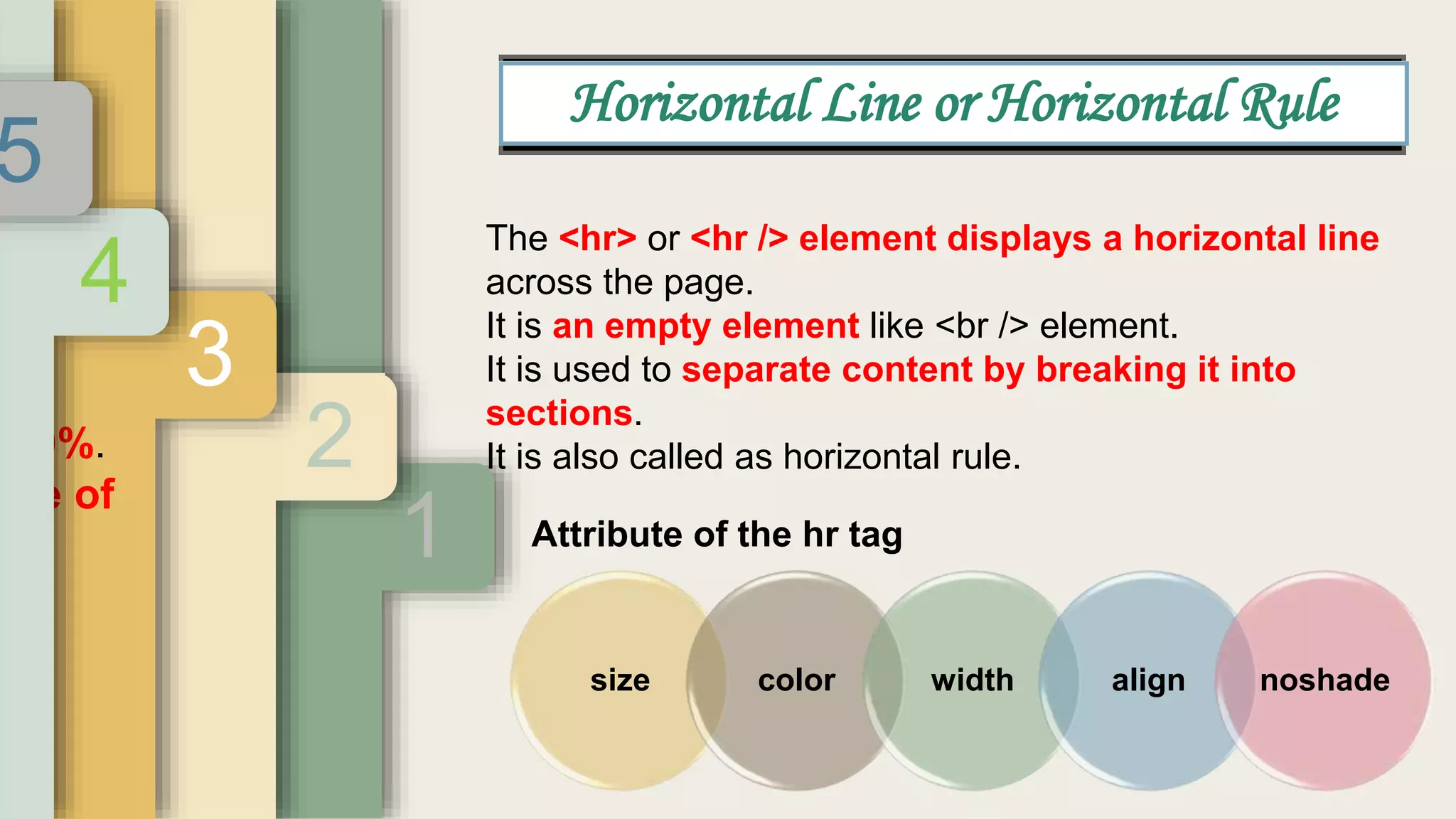
Attribute of the hr tag
The <hr> or <hr /> element displays a horizontal line
across the page.
It is an empty element like <br /> element.
It is used to separate content by breaking it into
sections.
It is also called as horizontal rule.
size color width align noshade
Horizontal Line or Horizontal Rule
1
ze
ness of the line.
pixel 2
3
100%.
age of
w.
4
5
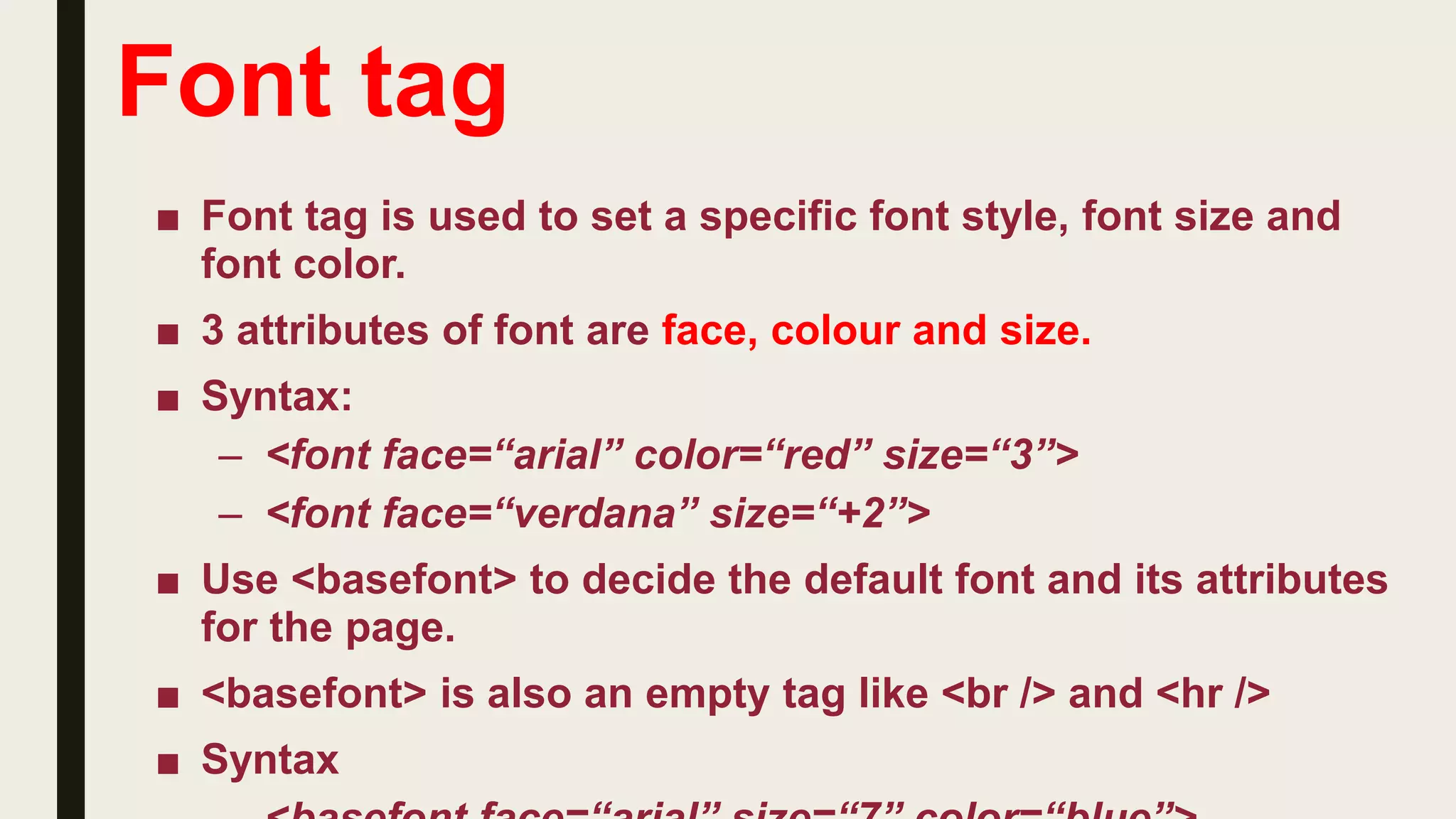
Font tag
■ Font tag is used to set a specific font style, font size and
font color.
■ 3 attributes of font are face, colour and size.
■ Syntax:
– <font face=“arial” color=“red” size=“3”>
– <font face=“verdana” size=“+2”>
■ Use <basefont> to decide the default font and its attributes
for the page.
■ <basefont> is also an empty tag like <br /> and <hr />
■ Syntax
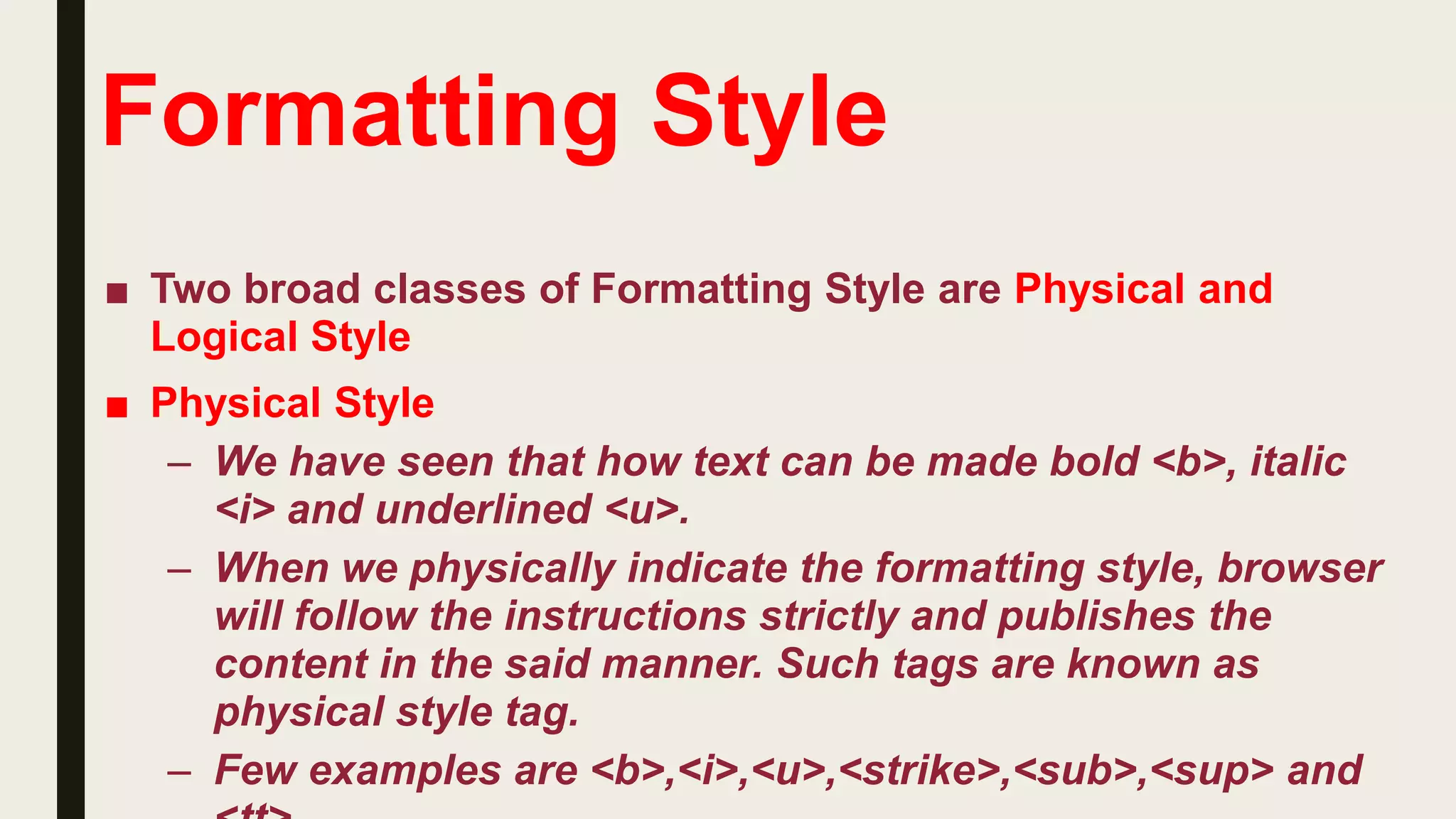
Formatting Style
■ Two broad classes of Formatting Style are Physical and
Logical Style
■ Physical Style
– We have seen that how text can be made bold <b>, italic
<i> and underlined <u>.
– When we physically indicate the formatting style, browser
will follow the instructions strictly and publishes the
content in the said manner. Such tags are known as
physical style tag.
– Few examples are <b>,<i>,<u>,<strike>,<sub>,<sup> and
Formatting Style
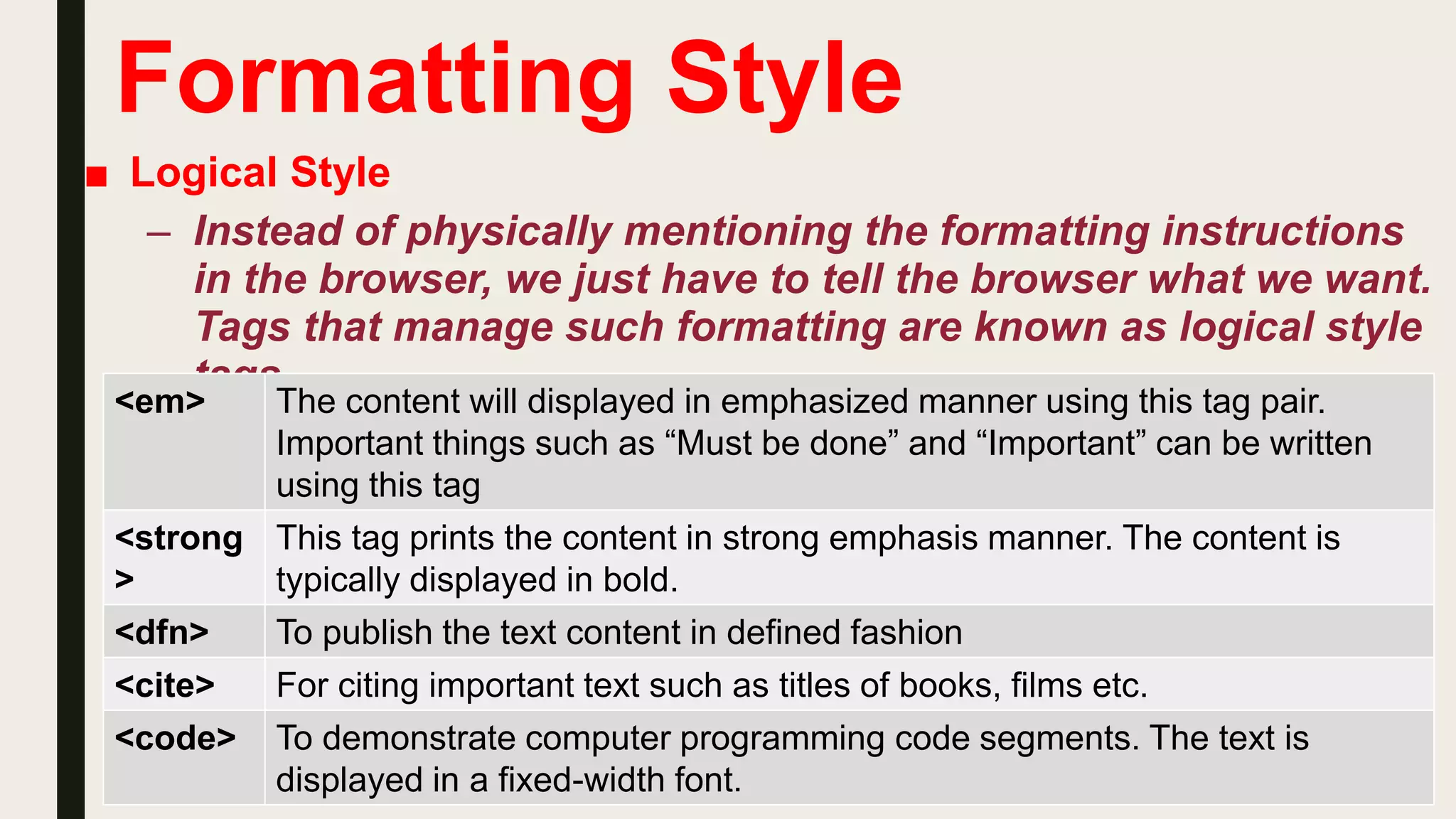
■ Logical Style
– Instead of physically mentioning the formatting instructions
in the browser, we just have to tell the browser what we want.
Tags that manage such formatting are known as logical style
tags.
<em> The content will displayed in emphasized manner using this tag pair.
Important things such as “Must be done” and “Important” can be written
using this tag
<strong
>
This tag prints the content in strong emphasis manner. The content is
typically displayed in bold.
<dfn> To publish the text content in defined fashion
<cite> For citing important text such as titles of books, films etc.
<code> To demonstrate computer programming code segments. The text is
displayed in a fixed-width font.
Std 10 Chapter 2 Head and Body Sections in HTML (Part 2- Body section)

Std 10 Chapter 2 Head and Body Sections in HTML (Part 2- Body section)

  • 1.
    CHAPTER 2 Head andBody Sections in HTML PART 2 – Body Section in HTML
  • 2.
    <HTML> </HTML> <head> </head> <title> Tom &Jerry </title> <body> </body> <font>…..</font><hr />
  • 3.
    Attribute of thebody tag The body section of an HTML document is written between <body> and </body> tag. The HTML body element acts as a container of the items which have to be displayed within a browser. Background bgcolor text link HTML Body Section 1 ground tent on decorative and d ckground=“”> ground attribute is a ally an image file) that ackground. ny valid image formats nd tiff. background image: “” d”> 2 the webpage. r hexadecimal a is displayed reen and Blue three basic color s degree from 00 of 256 values (0 (256X256X256) 3. 4
  • 4.
    Attribute of thehr tag The <hr> or <hr /> element displays a horizontal line across the page. It is an empty element like <br /> element. It is used to separate content by breaking it into sections. It is also called as horizontal rule. size color width align noshade Horizontal Line or Horizontal Rule 1 ze ness of the line. pixel 2 3 100%. age of w. 4 5
  • 5.
    Font tag ■ Fonttag is used to set a specific font style, font size and font color. ■ 3 attributes of font are face, colour and size. ■ Syntax: – <font face=“arial” color=“red” size=“3”> – <font face=“verdana” size=“+2”> ■ Use <basefont> to decide the default font and its attributes for the page. ■ <basefont> is also an empty tag like <br /> and <hr /> ■ Syntax
  • 6.
    Formatting Style ■ Twobroad classes of Formatting Style are Physical and Logical Style ■ Physical Style – We have seen that how text can be made bold <b>, italic <i> and underlined <u>. – When we physically indicate the formatting style, browser will follow the instructions strictly and publishes the content in the said manner. Such tags are known as physical style tag. – Few examples are <b>,<i>,<u>,<strike>,<sub>,<sup> and
  • 7.
    Formatting Style ■ LogicalStyle – Instead of physically mentioning the formatting instructions in the browser, we just have to tell the browser what we want. Tags that manage such formatting are known as logical style tags. <em> The content will displayed in emphasized manner using this tag pair. Important things such as “Must be done” and “Important” can be written using this tag <strong > This tag prints the content in strong emphasis manner. The content is typically displayed in bold. <dfn> To publish the text content in defined fashion <cite> For citing important text such as titles of books, films etc. <code> To demonstrate computer programming code segments. The text is displayed in a fixed-width font.