SSH tunnel-fu


NoVAH! March 2011

Vincent Batts (vbatts)
Disclaimer
●   Linux and console -centric
●   Usage Info: that is all this is, nothing more


                   NoVAH! SSH tunnel-fu - vbatts    2
Tidbit Info
●   privileged ports are up to 1023
●   ports available are up to 65535 (sizeof an int)
        –   per interface ;)


                      NoVAH! SSH tunnel-fu - vbatts   3
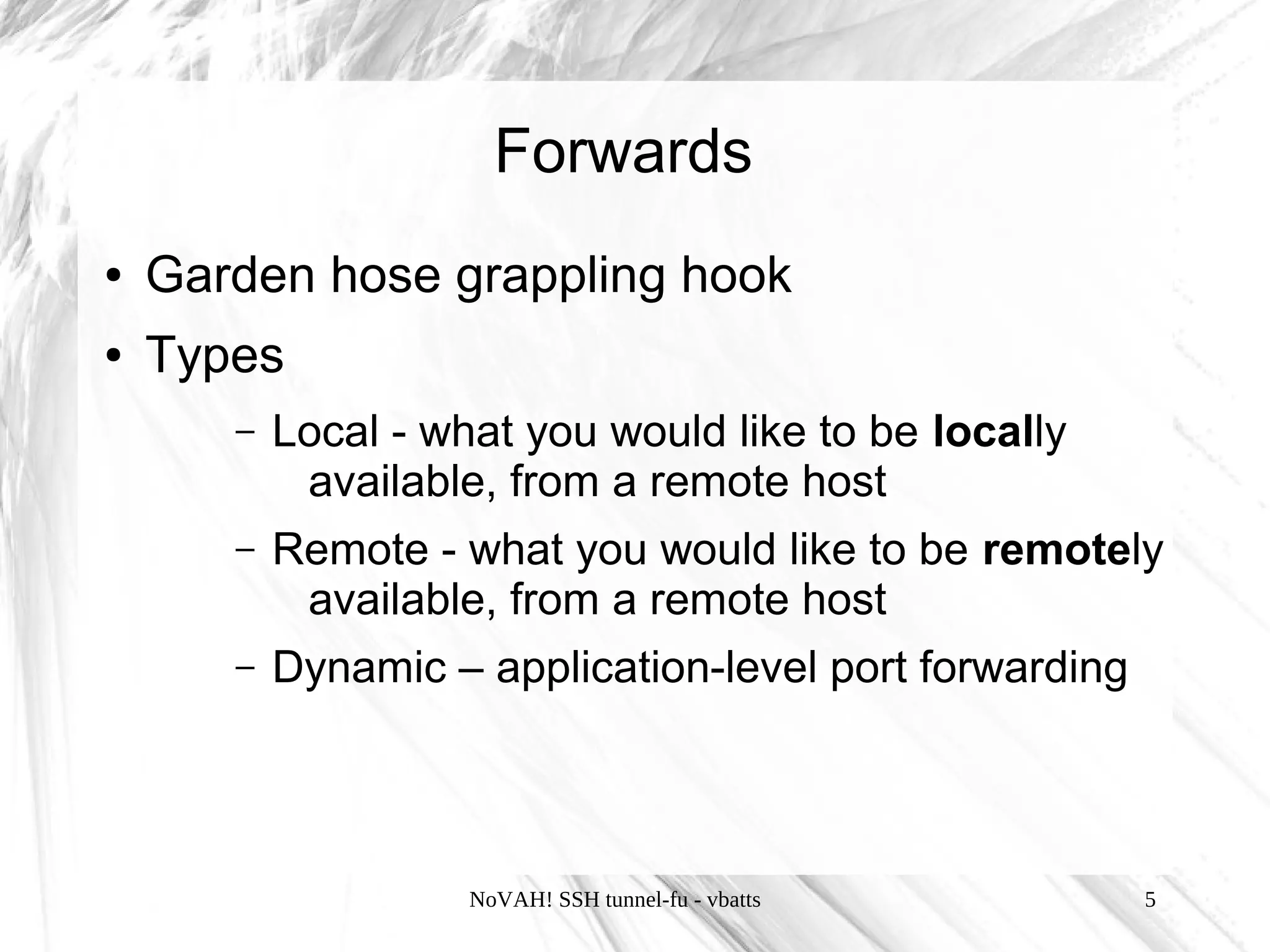
Forwards
●   Garden hose grappling hook
●   Types
       –   Local
       –   Remote
       –   Dynamic


                     NoVAH! SSH tunnel-fu - vbatts   4
Forwards
●   Garden hose grappling hook
●   Types
       –   Local - what you would like to be locally
            available, from a remote host
       –   Remote - what you would like to be remotely
            available, from a remote host
       –   Dynamic – application-level port forwarding


                     NoVAH! SSH tunnel-fu - vbatts       5
Forwards
●   Local
       –    ssh flag: -L [bind_address:]port:host:hostport
       –    ssh_config: LocalForward
●   Remote
       –    ssh flag: -R [bind_address:]port:host:hostport
       –    ssh_config: RemoteForward
●   Dynamic
       –    ssh flag: -D [bind_address:]port
       –    ssh_config: DynamicForward
       –    Currently SOCKS4 and SOCKS5 proxy allowed
                       NoVAH! SSH tunnel-fu - vbatts         6
Forwards
●   Local
       –    ssh flag: -L [bind_address:]port:host:hostport
       –    ssh_config: LocalForward
●   Remote
       –    ssh flag: -R [bind_address:]port:host:hostport
       –    ssh_config: RemoteForward
●   Dynamic
       –    ssh flag: -D [bind_address:]port
       –    ssh_config: DynamicForward
       –    Currently SOCKS4 and SOCKS5 proxy allowed
                       NoVAH! SSH tunnel-fu - vbatts         7
Forwards
●   Local
       –    ssh flag: -L [bind_address:]port:host:hostport
       –    ssh_config: LocalForward
●   Remote
       –    ssh flag: -R [bind_address:]port:host:hostport
       –    ssh_config: RemoteForward
●   Dynamic
       –    ssh flag: -D [bind_address:]port
       –    ssh_config: DynamicForward
       –    Currently SOCKS4 and SOCKS5 proxy allowed
                       NoVAH! SSH tunnel-fu - vbatts         8
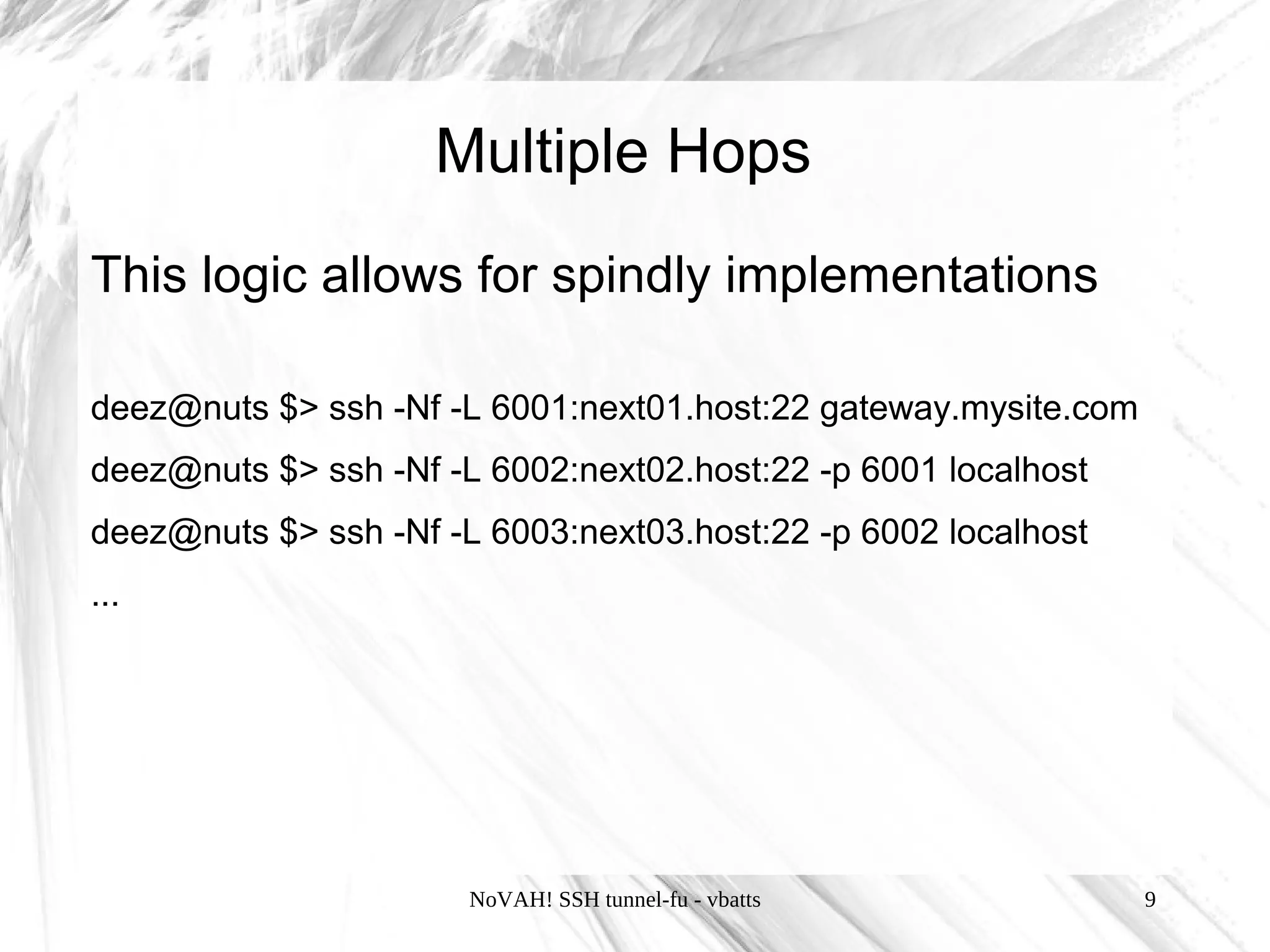
Multiple Hops
This logic allows for spindly implementations

deez@nuts $> ssh -Nf -L 6001:next01.host:22 gateway.mysite.com
deez@nuts $> ssh -Nf -L 6002:next02.host:22 -p 6001 localhost
deez@nuts $> ssh -Nf -L 6003:next03.host:22 -p 6002 localhost
...


                       NoVAH! SSH tunnel-fu - vbatts             9
In Session


~#   List forwarded connections


~C Open command line.
     Primarily for -L, -R or -D and also
       -KR[bind_address:]port


                 NoVAH! SSH tunnel-fu - vbatts   10
To loopback or not?
●   the [bind_address] can be very handy
●   default bind_address is 127.0.0.1 (localhost)
●   ADVISORY: don't forget about your firewall configuration
●   ADVISORY: privileged ports require root
●   allows a local system to serve local traffic to a remote
    destination
    deez@lappy $> ssh -L0.0.0.0:3389:winderz.nuts.lan gateway.nuts.com


                         NoVAH! SSH tunnel-fu - vbatts              11
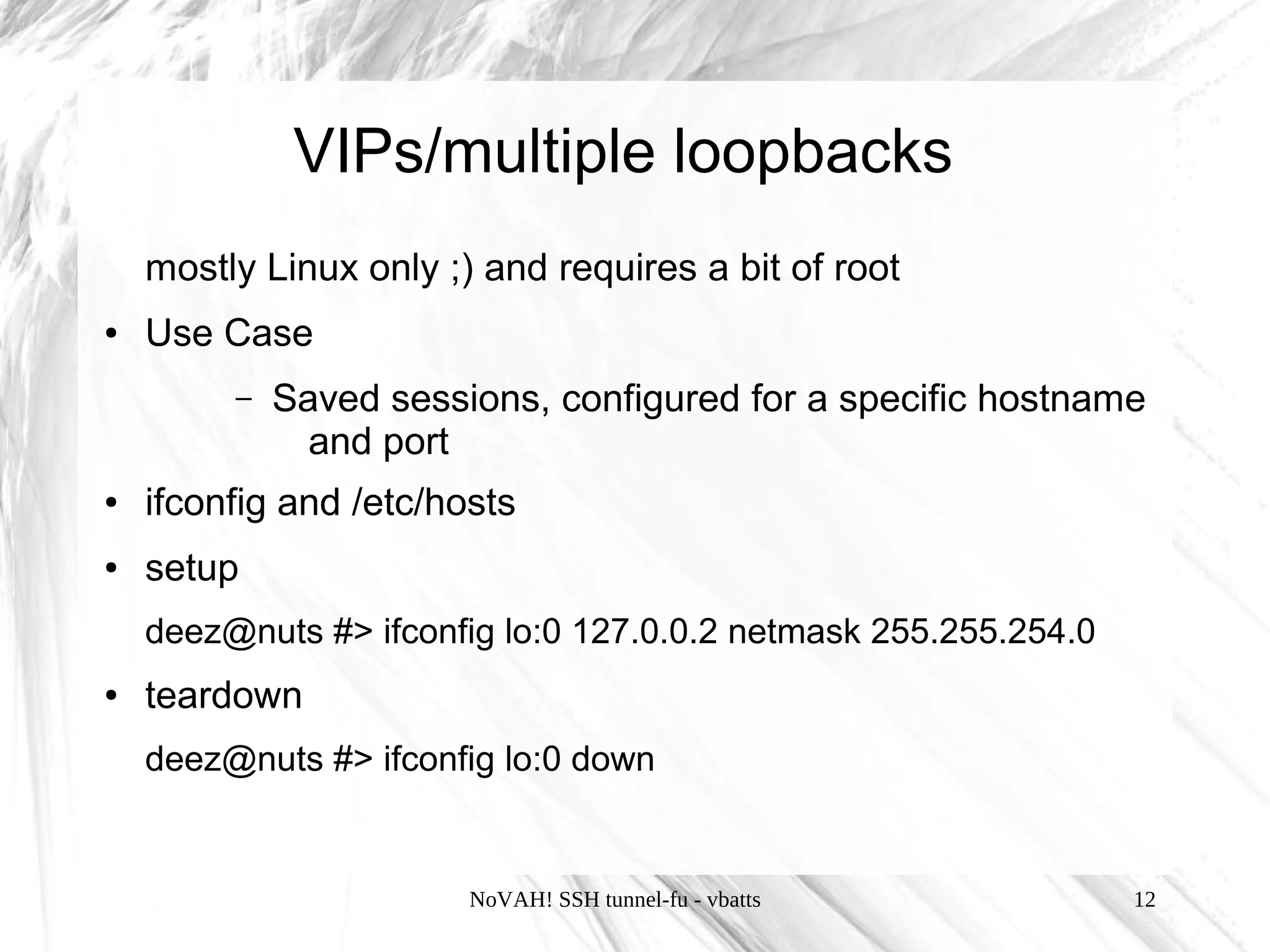
VIPs/multiple loopbacks
    mostly Linux only ;) and requires a bit of root
●   Use Case
         –   Saved sessions, configured for a specific hostname
               and port
●   ifconfig and /etc/hosts
●   setup
    deez@nuts #> ifconfig lo:0 127.0.0.2 netmask 255.255.254.0
●   teardown
    deez@nuts #> ifconfig lo:0 down


                        NoVAH! SSH tunnel-fu - vbatts            12
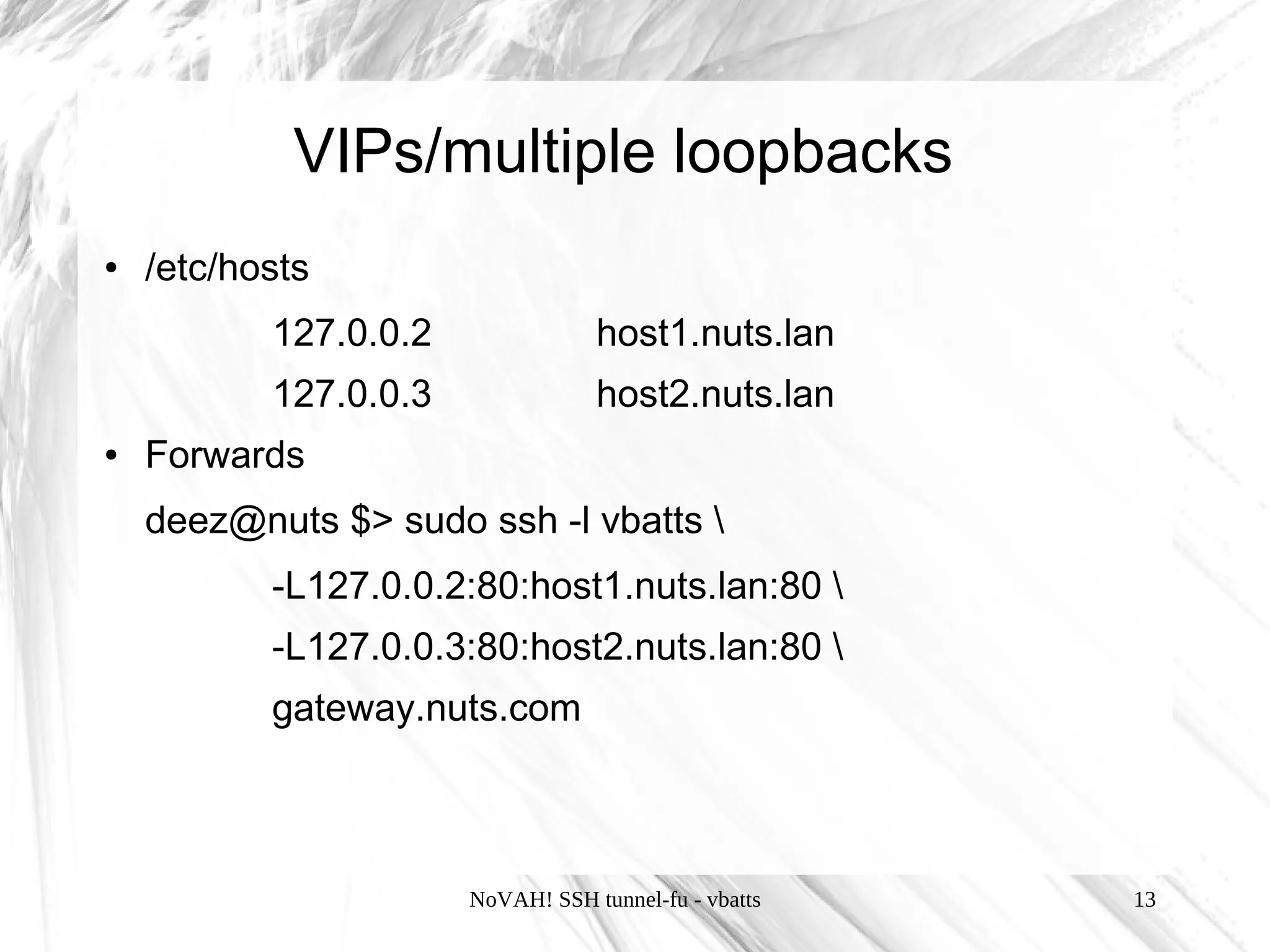
VIPs/multiple loopbacks
●   /etc/hosts
           127.0.0.2               host1.nuts.lan
           127.0.0.3               host2.nuts.lan
●   Forwards
    deez@nuts $> sudo ssh -l vbatts 
           -L127.0.0.2:80:host1.nuts.lan:80 
           -L127.0.0.3:80:host2.nuts.lan:80 
           gateway.nuts.com


                       NoVAH! SSH tunnel-fu - vbatts   13
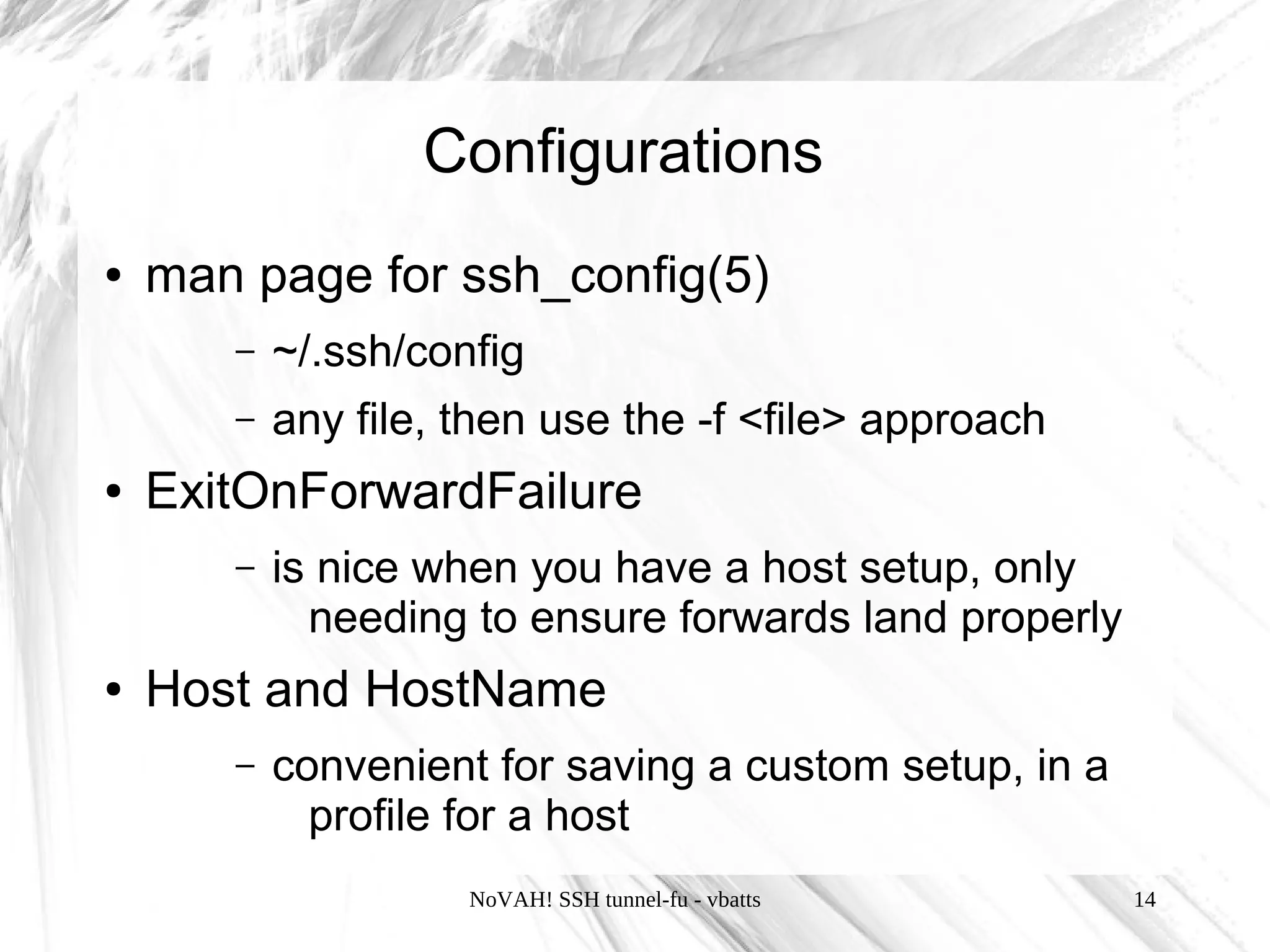
Configurations
●   man page for ssh_config(5)
       –   ~/.ssh/config
       –   any file, then use the -f <file> approach
●   ExitOnForwardFailure
       –   is nice when you have a host setup, only
             needing to ensure forwards land properly
●   Host and HostName
       –   convenient for saving a custom setup, in a
             profile for a host
                     NoVAH! SSH tunnel-fu - vbatts      14
Proxying
●   Privoxy
    deez@lappy $> ssh -L8118:localhost:8118 myhome.dyndns.org
●   DNS Leakage :(
         –   Frequent and common
         –   [insert tor here]
                  ●   The Onion Router and helpers like torsocks
                       allow anonymized, encrypted and DNS leak-
                       safe traffic for a host of applications
                          –   https://www.torproject.org/
                          –   http://torsocks.googlecode.com/

                          NoVAH! SSH tunnel-fu - vbatts         15
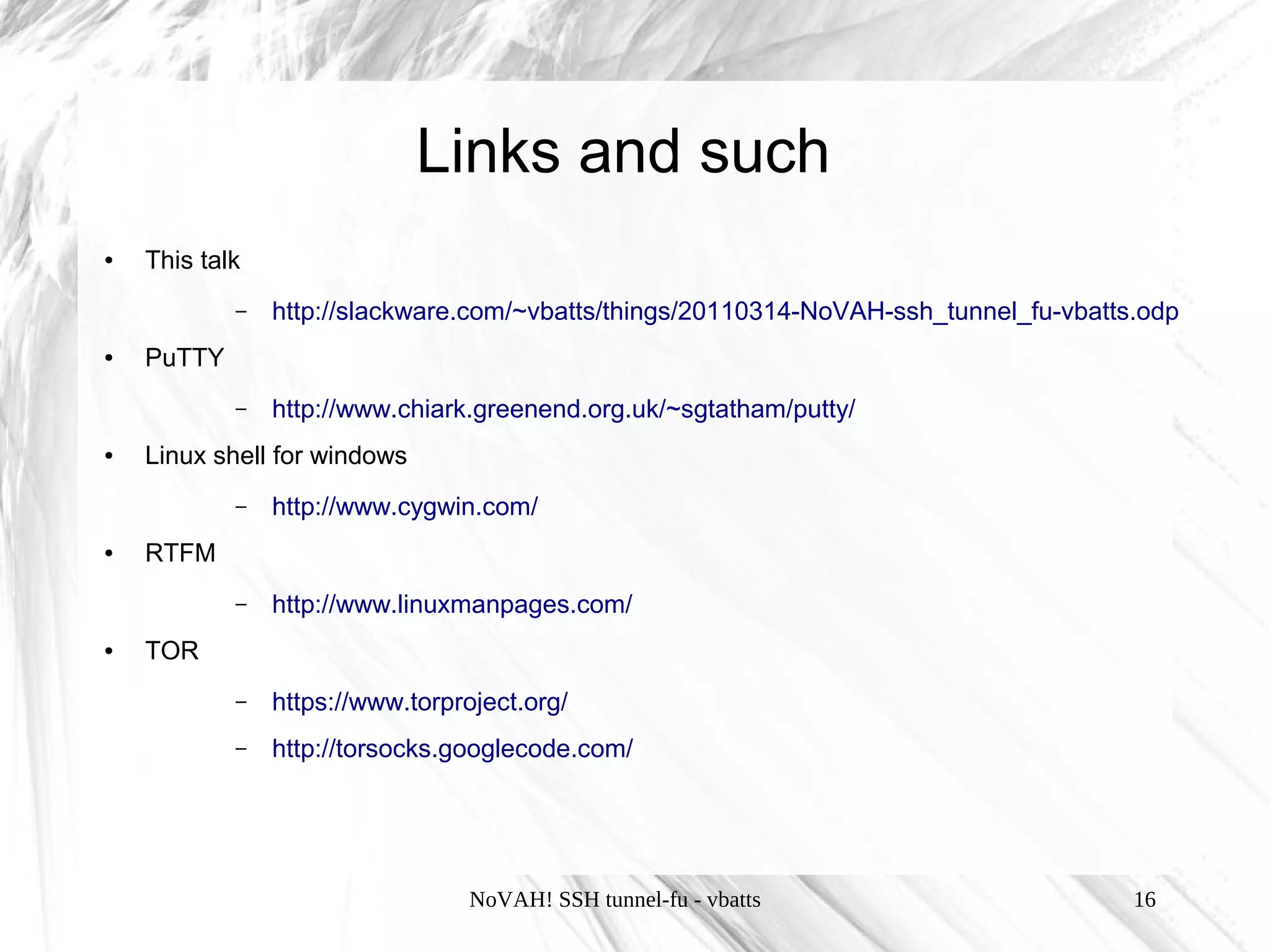
Links and such
●   This talk
            –   http://slackware.com/~vbatts/things/20110314-NoVAH-ssh_tunnel_fu-vbatts.odp
●   PuTTY
            –   http://www.chiark.greenend.org.uk/~sgtatham/putty/
●   Linux shell for windows
            –   http://www.cygwin.com/
●   RTFM
            –   http://www.linuxmanpages.com/
●   TOR
            –   https://www.torproject.org/
            –   http://torsocks.googlecode.com/


                                  NoVAH! SSH tunnel-fu - vbatts                        16

SSH Tunnel-Fu [NoVaH 2011]

  • 1.
    SSH tunnel-fu NoVAH! March2011 Vincent Batts (vbatts)
  • 2.
    Disclaimer ● Linux and console -centric ● Usage Info: that is all this is, nothing more NoVAH! SSH tunnel-fu - vbatts 2
  • 3.
    Tidbit Info ● privileged ports are up to 1023 ● ports available are up to 65535 (sizeof an int) – per interface ;) NoVAH! SSH tunnel-fu - vbatts 3
  • 4.
    Forwards ● Garden hose grappling hook ● Types – Local – Remote – Dynamic NoVAH! SSH tunnel-fu - vbatts 4
  • 5.
    Forwards ● Garden hose grappling hook ● Types – Local - what you would like to be locally available, from a remote host – Remote - what you would like to be remotely available, from a remote host – Dynamic – application-level port forwarding NoVAH! SSH tunnel-fu - vbatts 5
  • 6.
    Forwards ● Local – ssh flag: -L [bind_address:]port:host:hostport – ssh_config: LocalForward ● Remote – ssh flag: -R [bind_address:]port:host:hostport – ssh_config: RemoteForward ● Dynamic – ssh flag: -D [bind_address:]port – ssh_config: DynamicForward – Currently SOCKS4 and SOCKS5 proxy allowed NoVAH! SSH tunnel-fu - vbatts 6
  • 7.
    Forwards ● Local – ssh flag: -L [bind_address:]port:host:hostport – ssh_config: LocalForward ● Remote – ssh flag: -R [bind_address:]port:host:hostport – ssh_config: RemoteForward ● Dynamic – ssh flag: -D [bind_address:]port – ssh_config: DynamicForward – Currently SOCKS4 and SOCKS5 proxy allowed NoVAH! SSH tunnel-fu - vbatts 7
  • 8.
    Forwards ● Local – ssh flag: -L [bind_address:]port:host:hostport – ssh_config: LocalForward ● Remote – ssh flag: -R [bind_address:]port:host:hostport – ssh_config: RemoteForward ● Dynamic – ssh flag: -D [bind_address:]port – ssh_config: DynamicForward – Currently SOCKS4 and SOCKS5 proxy allowed NoVAH! SSH tunnel-fu - vbatts 8
  • 9.
    Multiple Hops This logicallows for spindly implementations deez@nuts $> ssh -Nf -L 6001:next01.host:22 gateway.mysite.com deez@nuts $> ssh -Nf -L 6002:next02.host:22 -p 6001 localhost deez@nuts $> ssh -Nf -L 6003:next03.host:22 -p 6002 localhost ... NoVAH! SSH tunnel-fu - vbatts 9
  • 10.
    In Session ~# List forwarded connections ~C Open command line. Primarily for -L, -R or -D and also -KR[bind_address:]port NoVAH! SSH tunnel-fu - vbatts 10
  • 11.
    To loopback ornot? ● the [bind_address] can be very handy ● default bind_address is 127.0.0.1 (localhost) ● ADVISORY: don't forget about your firewall configuration ● ADVISORY: privileged ports require root ● allows a local system to serve local traffic to a remote destination deez@lappy $> ssh -L0.0.0.0:3389:winderz.nuts.lan gateway.nuts.com NoVAH! SSH tunnel-fu - vbatts 11
  • 12.
    VIPs/multiple loopbacks mostly Linux only ;) and requires a bit of root ● Use Case – Saved sessions, configured for a specific hostname and port ● ifconfig and /etc/hosts ● setup deez@nuts #> ifconfig lo:0 127.0.0.2 netmask 255.255.254.0 ● teardown deez@nuts #> ifconfig lo:0 down NoVAH! SSH tunnel-fu - vbatts 12
  • 13.
    VIPs/multiple loopbacks ● /etc/hosts 127.0.0.2 host1.nuts.lan 127.0.0.3 host2.nuts.lan ● Forwards deez@nuts $> sudo ssh -l vbatts -L127.0.0.2:80:host1.nuts.lan:80 -L127.0.0.3:80:host2.nuts.lan:80 gateway.nuts.com NoVAH! SSH tunnel-fu - vbatts 13
  • 14.
    Configurations ● man page for ssh_config(5) – ~/.ssh/config – any file, then use the -f <file> approach ● ExitOnForwardFailure – is nice when you have a host setup, only needing to ensure forwards land properly ● Host and HostName – convenient for saving a custom setup, in a profile for a host NoVAH! SSH tunnel-fu - vbatts 14
  • 15.
    Proxying ● Privoxy deez@lappy $> ssh -L8118:localhost:8118 myhome.dyndns.org ● DNS Leakage :( – Frequent and common – [insert tor here] ● The Onion Router and helpers like torsocks allow anonymized, encrypted and DNS leak- safe traffic for a host of applications – https://www.torproject.org/ – http://torsocks.googlecode.com/ NoVAH! SSH tunnel-fu - vbatts 15
  • 16.
    Links and such ● This talk – http://slackware.com/~vbatts/things/20110314-NoVAH-ssh_tunnel_fu-vbatts.odp ● PuTTY – http://www.chiark.greenend.org.uk/~sgtatham/putty/ ● Linux shell for windows – http://www.cygwin.com/ ● RTFM – http://www.linuxmanpages.com/ ● TOR – https://www.torproject.org/ – http://torsocks.googlecode.com/ NoVAH! SSH tunnel-fu - vbatts 16