Azure Functions In The Real
World: Lessons Learned & Best
Practices
SharePoint Fest Seattle 2018
By: Vincent Biret
Passionate about technologies, development and community
Vincent Biret
@baywet
bit.ly/vince365
Microsoft Office Dev MVP
Azure and Office 365 developer @ 2toLead
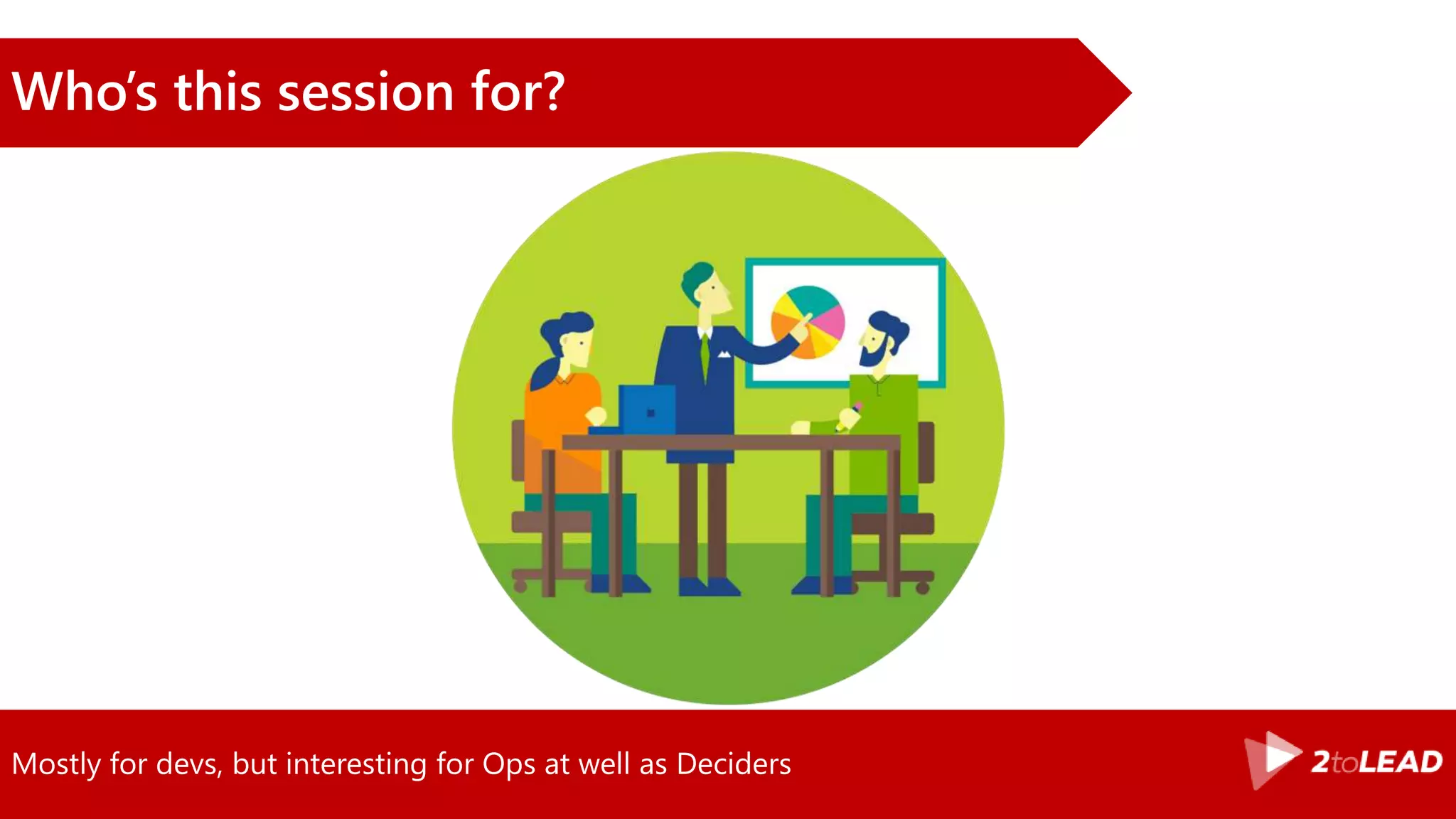
Mostly for devs, but interesting for Ops at well as Deciders
Who’s this session for?
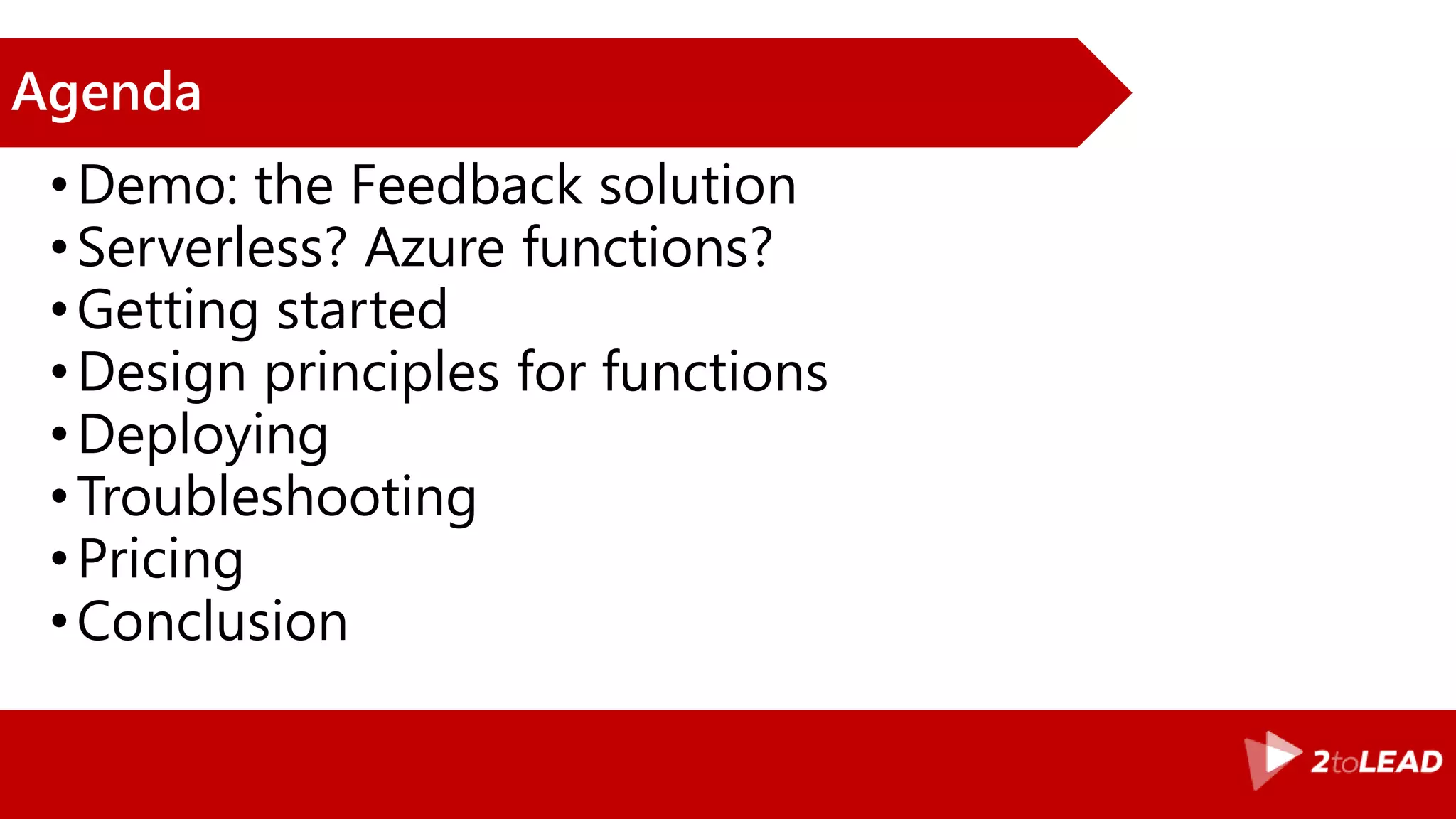
Agenda
•Demo: the Feedback solution
•Serverless? Azure functions?
•Getting started
•Design principles for functions
•Deploying
•Troubleshooting
•Pricing
•Conclusion
Ready?
The
Feedback
Solution
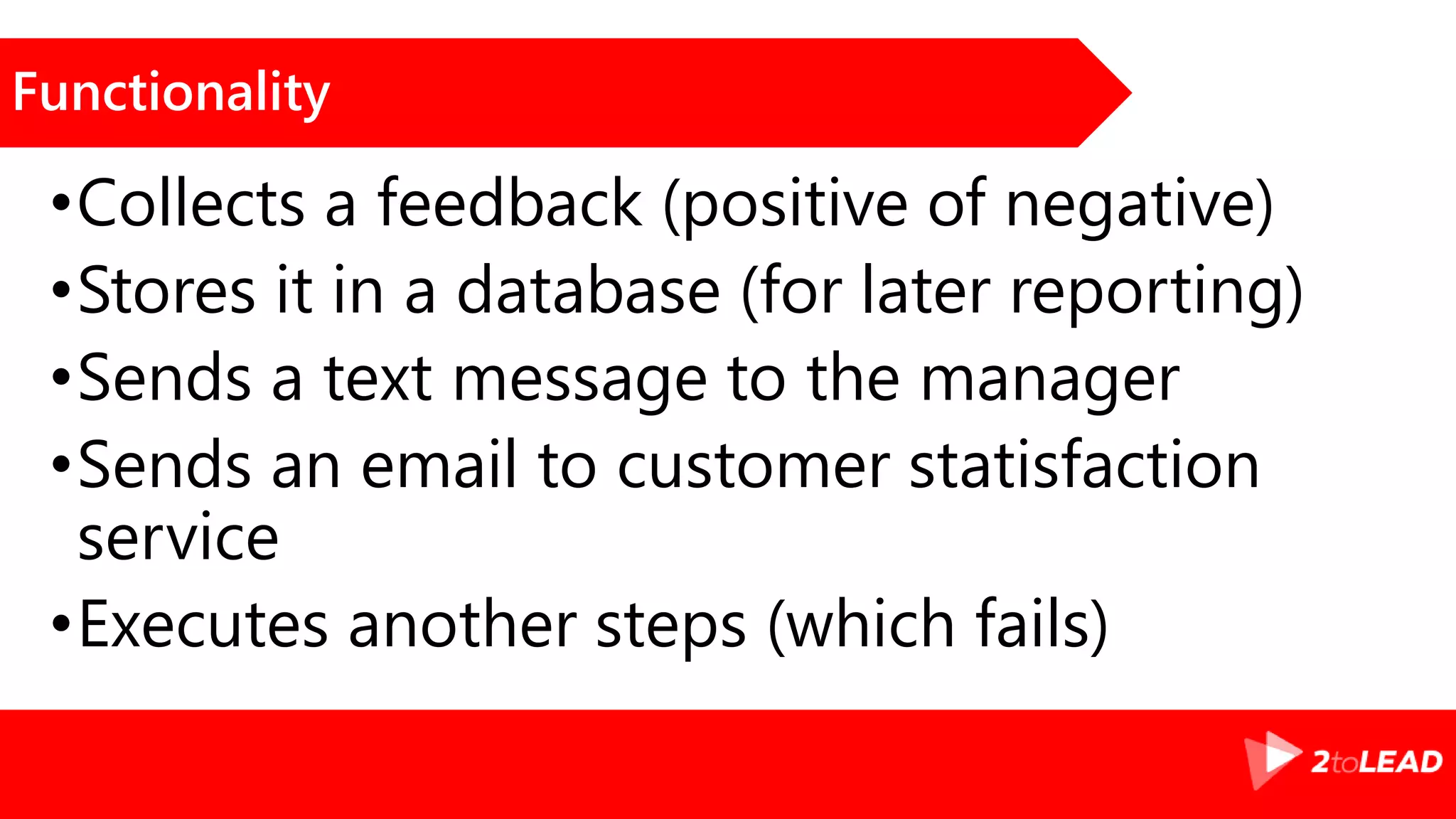
Functionality
•Collects a feedback (positive of negative)
•Stores it in a database (for later reporting)
•Sends a text message to the manager
•Sends an email to customer statisfaction
service
•Executes another steps (which fails)
The feedback solution in action
Demo
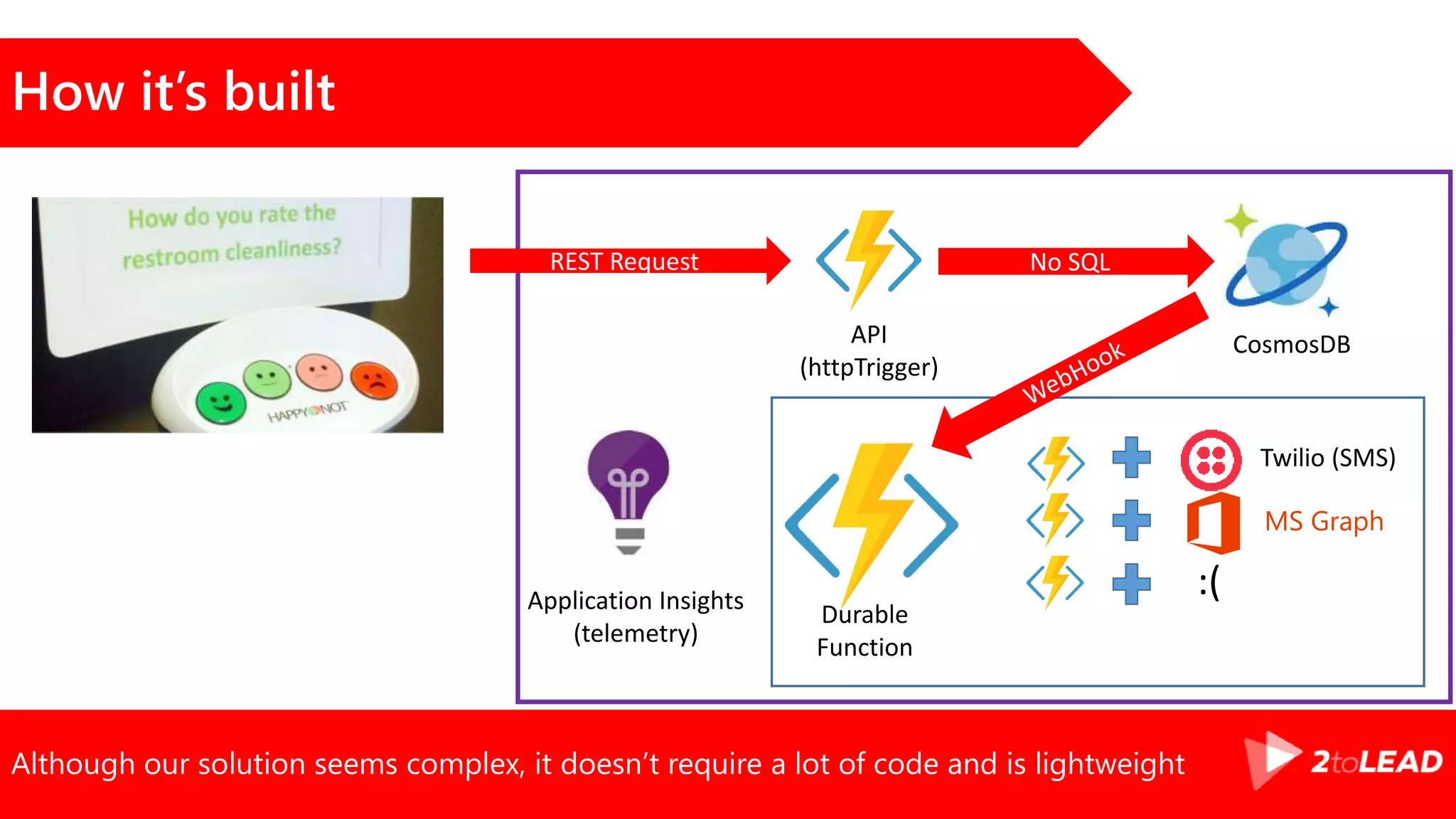
Although our solution seems complex, it doesn’t require a lot of code and is lightweight
How it’s built
API
(httpTrigger)
Twilio (SMS)
MS Graph
:(
Durable
Function
REST Request No SQL
CosmosDB
Application Insights
(telemetry)
Azure
Functions
Serverless?
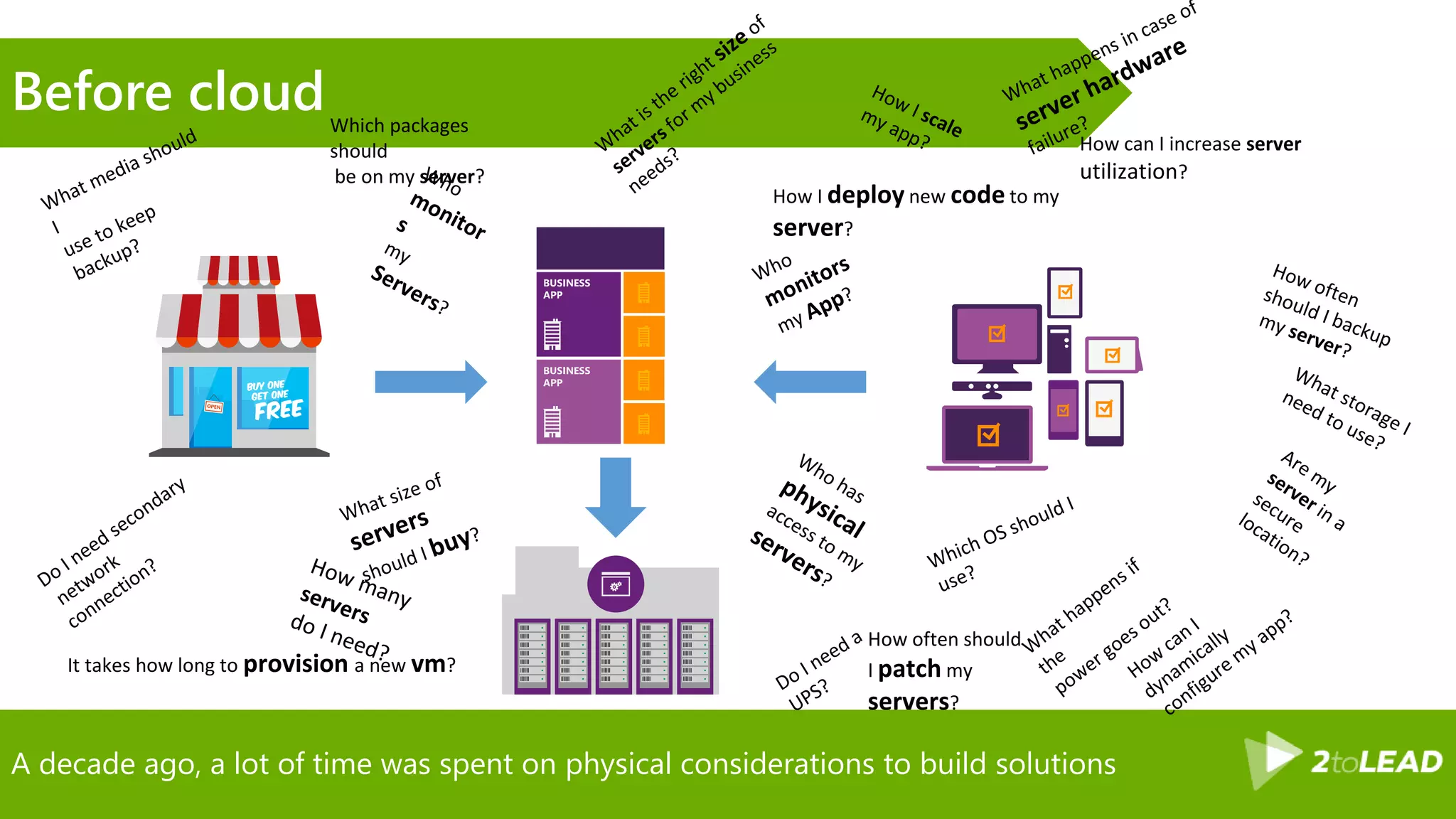
A decade ago, a lot of time was spent on physical considerations to build solutions
Before cloud
How often should
I patch my
servers?
How can I increase server
utilization?
How I deploy new code to my
server?
Which packages
should
be on my server?
It takes how long to provision a new vm?
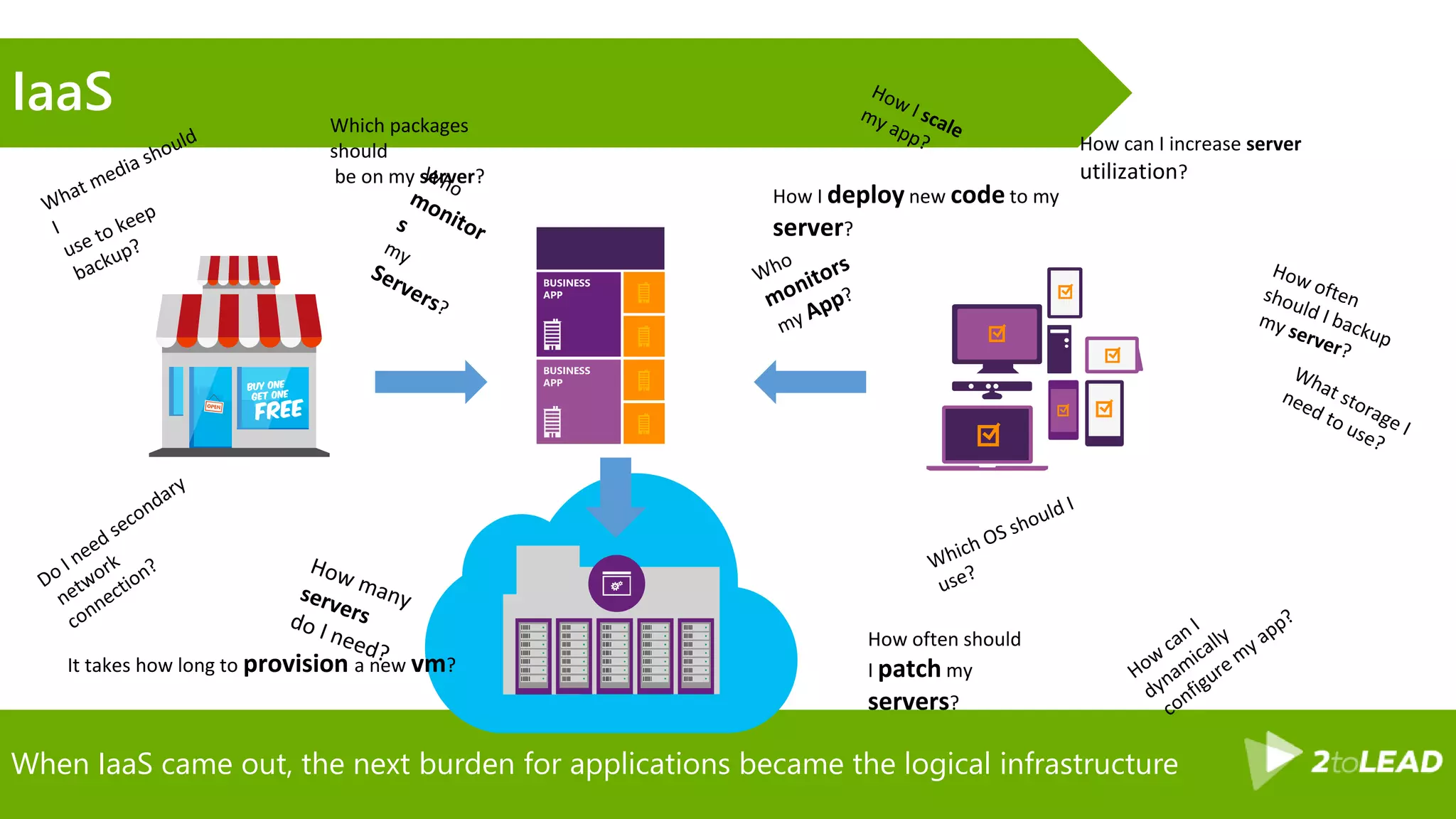
When IaaS came out, the next burden for applications became the logical infrastructure
IaaS
How often should
I patch my
servers?
How can I increase server
utilization?
How I deploy new code to my
server?
Which packages
should
be on my server?
It takes how long to provision a new vm?
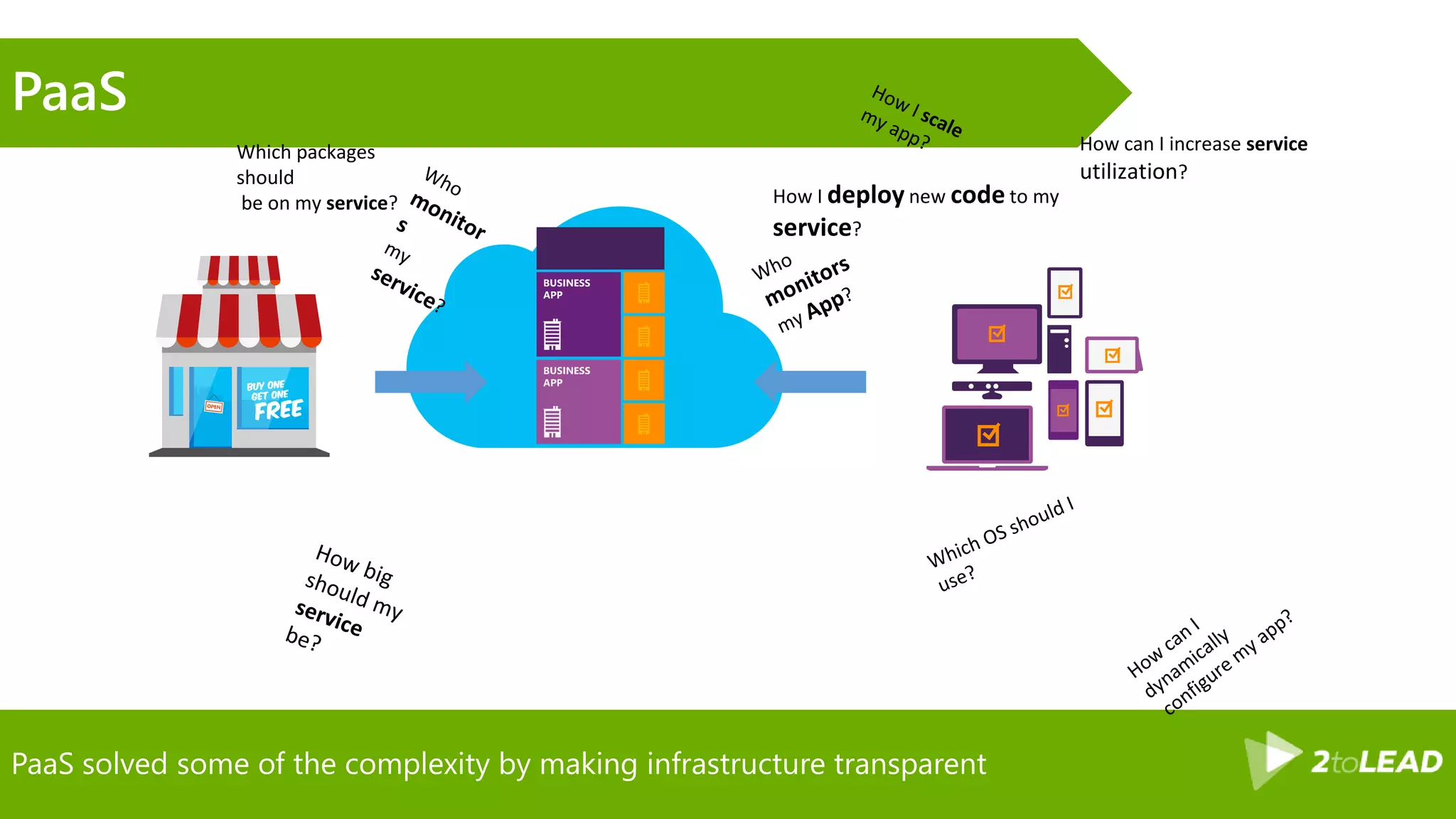
PaaS solved some of the complexity by making infrastructure transparent
PaaS
How can I increase service
utilization?
How I deploy new code to my
service?
Which packages
should
be on my service?
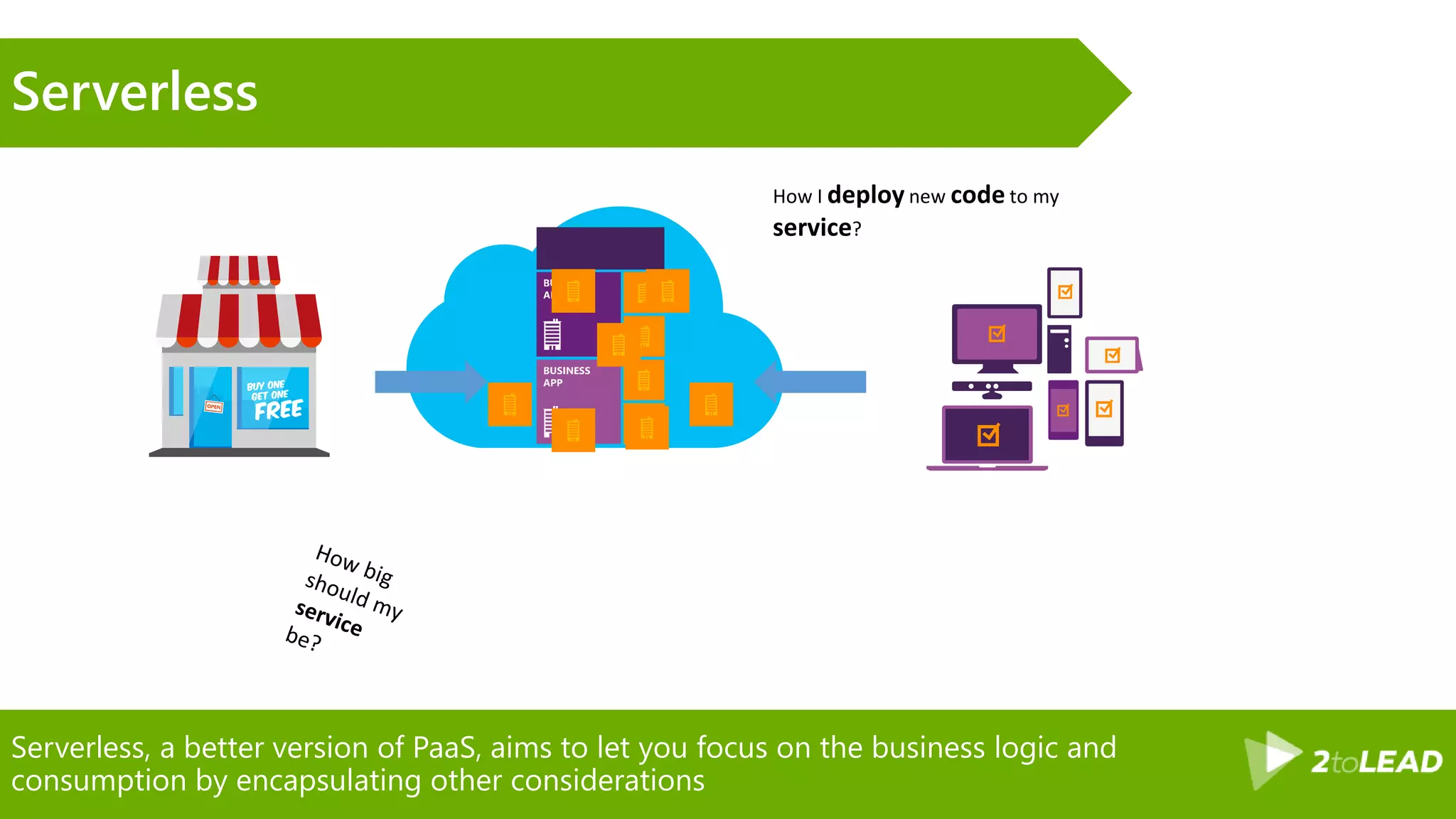
Serverless, a better version of PaaS, aims to let you focus on the business logic and
consumption by encapsulating other considerations
Serverless
How I deploy new code to my
service?
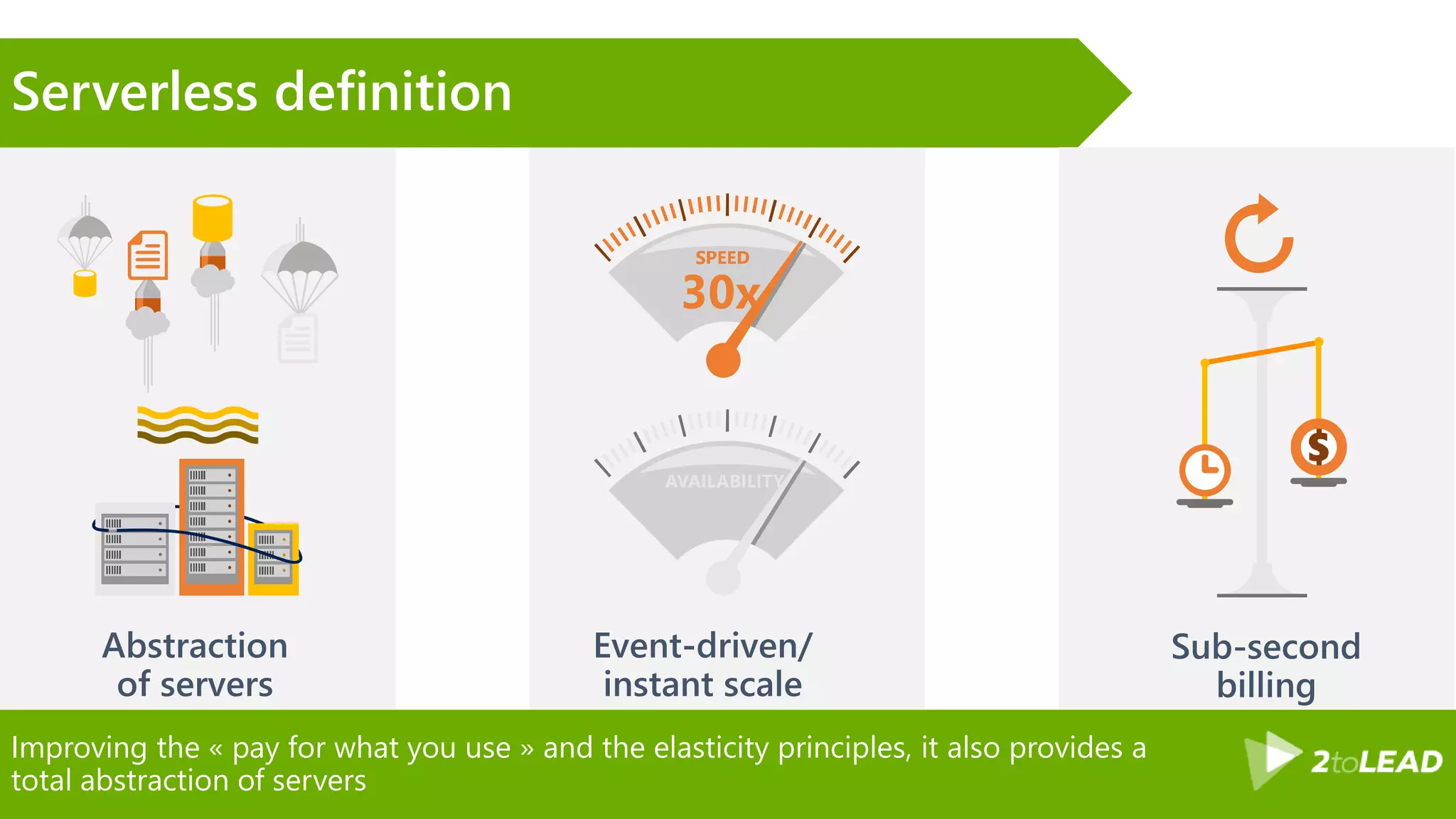
Improving the « pay for what you use » and the elasticity principles, it also provides a
total abstraction of servers
Serverless definition
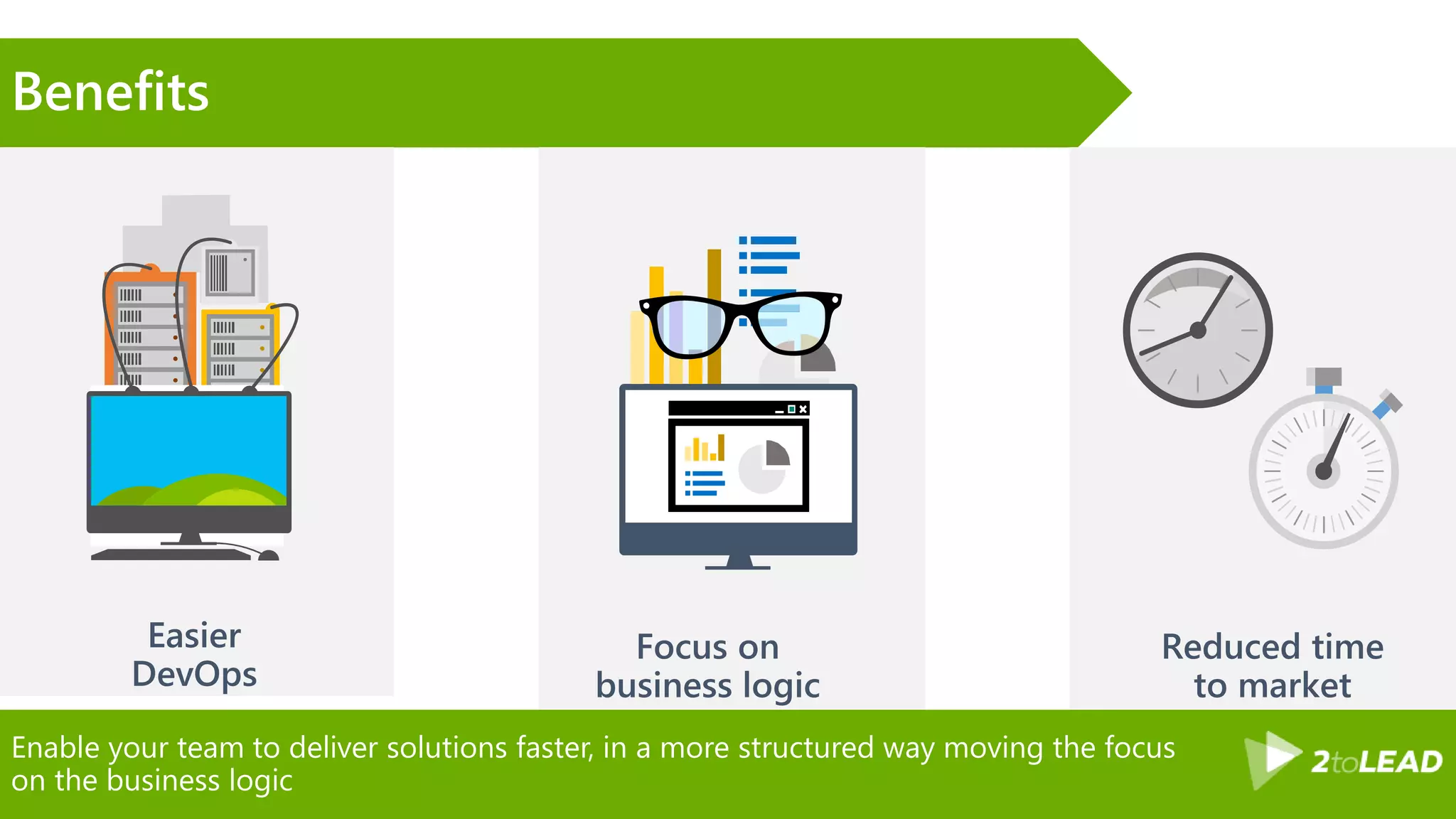
Enable your team to deliver solutions faster, in a more structured way moving the focus
on the business logic
Benefits
Microsoft’s answer to the serverless movement
Introducing: Azure Functions
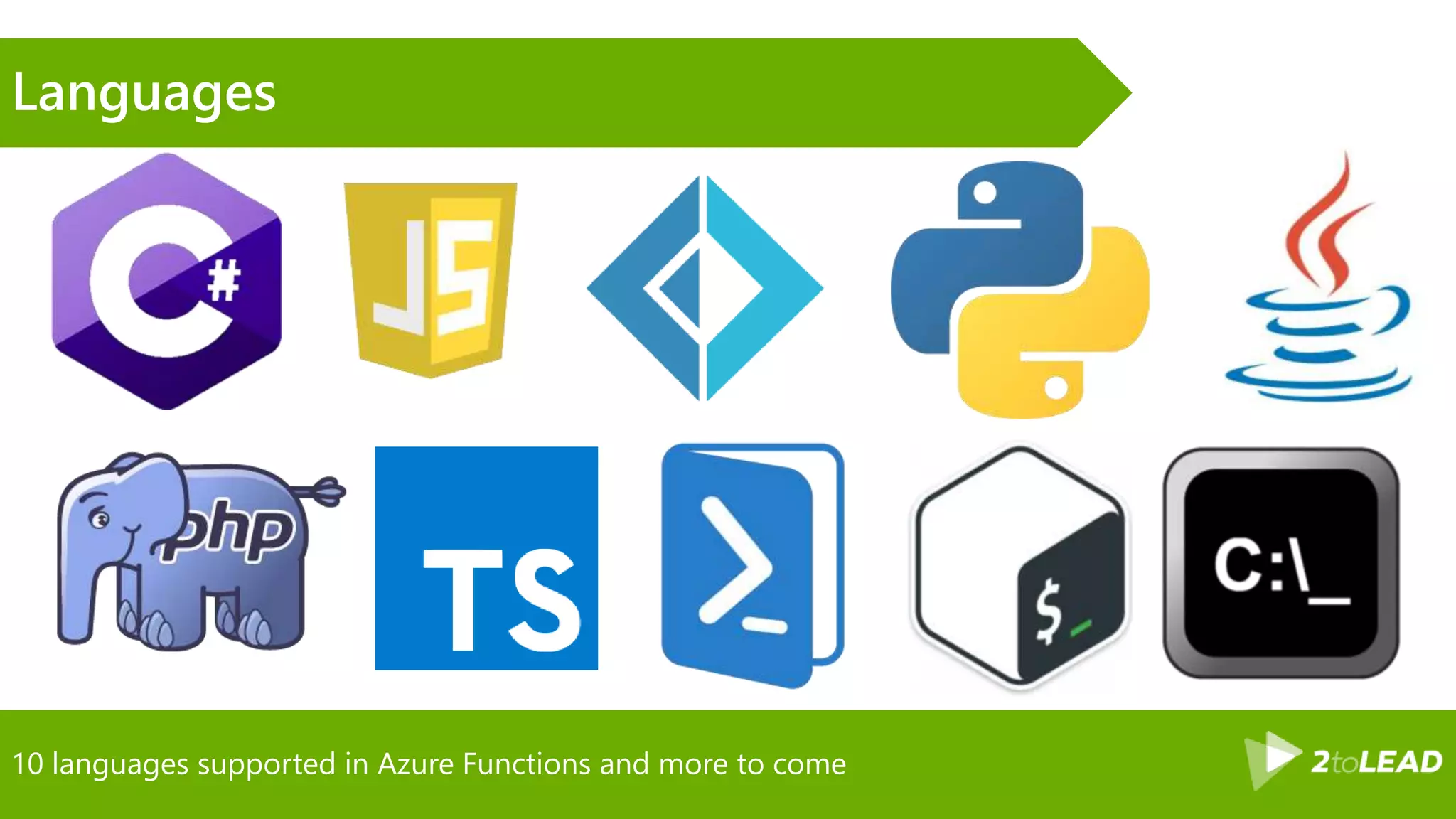
10 languages supported in Azure Functions and more to come
Languages
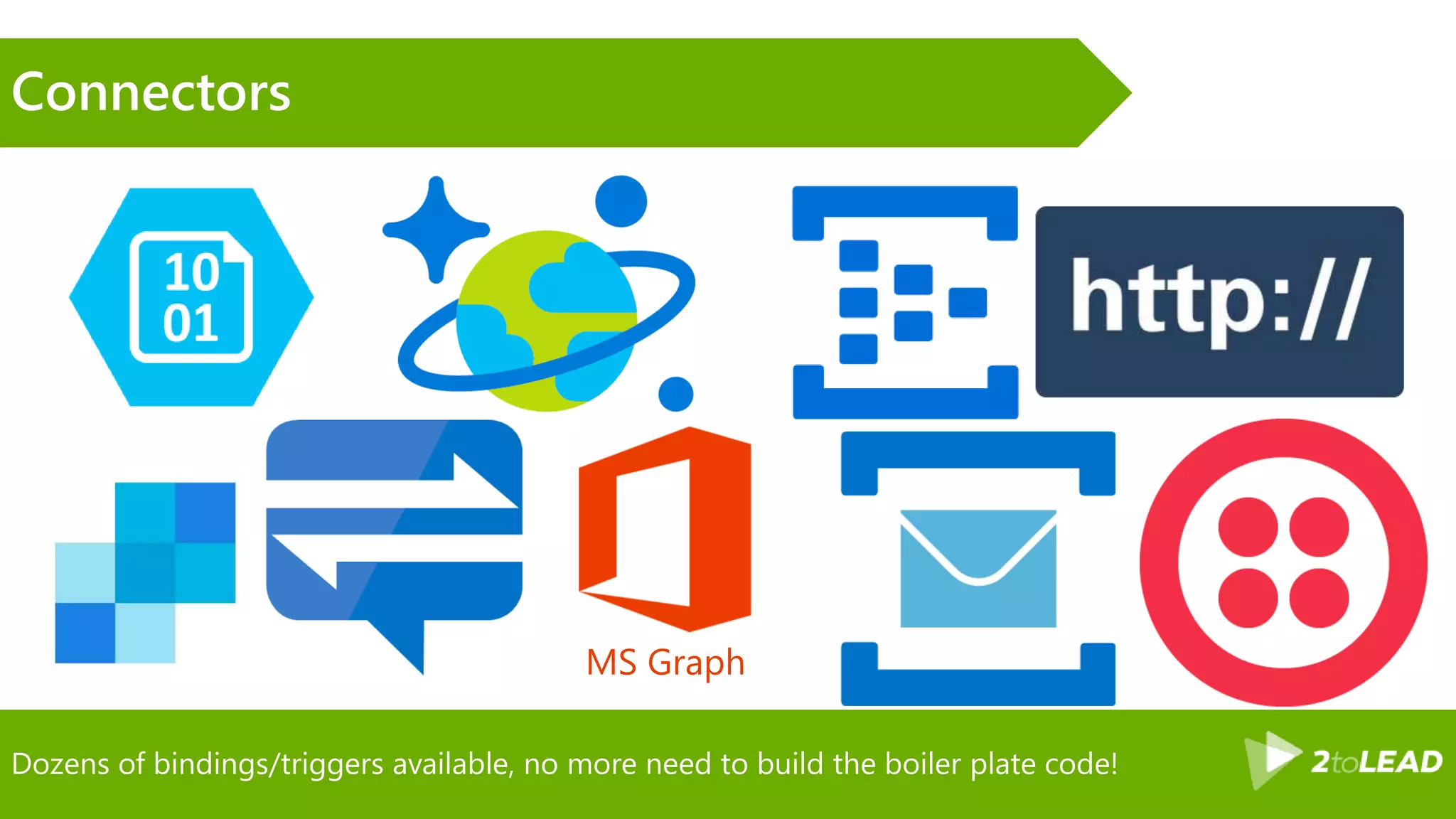
Dozens of bindings/triggers available, no more need to build the boiler plate code!
Connectors
MS Graph
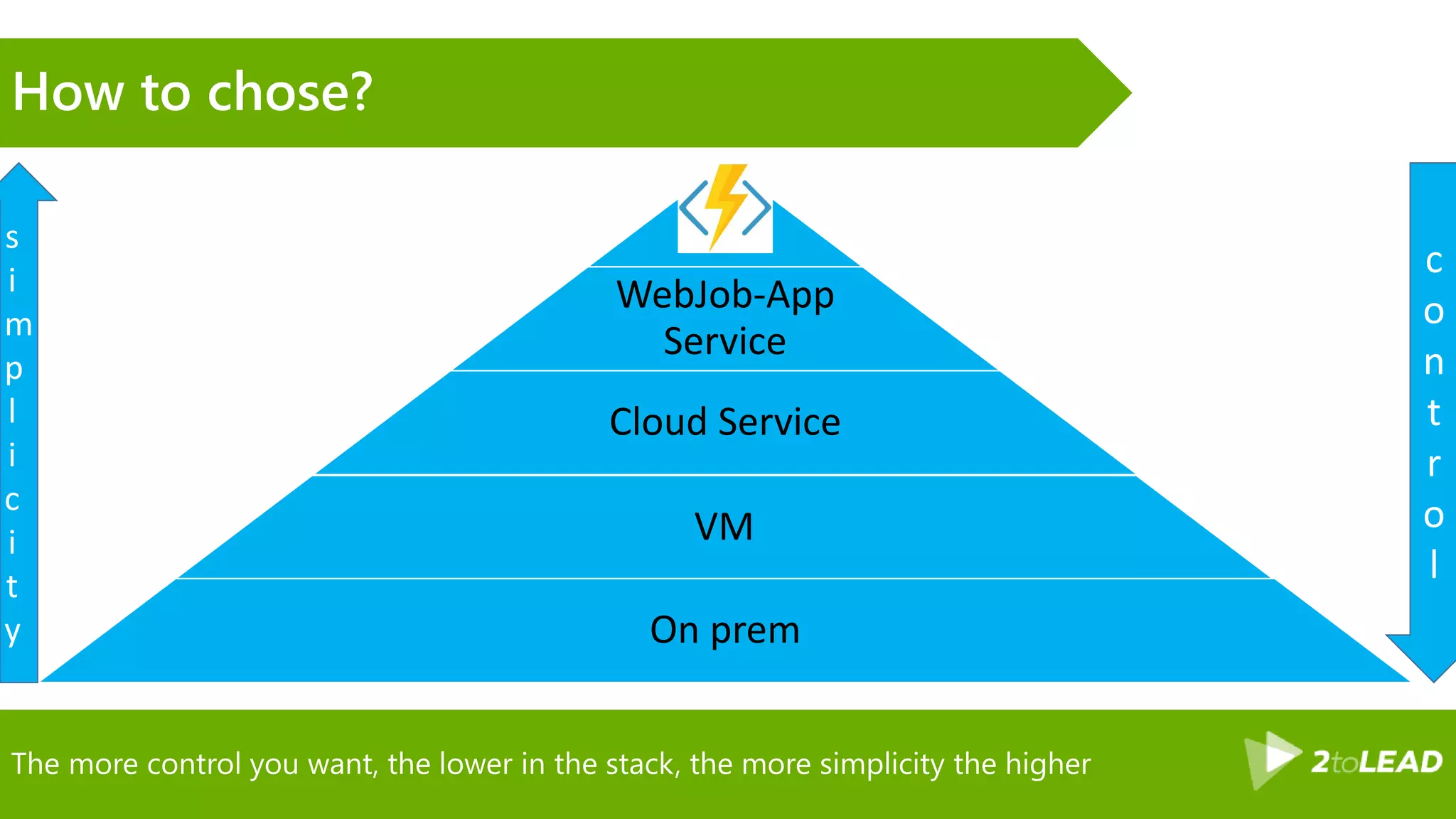
The more control you want, the lower in the stack, the more simplicity the higher
How to chose?
WebJob-App
Service
Cloud Service
VM
On prem
s
i
m
p
l
i
c
i
t
y
c
o
n
t
r
o
l
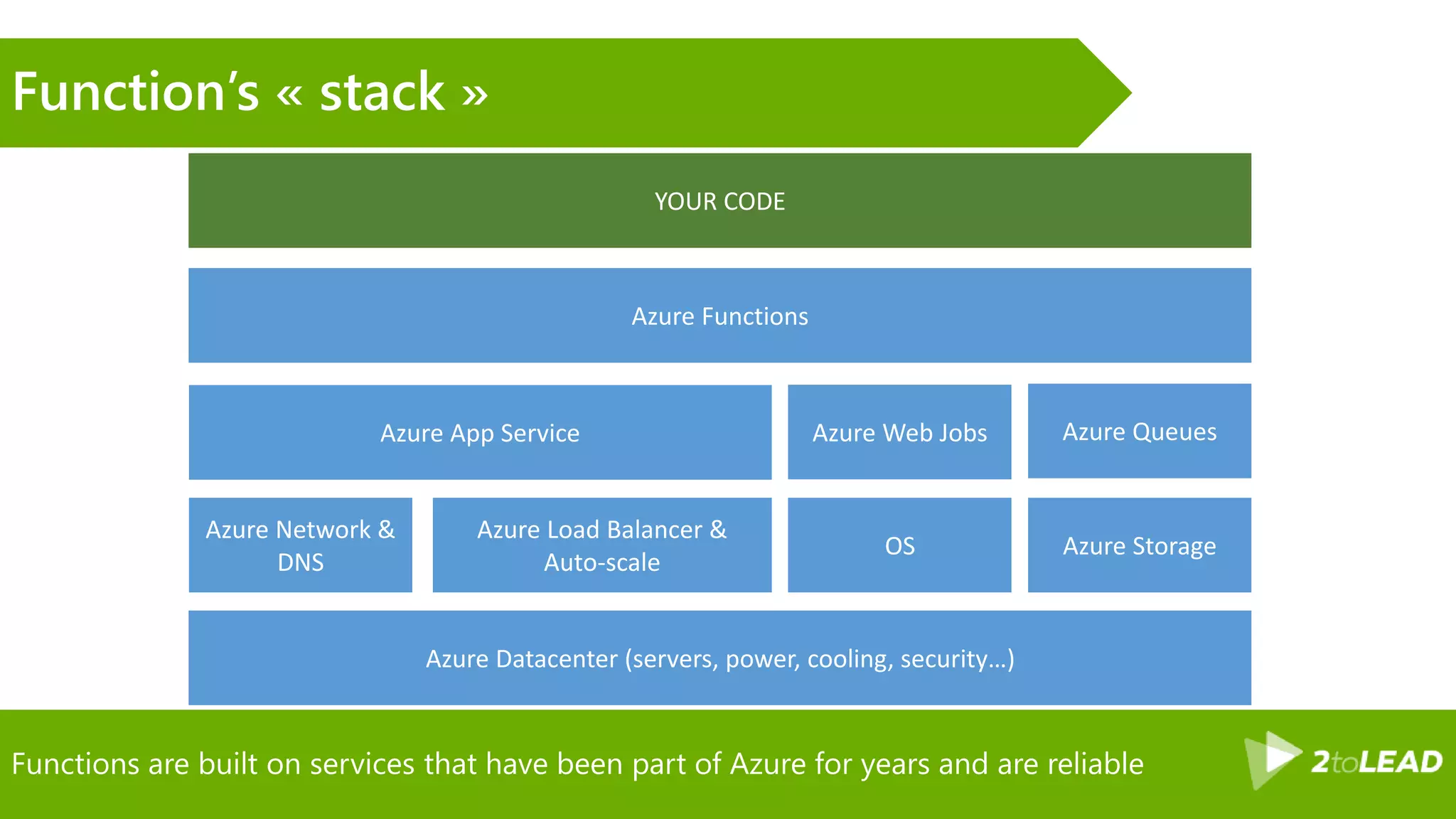
Functions are built on services that have been part of Azure for years and are reliable
Function’s « stack »
Azure App Service
Azure Network &
DNS
Azure Web Jobs
Azure Storage
Azure Load Balancer &
Auto-scale
OS
Azure Functions
Azure Queues
Azure Datacenter (servers, power, cooling, security…)
YOUR CODE
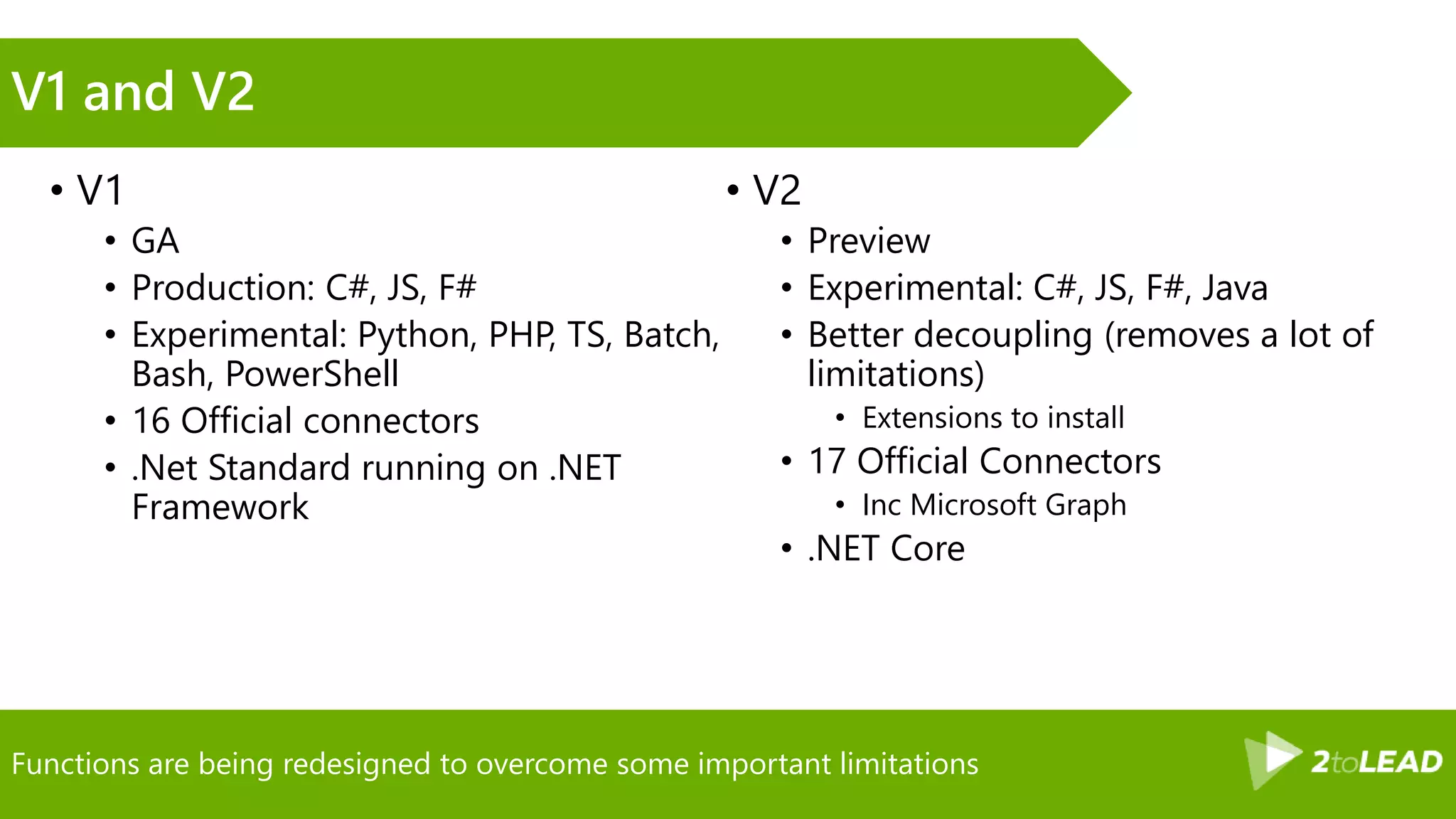
Functions are being redesigned to overcome some important limitations
V1 and V2
• V1
• GA
• Production: C#, JS, F#
• Experimental: Python, PHP, TS, Batch,
Bash, PowerShell
• 16 Official connectors
• .Net Standard running on .NET
Framework
• V2
• Preview
• Experimental: C#, JS, F#, Java
• Better decoupling (removes a lot of
limitations)
• Extensions to install
• 17 Official Connectors
• Inc Microsoft Graph
• .NET Core
Custom API Body
Demo
Getting started
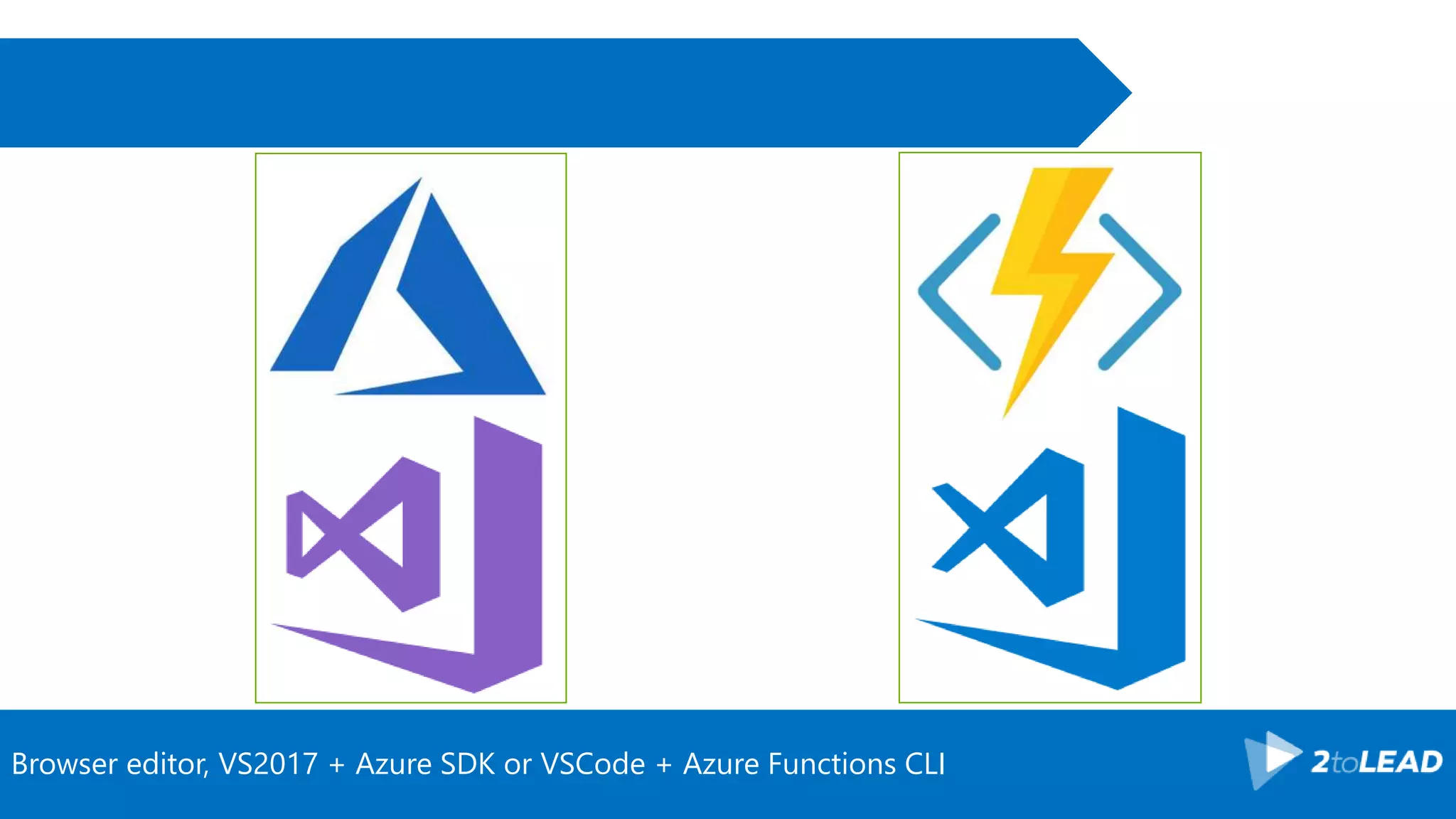
Browser editor, VS2017 + Azure SDK or VSCode + Azure Functions CLI
From zero to productions in 7 steps! Microsoft’s answer to serverless
Azure functions
• Pick a language
• Pick a trigger
• Add some inputs/outputs
• Write the business logic code
• (test/deploy)
• Scale your service
• Ship to production!!!
• (and monitor)
Functions v2 is highly abstracted from any dependency and relies on a plu’n’play model
Adding bindings (v2)
• Register Extension
• Nuget/npm/…
• Portal (when using a template)
• Azure functions core sdk
• Nuget: Look for Microsoft.Azure.WebJobs.Extensions.*
• (except for service bus)
• Add your binding to the function
Starting a new project, adding required extensions, starting the implementation
Demo
Design principles
for functions
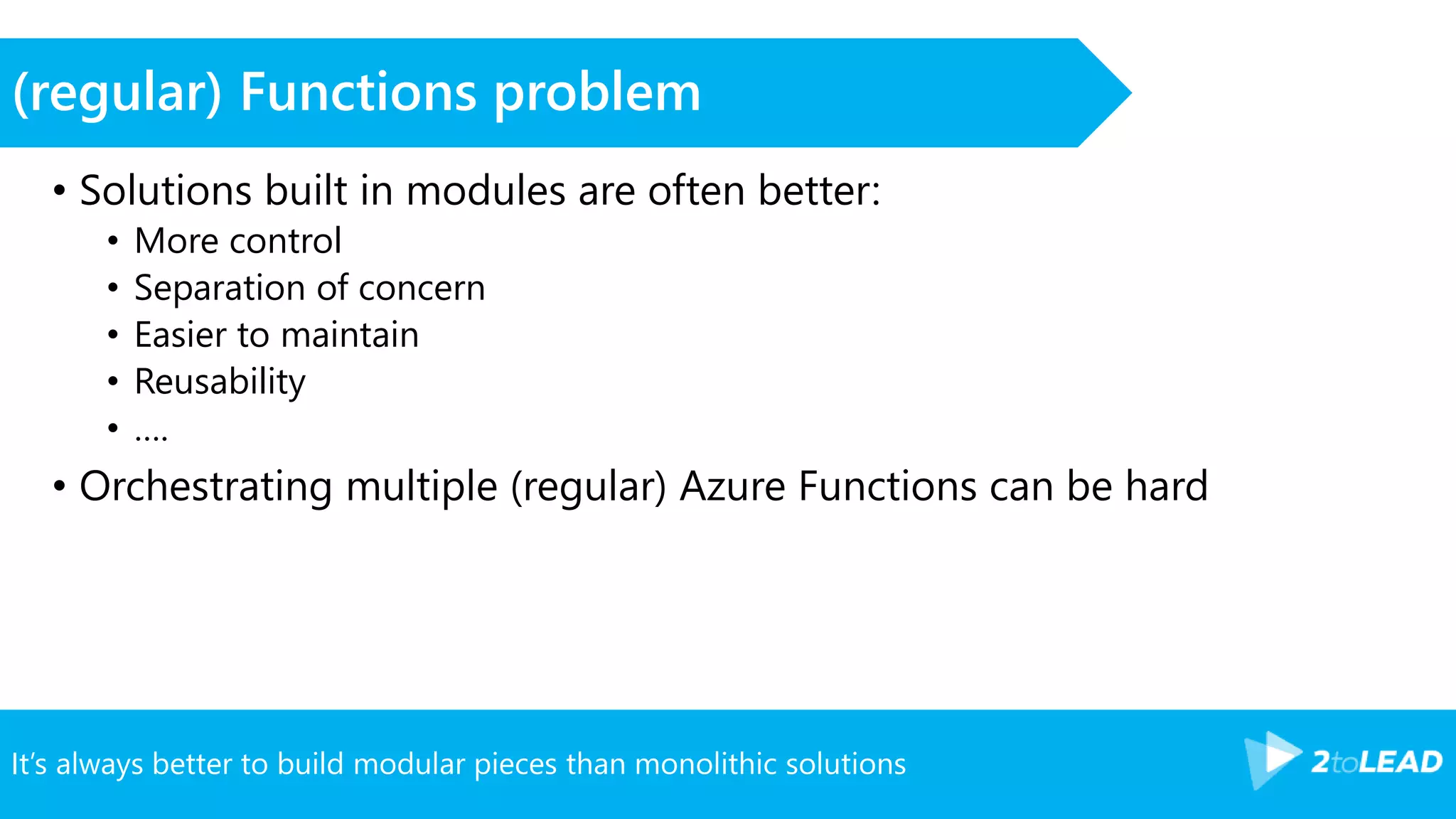
It’s always better to build modular pieces than monolithic solutions
(regular) Functions problem
• Solutions built in modules are often better:
• More control
• Separation of concern
• Easier to maintain
• Reusability
• ….
• Orchestrating multiple (regular) Azure Functions can be hard
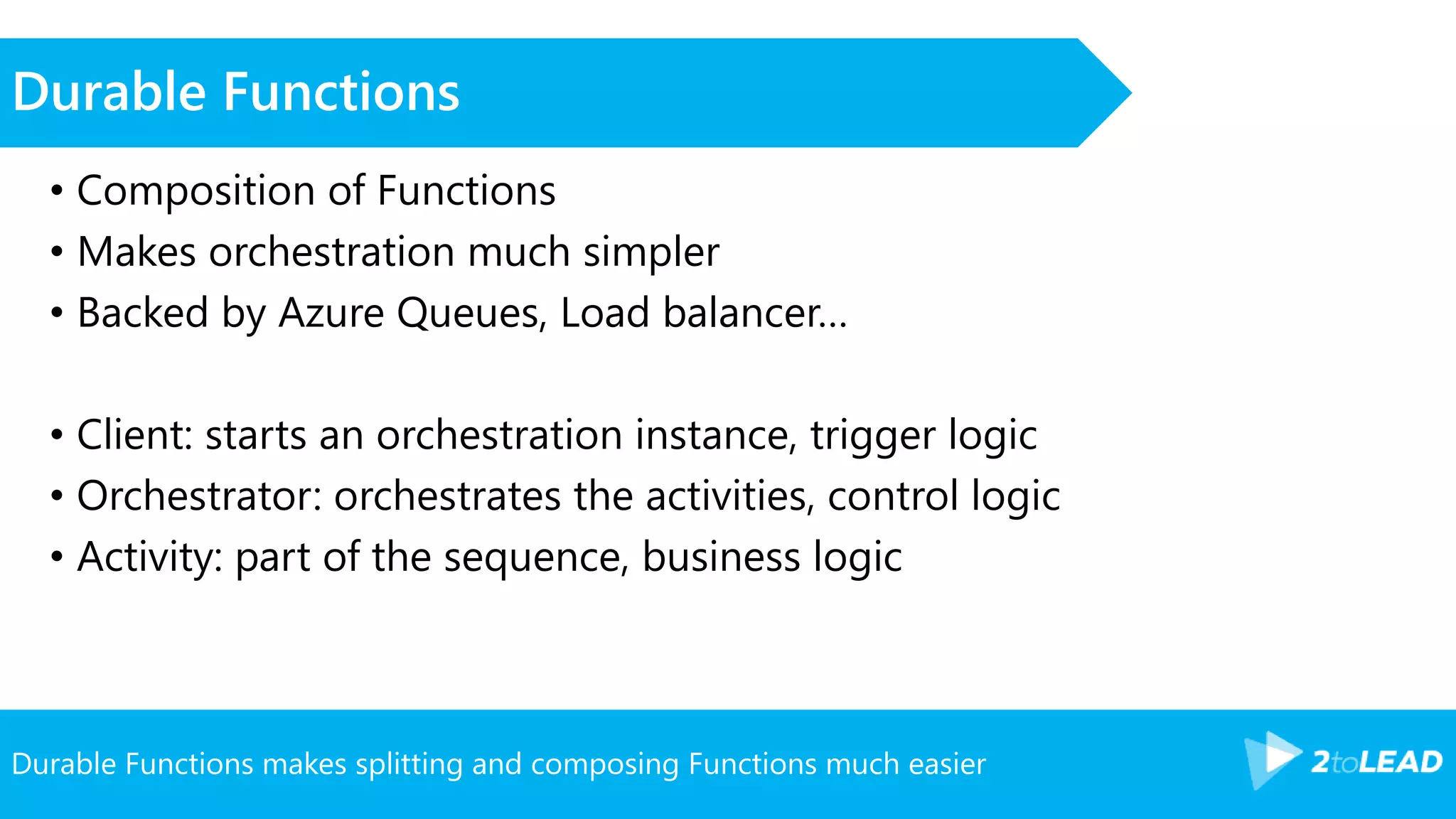
Durable Functions makes splitting and composing Functions much easier
Durable Functions
• Composition of Functions
• Makes orchestration much simpler
• Backed by Azure Queues, Load balancer…
• Client: starts an orchestration instance, trigger logic
• Orchestrator: orchestrates the activities, control logic
• Activity: part of the sequence, business logic
The Notification durable function
Demo
Continuous Integration/
Continuous deployment
CI is a key in keeping a frictionless and high quality development flow.
Options for Continuous Integration
• Kudu build system
• Visual Studio Team Services (or TFS)
• Jenkins, CircleCI, AppVeyor…
CD is crucial to saving time, avoiding errors, keeping tabs on builds…
Options for Continuous Deployment
• Kudu build system
• Visual Studio Team Services (or TFS)
• Jenkins, CircleCI, AppVeyor…
Comparison Functions v1/v2
• V1 Functions can be deployed like an Azure Web App
• V2 Functions have to be deployed like ASP.NET core project
• Tooling changes a bit
Avoid to store configuration in files from a security and an agility standpoint
Holding configuration
• File based local.settings.json (when debugging)
• Azure Web App Settings
• Can be set via ARM templates and/or command line
• Azure Key Vault (for secret)
VSTS CI CD for the project
Demo
Troubleshooting
and monitoring
You should ALWAYS enable application insights and log often, it saves lives!
Application telemetry
• Functions have a default logging infrastructure
• That logging infrastructure can be plugged to Application insights
• Logging infrastructure outputs to
• Console output
• Dashboard storage
• Azure Web App logging (streaming…)
• System logging
Troubleshooting with application insights
Demo
Pricing/Cost
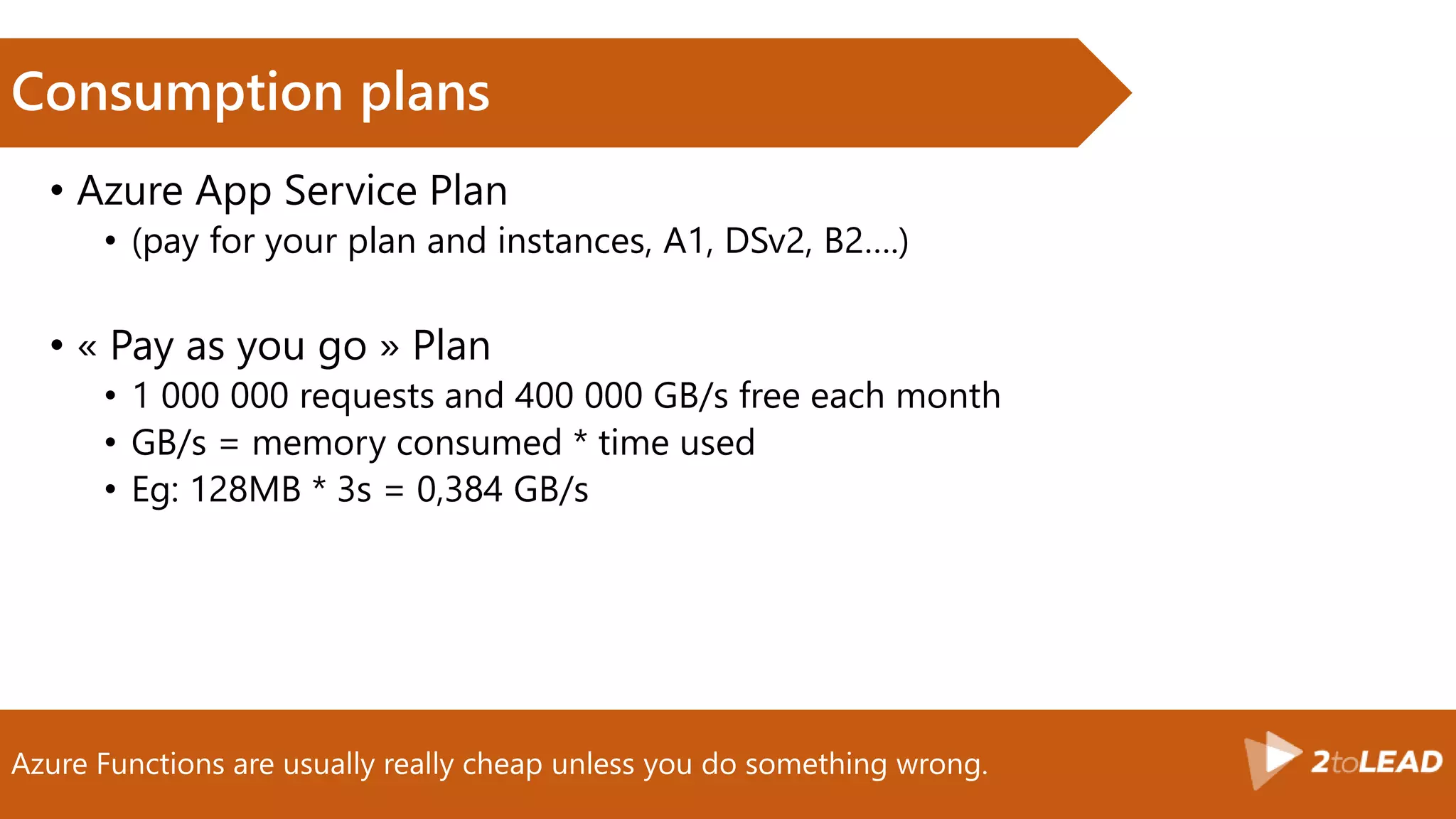
Azure Functions are usually really cheap unless you do something wrong.
Consumption plans
• Azure App Service Plan
• (pay for your plan and instances, A1, DSv2, B2….)
• « Pay as you go » Plan
• 1 000 000 requests and 400 000 GB/s free each month
• GB/s = memory consumed * time used
• Eg: 128MB * 3s = 0,384 GB/s
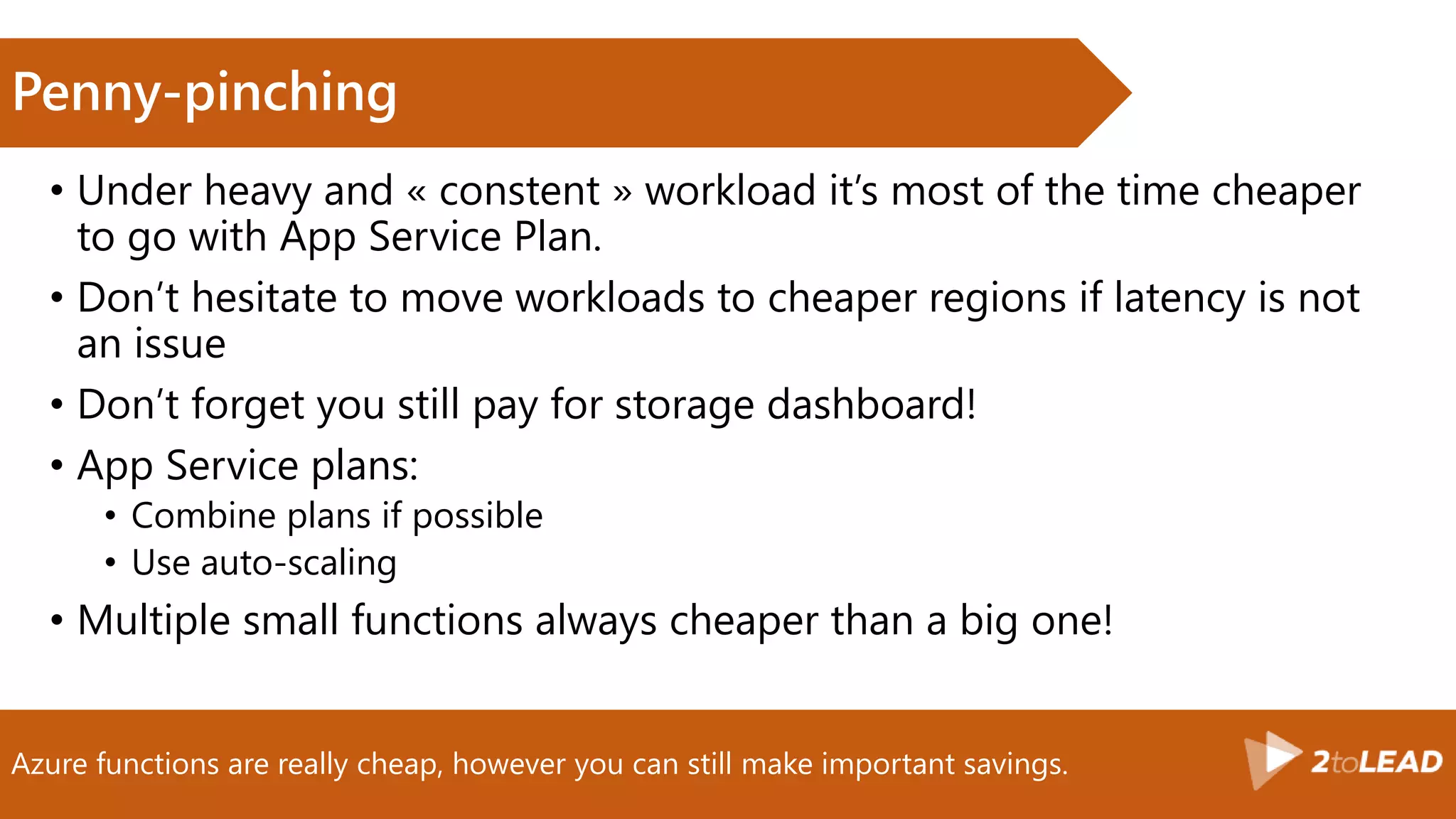
Azure functions are really cheap, however you can still make important savings.
Penny-pinching
• Under heavy and « constent » workload it’s most of the time cheaper
to go with App Service Plan.
• Don’t hesitate to move workloads to cheaper regions if latency is not
an issue
• Don’t forget you still pay for storage dashboard!
• App Service plans:
• Combine plans if possible
• Use auto-scaling
• Multiple small functions always cheaper than a big one!
Conclusion
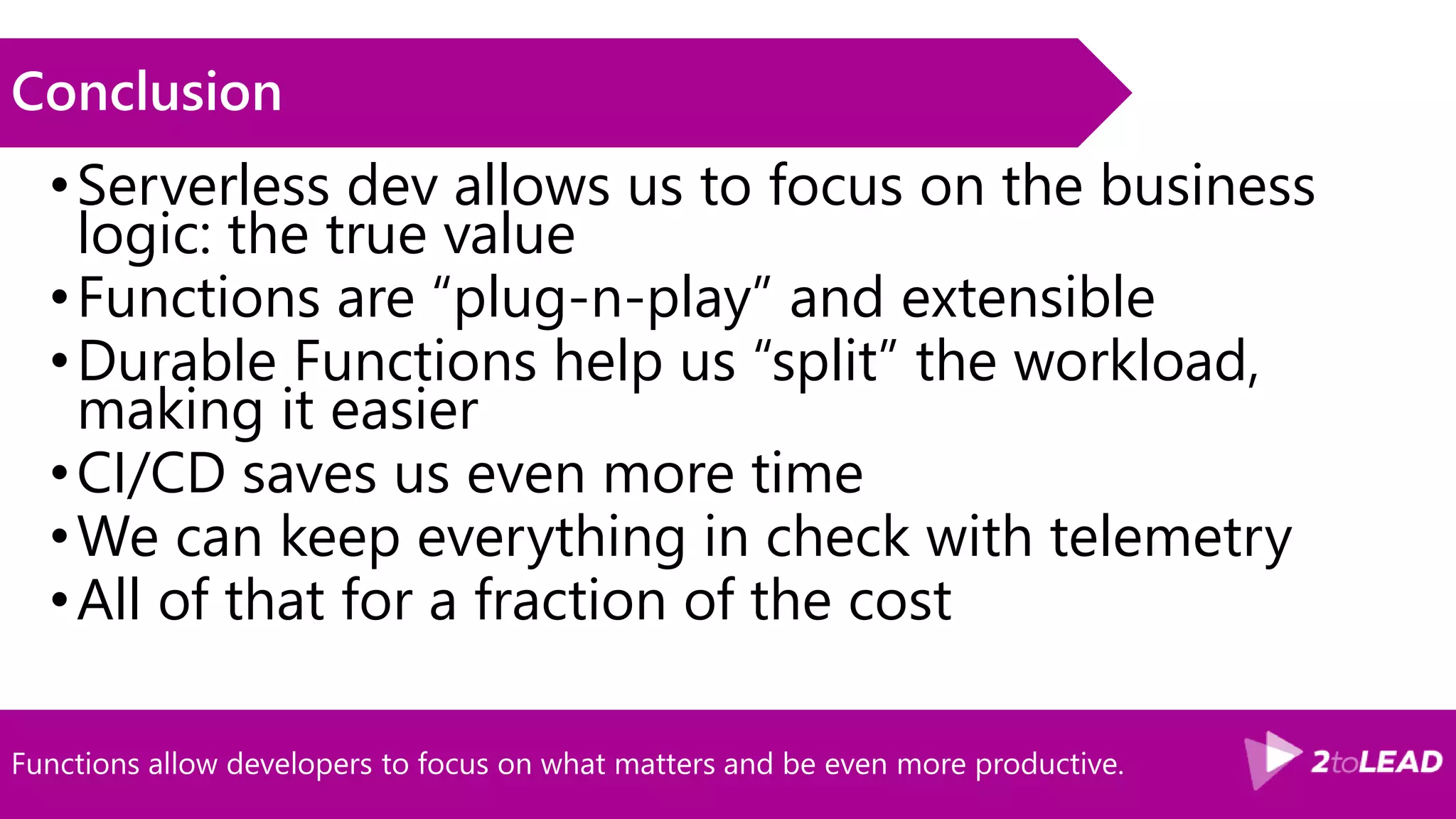
Functions allow developers to focus on what matters and be even more productive.
Conclusion
•Serverless dev allows us to focus on the business
logic: the true value
•Functions are “plug-n-play” and extensible
•Durable Functions help us “split” the workload,
making it easier
•CI/CD saves us even more time
•We can keep everything in check with telemetry
•All of that for a fraction of the cost
Other sessions
• Bob German
• AZR103 - Mastering Azure Functions
• DEV203 - Building Web Services for SharePoint and Teams
• Adis Jugo
• AZR303 - Developing event receiver and timer jobs in
SharePoint Online
• (me)
• AZR302 - The Microsoft Graph and SharePoint Framework
under steroids with Azure functions
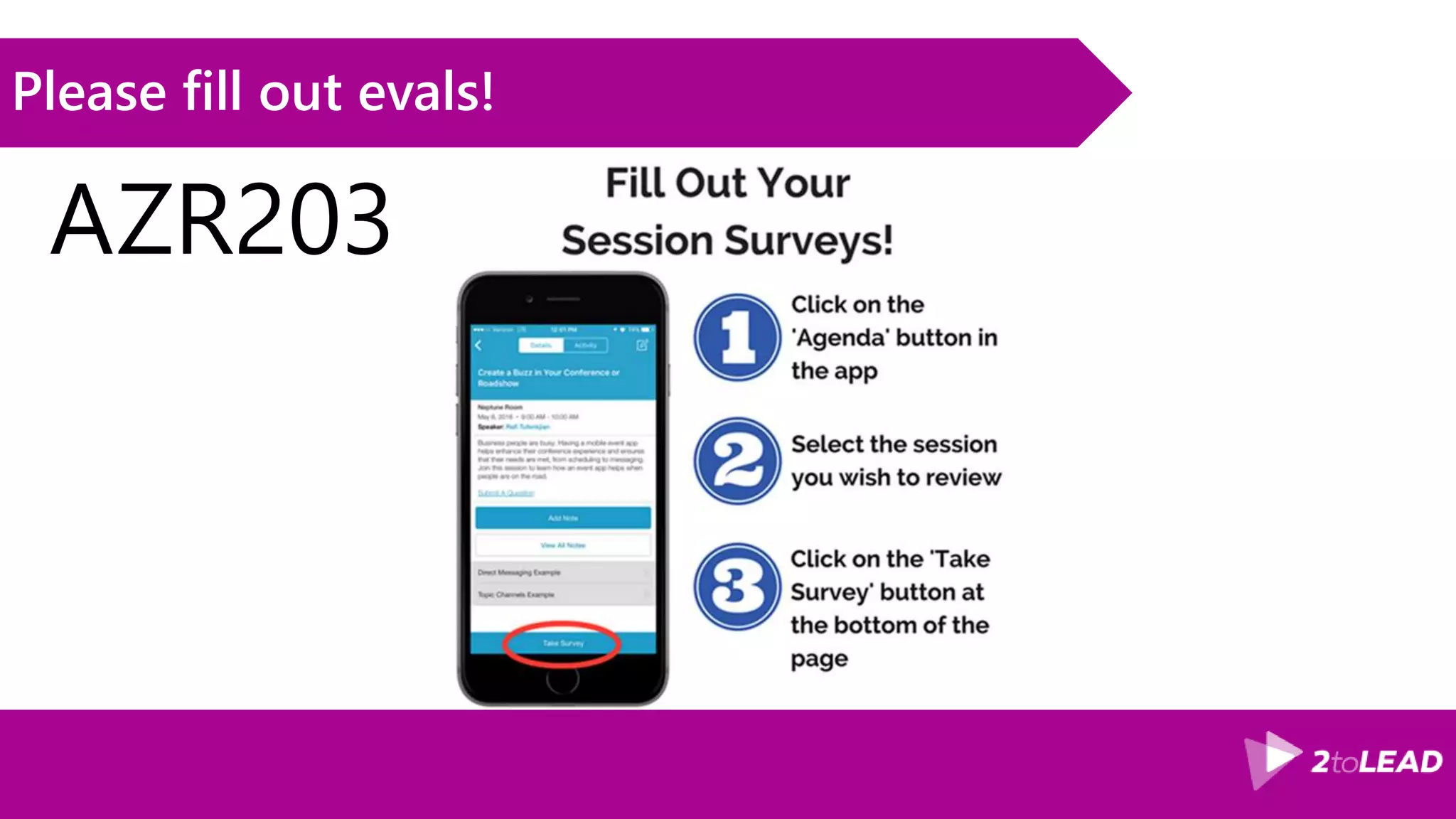
Please fill out evals!
AZR203
Bit.ly/vince365 @baywet slideshare.net/VincentBIRET
Thanks!/Questions?
Vincent Biret
Office 365 and Azure
Developer
@baywet
Bit.ly/vince365

#SpFestSea azr203 Azure functions lessons learned

  • 1.
    Azure Functions InThe Real World: Lessons Learned & Best Practices SharePoint Fest Seattle 2018 By: Vincent Biret
  • 2.
    Passionate about technologies,development and community Vincent Biret @baywet bit.ly/vince365 Microsoft Office Dev MVP Azure and Office 365 developer @ 2toLead
  • 3.
    Mostly for devs,but interesting for Ops at well as Deciders Who’s this session for?
  • 4.
    Agenda •Demo: the Feedbacksolution •Serverless? Azure functions? •Getting started •Design principles for functions •Deploying •Troubleshooting •Pricing •Conclusion
  • 5.
  • 6.
  • 7.
    Functionality •Collects a feedback(positive of negative) •Stores it in a database (for later reporting) •Sends a text message to the manager •Sends an email to customer statisfaction service •Executes another steps (which fails)
  • 8.
    The feedback solutionin action Demo
  • 9.
    Although our solutionseems complex, it doesn’t require a lot of code and is lightweight How it’s built API (httpTrigger) Twilio (SMS) MS Graph :( Durable Function REST Request No SQL CosmosDB Application Insights (telemetry)
  • 10.
  • 11.
    A decade ago,a lot of time was spent on physical considerations to build solutions Before cloud How often should I patch my servers? How can I increase server utilization? How I deploy new code to my server? Which packages should be on my server? It takes how long to provision a new vm?
  • 12.
    When IaaS cameout, the next burden for applications became the logical infrastructure IaaS How often should I patch my servers? How can I increase server utilization? How I deploy new code to my server? Which packages should be on my server? It takes how long to provision a new vm?
  • 13.
    PaaS solved someof the complexity by making infrastructure transparent PaaS How can I increase service utilization? How I deploy new code to my service? Which packages should be on my service?
  • 14.
    Serverless, a betterversion of PaaS, aims to let you focus on the business logic and consumption by encapsulating other considerations Serverless How I deploy new code to my service?
  • 15.
    Improving the «pay for what you use » and the elasticity principles, it also provides a total abstraction of servers Serverless definition
  • 16.
    Enable your teamto deliver solutions faster, in a more structured way moving the focus on the business logic Benefits
  • 17.
    Microsoft’s answer tothe serverless movement Introducing: Azure Functions
  • 18.
    10 languages supportedin Azure Functions and more to come Languages
  • 19.
    Dozens of bindings/triggersavailable, no more need to build the boiler plate code! Connectors MS Graph
  • 20.
    The more controlyou want, the lower in the stack, the more simplicity the higher How to chose? WebJob-App Service Cloud Service VM On prem s i m p l i c i t y c o n t r o l
  • 21.
    Functions are builton services that have been part of Azure for years and are reliable Function’s « stack » Azure App Service Azure Network & DNS Azure Web Jobs Azure Storage Azure Load Balancer & Auto-scale OS Azure Functions Azure Queues Azure Datacenter (servers, power, cooling, security…) YOUR CODE
  • 22.
    Functions are beingredesigned to overcome some important limitations V1 and V2 • V1 • GA • Production: C#, JS, F# • Experimental: Python, PHP, TS, Batch, Bash, PowerShell • 16 Official connectors • .Net Standard running on .NET Framework • V2 • Preview • Experimental: C#, JS, F#, Java • Better decoupling (removes a lot of limitations) • Extensions to install • 17 Official Connectors • Inc Microsoft Graph • .NET Core
  • 23.
  • 24.
  • 25.
    Browser editor, VS2017+ Azure SDK or VSCode + Azure Functions CLI
  • 26.
    From zero toproductions in 7 steps! Microsoft’s answer to serverless Azure functions • Pick a language • Pick a trigger • Add some inputs/outputs • Write the business logic code • (test/deploy) • Scale your service • Ship to production!!! • (and monitor)
  • 27.
    Functions v2 ishighly abstracted from any dependency and relies on a plu’n’play model Adding bindings (v2) • Register Extension • Nuget/npm/… • Portal (when using a template) • Azure functions core sdk • Nuget: Look for Microsoft.Azure.WebJobs.Extensions.* • (except for service bus) • Add your binding to the function
  • 28.
    Starting a newproject, adding required extensions, starting the implementation Demo
  • 29.
  • 30.
    It’s always betterto build modular pieces than monolithic solutions (regular) Functions problem • Solutions built in modules are often better: • More control • Separation of concern • Easier to maintain • Reusability • …. • Orchestrating multiple (regular) Azure Functions can be hard
  • 31.
    Durable Functions makessplitting and composing Functions much easier Durable Functions • Composition of Functions • Makes orchestration much simpler • Backed by Azure Queues, Load balancer… • Client: starts an orchestration instance, trigger logic • Orchestrator: orchestrates the activities, control logic • Activity: part of the sequence, business logic
  • 32.
  • 33.
  • 34.
    CI is akey in keeping a frictionless and high quality development flow. Options for Continuous Integration • Kudu build system • Visual Studio Team Services (or TFS) • Jenkins, CircleCI, AppVeyor…
  • 35.
    CD is crucialto saving time, avoiding errors, keeping tabs on builds… Options for Continuous Deployment • Kudu build system • Visual Studio Team Services (or TFS) • Jenkins, CircleCI, AppVeyor…
  • 36.
    Comparison Functions v1/v2 •V1 Functions can be deployed like an Azure Web App • V2 Functions have to be deployed like ASP.NET core project • Tooling changes a bit
  • 37.
    Avoid to storeconfiguration in files from a security and an agility standpoint Holding configuration • File based local.settings.json (when debugging) • Azure Web App Settings • Can be set via ARM templates and/or command line • Azure Key Vault (for secret)
  • 38.
    VSTS CI CDfor the project Demo
  • 39.
  • 40.
    You should ALWAYSenable application insights and log often, it saves lives! Application telemetry • Functions have a default logging infrastructure • That logging infrastructure can be plugged to Application insights • Logging infrastructure outputs to • Console output • Dashboard storage • Azure Web App logging (streaming…) • System logging
  • 41.
  • 42.
  • 43.
    Azure Functions areusually really cheap unless you do something wrong. Consumption plans • Azure App Service Plan • (pay for your plan and instances, A1, DSv2, B2….) • « Pay as you go » Plan • 1 000 000 requests and 400 000 GB/s free each month • GB/s = memory consumed * time used • Eg: 128MB * 3s = 0,384 GB/s
  • 44.
    Azure functions arereally cheap, however you can still make important savings. Penny-pinching • Under heavy and « constent » workload it’s most of the time cheaper to go with App Service Plan. • Don’t hesitate to move workloads to cheaper regions if latency is not an issue • Don’t forget you still pay for storage dashboard! • App Service plans: • Combine plans if possible • Use auto-scaling • Multiple small functions always cheaper than a big one!
  • 45.
  • 46.
    Functions allow developersto focus on what matters and be even more productive. Conclusion •Serverless dev allows us to focus on the business logic: the true value •Functions are “plug-n-play” and extensible •Durable Functions help us “split” the workload, making it easier •CI/CD saves us even more time •We can keep everything in check with telemetry •All of that for a fraction of the cost
  • 47.
    Other sessions • BobGerman • AZR103 - Mastering Azure Functions • DEV203 - Building Web Services for SharePoint and Teams • Adis Jugo • AZR303 - Developing event receiver and timer jobs in SharePoint Online • (me) • AZR302 - The Microsoft Graph and SharePoint Framework under steroids with Azure functions
  • 48.
    Please fill outevals! AZR203
  • 49.
    Bit.ly/vince365 @baywet slideshare.net/VincentBIRET Thanks!/Questions? VincentBiret Office 365 and Azure Developer @baywet Bit.ly/vince365

Editor's Notes

  • #4 Devs, Ops, Deciders
  • #6 Gestion des questions, interaction, ok avec ce programme?
  • #19 https://docs.microsoft.com/en-us/azure/azure-functions/supported-languages
  • #20 https://docs.microsoft.com/en-us/azure/azure-functions/functions-triggers-bindings
  • #23 https://www.visualstudio.com/fr-fr/docs/build/concepts/agents/hosted#software https://blogs.msdn.microsoft.com/appserviceteam/2017/06/13/deployment-slots-preview-for-azure-functions/ https://blogs.msdn.microsoft.com/appserviceteam/2017/06/01/deploying-visual-studio-2017-function-projects-with-vsts/
  • #26 https://docs.microsoft.com/en-us/azure/azure-functions/functions-versions
  • #29 Browser edition experience is great for prototyping Functions cli + vs code is great for light machines/non dotnet solutions VS2017 is great for existing experience/project with .NET My personal preference: I use all of those!
  • #31 https://docs.microsoft.com/en-us/azure/azure-functions/durable-functions-install https://docs.microsoft.com/en-us/azure/azure-functions/functions-bindings-twilio func extensions install -p Microsoft.Azure.WebJobs.Extensions.Twilio -v 3.0.0-beta5
  • #34 https://docs.microsoft.com/en-us/azure/azure-functions/functions-bindings-twilio
  • #49 https://stackify.com/lower-azure-pricing-optimize-costs/?utm_referrer=https%3A%2F%2Fwww.bing.com%2F https://docs.microsoft.com/en-us/azure/azure-functions/functions-best-practices
  • #51 Money save = dev time saved, less support to provide, better product/service