

Developing SharePoint 2013 Apps
with Visual Studio 2012
Bram de Jager
SharePoint Architect | Microsoft Certified Solution Master: SharePoint
Agenda
Evolution
Apps for SharePoint
Visual Studio Tools
REST & CSOM APIs
1

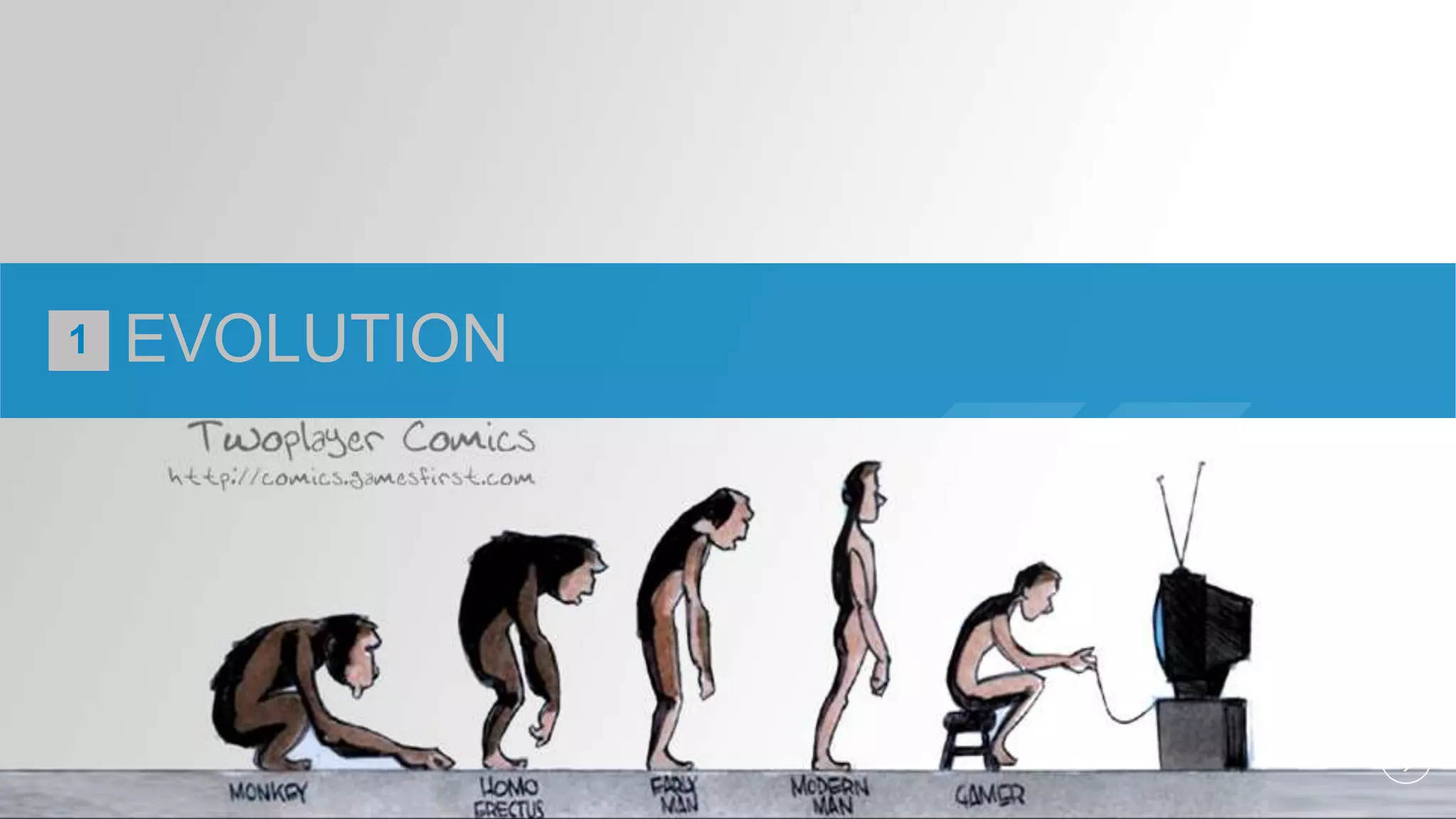
EVOLUTION
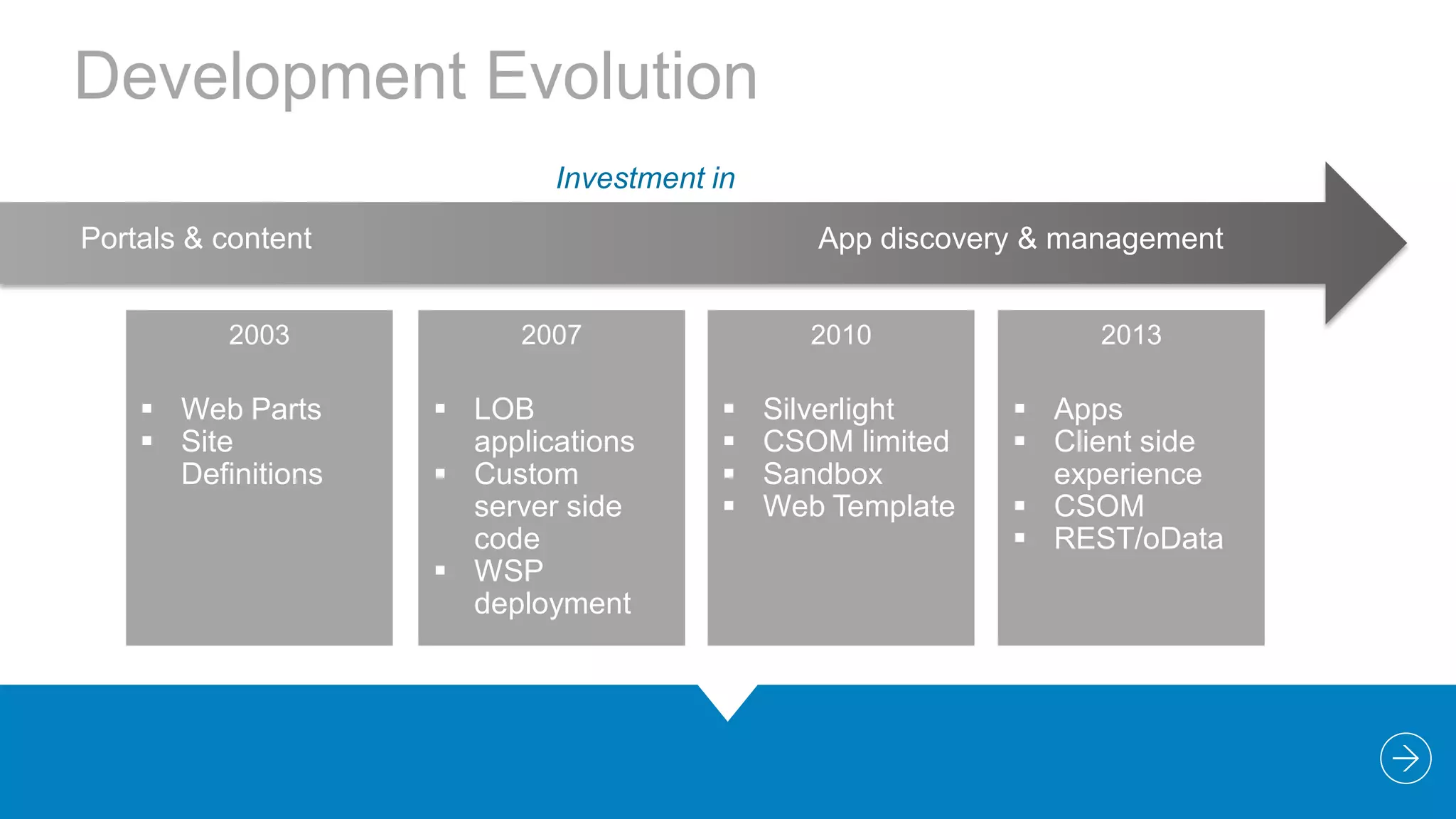
Development Evolution
Investment in
Portals & content
2003

 Web Parts
 Site
Definitions

App discovery & management
2007

 LOB
applications
 Custom
server side
code
 WSP
deployment

2010






Silverlight
CSOM limited
Sandbox
Web Template

2013

 Apps
 Client side
experience
 CSOM
 REST/oData
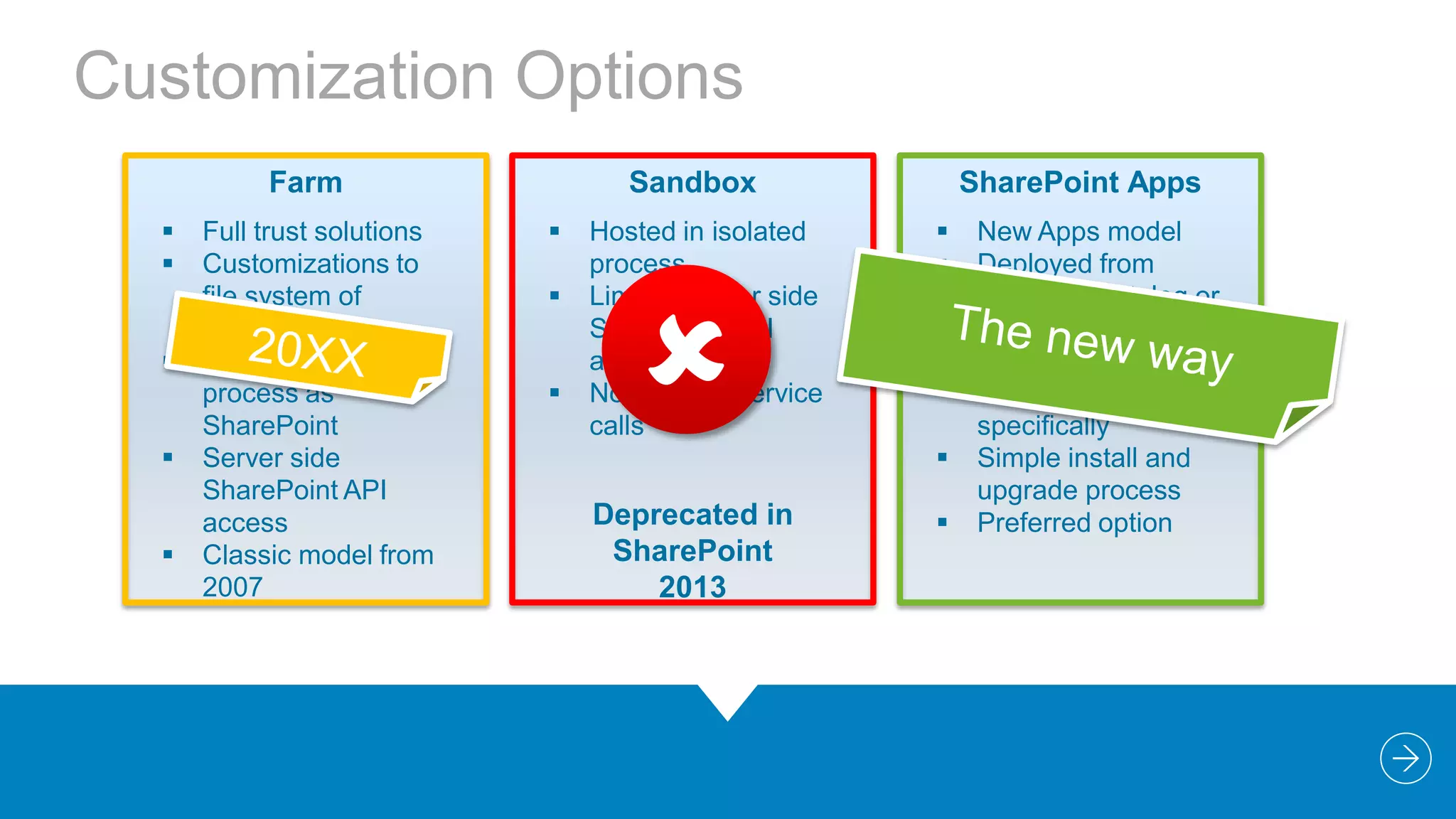
Customization Options
Farm






Full trust solutions
Customizations to
file system of
servers
Hosted in same
process as
SharePoint
Server side
SharePoint API
access
Classic model from
2007

Sandbox




Hosted in isolated
process
Limited server side
SharePoint API
access
No external service
calls



SharePoint Apps





Deprecated in
SharePoint
2013



New Apps model
Deployed from
corporate catalog or
Office Store
Manage permission
and licenses
specifically
Simple install and
upgrade process
Preferred option
“

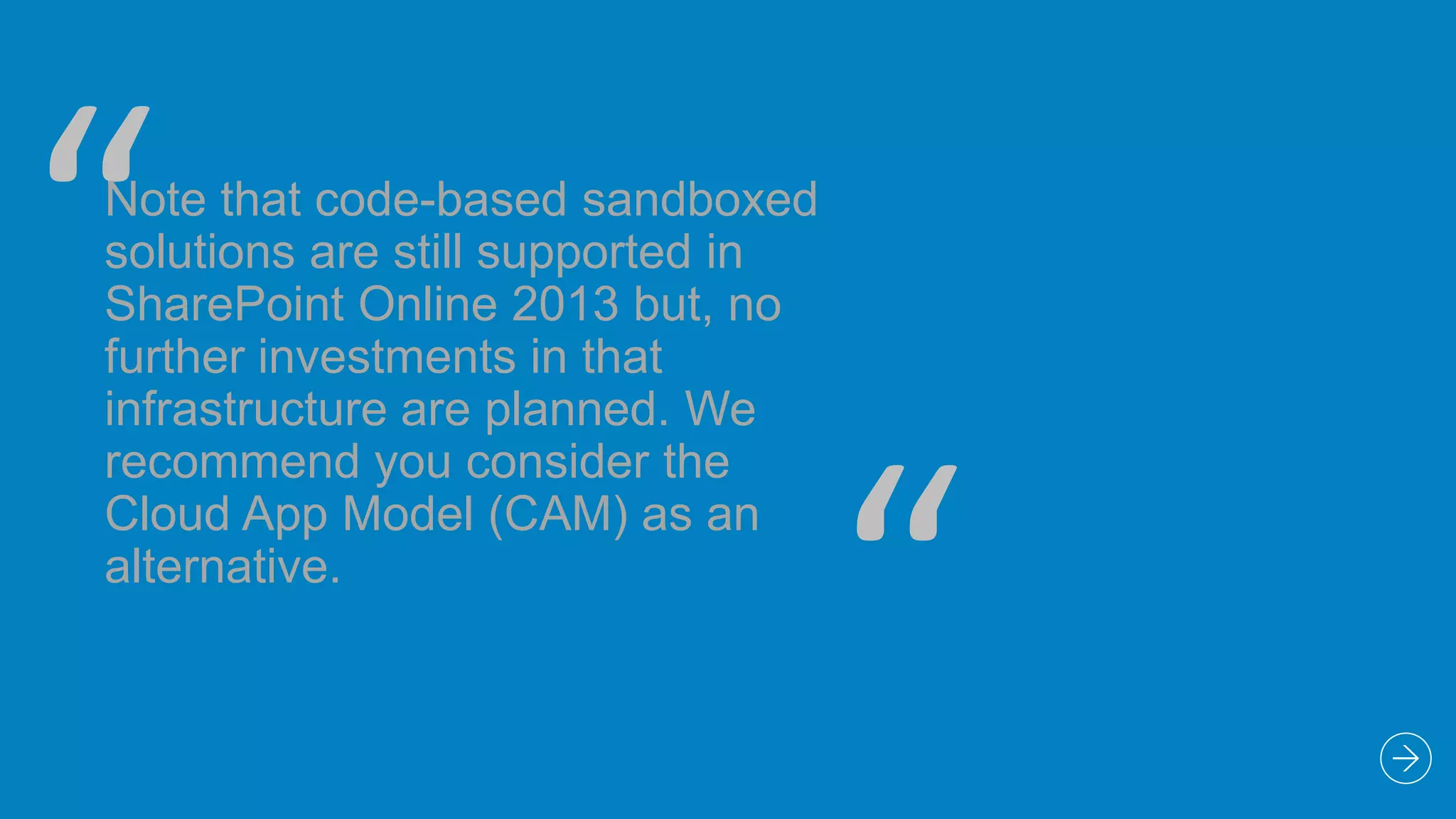
Note that code-based sandboxed
solutions are still supported in
SharePoint Online 2013 but, no
further investments in that
infrastructure are planned. We
recommend you consider the
Cloud App Model (CAM) as an
alternative.

“
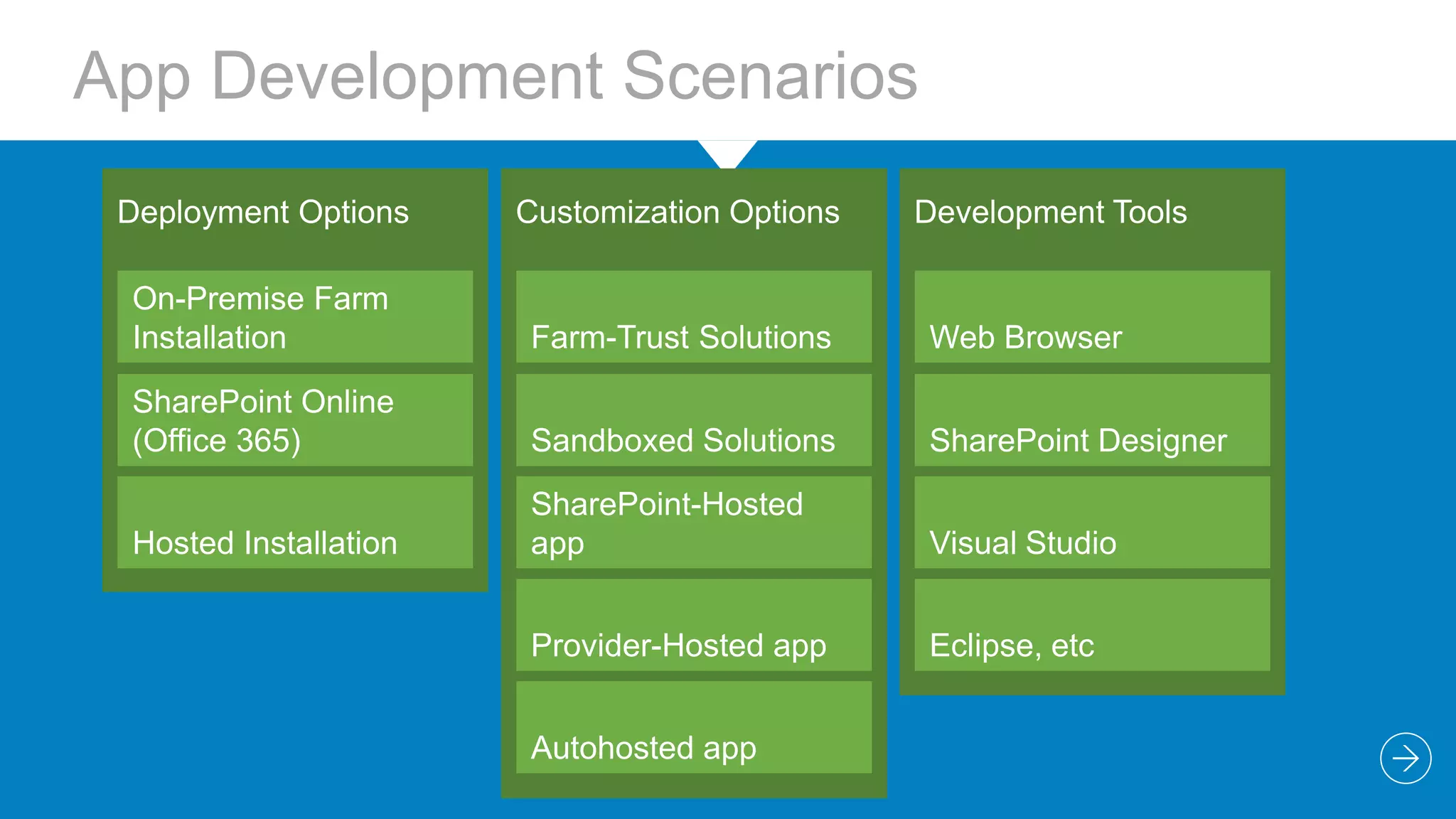
App Development Scenarios
Deployment Options

Customization Options

On-Premise Farm
Installation

Farm-Trust Solutions

Web Browser

SharePoint Online
(Office 365)

Sandboxed Solutions

SharePoint Designer

Hosted Installation

SharePoint-Hosted
app

Visual Studio

Provider-Hosted app

Eclipse, etc

Autohosted app

Development Tools
2

APPS FOR SHAREPOINT
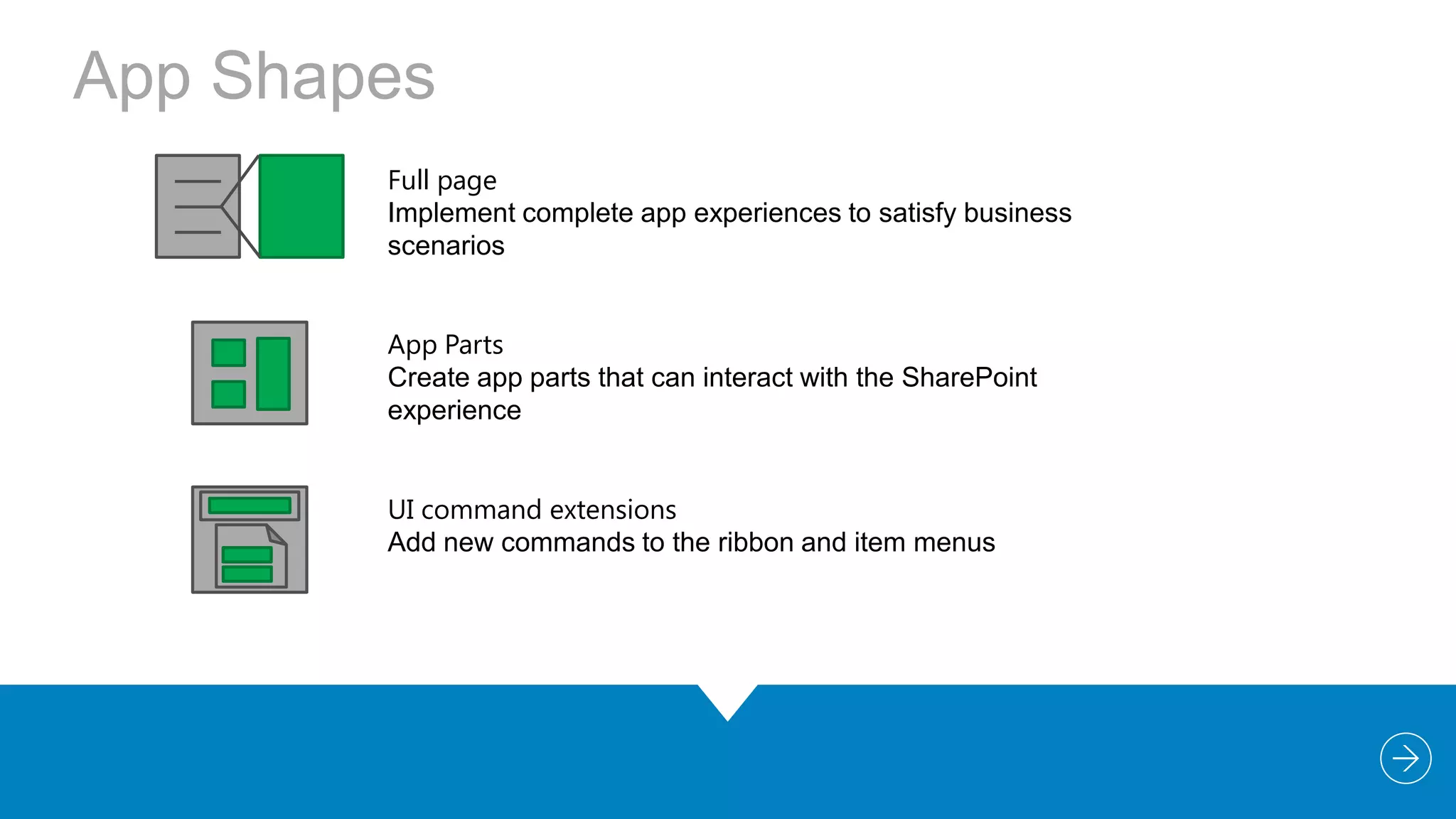
App Shapes
Full page
Implement complete app experiences to satisfy business
scenarios
App Parts
Create app parts that can interact with the SharePoint
experience
UI command extensions
Add new commands to the ribbon and item menus
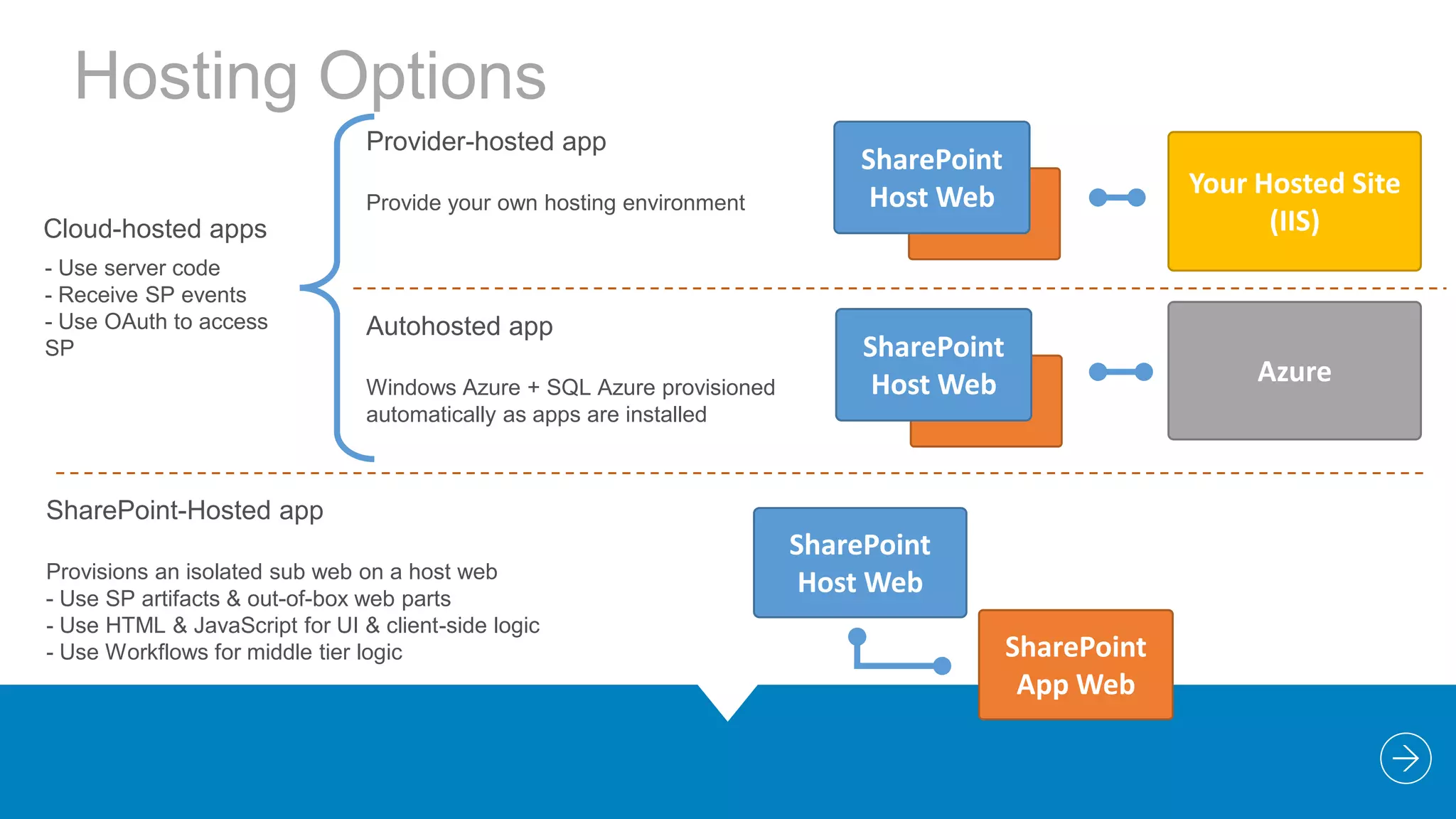
Hosting Options
Provider-hosted app
Provide your own hosting environment

SharePoint
Host Web

Your Hosted Site
(IIS)

Cloud-hosted apps
- Use server code
- Receive SP events
- Use OAuth to access
SP

Autohosted app
Windows Azure + SQL Azure provisioned
automatically as apps are installed

SharePoint
Host Web

Azure

SharePoint-Hosted app
Provisions an isolated sub web on a host web
- Use SP artifacts & out-of-box web parts
- Use HTML & JavaScript for UI & client-side logic
- Use Workflows for middle tier logic

SharePoint
Host Web
SharePoint
App Web
3

VISUAL STUDIO TOOLS
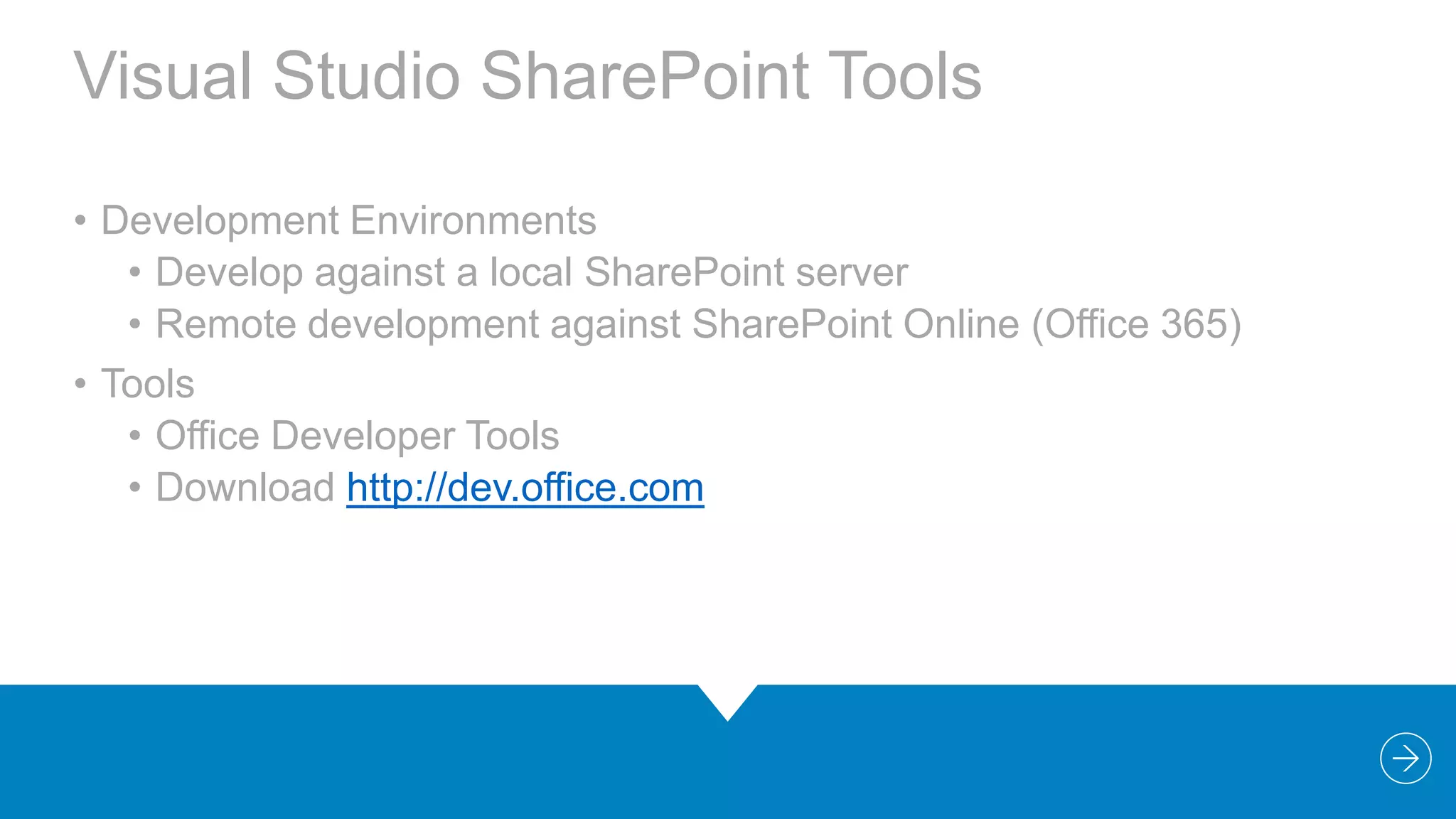
Visual Studio SharePoint Tools
• Development Environments
• Develop against a local SharePoint server
• Remote development against SharePoint Online (Office 365)
• Tools
• Office Developer Tools
• Download http://dev.office.com
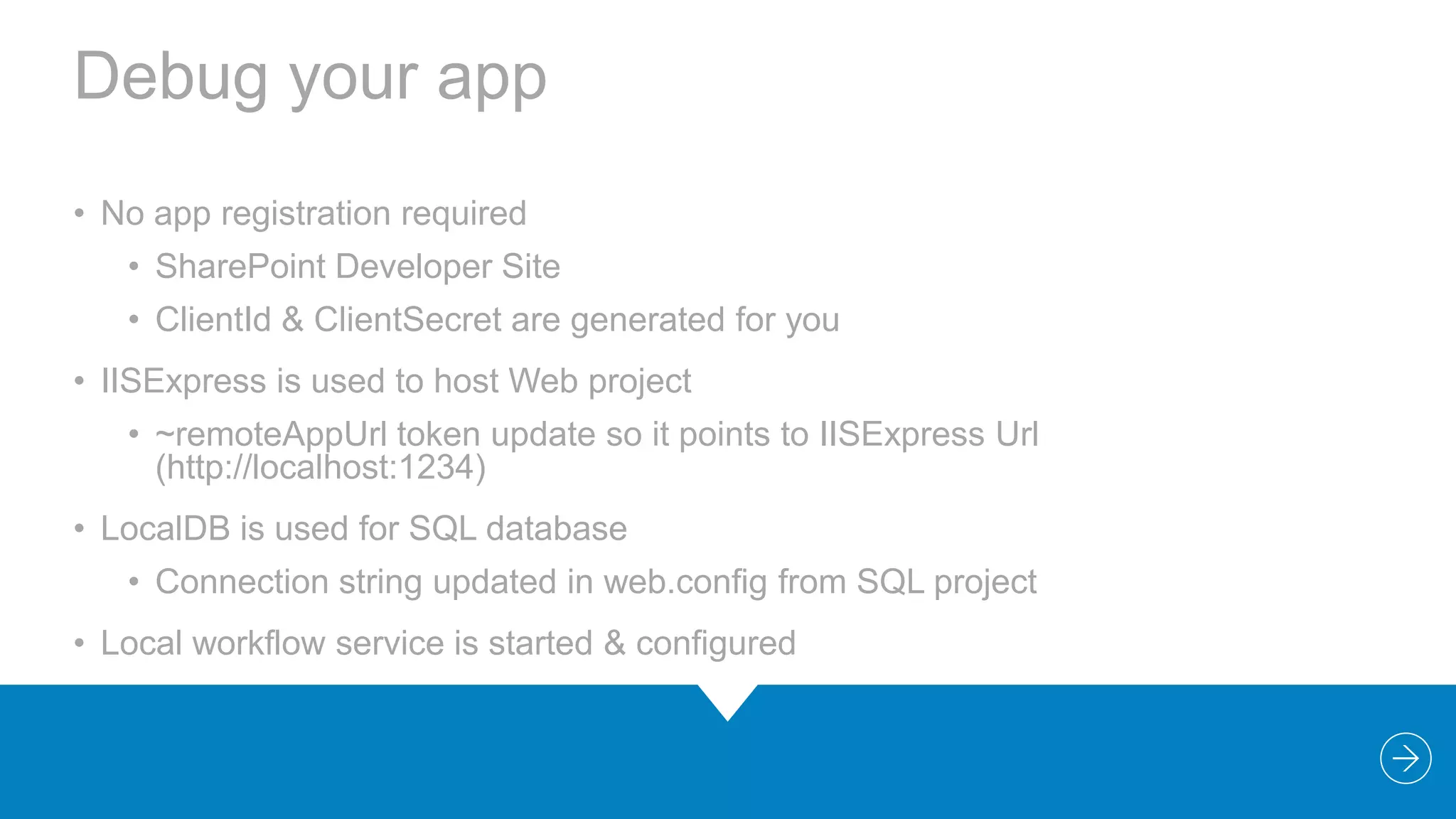
Debug your app
• No app registration required
• SharePoint Developer Site
• ClientId & ClientSecret are generated for you

• IISExpress is used to host Web project
• ~remoteAppUrl token update so it points to IISExpress Url
(http://localhost:1234)
• LocalDB is used for SQL database
• Connection string updated in web.config from SQL project
• Local workflow service is started & configured
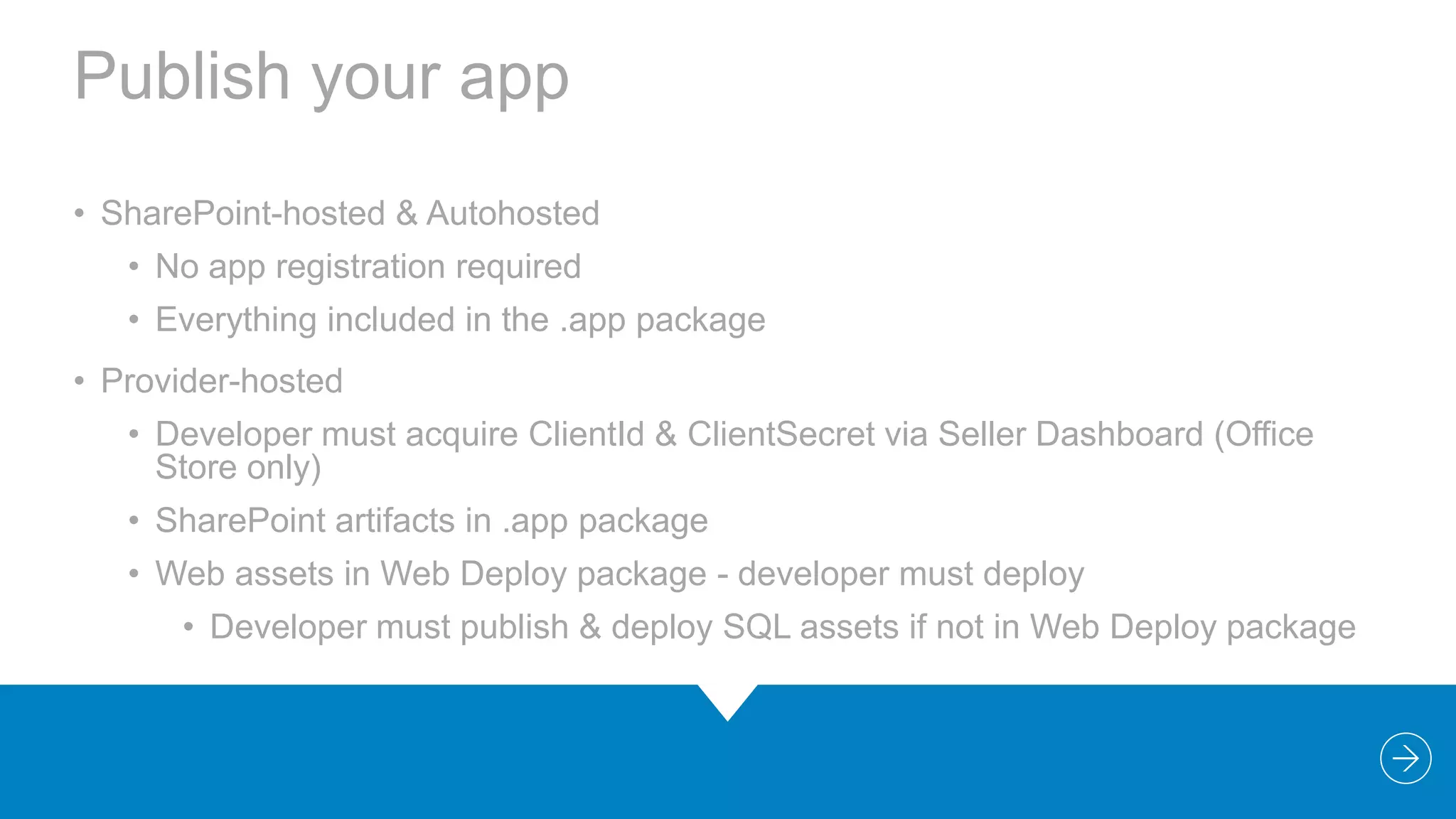
Publish your app
• SharePoint-hosted & Autohosted
• No app registration required
• Everything included in the .app package

• Provider-hosted
• Developer must acquire ClientId & ClientSecret via Seller Dashboard (Office
Store only)
• SharePoint artifacts in .app package
• Web assets in Web Deploy package - developer must deploy
• Developer must publish & deploy SQL assets if not in Web Deploy package
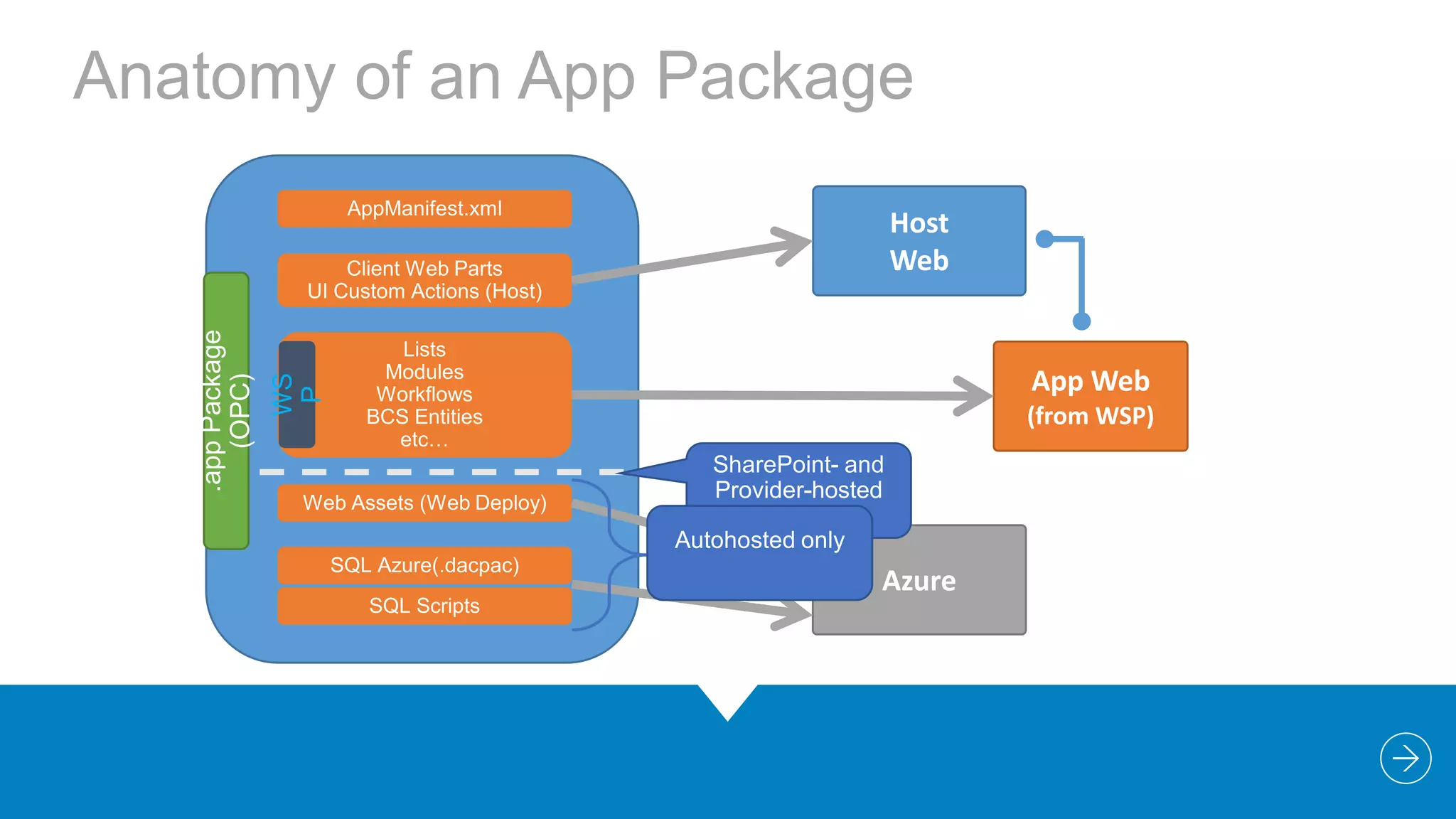
Anatomy of an App Package

App Web

WS
P

.app Package
(OPC)

Host
Web

(from WSP)

Azure
“

DEMO
Building your first app

“
Demo Silly Facts
• SharePoint-Hosted app
• Look around
• AppManifest.xml
• SharePoint Artifacts
• Silly Fact content type and Facts list
• App Part (Client Web Part)
• Custom Action (Host web)
4

REST & CSOM
Changes from 2010 to 2013
• The client.svc service extended with REST capabilities
• client.svc now supports direct access from REST clients
• client.svc accepts HTTP GET, PUT, POST requests
• Implemented in accordance with OData protocol
• CSOM Extended new APIs
• Focus investment on SharePoint Server APIs
• Search, Social, Taxonomy, Workflow, Analytics, Sharing,
Publishing, eDiscovery, IRM, BCS, … and more
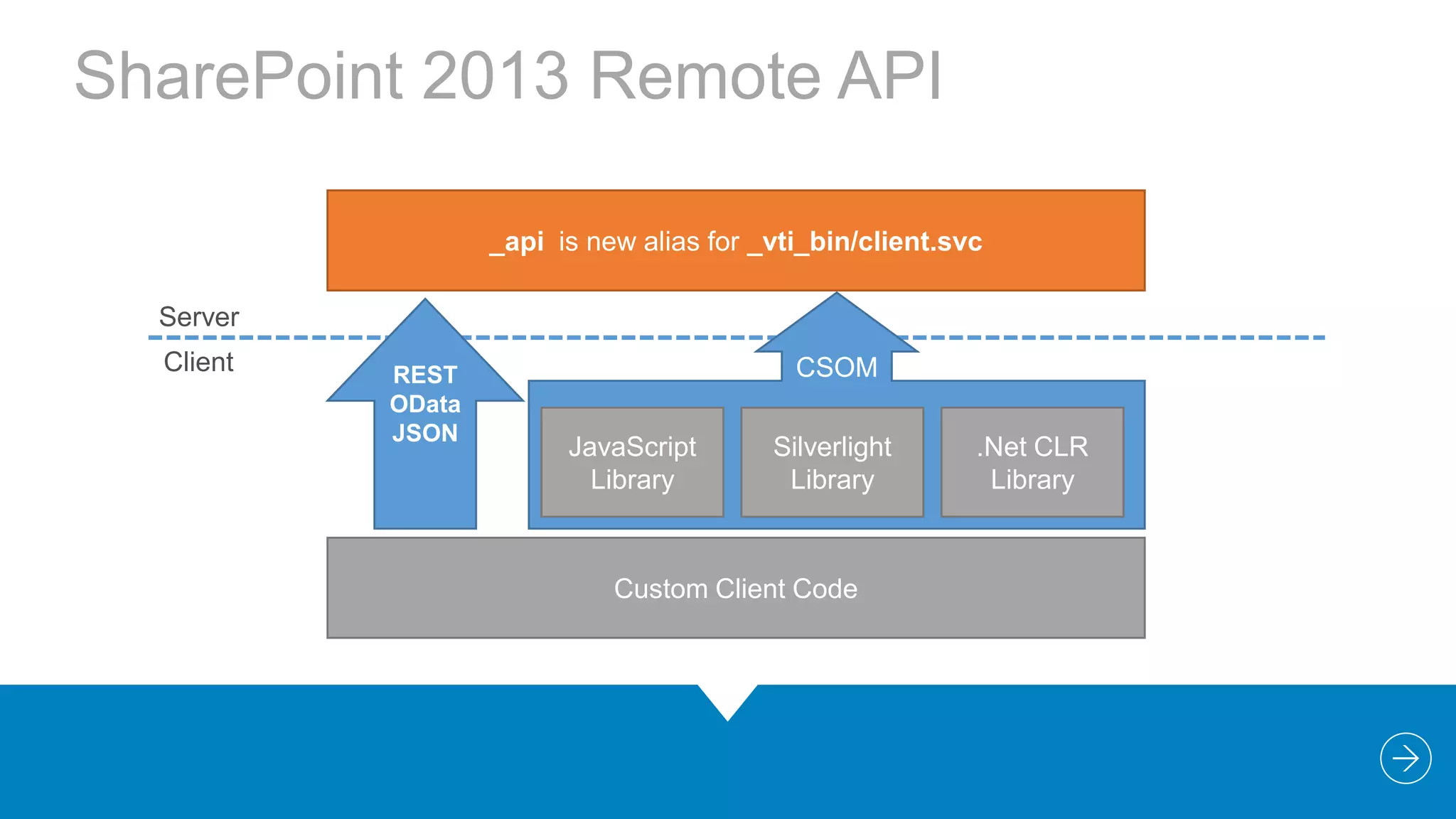
SharePoint 2013 Remote API
_api is new alias for _vti_bin/client.svc
Server
Client

REST
OData
JSON

CSOM
JavaScript
Library

Silverlight
Library

Custom Client Code

.Net CLR
Library
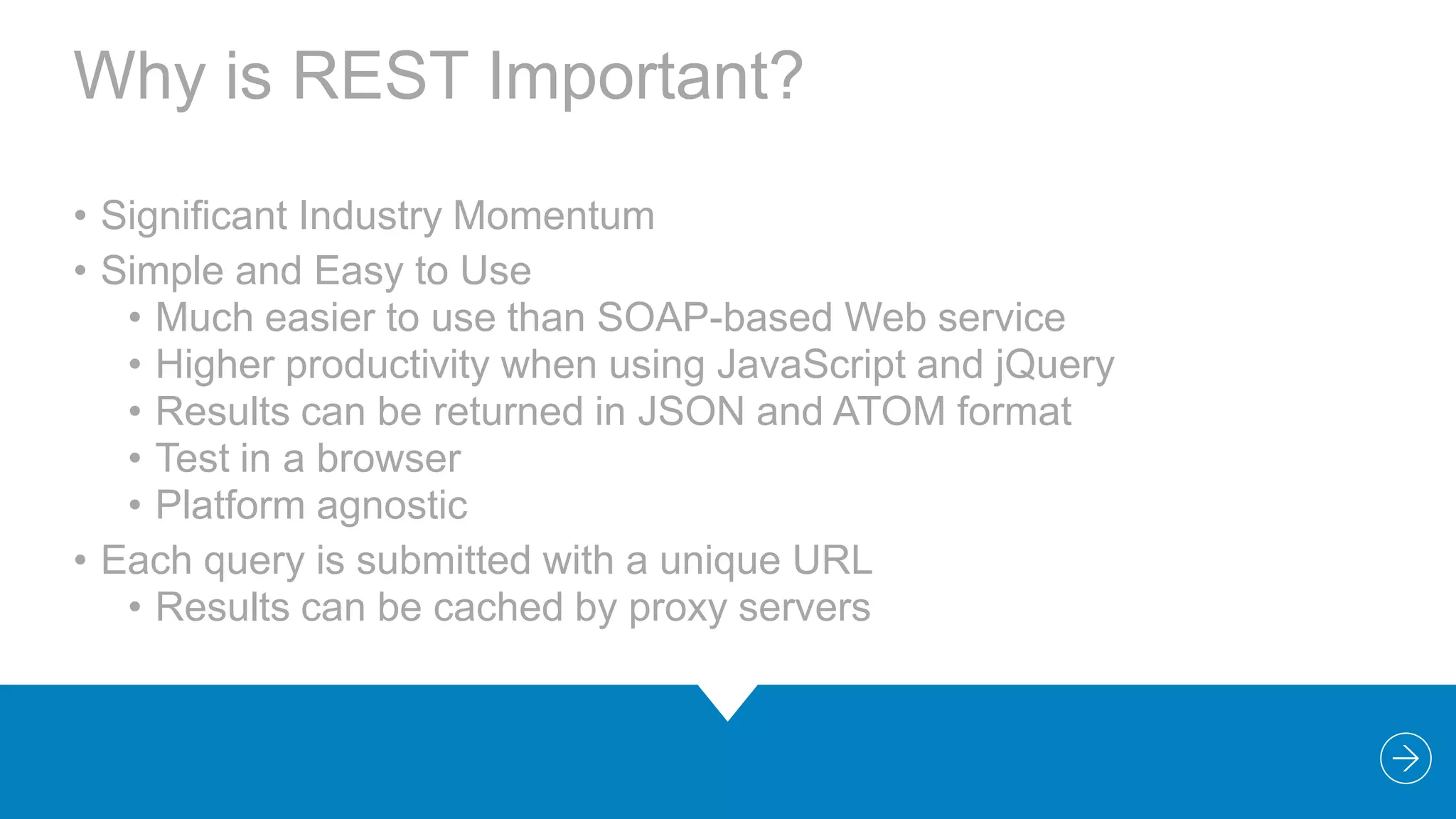
Why is REST Important?
• Significant Industry Momentum
• Simple and Easy to Use
• Much easier to use than SOAP-based Web service
• Higher productivity when using JavaScript and jQuery
• Results can be returned in JSON and ATOM format
• Test in a browser
• Platform agnostic
• Each query is submitted with a unique URL
• Results can be cached by proxy servers
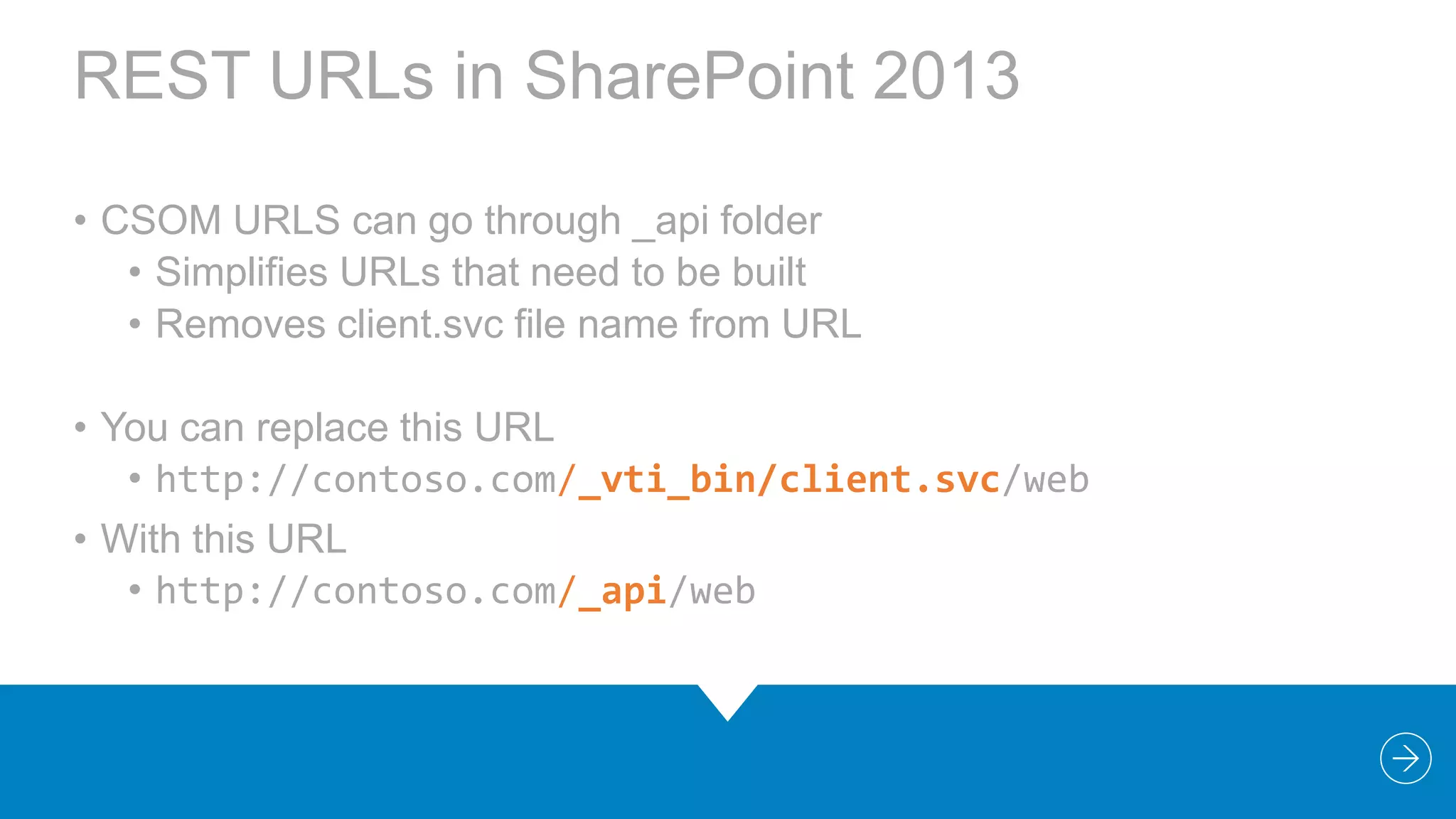
REST URLs in SharePoint 2013
• CSOM URLS can go through _api folder
• Simplifies URLs that need to be built
• Removes client.svc file name from URL
• You can replace this URL
• http://contoso.com/_vti_bin/client.svc/web
• With this URL
• http://contoso.com/_api/web
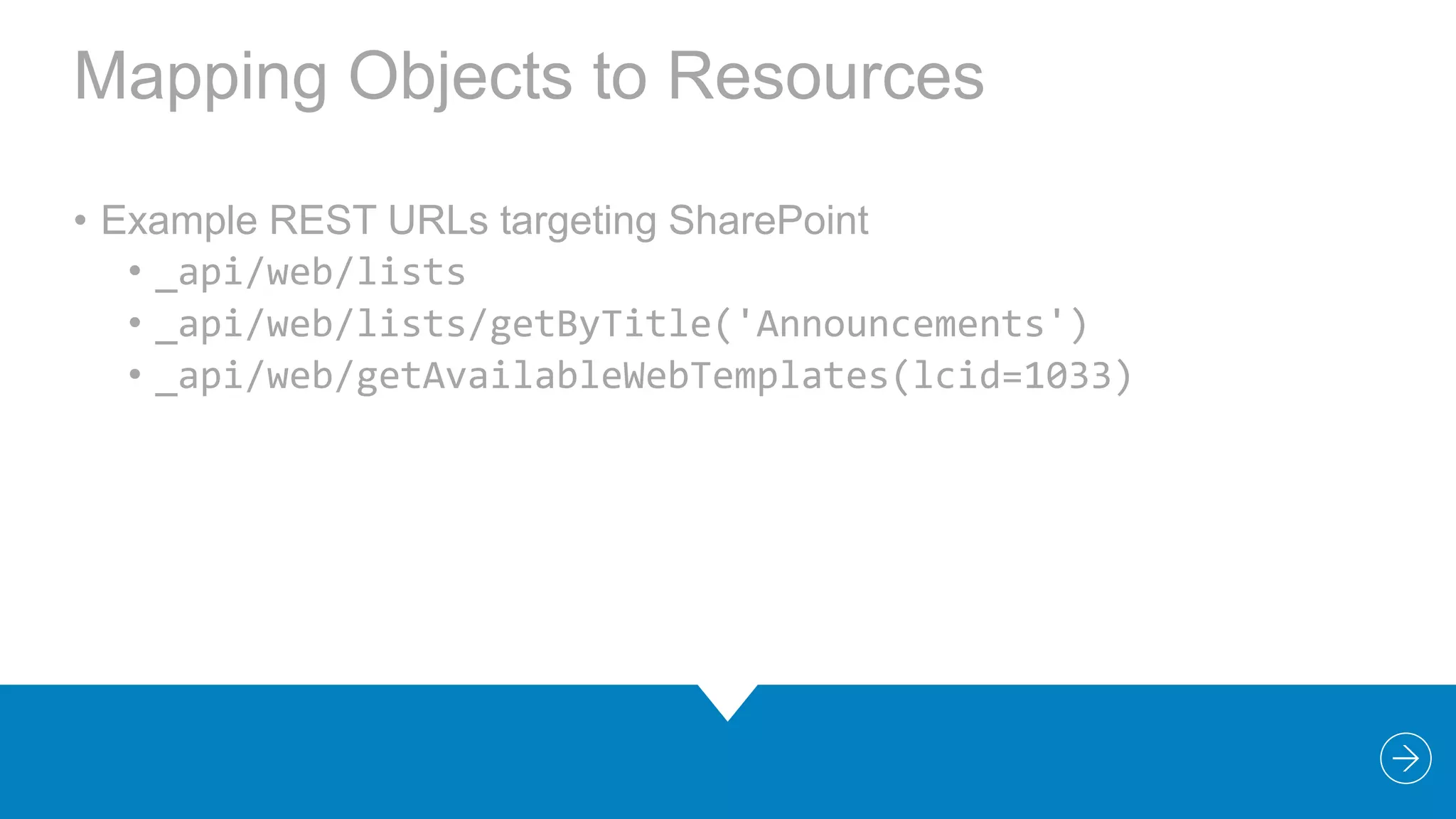
Mapping Objects to Resources
• Example REST URLs targeting SharePoint
• _api/web/lists
• _api/web/lists/getByTitle('Announcements')
• _api/web/getAvailableWebTemplates(lcid=1033)
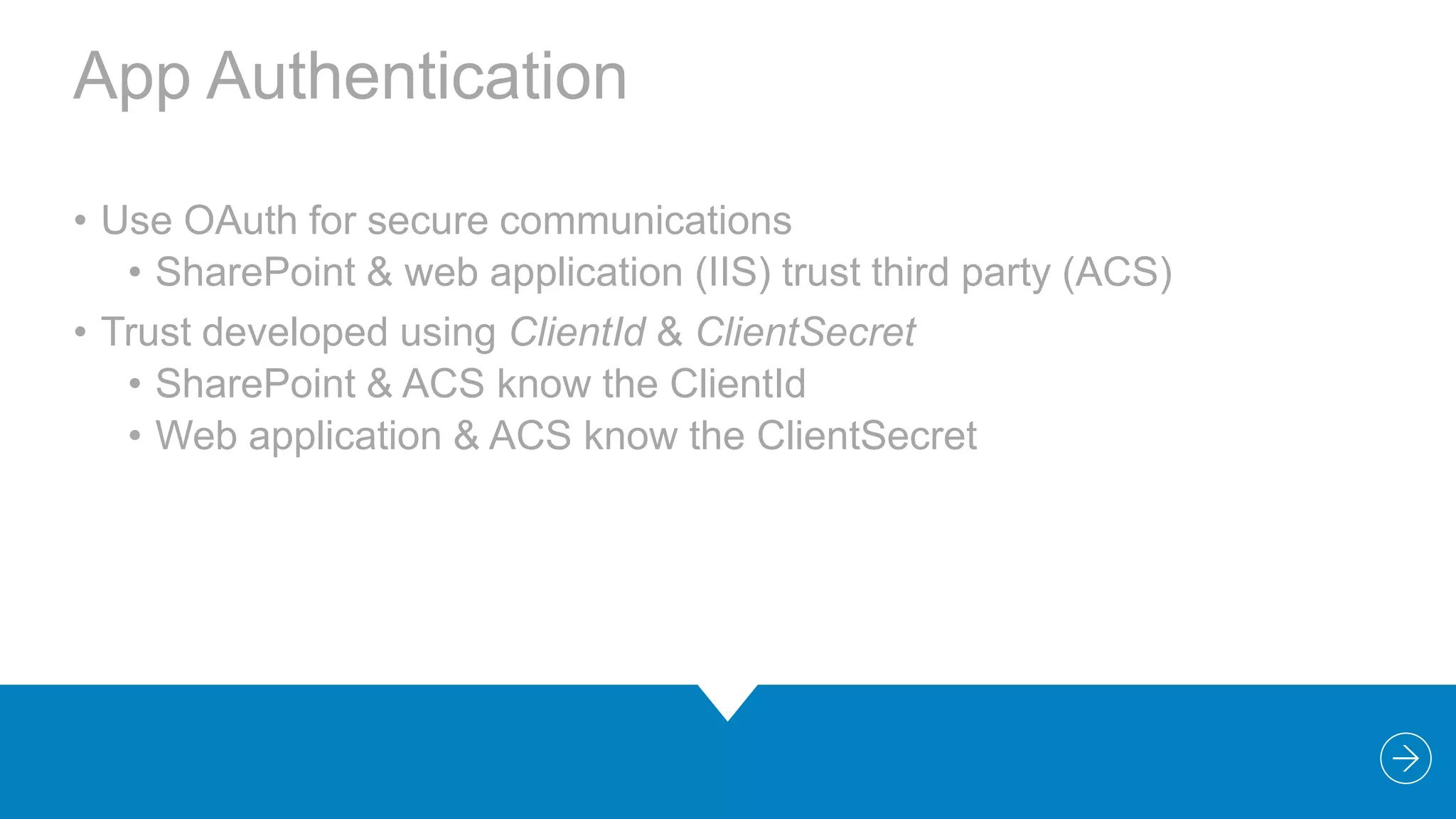
App Authentication
• Use OAuth for secure communications
• SharePoint & web application (IIS) trust third party (ACS)
• Trust developed using ClientId & ClientSecret
• SharePoint & ACS know the ClientId
• Web application & ACS know the ClientSecret
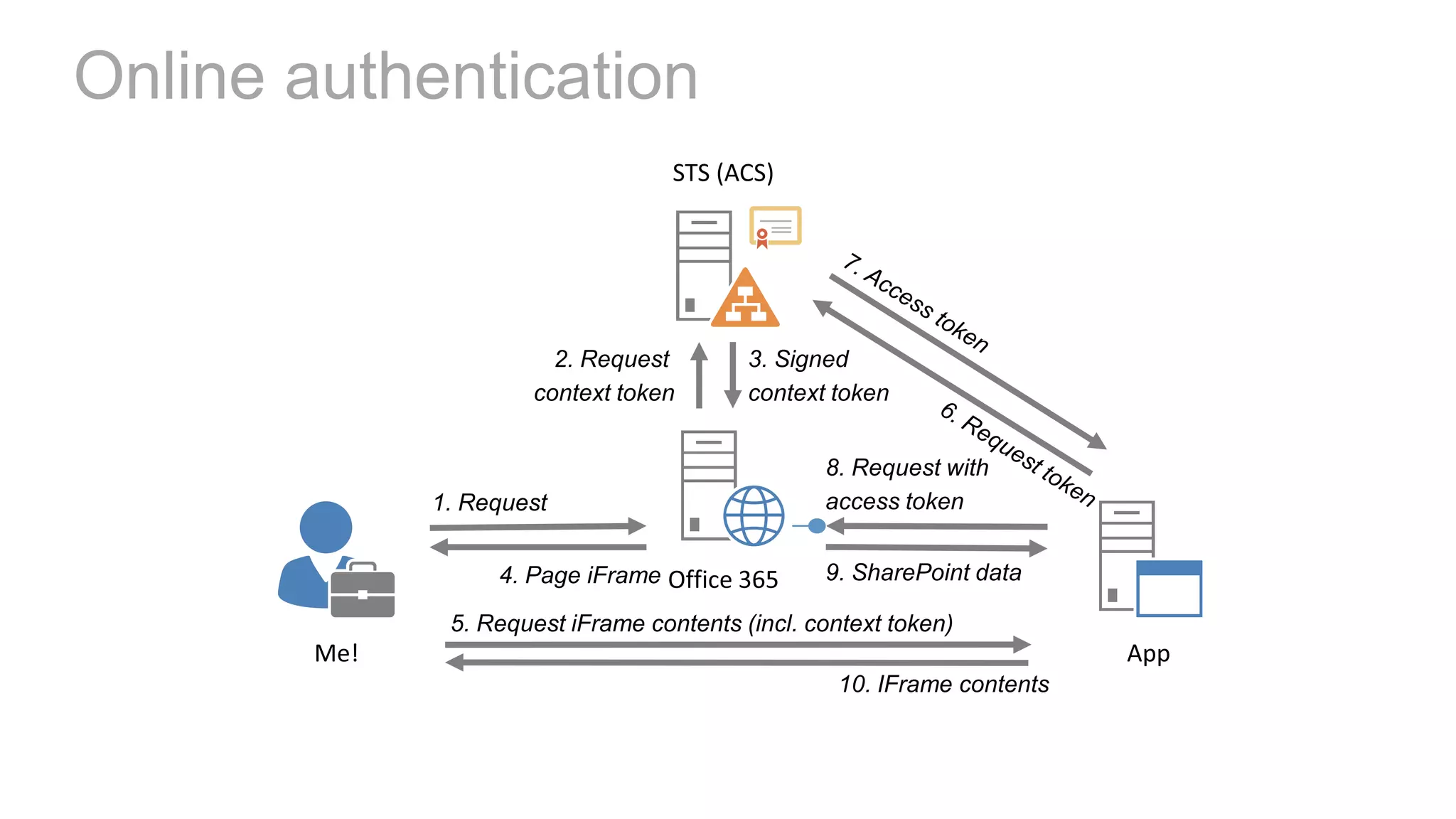
Online authentication
“

DEMO
Using CSOM and
REST

“
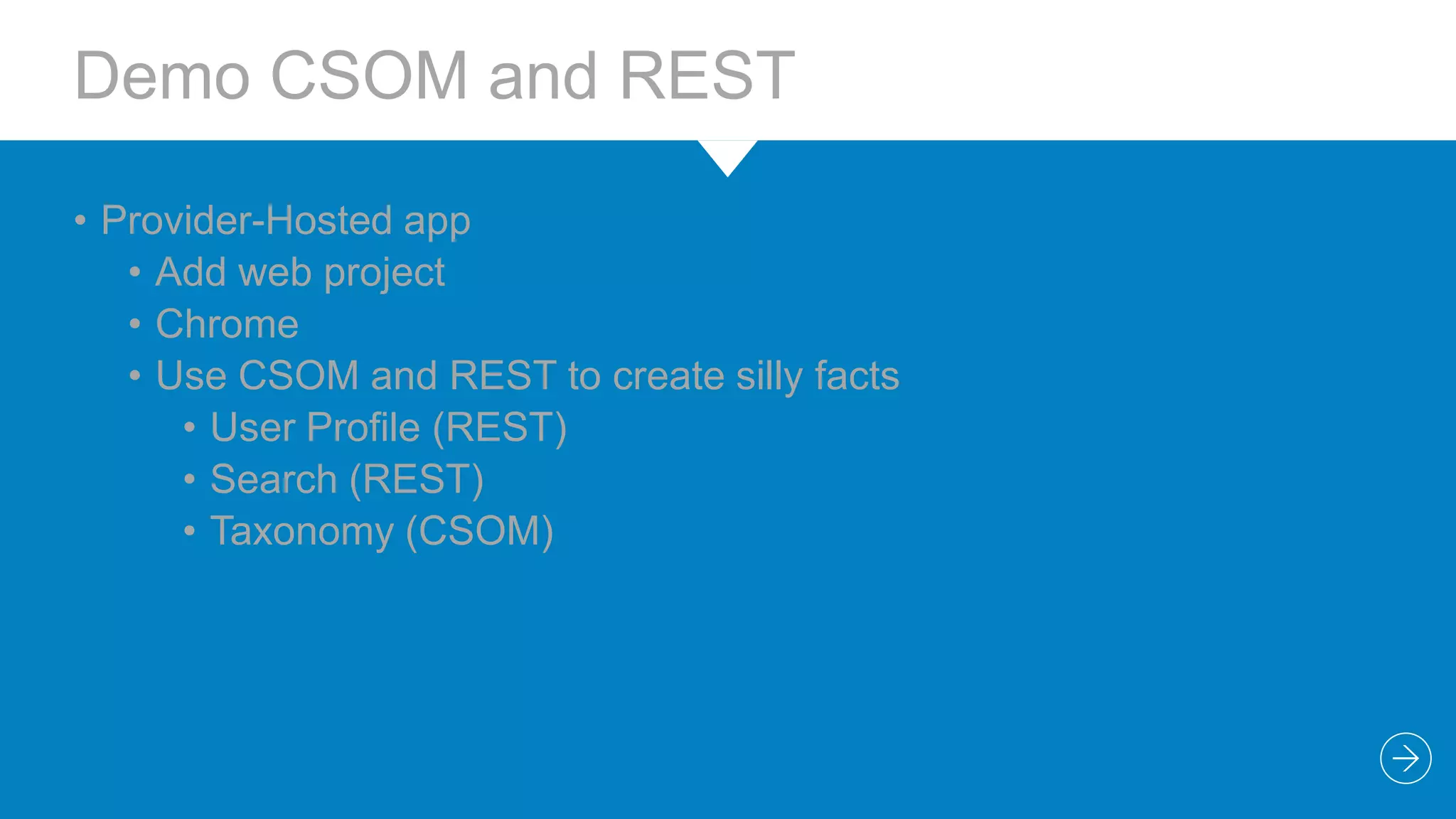
Demo CSOM and REST
• Provider-Hosted app
• Add web project
• Chrome
• Use CSOM and REST to create silly facts
• User Profile (REST)
• Search (REST)
• Taxonomy (CSOM)
5

WRAP-UP
Summary
• The way forward for customizations on SharePoint
• Build for the cloud (Office 365)
• Heavily invested in CSOM and REST, allowing interaction with
SharePoint
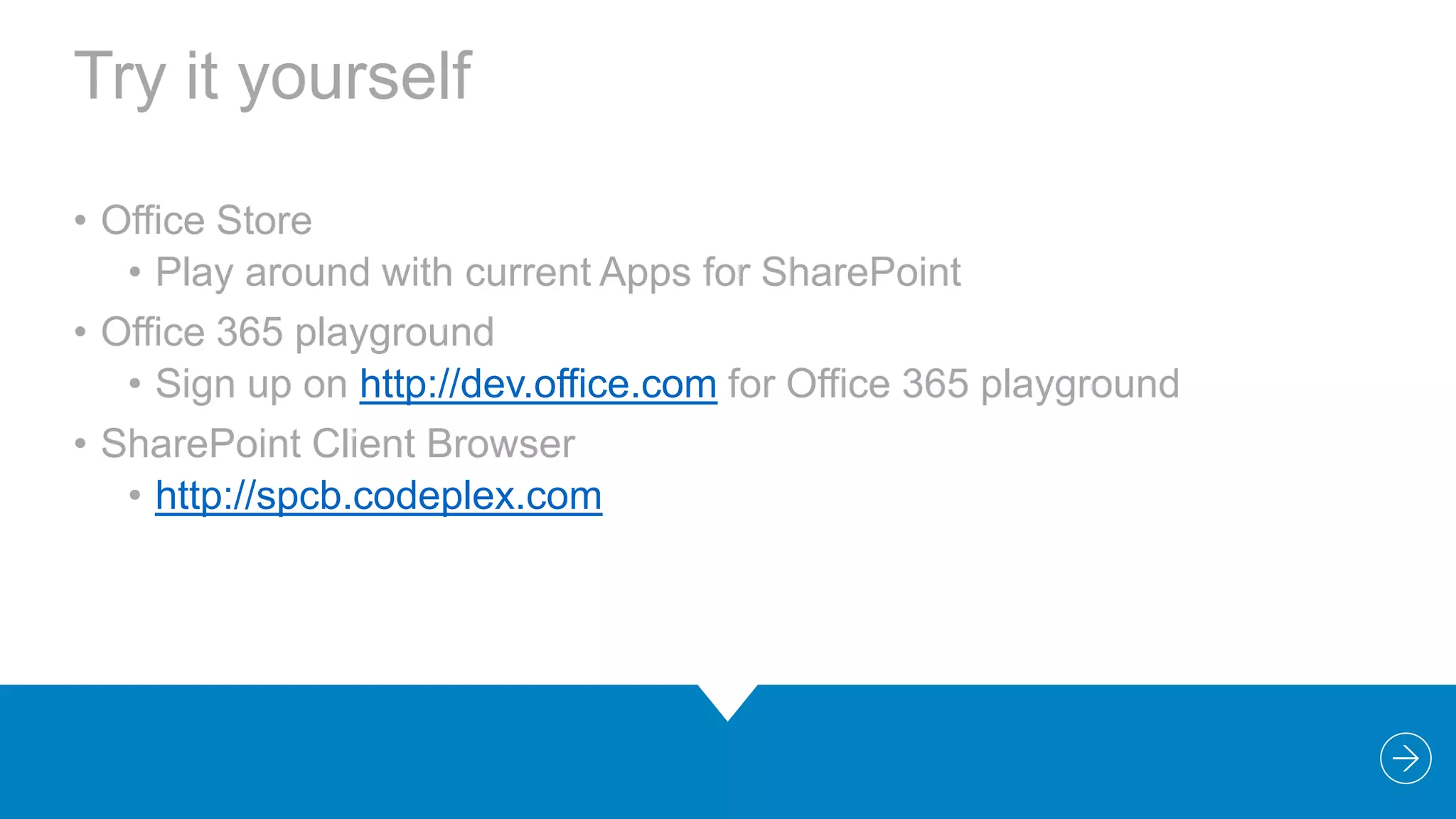
Try it yourself
• Office Store
• Play around with current Apps for SharePoint
• Office 365 playground
• Sign up on http://dev.office.com for Office 365 playground
• SharePoint Client Browser
• http://spcb.codeplex.com
“

Questions & Answers
Thank You!

“
Bram de Jager
bram.de.jager@macaw.nl | bramdejager.wordpress.com |
@bramdejager
SPCA2013 - Developing SharePoint 2013 Apps with Visual Studio 2012

SPCA2013 - Developing SharePoint 2013 Apps with Visual Studio 2012

  • 2.
    Developing SharePoint 2013Apps with Visual Studio 2012 Bram de Jager SharePoint Architect | Microsoft Certified Solution Master: SharePoint
  • 3.
    Agenda Evolution Apps for SharePoint VisualStudio Tools REST & CSOM APIs
  • 4.
  • 5.
    Development Evolution Investment in Portals& content 2003  Web Parts  Site Definitions App discovery & management 2007  LOB applications  Custom server side code  WSP deployment 2010     Silverlight CSOM limited Sandbox Web Template 2013  Apps  Client side experience  CSOM  REST/oData
  • 6.
    Customization Options Farm      Full trustsolutions Customizations to file system of servers Hosted in same process as SharePoint Server side SharePoint API access Classic model from 2007 Sandbox    Hosted in isolated process Limited server side SharePoint API access No external service calls  SharePoint Apps     Deprecated in SharePoint 2013  New Apps model Deployed from corporate catalog or Office Store Manage permission and licenses specifically Simple install and upgrade process Preferred option
  • 7.
    “ Note that code-basedsandboxed solutions are still supported in SharePoint Online 2013 but, no further investments in that infrastructure are planned. We recommend you consider the Cloud App Model (CAM) as an alternative. “
  • 8.
    App Development Scenarios DeploymentOptions Customization Options On-Premise Farm Installation Farm-Trust Solutions Web Browser SharePoint Online (Office 365) Sandboxed Solutions SharePoint Designer Hosted Installation SharePoint-Hosted app Visual Studio Provider-Hosted app Eclipse, etc Autohosted app Development Tools
  • 9.
  • 10.
    App Shapes Full page Implementcomplete app experiences to satisfy business scenarios App Parts Create app parts that can interact with the SharePoint experience UI command extensions Add new commands to the ribbon and item menus
  • 11.
    Hosting Options Provider-hosted app Provideyour own hosting environment SharePoint Host Web Your Hosted Site (IIS) Cloud-hosted apps - Use server code - Receive SP events - Use OAuth to access SP Autohosted app Windows Azure + SQL Azure provisioned automatically as apps are installed SharePoint Host Web Azure SharePoint-Hosted app Provisions an isolated sub web on a host web - Use SP artifacts & out-of-box web parts - Use HTML & JavaScript for UI & client-side logic - Use Workflows for middle tier logic SharePoint Host Web SharePoint App Web
  • 12.
  • 13.
    Visual Studio SharePointTools • Development Environments • Develop against a local SharePoint server • Remote development against SharePoint Online (Office 365) • Tools • Office Developer Tools • Download http://dev.office.com
  • 14.
    Debug your app •No app registration required • SharePoint Developer Site • ClientId & ClientSecret are generated for you • IISExpress is used to host Web project • ~remoteAppUrl token update so it points to IISExpress Url (http://localhost:1234) • LocalDB is used for SQL database • Connection string updated in web.config from SQL project • Local workflow service is started & configured
  • 15.
    Publish your app •SharePoint-hosted & Autohosted • No app registration required • Everything included in the .app package • Provider-hosted • Developer must acquire ClientId & ClientSecret via Seller Dashboard (Office Store only) • SharePoint artifacts in .app package • Web assets in Web Deploy package - developer must deploy • Developer must publish & deploy SQL assets if not in Web Deploy package
  • 16.
    Anatomy of anApp Package App Web WS P .app Package (OPC) Host Web (from WSP) Azure
  • 17.
  • 18.
    Demo Silly Facts •SharePoint-Hosted app • Look around • AppManifest.xml • SharePoint Artifacts • Silly Fact content type and Facts list • App Part (Client Web Part) • Custom Action (Host web)
  • 19.
  • 20.
    Changes from 2010to 2013 • The client.svc service extended with REST capabilities • client.svc now supports direct access from REST clients • client.svc accepts HTTP GET, PUT, POST requests • Implemented in accordance with OData protocol • CSOM Extended new APIs • Focus investment on SharePoint Server APIs • Search, Social, Taxonomy, Workflow, Analytics, Sharing, Publishing, eDiscovery, IRM, BCS, … and more
  • 21.
    SharePoint 2013 RemoteAPI _api is new alias for _vti_bin/client.svc Server Client REST OData JSON CSOM JavaScript Library Silverlight Library Custom Client Code .Net CLR Library
  • 22.
    Why is RESTImportant? • Significant Industry Momentum • Simple and Easy to Use • Much easier to use than SOAP-based Web service • Higher productivity when using JavaScript and jQuery • Results can be returned in JSON and ATOM format • Test in a browser • Platform agnostic • Each query is submitted with a unique URL • Results can be cached by proxy servers
  • 23.
    REST URLs inSharePoint 2013 • CSOM URLS can go through _api folder • Simplifies URLs that need to be built • Removes client.svc file name from URL • You can replace this URL • http://contoso.com/_vti_bin/client.svc/web • With this URL • http://contoso.com/_api/web
  • 24.
    Mapping Objects toResources • Example REST URLs targeting SharePoint • _api/web/lists • _api/web/lists/getByTitle('Announcements') • _api/web/getAvailableWebTemplates(lcid=1033)
  • 25.
    App Authentication • UseOAuth for secure communications • SharePoint & web application (IIS) trust third party (ACS) • Trust developed using ClientId & ClientSecret • SharePoint & ACS know the ClientId • Web application & ACS know the ClientSecret
  • 26.
  • 27.
  • 28.
    Demo CSOM andREST • Provider-Hosted app • Add web project • Chrome • Use CSOM and REST to create silly facts • User Profile (REST) • Search (REST) • Taxonomy (CSOM)
  • 29.
  • 30.
    Summary • The wayforward for customizations on SharePoint • Build for the cloud (Office 365) • Heavily invested in CSOM and REST, allowing interaction with SharePoint
  • 31.
    Try it yourself •Office Store • Play around with current Apps for SharePoint • Office 365 playground • Sign up on http://dev.office.com for Office 365 playground • SharePoint Client Browser • http://spcb.codeplex.com
  • 32.
  • 33.
    Bram de Jager bram.de.jager@macaw.nl| bramdejager.wordpress.com | @bramdejager

Editor's Notes

  • #7 SandboxedSolutionsdeprecated statement: http://msdn.microsoft.com/en-us/library/jj163114.aspx
  • #8 Sandbox solutionsSandbox solutions are upgraded with the content databases and activated once upgrade is complete. If your solution includes customizations, however, you’ll need to evaluate them individually to ensure they work as expected in the new environment.Note that code-based sandboxed solutions are still supported in SharePoint Online 2013 but, no further investments in that infrastructure are planned. We recommend you consider the Cloud App Model as an alternative. See What’s new for developers in SharePoint 2013 for information. http://office.microsoft.com/en-001/office365-sharepoint-online-enterprise-help/plan-to-upgrade-your-sharepoint-online-environment-to-the-2013-experience-HA104034491.aspx
  • #14 Office Developer Tools RTM on Tue 4 March: http://blogs.msdn.com/b/somasegar/archive/2013/03/04/now-available-office-developer-tools-for-visual-studio-2012.aspx
  • #16 Use when app is ready for…Testing by anther person or teamUpload to Store or App CatalogUse the packages from app.publish folder
  • #17 Open Packaging Conventions (OPC): http://msdn.microsoft.com/en-us/magazine/cc163372.aspxStandard For Packaging Data, also used for Office Open XML.
  • #20 Legacy of Frontpage…, finally gone
  • #26 ACS = Access Control Service (Windows Azure Access Control Service)