Publish your presentations online
welcome
SOCIALXPAND
Publish your presentations easier and faster
A unique solution in any situation
1Create your
presentation
2Upload your
presentation
3Public and
share
Create your presentation
Easy upload to the server for further publication
1
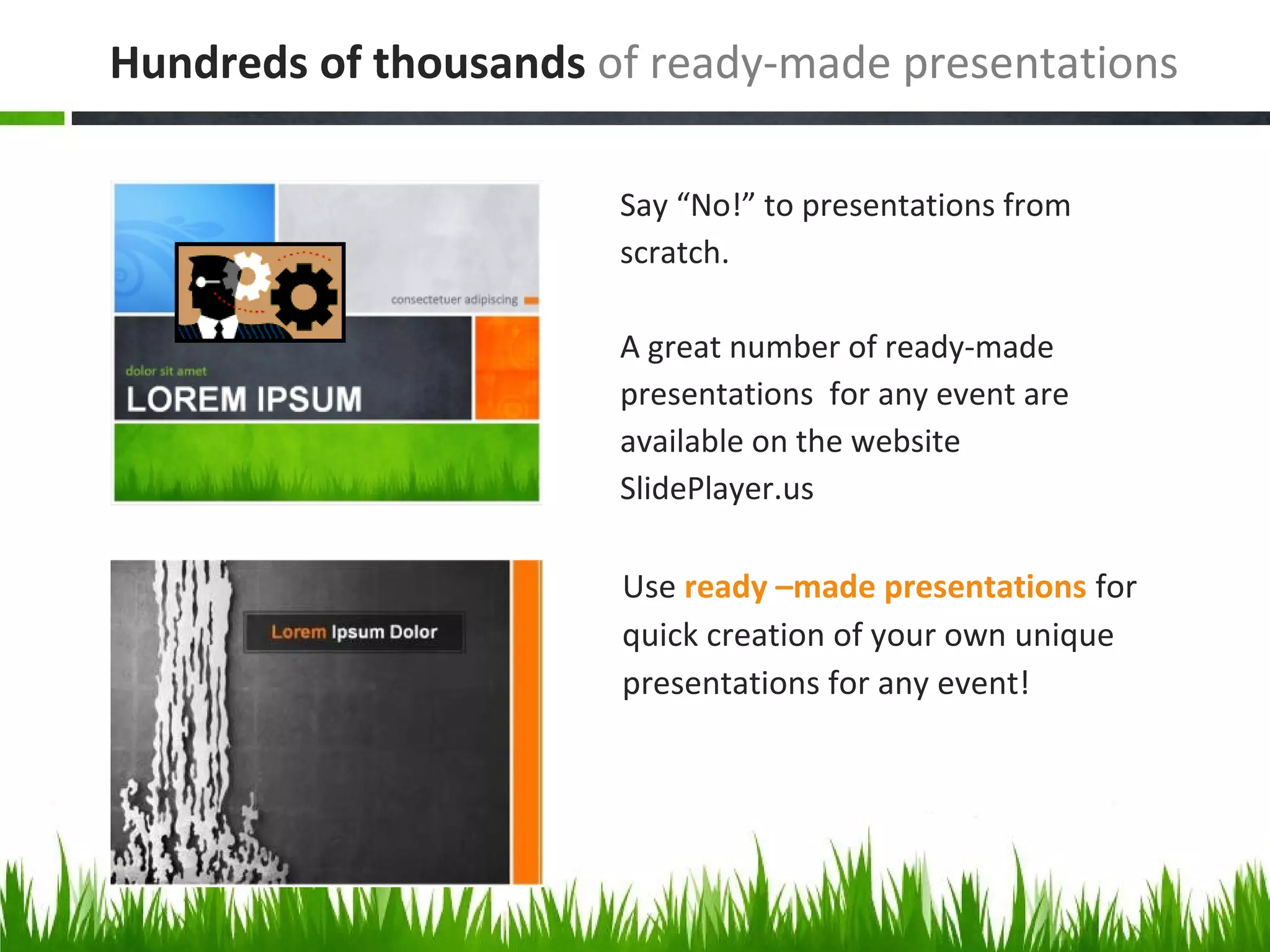
Use ready –made presentations for
quick creation of your own unique
presentations for any event!
Say “No!” to presentations from
scratch.
A great number of ready-made
presentations for any event are
available on the website
SlidePlayer.us
Hundreds of thousands of ready-made presentations
Downloadandeditquickly,
easilyandforfree Website SlidePlayer.us is 100% free
View and download any presentations for free!
All presentations are
correctly edited and
saved
No more flash drives and heavy e-mails.
Public your presentation on SlidePlayer.us
and send a link.
Following the sent link you will be able to
view and download the presentation for
further editing.
Public.
Share.
Work together.
2 Download your presentation
Easy upload to the website SlidePlayer.us
In a matter of seconds you will share your presentation with
THE WHOLE
WORLD.
SlidePlayer.us allows to add video
and audio files to your presentation.
Correct playback directly from your
presentation is surprising, isn’t it?
Video and audio files are played
together with a presentation on any
devices, including mobile ones!
Perfect video
Video in presentations
Playback directly from
mobile devices!
SlidePlayer.us uses new
HTML5 technology instead of
Flash.
Thanks to this all
presentations are correctly
displayed on any devices,
including mobile ones.
Вставка клипа мультимедиа
Are there a lot of beautiful effects in your
presentation?
Saving all the effects
3 Public and share!
Publication and distribution of your presentations – easy with SlidePlayer.us!
» Just download and publish your presentation
on the web-site SlidePlayer.us
» Make a link to the page with your
presentation or just add a player with your
presentation to your slide or page in social
networks!
» Share with your friends and collegues on
Facebook and Twitter!
JUST GIVE A LINK
Spread the link to your presentation
via email, Skype, social networks and
in any other way!
The service SlidePlayer.us supports
publication in social networks with a
single click, so everyone will be able
to see your presentation!
Show it to everyone!
To distribute a presentation
is extremely easy
with SlidePlayer.us
?
No computer with Power Point?
You have SlidePlayer.us – and there
is nothing else you need!
View presentations from anywhere
» Work with
SlidePlayer.us
» Your presentations are available
to you anytime and anywhere
Presentations from any spot of the Earth
What’s your message?
SOCIALXPAND
THANKS
Kick up your Creativity!!!

Socialxpand | The Process to Make a Nice Presentation

  • 1.
    Publish your presentationsonline welcome SOCIALXPAND
  • 2.
    Publish your presentationseasier and faster A unique solution in any situation 1Create your presentation 2Upload your presentation 3Public and share
  • 3.
    Create your presentation Easyupload to the server for further publication 1
  • 4.
    Use ready –madepresentations for quick creation of your own unique presentations for any event! Say “No!” to presentations from scratch. A great number of ready-made presentations for any event are available on the website SlidePlayer.us Hundreds of thousands of ready-made presentations
  • 5.
    Downloadandeditquickly, easilyandforfree Website SlidePlayer.usis 100% free View and download any presentations for free! All presentations are correctly edited and saved
  • 6.
    No more flashdrives and heavy e-mails. Public your presentation on SlidePlayer.us and send a link. Following the sent link you will be able to view and download the presentation for further editing. Public. Share. Work together.
  • 7.
    2 Download yourpresentation Easy upload to the website SlidePlayer.us
  • 8.
    In a matterof seconds you will share your presentation with THE WHOLE WORLD.
  • 9.
    SlidePlayer.us allows toadd video and audio files to your presentation. Correct playback directly from your presentation is surprising, isn’t it? Video and audio files are played together with a presentation on any devices, including mobile ones! Perfect video
  • 10.
    Video in presentations Playbackdirectly from mobile devices! SlidePlayer.us uses new HTML5 technology instead of Flash. Thanks to this all presentations are correctly displayed on any devices, including mobile ones. Вставка клипа мультимедиа
  • 11.
    Are there alot of beautiful effects in your presentation? Saving all the effects
  • 12.
    3 Public andshare! Publication and distribution of your presentations – easy with SlidePlayer.us!
  • 13.
    » Just downloadand publish your presentation on the web-site SlidePlayer.us » Make a link to the page with your presentation or just add a player with your presentation to your slide or page in social networks! » Share with your friends and collegues on Facebook and Twitter! JUST GIVE A LINK
  • 14.
    Spread the linkto your presentation via email, Skype, social networks and in any other way! The service SlidePlayer.us supports publication in social networks with a single click, so everyone will be able to see your presentation! Show it to everyone! To distribute a presentation is extremely easy with SlidePlayer.us
  • 15.
    ? No computer withPower Point? You have SlidePlayer.us – and there is nothing else you need! View presentations from anywhere
  • 16.
    » Work with SlidePlayer.us »Your presentations are available to you anytime and anywhere Presentations from any spot of the Earth
  • 17.

Editor's Notes

  • #2 Эта презентация демонстрирует новые возможности PowerPoint. Ее рекомендуется просматривать в режиме показа слайдов. Эти слайды должны дать вам представление о том, какие эффектные презентации можно создать с помощью PowerPoint 2010. Для доступа к другим образцам шаблонов перейдите на вкладку "Файл", а затем щелкните "Образцы слайдов" на вкладке "Создать". <number>
  • #3 <number>
  • #4 <number>
  • #5 <number>
  • #6 <number>
  • #7 <number>
  • #8 <number>
  • #9 <number>
  • #10 <number>
  • #11 <number>
  • #12 <number>
  • #13 <number>
  • #14 <number>
  • #15 <number>
  • #16 <number>
  • #17 <number>
  • #18 <number>