Sitecore 9
Key Features and
upcoming updates.
Jitendra Soni- HCLTechnologies
6th December 2017
Agenda-
• Sitecore 9 – A quick overview
• Sitecore 9 installation through SIF
• Sitecore 9 Form
• DEF-Sitecore Data exchange framework
• xConnect.
• Role based configuration
• Sitecore JSS Framework and truly headless
• Marketing Automation
• Sitecore Cortex
• Sitecore Experience commerce (XC)
• Horizon
• Zenith
• Q&A
• Open Discussion
2
Sitecore 9 – A quick overview
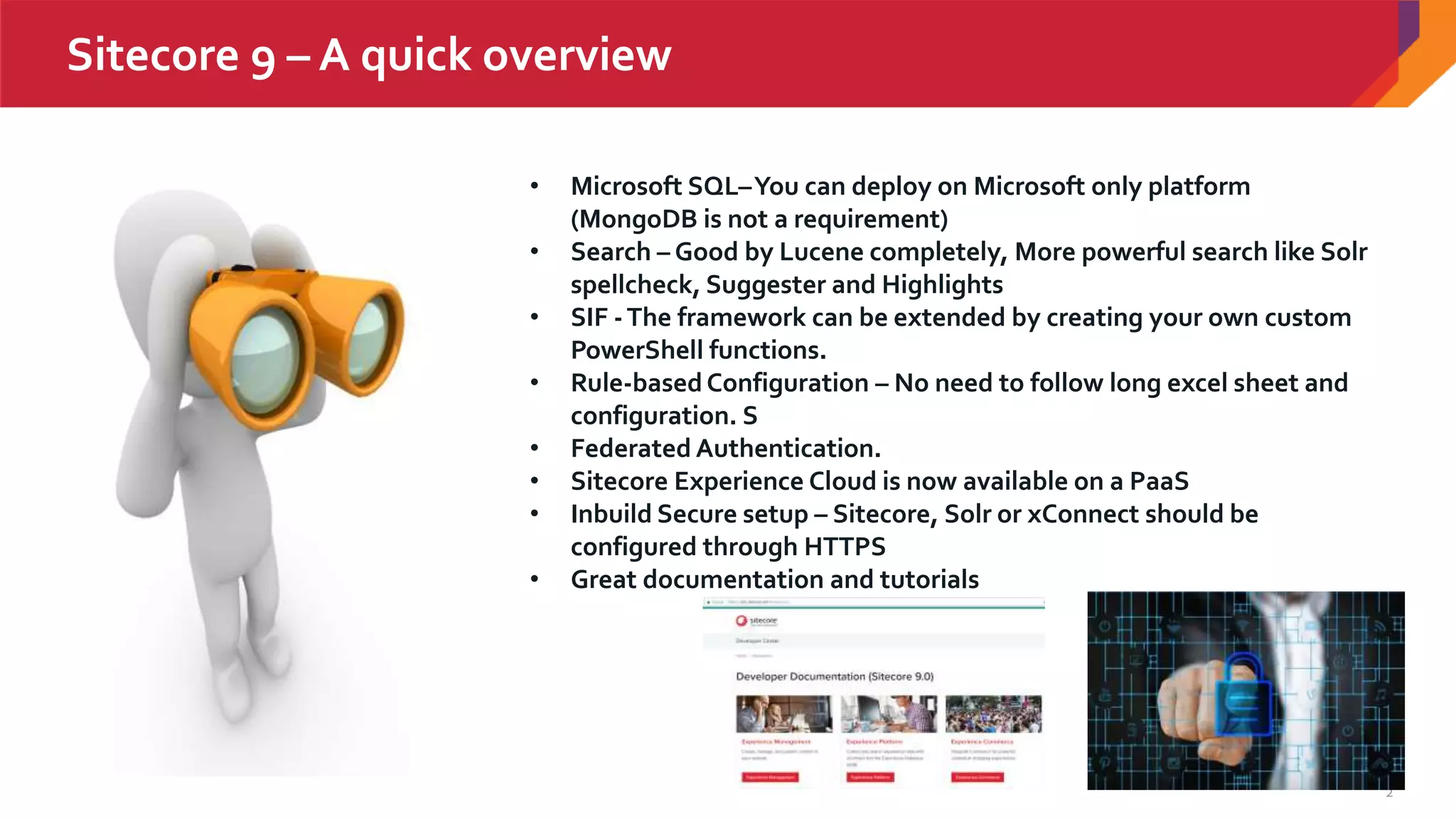
• Microsoft SQL–You can deploy on Microsoft only platform
(MongoDB is not a requirement)
• Search – Good by Lucene completely, More powerful search like Solr
spellcheck, Suggester and Highlights
• SIF -The framework can be extended by creating your own custom
PowerShell functions.
• Rule-basedConfiguration – No need to follow long excel sheet and
configuration. S
• Federated Authentication.
• Sitecore Experience Cloud is now available on a PaaS
• Inbuild Secure setup – Sitecore, Solr or xConnect should be
configured through HTTPS
• Great documentation and tutorials
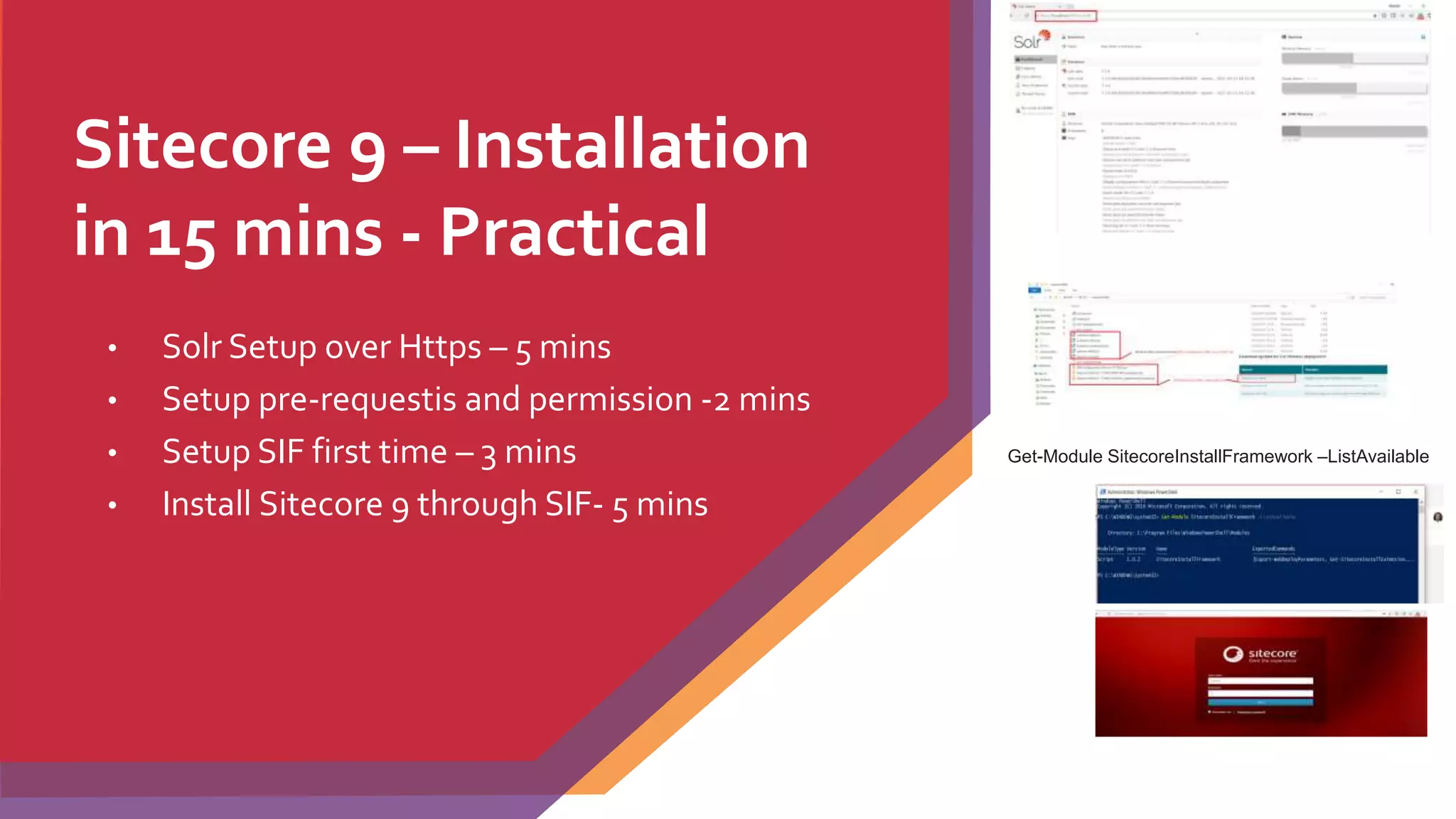
Sitecore 9 – Installation
in 15 mins - Practical
• Solr Setup over Https – 5 mins
• Setup pre-requestis and permission -2 mins
• Setup SIF first time – 3 mins
• Install Sitecore 9 through SIF- 5 mins
Get-Module SitecoreInstallFramework –ListAvailable
4
Practical Demo
5
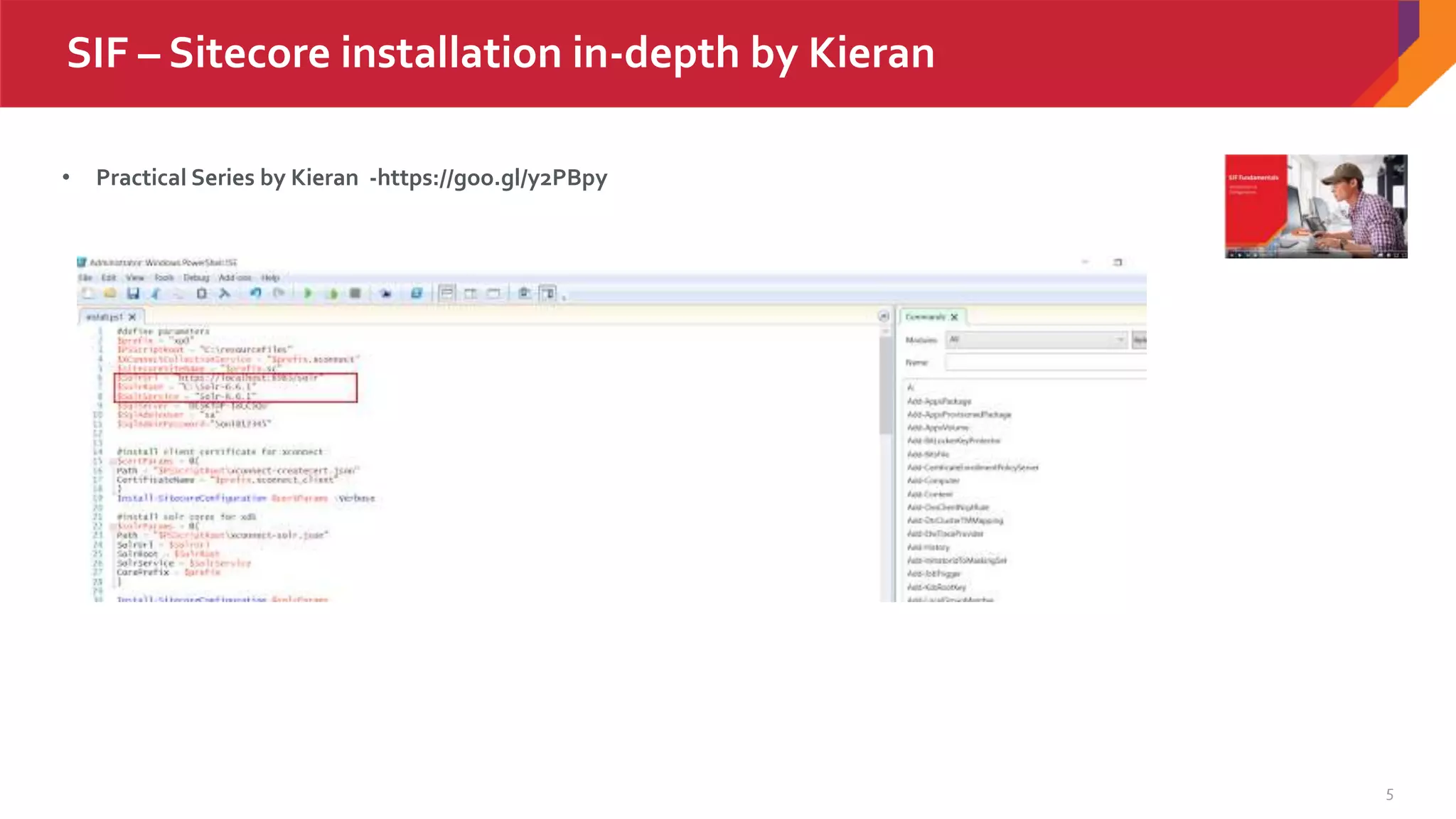
SIF – Sitecore installation in-depth by Kieran
• Practical Series by Kieran -https://goo.gl/y2PBpy
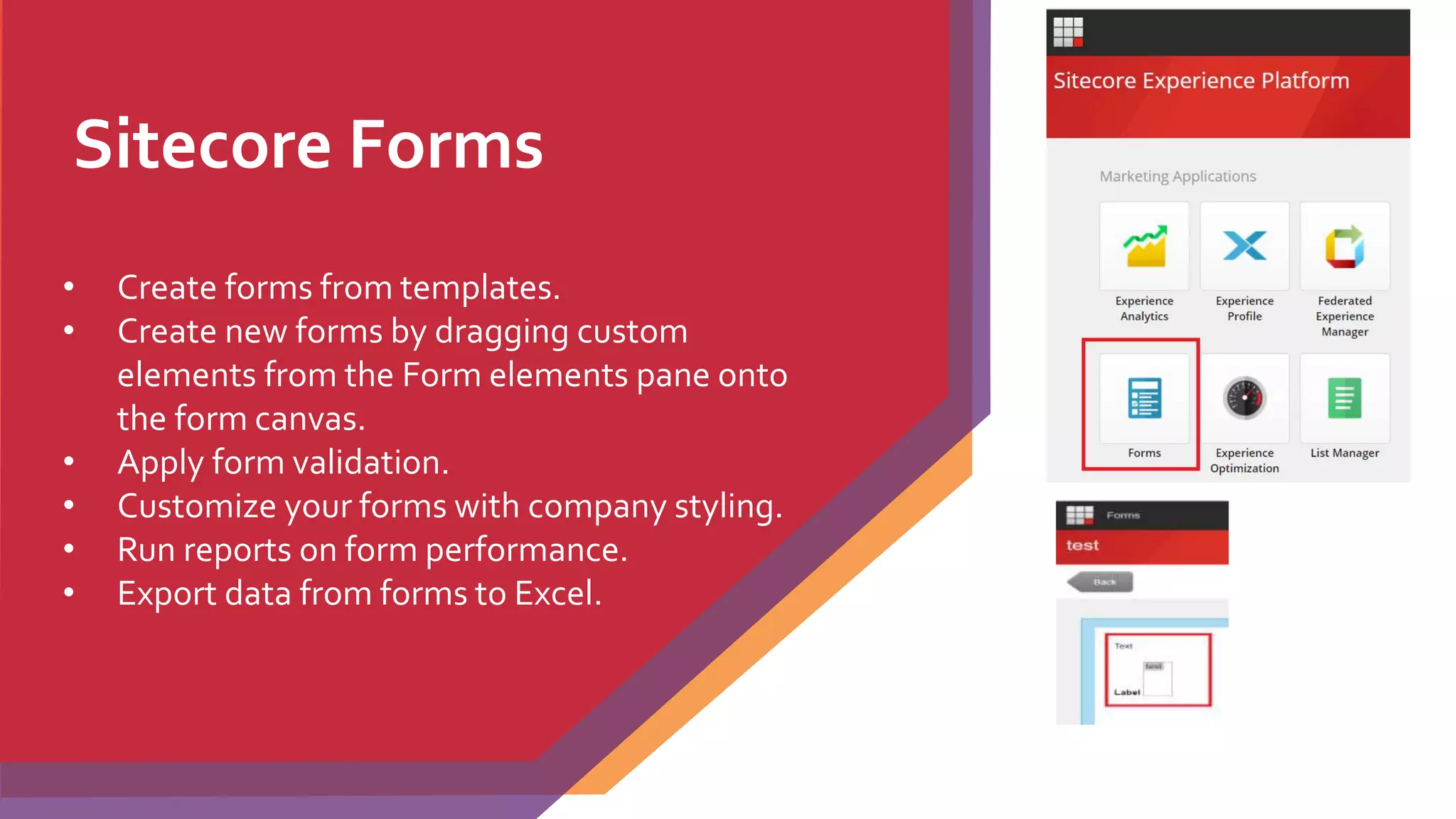
Sitecore Forms
• Create forms from templates.
• Create new forms by dragging custom
elements from the Form elements pane onto
the form canvas.
• Apply form validation.
• Customize your forms with company styling.
• Run reports on form performance.
• Export data from forms to Excel.
7
Practical Demo
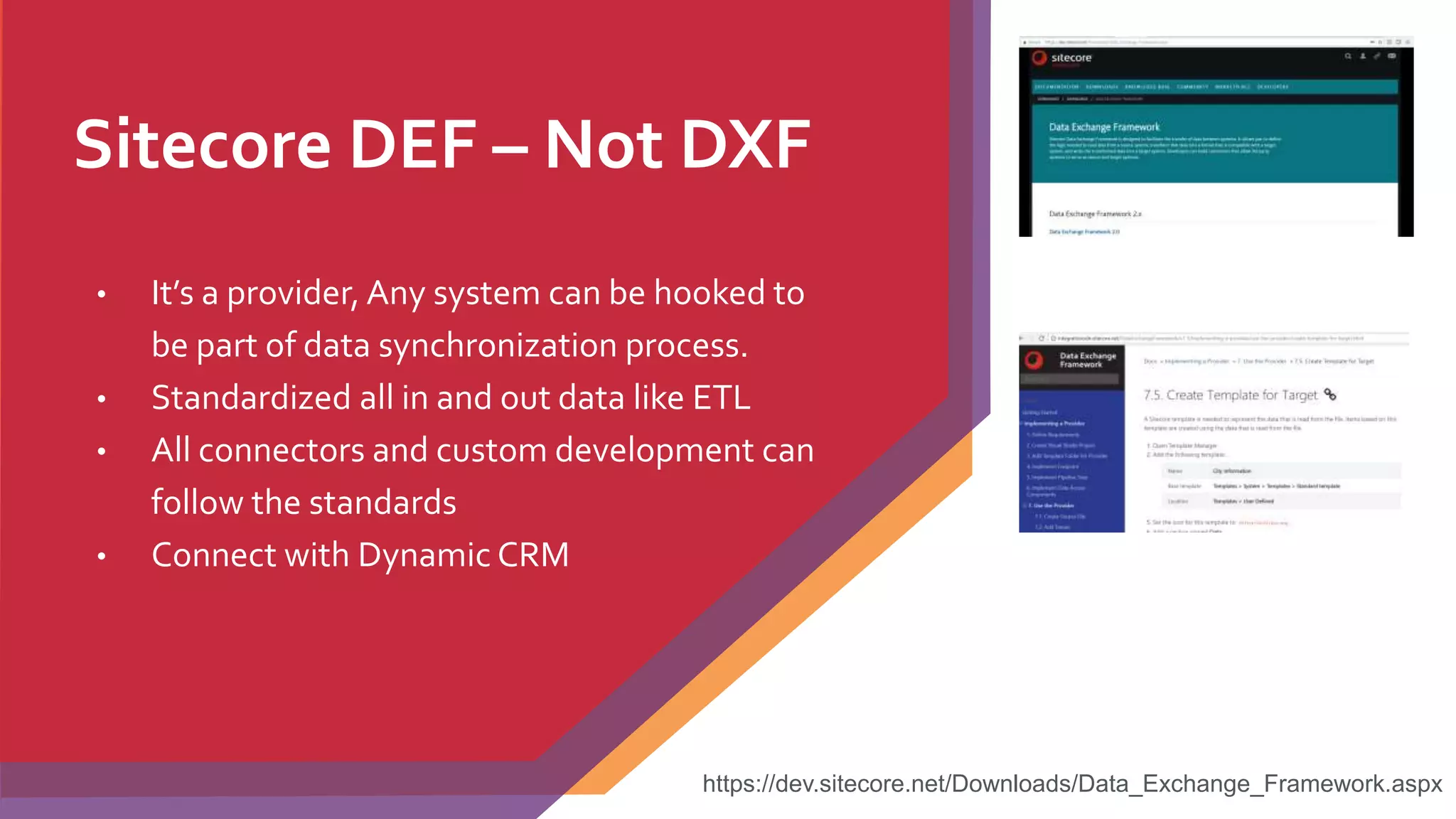
Sitecore DEF – Not DXF
• It’s a provider, Any system can be hooked to
be part of data synchronization process.
• Standardized all in and out data like ETL
• All connectors and custom development can
follow the standards
• Connect with Dynamic CRM
https://dev.sitecore.net/Downloads/Data_Exchange_Framework.aspx
9
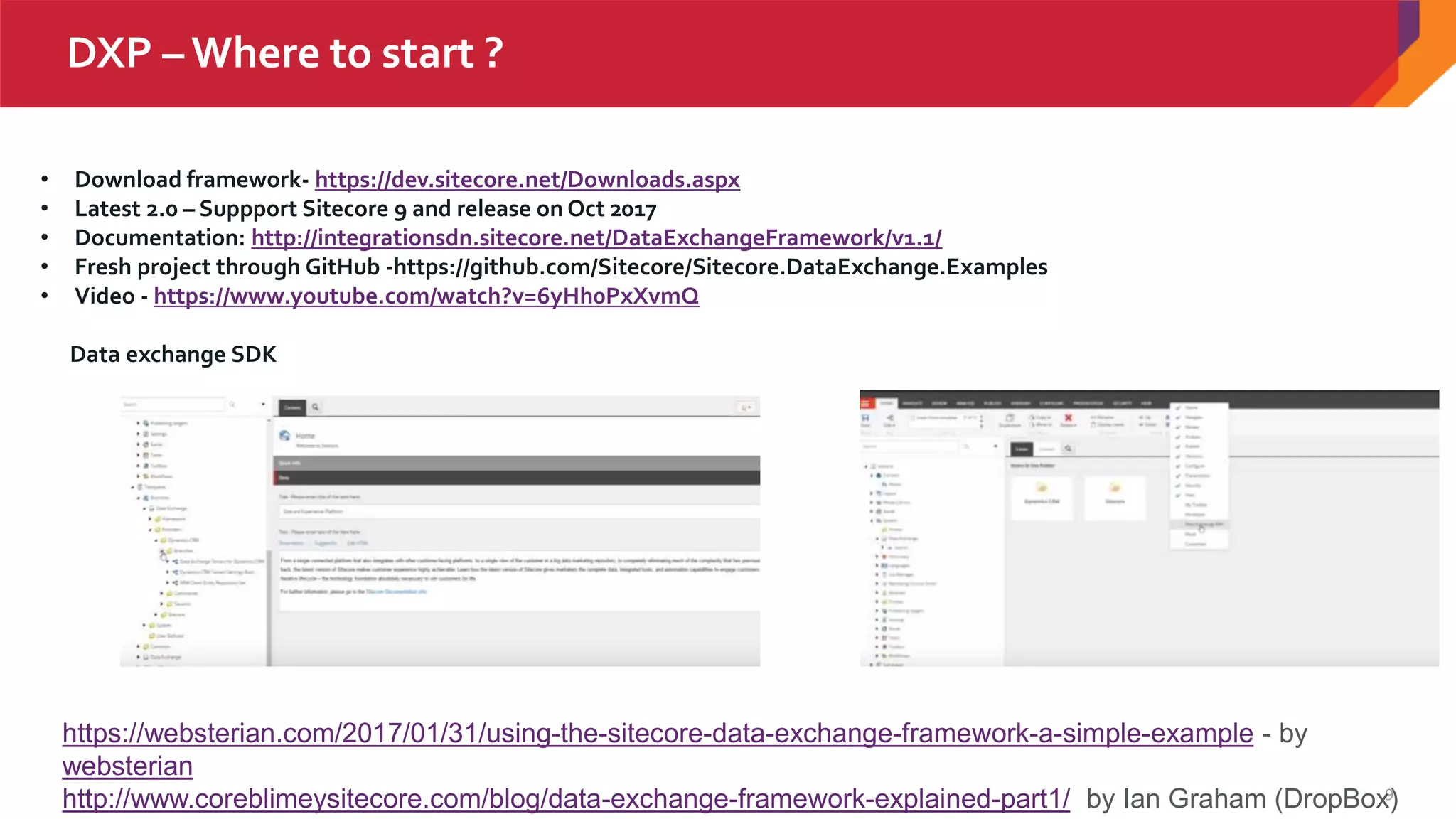
DXP – Where to start ?
• Download framework- https://dev.sitecore.net/Downloads.aspx
• Latest 2.0 – Suppport Sitecore 9 and release on Oct 2017
• Documentation: http://integrationsdn.sitecore.net/DataExchangeFramework/v1.1/
• Fresh project through GitHub -https://github.com/Sitecore/Sitecore.DataExchange.Examples
• Video - https://www.youtube.com/watch?v=6yHh0PxXvmQ
Data exchange SDK
https://websterian.com/2017/01/31/using-the-sitecore-data-exchange-framework-a-simple-example - by
websterian
http://www.coreblimeysitecore.com/blog/data-exchange-framework-explained-part1/ by Ian Graham (DropBox)
xConnect
• xConnect is a fully extendable, customer centric
API built on top of Sitecore’s Experience
Database (xDB)
• xConnect features out-of-the-box connectors
for Salesforce and Microsoft Dynamics.
• All data in xConnect can be indexed and
searched using SOLR
• Help in real time analysis of contacts when used
for an automated marketing campaigns
https://doc.sitecore.net/developers/xp/xconnect/xconnect-
overview/index.html
11
What is xConnect?
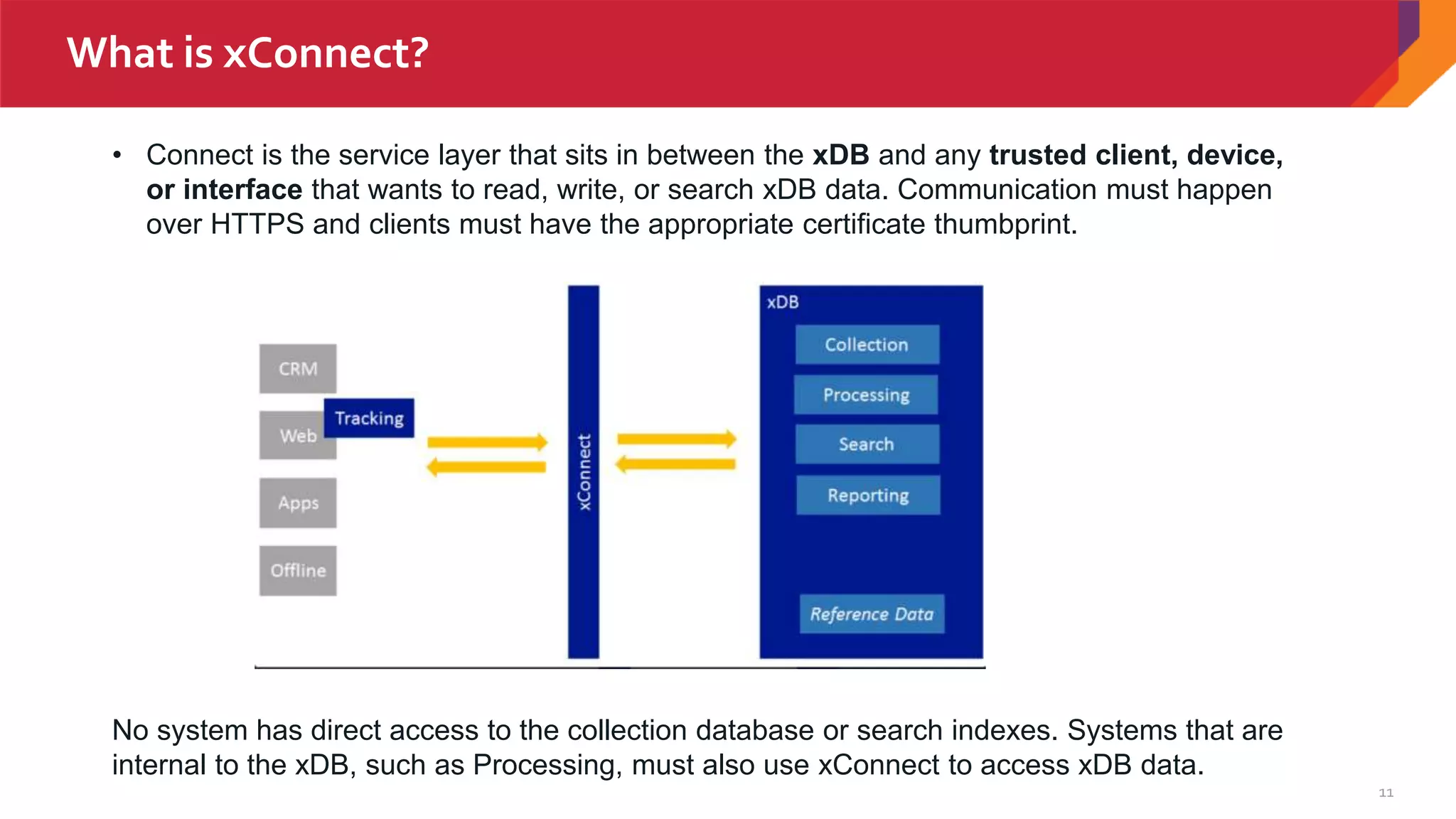
• Connect is the service layer that sits in between the xDB and any trusted client, device,
or interface that wants to read, write, or search xDB data. Communication must happen
over HTTPS and clients must have the appropriate certificate thumbprint.
No system has direct access to the collection database or search indexes. Systems that are
internal to the xDB, such as Processing, must also use xConnect to access xDB data.
12
What is xConnect? Continue..
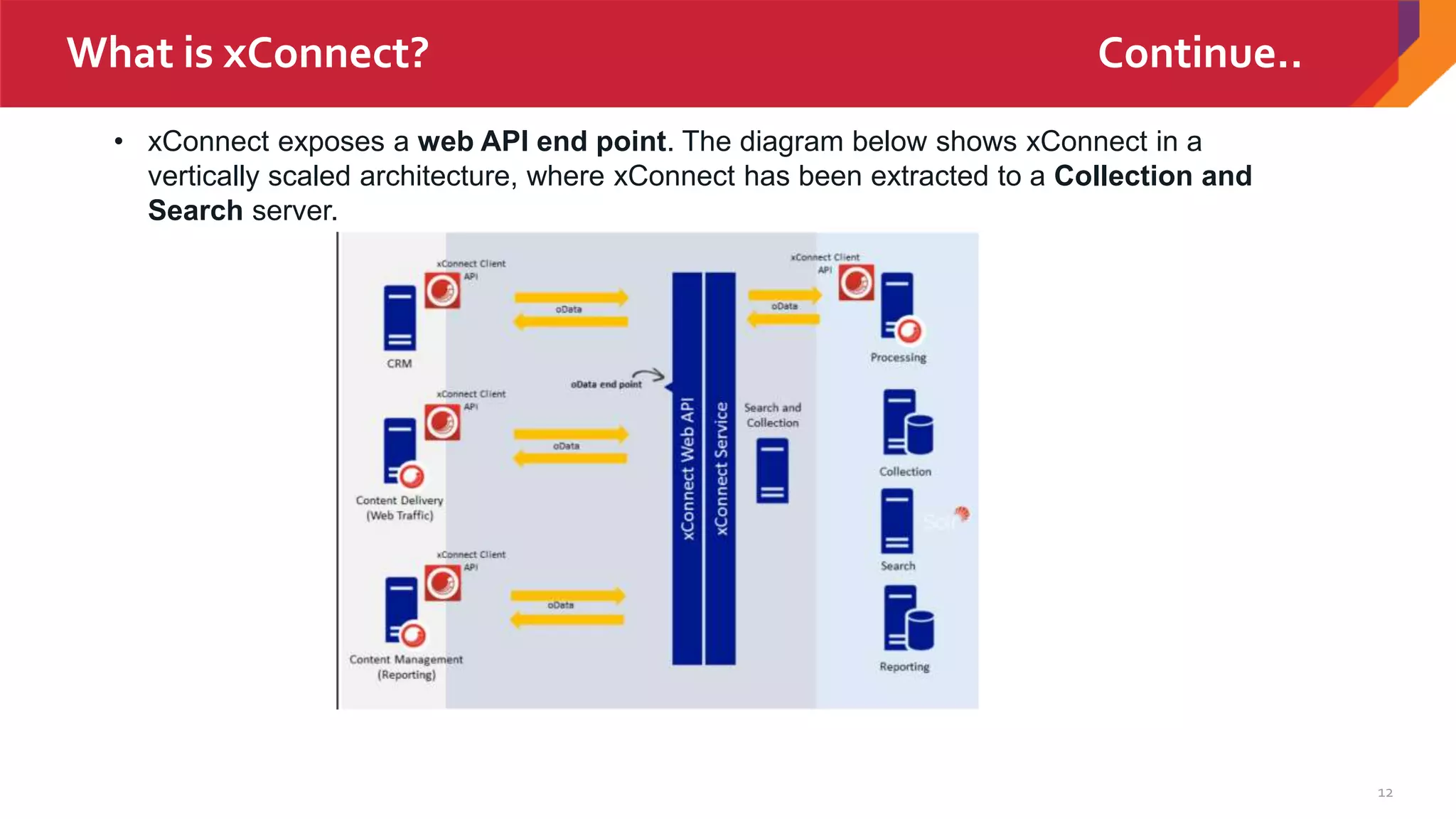
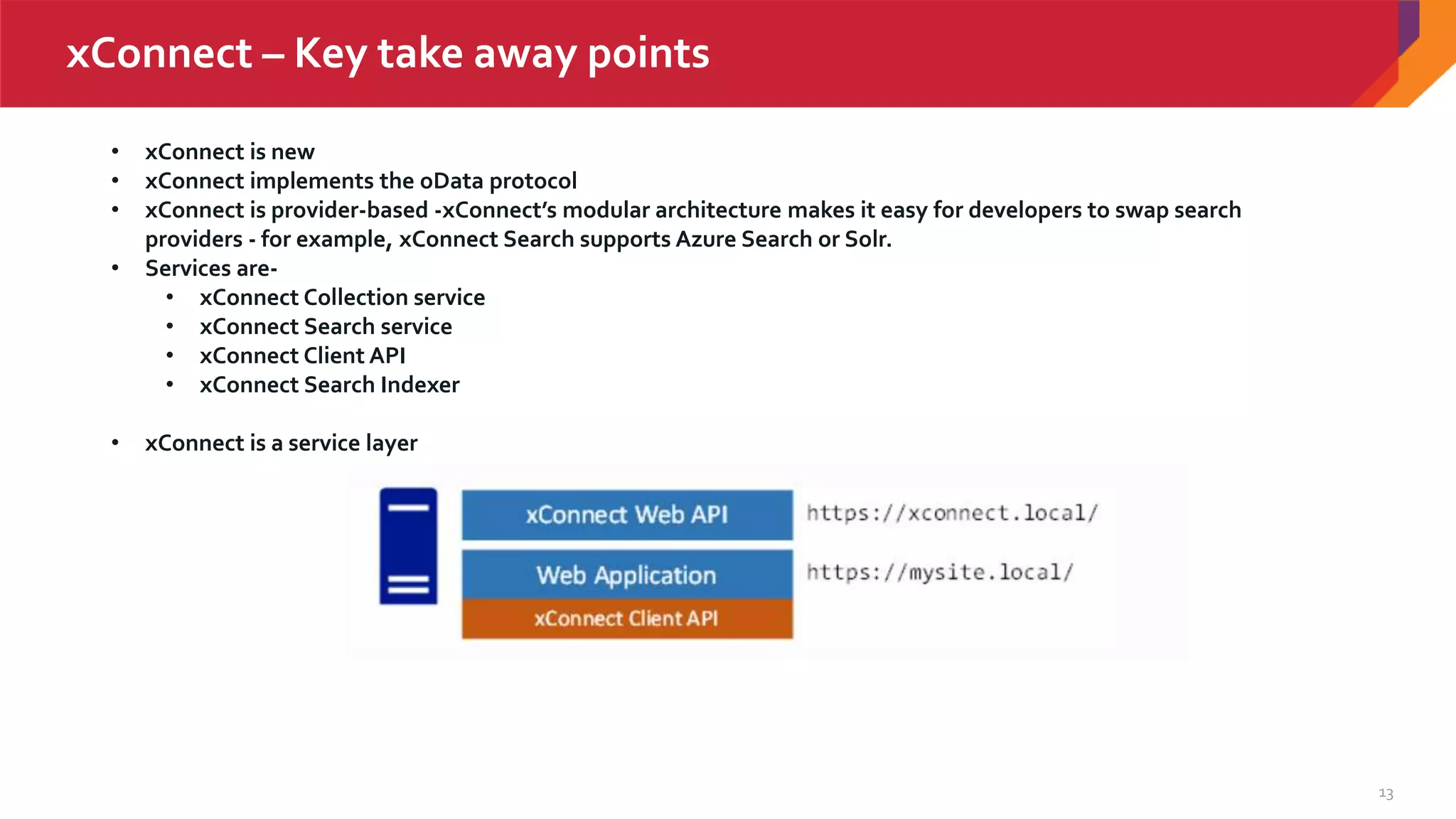
• xConnect exposes a web API end point. The diagram below shows xConnect in a
vertically scaled architecture, where xConnect has been extracted to a Collection and
Search server.
13
xConnect – Key take away points
• xConnect is new
• xConnect implements the oData protocol
• xConnect is provider-based -xConnect’s modular architecture makes it easy for developers to swap search
providers - for example, xConnect Search supports Azure Search or Solr.
• Services are-
• xConnect Collection service
• xConnect Search service
• xConnect Client API
• xConnect Search Indexer
• xConnect is a service layer
14
Role based configuration
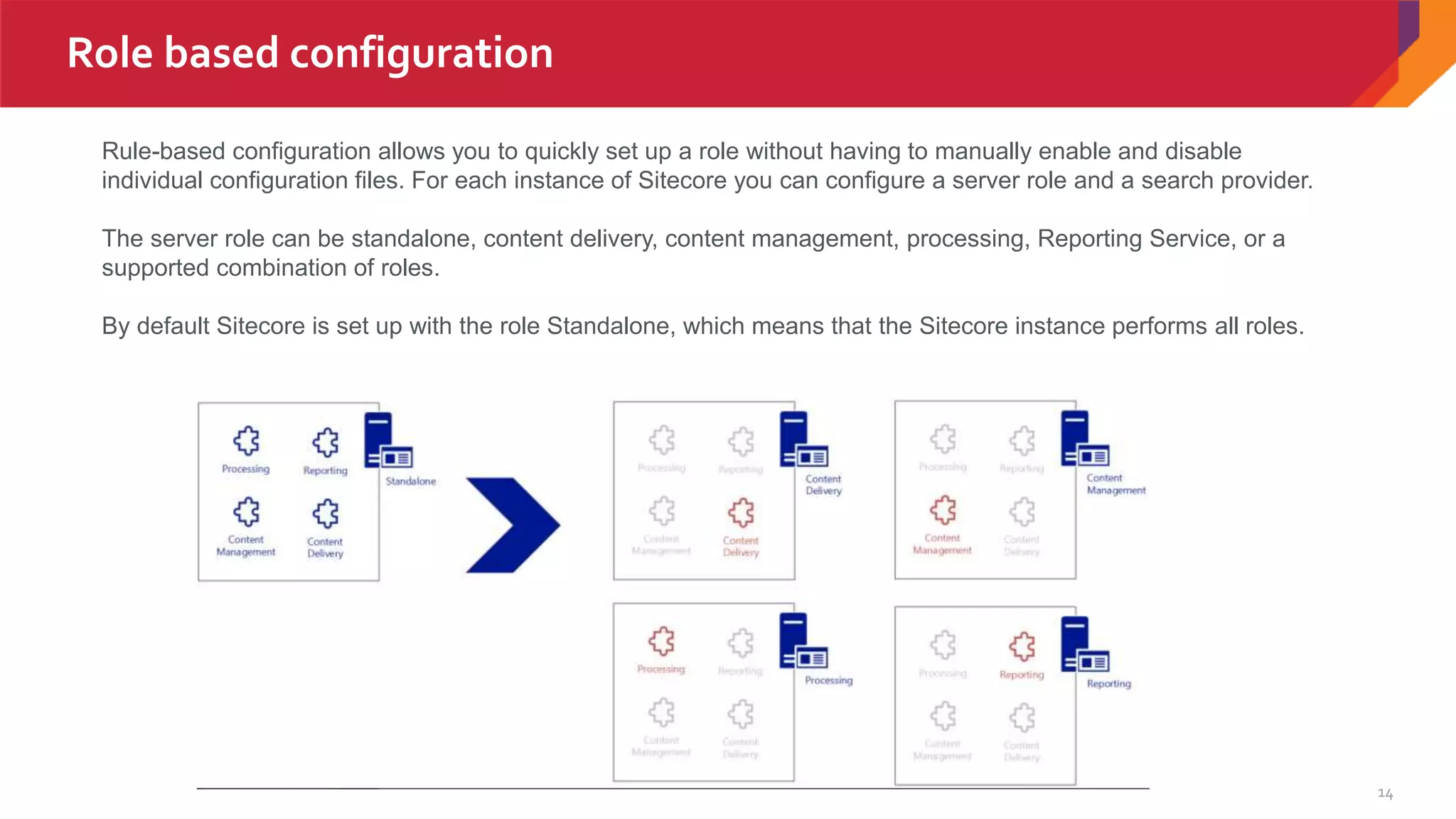
Rule-based configuration allows you to quickly set up a role without having to manually enable and disable
individual configuration files. For each instance of Sitecore you can configure a server role and a search provider.
The server role can be standalone, content delivery, content management, processing, Reporting Service, or a
supported combination of roles.
By default Sitecore is set up with the role Standalone, which means that the Sitecore instance performs all roles.
15
Role based configuration Continue..
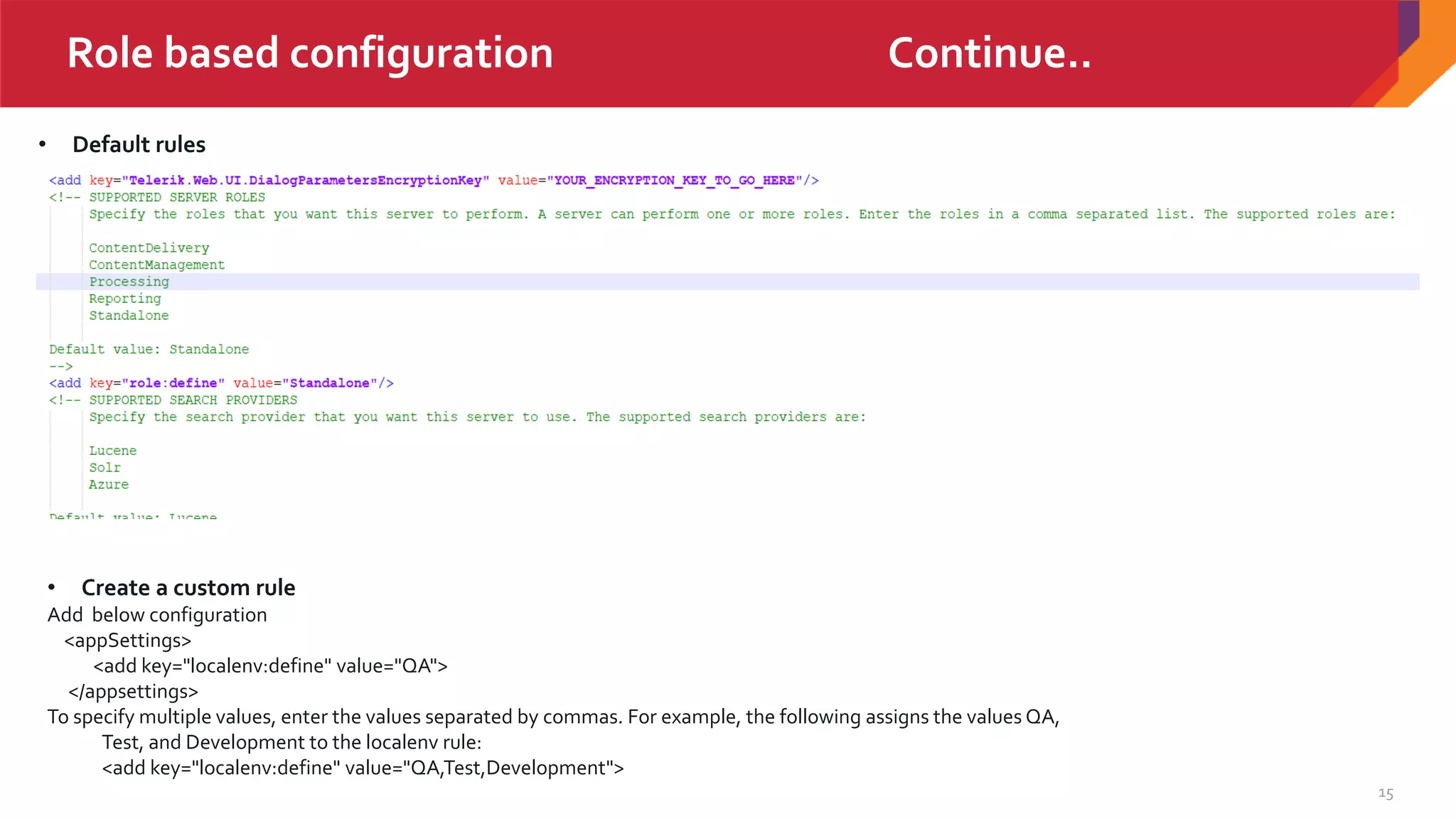
• Default rules
• Create a custom rule
Add below configuration
<appSettings>
<add key="localenv:define" value="QA">
</appsettings>
To specify multiple values, enter the values separated by commas. For example, the following assigns the values QA,
Test, and Development to the localenv rule:
<add key="localenv:define" value="QA,Test,Development">
16
Role based configuration
Make configuration settings dependent on a rule
• Create a patch file.
• Register the namespace for the rule by adding a statement of the form
xmlns:[rulename]="http://www.sitecore.net/xmlconfig/[rulename]/" to the <configuration>
statement in the patch file.
<configuration xmlns:patch=http://www.sitecore.net/xmlconfig/
xmlns:localenv="http://www.sitecore.net/xmlconfig/localenv/">
Use two or more rules for the same setting
<sitecore localenv:require="QA" role:require="ContentManagement or
ContentDelivery">
Control the load order of configuration files
The order in which Sitecore loads configuration files is important because the changes that a file makes can be modified or
overwritten by files that load later
• In the /App_config/layers.config file, add a <loadOrder> setting to the layer's definition:
• <loadOrder>
• <add path="Path1" type="Folder" />
• <add path="Path2/sitespecific.config" type="File" />
• <add path="Path3" type="Folder" />
• </loadOrder>
Role based configuration Continue..
JSS – Sitecore java script services
and truly headless
• JSS is a complete SDK for JavaScript developers
allowing to build full-fledged solutions using
Sitecore and modern JavaScript UI libraries and
frameworks
• We can develop by being completely disconnected
from Sitecore and get started without a Sitecore
install. And deploy apps in physically decoupled
way ("headless") to any platform and virtually to
any cloud with full Sitecore Experience Platform
capability preserved, including Exp. Editor,
Personalization, MV testing andTracking /
Analytics.
18
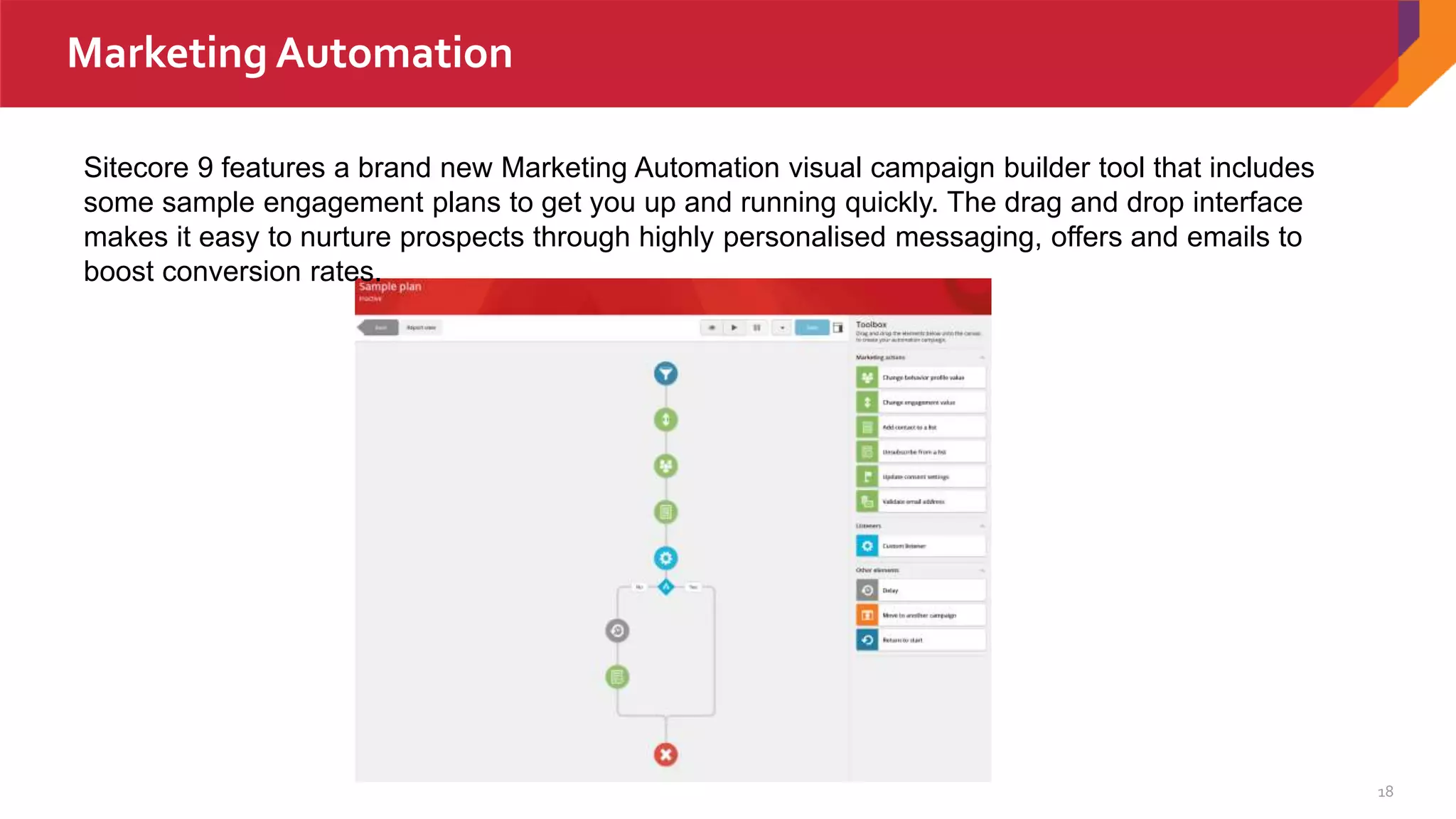
Marketing Automation
Sitecore 9 features a brand new Marketing Automation visual campaign builder tool that includes
some sample engagement plans to get you up and running quickly. The drag and drop interface
makes it easy to nurture prospects through highly personalised messaging, offers and emails to
boost conversion rates.
Sitecore Experience Commerce(XC)
• A fully integrated ,enterprise –level
commerce platform
• A complete rebuild on .Net core.
• Fully integrated with Sitecore rule engine
and new marketing automation tool
• Microservice based architecture and highly
scalable
20
Sitecore Experience Commerce(XC) Continue
• Deliver personalized ,relevant content in the moment.
• Predict the content customers want next
• Boost in-store purchase with location based targeting
• Increase engagement with the social community
• Conduct test on the fly to refine your content
• Identify and optimize purchase paths that convert
• Gain actionable insights to keep the conversation going
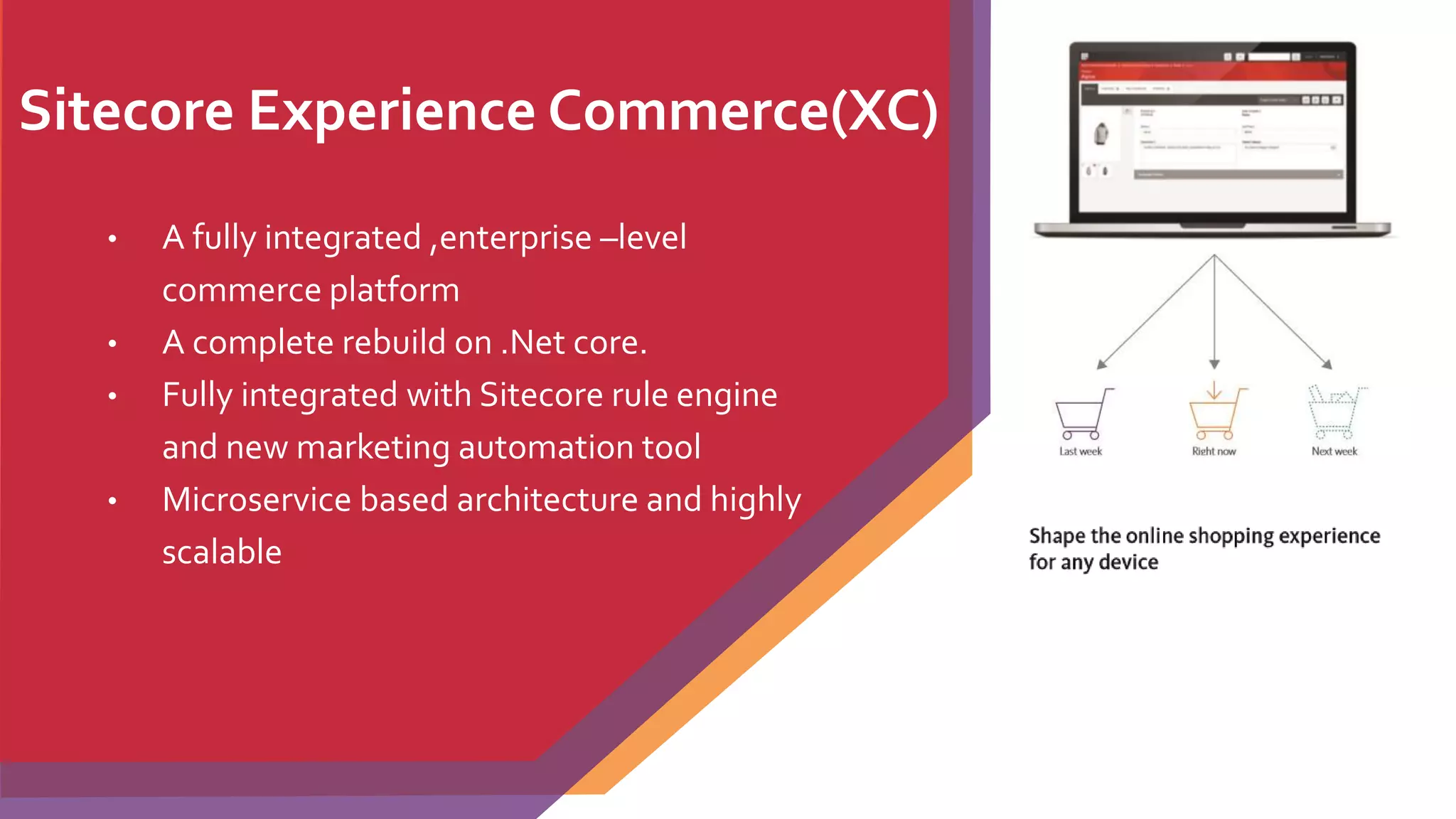
• Shape the online shopping experience for any device
• True omnichannel retailing
• Deliver a completely connected customer experience
• Searchable fusion of content and commerce
• Own the experience
Sitecore Cortex – Machine Learning
• A new machine learning engine.
• Real-time insights across both native and
third-party customer data
• Track customer behavior, help in decision,
provide right content.
22
What is new and upcoming features?
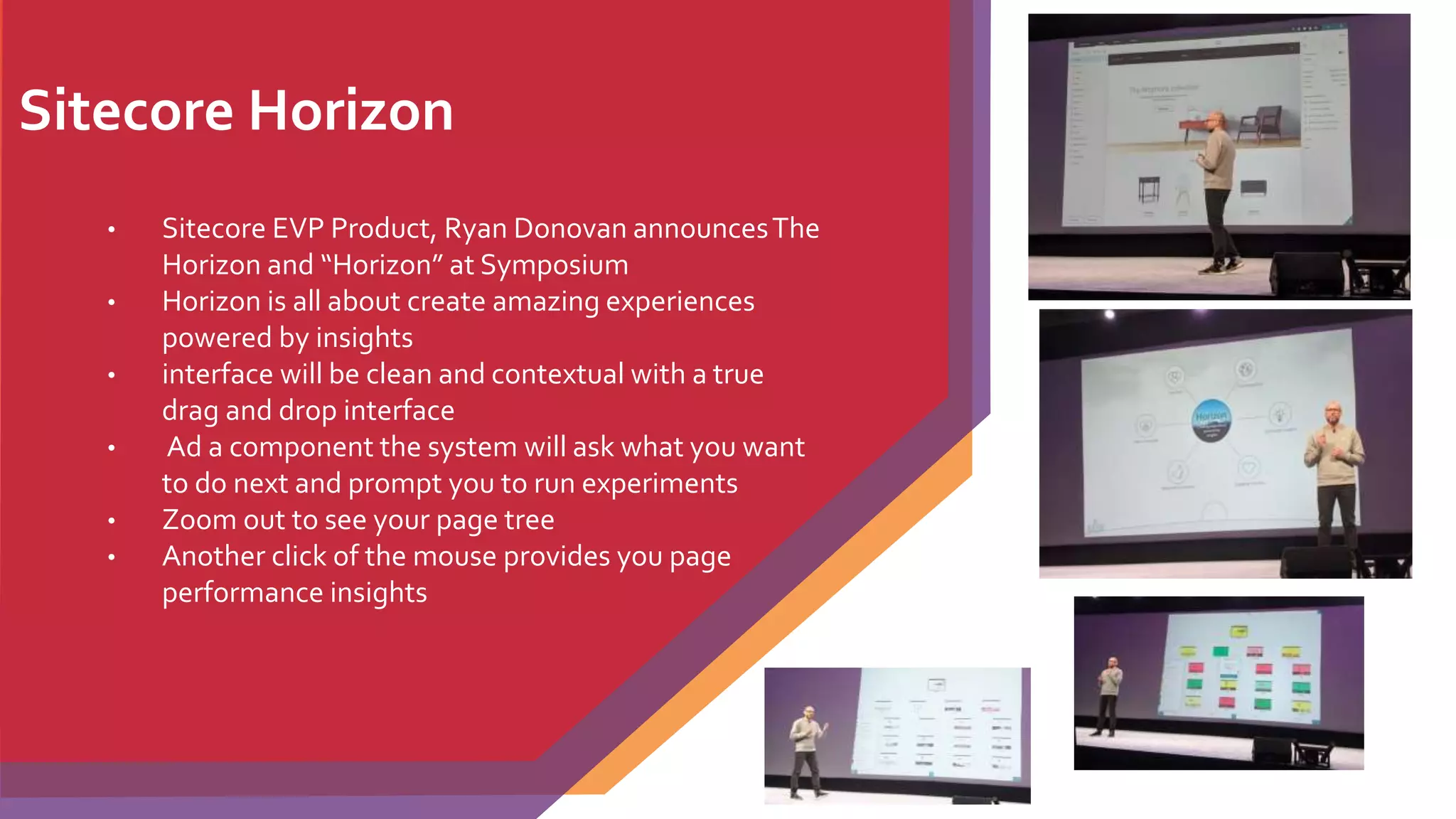
Sitecore Horizon
• Sitecore EVP Product, Ryan Donovan announcesThe
Horizon and “Horizon” at Symposium
• Horizon is all about create amazing experiences
powered by insights
• interface will be clean and contextual with a true
drag and drop interface
• Ad a component the system will ask what you want
to do next and prompt you to run experiments
• Zoom out to see your page tree
• Another click of the mouse provides you page
performance insights
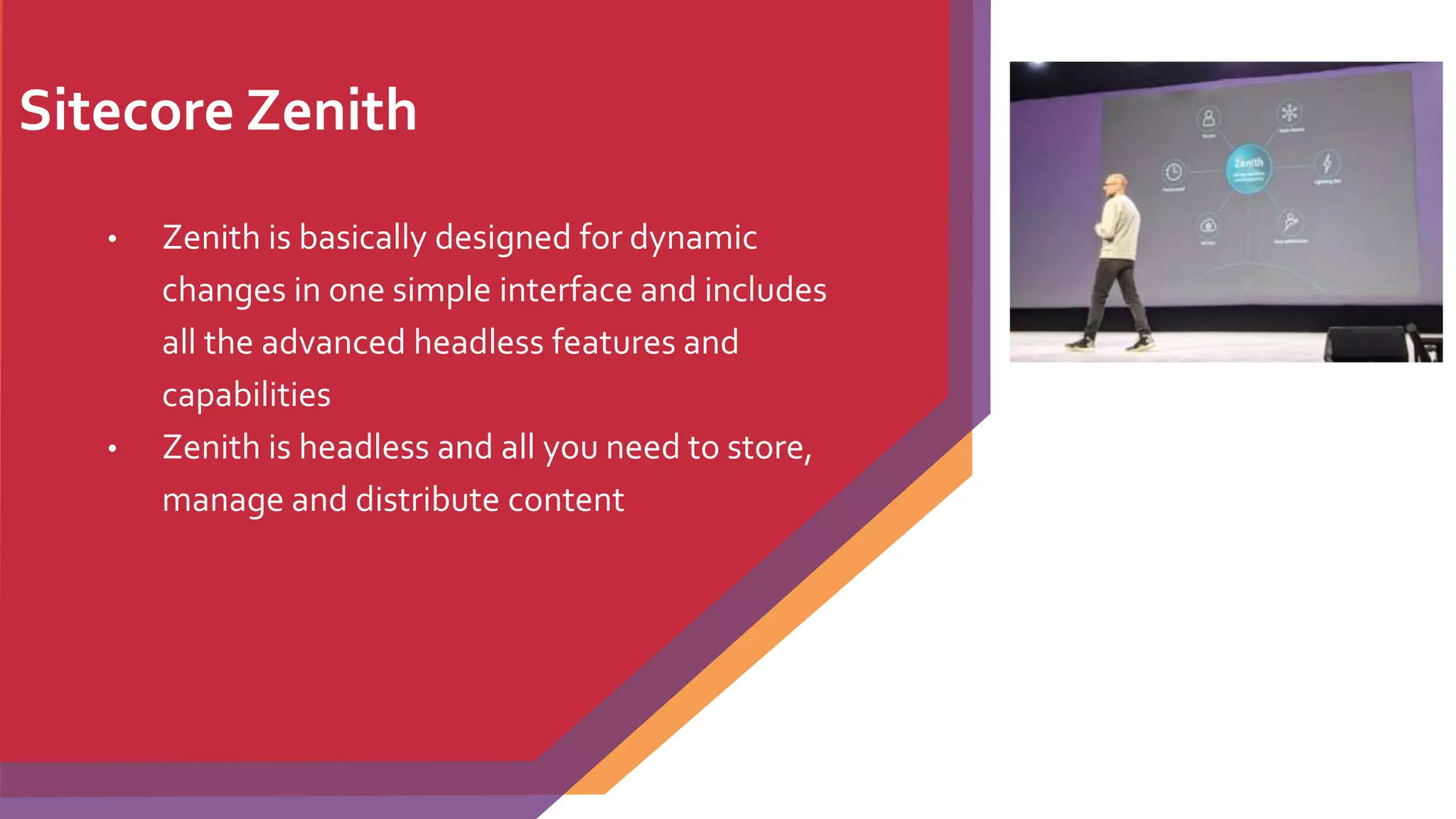
Sitecore Zenith
• Zenith is basically designed for dynamic
changes in one simple interface and includes
all the advanced headless features and
capabilities
• Zenith is headless and all you need to store,
manage and distribute content
25
Open Discussion and QA
26
27

Sitecore9 key features by jitendra soni - Presented in Sitecore User Group UK

  • 1.
    Sitecore 9 Key Featuresand upcoming updates. Jitendra Soni- HCLTechnologies 6th December 2017 Agenda- • Sitecore 9 – A quick overview • Sitecore 9 installation through SIF • Sitecore 9 Form • DEF-Sitecore Data exchange framework • xConnect. • Role based configuration • Sitecore JSS Framework and truly headless • Marketing Automation • Sitecore Cortex • Sitecore Experience commerce (XC) • Horizon • Zenith • Q&A • Open Discussion
  • 2.
    2 Sitecore 9 –A quick overview • Microsoft SQL–You can deploy on Microsoft only platform (MongoDB is not a requirement) • Search – Good by Lucene completely, More powerful search like Solr spellcheck, Suggester and Highlights • SIF -The framework can be extended by creating your own custom PowerShell functions. • Rule-basedConfiguration – No need to follow long excel sheet and configuration. S • Federated Authentication. • Sitecore Experience Cloud is now available on a PaaS • Inbuild Secure setup – Sitecore, Solr or xConnect should be configured through HTTPS • Great documentation and tutorials
  • 3.
    Sitecore 9 –Installation in 15 mins - Practical • Solr Setup over Https – 5 mins • Setup pre-requestis and permission -2 mins • Setup SIF first time – 3 mins • Install Sitecore 9 through SIF- 5 mins Get-Module SitecoreInstallFramework –ListAvailable
  • 4.
  • 5.
    5 SIF – Sitecoreinstallation in-depth by Kieran • Practical Series by Kieran -https://goo.gl/y2PBpy
  • 6.
    Sitecore Forms • Createforms from templates. • Create new forms by dragging custom elements from the Form elements pane onto the form canvas. • Apply form validation. • Customize your forms with company styling. • Run reports on form performance. • Export data from forms to Excel.
  • 7.
  • 8.
    Sitecore DEF –Not DXF • It’s a provider, Any system can be hooked to be part of data synchronization process. • Standardized all in and out data like ETL • All connectors and custom development can follow the standards • Connect with Dynamic CRM https://dev.sitecore.net/Downloads/Data_Exchange_Framework.aspx
  • 9.
    9 DXP – Whereto start ? • Download framework- https://dev.sitecore.net/Downloads.aspx • Latest 2.0 – Suppport Sitecore 9 and release on Oct 2017 • Documentation: http://integrationsdn.sitecore.net/DataExchangeFramework/v1.1/ • Fresh project through GitHub -https://github.com/Sitecore/Sitecore.DataExchange.Examples • Video - https://www.youtube.com/watch?v=6yHh0PxXvmQ Data exchange SDK https://websterian.com/2017/01/31/using-the-sitecore-data-exchange-framework-a-simple-example - by websterian http://www.coreblimeysitecore.com/blog/data-exchange-framework-explained-part1/ by Ian Graham (DropBox)
  • 10.
    xConnect • xConnect isa fully extendable, customer centric API built on top of Sitecore’s Experience Database (xDB) • xConnect features out-of-the-box connectors for Salesforce and Microsoft Dynamics. • All data in xConnect can be indexed and searched using SOLR • Help in real time analysis of contacts when used for an automated marketing campaigns https://doc.sitecore.net/developers/xp/xconnect/xconnect- overview/index.html
  • 11.
    11 What is xConnect? •Connect is the service layer that sits in between the xDB and any trusted client, device, or interface that wants to read, write, or search xDB data. Communication must happen over HTTPS and clients must have the appropriate certificate thumbprint. No system has direct access to the collection database or search indexes. Systems that are internal to the xDB, such as Processing, must also use xConnect to access xDB data.
  • 12.
    12 What is xConnect?Continue.. • xConnect exposes a web API end point. The diagram below shows xConnect in a vertically scaled architecture, where xConnect has been extracted to a Collection and Search server.
  • 13.
    13 xConnect – Keytake away points • xConnect is new • xConnect implements the oData protocol • xConnect is provider-based -xConnect’s modular architecture makes it easy for developers to swap search providers - for example, xConnect Search supports Azure Search or Solr. • Services are- • xConnect Collection service • xConnect Search service • xConnect Client API • xConnect Search Indexer • xConnect is a service layer
  • 14.
    14 Role based configuration Rule-basedconfiguration allows you to quickly set up a role without having to manually enable and disable individual configuration files. For each instance of Sitecore you can configure a server role and a search provider. The server role can be standalone, content delivery, content management, processing, Reporting Service, or a supported combination of roles. By default Sitecore is set up with the role Standalone, which means that the Sitecore instance performs all roles.
  • 15.
    15 Role based configurationContinue.. • Default rules • Create a custom rule Add below configuration <appSettings> <add key="localenv:define" value="QA"> </appsettings> To specify multiple values, enter the values separated by commas. For example, the following assigns the values QA, Test, and Development to the localenv rule: <add key="localenv:define" value="QA,Test,Development">
  • 16.
    16 Role based configuration Makeconfiguration settings dependent on a rule • Create a patch file. • Register the namespace for the rule by adding a statement of the form xmlns:[rulename]="http://www.sitecore.net/xmlconfig/[rulename]/" to the <configuration> statement in the patch file. <configuration xmlns:patch=http://www.sitecore.net/xmlconfig/ xmlns:localenv="http://www.sitecore.net/xmlconfig/localenv/"> Use two or more rules for the same setting <sitecore localenv:require="QA" role:require="ContentManagement or ContentDelivery"> Control the load order of configuration files The order in which Sitecore loads configuration files is important because the changes that a file makes can be modified or overwritten by files that load later • In the /App_config/layers.config file, add a <loadOrder> setting to the layer's definition: • <loadOrder> • <add path="Path1" type="Folder" /> • <add path="Path2/sitespecific.config" type="File" /> • <add path="Path3" type="Folder" /> • </loadOrder> Role based configuration Continue..
  • 17.
    JSS – Sitecorejava script services and truly headless • JSS is a complete SDK for JavaScript developers allowing to build full-fledged solutions using Sitecore and modern JavaScript UI libraries and frameworks • We can develop by being completely disconnected from Sitecore and get started without a Sitecore install. And deploy apps in physically decoupled way ("headless") to any platform and virtually to any cloud with full Sitecore Experience Platform capability preserved, including Exp. Editor, Personalization, MV testing andTracking / Analytics.
  • 18.
    18 Marketing Automation Sitecore 9features a brand new Marketing Automation visual campaign builder tool that includes some sample engagement plans to get you up and running quickly. The drag and drop interface makes it easy to nurture prospects through highly personalised messaging, offers and emails to boost conversion rates.
  • 19.
    Sitecore Experience Commerce(XC) •A fully integrated ,enterprise –level commerce platform • A complete rebuild on .Net core. • Fully integrated with Sitecore rule engine and new marketing automation tool • Microservice based architecture and highly scalable
  • 20.
    20 Sitecore Experience Commerce(XC)Continue • Deliver personalized ,relevant content in the moment. • Predict the content customers want next • Boost in-store purchase with location based targeting • Increase engagement with the social community • Conduct test on the fly to refine your content • Identify and optimize purchase paths that convert • Gain actionable insights to keep the conversation going • Shape the online shopping experience for any device • True omnichannel retailing • Deliver a completely connected customer experience • Searchable fusion of content and commerce • Own the experience
  • 21.
    Sitecore Cortex –Machine Learning • A new machine learning engine. • Real-time insights across both native and third-party customer data • Track customer behavior, help in decision, provide right content.
  • 22.
    22 What is newand upcoming features?
  • 23.
    Sitecore Horizon • SitecoreEVP Product, Ryan Donovan announcesThe Horizon and “Horizon” at Symposium • Horizon is all about create amazing experiences powered by insights • interface will be clean and contextual with a true drag and drop interface • Ad a component the system will ask what you want to do next and prompt you to run experiments • Zoom out to see your page tree • Another click of the mouse provides you page performance insights
  • 24.
    Sitecore Zenith • Zenithis basically designed for dynamic changes in one simple interface and includes all the advanced headless features and capabilities • Zenith is headless and all you need to store, manage and distribute content
  • 25.
  • 26.
  • 27.