Dr. Jeannette Fresne
jfresne@southalbama.edu

Dr. Paige Vitulli
pvitulli@southalabama.edu

Dr. Susan Santoli
ssantoli@southalbama.edu


       SITE 2013, New Orleans, LA
University of South Alabama, Mobile, AL
   Integrating language arts, math, science,
    social studies, dance, music, theatre, visual
    arts and technology creates a dynamic
    classroom where connections are made
    within and among each area.
     Why do we separate these activities in school?
     Why not multi-teach as we multi-task?
   Improving test scores
   Developing critical thinking skills
   Increasing reading comprehension
   Motivating student involvement
   Improving teacher effectiveness
   Altering teaching styles
   Imploring strategies more enjoyable to both
    students and teachers
   Higher impacts with special needs students
   Changes how critical thinking skills are
    explored and presented in the classroom
   Increased enjoyment of teaching
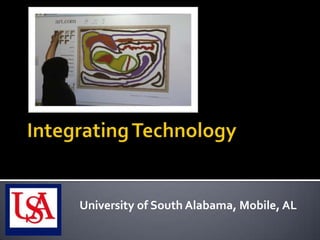
University of South Alabama, Mobile, AL
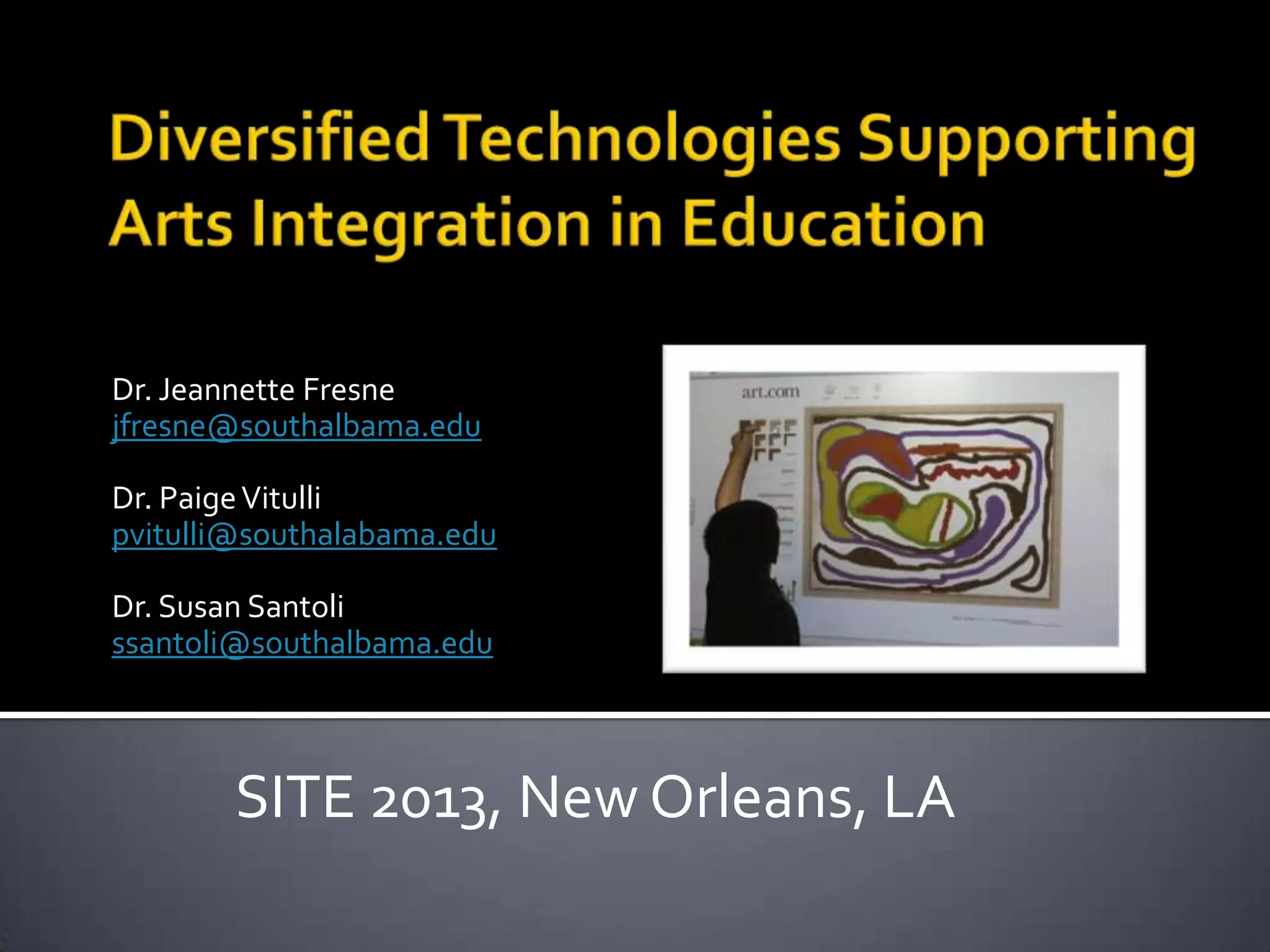
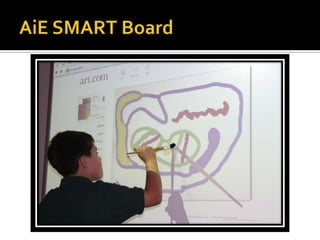
   Combination of a whiteboard, computer and
    projector
   Integrated presentations and interactive
    lessons
   Touch-control feature takes advantage of
    children’s natural, instinctive movements and
    intrinsic desire to touch
   Pointers may include hands, paint brushes,
    tennis balls or other non-abrasive objects
Eduweb http://www.eduweb.com/portfolio/visualarts.php
This website has a list of great interactive educational websites. This link will take you specifically to the visual arts list. I have not tried
them all out but my personal favorites are The Rennaissance Connection, ArtEdventures, and A.Pintura: Art Detective.
NGA Kids JUNGLE Interactive http://www.nga.gov/kids/zone/jungle.htm
Create an imaginary landscape with NGAkids JUNGLE. Mix and match the animals, control the weather and lighting conditions, or
construct flowers, trees, and plants. An "AUTO" button generates random compositions, so you can sample program options and
experiment with special effects as a starting point for your own designs. This Shockwave interactive is intended for children of all ages.
JUNGLE is inspired by the paintings of French artist Henri Rousseau.
Mr. Picassohead http://www.picassohead.com/create.html Create your own Picasso Head

Jackson Pollock http://www.jacksonpollock.org/ Create splatter-paint images in the style of Jackson Pollock

Kaleidescope Painter http://www.permadi.com/java/spaint/spaint.html Create kaleidescope design
Tessellate! http://www.shodor.org/interactivate/activities/Tessellate/
This activity allows the user to generate a polygon that will repeat without overlapping across a plane.
Starting from a rectangle, triangle or hexagon, the user bends the lines of the polygon, creating a new polygon. The user can choose
several different colors to enhance the pattern, and can observe the different effects that colors have on tessellations.

My Oats http://www.myoats.com/create.aspx
Myoats is a community where people create designs using an online drawing application. These designs can be rated, downloaded, and
archived.

MoMa Destination Modern Art http://www.moma.org/interactives/destination/
This site takes learners through an animated and interactive galactic fantasy exploring modern art.

Art Pad http://artpad.art.com/artpad/painter/
This is an online program where learners can create their own art.
   Digital interaction formed through social
    networking can provide an important avenue
    of communication, socialization and
    connection
   Social networking is similar to the former
    methods of socialization used in malls, parks,
    backyards and basements
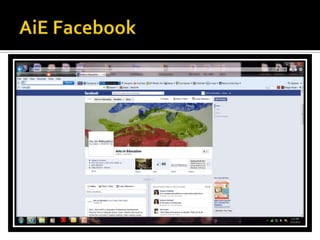
   An Arts in Education Facebook page was
    created to share websites, activities, photos
    and grant opportunities
   Allows users to organize “pins” or photos and
    ideas onto various online “boards” for
    reference and sharing
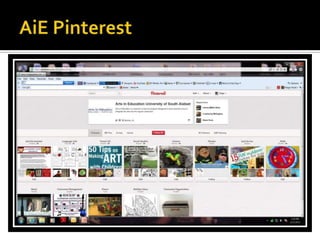
   The Arts in Education Pinterest page includes
    boards for each of the core content areas as
    well as each of the arts disciplines
   www.pinterest.com/artsineducation
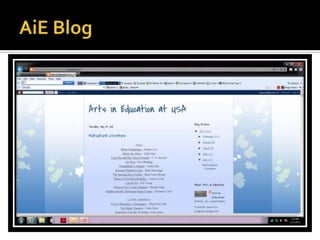
   The Arts in Education blog is used to
    demonstrate how to use blogs in the
    classroom as well as to share websites, videos
    or other arts-integration information
   www.artsineducationatusa.blogspot.com
   Sites that can quickly be edited or created by
    any approved user and made on any topic
   Wiki is a Hawaiian word meaning “fast” or
    “quick”
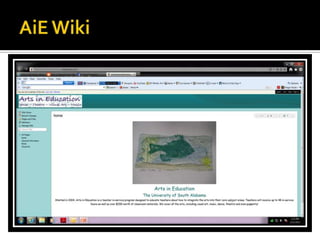
   www.artsineducationatusa.wikispaces.com
SITE Arts in Education

SITE Arts in Education

  • 1.
    Dr. Jeannette Fresne jfresne@southalbama.edu Dr.Paige Vitulli pvitulli@southalabama.edu Dr. Susan Santoli ssantoli@southalbama.edu SITE 2013, New Orleans, LA
  • 2.
    University of SouthAlabama, Mobile, AL
  • 3.
    Integrating language arts, math, science, social studies, dance, music, theatre, visual arts and technology creates a dynamic classroom where connections are made within and among each area.  Why do we separate these activities in school?  Why not multi-teach as we multi-task?
  • 4.
    Improving test scores  Developing critical thinking skills  Increasing reading comprehension  Motivating student involvement
  • 5.
    Improving teacher effectiveness  Altering teaching styles  Imploring strategies more enjoyable to both students and teachers  Higher impacts with special needs students  Changes how critical thinking skills are explored and presented in the classroom  Increased enjoyment of teaching
  • 6.
    University of SouthAlabama, Mobile, AL
  • 7.
    Combination of a whiteboard, computer and projector  Integrated presentations and interactive lessons  Touch-control feature takes advantage of children’s natural, instinctive movements and intrinsic desire to touch  Pointers may include hands, paint brushes, tennis balls or other non-abrasive objects
  • 8.
    Eduweb http://www.eduweb.com/portfolio/visualarts.php This websitehas a list of great interactive educational websites. This link will take you specifically to the visual arts list. I have not tried them all out but my personal favorites are The Rennaissance Connection, ArtEdventures, and A.Pintura: Art Detective. NGA Kids JUNGLE Interactive http://www.nga.gov/kids/zone/jungle.htm Create an imaginary landscape with NGAkids JUNGLE. Mix and match the animals, control the weather and lighting conditions, or construct flowers, trees, and plants. An "AUTO" button generates random compositions, so you can sample program options and experiment with special effects as a starting point for your own designs. This Shockwave interactive is intended for children of all ages. JUNGLE is inspired by the paintings of French artist Henri Rousseau. Mr. Picassohead http://www.picassohead.com/create.html Create your own Picasso Head Jackson Pollock http://www.jacksonpollock.org/ Create splatter-paint images in the style of Jackson Pollock Kaleidescope Painter http://www.permadi.com/java/spaint/spaint.html Create kaleidescope design Tessellate! http://www.shodor.org/interactivate/activities/Tessellate/ This activity allows the user to generate a polygon that will repeat without overlapping across a plane. Starting from a rectangle, triangle or hexagon, the user bends the lines of the polygon, creating a new polygon. The user can choose several different colors to enhance the pattern, and can observe the different effects that colors have on tessellations. My Oats http://www.myoats.com/create.aspx Myoats is a community where people create designs using an online drawing application. These designs can be rated, downloaded, and archived. MoMa Destination Modern Art http://www.moma.org/interactives/destination/ This site takes learners through an animated and interactive galactic fantasy exploring modern art. Art Pad http://artpad.art.com/artpad/painter/ This is an online program where learners can create their own art.
  • 10.
    Digital interaction formed through social networking can provide an important avenue of communication, socialization and connection  Social networking is similar to the former methods of socialization used in malls, parks, backyards and basements  An Arts in Education Facebook page was created to share websites, activities, photos and grant opportunities
  • 12.
    Allows users to organize “pins” or photos and ideas onto various online “boards” for reference and sharing  The Arts in Education Pinterest page includes boards for each of the core content areas as well as each of the arts disciplines  www.pinterest.com/artsineducation
  • 14.
    The Arts in Education blog is used to demonstrate how to use blogs in the classroom as well as to share websites, videos or other arts-integration information  www.artsineducationatusa.blogspot.com
  • 16.
    Sites that can quickly be edited or created by any approved user and made on any topic  Wiki is a Hawaiian word meaning “fast” or “quick”  www.artsineducationatusa.wikispaces.com