tom resing
senior content developer
@resing #sptips
How Microsoft does
SharePoint content
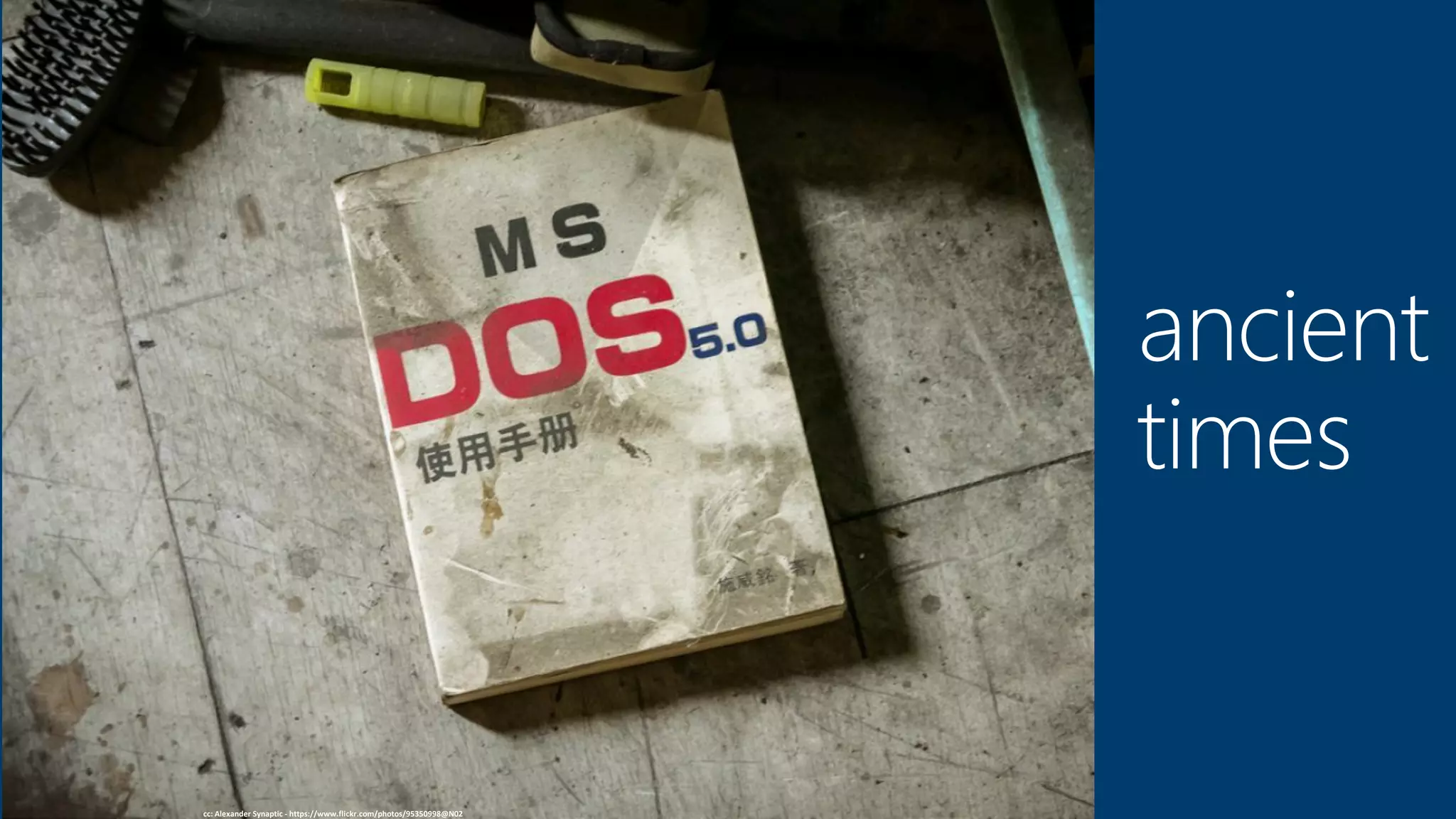
cc: Alexander Synaptic - https://www.flickr.com/photos/95350998@N02
ancient
times
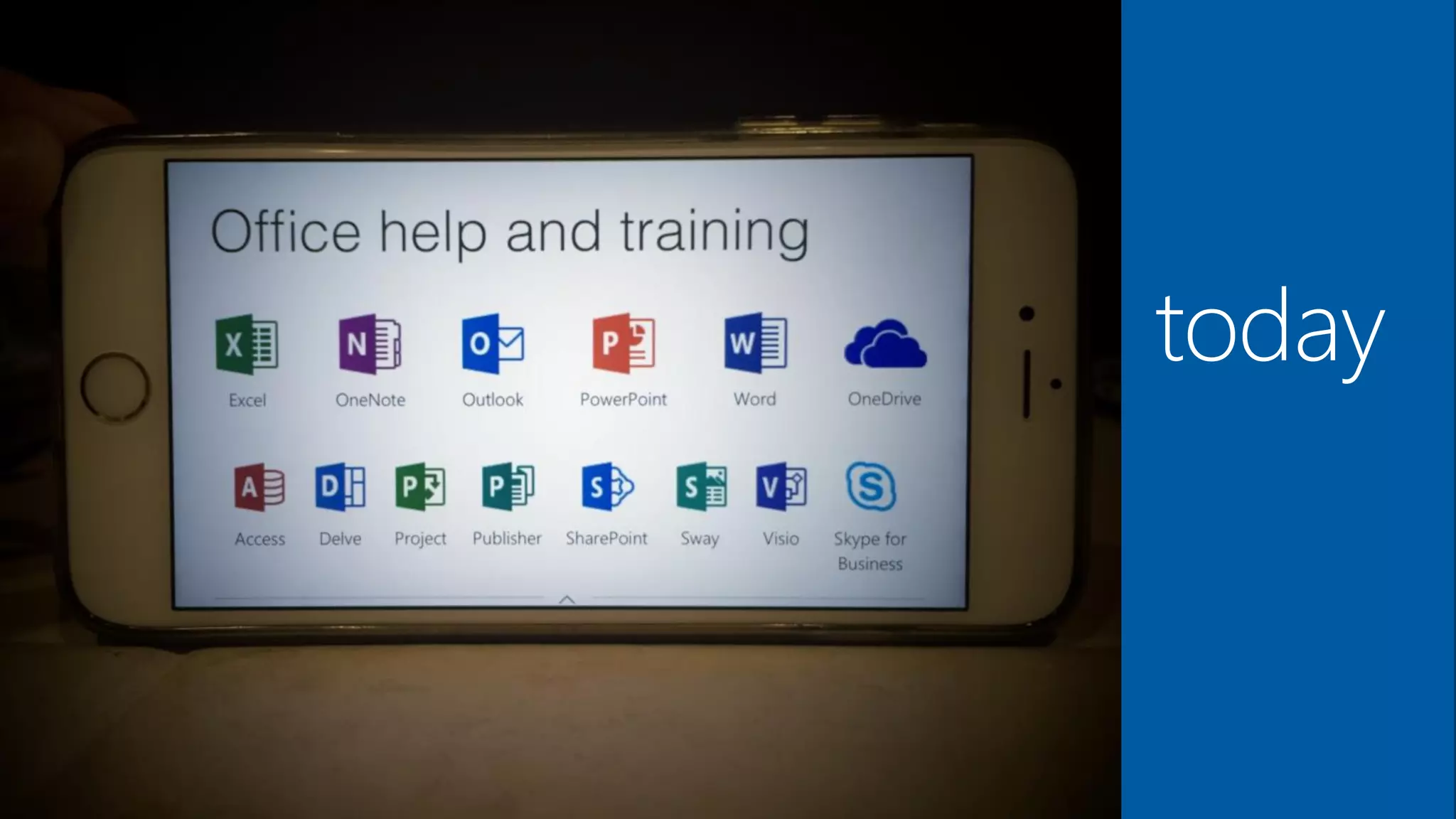
today
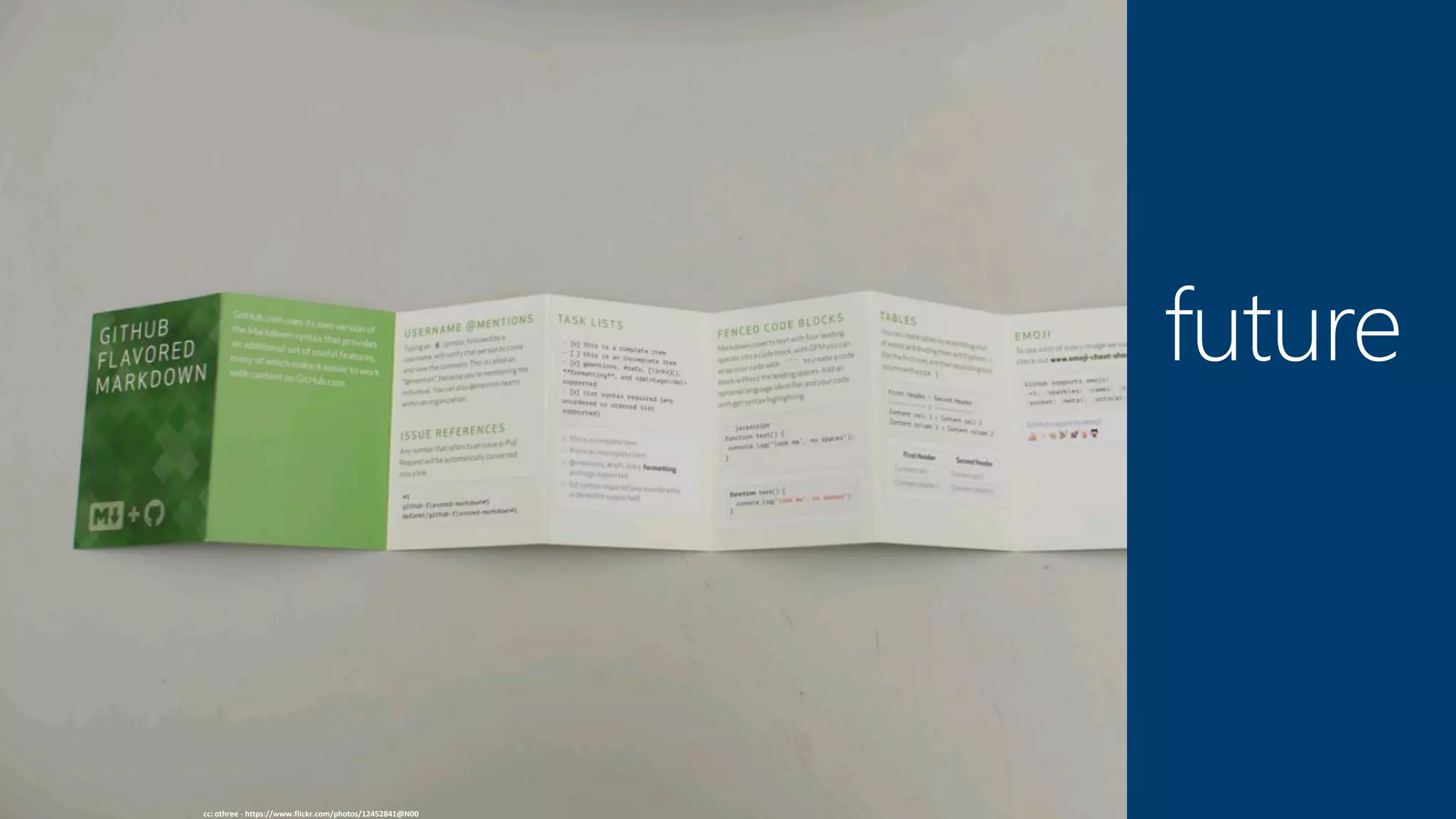
cc: othree - https://www.flickr.com/photos/12452841@N00
future
Tom Resing
Senior Content Publisher, Modern Assistance and Support Experience
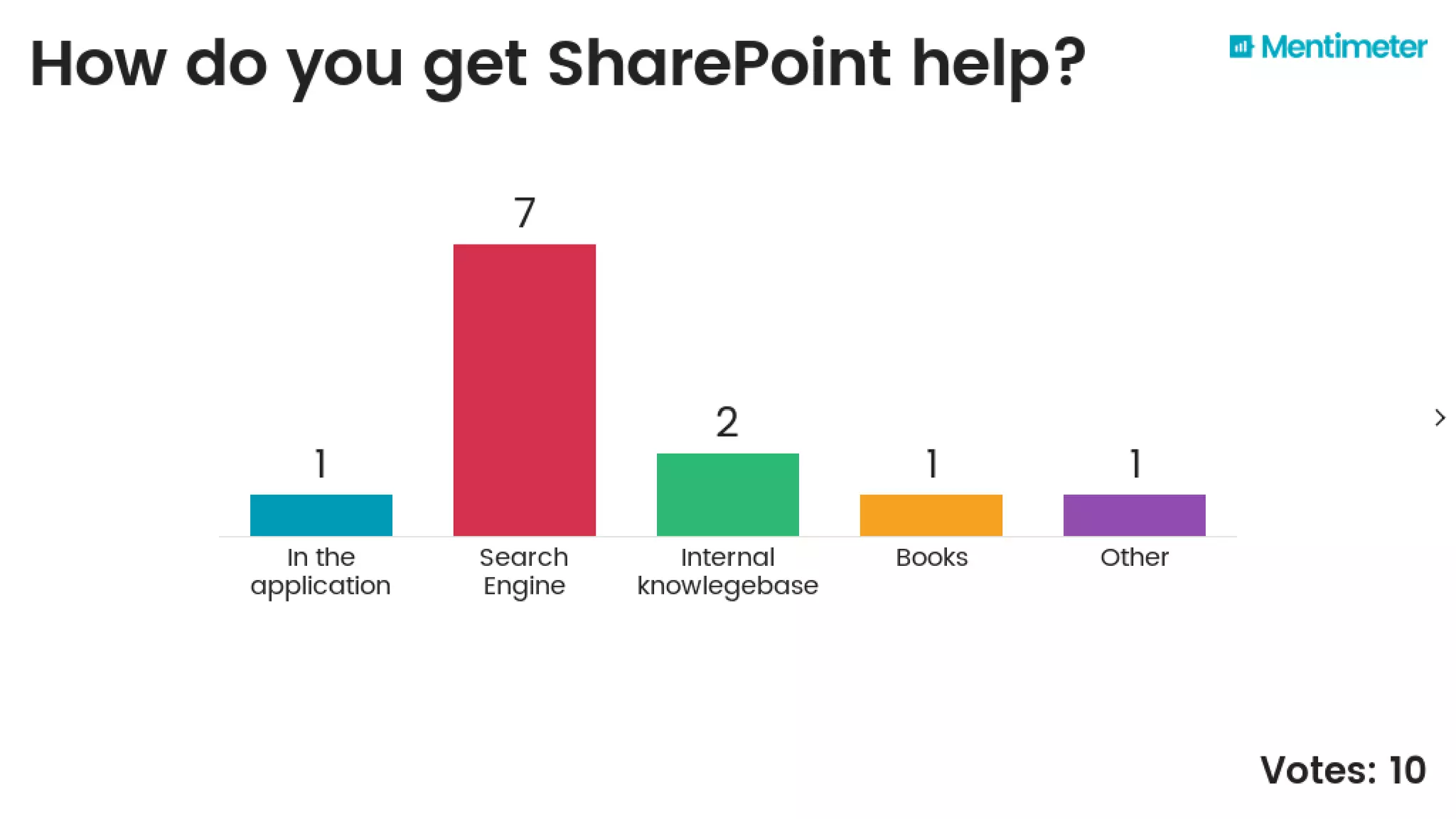
Poll
How do you get
help for SharePoint
today?
?
MAX
Modern Assistance &
Support Experience
SharePoint
help viewer
demo
Product
Coordination
MAX works with Product Management to
document new features, Product Marketing
Management for announcements and
support for top issues.
SharePoint
Modern Libaries
demo
MAX
Content Portfolio Managers, Content
Developers, Engineers, Localization
SharePoint
training
demo
SharePoint
IT Pro Content
demo
SharePoint
developer content
demo
Poll
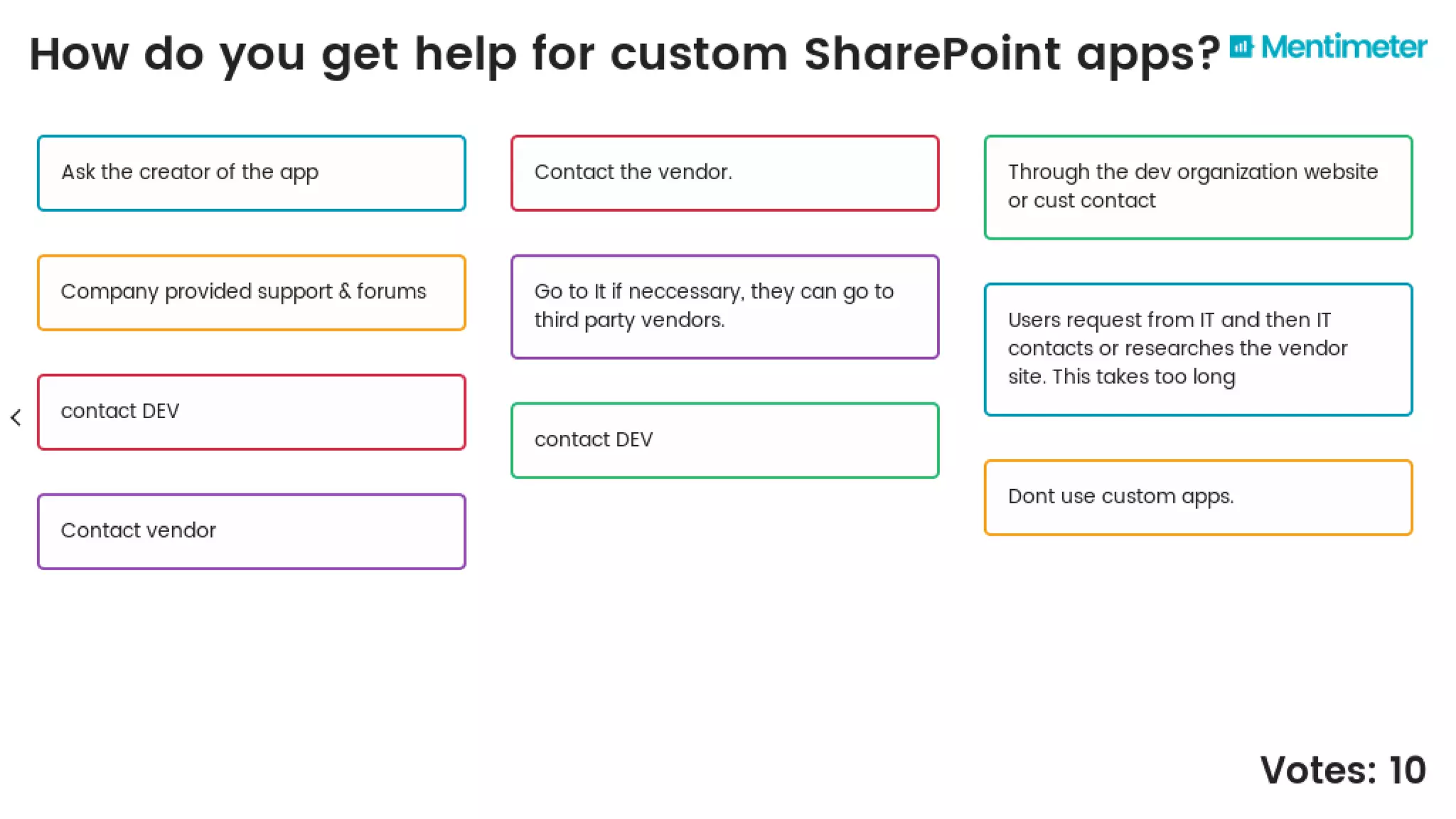
How do you get
help for custom
SharePoint apps?
?
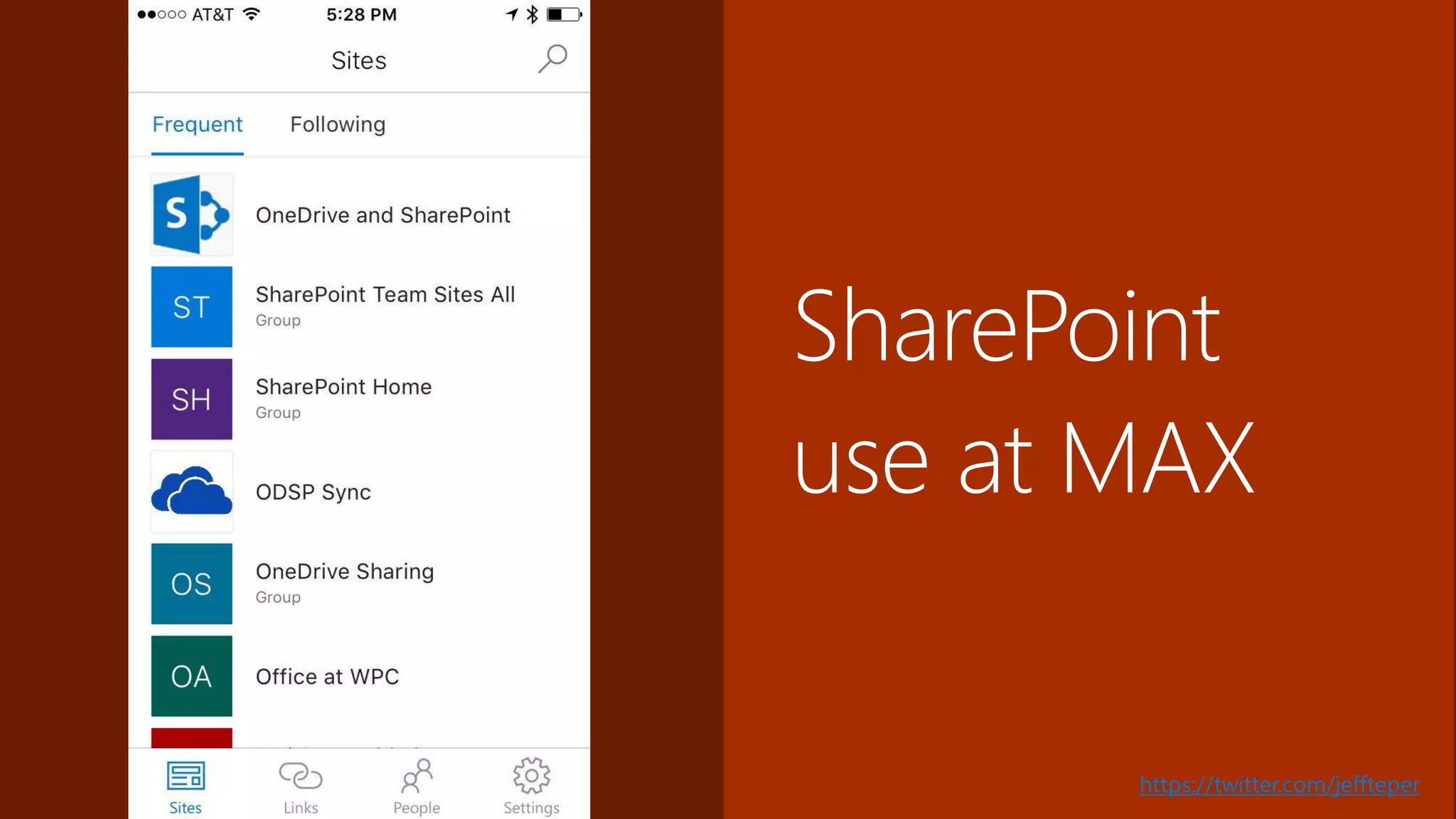
SharePoint
use at MAX
https://twitter.com/jeffteper
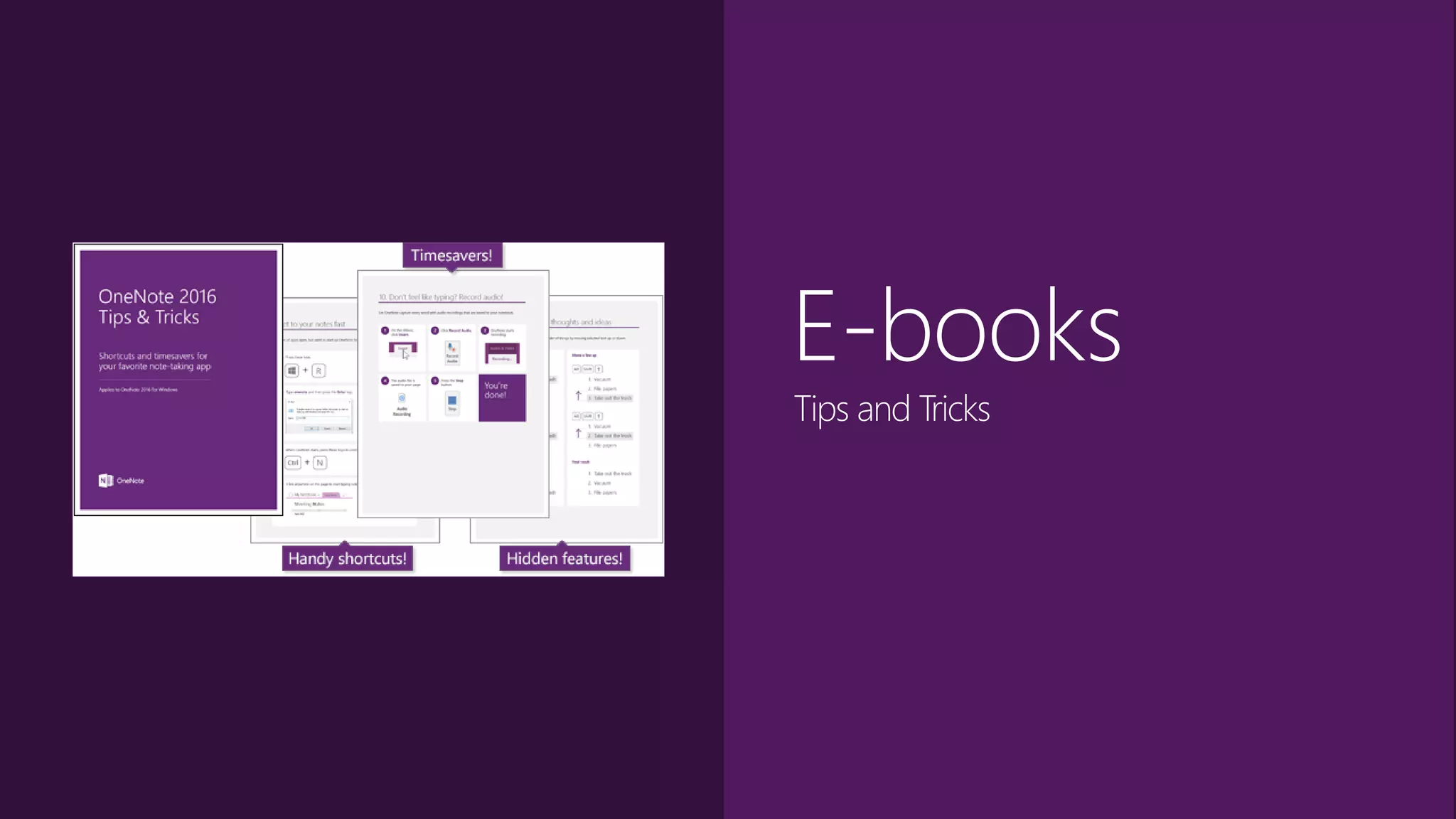
E-books
Tips and Tricks
Send in Your
SharePoint Tips!Email your tips to:
SPTips@microsoft.com
Email me directly:
Resingnet-website@yahoo.com
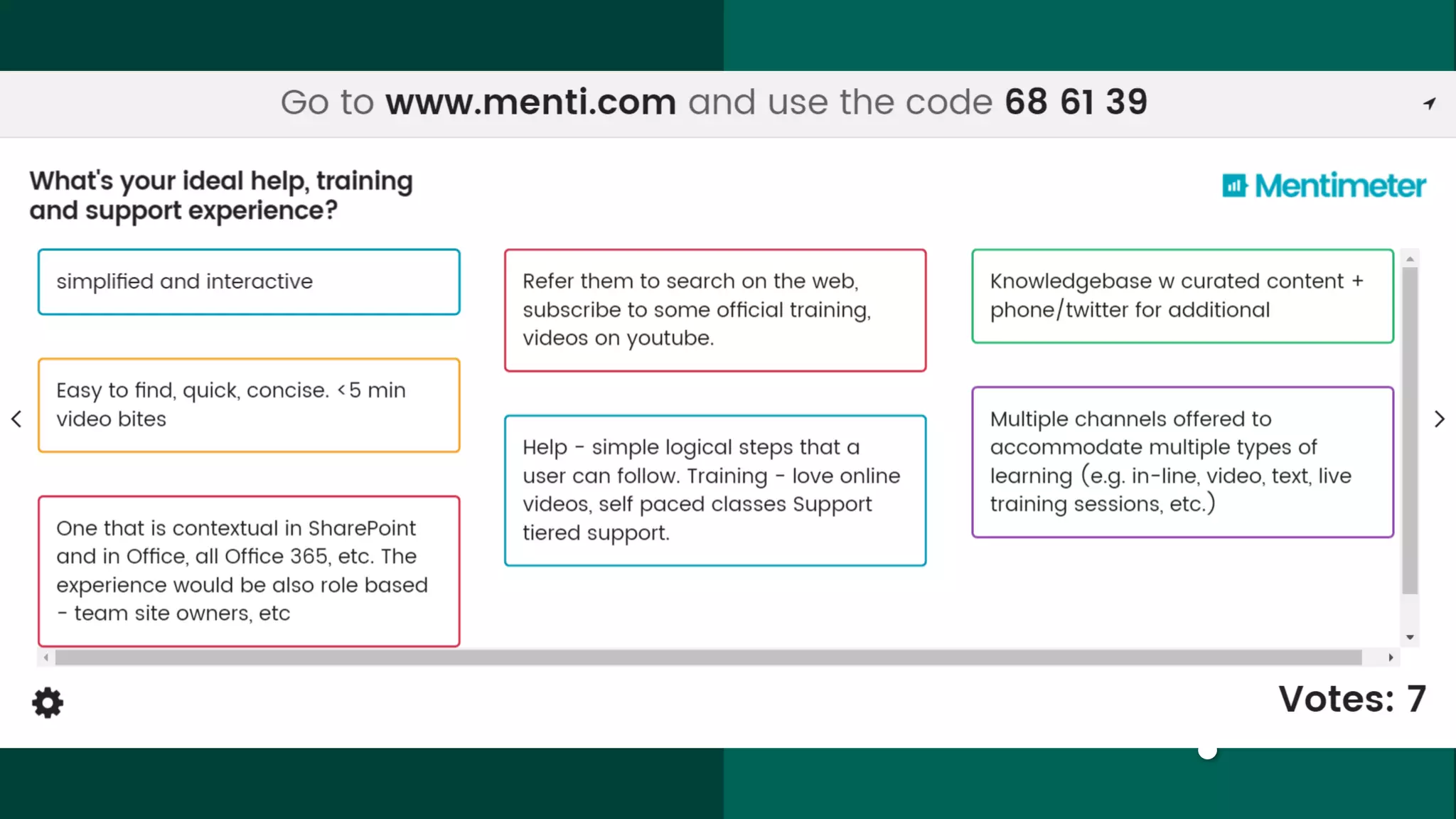
Poll
Can you imagine
your ultimate help,
training and
support
experience?
?
Reference
Copy files from OneDrive for Business to a SharePoint Site
• Announcing File Copy/Move for SharePoint Modern Document Libraries,
network.office.com, August 2016
• Copy files and folders from OneDrive for Business to a SharePoint site,
support.office.com, End User
Switch the default experience for lists and libraries
• Modern document libraries in SharePoint, blogs.office.com, June 2016
• Modern SharePoint lists are here – Including integration with Microsoft Flow and
PowerApps, network.office.com, July 2016
• Switch the default experience for lists or document libraries from new or classic,
support.office.com, Admin
Reference
SharePoint 2016
• What's new in SharePoint Server 2016, support.office.com
• New and improved features in SharePoint Server 2016, technet.microsoft.com
• The Latest of Microsoft Office Developer Tools: Office Add-in Commands and
SharePoint 2016 Support, blogs.msdn.com, April 2016
Future of SharePoint
• The Future of SharePoint, blogs.office.com, May 2016
• SharePoint Server 2016—your foundation for the future, blogs.office.com, May 2016
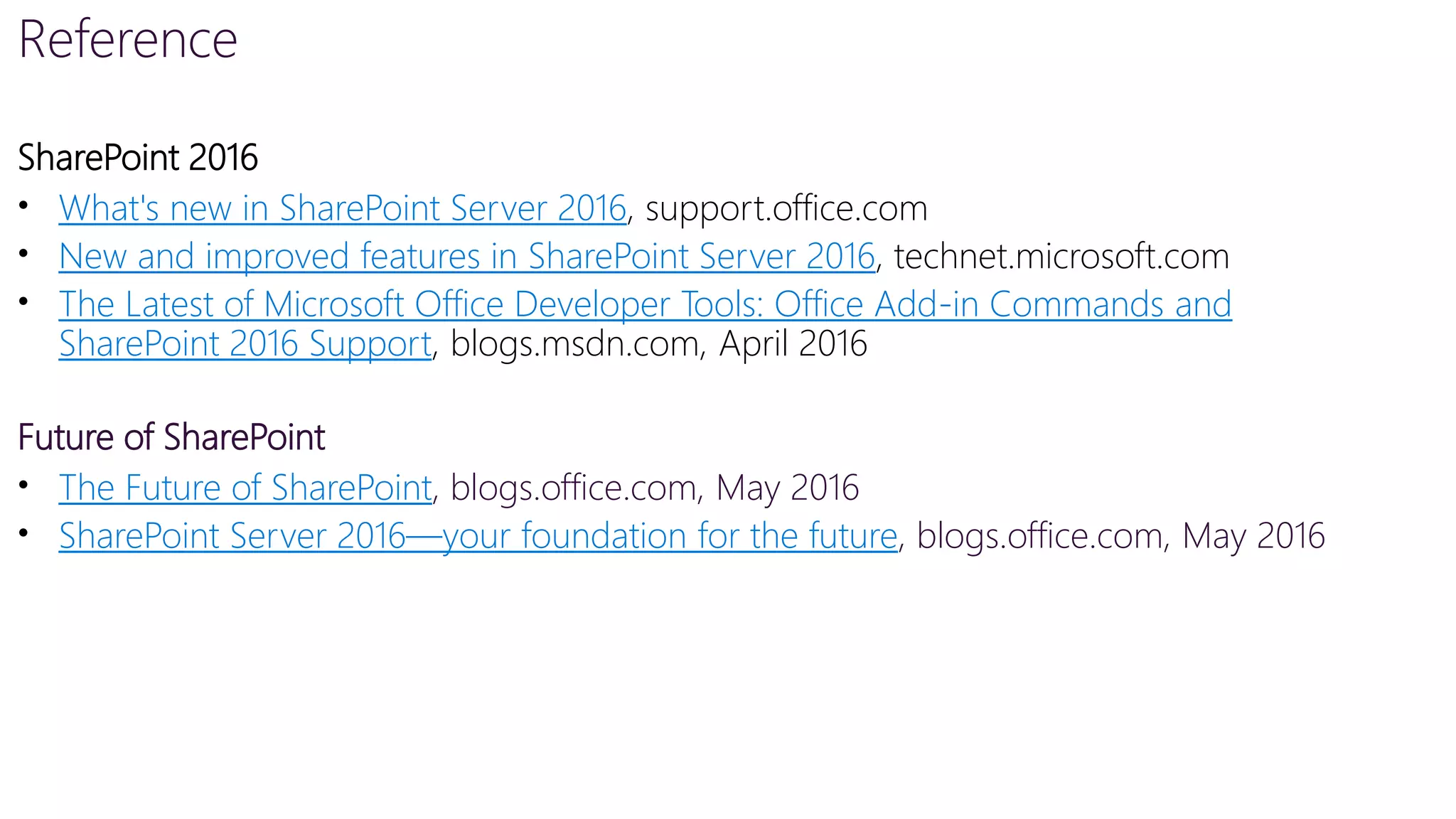
Q&A
The MAX team wants to hear from you. What
are your SharePoint help and training content
questions and needs?
?
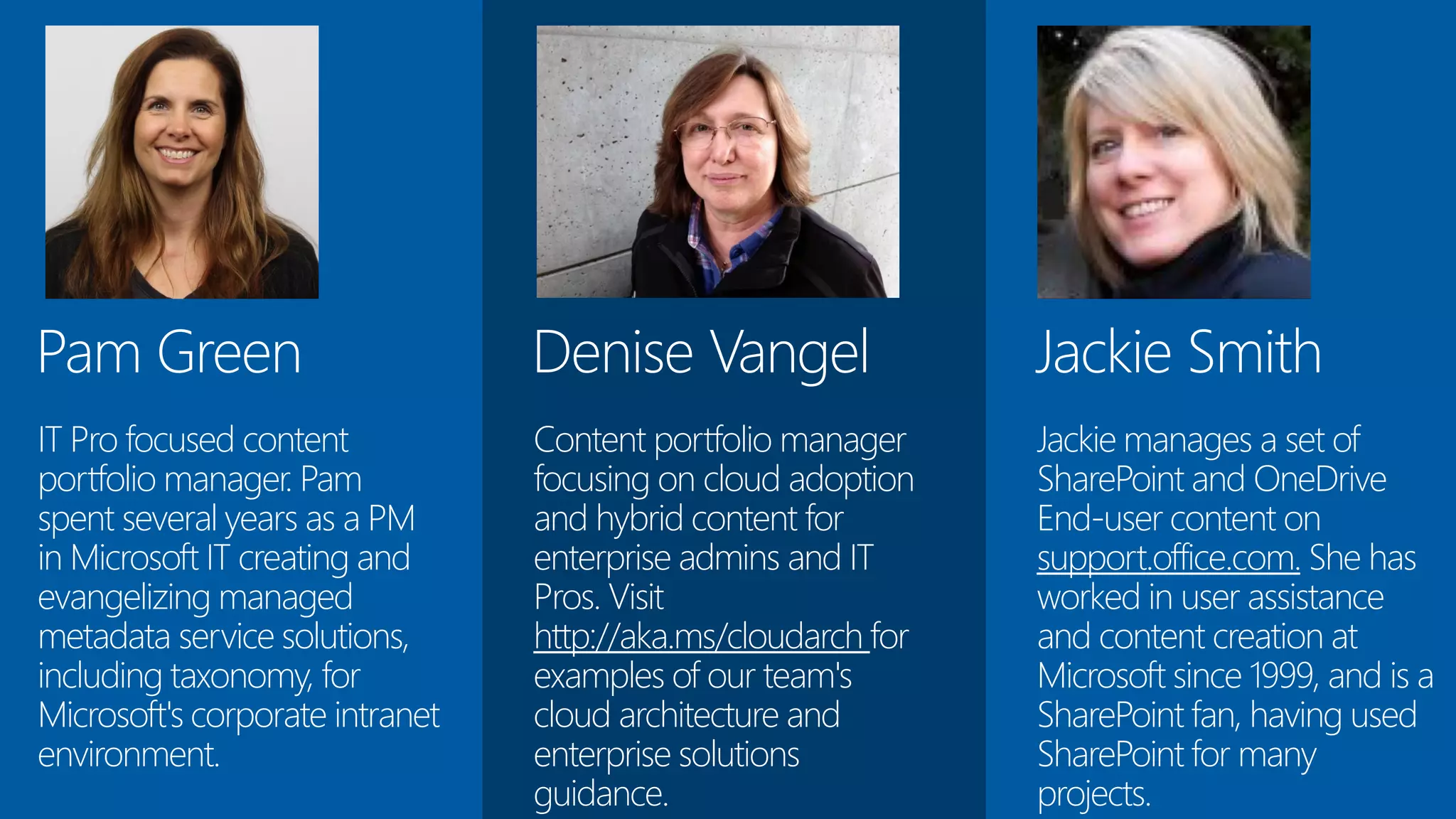
Jackie Smith
Jackie manages a set of
SharePoint and OneDrive
End-user content on
support.office.com. She has
worked in user assistance
and content creation at
Microsoft since 1999, and is a
SharePoint fan, having used
SharePoint for many
projects.
Denise Vangel
Content portfolio manager
focusing on cloud adoption
and hybrid content for
enterprise admins and IT
Pros. Visit
http://aka.ms/cloudarch for
examples of our team's
cloud architecture and
enterprise solutions
guidance.
Pam Green
IT Pro focused content
portfolio manager. Pam
spent several years as a PM
in Microsoft IT creating and
evangelizing managed
metadata service solutions,
including taxonomy, for
Microsoft's corporate intranet
environment.

SharePoint Modern Support and Assistance

  • 1.
    tom resing senior contentdeveloper @resing #sptips How Microsoft does SharePoint content
  • 2.
    cc: Alexander Synaptic- https://www.flickr.com/photos/95350998@N02 ancient times
  • 3.
  • 4.
    cc: othree -https://www.flickr.com/photos/12452841@N00 future
  • 5.
    Tom Resing Senior ContentPublisher, Modern Assistance and Support Experience
  • 6.
    Poll How do youget help for SharePoint today? ?
  • 7.
  • 9.
  • 10.
    Product Coordination MAX works withProduct Management to document new features, Product Marketing Management for announcements and support for top issues.
  • 11.
  • 12.
    MAX Content Portfolio Managers,Content Developers, Engineers, Localization
  • 13.
  • 14.
  • 15.
  • 16.
    Poll How do youget help for custom SharePoint apps? ?
  • 17.
  • 18.
  • 19.
    Send in Your SharePointTips!Email your tips to: SPTips@microsoft.com Email me directly: Resingnet-website@yahoo.com
  • 20.
    Poll Can you imagine yourultimate help, training and support experience? ?
  • 21.
    Reference Copy files fromOneDrive for Business to a SharePoint Site • Announcing File Copy/Move for SharePoint Modern Document Libraries, network.office.com, August 2016 • Copy files and folders from OneDrive for Business to a SharePoint site, support.office.com, End User Switch the default experience for lists and libraries • Modern document libraries in SharePoint, blogs.office.com, June 2016 • Modern SharePoint lists are here – Including integration with Microsoft Flow and PowerApps, network.office.com, July 2016 • Switch the default experience for lists or document libraries from new or classic, support.office.com, Admin
  • 22.
    Reference SharePoint 2016 • What'snew in SharePoint Server 2016, support.office.com • New and improved features in SharePoint Server 2016, technet.microsoft.com • The Latest of Microsoft Office Developer Tools: Office Add-in Commands and SharePoint 2016 Support, blogs.msdn.com, April 2016 Future of SharePoint • The Future of SharePoint, blogs.office.com, May 2016 • SharePoint Server 2016—your foundation for the future, blogs.office.com, May 2016
  • 23.
    Q&A The MAX teamwants to hear from you. What are your SharePoint help and training content questions and needs? ?
  • 24.
    Jackie Smith Jackie managesa set of SharePoint and OneDrive End-user content on support.office.com. She has worked in user assistance and content creation at Microsoft since 1999, and is a SharePoint fan, having used SharePoint for many projects. Denise Vangel Content portfolio manager focusing on cloud adoption and hybrid content for enterprise admins and IT Pros. Visit http://aka.ms/cloudarch for examples of our team's cloud architecture and enterprise solutions guidance. Pam Green IT Pro focused content portfolio manager. Pam spent several years as a PM in Microsoft IT creating and evangelizing managed metadata service solutions, including taxonomy, for Microsoft's corporate intranet environment.

Editor's Notes

  • #2 SPT 101 - How Microsoft Does SharePoint Content Tom Resing, MCM - Microsoft Have you ever read an article or watched a video at support.office.com? Content published to that site provides the basics for working with Microsoft Office products like SharePoint. And, Microsoft's Modern Assistance and Support Experience team uses feedback from content to help improve the product. Learn from a Microsoft Senior Content Publisher how Microsoft publishes content about SharePoint.
  • #3 [stand in front, head bowed, wait for crowd silencing] Format C colon. Oh, the pain. No wonder this old DOS manual was discarded. I lost all my data after learning about the Format command in DOS. After reading more, I never made that mistake again.
  • #4 We’re way past manuals. Not only have the user manuals moved online, they are mobile friendly. And more and more, that’s where users are looking for content.
  • #5 What will the future of SharePoint help content look like? I’ll ask four your thoughts in an upcoming poll. I know we’ll be improving support.office.com and in-app help. SharePoint Development content is moving to open source. When you see an “edit this” link on Microsoft developer documentation, you’re likely to see Github behind it. It uses a content standard called markdown and a version control system that allow edits from the community, kind of like Wikipedia.
  • #7 Mentimeter poll audience by phone. Go to www.menti.com and use the code 68 61 39
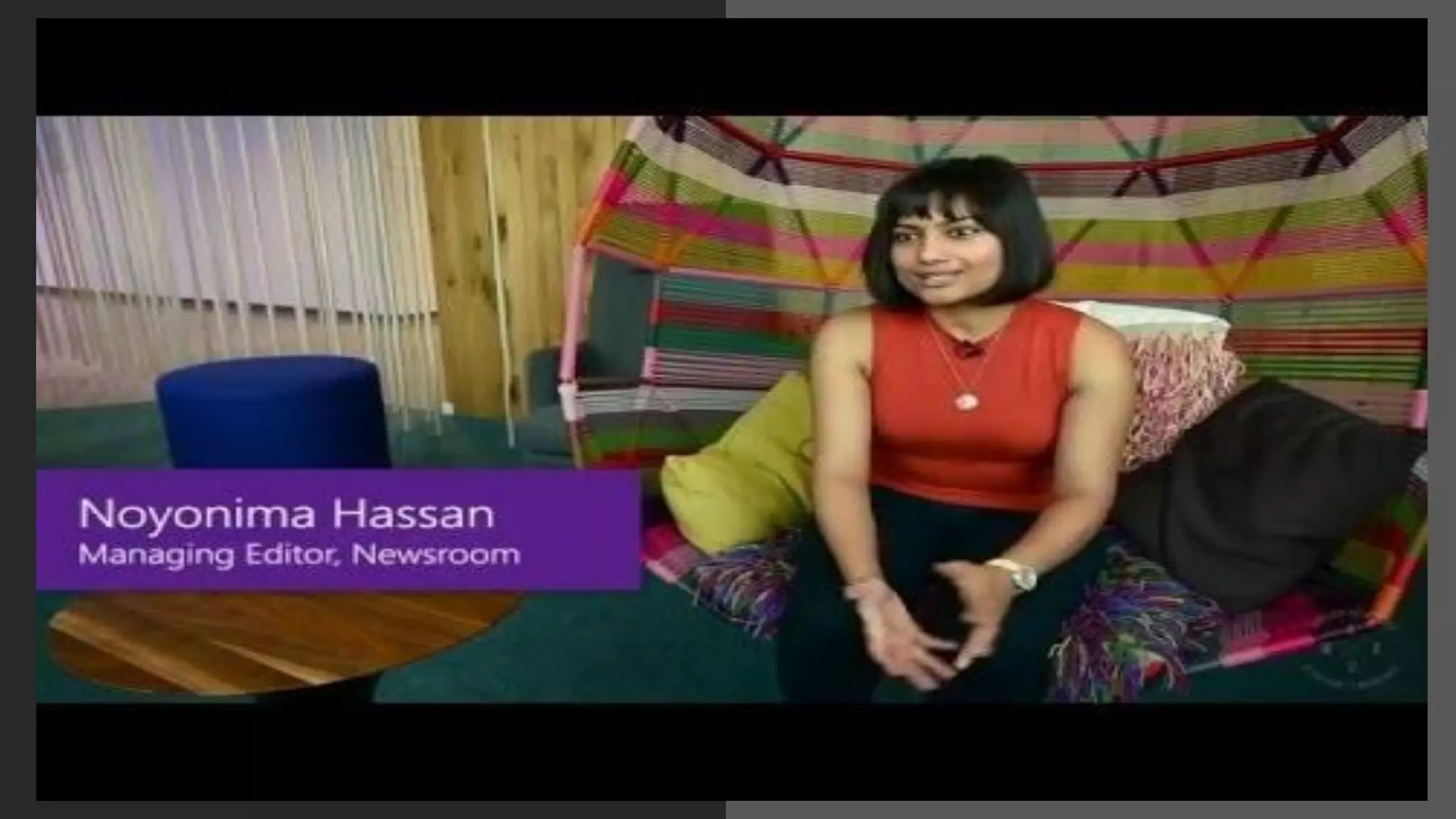
  • #8 Microsoft did a profile on the team where SharePoint help and training is developed. I’ll let the video introduce the team I work on.
  • #9 Meet the MAX Team Video
  • #10 Now you’ve met the team. Let’s take a look at some of what we do. Demo: //sharepoint Click the ?, maximize help viewer, expand mobile, show “how to get the iphone app” Talk about scoped search and browse. And, how we can update the content based on ratings and feedback. Also talk about in-app help Note: may need vpn
  • #12 Show PM Announcement with video, scroll down to pin. Switch to help article, show pin. Switch to SharePoint Home, talk about modern view with graph, show human resources document library, pin to top, add title from (i) Backup route: MOD Tenant login : alexd@MOD654536.onmicrosoft.com, SharePoint home, Office Graph disabled, show help viewer
  • #13 The MAX team isn’t just end user documentation. There’s an engineering side that updates the engine behind support.office.com and the in-app help experience across Office rich clients, too. Then there are documentation teams for IT Pros, Online Admins and Developers. And there’s also a localization team responsible for translating content to all the languages SharePoint and Office support. And a training team, developing courses and video training.
  • #14 Start at support.office.com, select training, select SharePoint, click on Video: Adding documents to a library, discuss the difference between help and training content, show video, talk about what was shown and how SharePoint 2013 content is available on the site, show applies to. Show es-es version of training content
  • #15 Start from technet.Microsoft.com, choose products dropdown and SharePoint. switch to tab https://technet.microsoft.com/en-us/library/mt767550(v=office.16).aspx zero downtime patching
  • #16 Start from dev.office.com, click documentation, select Microsoft Graph API, select Documentation, then Edit in Github, then click pencil and talk about markdown. Show markdown cheatsheet https://github.com/adam-p/markdown-here/wiki/Markdown-Cheatsheet
  • #17 Mentimeter poll audience by phone. Go to www.menti.com and use the code 68 61 39 How do you get help for custom SharePoint apps?
  • #18 Talk about the use of SharePoint at Microsoft. Mention jeff teper’s recent tweet about how much his teams use SharePoint highlighting SharePoint mobile app. Talk about writer’s wiki and use of OneDrive and OneNote. Call to action: follow @jeffteper
  • #19 https://support.office.com/en-US/article/eBook-OneNote-2016-Tips-Tricks-4e08cf8b-dc37-4229-bdef-1f580220b6f5 open local copy of OneNote Tips and Tricks, call out my favorite tip, call to action, submit your SharePoint tip for an upcoming ebook
  • #21 Mentimeter poll audience by phone. Go to www.menti.com and use the code 68 61 39