Prepared by : Mohamed Samir & Khaled Taher
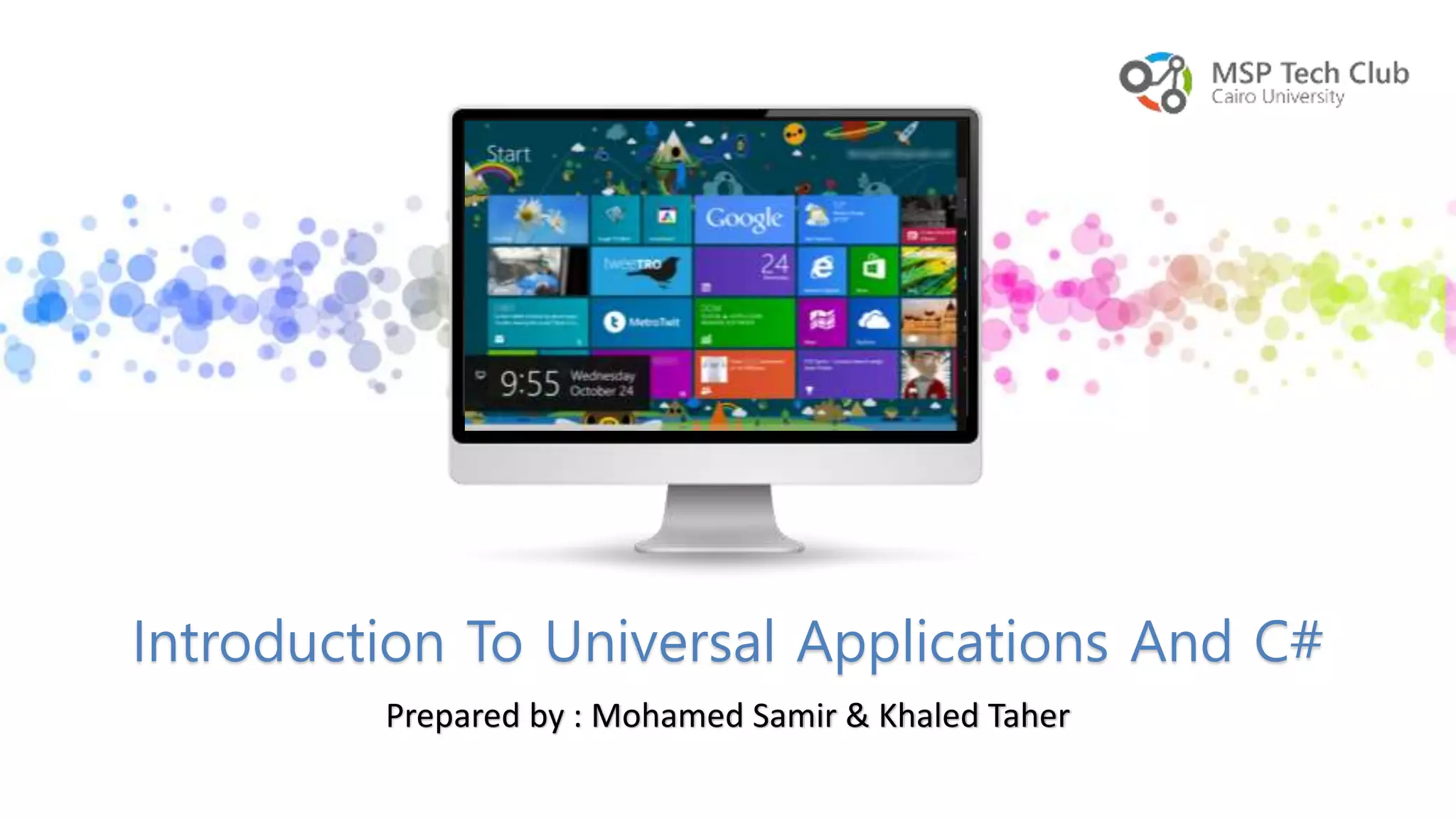
Introduction To Universal Applications And C#
Who are we ?
Khaled Taher
• Level 3 at Faculty of Computers and
information, Computer Science Department.
• Ex-Participant in MSPTC16 & Best Developer.
• MSPTC17 Builders Moderator.
• Trainee at MAL.
• Level 4 at Faculty of Computers and informati
on, studying Computer Science as my major
and decision support as my minor.
• Ex
– Participant in MSPTC14
– Web developer trainee at zad solutions
– App. Security at IBM
– MSPTC17 C# Moderator.
Mohamed Samir
Why are we
here?
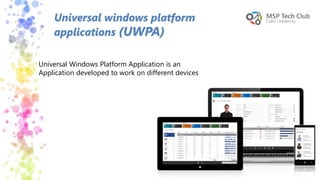
Universal windows platform
applications (UWPA)
Universal Windows Platform Application is an
Application developed to work on different devices
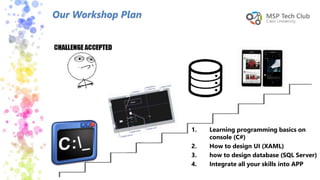
Our Workshop Plan
1. Learning programming basics on
console (C#)
2. How to design UI (XAML)
3. how to design database (SQL Server)
4. Integrate all your skills into APP
Final Result
Table of contents
 Computer programming & Programming
language
 Programming Phases
 Integrated Development Environment
 Data types
 First C# Program
 Installing visual studio
Computer programming &
Programming languages
Computer Programming :
• Writing a sequence of instructions to enable the computer to do something
Programming Languages :
• Is a language that allow to give instructions to a computer
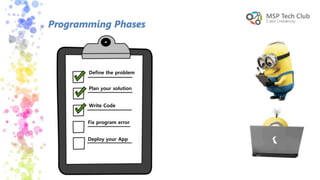
Programming Phases
Define the problem
Plan your solution
Write Code
Fix program error
Deploy your App
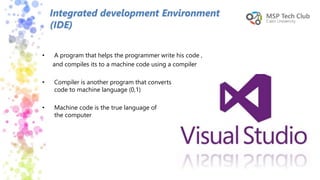
• A program that helps the programmer write his code ,
and compiles its to a machine code using a compiler
• Compiler is another program that converts
code to machine language (0,1)
• Machine code is the true language of
the computer
Integrated development Environment
(IDE)
15
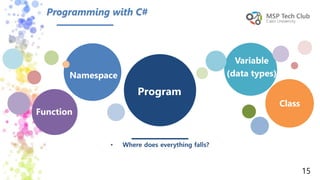
Program
Variable
(data types)
Function
Namespace
Class
• Where does everything falls?
Programming with C#
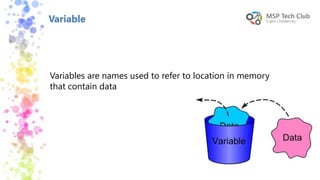
Variable
Variables are names used to refer to location in memory
that contain data
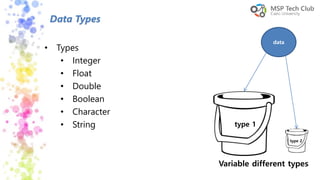
Data Types
• Types
• Integer
• Float
• Double
• Boolean
• Character
• String
data
type 1
type 2
Variable different types
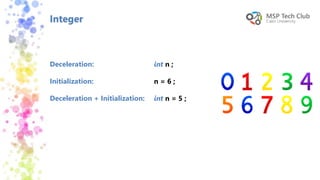
Integer
Deceleration:
Initialization:
Deceleration + Initialization:
int n ;
n = 6 ;
int n = 5 ;
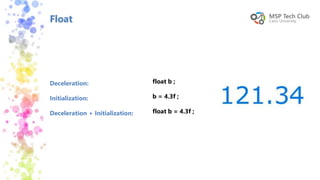
Float
Deceleration:
Initialization:
Deceleration + Initialization:
float b ;
b = 4.3f ;
float b = 4.3f ;
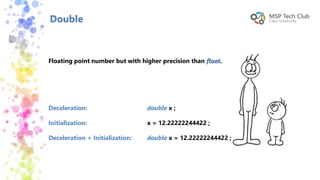
Double
Floating point number but with higher precision than float.
Deceleration:
Initialization:
Deceleration + Initialization:
double x ;
x = 12.22222244422 ;
double x = 12.22222244422 ;
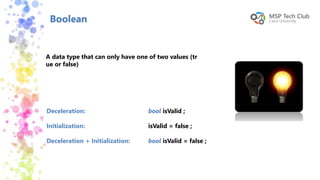
Boolean
A data type that can only have one of two values (tr
ue or false)
Deceleration:
Initialization:
Deceleration + Initialization:
bool isValid ;
isValid = false ;
bool isValid = false ;
Character
Deceleration:
Initialization:
Deceleration + Initialization:
char my_symbol ;
my_symbol = ‘w’ ;
char my_symbol = ‘w’ ;
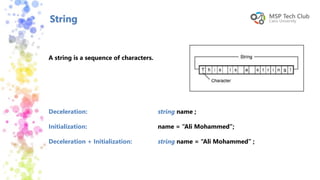
String
Deceleration:
Initialization:
Deceleration + Initialization:
string name ;
name = “Ali Mohammed”;
string name = “Ali Mohammed” ;
A string is a sequence of characters.
Function
A set of instructions that performs a specific task
requiring direction back to the proper place where
it’s called after completion of the task.
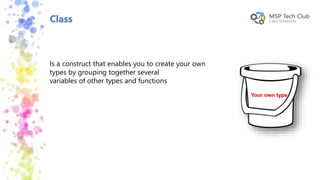
Class
Your own type
Is a construct that enables you to create your own
types by grouping together several
variables of other types and functions
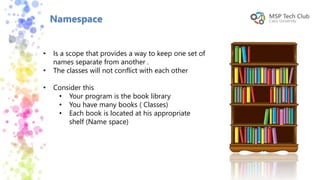
Namespace
• Is a scope that provides a way to keep one set of
names separate from another .
• The classes will not conflict with each other
• Consider this
• Your program is the book library
• You have many books ( Classes)
• Each book is located at his appropriate
shelf (Name space)
System
• Is a namespace that contains the fundamental
classes and base classes that define that help in
translating your code
• Console.read();
• Console.readline();
• Console.write();
• Console.writeline();
• Console.Readkey();
Built in function
Exercise
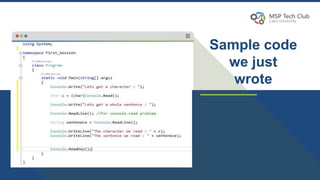
Sample code
we just
wrote
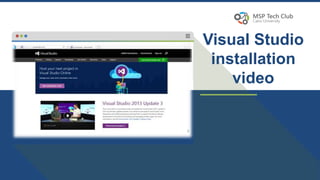
Visual Studio
installation
video
Contacts
khaled4428@Hotmail.com
mohamed_samir1495@outlook.com
https://www.facebook.com/groups/2
14065232331232/
Session#1

Session#1