Prepared by : Mohamed Samir & Khaled Taher
Revision
1
2
3
4
5
6
Agenda
Classes
UI & UX
What is XAML
Element positioning
Container controls overview
Exercises (during session)
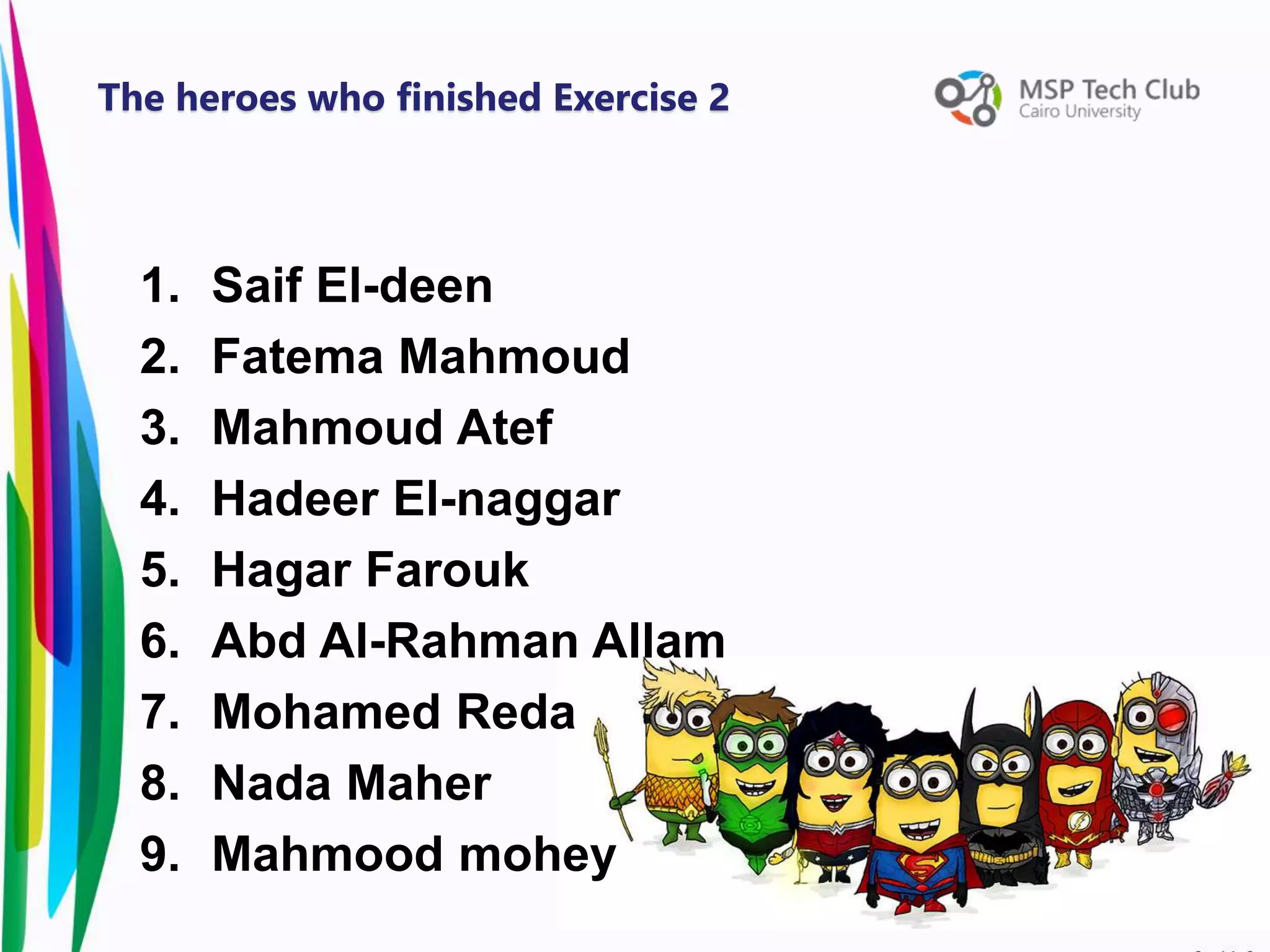
1. Saif El-deen
2. Fatema Mahmoud
3. Mahmoud Atef
4. Hadeer El-naggar
5. Hagar Farouk
6. Abd Al-Rahman Allam
7. Mohamed Reda
8. Nada Maher
9. Mahmood mohey
The heroes who finished Exercise 2
• A class is a way to define new
advanced data types.
• It contains attributes that describes
him.
• And it holds the functions that
access his attributes.
Classes
Class Frog {
private string name;
private string color;
public Frog() { } [constructor]
public void set_name(string name) { } [setter]
public string get_name () {} [getter]
public void jump() { }
}
Classes
Object
It is an instance of a class:
Frog kermit = new Frog () ;
Each object holds a (Unique)
assignment of value to the class
attributes:
kermit.set_Name (“Kermit The Frog”);
kermit.set_Color (“Green”);
kermit.set_hight (183);
Classes
Class Object
Classes
Constructor:
• is the first function the
object does after its creation.
• Constructor can either hold
parameters or not.
• class Frog {
Frog ()
{
Console.WriteLine(“I am a frog”);
}
}
Classes
• Access modifiers are keywords set
the visibility of an attribute or
function in a class to the other
classes.
private string name;
public string eye_color ;
public int hight;;
kermit.set_name (“Kermit The Frog”) ;
kermit.eye_color = “Green” ;
kermit.set_hight(183) ;
Classes
Classes
• Is when two classes share
attributes with each others.
• Like for example harry (child) and
his mother (parent)
– Harry is a wizard as his mother
– Has his mother eyes
• All these are attributes harry
inherited from his mother
Inheritance
• * Full code in notes bellow.
Inheritance
1. Learning programming basics on
console (C#)
2. How to design UI (XAML)
3. how to design database (SQL Server)
4. Integrate all your skills into APP
Our Workshop Plan
Woo hoo !!!
Universal Windows Platform Apps
• A markup language is computer
language that uses tags to define
elements within a document
Markup Language
Uses of XAML
• Vertical Alignment
• Horizontal Alignment
• Margin
• Padding
Element Positioning
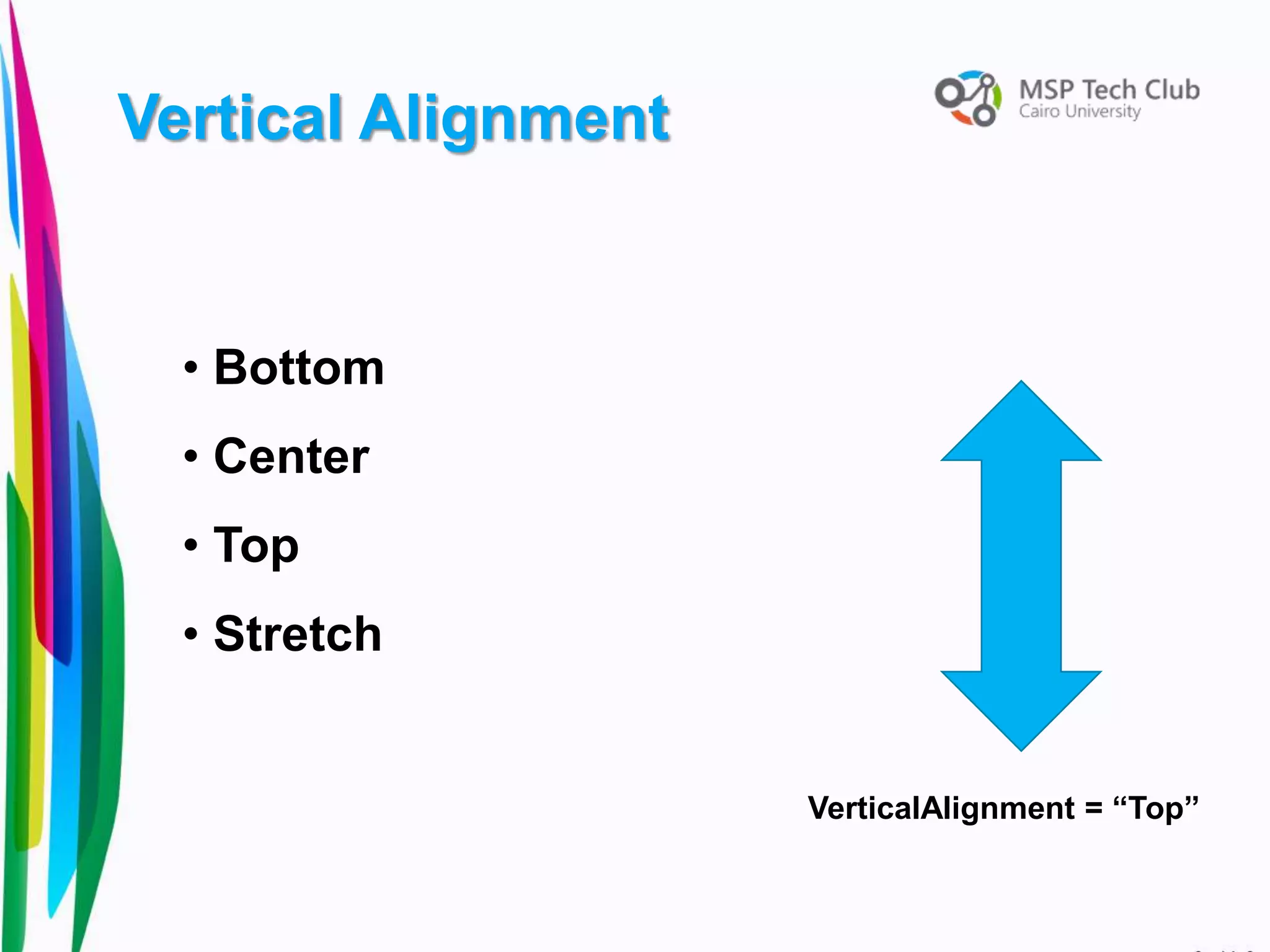
Vertical Alignment
• Bottom
• Center
• Top
• Stretch
VerticalAlignment = “Top”
Horizontal Alignment
• Left
• Center
• Right
• Stretch
HorizontalAlignment = “Left”
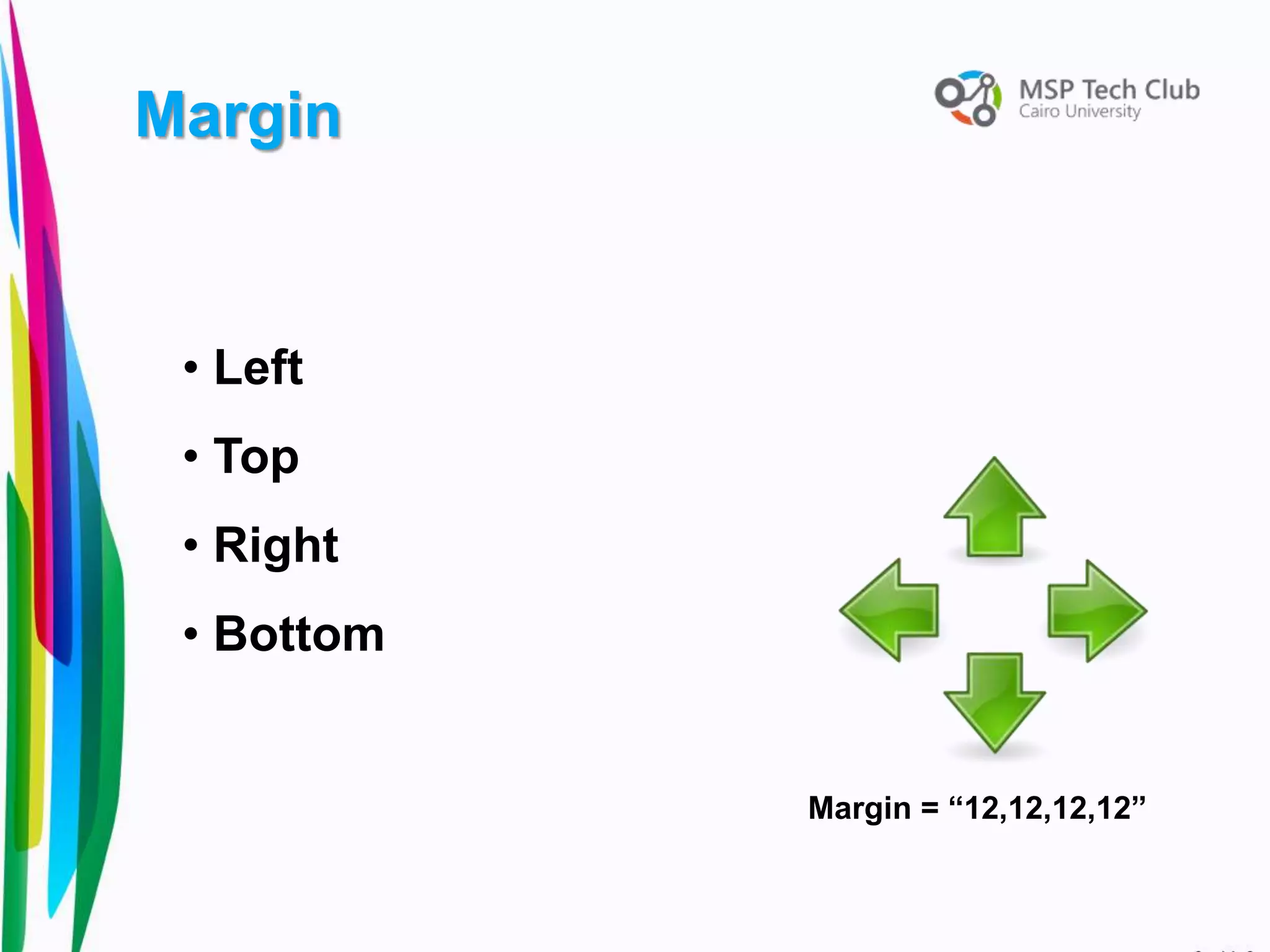
• Left
• Top
• Right
• Bottom
Margin
Margin = “12,12,12,12”
Padding
Padding = “15”
Creating space
between content and
borders
• Canvas
• Grid
• Stackpanel
Containers Control
It just allows you to
put controls in it
<Canvas Width = “100” Height = 200” >
Your work
</Canvas>
Canvas
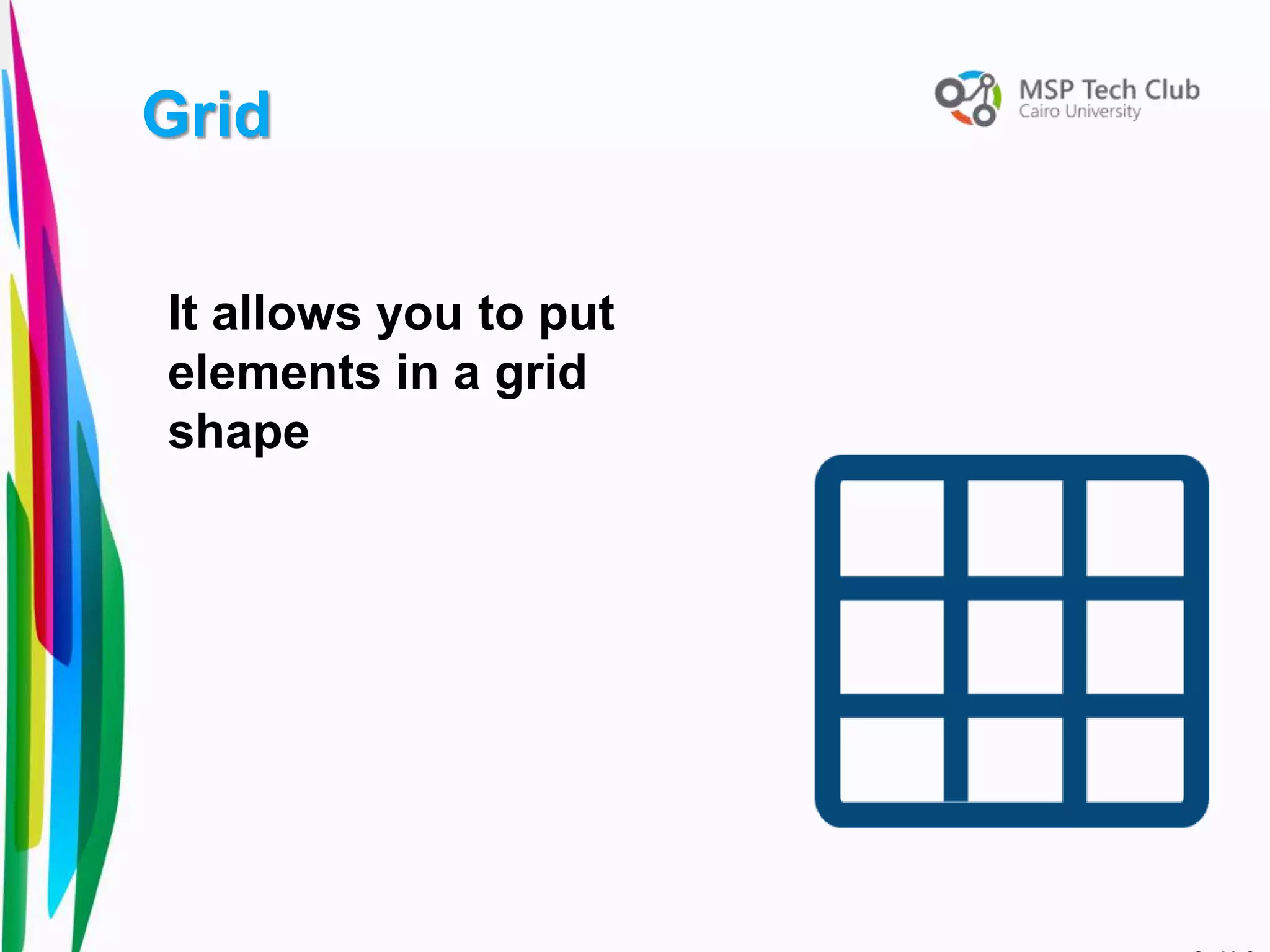
It allows you to put
elements in a grid
shape
Grid
<Grid Background = “White”>
<Grid.ColumnDefinitions>
<ColumnDefinition Width=“ 1* " />
</Grid.ColumnDefinitions>
<Grid.RowDefinitions>
<RowDefinition Height=“ 1* " />
</Grid.RowDefinitions>
</Grid>
Grid
It stacks its child
elements below or beside
each other.
<StackPanel Orientation = “Vertical”>
Your work
</StackPanel>
Stackpanel
29
Exercise
31

Session 4#

  • 1.
    Prepared by :Mohamed Samir & Khaled Taher
  • 2.
  • 3.
    1 2 3 4 5 6 Agenda Classes UI & UX Whatis XAML Element positioning Container controls overview Exercises (during session)
  • 4.
    1. Saif El-deen 2.Fatema Mahmoud 3. Mahmoud Atef 4. Hadeer El-naggar 5. Hagar Farouk 6. Abd Al-Rahman Allam 7. Mohamed Reda 8. Nada Maher 9. Mahmood mohey The heroes who finished Exercise 2
  • 5.
    • A classis a way to define new advanced data types. • It contains attributes that describes him. • And it holds the functions that access his attributes. Classes
  • 6.
    Class Frog { privatestring name; private string color; public Frog() { } [constructor] public void set_name(string name) { } [setter] public string get_name () {} [getter] public void jump() { } } Classes
  • 7.
    Object It is aninstance of a class: Frog kermit = new Frog () ; Each object holds a (Unique) assignment of value to the class attributes: kermit.set_Name (“Kermit The Frog”); kermit.set_Color (“Green”); kermit.set_hight (183); Classes
  • 8.
  • 9.
    Constructor: • is thefirst function the object does after its creation. • Constructor can either hold parameters or not. • class Frog { Frog () { Console.WriteLine(“I am a frog”); } } Classes
  • 10.
    • Access modifiersare keywords set the visibility of an attribute or function in a class to the other classes. private string name; public string eye_color ; public int hight;; kermit.set_name (“Kermit The Frog”) ; kermit.eye_color = “Green” ; kermit.set_hight(183) ; Classes
  • 11.
  • 12.
    • Is whentwo classes share attributes with each others. • Like for example harry (child) and his mother (parent) – Harry is a wizard as his mother – Has his mother eyes • All these are attributes harry inherited from his mother Inheritance
  • 13.
    • * Fullcode in notes bellow. Inheritance
  • 14.
    1. Learning programmingbasics on console (C#) 2. How to design UI (XAML) 3. how to design database (SQL Server) 4. Integrate all your skills into APP Our Workshop Plan
  • 15.
    Woo hoo !!! UniversalWindows Platform Apps
  • 17.
    • A markuplanguage is computer language that uses tags to define elements within a document Markup Language
  • 18.
  • 19.
    • Vertical Alignment •Horizontal Alignment • Margin • Padding Element Positioning
  • 20.
    Vertical Alignment • Bottom •Center • Top • Stretch VerticalAlignment = “Top”
  • 21.
    Horizontal Alignment • Left •Center • Right • Stretch HorizontalAlignment = “Left”
  • 22.
    • Left • Top •Right • Bottom Margin Margin = “12,12,12,12”
  • 23.
    Padding Padding = “15” Creatingspace between content and borders
  • 24.
    • Canvas • Grid •Stackpanel Containers Control
  • 25.
    It just allowsyou to put controls in it <Canvas Width = “100” Height = 200” > Your work </Canvas> Canvas
  • 26.
    It allows youto put elements in a grid shape Grid
  • 27.
    <Grid Background =“White”> <Grid.ColumnDefinitions> <ColumnDefinition Width=“ 1* " /> <ColumnDefinition Width=“ 1* " /> <ColumnDefinition Width=“ 1* " /> </Grid.ColumnDefinitions> <Grid.RowDefinitions> <RowDefinition Height=“ 1* " /> <RowDefinition Height=“ 1* " /> <RowDefinition Height=“ 1* " /> </Grid.RowDefinitions> </Grid> Grid
  • 28.
    It stacks itschild elements below or beside each other. <StackPanel Orientation = “Vertical”> Your work </StackPanel> Stackpanel
  • 29.
  • 30.
  • 31.

Editor's Notes

  • #14 using System; namespace namespace1 { class Bird { private string name; public Bird () { Console.WriteLine("I am a bird"); } public void setName (string n_name) { name = n_name; } public string getName () { return name; } public void walk () { Console.WriteLine("I can walk"); } } class Eagle : Bird { public Eagle () { Console.WriteLine("I am an eagle!"); } public void fly() { Console.WriteLine("I can fly"); } } class Duck : Bird { public Duck() { Console.WriteLine("I am a duck!"); } public void swim () { Console.WriteLine("I can Swim"); } } class Program { public static void Main(string [] args) { Eagle my_eagle = new Eagle(); my_eagle.setName("Chaise"); Console.WriteLine("My name is: " + my_eagle.getName()); my_eagle.fly(); Console.WriteLine("\n"); Duck my_duck = new Duck(); my_duck.setName("Quirk"); Console.WriteLine("My name is: " + my_duck.getName()); my_duck.swim(); Console.ReadKey(); } } }