search engine optimization
SEO
DIGITAL MARKETING
DIGITAL MARKETING
What is SEO?
Why is it important?
How Google works?
Keyword Search
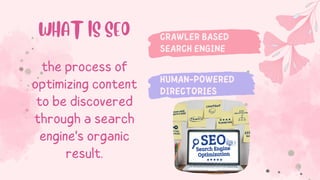
CRAWLER BASED
SEARCH ENGINE
HUMAN-POWERED
DIRECTORIES
WHAT IS SEO
the process of
optimizing content
to be discovered
through a search
engine's organic
result.
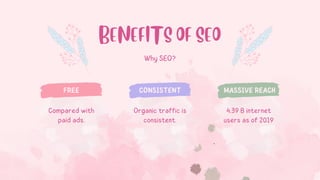
Why SEO?
FREE CONSISTENT MASSIVE REACH
BENEFITS OF SEO
Compared with
paid ads.
Organic traffic is
consistent.
4.39 B internet
users as of 2019
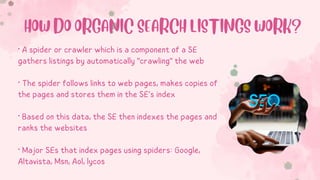
• A spider or crawler which is a component of a SE
gathers listings by automatically "crawling" the web
• The spider follows links to web pages, makes copies of
the pages and stores them in the SE’s index
• Based on this data, the SE then indexes the pages and
ranks the websites
• Major SEs that index pages using spiders: Google,
Altavista, Msn, Aol, lycos
HOW DO ORGANIC SEARCH LISTINGS WORK?
“SPIDERS READ ONLY
TEXT,
NOTHING ELSE”
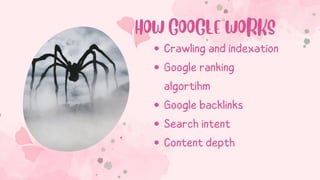
HOW GOOGLE WORKS
Crawling and indexation
Google ranking
algortihm
Google backlinks
Search intent
Content depth
Explain the pricing method for each variation
of your product or service.
$15
BASIC
$25
ADVANCED
$40
PREMIUM
PRICING
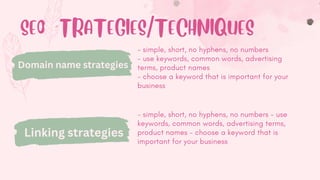
SEO STRATEGIES/TECHNIQUES
- simple, short, no hyphens, no numbers
- use keywords, common words, advertising
terms, product names
- choose a keyword that is important for your
business
Domain name strategies
Linking strategies
- simple, short, no hyphens, no numbers - use
keywords, common words, advertising terms,
product names - choose a keyword that is
important for your business
Keywords
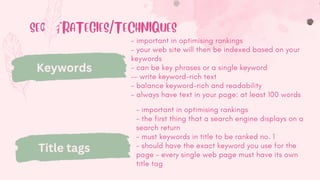
SEO STRATEGIES/TECHNIQUES
Keywords
- important in optimising rankings
- your web site will then be indexed based on your
keywords
- can be key phrases or a single keyword
-- write keyword-rich text
- balance keyword-rich and readability
- always have text in your page: at least 100 words
Title tags
- important in optimising rankings
- the first thing that a search engine displays on a
search return
- must keywords in title to be ranked no. 1
- should have the exact keyword you use for the
page - every single web page must have its own
title tag
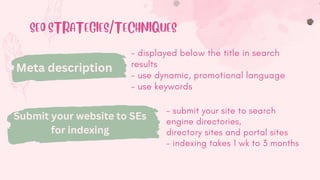
SEO STRATEGIES/TECHNIQUES
Meta description
tags
- displayed below the title in search
results
- use dynamic, promotional language
- use keywords
Submit your website to SEs
for indexing
- submit your site to search
engine directories,
directory sites and portal sites
- indexing takes 1 wk to 3 months
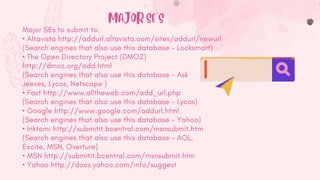
Major SEs to submit to:
• Altavista http://addurl.altavista.com/sites/addurl/newurl
(Search engines that also use this database - Looksmart)
• The Open Directory Project (DMOZ)
http://dmoz.org/add.html
(Search engines that also use this database - Ask
Jeeves, Lycos, Netscape )
• Fast http://www.alltheweb.com/add_url.php
(Search engines that also use this database - Lycos)
• Google http://www.google.com/addurl.html
(Search engines that also use this database - Yahoo)
• Inktomi http://submitit.bcentral.com/msnsubmit.htm
(Search engines that also use this database - AOL,
Excite, MSN, Overture)
• MSN http://submitit.bcentral.com/msnsubmit.htm
• Yahoo http://docs.yahoo.com/info/suggest
MAJOR SE'S
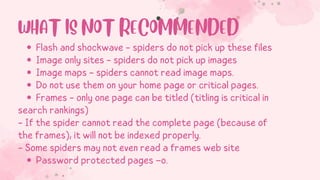
Flash and shockwave - spiders do not pick up these files
Image only sites - spiders do not pick up images
Image maps - spiders cannot read image maps.
Do not use them on your home page or critical pages.
Frames - only one page can be titled (titling is critical in
Password protected pages –o.
search rankings)
- If the spider cannot read the complete page (because of
the frames), it will not be indexed properly.
- Some spiders may not even read a frames web site
WHAT IS NOT RECOMMENDED
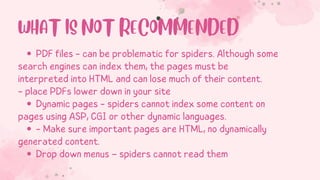
PDF files - can be problematic for spiders. Although some
Dynamic pages - spiders cannot index some content on
- Make sure important pages are HTML, no dynamically
Drop down menus – spiders cannot read them
search engines can index them, the pages must be
interpreted into HTML and can lose much of their content.
- place PDFs lower down in your site
pages using ASP, CGI or other dynamic languages.
generated content.
WHAT IS NOT RECOMMENDED
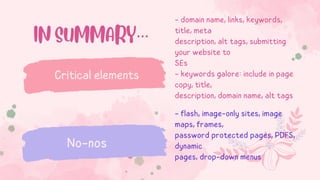
- domain name, links, keywords,
title, meta
description, alt tags, submitting
your website to
SEs
- keywords galore: include in page
copy, title,
description, domain name, alt tags
Critical elements
No-nos
IN SUMMARY…
- flash, image-only sites, image
maps, frames,
password protected pages, PDFS,
dynamic
pages, drop-down menus
“SPIDERS READ ONLY TEXT, NOTHING ELSE”
FINDING THE
RIGHT
KEYWORDS
CpE, MIS
Maria Vivian Tagum
THANK YOU

SEO ppt.pdf

  • 1.
  • 2.
    DIGITAL MARKETING What isSEO? Why is it important? How Google works? Keyword Search
  • 3.
    CRAWLER BASED SEARCH ENGINE HUMAN-POWERED DIRECTORIES WHATIS SEO the process of optimizing content to be discovered through a search engine's organic result.
  • 4.
    Why SEO? FREE CONSISTENTMASSIVE REACH BENEFITS OF SEO Compared with paid ads. Organic traffic is consistent. 4.39 B internet users as of 2019
  • 5.
    • A spideror crawler which is a component of a SE gathers listings by automatically "crawling" the web • The spider follows links to web pages, makes copies of the pages and stores them in the SE’s index • Based on this data, the SE then indexes the pages and ranks the websites • Major SEs that index pages using spiders: Google, Altavista, Msn, Aol, lycos HOW DO ORGANIC SEARCH LISTINGS WORK?
  • 6.
  • 7.
    HOW GOOGLE WORKS Crawlingand indexation Google ranking algortihm Google backlinks Search intent Content depth
  • 8.
    Explain the pricingmethod for each variation of your product or service. $15 BASIC $25 ADVANCED $40 PREMIUM PRICING
  • 9.
    SEO STRATEGIES/TECHNIQUES - simple,short, no hyphens, no numbers - use keywords, common words, advertising terms, product names - choose a keyword that is important for your business Domain name strategies Linking strategies - simple, short, no hyphens, no numbers - use keywords, common words, advertising terms, product names - choose a keyword that is important for your business Keywords
  • 10.
    SEO STRATEGIES/TECHNIQUES Keywords - importantin optimising rankings - your web site will then be indexed based on your keywords - can be key phrases or a single keyword -- write keyword-rich text - balance keyword-rich and readability - always have text in your page: at least 100 words Title tags - important in optimising rankings - the first thing that a search engine displays on a search return - must keywords in title to be ranked no. 1 - should have the exact keyword you use for the page - every single web page must have its own title tag
  • 11.
    SEO STRATEGIES/TECHNIQUES Meta description tags -displayed below the title in search results - use dynamic, promotional language - use keywords Submit your website to SEs for indexing - submit your site to search engine directories, directory sites and portal sites - indexing takes 1 wk to 3 months
  • 12.
    Major SEs tosubmit to: • Altavista http://addurl.altavista.com/sites/addurl/newurl (Search engines that also use this database - Looksmart) • The Open Directory Project (DMOZ) http://dmoz.org/add.html (Search engines that also use this database - Ask Jeeves, Lycos, Netscape ) • Fast http://www.alltheweb.com/add_url.php (Search engines that also use this database - Lycos) • Google http://www.google.com/addurl.html (Search engines that also use this database - Yahoo) • Inktomi http://submitit.bcentral.com/msnsubmit.htm (Search engines that also use this database - AOL, Excite, MSN, Overture) • MSN http://submitit.bcentral.com/msnsubmit.htm • Yahoo http://docs.yahoo.com/info/suggest MAJOR SE'S
  • 13.
    Flash and shockwave- spiders do not pick up these files Image only sites - spiders do not pick up images Image maps - spiders cannot read image maps. Do not use them on your home page or critical pages. Frames - only one page can be titled (titling is critical in Password protected pages –o. search rankings) - If the spider cannot read the complete page (because of the frames), it will not be indexed properly. - Some spiders may not even read a frames web site WHAT IS NOT RECOMMENDED
  • 14.
    PDF files -can be problematic for spiders. Although some Dynamic pages - spiders cannot index some content on - Make sure important pages are HTML, no dynamically Drop down menus – spiders cannot read them search engines can index them, the pages must be interpreted into HTML and can lose much of their content. - place PDFs lower down in your site pages using ASP, CGI or other dynamic languages. generated content. WHAT IS NOT RECOMMENDED
  • 15.
    - domain name,links, keywords, title, meta description, alt tags, submitting your website to SEs - keywords galore: include in page copy, title, description, domain name, alt tags Critical elements No-nos IN SUMMARY… - flash, image-only sites, image maps, frames, password protected pages, PDFS, dynamic pages, drop-down menus
  • 16.
    “SPIDERS READ ONLYTEXT, NOTHING ELSE”
  • 17.
  • 18.
    CpE, MIS Maria VivianTagum THANK YOU