
Securing Your MongoDB
Deployment
Andreas Nilsson
Lead Security Engineer, MongoDB
3
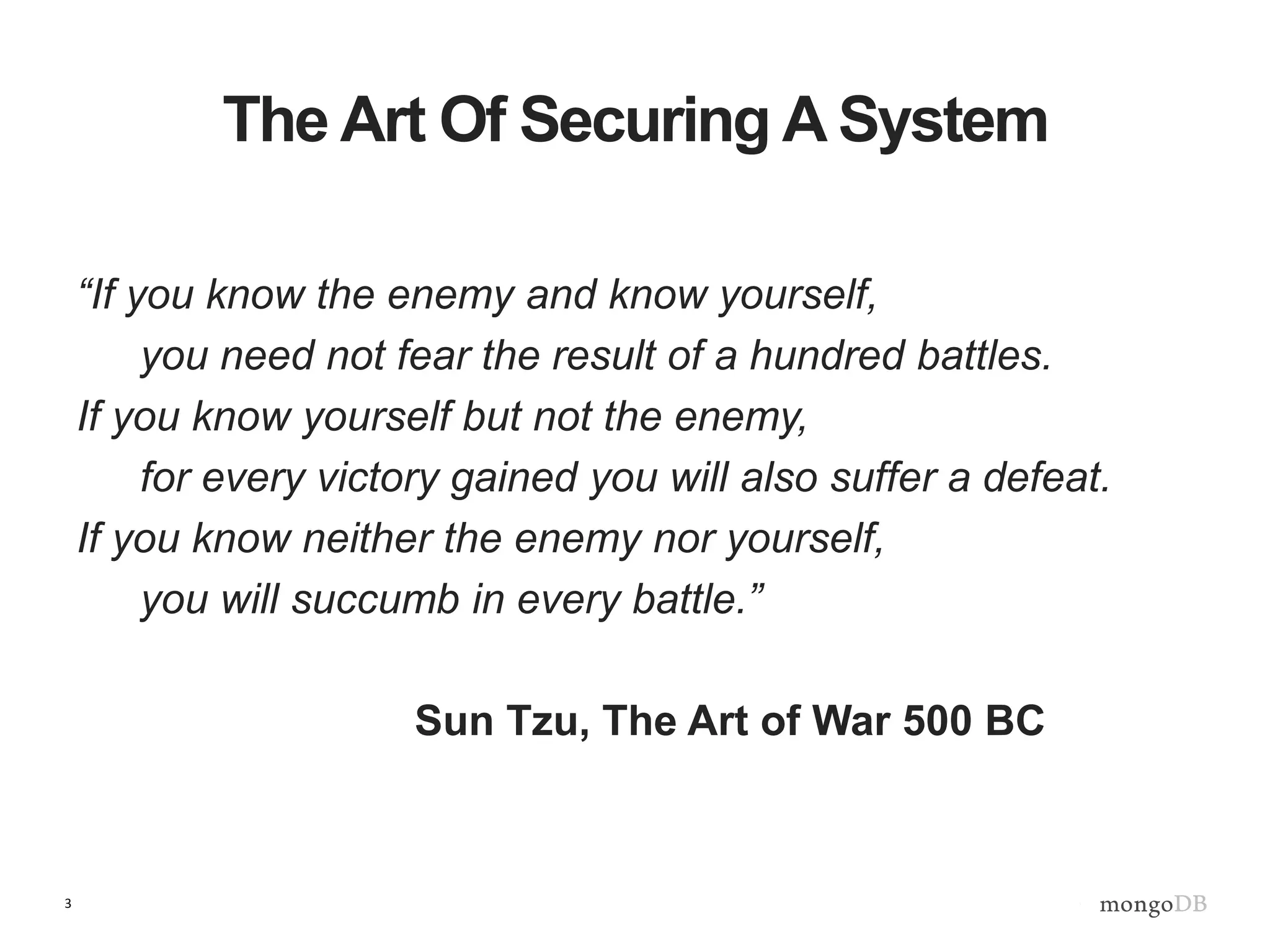
The Art Of Securing A System
“If you know the enemy and know yourself,
you need not fear the result of a hundred battles.
If you know yourself but not the enemy,
for every victory gained you will also suffer a defeat.
If you know neither the enemy nor yourself,
you will succumb in every battle.”
Sun Tzu, The Art of War 500 BC
4
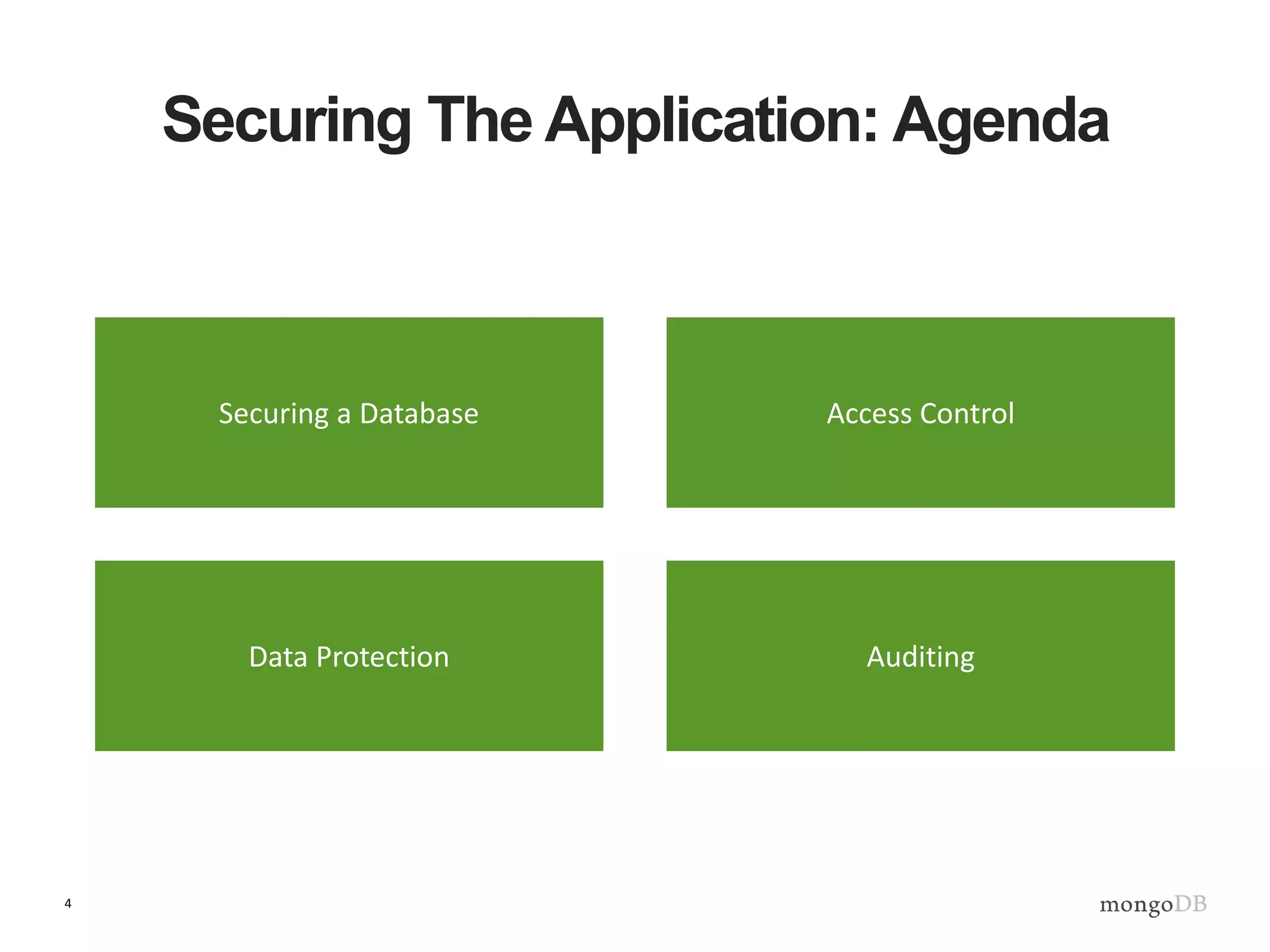
Securing The Application: Agenda
Securing a Database Access Control
AuditingData Protection
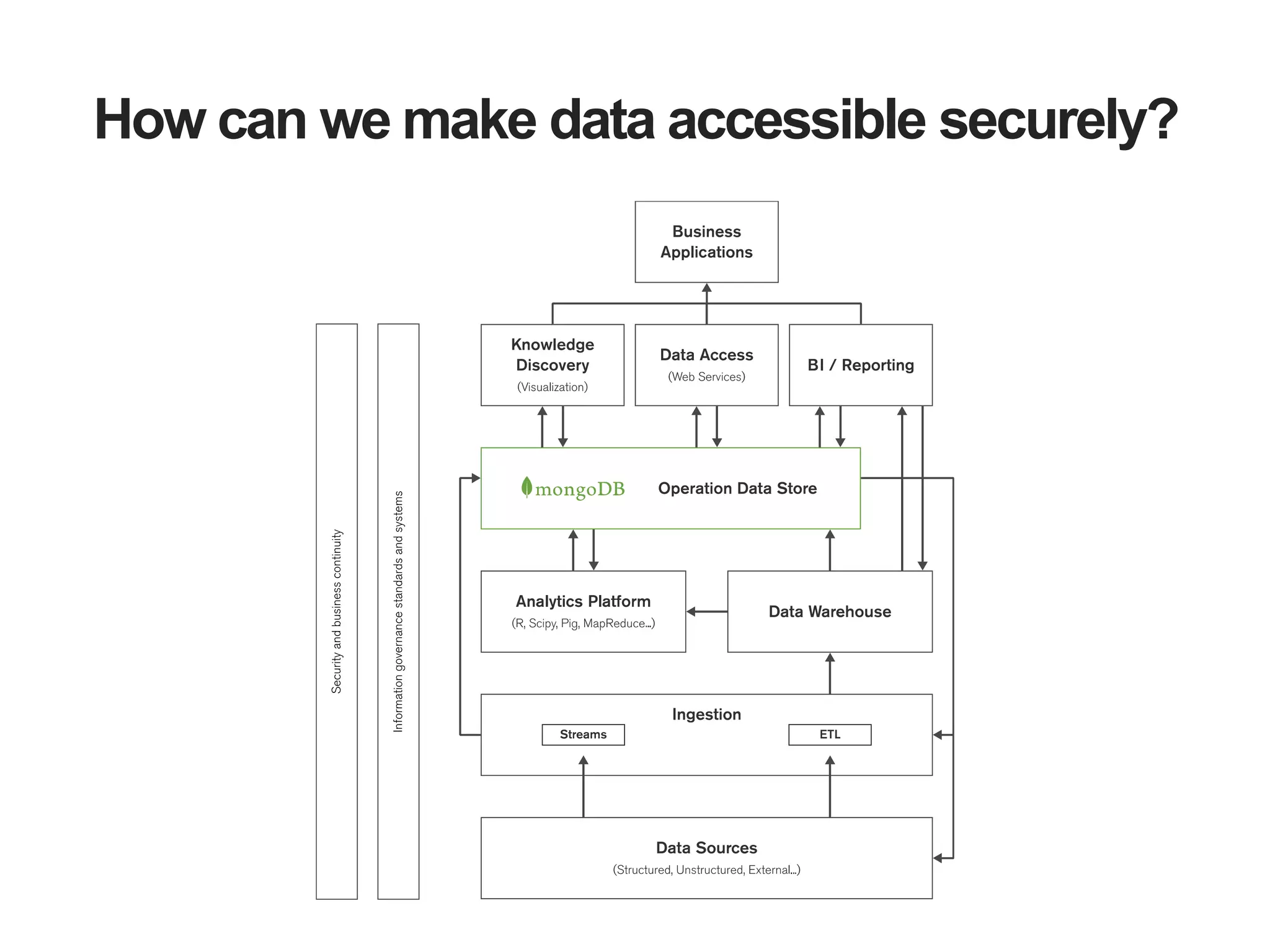
How can we make data accessible securely?
6
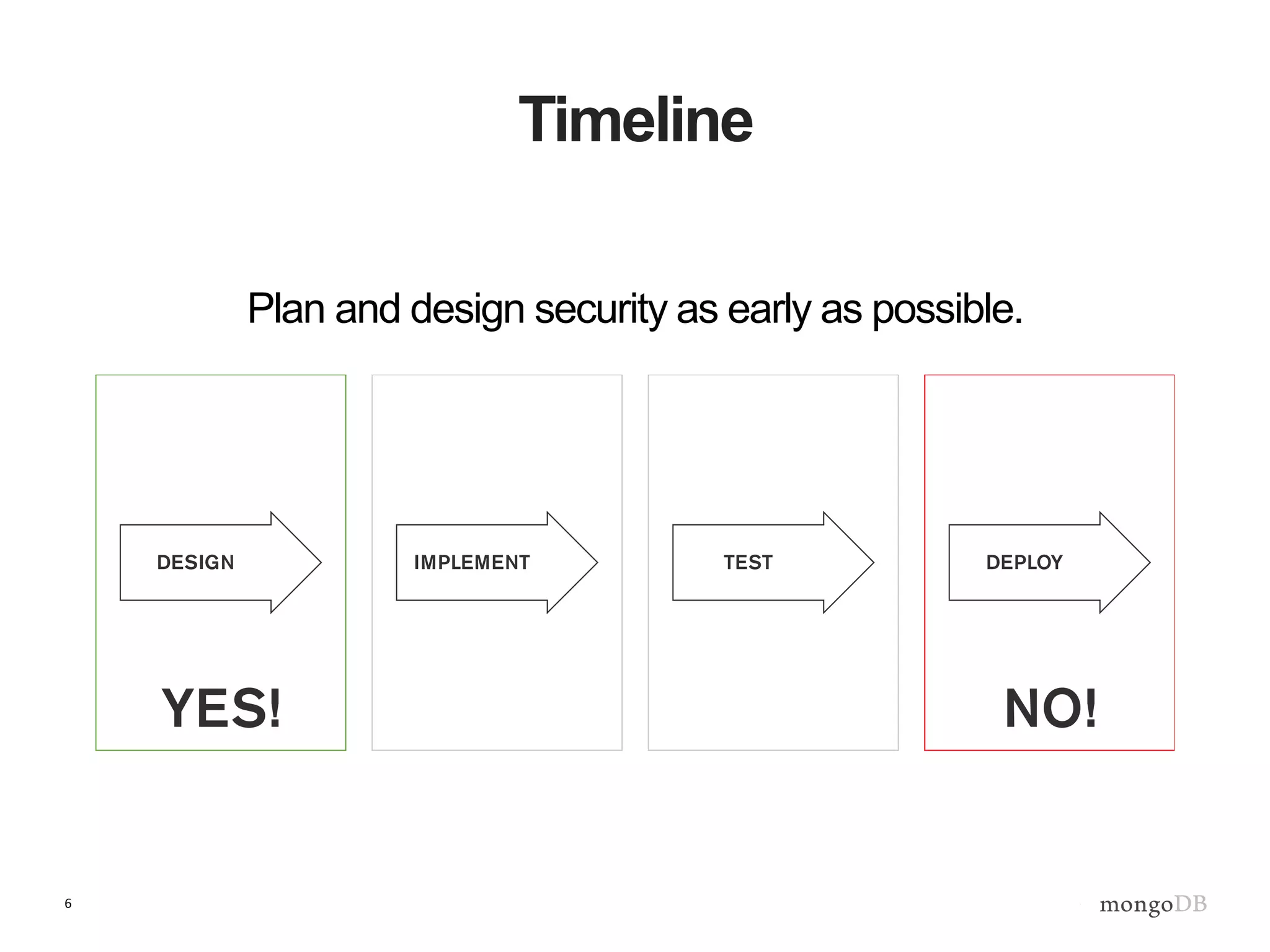
Timeline
Plan and design security as early as possible.
Hadoop
Event
Processing
Engine
Analytics
Execution
(R,Python & Pig)
Distributed
File System
HDFS
Stream Analytics
Yellow
Restricted Zone
Green
Controlled Zone
Web Application
REST Web Service
Even Processing
J2EE Tomcat
MongoDB to Hadoop
Connector
MongoDB to Hadoop
Connector
ETL
ETL
Orders
ETL
Operational
Data Store
MongoDB
Content
Management
System
Web Logs
Profiles
Reference Data
Real-time
Event Data
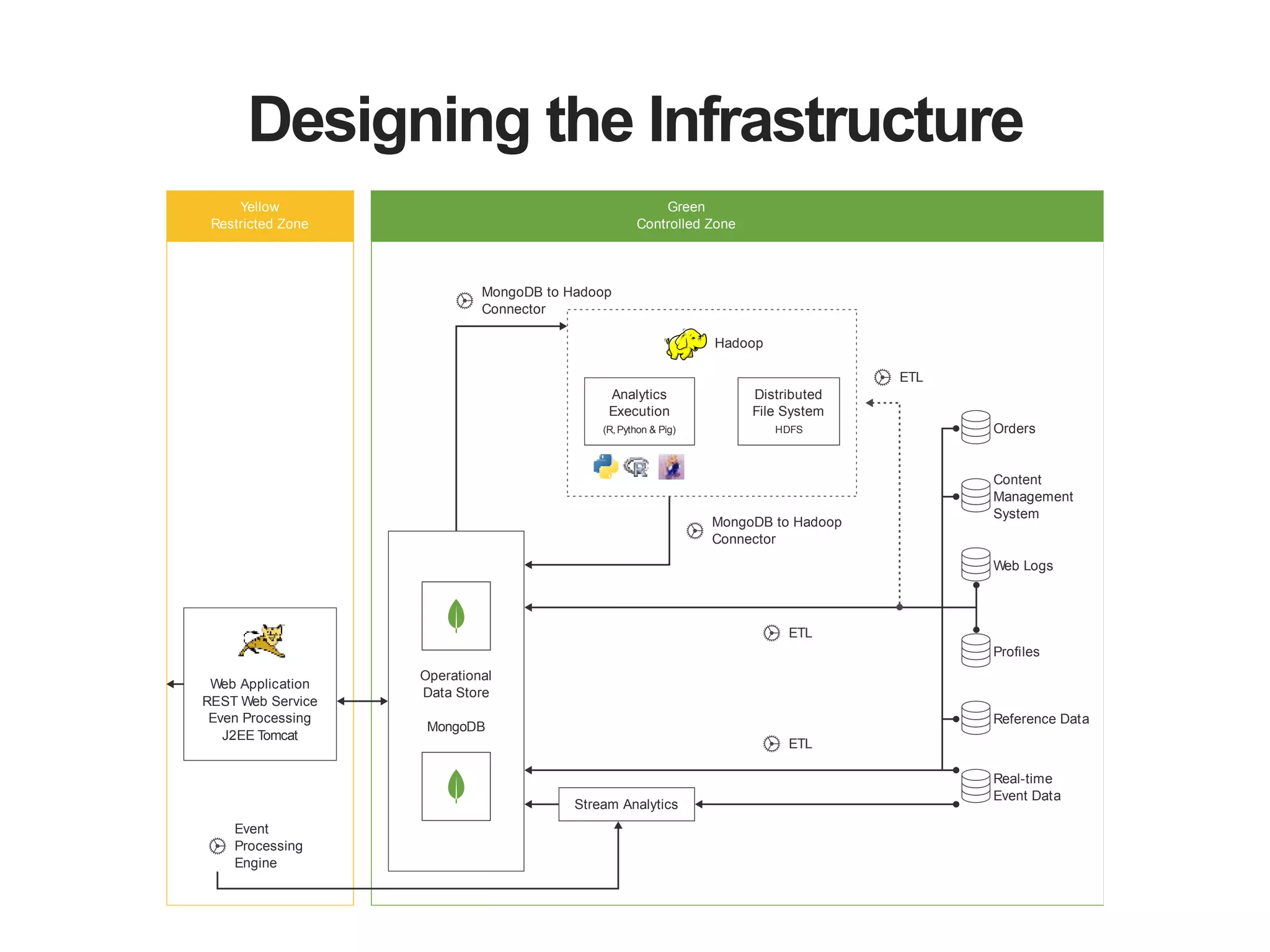
Designing the Infrastructure
8
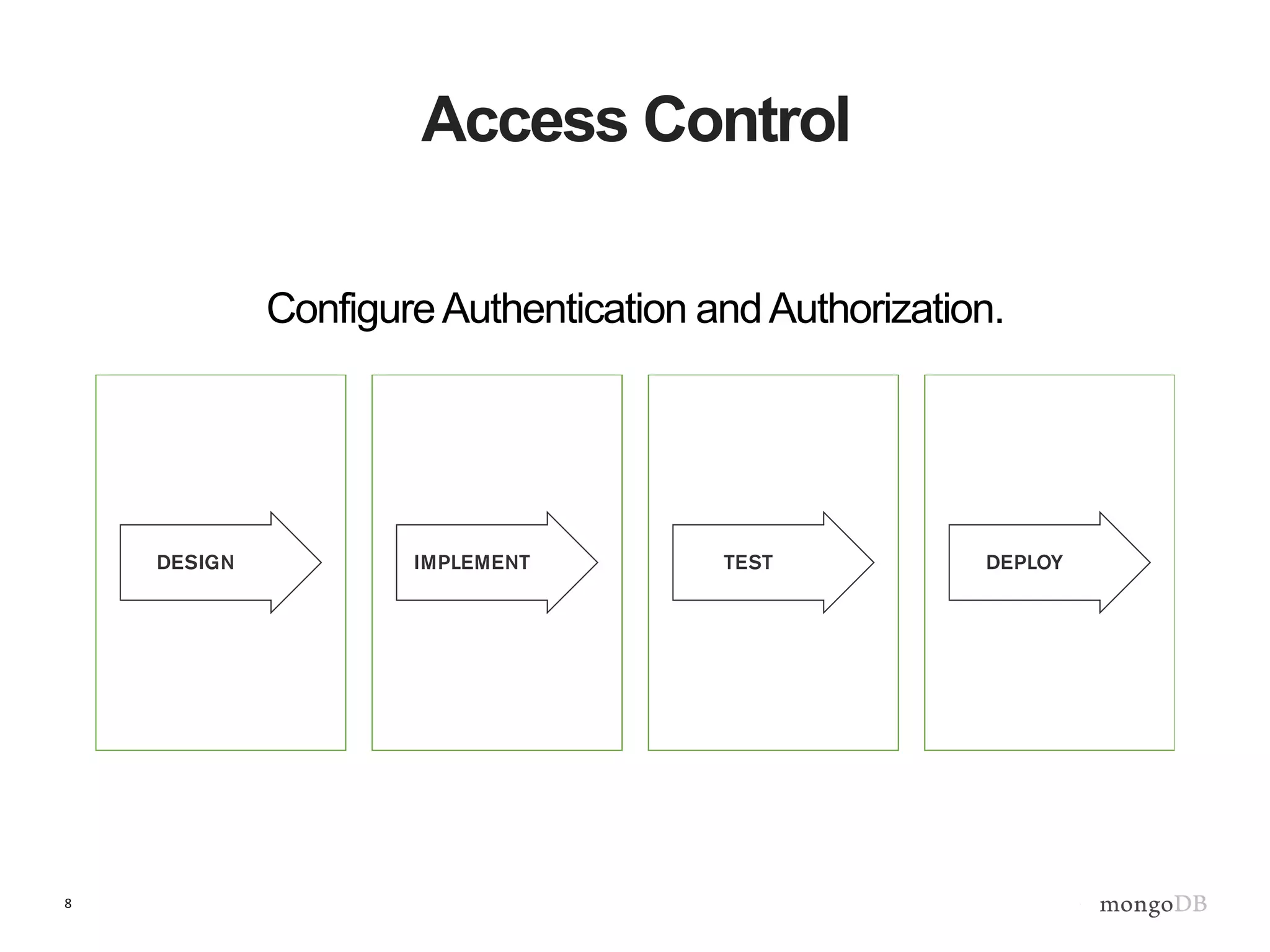
Access Control
ConfigureAuthentication andAuthorization.
9
MongDB Configuration
Authentication - Who are you in MongoDB?
• Application user, administrator, backup job,
monitoring agent.
Authorization - What can you do in MongoDB?
• CRUD operations, configure the database,
manage sharding, user management.
10
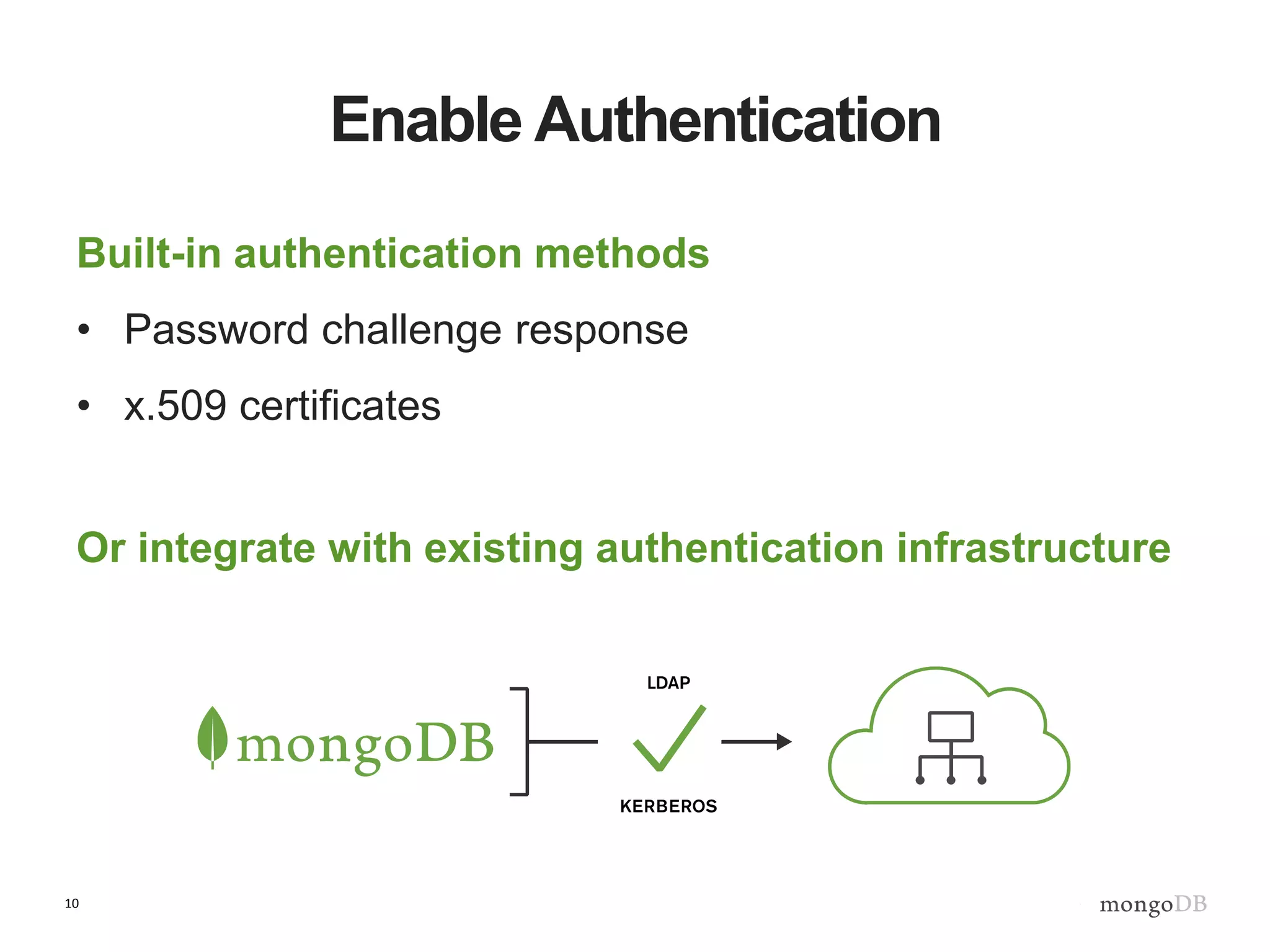
Enable Authentication
Built-in authentication methods
• Password challenge response
• x.509 certificates
Or integrate with existing authentication infrastructure
11
Enable Access Control
Design
• Determine which types of users exist in the system.
• Match the users to MongoDB roles. Create any
customized roles.
Deployment
• Start/restart MongoDB with access control enabled.
• Create the desired users.
12
Role Based Access Control
Built-in roles
• read, readWrite, dbAdmin, clusterAdmin, root, etc..
User defined roles
• Customized roles based on existing roles and privileges.
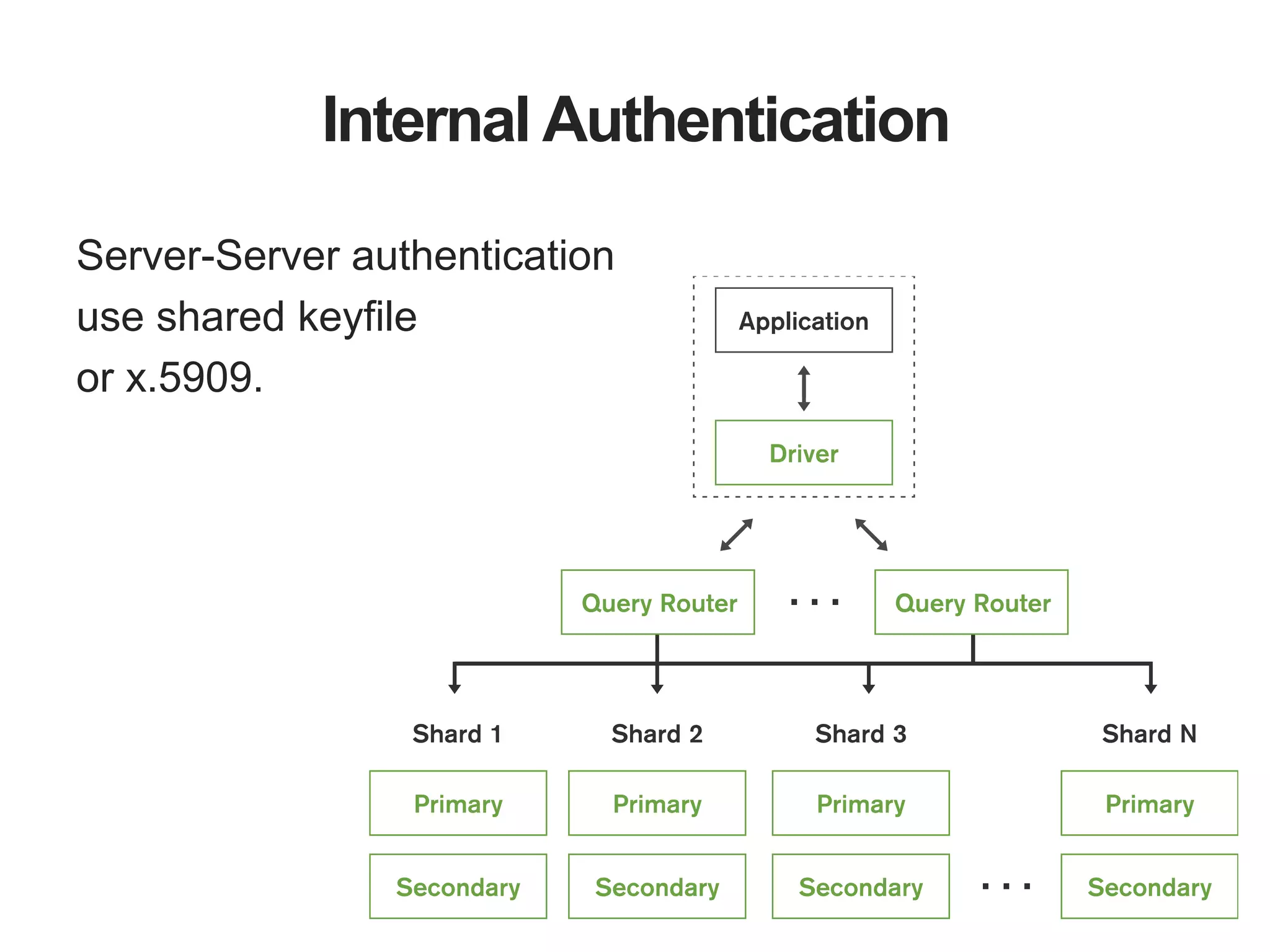
Internal Authentication
Server-Server authentication
use shared keyfile
or x.5909.
14
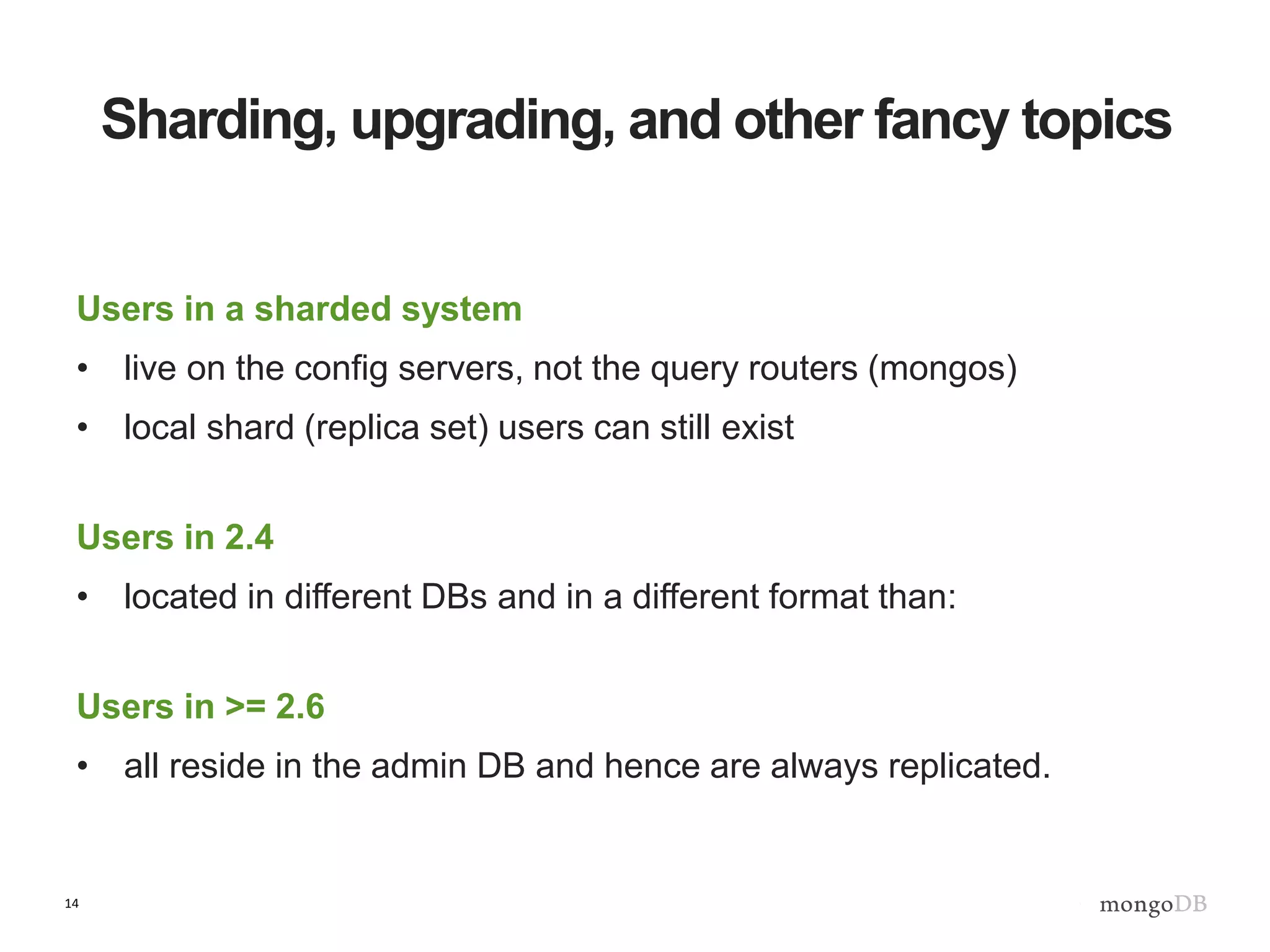
Sharding, upgrading, and other fancy topics
Users in a sharded system
• live on the config servers, not the query routers (mongos)
• local shard (replica set) users can still exist
Users in 2.4
• located in different DBs and in a different format than:
Users in >= 2.6
• all reside in the admin DB and hence are always replicated.
15
Field Level Redaction - $redact
$redact
• New aggregation framework operator
• Conditionally filter user documents
Use cases
• Implement user-based document level, content filtering.
• Create egress filter, redacting sensitive information.
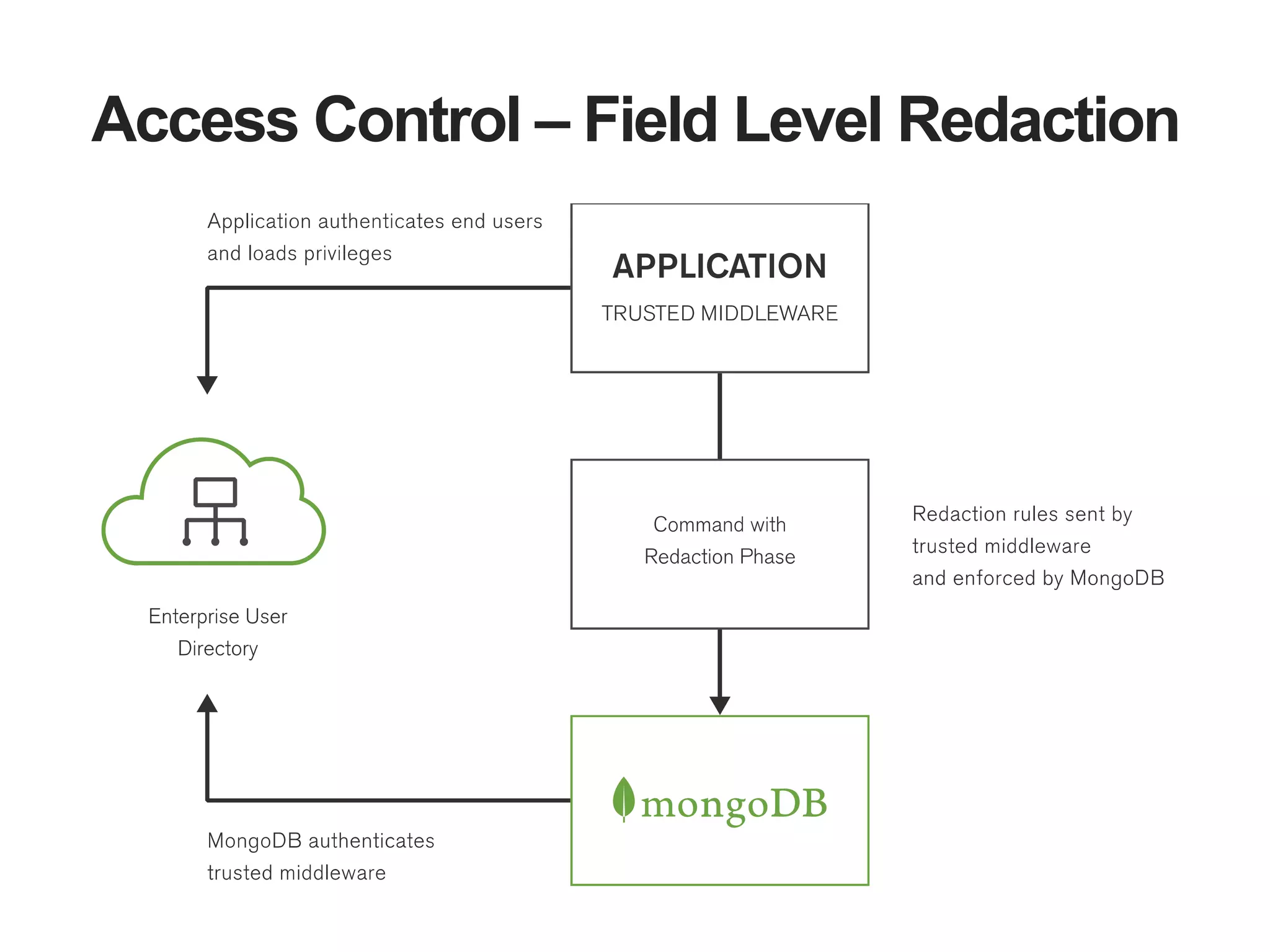
Access Control – Field Level Redaction
17
Data Protection
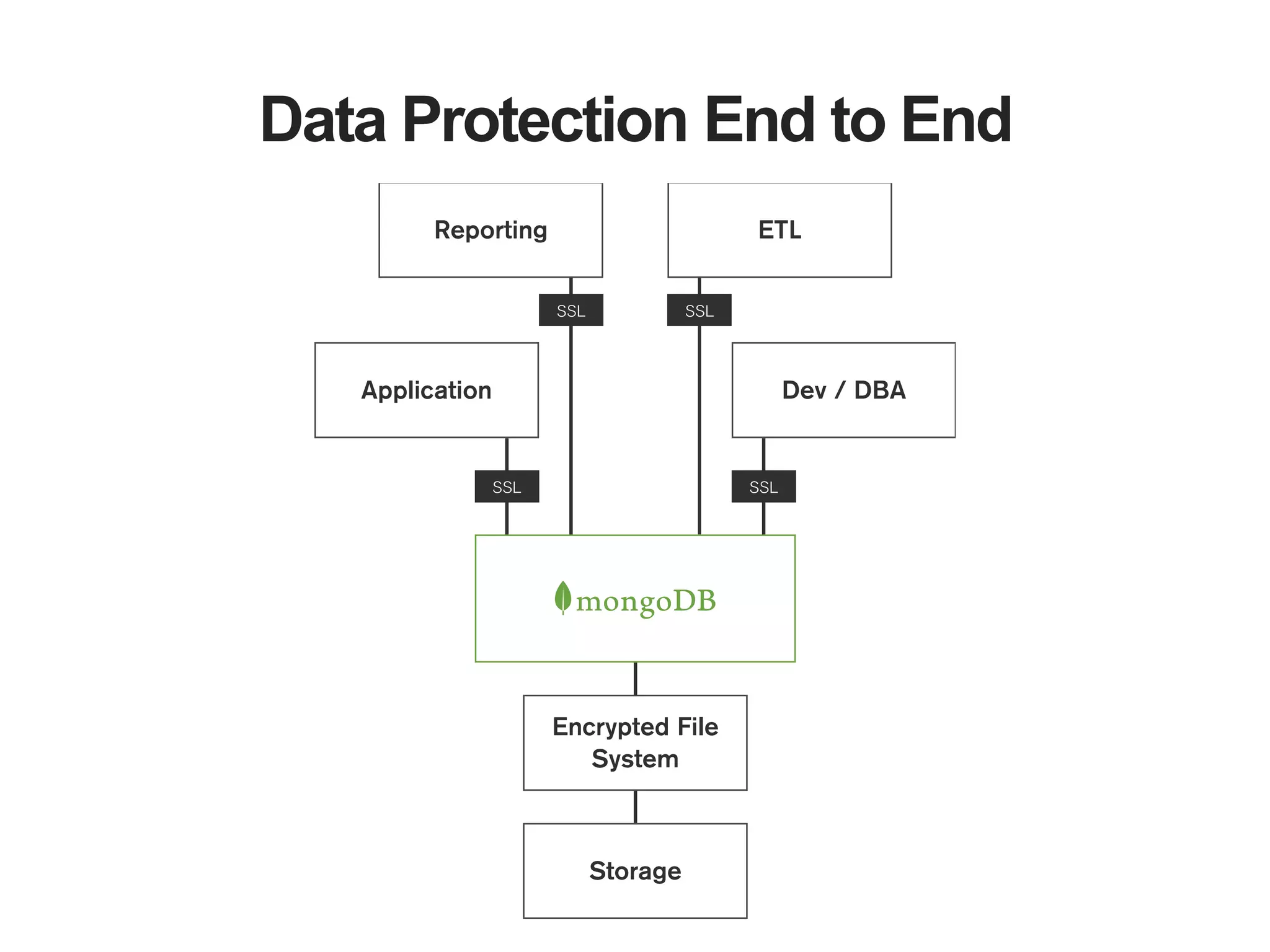
Encrypting data in transit (SSL) and data at rest.
Data Protection End to End
19
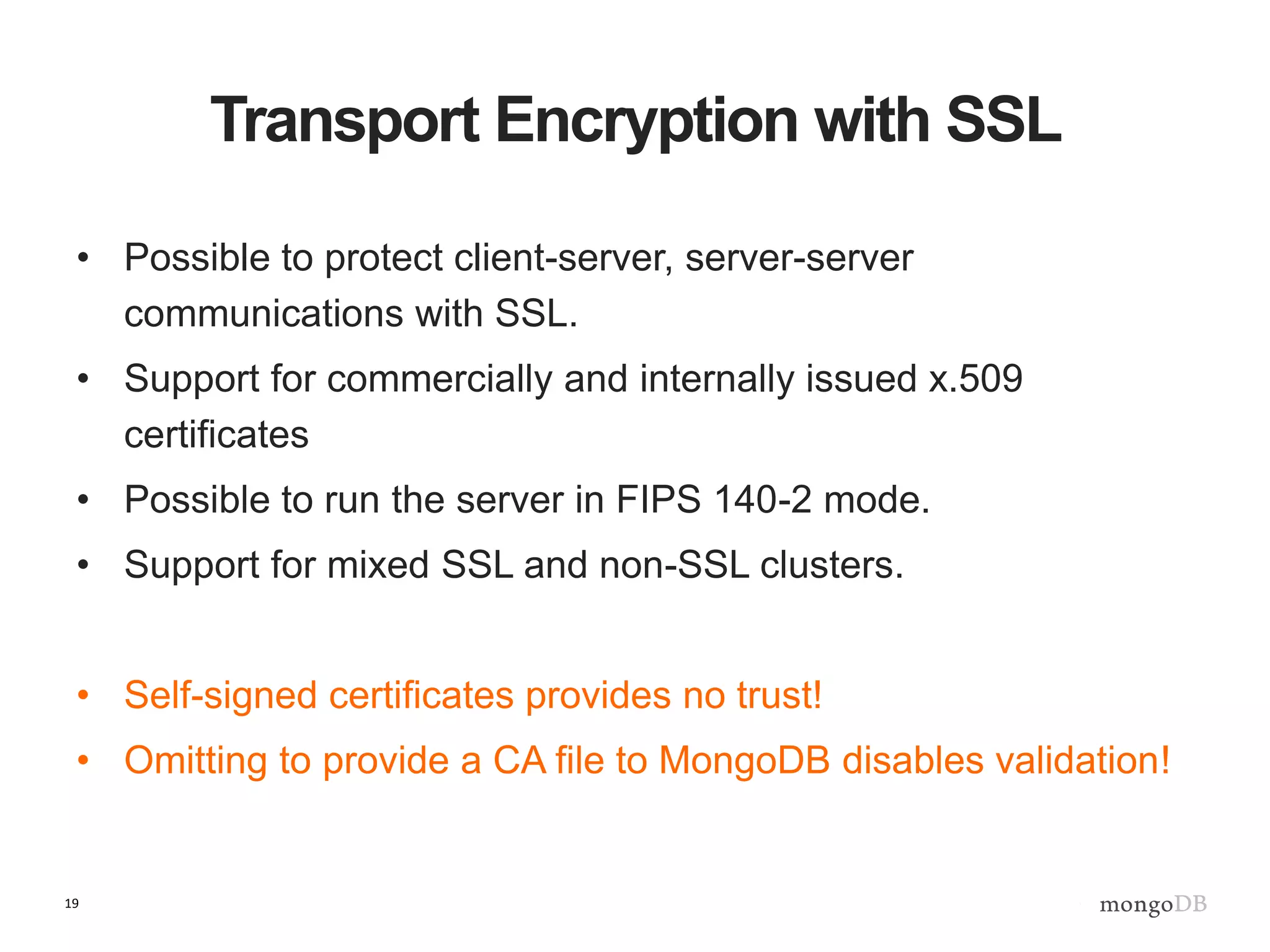
Transport Encryption with SSL
• Possible to protect client-server, server-server
communications with SSL.
• Support for commercially and internally issued x.509
certificates
• Possible to run the server in FIPS 140-2 mode.
• Support for mixed SSL and non-SSL clusters.
• Self-signed certificates provides no trust!
• Omitting to provide a CA file to MongoDB disables validation!
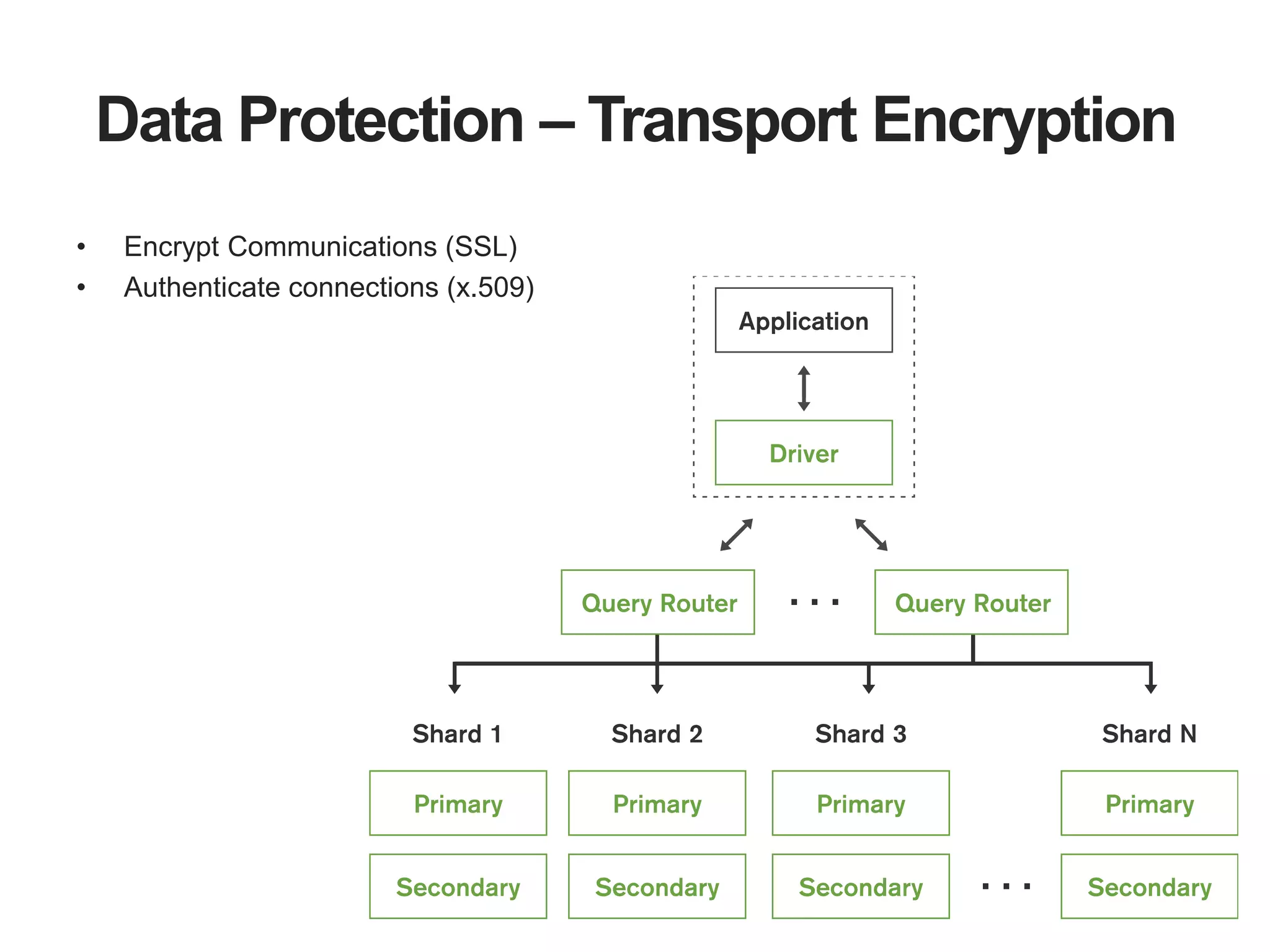
Data Protection – Transport Encryption
• Encrypt Communications (SSL)
• Authenticate connections (x.509)
21
Data Protection – Encryption at rest
Alternatives
• Encrypt data client side
• Use partner or independent solution for file and OS level
encryption
22
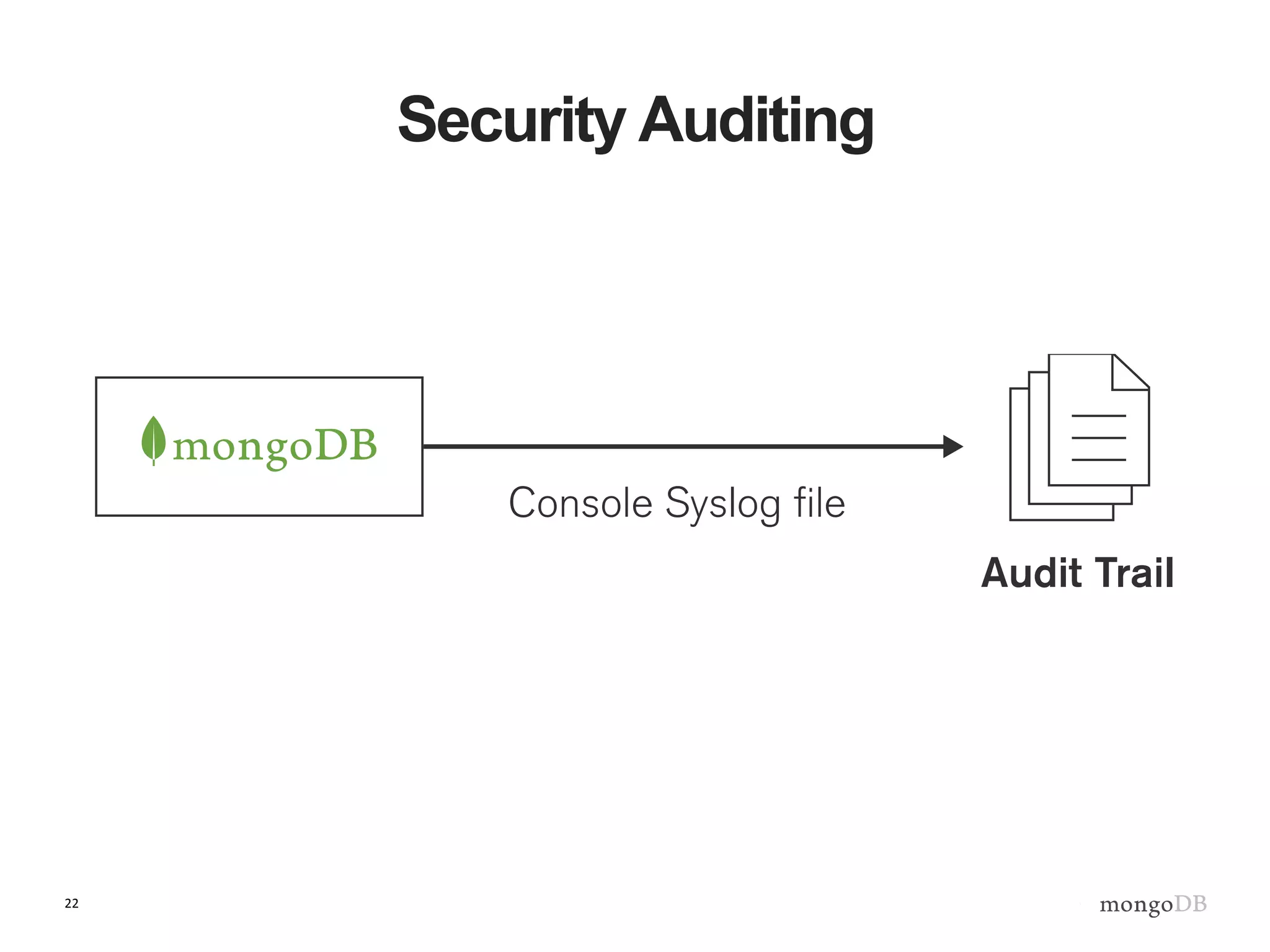
Security Auditing
23
The Audit Log
• Security events can be written to either the console, the
syslog or a file (JSON/BSON)
• By default, all security events are written to audit log when
enabled.
• Events include Authentication failures and some commands.
• Access control is not required for auditing.
• They are separate components.
24
Audit Log Properties
• Can filter based off of different criteria
– Action Type, TimeFrame, IP Address/Port, Users
• Events Have Total Order Per Connection
• Audit Guarantees (AKA Writes/config)
– Audit event written to disk BEFORE writing to the
journal
– A write will not complete before it has been audited
Some Final Tips
26
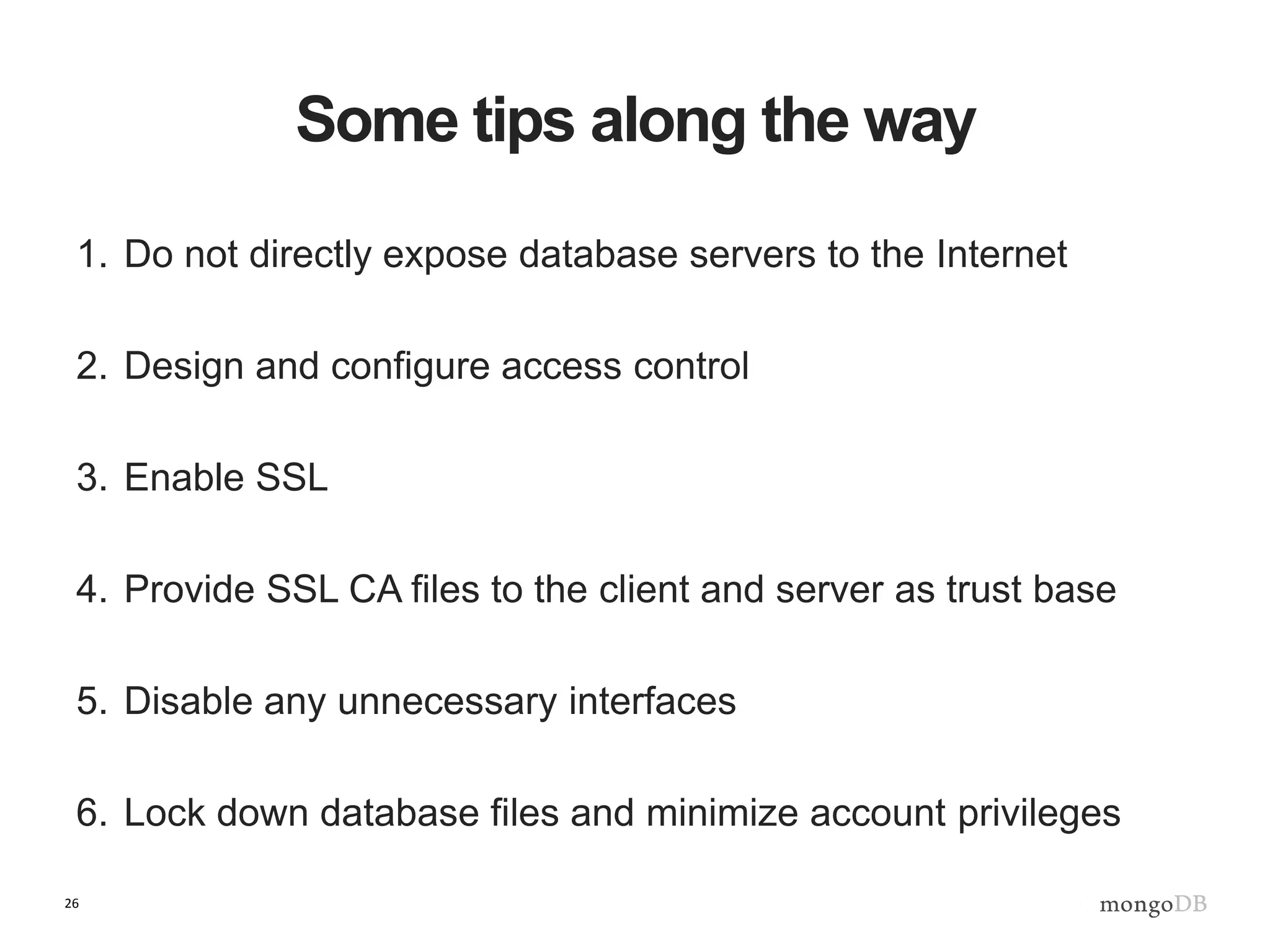
Some tips along the way
1. Do not directly expose database servers to the Internet
2. Design and configure access control
3. Enable SSL
4. Provide SSL CA files to the client and server as trust base
5. Disable any unnecessary interfaces
6. Lock down database files and minimize account privileges
27
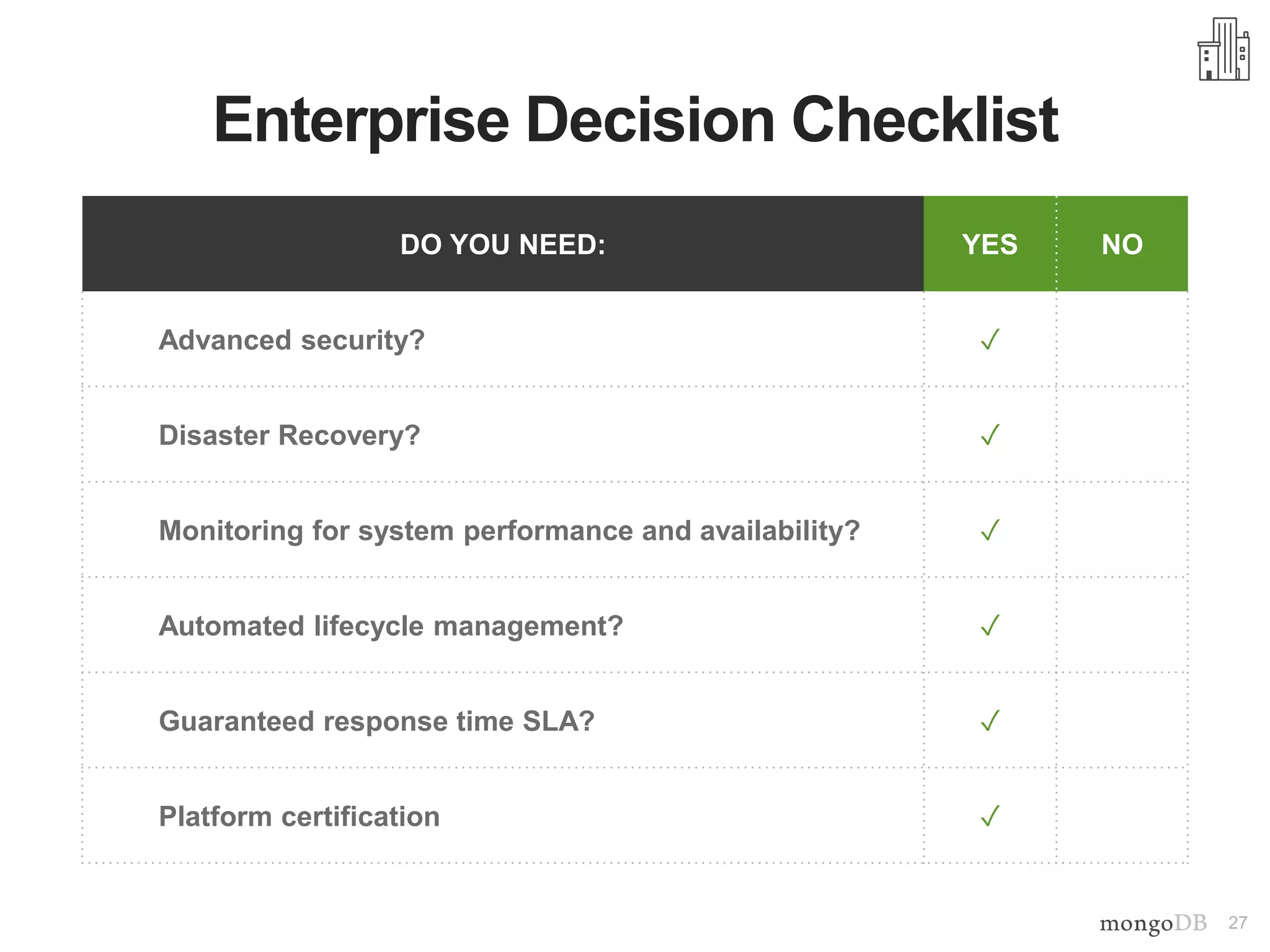
DO YOU NEED: YES NO
Advanced security? ✓
Disaster Recovery? ✓
Monitoring for system performance and availability? ✓
Automated lifecycle management? ✓
Guaranteed response time SLA? ✓
Platform certification ✓
Enterprise Decision Checklist
28
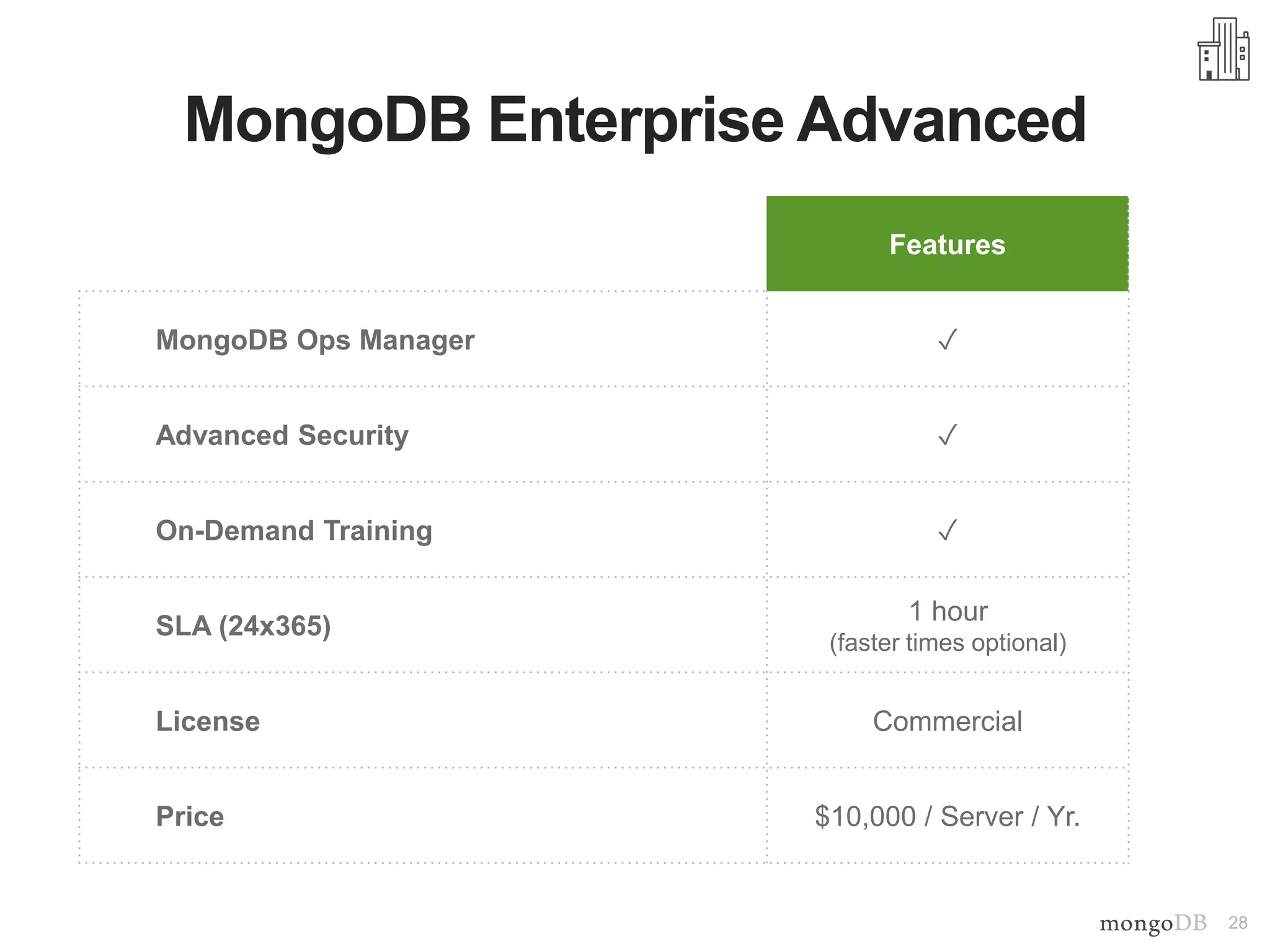
MongoDB Enterprise Advanced
Features
MongoDB Ops Manager ✓
Advanced Security ✓
On-Demand Training ✓
SLA (24x365)
1 hour
(faster times optional)
License Commercial
Price $10,000 / Server / Yr.
29
What Did We Talk About?
Securing a Database Access Control
AuditingData Protection
30
The Art Of Securing A System
“All men can see these tactics whereby I conquer,
but what none can see is the strategy out of which victory is
evolved.”
Sun Tzu, The Art of War 500 BC
31
Next Steps
MongoDB Security Manual
http://docs.mongodb.org/manual/core/security-introduction/
MongoDB Security Whitepaper -
http://info.mongodb.com/rs/mongodb/images/MongoDB_Se
curity_Architecture_WP.pdf
Thank You!
Andreas Nilsson
Lead Security Engineer, MongoDB

Securing Your MongoDB Deployment

  • 2.
    Securing Your MongoDB Deployment AndreasNilsson Lead Security Engineer, MongoDB
  • 3.
    3 The Art OfSecuring A System “If you know the enemy and know yourself, you need not fear the result of a hundred battles. If you know yourself but not the enemy, for every victory gained you will also suffer a defeat. If you know neither the enemy nor yourself, you will succumb in every battle.” Sun Tzu, The Art of War 500 BC
  • 4.
    4 Securing The Application:Agenda Securing a Database Access Control AuditingData Protection
  • 5.
    How can wemake data accessible securely?
  • 6.
    6 Timeline Plan and designsecurity as early as possible.
  • 7.
    Hadoop Event Processing Engine Analytics Execution (R,Python & Pig) Distributed FileSystem HDFS Stream Analytics Yellow Restricted Zone Green Controlled Zone Web Application REST Web Service Even Processing J2EE Tomcat MongoDB to Hadoop Connector MongoDB to Hadoop Connector ETL ETL Orders ETL Operational Data Store MongoDB Content Management System Web Logs Profiles Reference Data Real-time Event Data Designing the Infrastructure
  • 8.
  • 9.
    9 MongDB Configuration Authentication -Who are you in MongoDB? • Application user, administrator, backup job, monitoring agent. Authorization - What can you do in MongoDB? • CRUD operations, configure the database, manage sharding, user management.
  • 10.
    10 Enable Authentication Built-in authenticationmethods • Password challenge response • x.509 certificates Or integrate with existing authentication infrastructure
  • 11.
    11 Enable Access Control Design •Determine which types of users exist in the system. • Match the users to MongoDB roles. Create any customized roles. Deployment • Start/restart MongoDB with access control enabled. • Create the desired users.
  • 12.
    12 Role Based AccessControl Built-in roles • read, readWrite, dbAdmin, clusterAdmin, root, etc.. User defined roles • Customized roles based on existing roles and privileges.
  • 13.
  • 14.
    14 Sharding, upgrading, andother fancy topics Users in a sharded system • live on the config servers, not the query routers (mongos) • local shard (replica set) users can still exist Users in 2.4 • located in different DBs and in a different format than: Users in >= 2.6 • all reside in the admin DB and hence are always replicated.
  • 15.
    15 Field Level Redaction- $redact $redact • New aggregation framework operator • Conditionally filter user documents Use cases • Implement user-based document level, content filtering. • Create egress filter, redacting sensitive information.
  • 16.
    Access Control –Field Level Redaction
  • 17.
    17 Data Protection Encrypting datain transit (SSL) and data at rest.
  • 18.
  • 19.
    19 Transport Encryption withSSL • Possible to protect client-server, server-server communications with SSL. • Support for commercially and internally issued x.509 certificates • Possible to run the server in FIPS 140-2 mode. • Support for mixed SSL and non-SSL clusters. • Self-signed certificates provides no trust! • Omitting to provide a CA file to MongoDB disables validation!
  • 20.
    Data Protection –Transport Encryption • Encrypt Communications (SSL) • Authenticate connections (x.509)
  • 21.
    21 Data Protection –Encryption at rest Alternatives • Encrypt data client side • Use partner or independent solution for file and OS level encryption
  • 22.
  • 23.
    23 The Audit Log •Security events can be written to either the console, the syslog or a file (JSON/BSON) • By default, all security events are written to audit log when enabled. • Events include Authentication failures and some commands. • Access control is not required for auditing. • They are separate components.
  • 24.
    24 Audit Log Properties •Can filter based off of different criteria – Action Type, TimeFrame, IP Address/Port, Users • Events Have Total Order Per Connection • Audit Guarantees (AKA Writes/config) – Audit event written to disk BEFORE writing to the journal – A write will not complete before it has been audited
  • 25.
  • 26.
    26 Some tips alongthe way 1. Do not directly expose database servers to the Internet 2. Design and configure access control 3. Enable SSL 4. Provide SSL CA files to the client and server as trust base 5. Disable any unnecessary interfaces 6. Lock down database files and minimize account privileges
  • 27.
    27 DO YOU NEED:YES NO Advanced security? ✓ Disaster Recovery? ✓ Monitoring for system performance and availability? ✓ Automated lifecycle management? ✓ Guaranteed response time SLA? ✓ Platform certification ✓ Enterprise Decision Checklist
  • 28.
    28 MongoDB Enterprise Advanced Features MongoDBOps Manager ✓ Advanced Security ✓ On-Demand Training ✓ SLA (24x365) 1 hour (faster times optional) License Commercial Price $10,000 / Server / Yr.
  • 29.
    29 What Did WeTalk About? Securing a Database Access Control AuditingData Protection
  • 30.
    30 The Art OfSecuring A System “All men can see these tactics whereby I conquer, but what none can see is the strategy out of which victory is evolved.” Sun Tzu, The Art of War 500 BC
  • 31.
    31 Next Steps MongoDB SecurityManual http://docs.mongodb.org/manual/core/security-introduction/ MongoDB Security Whitepaper - http://info.mongodb.com/rs/mongodb/images/MongoDB_Se curity_Architecture_WP.pdf
  • 32.
    Thank You! Andreas Nilsson LeadSecurity Engineer, MongoDB

Editor's Notes

  • #7 Call to action is about thinking where there is opportunity and what are you anchoring your data hub around?
  • #9 Call to action is about thinking where there is opportunity and what are you anchoring your data hub around?
  • #18 Call to action is about thinking where there is opportunity and what are you anchoring your data hub around?
  • #29 MongoDB Enterprise Advanced offers customers enterprise-grade capabilities, as well as proactive support, the Customer Success Program, and a commercial license. Proactive Support. MongoDB Enterprise Advanced provides access to proactive, consultative support from development to production. The same team that builds the database itself helps you throughout your entire application lifecycle. Customers can ask MongoDB experts an unlimited number of questions, 24 x 365, globally. And support includes emergency patches for MongoDB. MongoDB Management Service (MMS) On-Prem. MongoDB Management Service On-Prem is the easiest way to manage MongoDB from your data center. MMS On-Prem provides backup, monitoring, and alerting for your MongoDB Enterprise deployment. Enterprise Software Integration. MongoDB Enterprise fits easily into your existing IT infrastructure and processes. SNMP support connects MongoDB Enterprise with your management and monitoring tools. Advanced Security. MongoDB Enterprise meets security and compliance standards with Kerberos and LDAP authentication, Red Hat Identity Management Certification, and auditing. In addition to MongoDB’s already comprehensive security framework – which includes Role-Based Access Control, PKI certificates, SSL, and Field-Level Redaction – the advanced features in MongoDB Enterprise enable you to defend, detect, and control access to your data. Commercial License. MongoDB Enterprise Advanced includes a commercial license to meet the development and distribution needs of organizations that have policies requiring a license, including commercial distributors (OEMs). Platform Certifification. MongoDB Enterprise has been tested and certified on Windows, Red Hat/CentOS, Ubuntu, and Amazon Linux to provide operational stability. On-Demand Training. Access to our online training, on your schedule and at your pace. Developers and ops teams can improve their MongoDB skills on demand from wherever they want, whenever it fits their schedule. On-site training is also available. Customer Success Program. Through the Customer Success Program, we conduct an initial onboarding process, as well as multiple check-ins throughout the year to ensure your systems are running properly. We also keep you apprised of software updates, documentation, events, and webinars to ensure you have the resources you need to be successful.