@fincooper
Secure your Azure
applications like a pro
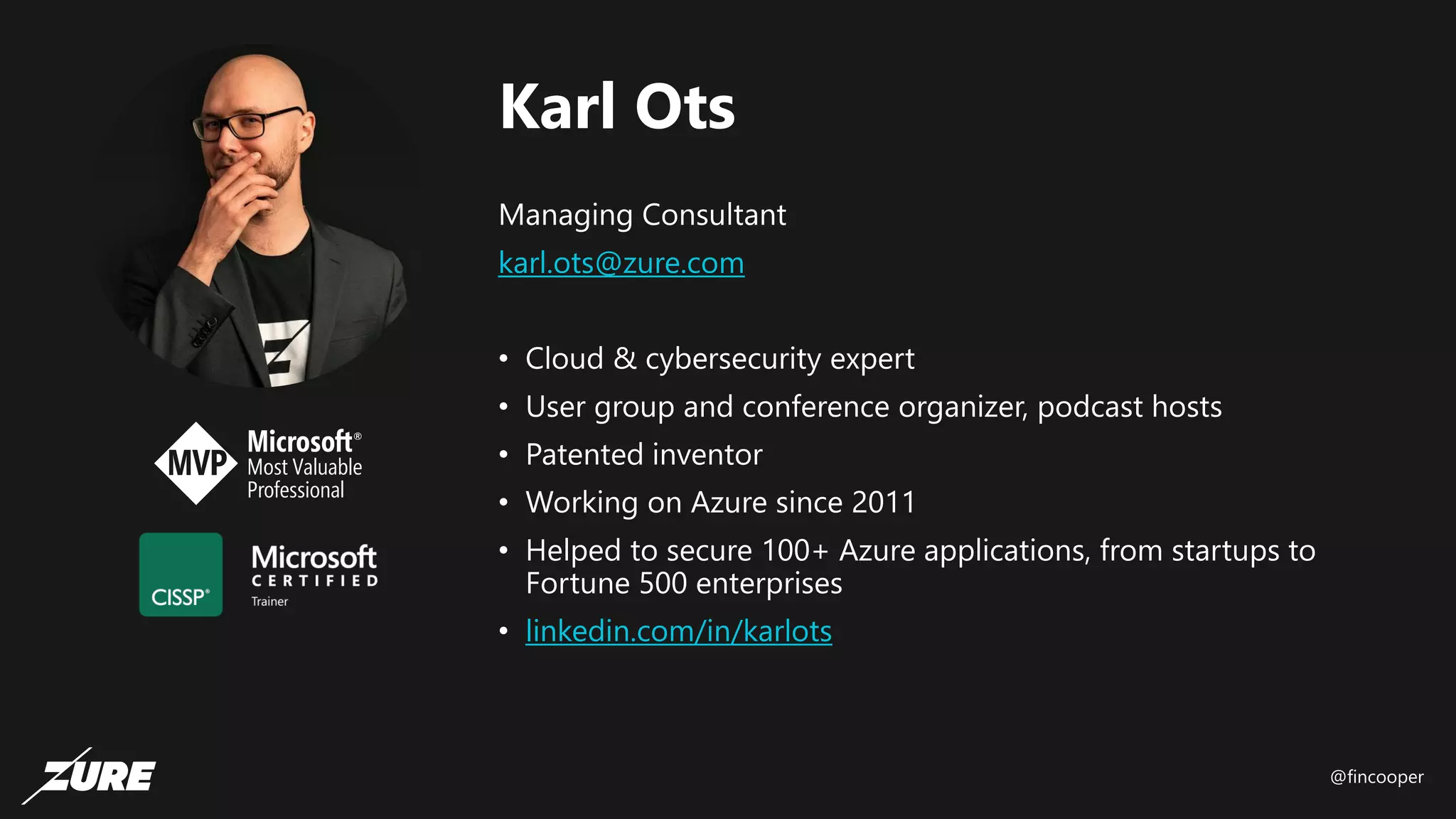
Karl Ots
@fincooper
Karl Ots
Managing Consultant
karl.ots@zure.com
• Cloud & cybersecurity expert
• User group and conference organizer, podcast hosts
• Patented inventor
• Working on Azure since 2011
• Helped to secure 100+ Azure applications, from startups to
Fortune 500 enterprises
• linkedin.com/in/karlots
@fincooper
What to expect in this session
• Primer on Azure security controls
• Crash course on Secure DevOps Kit for Azure
• What is it
• Why and how to use it
• Resources to help you secure your Azure environment, regardless of your
current level of security expertise
@fincooper
Security
@fincooper
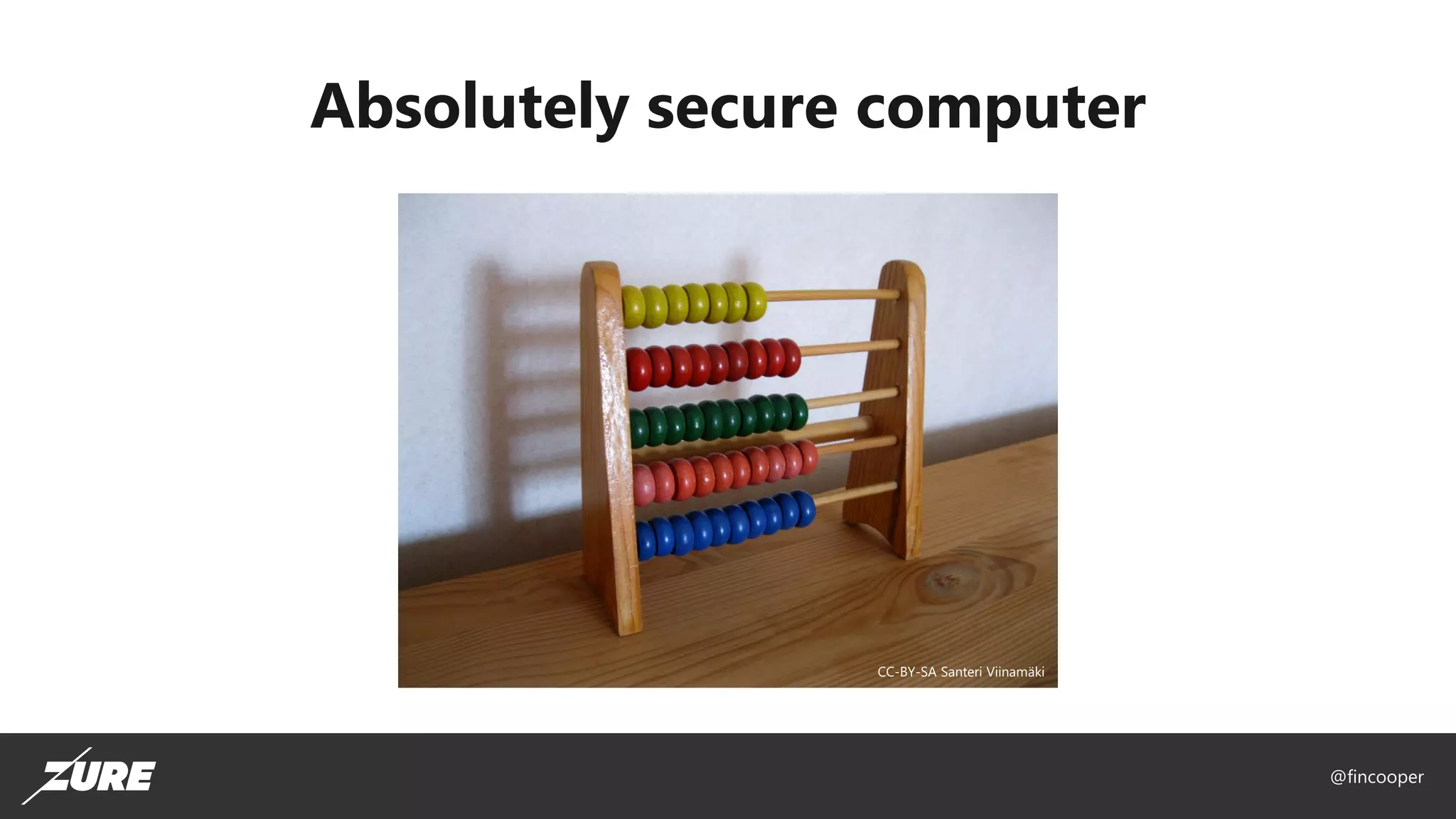
Absolutely secure computer
CC-BY-SA Santeri Viinamäki
@fincooper
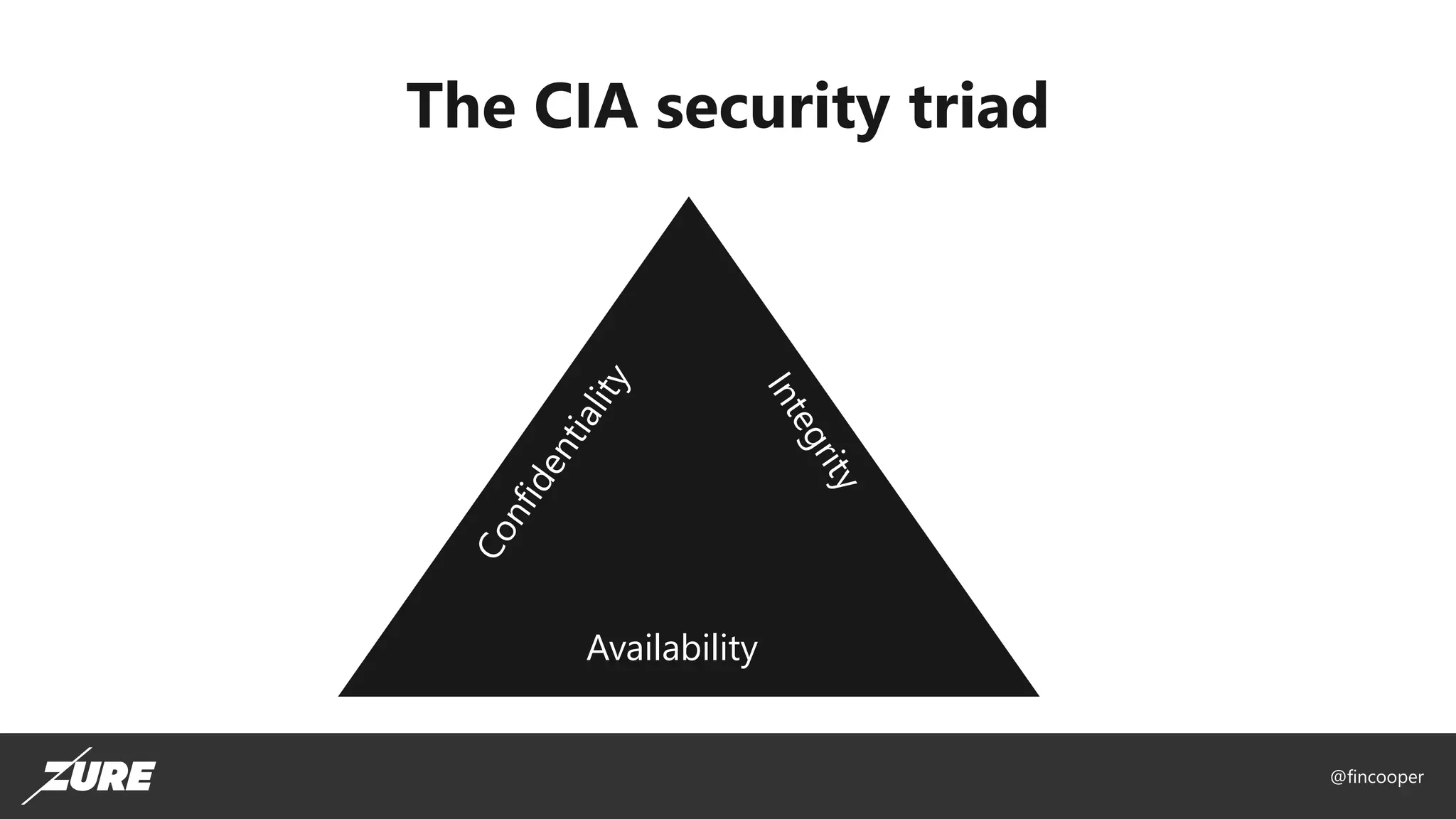
The CIA security triad
Availability
@fincooper
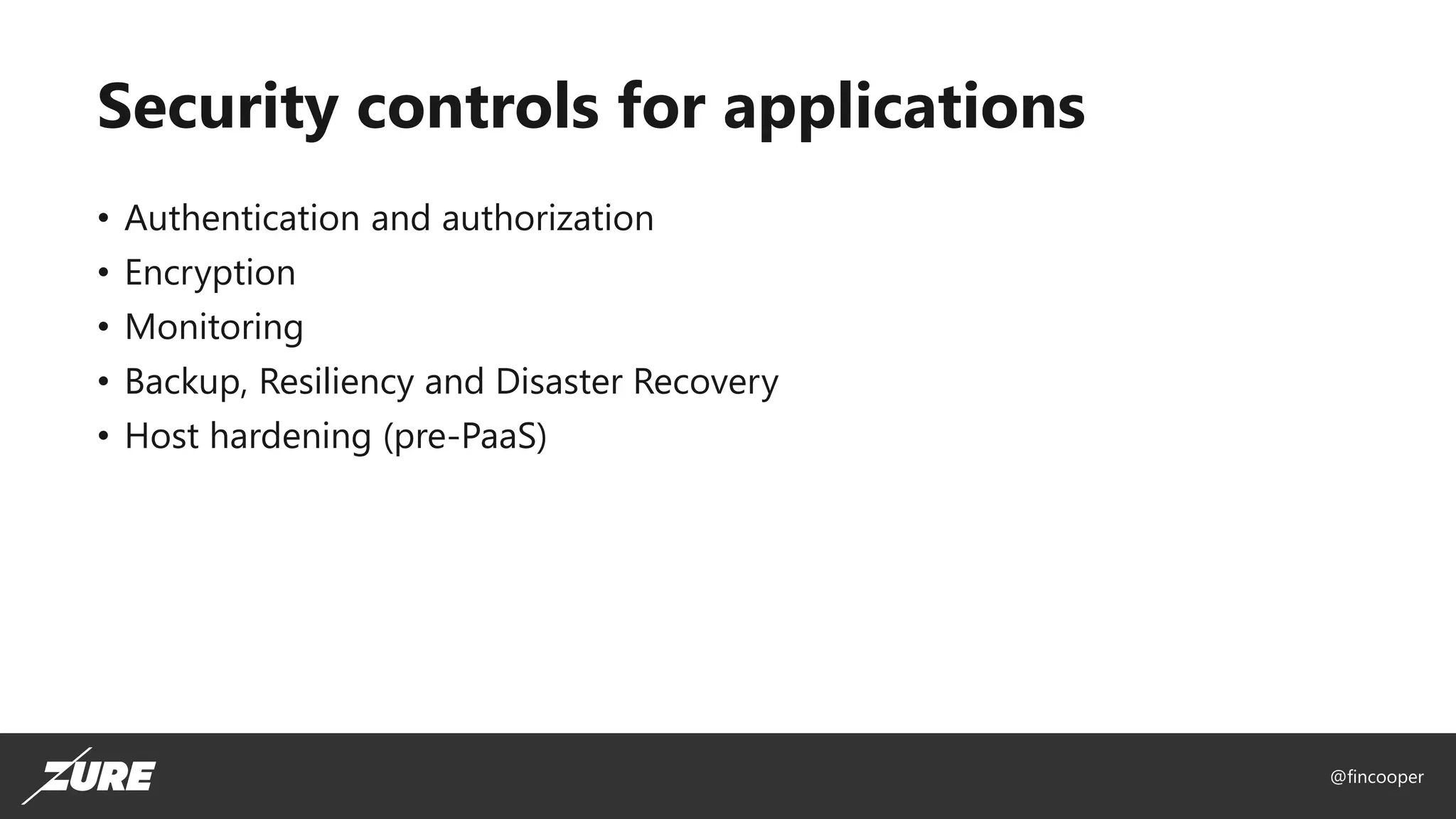
Security controls for applications
• Authentication and authorization
• Encryption
• Monitoring
• Backup, Resiliency and Disaster Recovery
• Host hardening (pre-PaaS)
@fincooper
@fincooper
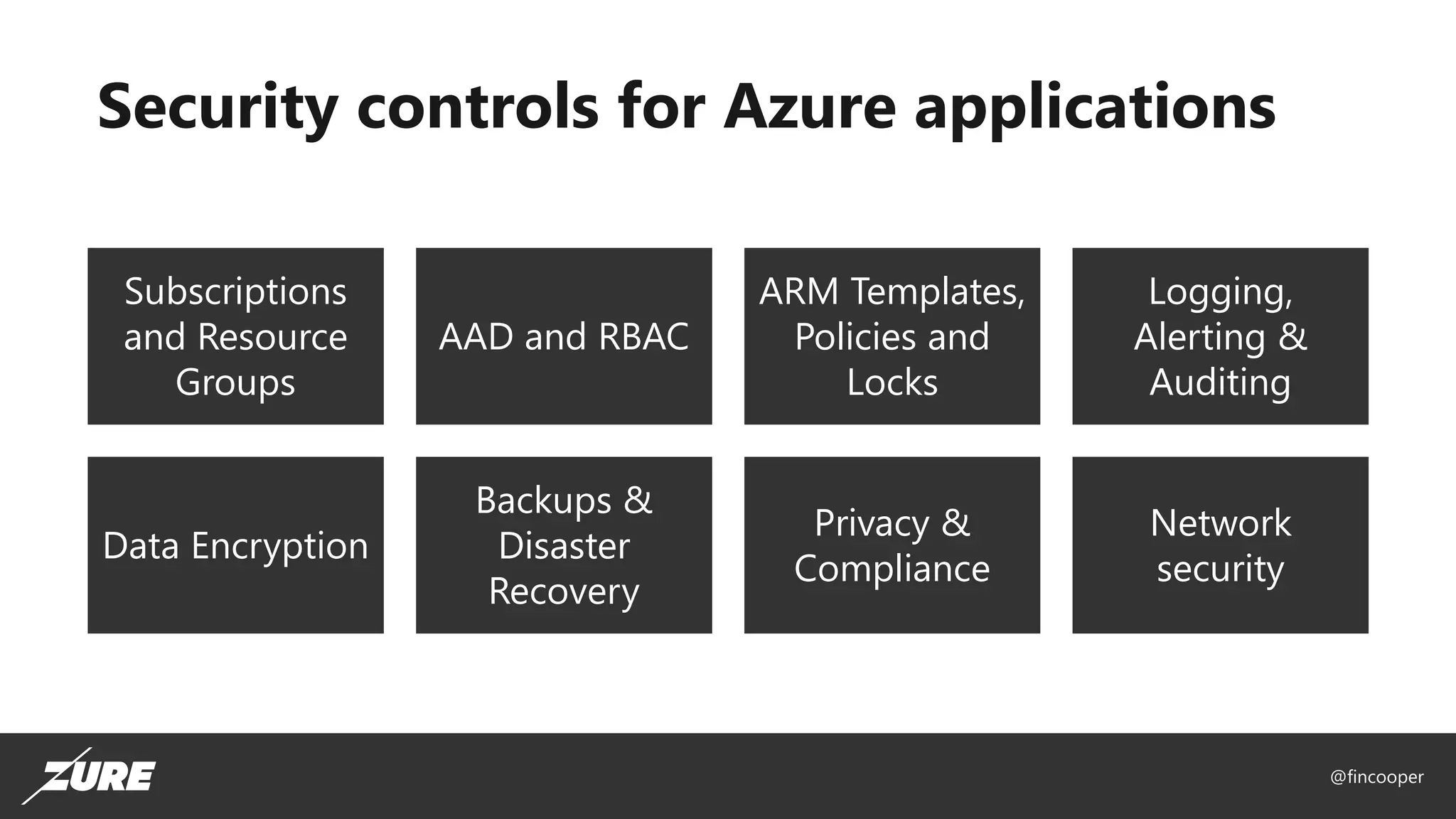
Security controls for Azure applications
Subscriptions
and Resource
Groups
AAD and RBAC
ARM Templates,
Policies and
Locks
Logging,
Alerting &
Auditing
Data Encryption
Backups &
Disaster
Recovery
Privacy &
Compliance
Network
security
@fincooper
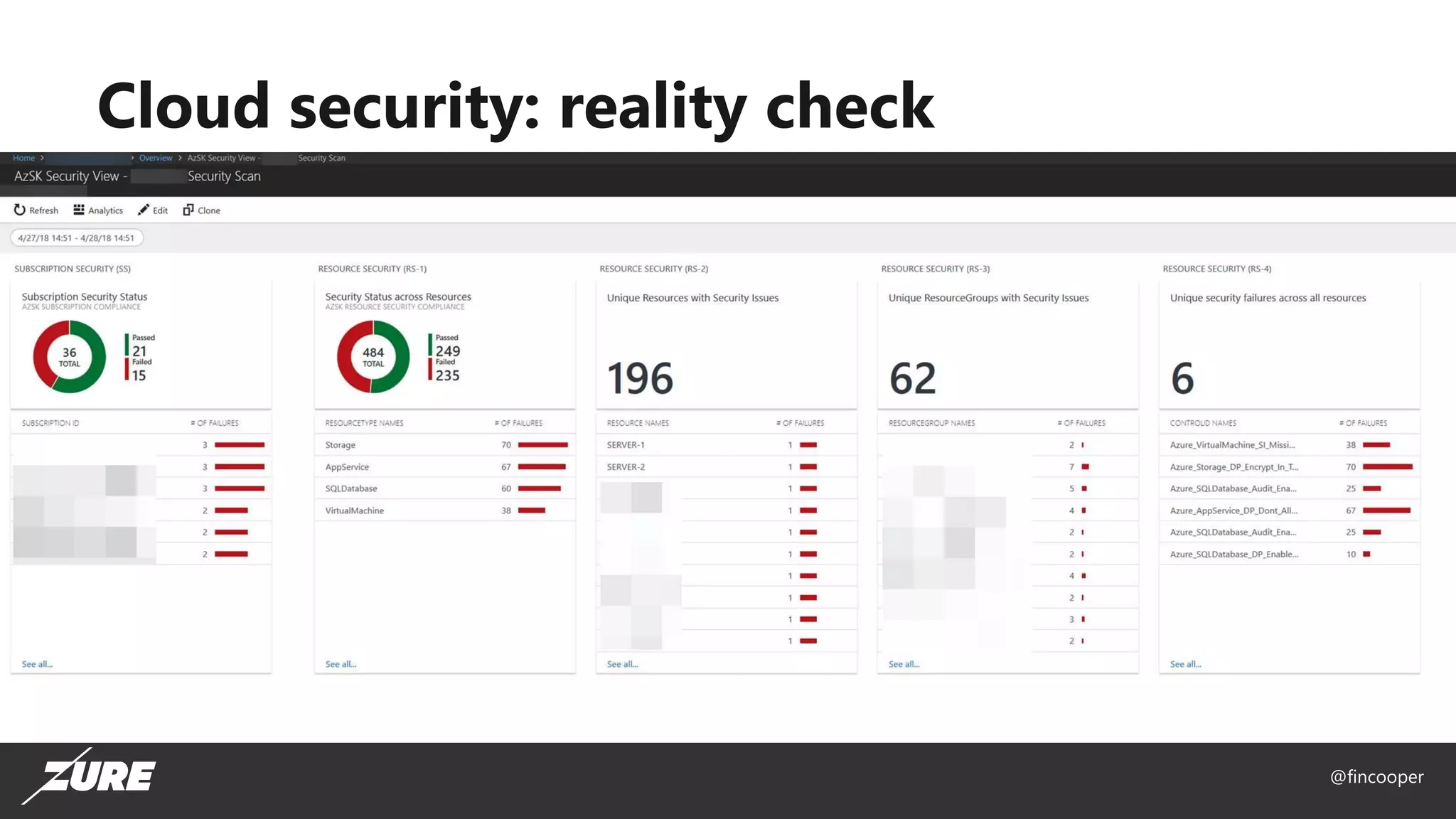
Cloud security: reality check
@fincooper
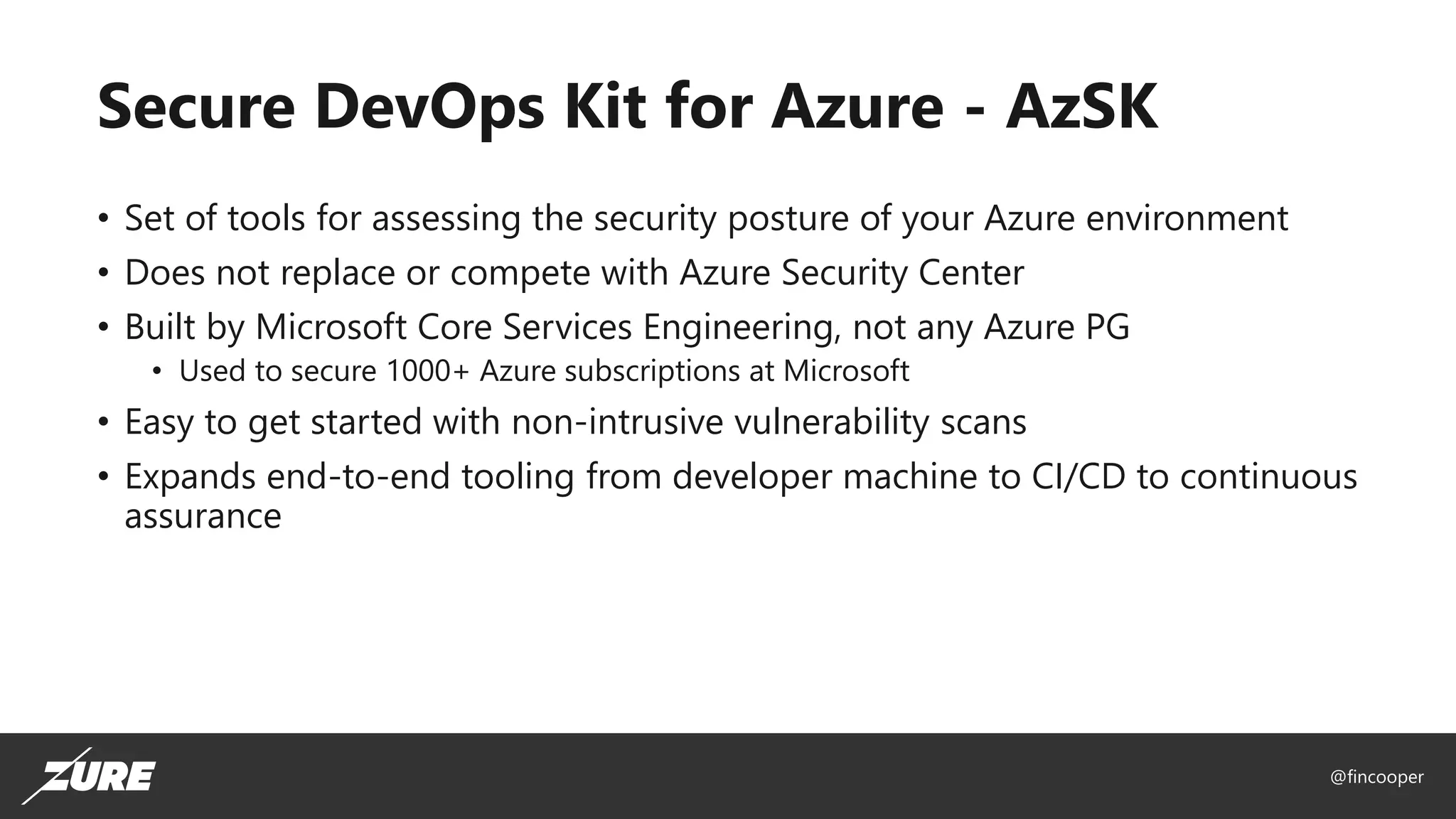
Secure DevOps Kit for Azure - AzSK
• Set of tools for assessing the security posture of your Azure environment
• Does not replace or compete with Azure Security Center
• Built by Microsoft Core Services Engineering, not any Azure PG
• Used to secure 1000+ Azure subscriptions at Microsoft
• Easy to get started with non-intrusive vulnerability scans
• Expands end-to-end tooling from developer machine to CI/CD to continuous
assurance
@fincooper
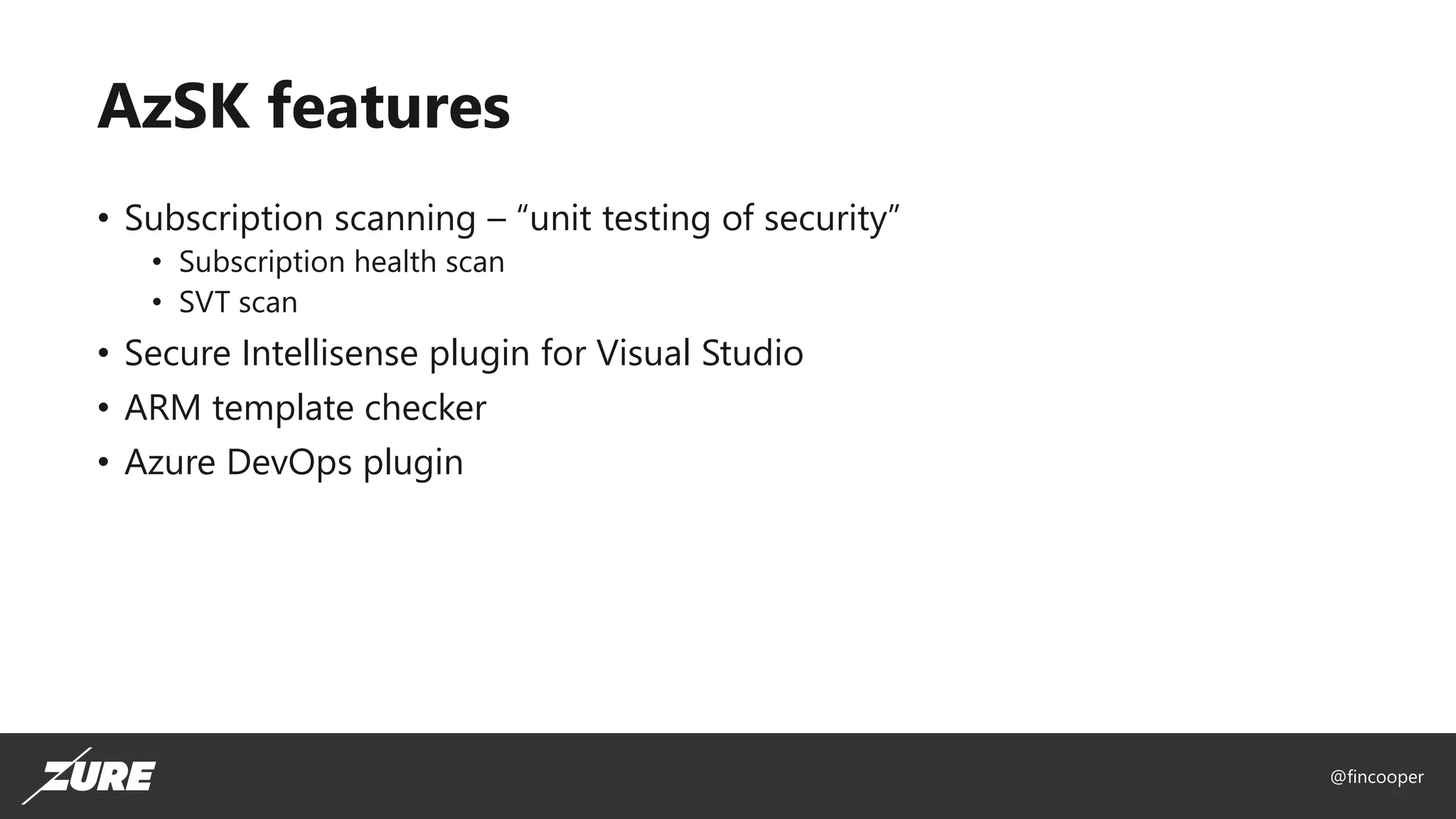
AzSK features
• Subscription scanning – “unit testing of security”
• Subscription health scan
• SVT scan
• Secure Intellisense plugin for Visual Studio
• ARM template checker
• Azure DevOps plugin
@fincooper
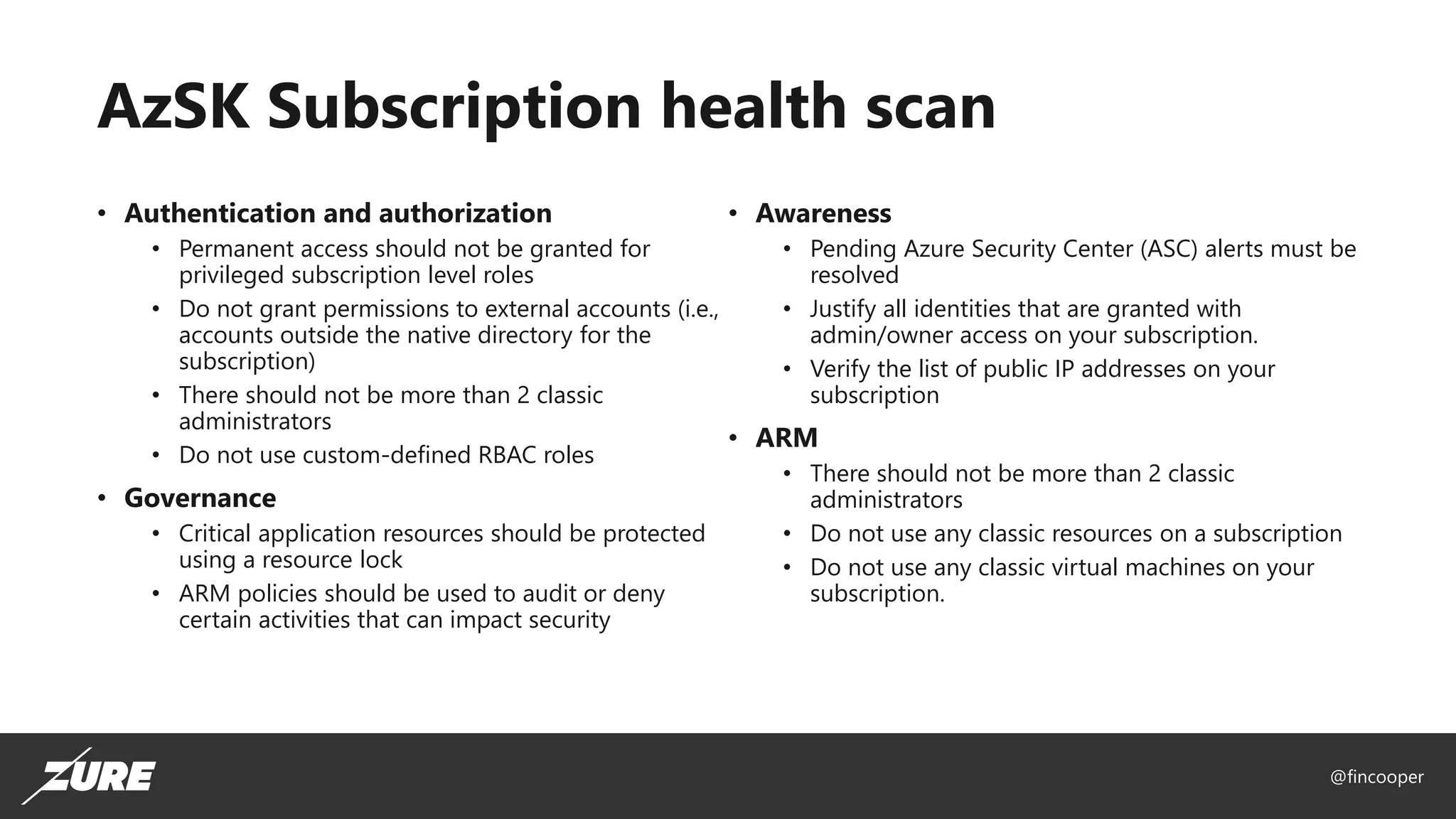
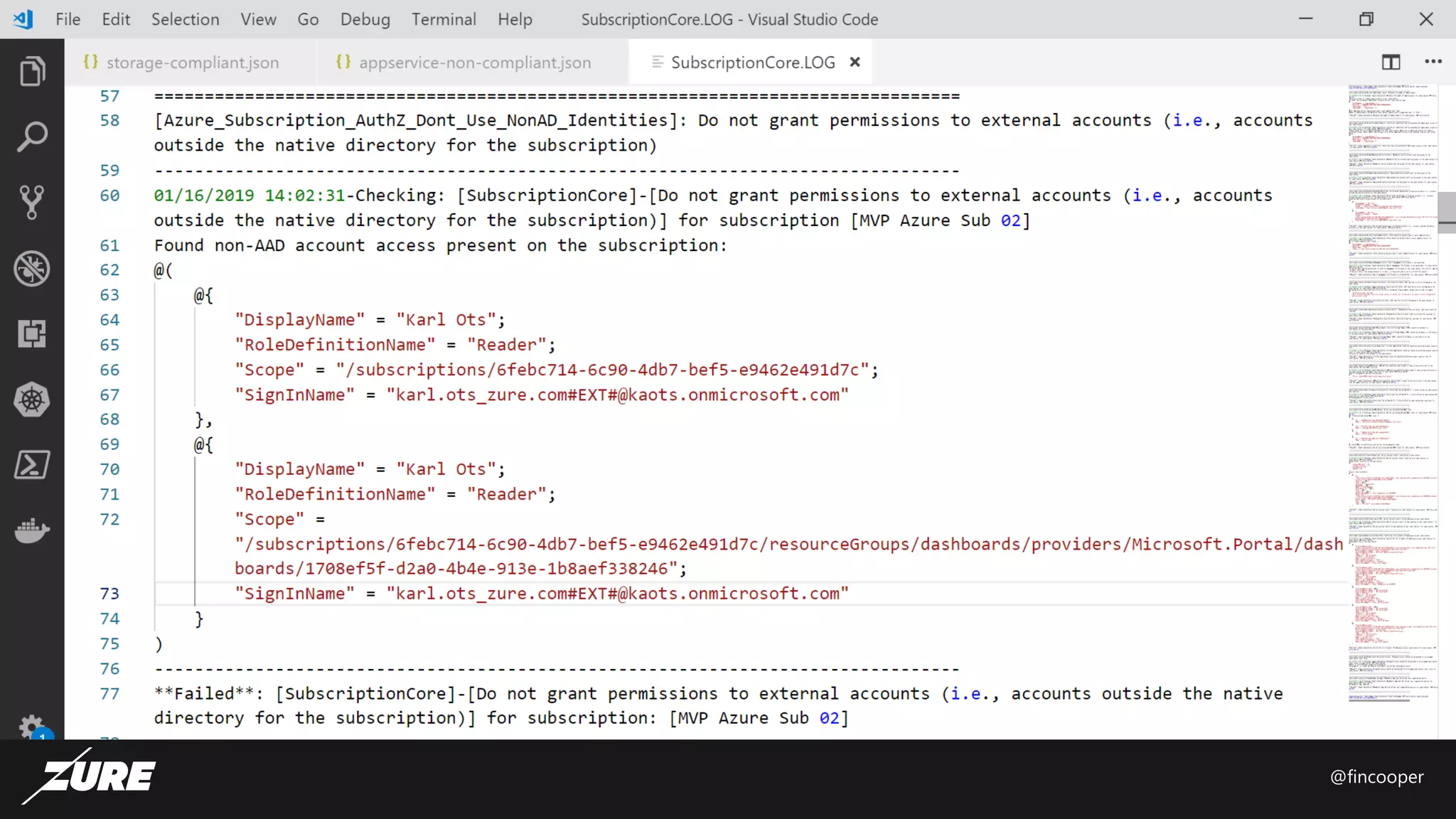
AzSK Subscription health scan
• Authentication and authorization
• Permanent access should not be granted for
privileged subscription level roles
• Do not grant permissions to external accounts (i.e.,
accounts outside the native directory for the
subscription)
• There should not be more than 2 classic
administrators
• Do not use custom-defined RBAC roles
• Governance
• Critical application resources should be protected
using a resource lock
• ARM policies should be used to audit or deny
certain activities that can impact security
• Awareness
• Pending Azure Security Center (ASC) alerts must be
resolved
• Justify all identities that are granted with
admin/owner access on your subscription.
• Verify the list of public IP addresses on your
subscription
• ARM
• There should not be more than 2 classic
administrators
• Do not use any classic resources on a subscription
• Do not use any classic virtual machines on your
subscription.
@fincooper
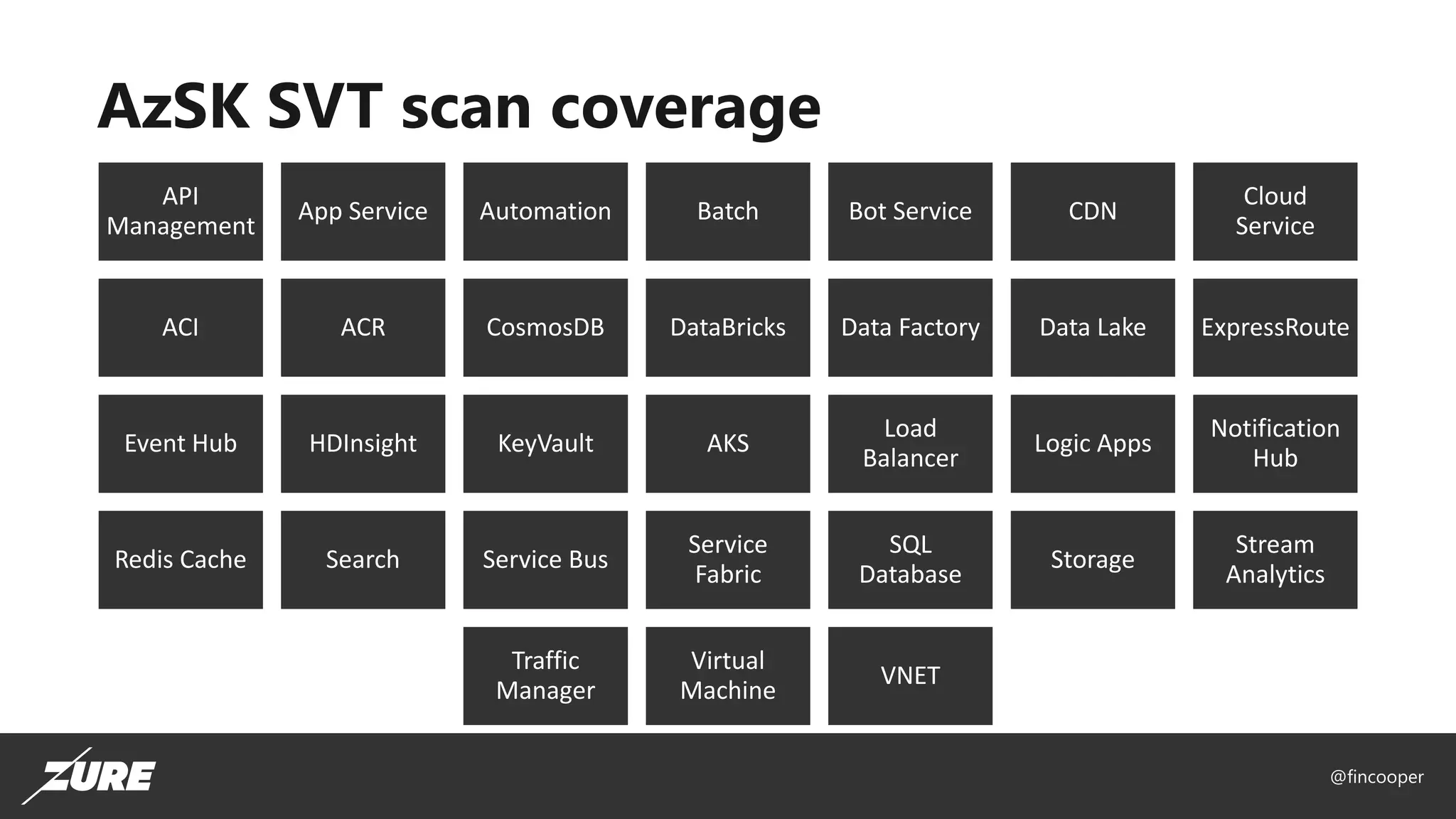
AzSK SVT scan coverage
API
Management
App Service Automation Batch Bot Service CDN
Cloud
Service
ACI ACR CosmosDB DataBricks Data Factory Data Lake ExpressRoute
Event Hub HDInsight KeyVault AKS
Load
Balancer
Logic Apps
Notification
Hub
Redis Cache Search Service Bus
Service
Fabric
SQL
Database
Storage
Stream
Analytics
Traffic
Manager
Virtual
Machine
VNET
@fincooper
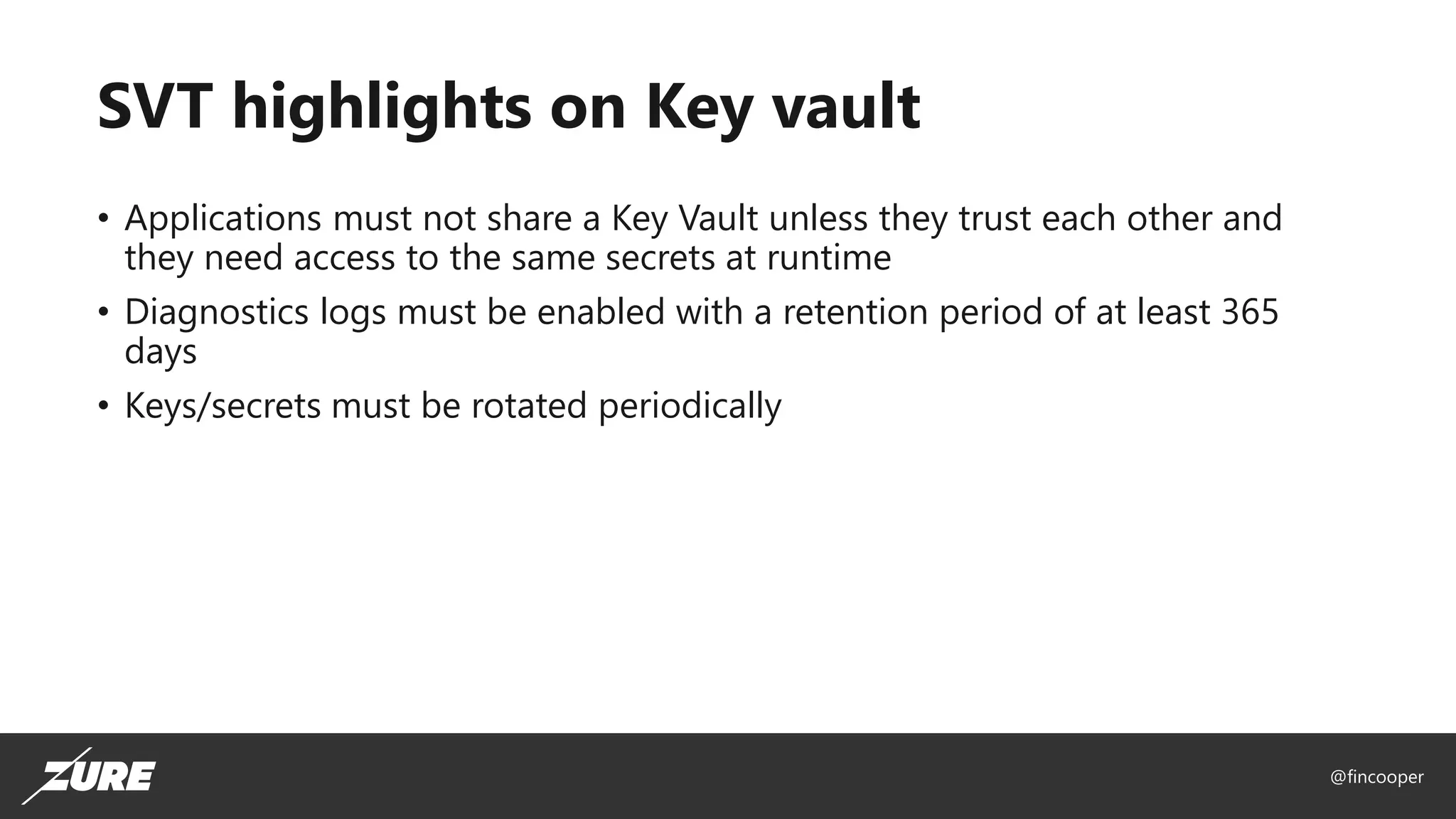
SVT highlights on Key vault
• Applications must not share a Key Vault unless they trust each other and
they need access to the same secrets at runtime
• Diagnostics logs must be enabled with a retention period of at least 365
days
• Keys/secrets must be rotated periodically
@fincooper
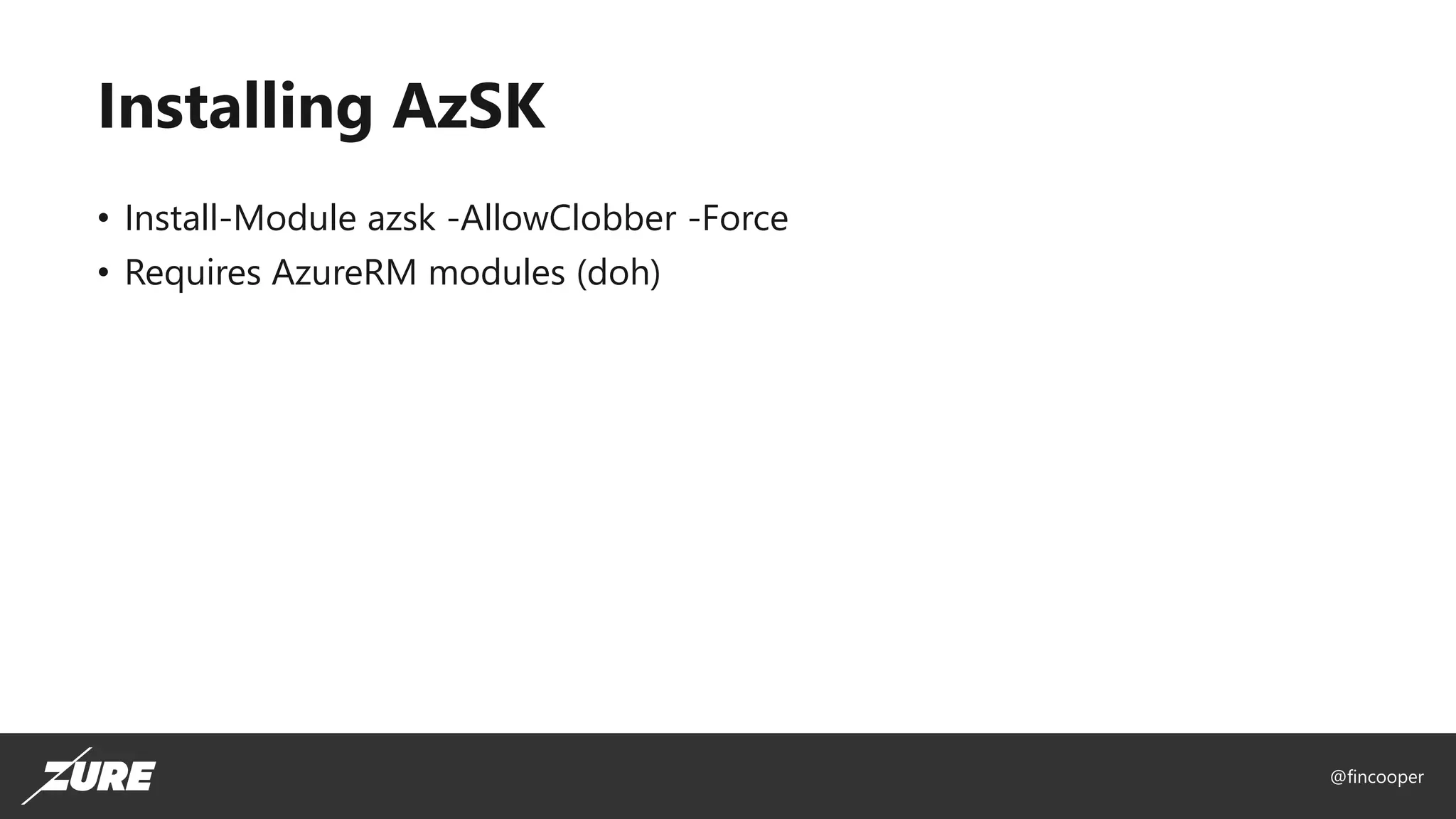
Installing AzSK
• Install-Module azsk -AllowClobber -Force
• Requires AzureRM modules (doh)
@fincooper
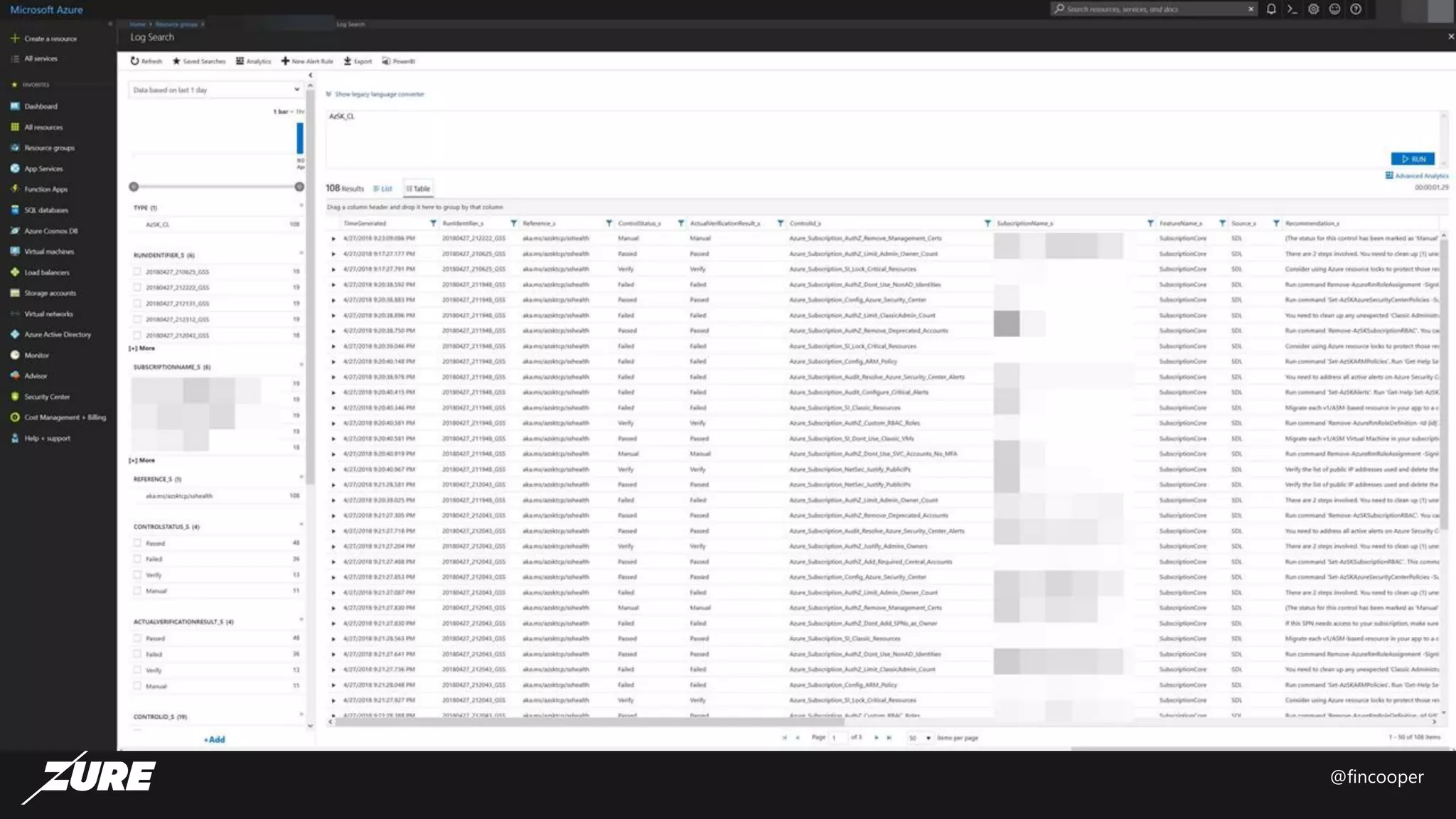
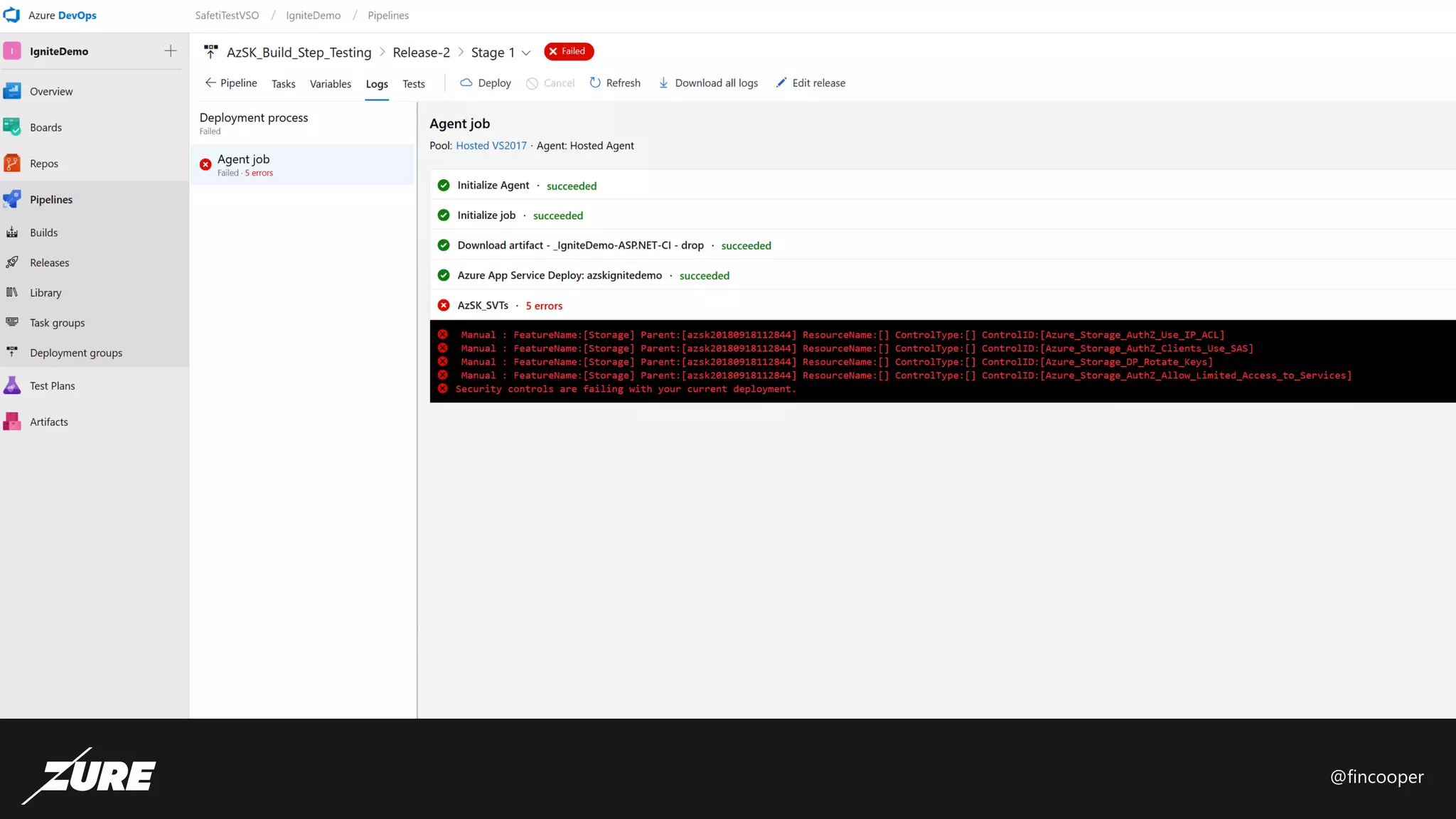
DEMO
@fincooper
@fincooper
@fincooper
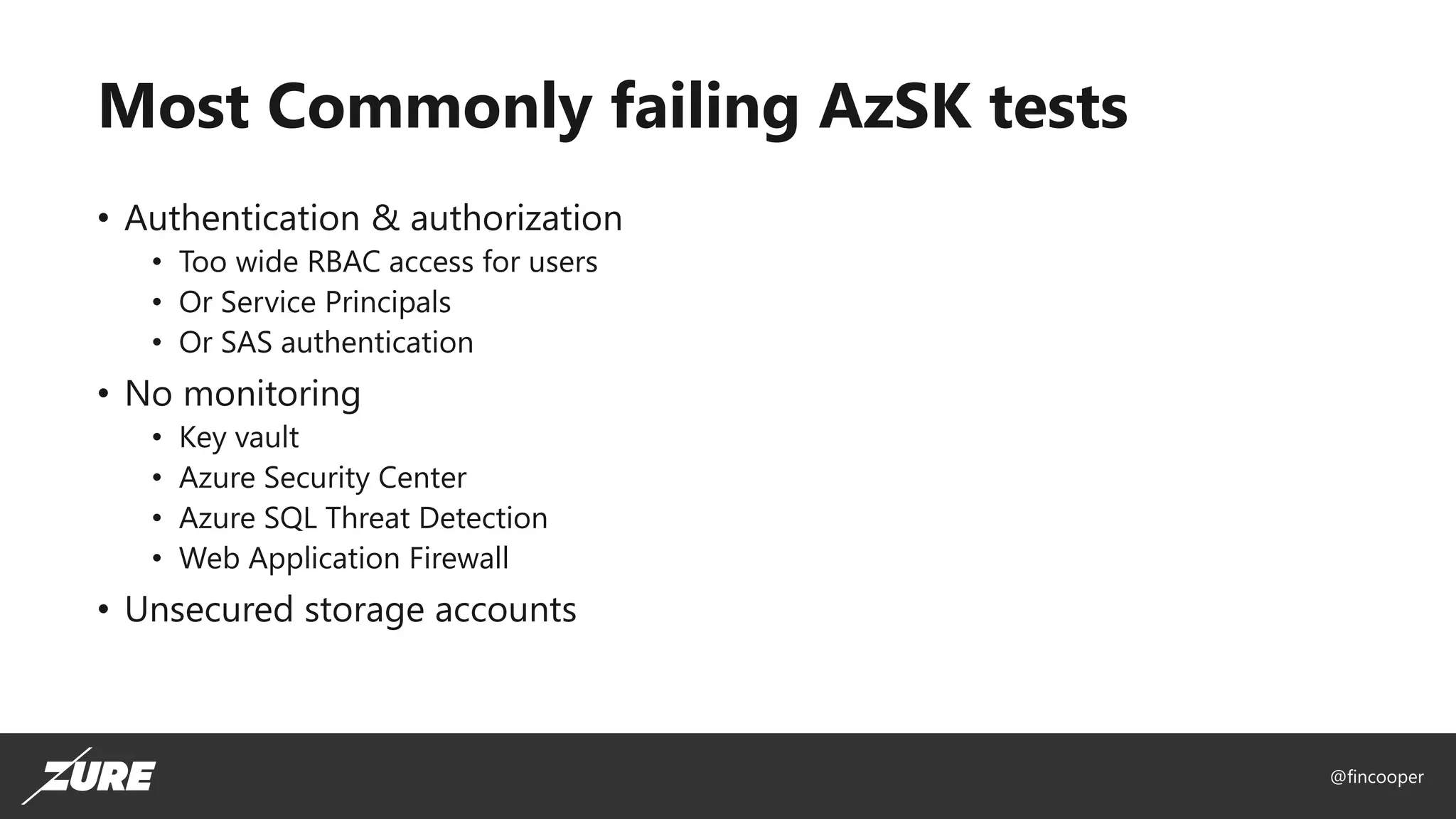
Most Commonly failing AzSK tests
• Authentication & authorization
• Too wide RBAC access for users
• Or Service Principals
• Or SAS authentication
• No monitoring
• Key vault
• Azure Security Center
• Azure SQL Threat Detection
• Web Application Firewall
• Unsecured storage accounts
@fincooper
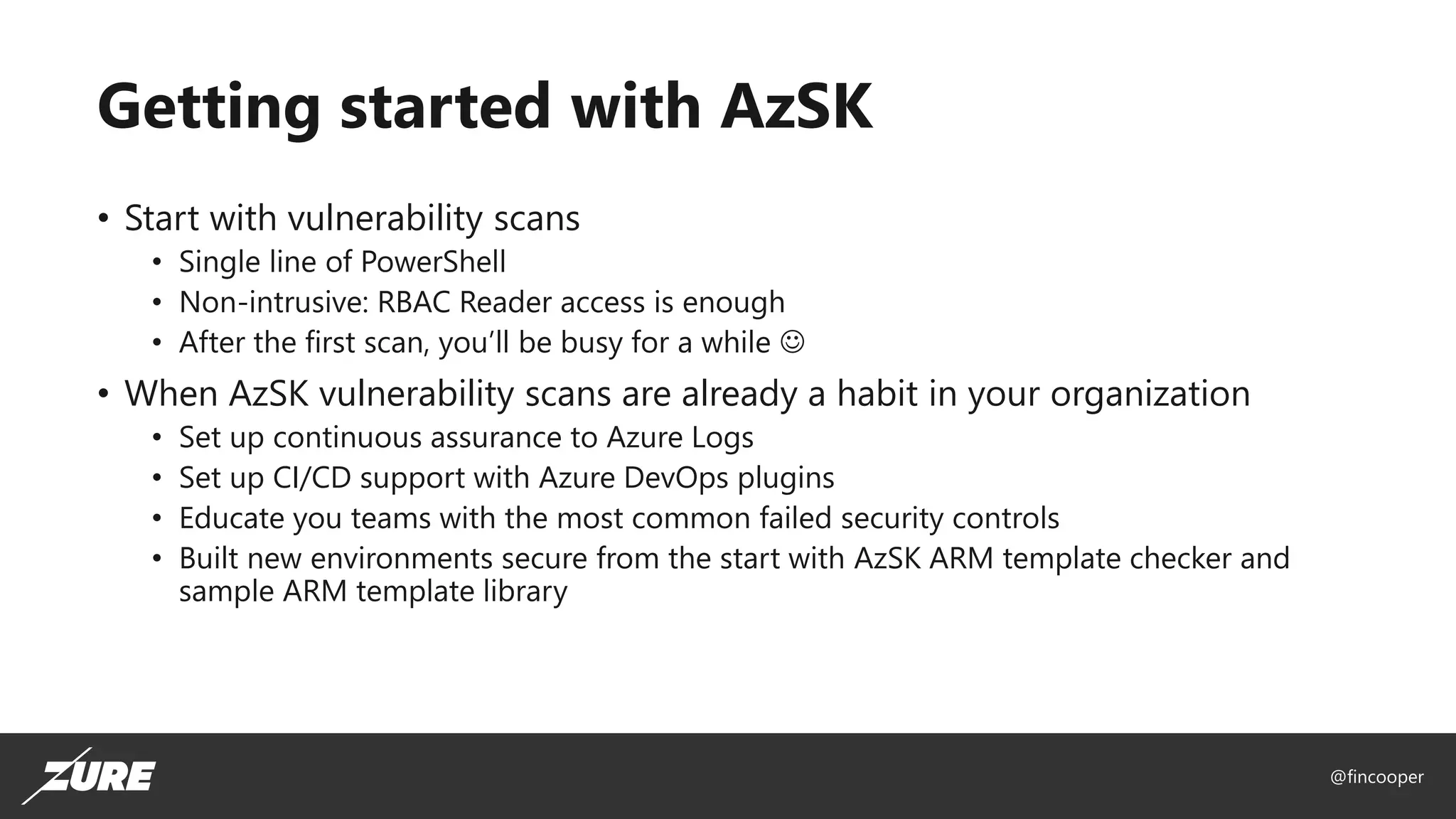
Getting started with AzSK
• Start with vulnerability scans
• Single line of PowerShell
• Non-intrusive: RBAC Reader access is enough
• After the first scan, you’ll be busy for a while ☺
• When AzSK vulnerability scans are already a habit in your organization
• Set up continuous assurance to Azure Logs
• Set up CI/CD support with Azure DevOps plugins
• Educate you teams with the most common failed security controls
• Built new environments secure from the start with AzSK ARM template checker and
sample ARM template library
@fincooper
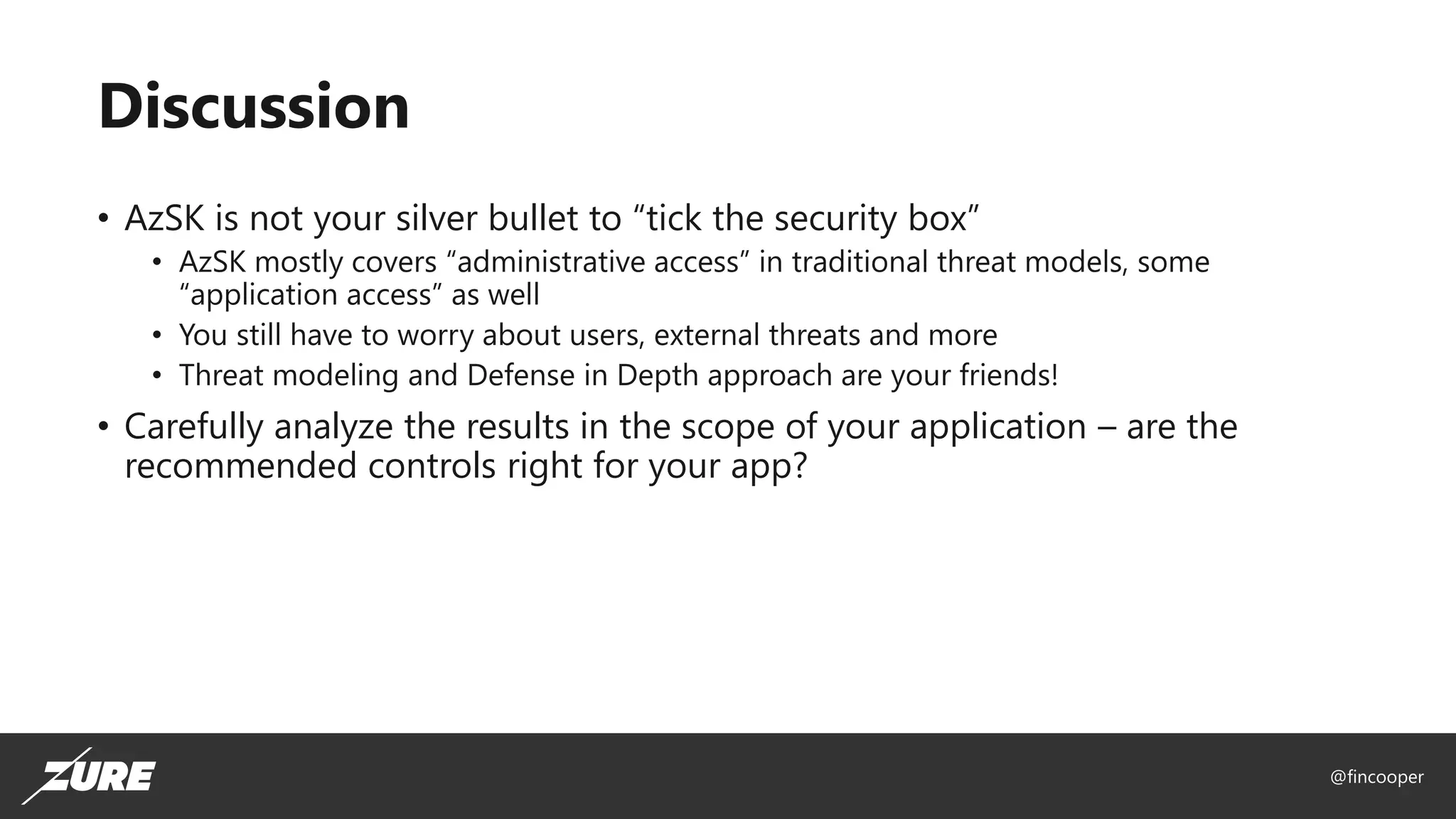
Discussion
• AzSK is not your silver bullet to “tick the security box”
• AzSK mostly covers “administrative access” in traditional threat models, some
“application access” as well
• You still have to worry about users, external threats and more
• Threat modeling and Defense in Depth approach are your friends!
• Carefully analyze the results in the scope of your application – are the
recommended controls right for your app?
@fincooper
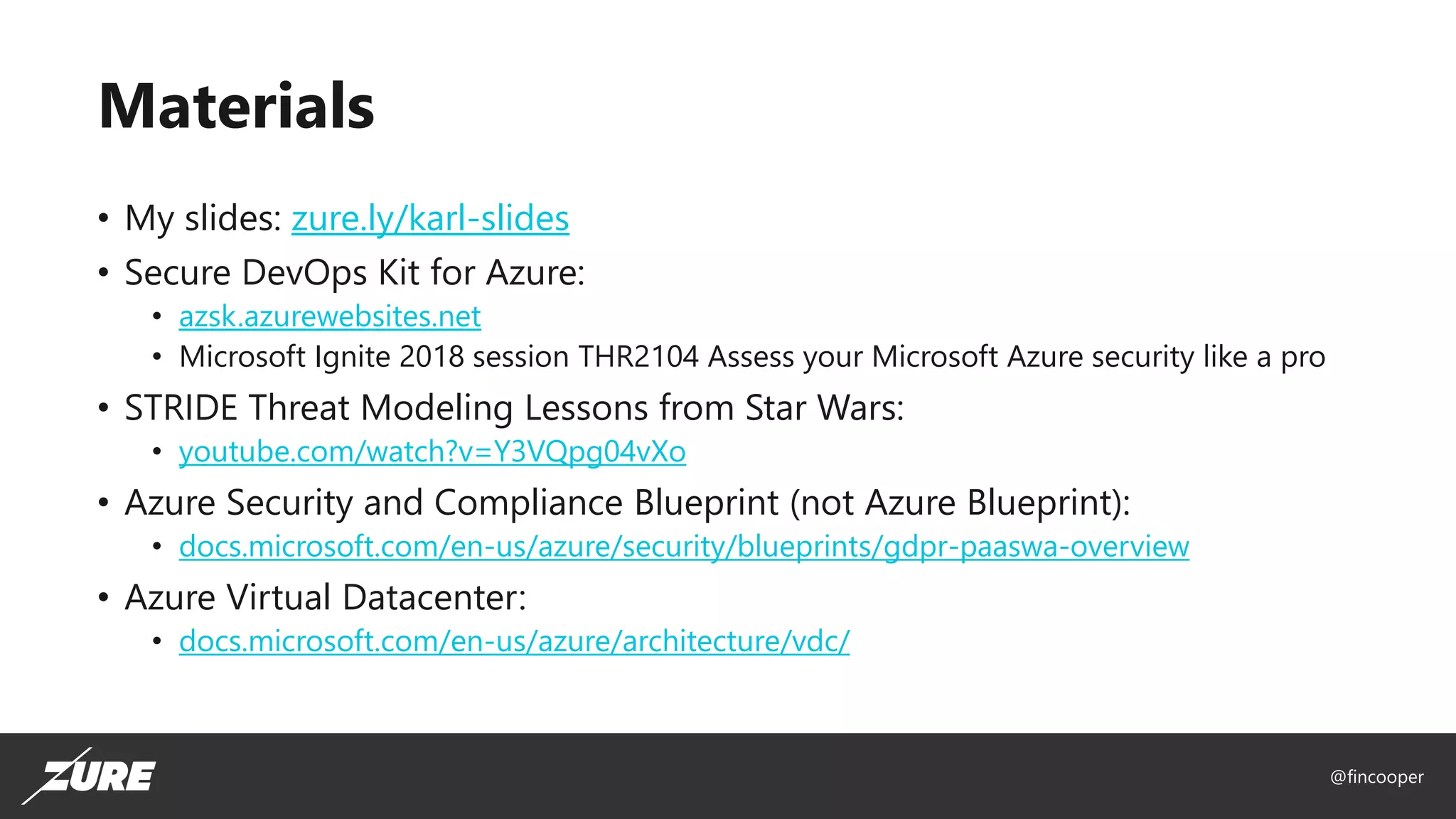
Materials
• My slides: zure.ly/karl-slides
• Secure DevOps Kit for Azure:
• azsk.azurewebsites.net
• Microsoft Ignite 2018 session THR2104 Assess your Microsoft Azure security like a pro
• STRIDE Threat Modeling Lessons from Star Wars:
• youtube.com/watch?v=Y3VQpg04vXo
• Azure Security and Compliance Blueprint (not Azure Blueprint):
• docs.microsoft.com/en-us/azure/security/blueprints/gdpr-paaswa-overview
• Azure Virtual Datacenter:
• docs.microsoft.com/en-us/azure/architecture/vdc/
@fincooper

IglooConf 2019 Secure your Azure applications like a pro

  • 1.
  • 2.
    @fincooper Karl Ots Managing Consultant karl.ots@zure.com •Cloud & cybersecurity expert • User group and conference organizer, podcast hosts • Patented inventor • Working on Azure since 2011 • Helped to secure 100+ Azure applications, from startups to Fortune 500 enterprises • linkedin.com/in/karlots
  • 3.
    @fincooper What to expectin this session • Primer on Azure security controls • Crash course on Secure DevOps Kit for Azure • What is it • Why and how to use it • Resources to help you secure your Azure environment, regardless of your current level of security expertise
  • 4.
  • 5.
  • 6.
    @fincooper The CIA securitytriad Availability
  • 7.
    @fincooper Security controls forapplications • Authentication and authorization • Encryption • Monitoring • Backup, Resiliency and Disaster Recovery • Host hardening (pre-PaaS)
  • 8.
  • 9.
    @fincooper Security controls forAzure applications Subscriptions and Resource Groups AAD and RBAC ARM Templates, Policies and Locks Logging, Alerting & Auditing Data Encryption Backups & Disaster Recovery Privacy & Compliance Network security
  • 10.
  • 11.
    @fincooper Secure DevOps Kitfor Azure - AzSK • Set of tools for assessing the security posture of your Azure environment • Does not replace or compete with Azure Security Center • Built by Microsoft Core Services Engineering, not any Azure PG • Used to secure 1000+ Azure subscriptions at Microsoft • Easy to get started with non-intrusive vulnerability scans • Expands end-to-end tooling from developer machine to CI/CD to continuous assurance
  • 12.
    @fincooper AzSK features • Subscriptionscanning – “unit testing of security” • Subscription health scan • SVT scan • Secure Intellisense plugin for Visual Studio • ARM template checker • Azure DevOps plugin
  • 13.
    @fincooper AzSK Subscription healthscan • Authentication and authorization • Permanent access should not be granted for privileged subscription level roles • Do not grant permissions to external accounts (i.e., accounts outside the native directory for the subscription) • There should not be more than 2 classic administrators • Do not use custom-defined RBAC roles • Governance • Critical application resources should be protected using a resource lock • ARM policies should be used to audit or deny certain activities that can impact security • Awareness • Pending Azure Security Center (ASC) alerts must be resolved • Justify all identities that are granted with admin/owner access on your subscription. • Verify the list of public IP addresses on your subscription • ARM • There should not be more than 2 classic administrators • Do not use any classic resources on a subscription • Do not use any classic virtual machines on your subscription.
  • 14.
    @fincooper AzSK SVT scancoverage API Management App Service Automation Batch Bot Service CDN Cloud Service ACI ACR CosmosDB DataBricks Data Factory Data Lake ExpressRoute Event Hub HDInsight KeyVault AKS Load Balancer Logic Apps Notification Hub Redis Cache Search Service Bus Service Fabric SQL Database Storage Stream Analytics Traffic Manager Virtual Machine VNET
  • 15.
    @fincooper SVT highlights onKey vault • Applications must not share a Key Vault unless they trust each other and they need access to the same secrets at runtime • Diagnostics logs must be enabled with a retention period of at least 365 days • Keys/secrets must be rotated periodically
  • 16.
    @fincooper Installing AzSK • Install-Moduleazsk -AllowClobber -Force • Requires AzureRM modules (doh)
  • 17.
  • 18.
  • 19.
  • 20.
    @fincooper Most Commonly failingAzSK tests • Authentication & authorization • Too wide RBAC access for users • Or Service Principals • Or SAS authentication • No monitoring • Key vault • Azure Security Center • Azure SQL Threat Detection • Web Application Firewall • Unsecured storage accounts
  • 21.
    @fincooper Getting started withAzSK • Start with vulnerability scans • Single line of PowerShell • Non-intrusive: RBAC Reader access is enough • After the first scan, you’ll be busy for a while ☺ • When AzSK vulnerability scans are already a habit in your organization • Set up continuous assurance to Azure Logs • Set up CI/CD support with Azure DevOps plugins • Educate you teams with the most common failed security controls • Built new environments secure from the start with AzSK ARM template checker and sample ARM template library
  • 22.
    @fincooper Discussion • AzSK isnot your silver bullet to “tick the security box” • AzSK mostly covers “administrative access” in traditional threat models, some “application access” as well • You still have to worry about users, external threats and more • Threat modeling and Defense in Depth approach are your friends! • Carefully analyze the results in the scope of your application – are the recommended controls right for your app?
  • 23.
    @fincooper Materials • My slides:zure.ly/karl-slides • Secure DevOps Kit for Azure: • azsk.azurewebsites.net • Microsoft Ignite 2018 session THR2104 Assess your Microsoft Azure security like a pro • STRIDE Threat Modeling Lessons from Star Wars: • youtube.com/watch?v=Y3VQpg04vXo • Azure Security and Compliance Blueprint (not Azure Blueprint): • docs.microsoft.com/en-us/azure/security/blueprints/gdpr-paaswa-overview • Azure Virtual Datacenter: • docs.microsoft.com/en-us/azure/architecture/vdc/
  • 25.