Presentation On
Input/output Devices & Central Processing Unit (CPU)
Course Title: Software Engineering
Course Code: CSE333
Presented By
Habibur Rahman Hemal
#ID: 201-15-3697
Submitted To
Ms. Taslima Ferdaus Shuva
Senior Lecturer
Dept. Of CSE
Daffodil International University
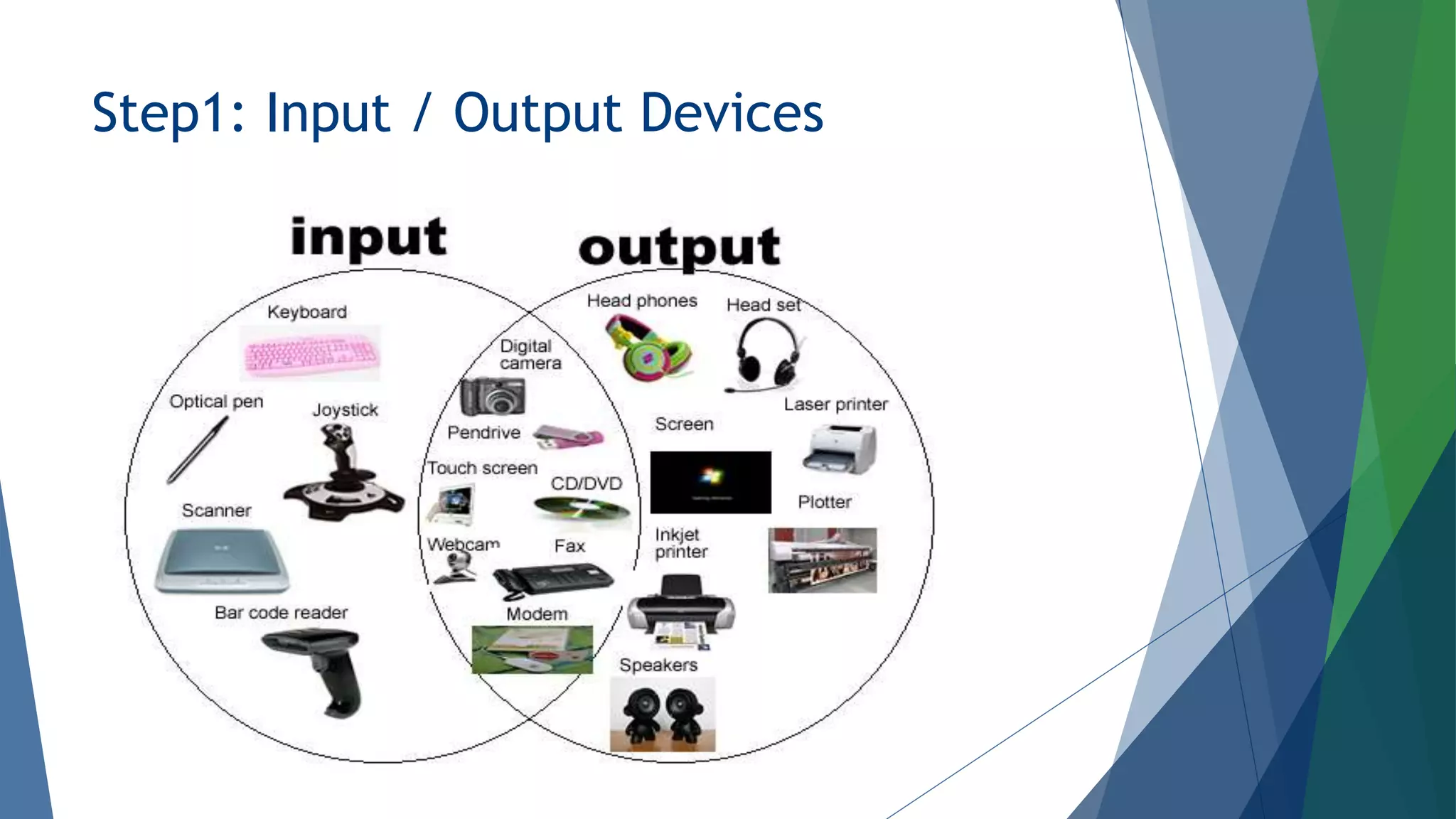
Step1: Input / Output Devices
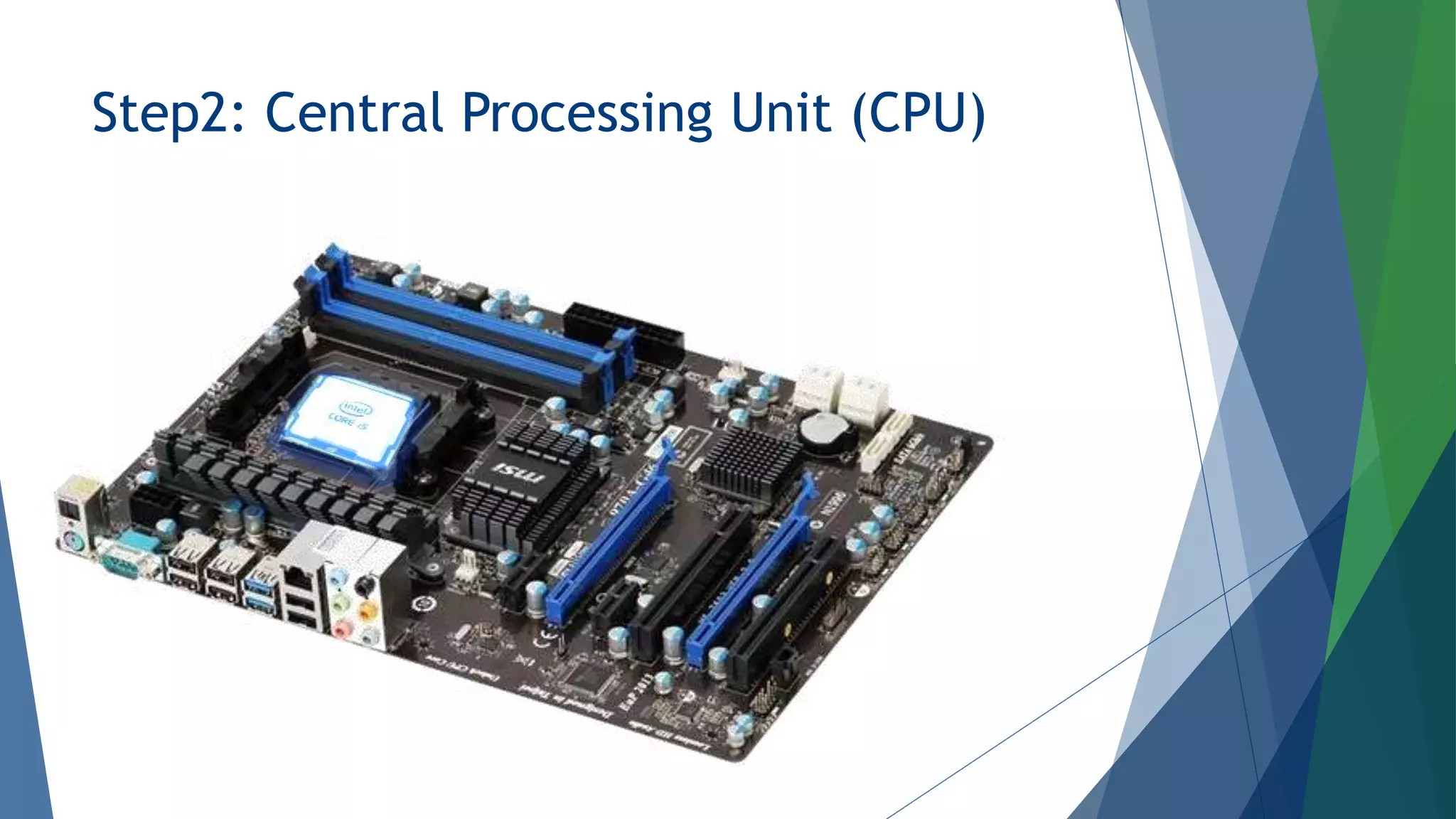
Step2: Central Processing Unit (CPU)
Details On Input Devices
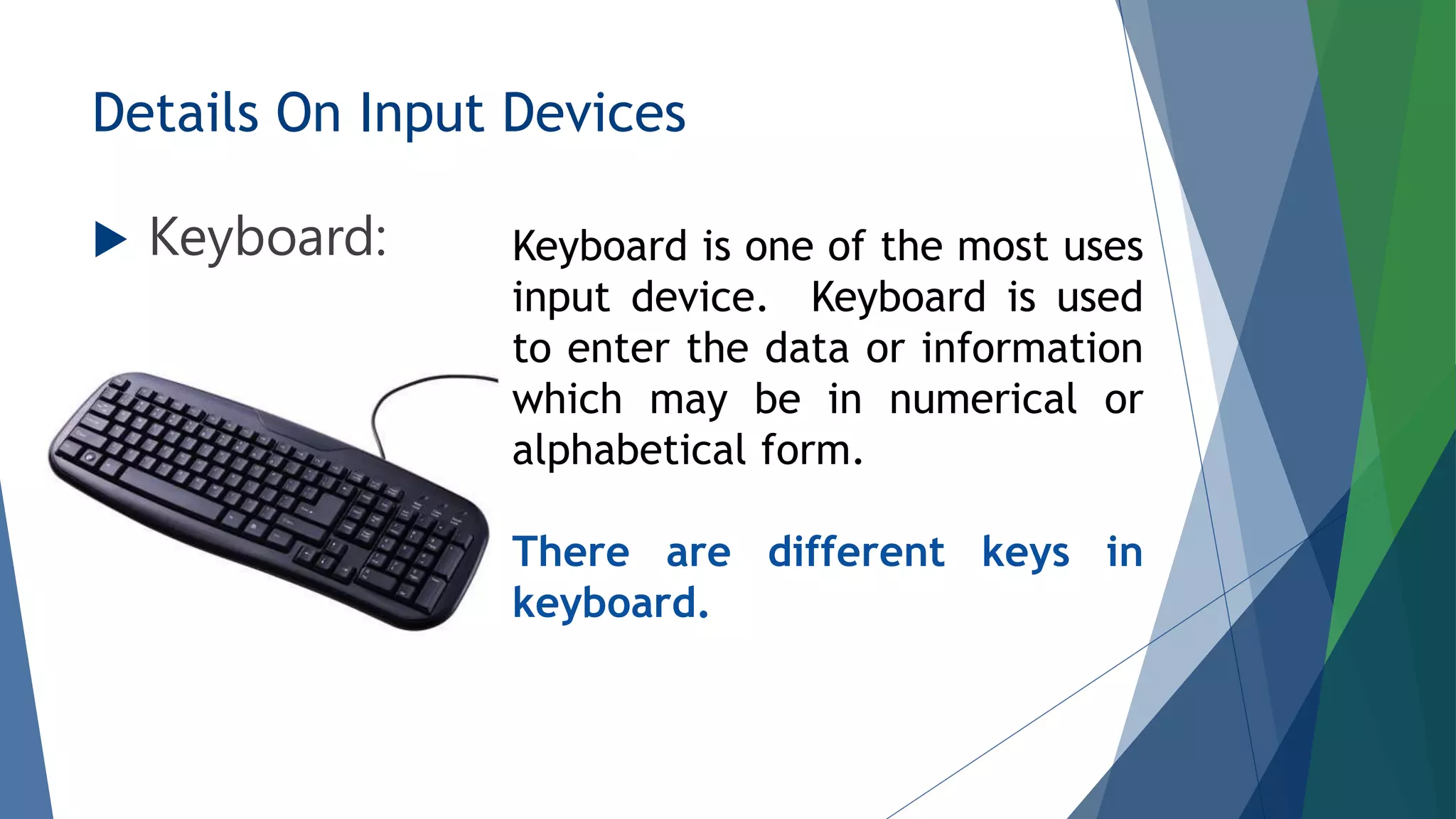
 Keyboard: Keyboard is one of the most uses
input device. Keyboard is used
to enter the data or information
which may be in numerical or
alphabetical form.
There are different keys in
keyboard.
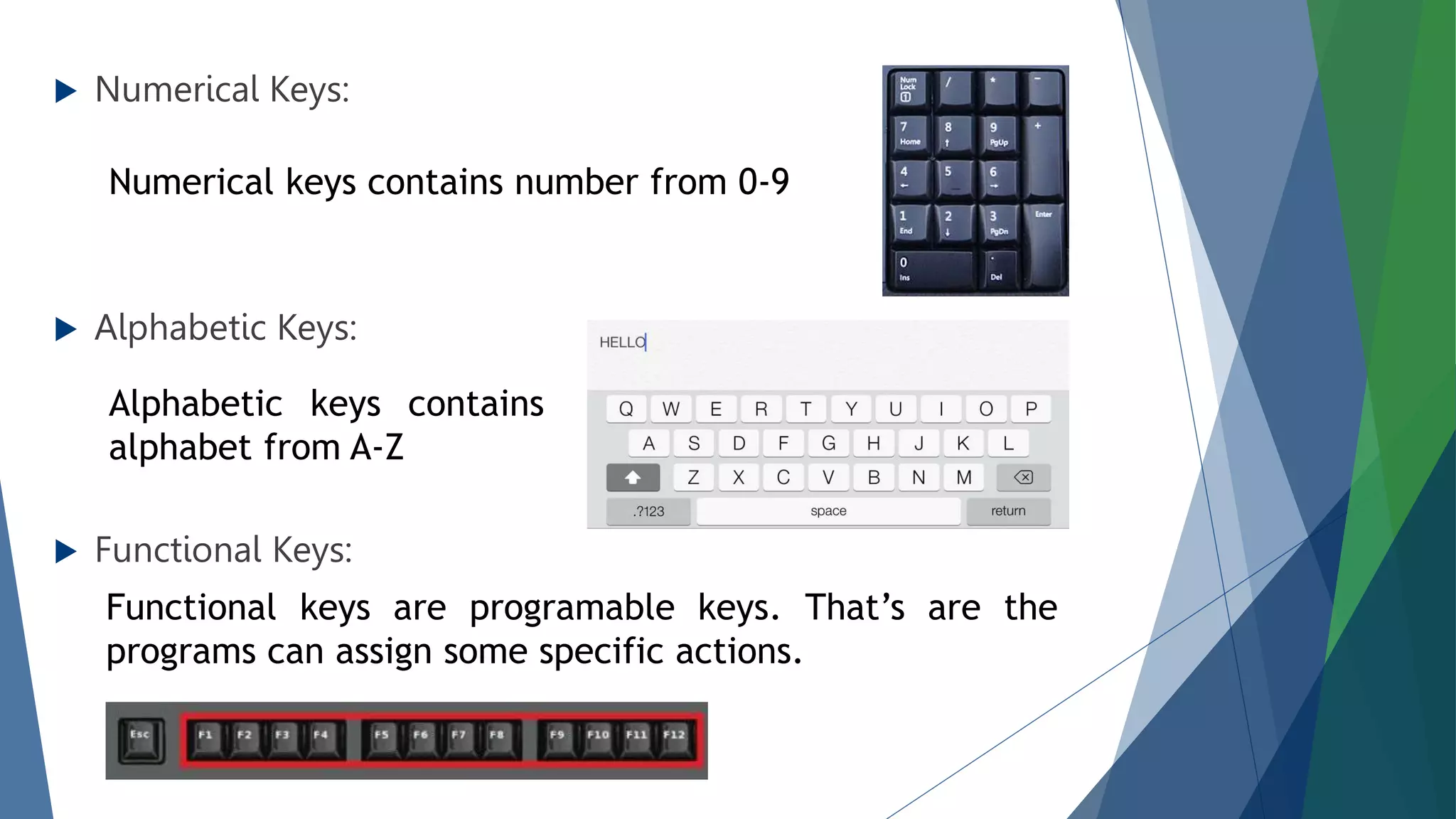
 Numerical Keys:
 Alphabetic Keys:
 Functional Keys:
Numerical keys contains number from 0-9
Alphabetic keys contains
alphabet from A-Z
Functional keys are programable keys. That’s are the
programs can assign some specific actions.
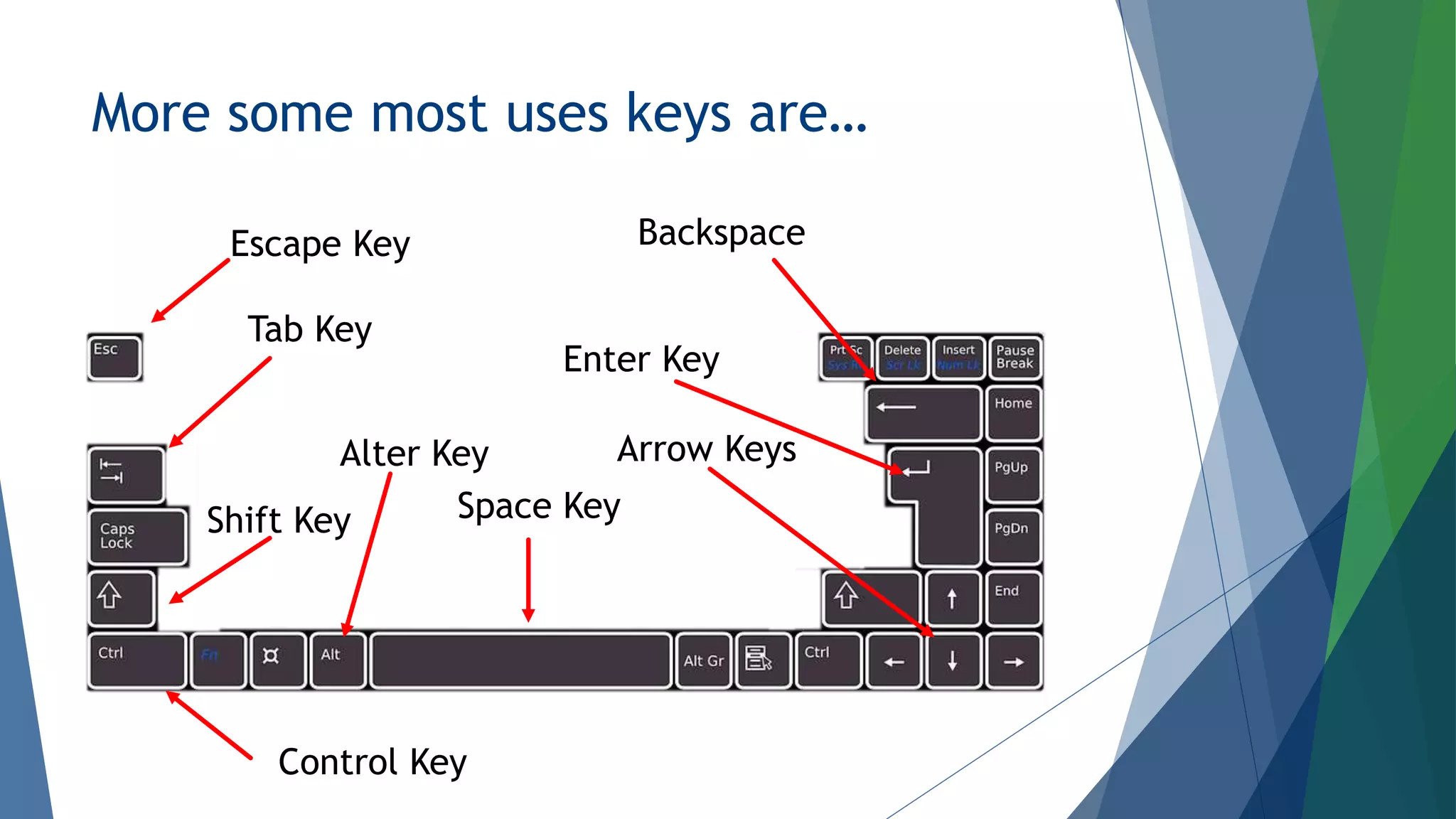
More some most uses keys are…
Escape Key
Alter Key
Space Key
Shift Key
Control Key
Arrow Keys
Enter Key
Backspace
Tab Key
Mouse:
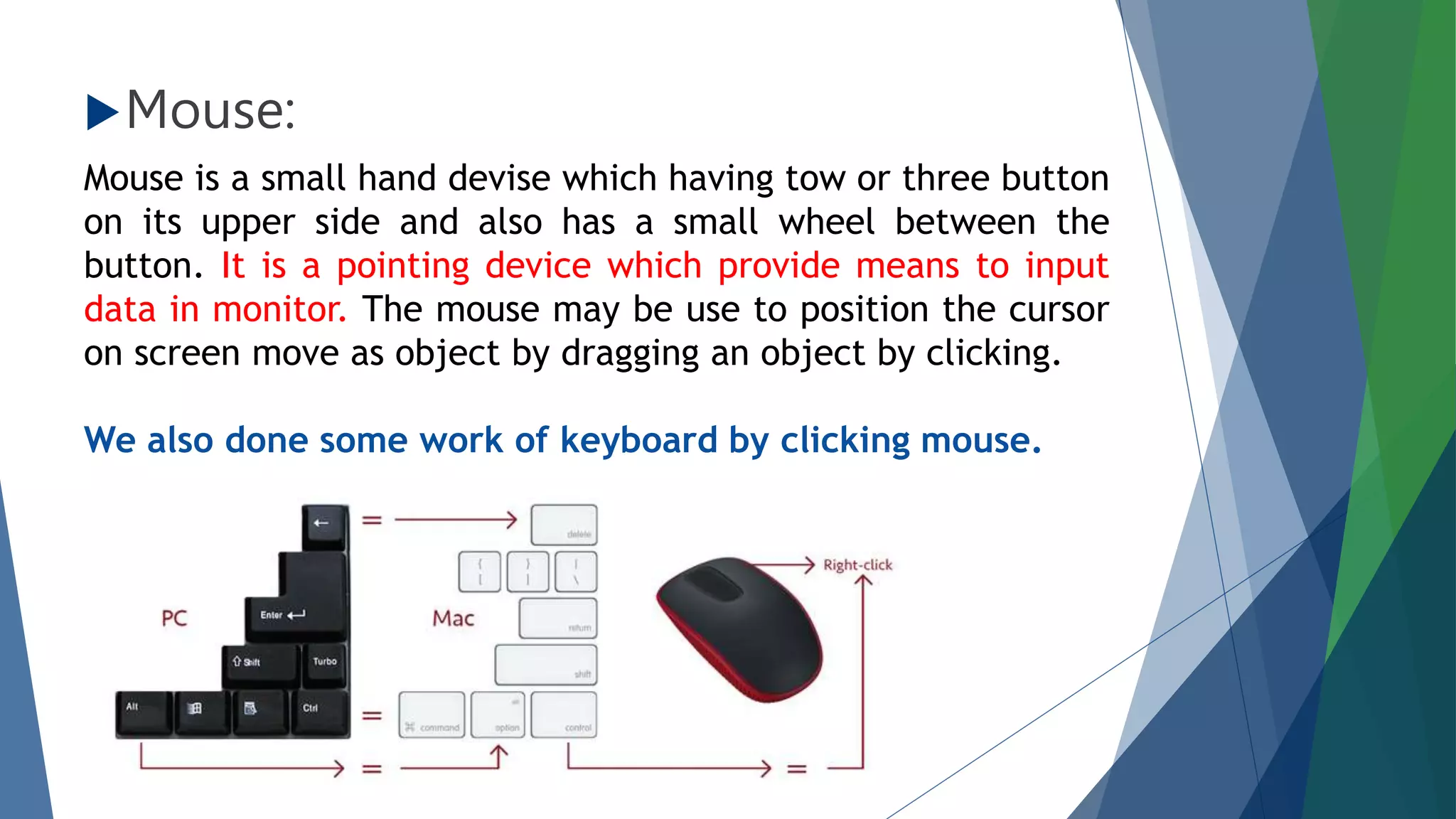
Mouse is a small hand devise which having tow or three button
on its upper side and also has a small wheel between the
button. It is a pointing device which provide means to input
data in monitor. The mouse may be use to position the cursor
on screen move as object by dragging an object by clicking.
We also done some work of keyboard by clicking mouse.
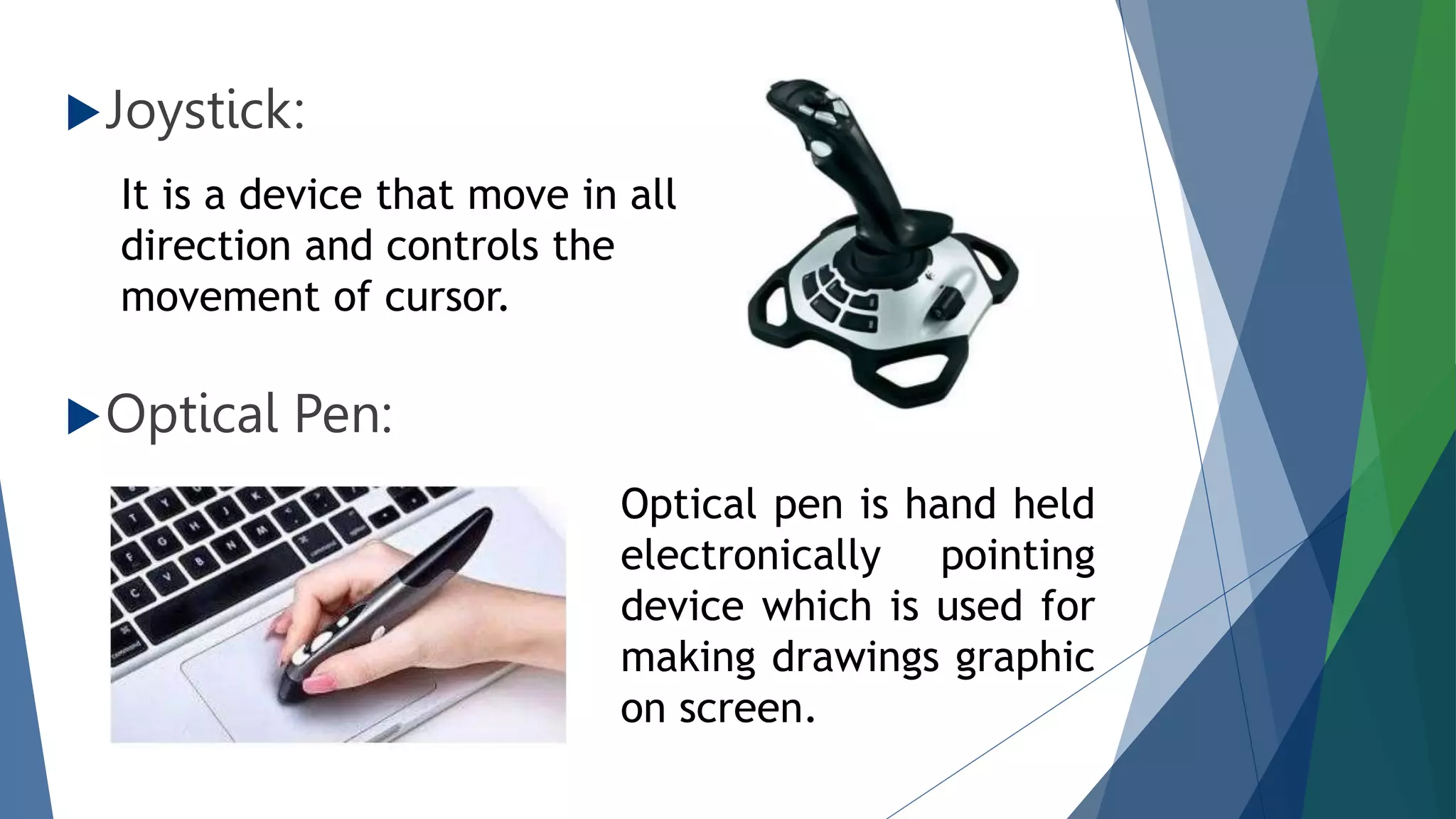
Joystick:
Optical Pen:
It is a device that move in all
direction and controls the
movement of cursor.
Optical pen is hand held
electronically pointing
device which is used for
making drawings graphic
on screen.
Details On Output Device
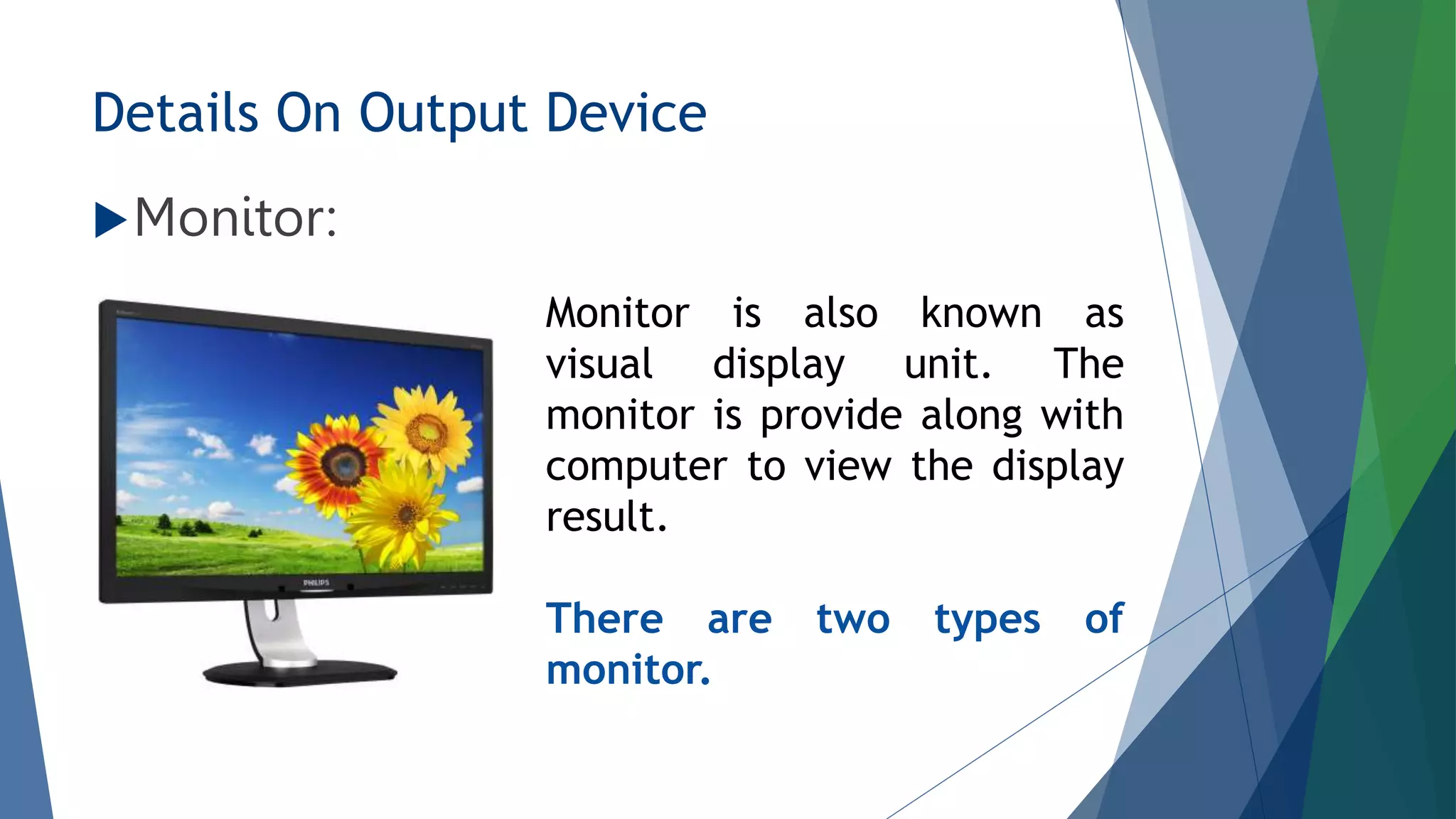
Monitor:
Monitor is also known as
visual display unit. The
monitor is provide along with
computer to view the display
result.
There are two types of
monitor.
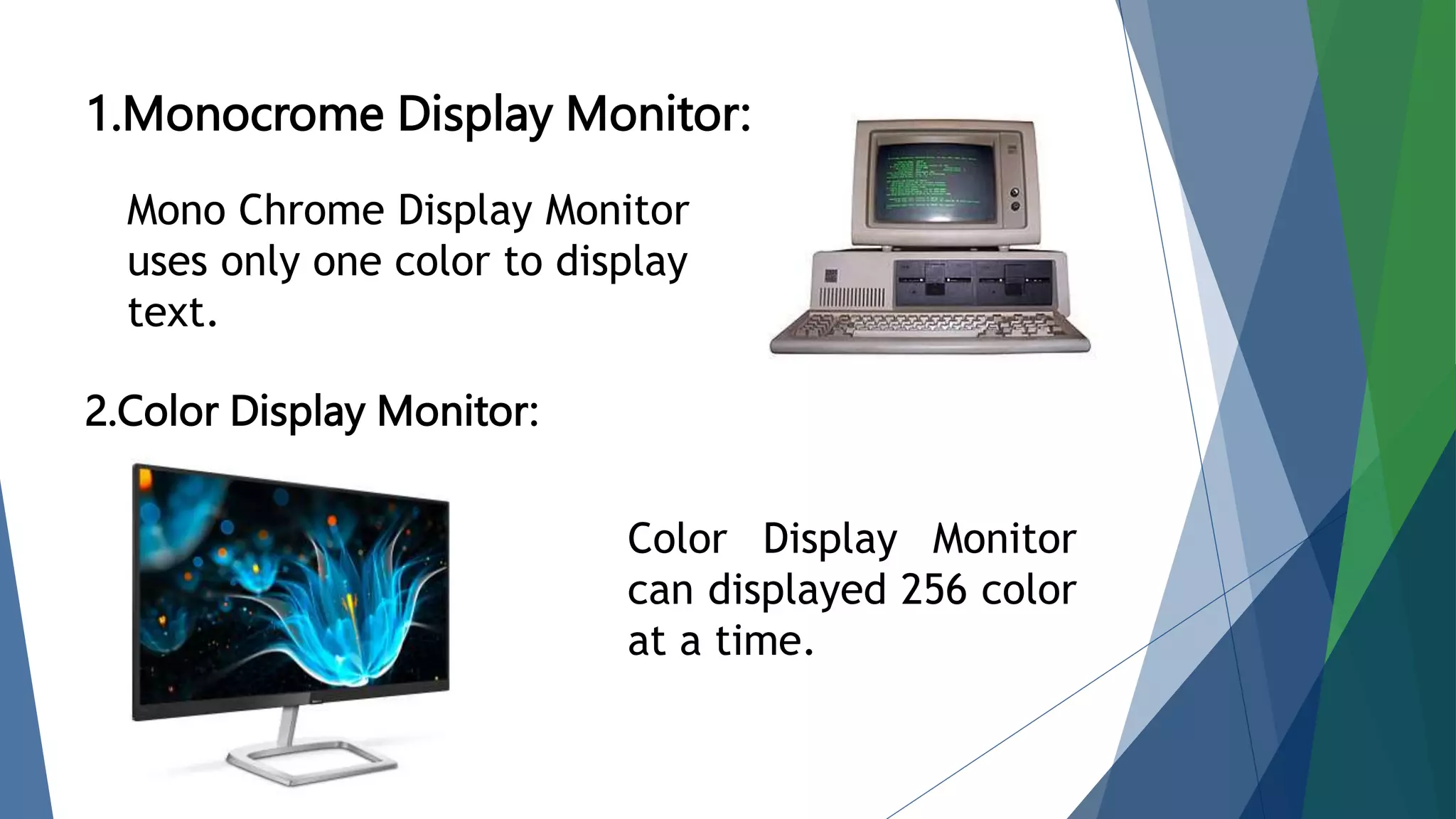
1.Monocrome Display Monitor:
2.Color Display Monitor:
Mono Chrome Display Monitor
uses only one color to display
text.
Color Display Monitor
can displayed 256 color
at a time.
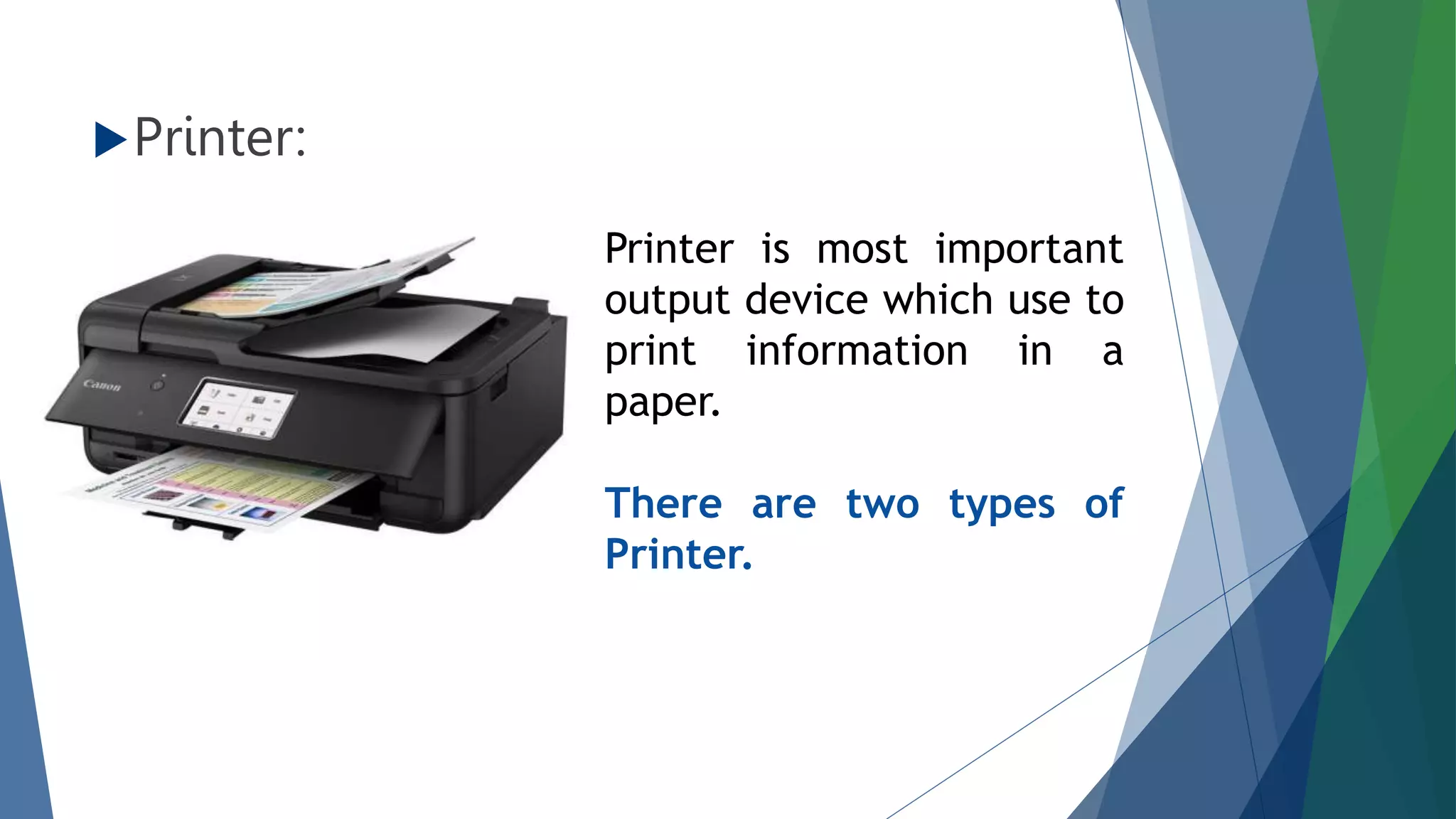
Printer:
Printer is most important
output device which use to
print information in a
paper.
There are two types of
Printer.
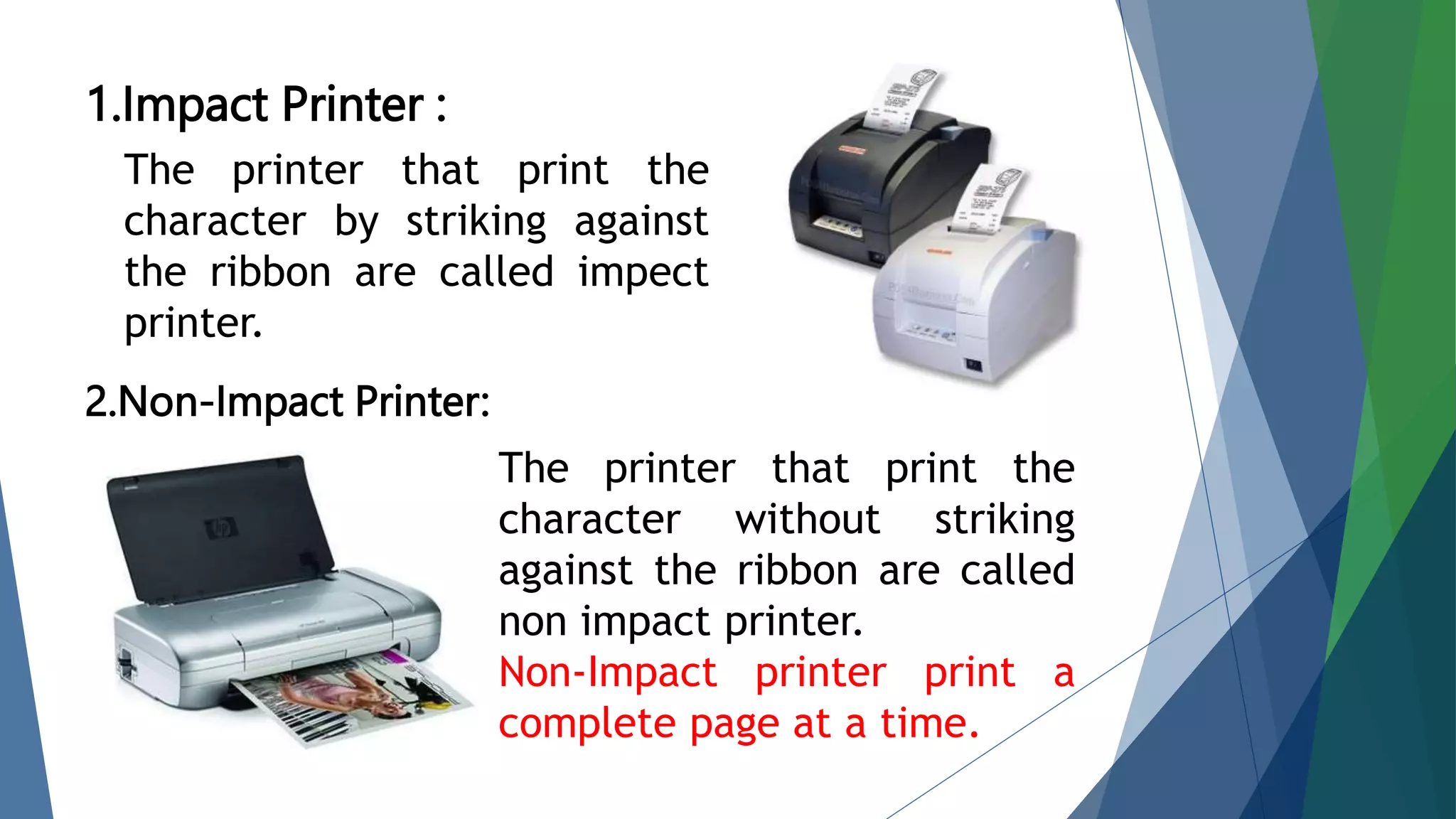
1.Impact Printer :
2.Non-Impact Printer:
The printer that print the
character by striking against
the ribbon are called impect
printer.
The printer that print the
character without striking
against the ribbon are called
non impact printer.
Non-Impact printer print a
complete page at a time.
Speaker:
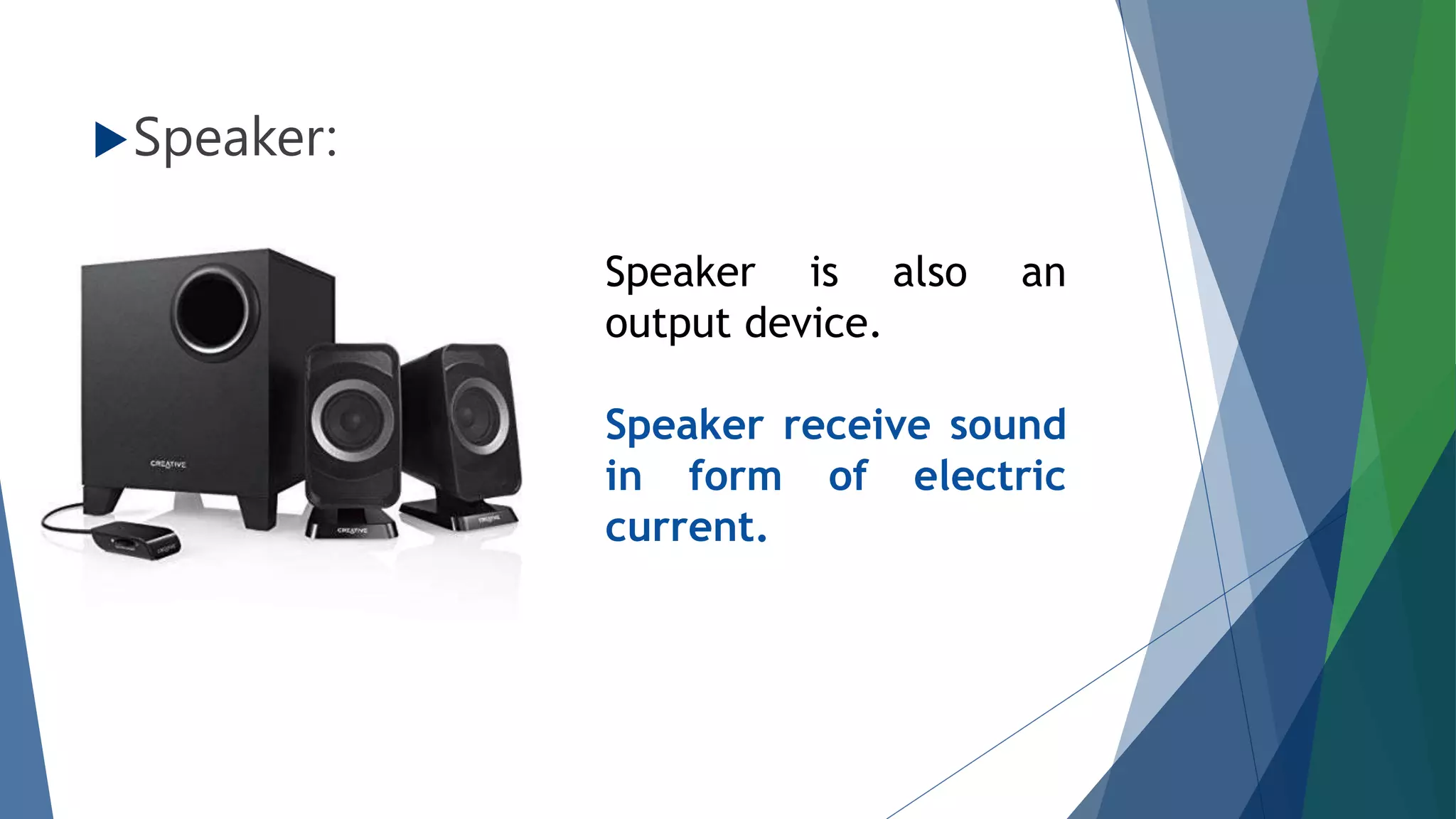
Speaker is also an
output device.
Speaker receive sound
in form of electric
current.
Step2: Central Processing Unit (CPU)
What is CPU ?
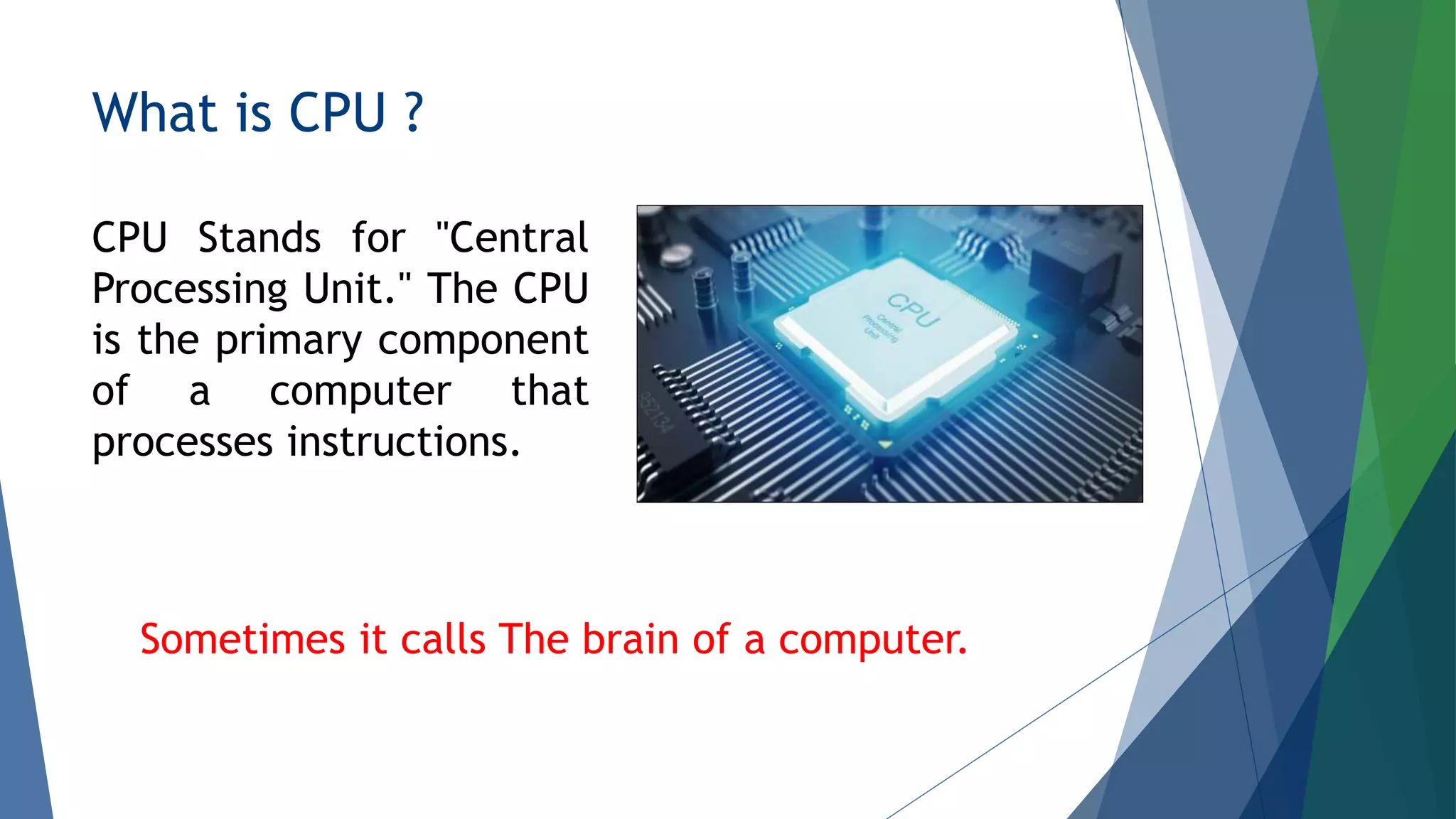
CPU Stands for "Central
Processing Unit." The CPU
is the primary component
of a computer that
processes instructions.
Sometimes it calls The brain of a computer.
History Of CPU
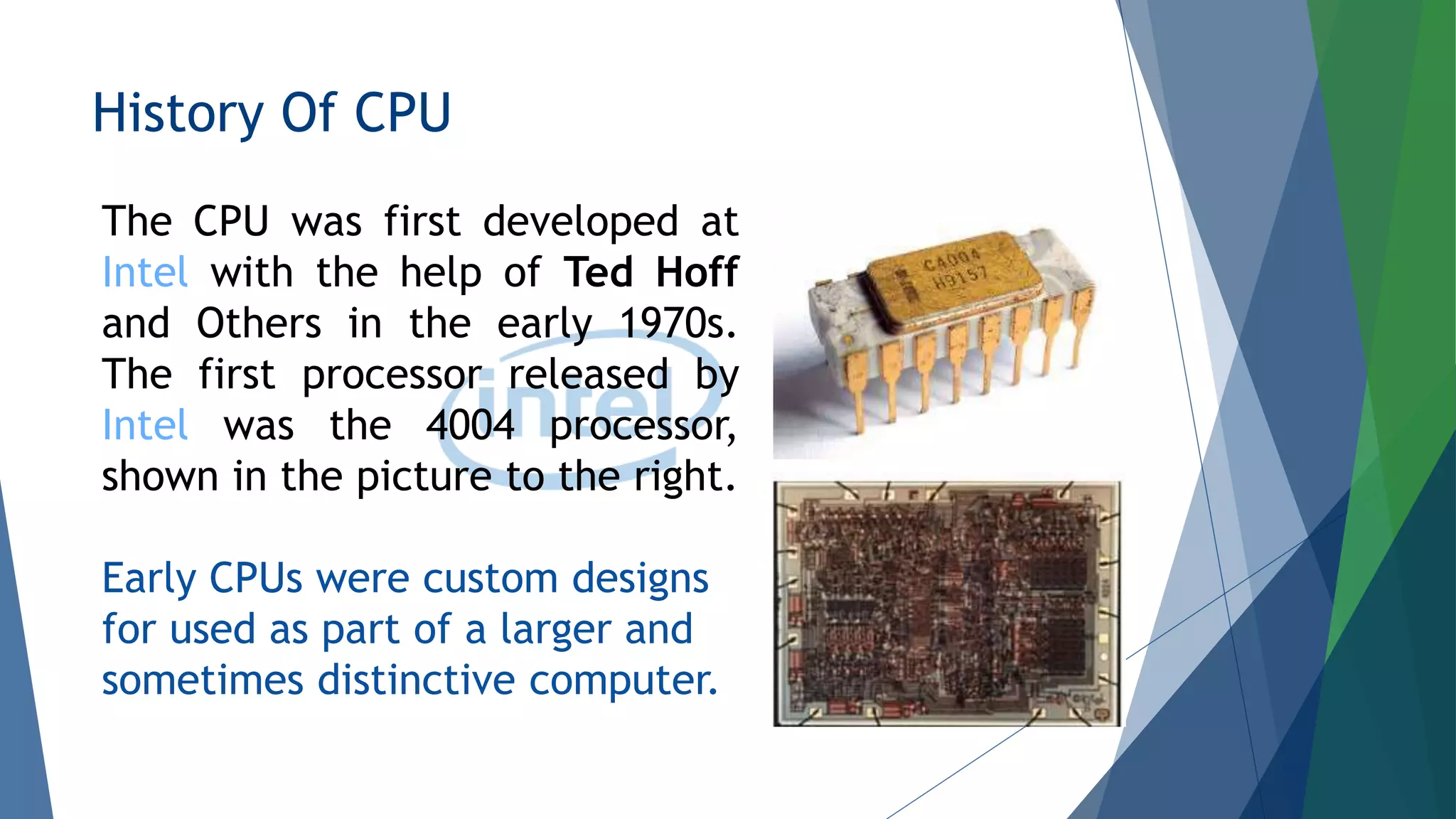
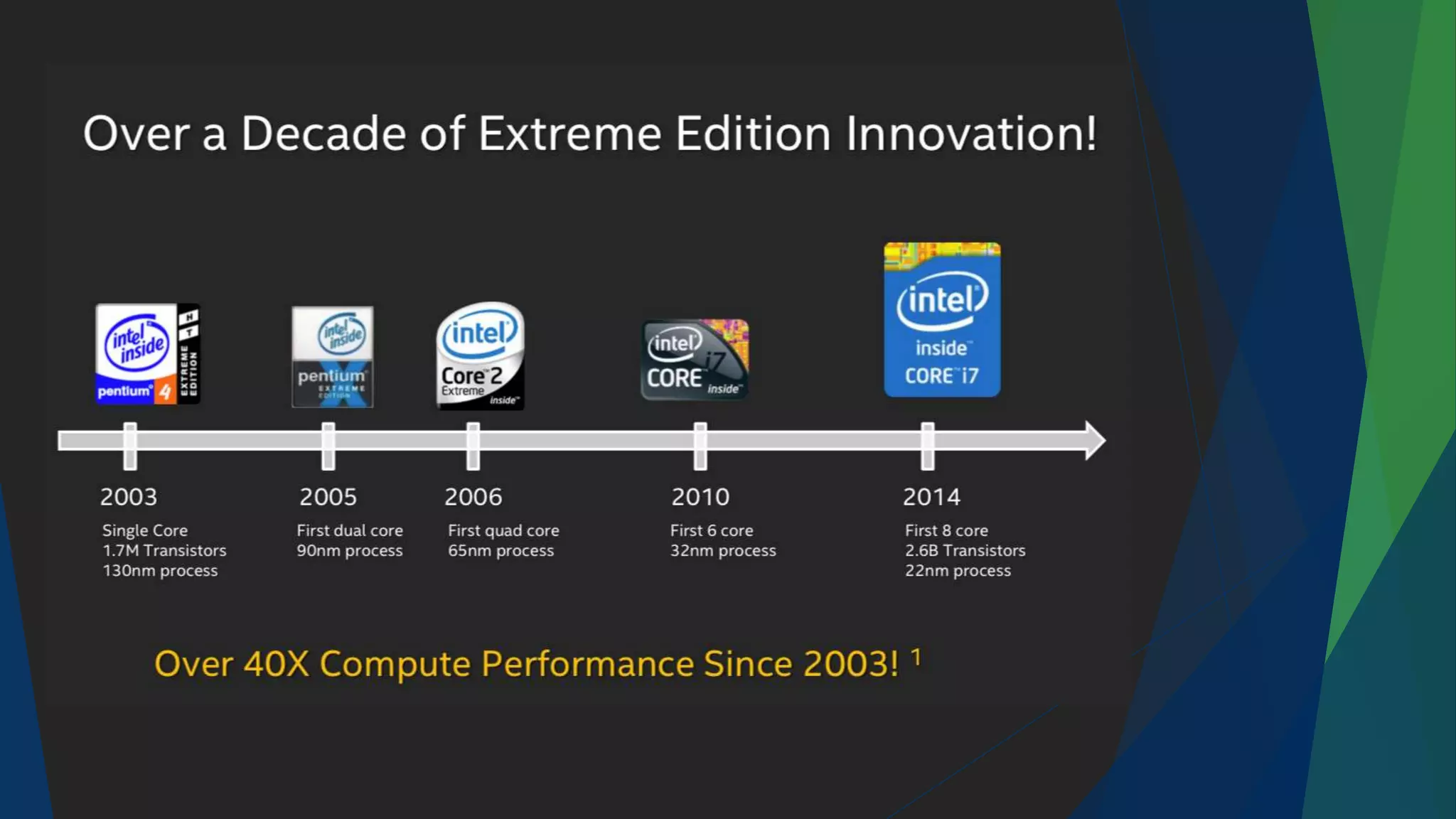
The CPU was first developed at
Intel with the help of Ted Hoff
and Others in the early 1970s.
The first processor released by
Intel was the 4004 processor,
shown in the picture to the right.
Early CPUs were custom designs
for used as part of a larger and
sometimes distinctive computer.
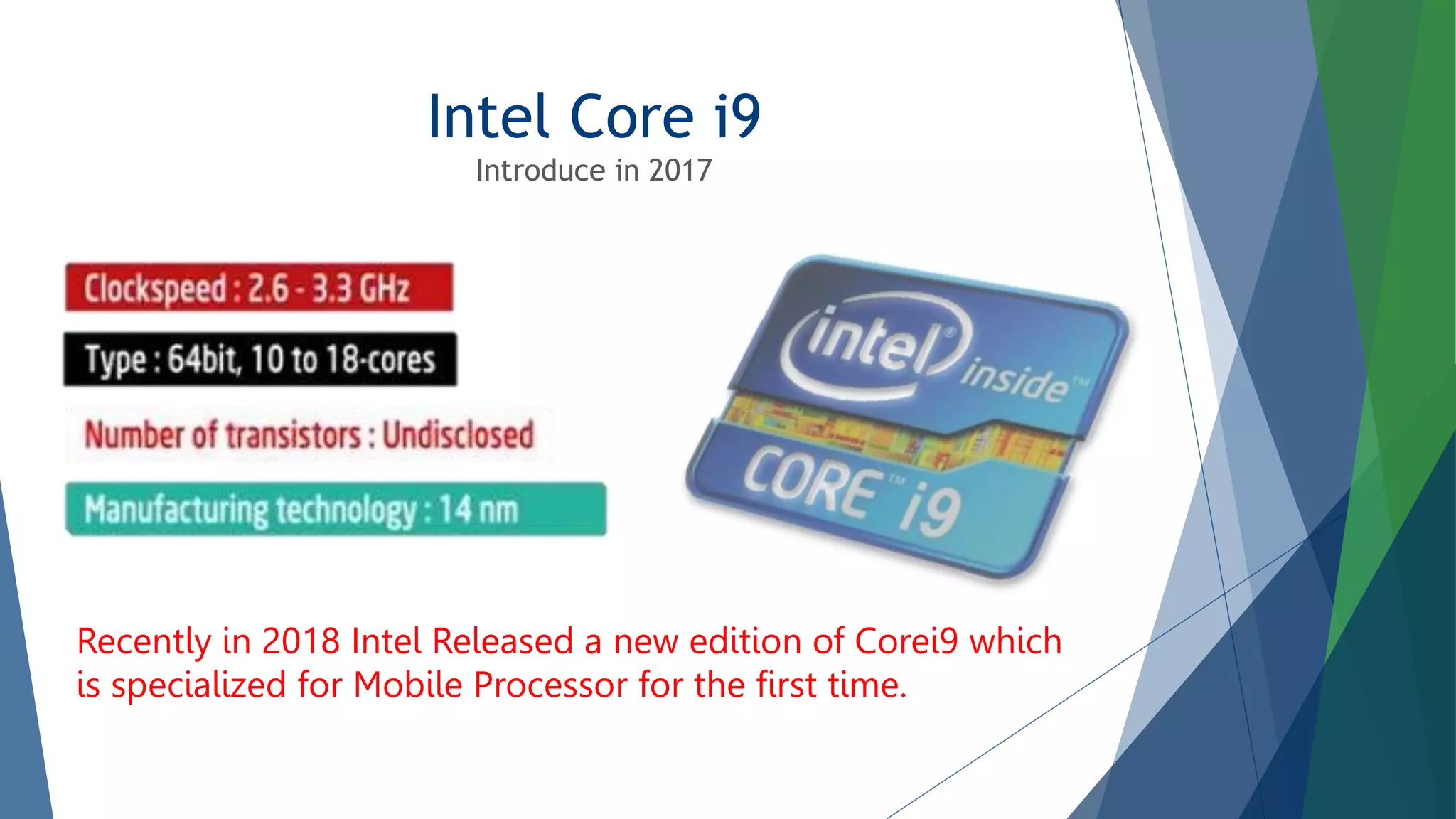
Intel Core i9
Introduce in 2017
Recently in 2018 Intel Released a new edition of Corei9 which
is specialized for Mobile Processor for the first time.
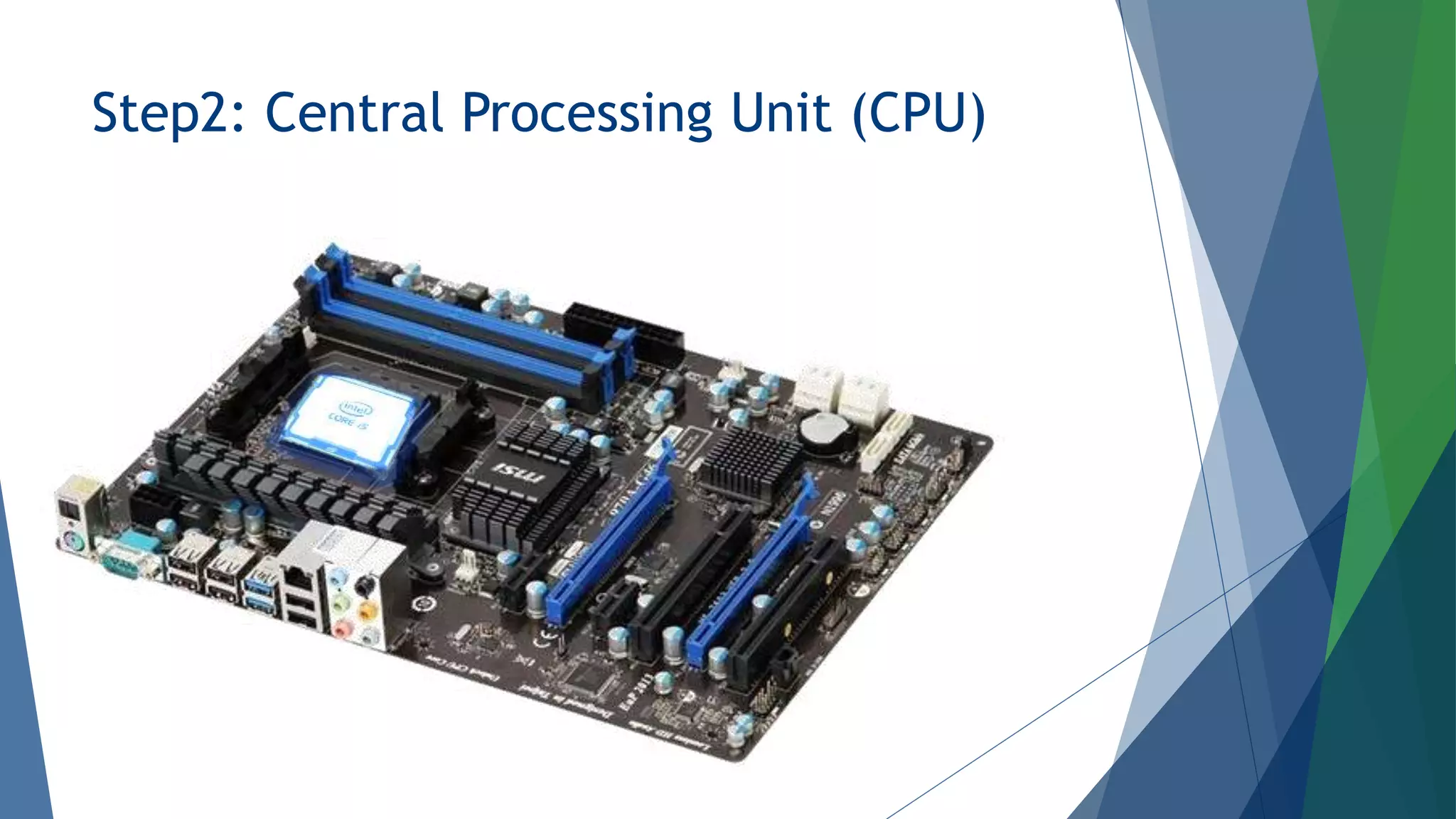
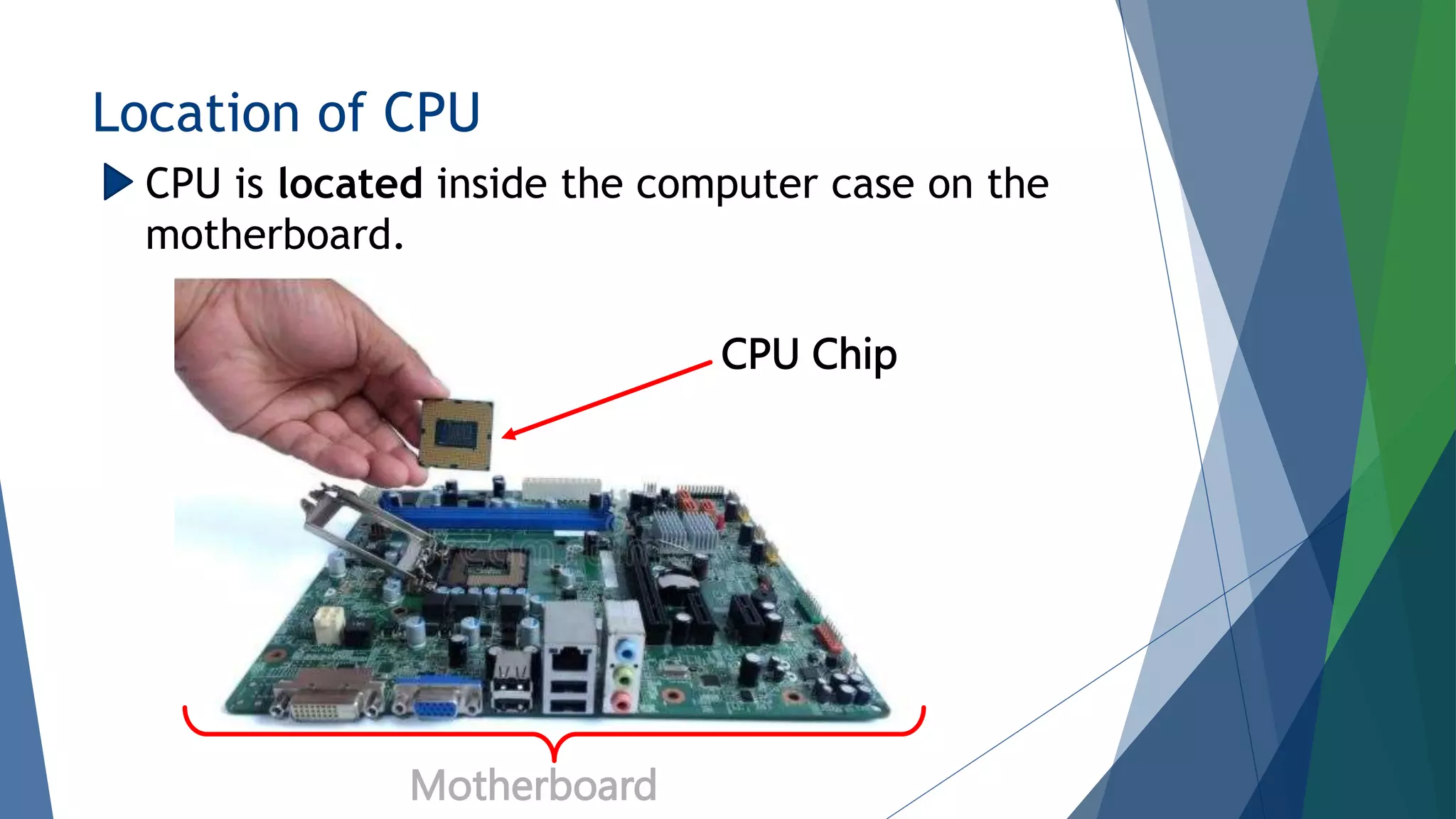
Location of CPU
CPU Chip
Motherboard
CPU is located inside the computer case on the
motherboard.
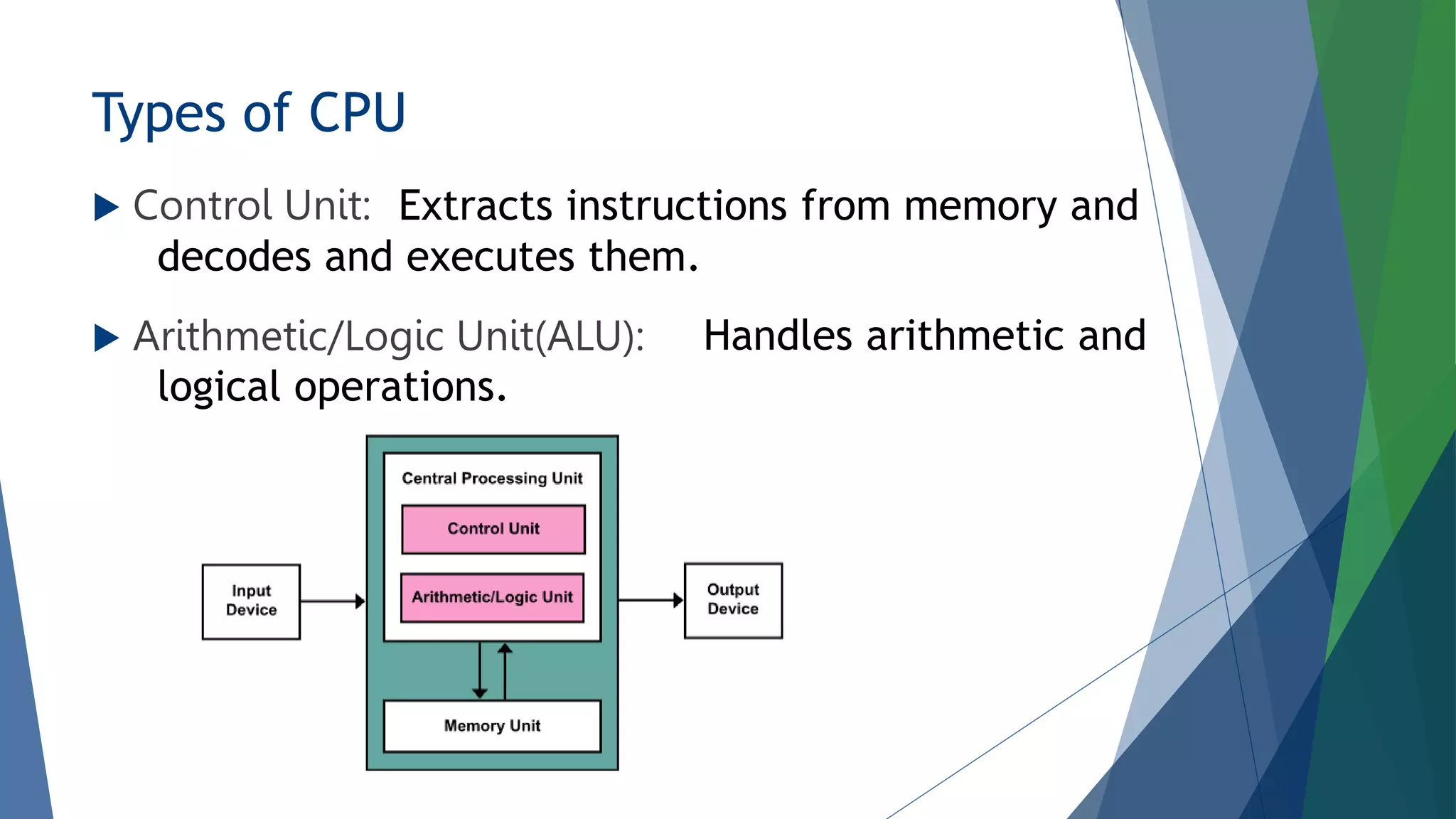
Types of CPU
 Control Unit:
 Arithmetic/Logic Unit(ALU):
Extracts instructions from memory and
decodes and executes them.
Handles arithmetic and
logical operations.
Have Any Questions ??
Thank You

SE112-presentation-6.pptx

  • 1.
    Presentation On Input/output Devices& Central Processing Unit (CPU) Course Title: Software Engineering Course Code: CSE333
  • 2.
    Presented By Habibur RahmanHemal #ID: 201-15-3697 Submitted To Ms. Taslima Ferdaus Shuva Senior Lecturer Dept. Of CSE Daffodil International University
  • 3.
    Step1: Input /Output Devices
  • 4.
  • 5.
    Details On InputDevices  Keyboard: Keyboard is one of the most uses input device. Keyboard is used to enter the data or information which may be in numerical or alphabetical form. There are different keys in keyboard.
  • 6.
     Numerical Keys: Alphabetic Keys:  Functional Keys: Numerical keys contains number from 0-9 Alphabetic keys contains alphabet from A-Z Functional keys are programable keys. That’s are the programs can assign some specific actions.
  • 7.
    More some mostuses keys are… Escape Key Alter Key Space Key Shift Key Control Key Arrow Keys Enter Key Backspace Tab Key
  • 8.
    Mouse: Mouse is asmall hand devise which having tow or three button on its upper side and also has a small wheel between the button. It is a pointing device which provide means to input data in monitor. The mouse may be use to position the cursor on screen move as object by dragging an object by clicking. We also done some work of keyboard by clicking mouse.
  • 9.
    Joystick: Optical Pen: It isa device that move in all direction and controls the movement of cursor. Optical pen is hand held electronically pointing device which is used for making drawings graphic on screen.
  • 10.
    Details On OutputDevice Monitor: Monitor is also known as visual display unit. The monitor is provide along with computer to view the display result. There are two types of monitor.
  • 11.
    1.Monocrome Display Monitor: 2.ColorDisplay Monitor: Mono Chrome Display Monitor uses only one color to display text. Color Display Monitor can displayed 256 color at a time.
  • 12.
    Printer: Printer is mostimportant output device which use to print information in a paper. There are two types of Printer.
  • 13.
    1.Impact Printer : 2.Non-ImpactPrinter: The printer that print the character by striking against the ribbon are called impect printer. The printer that print the character without striking against the ribbon are called non impact printer. Non-Impact printer print a complete page at a time.
  • 14.
    Speaker: Speaker is alsoan output device. Speaker receive sound in form of electric current.
  • 15.
  • 16.
    What is CPU? CPU Stands for "Central Processing Unit." The CPU is the primary component of a computer that processes instructions. Sometimes it calls The brain of a computer.
  • 17.
    History Of CPU TheCPU was first developed at Intel with the help of Ted Hoff and Others in the early 1970s. The first processor released by Intel was the 4004 processor, shown in the picture to the right. Early CPUs were custom designs for used as part of a larger and sometimes distinctive computer.
  • 19.
    Intel Core i9 Introducein 2017 Recently in 2018 Intel Released a new edition of Corei9 which is specialized for Mobile Processor for the first time.
  • 20.
    Location of CPU CPUChip Motherboard CPU is located inside the computer case on the motherboard.
  • 21.
    Types of CPU Control Unit:  Arithmetic/Logic Unit(ALU): Extracts instructions from memory and decodes and executes them. Handles arithmetic and logical operations.
  • 22.
  • 23.