Recommended
PPTX
Introduction to Computer and its features
PPTX
Fundamentals of computer Part 1
PPTX
PPTX
PPTX
G10-PPT-COMPUTER-HARDWARE-AND-SOFTWARE-2025.pptx
PPTX
PDF
Random 120507151041-phpapp02
PPTX
SE112-presentation-6.pptx
PPTX
TOPIC 2 ICT class notes for computer .pptx
PDF
ICTlecture2 for 1st Semester Students of BS(CS)
PPTX
NCERT_with_Examples basic example of the
PPTX
PPTX
Computer skills lessons number2 notes.pptx
PPT
04. features hardware and software - ipo of computer
PPTX
Understanding-the-Computer-System powerpoint
PPTX
PDF
10 css week 2 hardware and-software-ipos_
PPT
Basic foundamental of_computer
PPTX
PDF
Introduction to computer pdf
PPTX
Fundamentdwqewals_of_computerComputer.pptx
PDF
DOC
Introduction to computer modified 2015
PPTX
lesson_1_Introduction_to_computers_pptx.pptx
PPTX
PPTX
Chapter 4 Unit1Computer system organization.pptx
PDF
Introduction to computer pdf
PDF
PDF
Purple & White Business Professional Presentation.pdf
PDF
Picanol Omniplus 800 Electrical faults.pdf
More Related Content
PPTX
Introduction to Computer and its features
PPTX
Fundamentals of computer Part 1
PPTX
PPTX
PPTX
G10-PPT-COMPUTER-HARDWARE-AND-SOFTWARE-2025.pptx
PPTX
PDF
Random 120507151041-phpapp02
PPTX
SE112-presentation-6.pptx
Similar to Class_9_Computer_Science_Chapter_1_Presentation.pptx
PPTX
TOPIC 2 ICT class notes for computer .pptx
PDF
ICTlecture2 for 1st Semester Students of BS(CS)
PPTX
NCERT_with_Examples basic example of the
PPTX
PPTX
Computer skills lessons number2 notes.pptx
PPT
04. features hardware and software - ipo of computer
PPTX
Understanding-the-Computer-System powerpoint
PPTX
PDF
10 css week 2 hardware and-software-ipos_
PPT
Basic foundamental of_computer
PPTX
PDF
Introduction to computer pdf
PPTX
Fundamentdwqewals_of_computerComputer.pptx
PDF
DOC
Introduction to computer modified 2015
PPTX
lesson_1_Introduction_to_computers_pptx.pptx
PPTX
PPTX
Chapter 4 Unit1Computer system organization.pptx
PDF
Introduction to computer pdf
PDF
Recently uploaded
PDF
Purple & White Business Professional Presentation.pdf
PDF
Picanol Omniplus 800 Electrical faults.pdf
PDF
mod4_wired_DF_5-24 QC.pdf gggggggggggggg
PPTX
Data-Communication-Connecting-the-Digital-World.pptx
DOC
QuickBooks Proadvisor Desktop 2025 support number in San Jos.doc
PPTX
Random_Presentation_1 sie ejebbsjsnseu shbes
PDF
New Holland B95C B95CTC B95CLR B95CLR Operator Manual
PDF
motooooooooooooooooooooooooooooooooooooooooooooooooor.pdf
PDF
GreenRoute_Presentation_CE-UY4833_FV.pdf
PDF
John Deere 430 Lawn Garden Tractors Service Manual.pdf
PDF
John Deere 322 Lawn Garden Tractors Technical Manual.pdf
PDF
osward@1234567789876654_&67546450091.pdf
PDF
Claas VARIANT 455 Workshop and Maintenance Manual
PDF
New Holland TN95FA 4WD Tractor Excavator Manual.pdf
PDF
trust paypal.pdf Buy Verified PayPal Accounts
PDF
The all-new Kia Seltos: Bolder design, refined comfort
PPTX
Old_English_Presentation pppt presentsatoion(1).pptx
PDF
John Deere CT322 Compact Track Loader Service Repair Manual (TM2152).pdf
PPTX
AI Tech Agency Infographics by Slidesgo.pptx
PPTX
BRITISH and UZBEK national food, BRITISH and UZBEK national food
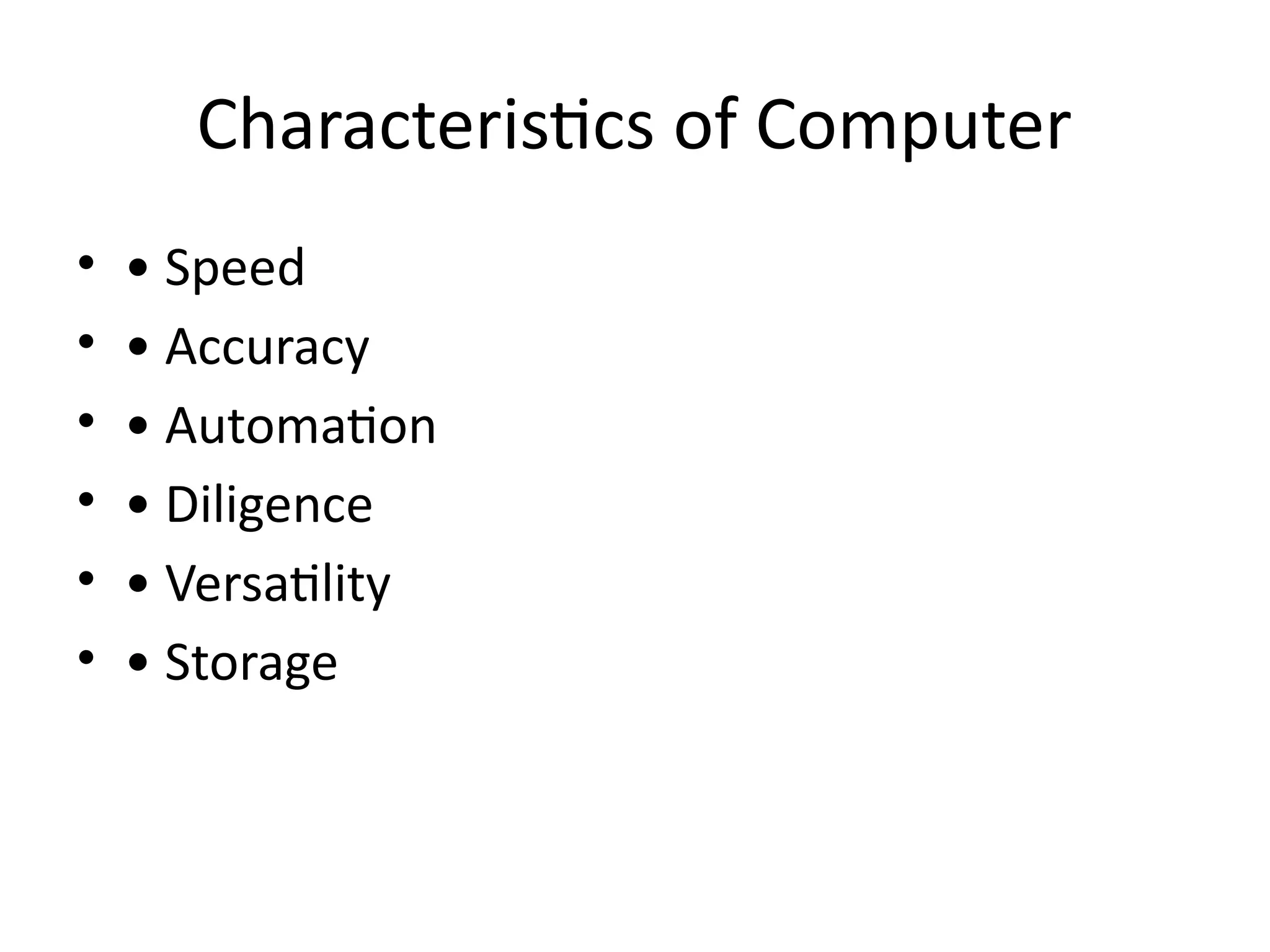
Class_9_Computer_Science_Chapter_1_Presentation.pptx 1. 2. What is a Computer?
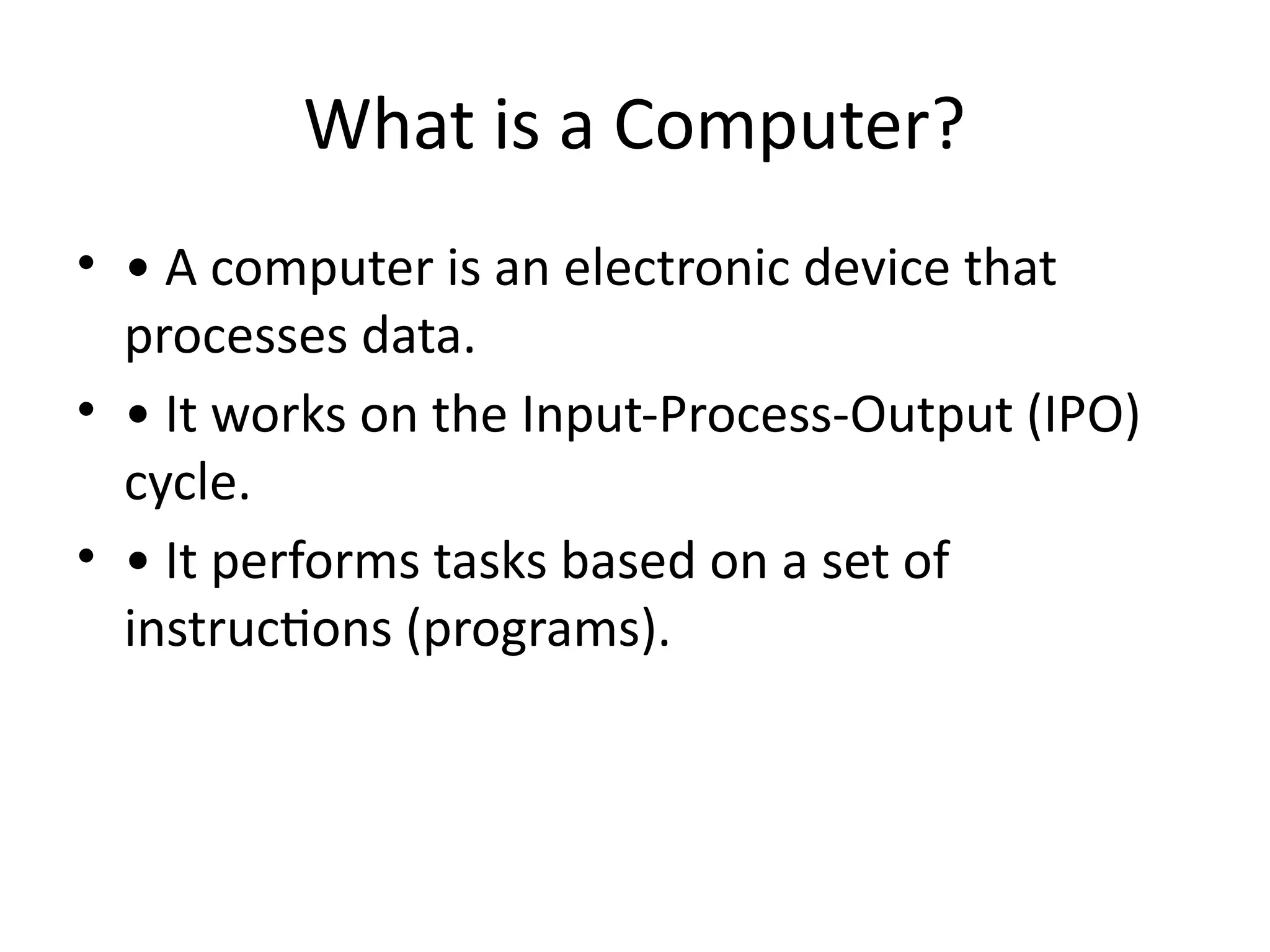
• • A computer is an electronic device that
processes data.
• • It works on the Input-Process-Output (IPO)
cycle.
• • It performs tasks based on a set of
instructions (programs).
3. IPO Cycle
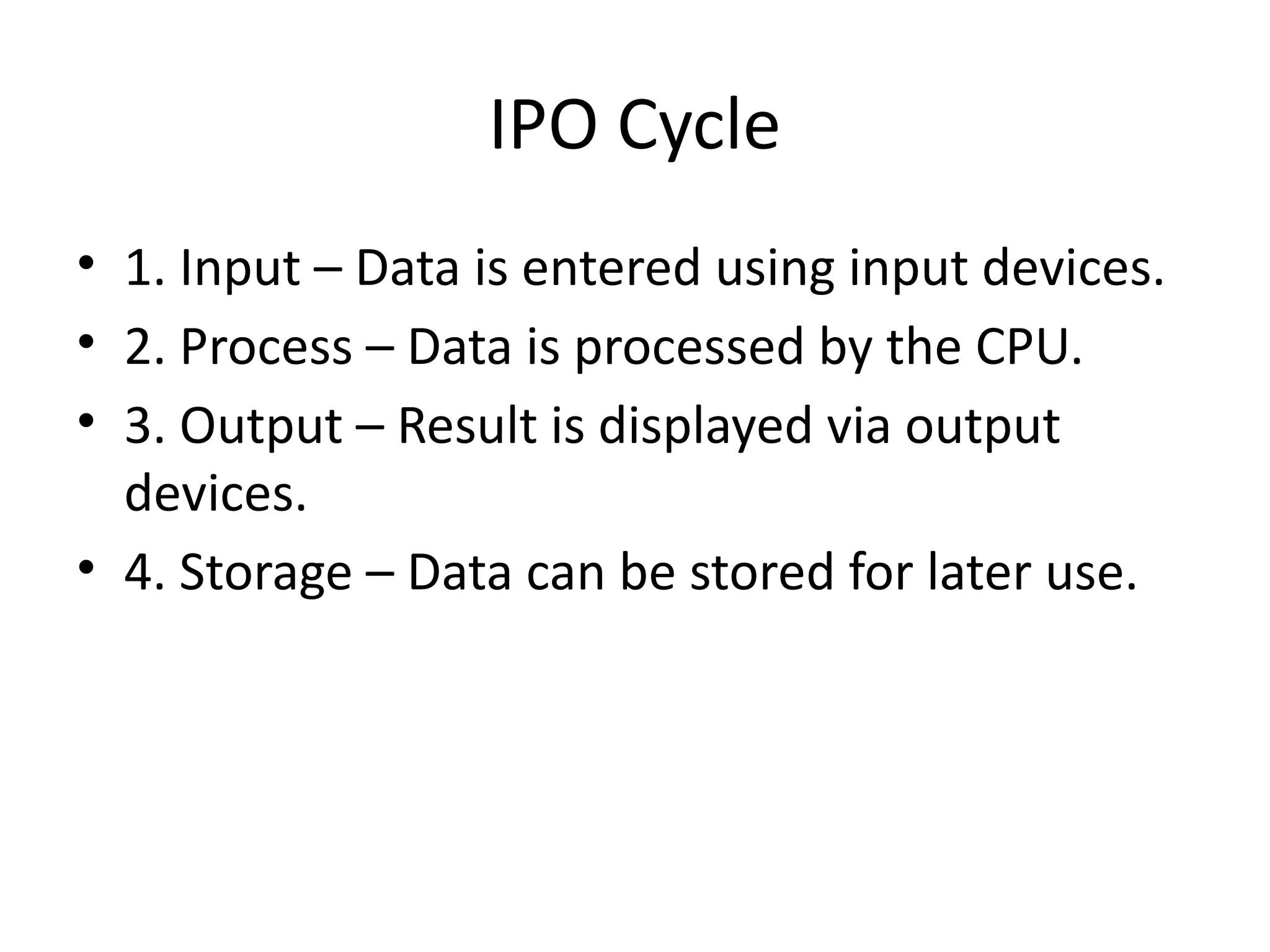
• 1. Input – Data is entered using input devices.
• 2. Process – Data is processed by the CPU.
• 3. Output – Result is displayed via output
devices.
• 4. Storage – Data can be stored for later use.
4. Input Devices
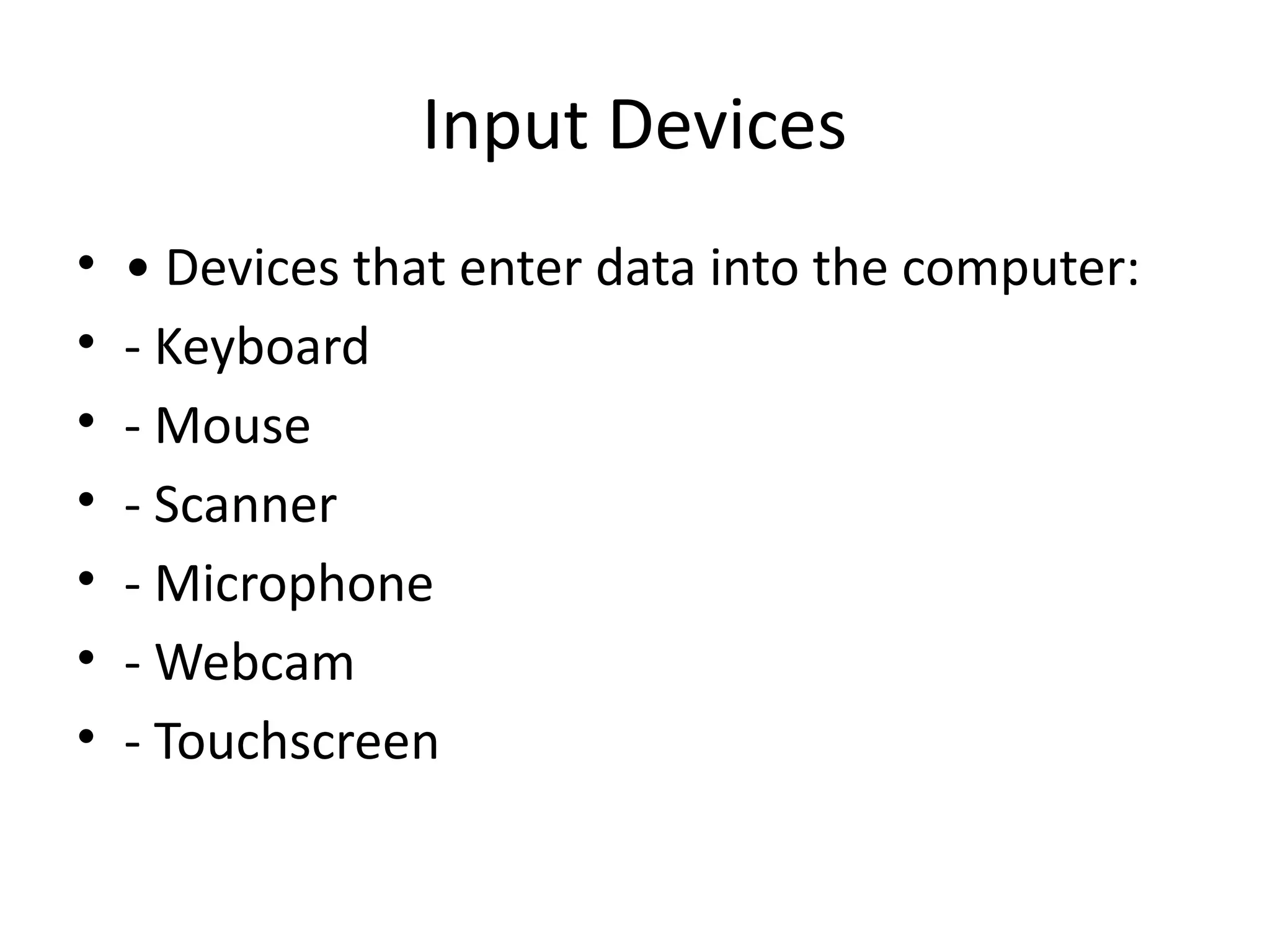
• • Devices that enter data into the computer:
• - Keyboard
• - Mouse
• - Scanner
• - Microphone
• - Webcam
• - Touchscreen
5. Output Devices
• • Devices that display or present processed
data:
• - Monitor
• - Printer
• - Speakers
• - Headphones
• - Projector
6. Storage Devices
• • Devices used to store data:
• - RAM, ROM (Primary)
• - HDD, SSD, USB, CD/DVD (Secondary)
7. CPU and Its Units
• • CPU: Central Processing Unit - brain of the
computer.
• • ALU – Performs calculations.
• • CU – Controls operations.
• • Registers – Temporary memory inside CPU.
8. Hardware vs Software
• • Hardware: Physical parts (e.g., monitor,
keyboard).
• • Software: Programs/instructions (e.g., MS
Word, Windows).
• • Types of Software: System and Application
software.
9. 10. Summary
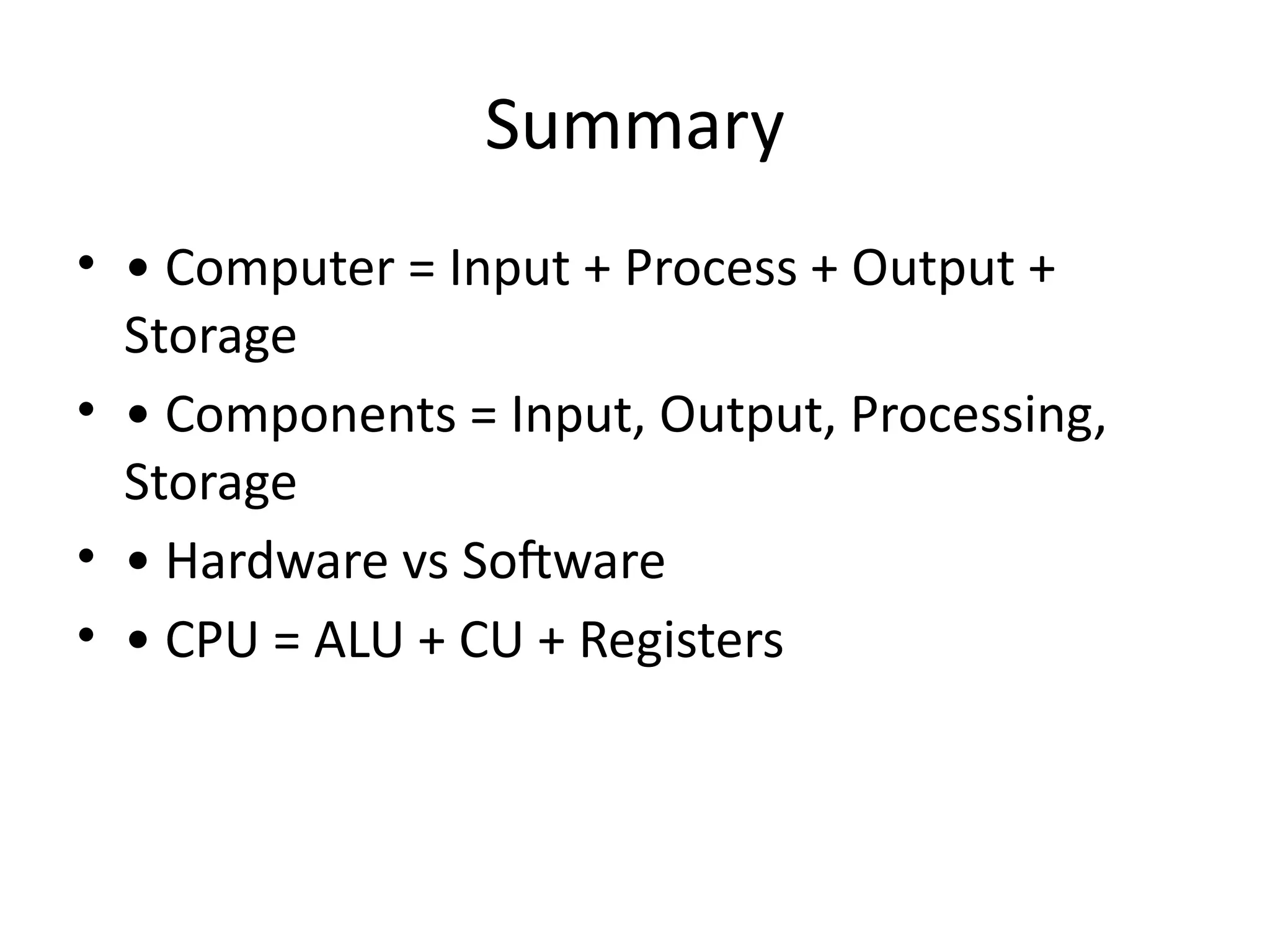
• • Computer = Input + Process + Output +
Storage
• • Components = Input, Output, Processing,
Storage
• • Hardware vs Software
• • CPU = ALU + CU + Registers