Screen Grabs
From the editing process
Sound in Final Cut.
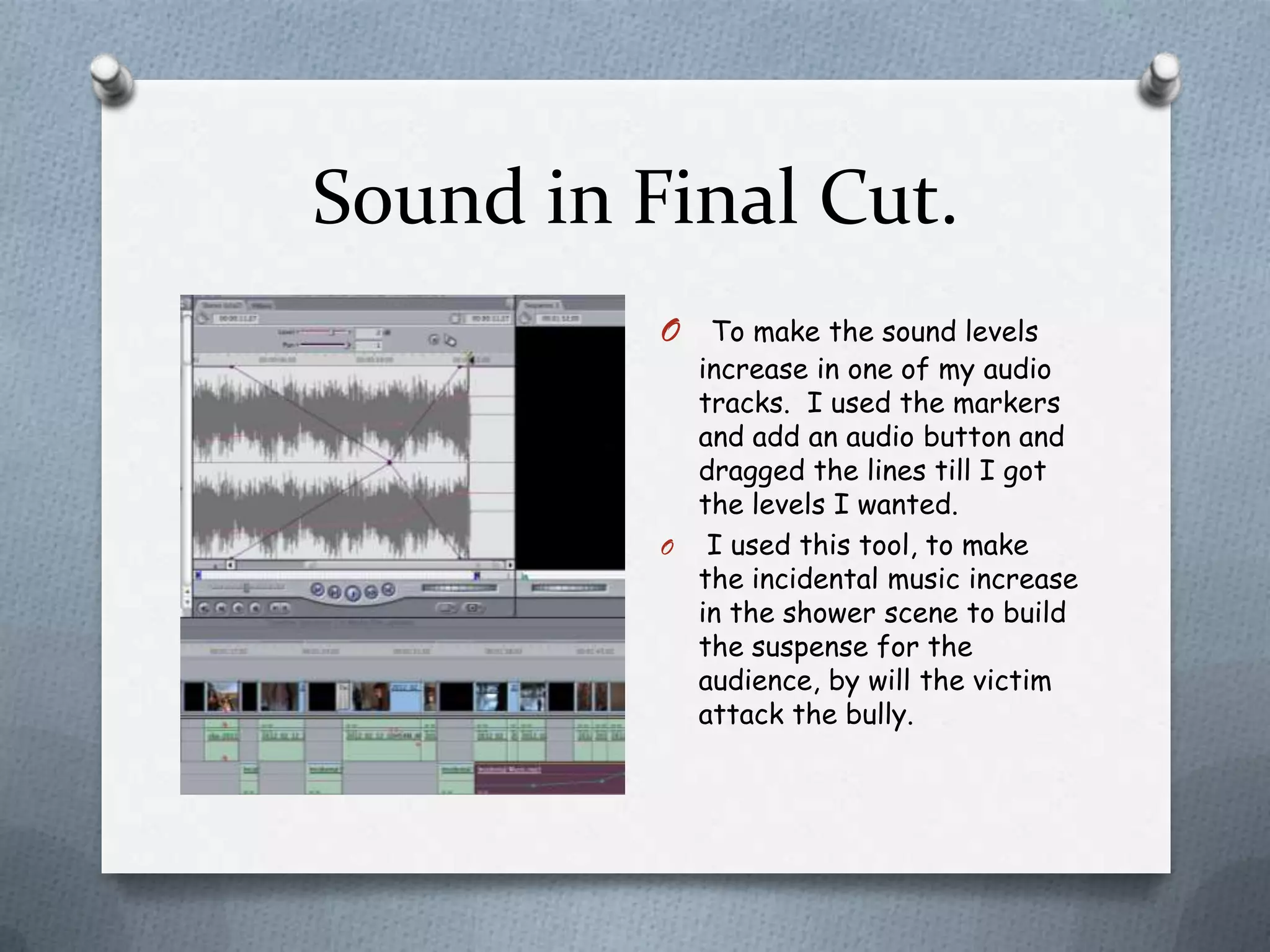
          O  To make the sound levels
            increase in one of my audio
            tracks. I used the markers
            and add an audio button and
            dragged the lines till I got
            the levels I wanted.
          O I used this tool, to make
            the incidental music increase
            in the shower scene to build
            the suspense for the
            audience, by will the victim
            attack the bully.
Adding transitions Final Cut.
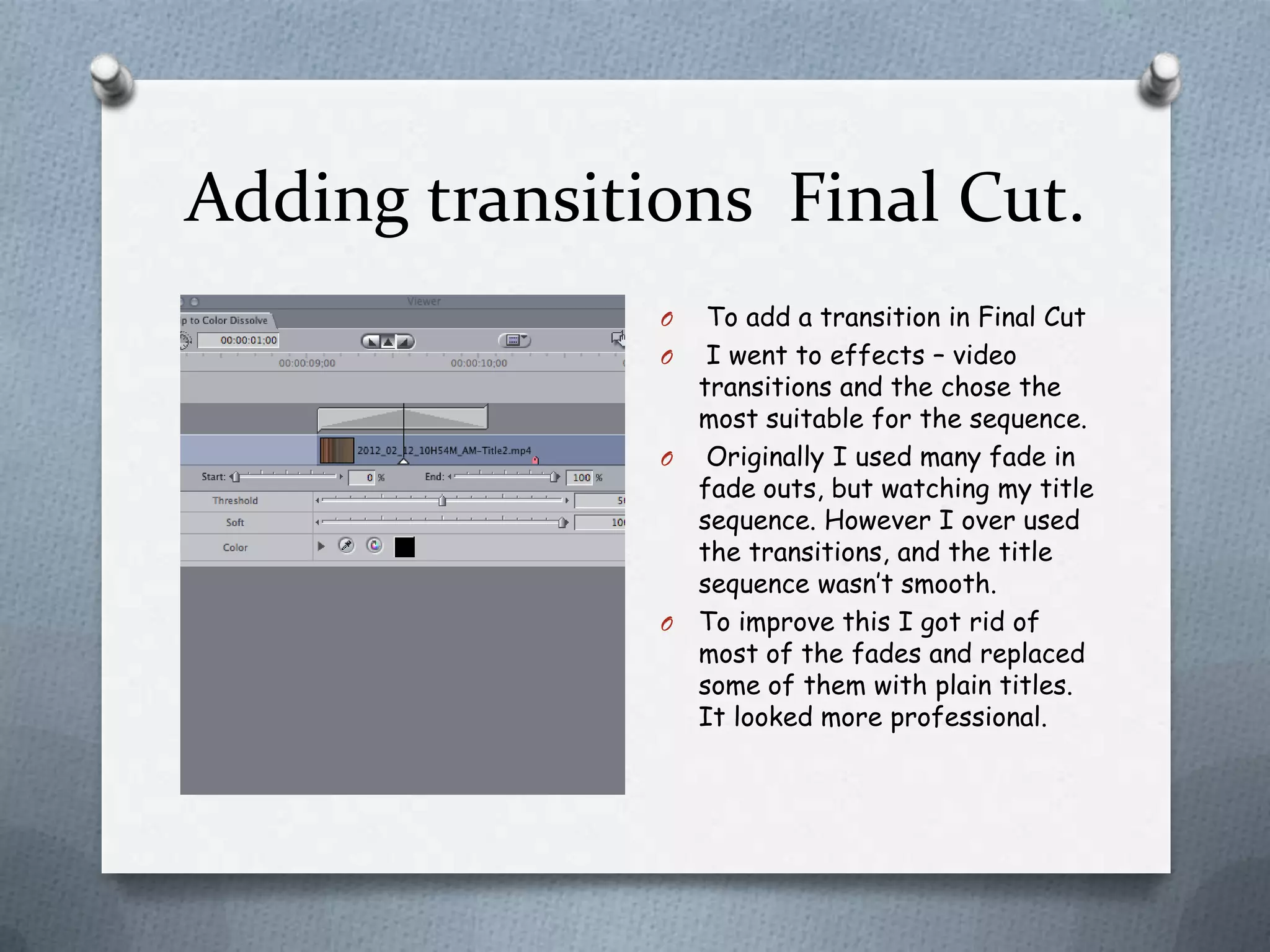
               O  To add a transition in Final Cut
               O I went to effects – video
                 transitions and the chose the
                 most suitable for the sequence.
               O Originally I used many fade in
                 fade outs, but watching my title
                 sequence. However I over used
                 the transitions, and the title
                 sequence wasn’t smooth.
               O To improve this I got rid of
                 most of the fades and replaced
                 some of them with plain titles.
                 It looked more professional.
Adding Titles on Final Cut.
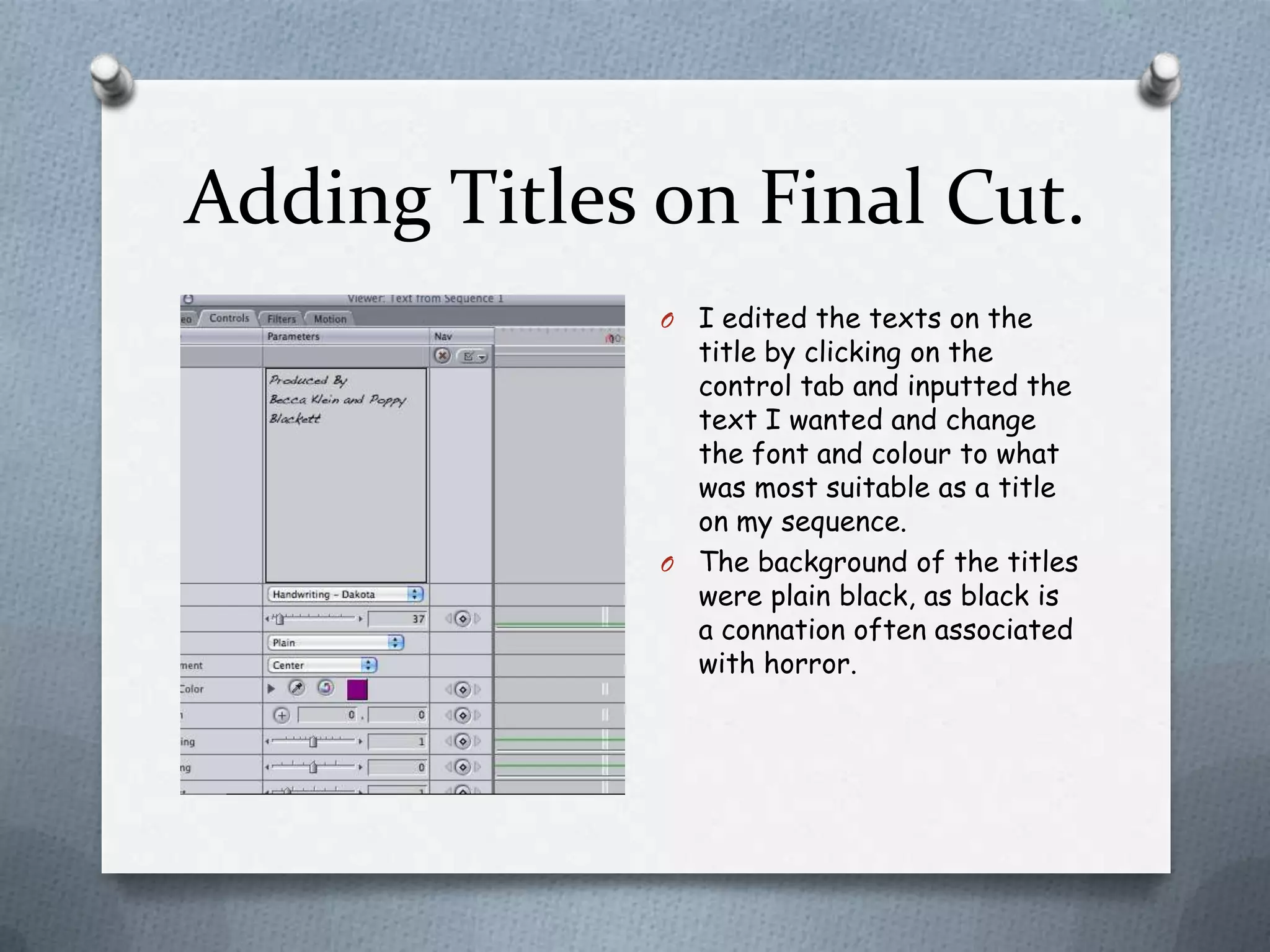
              O I edited the texts on the
                title by clicking on the
                control tab and inputted the
                text I wanted and change
                the font and colour to what
                was most suitable as a title
                on my sequence.
              O The background of the titles
                were plain black, as black is
                a connation often associated
                with horror.
Importing Clips in to Final Cut
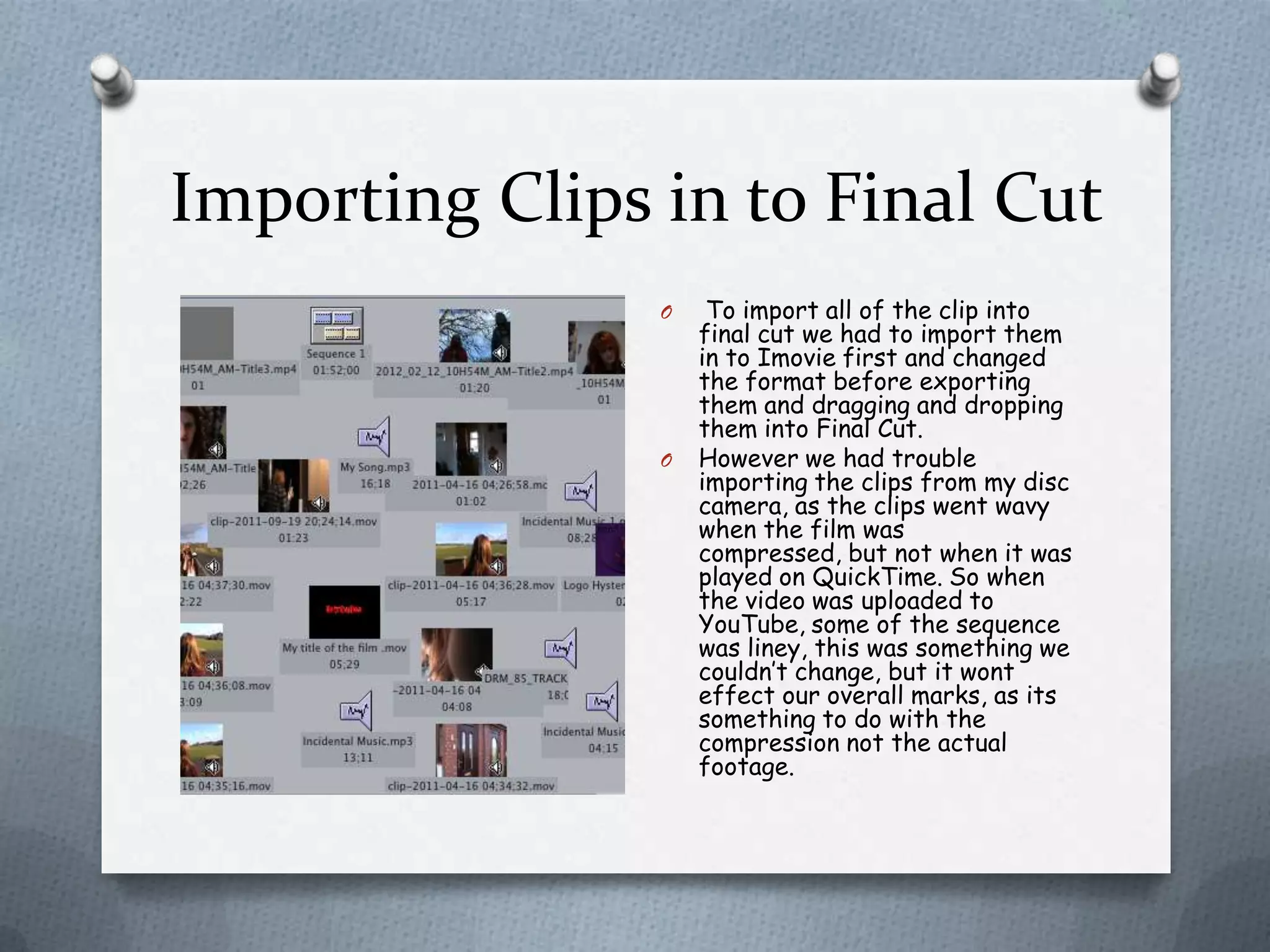
                O    To import all of the clip into
                    final cut we had to import them
                    in to Imovie first and changed
                    the format before exporting
                    them and dragging and dropping
                    them into Final Cut.
                O   However we had trouble
                    importing the clips from my disc
                    camera, as the clips went wavy
                    when the film was
                    compressed, but not when it was
                    played on QuickTime. So when
                    the video was uploaded to
                    YouTube, some of the sequence
                    was liney, this was something we
                    couldn’t change, but it wont
                    effect our overall marks, as its
                    something to do with the
                    compression not the actual
                    footage.
GarageBand
     O We used garage band to create
       our incidental music, because
       there was a variety of loops
       that you can mix together
       shorten, but also layer up to
       create a whole new sound.
     O With our incidental music we
       specified in the loops, that we
       wanted minor music because
       minor drone tones are used in
       horror films.
     O Then I clicked the dark tab and
       chose a loop most suitable for
       our title sequence and
       exported it as an Mp3.
Live Type
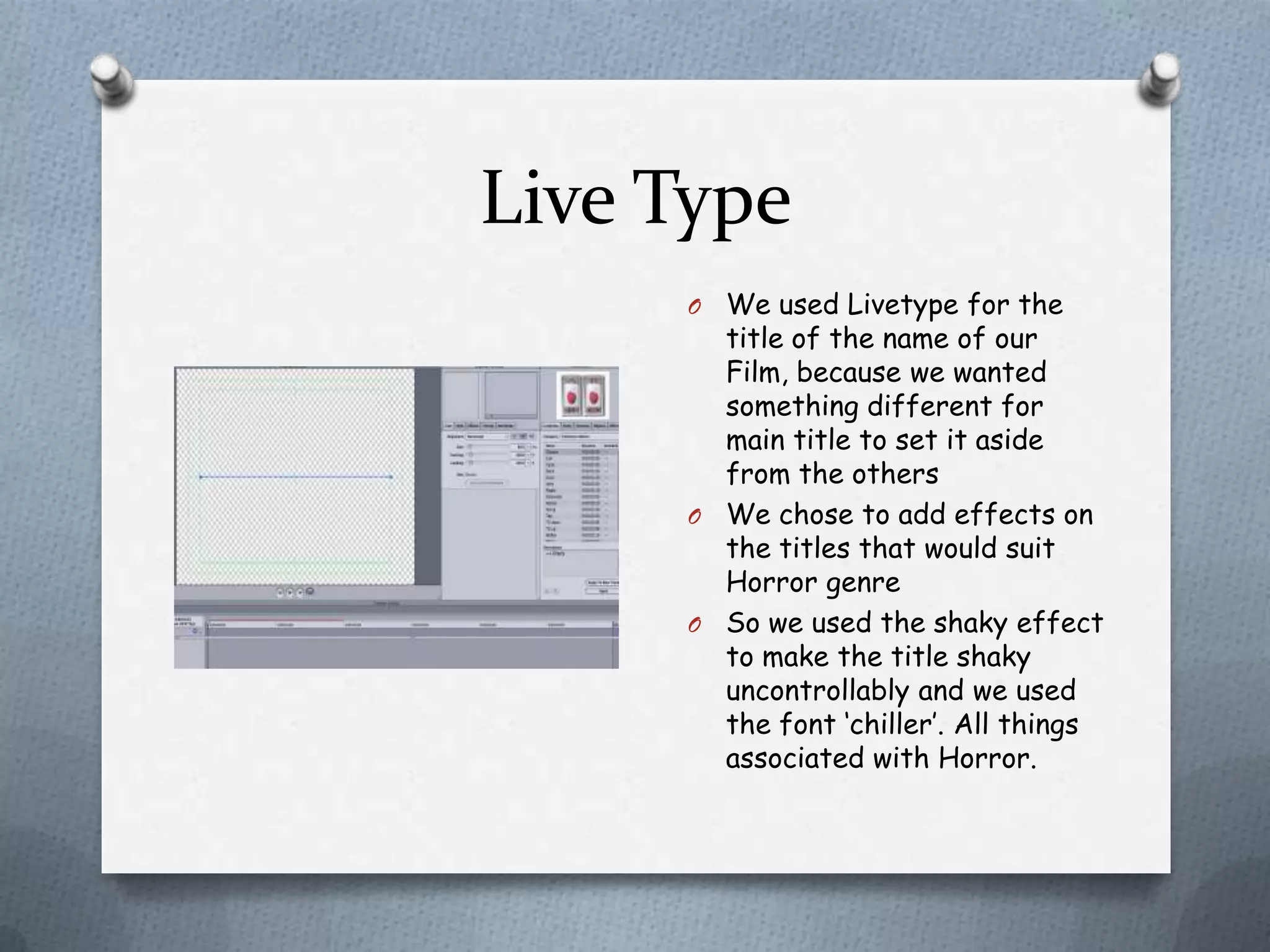
     O We used Livetype for the
       title of the name of our
       Film, because we wanted
       something different for
       main title to set it aside
       from the others
     O We chose to add effects on
       the titles that would suit
       Horror genre
     O So we used the shaky effect
       to make the title shaky
       uncontrollably and we used
       the font ‘chiller’. All things
       associated with Horror.

Screengrabs of the editing process

  • 1.
    Screen Grabs From theediting process
  • 2.
    Sound in FinalCut. O To make the sound levels increase in one of my audio tracks. I used the markers and add an audio button and dragged the lines till I got the levels I wanted. O I used this tool, to make the incidental music increase in the shower scene to build the suspense for the audience, by will the victim attack the bully.
  • 3.
    Adding transitions FinalCut. O To add a transition in Final Cut O I went to effects – video transitions and the chose the most suitable for the sequence. O Originally I used many fade in fade outs, but watching my title sequence. However I over used the transitions, and the title sequence wasn’t smooth. O To improve this I got rid of most of the fades and replaced some of them with plain titles. It looked more professional.
  • 4.
    Adding Titles onFinal Cut. O I edited the texts on the title by clicking on the control tab and inputted the text I wanted and change the font and colour to what was most suitable as a title on my sequence. O The background of the titles were plain black, as black is a connation often associated with horror.
  • 5.
    Importing Clips into Final Cut O To import all of the clip into final cut we had to import them in to Imovie first and changed the format before exporting them and dragging and dropping them into Final Cut. O However we had trouble importing the clips from my disc camera, as the clips went wavy when the film was compressed, but not when it was played on QuickTime. So when the video was uploaded to YouTube, some of the sequence was liney, this was something we couldn’t change, but it wont effect our overall marks, as its something to do with the compression not the actual footage.
  • 6.
    GarageBand O We used garage band to create our incidental music, because there was a variety of loops that you can mix together shorten, but also layer up to create a whole new sound. O With our incidental music we specified in the loops, that we wanted minor music because minor drone tones are used in horror films. O Then I clicked the dark tab and chose a loop most suitable for our title sequence and exported it as an Mp3.
  • 7.
    Live Type O We used Livetype for the title of the name of our Film, because we wanted something different for main title to set it aside from the others O We chose to add effects on the titles that would suit Horror genre O So we used the shaky effect to make the title shaky uncontrollably and we used the font ‘chiller’. All things associated with Horror.