SCIENTIFIC CALCULATOR.....
PRESENTED BY
NAME ID
ANKUR JAIN 1411981030
ANKUSH SHARMA 1411981042
ANUJ PUNDIR 1411981046
CONTENTS…
INRODUCTION
BASIC FUNCTIONS
DESCRIPTION
IMPROVEMENT
POCKET CALCULATOR
PROGRAMMING CALCULATOR
APPLICATIONS
FUTURE SCOPE
REFERENCES
INTRODUCTION…
The calculator was written by ROLF HAWARTH in 1996
A fully featured scientific calculator with proper operator precedence is implemented,
including trig functions and logarithms, factorials, 12 levels of parentheses, logs to base 2
(a handy function for information entropists!), bitwise logical operators,
binary and ASCII display.
The calculator is written in JavaScript and you are welcome to view the JavaScript source
(visible within the HTML page) for personal educational purposes as long as you
recognize that it is copyrighted and
available as part of Hummingbird's Enterprise Information Portal
licensing the calculator should be directed to Hummingbird Ltd.
BASIC FUNCTIONS…
• ADDITION
• SUBTRACTION
• MULTIPLICATION
• DIVISION
• SQUARE
• SQUARE ROOT
• RAISE TO THE POWER
• LOGARITHM
DESCRIPTIONS…
Addition
 The addition (sum function) is used by clicking on the "+" button or using the keyboard.
 The function results in a+b.
Subtraction
 The subtraction (minus function) is used by clicking on the "-" button or using the
 keyboard. The function results in a-b.
Multiplication
 The multiplication (times function) is used by clicking on the "x" button or using the
 keyboard "*" key. The function results in a*b.
Division
 The division (divide function) is used by clicking on the "/" button or using the keyboard
 "/" key. The function results in a/b.
 Square
 The square function is used by clicking on the "x^2" button or type "^2". The
function
 results in x*x.
Square Root
 The square root function is used by clicking on the "x" button or type "sqrt()". This
 function represents x^.5 where the result squared is equal to x.
Raise to the Power
 The raise to the power (y raised to the x function) is used by clicking on the "y^x"
button
 or type "^".
Logarithm
 The logarithm (LOG) is used by clicking on the "LOG" button or type "LOG()".
 Sin, Cos, Tan, Cosec, Sec, Cot
DEVELOPMENT…
 The first mainframe computers, using firstly vacuum tubes and later
transistors in the logic circuits.
 It appeared in the 1940s and 1950s.
 The Casio Computer Company, in Japan, released the Model 14-A calculator in
1957.
 It was the world's first all-electric (relatively) "compact" calculator. It did not
use electronic logic.
 It was based on relay technology, and was built into a desk.
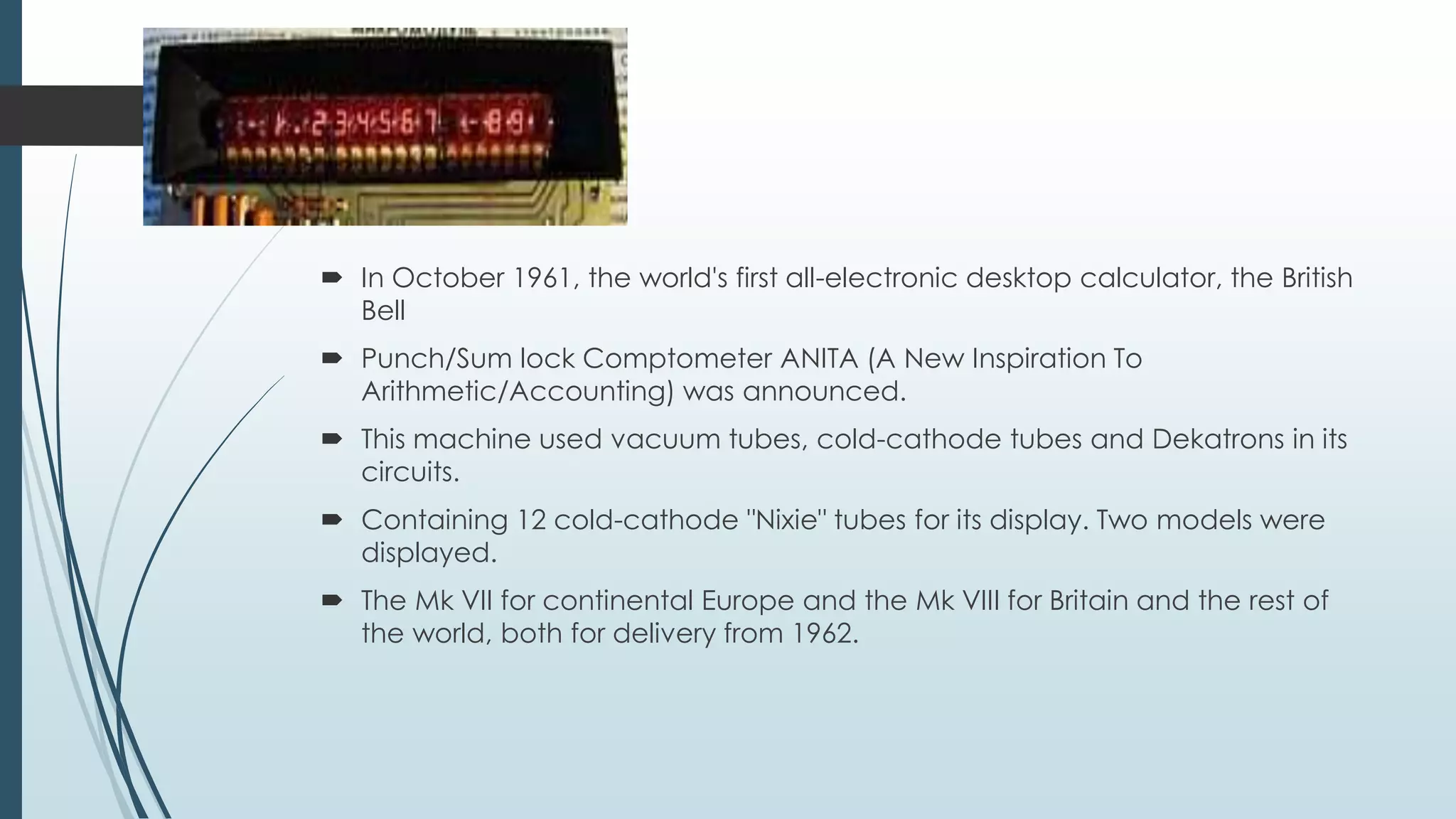
 In October 1961, the world's first all-electronic desktop calculator, the British
Bell
 Punch/Sum lock Comptometer ANITA (A New Inspiration To
Arithmetic/Accounting) was announced.
 This machine used vacuum tubes, cold-cathode tubes and Dekatrons in its
circuits.
 Containing 12 cold-cathode "Nixie" tubes for its display. Two models were
displayed.
 The Mk VII for continental Europe and the Mk VIII for Britain and the rest of
the world, both for delivery from 1962.
POCKET CALCULATOR…
By 1970, a calculator could be made using just a few chips of low power consumption, allowing
portable models powered from rechargeable batteries. The first portable calculators appeared
in Japan in 1970, and were soon marketed around the world. These included the Sanyo ICC-0081
"Mini Calculator", the Canon Pocketronic, and the Sharp QT-8B "micro Compet". The Canon
Pocketronic was a development of the "Cal-Tech" project which had been started at Texas
Instruments in 1965 as a research project to produce a portable calculator. The Pocketronic has
no traditional display; numerical output is on thermal paper tape. As a result of the "Cal-Tech"
project, Texas Instruments was granted master patents on portable calculators.
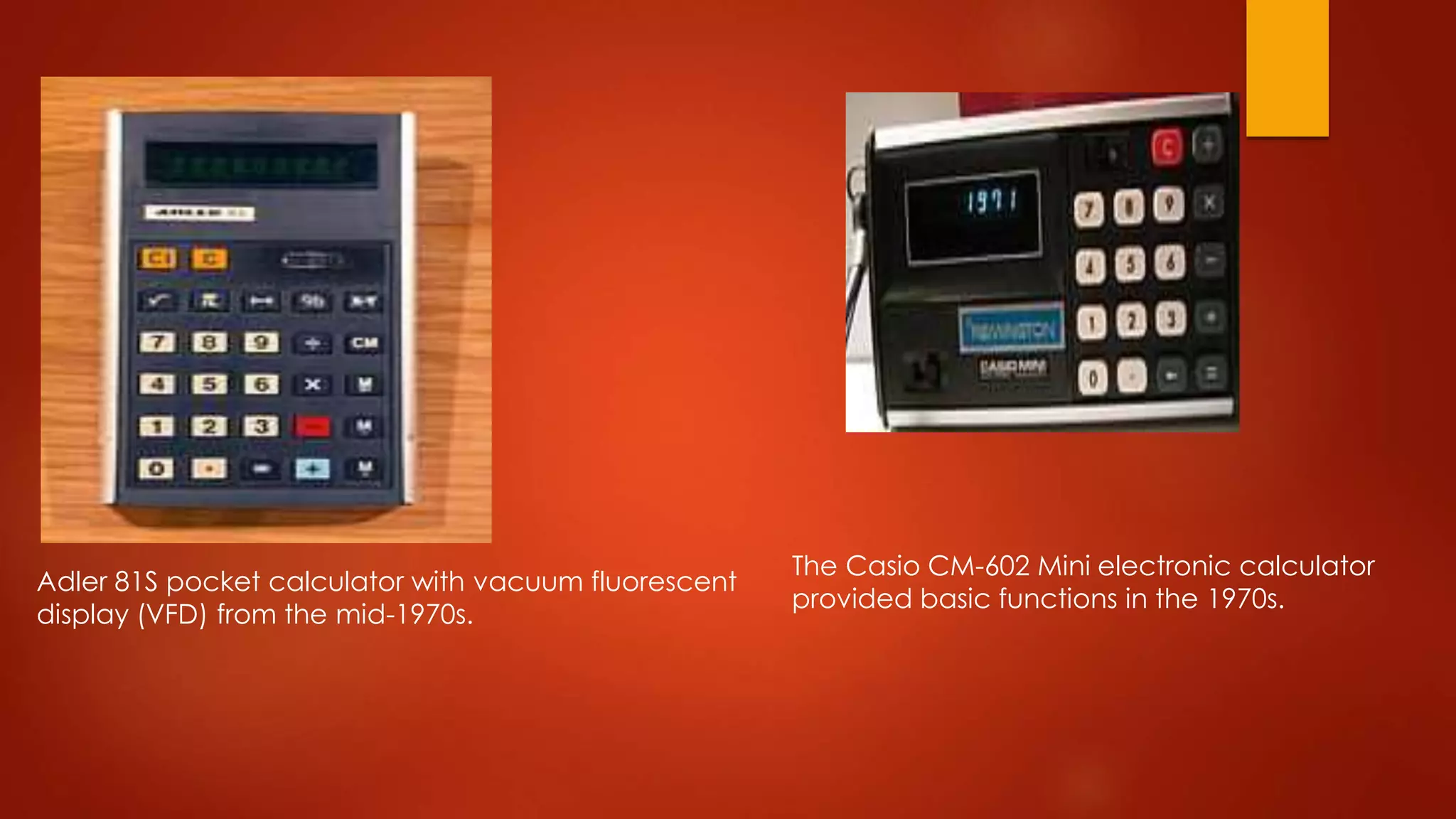
Adler 81S pocket calculator with vacuum fluorescent
display (VFD) from the mid-1970s.
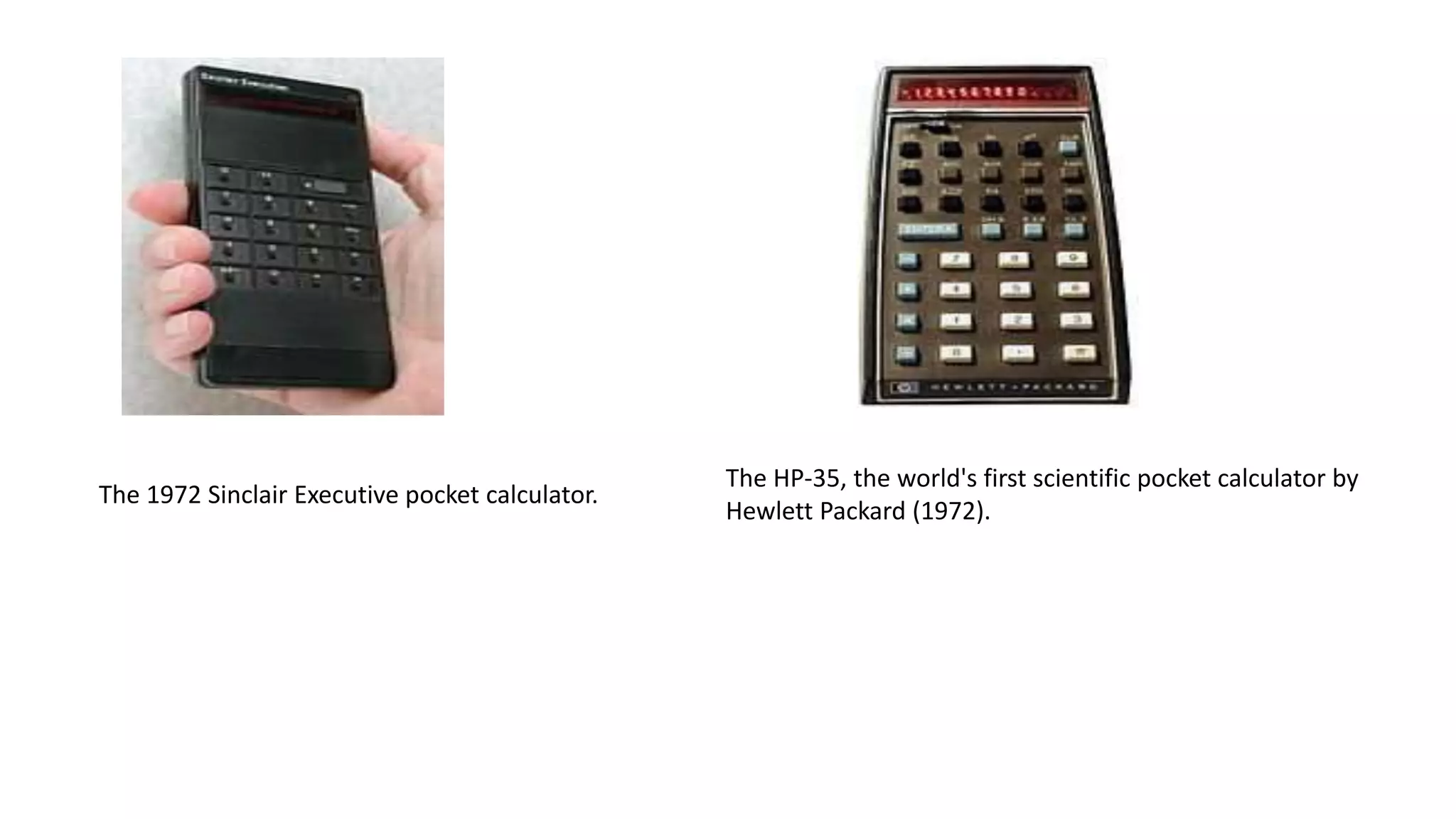
The Casio CM-602 Mini electronic calculator
provided basic functions in the 1970s.
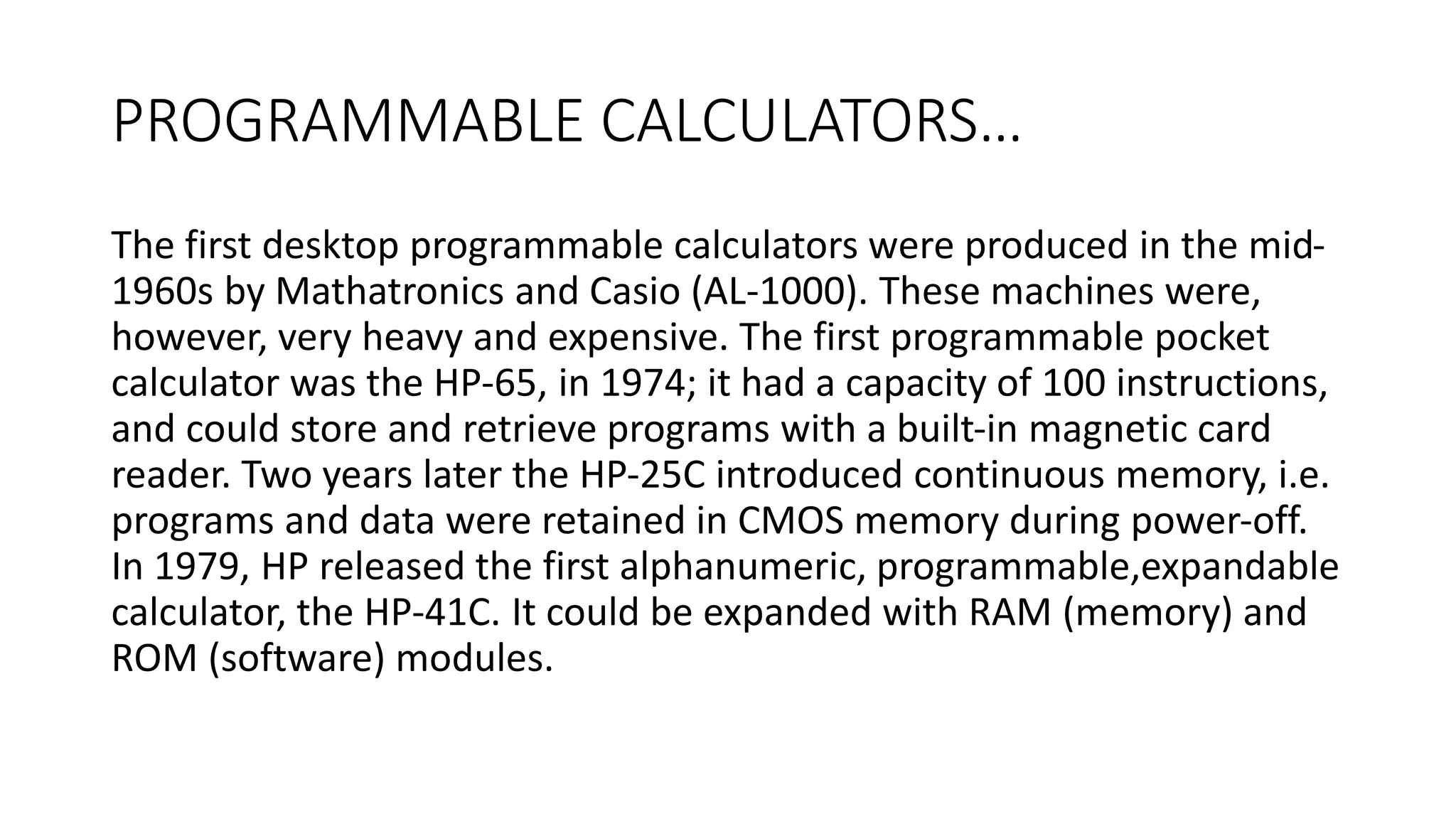
The 1972 Sinclair Executive pocket calculator.
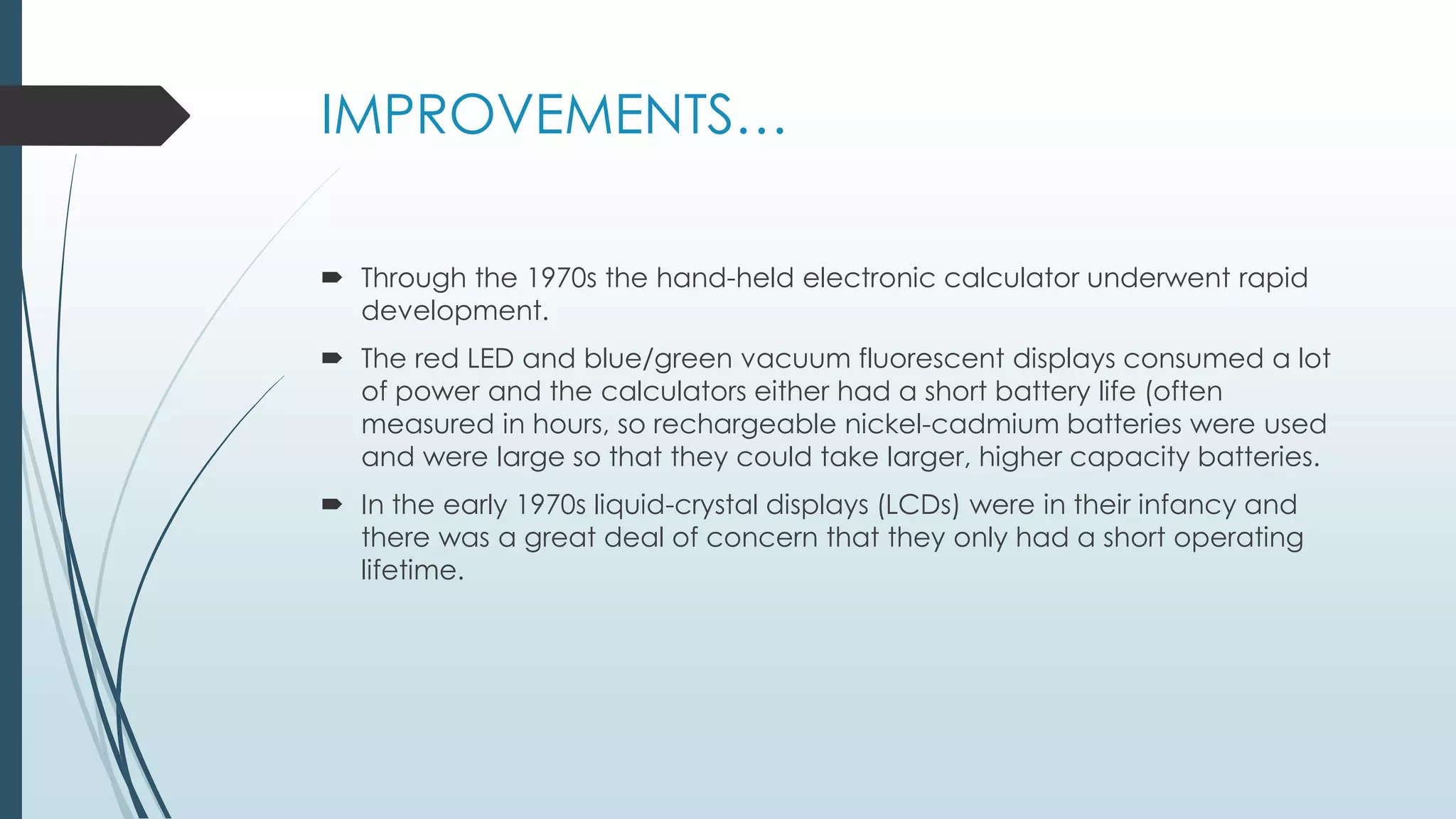
The HP-35, the world's first scientific pocket calculator by
Hewlett Packard (1972).
PROGRAMMABLE CALCULATORS…
The first desktop programmable calculators were produced in the mid-
1960s by Mathatronics and Casio (AL-1000). These machines were,
however, very heavy and expensive. The first programmable pocket
calculator was the HP-65, in 1974; it had a capacity of 100 instructions,
and could store and retrieve programs with a built-in magnetic card
reader. Two years later the HP-25C introduced continuous memory, i.e.
programs and data were retained in CMOS memory during power-off.
In 1979, HP released the first alphanumeric, programmable,expandable
calculator, the HP-41C. It could be expanded with RAM (memory) and
ROM (software) modules.
IMPROVEMENTS…
 Through the 1970s the hand-held electronic calculator underwent rapid
development.
 The red LED and blue/green vacuum fluorescent displays consumed a lot
of power and the calculators either had a short battery life (often
measured in hours, so rechargeable nickel-cadmium batteries were used
and were large so that they could take larger, higher capacity batteries.
 In the early 1970s liquid-crystal displays (LCDs) were in their infancy and
there was a great deal of concern that they only had a short operating
lifetime.
A calculator which runs on solar and battery power.
APPLICATIONS…
In most countries, students use calculators for schoolwork. There was some initial resistance to
the idea out of fear that basic arithmetic skills would suffer. There remains disagreement about
the importance of the ability to perform calculations "in the head",with some curricula
restricting calculator use until a certain level of proficiency has been obtained, while others
concentrate more on teaching estimation techniques and problem solving.Research suggests
that inadequate guidance in the use of calculating tools can restrict the kind of mathematical
thinking that students engage in. Others have argued that calculator use can even cause core
mathematical skills to atrophy, or that such use can prevent understanding of advanced
algebraic concepts.
FUTURE SCOPE…
• Our project will be able to implement in future after making some
changes and modifications as we make our project at a very low level.
So the modifications that can be done in our project are:
• To make it screen touch so no need to touch key buttons and one
more change which can be made is to add snaps of the person who
use it.
REFERENCES…
• https://bigganjogot.wordpress.com/2011/10/22/a-simple-
scientificcalculator-
• in-c-programming-language/
• 2. http://stackoverflow.com/questions/15230880/a-
scientificcalculator-
• in-c-using-functions
scientific calculator using c

scientific calculator using c

  • 1.
    SCIENTIFIC CALCULATOR..... PRESENTED BY NAMEID ANKUR JAIN 1411981030 ANKUSH SHARMA 1411981042 ANUJ PUNDIR 1411981046
  • 2.
  • 3.
    INTRODUCTION… The calculator waswritten by ROLF HAWARTH in 1996 A fully featured scientific calculator with proper operator precedence is implemented, including trig functions and logarithms, factorials, 12 levels of parentheses, logs to base 2 (a handy function for information entropists!), bitwise logical operators, binary and ASCII display. The calculator is written in JavaScript and you are welcome to view the JavaScript source (visible within the HTML page) for personal educational purposes as long as you recognize that it is copyrighted and available as part of Hummingbird's Enterprise Information Portal licensing the calculator should be directed to Hummingbird Ltd.
  • 4.
    BASIC FUNCTIONS… • ADDITION •SUBTRACTION • MULTIPLICATION • DIVISION • SQUARE • SQUARE ROOT • RAISE TO THE POWER • LOGARITHM
  • 5.
    DESCRIPTIONS… Addition  The addition(sum function) is used by clicking on the "+" button or using the keyboard.  The function results in a+b. Subtraction  The subtraction (minus function) is used by clicking on the "-" button or using the  keyboard. The function results in a-b. Multiplication  The multiplication (times function) is used by clicking on the "x" button or using the  keyboard "*" key. The function results in a*b. Division  The division (divide function) is used by clicking on the "/" button or using the keyboard  "/" key. The function results in a/b.  Square
  • 6.
     The squarefunction is used by clicking on the "x^2" button or type "^2". The function  results in x*x. Square Root  The square root function is used by clicking on the "x" button or type "sqrt()". This  function represents x^.5 where the result squared is equal to x. Raise to the Power  The raise to the power (y raised to the x function) is used by clicking on the "y^x" button  or type "^". Logarithm  The logarithm (LOG) is used by clicking on the "LOG" button or type "LOG()".  Sin, Cos, Tan, Cosec, Sec, Cot
  • 7.
    DEVELOPMENT…  The firstmainframe computers, using firstly vacuum tubes and later transistors in the logic circuits.  It appeared in the 1940s and 1950s.  The Casio Computer Company, in Japan, released the Model 14-A calculator in 1957.  It was the world's first all-electric (relatively) "compact" calculator. It did not use electronic logic.  It was based on relay technology, and was built into a desk.
  • 8.
     In October1961, the world's first all-electronic desktop calculator, the British Bell  Punch/Sum lock Comptometer ANITA (A New Inspiration To Arithmetic/Accounting) was announced.  This machine used vacuum tubes, cold-cathode tubes and Dekatrons in its circuits.  Containing 12 cold-cathode "Nixie" tubes for its display. Two models were displayed.  The Mk VII for continental Europe and the Mk VIII for Britain and the rest of the world, both for delivery from 1962.
  • 9.
    POCKET CALCULATOR… By 1970,a calculator could be made using just a few chips of low power consumption, allowing portable models powered from rechargeable batteries. The first portable calculators appeared in Japan in 1970, and were soon marketed around the world. These included the Sanyo ICC-0081 "Mini Calculator", the Canon Pocketronic, and the Sharp QT-8B "micro Compet". The Canon Pocketronic was a development of the "Cal-Tech" project which had been started at Texas Instruments in 1965 as a research project to produce a portable calculator. The Pocketronic has no traditional display; numerical output is on thermal paper tape. As a result of the "Cal-Tech" project, Texas Instruments was granted master patents on portable calculators.
  • 10.
    Adler 81S pocketcalculator with vacuum fluorescent display (VFD) from the mid-1970s. The Casio CM-602 Mini electronic calculator provided basic functions in the 1970s.
  • 11.
    The 1972 SinclairExecutive pocket calculator. The HP-35, the world's first scientific pocket calculator by Hewlett Packard (1972).
  • 12.
    PROGRAMMABLE CALCULATORS… The firstdesktop programmable calculators were produced in the mid- 1960s by Mathatronics and Casio (AL-1000). These machines were, however, very heavy and expensive. The first programmable pocket calculator was the HP-65, in 1974; it had a capacity of 100 instructions, and could store and retrieve programs with a built-in magnetic card reader. Two years later the HP-25C introduced continuous memory, i.e. programs and data were retained in CMOS memory during power-off. In 1979, HP released the first alphanumeric, programmable,expandable calculator, the HP-41C. It could be expanded with RAM (memory) and ROM (software) modules.
  • 13.
    IMPROVEMENTS…  Through the1970s the hand-held electronic calculator underwent rapid development.  The red LED and blue/green vacuum fluorescent displays consumed a lot of power and the calculators either had a short battery life (often measured in hours, so rechargeable nickel-cadmium batteries were used and were large so that they could take larger, higher capacity batteries.  In the early 1970s liquid-crystal displays (LCDs) were in their infancy and there was a great deal of concern that they only had a short operating lifetime.
  • 14.
    A calculator whichruns on solar and battery power.
  • 15.
    APPLICATIONS… In most countries,students use calculators for schoolwork. There was some initial resistance to the idea out of fear that basic arithmetic skills would suffer. There remains disagreement about the importance of the ability to perform calculations "in the head",with some curricula restricting calculator use until a certain level of proficiency has been obtained, while others concentrate more on teaching estimation techniques and problem solving.Research suggests that inadequate guidance in the use of calculating tools can restrict the kind of mathematical thinking that students engage in. Others have argued that calculator use can even cause core mathematical skills to atrophy, or that such use can prevent understanding of advanced algebraic concepts.
  • 16.
    FUTURE SCOPE… • Ourproject will be able to implement in future after making some changes and modifications as we make our project at a very low level. So the modifications that can be done in our project are: • To make it screen touch so no need to touch key buttons and one more change which can be made is to add snaps of the person who use it.
  • 17.
    REFERENCES… • https://bigganjogot.wordpress.com/2011/10/22/a-simple- scientificcalculator- • in-c-programming-language/ •2. http://stackoverflow.com/questions/15230880/a- scientificcalculator- • in-c-using-functions