Schema Migration in Agile
Developments
Schema Migration
● Management of incremental, reversible changes to any relational database
schema
● Facilitate ways to fix mistakes and adapt to requirement changes
● Can be performed in newer or older versions
● Essential part of Software Evolution in today’s agile environment
Astonishment in Schema Migration
● Corrupt data that was written by old versions of the software and not cleaned
properly
● Implied dependencies in the data which no one knows about anymore
● People directly changing the database without using the designated tools /
scripts
● Bugs in the schema migration system
● Mistakes in assumptions how data should be migrated
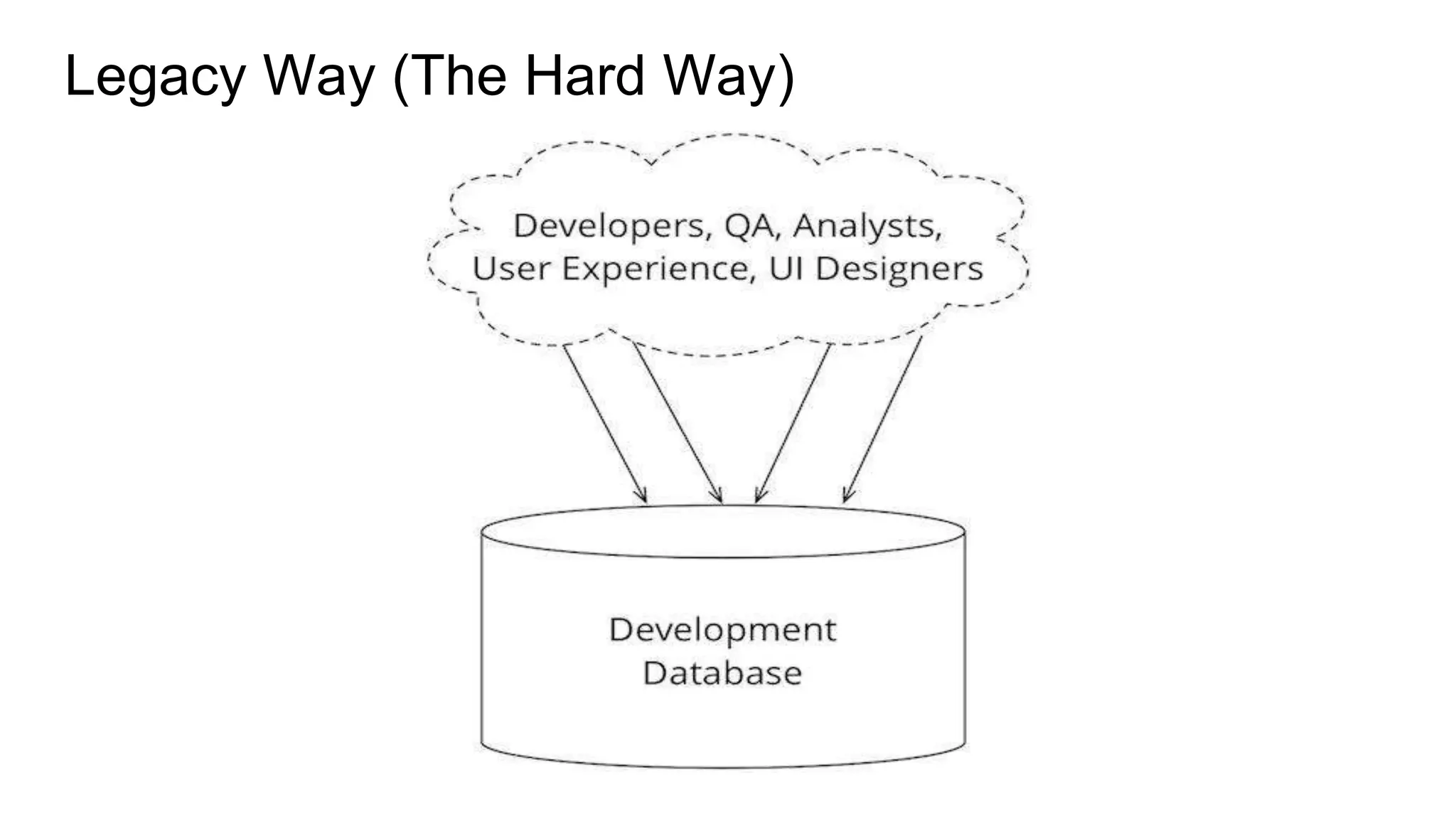
Legacy Way (The Hard Way)
● DBA’s generally maintain two sets of scripts
○ Fresh installs
○ Upgrades
● Fresh Installs
○ Single script file will be used to handle single object in database
○ And separate scripts that will default data in master tables
● Upgrades
○ N-1 scripts would be maintained for a schema that has N versions
○ Will also include data migrations scripts for the said version X to Y
Snag In Hard Way
● How sure can we be that everything ran?
● If there’s a problem somewhere in the process, how do we rollback the
changes?
● Maintaining multiple scripts for various environments (Can I run some scripts
only for testing and not in production?)
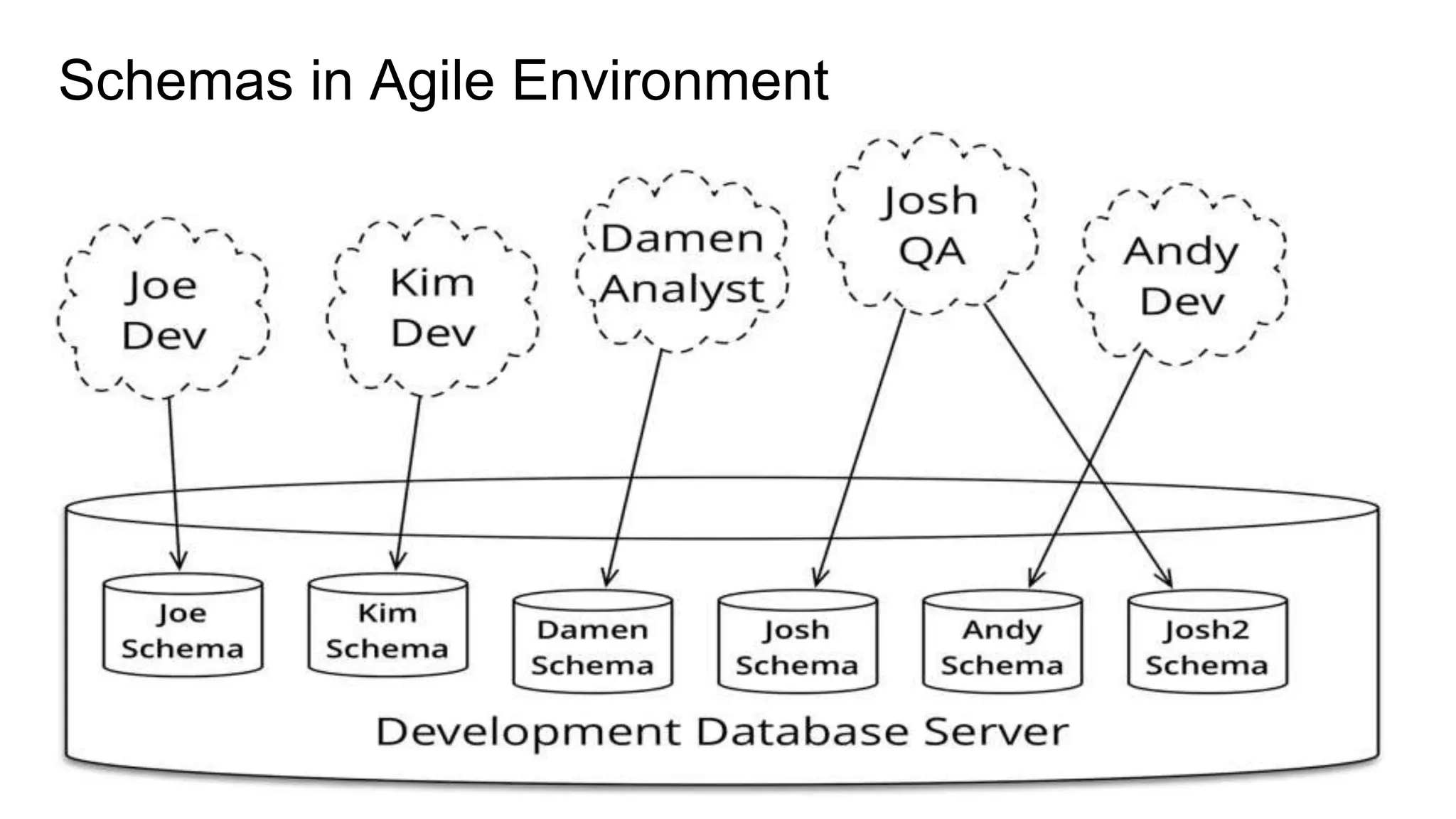
Schemas in Agile Environment
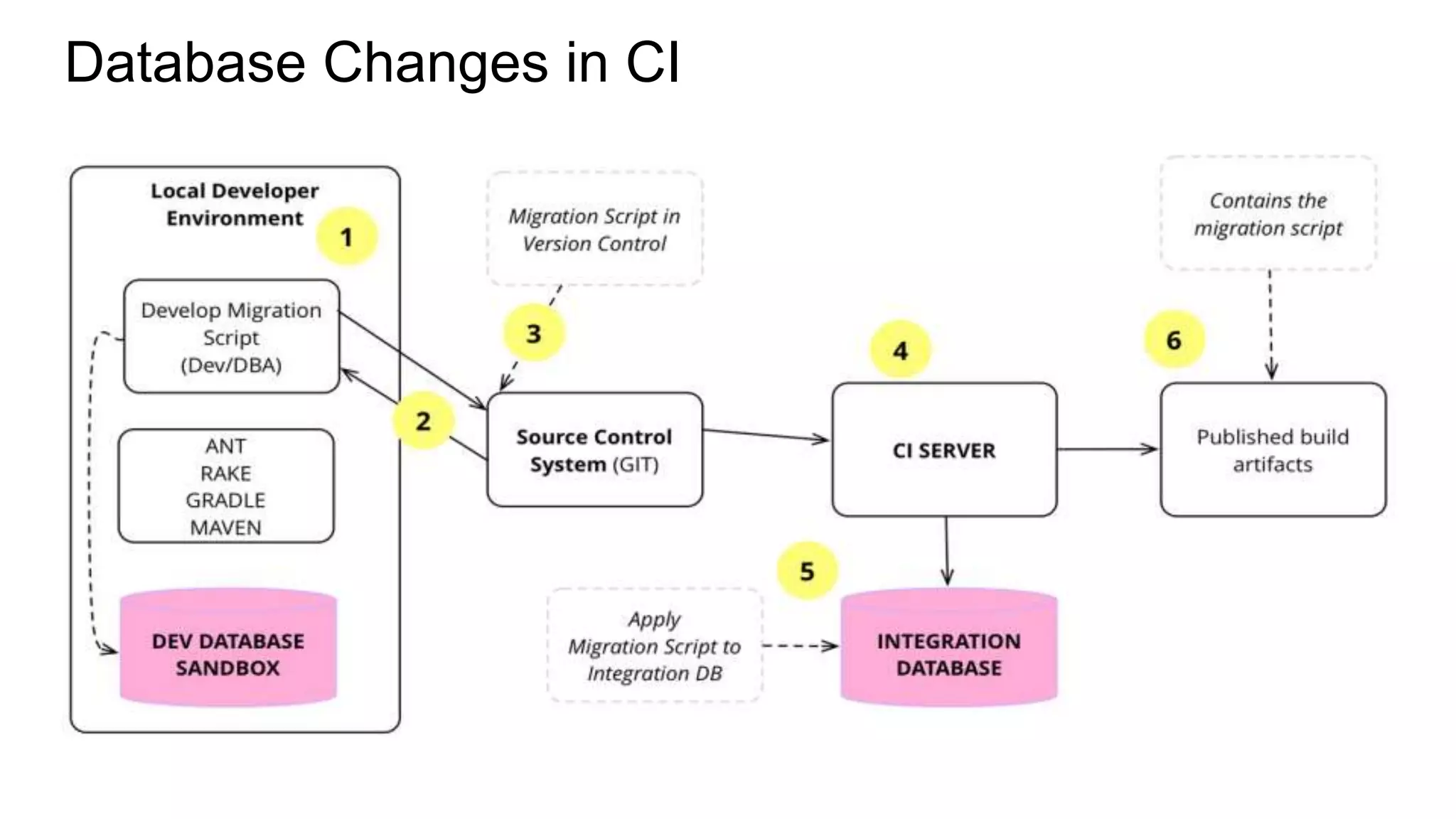
Database Changes in CI
Schema Change Management (SCM) Tool
● Every creation / change is defined in change log
● Start with create table in change log
● Followed by other DDL operations like adding or dropping column, index or
constraints in the table.
● SCM tools do support DML operations as well and can be part of change log
immediately after the DDL definitions
● SCM tools keeps track of what has or hasn’t been run and implement only the
new changes
● On a brand new DB SCM will run all the changes in change log.
Liquibase Features
● Update database to current version
● Rollback last X changes to database
● Rollback database changes to particular date/time or to a “tag”
● SQL for Database Updates and Rollbacks can be saved for manual review
● "Contexts" for including/excluding change sets to execute
● Database diff report & changelog generation
● Ability to create changelog to generate an existing database
● Database change documentation generation
● DBMS Check, user check, and SQL check preconditions
● Ability to split change log into multiple files for easier management
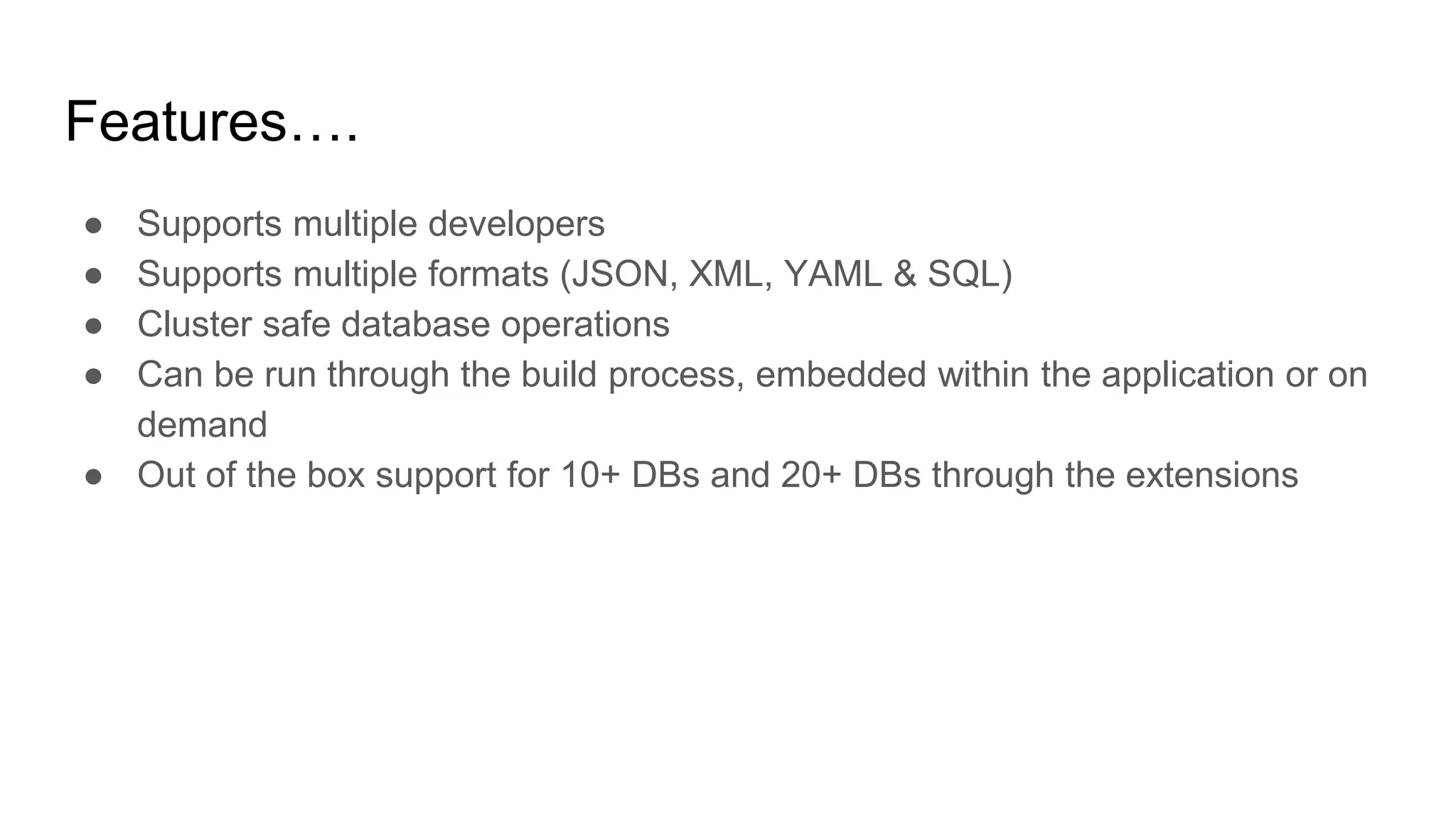
Features….
● Supports multiple developers
● Supports multiple formats (JSON, XML, YAML & SQL)
● Cluster safe database operations
● Can be run through the build process, embedded within the application or on
demand
● Out of the box support for 10+ DBs and 20+ DBs through the extensions
Appendix
We will be running through the XML format
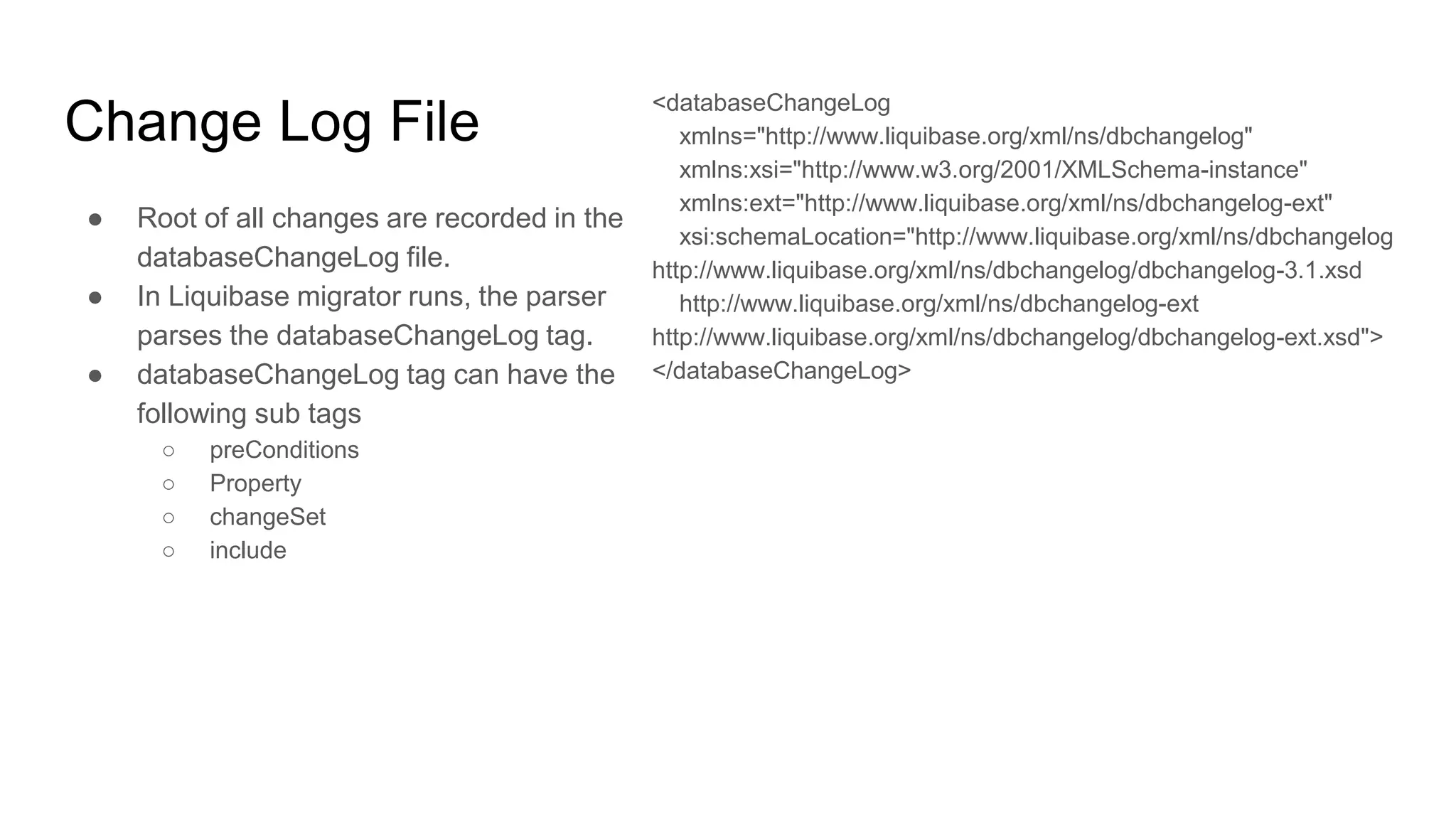
Change Log File
● Root of all changes are recorded in the
databaseChangeLog file.
● In Liquibase migrator runs, the parser
parses the databaseChangeLog tag.
● databaseChangeLog tag can have the
following sub tags
○ preConditions
○ Property
○ changeSet
○ include
<databaseChangeLog
xmlns="http://www.liquibase.org/xml/ns/dbchangelog"
xmlns:xsi="http://www.w3.org/2001/XMLSchema-instance"
xmlns:ext="http://www.liquibase.org/xml/ns/dbchangelog-ext"
xsi:schemaLocation="http://www.liquibase.org/xml/ns/dbchangelog
http://www.liquibase.org/xml/ns/dbchangelog/dbchangelog-3.1.xsd
http://www.liquibase.org/xml/ns/dbchangelog-ext
http://www.liquibase.org/xml/ns/dbchangelog/dbchangelog-ext.xsd">
</databaseChangeLog>
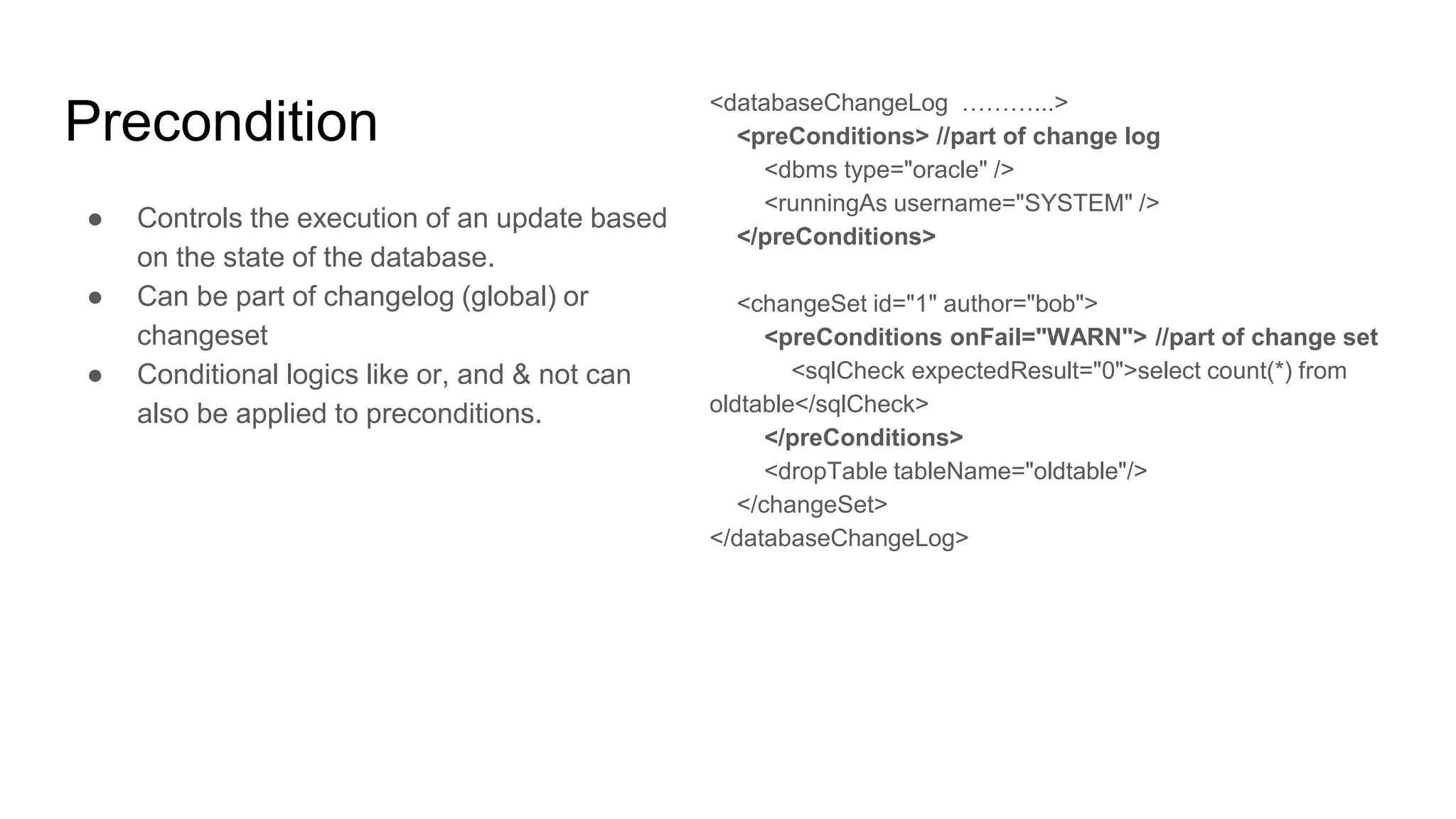
Precondition
● Controls the execution of an update based
on the state of the database.
● Can be part of changelog (global) or
changeset
● Conditional logics like or, and & not can
also be applied to preconditions.
<databaseChangeLog ………...>
<preConditions> //part of change log
<dbms type="oracle" />
<runningAs username="SYSTEM" />
</preConditions>
<changeSet id="1" author="bob">
<preConditions onFail="WARN"> //part of change set
<sqlCheck expectedResult="0">select count(*) from
oldtable</sqlCheck>
</preConditions>
<dropTable tableName="oldtable"/>
</changeSet>
</databaseChangeLog>
Property
● Liquibase allows dynamic substitution of
parameters in a changelog.
● Parameter values are looked up on the
following order:
○ Passed as a parameter to your Liquibase
runner
○ As a JVM system property
○ In the parameters block (<property> Tag)
of the changelog file.
<property name="clob.type" value="clob" dbms="oracle"/>
<property name="clob.type" value="longtext"
dbms="mysql"/>
<changeSet id="1" author="joe">
<createTable tableName="${table.name}">
<column name="id" type="int"/>
<column name="${column1.name}"
type="${clob.type}"/>
<column name="${column2.name}" type="int"/>
</createTable>
</changeSet>
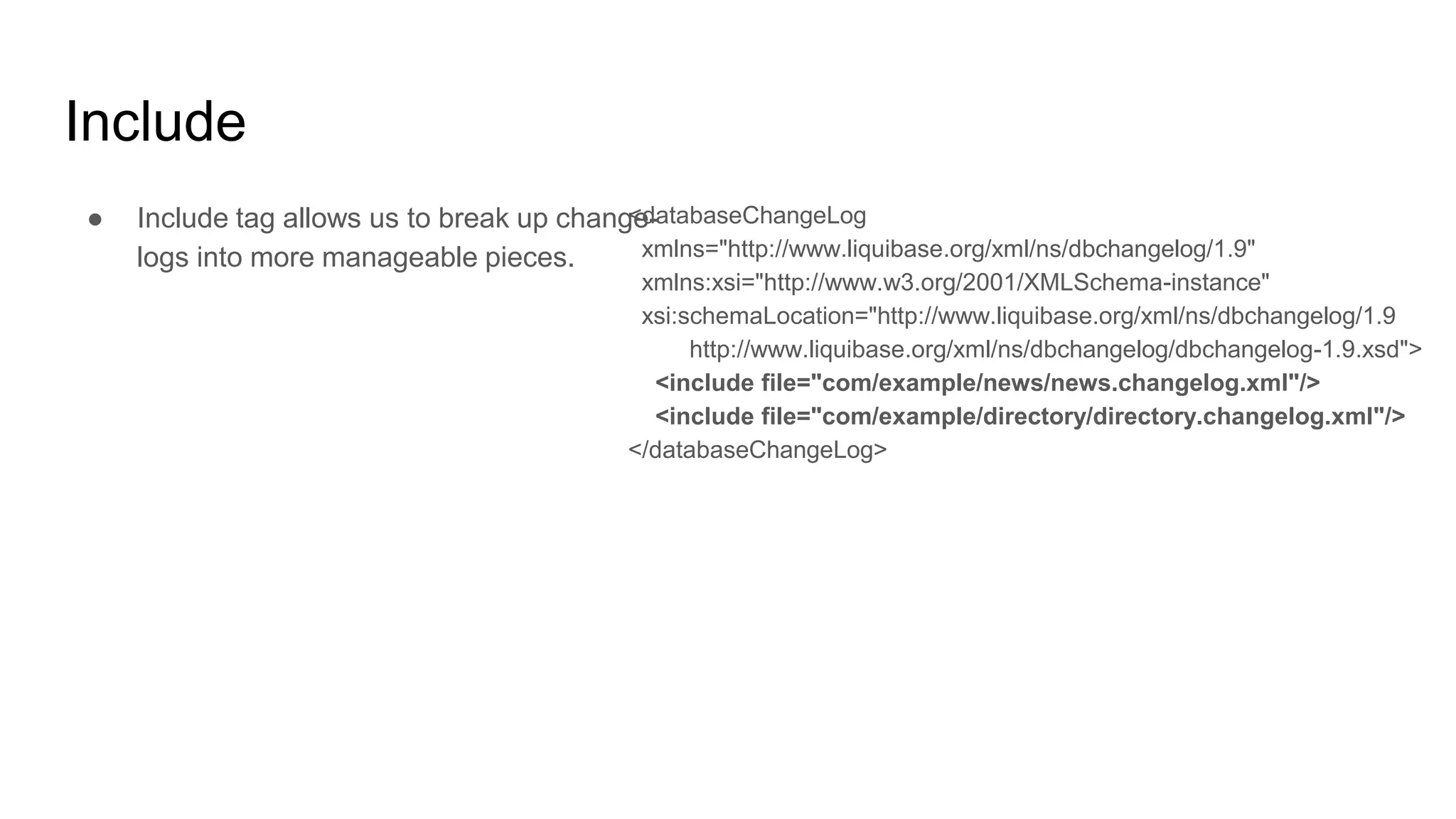
Include
● Include tag allows us to break up change-
logs into more manageable pieces.
<databaseChangeLog
xmlns="http://www.liquibase.org/xml/ns/dbchangelog/1.9"
xmlns:xsi="http://www.w3.org/2001/XMLSchema-instance"
xsi:schemaLocation="http://www.liquibase.org/xml/ns/dbchangelog/1.9
http://www.liquibase.org/xml/ns/dbchangelog/dbchangelog-1.9.xsd">
<include file="com/example/news/news.changelog.xml"/>
<include file="com/example/directory/directory.changelog.xml"/>
</databaseChangeLog>
ChangeSet
● Tag in which we can group database
changes/refactoring together
● Attributes available for changeSet are
○ Id → ChangeSet unique identifier
○ Author → Creator of the changeSet
○ dbms → the database on which the
specified changeset has to be run
○ runAlways → executes a changeSet every
time even if it has been run before
○ runOnChange → executes on the first time
and every time when there is a change in
changeSet
○ failOnError → specify if the migration has
to be failed on Error
● Available sub tags of changeSet are:
○ Comment → generally used for
descriptions
○ preConditions → Controls the execution of
an update based on the state of the
database.
○ Any Refactoring tags
○ Rollback → SQL statements or refactoring
tags that describe on how rollback needs
to taken place.
CreateTable
<changeSet author="liquibase-docs" id="createTable-example">
<createTable catalogName="cat"
remarks="A String"
schemaName="public"
tableName="person"
tablespace="A String">
<column name="address" type="varchar(255)"/>
</createTable>
</changeSet>
AddColumn
<changeSet author="liquibase-docs" id="addColumn-example">
<addColumn catalogName="cat"
schemaName="public"
tableName="person">
<column name="address" type="varchar(255)"/>
</addColumn>
</changeSet>
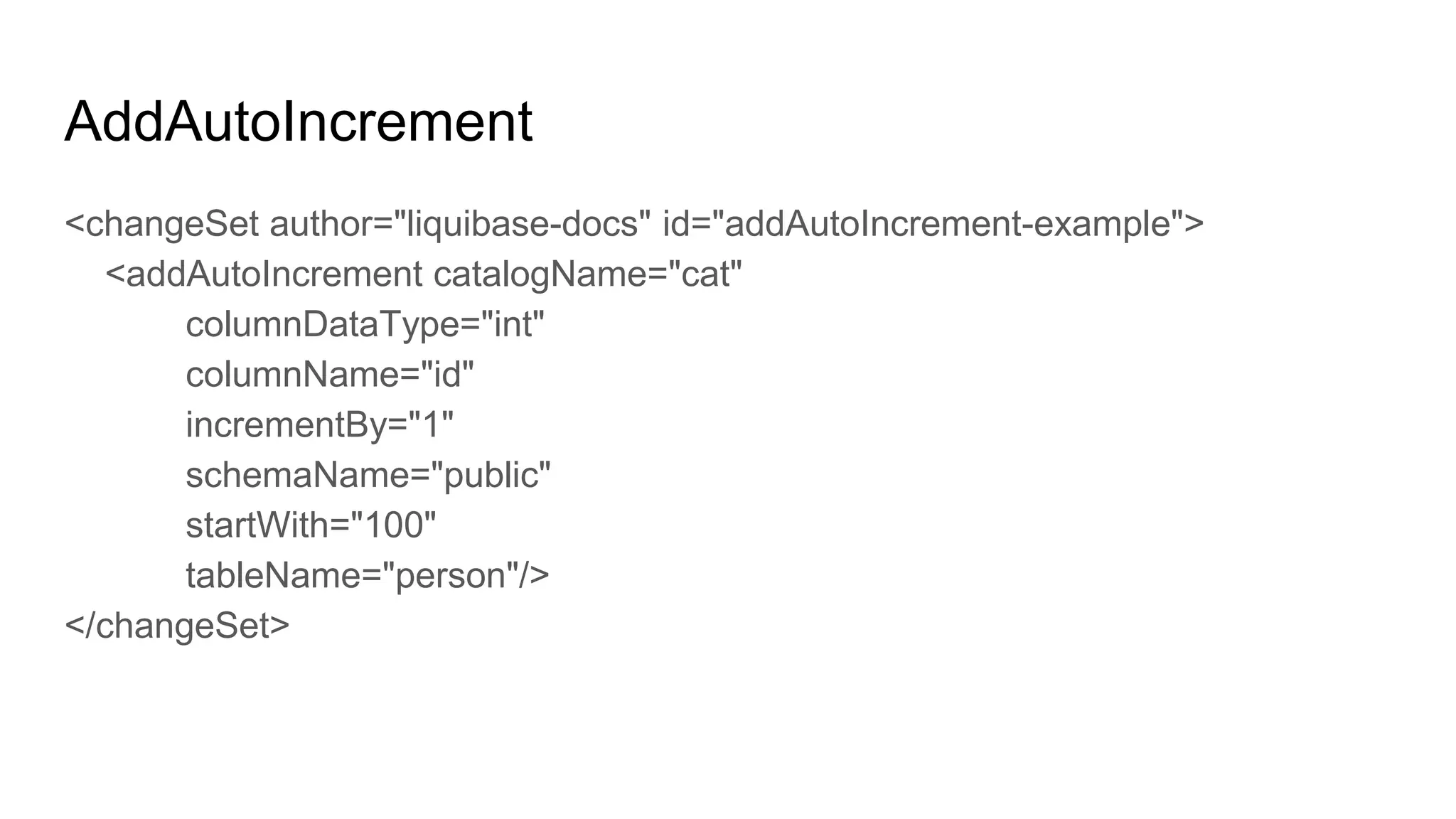
AddAutoIncrement
<changeSet author="liquibase-docs" id="addAutoIncrement-example">
<addAutoIncrement catalogName="cat"
columnDataType="int"
columnName="id"
incrementBy="1"
schemaName="public"
startWith="100"
tableName="person"/>
</changeSet>
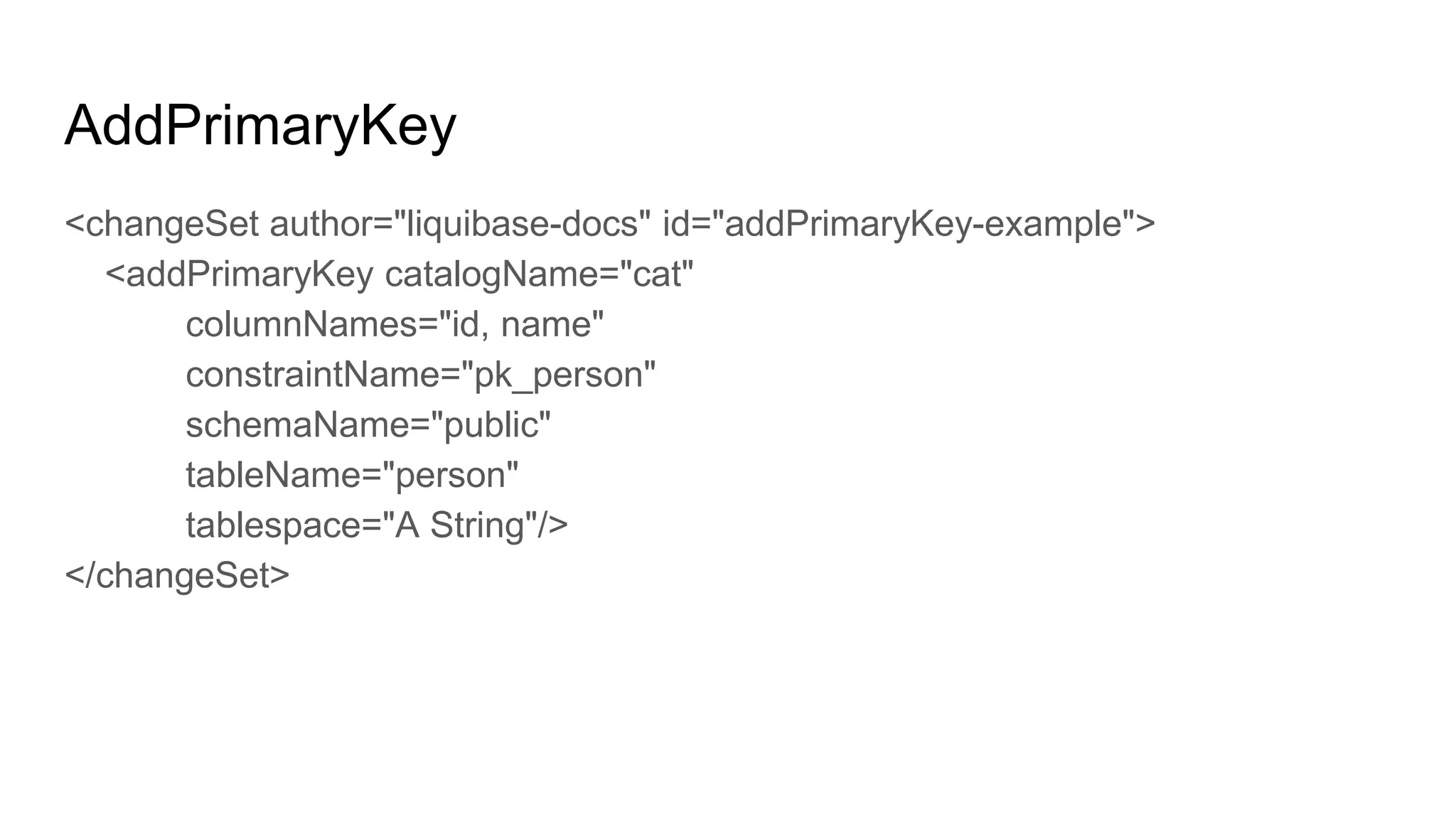
AddPrimaryKey
<changeSet author="liquibase-docs" id="addPrimaryKey-example">
<addPrimaryKey catalogName="cat"
columnNames="id, name"
constraintName="pk_person"
schemaName="public"
tableName="person"
tablespace="A String"/>
</changeSet>
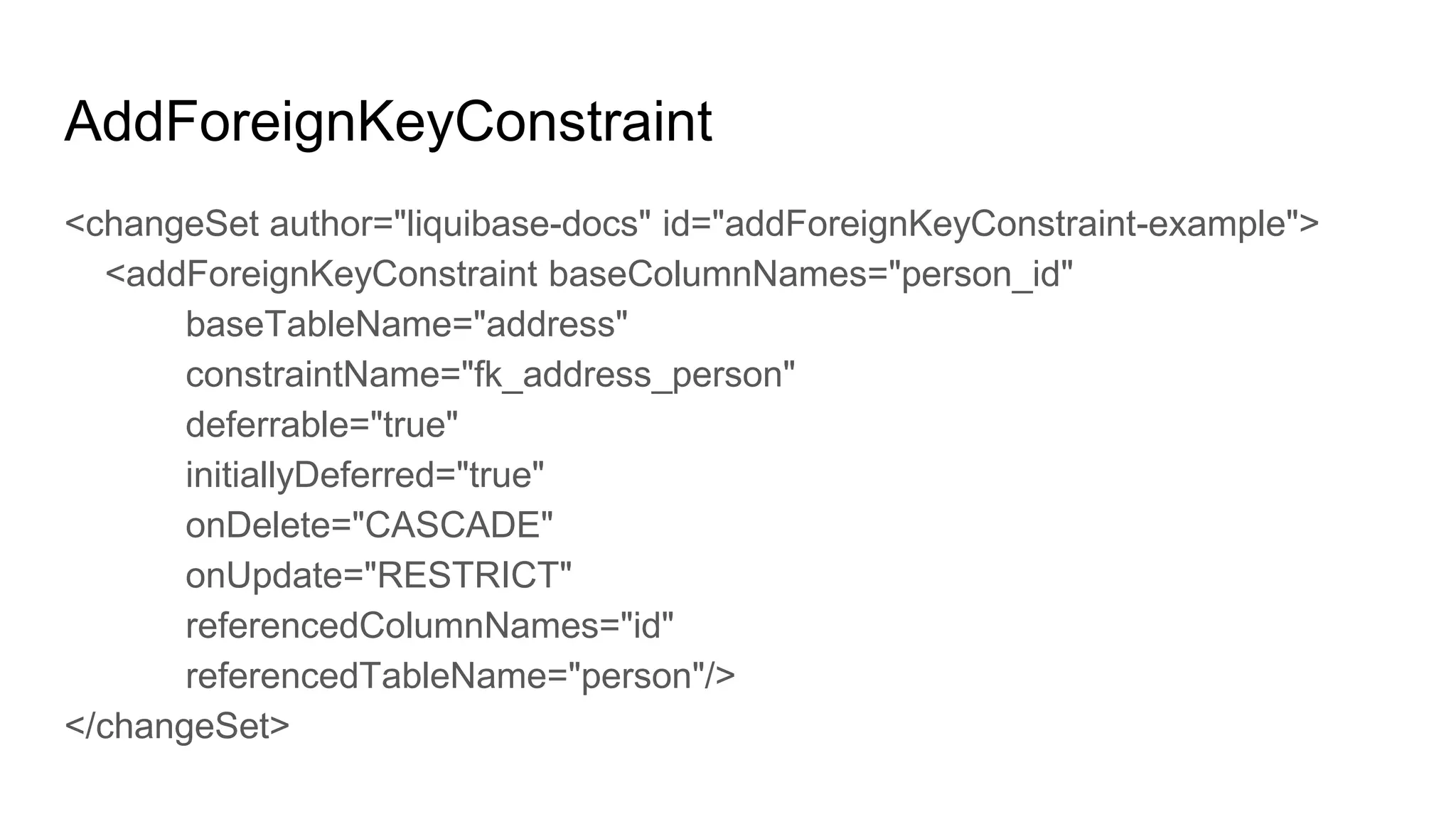
AddForeignKeyConstraint
<changeSet author="liquibase-docs" id="addForeignKeyConstraint-example">
<addForeignKeyConstraint baseColumnNames="person_id"
baseTableName="address"
constraintName="fk_address_person"
deferrable="true"
initiallyDeferred="true"
onDelete="CASCADE"
onUpdate="RESTRICT"
referencedColumnNames="id"
referencedTableName="person"/>
</changeSet>
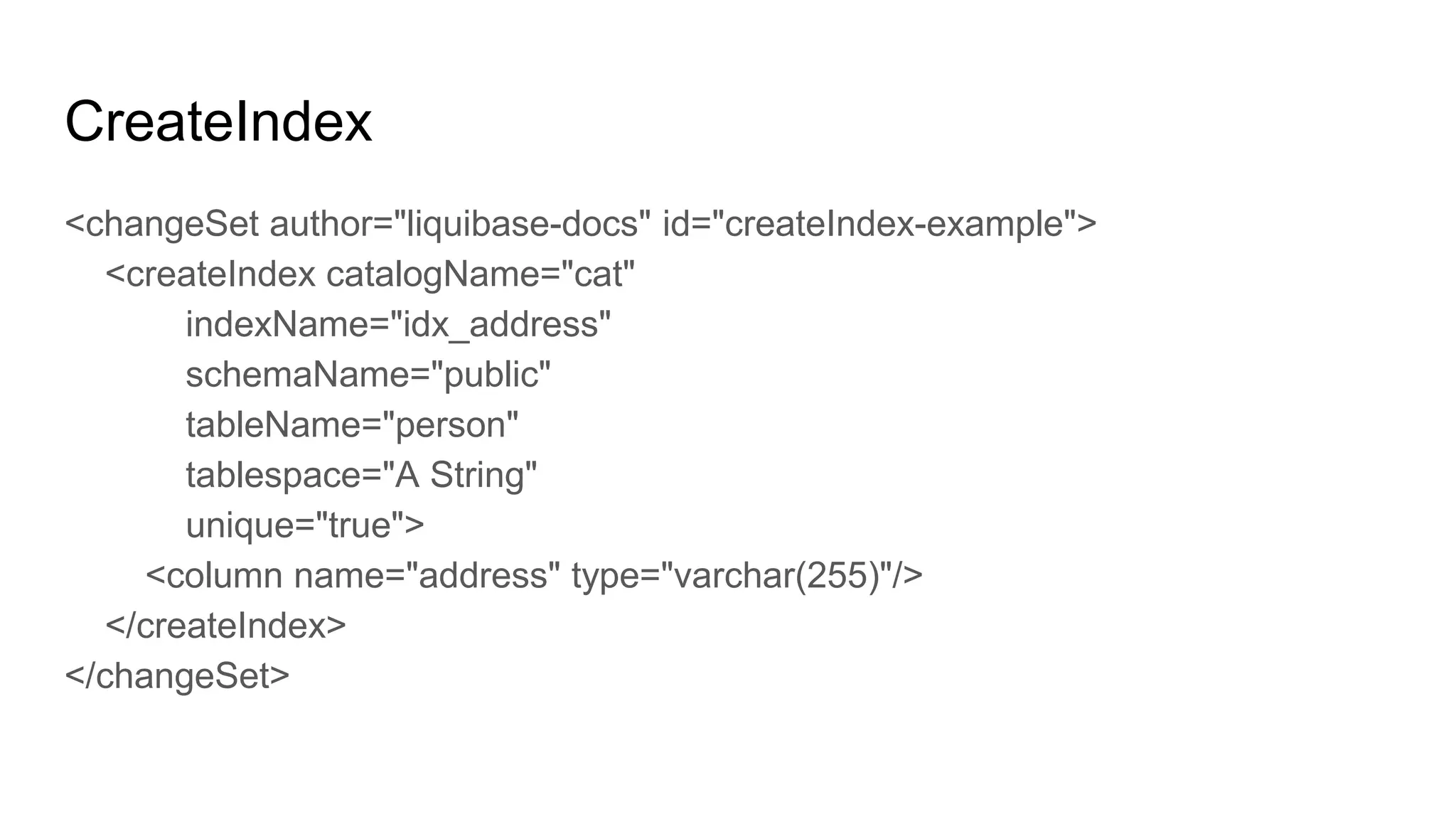
CreateIndex
<changeSet author="liquibase-docs" id="createIndex-example">
<createIndex catalogName="cat"
indexName="idx_address"
schemaName="public"
tableName="person"
tablespace="A String"
unique="true">
<column name="address" type="varchar(255)"/>
</createIndex>
</changeSet>
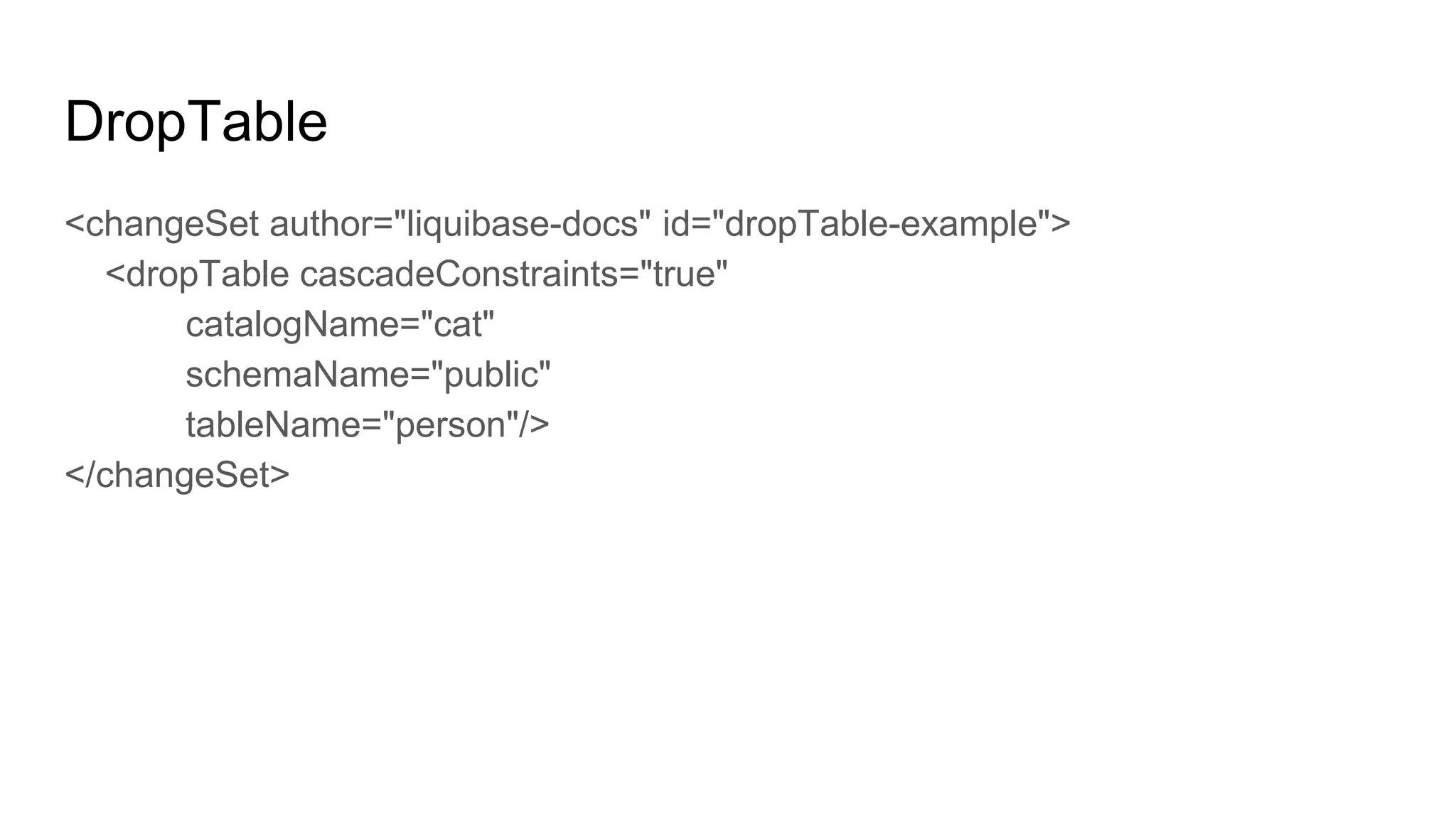
DropTable
<changeSet author="liquibase-docs" id="dropTable-example">
<dropTable cascadeConstraints="true"
catalogName="cat"
schemaName="public"
tableName="person"/>
</changeSet>
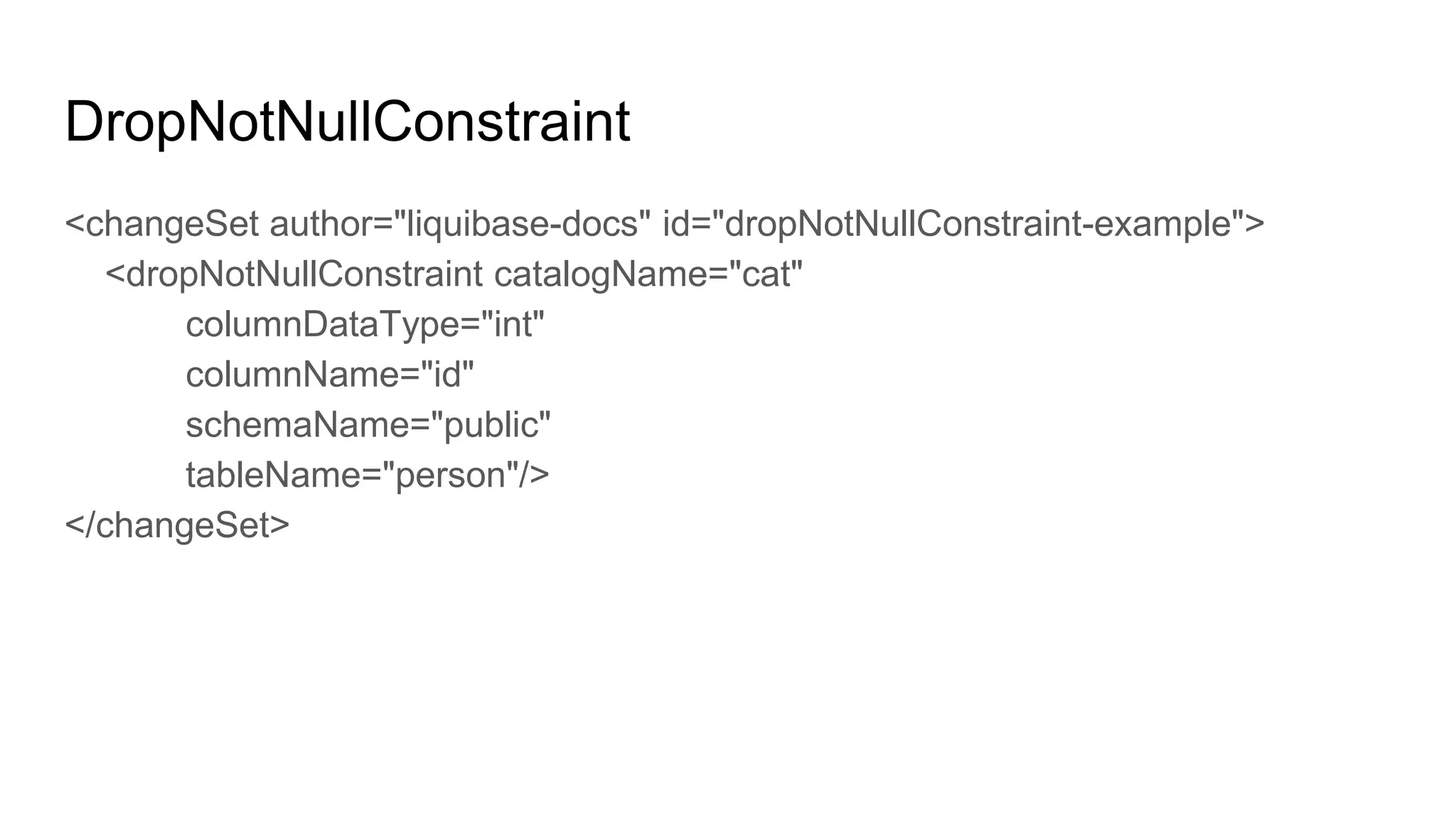
DropNotNullConstraint
<changeSet author="liquibase-docs" id="dropNotNullConstraint-example">
<dropNotNullConstraint catalogName="cat"
columnDataType="int"
columnName="id"
schemaName="public"
tableName="person"/>
</changeSet>
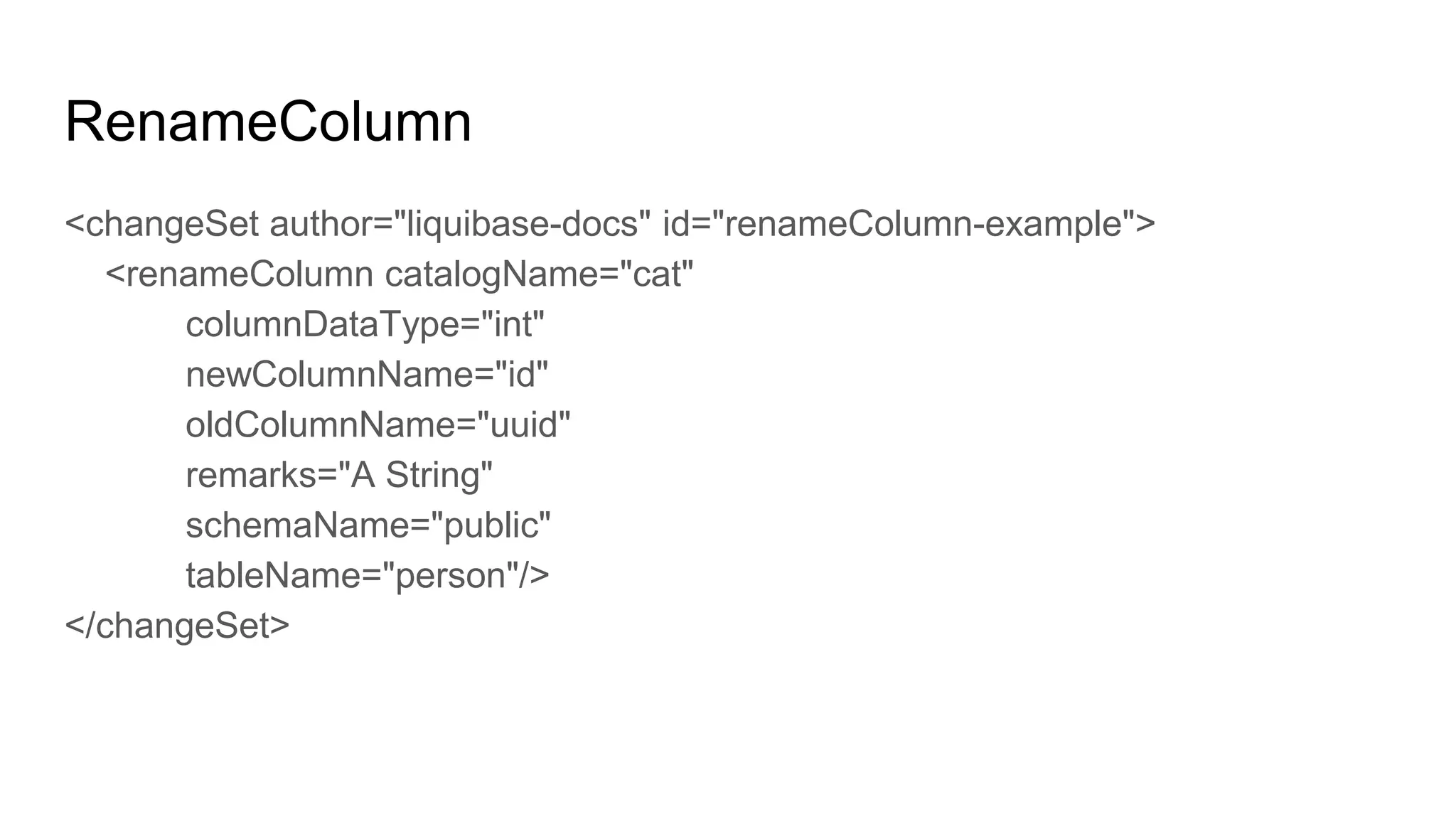
RenameColumn
<changeSet author="liquibase-docs" id="renameColumn-example">
<renameColumn catalogName="cat"
columnDataType="int"
newColumnName="id"
oldColumnName="uuid"
remarks="A String"
schemaName="public"
tableName="person"/>
</changeSet>
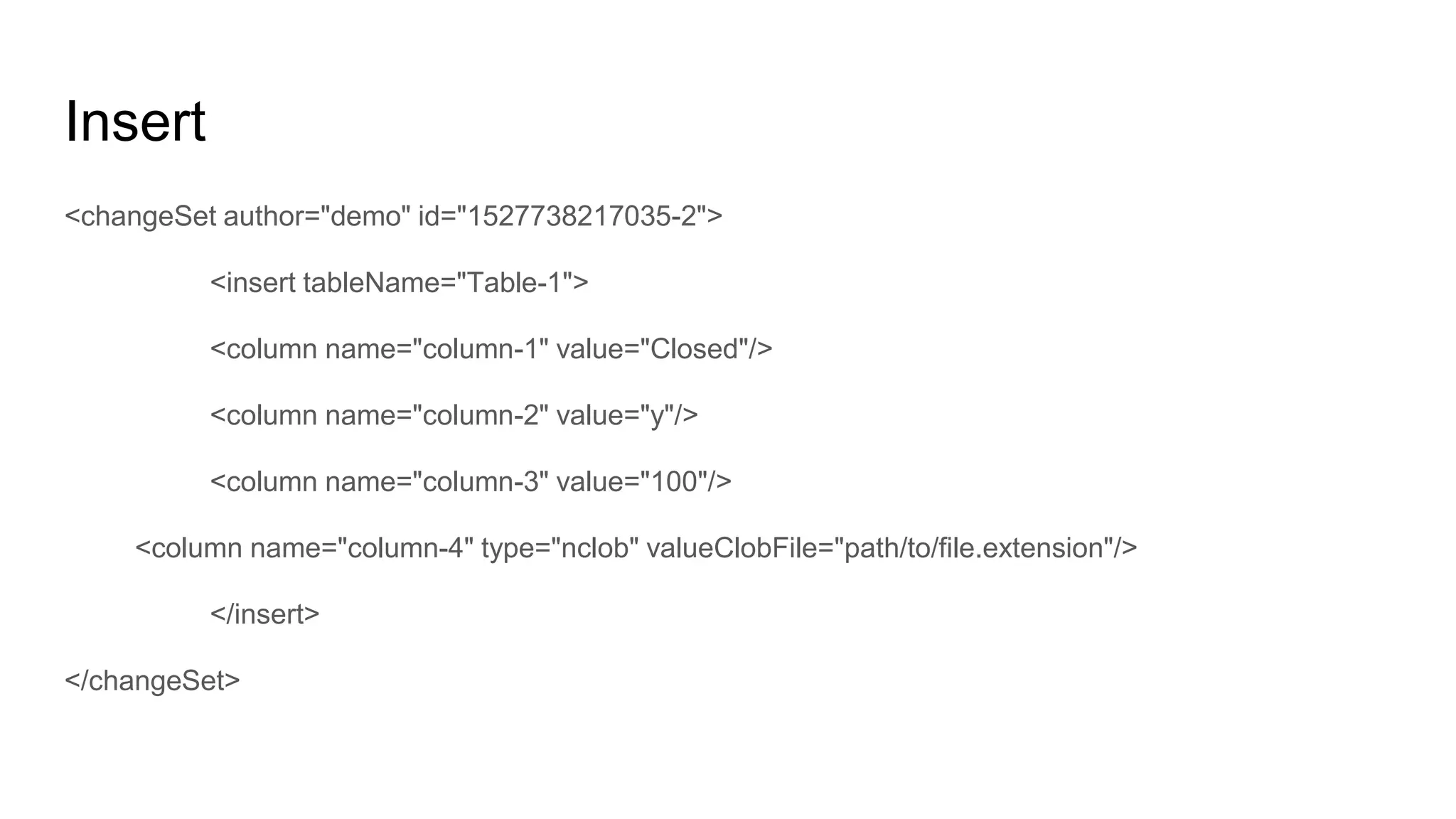
Insert
<changeSet author="demo" id="1527738217035-2">
<insert tableName="Table-1">
<column name="column-1" value="Closed"/>
<column name="column-2" value="y"/>
<column name="column-3" value="100"/>
<column name="column-4" type="nclob" valueClobFile="path/to/file.extension"/>
</insert>
</changeSet>
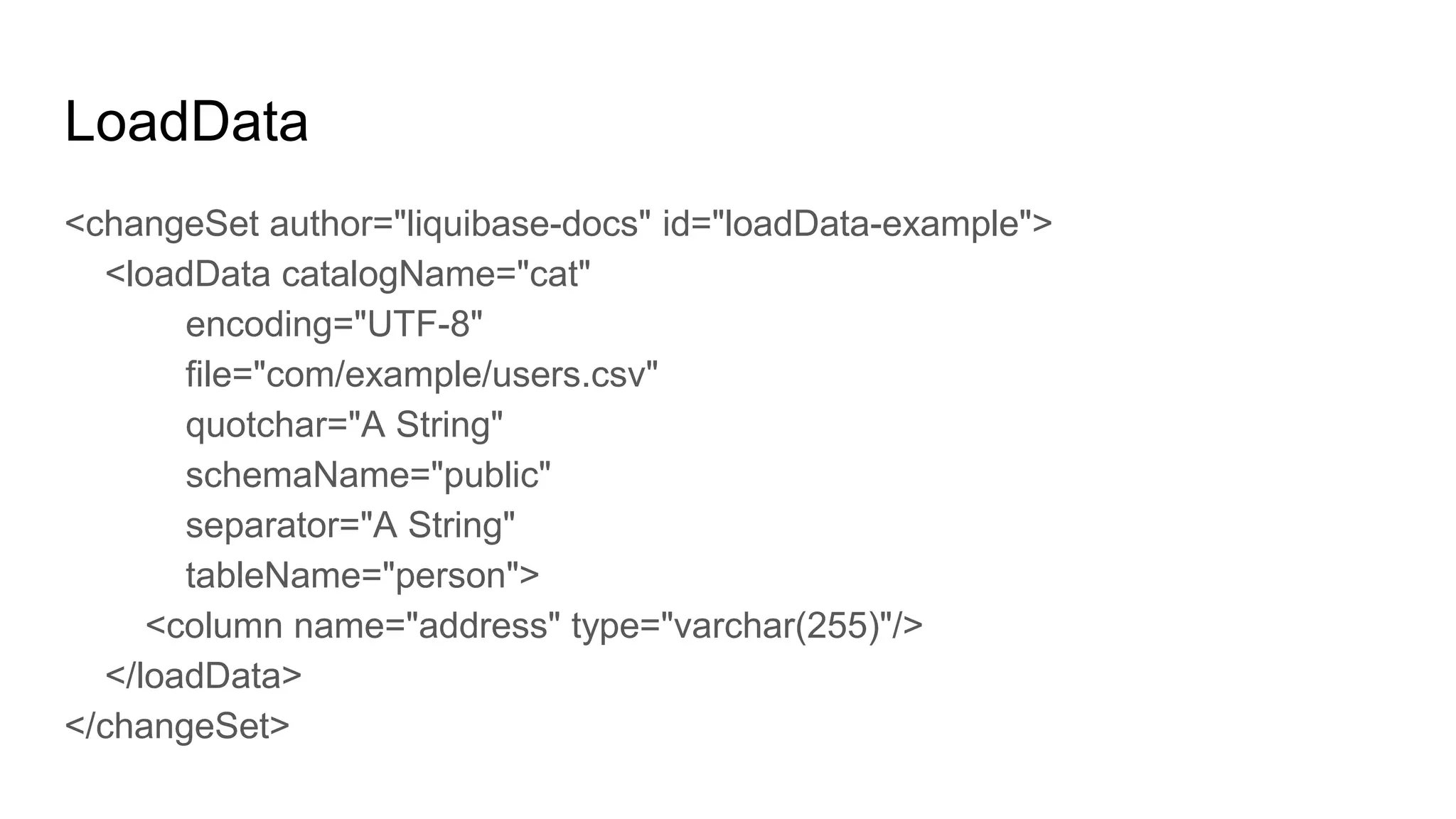
LoadData
<changeSet author="liquibase-docs" id="loadData-example">
<loadData catalogName="cat"
encoding="UTF-8"
file="com/example/users.csv"
quotchar="A String"
schemaName="public"
separator="A String"
tableName="person">
<column name="address" type="varchar(255)"/>
</loadData>
</changeSet>

Schema migration in agile environmnets

  • 1.
    Schema Migration inAgile Developments
  • 2.
    Schema Migration ● Managementof incremental, reversible changes to any relational database schema ● Facilitate ways to fix mistakes and adapt to requirement changes ● Can be performed in newer or older versions ● Essential part of Software Evolution in today’s agile environment
  • 3.
    Astonishment in SchemaMigration ● Corrupt data that was written by old versions of the software and not cleaned properly ● Implied dependencies in the data which no one knows about anymore ● People directly changing the database without using the designated tools / scripts ● Bugs in the schema migration system ● Mistakes in assumptions how data should be migrated
  • 4.
    Legacy Way (TheHard Way)
  • 5.
    Legacy Way (TheHard Way) ● DBA’s generally maintain two sets of scripts ○ Fresh installs ○ Upgrades ● Fresh Installs ○ Single script file will be used to handle single object in database ○ And separate scripts that will default data in master tables ● Upgrades ○ N-1 scripts would be maintained for a schema that has N versions ○ Will also include data migrations scripts for the said version X to Y
  • 6.
    Snag In HardWay ● How sure can we be that everything ran? ● If there’s a problem somewhere in the process, how do we rollback the changes? ● Maintaining multiple scripts for various environments (Can I run some scripts only for testing and not in production?)
  • 7.
    Schemas in AgileEnvironment
  • 8.
  • 9.
    Schema Change Management(SCM) Tool ● Every creation / change is defined in change log ● Start with create table in change log ● Followed by other DDL operations like adding or dropping column, index or constraints in the table. ● SCM tools do support DML operations as well and can be part of change log immediately after the DDL definitions ● SCM tools keeps track of what has or hasn’t been run and implement only the new changes ● On a brand new DB SCM will run all the changes in change log.
  • 10.
    Liquibase Features ● Updatedatabase to current version ● Rollback last X changes to database ● Rollback database changes to particular date/time or to a “tag” ● SQL for Database Updates and Rollbacks can be saved for manual review ● "Contexts" for including/excluding change sets to execute ● Database diff report & changelog generation ● Ability to create changelog to generate an existing database ● Database change documentation generation ● DBMS Check, user check, and SQL check preconditions ● Ability to split change log into multiple files for easier management
  • 11.
    Features…. ● Supports multipledevelopers ● Supports multiple formats (JSON, XML, YAML & SQL) ● Cluster safe database operations ● Can be run through the build process, embedded within the application or on demand ● Out of the box support for 10+ DBs and 20+ DBs through the extensions
  • 12.
    Appendix We will berunning through the XML format
  • 13.
    Change Log File ●Root of all changes are recorded in the databaseChangeLog file. ● In Liquibase migrator runs, the parser parses the databaseChangeLog tag. ● databaseChangeLog tag can have the following sub tags ○ preConditions ○ Property ○ changeSet ○ include <databaseChangeLog xmlns="http://www.liquibase.org/xml/ns/dbchangelog" xmlns:xsi="http://www.w3.org/2001/XMLSchema-instance" xmlns:ext="http://www.liquibase.org/xml/ns/dbchangelog-ext" xsi:schemaLocation="http://www.liquibase.org/xml/ns/dbchangelog http://www.liquibase.org/xml/ns/dbchangelog/dbchangelog-3.1.xsd http://www.liquibase.org/xml/ns/dbchangelog-ext http://www.liquibase.org/xml/ns/dbchangelog/dbchangelog-ext.xsd"> </databaseChangeLog>
  • 14.
    Precondition ● Controls theexecution of an update based on the state of the database. ● Can be part of changelog (global) or changeset ● Conditional logics like or, and & not can also be applied to preconditions. <databaseChangeLog ………...> <preConditions> //part of change log <dbms type="oracle" /> <runningAs username="SYSTEM" /> </preConditions> <changeSet id="1" author="bob"> <preConditions onFail="WARN"> //part of change set <sqlCheck expectedResult="0">select count(*) from oldtable</sqlCheck> </preConditions> <dropTable tableName="oldtable"/> </changeSet> </databaseChangeLog>
  • 15.
    Property ● Liquibase allowsdynamic substitution of parameters in a changelog. ● Parameter values are looked up on the following order: ○ Passed as a parameter to your Liquibase runner ○ As a JVM system property ○ In the parameters block (<property> Tag) of the changelog file. <property name="clob.type" value="clob" dbms="oracle"/> <property name="clob.type" value="longtext" dbms="mysql"/> <changeSet id="1" author="joe"> <createTable tableName="${table.name}"> <column name="id" type="int"/> <column name="${column1.name}" type="${clob.type}"/> <column name="${column2.name}" type="int"/> </createTable> </changeSet>
  • 16.
    Include ● Include tagallows us to break up change- logs into more manageable pieces. <databaseChangeLog xmlns="http://www.liquibase.org/xml/ns/dbchangelog/1.9" xmlns:xsi="http://www.w3.org/2001/XMLSchema-instance" xsi:schemaLocation="http://www.liquibase.org/xml/ns/dbchangelog/1.9 http://www.liquibase.org/xml/ns/dbchangelog/dbchangelog-1.9.xsd"> <include file="com/example/news/news.changelog.xml"/> <include file="com/example/directory/directory.changelog.xml"/> </databaseChangeLog>
  • 17.
    ChangeSet ● Tag inwhich we can group database changes/refactoring together ● Attributes available for changeSet are ○ Id → ChangeSet unique identifier ○ Author → Creator of the changeSet ○ dbms → the database on which the specified changeset has to be run ○ runAlways → executes a changeSet every time even if it has been run before ○ runOnChange → executes on the first time and every time when there is a change in changeSet ○ failOnError → specify if the migration has to be failed on Error ● Available sub tags of changeSet are: ○ Comment → generally used for descriptions ○ preConditions → Controls the execution of an update based on the state of the database. ○ Any Refactoring tags ○ Rollback → SQL statements or refactoring tags that describe on how rollback needs to taken place.
  • 18.
    CreateTable <changeSet author="liquibase-docs" id="createTable-example"> <createTablecatalogName="cat" remarks="A String" schemaName="public" tableName="person" tablespace="A String"> <column name="address" type="varchar(255)"/> </createTable> </changeSet>
  • 19.
    AddColumn <changeSet author="liquibase-docs" id="addColumn-example"> <addColumncatalogName="cat" schemaName="public" tableName="person"> <column name="address" type="varchar(255)"/> </addColumn> </changeSet>
  • 20.
    AddAutoIncrement <changeSet author="liquibase-docs" id="addAutoIncrement-example"> <addAutoIncrementcatalogName="cat" columnDataType="int" columnName="id" incrementBy="1" schemaName="public" startWith="100" tableName="person"/> </changeSet>
  • 21.
    AddPrimaryKey <changeSet author="liquibase-docs" id="addPrimaryKey-example"> <addPrimaryKeycatalogName="cat" columnNames="id, name" constraintName="pk_person" schemaName="public" tableName="person" tablespace="A String"/> </changeSet>
  • 22.
    AddForeignKeyConstraint <changeSet author="liquibase-docs" id="addForeignKeyConstraint-example"> <addForeignKeyConstraintbaseColumnNames="person_id" baseTableName="address" constraintName="fk_address_person" deferrable="true" initiallyDeferred="true" onDelete="CASCADE" onUpdate="RESTRICT" referencedColumnNames="id" referencedTableName="person"/> </changeSet>
  • 23.
    CreateIndex <changeSet author="liquibase-docs" id="createIndex-example"> <createIndexcatalogName="cat" indexName="idx_address" schemaName="public" tableName="person" tablespace="A String" unique="true"> <column name="address" type="varchar(255)"/> </createIndex> </changeSet>
  • 24.
    DropTable <changeSet author="liquibase-docs" id="dropTable-example"> <dropTablecascadeConstraints="true" catalogName="cat" schemaName="public" tableName="person"/> </changeSet>
  • 25.
    DropNotNullConstraint <changeSet author="liquibase-docs" id="dropNotNullConstraint-example"> <dropNotNullConstraintcatalogName="cat" columnDataType="int" columnName="id" schemaName="public" tableName="person"/> </changeSet>
  • 26.
    RenameColumn <changeSet author="liquibase-docs" id="renameColumn-example"> <renameColumncatalogName="cat" columnDataType="int" newColumnName="id" oldColumnName="uuid" remarks="A String" schemaName="public" tableName="person"/> </changeSet>
  • 27.
    Insert <changeSet author="demo" id="1527738217035-2"> <inserttableName="Table-1"> <column name="column-1" value="Closed"/> <column name="column-2" value="y"/> <column name="column-3" value="100"/> <column name="column-4" type="nclob" valueClobFile="path/to/file.extension"/> </insert> </changeSet>
  • 28.
    LoadData <changeSet author="liquibase-docs" id="loadData-example"> <loadDatacatalogName="cat" encoding="UTF-8" file="com/example/users.csv" quotchar="A String" schemaName="public" separator="A String" tableName="person"> <column name="address" type="varchar(255)"/> </loadData> </changeSet>