Liquibase for java
developers
By Illia Seleznov
Who am I?
Lead Software Engineer at EPAM Systems
More than 7 years in commercial java development
2 project from scratch to production
Speaker experience at Epam events, Logik Night,
UADEVCLUB.
Why me?
Working with liquibase since 2014
Have used liquibase on 3 projects
Implemented liquibase on 1 project
Liquibase is a part of my dream application
Agenda
How do we work with DB? What do we really need?
Liquibase artifacts
Liquibase commands
Liquibase with maven
Liquibase with Spring Boot
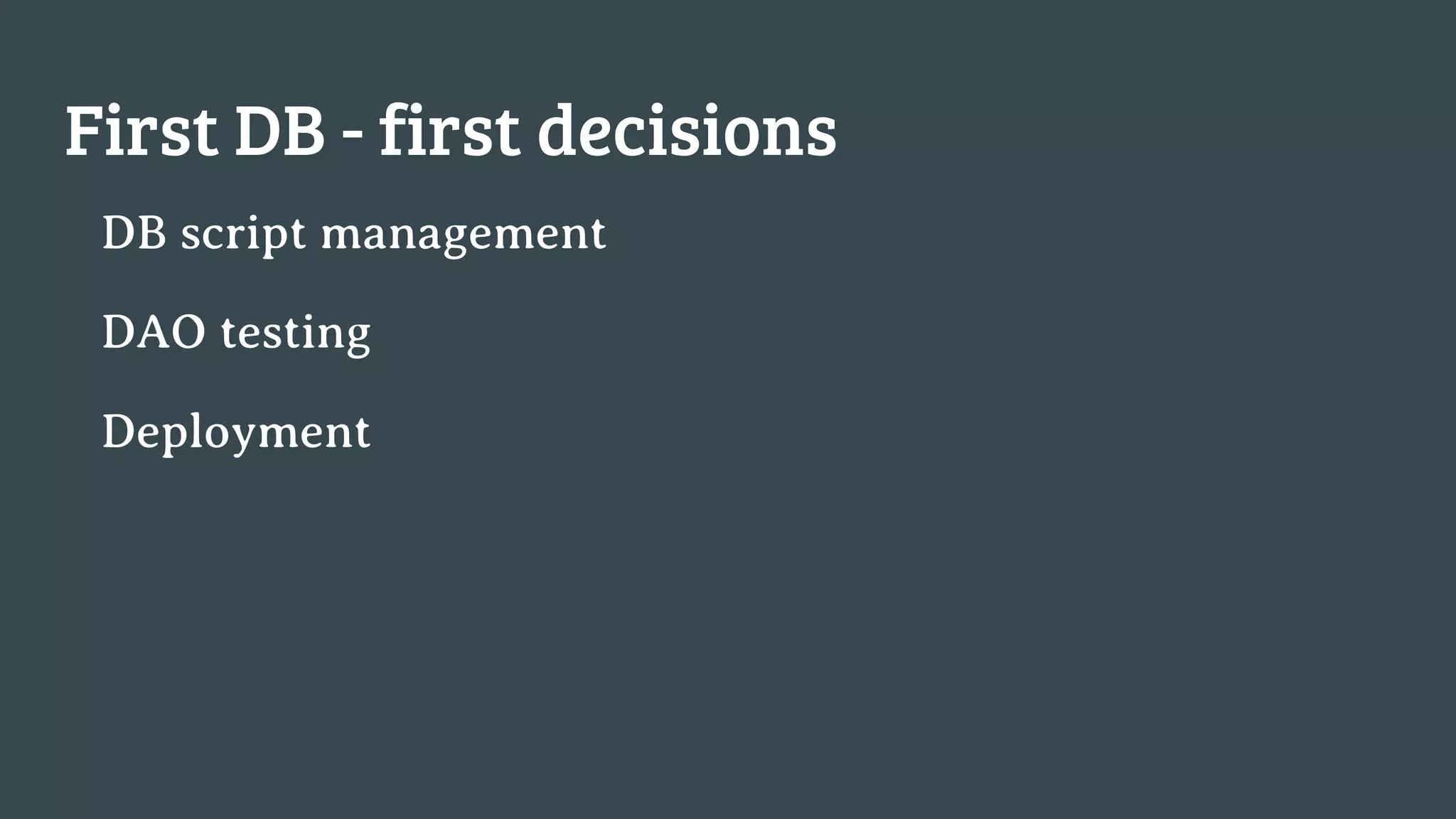
First DB - first decisions
DB script management
DAO testing
Deployment
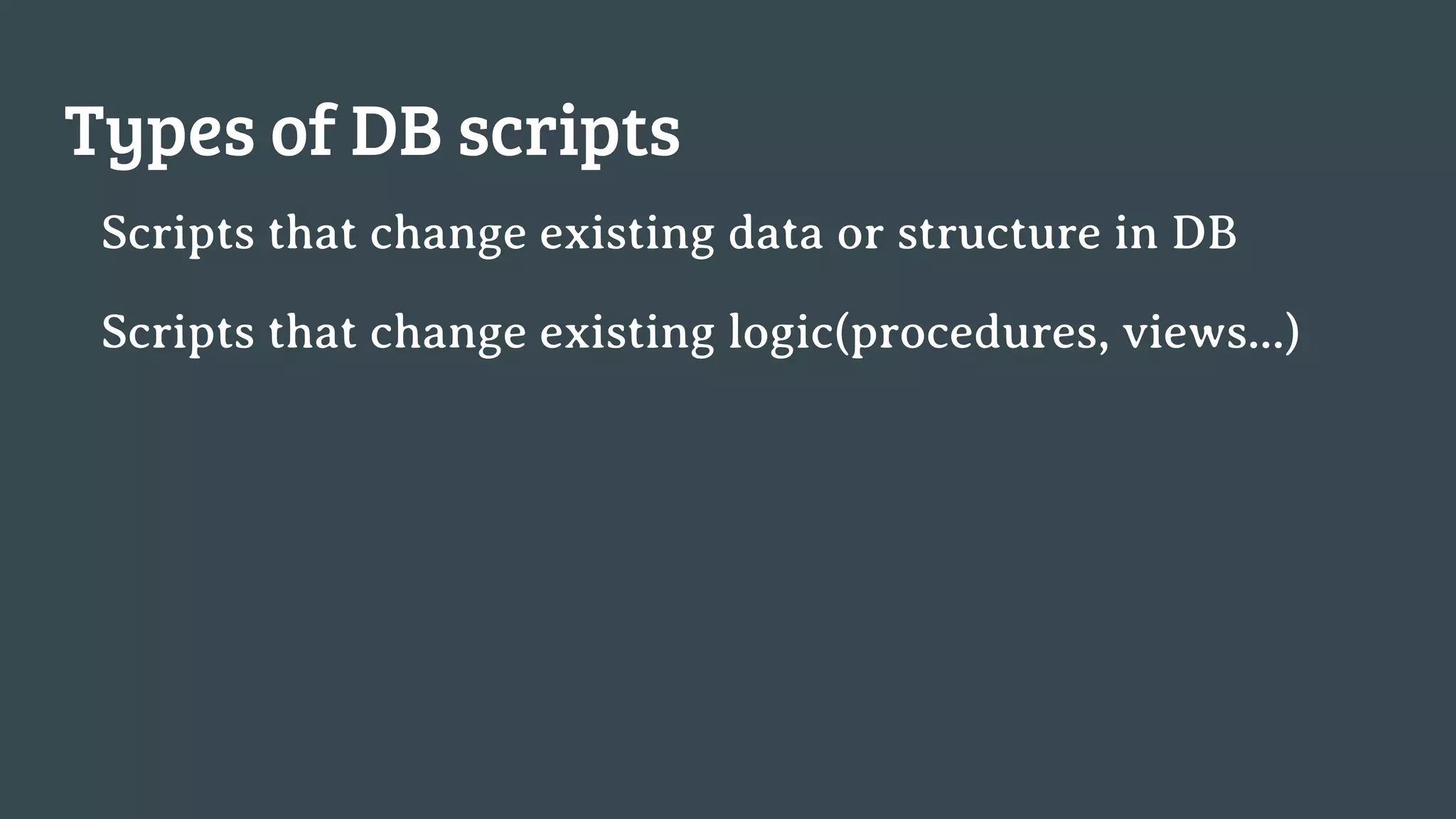
Types of DB scripts
Scripts that change existing data or structure in DB
Scripts that change existing logic(procedures, views...)
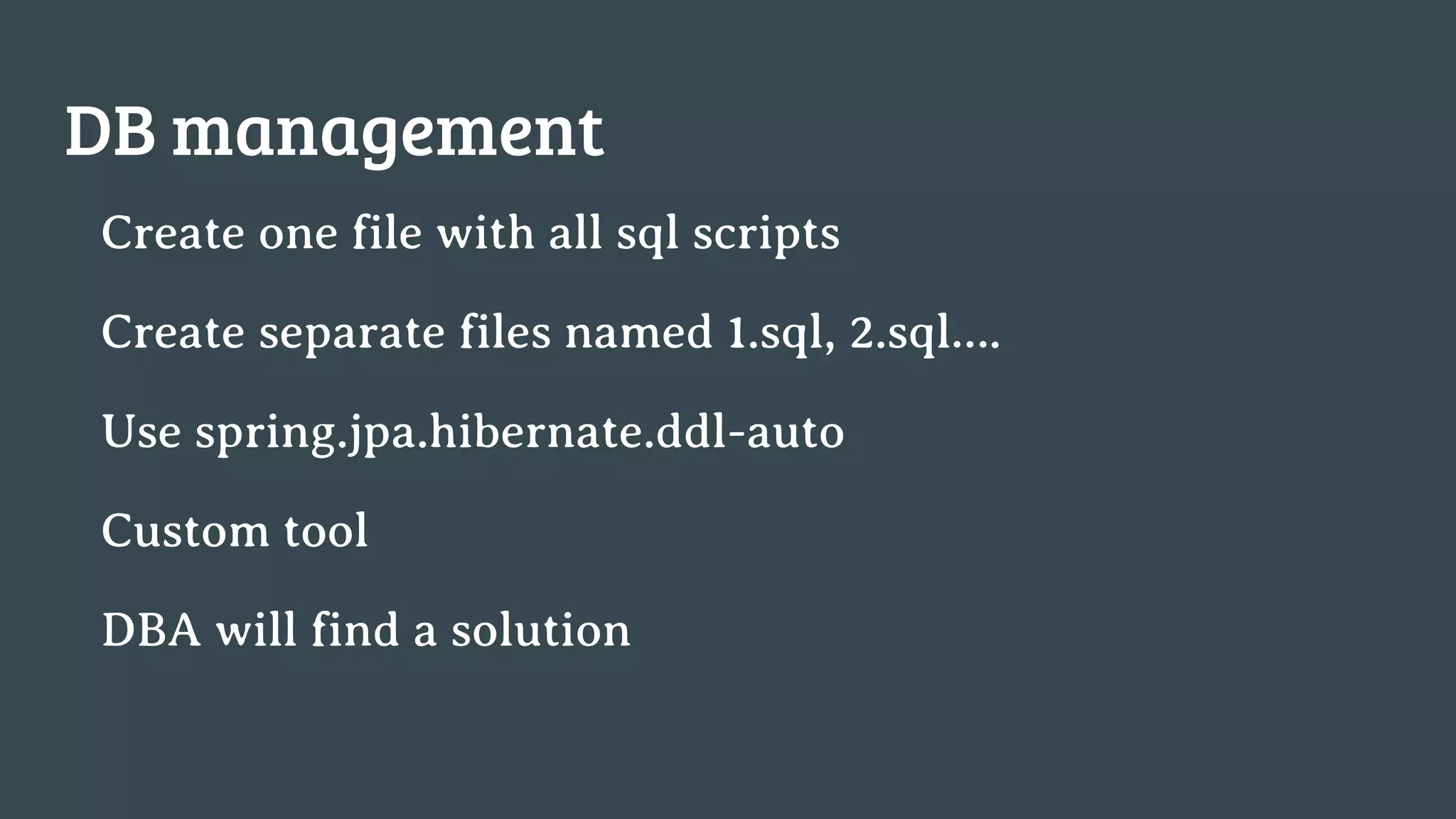
DB management
Create one file with all sql scripts
Create separate files named 1.sql, 2.sql….
Use spring.jpa.hibernate.ddl-auto
Custom tool
DBA will find a solution
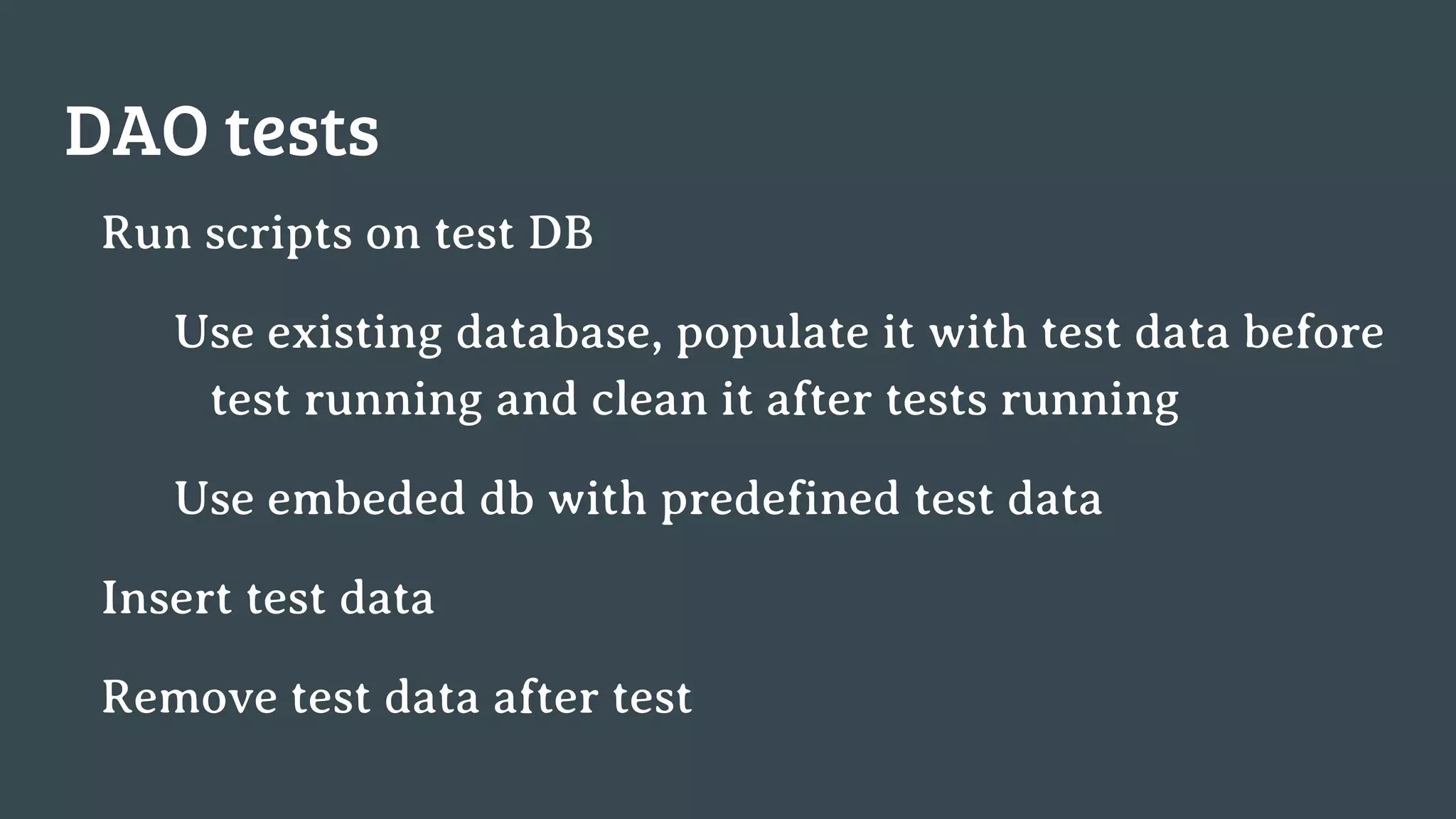
DAO tests
Run scripts on test DB
Use existing database, populate it with test data before
test running and clean it after tests running
Use embeded db with predefined test data
Insert test data
Remove test data after test
Deployment
Simple(stop -> backup -> update -> start)
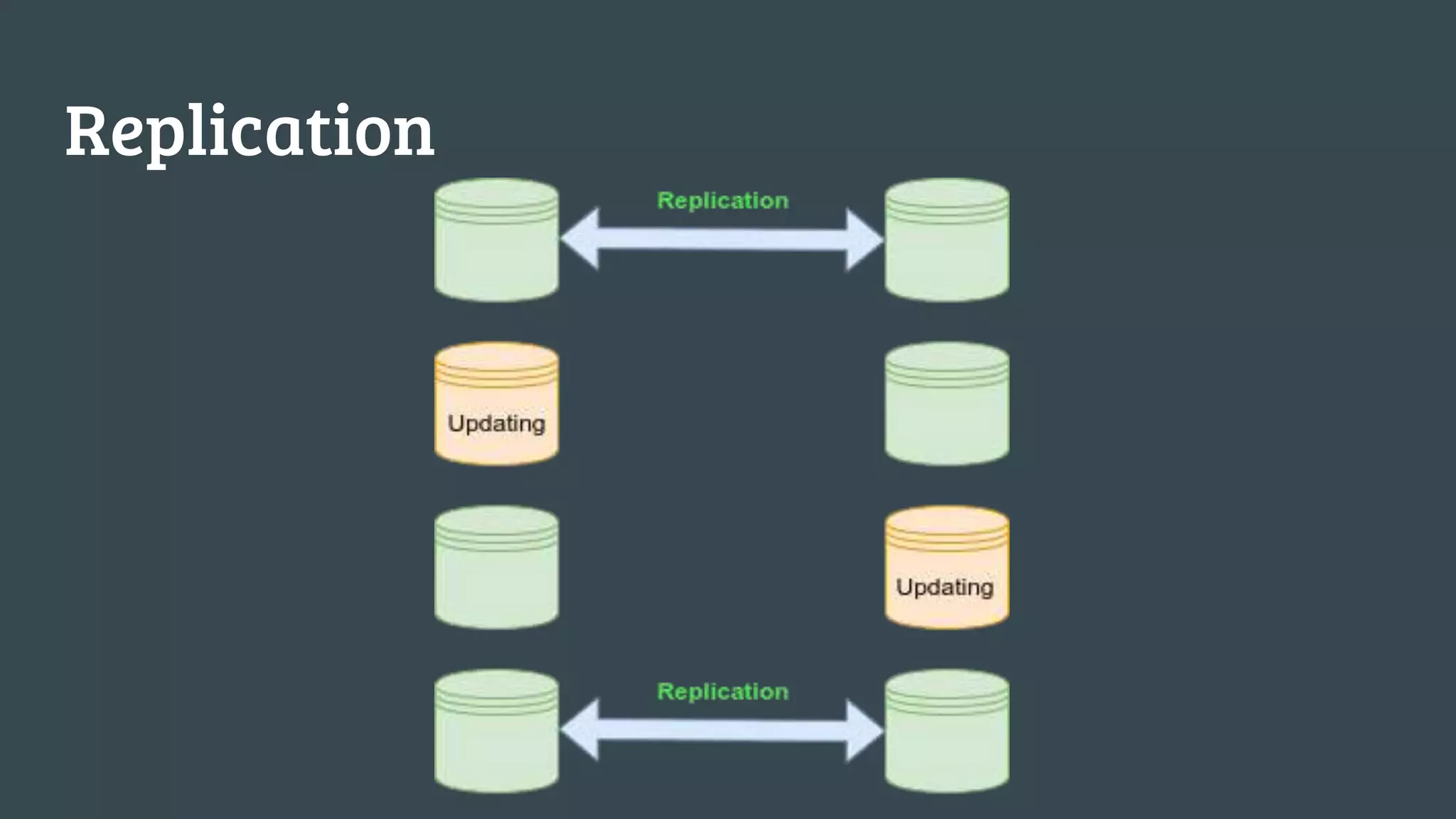
Simple replication
Replication and zero time deployment
Replication
Database migration tools
Liquibase is open sources
Founded in 2006 year
Author is Nathan Voxland
Github: https://github.com/liquibase
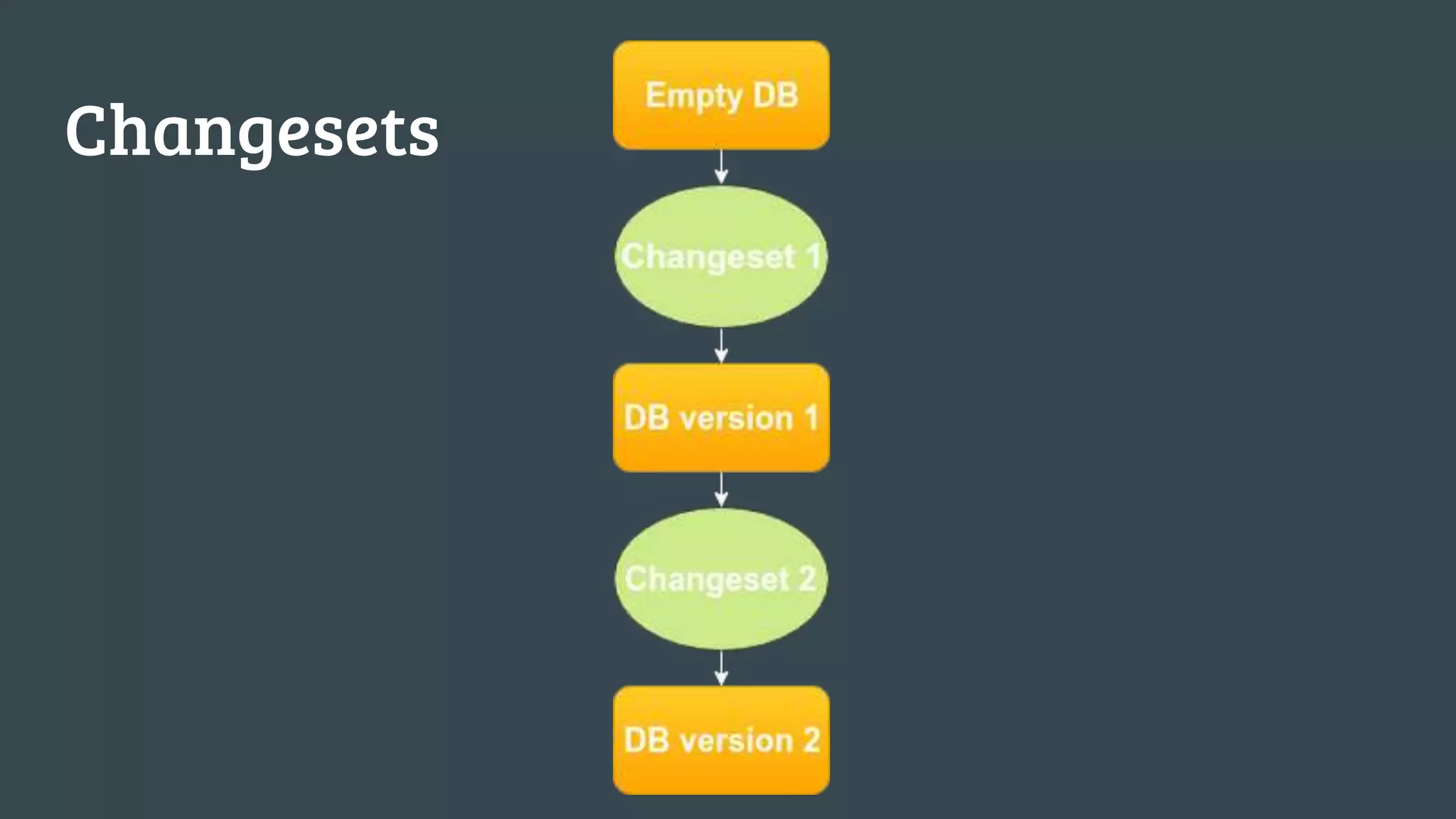
Changesets
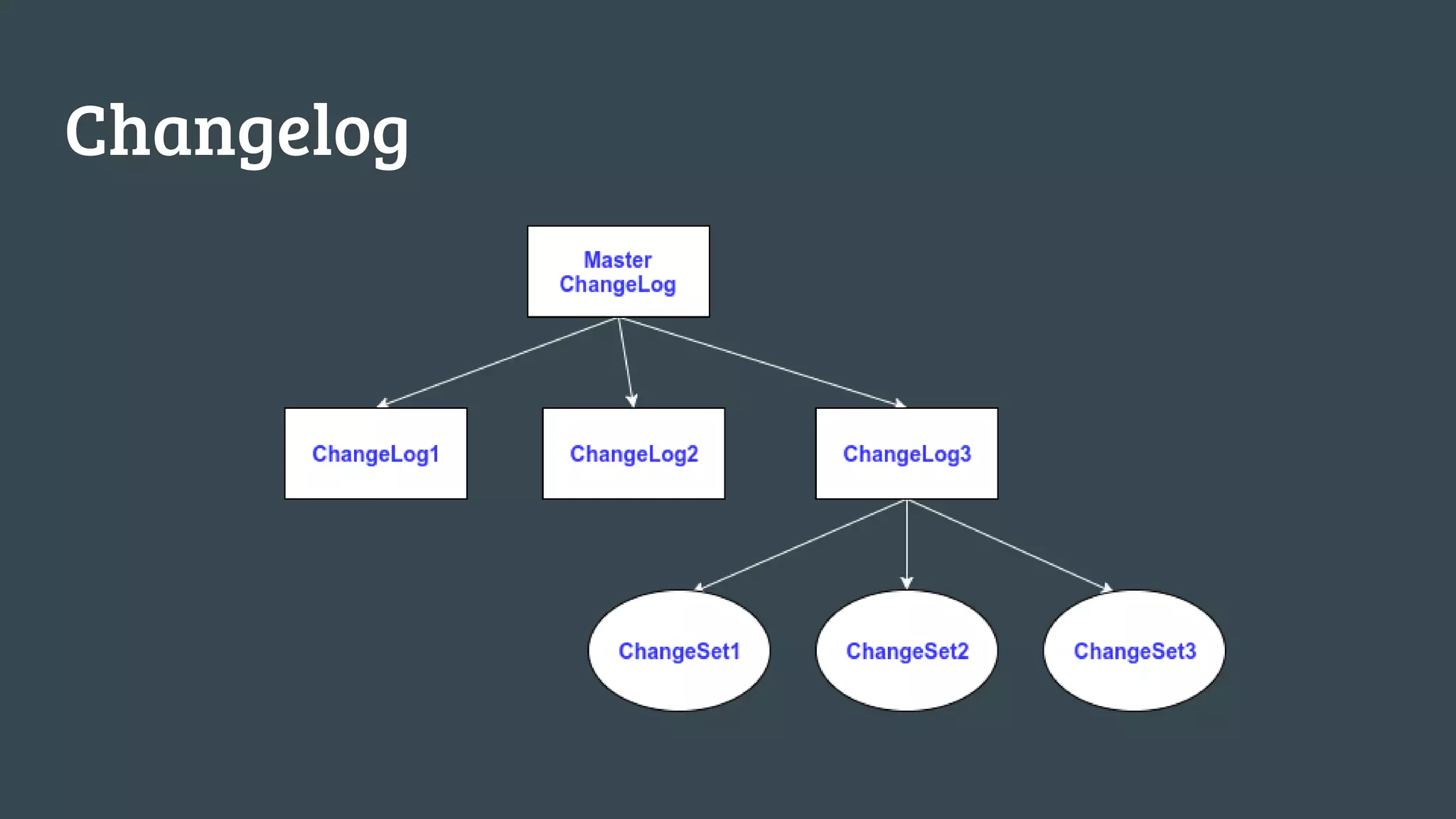
Changelog
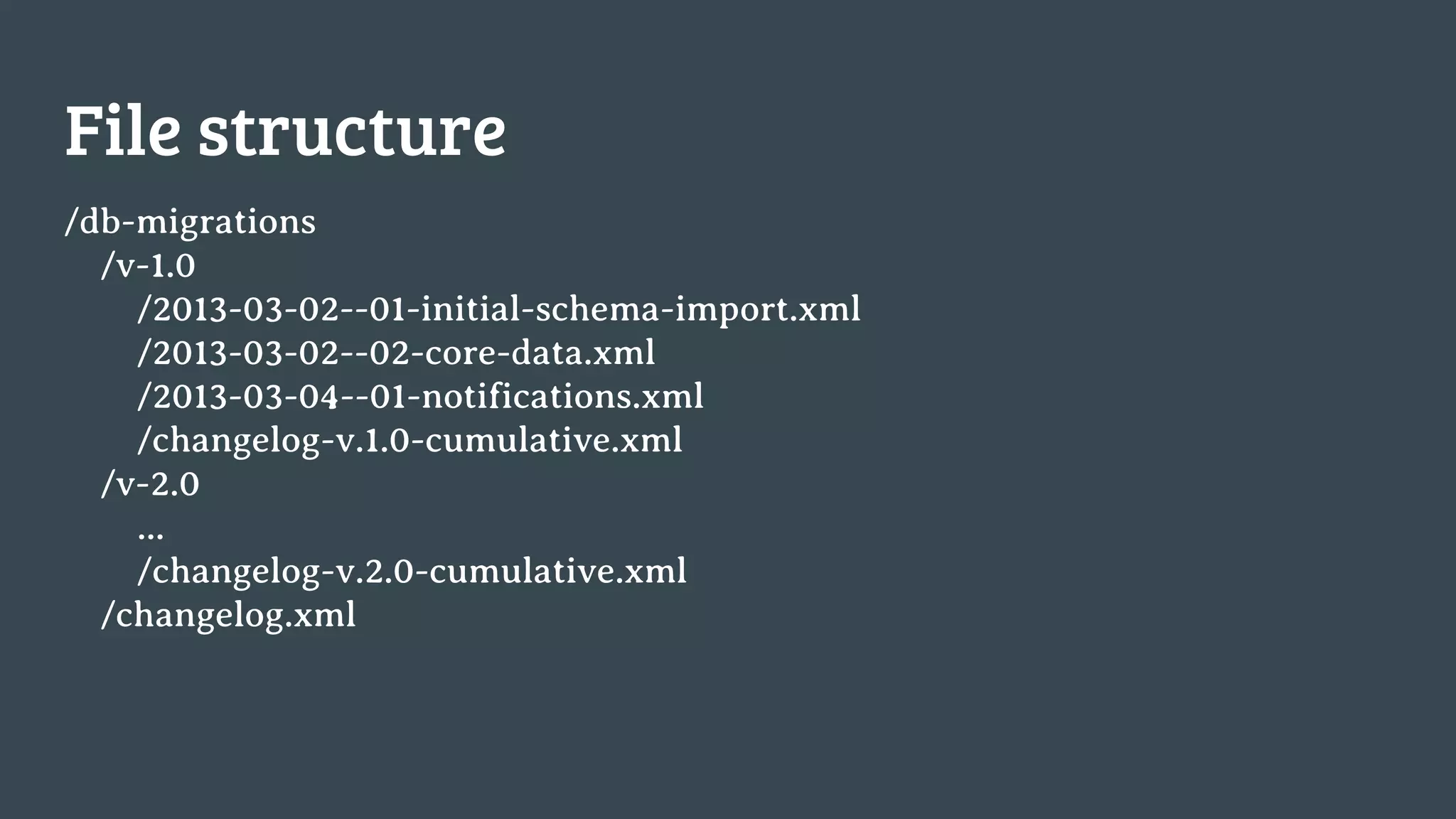
File structure
/db-migrations
/v-1.0
/2013-03-02--01-initial-schema-import.xml
/2013-03-02--02-core-data.xml
/2013-03-04--01-notifications.xml
/changelog-v.1.0-cumulative.xml
/v-2.0
...
/changelog-v.2.0-cumulative.xml
/changelog.xml
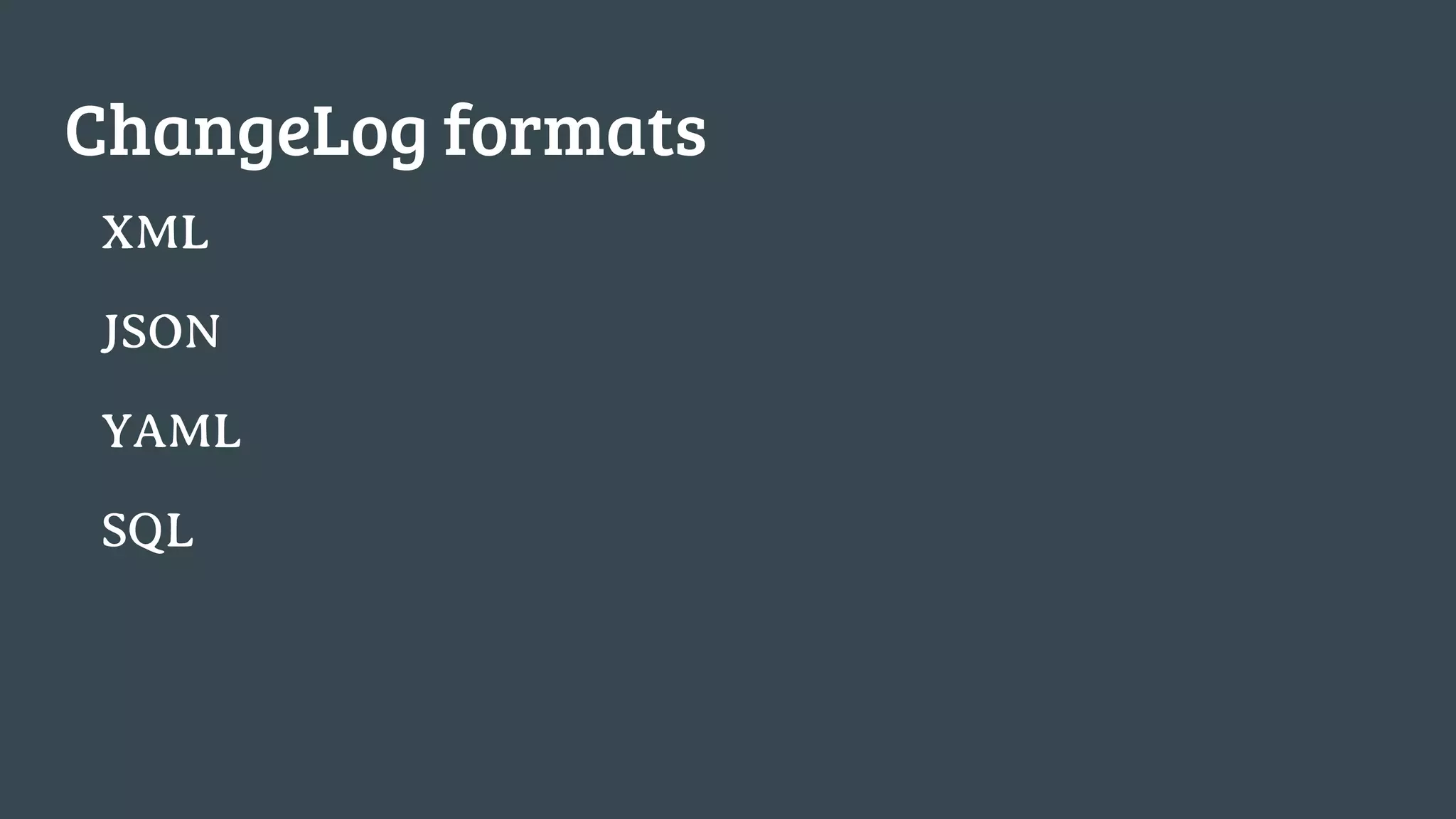
ChangeLog formats
XML
JSON
YAML
SQL
Liquibase is just a jar file
liquibase [options] [command] [command parameters]
Example:
java -jar liquibase.jar 
--driver=oracle.jdbc.OracleDriver 
--classpath=pathtoclasses:jdbcdriver.jar 
--changeLogFile=com/example/db.changelog.xml 
--url="jdbc:oracle:thin:@localhost:1521:oracle" 
--username=scott 
--password=tiger 
update
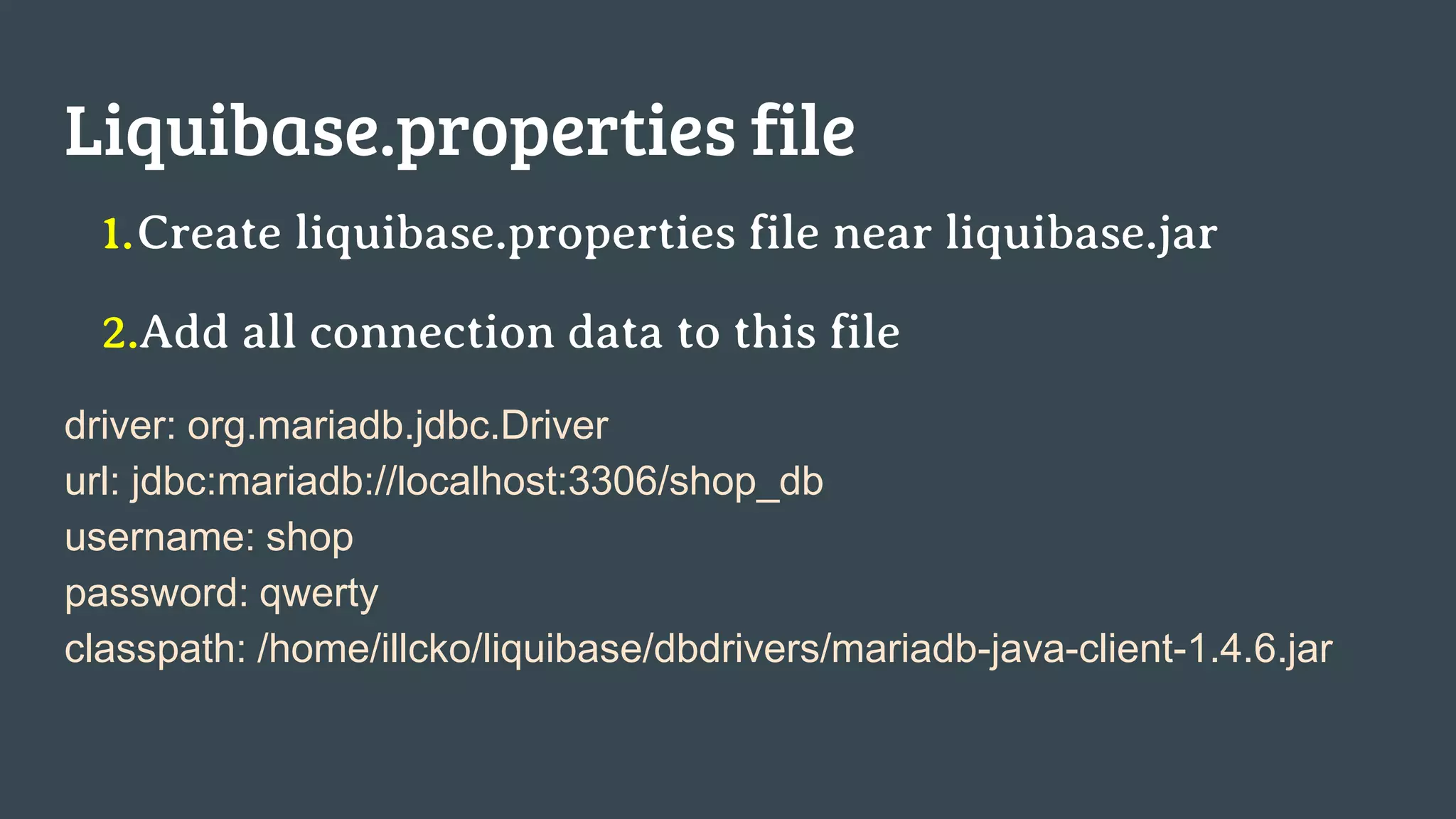
Liquibase.properties file
1.Create liquibase.properties file near liquibase.jar
2.Add all connection data to this file
driver: org.mariadb.jdbc.Driver
url: jdbc:mariadb://localhost:3306/shop_db
username: shop
password: qwerty
classpath: /home/illcko/liquibase/dbdrivers/mariadb-java-client-1.4.6.jar
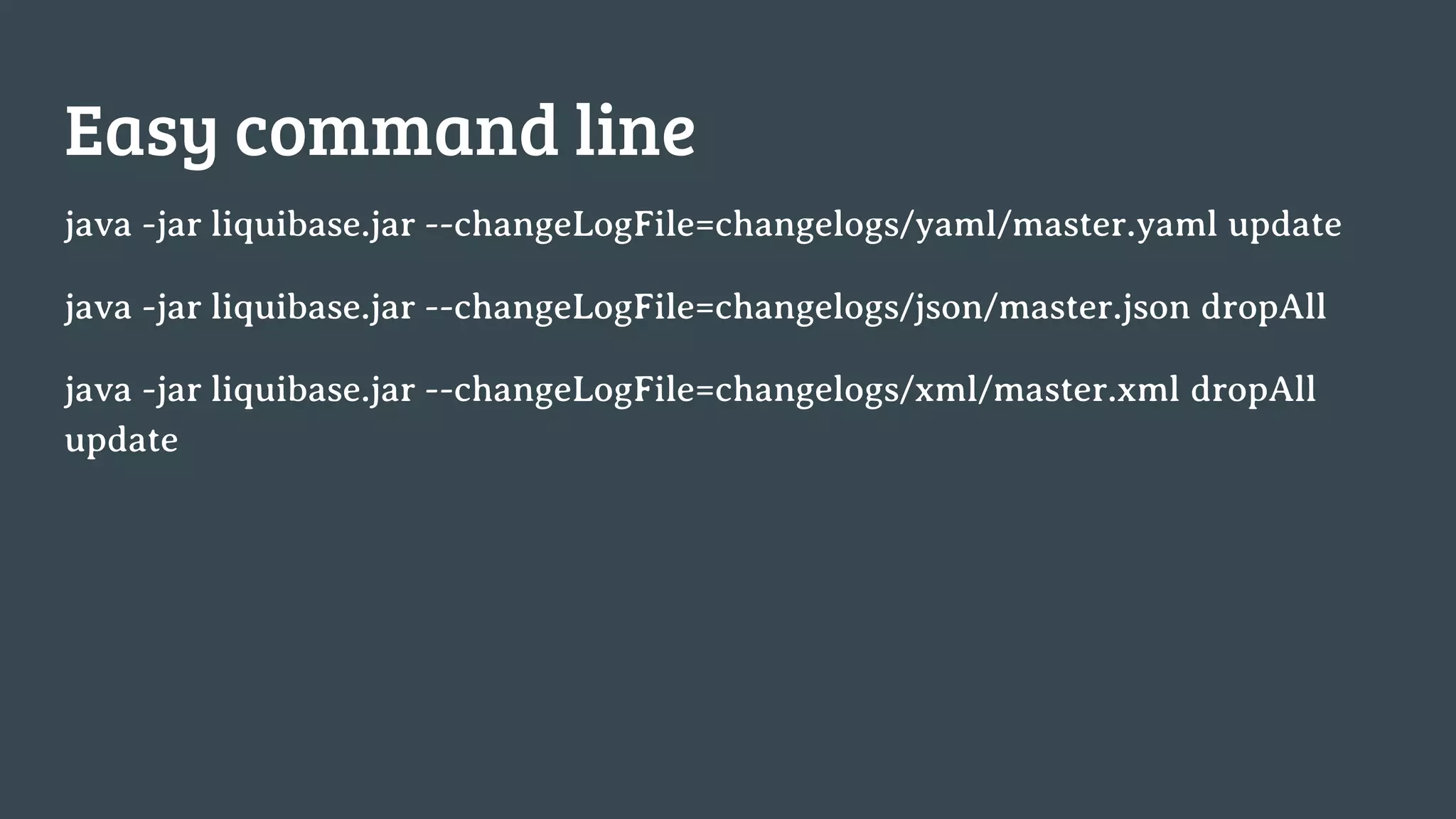
Easy command line
java -jar liquibase.jar --changeLogFile=changelogs/yaml/master.yaml update
java -jar liquibase.jar --changeLogFile=changelogs/json/master.json dropAll
java -jar liquibase.jar --changeLogFile=changelogs/xml/master.xml dropAll
update
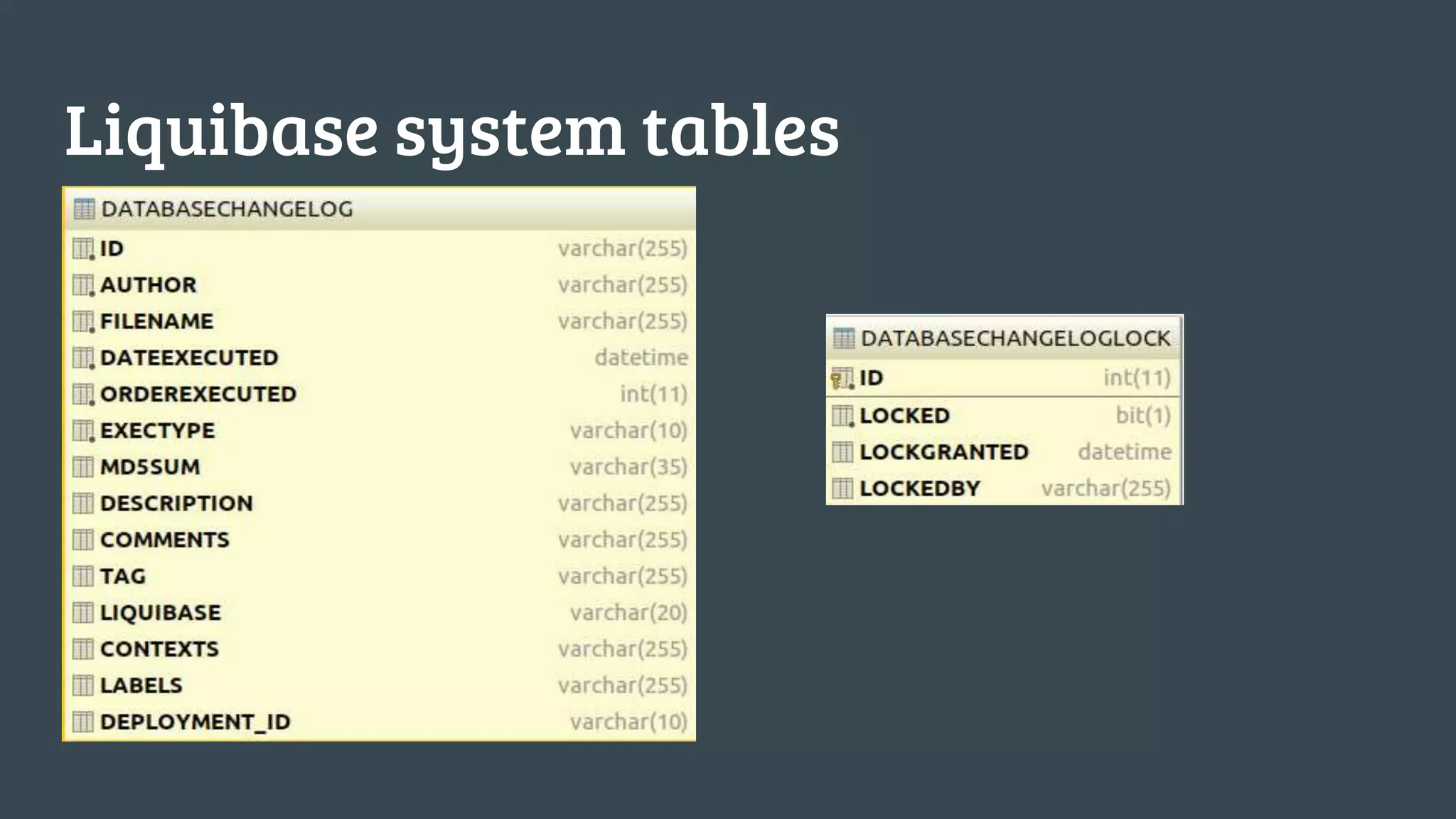
Liquibase system tables
Changests
The changeSet tag is what you use to group database
changes/refactorings together.
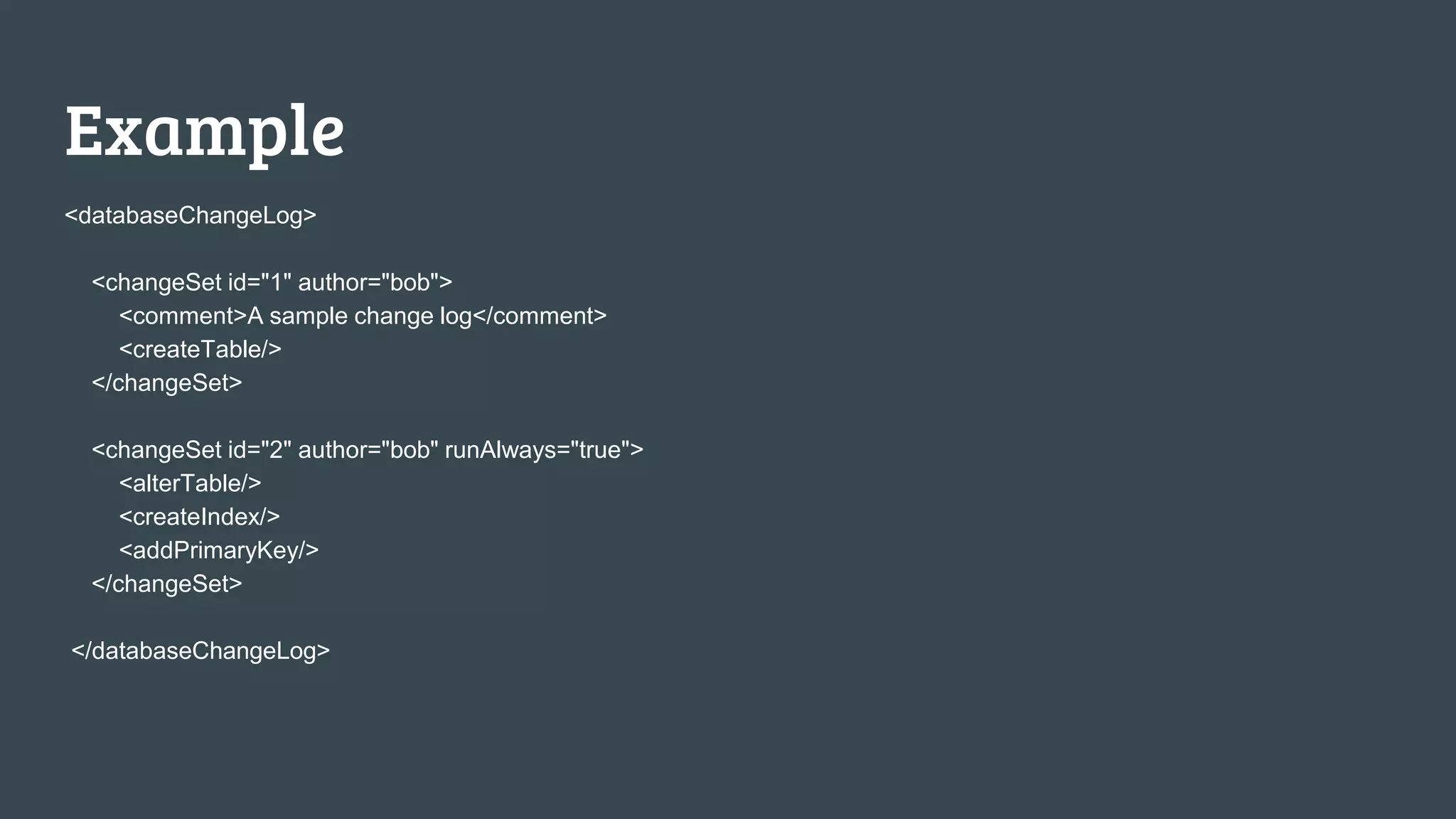
Example
<databaseChangeLog>
<changeSet id="1" author="bob">
<comment>A sample change log</comment>
<createTable/>
</changeSet>
<changeSet id="2" author="bob" runAlways="true">
<alterTable/>
<createIndex/>
<addPrimaryKey/>
</changeSet>
</databaseChangeLog>
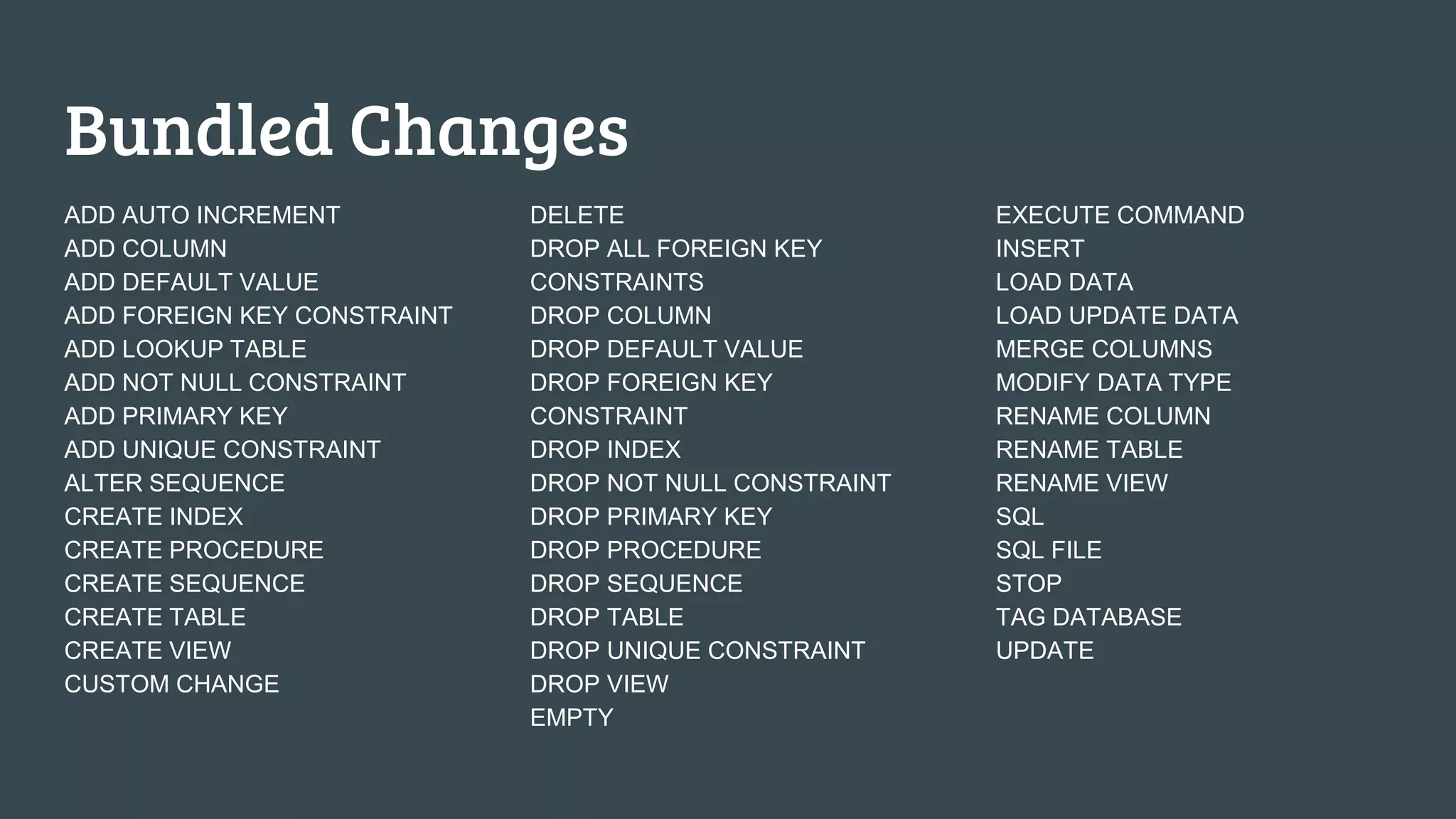
Bundled Changes
ADD AUTO INCREMENT
ADD COLUMN
ADD DEFAULT VALUE
ADD FOREIGN KEY CONSTRAINT
ADD LOOKUP TABLE
ADD NOT NULL CONSTRAINT
ADD PRIMARY KEY
ADD UNIQUE CONSTRAINT
ALTER SEQUENCE
CREATE INDEX
CREATE PROCEDURE
CREATE SEQUENCE
CREATE TABLE
CREATE VIEW
CUSTOM CHANGE
DELETE
DROP ALL FOREIGN KEY
CONSTRAINTS
DROP COLUMN
DROP DEFAULT VALUE
DROP FOREIGN KEY
CONSTRAINT
DROP INDEX
DROP NOT NULL CONSTRAINT
DROP PRIMARY KEY
DROP PROCEDURE
DROP SEQUENCE
DROP TABLE
DROP UNIQUE CONSTRAINT
DROP VIEW
EMPTY
EXECUTE COMMAND
INSERT
LOAD DATA
LOAD UPDATE DATA
MERGE COLUMNS
MODIFY DATA TYPE
RENAME COLUMN
RENAME TABLE
RENAME VIEW
SQL
SQL FILE
STOP
TAG DATABASE
UPDATE
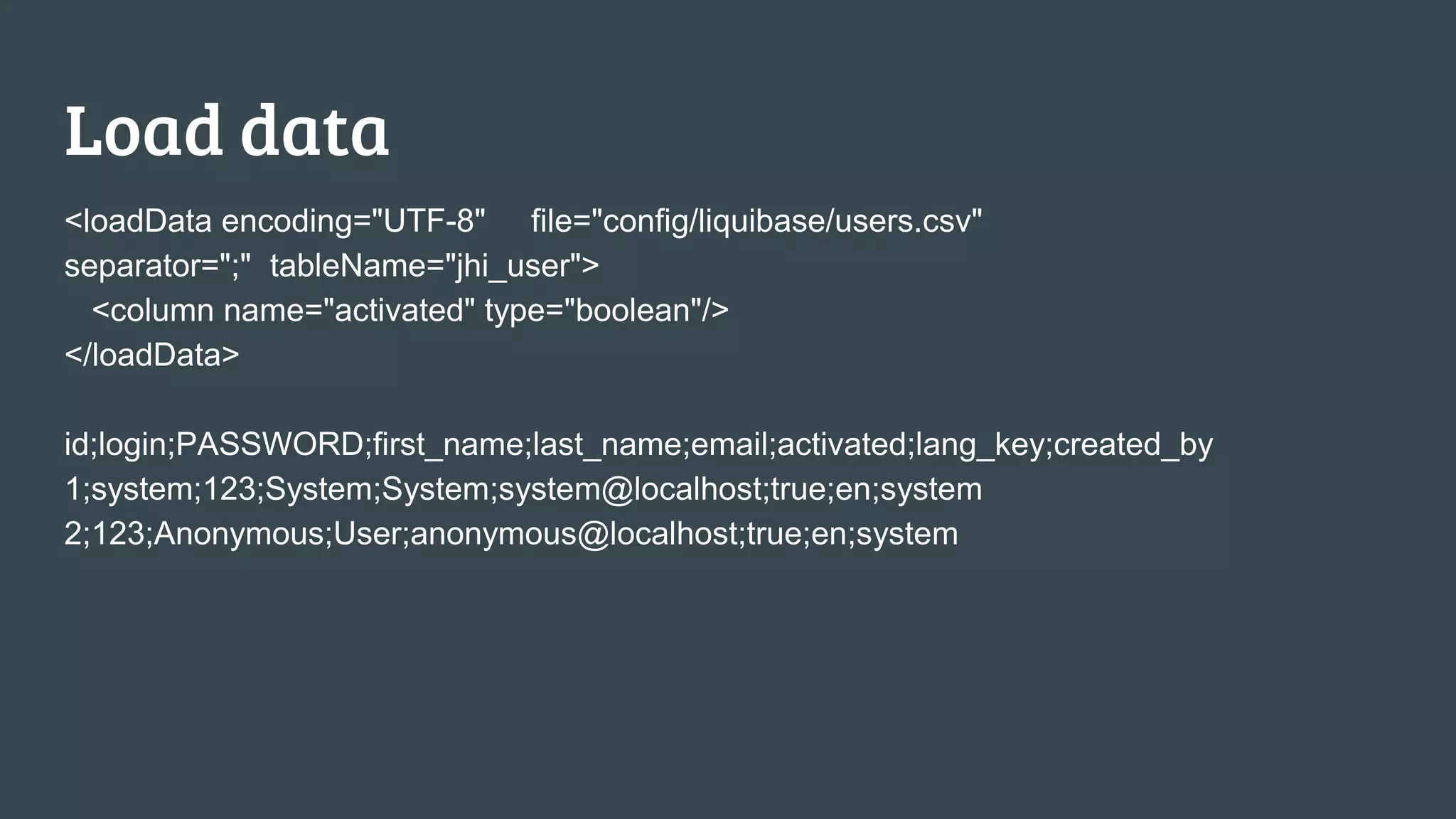
Load data
<loadData encoding="UTF-8" file="config/liquibase/users.csv"
separator=";" tableName="jhi_user">
<column name="activated" type="boolean"/>
</loadData>
id;login;PASSWORD;first_name;last_name;email;activated;lang_key;created_by
1;system;123;System;System;system@localhost;true;en;system
2;123;Anonymous;User;anonymous@localhost;true;en;system
SQL also here
SQL as changelog file
Include sql file
SQL tag in changeset
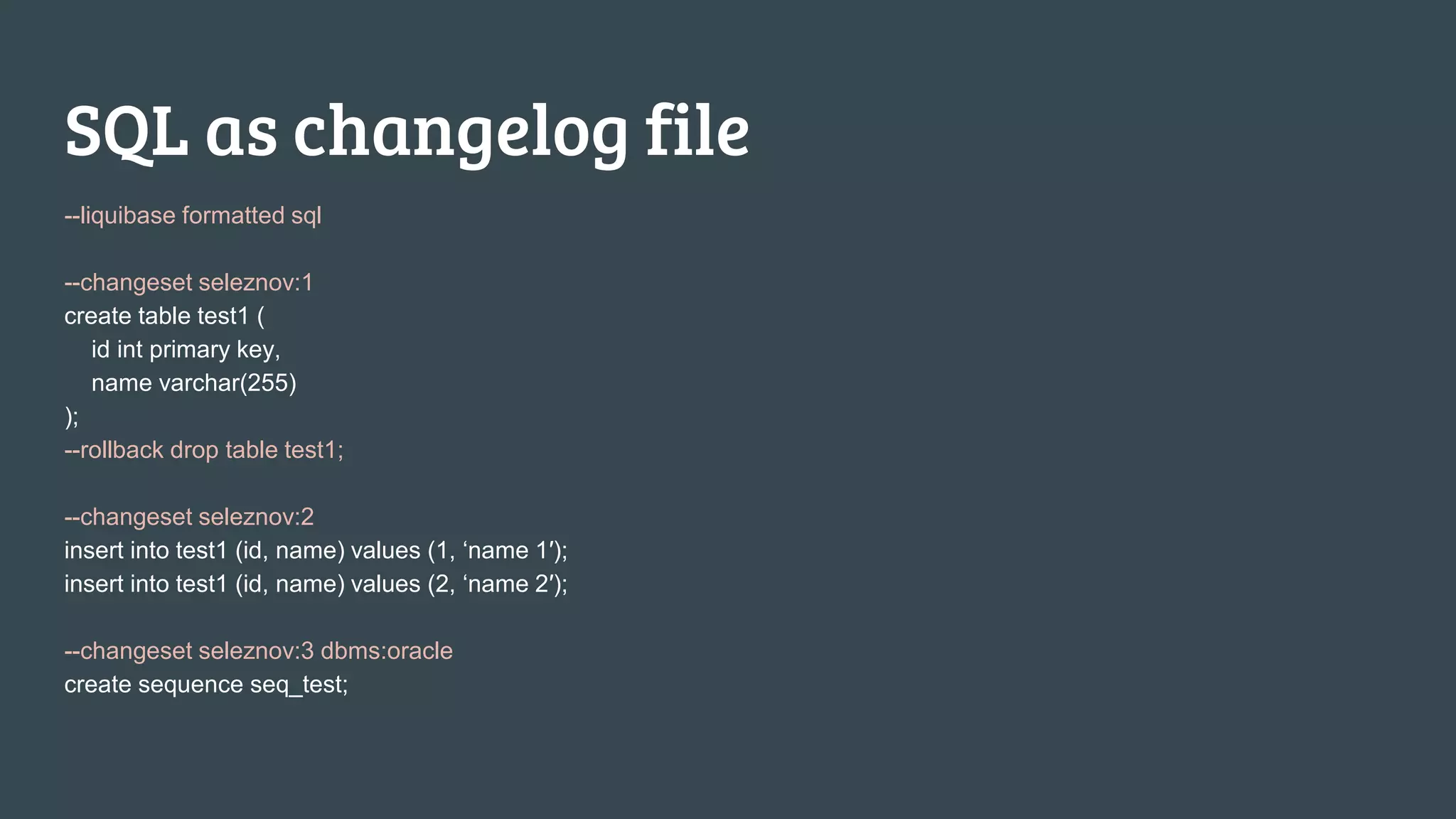
SQL as changelog file
--liquibase formatted sql
--changeset seleznov:1
create table test1 (
id int primary key,
name varchar(255)
);
--rollback drop table test1;
--changeset seleznov:2
insert into test1 (id, name) values (1, ‘name 1′);
insert into test1 (id, name) values (2, ‘name 2′);
--changeset seleznov:3 dbms:oracle
create sequence seq_test;
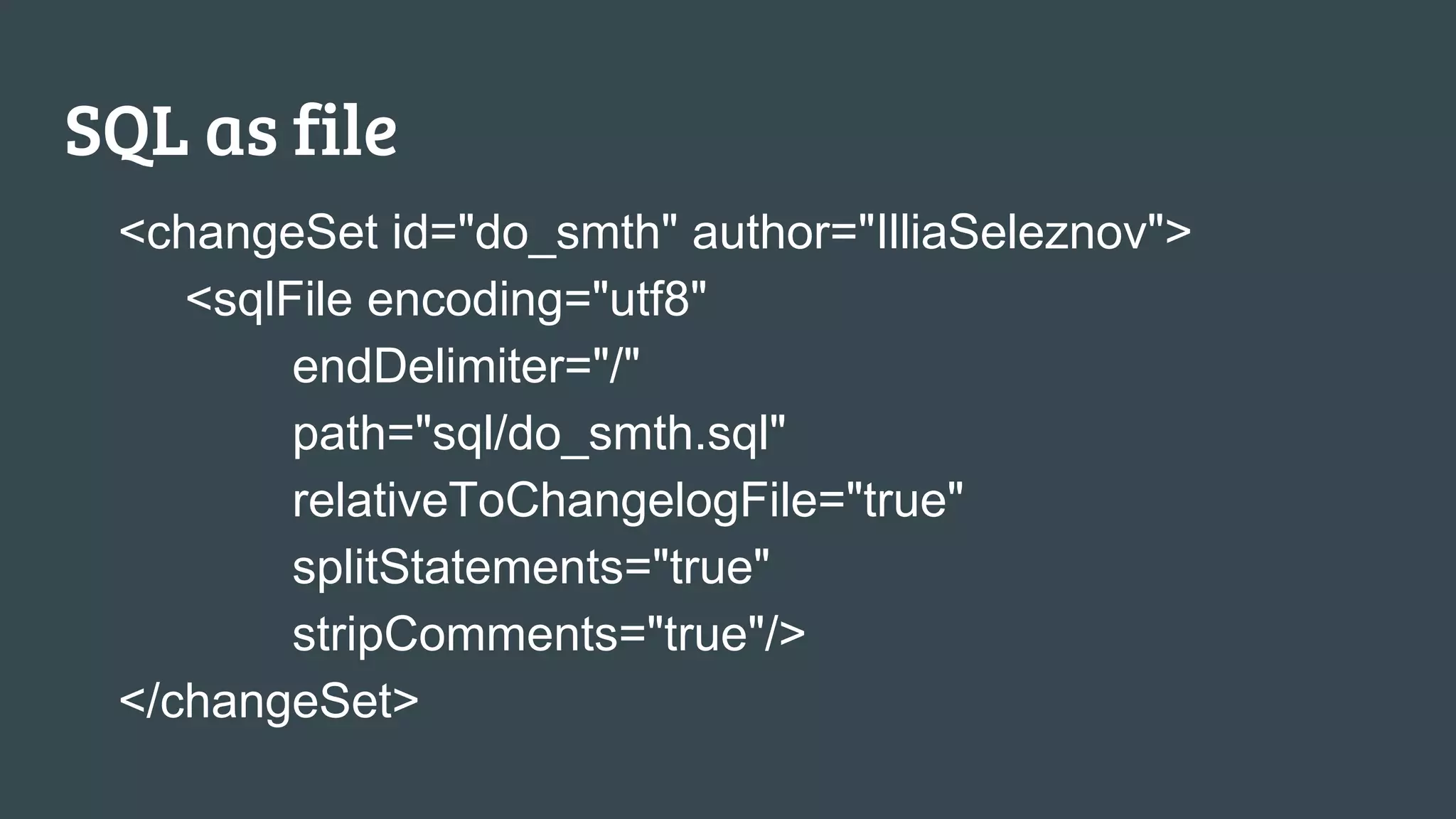
SQL as file
<changeSet id="do_smth" author="IlliaSeleznov">
<sqlFile encoding="utf8"
endDelimiter="/"
path="sql/do_smth.sql"
relativeToChangelogFile="true"
splitStatements="true"
stripComments="true"/>
</changeSet>
SQL as part of changeset
<changeSet id="drop_storage_with_index_data" author="Illia_Seleznov" dbms="oracle">
<sql splitStatements="false">
<![CDATA[
DECLARE
filter_count number;
BEGIN
select count(*) into filter_count FROM CTXSYS.CTX_PREFERENCES WHERE PRE_NAME
= '<MNG_STORAGE>' AND PRE_OWNER in (select user from dual);
IF filter_count > 0 THEN
ctx_ddl.drop_preference( ''<MNG_STORAGE>');
END IF;
END;
]]>
</sql>
</changeSet>
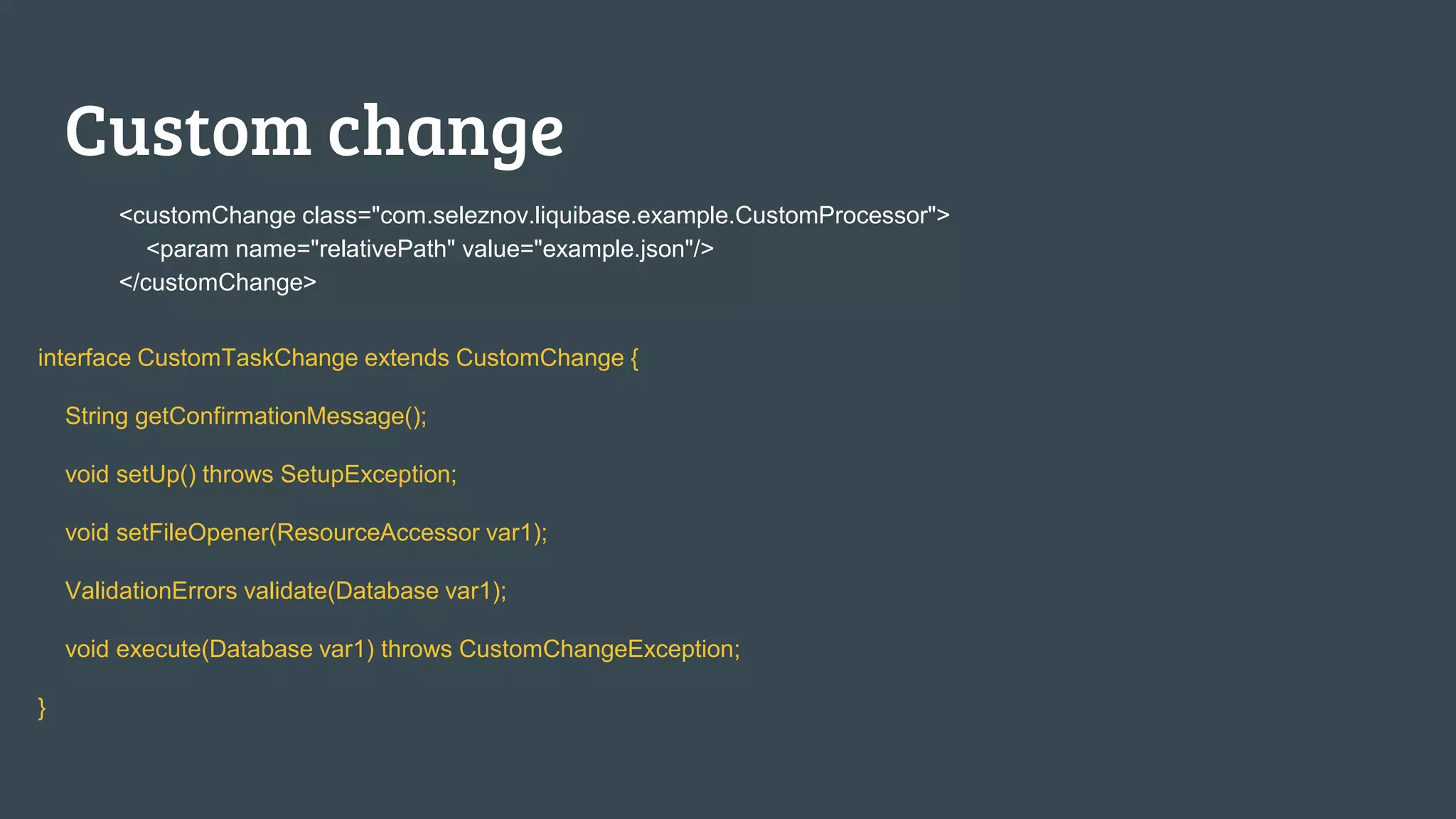
Custom change
<customChange class="com.seleznov.liquibase.example.CustomProcessor">
<param name="relativePath" value="example.json"/>
</customChange>
interface CustomTaskChange extends CustomChange {
String getConfirmationMessage();
void setUp() throws SetupException;
void setFileOpener(ResourceAccessor var1);
ValidationErrors validate(Database var1);
void execute(Database var1) throws CustomChangeException;
}
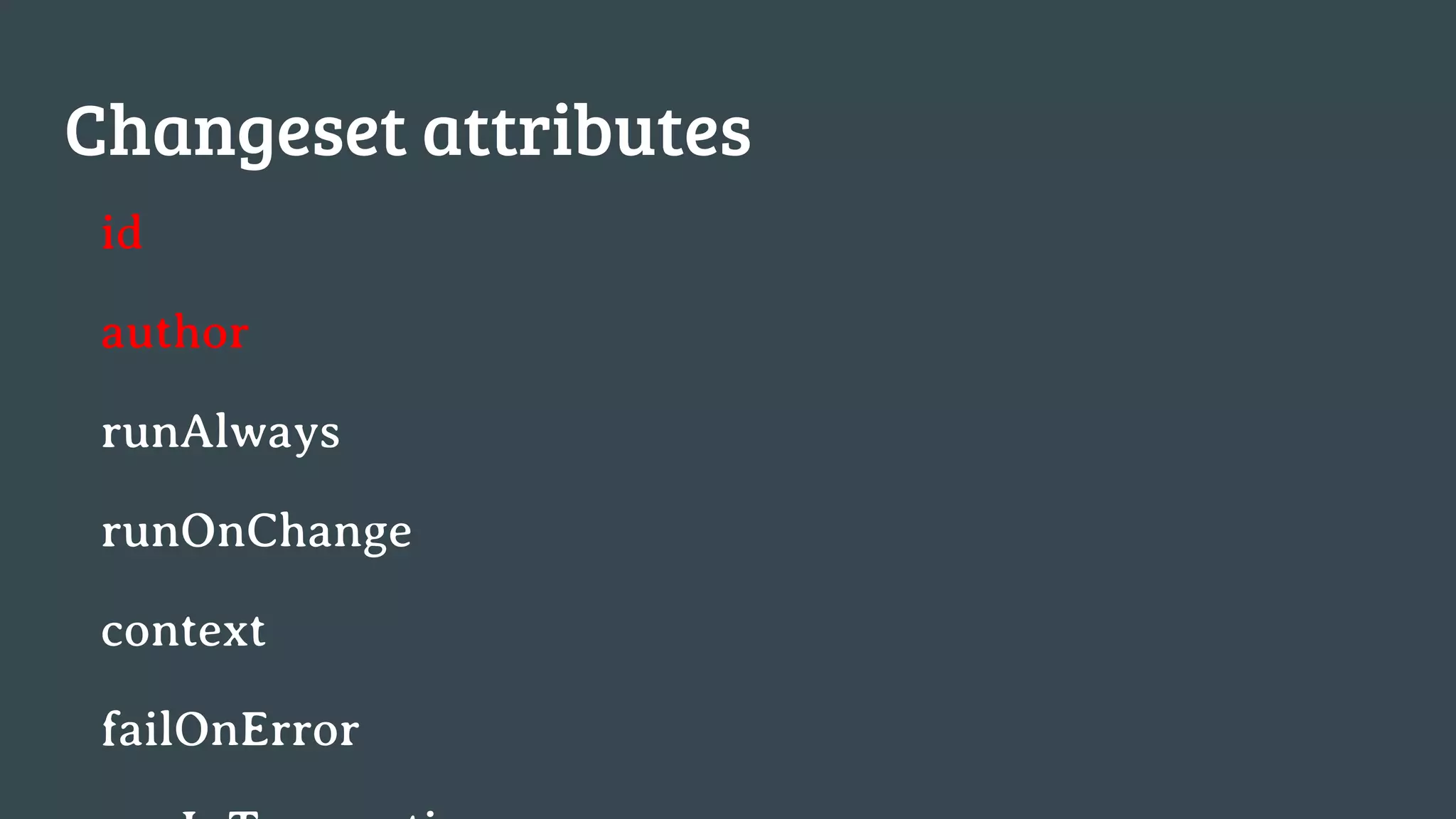
Changeset attributes
id
author
runAlways
runOnChange
context
failOnError
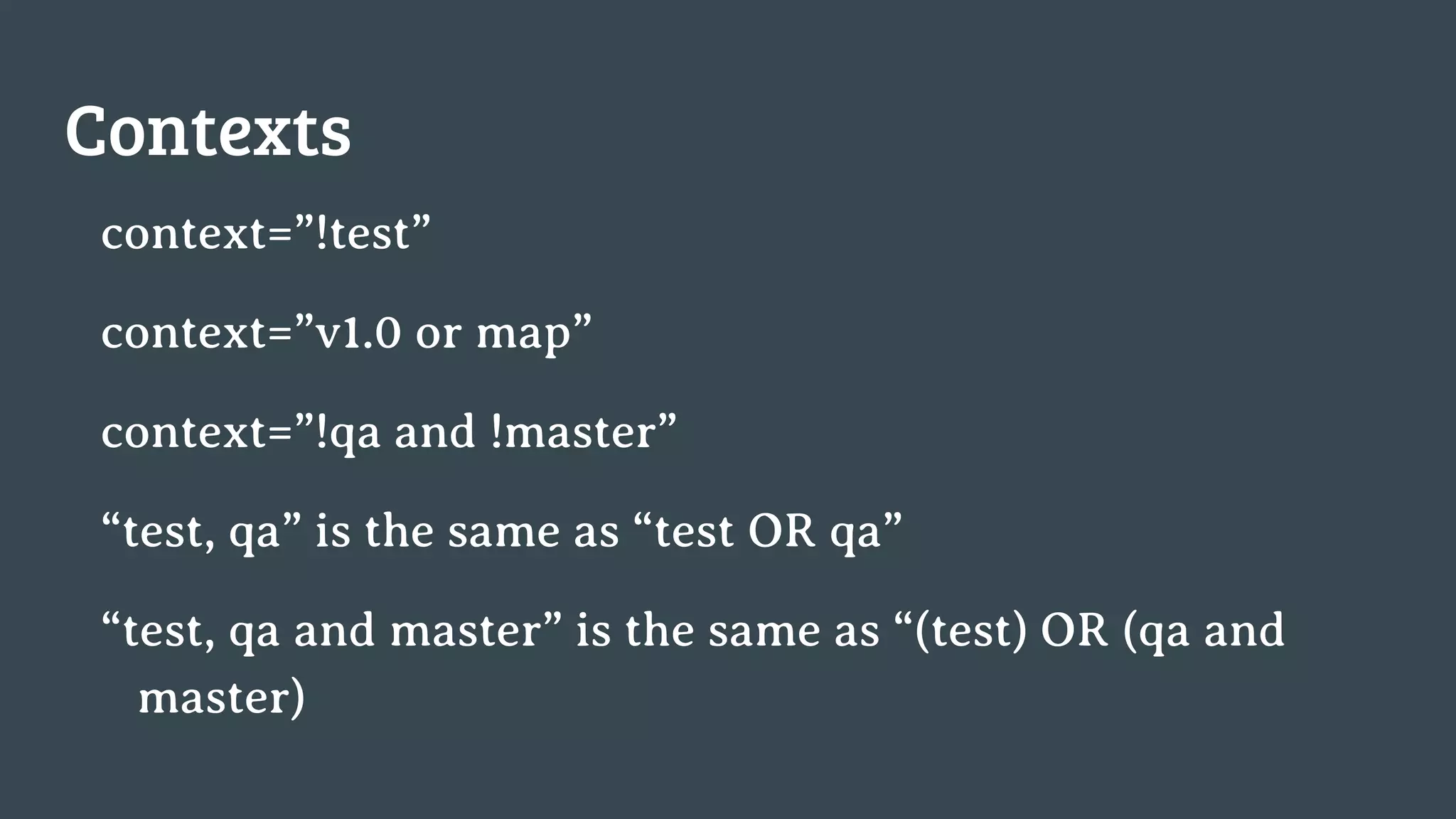
Contexts
context=”!test”
context=”v1.0 or map”
context=”!qa and !master”
“test, qa” is the same as “test OR qa”
“test, qa and master” is the same as “(test) OR (qa and
master)
Why does not devops sleep?
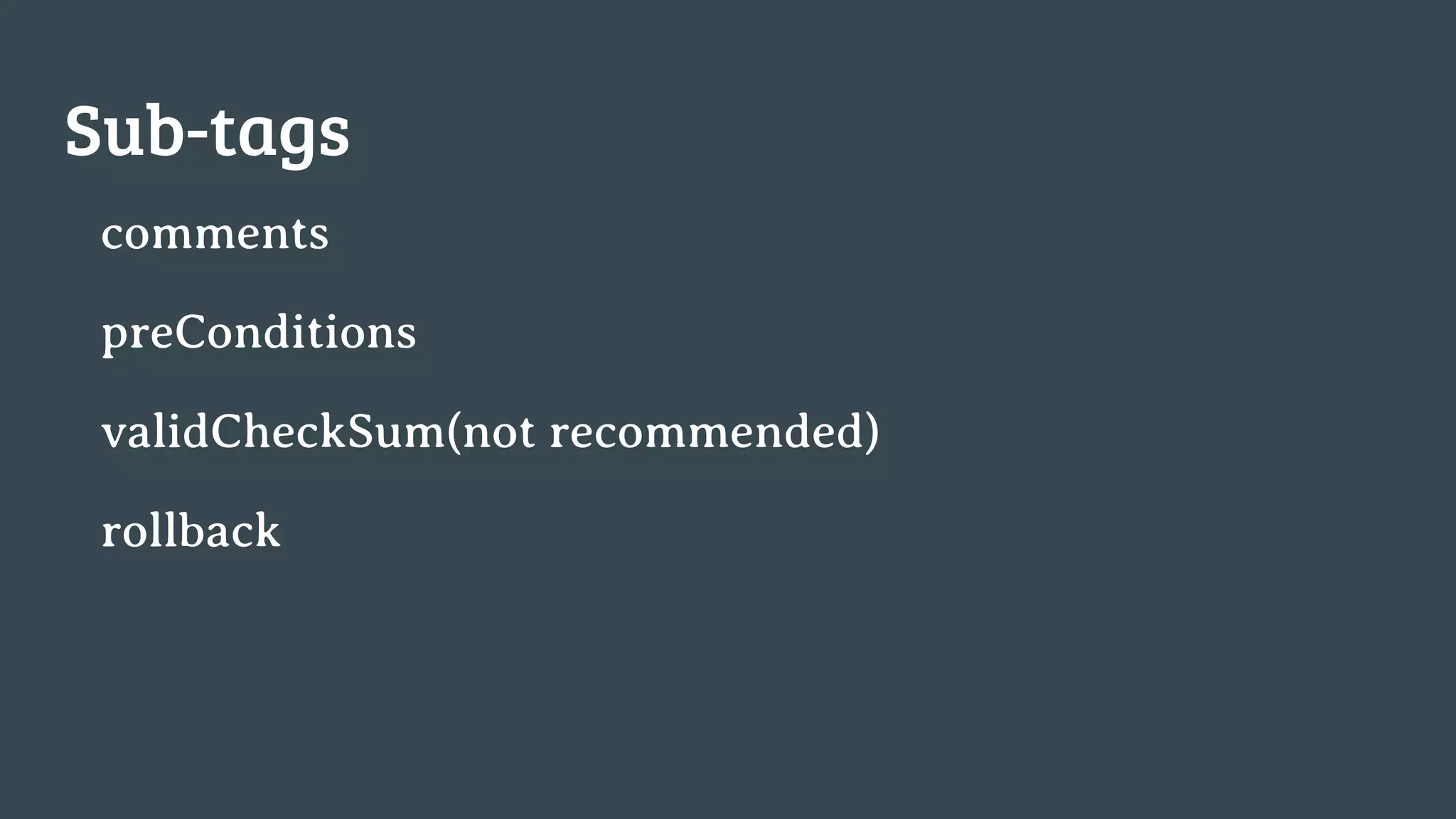
Sub-tags
comments
preConditions
validCheckSum(not recommended)
rollback
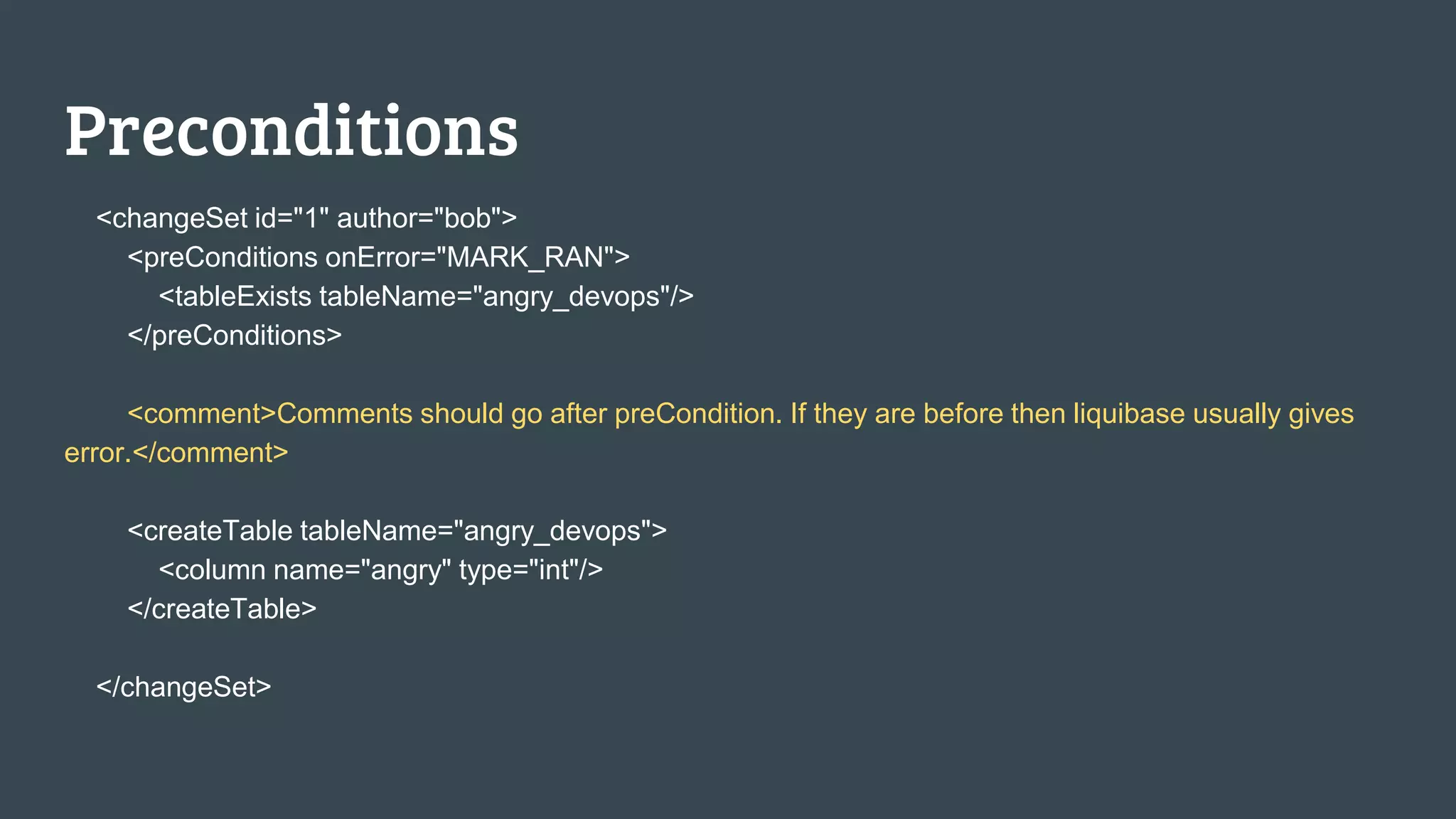
Preconditions
<changeSet id="1" author="bob">
<preConditions onError="MARK_RAN">
<tableExists tableName="angry_devops"/>
</preConditions>
<comment>Comments should go after preCondition. If they are before then liquibase usually gives
error.</comment>
<createTable tableName="angry_devops">
<column name="angry" type="int"/>
</createTable>
</changeSet>
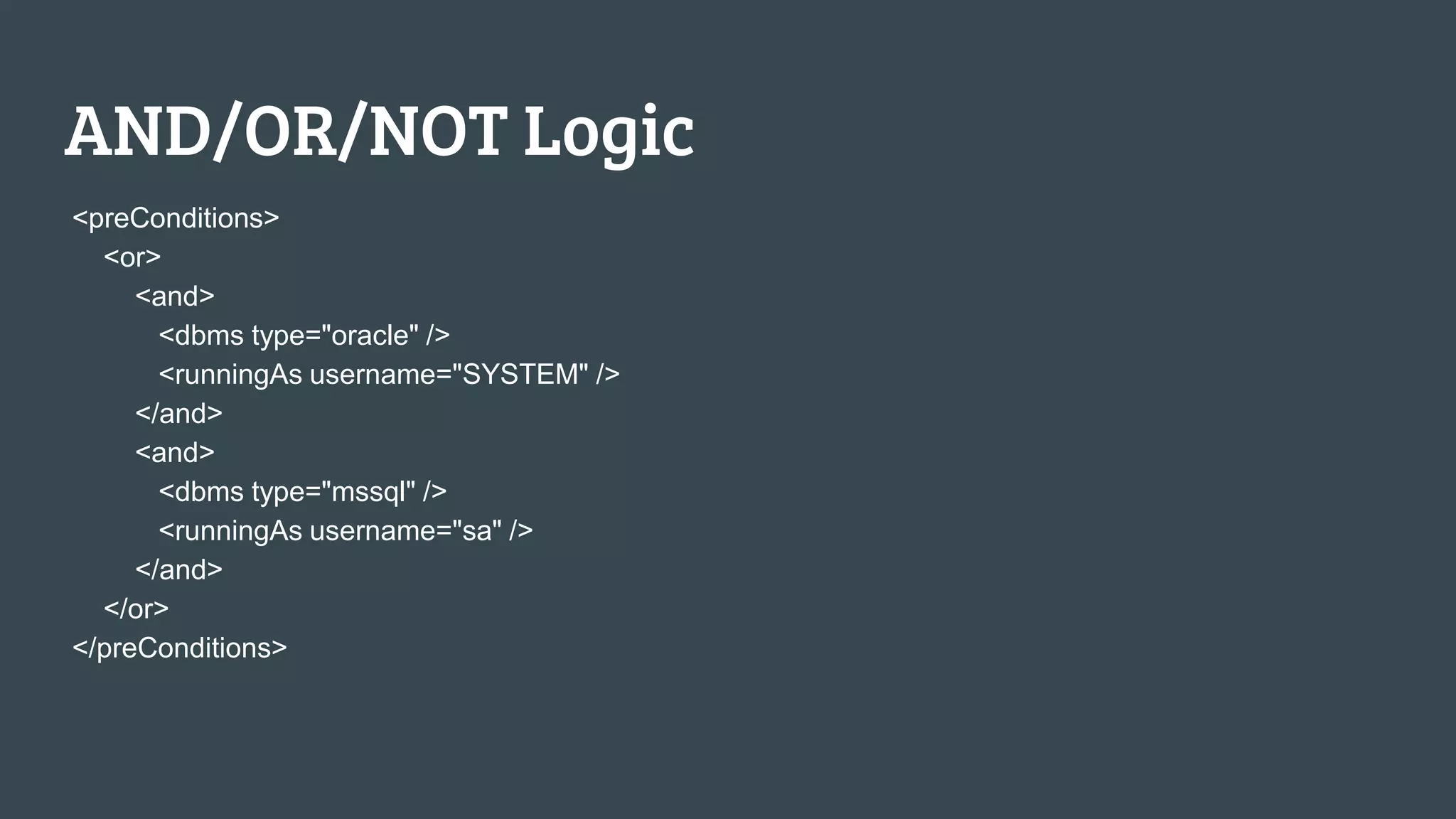
AND/OR/NOT Logic
<preConditions>
<or>
<and>
<dbms type="oracle" />
<runningAs username="SYSTEM" />
</and>
<and>
<dbms type="mssql" />
<runningAs username="sa" />
</and>
</or>
</preConditions>
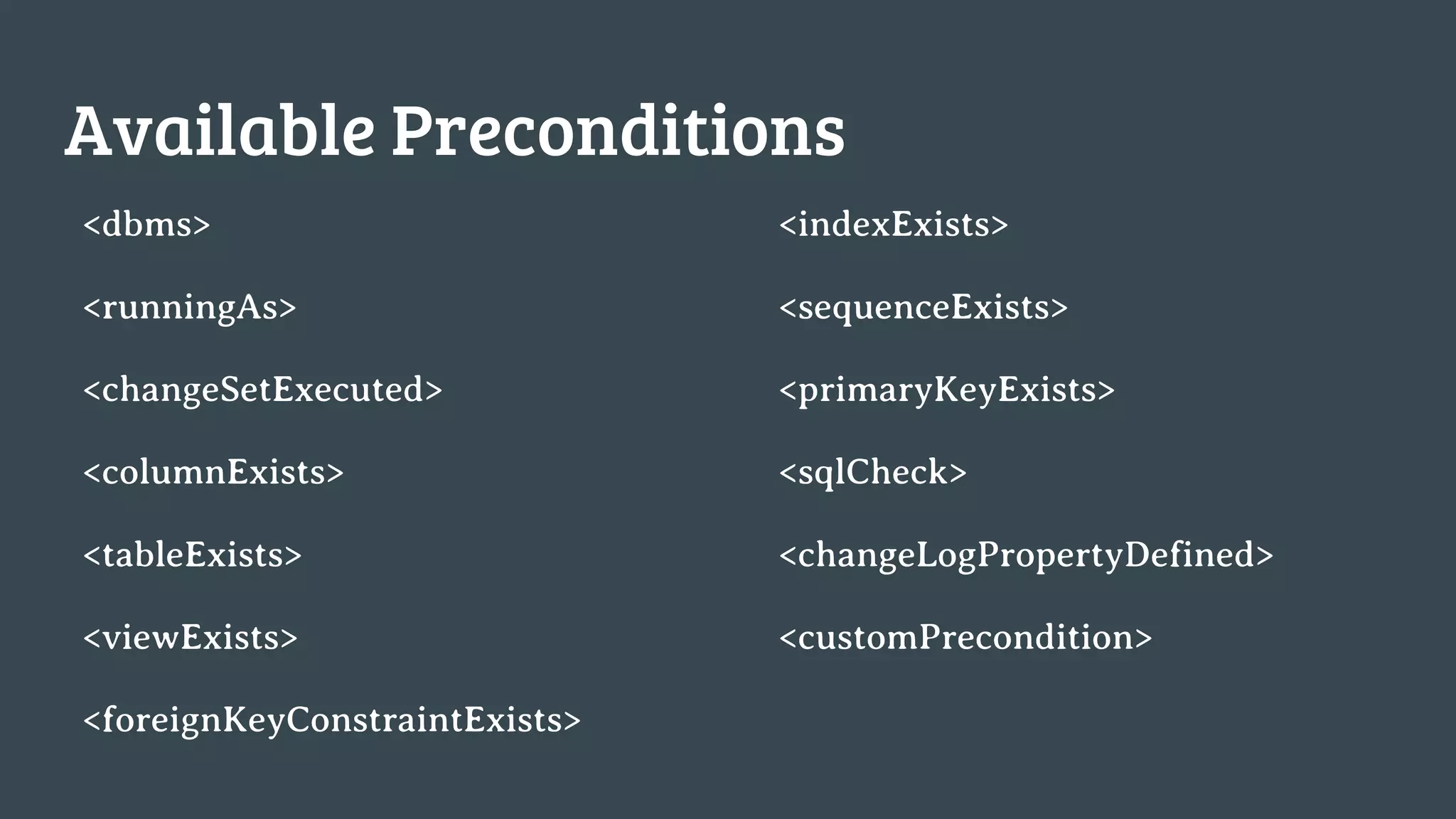
Available Preconditions
<dbms>
<runningAs>
<changeSetExecuted>
<columnExists>
<tableExists>
<viewExists>
<foreignKeyConstraintExists>
<indexExists>
<sequenceExists>
<primaryKeyExists>
<sqlCheck>
<changeLogPropertyDefined>
<customPrecondition>
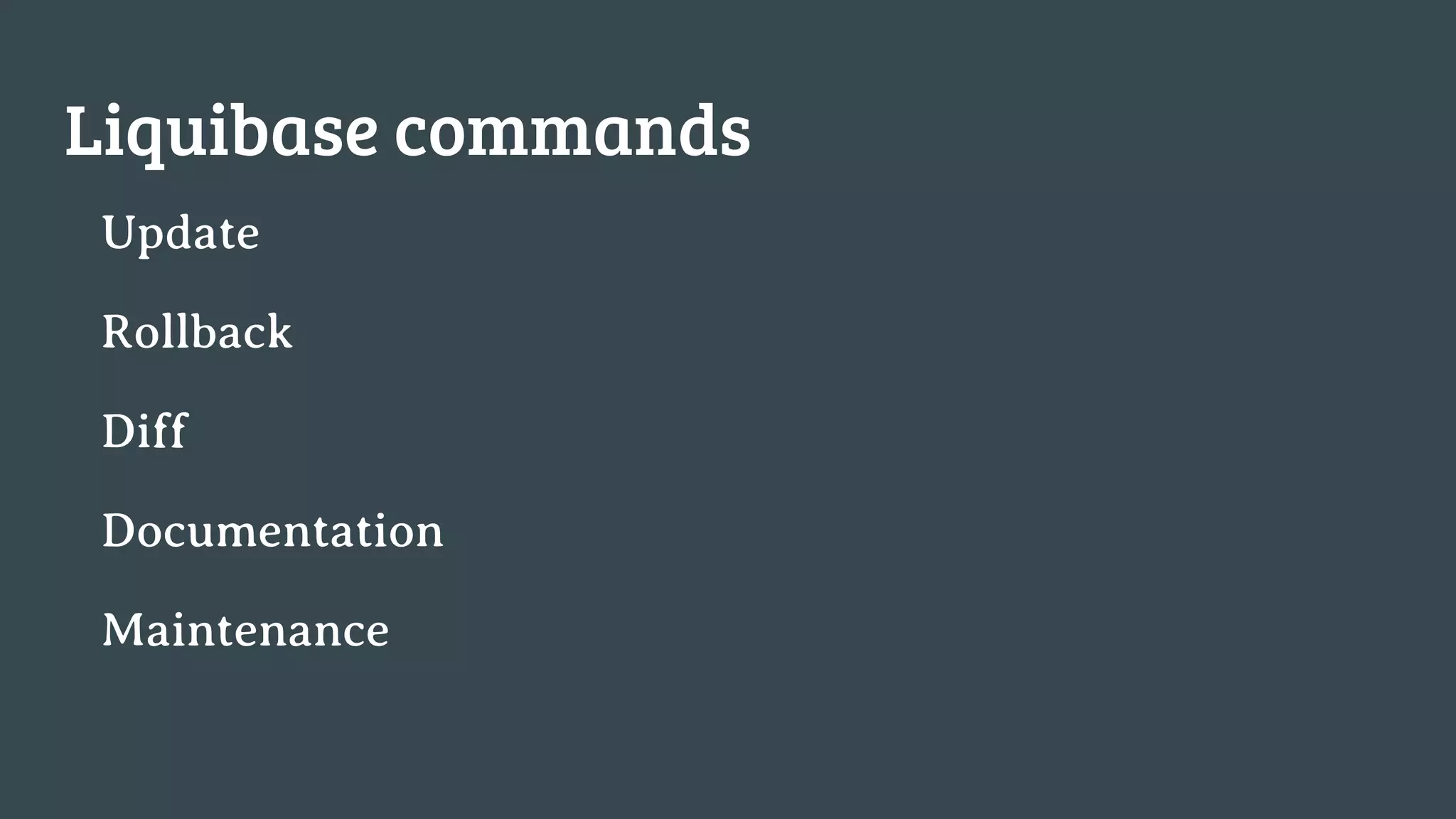
Liquibase commands
Update
Rollback
Diff
Documentation
Maintenance
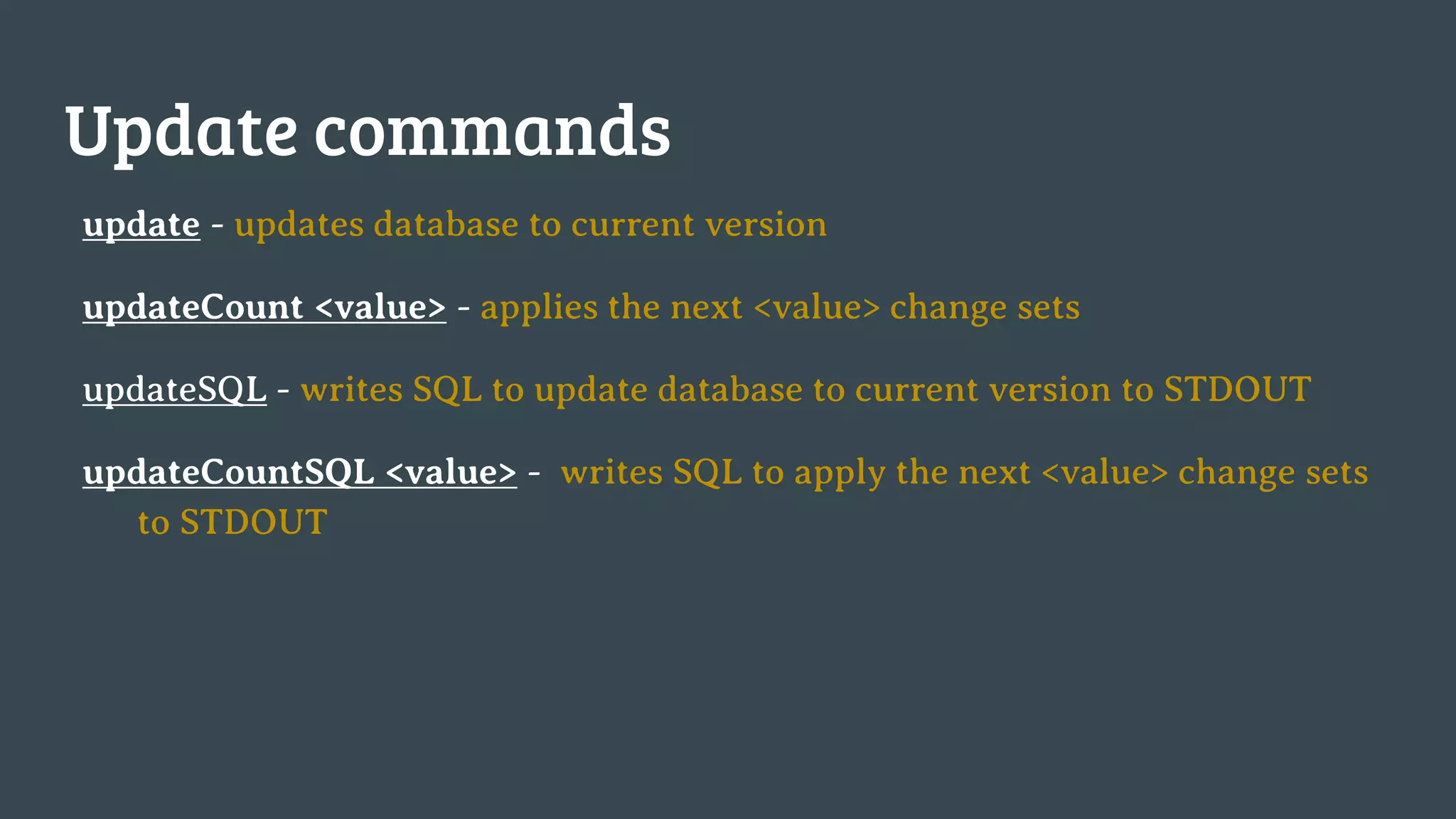
Update commands
update - updates database to current version
updateCount <value> - applies the next <value> change sets
updateSQL - writes SQL to update database to current version to STDOUT
updateCountSQL <value> - writes SQL to apply the next <value> change sets
to STDOUT
Diff commands
diff [diff parameters] - writes description of differences to standard out
diffChangeLog [diff parameters] - writes Change Log XML to update the base database to the target
database to standard out
Include:
● Version Differences
● Missing/unexpected tables
● Missing/unexpected views
● Missing/unexpected columns
● Missing/unexpected primary keys
● Missing/unexpected unique constraints
● Missing/unexpected foreign Keys
● Missing/unexpected sequences
● Missing/unexpected indexes
● Column definition differences (data type,
auto-increment, etc.)
● View definition differences
● Data differences (limited), not checked by
default
Exclude:
● Non-foreign key constraints (check, etc)
● Stored Procedures
● Data type length
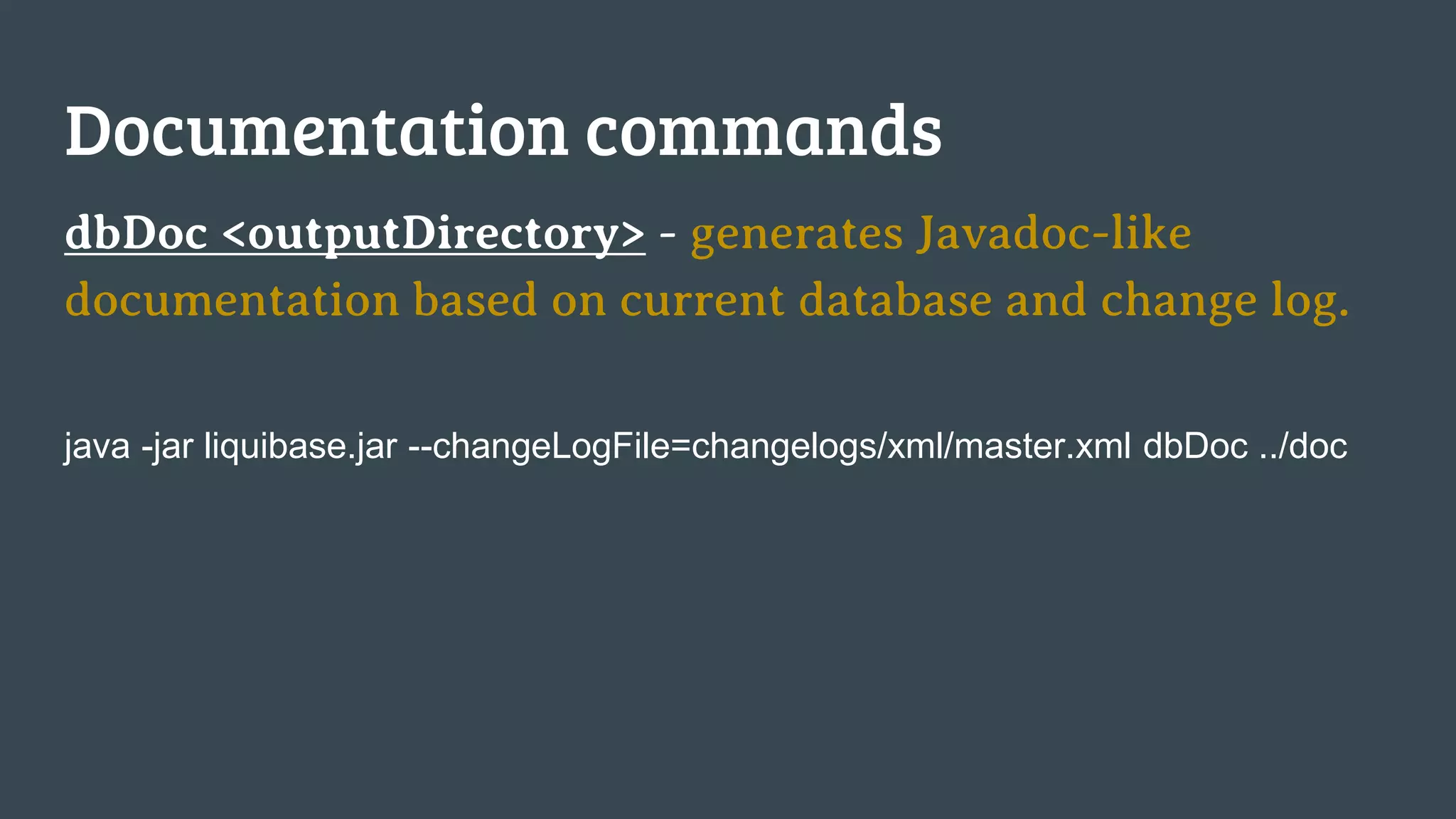
Documentation commands
dbDoc <outputDirectory> - generates Javadoc-like
documentation based on current database and change log.
java -jar liquibase.jar --changeLogFile=changelogs/xml/master.xml dbDoc ../doc
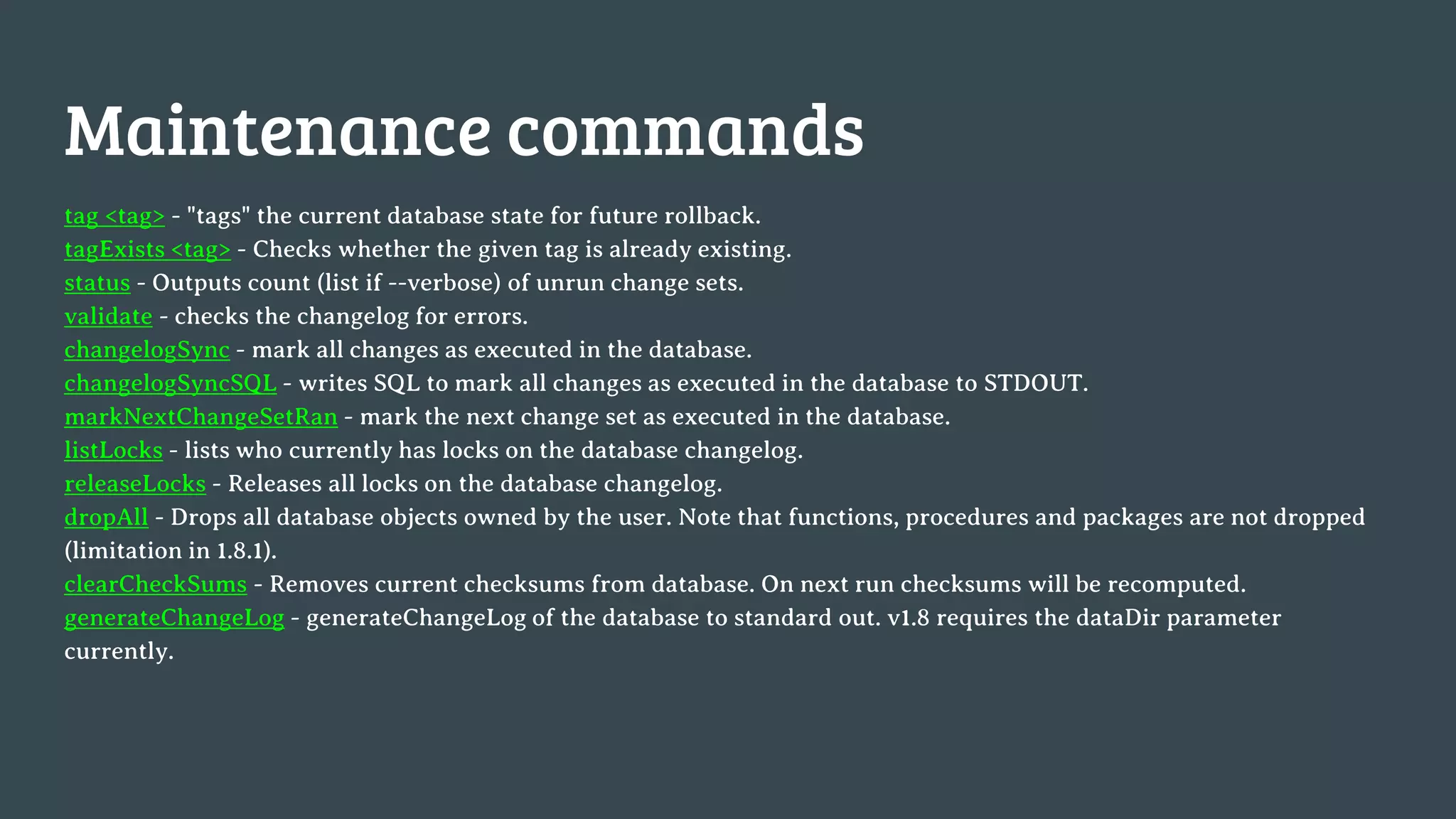
Maintenance commands
tag <tag> - "tags" the current database state for future rollback.
tagExists <tag> - Checks whether the given tag is already existing.
status - Outputs count (list if --verbose) of unrun change sets.
validate - checks the changelog for errors.
changelogSync - mark all changes as executed in the database.
changelogSyncSQL - writes SQL to mark all changes as executed in the database to STDOUT.
markNextChangeSetRan - mark the next change set as executed in the database.
listLocks - lists who currently has locks on the database changelog.
releaseLocks - Releases all locks on the database changelog.
dropAll - Drops all database objects owned by the user. Note that functions, procedures and packages are not dropped
(limitation in 1.8.1).
clearCheckSums - Removes current checksums from database. On next run checksums will be recomputed.
generateChangeLog - generateChangeLog of the database to standard out. v1.8 requires the dataDir parameter
currently.
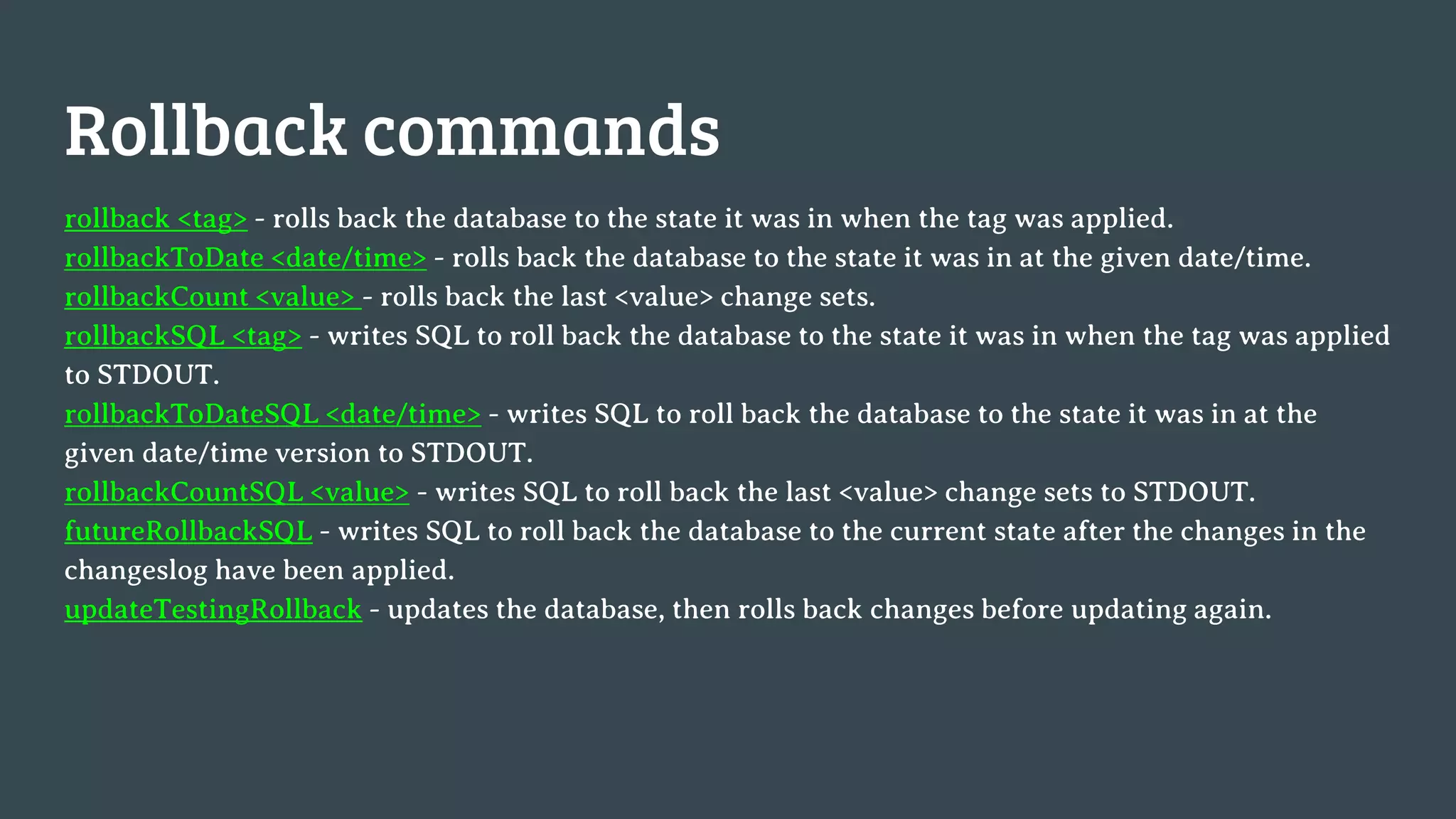
Rollback commands
rollback <tag> - rolls back the database to the state it was in when the tag was applied.
rollbackToDate <date/time> - rolls back the database to the state it was in at the given date/time.
rollbackCount <value> - rolls back the last <value> change sets.
rollbackSQL <tag> - writes SQL to roll back the database to the state it was in when the tag was applied
to STDOUT.
rollbackToDateSQL <date/time> - writes SQL to roll back the database to the state it was in at the
given date/time version to STDOUT.
rollbackCountSQL <value> - writes SQL to roll back the last <value> change sets to STDOUT.
futureRollbackSQL - writes SQL to roll back the database to the current state after the changes in the
changeslog have been applied.
updateTestingRollback - updates the database, then rolls back changes before updating again.
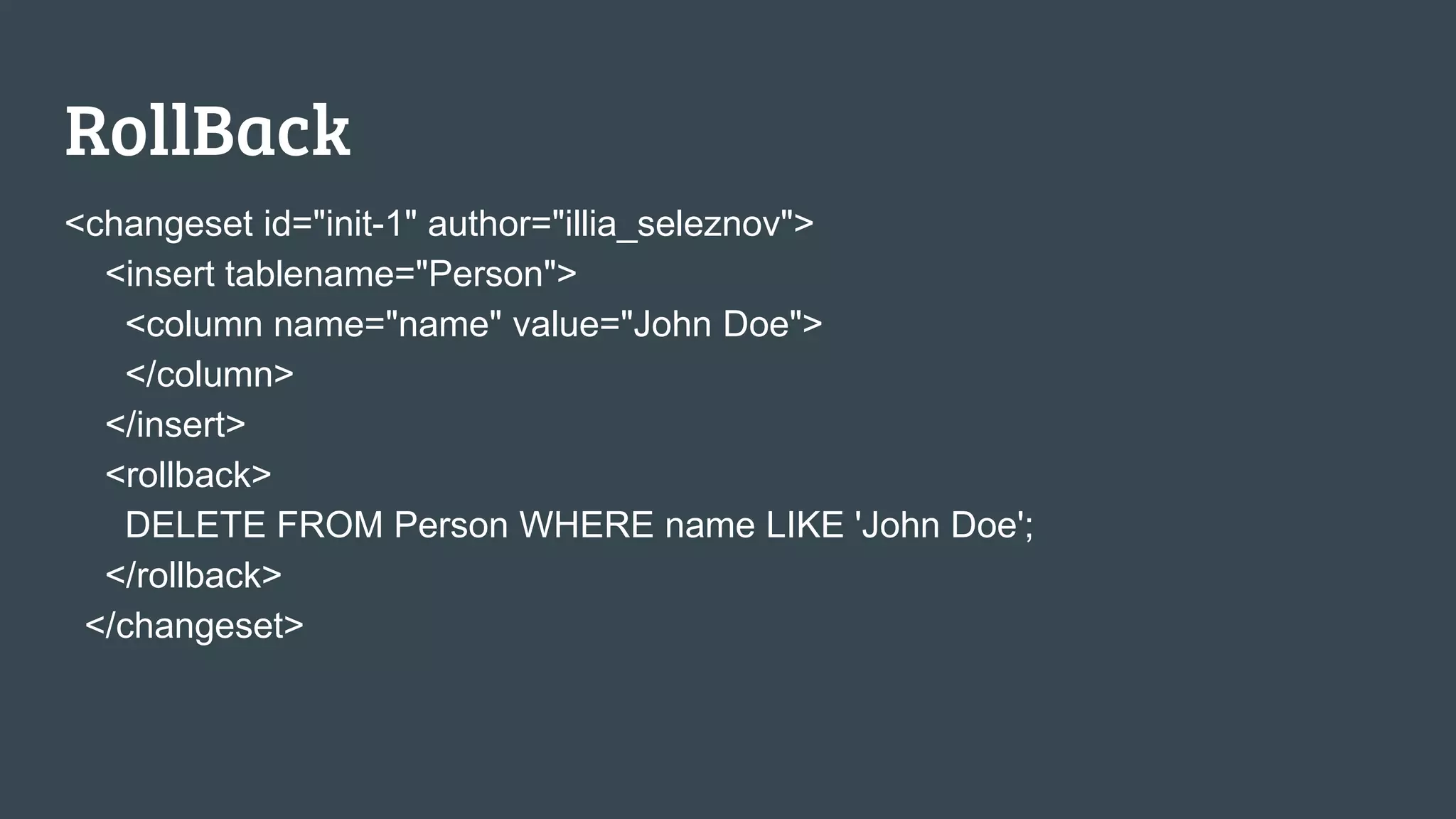
RollBack
<changeset id="init-1" author="illia_seleznov">
<insert tablename="Person">
<column name="name" value="John Doe">
</column>
</insert>
<rollback>
DELETE FROM Person WHERE name LIKE 'John Doe';
</rollback>
</changeset>
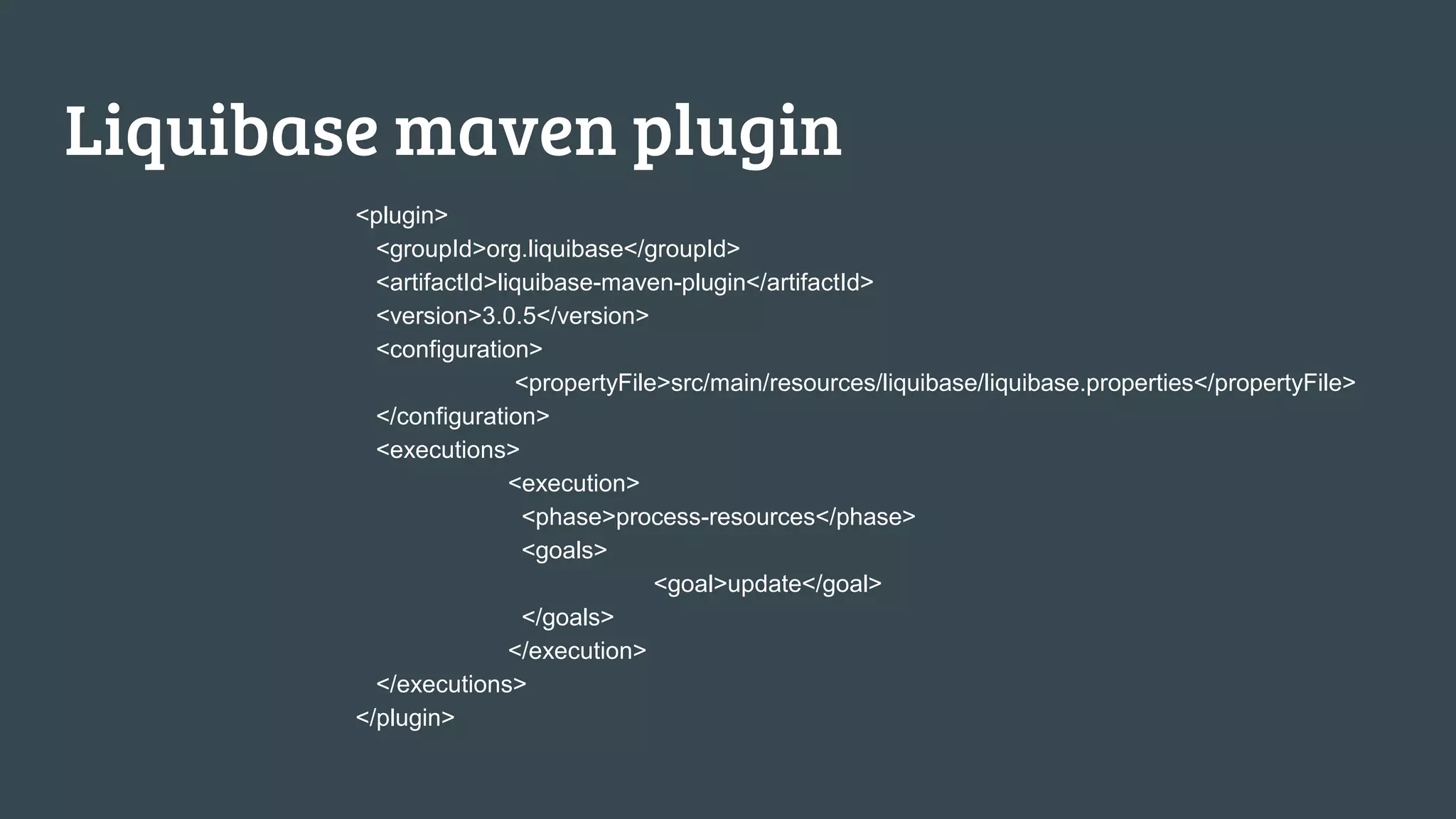
Liquibase maven plugin
<plugin>
<groupId>org.liquibase</groupId>
<artifactId>liquibase-maven-plugin</artifactId>
<version>3.0.5</version>
<configuration>
<propertyFile>src/main/resources/liquibase/liquibase.properties</propertyFile>
</configuration>
<executions>
<execution>
<phase>process-resources</phase>
<goals>
<goal>update</goal>
</goals>
</execution>
</executions>
</plugin>
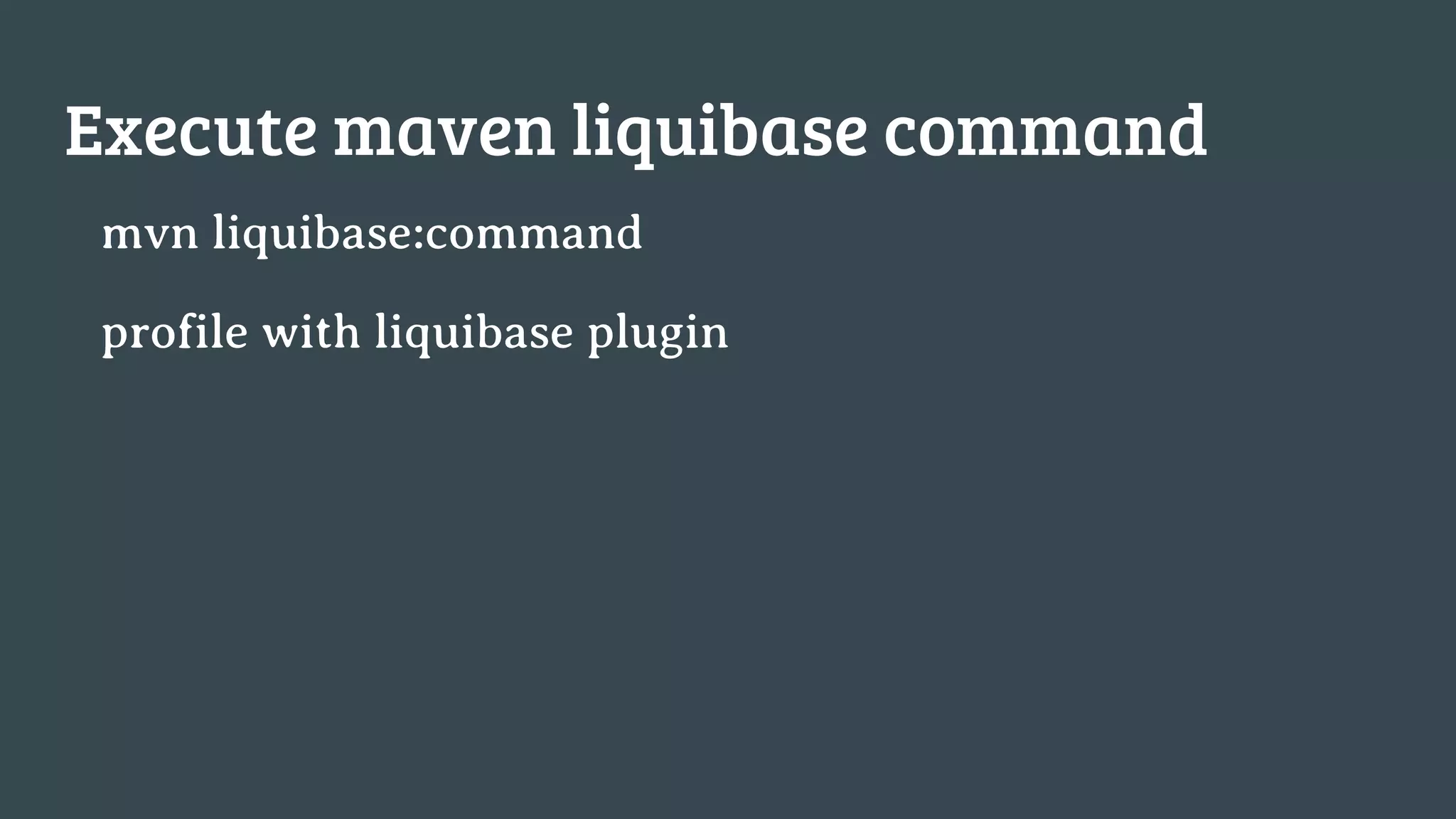
Execute maven liquibase command
mvn liquibase:command
profile with liquibase plugin
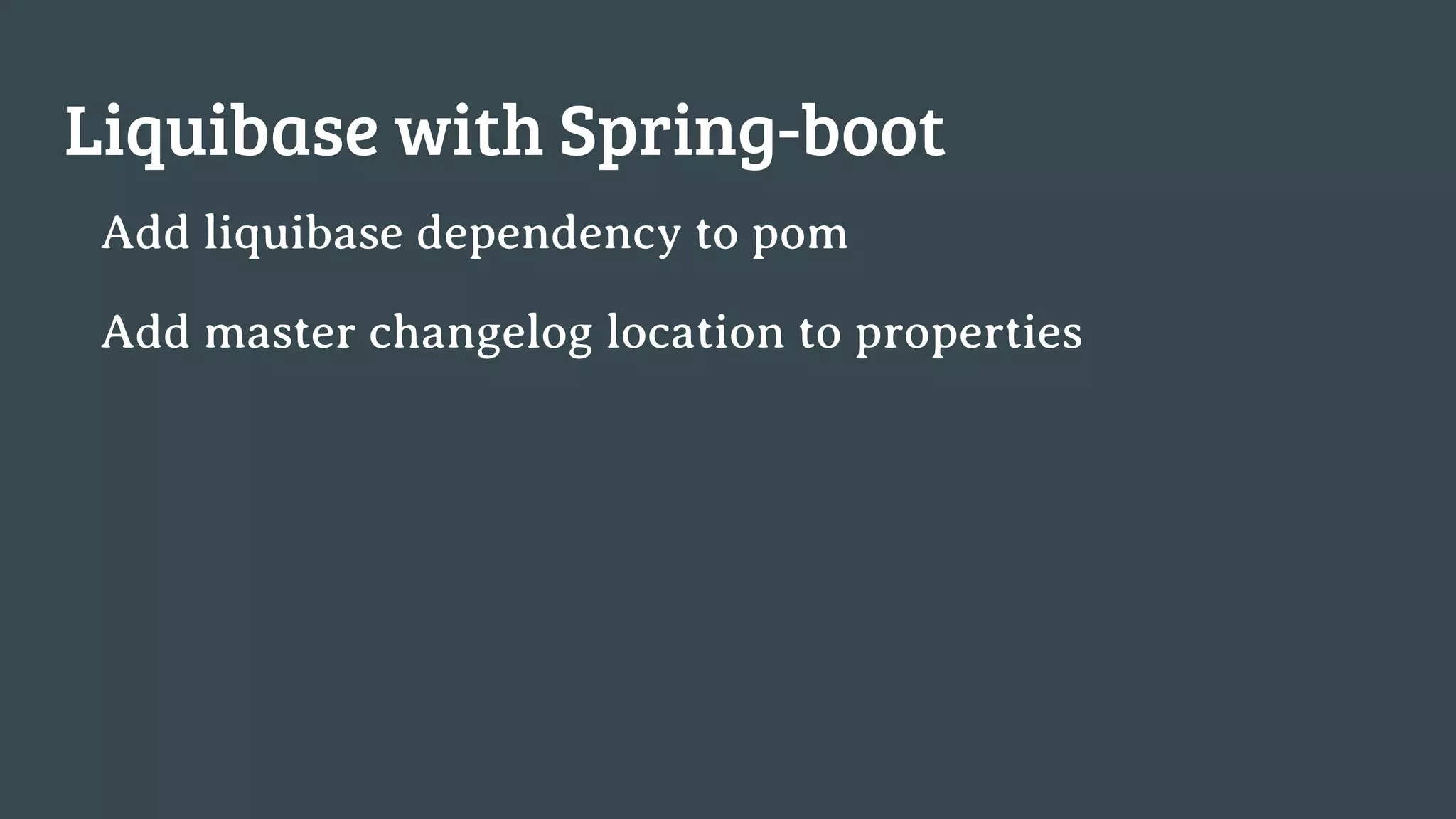
Liquibase with Spring-boot
Add liquibase dependency to pom
Add master changelog location to properties
Something to read
https://liquibase.jira.com/wiki/display/CONTRIB/LiquiBa
se+Extensions+Portal
https://habrahabr.ru/post/178665/
https://habrahabr.ru/post/179425/
https://habrahabr.ru/post/251617/
Contacts
https://github.com/manbe/liquibase-demo
manbe@mail.com
https://www.facebook.com/IlliaSeleznov

Liquibase for java developers

Editor's Notes

  • #17 java -jar liquibase.jar --changeLogFile=changelogs/yaml/master.yaml update java -jar liquibase.jar --changeLogFile=changelogs/json/master.json update
  • #20 java -jar liquibase.jar --changeLogFile=changelogs/yaml/master.yaml update java -jar liquibase.jar --changeLogFile=changelogs/json/master.json update java -jar liquibase.jar --changeLogFile=changelogs/xml/master.xml update
  • #33 mvn liquibase:update -Dliquibase.contexts=test
  • #41  java -jar liquibase.jar --driver=org.mariadb.jdbc.Driver --url=jdbc:mariadb://localhost:3306/liquibase_2 --username=liquibase --referencePassword=qwerty diffChangeLog --referenceUrl=jdbc:mariadb://localhost:3306/liquibase_demo --referenceUsername=liquibase --referencePassword=qwerty > diff.sql
  • #42 java -jar liquibase.jar --changeLogFile=changelogs/xml/master.xml dbDoc ../doc
  • #44 java -jar liquibase.jar --changeLogFile=changelogs/xml/master.xml rollbackCount 1
  • #45 java -jar liquibase.jar --changeLogFile=changelogs/xml/master.xml rollbackCount 1