Salesforce Admin Build
Reports Lightning
Fast!
cloud.analogy info@cloudanalogy.com +1(415)830-3899
TM
Salesforce Lightning
Experience
Lightning Experience: A Modern, Smart, and
Intelligent User Experience – A fully revamped
user interface is the foremost reason for the world’s
obsession with the new Salesforce edition i.e.
Salesforce Lightning. An easy-to-use and
customized user interface allow the users to work
more efficiently and create a robust relationship
with their clients.
cloud.analogy info@cloudanalogy.com +1(415)830-3899
Introduction To Salesforce Lightning
Report Builder
Salesforce Lightning Report Builder is a highly powerful and
intuitive tool for analyzing your organization’s data. It helps you
group, filter, summarize records to answer crucial questions such as
how much revenue we are generating from the business for a
particular period.
● Build and modify reports easily and quickly
● Organize systematically with folders and subfolders
● Flexible alteration to reports format with row and column
fields
● Execute without saving
● Merge dashboard components directly into the reports
cloud.analogy info@cloudanalogy.com +1(415)830-3899
Best tips that can help you build your reports
faster in Lightning using Salesforce Lightning
Report Builder.
cloud.analogy info@cloudanalogy.com +1(415)830-3899
1. Keep Update preview automatically toggle button
off
2. Use double click to add the columns from the
outline pane
3. Quickly build Formula using Row Level Formula
4. Using Field level actions
5. New records will be adding up automatically into
the report types
6. Filter On-the-fly with Dynamic Reports
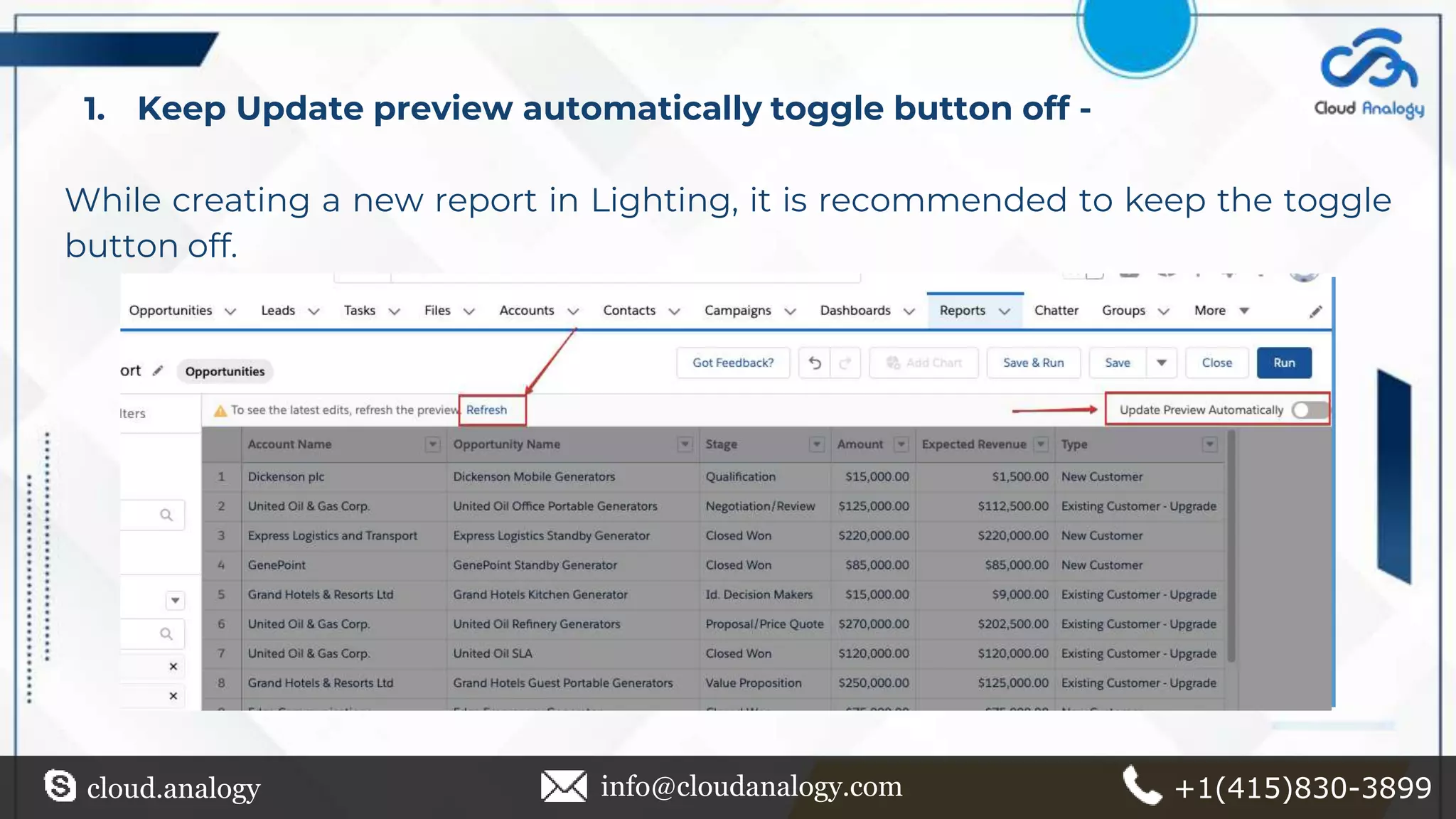
1. Keep Update preview automatically toggle button off -
While creating a new report in Lighting, it is recommended to keep the toggle
button off.
cloud.analogy info@cloudanalogy.com +1(415)830-3899
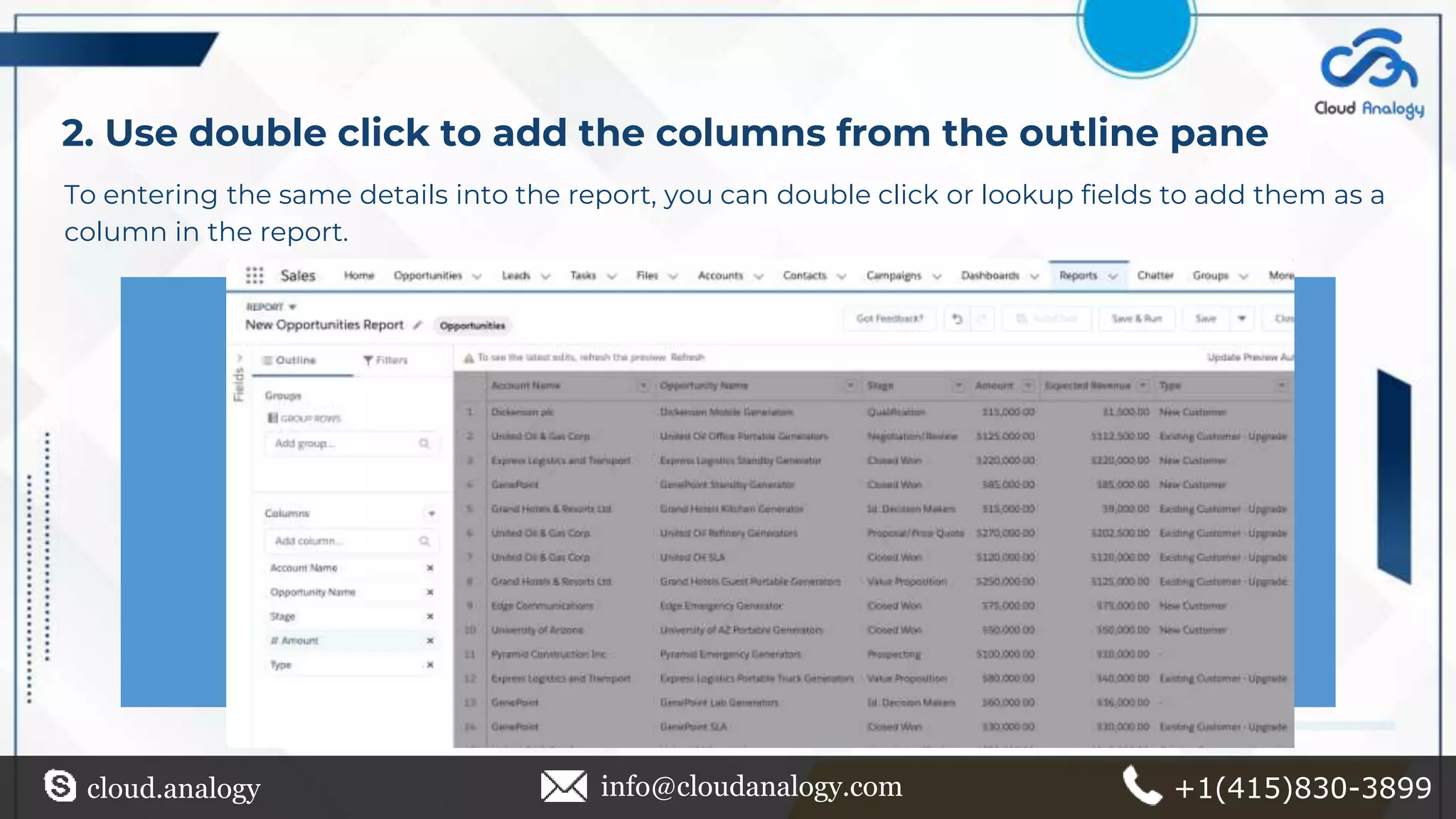
2. Use double click to add the columns from the outline pane
To entering the same details into the report, you can double click or lookup fields to add them as a
column in the report.
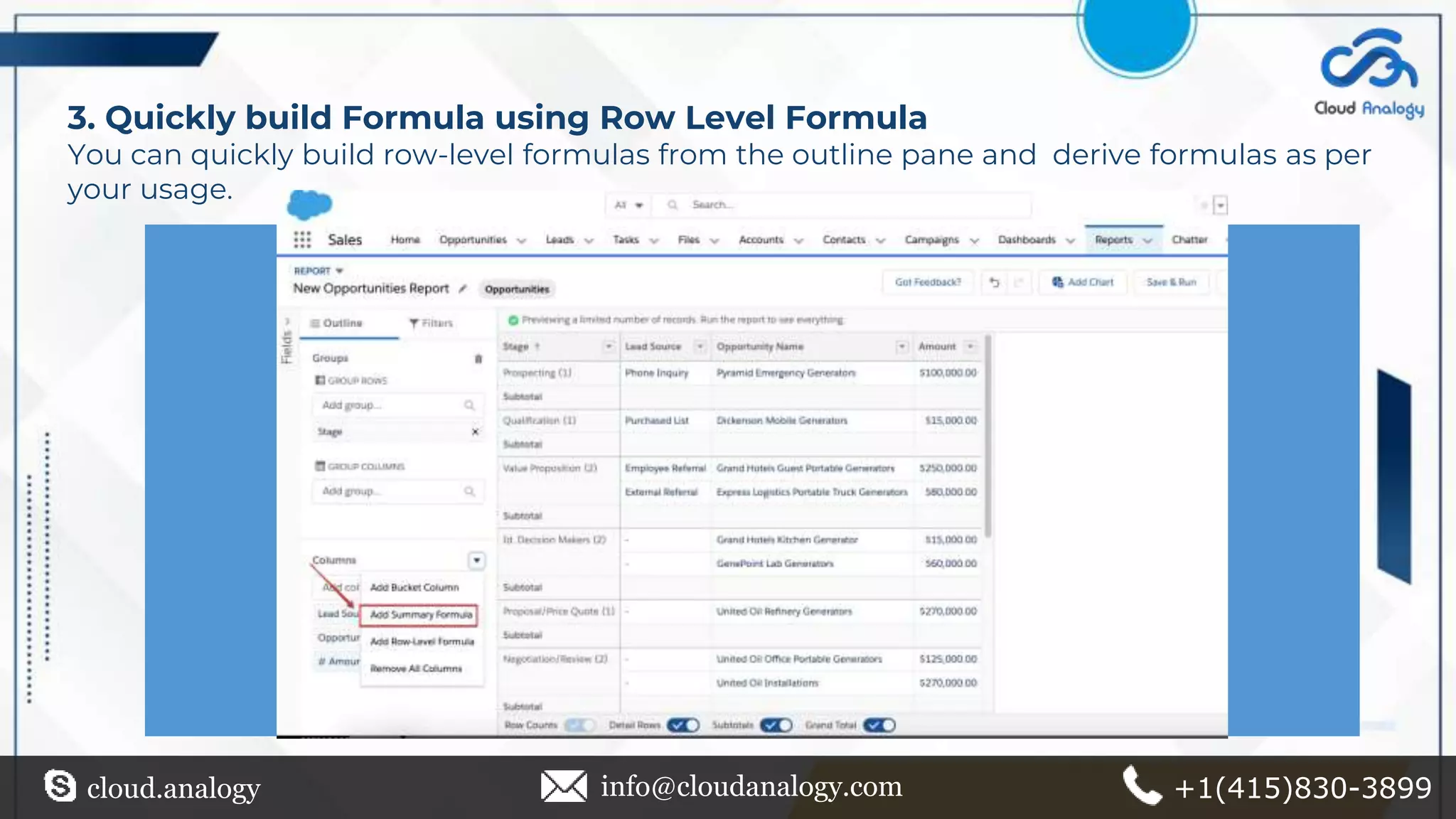
3. Quickly build Formula using Row Level Formula
You can quickly build row-level formulas from the outline pane and derive formulas as per
your usage.
cloud.analogy info@cloudanalogy.com +1(415)830-3899
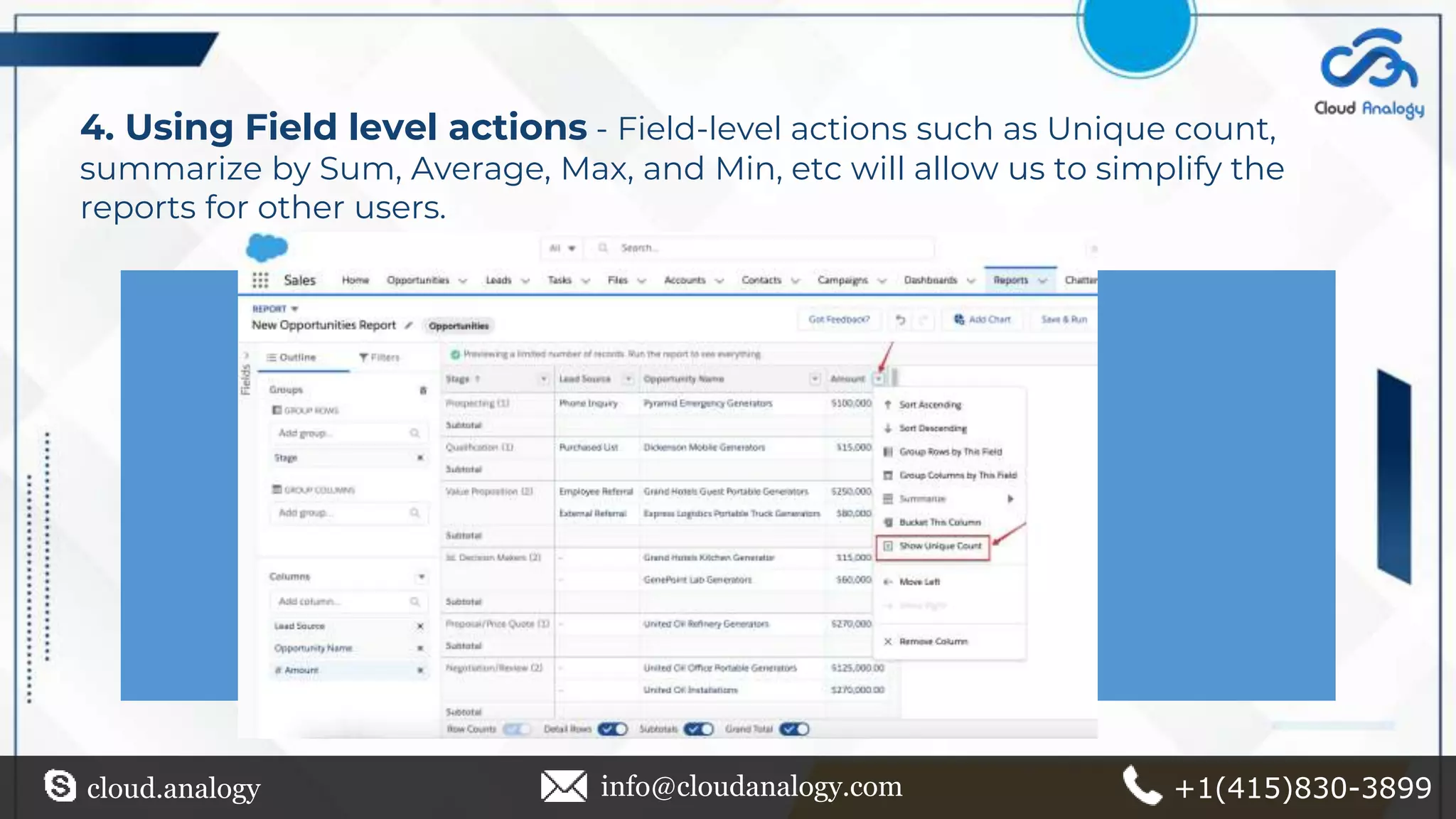
4. Using Field level actions - Field-level actions such as Unique count,
summarize by Sum, Average, Max, and Min, etc will allow us to simplify the
reports for other users.
cloud.analogy info@cloudanalogy.com +1(415)830-3899
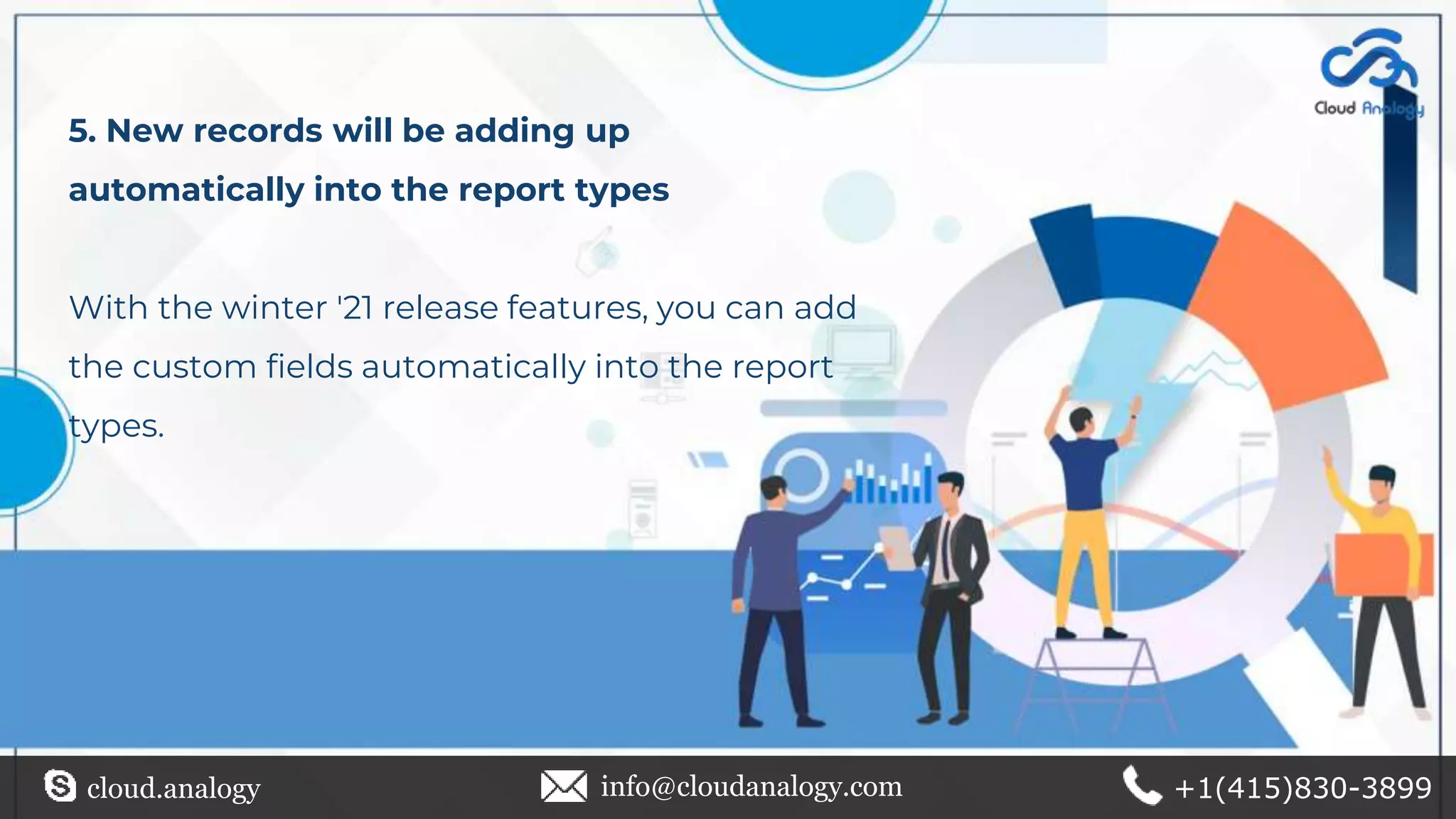
5. New records will be adding up
automatically into the report types
With the winter '21 release features, you can add
the custom fields automatically into the report
types.
cloud.analogy info@cloudanalogy.com +1(415)830-3899
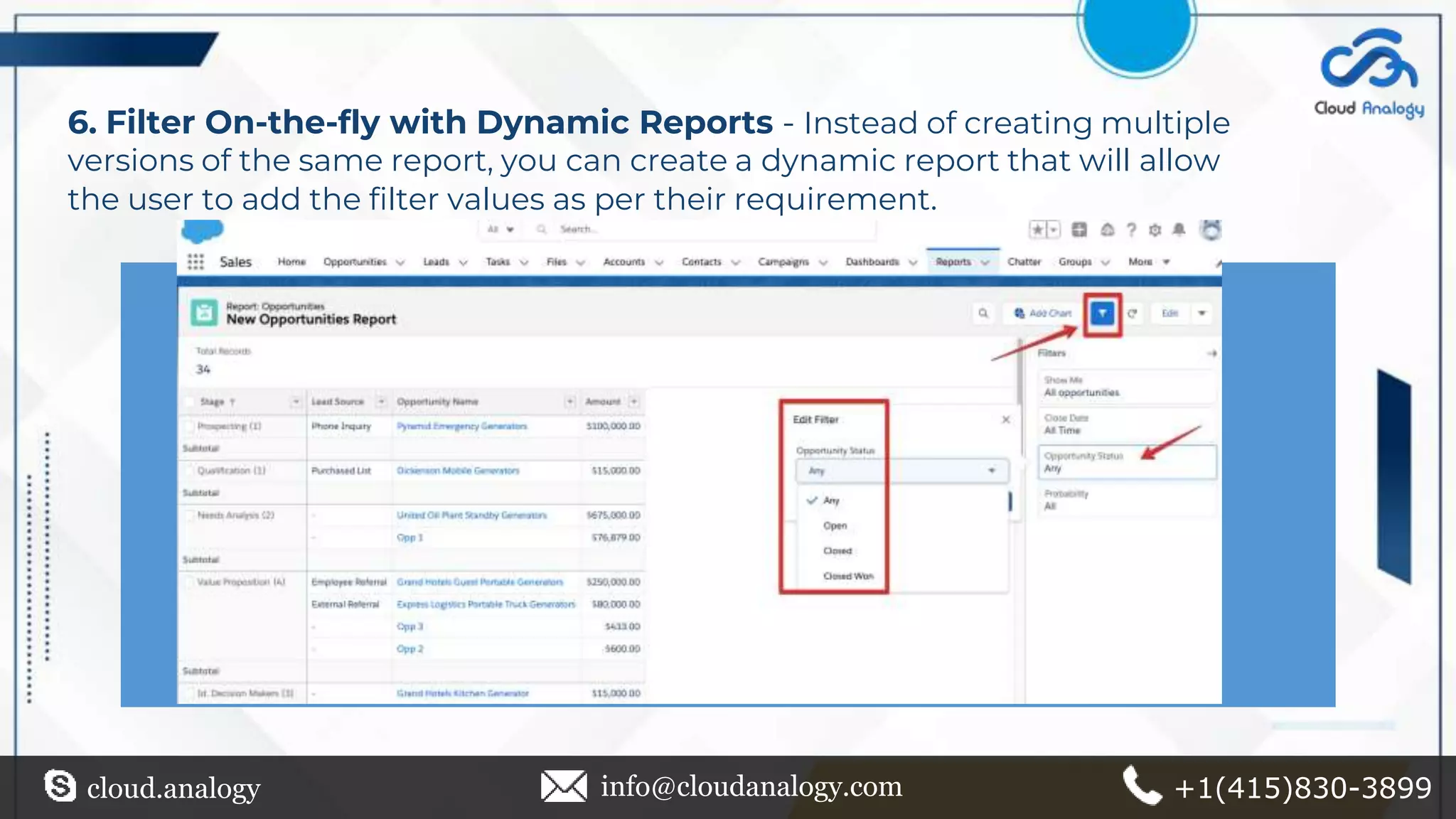
6. Filter On-the-fly with Dynamic Reports - Instead of creating multiple
versions of the same report, you can create a dynamic report that will allow
the user to add the filter values as per their requirement.
cloud.analogy info@cloudanalogy.com +1(415)830-3899
Thank You
cloud.analogy info@cloudanalogy.com +1(415)830-3899

Salesforce Admin - Build Reports Lightning Fast!

  • 1.
    Salesforce Admin Build ReportsLightning Fast! cloud.analogy info@cloudanalogy.com +1(415)830-3899 TM
  • 2.
    Salesforce Lightning Experience Lightning Experience:A Modern, Smart, and Intelligent User Experience – A fully revamped user interface is the foremost reason for the world’s obsession with the new Salesforce edition i.e. Salesforce Lightning. An easy-to-use and customized user interface allow the users to work more efficiently and create a robust relationship with their clients. cloud.analogy info@cloudanalogy.com +1(415)830-3899
  • 3.
    Introduction To SalesforceLightning Report Builder Salesforce Lightning Report Builder is a highly powerful and intuitive tool for analyzing your organization’s data. It helps you group, filter, summarize records to answer crucial questions such as how much revenue we are generating from the business for a particular period. ● Build and modify reports easily and quickly ● Organize systematically with folders and subfolders ● Flexible alteration to reports format with row and column fields ● Execute without saving ● Merge dashboard components directly into the reports cloud.analogy info@cloudanalogy.com +1(415)830-3899
  • 4.
    Best tips thatcan help you build your reports faster in Lightning using Salesforce Lightning Report Builder. cloud.analogy info@cloudanalogy.com +1(415)830-3899 1. Keep Update preview automatically toggle button off 2. Use double click to add the columns from the outline pane 3. Quickly build Formula using Row Level Formula 4. Using Field level actions 5. New records will be adding up automatically into the report types 6. Filter On-the-fly with Dynamic Reports
  • 5.
    1. Keep Updatepreview automatically toggle button off - While creating a new report in Lighting, it is recommended to keep the toggle button off. cloud.analogy info@cloudanalogy.com +1(415)830-3899
  • 6.
    cloud.analogy info@cloudanalogy.com +1(415)830-3899 2.Use double click to add the columns from the outline pane To entering the same details into the report, you can double click or lookup fields to add them as a column in the report.
  • 7.
    3. Quickly buildFormula using Row Level Formula You can quickly build row-level formulas from the outline pane and derive formulas as per your usage. cloud.analogy info@cloudanalogy.com +1(415)830-3899
  • 8.
    4. Using Fieldlevel actions - Field-level actions such as Unique count, summarize by Sum, Average, Max, and Min, etc will allow us to simplify the reports for other users. cloud.analogy info@cloudanalogy.com +1(415)830-3899
  • 9.
    5. New recordswill be adding up automatically into the report types With the winter '21 release features, you can add the custom fields automatically into the report types. cloud.analogy info@cloudanalogy.com +1(415)830-3899
  • 10.
    6. Filter On-the-flywith Dynamic Reports - Instead of creating multiple versions of the same report, you can create a dynamic report that will allow the user to add the filter values as per their requirement. cloud.analogy info@cloudanalogy.com +1(415)830-3899
  • 11.