RunSignup 101
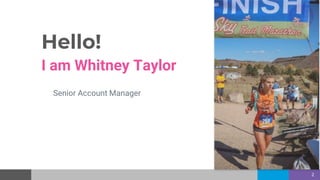
Hello!
I am Whitney Taylor
Senior Account Manager
2
What you will learn
❖ How to create Your Race, Challenge, or Virtual
Event
(trail, road, ride, triathlon, Weekly Challenge, CrossFit competition, Challenge)
❖ Complete the 7 step race wizard
❖ Key Virtual Features
❖ Fully Customize your race site.
❖ Reporting
3
Race Wizard
Complete in 7 easy steps!
4
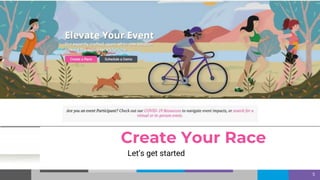
Let’s get started
5
Create Your Race
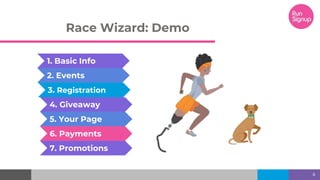
Race Wizard: Demo
6
1. Basic Info
7. Promotions
2. Events
3. Registration
4. Giveaway
5. Your Page
6. Payments
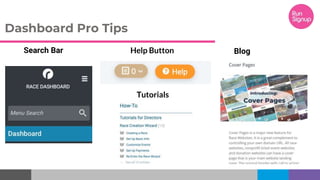
Search Bar
Dashboard Pro Tips
Help Button
Tutorials
Blog
Customize
Your Page
8
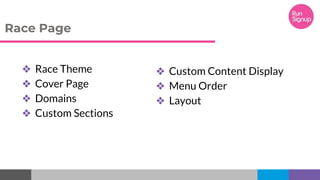
Race Page
❖ Race Theme
❖ Cover Page
❖ Domains
❖ Custom Sections
❖ Custom Content Display
❖ Menu Order
❖ Layout
Go Virtual!
10
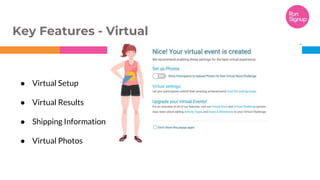
“● Virtual Setup
● Virtual Results
● Shipping Information
● Virtual Photos
Key Features - Virtual
Challenge Races!
12
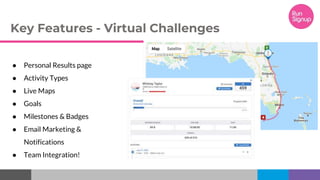
Key Features - Virtual Challenges
● Personal Results page
● Activity Types
● Live Maps
● Goals
● Milestones & Badges
● Email Marketing &
Notifications
● Team Integration!
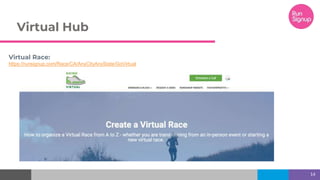
Virtual Hub
Virtual Race:
https://runsignup.com/Race/CA/AnyCityAnyState/GoVirtual
14
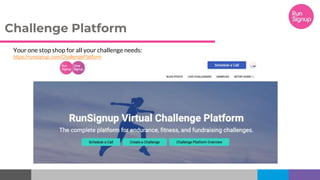
Challenge Platform
Your one stop shop for all your challenge needs:
https://runsignup.com/ChallengePlatform
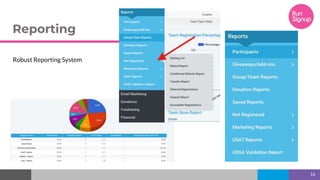
Reporting
16
Robust Reporting System
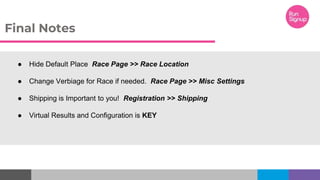
● Hide Default Place Race Page >> Race Location
● Change Verbiage for Race if needed. Race Page >> Misc Settings
● Shipping is Important to you! Registration >> Shipping
● Virtual Results and Configuration is KEY
Final Notes
Thanks for Joining!
Any questions?
18

RunSignup 101 September 202

Editor's Notes

  • #10 Cover Page: https://www.youtube.com/watch?v=L0UyPX6pIao&feature=youtu.be Domains: https://www.youtube.com/watch?v=diRrTQz7fsU&feature=youtu.be