Robust Applications in Mesos
Using External Storage
David vonThenen
{code} – Dell Technologies
@dvonthenen
http://dvonthenen.com
github.com/dvonthenen
Agenda
• Mesos Storage Options
• Traditional Databases
• NoSQL, KeyValue Storage, etc
• Wrap Up
Mesos Storage Options
Containers Today
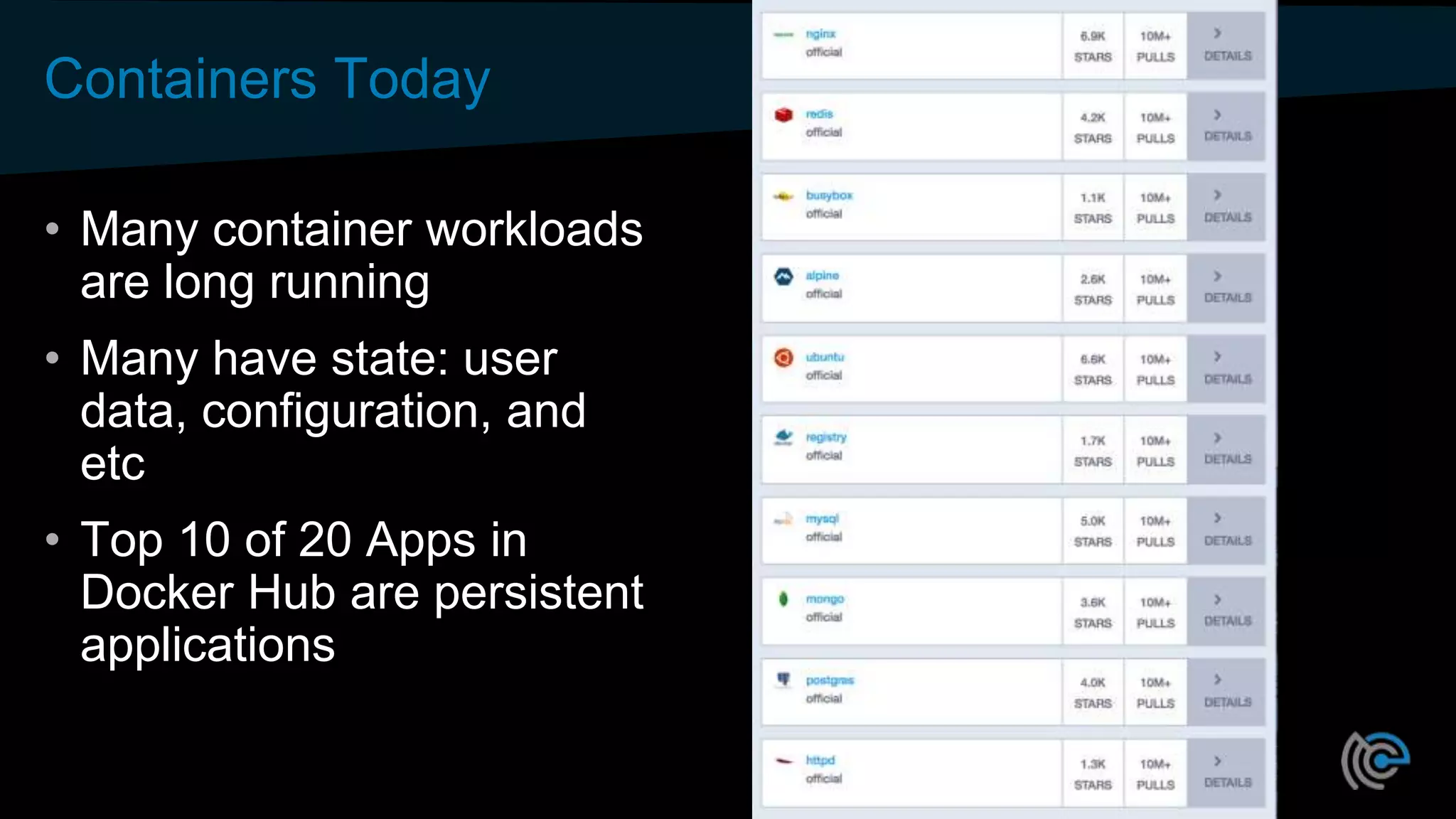
• Many container workloads
are long running
• Many have state: user
data, configuration, and
etc
• Top 10 of 20 Apps in
Docker Hub are persistent
applications
Container Advantages Make Sense for Stateful Too
Container attributes:
• Consistent environment –
same anywhere
• Dependency
management - packaging
Orchestration can add:
• Health monitoring
• Automated rollouts and
rollbacks
• Declarative configuration
• App/package store deploy
experience
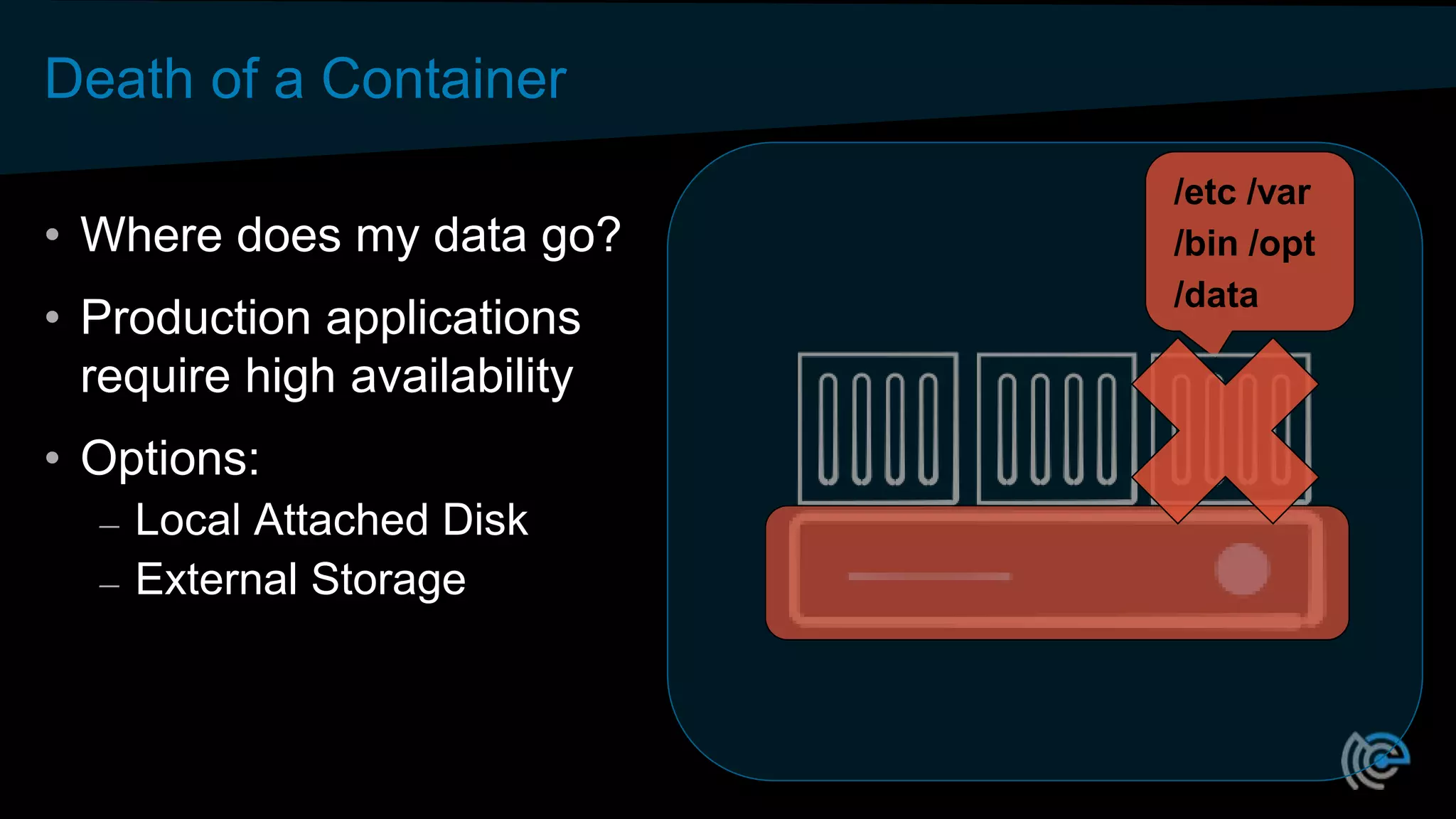
Death of a Container
• Where does my data go?
• Production applications
require high availability
• Options:
– Local Attached Disk
– External Storage
/etc /var
/bin /opt
/data
Storage Options
• Local Disk introduced in 0.23.0 [MESOS-1554]
• External volumes via mesos-module-dvdi (Sept 2015)
– 3rd party component
– Hooks into Docker Volume support
– Configured/Managed outside of Mesos
• Native external volume support in 1.0 [MESOS-4355]
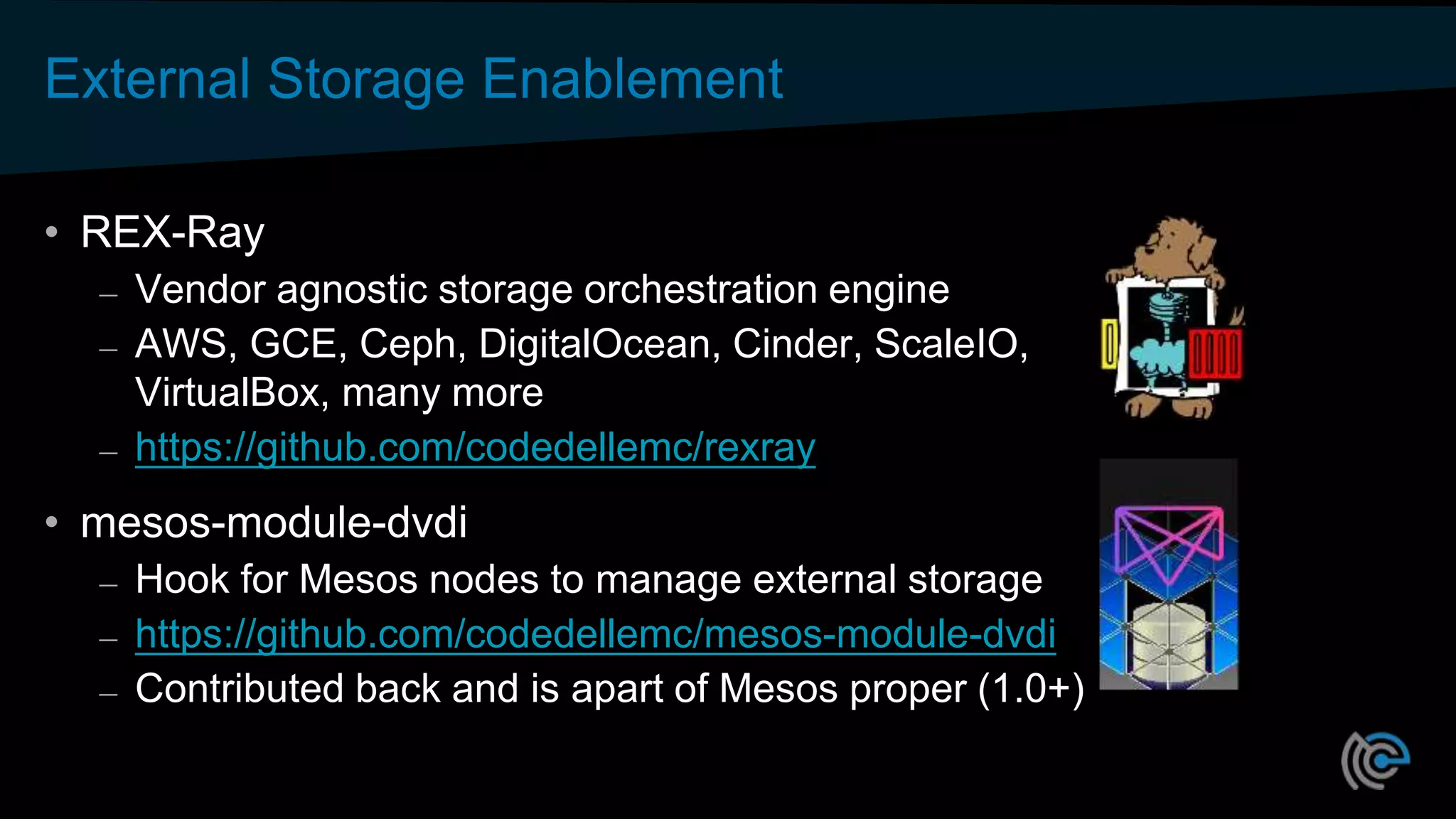
External Storage Enablement
• REX-Ray
– Vendor agnostic storage orchestration engine
– AWS, GCE, Ceph, DigitalOcean, Cinder, ScaleIO,
VirtualBox, many more
– https://github.com/codedellemc/rexray
• mesos-module-dvdi
– Hook for Mesos nodes to manage external storage
– https://github.com/codedellemc/mesos-module-dvdi
– Contributed back and is apart of Mesos proper (1.0+)
DC/OS Storage Options
• Easily consume via curated
repository:
o Local attach disk
o External storage
• REX-Ray provides the means for
external storage!
Looking to the Future…
• Container Storage Interface
• Modeled after OCI and CNI
• Standardized storage plugins
• Across multiple container orchestrators
• The Container Storage Initiative: What is this Project About
and Where are We Going?
– Congress Hall 2 Thurs 4:30pm
Traditional Databases
• Typical deployments
– Simple and straight forward
– Monolithic
• Some are complex
– Sharding
– Clustering
Initial Deploy Using Local Disk
• Simple and straight forward
• Performance based on compute
node storage capabilities
• Targeted deploy based on
resources
Initial Deploy Using External Storage
• Requires an external storage
platform
• Some setup required
• Managed outside Mesos
• Performance based on platform
• Storage Platform accessible
everywhere!
The ”Oh @#$%” Moment…
Day 2 Operations Using Local Disk
• Data locality!
– Host maintenance
– Disk failure
– Host failure
• Fixed Resources
– Reserve all capacity upfront
– More capacity?
Day 2 Operations Using External Storage
• Consume storage as you grow!
• External volume moves with the
Container
– Maintenance
– Hardware failure
– Host failure
• High Availability!
NoSQL and
KeyValue Stores
What about NoSQL & KeyValue Stores?
• Initial Deploy
– Local disk: Same
– External storage: Same
• Day 2 Operations?
– Behavior characteristics of
eventually consistent DBs
– Multi-node
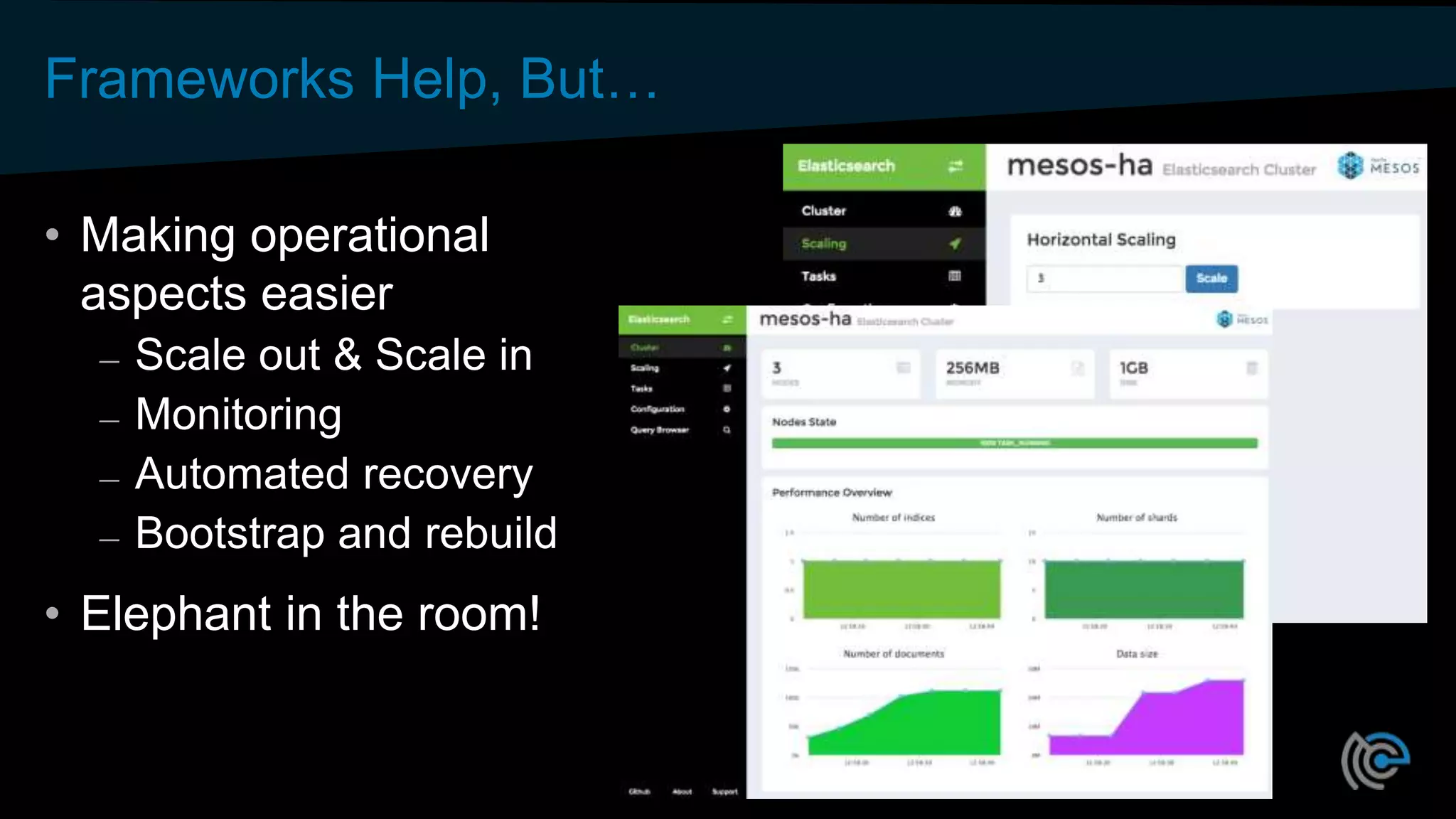
Frameworks Help, But…
• Making operational
aspects easier
– Scale out & Scale in
– Monitoring
– Automated recovery
– Bootstrap and rebuild
• Elephant in the room!
The ”Oh @#$%” Moment…
Bootstrap and Rebuild
• Cassandra (example)
– Dataset grows, rebuild
takes longer
– Hours (and even Days)
– When complete?
• Alexander Dejanovski, Cassandra Summit 2016
– How to: Bootstrap and Rebuild
– https://www.youtube.com/watch?v=1Sz_K8UID6E
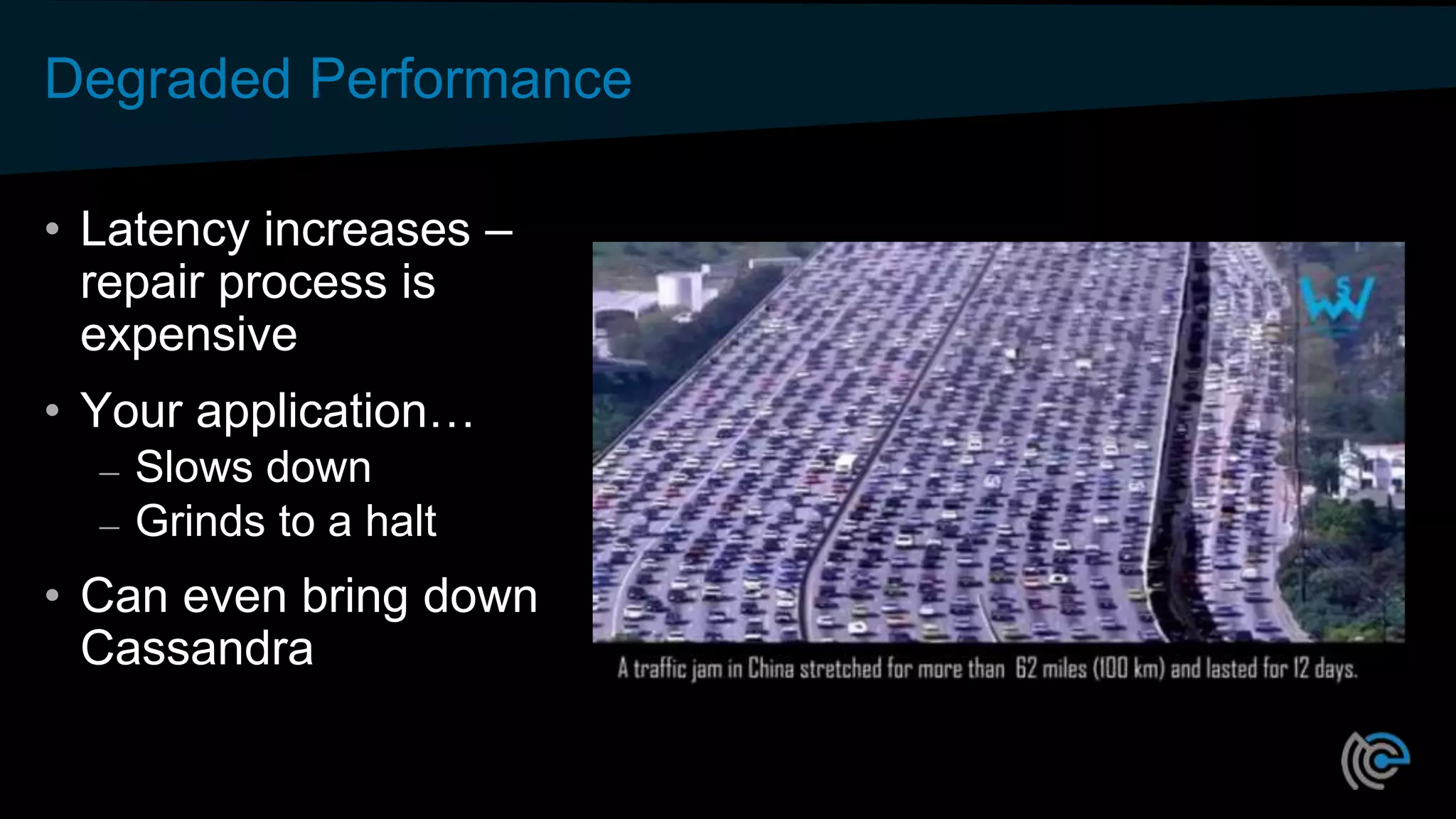
Degraded Performance
• Latency increases –
repair process is
expensive
• Your application…
– Slows down
– Grinds to a halt
• Can even bring down
Cassandra
Window of Vulnerability
• Node repair
– Vulnerable to additional
failures
– Multiple deployment
strategies
• Windows, Internet Explorer,
No Anti-Virus, No Spyware
• Limiting Risk!
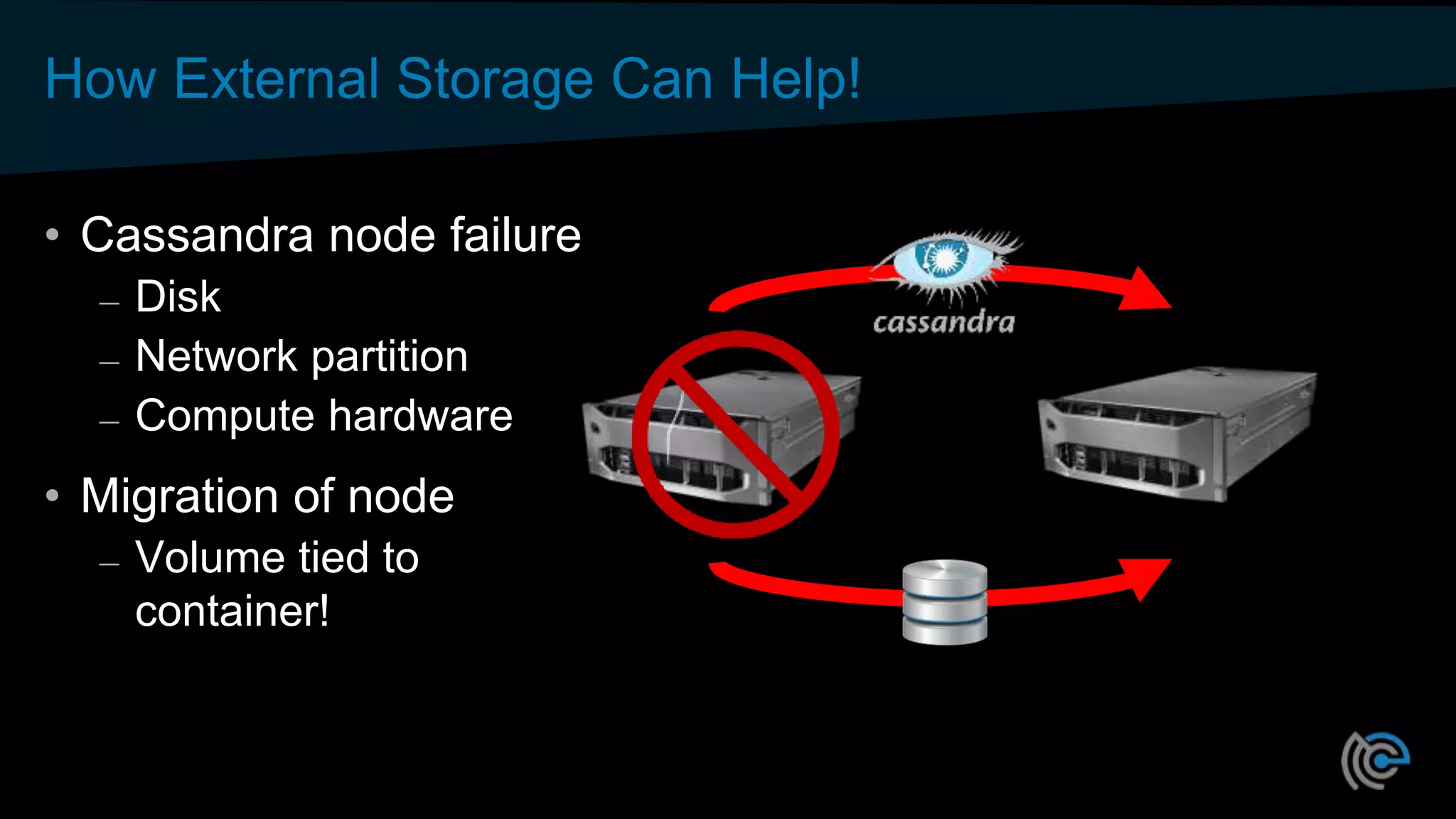
How External Storage Can Help!
• Cassandra node failure
– Disk
– Network partition
– Compute hardware
• Migration of node
– Volume tied to
container!
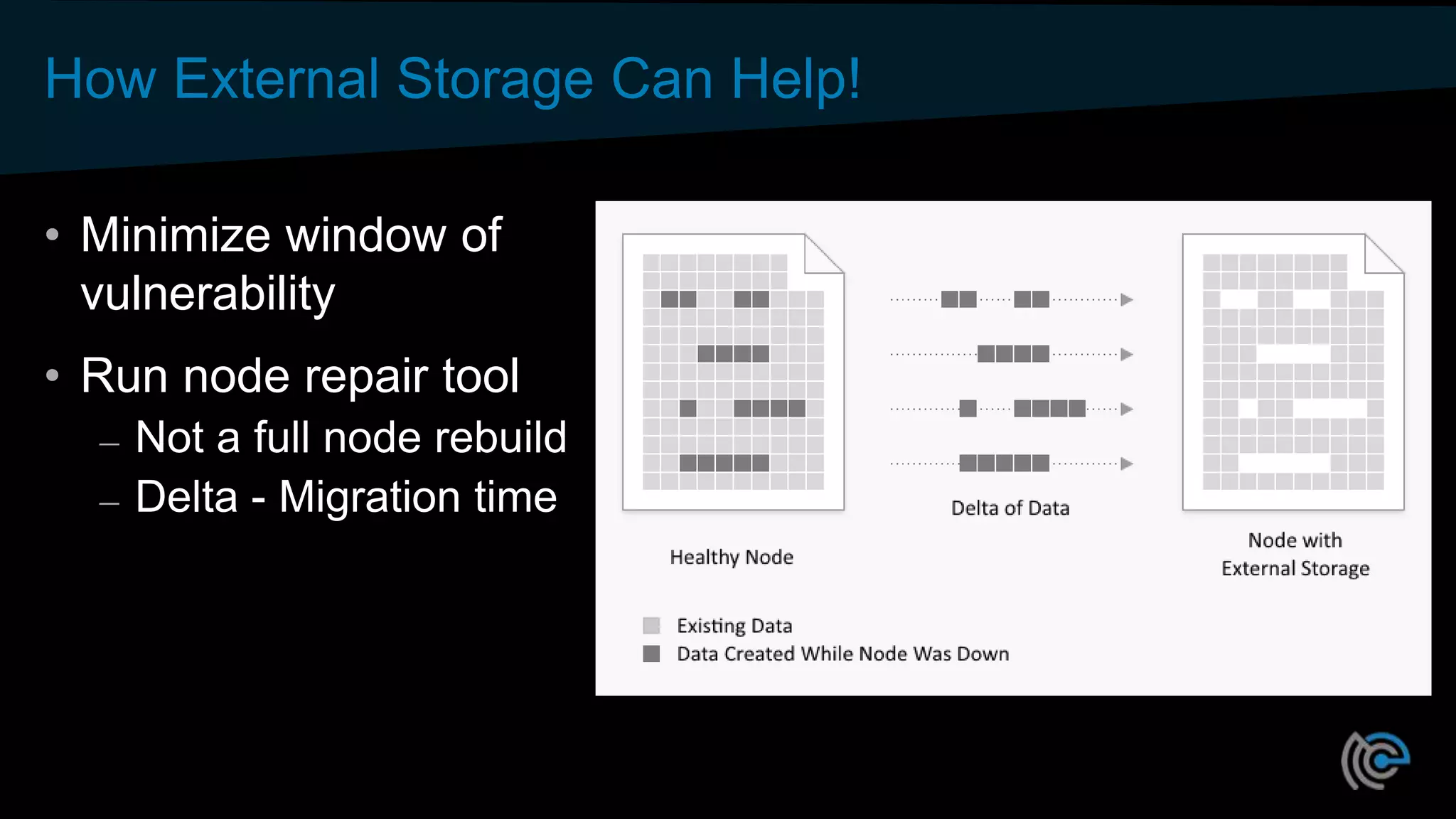
How External Storage Can Help!
• Minimize window of
vulnerability
• Run node repair tool
– Not a full node rebuild
– Delta - Migration time
Wrap Up
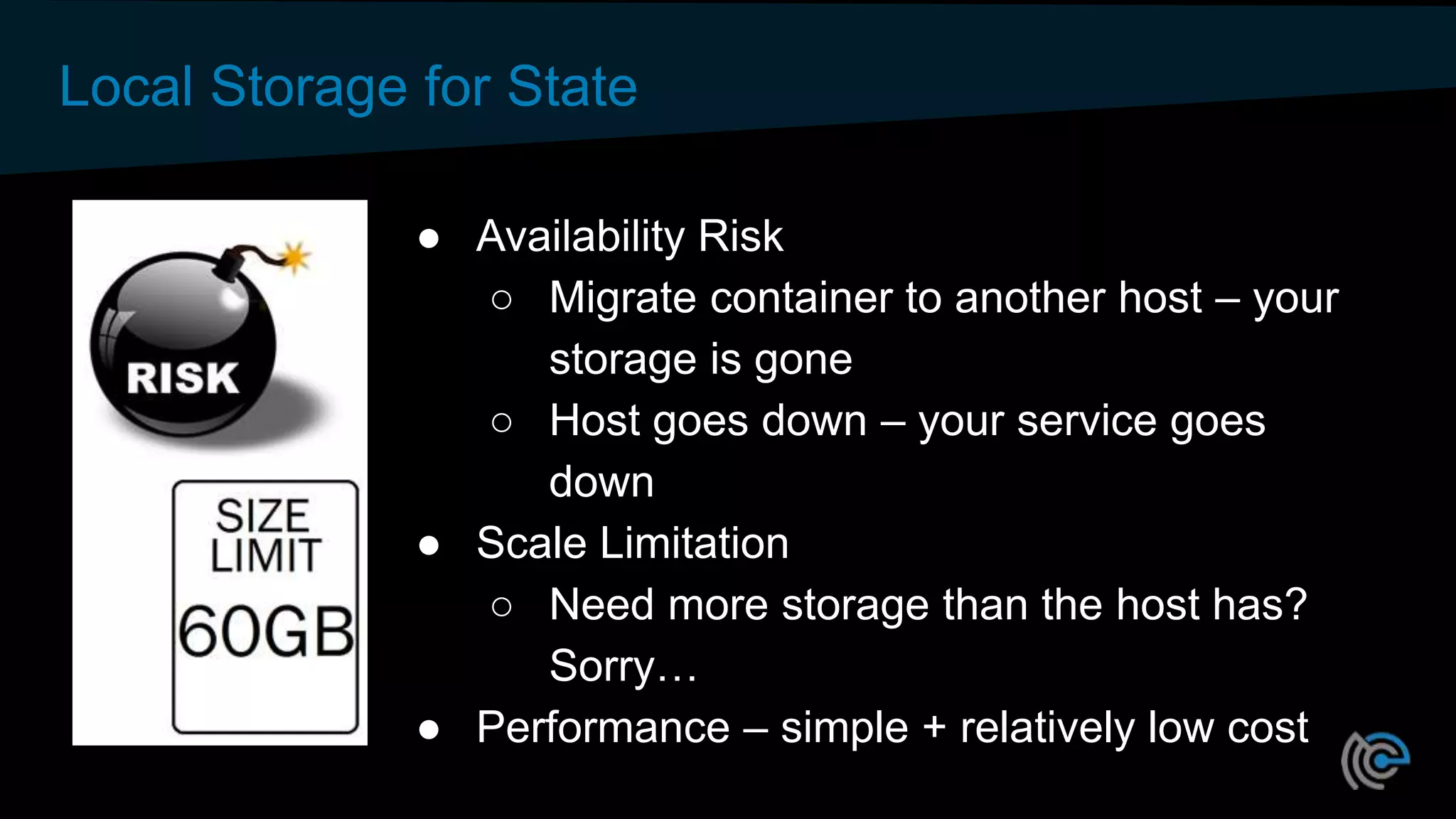
Local Storage for State
● Availability Risk
○ Migrate container to another host – your
storage is gone
○ Host goes down – your service goes
down
● Scale Limitation
○ Need more storage than the host has?
Sorry…
● Performance – simple + relatively low cost
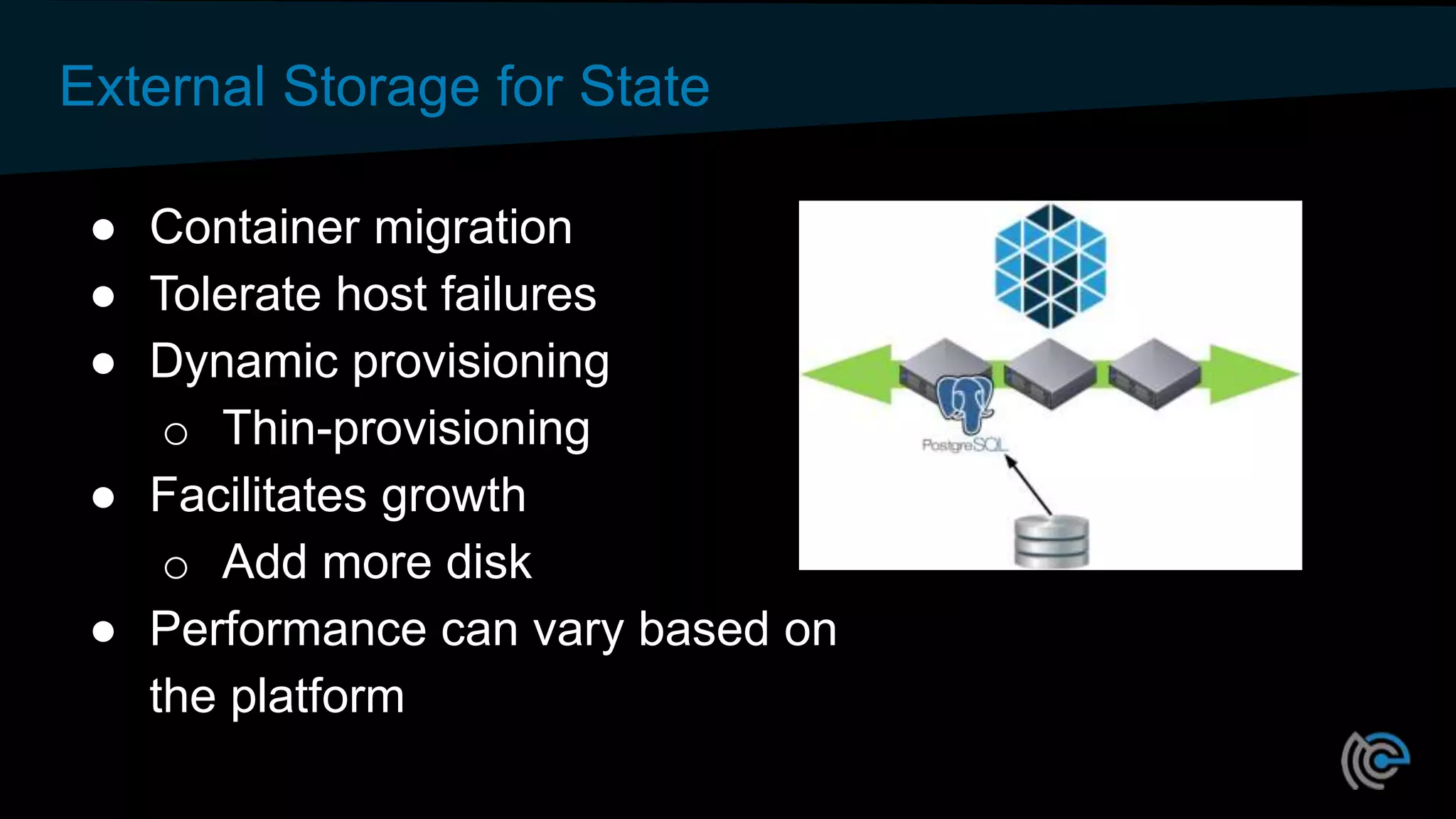
External Storage for State
● Container migration
● Tolerate host failures
● Dynamic provisioning
o Thin-provisioning
● Facilitates growth
o Add more disk
● Performance can vary based on
the platform
#CodeOpen
thecodeteam.com
Thank You
#CodeOpen
thecodeteam.com
Robust Applications in Mesos using External Storage

Robust Applications in Mesos using External Storage

  • 1.
    Robust Applications inMesos Using External Storage David vonThenen {code} – Dell Technologies @dvonthenen http://dvonthenen.com github.com/dvonthenen
  • 2.
    Agenda • Mesos StorageOptions • Traditional Databases • NoSQL, KeyValue Storage, etc • Wrap Up
  • 3.
  • 4.
    Containers Today • Manycontainer workloads are long running • Many have state: user data, configuration, and etc • Top 10 of 20 Apps in Docker Hub are persistent applications
  • 5.
    Container Advantages MakeSense for Stateful Too Container attributes: • Consistent environment – same anywhere • Dependency management - packaging Orchestration can add: • Health monitoring • Automated rollouts and rollbacks • Declarative configuration • App/package store deploy experience
  • 6.
    Death of aContainer • Where does my data go? • Production applications require high availability • Options: – Local Attached Disk – External Storage /etc /var /bin /opt /data
  • 7.
    Storage Options • LocalDisk introduced in 0.23.0 [MESOS-1554] • External volumes via mesos-module-dvdi (Sept 2015) – 3rd party component – Hooks into Docker Volume support – Configured/Managed outside of Mesos • Native external volume support in 1.0 [MESOS-4355]
  • 8.
    External Storage Enablement •REX-Ray – Vendor agnostic storage orchestration engine – AWS, GCE, Ceph, DigitalOcean, Cinder, ScaleIO, VirtualBox, many more – https://github.com/codedellemc/rexray • mesos-module-dvdi – Hook for Mesos nodes to manage external storage – https://github.com/codedellemc/mesos-module-dvdi – Contributed back and is apart of Mesos proper (1.0+)
  • 9.
    DC/OS Storage Options •Easily consume via curated repository: o Local attach disk o External storage • REX-Ray provides the means for external storage!
  • 10.
    Looking to theFuture… • Container Storage Interface • Modeled after OCI and CNI • Standardized storage plugins • Across multiple container orchestrators • The Container Storage Initiative: What is this Project About and Where are We Going? – Congress Hall 2 Thurs 4:30pm
  • 11.
  • 12.
    Traditional Databases • Typicaldeployments – Simple and straight forward – Monolithic • Some are complex – Sharding – Clustering
  • 13.
    Initial Deploy UsingLocal Disk • Simple and straight forward • Performance based on compute node storage capabilities • Targeted deploy based on resources
  • 14.
    Initial Deploy UsingExternal Storage • Requires an external storage platform • Some setup required • Managed outside Mesos • Performance based on platform • Storage Platform accessible everywhere!
  • 15.
  • 16.
    Day 2 OperationsUsing Local Disk • Data locality! – Host maintenance – Disk failure – Host failure • Fixed Resources – Reserve all capacity upfront – More capacity?
  • 17.
    Day 2 OperationsUsing External Storage • Consume storage as you grow! • External volume moves with the Container – Maintenance – Hardware failure – Host failure • High Availability!
  • 18.
  • 19.
    What about NoSQL& KeyValue Stores? • Initial Deploy – Local disk: Same – External storage: Same • Day 2 Operations? – Behavior characteristics of eventually consistent DBs – Multi-node
  • 20.
    Frameworks Help, But… •Making operational aspects easier – Scale out & Scale in – Monitoring – Automated recovery – Bootstrap and rebuild • Elephant in the room!
  • 21.
  • 22.
    Bootstrap and Rebuild •Cassandra (example) – Dataset grows, rebuild takes longer – Hours (and even Days) – When complete? • Alexander Dejanovski, Cassandra Summit 2016 – How to: Bootstrap and Rebuild – https://www.youtube.com/watch?v=1Sz_K8UID6E
  • 23.
    Degraded Performance • Latencyincreases – repair process is expensive • Your application… – Slows down – Grinds to a halt • Can even bring down Cassandra
  • 24.
    Window of Vulnerability •Node repair – Vulnerable to additional failures – Multiple deployment strategies • Windows, Internet Explorer, No Anti-Virus, No Spyware • Limiting Risk!
  • 25.
    How External StorageCan Help! • Cassandra node failure – Disk – Network partition – Compute hardware • Migration of node – Volume tied to container!
  • 26.
    How External StorageCan Help! • Minimize window of vulnerability • Run node repair tool – Not a full node rebuild – Delta - Migration time
  • 27.
  • 28.
    Local Storage forState ● Availability Risk ○ Migrate container to another host – your storage is gone ○ Host goes down – your service goes down ● Scale Limitation ○ Need more storage than the host has? Sorry… ● Performance – simple + relatively low cost
  • 29.
    External Storage forState ● Container migration ● Tolerate host failures ● Dynamic provisioning o Thin-provisioning ● Facilitates growth o Add more disk ● Performance can vary based on the platform
  • 30.
  • 31.