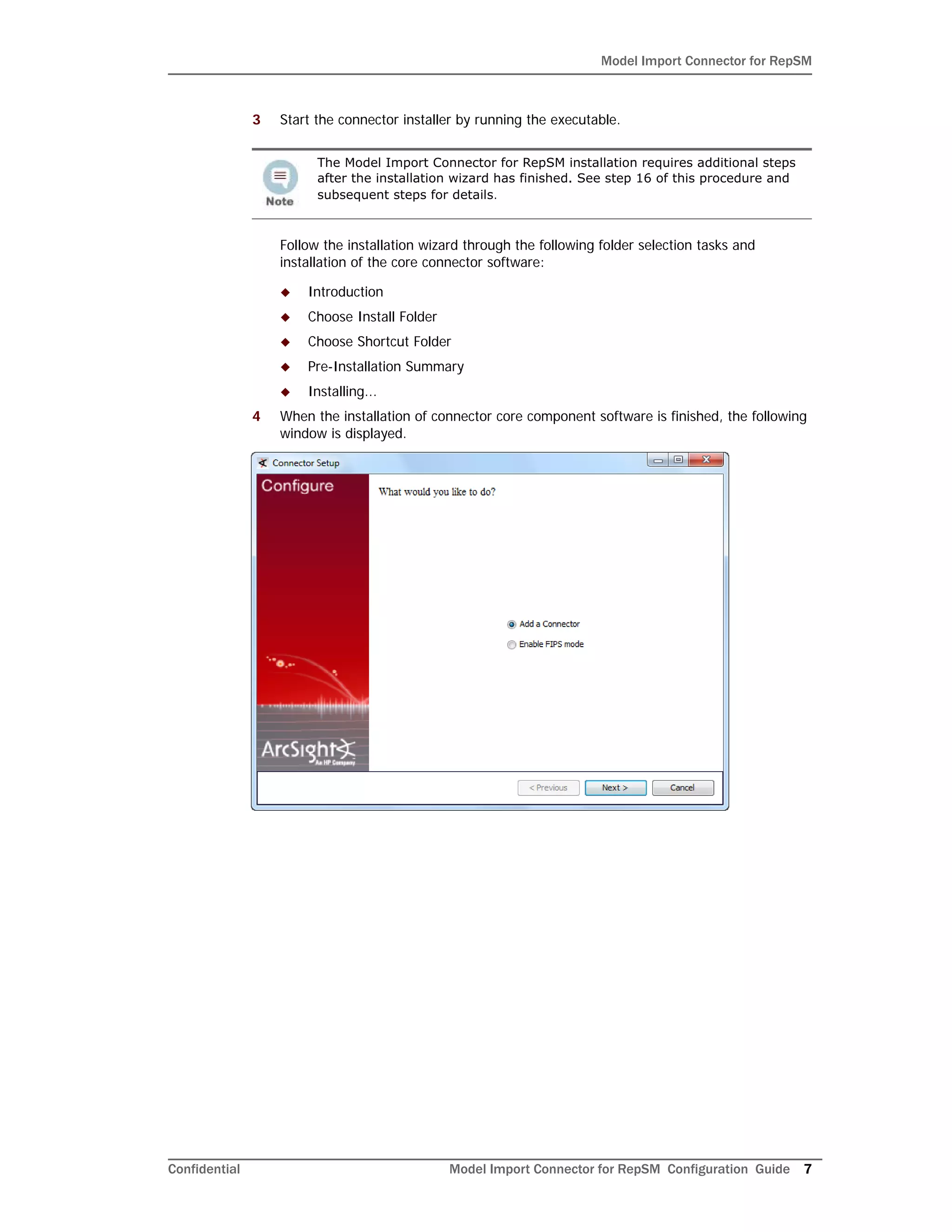
The document provides installation and configuration instructions for the Model Import Connector for RepSM 1.01. It describes downloading and running the installation wizard for the core connector software. Additional steps are then required to complete the RepSM connector installation, such as entering the service activation key and configuring the destination ArcSight Manager. The document also provides an overview of the connector's features for retrieving reputation data from the RepSM threat intelligence service and forwarding it to ArcSight ESM.
![Model Import Connector for RepSM
Confidential Model Import Connector for RepSM Configuration Guide 17
5 Restart the connector.
Optional - Optimization of Data Transfer Using a Timer
The time interval between archives sent by the connector to ESM can be controlled by the
buildmodeldelay property. The default value is 1 minute.
To increase or decrease this time interval, you can add the buildmodeldelay property to
the file agent.properties (located at $ARCSIGHT_HOMEcurrentuseragent).
The property buildmodeldelay is expressed in milliseconds.
For example, the following property sets the time interval to 10 seconds:
agent.component[35].buildmodeldelay=10000](https://image.slidesharecdn.com/repsmmodelimportconnconfigguide5-170530061119/75/RepSM-Model-Import-Connector-v5-2-7-6581-0-Configuration-Guide-for-ArcSight-Express-v4-0-17-2048.jpg)