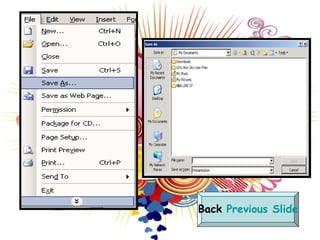
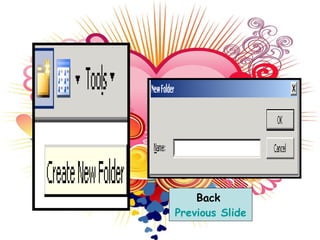
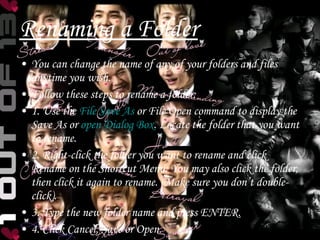
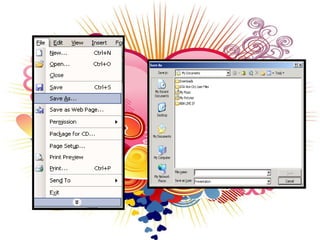
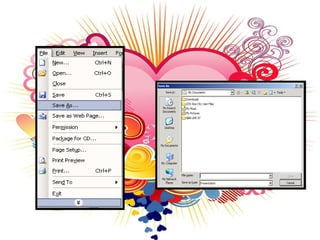
The document provides instructions for creating, renaming, and deleting folders in 3 steps for each process. To create a folder, the user selects the Create New Folder button and names the folder. Renaming a folder involves right-clicking the folder, selecting Rename, and typing the new name. Deleting a folder is done by right-clicking the folder and selecting Delete, then confirming the deletion.




![That’s all .. [:THANKYOU!!:]](https://image.slidesharecdn.com/reginemagbanua3-1-091217195052-phpapp01/85/Regine-Magbanua-3-1-9-320.jpg)


