Reactive Data System (EDA)
Project Guide
Prof. Chandrasekhar Ramanathan
Team Members:
Bisen Vikrantsingh Mohansingh(MT2012036)
Kodamasimham Pridhvi(MT2012066)
Vaibhav Singh Rajput(MT2012155)
Introduction
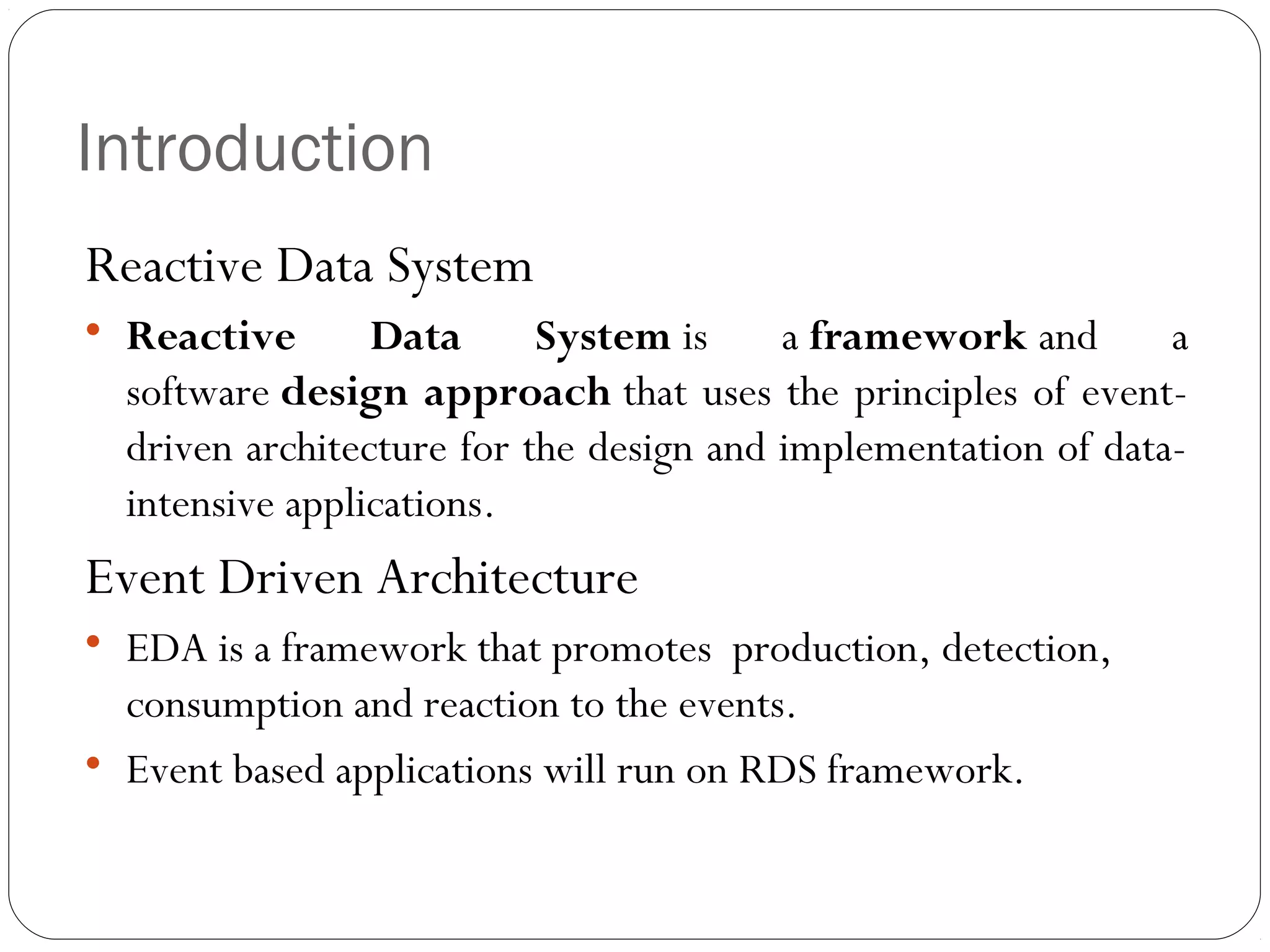
Reactive Data System


Reactive
Data
System is
a framework and
a
software design approach that uses the principles of eventdriven architecture for the design and implementation of dataintensive applications.

Event Driven Architecture




EDA is a framework that promotes production, detection,
consumption and reaction to the events.
Event based applications will run on RDS framework.
Requirements
Functional Requirements

API for registration of events and reactions to application
developer.

Listener to check occurrence of Events

Mapping of Events to their respective reactions(SQL Query or
Function call)
Non Functional Requirements

Cross-Platform and Load Balancing(threading)

Flexible and Scalable in future

Encryption of data to provide security
Analysis
Challenges - How to know event occurred?
Vendor specific function
 Notify / alert

Trigger


Pitfalls
No Transaction (rollback or commit)

Do not accept arguments / parameters

No External Function call

Slow

Custom Listener

What after event detected?
Thread per request Architecture
Design Approach and Architecture
App. 11 ... App. n
App.
App. n

Event
Event

Register

Register

Reaction
Reaction
Repository
Repository
Call External Function

Application
EDA

Publisher API
Publisher API

Caller Unit
Caller Unit

Event
Event
Repository
Repository

Invoke

Event Type
Event Type
Repository
Repository

trigger

Check

(DB/xml)
Check

Config.xml
Config.xml

Fe
tc
h

Pa
ra
m
et
er
s

API
API

Listener
Listener

(Thread per request arch.)
Set of Events & Actions for Admission Process
Mandatory Convention
Table on which DB event will occur should have
1 surrogate key
1 column name for event detection status

Each Function registered as Action should have
1 int parameter which

effected

will be surrogate key of row got
Event & Action Registration – API [I]
/*
*

REGISTER LIFECYCLE EVENT – Data State Change

*/
DB_Events dbe = new DB_Events();
//specify name of event, database Id , on which table it will happen and last is the name of surrogate key
dbe.register_Event("loginAction",1,"login","id");
//specify a set of rules for triggering event
String cons = " status = 'new' ";
//set constrainst
dbe.setConstraints(cons);
//Commit all the changes
dbe.save();
/*
*

REGISTER ACTION as External Function call (You can register as many actions you want per event)

*/
FunctionReaction fr = new FunctionReaction();
//specify event_id, name and fully qualified function name which will be called whenever event occurrs
fr.registerReaction(dbe.getEvent_id(), "sendmail", "app.admission.SignUp.mailConformation");
fr.save();

This function must have 1 Int parameter, which will be
surrogate key of row got effected
Event & Action Registration – API [II]
/*
*

REGISTER MANAGEMENT EVENT - Timebased

*/

Can be Embedded in Application (i.e., Publisher
API), So even end users are also able to register
their own events

TimeEventsRegister time = new TimeEventsRegister();
// Specify EventName, DateTimeyyyy/MM/dd HH:mm:ss , int parameter
time.register_Event("RegistrationClosed" ,date Time, group_id);
//Commit all the changes
time.save();
/*
*

REGISTER ACTION as External Function call (You can register as many actions you want per event)

*/
FunctionReaction fr = new FunctionReaction();
// Action I : Disable Registration
fr.registerReaction(time.getEvent_id(), “CloseApply" ,"admission.TimeEvent.setDisableGroupApply");
//Commit all the changes
fr.save();
// Action II : Seat Allocation

fr.registerReaction(time.getEvent_id(),”seatAllocate”,admission.Seatallocation.allocateSeat");
//Commit all the changes

This functions must have 1 Int parameter, which will be
surrogate key of row got effected
Event & Action Registration – GUI [I]
Event & Action Registration – GUI [II]
Event & Action Registration – GUI [III]
Monitor Listener Unit
Revisiting Case Study – I
(Admission Process)
Scenario
Enable Institute
choice/Preferences filling
and view status after
Paying Fees

Disable Close Preferences
filling & perform seat
allocation after Round
Closes
Some Interesting facts
• Response Time for Registration with Email verification link
sending :
Without RDS
8.25 sec

With RDS
0.25 sec
Individual Contributions
Bisen Vikrantsingh Mohansingh
EDA -Event Module (API)
Database
User Interface

Kodamasimham Pridhvi
EDA - Dispatcher Module (Listener, Threading)
Admission process Automation
Architecture design

Vaibhav Singh Rajput
EDA - Action Module (External Function call)
Time Based Events
Testing
Thank You

Reactive Data System

  • 1.
    Reactive Data System(EDA) Project Guide Prof. Chandrasekhar Ramanathan Team Members: Bisen Vikrantsingh Mohansingh(MT2012036) Kodamasimham Pridhvi(MT2012066) Vaibhav Singh Rajput(MT2012155)
  • 2.
    Introduction Reactive Data System  Reactive Data System is a framework and a software designapproach that uses the principles of eventdriven architecture for the design and implementation of dataintensive applications. Event Driven Architecture   EDA is a framework that promotes production, detection, consumption and reaction to the events. Event based applications will run on RDS framework.
  • 3.
    Requirements Functional Requirements  API forregistration of events and reactions to application developer.  Listener to check occurrence of Events  Mapping of Events to their respective reactions(SQL Query or Function call) Non Functional Requirements  Cross-Platform and Load Balancing(threading)  Flexible and Scalable in future  Encryption of data to provide security
  • 4.
    Analysis Challenges - Howto know event occurred? Vendor specific function  Notify / alert Trigger  Pitfalls No Transaction (rollback or commit)  Do not accept arguments / parameters  No External Function call  Slow Custom Listener What after event detected? Thread per request Architecture
  • 5.
    Design Approach andArchitecture App. 11 ... App. n App. App. n Event Event Register Register Reaction Reaction Repository Repository Call External Function Application EDA Publisher API Publisher API Caller Unit Caller Unit Event Event Repository Repository Invoke Event Type Event Type Repository Repository trigger Check (DB/xml) Check Config.xml Config.xml Fe tc h Pa ra m et er s API API Listener Listener (Thread per request arch.)
  • 6.
    Set of Events& Actions for Admission Process
  • 7.
    Mandatory Convention Table onwhich DB event will occur should have 1 surrogate key 1 column name for event detection status Each Function registered as Action should have 1 int parameter which effected will be surrogate key of row got
  • 8.
    Event & ActionRegistration – API [I] /* * REGISTER LIFECYCLE EVENT – Data State Change */ DB_Events dbe = new DB_Events(); //specify name of event, database Id , on which table it will happen and last is the name of surrogate key dbe.register_Event("loginAction",1,"login","id"); //specify a set of rules for triggering event String cons = " status = 'new' "; //set constrainst dbe.setConstraints(cons); //Commit all the changes dbe.save(); /* * REGISTER ACTION as External Function call (You can register as many actions you want per event) */ FunctionReaction fr = new FunctionReaction(); //specify event_id, name and fully qualified function name which will be called whenever event occurrs fr.registerReaction(dbe.getEvent_id(), "sendmail", "app.admission.SignUp.mailConformation"); fr.save(); This function must have 1 Int parameter, which will be surrogate key of row got effected
  • 9.
    Event & ActionRegistration – API [II] /* * REGISTER MANAGEMENT EVENT - Timebased */ Can be Embedded in Application (i.e., Publisher API), So even end users are also able to register their own events TimeEventsRegister time = new TimeEventsRegister(); // Specify EventName, DateTimeyyyy/MM/dd HH:mm:ss , int parameter time.register_Event("RegistrationClosed" ,date Time, group_id); //Commit all the changes time.save(); /* * REGISTER ACTION as External Function call (You can register as many actions you want per event) */ FunctionReaction fr = new FunctionReaction(); // Action I : Disable Registration fr.registerReaction(time.getEvent_id(), “CloseApply" ,"admission.TimeEvent.setDisableGroupApply"); //Commit all the changes fr.save(); // Action II : Seat Allocation fr.registerReaction(time.getEvent_id(),”seatAllocate”,admission.Seatallocation.allocateSeat"); //Commit all the changes This functions must have 1 Int parameter, which will be surrogate key of row got effected
  • 10.
    Event & ActionRegistration – GUI [I]
  • 11.
    Event & ActionRegistration – GUI [II]
  • 12.
    Event & ActionRegistration – GUI [III]
  • 13.
  • 14.
    Revisiting Case Study– I (Admission Process)
  • 15.
    Scenario Enable Institute choice/Preferences filling andview status after Paying Fees Disable Close Preferences filling & perform seat allocation after Round Closes
  • 16.
    Some Interesting facts •Response Time for Registration with Email verification link sending : Without RDS 8.25 sec With RDS 0.25 sec
  • 17.
    Individual Contributions Bisen VikrantsinghMohansingh EDA -Event Module (API) Database User Interface Kodamasimham Pridhvi EDA - Dispatcher Module (Listener, Threading) Admission process Automation Architecture design Vaibhav Singh Rajput EDA - Action Module (External Function call) Time Based Events Testing
  • 18.