UNDERSTANDINGUNDERSTANDING
INFORMATION SECURITYINFORMATION SECURITY
Lee Ratzan, MCP, Ph.D.Lee Ratzan, MCP, Ph.D.
School of Communication, Information & Library Studies atSchool of Communication, Information & Library Studies at
Rutgers UniversityRutgers University Lratzan@scils.rutgers.eduLratzan@scils.rutgers.edu
VIRUSES, WORMS, HOAXES,
And TROJAN HORSES
IT’S A JUNGLE OUT THEREIT’S A JUNGLE OUT THERE
Computer Viruses
Trojan Horses
Address Book theft
DNS Poisoning
Zombies, IP Spoofing
Password Grabbers
Logic Bombs
Network Worms
Hijacked Home Pages
Denial of Service Attacks
Buffer Overruns
Password Crackers
AND THE EVER POPULAR:AND THE EVER POPULAR:
Hoaxes
Ploys
Pop-Ups
Scams
Spam
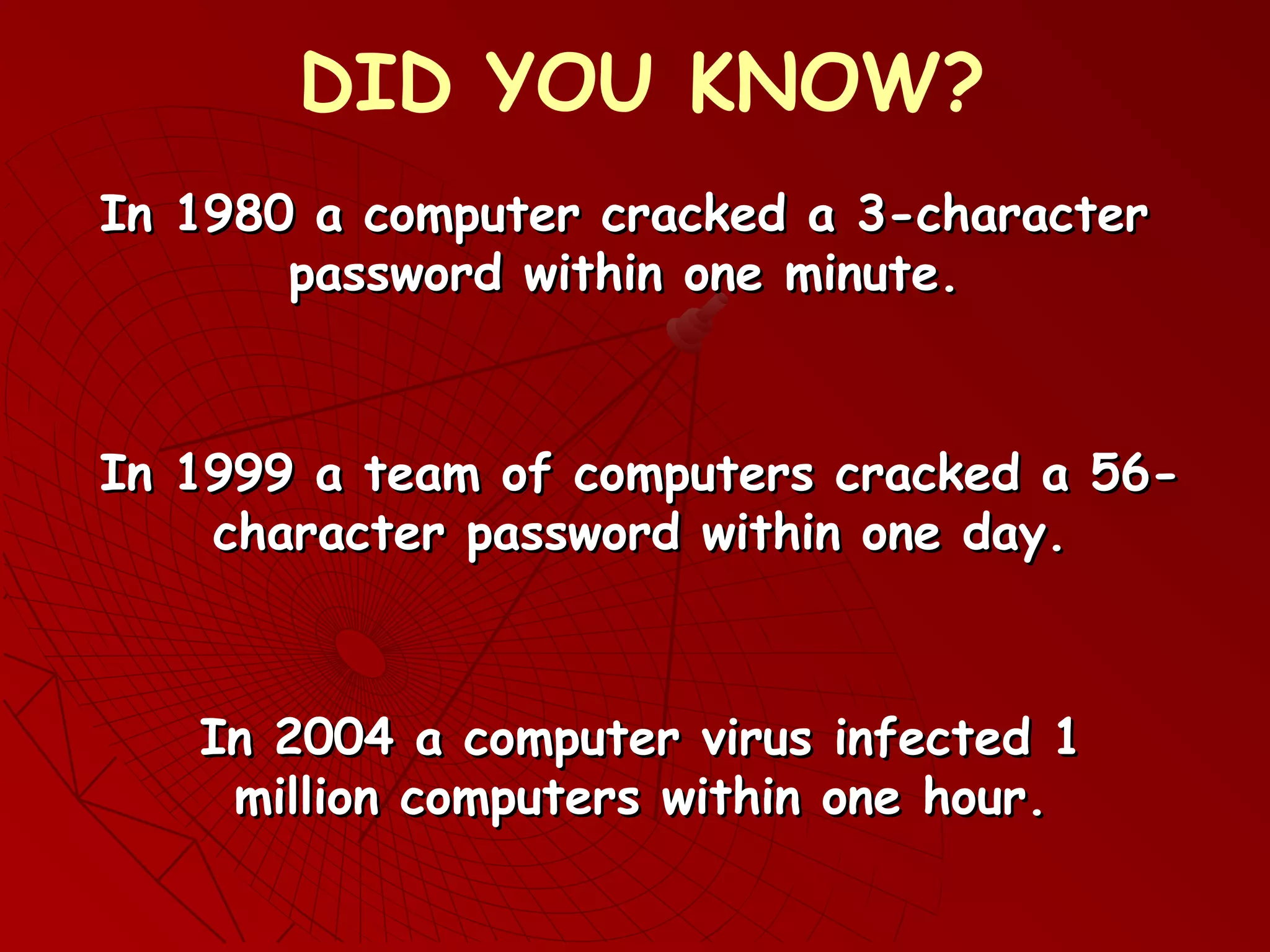
In 1980 a computer cracked a 3-characterIn 1980 a computer cracked a 3-character
password within one minute.password within one minute.
DID YOU KNOW?
In 2004 a computer virus infected 1In 2004 a computer virus infected 1
million computers within one hour.million computers within one hour.
In 1999 a team of computers cracked a 56-In 1999 a team of computers cracked a 56-
character password within one day.character password within one day.
DEFINITIONSDEFINITIONS
A computer programA computer program
Computer viruses, network worms,Computer viruses, network worms,
Trojan HorseTrojan Horse
Tells a computerTells a computer what to do and how to do it.what to do and how to do it.
These are computer programs.These are computer programs.
SALIENT DIFFERENCESSALIENT DIFFERENCES
1) Computer Virus: •Needs a host file
2) Network Worm: •No host (self-contained)
•Copies itself
•Executable
•Copies itself
•Executable
3) Trojan Horse: • No host (self-contained)
•Does not copy itself
•Imposter Program
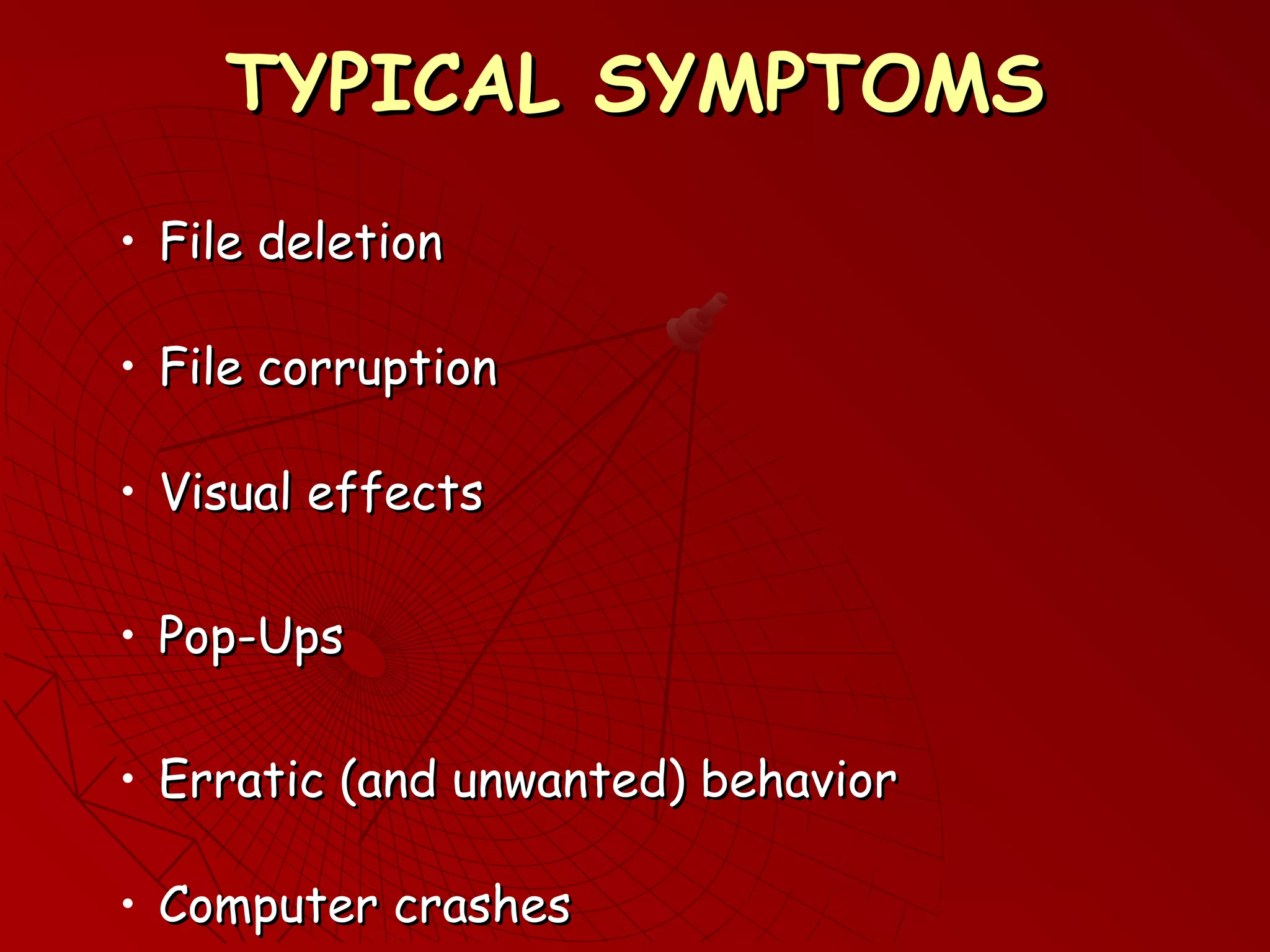
TYPICAL SYMPTOMSTYPICAL SYMPTOMS
• File deletionFile deletion
• File corruptionFile corruption
• Visual effectsVisual effects
• Pop-UpsPop-Ups
• Erratic (and unwanted) behaviorErratic (and unwanted) behavior
• Computer crashesComputer crashes
BIOLOGICAL METAPHORSBIOLOGICAL METAPHORS
1. Bacterial Infection Model:
2. Virus Infected Model:
•Single bacterium
•Viral DNA Fragment
•Replication
•Dispersal
•Infected Cells
•Replication •Dispersal
A computer virus spreads similarly, hence the name
WHY DO WE HAVE THISWHY DO WE HAVE THIS
PROBLEM?PROBLEM?
 Software companies rushSoftware companies rush
products to the consumerproducts to the consumer
market (“No program should gomarket (“No program should go
online before its time…”)online before its time…”)
 Recycling old code reduces
development time, but
perpetuates old flaws.
AND A FEW MOREAND A FEW MORE
REASONSREASONS
Market share is more important than security
Interface design is more important than security
New feature designs are more important than
security
Ease of use is more
important than security
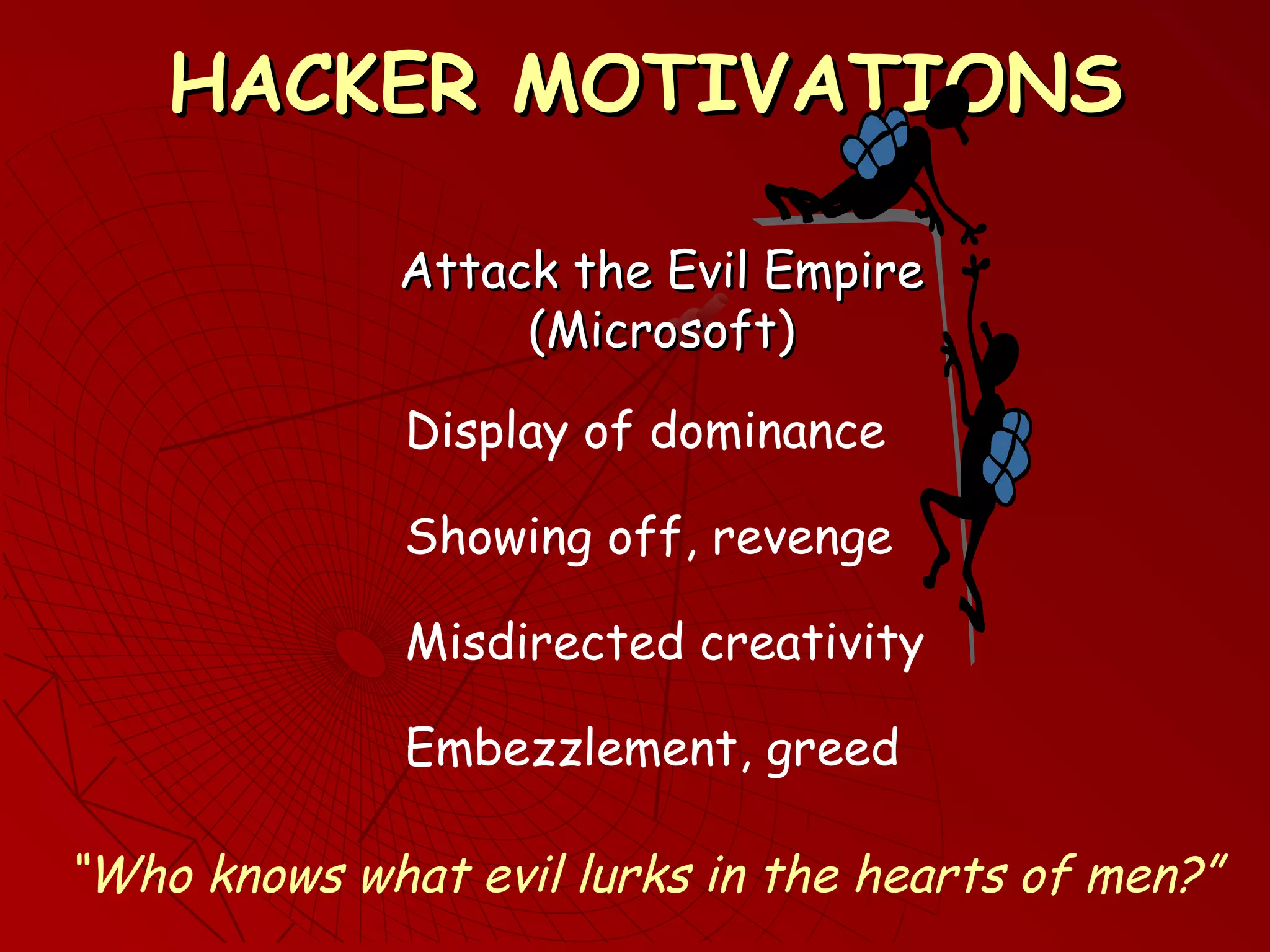
HACKER MOTIVATIONSHACKER MOTIVATIONS
Attack the Evil EmpireAttack the Evil Empire
(Microsoft)(Microsoft)
Display of dominance
Misdirected creativity
“Who knows what evil lurks in the hearts of men?”
Showing off, revenge
Embezzlement, greed
NETWORKED SYSTEMS VSNETWORKED SYSTEMS VS
SECURED SYSTEMSSECURED SYSTEMS
NETWORKS SECURITY
Open
Communication
Closed
Communication
Full Access Full Lockdown
Managers must strike a balance
Some platforms are more secure than others
POPULAR FALLACIESPOPULAR FALLACIES
If I never log off then my computer can
never get a virus
If I lock my office door then my computer
can never get a virus
Companies create viruses so they can sell
anti-virus software
My ISP will
protect me?
Microsoft will protect me
AND A FEW MORE….AND A FEW MORE….
I got this disc from my (mother, boss, friend) so it
must be okay
You cannot get a virus by opening an attachment
from someone you know
But I only downloaded one file
I am too smart to fall for a scam
You can catch a cold from a computer virus
My friend who knows a lot about computers
showed me this really cool site…
THINGS THE LIBRARY CAN DOTHINGS THE LIBRARY CAN DO
ACTION PLAN:
•Designate security support staff (and fund them)
•Make security awareness a corporate
priority (and educate your staff)
•Enable real-time protection
•Update all vendor security patches
•Subscribe to several security alert bulletins
•Periodically reboot or re-load all computers
•Control, limit or block all downloads and installs
•Install anti-virus software on computers
(keep it current)
“It takes a carpenter to build a house but
one jackass can knock it down”
(Variously attributed to Mark Twain, Harry Truman, Senator Sam Rayburn)
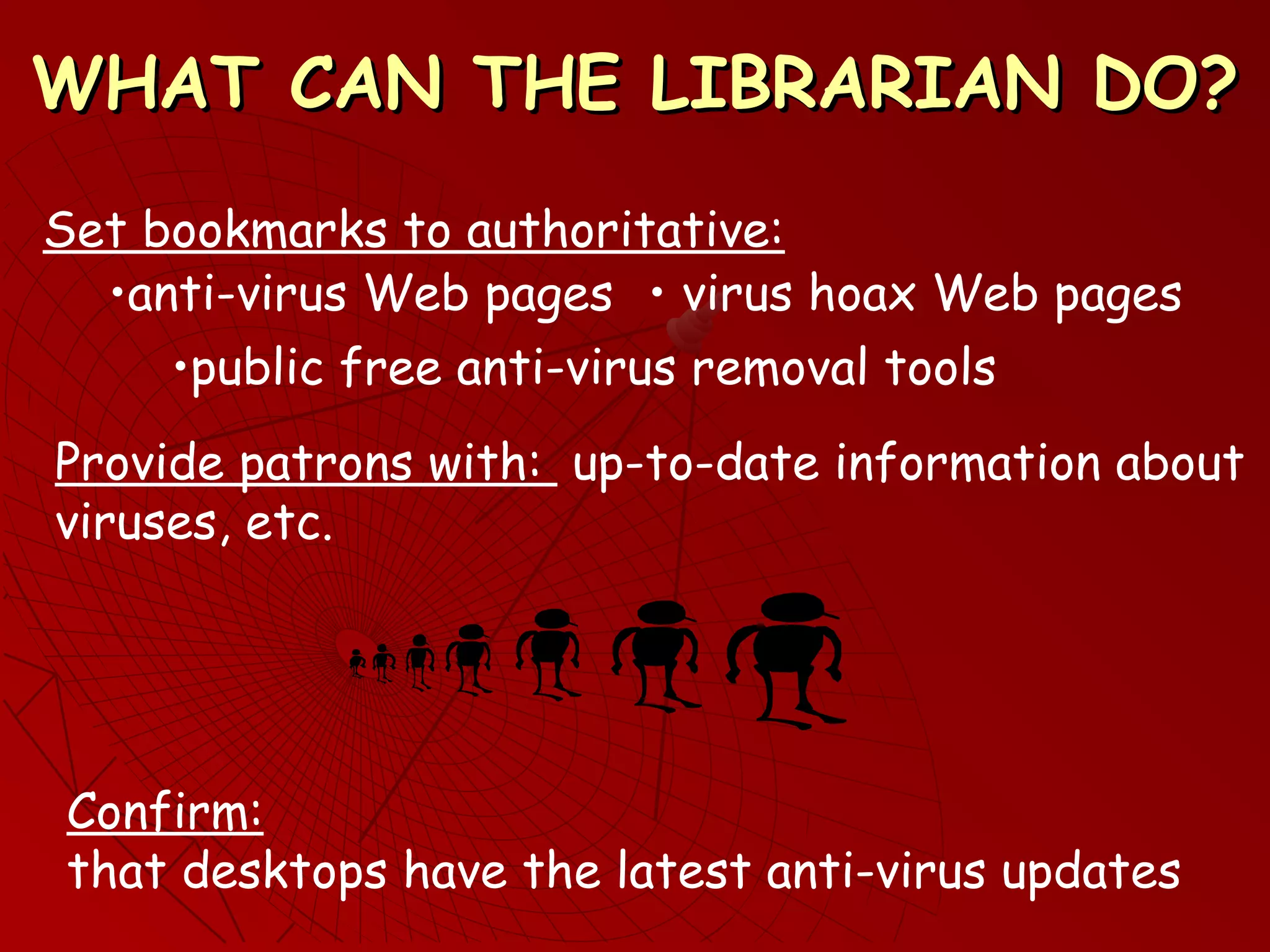
WHAT CAN THE LIBRARIAN DO?WHAT CAN THE LIBRARIAN DO?
Set bookmarks to authoritative:
• virus hoax Web pages
•public free anti-virus removal tools
Provide patrons with: up-to-date information about
viruses, etc.
Confirm:
that desktops have the latest anti-virus updates
•anti-virus Web pages
BACK IT UPBACK IT UP
Offline copies: Grandfather/father/son
(monthly/weekly/daily)
Online copies: Shared network drive
Changes only: Incremental/differential
Do not back up a file on the same disc as the
original!
Assume every disc, CD, etc is suspect, no matter
who gave it to you
“Doveryay, No Proveryay” (Trust but Verify)
MACHINE INFECTED?MACHINE INFECTED?
ACTION PLAN:ACTION PLAN:
1)Write down the error or alert message
verbatim
•inform your tech support team
•quarantine the machine
2) Look up the message in an
authoritative anti-virus site (demo)
•diagnose the problem
•take recommended remedial action
If appropriate:
3) Reboot the machine
•Run a full system scan before
placing the machine back in
service
•Apply all missing critical security patches
(demo)
•Download, install, run the anti-virus
removal tool (demo)
THE HOAX STOPS HERETHE HOAX STOPS HERE
•tells you to do something
•tells you to take immediate action
•cites a recognizable source to give itself
credibility (“Microsoft has warned that…”)
•does not originate from a valid computer vendor
IF THE MESSAGE:
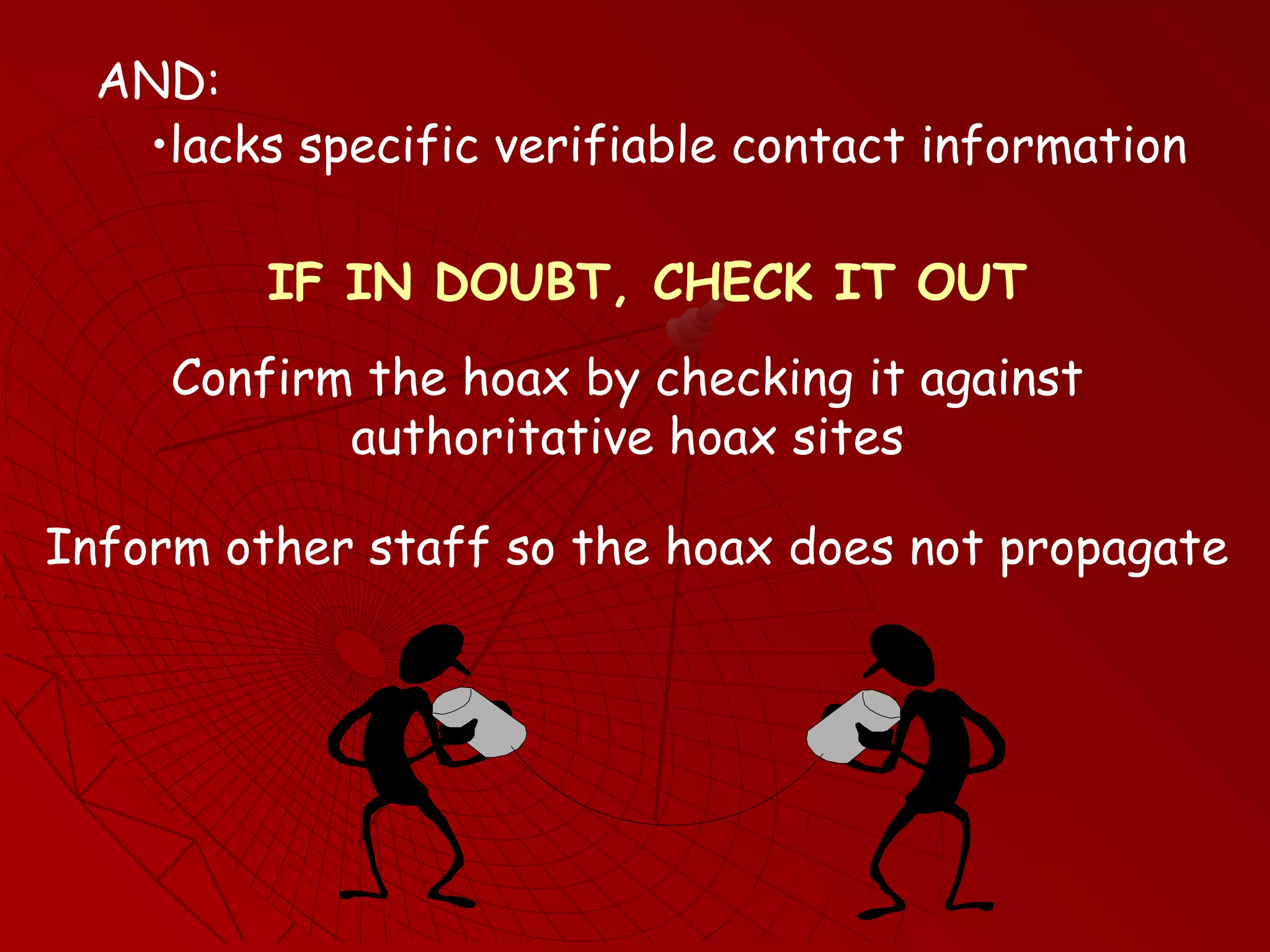
•lacks specific verifiable contact information
IF IN DOUBT, CHECK IT OUT
Confirm the hoax by checking it against
authoritative hoax sites
Inform other staff so the hoax does not propagate
AND:
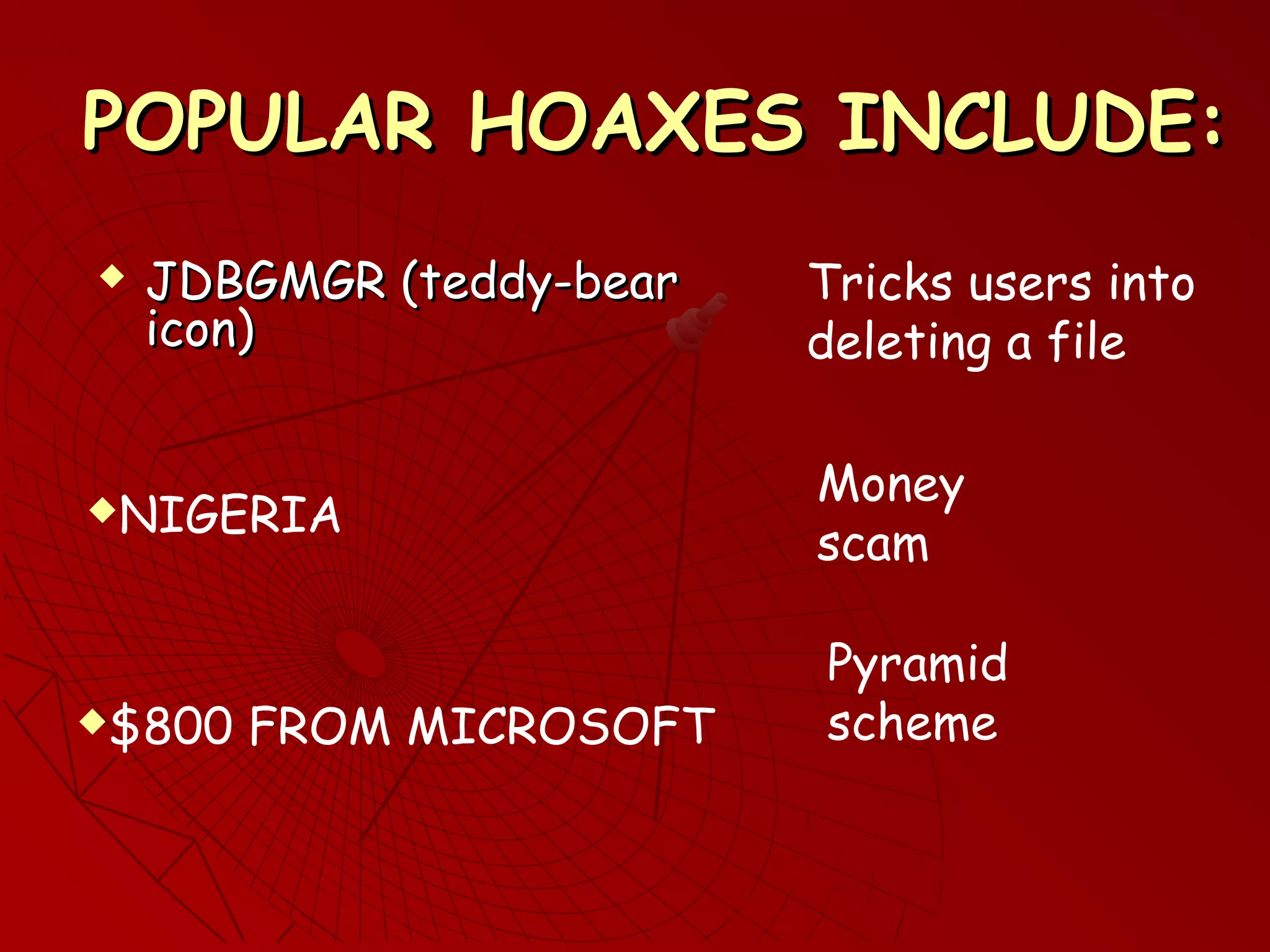
POPULAR HOAXES INCLUDE:POPULAR HOAXES INCLUDE:
 JDBGMGR (teddy-bearJDBGMGR (teddy-bear
icon)icon)
NIGERIA
$800 FROM MICROSOFT
Tricks users into
deleting a file
Money
scam
Pyramid
scheme
STOPPING THE TROJAN HORSESTOPPING THE TROJAN HORSE
The Horse must be “invited in” ….The Horse must be “invited in” ….
How does it get in?
Downloading a file
By:
Installing a program
Opening an attachment
Opening bogus Web pages
Copying a file from someone else
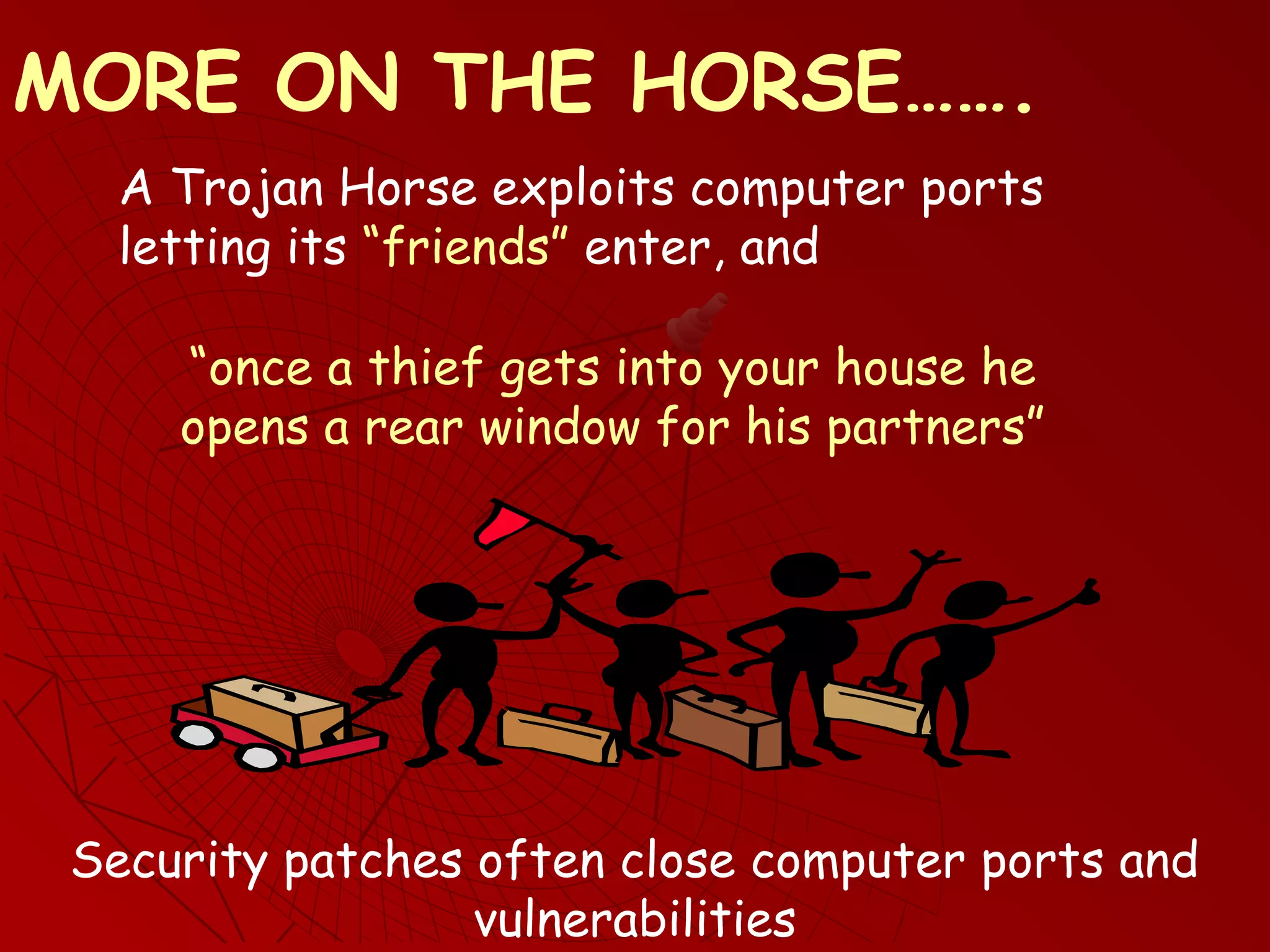
A Trojan Horse exploits computer ports
letting its “friends” enter, and
Security patches often close computer ports and
vulnerabilities
MORE ON THE HORSE…….
“once a thief gets into your house he
opens a rear window for his partners”
NOTE #1NOTE #1
 Search engines are NOT reliable sources ofSearch engines are NOT reliable sources of
virus informationvirus information
Information may be inaccurate, incomplete or
out of date
Search engines generate huge numbers of
indiscriminate hits
Some anti-virus Web sites are scams
(or contain trojan Horses)
Go directly to authoritative anti-virus sites
NOTE #2NOTE #2
 Computer companies areComputer companies are NOTNOT reliablereliable
sources of virus informationsources of virus information
are not in the anti-virus business
Usually refer you to an anti-virus vendor
themselves are victims!
Computer companies:
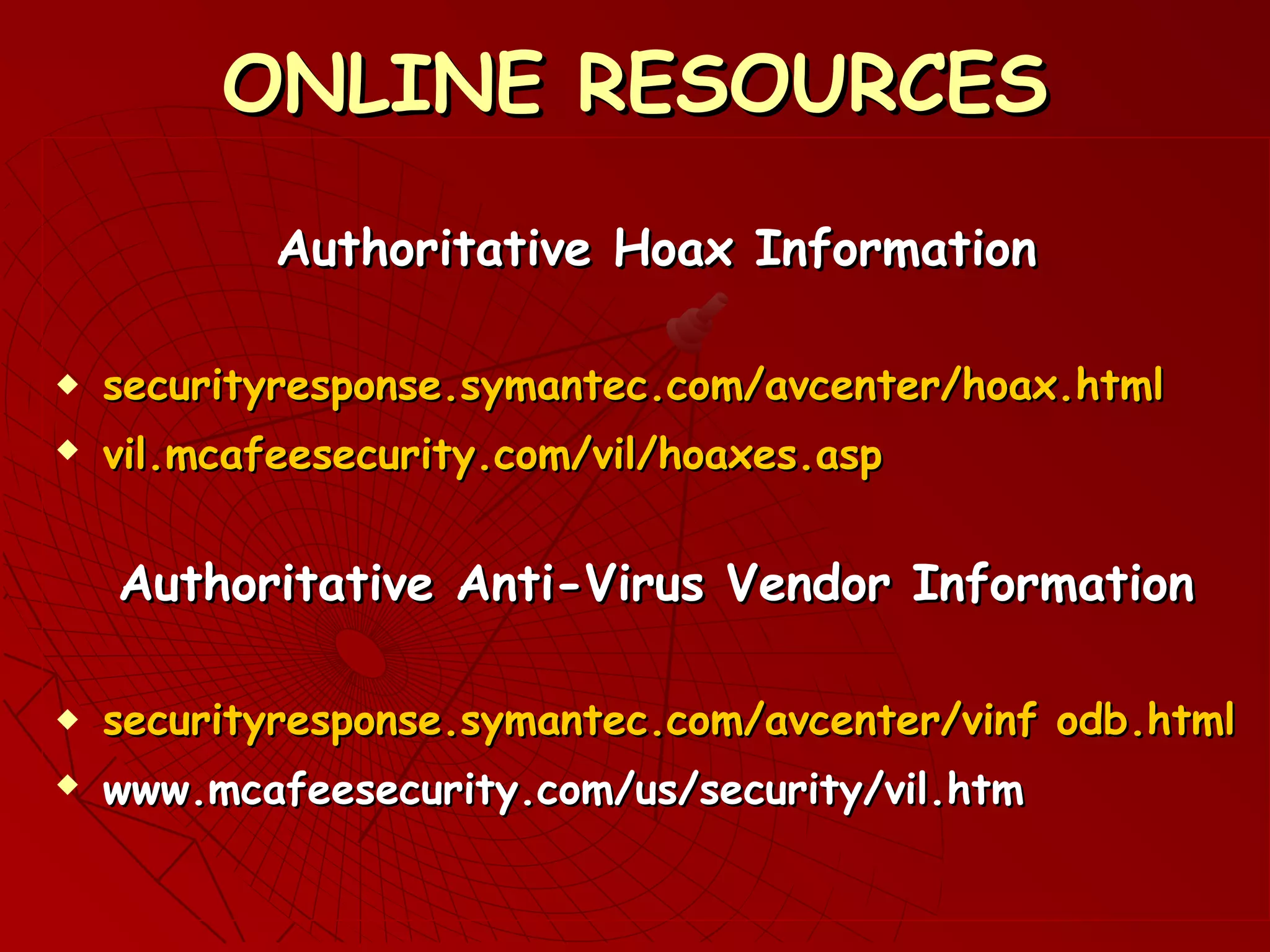
ONLINE RESOURCESONLINE RESOURCES
Authoritative Hoax InformationAuthoritative Hoax Information
 securityresponse.symantec.com/avcenter/hoax.htmlsecurityresponse.symantec.com/avcenter/hoax.html
 vil.mcafeesecurity.com/vil/hoaxes.aspvil.mcafeesecurity.com/vil/hoaxes.asp
Authoritative Anti-Virus Vendor InformationAuthoritative Anti-Virus Vendor Information
 ssecurityresponse.symantec.com/avcenter/vinf odb.htmlecurityresponse.symantec.com/avcenter/vinf odb.html
 www.mcafeesecurity.com/us/security/vil.htmwww.mcafeesecurity.com/us/security/vil.htm
REFERENCESREFERENCES
Authoritative Security Alert InformationAuthoritative Security Alert Information
 securityresponse.symantec.comsecurityresponse.symantec.com//
(Symantec)(Symantec)
 wwww.microsoft.com/securityww.microsoft.com/security
(Microsoft)(Microsoft)
 www.apple.com/support/security/www.apple.com/support/security/
(Apple)(Apple)
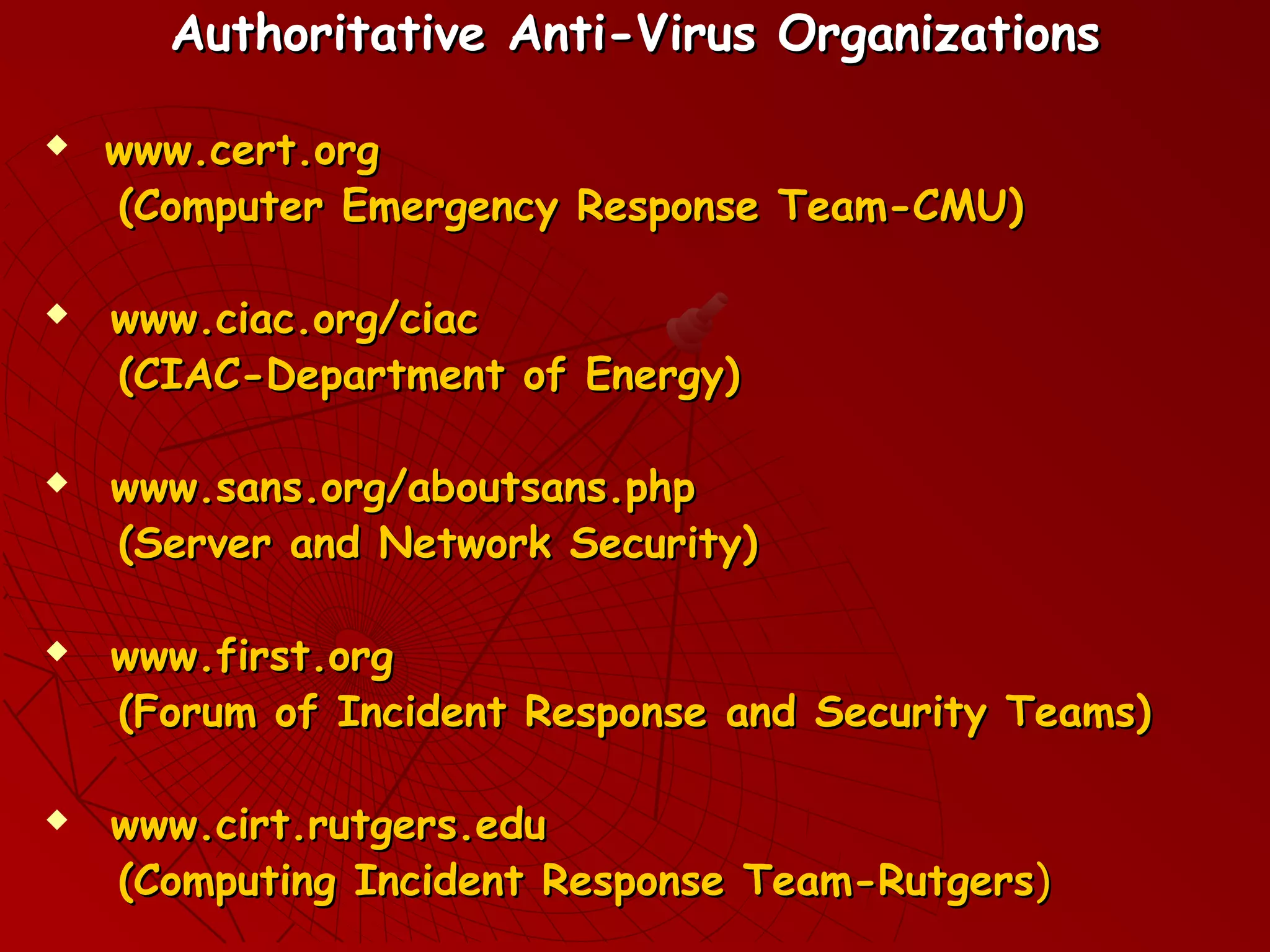
Authoritative Anti-Virus OrganizationsAuthoritative Anti-Virus Organizations
 www.cert.orgwww.cert.org
(Computer Emergency Response Team-CMU)(Computer Emergency Response Team-CMU)
 www.ciac.org/ciacwww.ciac.org/ciac
(CIAC-Department of Energy)(CIAC-Department of Energy)
 www.sans.org/aboutsans.phpwww.sans.org/aboutsans.php
(Server and Network Security)(Server and Network Security)
 www.first.orgwww.first.org
(Forum of Incident Response and Security Teams)(Forum of Incident Response and Security Teams)
 www.cirt.rutgers.eduwww.cirt.rutgers.edu
(Computing Incident Response Team-Rutgers(Computing Incident Response Team-Rutgers))
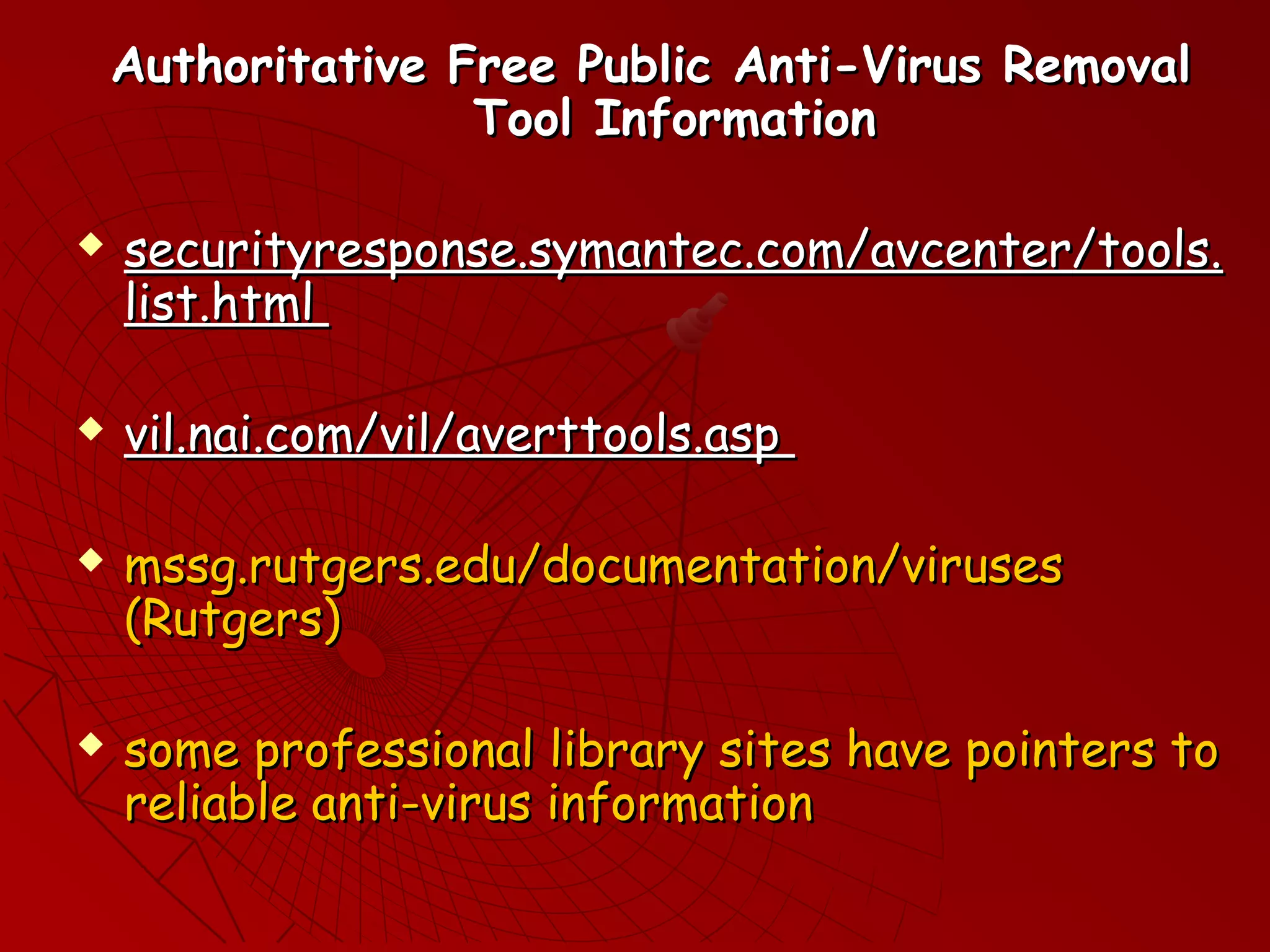
Authoritative Free Public Anti-Virus RemovalAuthoritative Free Public Anti-Virus Removal
Tool InformationTool Information
 securityresponse.symantec.com/avcenter/tools.securityresponse.symantec.com/avcenter/tools.
list.htmllist.html
 vil.nai.com/vil/averttools.aspvil.nai.com/vil/averttools.asp
 mssg.rutgers.edu/documentation/virusesmssg.rutgers.edu/documentation/viruses
(Rutgers)(Rutgers)
 some professional library sites have pointers tosome professional library sites have pointers to
reliable anti-virus informationreliable anti-virus information
PRINT RESOURCESPRINT RESOURCES
 Allen, Julia, (2001)Allen, Julia, (2001) The CERT Guide toThe CERT Guide to
System and Network Security PracticesSystem and Network Security Practices,,
Addison-Wesley, New YorkAddison-Wesley, New York
 Crume, Jeff, (2000)Crume, Jeff, (2000) Inside Internet SecurityInside Internet Security,,
Addison-Wesley, New YorkAddison-Wesley, New York
 Ratzan, Lee, (January 2005)Ratzan, Lee, (January 2005) A new role forA new role for
librarieslibraries, SC Magazine (Secure Computing, SC Magazine (Secure Computing
Magazine), page 26Magazine), page 26
 Ratzan, Lee, (2004)Ratzan, Lee, (2004) UnderstandingUnderstanding
Information SystemsInformation Systems, American Library, American Library
Association, ChicagoAssociation, Chicago
A NEW ROLE FOR LIBRARIES?A NEW ROLE FOR LIBRARIES?
THE AUTHOR ACKNOWLEDGESTHE AUTHOR ACKNOWLEDGES
 The cooperation of InfoLinkThe cooperation of InfoLink
(www.infolink.org) for promoting library(www.infolink.org) for promoting library
professional development programsprofessional development programs
 The Monroe Public Library for the useThe Monroe Public Library for the use
of its facilitiesof its facilities
 SC Magazine for publishing an essay onSC Magazine for publishing an essay on
libraries being at the forefront oflibraries being at the forefront of
information securityinformation security
 Lisa DeBilio for her production of theLisa DeBilio for her production of the
PowerPoint slides.PowerPoint slides.
THANK YOU ALL

Ratzan2

  • 1.
    UNDERSTANDINGUNDERSTANDING INFORMATION SECURITYINFORMATION SECURITY LeeRatzan, MCP, Ph.D.Lee Ratzan, MCP, Ph.D. School of Communication, Information & Library Studies atSchool of Communication, Information & Library Studies at Rutgers UniversityRutgers University Lratzan@scils.rutgers.eduLratzan@scils.rutgers.edu VIRUSES, WORMS, HOAXES, And TROJAN HORSES
  • 2.
    IT’S A JUNGLEOUT THEREIT’S A JUNGLE OUT THERE Computer Viruses Trojan Horses Address Book theft DNS Poisoning Zombies, IP Spoofing Password Grabbers Logic Bombs Network Worms Hijacked Home Pages Denial of Service Attacks Buffer Overruns Password Crackers
  • 3.
    AND THE EVERPOPULAR:AND THE EVER POPULAR: Hoaxes Ploys Pop-Ups Scams Spam
  • 4.
    In 1980 acomputer cracked a 3-characterIn 1980 a computer cracked a 3-character password within one minute.password within one minute. DID YOU KNOW? In 2004 a computer virus infected 1In 2004 a computer virus infected 1 million computers within one hour.million computers within one hour. In 1999 a team of computers cracked a 56-In 1999 a team of computers cracked a 56- character password within one day.character password within one day.
  • 5.
    DEFINITIONSDEFINITIONS A computer programAcomputer program Computer viruses, network worms,Computer viruses, network worms, Trojan HorseTrojan Horse Tells a computerTells a computer what to do and how to do it.what to do and how to do it. These are computer programs.These are computer programs.
  • 6.
    SALIENT DIFFERENCESSALIENT DIFFERENCES 1)Computer Virus: •Needs a host file 2) Network Worm: •No host (self-contained) •Copies itself •Executable •Copies itself •Executable 3) Trojan Horse: • No host (self-contained) •Does not copy itself •Imposter Program
  • 7.
    TYPICAL SYMPTOMSTYPICAL SYMPTOMS •File deletionFile deletion • File corruptionFile corruption • Visual effectsVisual effects • Pop-UpsPop-Ups • Erratic (and unwanted) behaviorErratic (and unwanted) behavior • Computer crashesComputer crashes
  • 8.
    BIOLOGICAL METAPHORSBIOLOGICAL METAPHORS 1.Bacterial Infection Model: 2. Virus Infected Model: •Single bacterium •Viral DNA Fragment •Replication •Dispersal •Infected Cells •Replication •Dispersal A computer virus spreads similarly, hence the name
  • 9.
    WHY DO WEHAVE THISWHY DO WE HAVE THIS PROBLEM?PROBLEM?  Software companies rushSoftware companies rush products to the consumerproducts to the consumer market (“No program should gomarket (“No program should go online before its time…”)online before its time…”)  Recycling old code reduces development time, but perpetuates old flaws.
  • 10.
    AND A FEWMOREAND A FEW MORE REASONSREASONS Market share is more important than security Interface design is more important than security New feature designs are more important than security Ease of use is more important than security
  • 11.
    HACKER MOTIVATIONSHACKER MOTIVATIONS Attackthe Evil EmpireAttack the Evil Empire (Microsoft)(Microsoft) Display of dominance Misdirected creativity “Who knows what evil lurks in the hearts of men?” Showing off, revenge Embezzlement, greed
  • 12.
    NETWORKED SYSTEMS VSNETWORKEDSYSTEMS VS SECURED SYSTEMSSECURED SYSTEMS NETWORKS SECURITY Open Communication Closed Communication Full Access Full Lockdown Managers must strike a balance Some platforms are more secure than others
  • 13.
    POPULAR FALLACIESPOPULAR FALLACIES IfI never log off then my computer can never get a virus If I lock my office door then my computer can never get a virus Companies create viruses so they can sell anti-virus software My ISP will protect me? Microsoft will protect me
  • 14.
    AND A FEWMORE….AND A FEW MORE…. I got this disc from my (mother, boss, friend) so it must be okay You cannot get a virus by opening an attachment from someone you know But I only downloaded one file I am too smart to fall for a scam You can catch a cold from a computer virus My friend who knows a lot about computers showed me this really cool site…
  • 15.
    THINGS THE LIBRARYCAN DOTHINGS THE LIBRARY CAN DO ACTION PLAN: •Designate security support staff (and fund them) •Make security awareness a corporate priority (and educate your staff) •Enable real-time protection •Update all vendor security patches •Subscribe to several security alert bulletins
  • 16.
    •Periodically reboot orre-load all computers •Control, limit or block all downloads and installs •Install anti-virus software on computers (keep it current) “It takes a carpenter to build a house but one jackass can knock it down” (Variously attributed to Mark Twain, Harry Truman, Senator Sam Rayburn)
  • 17.
    WHAT CAN THELIBRARIAN DO?WHAT CAN THE LIBRARIAN DO? Set bookmarks to authoritative: • virus hoax Web pages •public free anti-virus removal tools Provide patrons with: up-to-date information about viruses, etc. Confirm: that desktops have the latest anti-virus updates •anti-virus Web pages
  • 18.
    BACK IT UPBACKIT UP Offline copies: Grandfather/father/son (monthly/weekly/daily) Online copies: Shared network drive Changes only: Incremental/differential Do not back up a file on the same disc as the original! Assume every disc, CD, etc is suspect, no matter who gave it to you “Doveryay, No Proveryay” (Trust but Verify)
  • 19.
    MACHINE INFECTED?MACHINE INFECTED? ACTIONPLAN:ACTION PLAN: 1)Write down the error or alert message verbatim •inform your tech support team •quarantine the machine 2) Look up the message in an authoritative anti-virus site (demo) •diagnose the problem •take recommended remedial action
  • 20.
    If appropriate: 3) Rebootthe machine •Run a full system scan before placing the machine back in service •Apply all missing critical security patches (demo) •Download, install, run the anti-virus removal tool (demo)
  • 21.
    THE HOAX STOPSHERETHE HOAX STOPS HERE •tells you to do something •tells you to take immediate action •cites a recognizable source to give itself credibility (“Microsoft has warned that…”) •does not originate from a valid computer vendor IF THE MESSAGE:
  • 22.
    •lacks specific verifiablecontact information IF IN DOUBT, CHECK IT OUT Confirm the hoax by checking it against authoritative hoax sites Inform other staff so the hoax does not propagate AND:
  • 23.
    POPULAR HOAXES INCLUDE:POPULARHOAXES INCLUDE:  JDBGMGR (teddy-bearJDBGMGR (teddy-bear icon)icon) NIGERIA $800 FROM MICROSOFT Tricks users into deleting a file Money scam Pyramid scheme
  • 24.
    STOPPING THE TROJANHORSESTOPPING THE TROJAN HORSE The Horse must be “invited in” ….The Horse must be “invited in” …. How does it get in? Downloading a file By: Installing a program Opening an attachment Opening bogus Web pages Copying a file from someone else
  • 25.
    A Trojan Horseexploits computer ports letting its “friends” enter, and Security patches often close computer ports and vulnerabilities MORE ON THE HORSE……. “once a thief gets into your house he opens a rear window for his partners”
  • 26.
    NOTE #1NOTE #1 Search engines are NOT reliable sources ofSearch engines are NOT reliable sources of virus informationvirus information Information may be inaccurate, incomplete or out of date Search engines generate huge numbers of indiscriminate hits Some anti-virus Web sites are scams (or contain trojan Horses) Go directly to authoritative anti-virus sites
  • 27.
    NOTE #2NOTE #2 Computer companies areComputer companies are NOTNOT reliablereliable sources of virus informationsources of virus information are not in the anti-virus business Usually refer you to an anti-virus vendor themselves are victims! Computer companies:
  • 28.
    ONLINE RESOURCESONLINE RESOURCES AuthoritativeHoax InformationAuthoritative Hoax Information  securityresponse.symantec.com/avcenter/hoax.htmlsecurityresponse.symantec.com/avcenter/hoax.html  vil.mcafeesecurity.com/vil/hoaxes.aspvil.mcafeesecurity.com/vil/hoaxes.asp Authoritative Anti-Virus Vendor InformationAuthoritative Anti-Virus Vendor Information  ssecurityresponse.symantec.com/avcenter/vinf odb.htmlecurityresponse.symantec.com/avcenter/vinf odb.html  www.mcafeesecurity.com/us/security/vil.htmwww.mcafeesecurity.com/us/security/vil.htm
  • 29.
    REFERENCESREFERENCES Authoritative Security AlertInformationAuthoritative Security Alert Information  securityresponse.symantec.comsecurityresponse.symantec.com// (Symantec)(Symantec)  wwww.microsoft.com/securityww.microsoft.com/security (Microsoft)(Microsoft)  www.apple.com/support/security/www.apple.com/support/security/ (Apple)(Apple)
  • 30.
    Authoritative Anti-Virus OrganizationsAuthoritativeAnti-Virus Organizations  www.cert.orgwww.cert.org (Computer Emergency Response Team-CMU)(Computer Emergency Response Team-CMU)  www.ciac.org/ciacwww.ciac.org/ciac (CIAC-Department of Energy)(CIAC-Department of Energy)  www.sans.org/aboutsans.phpwww.sans.org/aboutsans.php (Server and Network Security)(Server and Network Security)  www.first.orgwww.first.org (Forum of Incident Response and Security Teams)(Forum of Incident Response and Security Teams)  www.cirt.rutgers.eduwww.cirt.rutgers.edu (Computing Incident Response Team-Rutgers(Computing Incident Response Team-Rutgers))
  • 31.
    Authoritative Free PublicAnti-Virus RemovalAuthoritative Free Public Anti-Virus Removal Tool InformationTool Information  securityresponse.symantec.com/avcenter/tools.securityresponse.symantec.com/avcenter/tools. list.htmllist.html  vil.nai.com/vil/averttools.aspvil.nai.com/vil/averttools.asp  mssg.rutgers.edu/documentation/virusesmssg.rutgers.edu/documentation/viruses (Rutgers)(Rutgers)  some professional library sites have pointers tosome professional library sites have pointers to reliable anti-virus informationreliable anti-virus information
  • 32.
    PRINT RESOURCESPRINT RESOURCES Allen, Julia, (2001)Allen, Julia, (2001) The CERT Guide toThe CERT Guide to System and Network Security PracticesSystem and Network Security Practices,, Addison-Wesley, New YorkAddison-Wesley, New York  Crume, Jeff, (2000)Crume, Jeff, (2000) Inside Internet SecurityInside Internet Security,, Addison-Wesley, New YorkAddison-Wesley, New York  Ratzan, Lee, (January 2005)Ratzan, Lee, (January 2005) A new role forA new role for librarieslibraries, SC Magazine (Secure Computing, SC Magazine (Secure Computing Magazine), page 26Magazine), page 26
  • 33.
     Ratzan, Lee,(2004)Ratzan, Lee, (2004) UnderstandingUnderstanding Information SystemsInformation Systems, American Library, American Library Association, ChicagoAssociation, Chicago
  • 34.
    A NEW ROLEFOR LIBRARIES?A NEW ROLE FOR LIBRARIES?
  • 35.
    THE AUTHOR ACKNOWLEDGESTHEAUTHOR ACKNOWLEDGES  The cooperation of InfoLinkThe cooperation of InfoLink (www.infolink.org) for promoting library(www.infolink.org) for promoting library professional development programsprofessional development programs  The Monroe Public Library for the useThe Monroe Public Library for the use of its facilitiesof its facilities  SC Magazine for publishing an essay onSC Magazine for publishing an essay on libraries being at the forefront oflibraries being at the forefront of information securityinformation security  Lisa DeBilio for her production of theLisa DeBilio for her production of the PowerPoint slides.PowerPoint slides. THANK YOU ALL