Rapid Design
Prototyping
https://www.linkedin.com
/in/ayako-sayama
I’m Saaya. Nice to meet you
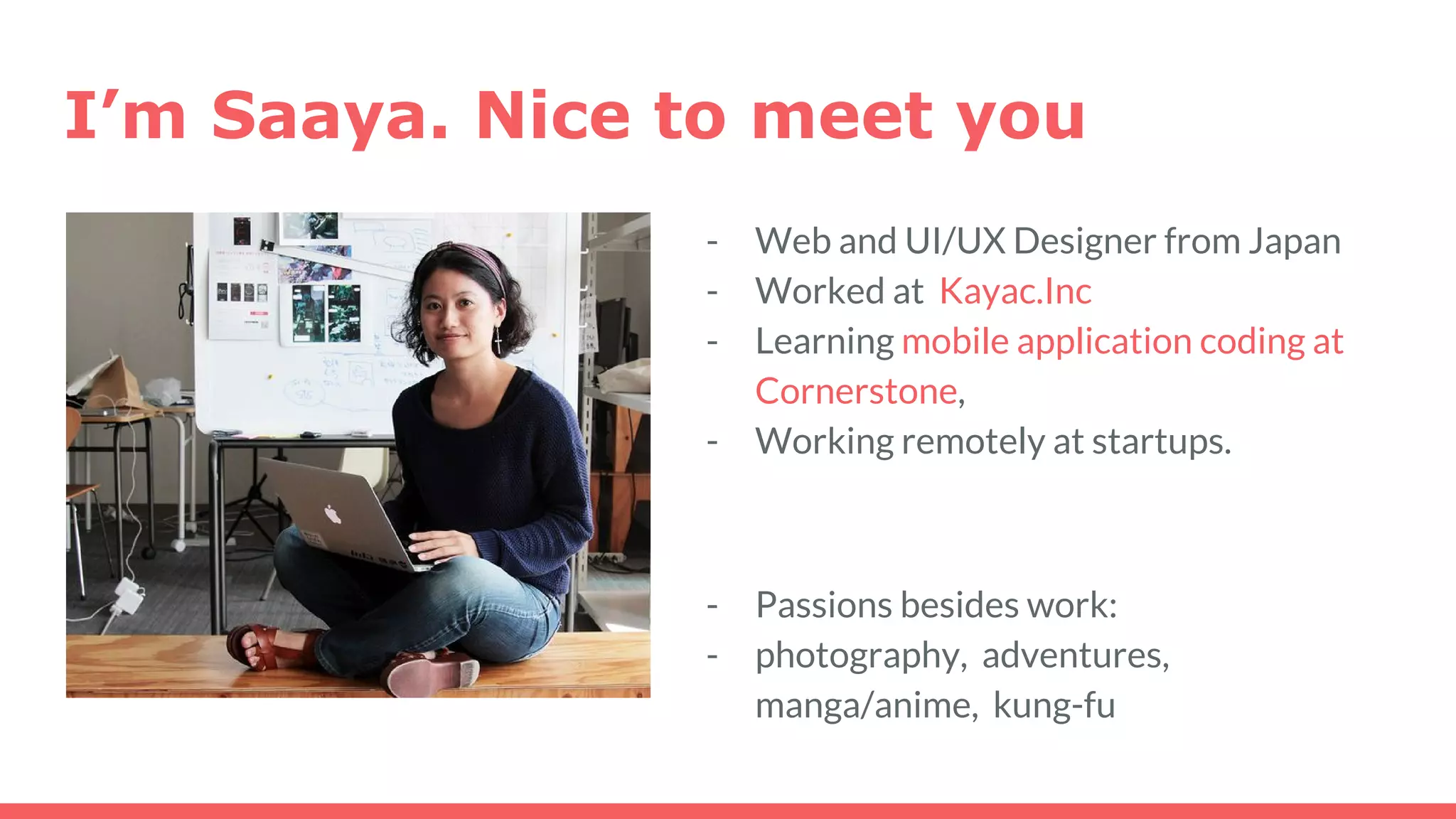
- Web and UI/UX Designer from Japan
- Worked at Kayac.Inc
- Learning mobile application coding at
Cornerstone,
- Working remotely at startups.
- Passions besides work:
- photography, adventures,
manga/anime, kung-fu
What is rapid prototyping?
- quickly mocking up the future state of a system
- making the core part
- less important parts are skipped (until the launch)
* Prototyping can have different meanings.
- for designers: a prototype = what it looks like
- for developers: a protoype = a system that works
Why do we need to do this?
1. Eliminates Redundency
- reduces needless discussions
- early feedbacks
- reducing the need for changes during
development.
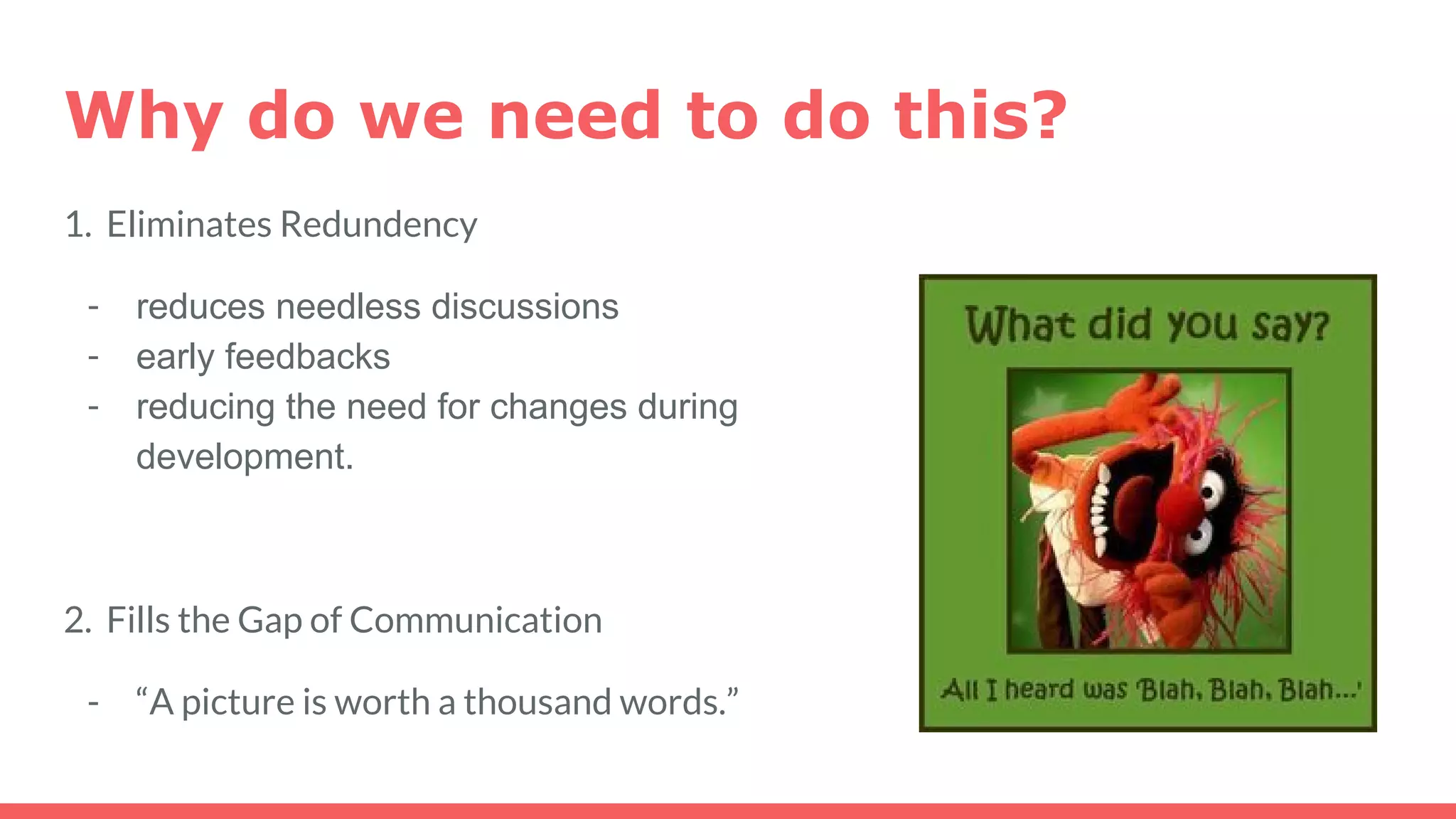
2. Fills the Gap of Communication
- “A picture is worth a thousand words.”
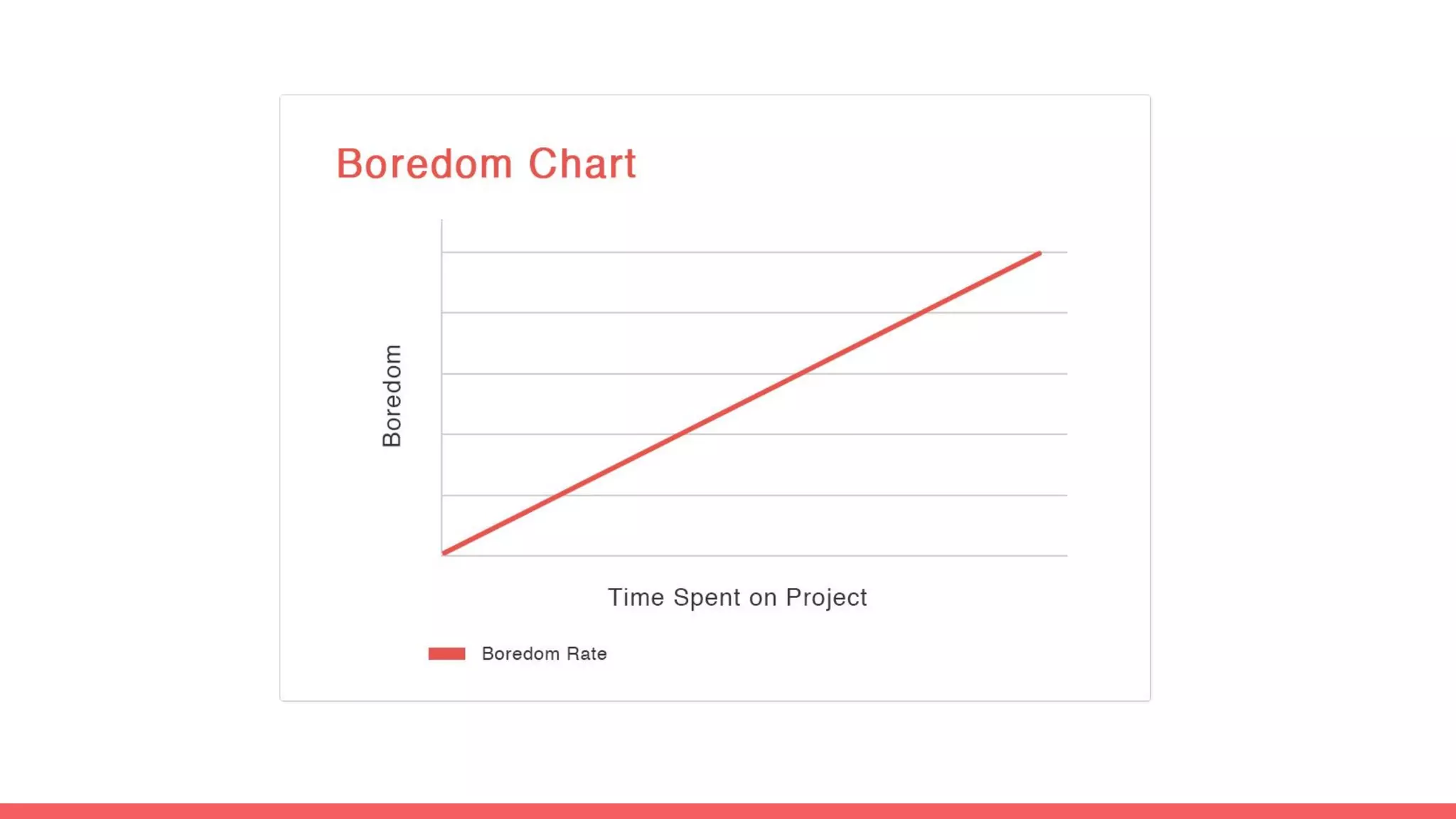
just start designing it.
In other words, limit discussion time and
The Mockup Flow
Before you start designing anything..
DEFINE what you are making...
Q. How big is this project?
Q. What(which part) needs to be prototyped?
- You don’t need to prototype everything.
- (Usually about 20% is the core part, which 80% of the energy should be spent.)
Q. What is the key concept of this app?
Q. What are the key features of this app?
...so you can count backwards.
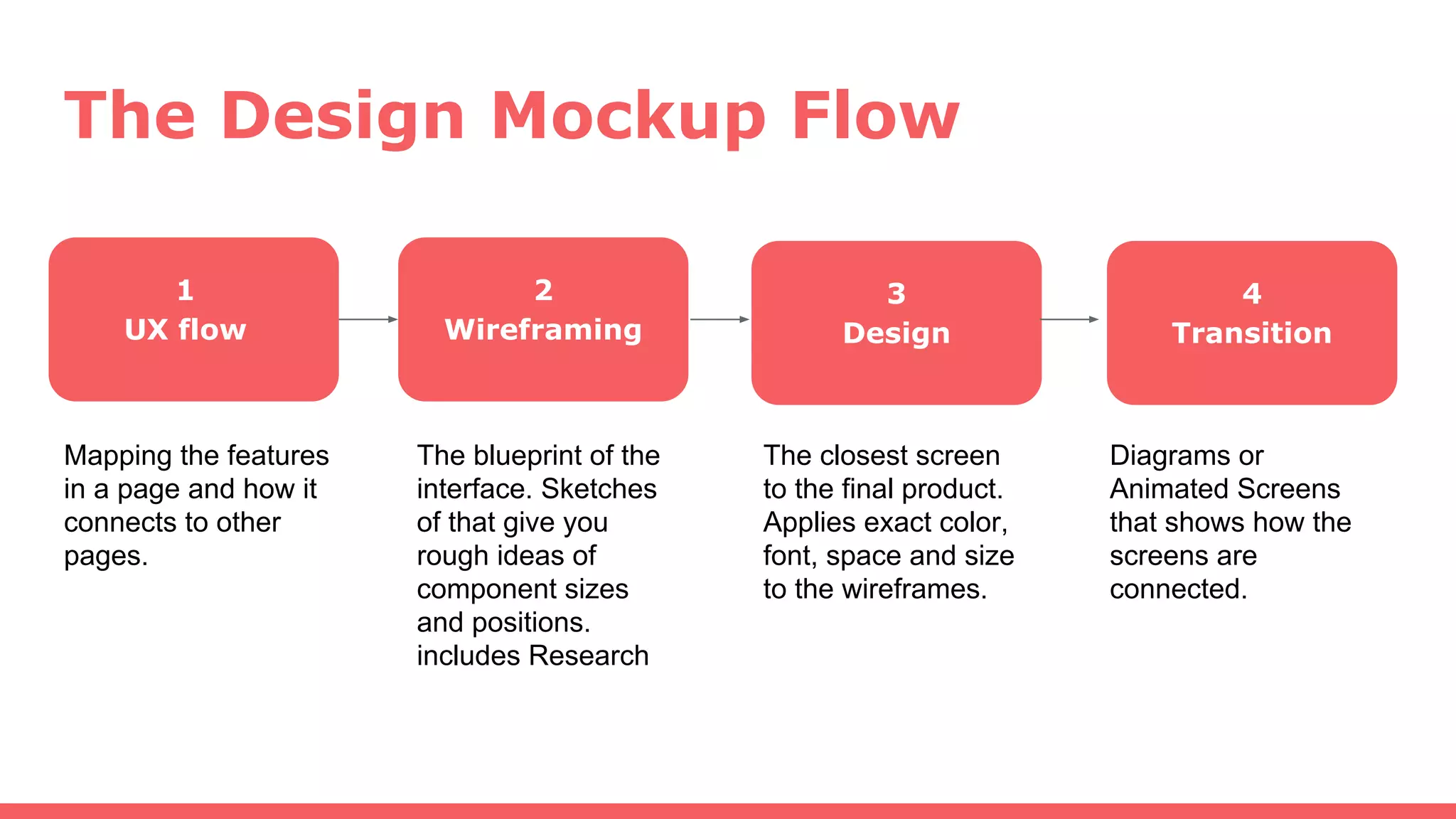
The Design Mockup Flow
1
UX flow
2
Wireframing
3
Design
Mapping the features
in a page and how it
connects to other
pages.
The blueprint of the
interface. Sketches
of that give you
rough ideas of
component sizes
and positions.
includes Research
4
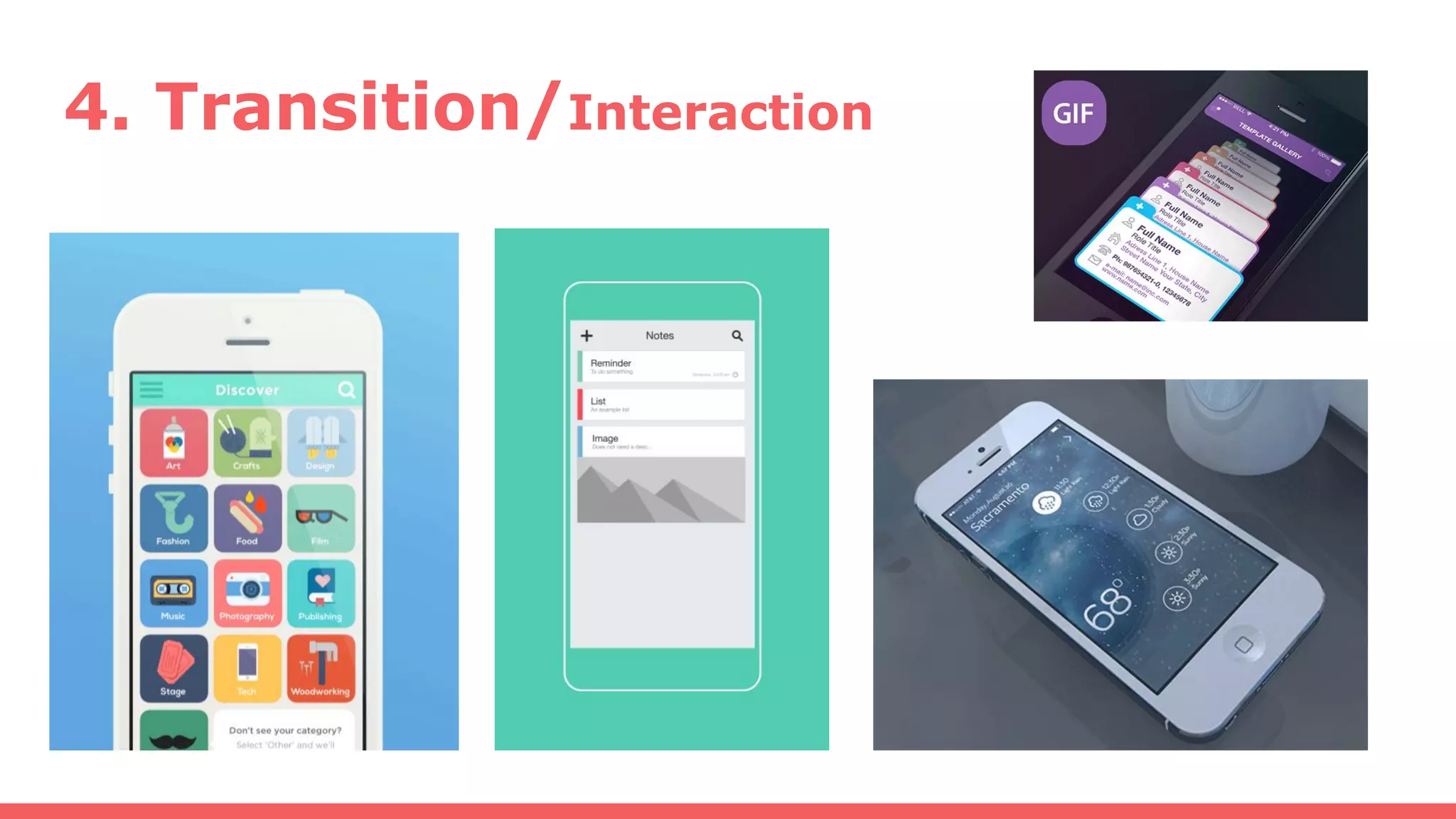
Transition
The closest screen
to the final product.
Applies exact color,
font, space and size
to the wireframes.
Diagrams or
Animated Screens
that shows how the
screens are
connected.
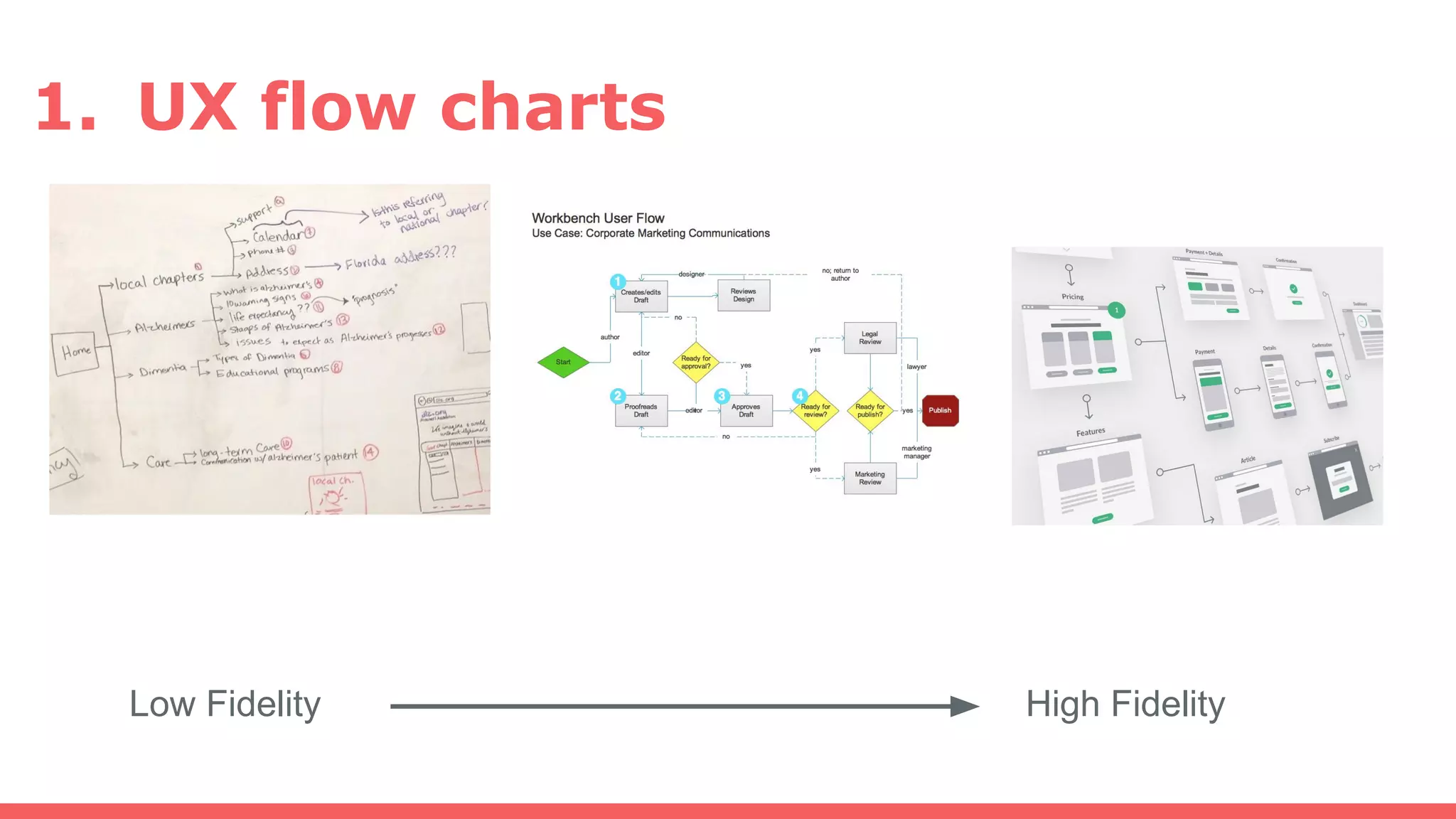
1. UX flow charts
Low Fidelity High Fidelity
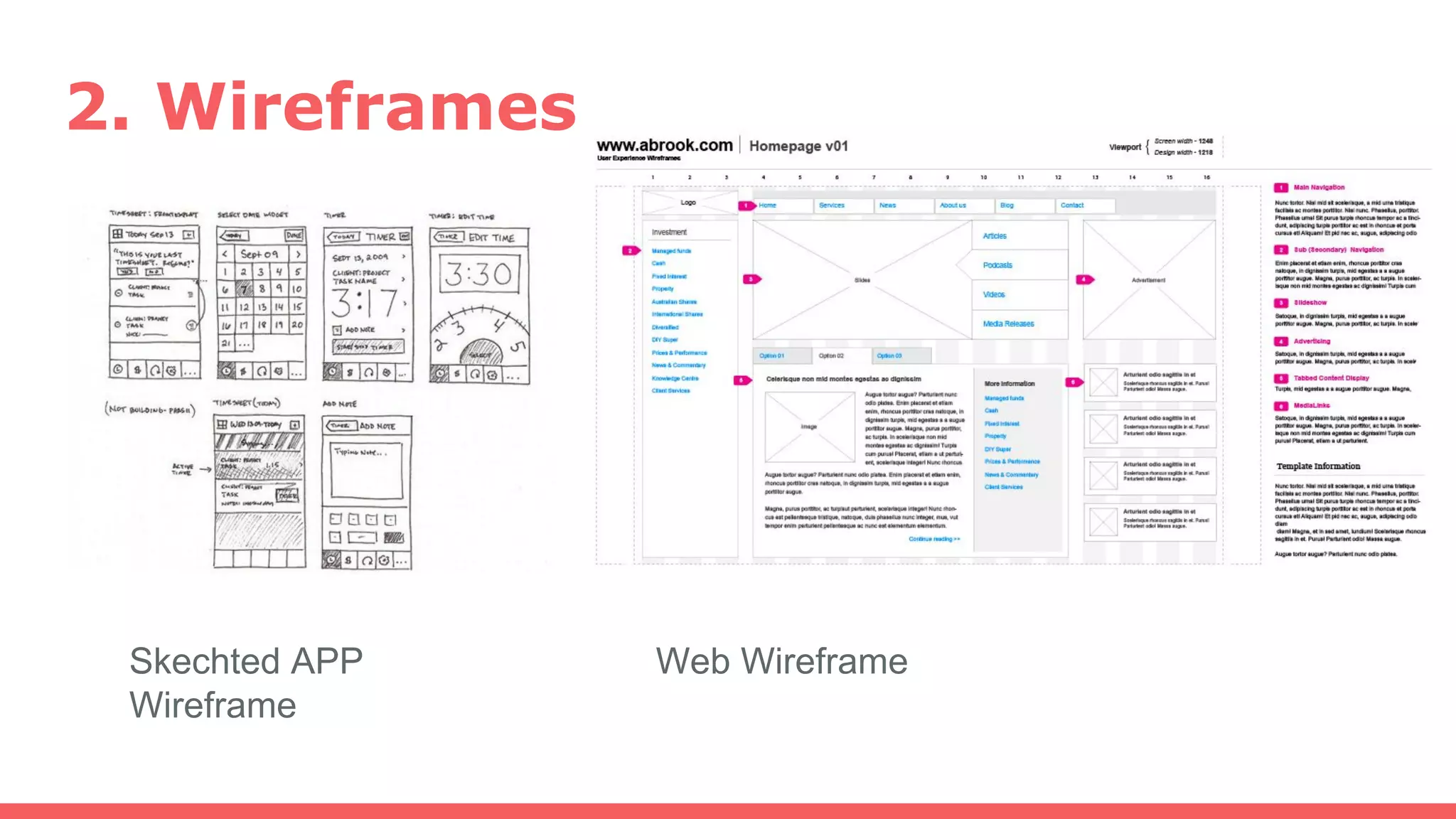
2. Wireframes
Skechted APP
Wireframe
Web Wireframe
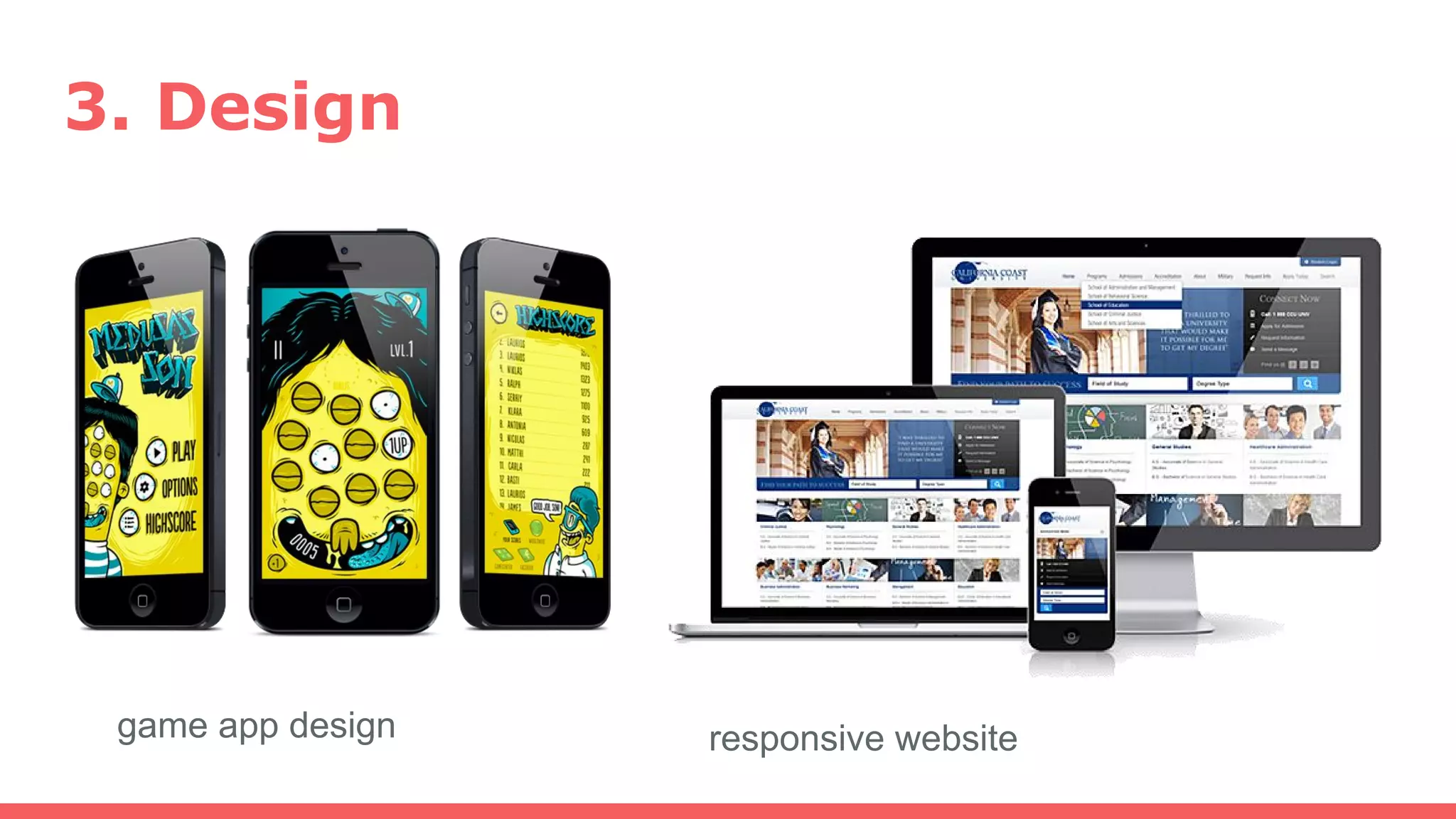
3. Design
game app design responsive website
4. Transition/Interaction
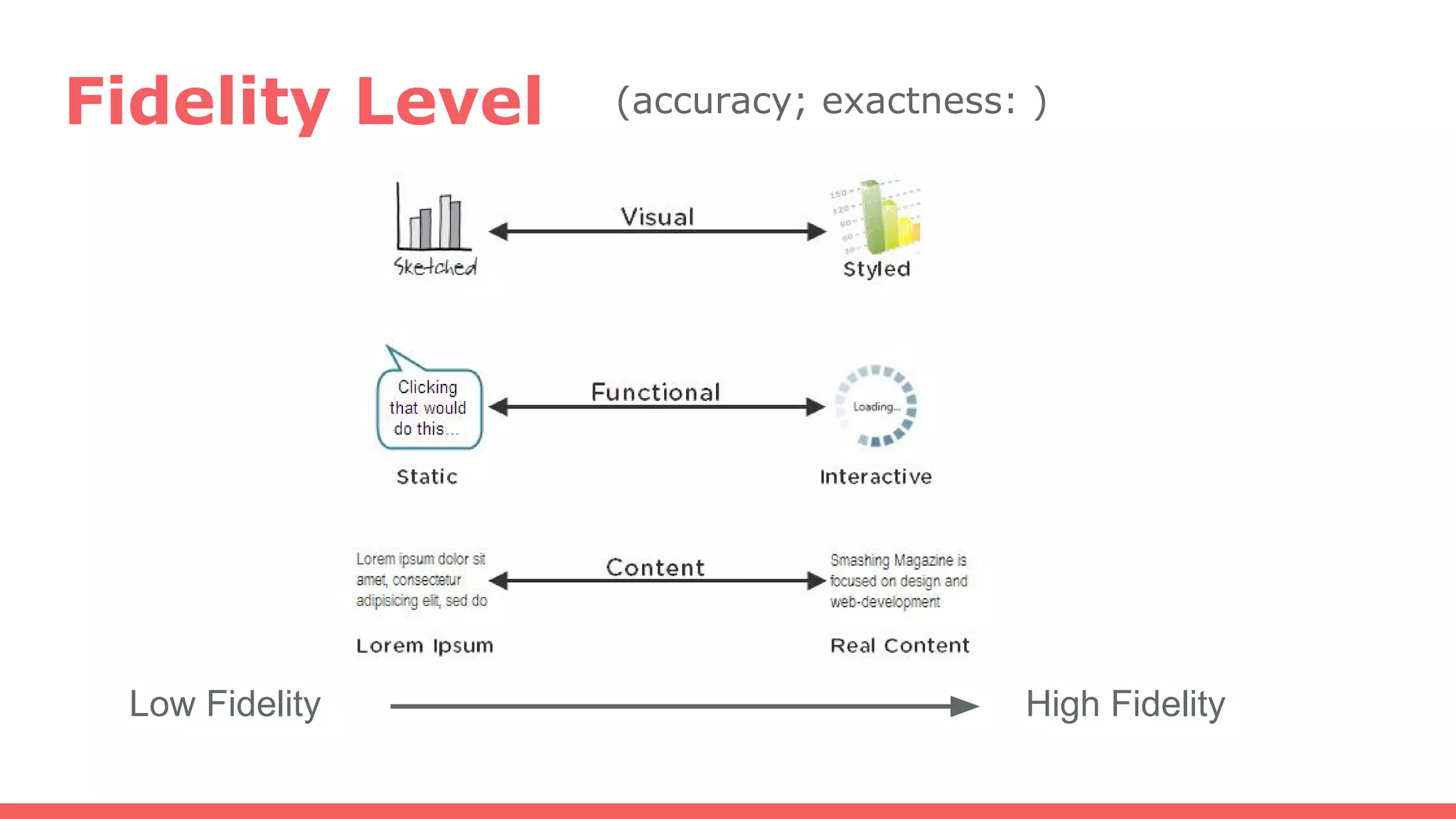
Fidelity Level
Low Fidelity High Fidelity
(accuracy; exactness: )
Prototype Example1:
Whereabts
@Startup Weekend Vancouver
(1.5 days to make a design mockup)
https://twitter.com/search?q=swvan&src=typd&lang=ja
Whereabts:
= A social app that introduces travel plans.
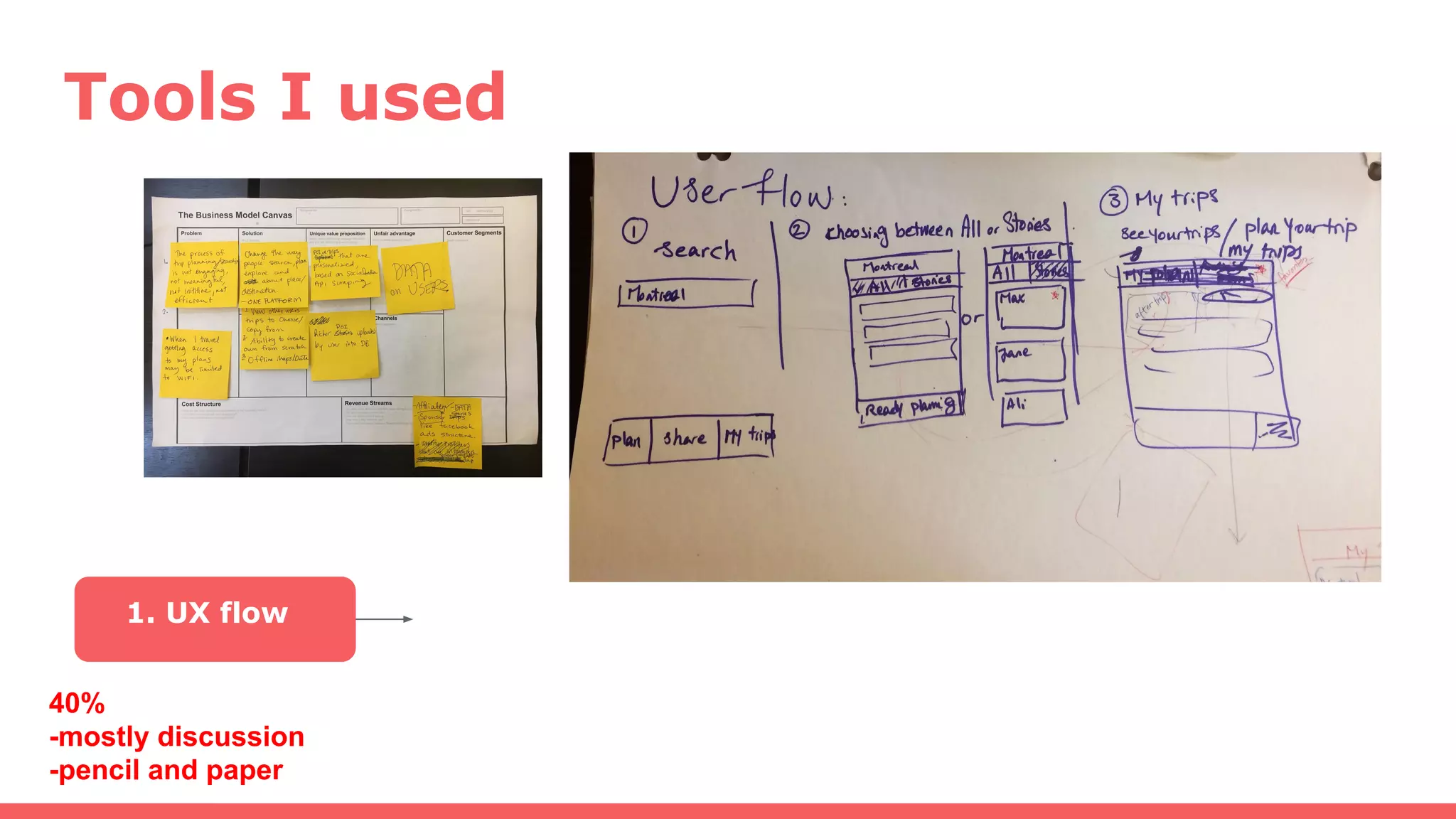
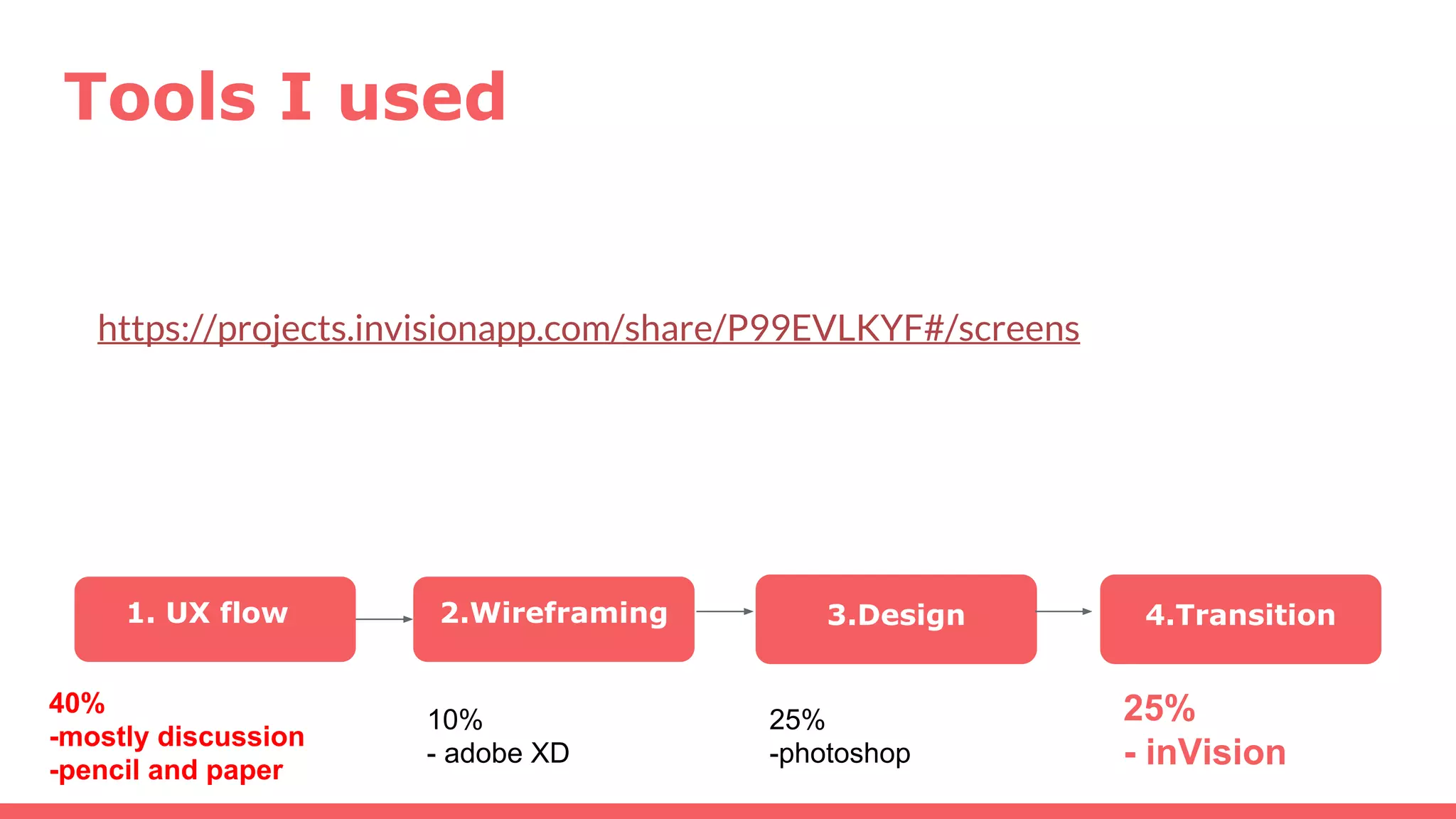
Tools I used
1. UX flow
40%
-mostly discussion
-pencil and paper
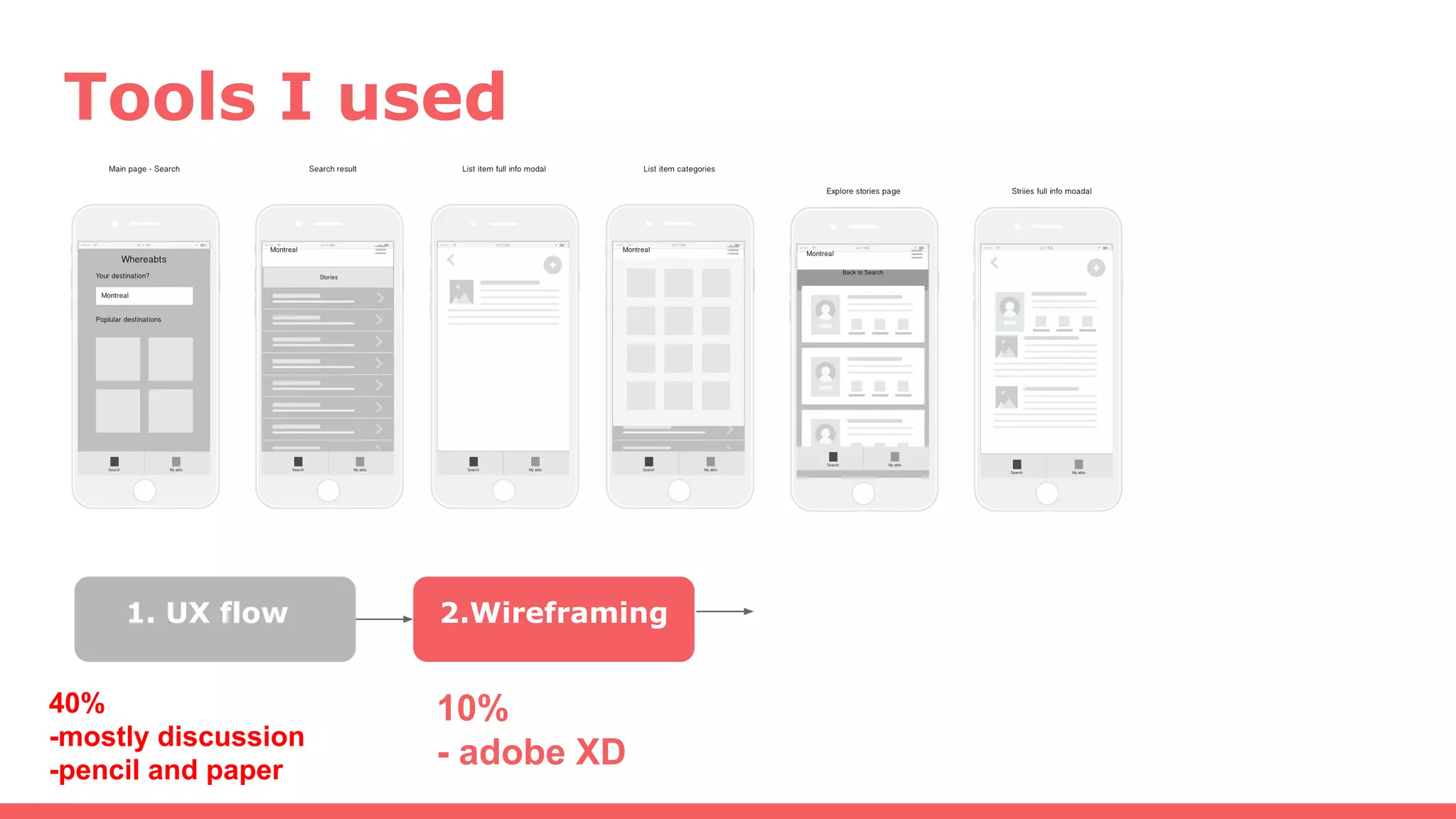
Tools I used
1. UX flow 2.Wireframing
40%
-mostly discussion
-pencil and paper
10%
- adobe XD
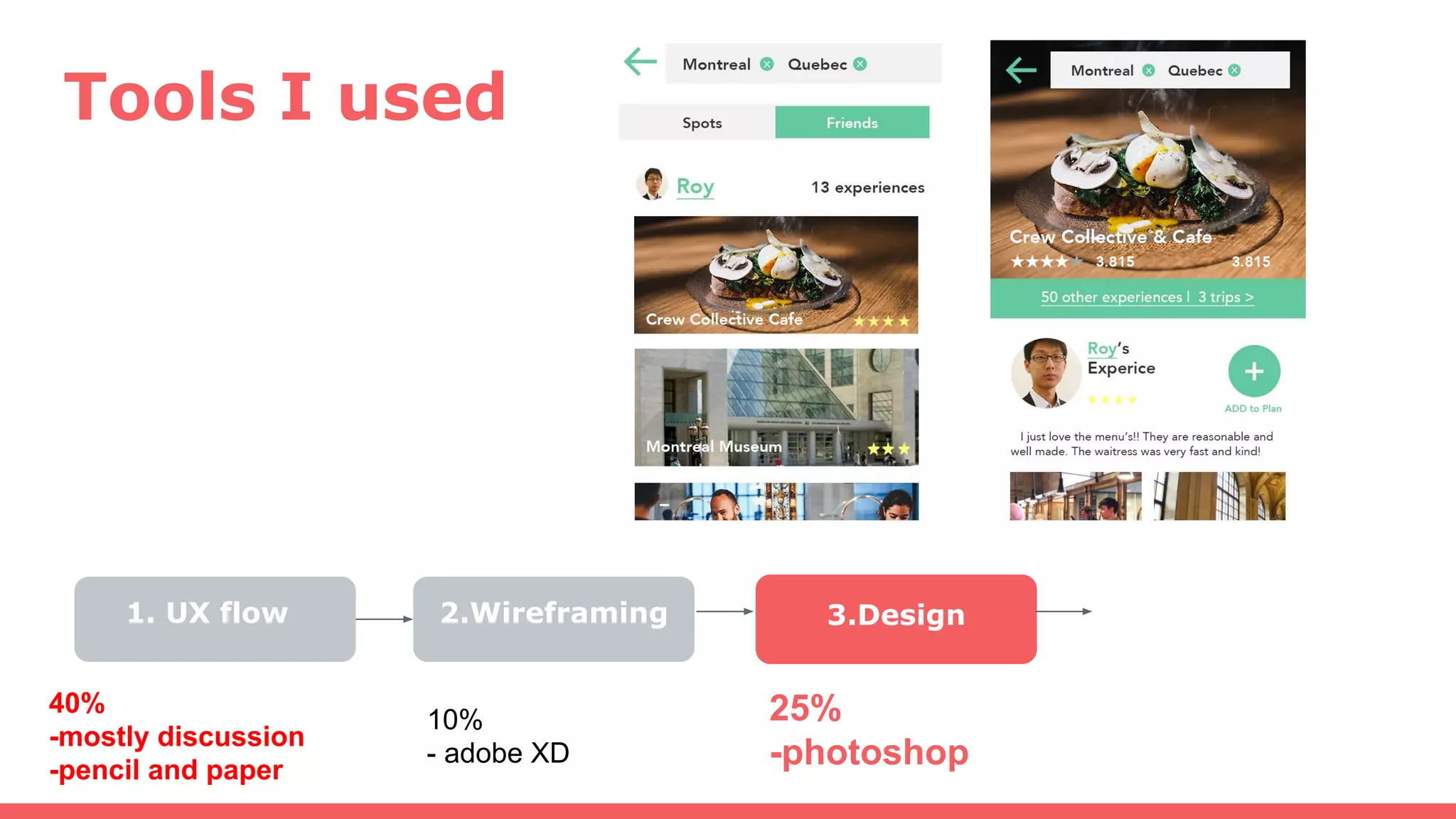
Tools I used
1. UX flow 2.Wireframing 3.Design
40%
-mostly discussion
-pencil and paper
10%
- adobe XD
25%
-photoshop
Tools I used
1. UX flow 2.Wireframing 3.Design 4.Transition
40%
-mostly discussion
-pencil and paper
10%
- adobe XD
25%
-photoshop
25%
- inVision
https://projects.invisionapp.com/share/P99EVLKYF#/screens
Prototype Example2:
MyMentor
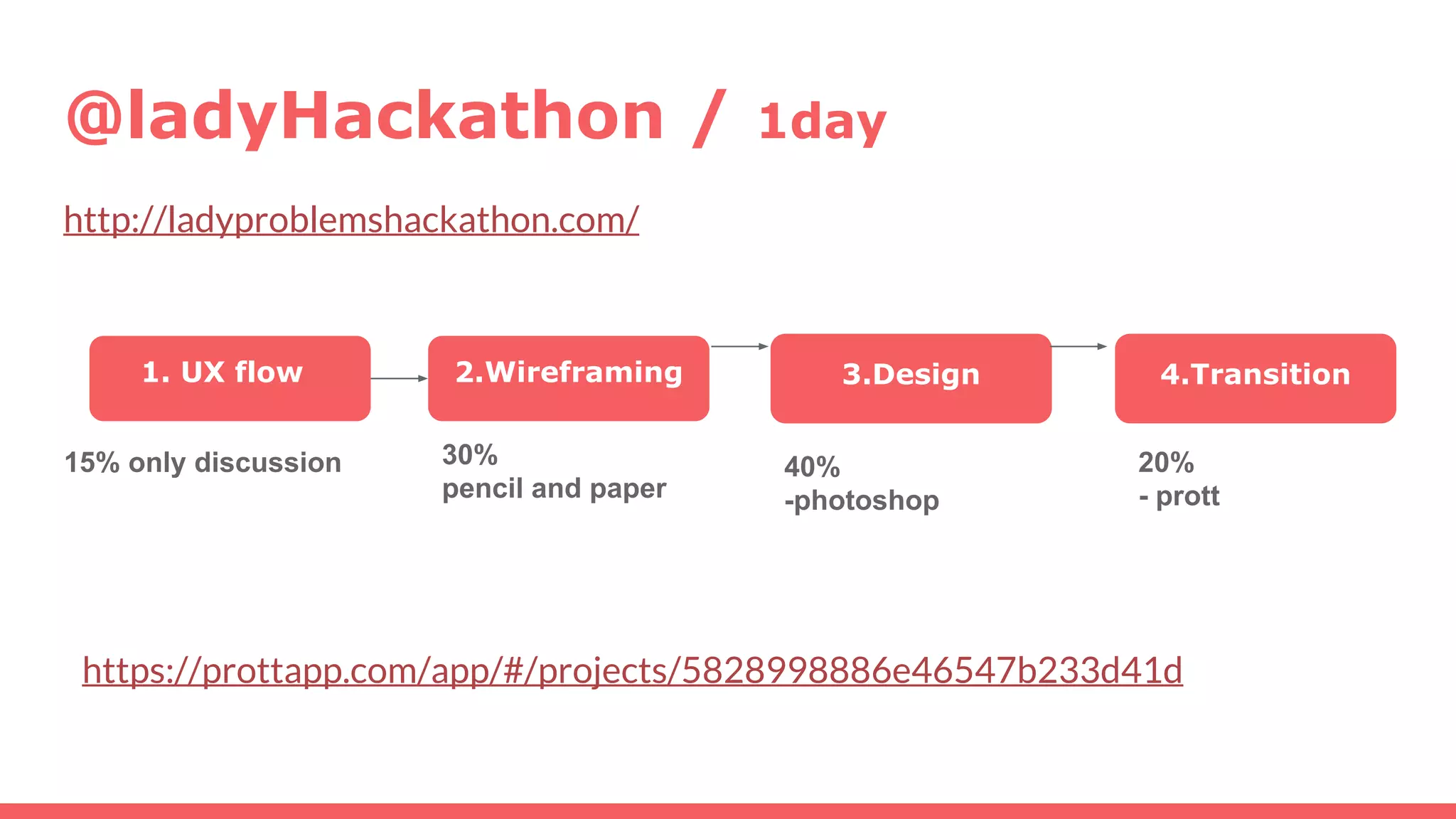
@ladyHackathon / 1day
http://ladyproblemshackathon.com/
https://prottapp.com/app/#/projects/5828998886e46547b233d41d
1. UX flow 2.Wireframing 3.Design 4.Transition
15% only discussion 30%
pencil and paper
40%
-photoshop
20%
- prott
Cool Tools
(fairly easy to learn)
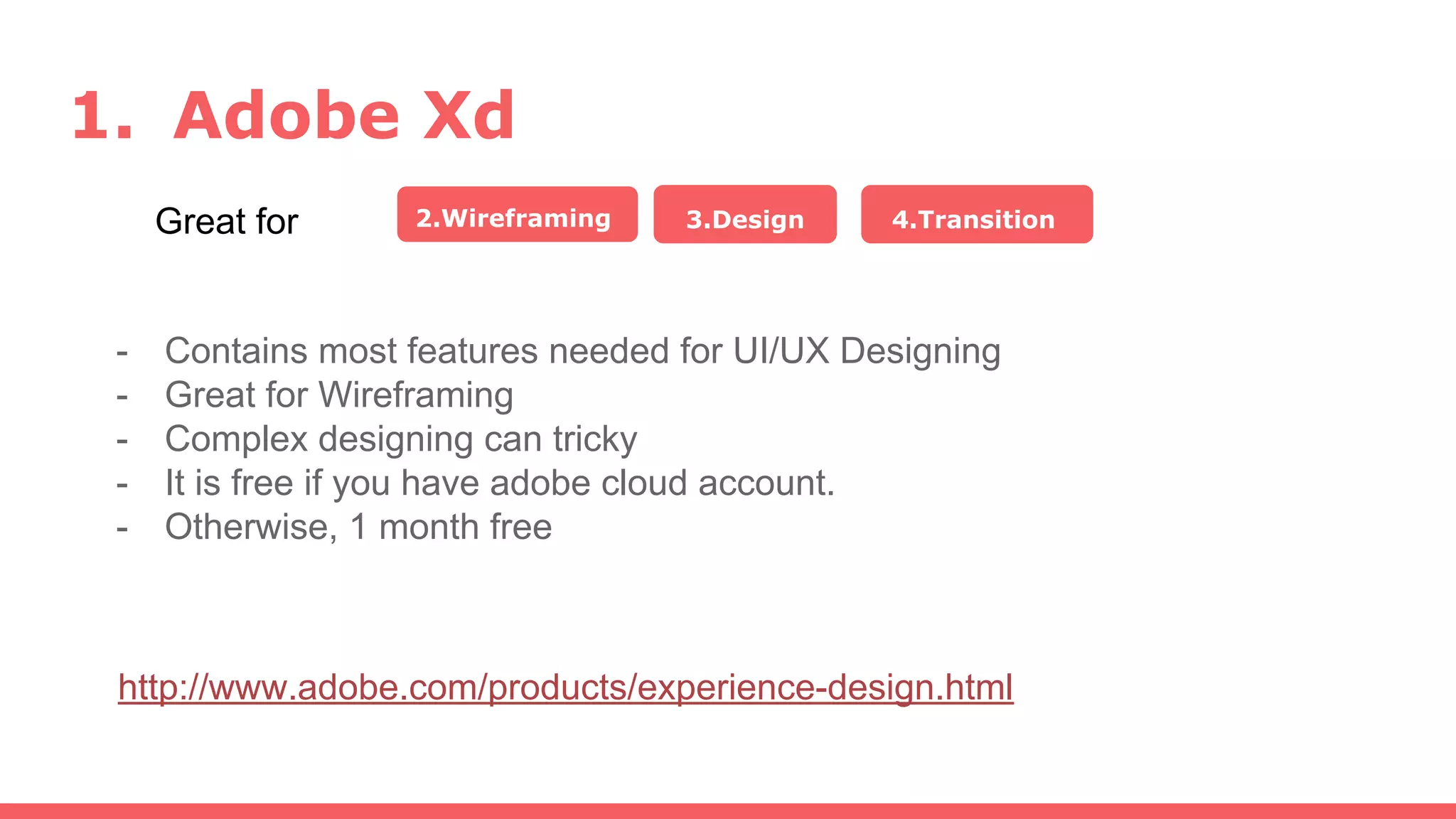
1. Adobe Xd
Great for 2.Wireframing 3.Design 4.Transition
http://www.adobe.com/products/experience-design.html
- Contains most features needed for UI/UX Designing
- Great for Wireframing
- Complex designing can tricky
- It is free if you have adobe cloud account.
- Otherwise, 1 month free
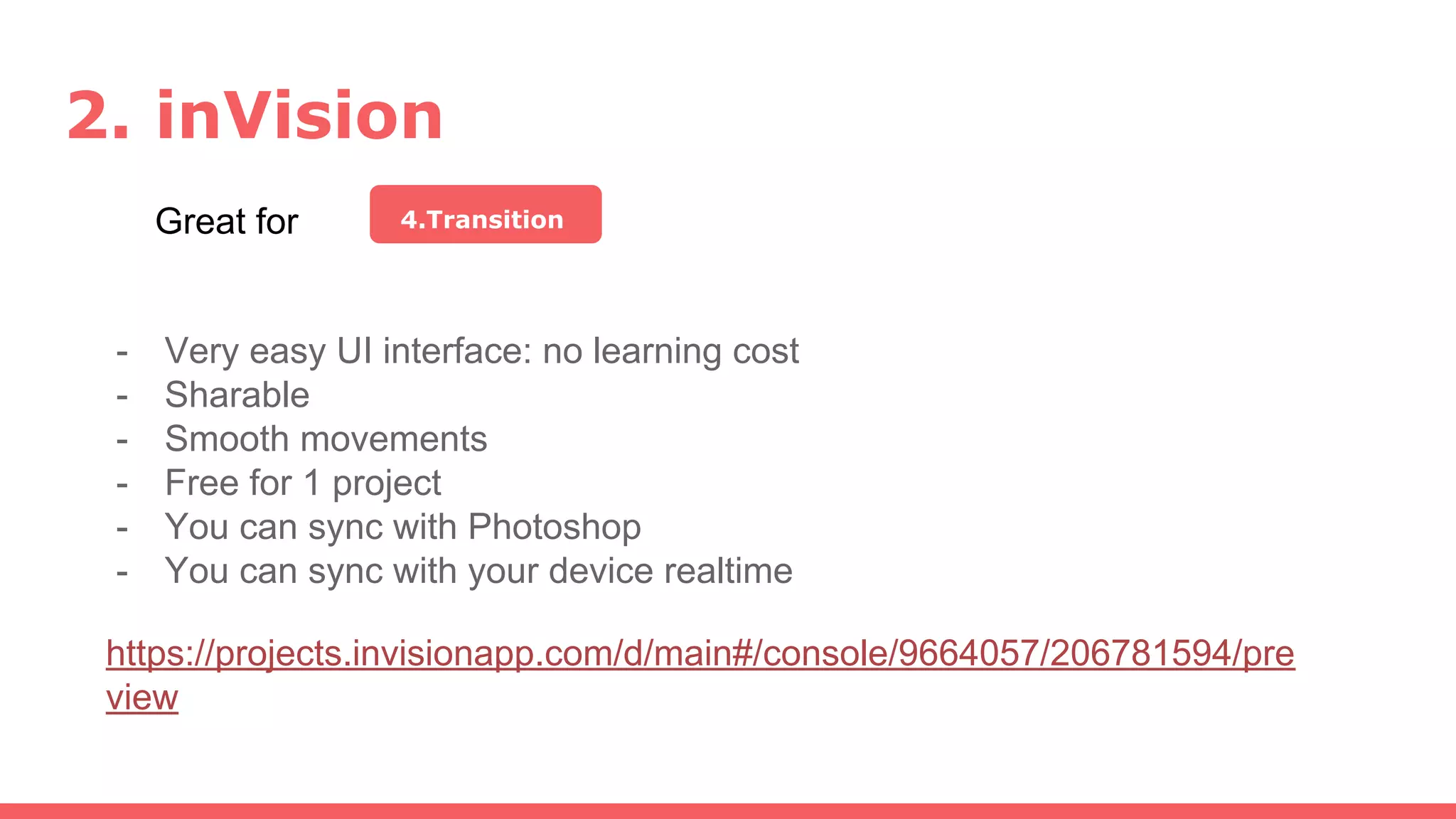
2. inVision
Great for 4.Transition
- Very easy UI interface: no learning cost
- Sharable
- Smooth movements
- Free for 1 project
- You can sync with Photoshop
- You can sync with your device realtime
https://projects.invisionapp.com/d/main#/console/9664057/206781594/pre
view
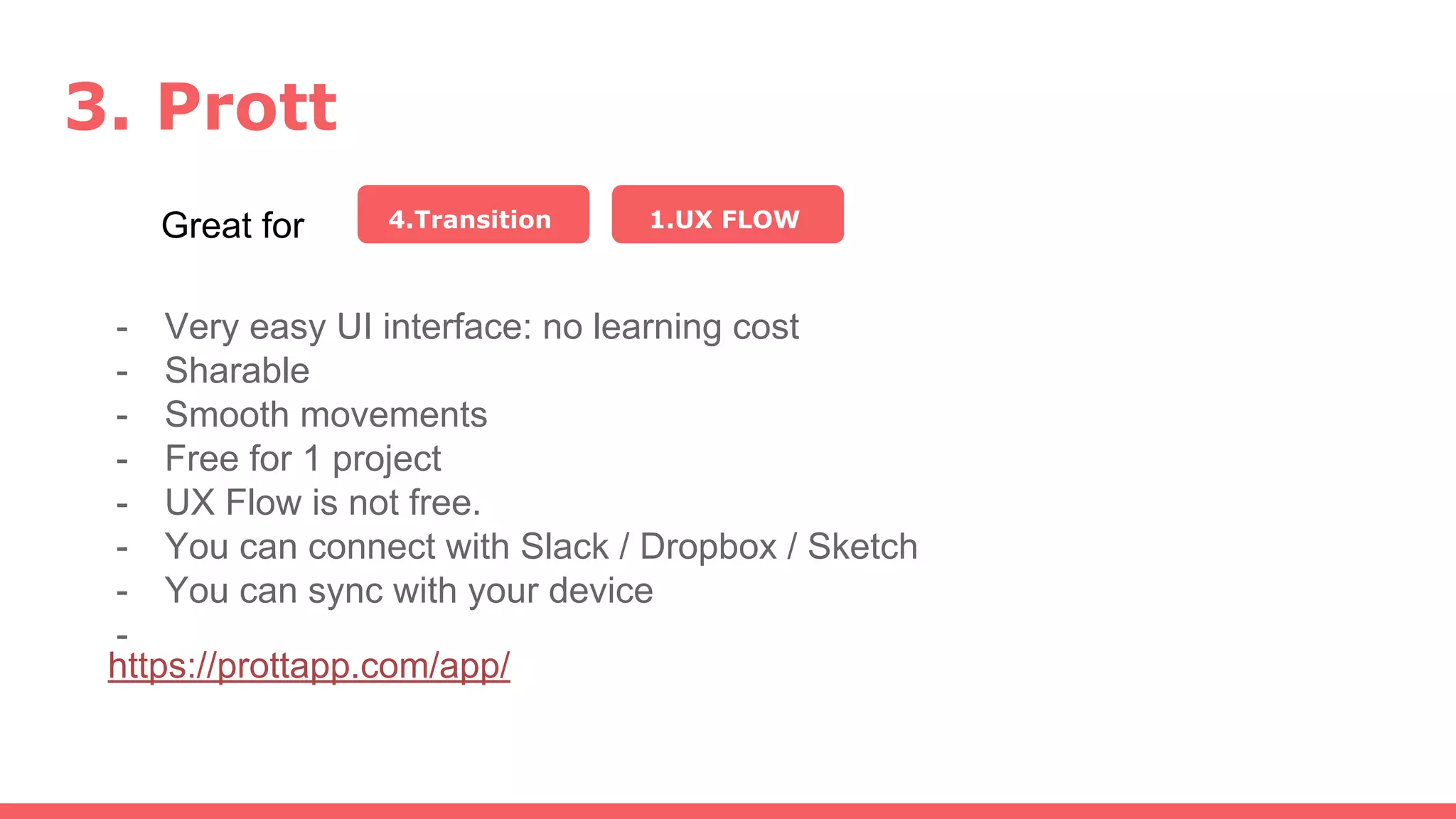
3. Prott
Great for 4.Transition
- Very easy UI interface: no learning cost
- Sharable
- Smooth movements
- Free for 1 project
- UX Flow is not free.
- You can connect with Slack / Dropbox / Sketch
- You can sync with your device
-
1.UX FLOW
https://prottapp.com/app/
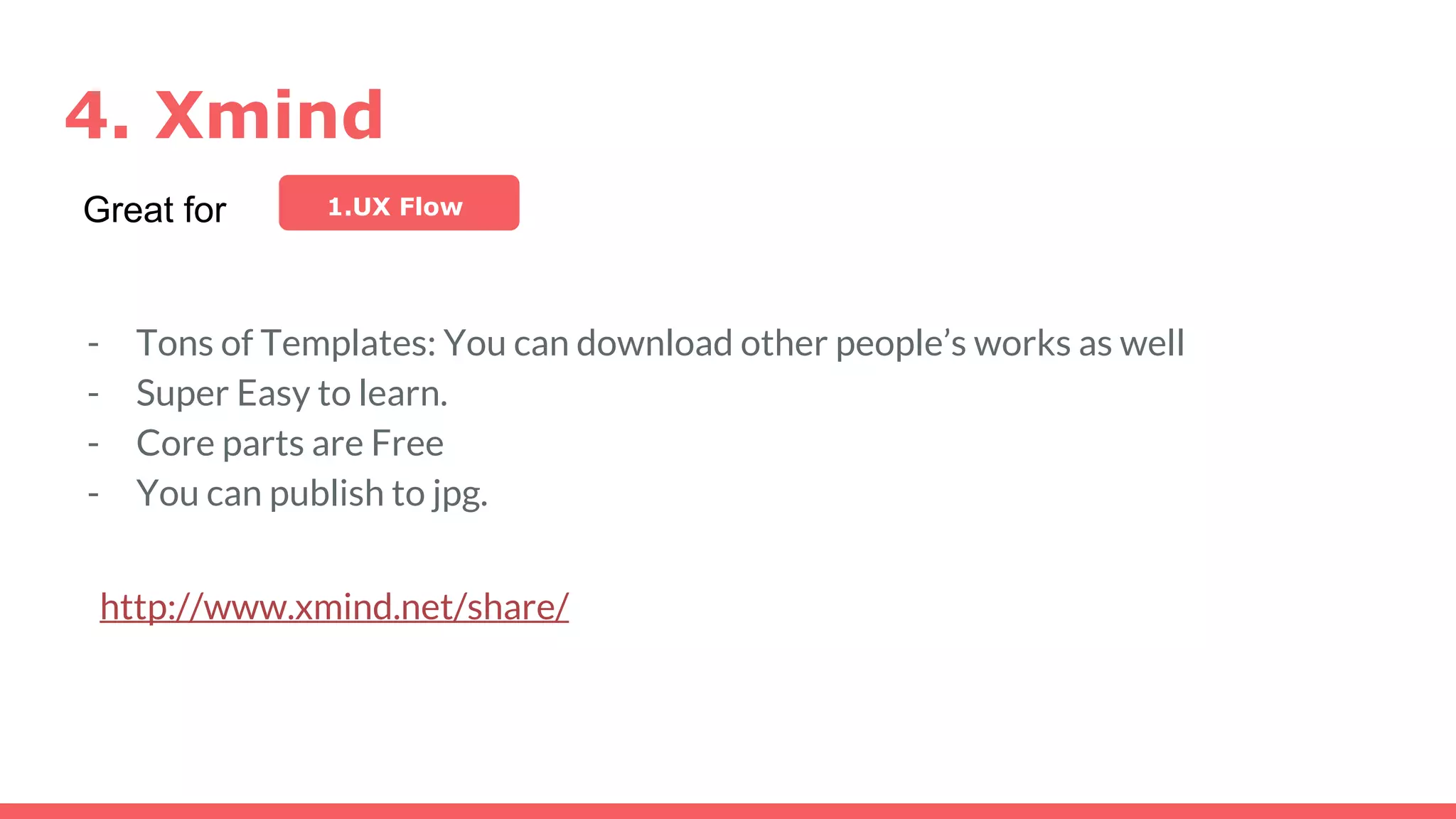
4. Xmind
http://www.xmind.net/share/
Great for 1.UX Flow
- Tons of Templates: You can download other people’s works as well
- Super Easy to learn.
- Core parts are Free
- You can publish to jpg.
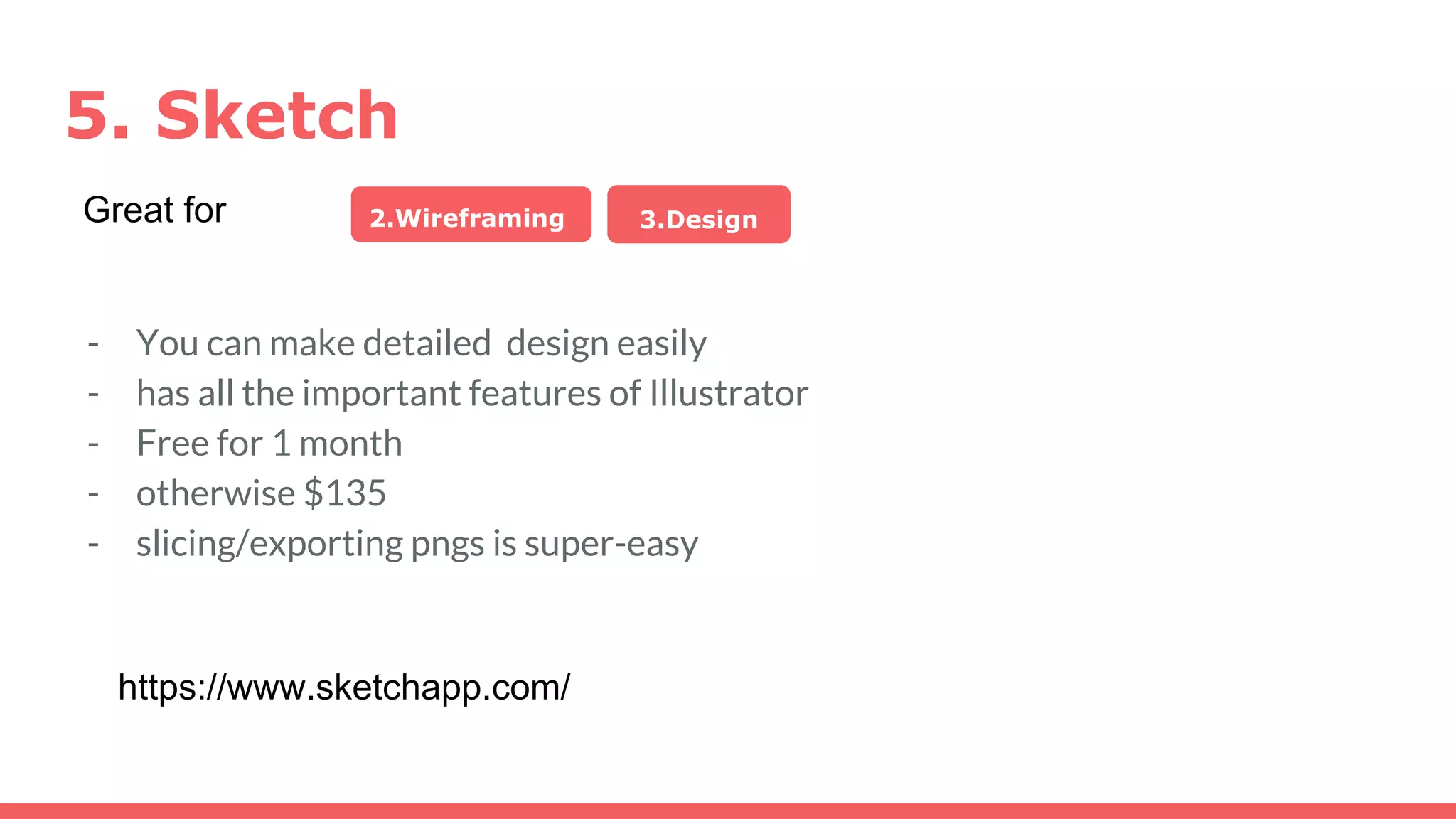
5. Sketch
2.Wireframing 3.DesignGreat for
- You can make detailed design easily
- has all the important features of Illustrator
- Free for 1 month
- otherwise $135
- slicing/exporting pngs is super-easy
https://www.sketchapp.com/
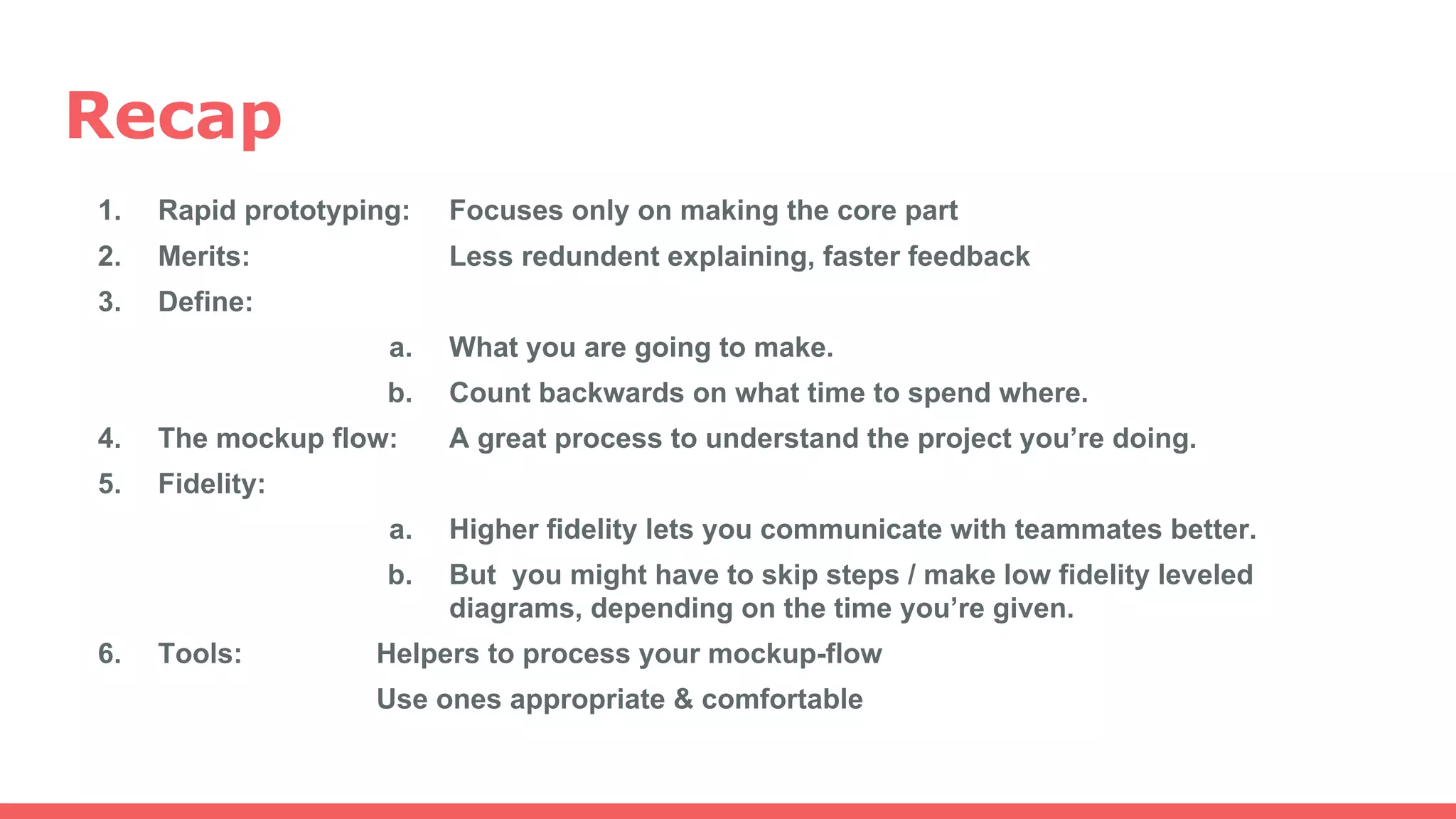
Recap
1. Rapid prototyping: Focuses only on making the core part
2. Merits: Less redundent explaining, faster feedback
3. Define:
a. What you are going to make.
b. Count backwards on what time to spend where.
4. The mockup flow: A great process to understand the project you’re doing.
5. Fidelity:
a. Higher fidelity lets you communicate with teammates better.
b. But you might have to skip steps / make low fidelity leveled
diagrams, depending on the time you’re given.
6. Tools: Helpers to process your mockup-flow
Use ones appropriate & comfortable
Thanks for Listening
by Ayako Sayama (Saaya)
https://www.linkedin.com/in/ayako-sayama
ayakosayama1987@gmail.com
Reference
1. Google Developers Design Sprint
https://developers.google.com/design-sprint/downloads/DesignSprint-NewFormFactors.pdf
2. Smashing Magazine: Design Better and Faster with Rapid Prototyping
https://www.smashingmagazine.com/2010/06/design-better-faster-with-rapid-prototyping/

Rapid design prototyping

  • 1.
  • 2.
    I’m Saaya. Niceto meet you - Web and UI/UX Designer from Japan - Worked at Kayac.Inc - Learning mobile application coding at Cornerstone, - Working remotely at startups. - Passions besides work: - photography, adventures, manga/anime, kung-fu
  • 3.
    What is rapidprototyping? - quickly mocking up the future state of a system - making the core part - less important parts are skipped (until the launch) * Prototyping can have different meanings. - for designers: a prototype = what it looks like - for developers: a protoype = a system that works
  • 4.
    Why do weneed to do this? 1. Eliminates Redundency - reduces needless discussions - early feedbacks - reducing the need for changes during development. 2. Fills the Gap of Communication - “A picture is worth a thousand words.”
  • 6.
    just start designingit. In other words, limit discussion time and
  • 7.
  • 8.
    Before you startdesigning anything.. DEFINE what you are making...
  • 9.
    Q. How bigis this project? Q. What(which part) needs to be prototyped? - You don’t need to prototype everything. - (Usually about 20% is the core part, which 80% of the energy should be spent.) Q. What is the key concept of this app? Q. What are the key features of this app? ...so you can count backwards.
  • 10.
    The Design MockupFlow 1 UX flow 2 Wireframing 3 Design Mapping the features in a page and how it connects to other pages. The blueprint of the interface. Sketches of that give you rough ideas of component sizes and positions. includes Research 4 Transition The closest screen to the final product. Applies exact color, font, space and size to the wireframes. Diagrams or Animated Screens that shows how the screens are connected.
  • 11.
    1. UX flowcharts Low Fidelity High Fidelity
  • 12.
  • 13.
    3. Design game appdesign responsive website
  • 14.
  • 15.
    Fidelity Level Low FidelityHigh Fidelity (accuracy; exactness: )
  • 16.
  • 17.
    @Startup Weekend Vancouver (1.5days to make a design mockup) https://twitter.com/search?q=swvan&src=typd&lang=ja Whereabts: = A social app that introduces travel plans.
  • 18.
    Tools I used 1.UX flow 40% -mostly discussion -pencil and paper
  • 19.
    Tools I used 1.UX flow 2.Wireframing 40% -mostly discussion -pencil and paper 10% - adobe XD
  • 20.
    Tools I used 1.UX flow 2.Wireframing 3.Design 40% -mostly discussion -pencil and paper 10% - adobe XD 25% -photoshop
  • 21.
    Tools I used 1.UX flow 2.Wireframing 3.Design 4.Transition 40% -mostly discussion -pencil and paper 10% - adobe XD 25% -photoshop 25% - inVision https://projects.invisionapp.com/share/P99EVLKYF#/screens
  • 22.
  • 23.
    @ladyHackathon / 1day http://ladyproblemshackathon.com/ https://prottapp.com/app/#/projects/5828998886e46547b233d41d 1.UX flow 2.Wireframing 3.Design 4.Transition 15% only discussion 30% pencil and paper 40% -photoshop 20% - prott
  • 24.
  • 25.
    1. Adobe Xd Greatfor 2.Wireframing 3.Design 4.Transition http://www.adobe.com/products/experience-design.html - Contains most features needed for UI/UX Designing - Great for Wireframing - Complex designing can tricky - It is free if you have adobe cloud account. - Otherwise, 1 month free
  • 26.
    2. inVision Great for4.Transition - Very easy UI interface: no learning cost - Sharable - Smooth movements - Free for 1 project - You can sync with Photoshop - You can sync with your device realtime https://projects.invisionapp.com/d/main#/console/9664057/206781594/pre view
  • 27.
    3. Prott Great for4.Transition - Very easy UI interface: no learning cost - Sharable - Smooth movements - Free for 1 project - UX Flow is not free. - You can connect with Slack / Dropbox / Sketch - You can sync with your device - 1.UX FLOW https://prottapp.com/app/
  • 28.
    4. Xmind http://www.xmind.net/share/ Great for1.UX Flow - Tons of Templates: You can download other people’s works as well - Super Easy to learn. - Core parts are Free - You can publish to jpg.
  • 29.
    5. Sketch 2.Wireframing 3.DesignGreatfor - You can make detailed design easily - has all the important features of Illustrator - Free for 1 month - otherwise $135 - slicing/exporting pngs is super-easy https://www.sketchapp.com/
  • 30.
    Recap 1. Rapid prototyping:Focuses only on making the core part 2. Merits: Less redundent explaining, faster feedback 3. Define: a. What you are going to make. b. Count backwards on what time to spend where. 4. The mockup flow: A great process to understand the project you’re doing. 5. Fidelity: a. Higher fidelity lets you communicate with teammates better. b. But you might have to skip steps / make low fidelity leveled diagrams, depending on the time you’re given. 6. Tools: Helpers to process your mockup-flow Use ones appropriate & comfortable
  • 31.
    Thanks for Listening byAyako Sayama (Saaya) https://www.linkedin.com/in/ayako-sayama ayakosayama1987@gmail.com
  • 32.
    Reference 1. Google DevelopersDesign Sprint https://developers.google.com/design-sprint/downloads/DesignSprint-NewFormFactors.pdf 2. Smashing Magazine: Design Better and Faster with Rapid Prototyping https://www.smashingmagazine.com/2010/06/design-better-faster-with-rapid-prototyping/