Need is the mother of all Inventions. It is very
true for PostgreSQL 10 Logical Replication
PostgreSQL 10 Logical Replication
By:
Rajni Baliyan
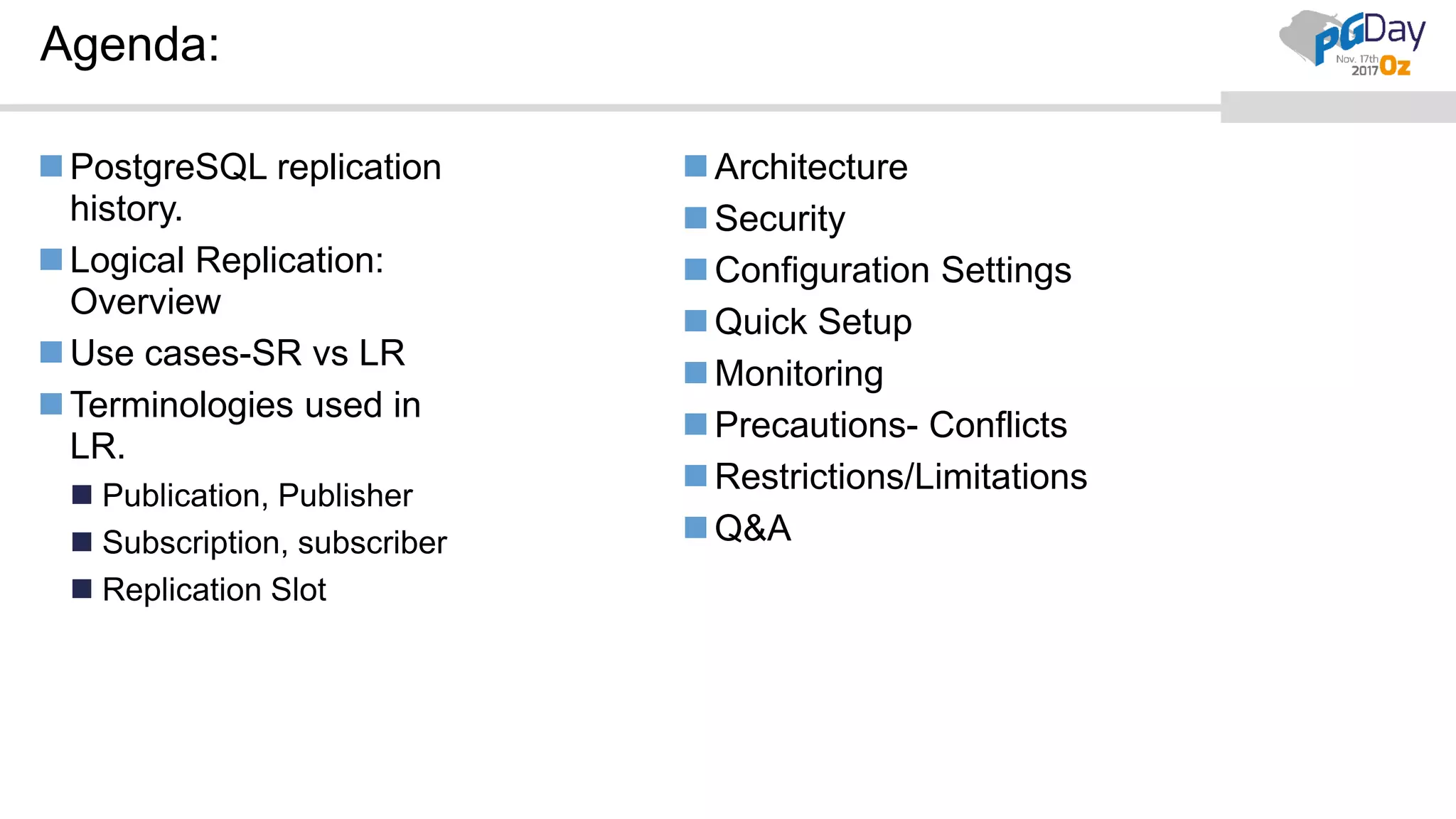
Agenda:
PostgreSQL replication
history.
Logical Replication:
Overview
Use cases-SR vs LR
Terminologies used in
LR.
 Publication, Publisher
 Subscription, subscriber
 Replication Slot
Architecture
Security
Configuration Settings
Quick Setup
Monitoring
Precautions- Conflicts
Restrictions/Limitations
Q&A
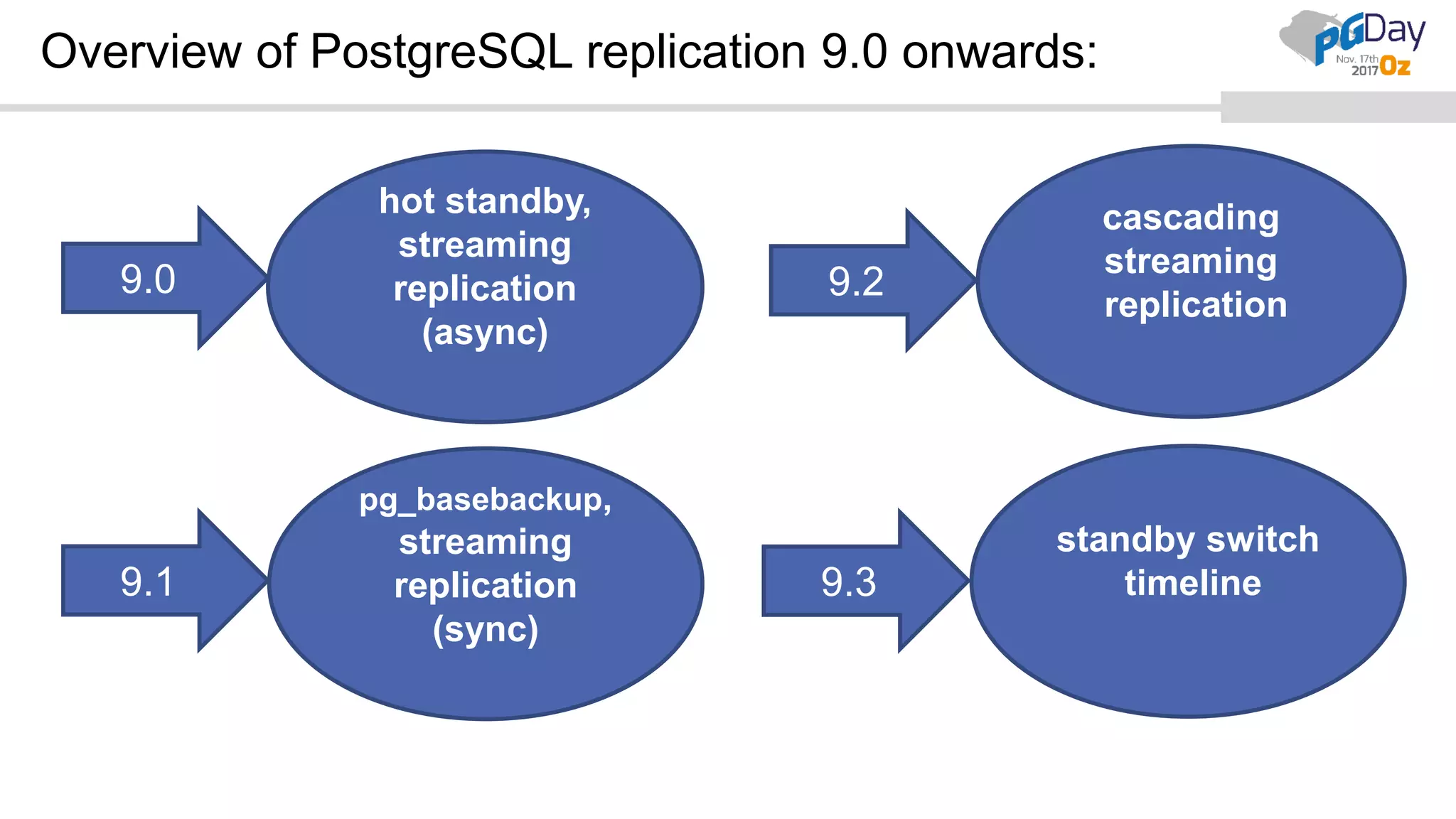
Overview of PostgreSQL replication 9.0 onwards:
9.0
hot standby,
streaming
replication
(async)
9.1
pg_basebackup,
streaming
replication
(sync)
9.2
9.3
standby switch
timeline
cascading
streaming
replication
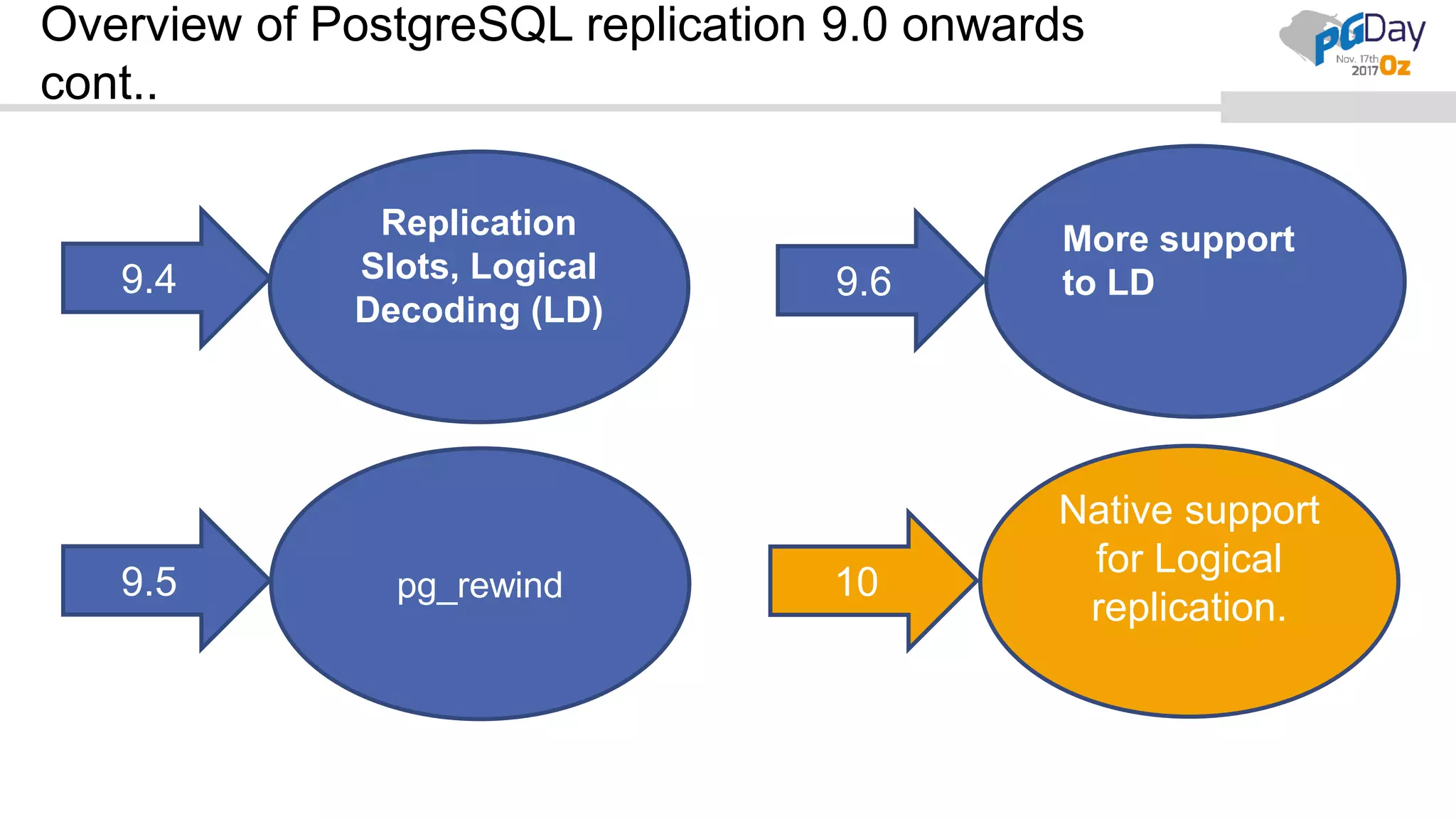
Overview of PostgreSQL replication 9.0 onwards
cont..
9.4
Replication
Slots, Logical
Decoding (LD)
9.5 pg_rewind
9.6
10
Native support
for Logical
replication.
More support
to LD
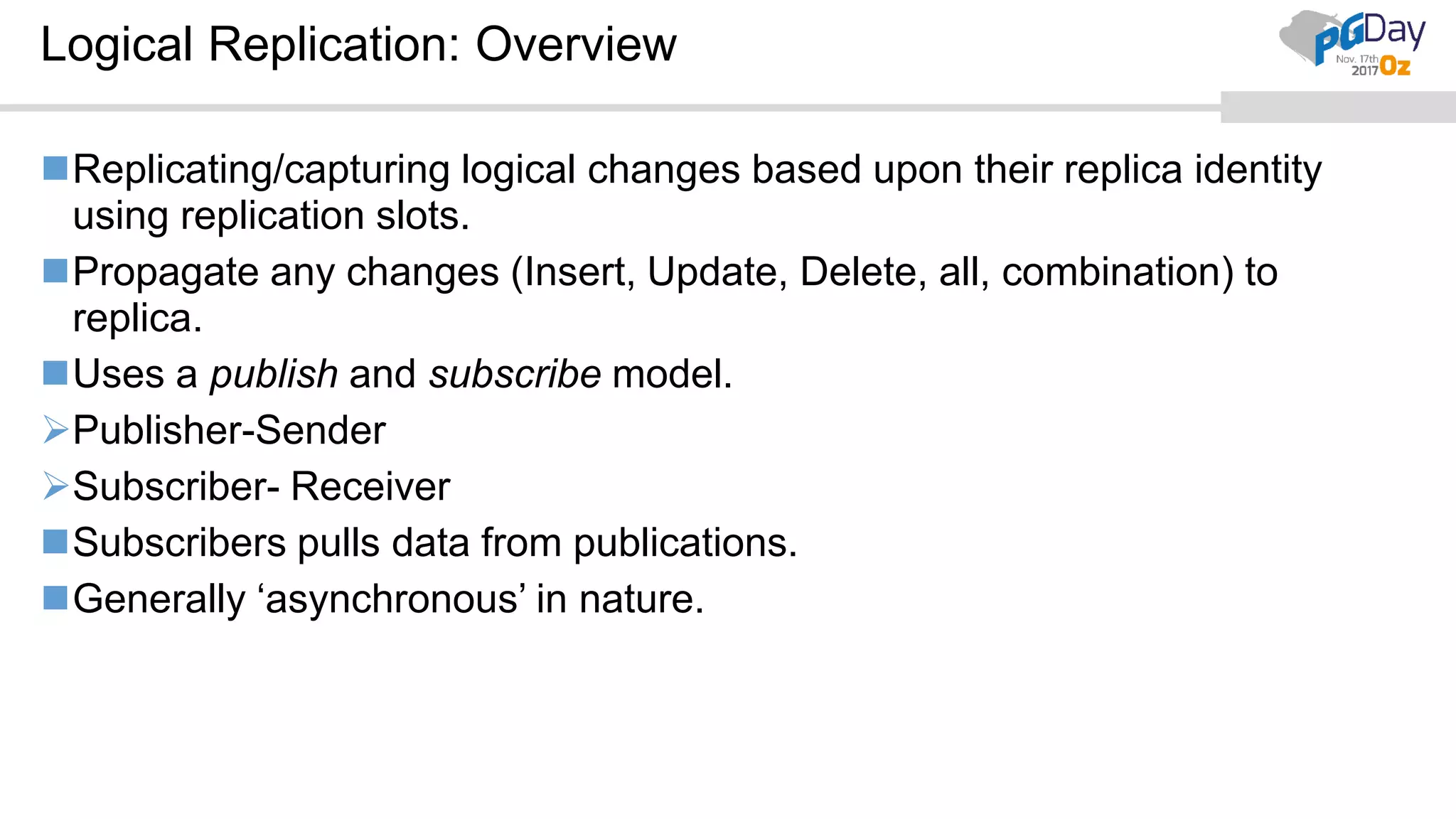
Logical Replication: Overview
Replicating/capturing logical changes based upon their replica identity
using replication slots.
Propagate any changes (Insert, Update, Delete, all, combination) to
replica.
Uses a publish and subscribe model.
Publisher-Sender
Subscriber- Receiver
Subscribers pulls data from publications.
Generally ‘asynchronous’ in nature.
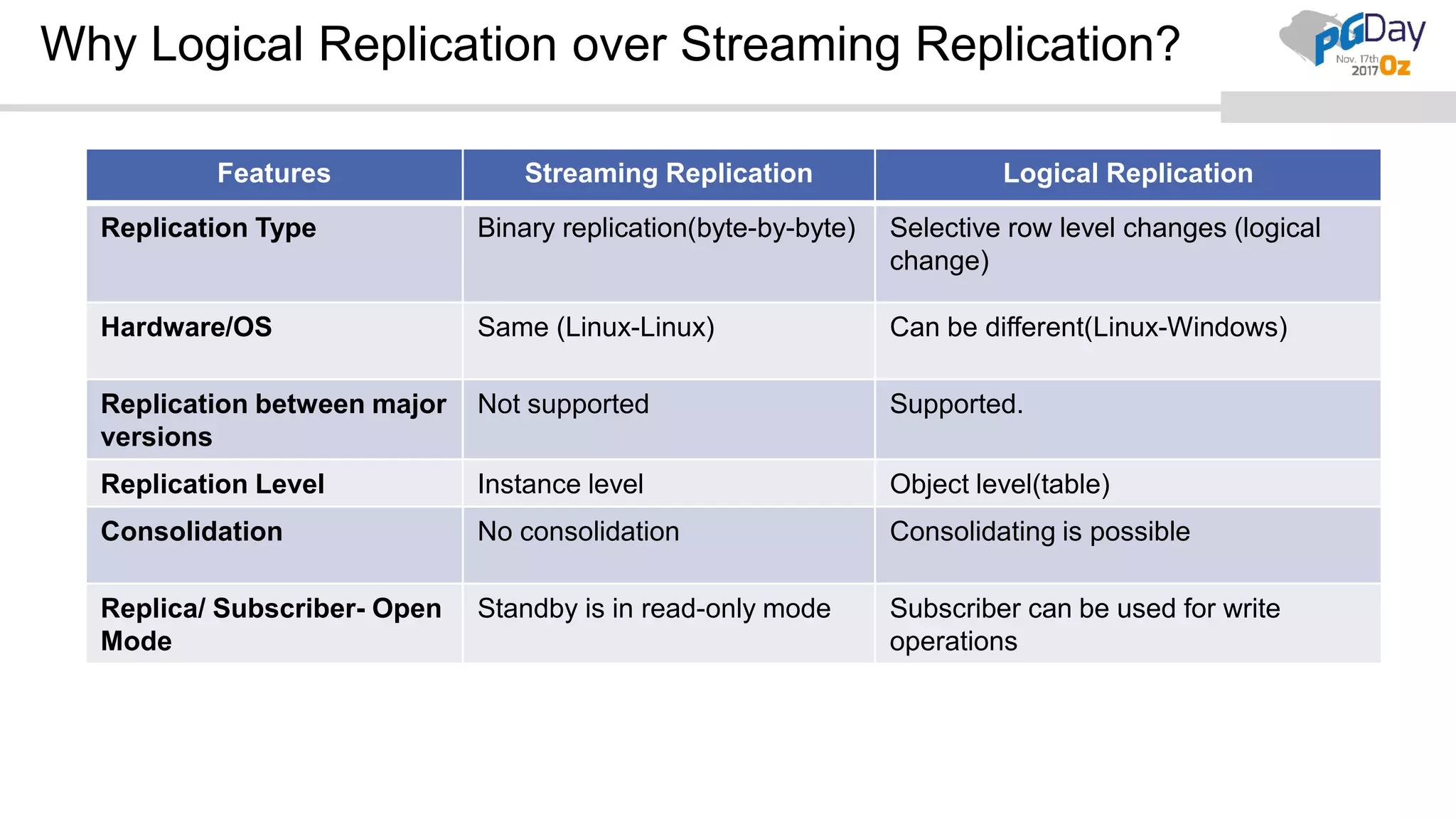
Why Logical Replication over Streaming Replication?
Features Streaming Replication Logical Replication
Replication Type Binary replication(byte-by-byte) Selective row level changes (logical
change)
Hardware/OS Same (Linux-Linux) Can be different(Linux-Windows)
Replication between major
versions
Not supported Supported.
Replication Level Instance level Object level(table)
Consolidation No consolidation Consolidating is possible
Replica/ Subscriber- Open
Mode
Standby is in read-only mode Subscriber can be used for write
operations
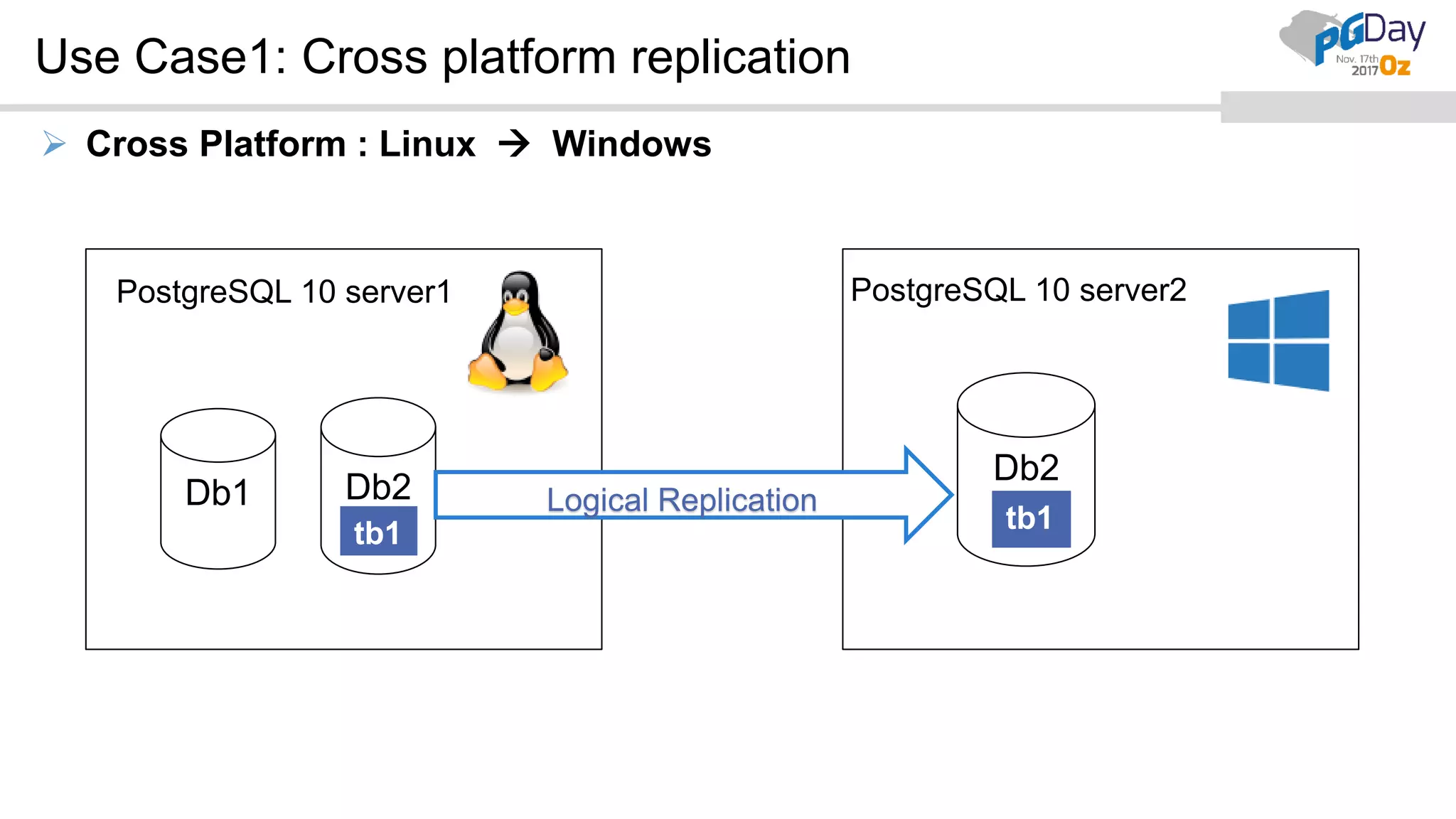
Use Case1: Cross platform replication
 Cross Platform : Linux  Windows
Db1 Db2
Db2
Logical Replication
PostgreSQL 10 server1 PostgreSQL 10 server2
tb1 tb1
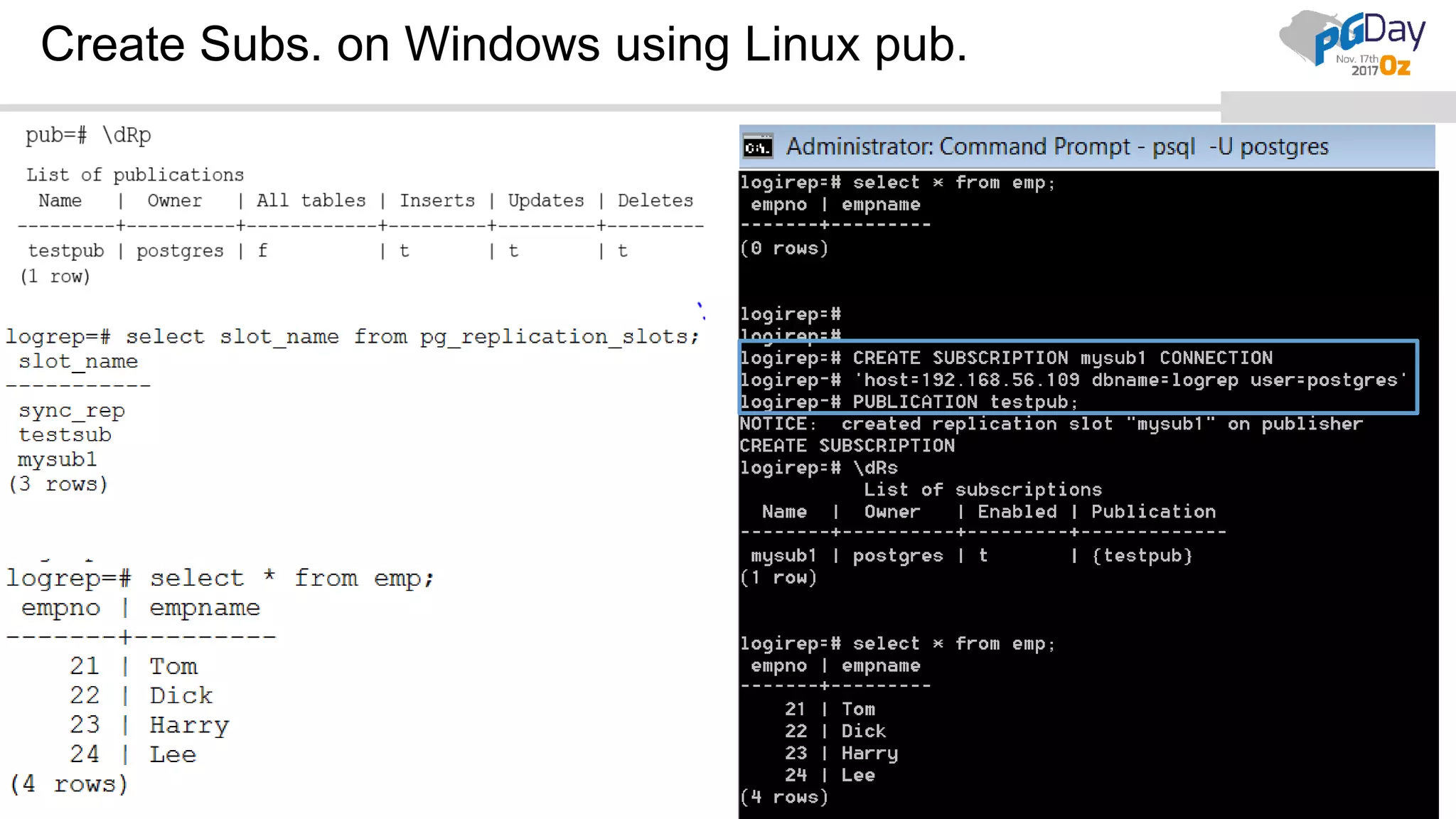
Create Subs. on Windows using Linux pub.
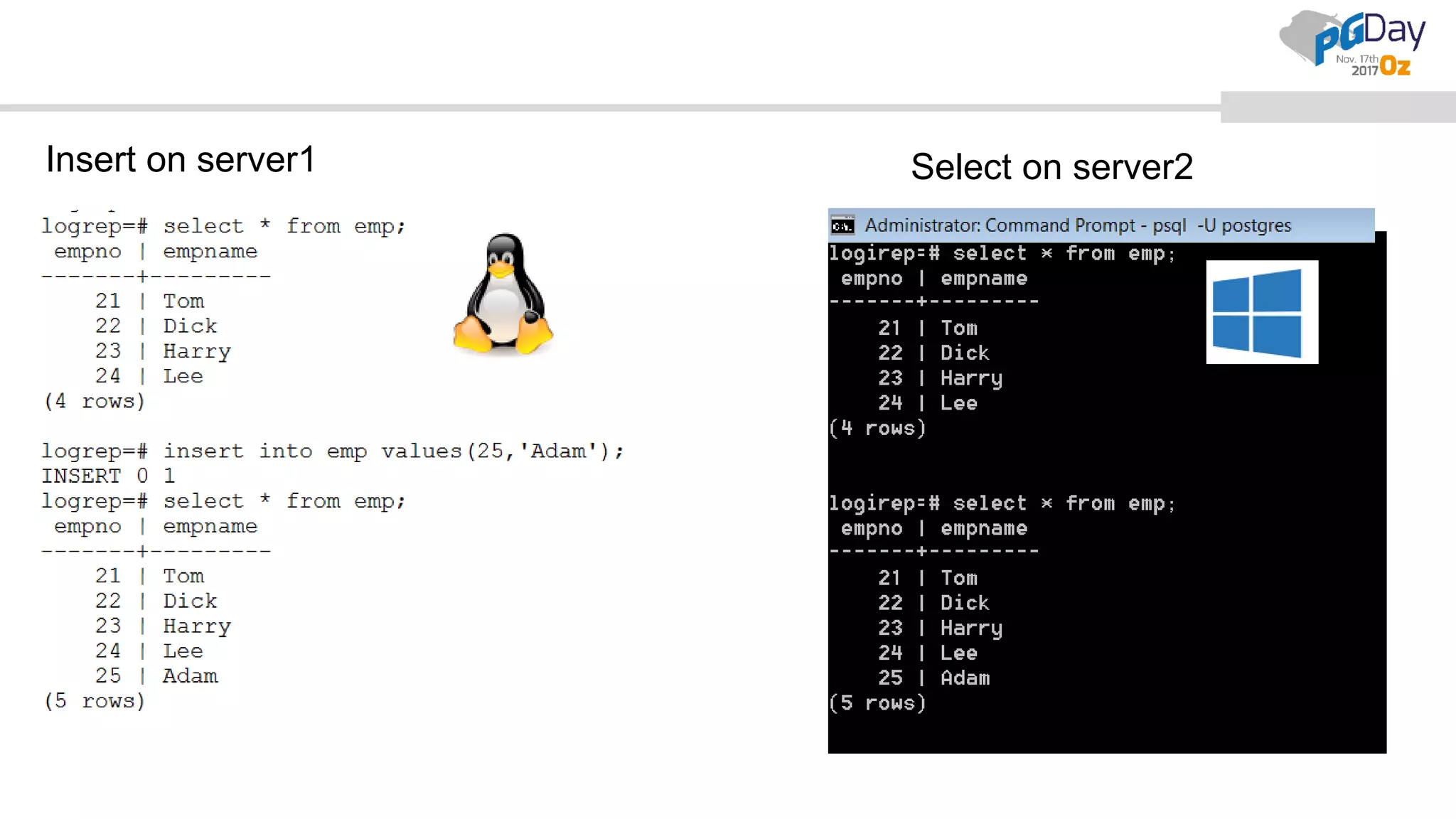
Insert on server1 Select on server2
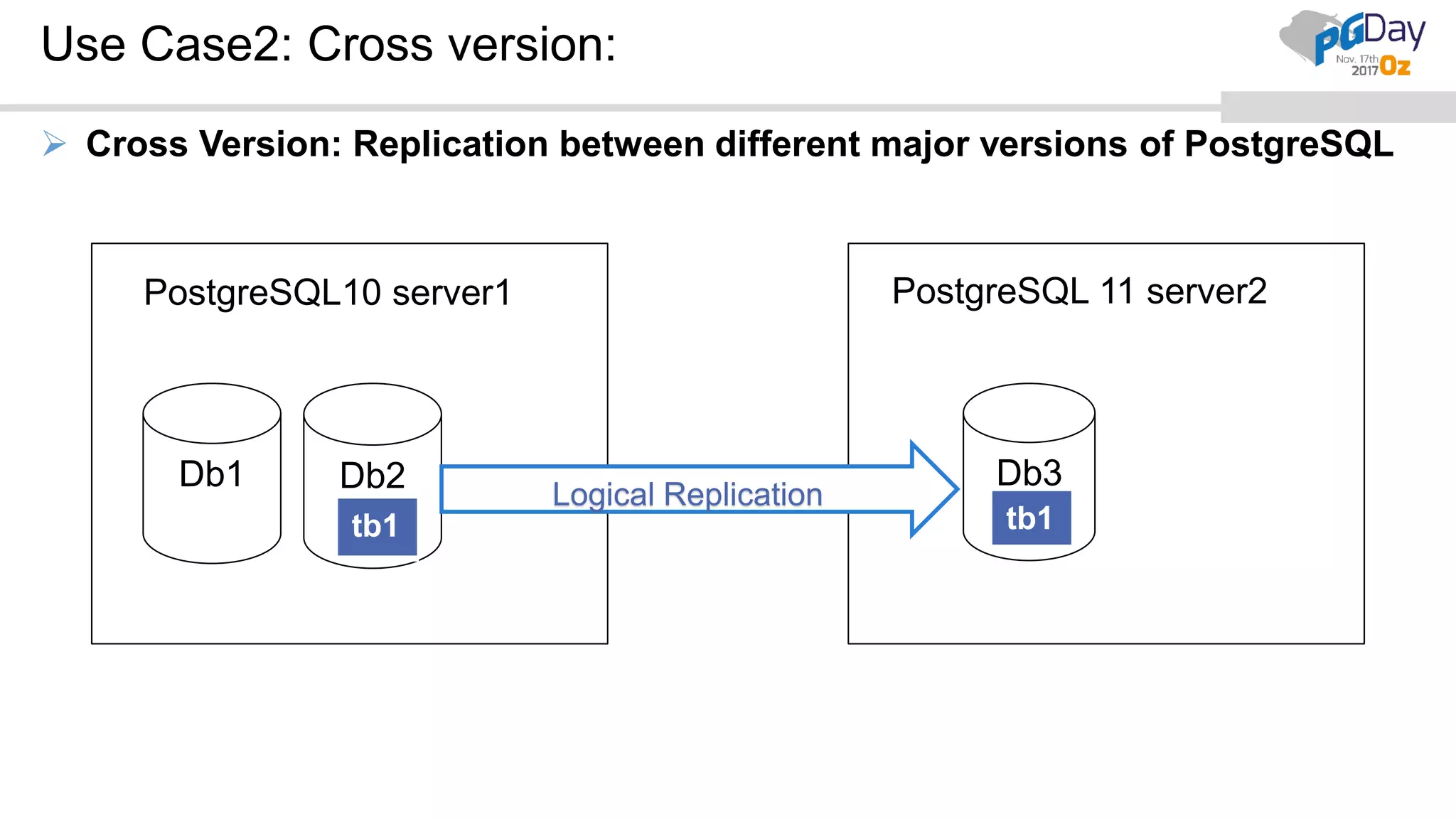
Use Case2: Cross version:
 Cross Version: Replication between different major versions of PostgreSQL
Db1 Db2 Db3
Logical Replication
PostgreSQL 11 server2PostgreSQL10 server1
tb1 tb1
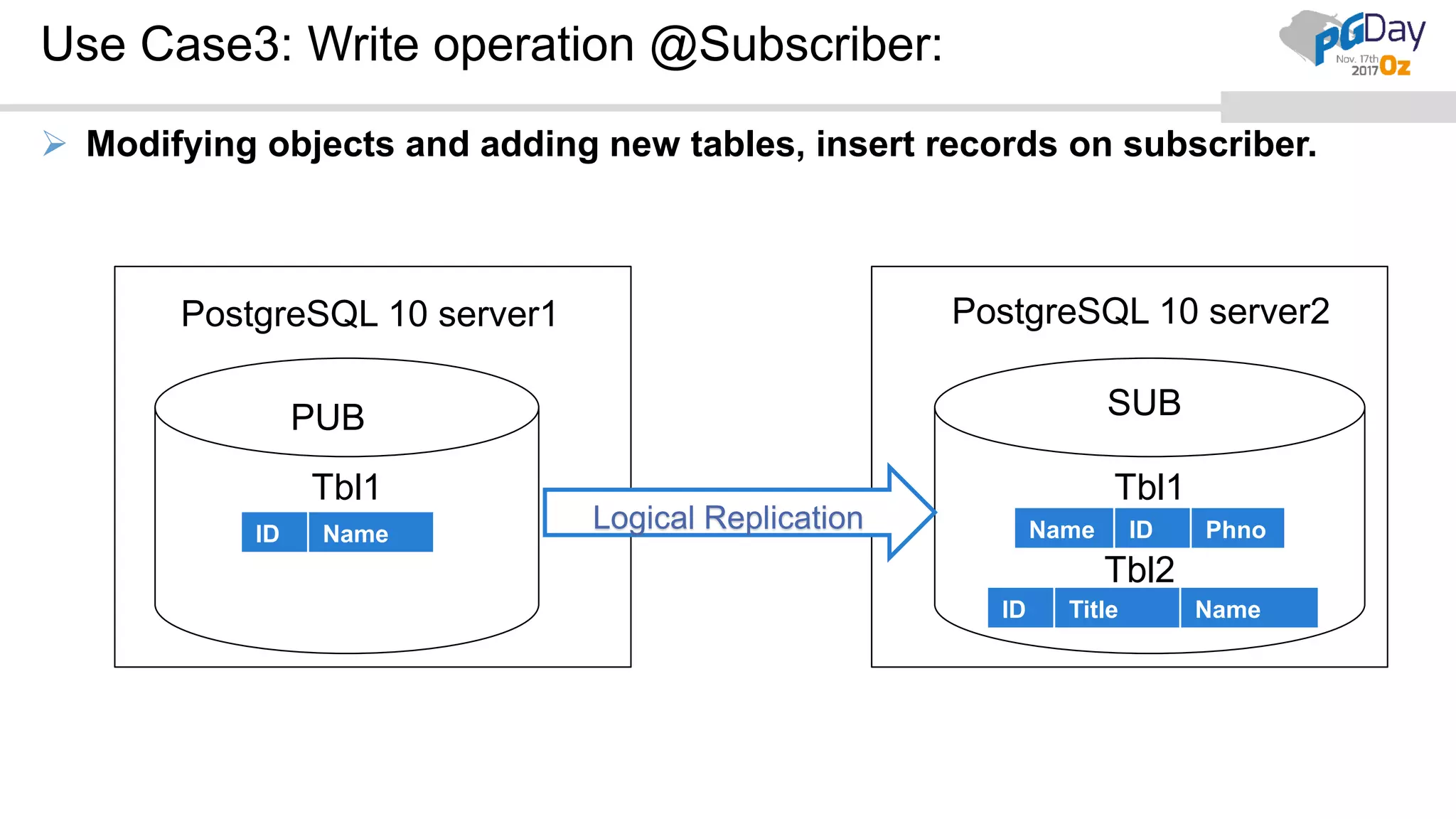
Use Case3: Write operation @Subscriber:
 Modifying objects and adding new tables, insert records on subscriber.
Tbl1 Tbl1
Logical ReplicationID Name Name ID Phno
ID Title Name
Tbl2
PostgreSQL 10 server2PostgreSQL 10 server1
PUB SUB
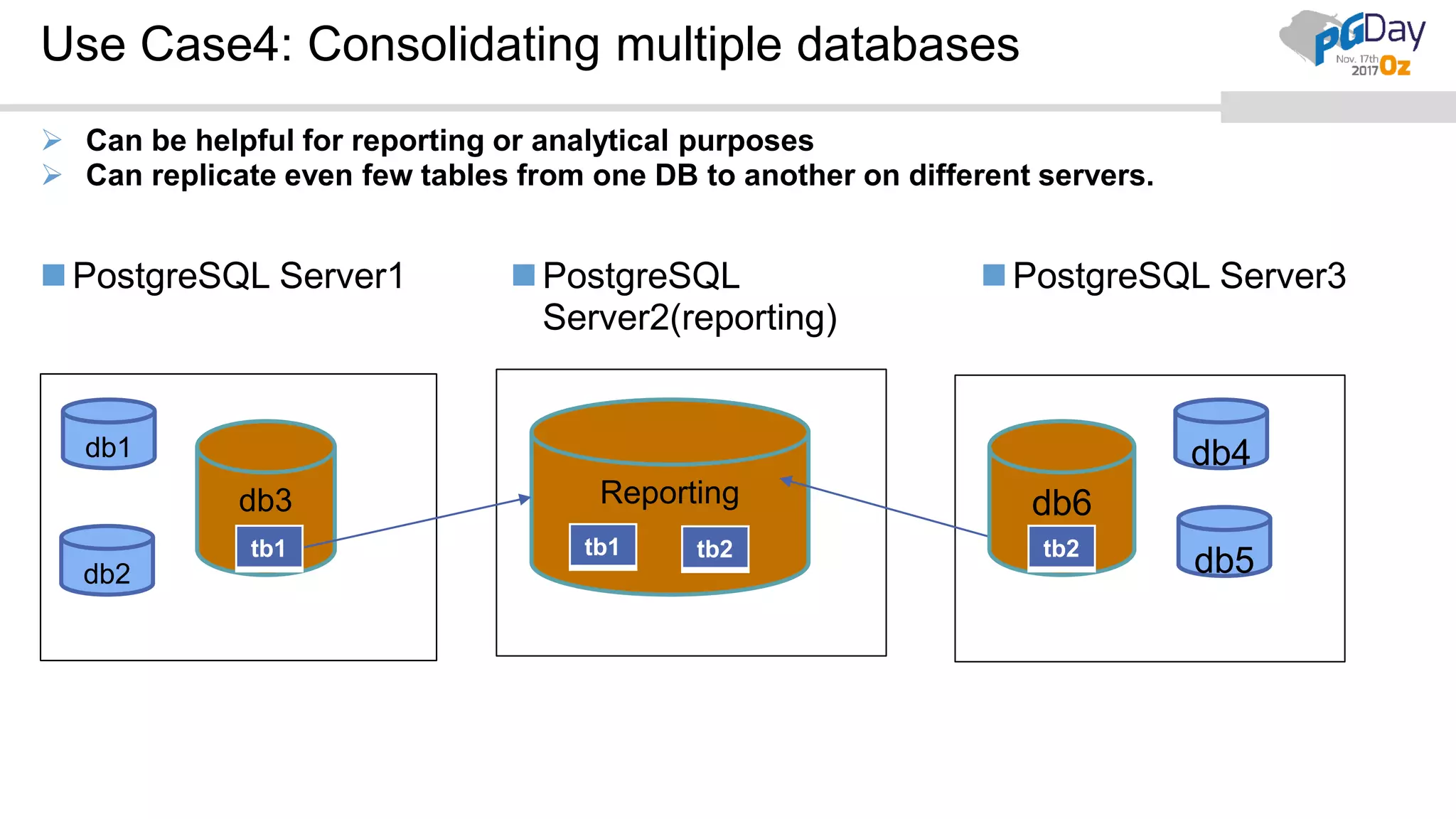
Use Case4: Consolidating multiple databases
PostgreSQL Server1 PostgreSQL
Server2(reporting)
PostgreSQL Server3
 Can be helpful for reporting or analytical purposes
 Can replicate even few tables from one DB to another on different servers.
db1
db3
db2
db4
db5
Reporting db6
tb1 tb1 tb2 tb2
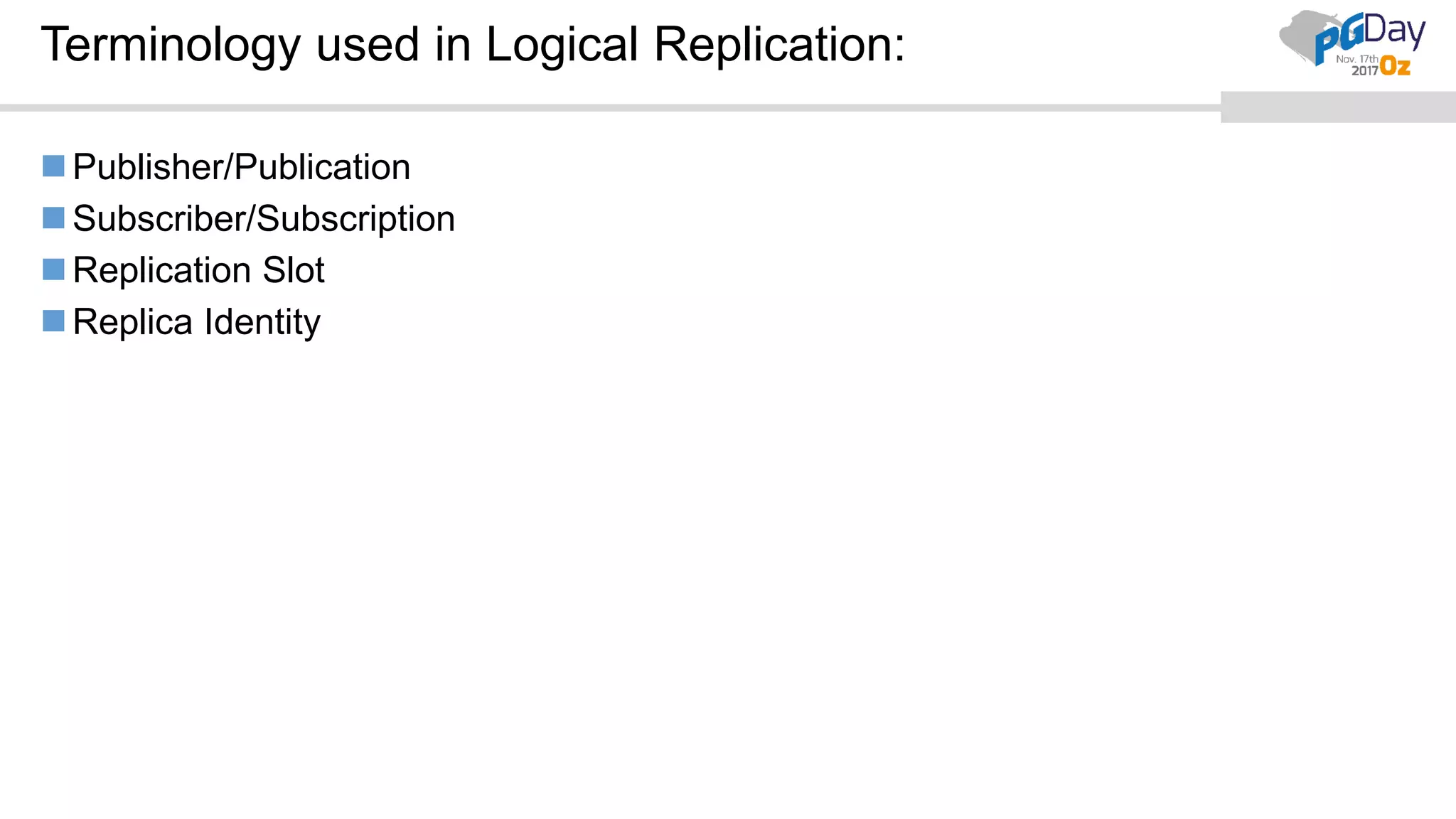
Terminology used in Logical Replication:
Publisher/Publication
Subscriber/Subscription
Replication Slot
Replica Identity
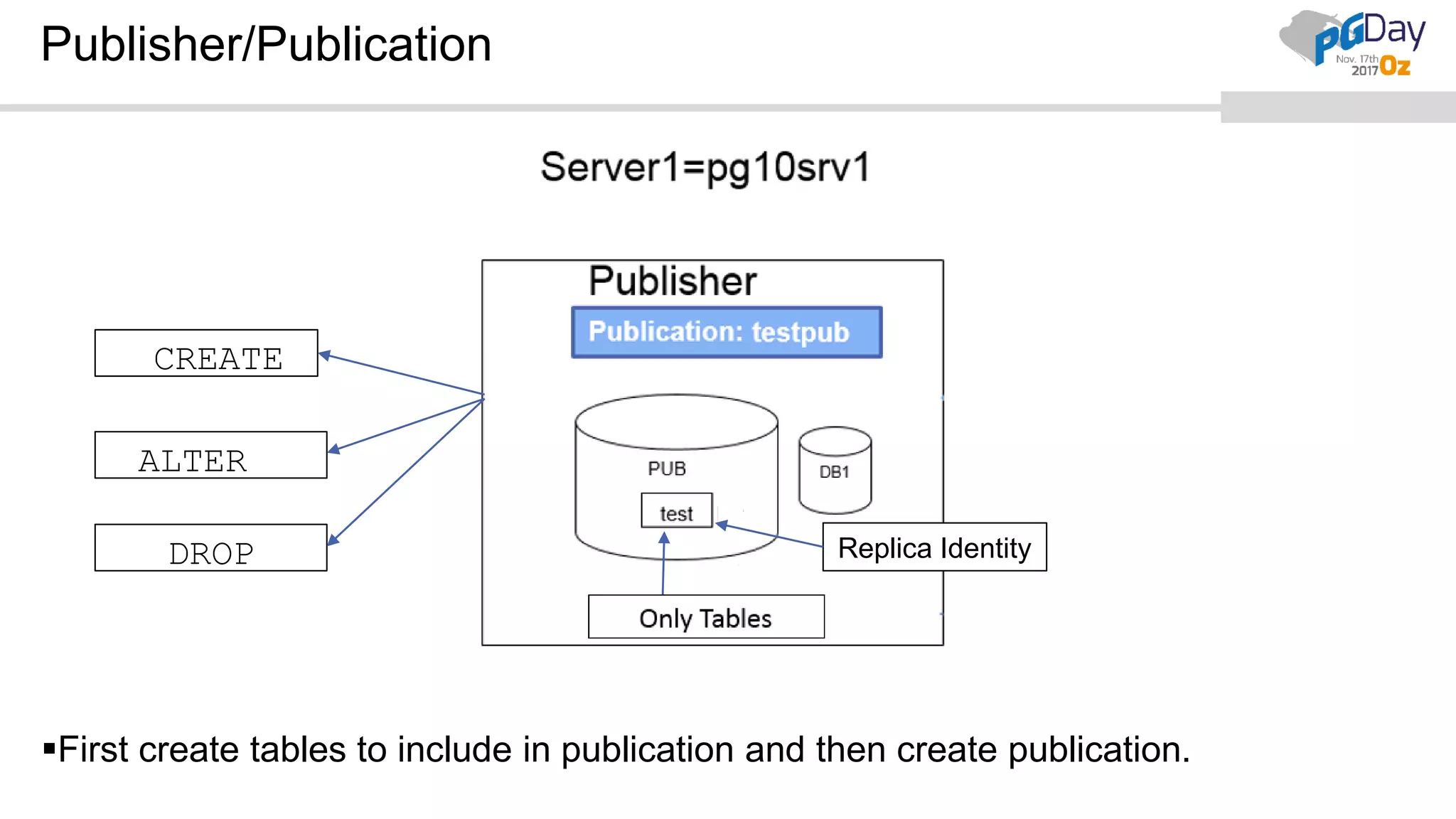
Publisher/Publication
CREATE
ALTER
DROP Replica Identity
First create tables to include in publication and then create publication.
Publisher/Publication
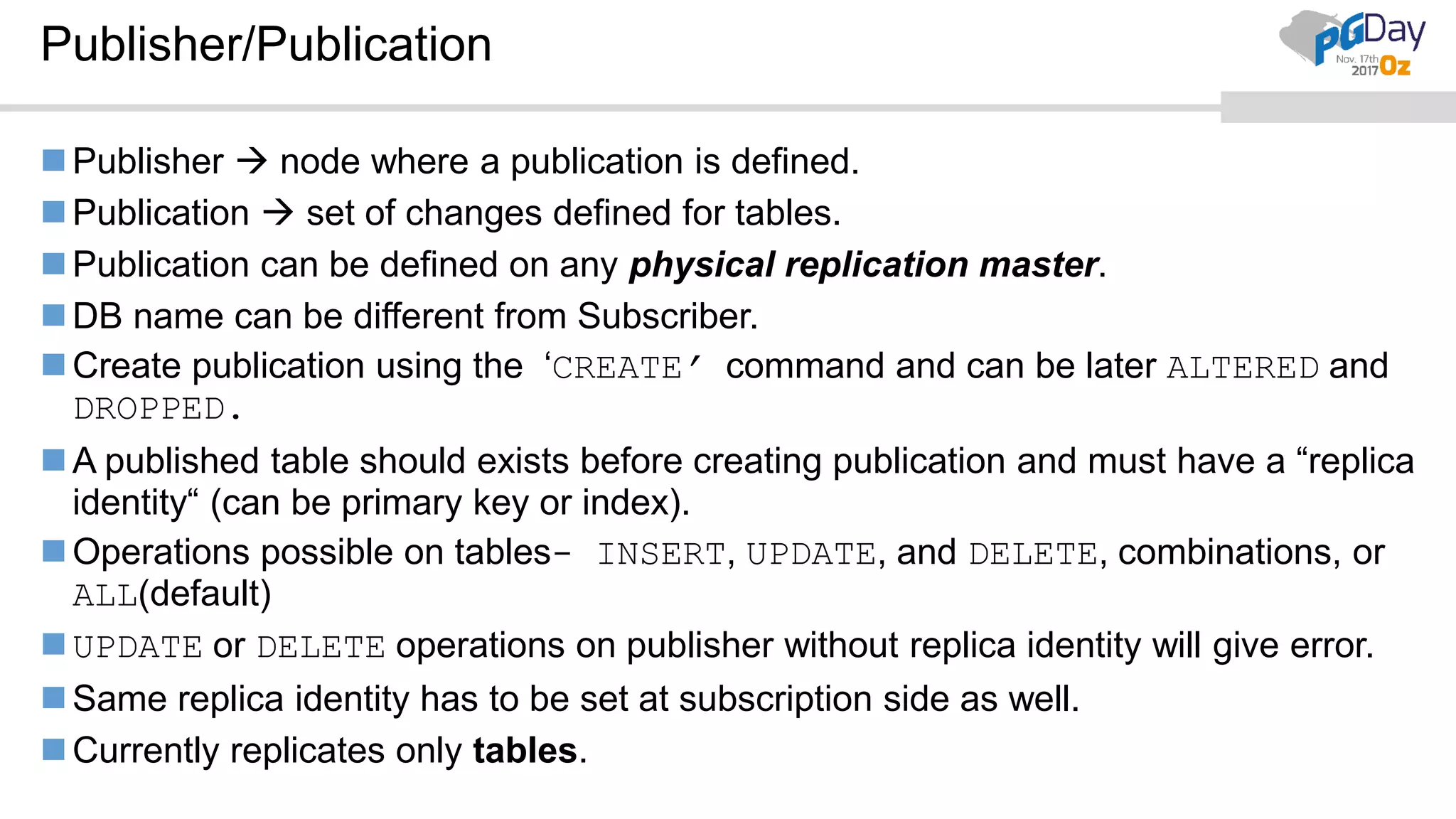
Publisher  node where a publication is defined.
Publication  set of changes defined for tables.
Publication can be defined on any physical replication master.
DB name can be different from Subscriber.
Create publication using the ‘CREATE’ command and can be later ALTERED and
DROPPED.
A published table should exists before creating publication and must have a “replica
identity“ (can be primary key or index).
Operations possible on tables- INSERT, UPDATE, and DELETE, combinations, or
ALL(default)
UPDATE or DELETE operations on publisher without replica identity will give error.
Same replica identity has to be set at subscription side as well.
Currently replicates only tables.
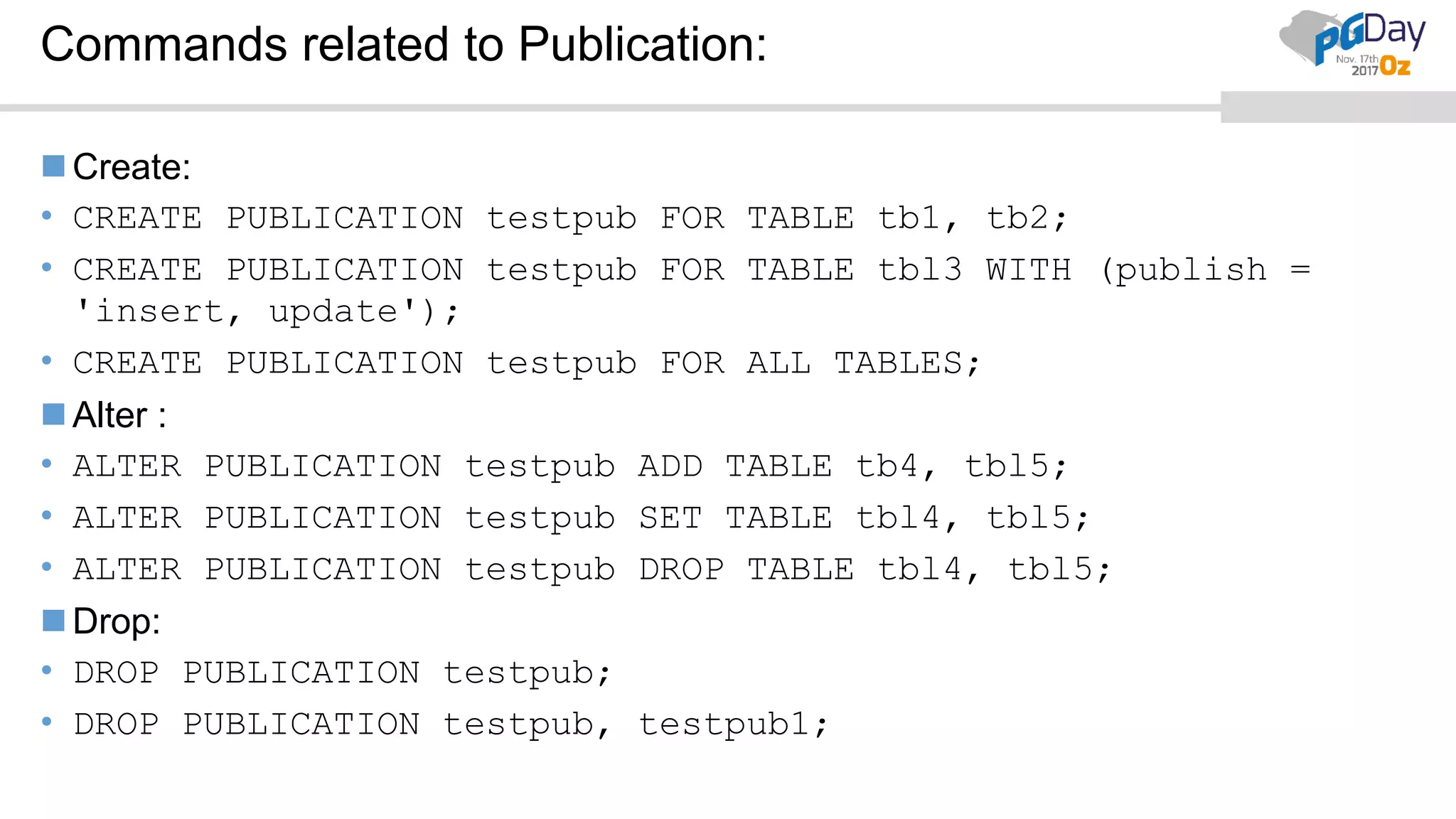
Commands related to Publication:
Create:
• CREATE PUBLICATION testpub FOR TABLE tb1, tb2;
• CREATE PUBLICATION testpub FOR TABLE tbl3 WITH (publish =
'insert, update');
• CREATE PUBLICATION testpub FOR ALL TABLES;
Alter :
• ALTER PUBLICATION testpub ADD TABLE tb4, tbl5;
• ALTER PUBLICATION testpub SET TABLE tbl4, tbl5;
• ALTER PUBLICATION testpub DROP TABLE tbl4, tbl5;
Drop:
• DROP PUBLICATION testpub;
• DROP PUBLICATION testpub, testpub1;
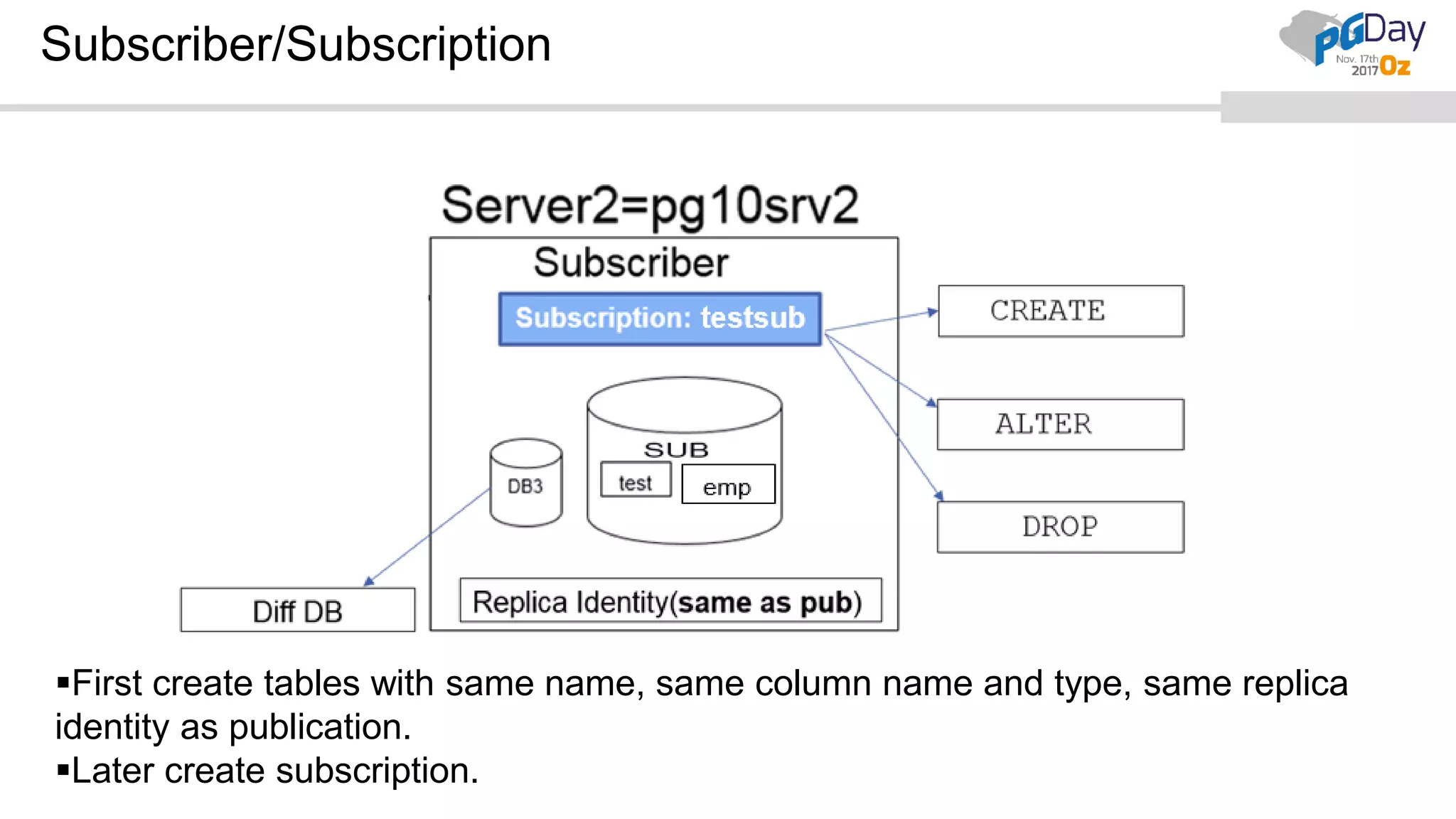
Subscriber/Subscription
First create tables with same name, same column name and type, same replica
identity as publication.
Later create subscription.
Subscription:
Subscription  Downstream side of logical replication and this node is called
subscriber.
It can be used as a publisher for other databases.
Multiple subscriptions on one subscriber is possible.
Subscription should be created using superuser.
Same table names at publisher and subscriber.
Tables should be created first before creating a subscription.
Same columns in source and target tables with same data type but can have
different order.
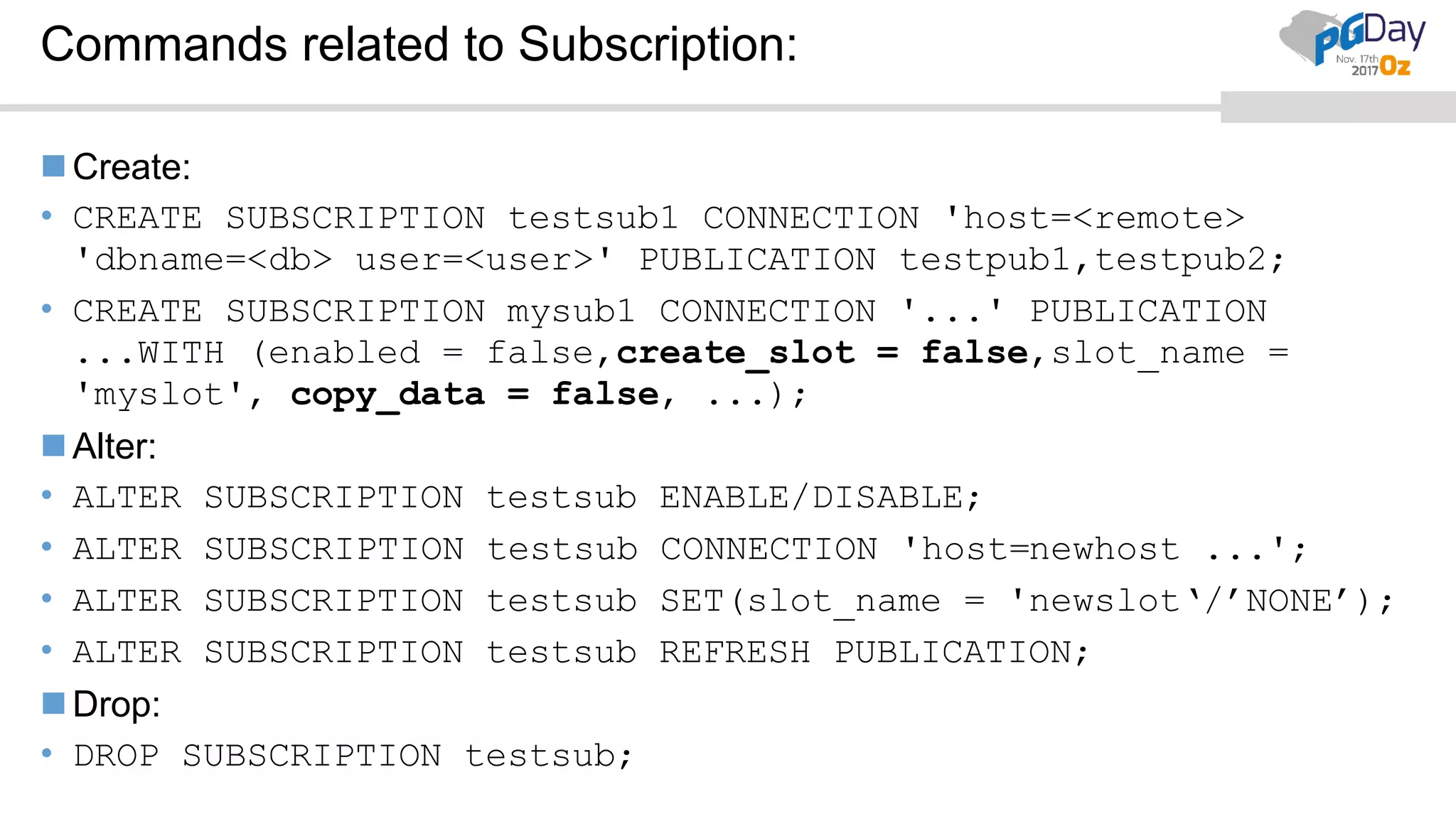
Commands related to Subscription:
Create:
• CREATE SUBSCRIPTION testsub1 CONNECTION 'host=<remote>
'dbname=<db> user=<user>' PUBLICATION testpub1,testpub2;
• CREATE SUBSCRIPTION mysub1 CONNECTION '...' PUBLICATION
...WITH (enabled = false,create_slot = false,slot_name =
'myslot', copy_data = false, ...);
Alter:
• ALTER SUBSCRIPTION testsub ENABLE/DISABLE;
• ALTER SUBSCRIPTION testsub CONNECTION 'host=newhost ...';
• ALTER SUBSCRIPTION testsub SET(slot_name = 'newslot‘/’NONE’);
• ALTER SUBSCRIPTION testsub REFRESH PUBLICATION;
Drop:
• DROP SUBSCRIPTION testsub;
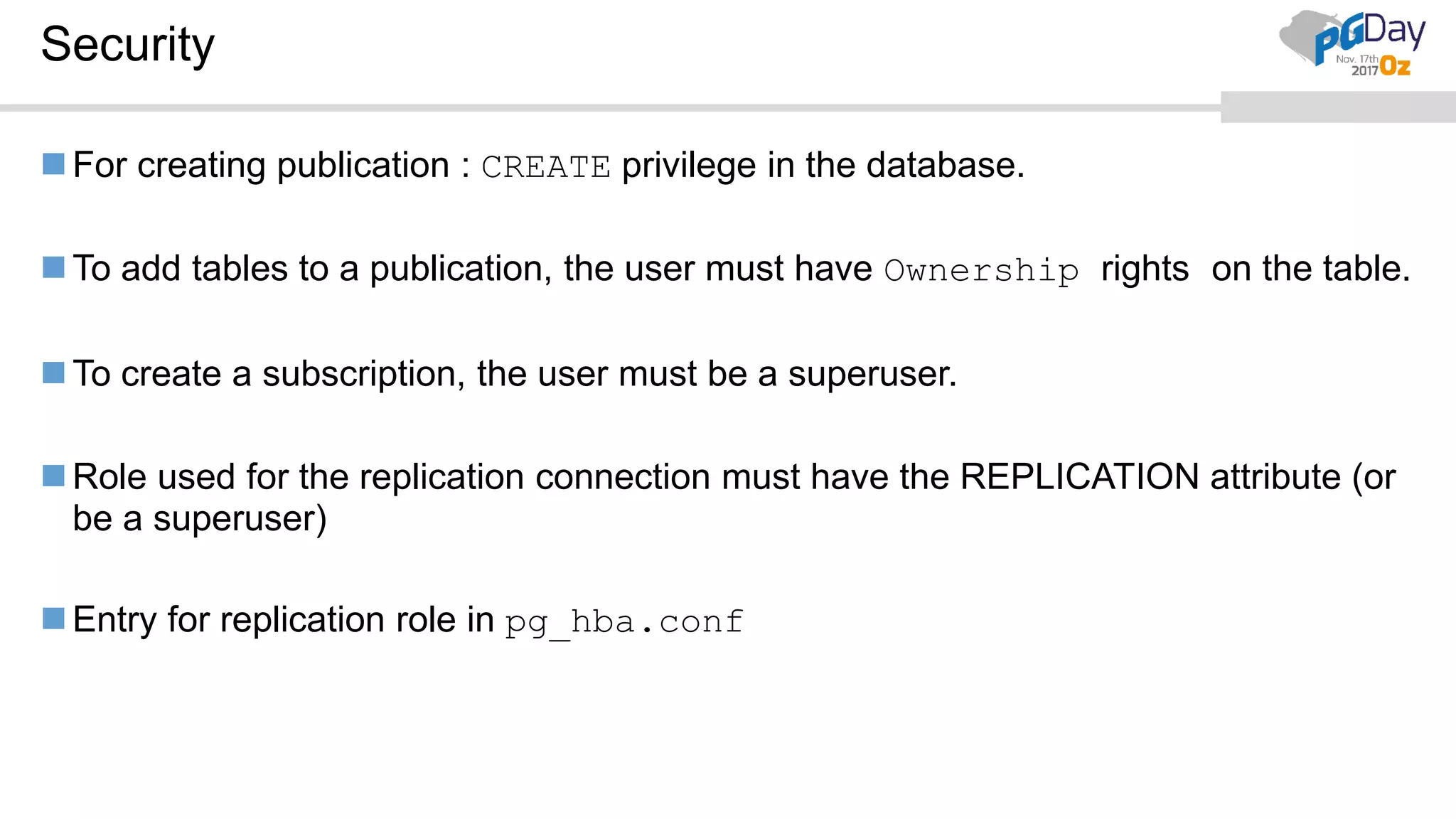
Security
For creating publication : CREATE privilege in the database.
To add tables to a publication, the user must have Ownership rights on the table.
To create a subscription, the user must be a superuser.
Role used for the replication connection must have the REPLICATION attribute (or
be a superuser)
Entry for replication role in pg_hba.conf
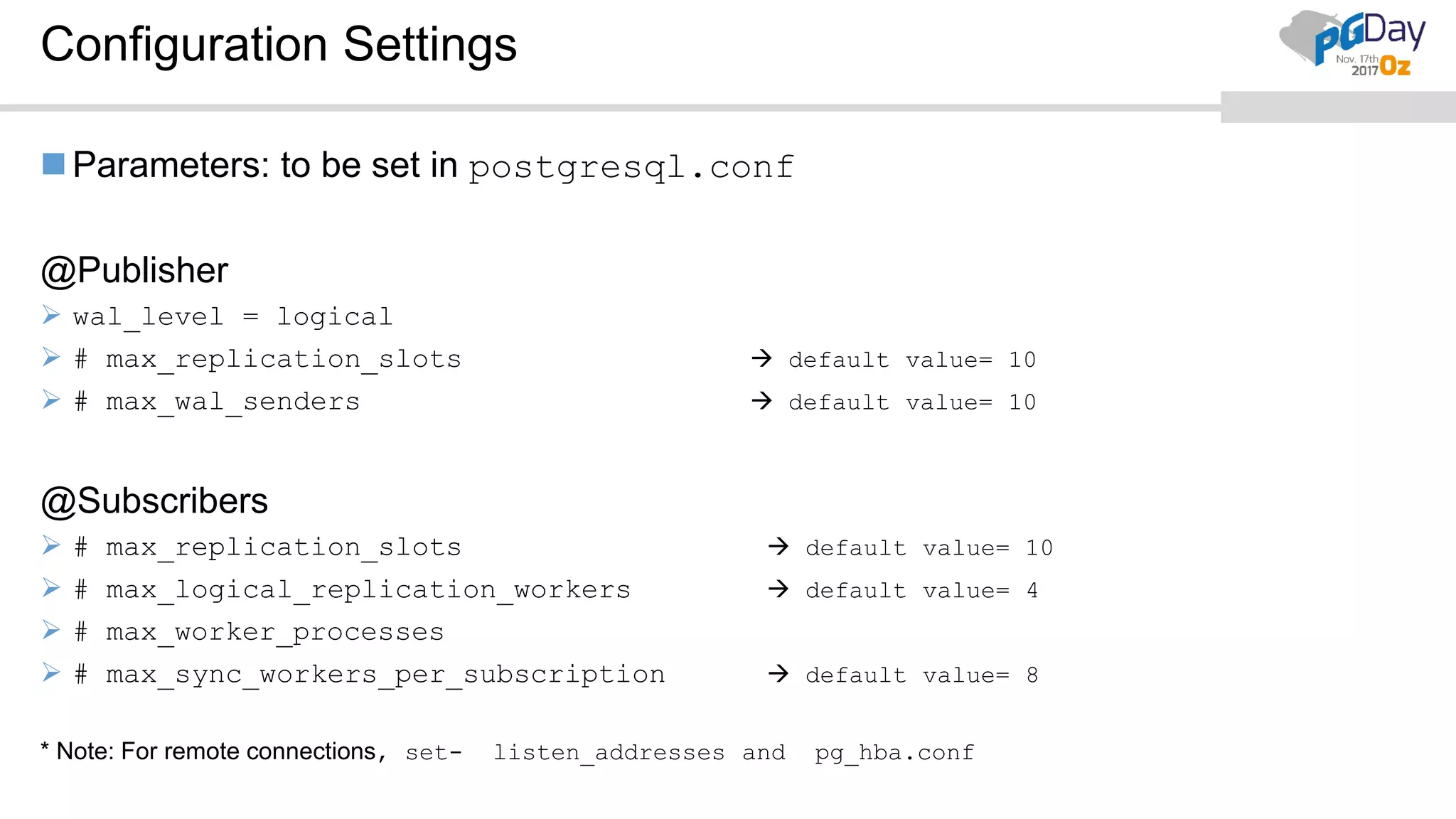
Configuration Settings
Parameters: to be set in postgresql.conf
@Publisher
 wal_level = logical
 # max_replication_slots  default value= 10
 # max_wal_senders  default value= 10
@Subscribers
 # max_replication_slots  default value= 10
 # max_logical_replication_workers  default value= 4
 # max_worker_processes
 # max_sync_workers_per_subscription  default value= 8
* Note: For remote connections, set- listen_addresses and pg_hba.conf
Quick Setup and Demo
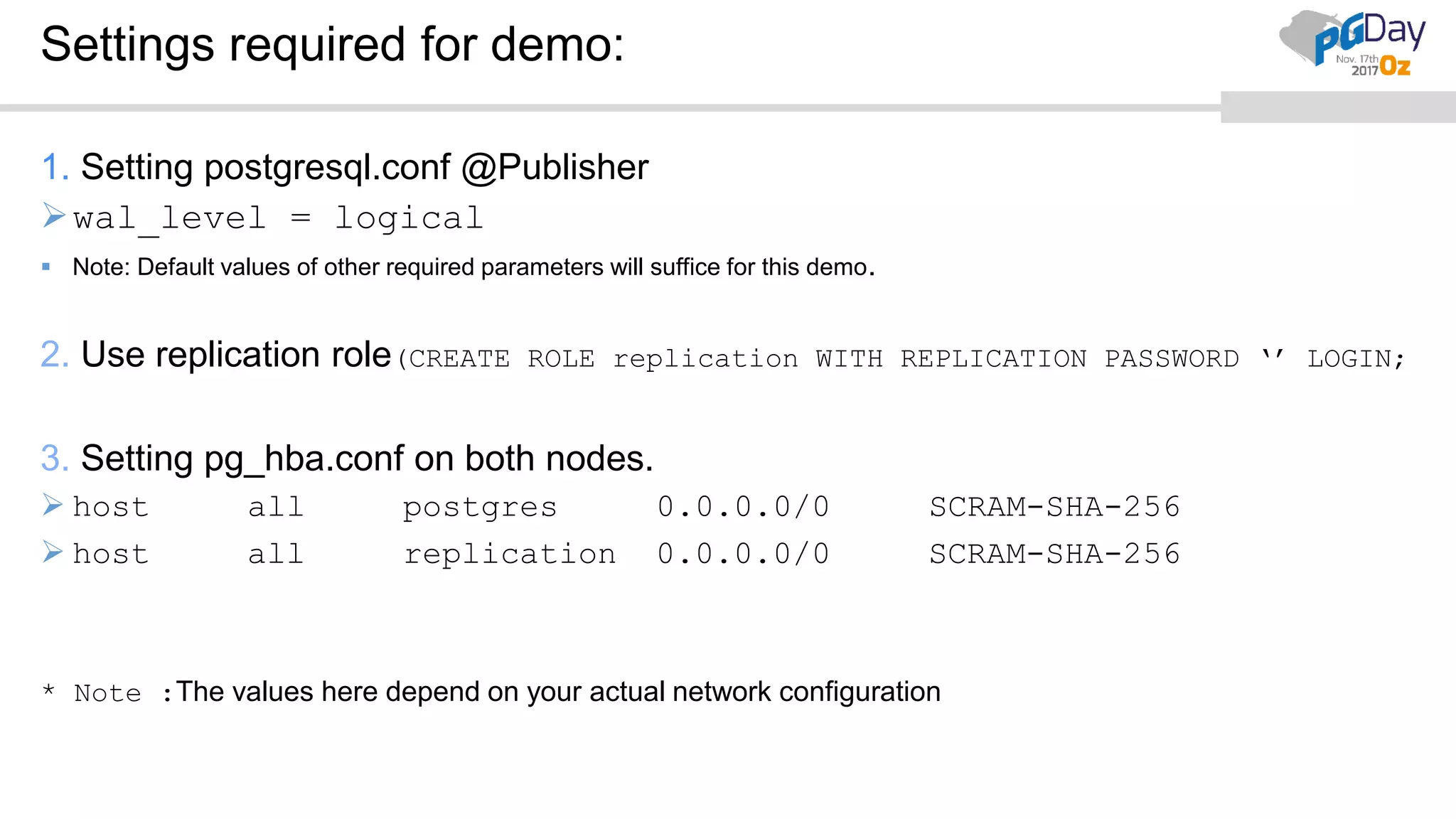
Settings required for demo:
1. Setting postgresql.conf @Publisher
wal_level = logical
 Note: Default values of other required parameters will suffice for this demo.
2. Use replication role(CREATE ROLE replication WITH REPLICATION PASSWORD ‘’ LOGIN;
3. Setting pg_hba.conf on both nodes.
 host all postgres 0.0.0.0/0 SCRAM-SHA-256
 host all replication 0.0.0.0/0 SCRAM-SHA-256
* Note :The values here depend on your actual network configuration
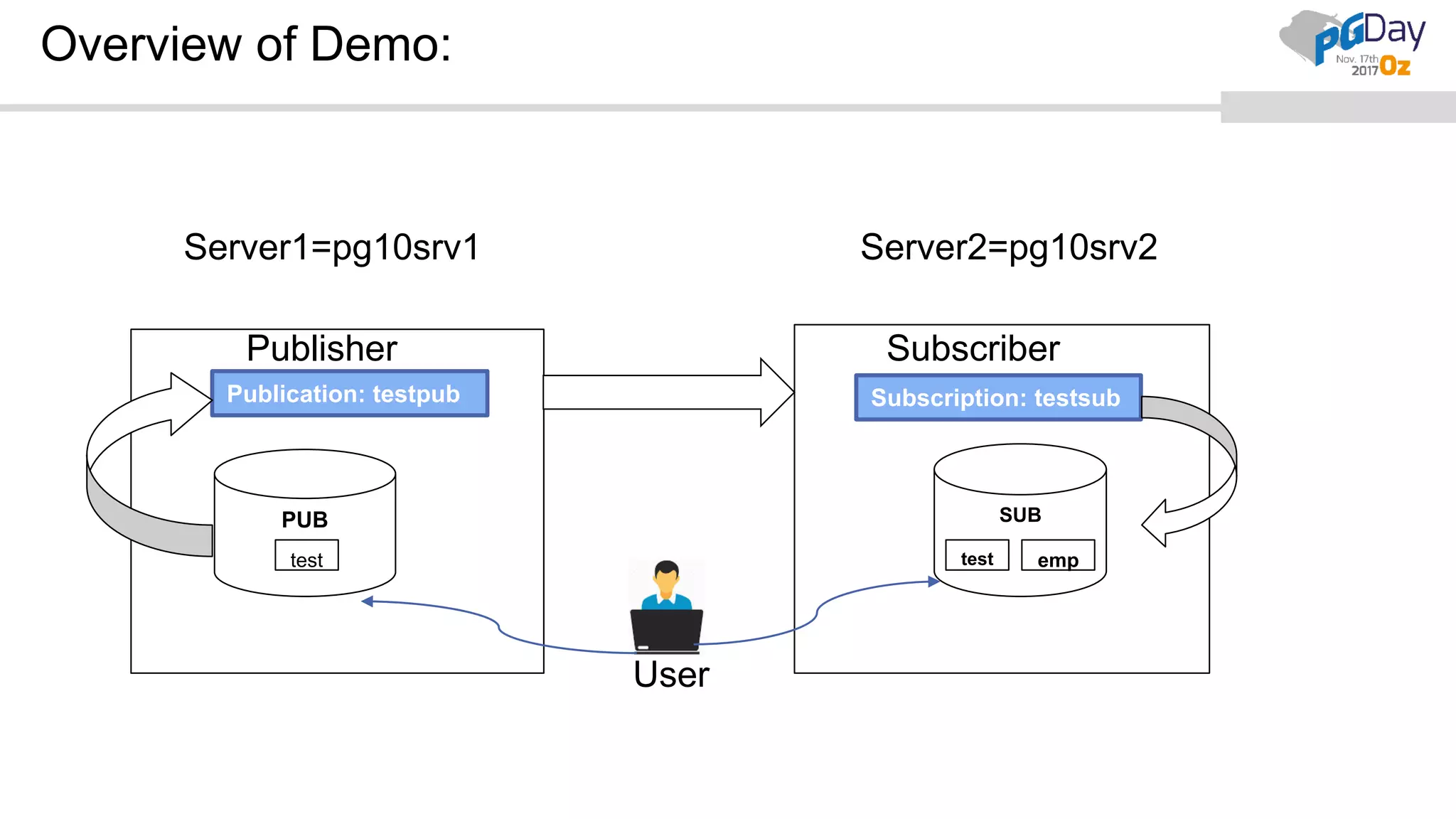
Overview of Demo:
Server1=pg10srv1 Server2=pg10srv2
SubscriberPublisher
PUB SUB
test emptest
Publication: testpub Subscription: testsub
User
Subscriber
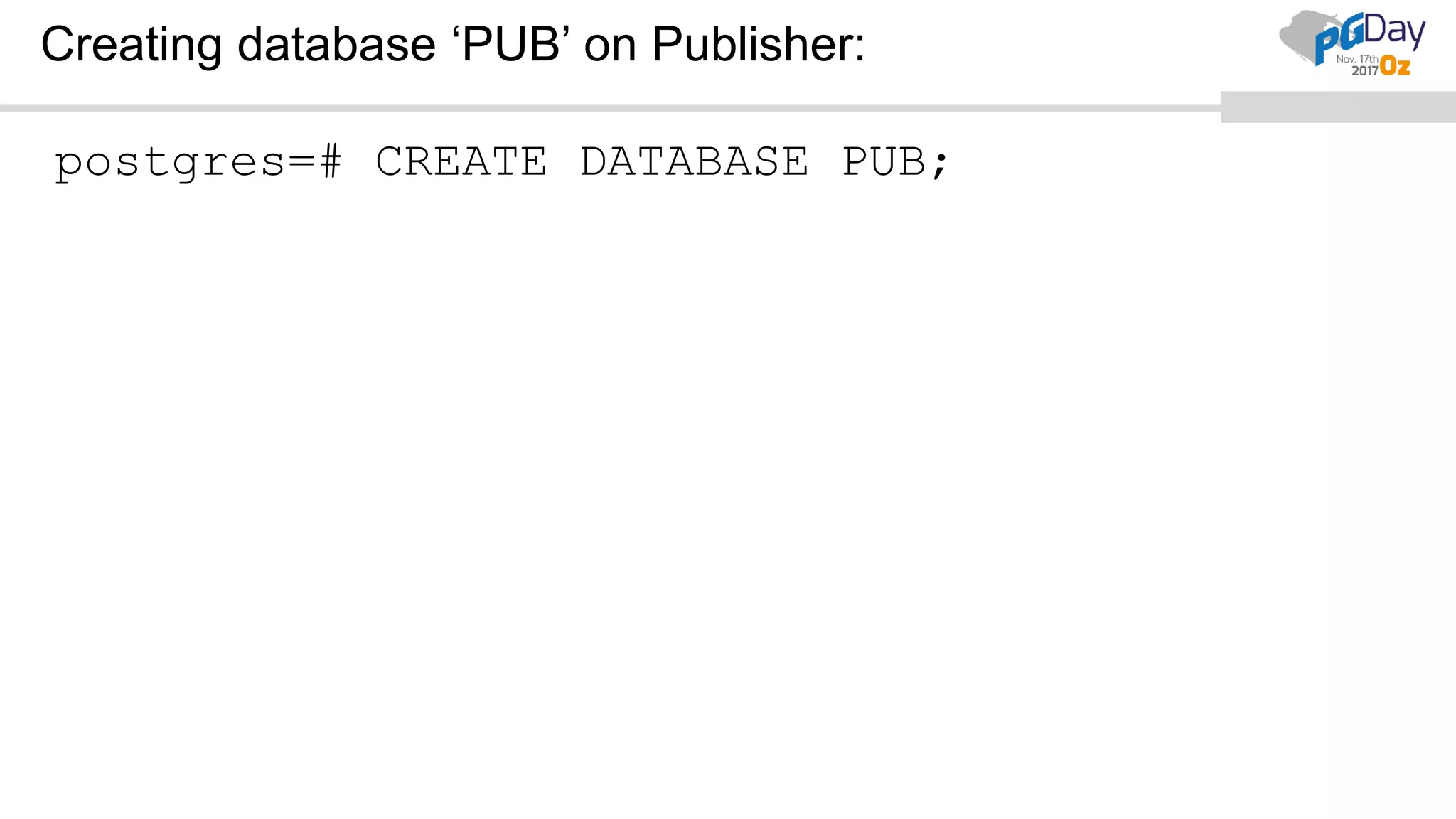
Creating database ‘PUB’ on Publisher:
postgres=# CREATE DATABASE PUB;
CREATE DATABASE
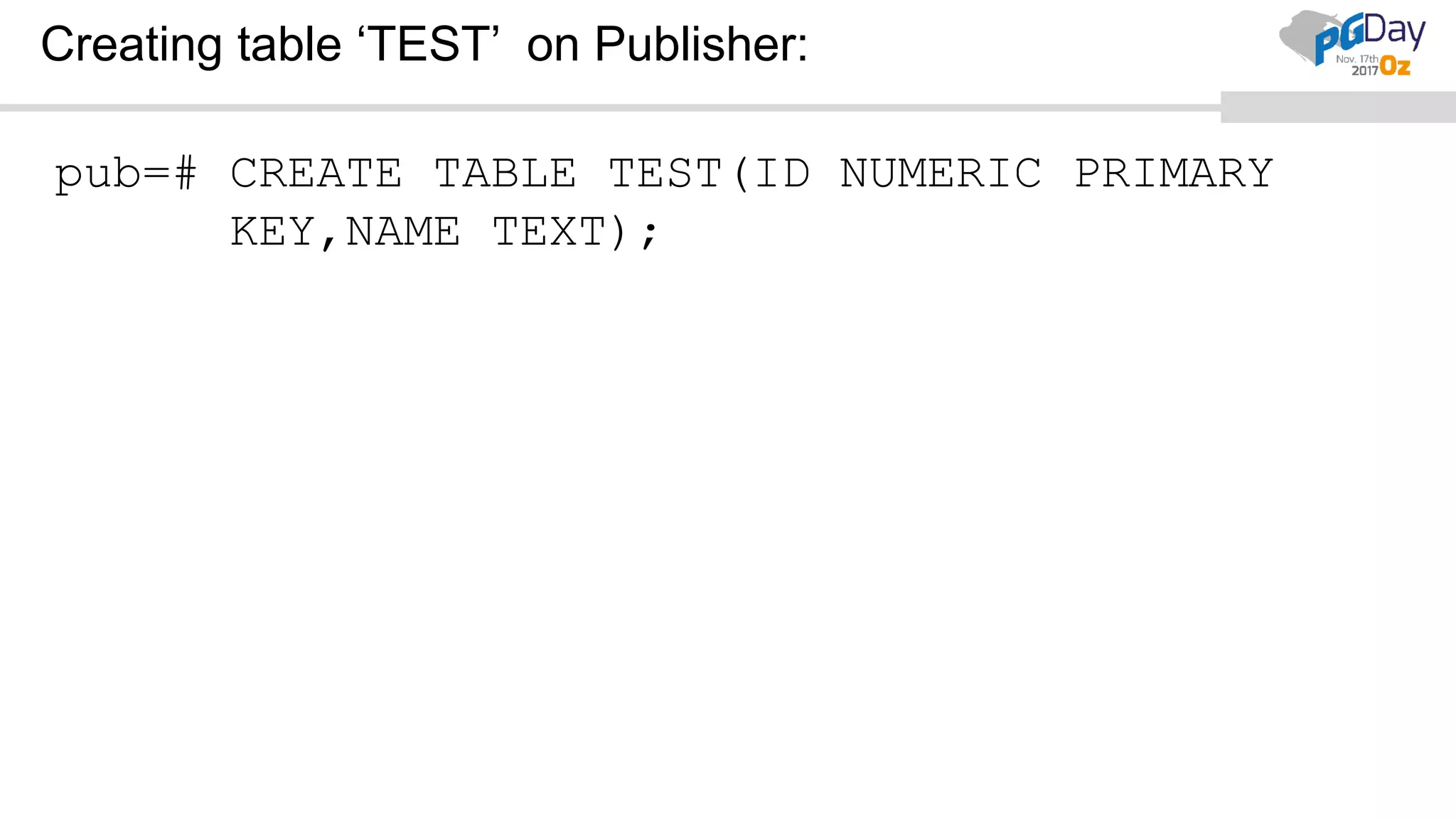
Creating table ‘TEST’ on Publisher:
pub=# CREATE TABLE TEST(ID NUMERIC PRIMARY
KEY,NAME TEXT);
CREATE TABLE
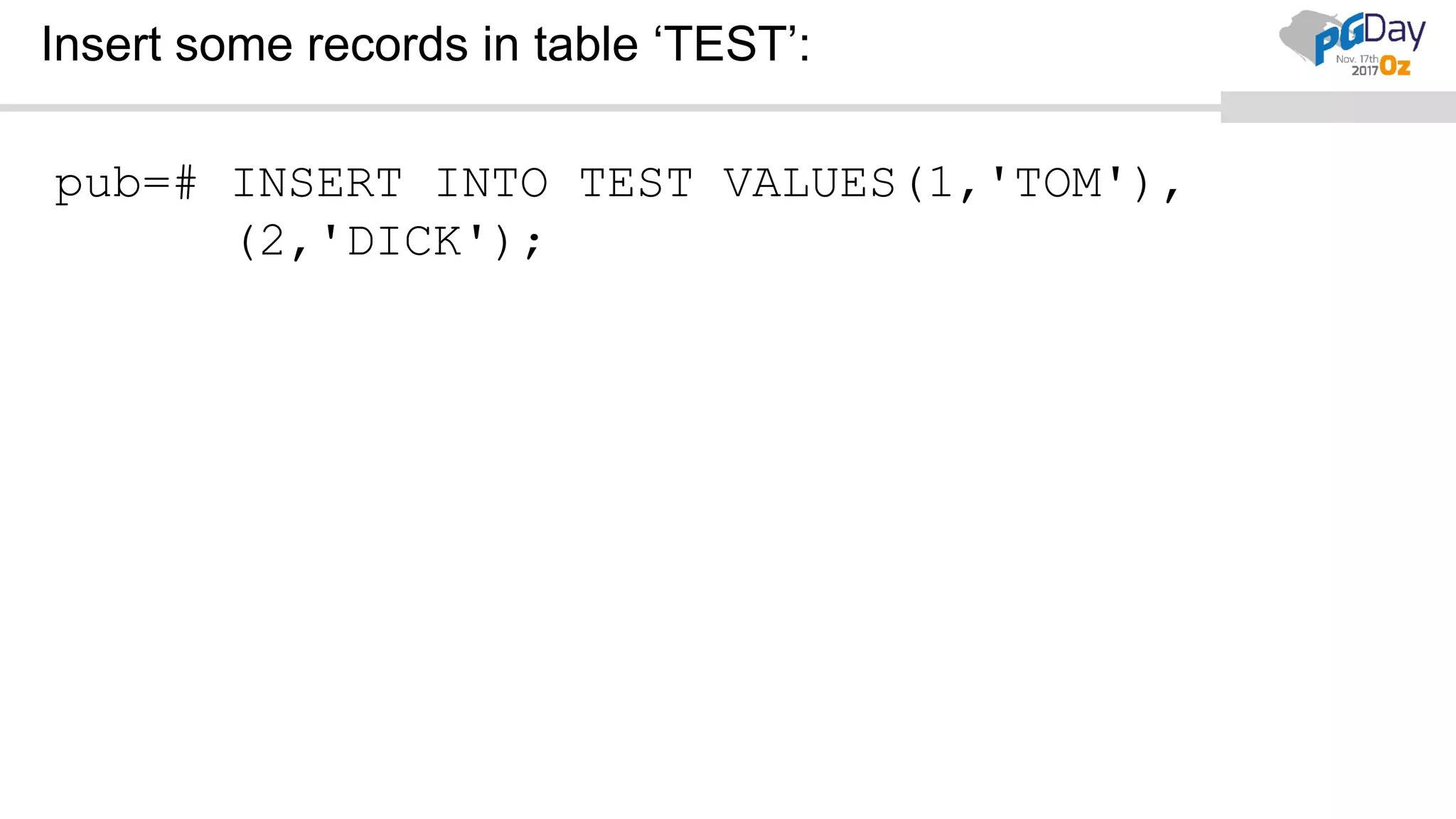
Insert some records in table ‘TEST’:
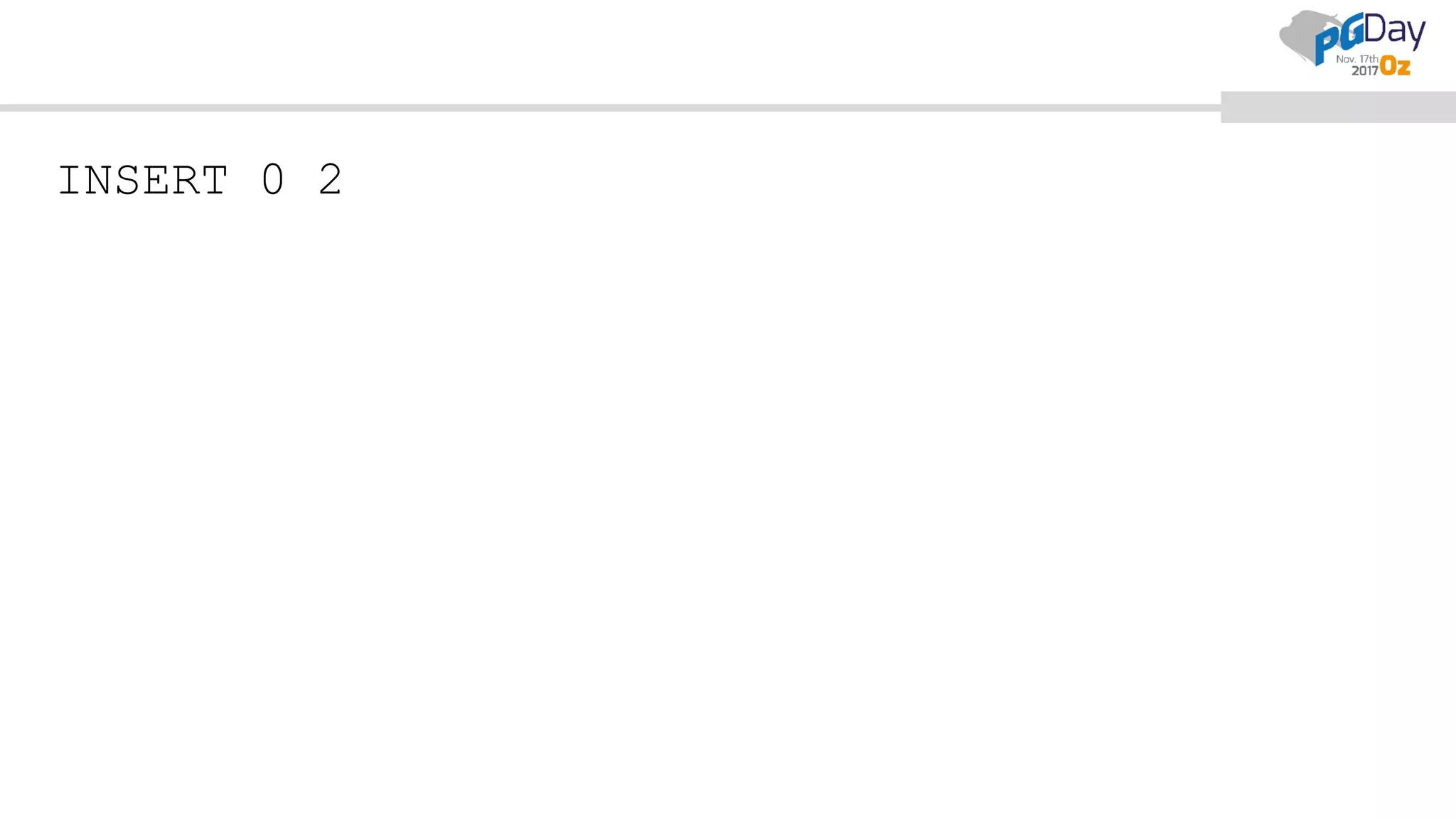
pub=# INSERT INTO TEST VALUES(1,'TOM'),
(2,'DICK');
INSERT 0 2
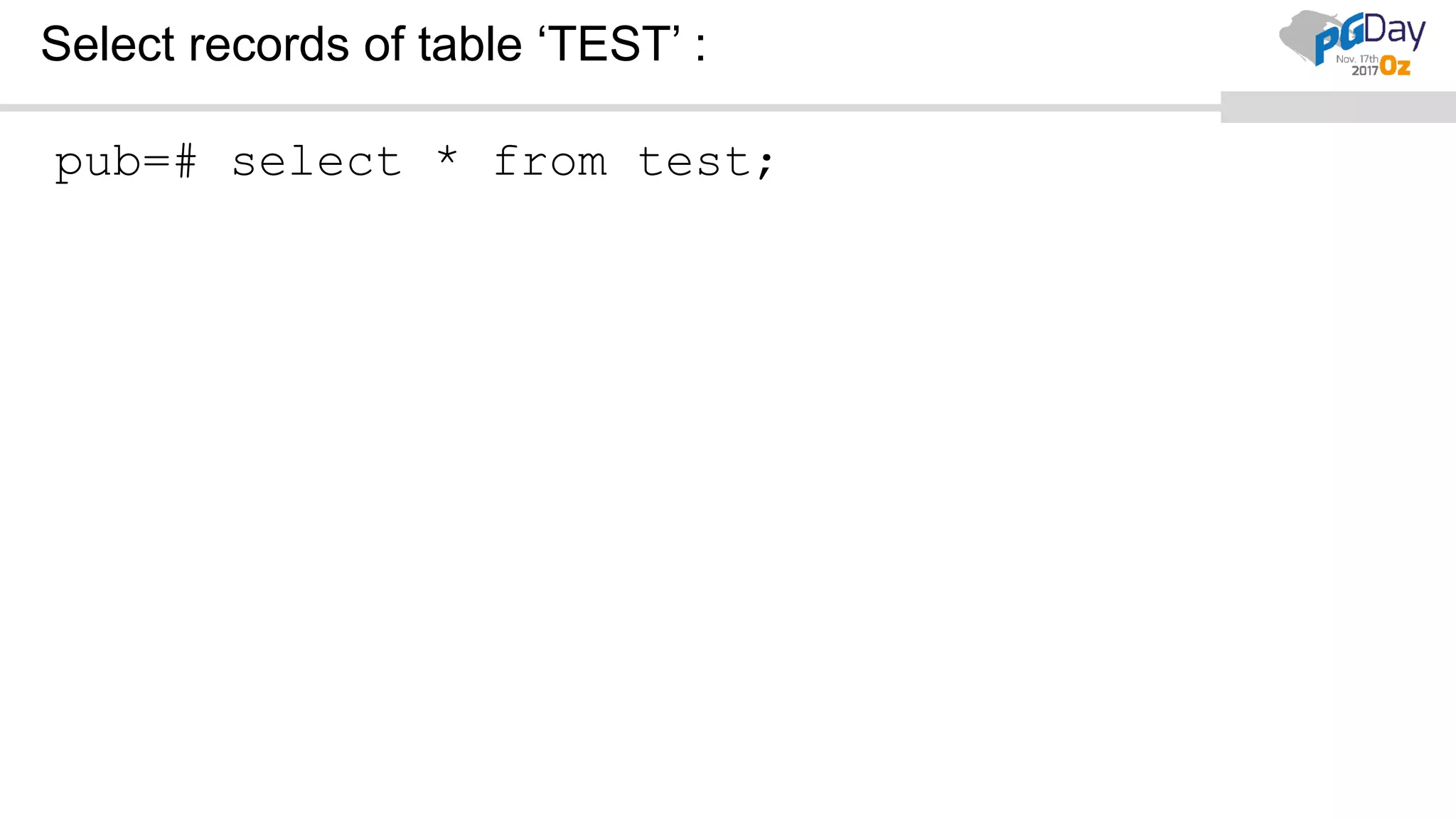
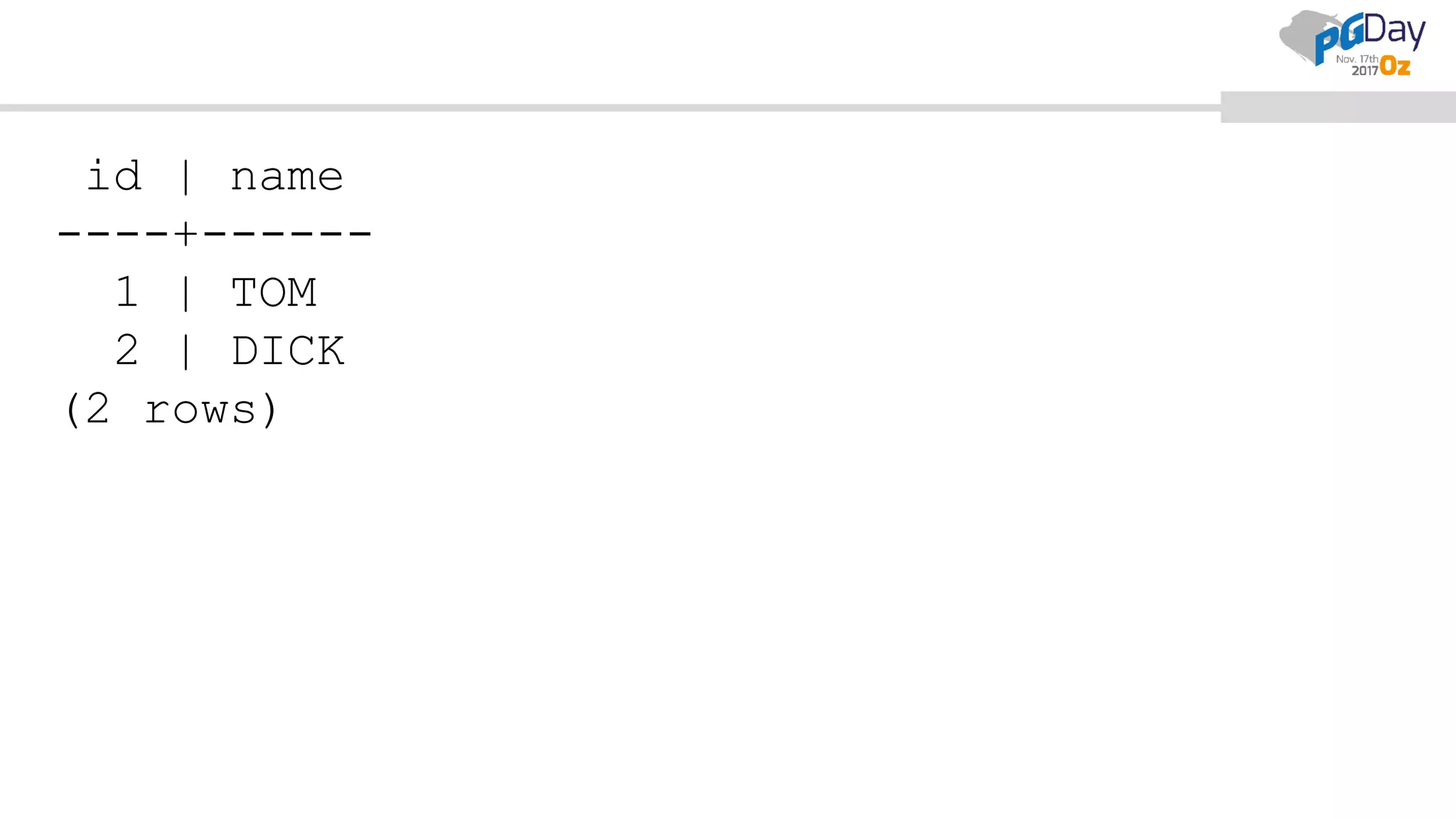
Select records of table ‘TEST’ :
pub=# select * from test;
id | name
----+------
1 | TOM
2 | DICK
(2 rows)
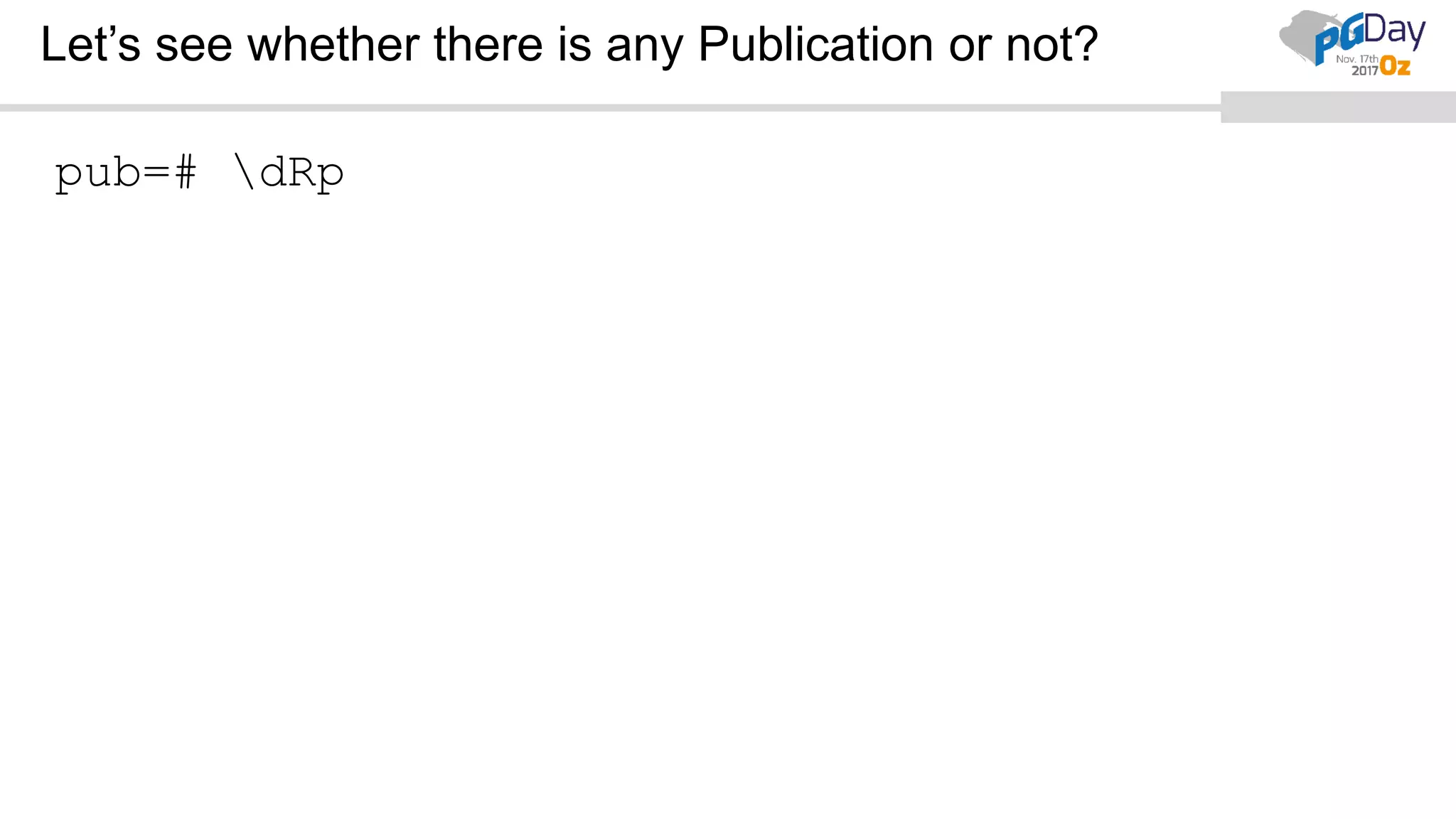
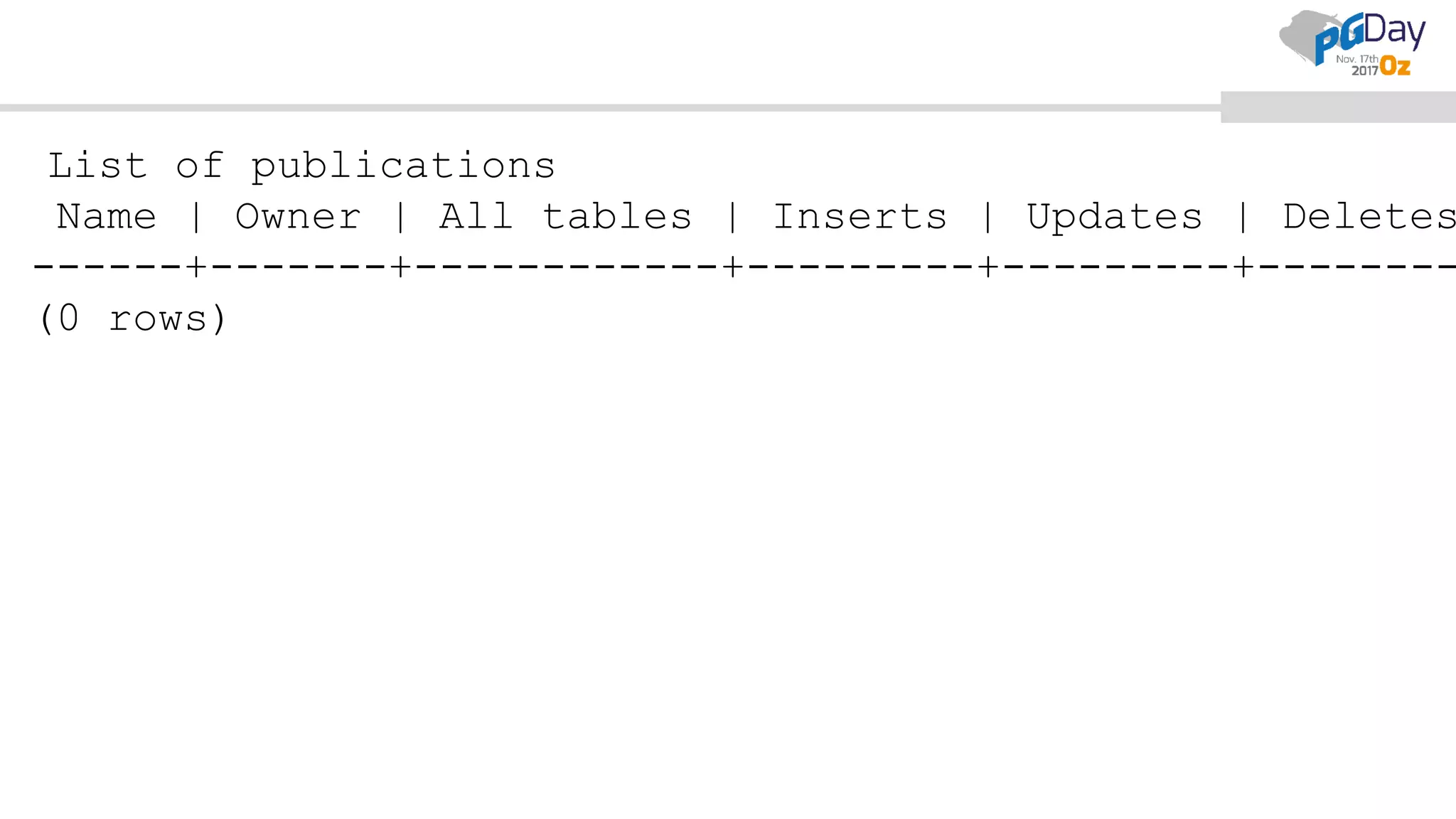
Let’s see whether there is any Publication or not?
pub=# dRp
List of publications
Name | Owner | All tables | Inserts | Updates | Deletes
------+-------+------------+---------+---------+--------
(0 rows)
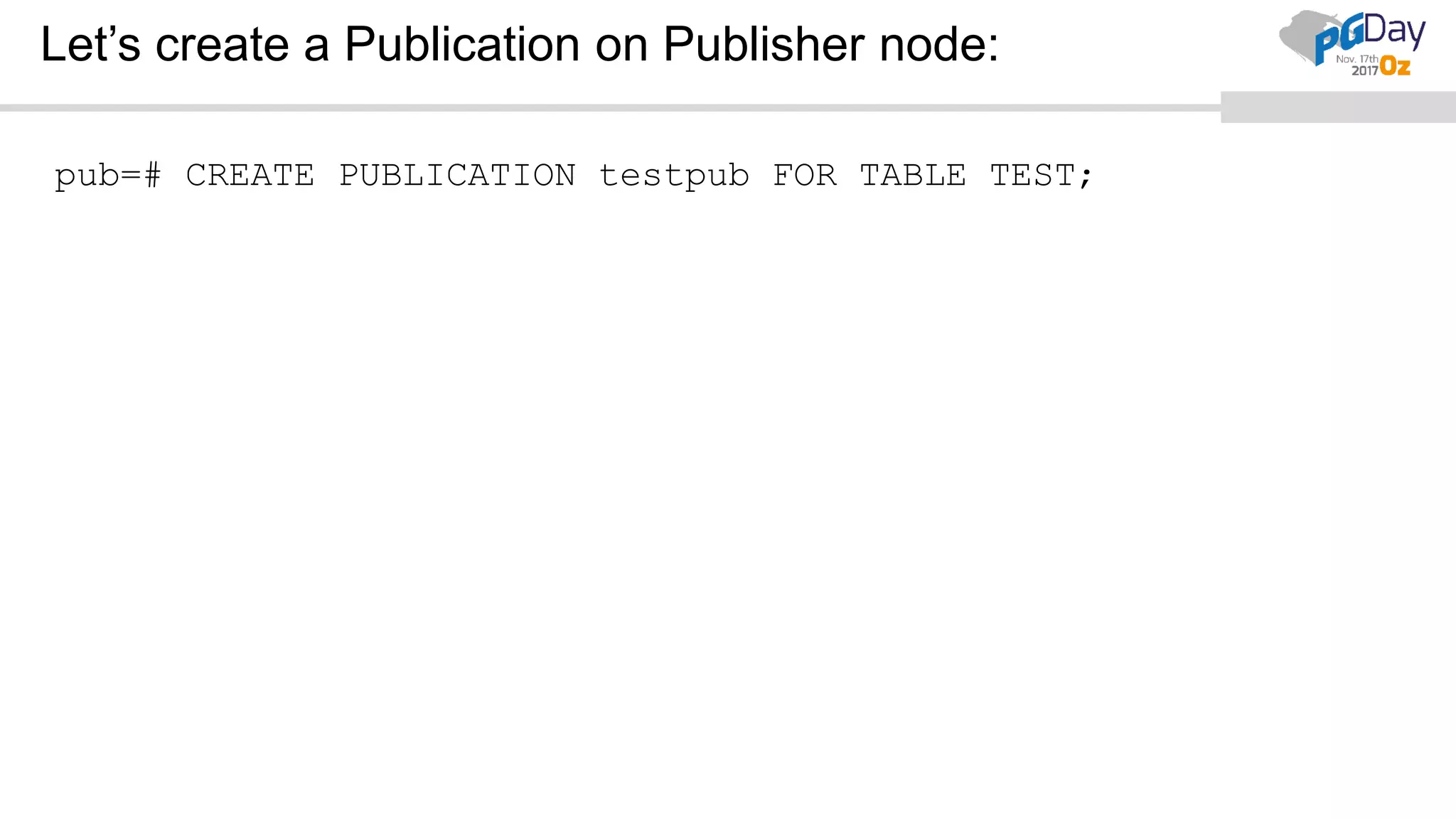
Let’s create a Publication on Publisher node:
pub=# CREATE PUBLICATION testpub FOR TABLE TEST;
CREATE PUBLICATION
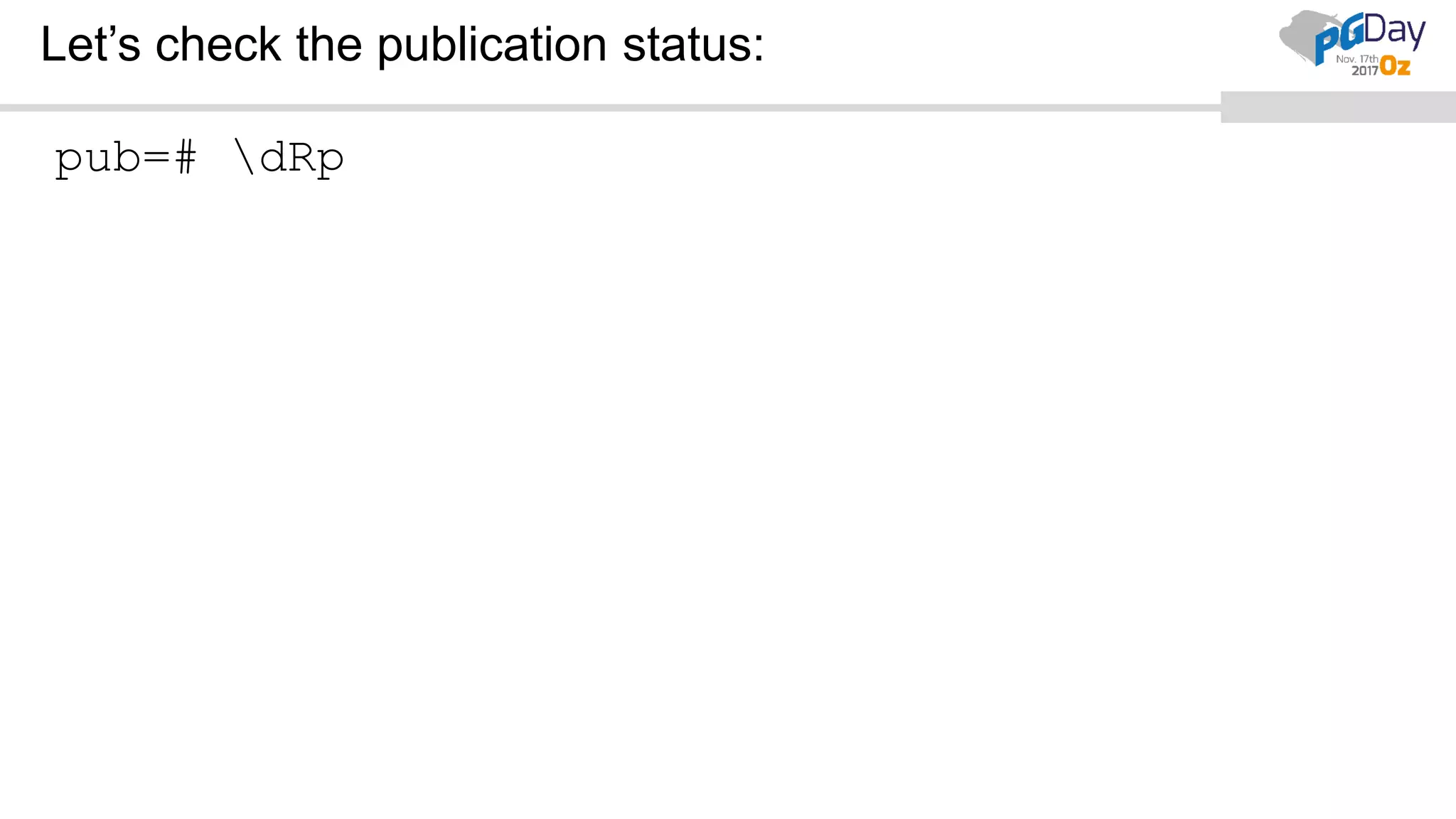
Let’s check the publication status:
pub=# dRp
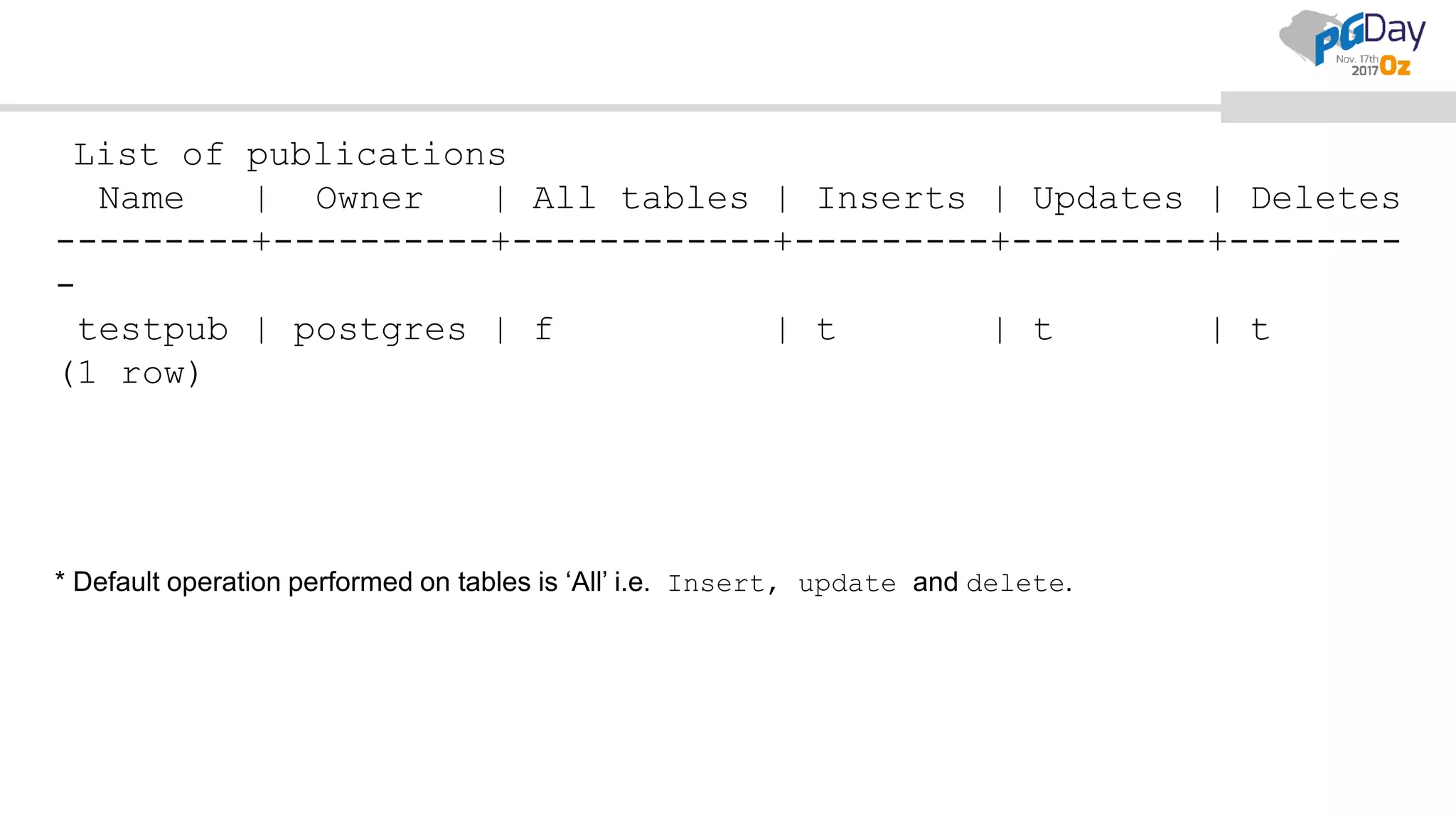
* Default operation performed on tables is ‘All’ i.e. Insert, update and delete.
List of publications
Name | Owner | All tables | Inserts | Updates | Deletes
---------+----------+------------+---------+---------+--------
-
testpub | postgres | f | t | t | t
(1 row)
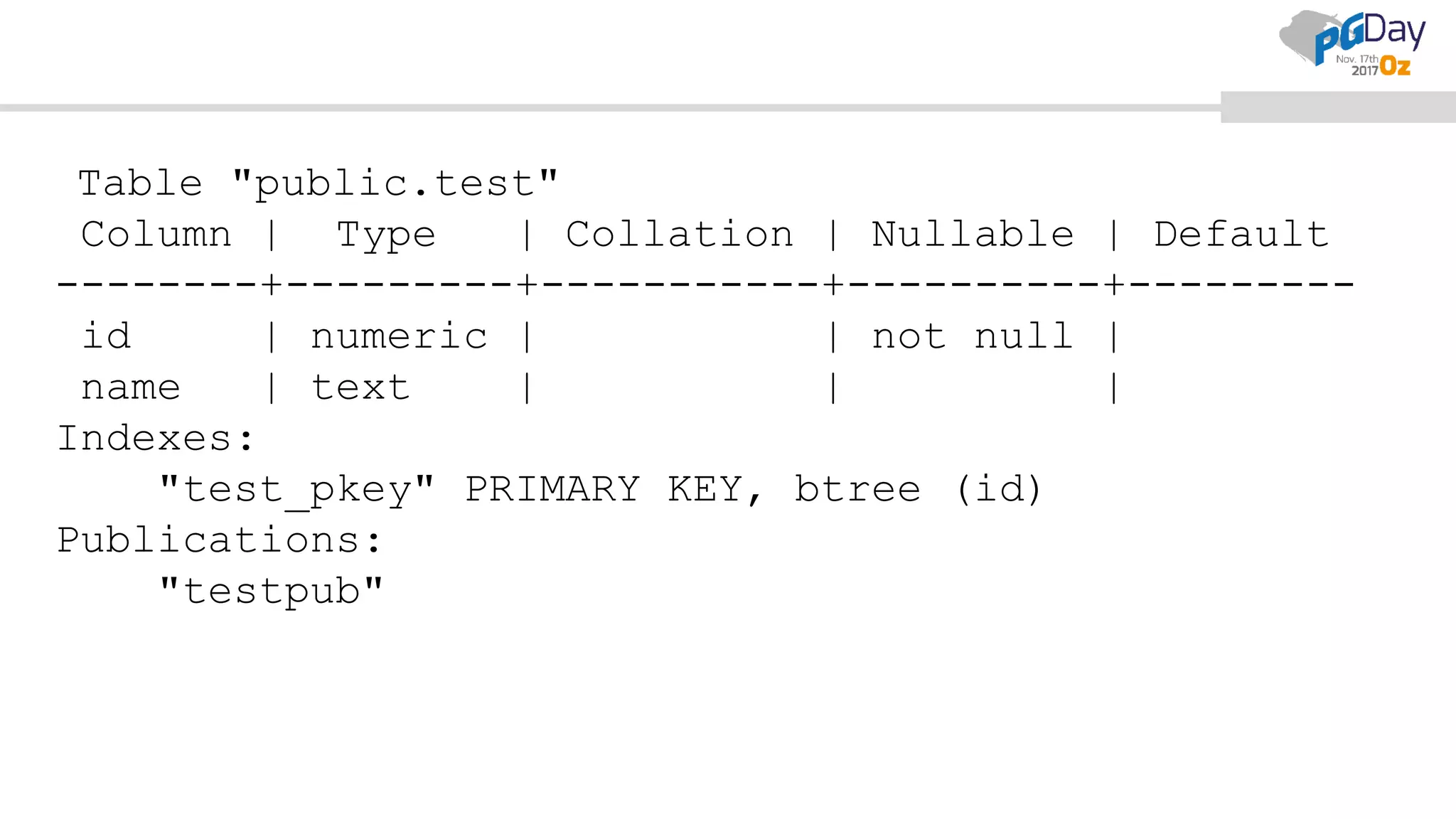
This publication should now be added to the tables:
pub=# d test
Table "public.test"
Column | Type | Collation | Nullable | Default
--------+---------+-----------+----------+---------
id | numeric | | not null |
name | text | | |
Indexes:
"test_pkey" PRIMARY KEY, btree (id)
Publications:
"testpub"
Now let’s set up subscription on subscriber
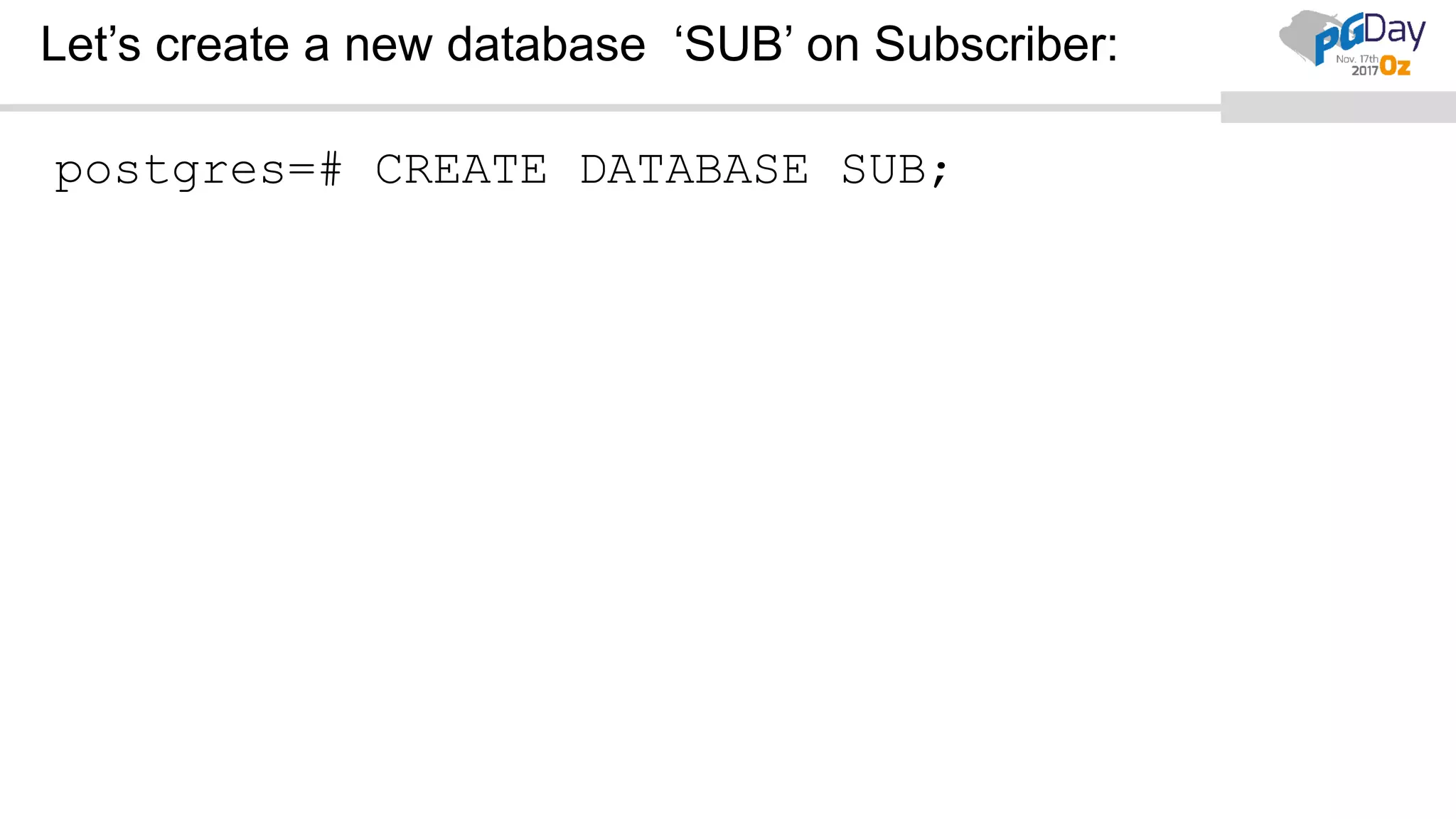
Let’s create a new database ‘SUB’ on Subscriber:
postgres=# CREATE DATABASE SUB;
CREATE DATABASE
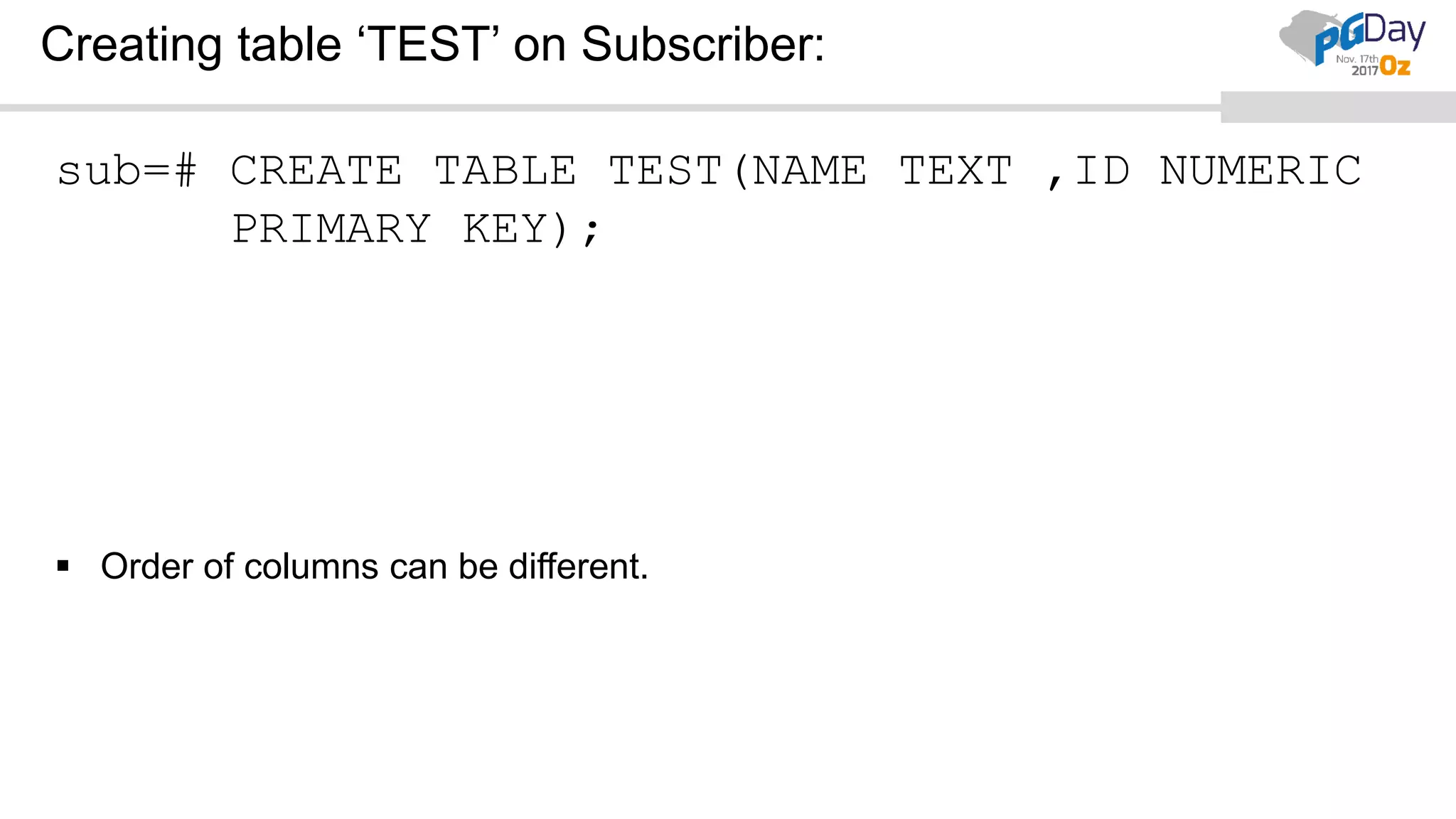
Creating table ‘TEST’ on Subscriber:
sub=# CREATE TABLE TEST(NAME TEXT ,ID NUMERIC
PRIMARY KEY);
 Order of columns can be different.
CREATE TABLE
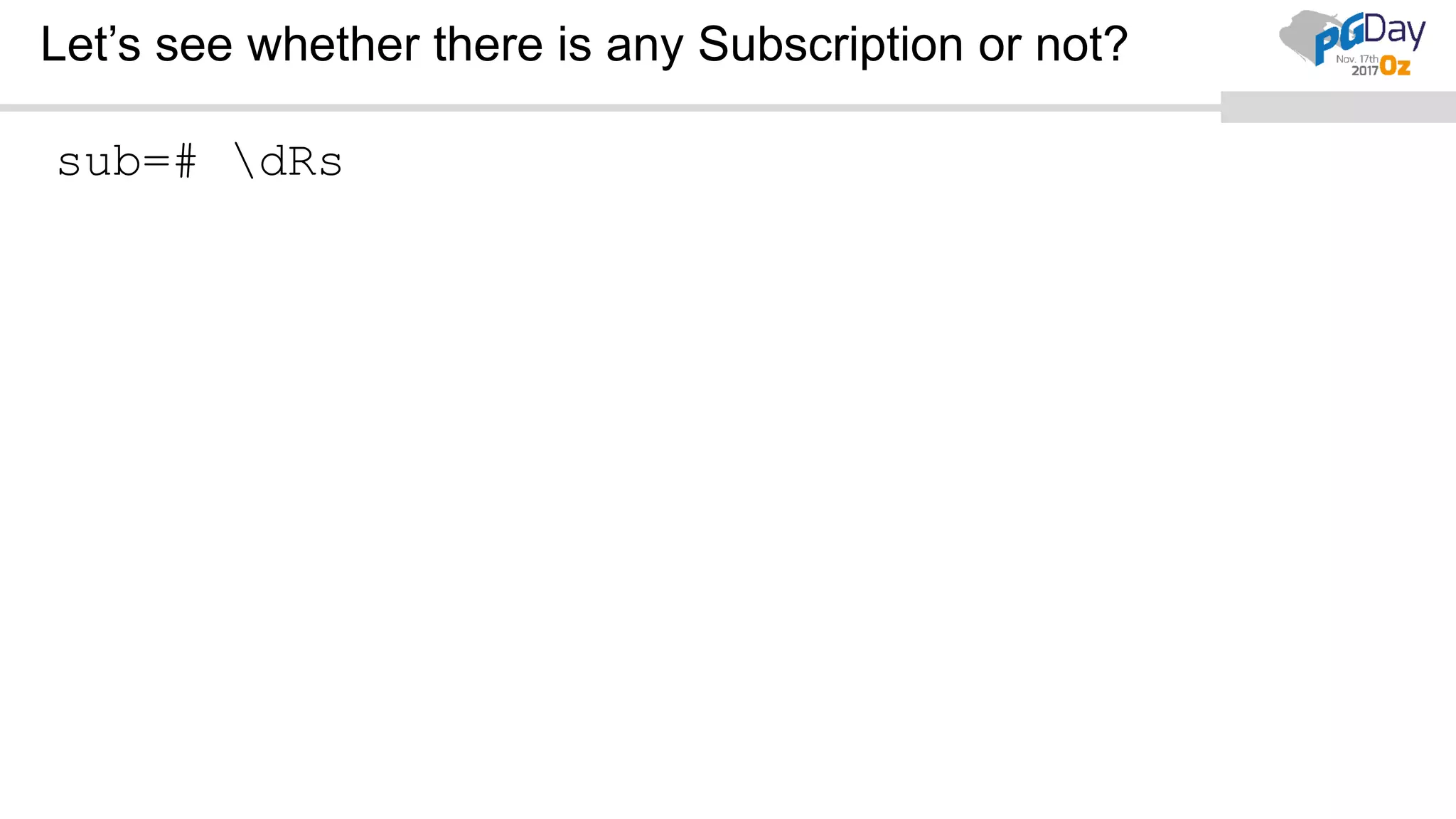
Let’s see whether there is any Subscription or not?
sub=# dRs
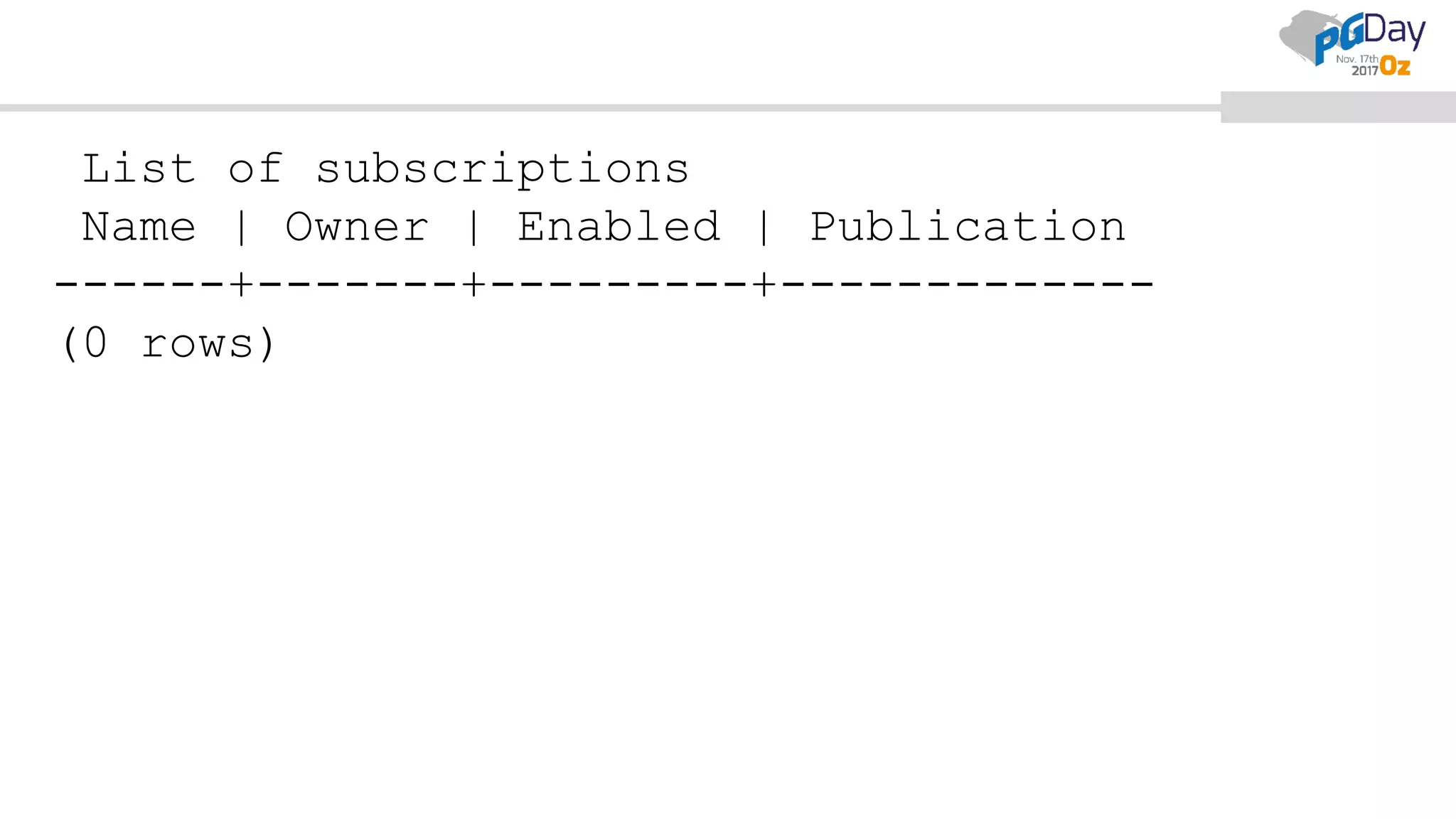
List of subscriptions
Name | Owner | Enabled | Publication
------+-------+---------+-------------
(0 rows)
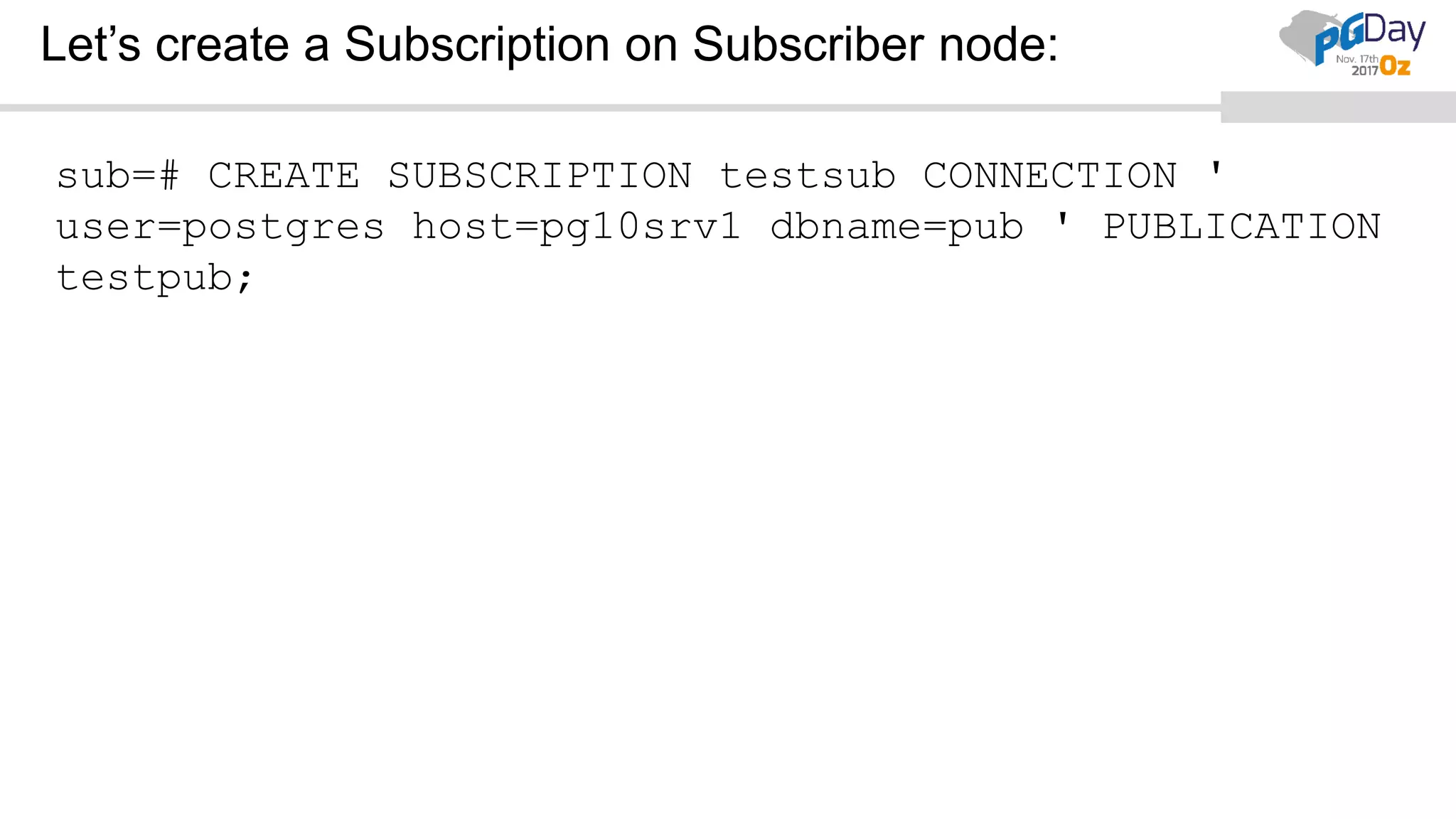
Let’s create a Subscription on Subscriber node:
sub=# CREATE SUBSCRIPTION testsub CONNECTION '
user=postgres host=pg10srv1 dbname=pub ' PUBLICATION
testpub;
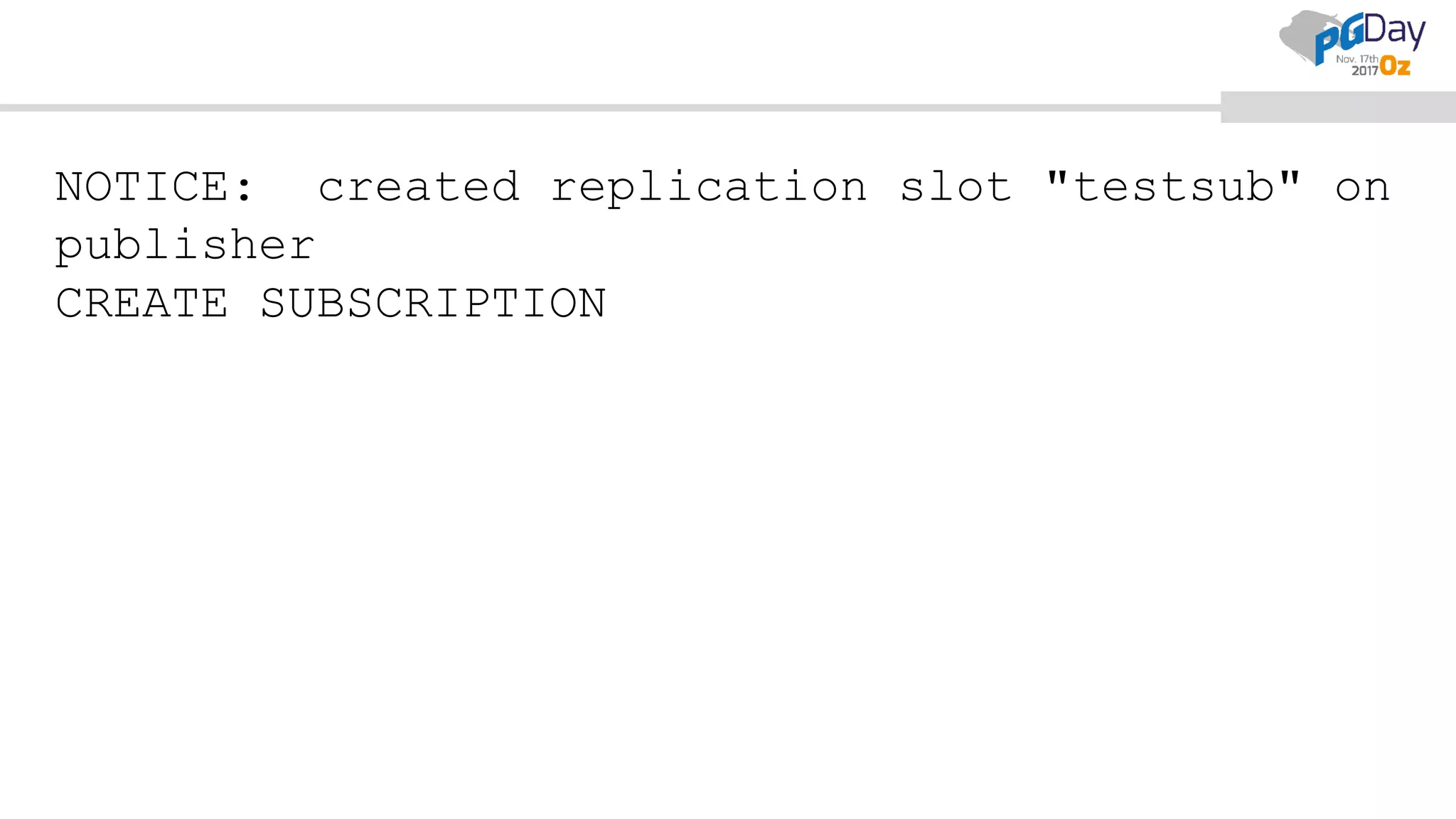
NOTICE: created replication slot "testsub" on
publisher
CREATE SUBSCRIPTION
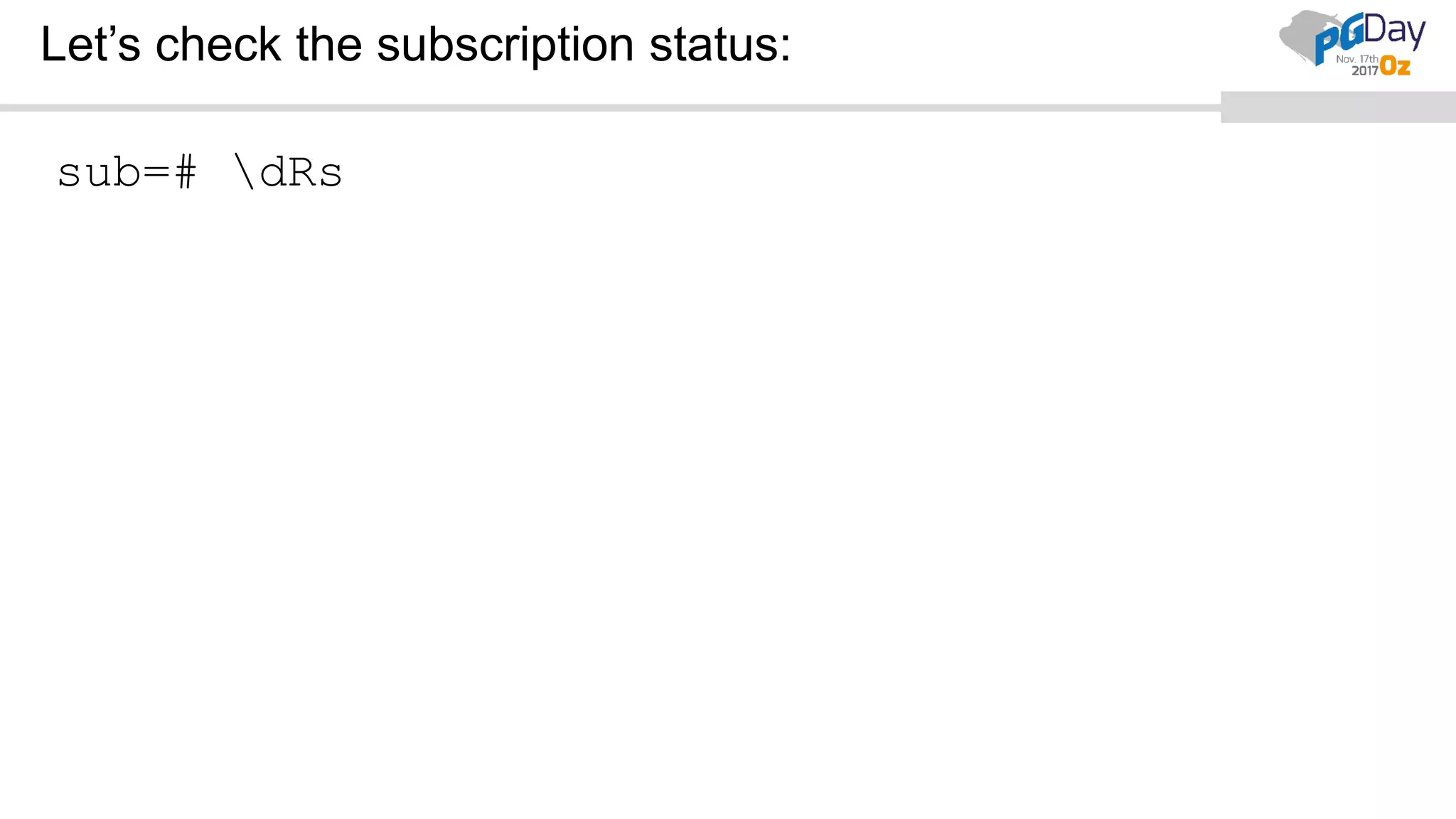
Let’s check the subscription status:
sub=# dRs
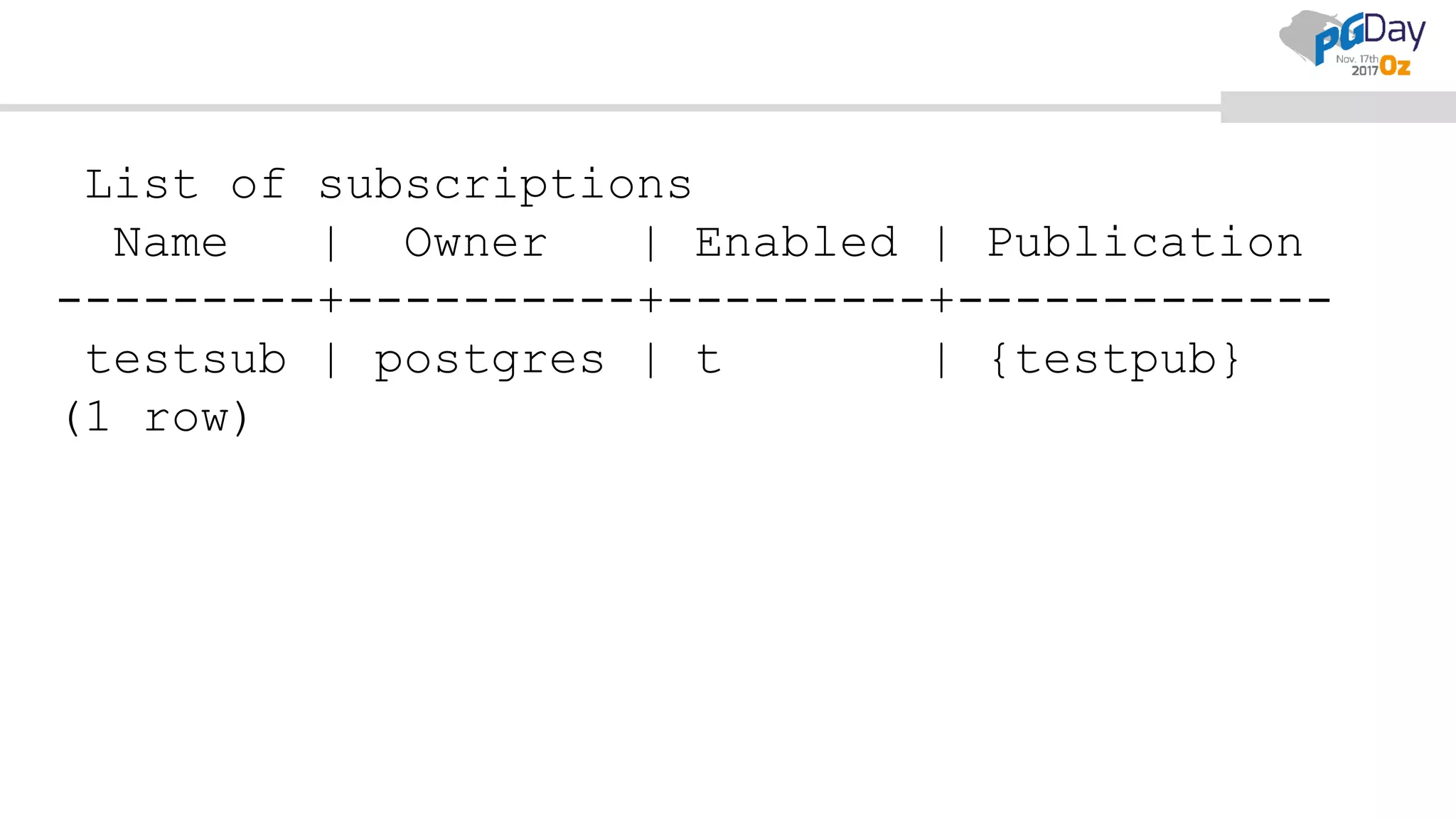
List of subscriptions
Name | Owner | Enabled | Publication
---------+----------+---------+-------------
testsub | postgres | t | {testpub}
(1 row)
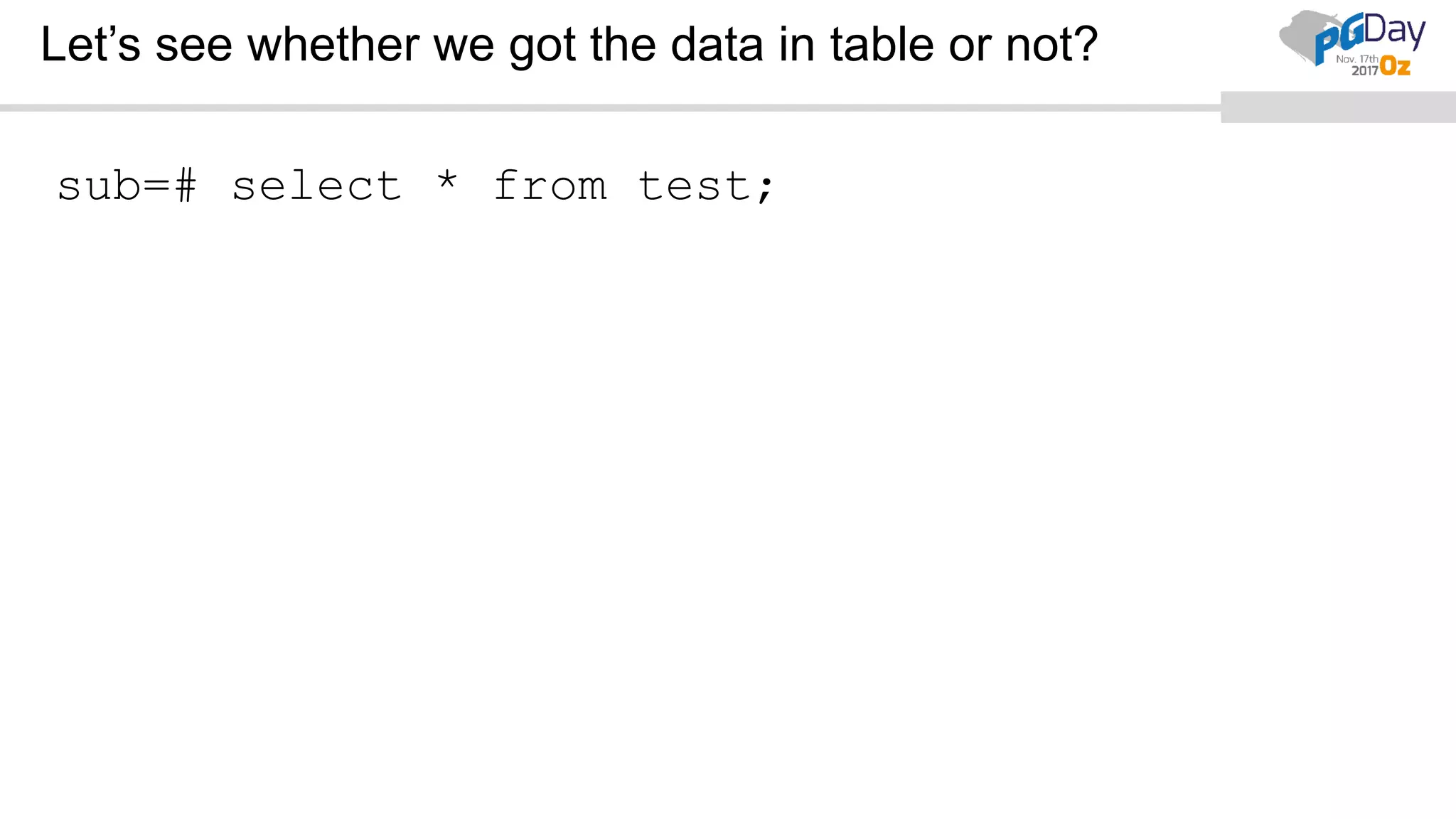
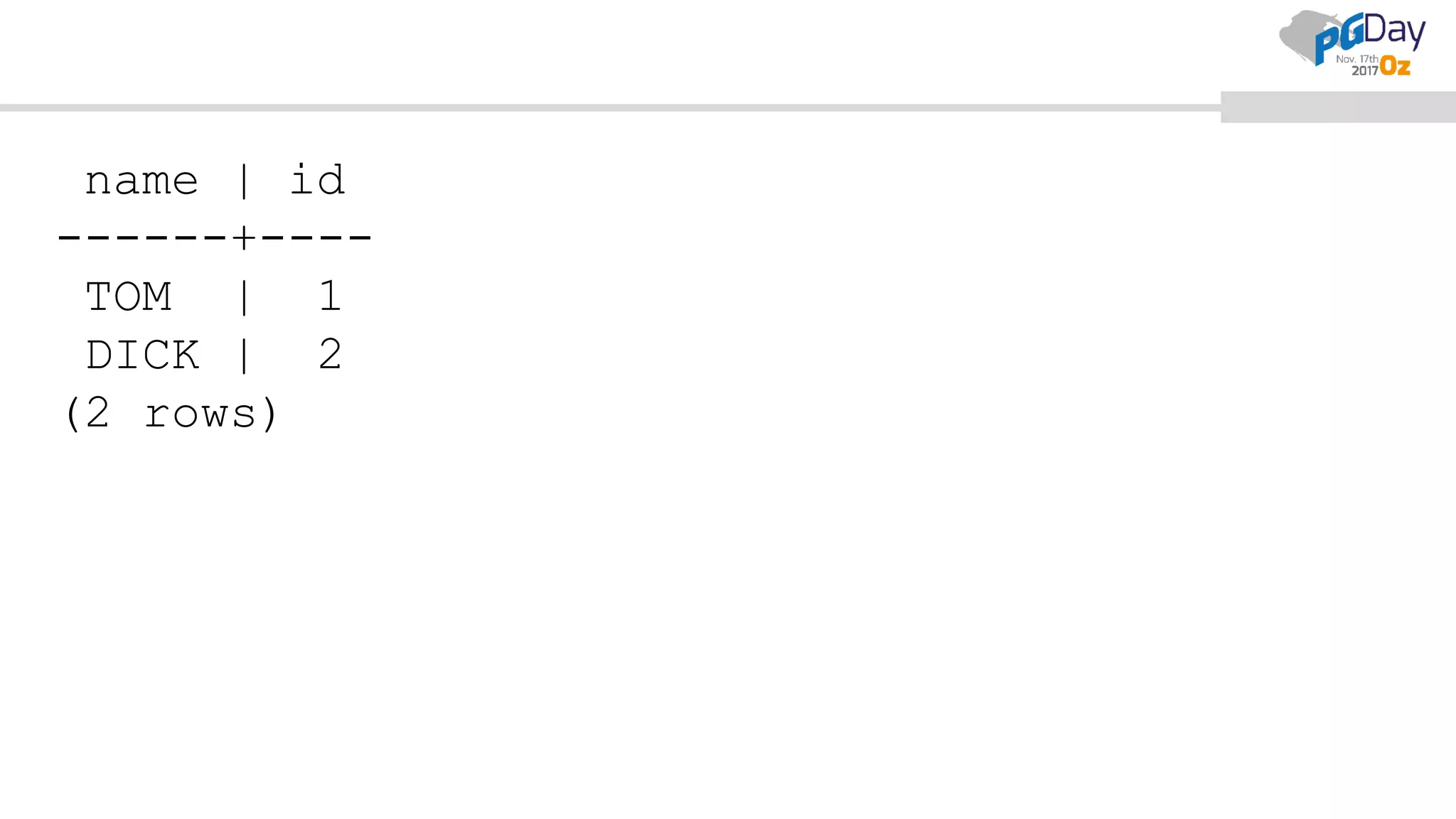
Let’s see whether we got the data in table or not?
sub=# select * from test;
name | id
------+----
TOM | 1
DICK | 2
(2 rows)
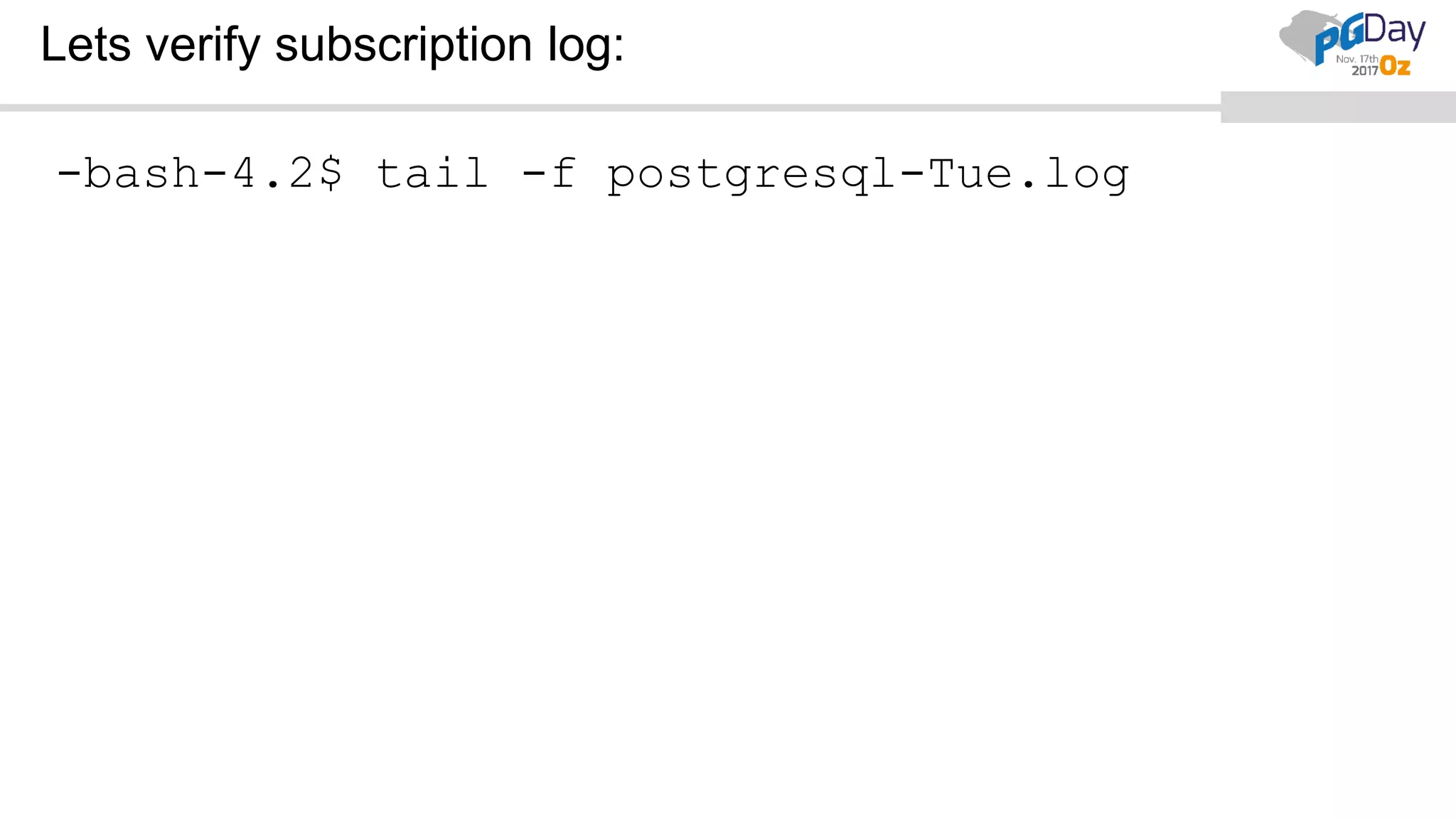
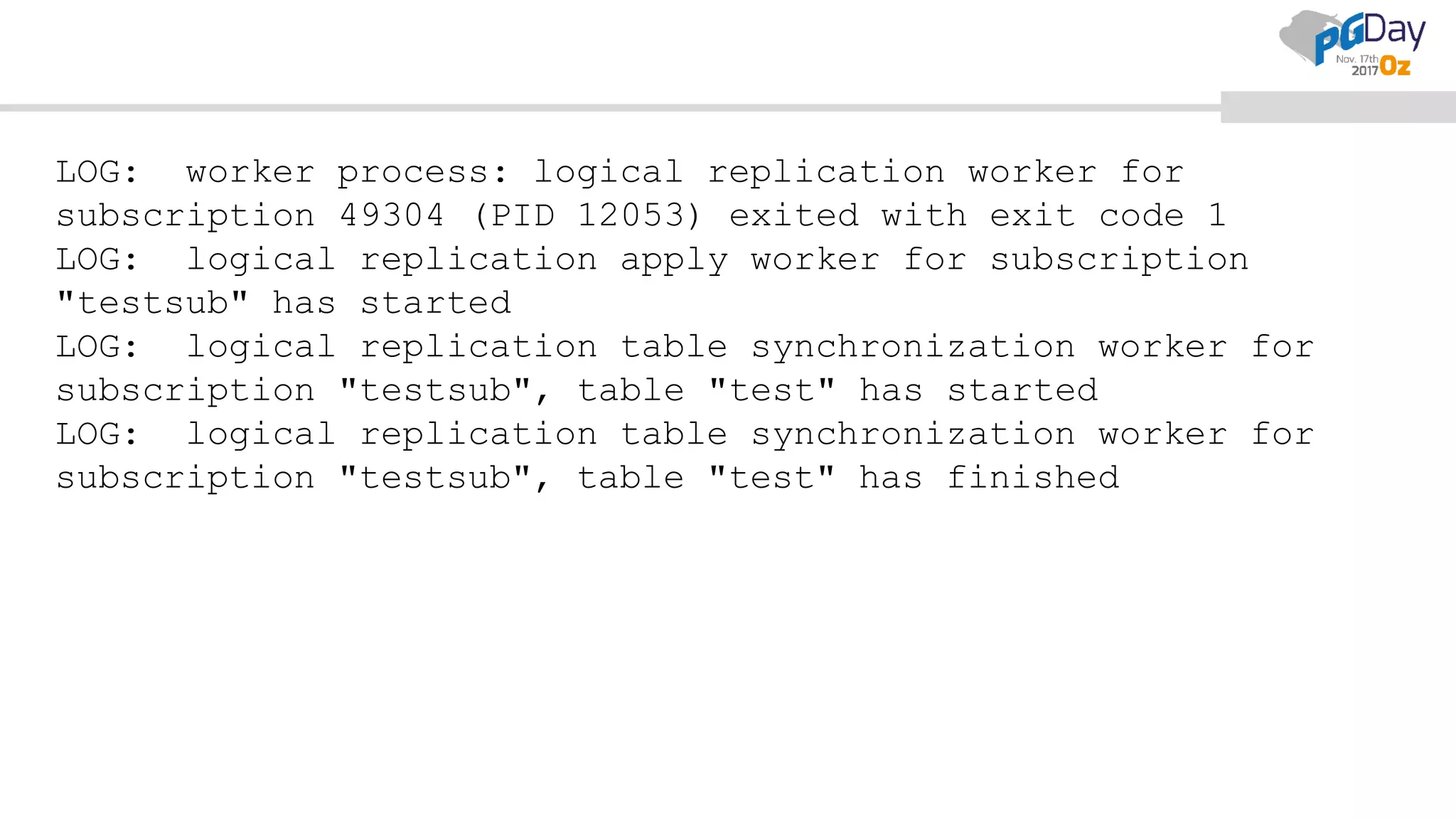
Lets verify subscription log:
-bash-4.2$ tail -f postgresql-Tue.log
LOG: worker process: logical replication worker for
subscription 49304 (PID 12053) exited with exit code 1
LOG: logical replication apply worker for subscription
"testsub" has started
LOG: logical replication table synchronization worker for
subscription "testsub", table "test" has started
LOG: logical replication table synchronization worker for
subscription "testsub", table "test" has finished
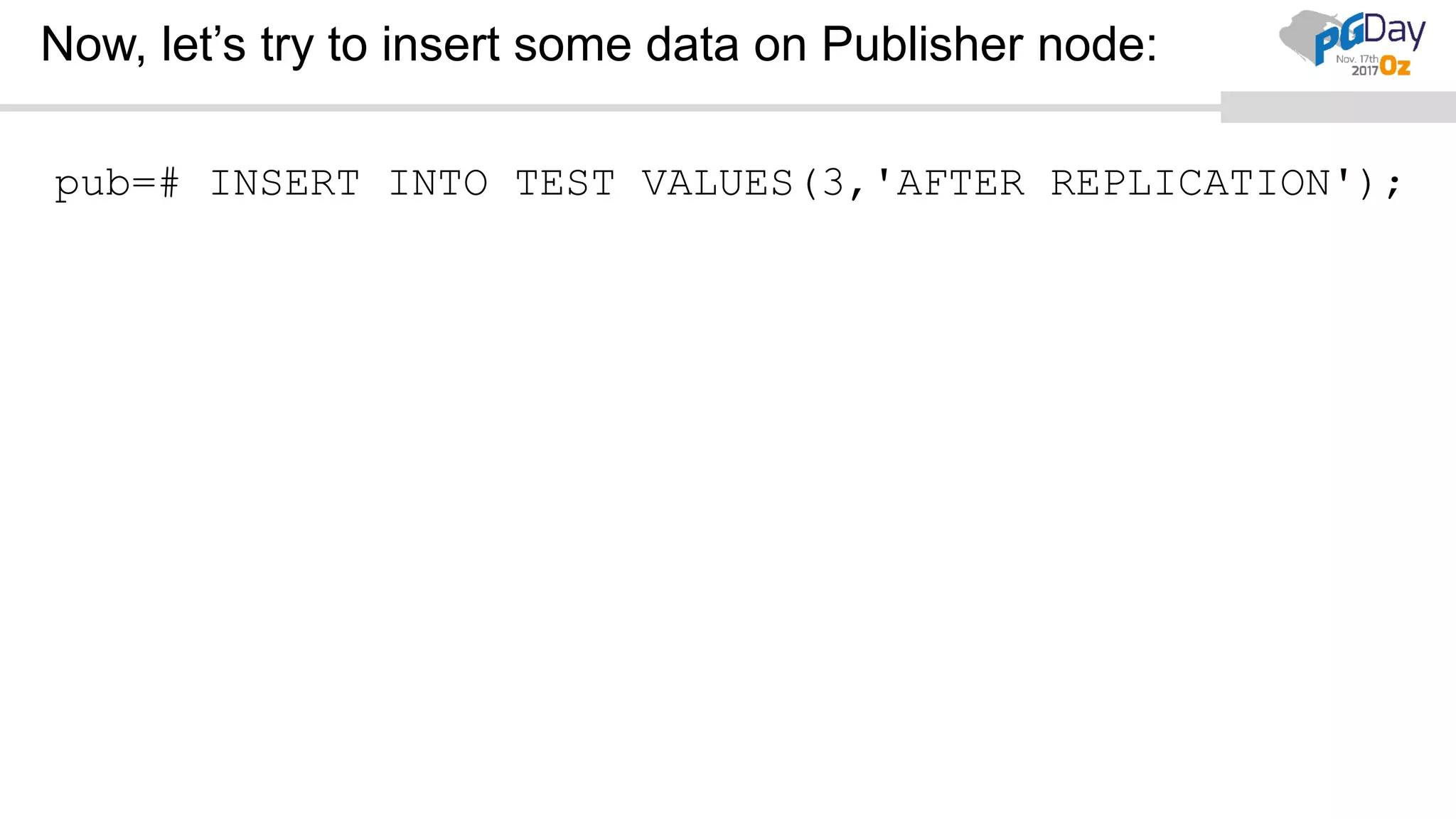
Now, let’s try to insert some data on Publisher node:
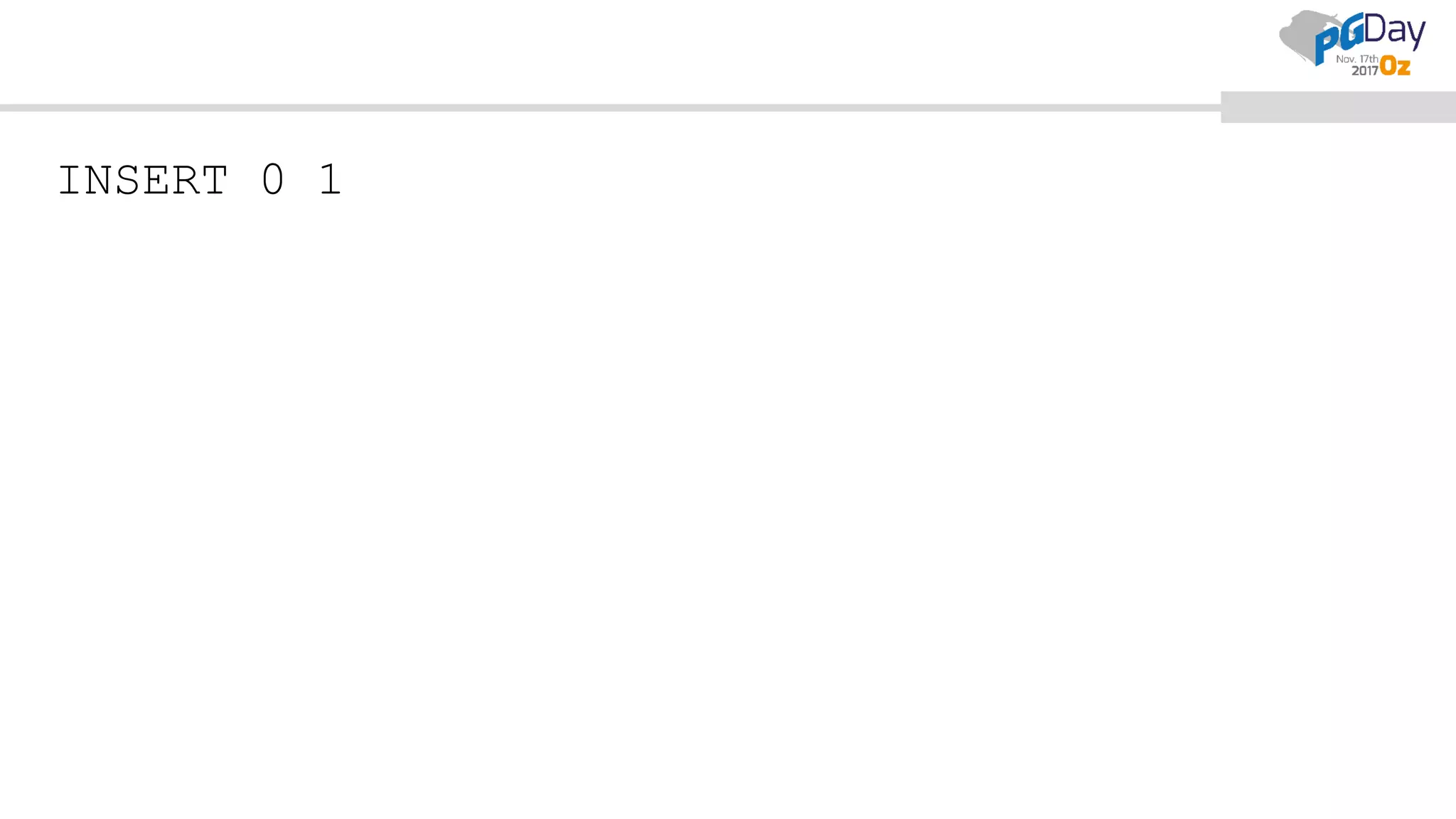
pub=# INSERT INTO TEST VALUES(3,'AFTER REPLICATION');
INSERT 0 1
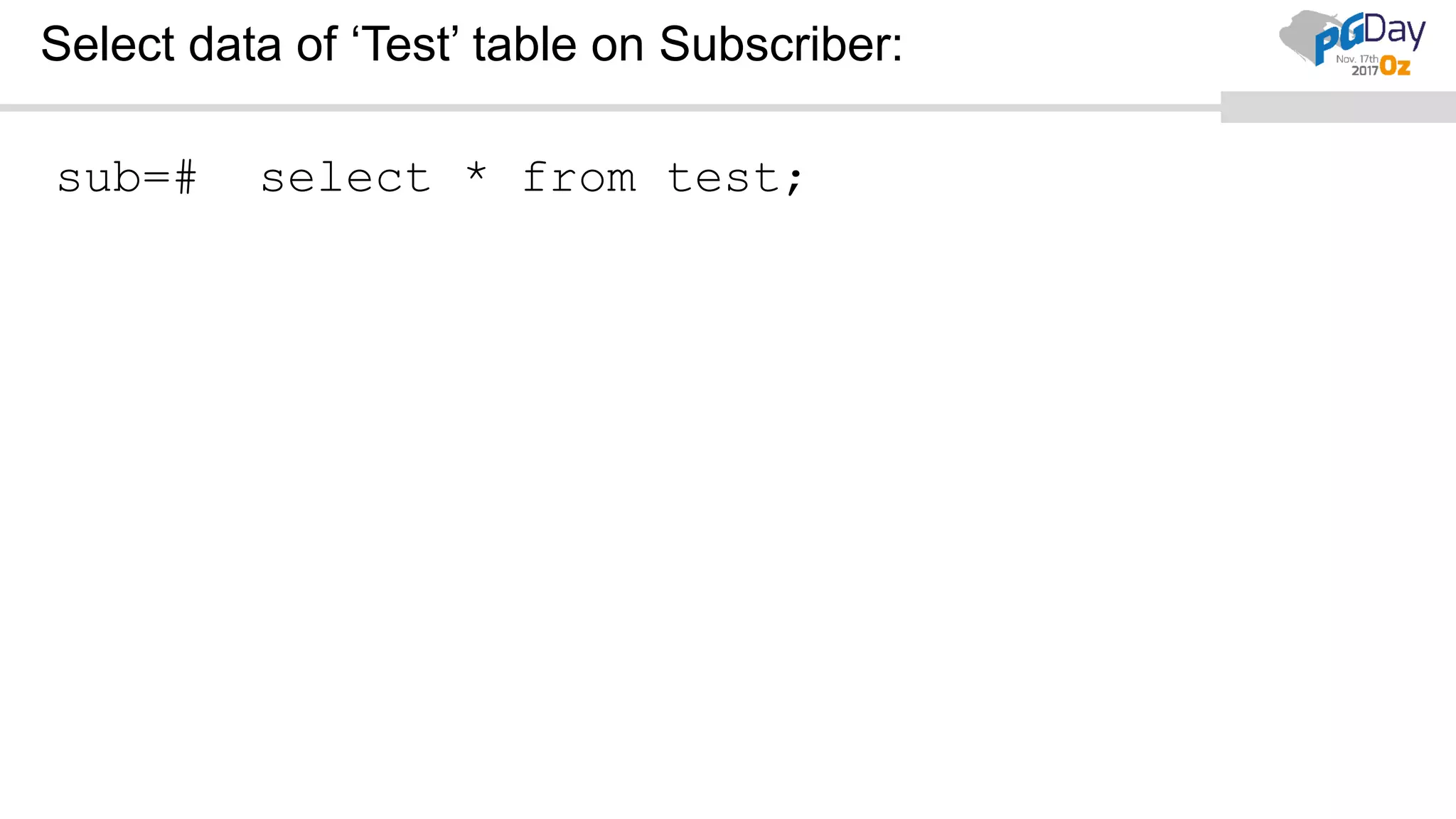
Select data of ‘Test’ table on Subscriber:
sub=# select * from test;
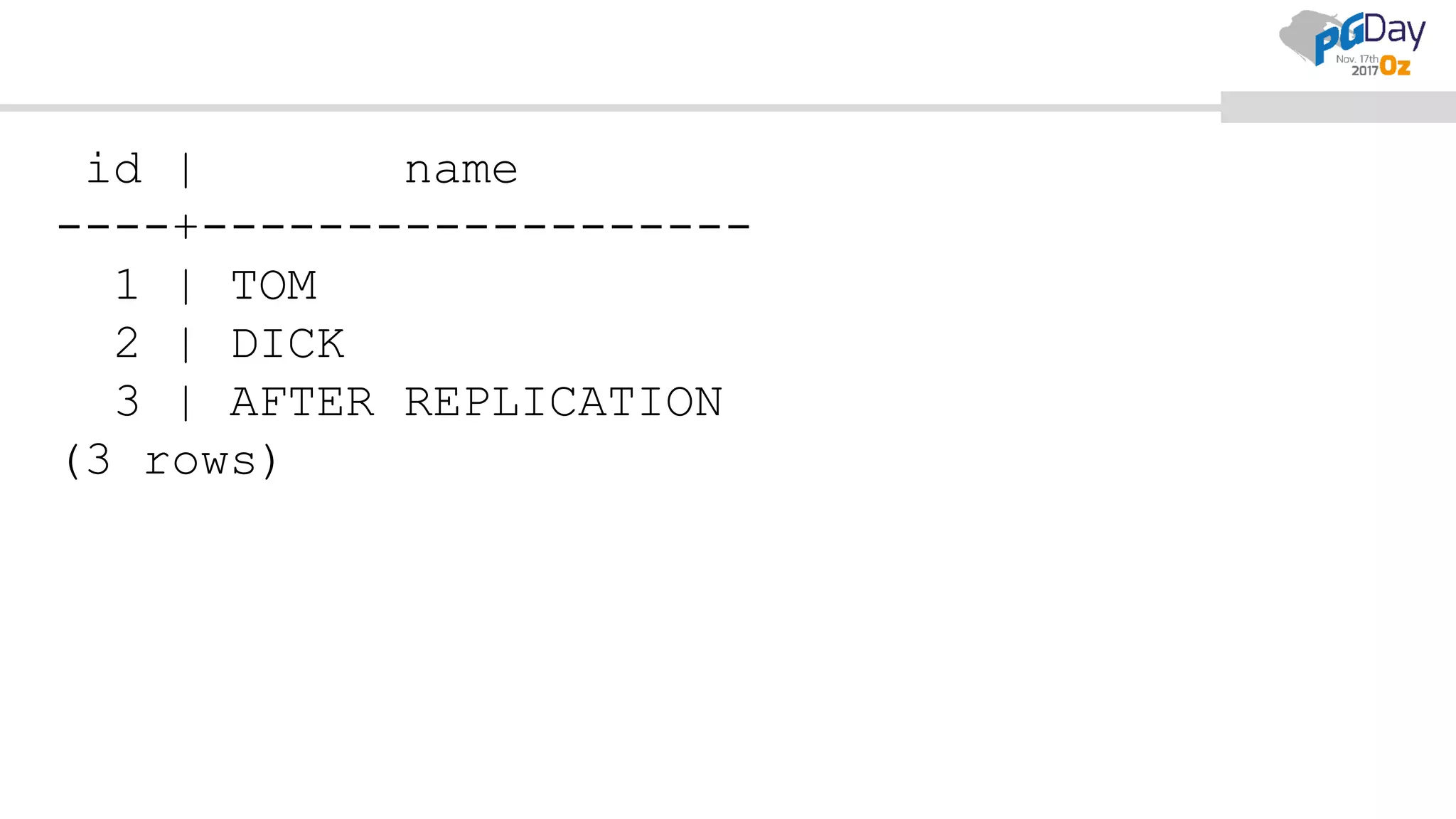
id | name
----+-------------------
1 | TOM
2 | DICK
3 | AFTER REPLICATION
(3 rows)
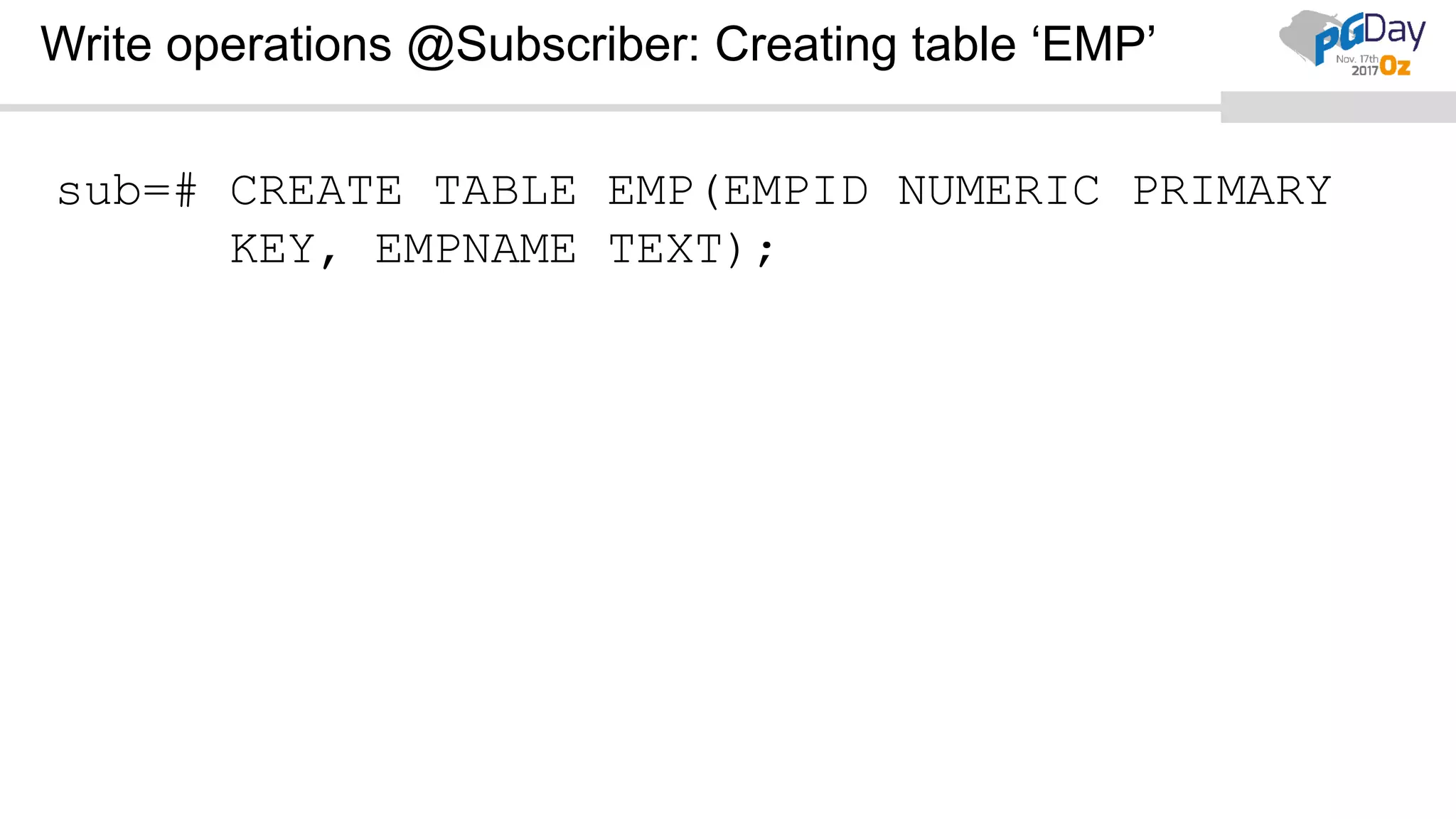
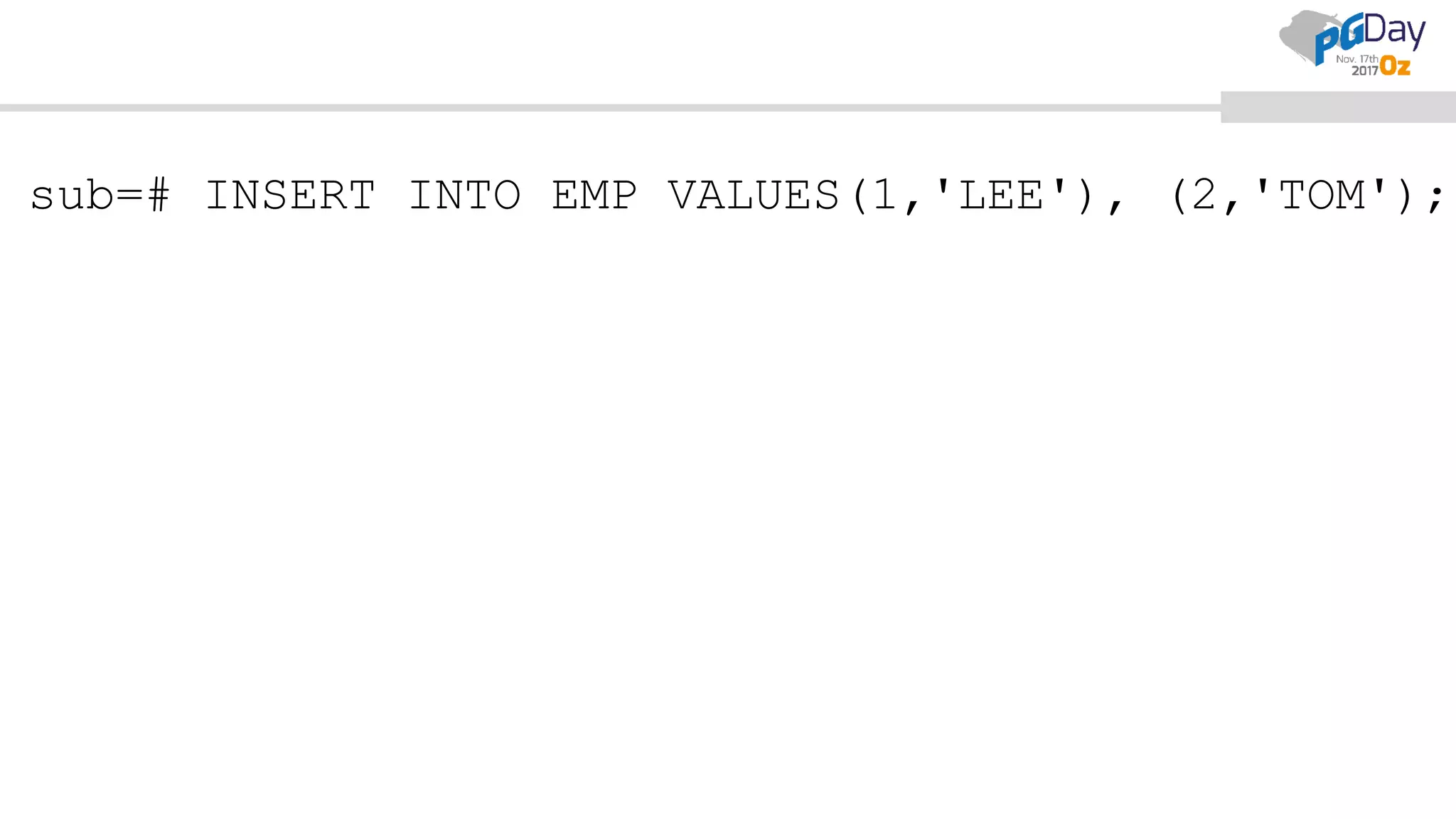
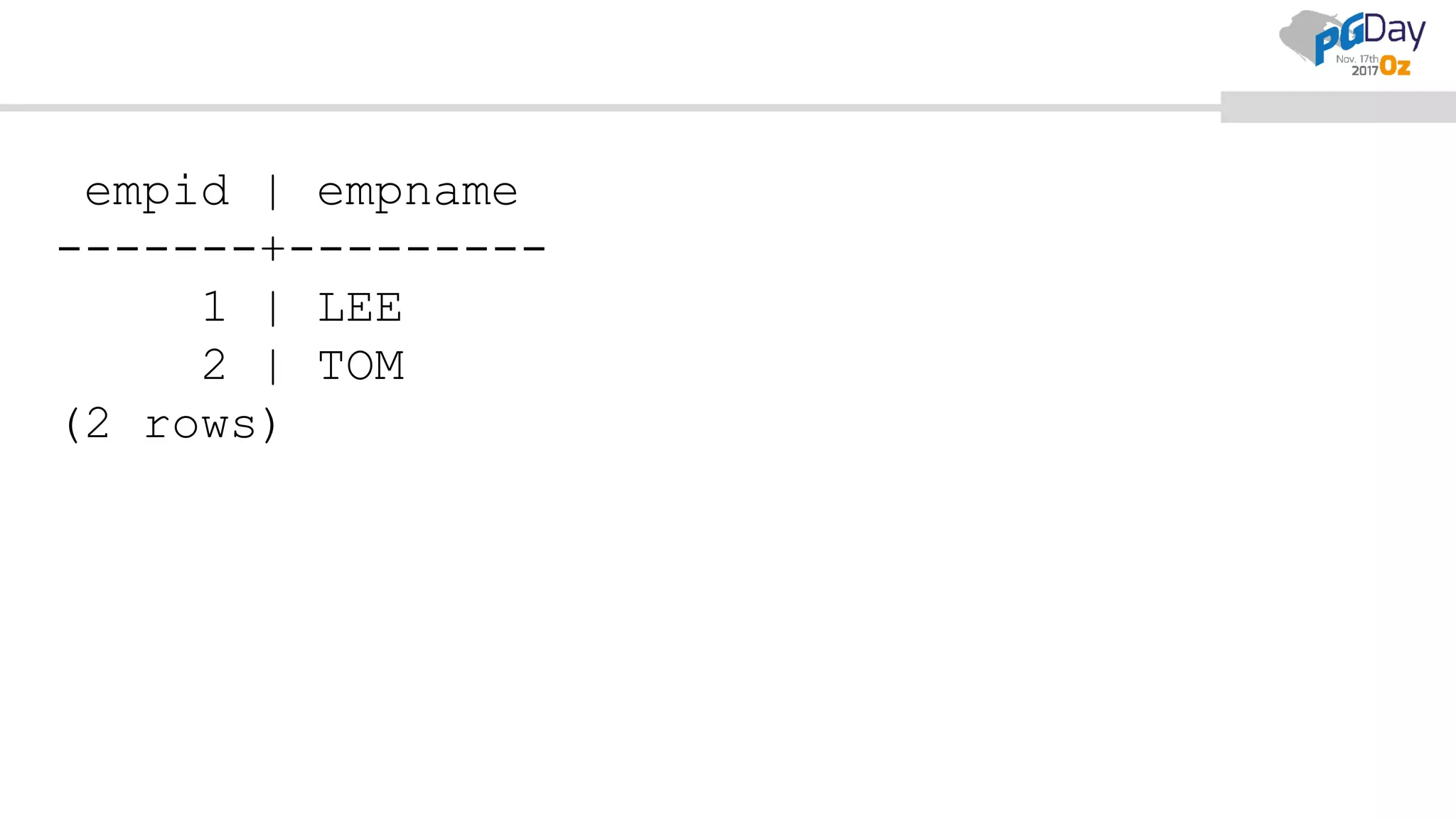
Write operations @Subscriber: Creating table ‘EMP’
sub=# CREATE TABLE EMP(EMPID NUMERIC PRIMARY
KEY, EMPNAME TEXT);
CREATE TABLE
sub=# INSERT INTO EMP VALUES(1,'LEE'), (2,'TOM');
empid | empname
-------+---------
1 | LEE
2 | TOM
(2 rows)
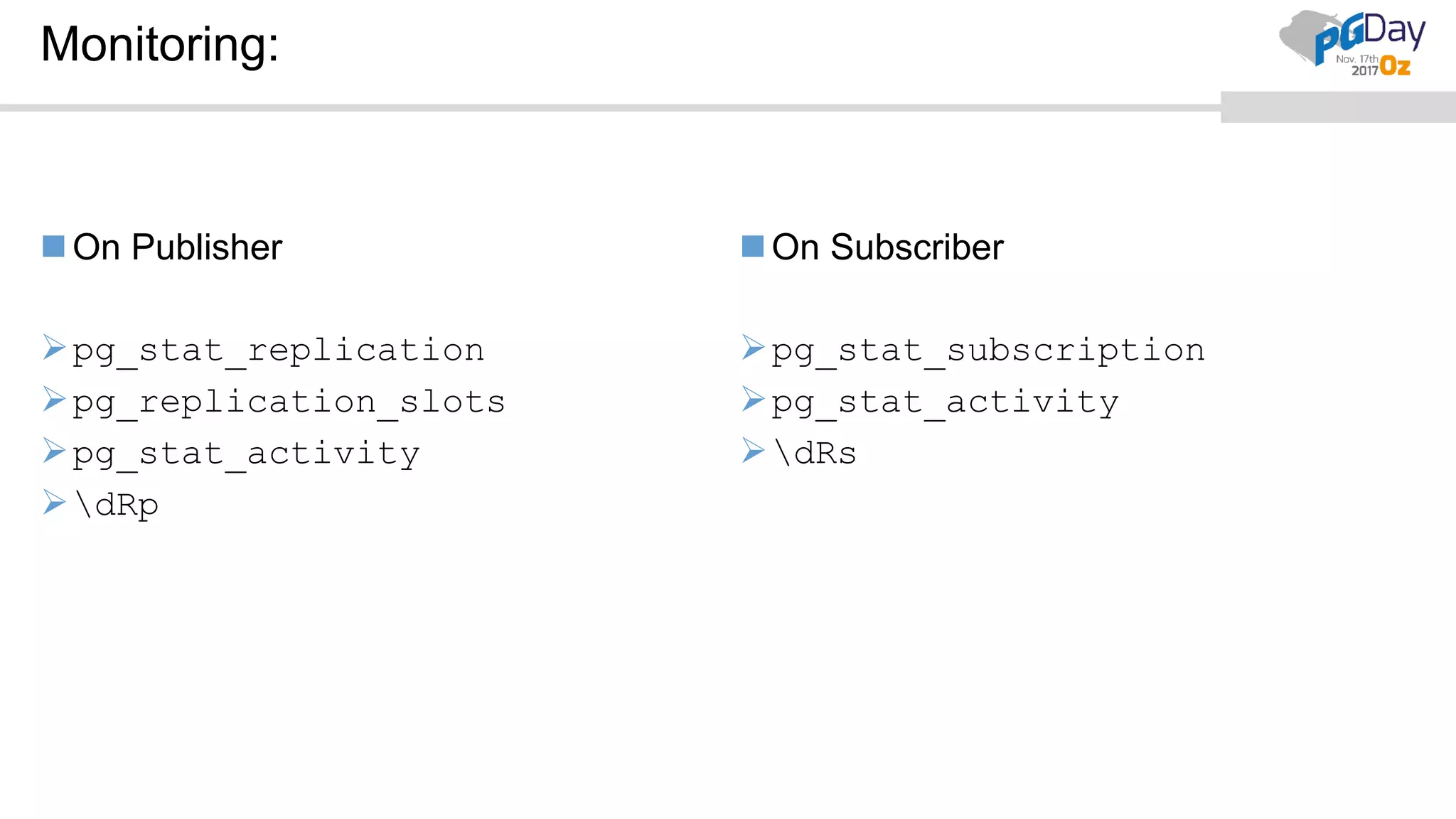
Monitoring:
On Publisher
pg_stat_replication
pg_replication_slots
pg_stat_activity
dRp
On Subscriber
pg_stat_subscription
pg_stat_activity
dRs
Precautions at Subscriber:
While Inserting rows.
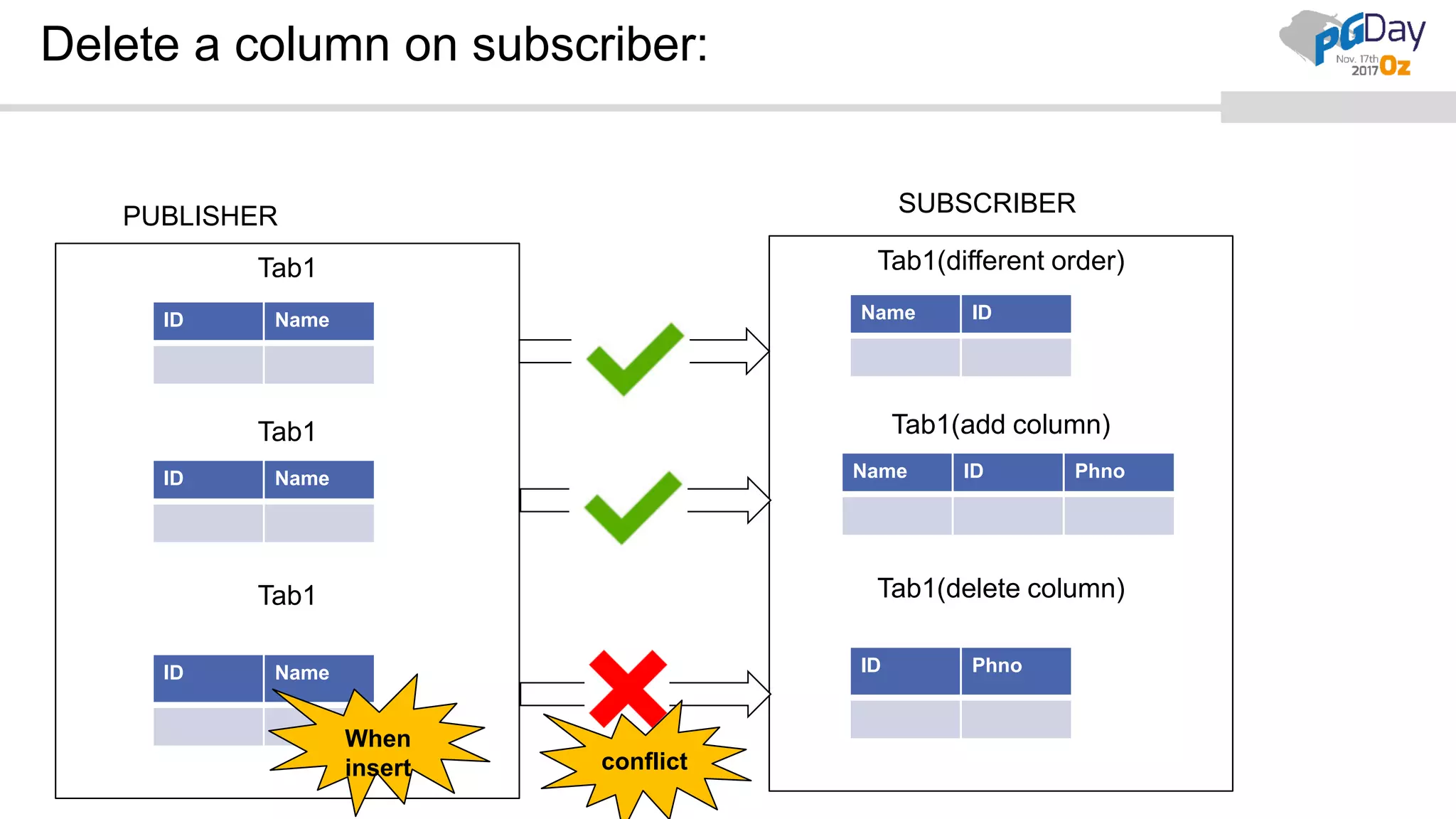
While modifying tables DDL – adding/dropping columns etc.
If not, will leads to conflicts.
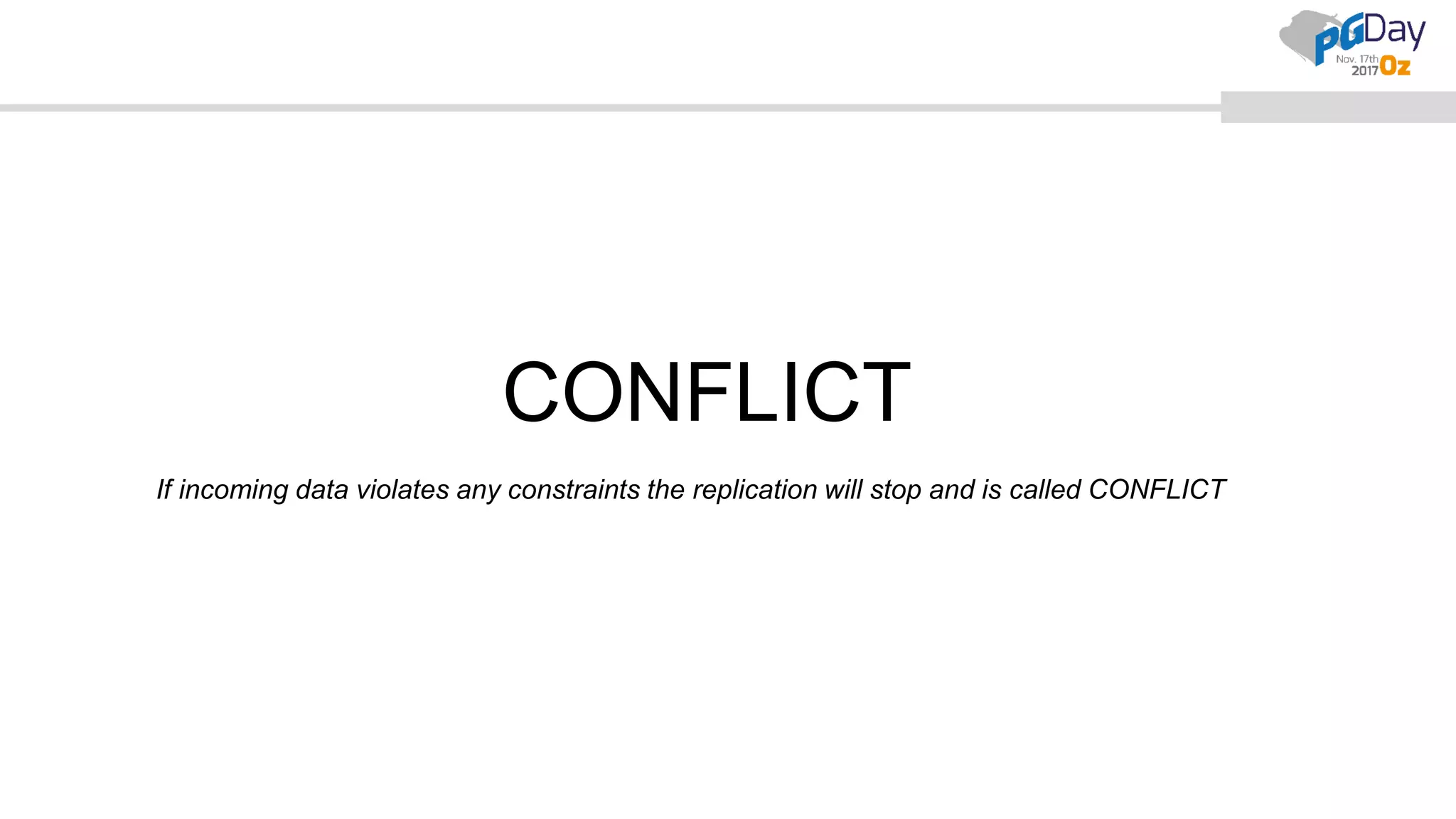
CONFLICT
If incoming data violates any constraints the replication will stop and is called CONFLICT
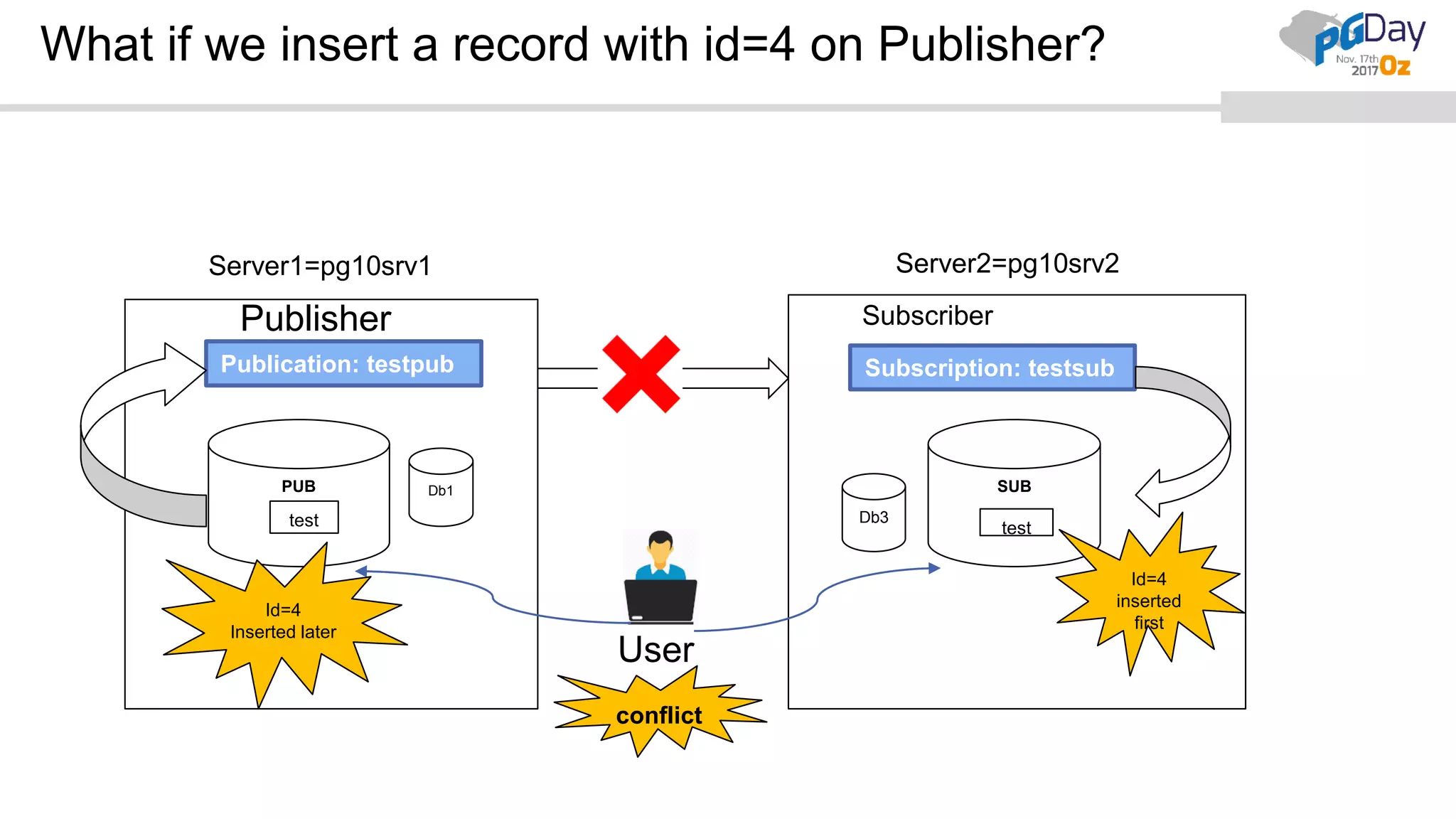
What if we insert a record with id=4 on Publisher?
User
Publisher
Db1PUB
Db3
SUB
testtest
Publication: testpub Subscription: testsub
Id=4
Inserted later
Id=4
inserted
first
Server1=pg10srv1 Server2=pg10srv2
conflict
Subscriber
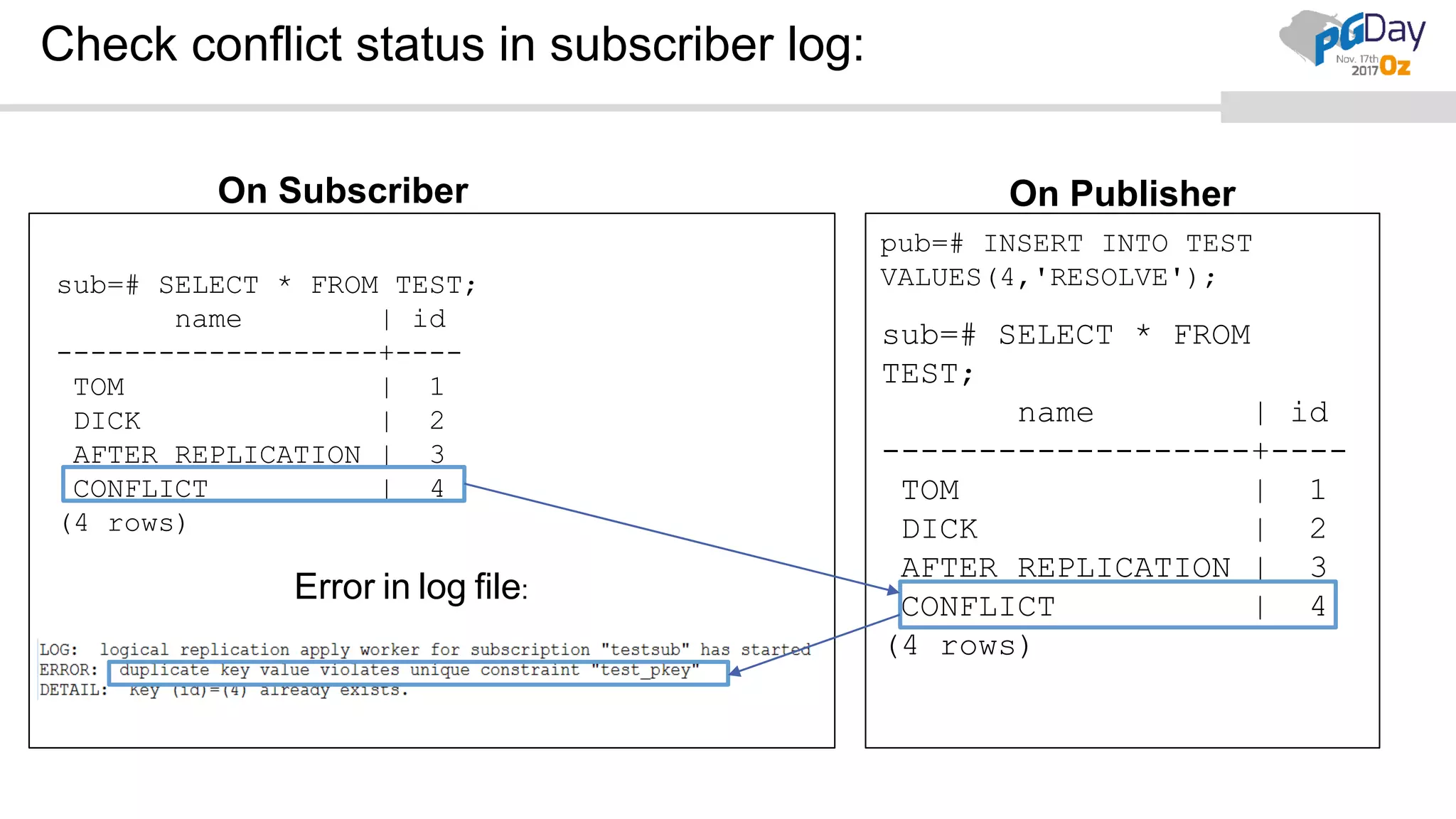
Check conflict status in subscriber log:
Error in log file:
On Subscriber On Publisher
sub=# SELECT * FROM TEST;
name | id
-------------------+----
TOM | 1
DICK | 2
AFTER REPLICATION | 3
CONFLICT | 4
(4 rows)
pub=# INSERT INTO TEST
VALUES(4,'RESOLVE');
sub=# SELECT * FROM
TEST;
name | id
-------------------+----
TOM | 1
DICK | 2
AFTER REPLICATION | 3
CONFLICT | 4
(4 rows)
Tab1
Tab1
Tab1
Delete a column on subscriber:
ID Name
ID Name
ID Name
PUBLISHER SUBSCRIBER
Tab1(different order)
Tab1(add column)
Tab1(delete column)
Name ID
Name ID Phno
ID Phno
conflict
When
insert
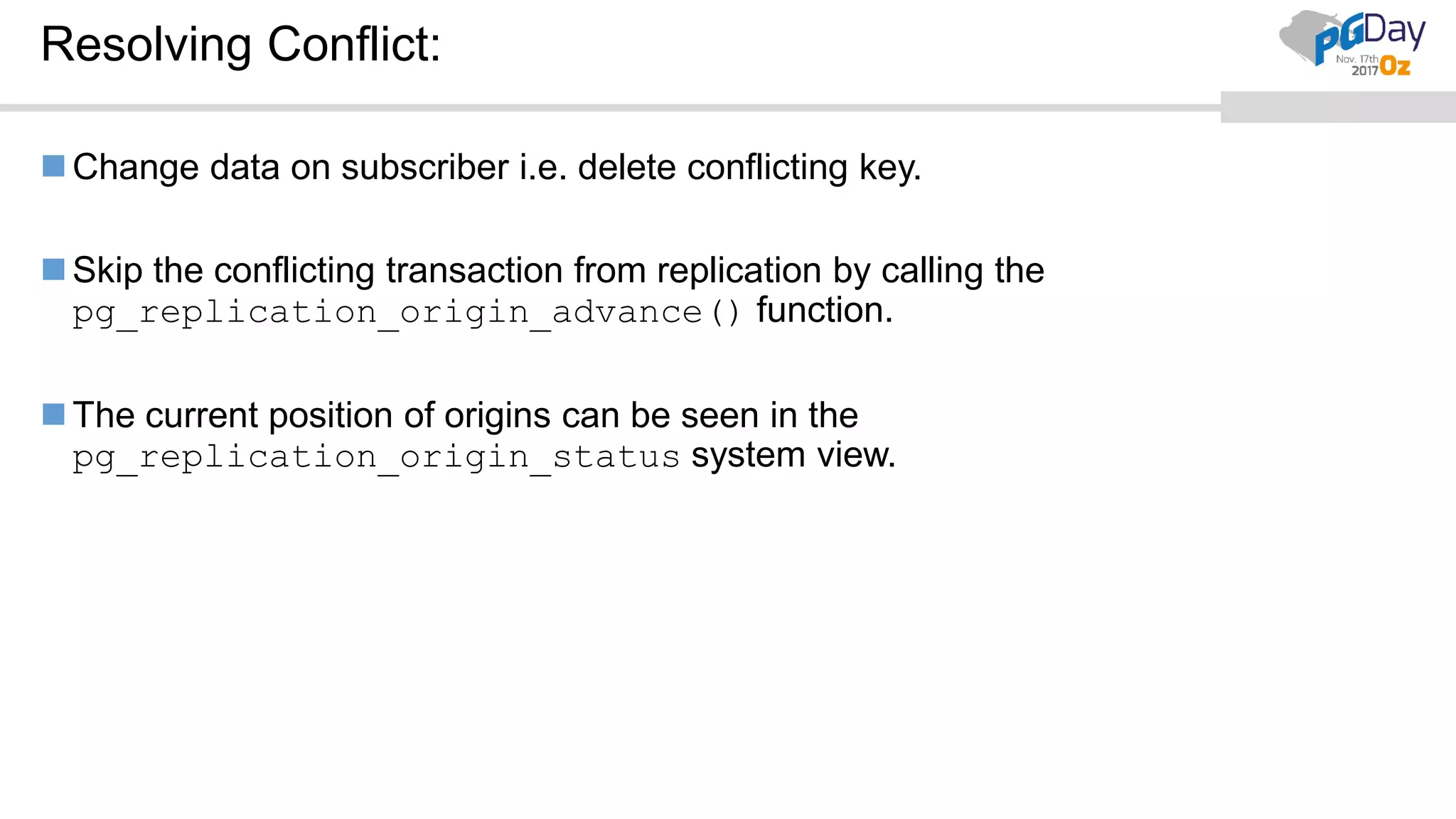
Resolving Conflict:
Change data on subscriber i.e. delete conflicting key.
Skip the conflicting transaction from replication by calling the
pg_replication_origin_advance() function.
The current position of origins can be seen in the
pg_replication_origin_status system view.
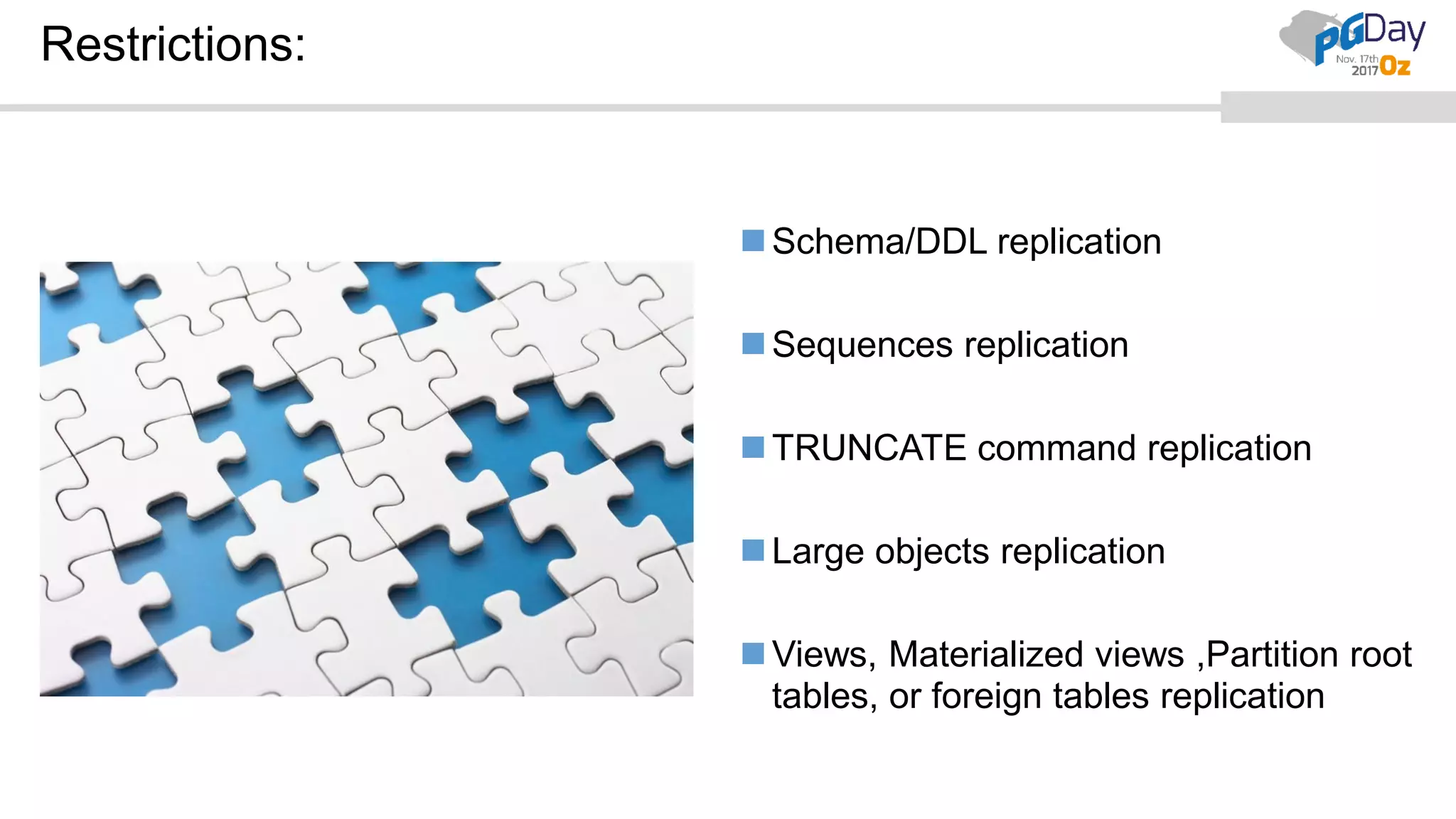
Restrictions:
Schema/DDL replication
Sequences replication
TRUNCATE command replication
Large objects replication
Views, Materialized views ,Partition root
tables, or foreign tables replication
Conclusion:
Good feature but still room to include more features.
No need to replicate whole instance.
Subscriber can be used for Write operations but with care.
Good for cross platform replication, different major version replication, write
operations on subscriber, like use cases.
Not the replacement of SR.
Thank you
Your speaker
Copyright 2017 FUJITSU LAUSTRALIA SOFTWARE TECHNOLOGY
Rajni Baliyan
Database Administrator
Fujitsu Enterprise Postgres / PostgreSQL
+61 2 9452 9017
rajnib@fast.au.fujitsu.com
postgesql.fastware.com
twitter.com/fujitsupostgres
linkedin.com/showcase/fujitsu-enterprtise-postgres
Q&A

Basics of Logical Replication,Streaming replication vs Logical Replication ,Use Cases in PostgreSQL10

  • 1.
    Need is themother of all Inventions. It is very true for PostgreSQL 10 Logical Replication PostgreSQL 10 Logical Replication By: Rajni Baliyan
  • 2.
    Agenda: PostgreSQL replication history. Logical Replication: Overview Usecases-SR vs LR Terminologies used in LR.  Publication, Publisher  Subscription, subscriber  Replication Slot Architecture Security Configuration Settings Quick Setup Monitoring Precautions- Conflicts Restrictions/Limitations Q&A
  • 4.
    Overview of PostgreSQLreplication 9.0 onwards: 9.0 hot standby, streaming replication (async) 9.1 pg_basebackup, streaming replication (sync) 9.2 9.3 standby switch timeline cascading streaming replication
  • 5.
    Overview of PostgreSQLreplication 9.0 onwards cont.. 9.4 Replication Slots, Logical Decoding (LD) 9.5 pg_rewind 9.6 10 Native support for Logical replication. More support to LD
  • 6.
    Logical Replication: Overview Replicating/capturinglogical changes based upon their replica identity using replication slots. Propagate any changes (Insert, Update, Delete, all, combination) to replica. Uses a publish and subscribe model. Publisher-Sender Subscriber- Receiver Subscribers pulls data from publications. Generally ‘asynchronous’ in nature.
  • 7.
    Why Logical Replicationover Streaming Replication? Features Streaming Replication Logical Replication Replication Type Binary replication(byte-by-byte) Selective row level changes (logical change) Hardware/OS Same (Linux-Linux) Can be different(Linux-Windows) Replication between major versions Not supported Supported. Replication Level Instance level Object level(table) Consolidation No consolidation Consolidating is possible Replica/ Subscriber- Open Mode Standby is in read-only mode Subscriber can be used for write operations
  • 8.
    Use Case1: Crossplatform replication  Cross Platform : Linux  Windows Db1 Db2 Db2 Logical Replication PostgreSQL 10 server1 PostgreSQL 10 server2 tb1 tb1
  • 9.
    Create Subs. onWindows using Linux pub.
  • 10.
    Insert on server1Select on server2
  • 11.
    Use Case2: Crossversion:  Cross Version: Replication between different major versions of PostgreSQL Db1 Db2 Db3 Logical Replication PostgreSQL 11 server2PostgreSQL10 server1 tb1 tb1
  • 12.
    Use Case3: Writeoperation @Subscriber:  Modifying objects and adding new tables, insert records on subscriber. Tbl1 Tbl1 Logical ReplicationID Name Name ID Phno ID Title Name Tbl2 PostgreSQL 10 server2PostgreSQL 10 server1 PUB SUB
  • 13.
    Use Case4: Consolidatingmultiple databases PostgreSQL Server1 PostgreSQL Server2(reporting) PostgreSQL Server3  Can be helpful for reporting or analytical purposes  Can replicate even few tables from one DB to another on different servers. db1 db3 db2 db4 db5 Reporting db6 tb1 tb1 tb2 tb2
  • 14.
    Terminology used inLogical Replication: Publisher/Publication Subscriber/Subscription Replication Slot Replica Identity
  • 15.
    Publisher/Publication CREATE ALTER DROP Replica Identity Firstcreate tables to include in publication and then create publication.
  • 16.
    Publisher/Publication Publisher  nodewhere a publication is defined. Publication  set of changes defined for tables. Publication can be defined on any physical replication master. DB name can be different from Subscriber. Create publication using the ‘CREATE’ command and can be later ALTERED and DROPPED. A published table should exists before creating publication and must have a “replica identity“ (can be primary key or index). Operations possible on tables- INSERT, UPDATE, and DELETE, combinations, or ALL(default) UPDATE or DELETE operations on publisher without replica identity will give error. Same replica identity has to be set at subscription side as well. Currently replicates only tables.
  • 17.
    Commands related toPublication: Create: • CREATE PUBLICATION testpub FOR TABLE tb1, tb2; • CREATE PUBLICATION testpub FOR TABLE tbl3 WITH (publish = 'insert, update'); • CREATE PUBLICATION testpub FOR ALL TABLES; Alter : • ALTER PUBLICATION testpub ADD TABLE tb4, tbl5; • ALTER PUBLICATION testpub SET TABLE tbl4, tbl5; • ALTER PUBLICATION testpub DROP TABLE tbl4, tbl5; Drop: • DROP PUBLICATION testpub; • DROP PUBLICATION testpub, testpub1;
  • 18.
    Subscriber/Subscription First create tableswith same name, same column name and type, same replica identity as publication. Later create subscription.
  • 19.
    Subscription: Subscription  Downstreamside of logical replication and this node is called subscriber. It can be used as a publisher for other databases. Multiple subscriptions on one subscriber is possible. Subscription should be created using superuser. Same table names at publisher and subscriber. Tables should be created first before creating a subscription. Same columns in source and target tables with same data type but can have different order.
  • 20.
    Commands related toSubscription: Create: • CREATE SUBSCRIPTION testsub1 CONNECTION 'host=<remote> 'dbname=<db> user=<user>' PUBLICATION testpub1,testpub2; • CREATE SUBSCRIPTION mysub1 CONNECTION '...' PUBLICATION ...WITH (enabled = false,create_slot = false,slot_name = 'myslot', copy_data = false, ...); Alter: • ALTER SUBSCRIPTION testsub ENABLE/DISABLE; • ALTER SUBSCRIPTION testsub CONNECTION 'host=newhost ...'; • ALTER SUBSCRIPTION testsub SET(slot_name = 'newslot‘/’NONE’); • ALTER SUBSCRIPTION testsub REFRESH PUBLICATION; Drop: • DROP SUBSCRIPTION testsub;
  • 21.
    Security For creating publication: CREATE privilege in the database. To add tables to a publication, the user must have Ownership rights on the table. To create a subscription, the user must be a superuser. Role used for the replication connection must have the REPLICATION attribute (or be a superuser) Entry for replication role in pg_hba.conf
  • 22.
    Configuration Settings Parameters: tobe set in postgresql.conf @Publisher  wal_level = logical  # max_replication_slots  default value= 10  # max_wal_senders  default value= 10 @Subscribers  # max_replication_slots  default value= 10  # max_logical_replication_workers  default value= 4  # max_worker_processes  # max_sync_workers_per_subscription  default value= 8 * Note: For remote connections, set- listen_addresses and pg_hba.conf
  • 23.
  • 24.
    Settings required fordemo: 1. Setting postgresql.conf @Publisher wal_level = logical  Note: Default values of other required parameters will suffice for this demo. 2. Use replication role(CREATE ROLE replication WITH REPLICATION PASSWORD ‘’ LOGIN; 3. Setting pg_hba.conf on both nodes.  host all postgres 0.0.0.0/0 SCRAM-SHA-256  host all replication 0.0.0.0/0 SCRAM-SHA-256 * Note :The values here depend on your actual network configuration
  • 25.
    Overview of Demo: Server1=pg10srv1Server2=pg10srv2 SubscriberPublisher PUB SUB test emptest Publication: testpub Subscription: testsub User Subscriber
  • 26.
    Creating database ‘PUB’on Publisher: postgres=# CREATE DATABASE PUB;
  • 27.
  • 28.
    Creating table ‘TEST’on Publisher: pub=# CREATE TABLE TEST(ID NUMERIC PRIMARY KEY,NAME TEXT);
  • 29.
  • 30.
    Insert some recordsin table ‘TEST’: pub=# INSERT INTO TEST VALUES(1,'TOM'), (2,'DICK');
  • 31.
  • 32.
    Select records oftable ‘TEST’ : pub=# select * from test;
  • 33.
    id | name ----+------ 1| TOM 2 | DICK (2 rows)
  • 34.
    Let’s see whetherthere is any Publication or not? pub=# dRp
  • 35.
    List of publications Name| Owner | All tables | Inserts | Updates | Deletes ------+-------+------------+---------+---------+-------- (0 rows)
  • 36.
    Let’s create aPublication on Publisher node: pub=# CREATE PUBLICATION testpub FOR TABLE TEST;
  • 37.
  • 38.
    Let’s check thepublication status: pub=# dRp
  • 39.
    * Default operationperformed on tables is ‘All’ i.e. Insert, update and delete. List of publications Name | Owner | All tables | Inserts | Updates | Deletes ---------+----------+------------+---------+---------+-------- - testpub | postgres | f | t | t | t (1 row)
  • 40.
    This publication shouldnow be added to the tables: pub=# d test
  • 41.
    Table "public.test" Column |Type | Collation | Nullable | Default --------+---------+-----------+----------+--------- id | numeric | | not null | name | text | | | Indexes: "test_pkey" PRIMARY KEY, btree (id) Publications: "testpub"
  • 42.
    Now let’s setup subscription on subscriber
  • 43.
    Let’s create anew database ‘SUB’ on Subscriber: postgres=# CREATE DATABASE SUB;
  • 44.
  • 45.
    Creating table ‘TEST’on Subscriber: sub=# CREATE TABLE TEST(NAME TEXT ,ID NUMERIC PRIMARY KEY);  Order of columns can be different.
  • 46.
  • 47.
    Let’s see whetherthere is any Subscription or not? sub=# dRs
  • 48.
    List of subscriptions Name| Owner | Enabled | Publication ------+-------+---------+------------- (0 rows)
  • 49.
    Let’s create aSubscription on Subscriber node: sub=# CREATE SUBSCRIPTION testsub CONNECTION ' user=postgres host=pg10srv1 dbname=pub ' PUBLICATION testpub;
  • 50.
    NOTICE: created replicationslot "testsub" on publisher CREATE SUBSCRIPTION
  • 51.
    Let’s check thesubscription status: sub=# dRs
  • 52.
    List of subscriptions Name| Owner | Enabled | Publication ---------+----------+---------+------------- testsub | postgres | t | {testpub} (1 row)
  • 53.
    Let’s see whetherwe got the data in table or not? sub=# select * from test;
  • 54.
    name | id ------+---- TOM| 1 DICK | 2 (2 rows)
  • 55.
    Lets verify subscriptionlog: -bash-4.2$ tail -f postgresql-Tue.log
  • 56.
    LOG: worker process:logical replication worker for subscription 49304 (PID 12053) exited with exit code 1 LOG: logical replication apply worker for subscription "testsub" has started LOG: logical replication table synchronization worker for subscription "testsub", table "test" has started LOG: logical replication table synchronization worker for subscription "testsub", table "test" has finished
  • 57.
    Now, let’s tryto insert some data on Publisher node: pub=# INSERT INTO TEST VALUES(3,'AFTER REPLICATION');
  • 58.
  • 59.
    Select data of‘Test’ table on Subscriber: sub=# select * from test;
  • 60.
    id | name ----+------------------- 1| TOM 2 | DICK 3 | AFTER REPLICATION (3 rows)
  • 61.
    Write operations @Subscriber:Creating table ‘EMP’ sub=# CREATE TABLE EMP(EMPID NUMERIC PRIMARY KEY, EMPNAME TEXT);
  • 62.
  • 63.
    sub=# INSERT INTOEMP VALUES(1,'LEE'), (2,'TOM');
  • 64.
  • 65.
  • 66.
    Precautions at Subscriber: WhileInserting rows. While modifying tables DDL – adding/dropping columns etc. If not, will leads to conflicts.
  • 67.
    CONFLICT If incoming dataviolates any constraints the replication will stop and is called CONFLICT
  • 68.
    What if weinsert a record with id=4 on Publisher? User Publisher Db1PUB Db3 SUB testtest Publication: testpub Subscription: testsub Id=4 Inserted later Id=4 inserted first Server1=pg10srv1 Server2=pg10srv2 conflict Subscriber
  • 69.
    Check conflict statusin subscriber log: Error in log file: On Subscriber On Publisher sub=# SELECT * FROM TEST; name | id -------------------+---- TOM | 1 DICK | 2 AFTER REPLICATION | 3 CONFLICT | 4 (4 rows) pub=# INSERT INTO TEST VALUES(4,'RESOLVE'); sub=# SELECT * FROM TEST; name | id -------------------+---- TOM | 1 DICK | 2 AFTER REPLICATION | 3 CONFLICT | 4 (4 rows)
  • 70.
    Tab1 Tab1 Tab1 Delete a columnon subscriber: ID Name ID Name ID Name PUBLISHER SUBSCRIBER Tab1(different order) Tab1(add column) Tab1(delete column) Name ID Name ID Phno ID Phno conflict When insert
  • 71.
    Resolving Conflict: Change dataon subscriber i.e. delete conflicting key. Skip the conflicting transaction from replication by calling the pg_replication_origin_advance() function. The current position of origins can be seen in the pg_replication_origin_status system view.
  • 72.
    Restrictions: Schema/DDL replication Sequences replication TRUNCATEcommand replication Large objects replication Views, Materialized views ,Partition root tables, or foreign tables replication
  • 73.
    Conclusion: Good feature butstill room to include more features. No need to replicate whole instance. Subscriber can be used for Write operations but with care. Good for cross platform replication, different major version replication, write operations on subscriber, like use cases. Not the replacement of SR.
  • 74.
  • 75.
    Your speaker Copyright 2017FUJITSU LAUSTRALIA SOFTWARE TECHNOLOGY Rajni Baliyan Database Administrator Fujitsu Enterprise Postgres / PostgreSQL +61 2 9452 9017 rajnib@fast.au.fujitsu.com postgesql.fastware.com twitter.com/fujitsupostgres linkedin.com/showcase/fujitsu-enterprtise-postgres
  • 76.