Android Application
“quizone”
Project Training Seminar Presentation
on
Submitted by:
Ayush Kanoongo
14egjcs025
Submitted to:
Dr. Priyanka Mishra
TABLE OF CONTENTS
• Company Profile
• Letter of successful completion of training
• Introduction to quiZone
• Software's and Languages used
• Making you familiar
• Project Description
• Queries Session
COMPANY PROFILE
Bodacious IT Hub is a Jaipur based company founded
by Bijendra Bhati (popularly known as Bhati Sir). The
company deals in software development and information
technology training both. They deliver products as well as
services. They have been developing applications
and providing various services like Corporate Training, IT
Consultancy, Software Development Assistance and
IT Outsourcing.
Website: www.bodaciousithub.com
Letter of Training
Introduction to quiZone
“quiZone” is an Android Application developed my me
during the period of Summer Training. It is a trivia game
app which will challenge you with some questions for
different sections that you’ll have to answer.
Buckle up and try to answer correctly as its +1 for every
correct answer and a -1 for every wrong one.
Software's and Languages
used in developing this
project
Software Used :
• Android Studio : Android Studio is the official integrated
development environment for Google's Android operating system,
built on JetBrains' IntelliJ IDEA software and designed specifically
for Android development.
• Gimp : Image manipulation Software.
Programming Languages Used :
• Java programming Language
• XML – For creating UI of the application
Database Management :
• SQLite
Making you familiar with some terms related to
Android App development
Activity
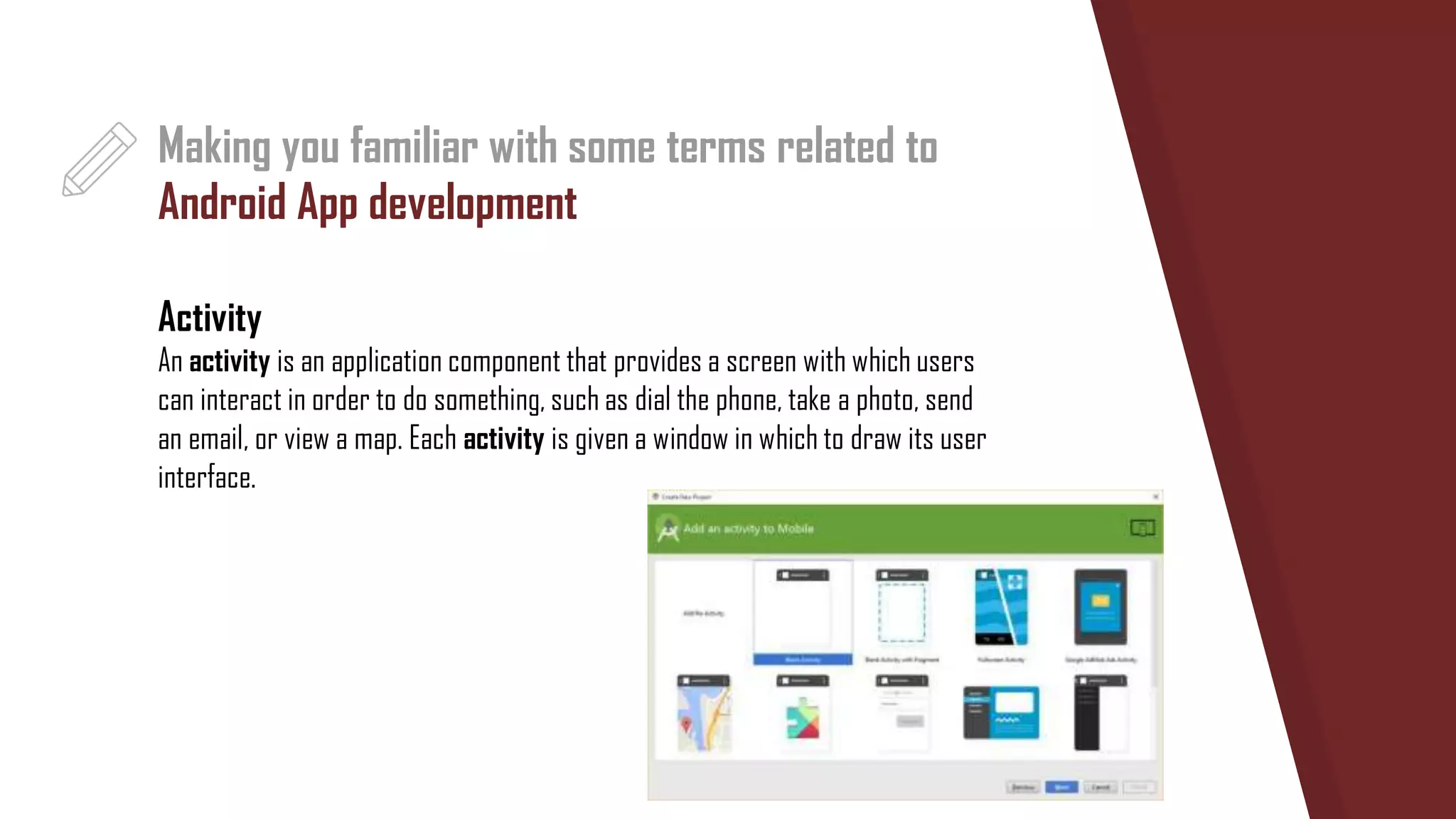
An activity is an application component that provides a screen with which users
can interact in order to do something, such as dial the phone, take a photo, send
an email, or view a map. Each activity is given a window in which to draw its user
interface.
Views
This class represents the basic building block for user interface
components. A View occupies a rectangular area on the screen and is
responsible for drawing and event handling. View is the base class
for widgets, which are used to create interactive UI components
(buttons, text fields, etc.).
Some examples of Android Views are:
TextView
ImageView
EditText
Button
RadioButton
Intent
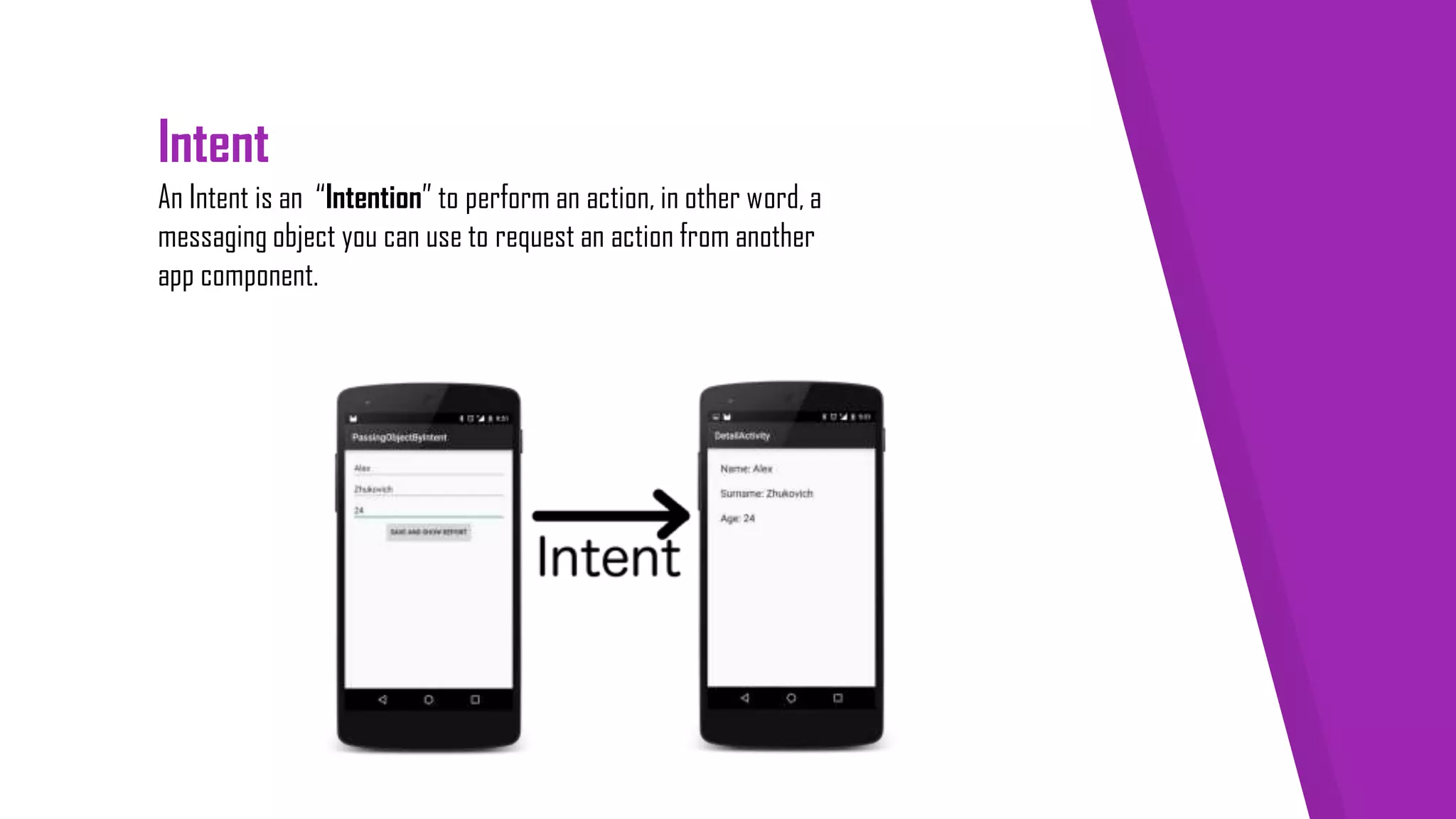
An Intent is an “Intention” to perform an action, in other word, a
messaging object you can use to request an action from another
app component.
quiZone
Splash Screen :
Project Screenshots
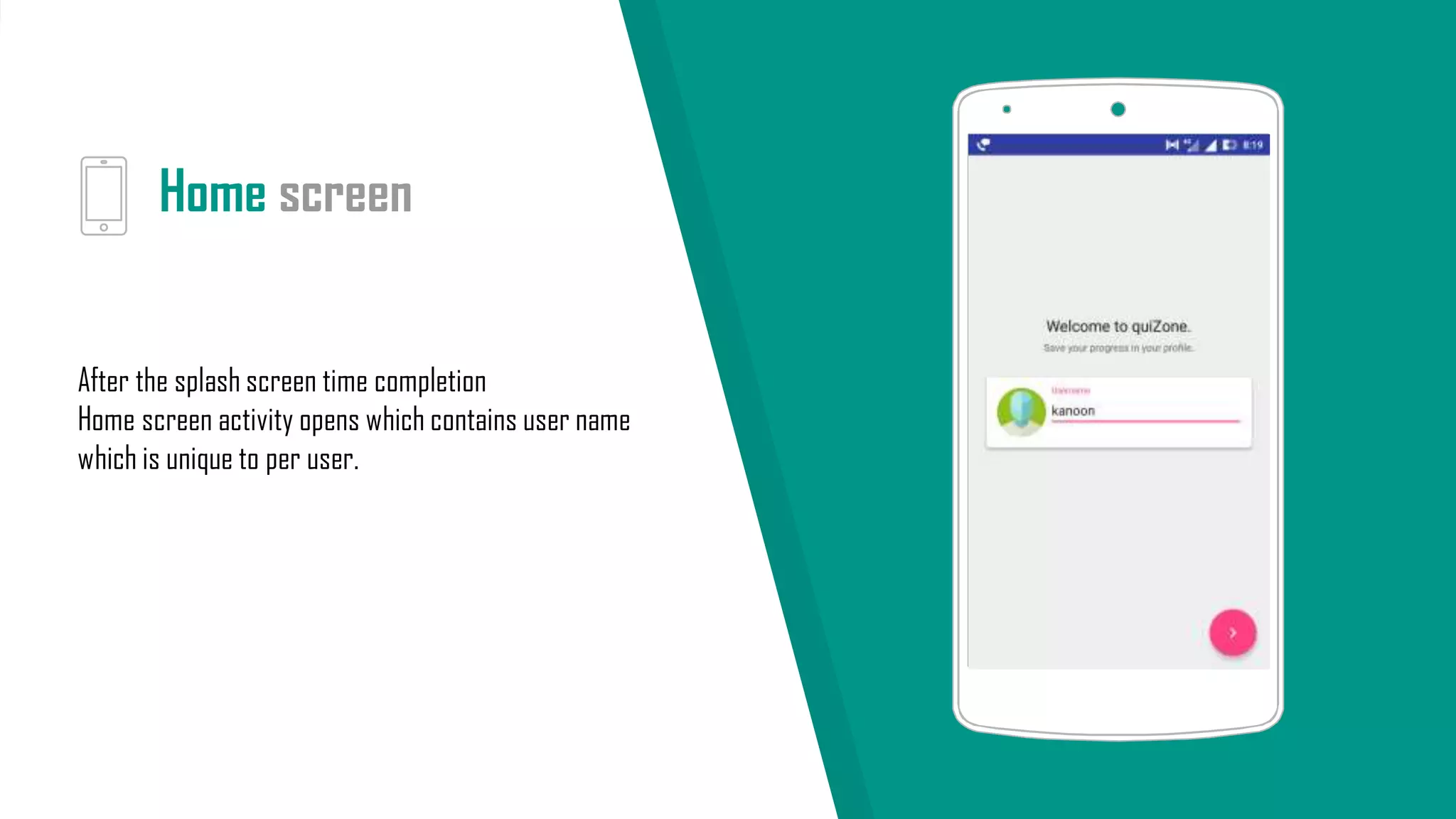
Home screen
After the splash screen time completion
Home screen activity opens which contains user name
which is unique to per user.
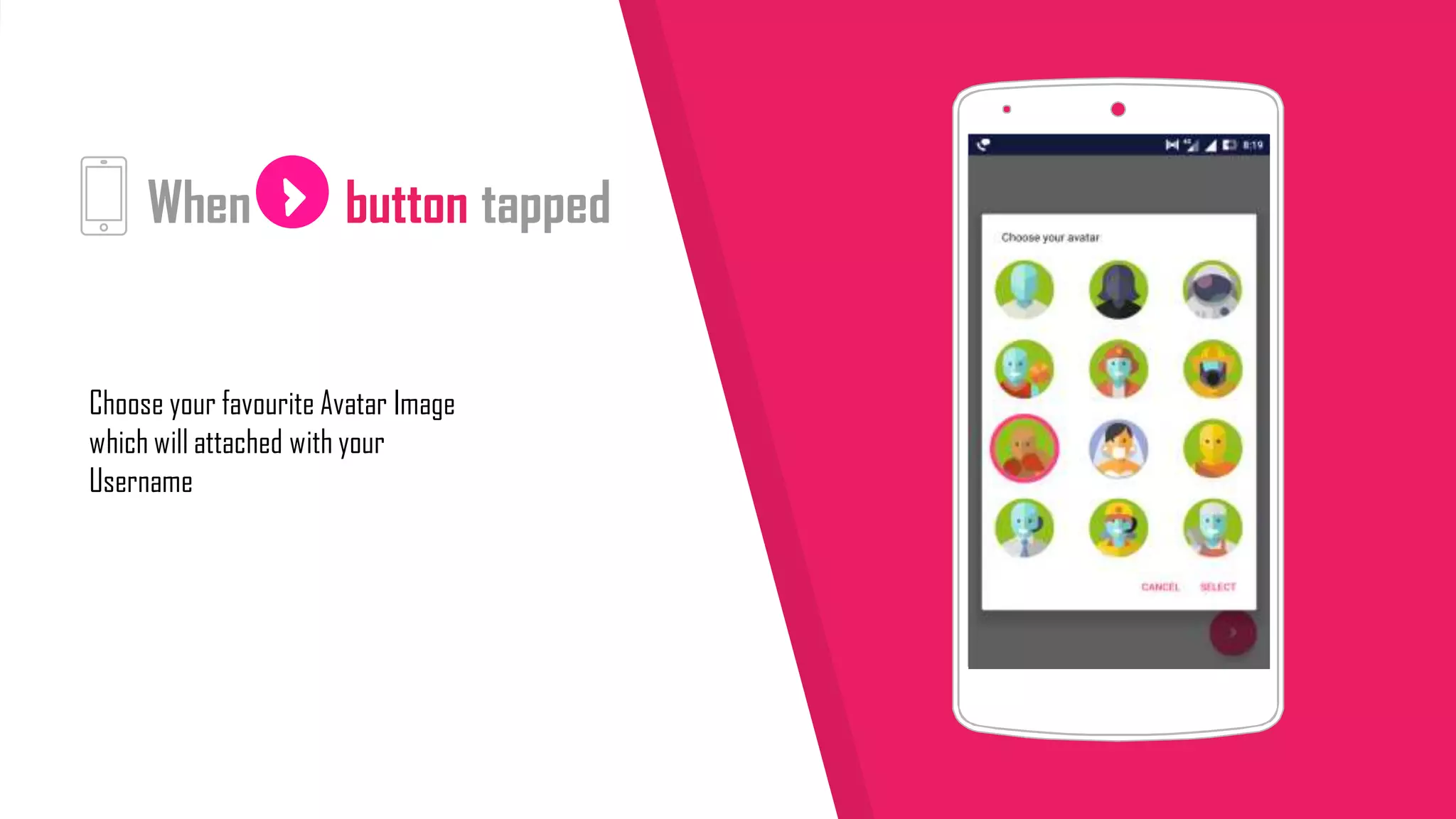
When button tapped
Choose your favourite Avatar Image
which will attached with your
Username
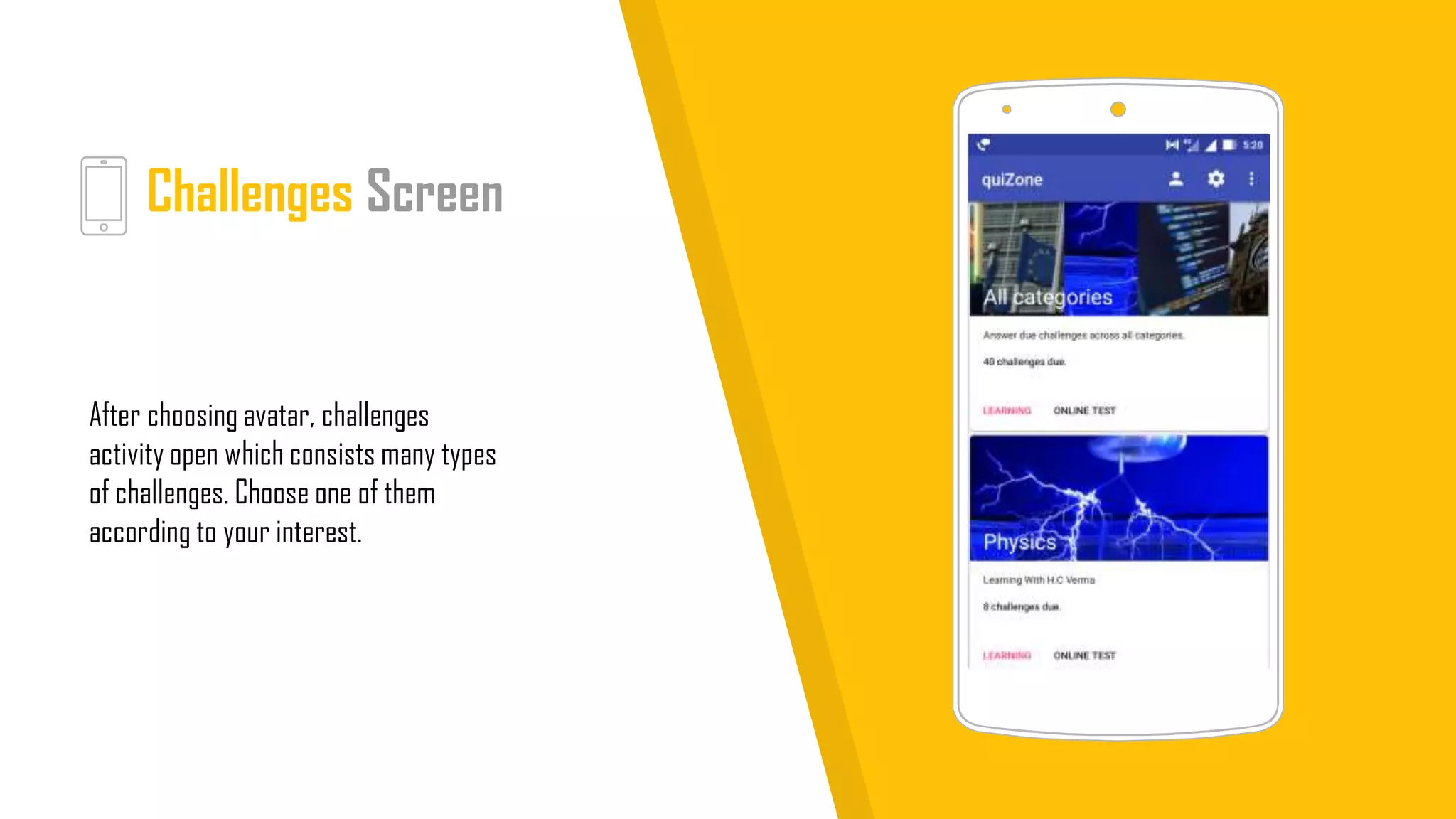
Challenges Screen
After choosing avatar, challenges
activity open which consists many types
of challenges. Choose one of them
according to your interest.
when learning button is
tapped
This is the activity of Quiz, questions are being displayed
on a fragment. This fragment consists of 4 buttons and 4
TextViews.
There are one other TextView outside the fragment viz.
Progress Indicator.
Progress indicator gets updated everytime you answer a
question and the score gets updated by one every
correct answer.
When challenge is
complete
When all the questions is complete of the
particular challenge then it will take some
time to load further questions
Or you will also import from the external
storage by .bpc(xml) extension file.
Profile section
In this profile section you can add multiple
user at same device with their own
challenges scores and records, you can
switch user any time.
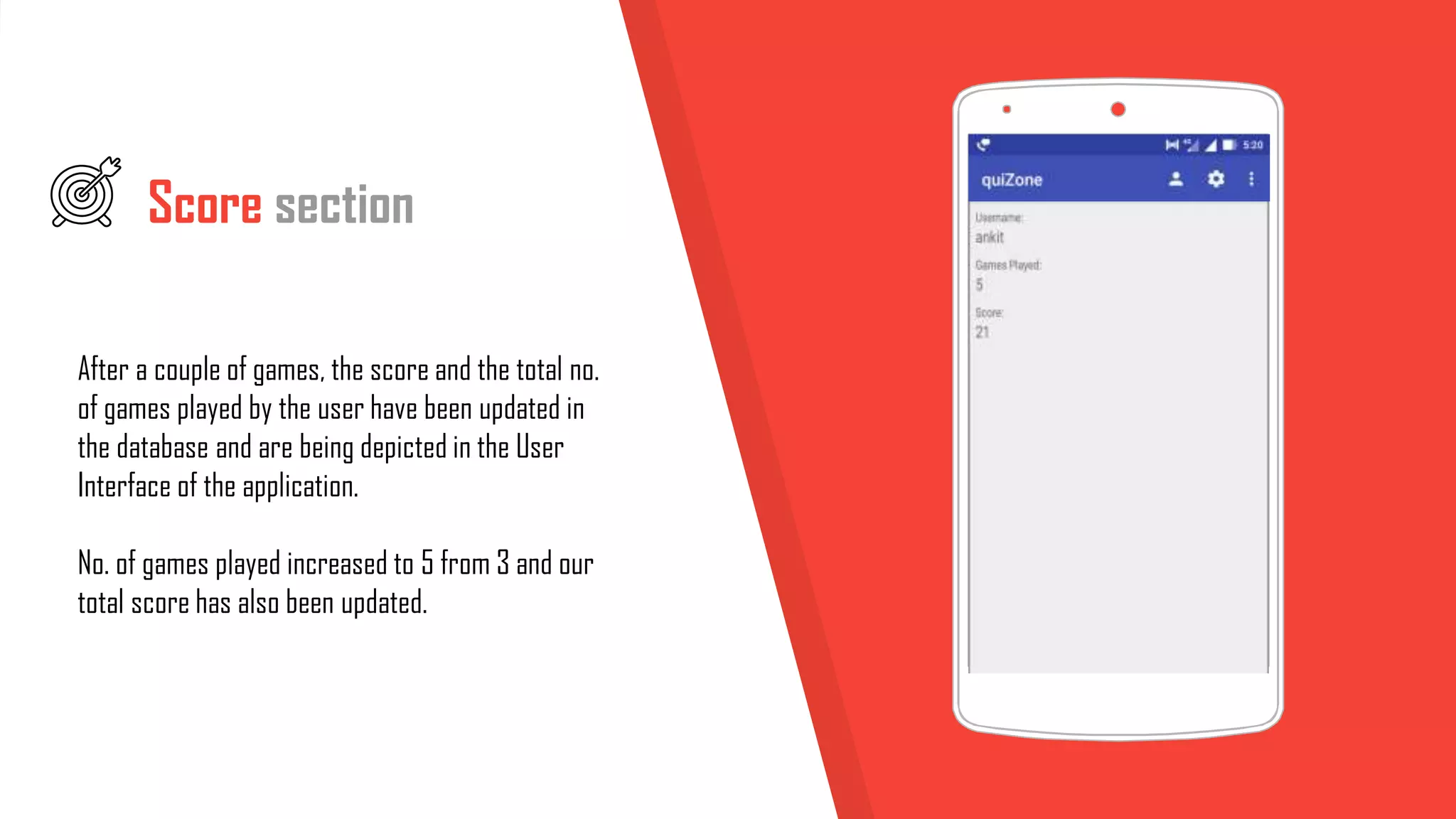
Score section
After a couple of games, the score and the total no.
of games played by the user have been updated in
the database and are being depicted in the User
Interface of the application.
No. of games played increased to 5 from 3 and our
total score has also been updated.
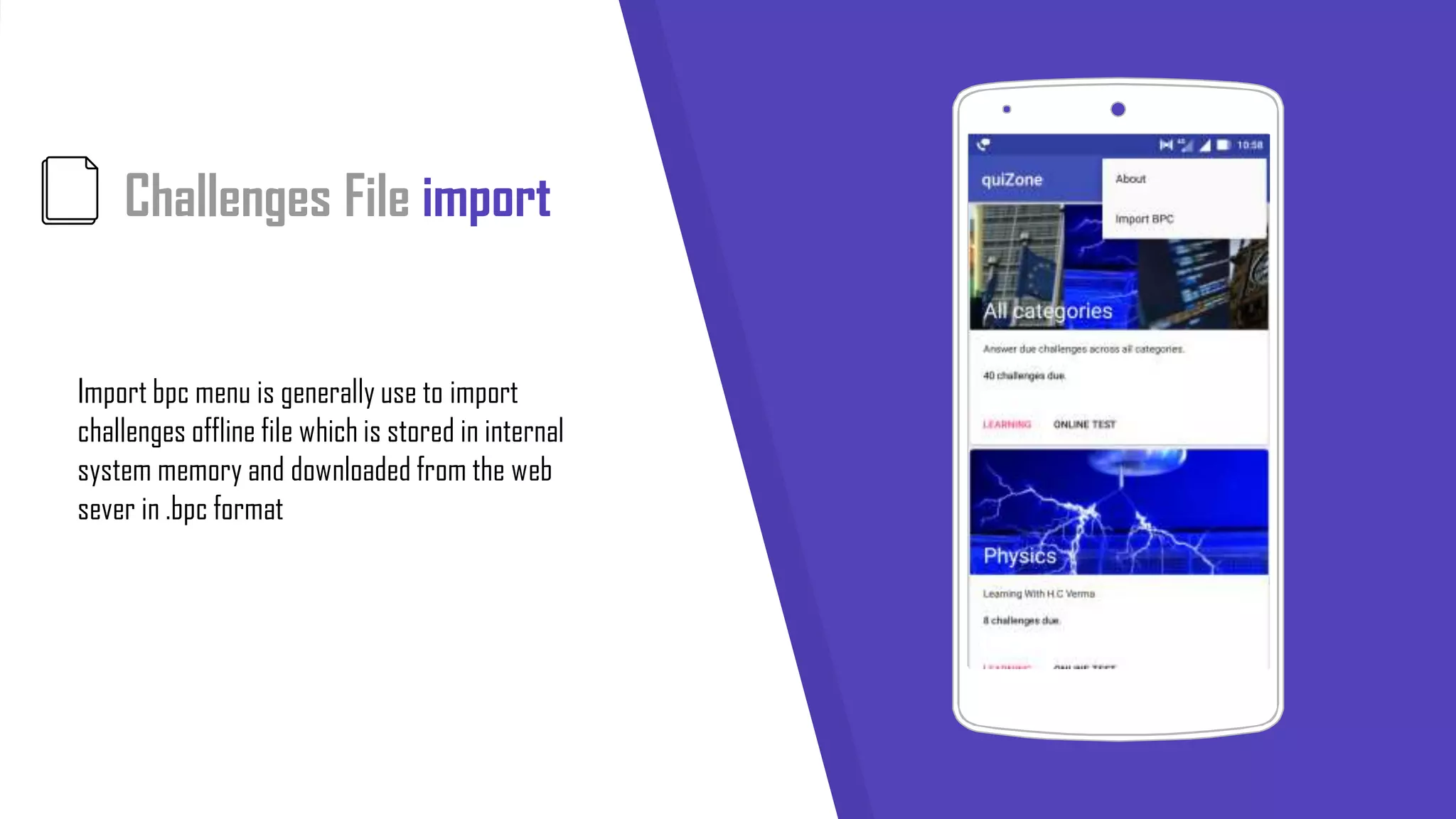
Challenges File import
Import bpc menu is generally use to import
challenges offline file which is stored in internal
system memory and downloaded from the web
sever in .bpc format
Acknowledgement
Mr. Praveen Saxena, Android Instructor at Bodacious IT Hub
External sources that helped me :
• StackOverflow community
• www.androidhive.info
• StackExchange community
• Android Asset Studio
• www.developers.google.com
Query session
▸Kindly endorse me on my linkedIn profile if you found this presentation upto the
mark:
https://www.linkedin.com/in/ayush-kanoongo

QuiZone Mobile Application

  • 1.
    Android Application “quizone” Project TrainingSeminar Presentation on Submitted by: Ayush Kanoongo 14egjcs025 Submitted to: Dr. Priyanka Mishra
  • 2.
    TABLE OF CONTENTS •Company Profile • Letter of successful completion of training • Introduction to quiZone • Software's and Languages used • Making you familiar • Project Description • Queries Session
  • 3.
    COMPANY PROFILE Bodacious ITHub is a Jaipur based company founded by Bijendra Bhati (popularly known as Bhati Sir). The company deals in software development and information technology training both. They deliver products as well as services. They have been developing applications and providing various services like Corporate Training, IT Consultancy, Software Development Assistance and IT Outsourcing. Website: www.bodaciousithub.com
  • 4.
  • 5.
    Introduction to quiZone “quiZone”is an Android Application developed my me during the period of Summer Training. It is a trivia game app which will challenge you with some questions for different sections that you’ll have to answer. Buckle up and try to answer correctly as its +1 for every correct answer and a -1 for every wrong one.
  • 6.
    Software's and Languages usedin developing this project Software Used : • Android Studio : Android Studio is the official integrated development environment for Google's Android operating system, built on JetBrains' IntelliJ IDEA software and designed specifically for Android development. • Gimp : Image manipulation Software. Programming Languages Used : • Java programming Language • XML – For creating UI of the application Database Management : • SQLite
  • 7.
    Making you familiarwith some terms related to Android App development Activity An activity is an application component that provides a screen with which users can interact in order to do something, such as dial the phone, take a photo, send an email, or view a map. Each activity is given a window in which to draw its user interface.
  • 8.
    Views This class representsthe basic building block for user interface components. A View occupies a rectangular area on the screen and is responsible for drawing and event handling. View is the base class for widgets, which are used to create interactive UI components (buttons, text fields, etc.). Some examples of Android Views are: TextView ImageView EditText Button RadioButton
  • 9.
    Intent An Intent isan “Intention” to perform an action, in other word, a messaging object you can use to request an action from another app component.
  • 10.
  • 11.
    Home screen After thesplash screen time completion Home screen activity opens which contains user name which is unique to per user.
  • 12.
    When button tapped Chooseyour favourite Avatar Image which will attached with your Username
  • 13.
    Challenges Screen After choosingavatar, challenges activity open which consists many types of challenges. Choose one of them according to your interest.
  • 14.
    when learning buttonis tapped This is the activity of Quiz, questions are being displayed on a fragment. This fragment consists of 4 buttons and 4 TextViews. There are one other TextView outside the fragment viz. Progress Indicator. Progress indicator gets updated everytime you answer a question and the score gets updated by one every correct answer.
  • 15.
    When challenge is complete Whenall the questions is complete of the particular challenge then it will take some time to load further questions Or you will also import from the external storage by .bpc(xml) extension file.
  • 16.
    Profile section In thisprofile section you can add multiple user at same device with their own challenges scores and records, you can switch user any time.
  • 17.
    Score section After acouple of games, the score and the total no. of games played by the user have been updated in the database and are being depicted in the User Interface of the application. No. of games played increased to 5 from 3 and our total score has also been updated.
  • 18.
    Challenges File import Importbpc menu is generally use to import challenges offline file which is stored in internal system memory and downloaded from the web sever in .bpc format
  • 19.
    Acknowledgement Mr. Praveen Saxena,Android Instructor at Bodacious IT Hub External sources that helped me : • StackOverflow community • www.androidhive.info • StackExchange community • Android Asset Studio • www.developers.google.com
  • 20.
    Query session ▸Kindly endorseme on my linkedIn profile if you found this presentation upto the mark: https://www.linkedin.com/in/ayush-kanoongo