Quick & Dirty & MEAN
21 May 2016, Cowork South Bay
Troy Miles
Text
Want more? Follow me, new tutorials are announced on Twitter first:
@therockncoder
Resources
http://www.slideshare.net/rockncoder/mean-stack-
weekend
https://github.com/Rockncoder/quizzer-start
https://github.com/Rockncoder/quizzer-ng2
Troy Miles
Troy Miles aka the RocknCoder
Over 36 years of programming experience
Author of jQuery Essentials
Speaker and writer on all things web & mobile
rockncoder@gmail.com
@therockncoder
Agenda
Introduction to MongoDB
Installing MongoDB
Riding the BSON
Enter the Mongo (part 1)
BREAK
The Other Mongo Apps
Importing Data
LUNCH
Enter the Mongo (part 2)
Indexing
BREAK
Agenda (continue)
Going Global
MongoDB in Programs
Advanced MongoDB
MongoDB Tools
MongoDB as a Service
Exploring the MongoDB
Website
Summary
How to get the most out of
this class
Follow along
Complete each exercise
Ask questions and for clarification
Don’t worry about asking questions, I like them
Use what you’ve learned after the class is over
Introduction to MongoDB
What is MongoDB?
Cross-platform document database
Developed by MongoDB Inc in 2007
Production ready since March 2010
Free and open-source
The current version is 2.6.4
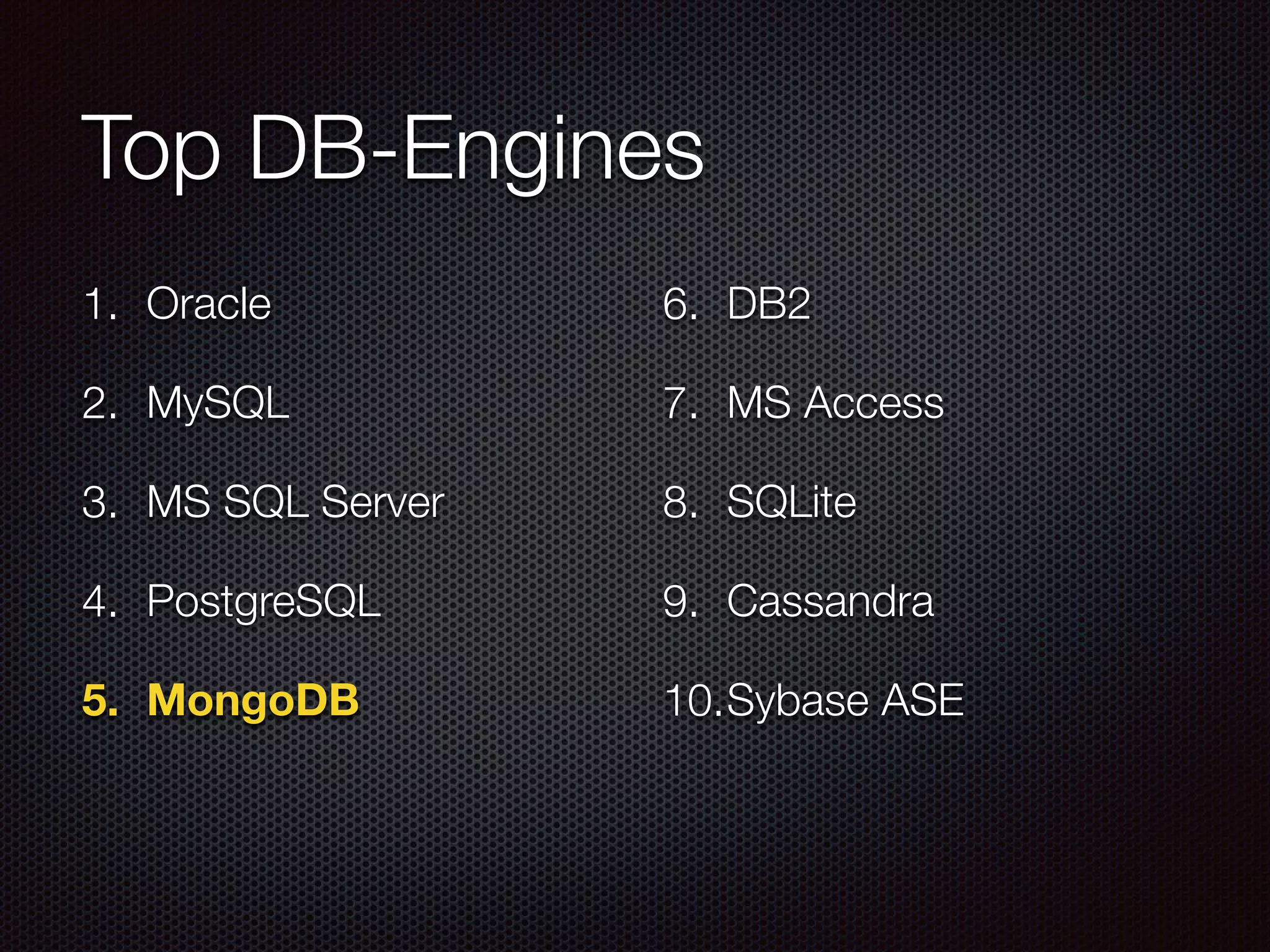
Top DB-Engines
1. Oracle
2. MySQL
3. MS SQL Server
4. PostgreSQL
5. MongoDB
6. DB2
7. MS Access
8. SQLite
9. Cassandra
10.Sybase ASE
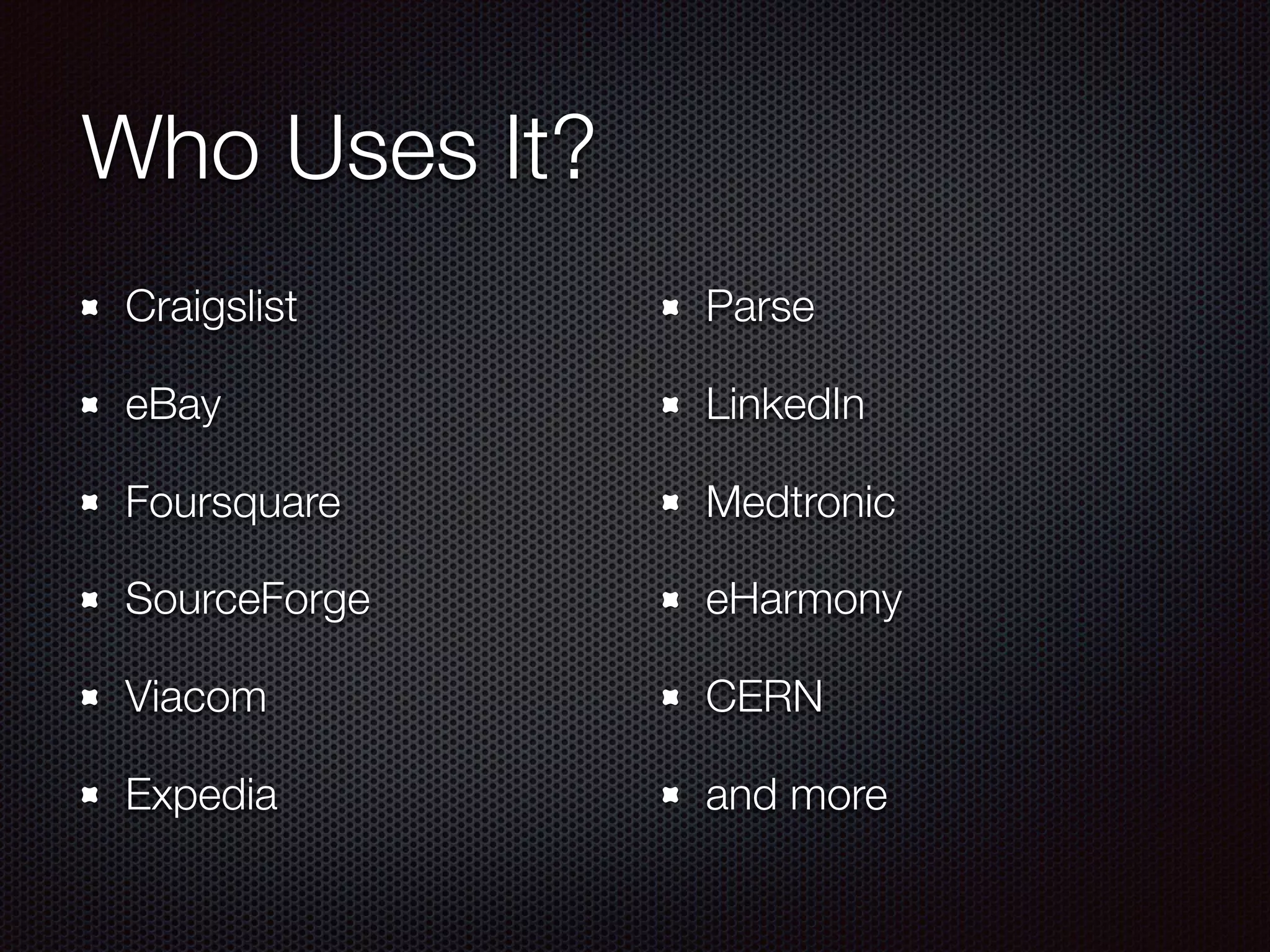
Who Uses It?
Craigslist
eBay
Foursquare
SourceForge
Viacom
Expedia
Parse
LinkedIn
Medtronic
eHarmony
CERN
and more
Why?
Document Database
High Performance
High Availability
Easy Scalability
What is a Document?
An ordered set of keys and values
like JavaScript objects
no duplicate keys allowed
type and case sensitive
field order is not important nor guaranteed
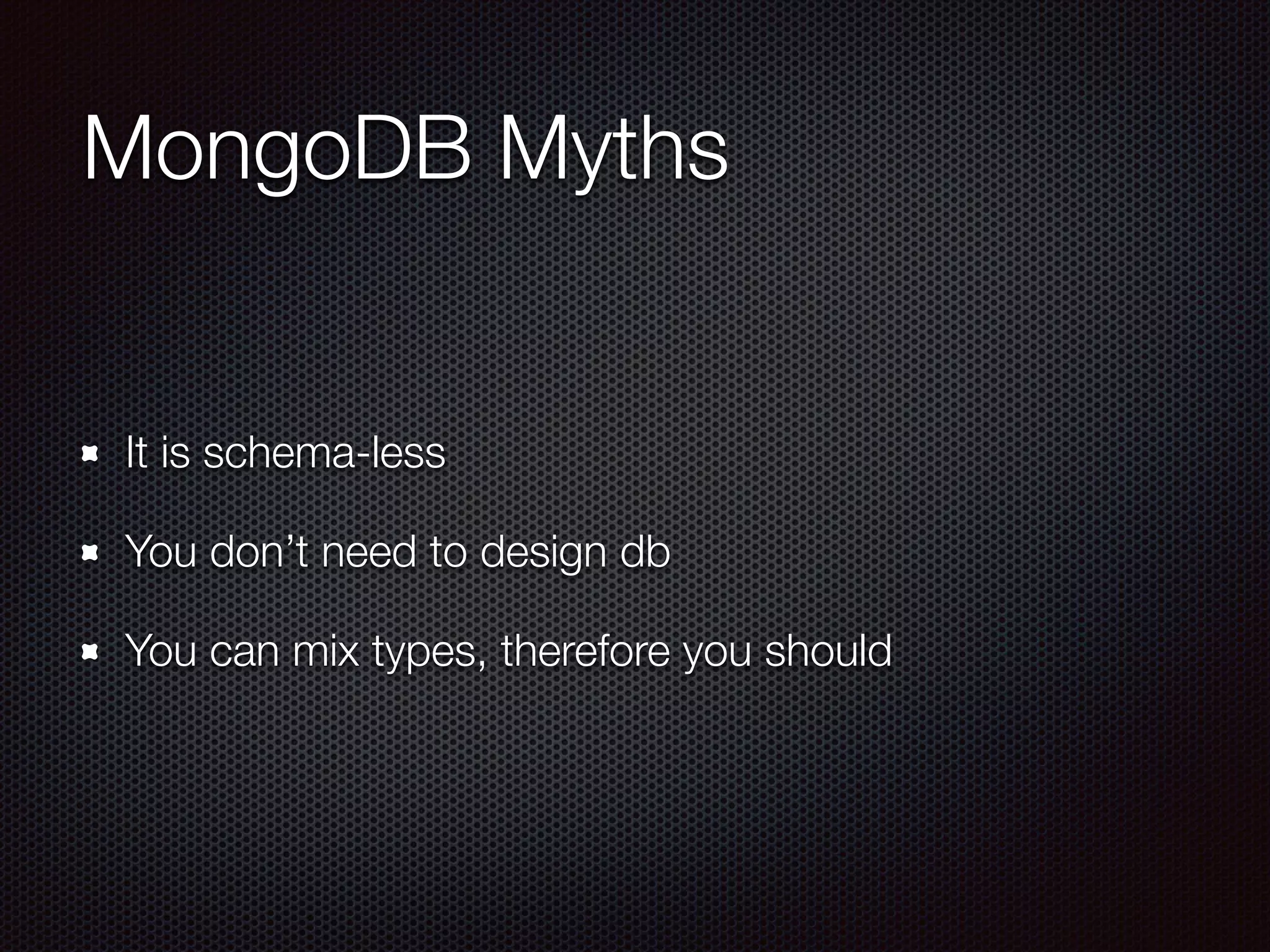
MongoDB Myths
It is schema-less
You don’t need to design db
You can mix types, therefore you should
What’s Wrong with SQL?
SQL was created by Edgar F. Codd in 1969
Oracle V2 introduced in 1979
MS SQL Server introduced in 1989
Most languages today are object-oriented
SQL is column and row oriented
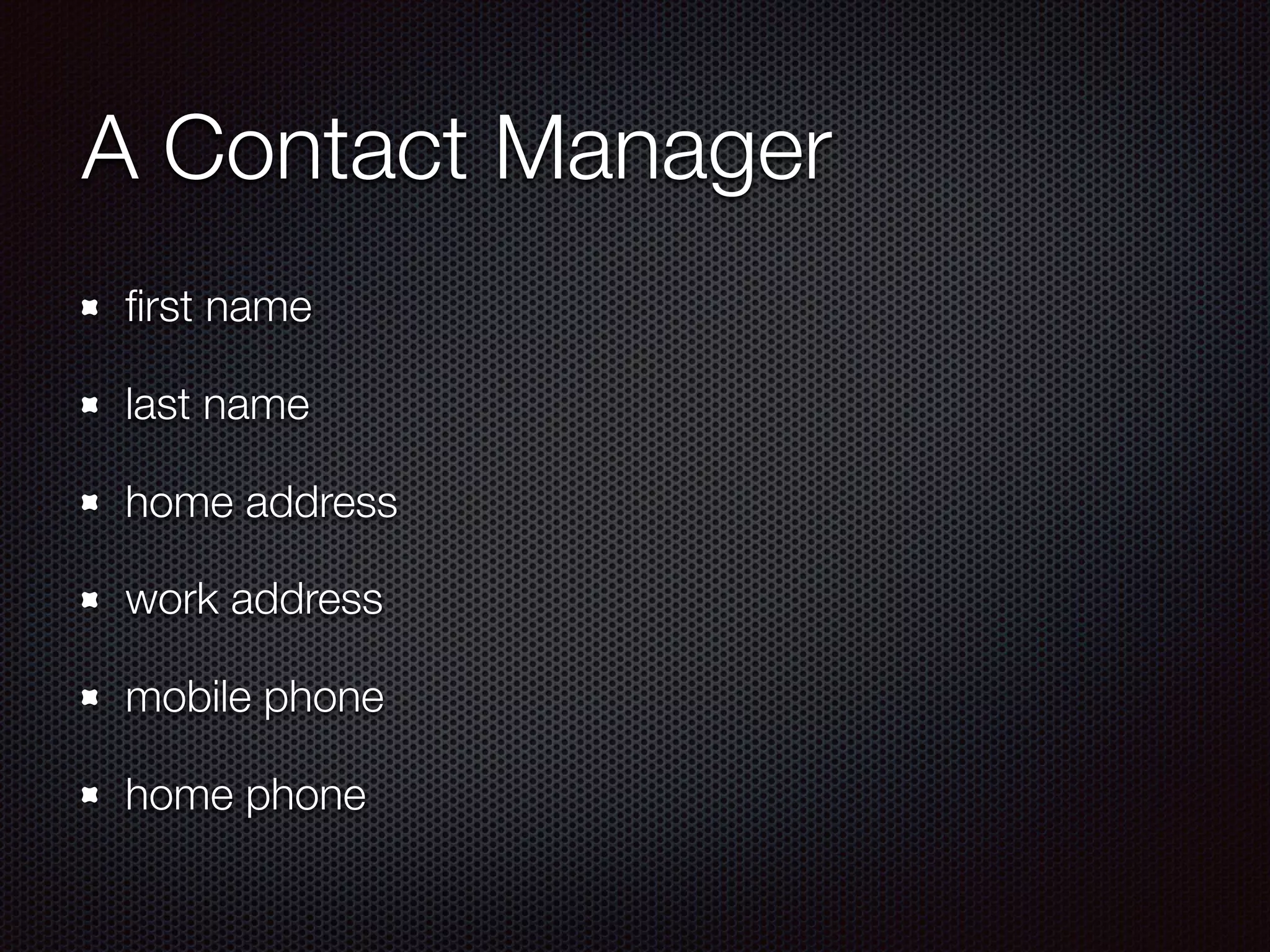
A Contact Manager
first name
last name
home address
work address
mobile phone
home phone
In SQL
Person table
Address table
Phone number table
Joins necessary to retrieve complete record
In MongoDB
One collection holds it all
Including the arrays
No joins necessary
SQL MongoDB
row document
table collection
database database
joins none
transactions none
Installing MongoDB
Section Goals
Get MongoDB installed
on everyone’s laptop
Run mongod command
MongoDB is ready to go
to work
www.mongodb.org
This is the home of MongoDB
The best place to download executables and drivers
Installation
The current version is 3.2
Downloads available for Windows, Linux, Mac OSX,
and Solaris
64-bit for all systems, 32-bit for Windows & Linux
32-bit is not recommended
Windows
Determine your machine’s architecture (64 or 32 bit)
wmic os get osarchitecture
Download & run the MongoDB msi file
Create the data directory
md datadb
Run MongoDB from a command window
mongod
Mac OS X
Open Terminal
Extract the archive
tar -zxvf mongodb-osx-x86_64-2.6.3.tgz
Copy the files to the target directory
mkdir -p mongodb
cp -R -n mongodb-osx-x86_64-2.6.3/ mongodb
Mac OS X
Create the data directory
mkdir -p /data/db
Run MongoDB
mongod
Section Summary
Everyone should have MongoDB installed
MongoDB should be running in a terminal or command
window
Riding the BSON
Section Goals
Introduce the data types
available in MongoDB
Give a decent
explanation of why
MongoDB uses BSON
and not JSON
BSON not JSON
MongoDB uses its own variant of JSON
Called Binary JSON or BSON
Efficiency
Traversability
Performance
Data Types
Double
String
Object
Array
Binary data
Undefined
Object id
Boolean
Date
Null
Reg Ex
JavaScript
Symbol
32 bit Integer
Timestamp
64 bit Integer
Min key
Max key
Object
An unordered set of name/value pairs
The name is any valid string
The name may be unquoted if it is not a reserved
The value may be any of the other valid types including
another object or an array
Array
An ordered collection of values
Begins and ends with square brackets
The values can be any of the other types
Binary data aka BinData
Used to represent arrays of bytes
Somewhat like a ByteArray in Java or byte[] in C#
Can be used in equal comparisons
Other comparisons exist but might produce some
weird results
Object id
12-byte BSON type
4 bytes for the number of seconds since Jan 1, 1970
3 bytes for the machine id
2 bytes for the process id
3 bytes for a counter which begins with a random
Date
64 bit Integer
Not related to the Timestamp type
Represents the number of milliseconds since 1 January
1970
Date has a time range of plus or minus 290 million years
No chance of a Y2K problem anytime soon
Timestamp
64 bit Integer
Not related to the Date type
First 32 bits represents the seconds since Jan 1, 1970
Second 32 bits is an incrementing ordinal
Within a mongod instance timestamps are unique
Regular Expression (Reg Ex)
A string representing a JavaScript style regular
expression
Regular expressions give MongoDB the ability to do
something like SQL LIKE operation
JavaScript
A string representing a JavaScript program
The program can be stored with or without scope
Care should be used in executing JavaScript on the
server side since it operates in the JavaScript shell
Limits
A document has a max size of 16 MB
Documents can’t be nest any more than a 100 levels
The namespace which includes the database and
collection names must be shorter than 123
No single collection can have more than 64 indexes
Section Summary
MongoDB has all of the expected data types
And a few surprising ones
Exercise caution when JavaScript type
Enter the Mongo (part 1)
Section Goals
Introduce the MongoDB
Interactive Shell
Work through some of
the shells commands
The MongoDB Shell
Allows interactions with a MongoDB instance
A full-featured JavaScript interpreter
Allows multiple line input
Enter the Mongo
From the command or terminal window enter mongo
and press enter
You should see a greater than sign “>”
You can exit the shell by entering exit
Commands
Mongo has a lot of commands
Some are global and operate against the environment
Others refer only to databases and are preceded by db.
There also commands which refer to a collection, they 

db.<Collection Name>.<command>
The most important command is help
Creating a database
To make sure we are all on the same page we are
going to create a database named “m95”
To create a database Enter: use m95
If you want to delete a database, you need to drop it,
Enter db.dropDatabase()
Be careful there is no confirmation
Inserting Documents
Having a database is nice, nicer still is having data in it
To insert data, db.<Collection Name>.insert(…)
Don’t worry about the collection name, if it doesn’t
exist, it will be created
Reading Documents
In order to read the documents which we have created
we need to use the find command

db.<Collection Name>.find()
In order to find just the documents we are looking for,
we need to add a selector
The simplest is the equality selector
.find({key: value})
More selectors
$ne - not equal
$gt, $gte - greater than, greater than or equal to
$lt, $lte - less than, less than or equal to
$not - logical not
Deleting Documents
remove - deletes documents
Without a selector it will delete all documents in a
collection - BE CAREFUL
Updating Documents
.update({selector}, {data to update})
The update quirk
.update({selector}, {$set, {data to update}});
Update Modifiers
.update({selector}, {$inc: {data to increment}})
.update({selector}, {push: {data to push}})
Section Summary
Everyone should know how to enter and exit the shell
How to basic operations
How to get help
The Other Mongo Apps
mongodump
It backs up the data, it doesn’t dump it
You must have the backup role
Must have read access on the database
Super simple - mongodump
Creates a directory
mongorestore
restores a backed up database
Must have admin access and restore role
mongorestore —port <port no#> <path to backup>
mongoexport
Exports data in a MongoDB instance in either CSV or
JSON format
mongoexport —db <name> —collection <c name> —
csv
mongoimport
Imports JSON, CSV, or TSV files into mongod
mongostat
A short status report of the currently running mongos
mongostat
Importing Data
Enter the Mongo (part 2)
Advanced MongoDB
Performance
Indexing
Query Optimization
Profiler
Indexing
Indexes should support queries
Use indexes to sort queries
Indexes should fit into RAM
Queries should ensure selectivity
Query Optimization
Improves read operations by reducing data that the
query needs to process
Profiler
Collects data about MongoDB database commands
Enabled per-database or per-instance basis
Profile level is configurable (0, 1, or 2)
Stats
db.stats()
Statistics that reflect the use of a single DB
Identifies:
the current database
the number of indexes
the file size
Replication
Keeps identical copies of data on multiple servers
Set up by creating a replica set
A replica set is a group of servers with one primary
If primary crash, secondaries elect a new one
Sharding
Process of splitting data up across machines
Manual sharding can be with most database
MongoDB has autosharding
Nonetheless it is difficult to configure
MongoDB Tools
Tools
MongoDB Shell (built-in)
MongoDB Web Site (built-in)
Robomongo (Mac, PC, Linux)
http://mongodb-tools.com/
MongoDB as a Service
Why?
Setting up a remote database
Switching between dev and production
MongoHQ
https://www.mongohq.com/
Free developer's sandbox
Includes web based data browser
MongoLab
https://mongolab.com/welcome/
Free developer's sandbox
Includes web based data browser
MongoDirector
http://www.mongodirector.com/index.html
Free 30 day trial
Both public cloud and self-hosting supported
ObjectRocket
http://www.objectrocket.com/
Plans from $19 a month / 1 GB
Auto-sharding included
Included daily backups
Summary
MongoDB is an open-source document database
It features JSON-style documents with dynamic
schemas
In order to gain performance, it sacrifices reliability
https://bitly.com/bundles/rockncoder/2

Quick & Dirty & MEAN