The document discusses the benefits of using C++ for web servers and APIs, highlighting frameworks such as Crow and Docker for deployment. It emphasizes faster startup times and efficiency in handling sessions, while detailing Docker's utility for solving development and deployment issues. Additionally, it covers deploying containers to Heroku and mentions future steps for improvement and integration.
Troy Miles
• TroyMiles
• Nearly 40 years of experience
• Coder, Author, Speaker
• LinkedIn Learning Author
• rockncoder@gmail.com
• @therockncoder
4.
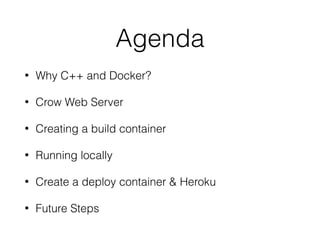
Agenda
• Why C++and Docker?
• Crow Web Server
• Creating a build container
• Running locally
• Create a deploy container & Heroku
• Future Steps
6.
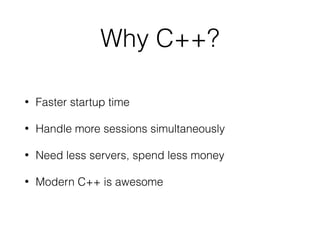
Why C++?
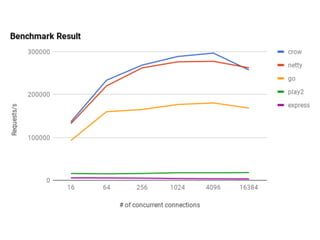
• Fasterstartup time
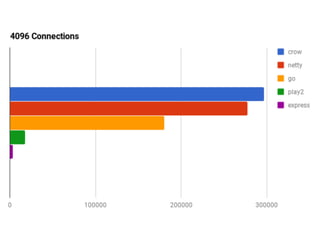
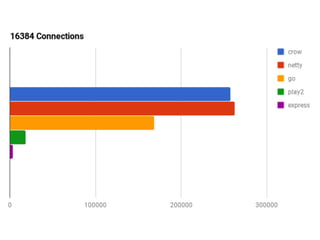
• Handle more sessions simultaneously
• Need less servers, spend less money
• Modern C++ is awesome
7.
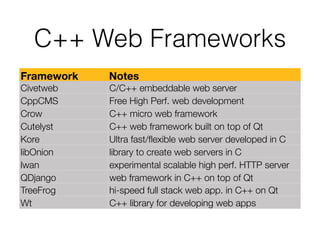
C++ Web Frameworks
FrameworkNotes
Civetweb C/C++ embeddable web server
CppCMS Free High Perf. web development
Crow C++ micro web framework
Cutelyst C++ web framework built on top of Qt
Kore Ultra fast/flexible web server developed in C
libOnion library to create web servers in C
lwan experimental scalable high perf. HTTP server
QDjango web framework in C++ on top of Qt
TreeFrog hi-speed full stack web app. in C++ on Qt
Wt C++ library for developing web apps
8.
C++ Web Frameworks
FrameworkNotes
Civetweb C/C++ embeddable web server
CppCMS Free High Perf. web development
Crow C++ micro web framework
Cutelyst C++ web framework built on top of Qt
Kore Ultra fast/flexible web server developed in C
libOnion library to create web servers in C
lwan experimental scalable high perf. HTTP server
QDjango web framework in C++ on top of Qt
TreeFrog hi-speed full stack web app. in C++ on Qt
Wt C++ library for developing web apps
14.
Docker
• Operating systemlevel virtualization
• Also know as containerization
• Initial release Mar 13, 2013
• Apache License 2.0
Deployment Problems
• Itdoesn’t work in production
• Deploying too much stuff
• Knowing if it is safe to upgrade
18.
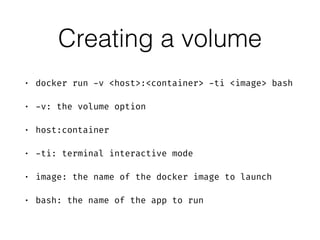
Creating a volume
•docker run -v <host>:<container> -ti <image> bash
• -v: the volume option
• host:container
• -ti: terminal interactive mode
• image: the name of the docker image to launch
• bash: the name of the app to run
19.
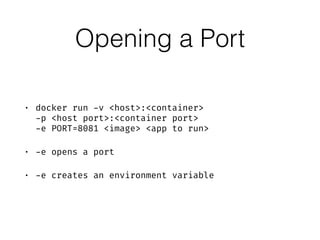
Opening a Port
•docker run -v <host>:<container>
-p <host port>:<container port>
-e PORT=8081 <image> <app to run>
• -e opens a port
• -e creates an environment variable
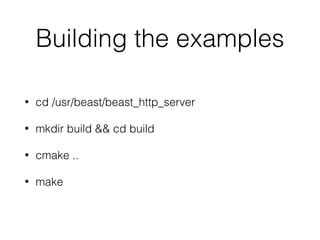
Building the examples
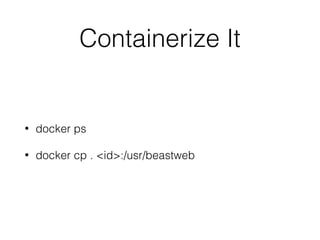
•cd /usr/beast/beast_http_server
• mkdir build && cd build
• cmake ..
• make
22.
Running an example
•examples/ex1_server/ex1_server
• ctrl-C to exit out of the server
23.
Fixing the example
•Address must be 0.0.0.0
• Port should be read from an environment variable
• To rebuild, run make again
24.
Exposing a Port
•-p 8080:80
• Translates the host port 8080 to the container port
80
• -e PORT:8080
• Creates an environment variable named PORT with
the value “8080” (a string)
26.
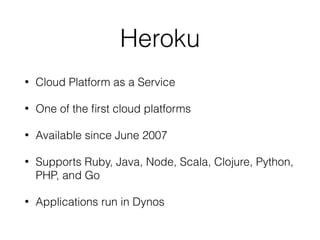
Heroku
• Cloud Platformas a Service
• One of the first cloud platforms
• Available since June 2007
• Supports Ruby, Java, Node, Scala, Clojure, Python,
PHP, and Go
• Applications run in Dynos
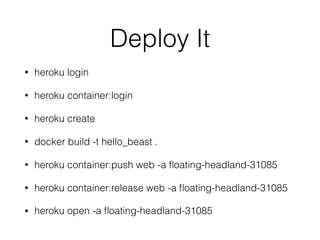
Deploy It
• herokulogin
• heroku container:login
• heroku create
• docker build -t hello_beast .
• heroku container:push web -a floating-headland-31085
• heroku container:release web -a floating-headland-31085
• heroku open -a floating-headland-31085
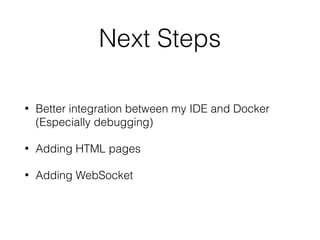
Next Steps
• Betterintegration between my IDE and Docker
(Especially debugging)
• Adding HTML pages
• Adding WebSocket
31.
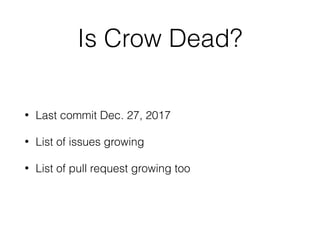
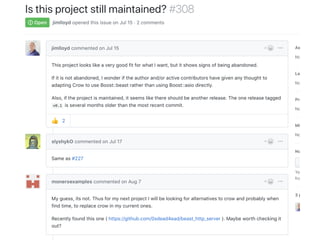
Is Crow Dead?
•Last commit Dec. 27, 2017
• List of issues growing
• List of pull request growing too
33.
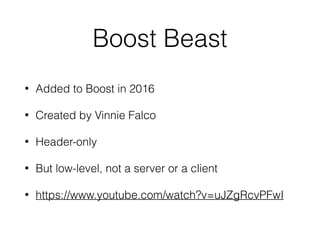
Boost Beast
• Addedto Boost in 2016
• Created by Vinnie Falco
• Header-only
• But low-level, not a server or a client
• https://www.youtube.com/watch?v=uJZgRcvPFwI
34.
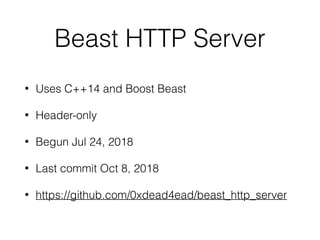
Beast HTTP Server
•Uses C++14 and Boost Beast
• Header-only
• Begun Jul 24, 2018
• Last commit Oct 8, 2018
• https://github.com/0xdead4ead/beast_http_server
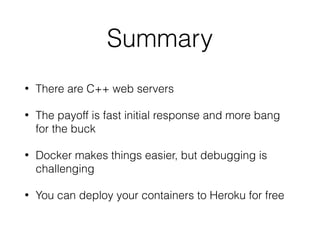
Summary
• There areC++ web servers
• The payoff is fast initial response and more bang
for the buck
• Docker makes things easier, but debugging is
challenging
• You can deploy your containers to Heroku for free