Queries Objective 5.02 Understand queries, forms, and reports used in business.
Database Objects Objective 5.01 discussed and explained how tables are the building blocks for all databases.  This objective will use tables to create three types of database objects: Queries Forms Reports
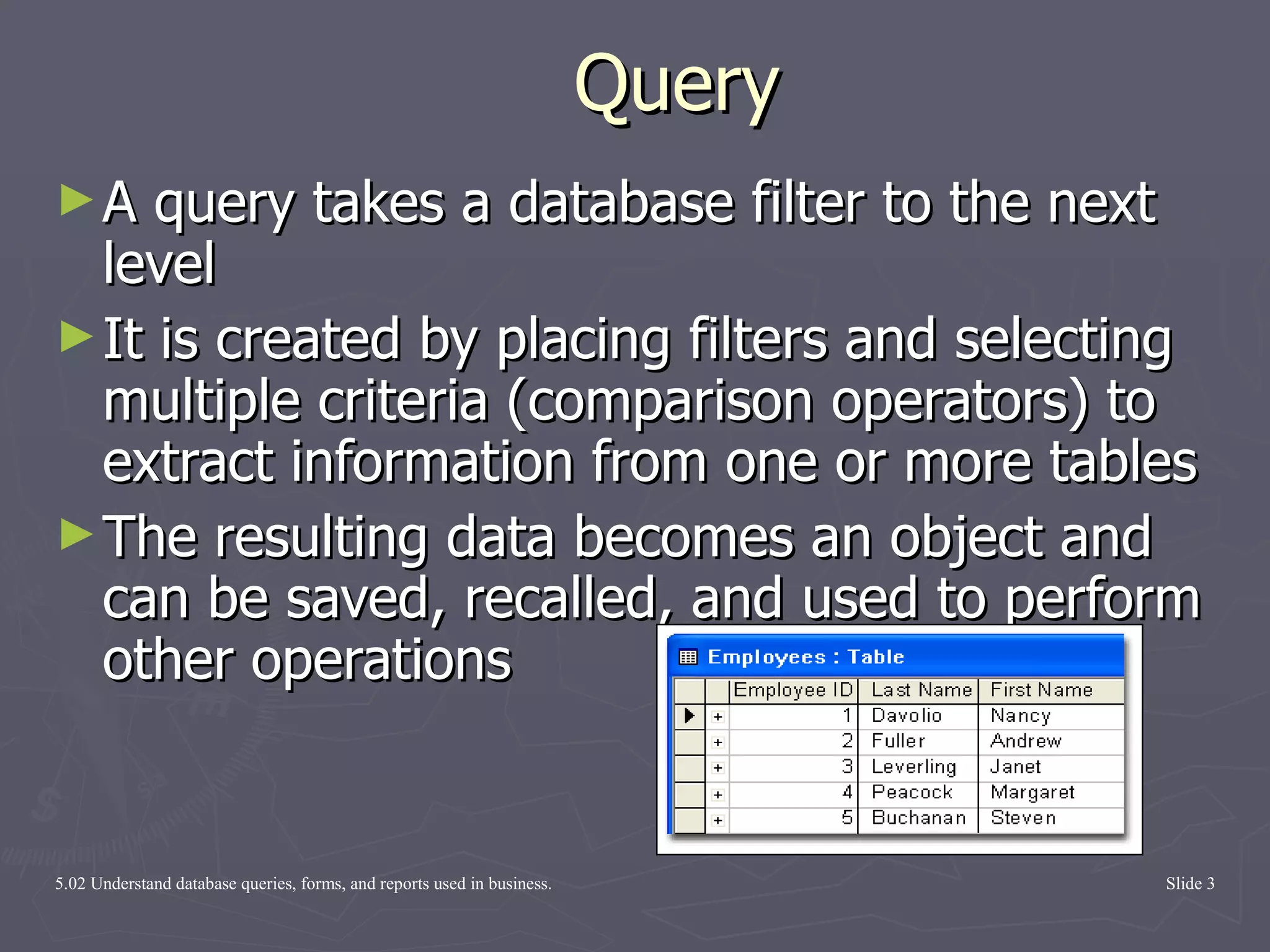
Query A query takes a database filter to the next level It is created by placing filters and selecting multiple criteria (comparison operators) to extract information from one or more tables  The resulting data becomes an object and can be saved, recalled, and used to perform other operations
Advantages of a Query A query can be saved and used to perform other operations. One table can be associated with multiple queries. A query can perform specialized operations, such as performing calculations on field values, and place the results in a new column of a datasheet.
The Difference Between  Queries and Filters A filter is a one-time deal.  It allows application of a set of selection criteria and/or sorting instructions to the records in a table.   It is a quick and temporary tool that is created for one-time use in the context of a particular table.  A query is reusable .  It allows the selection criteria and/or sorting instructions to be saved and reused.
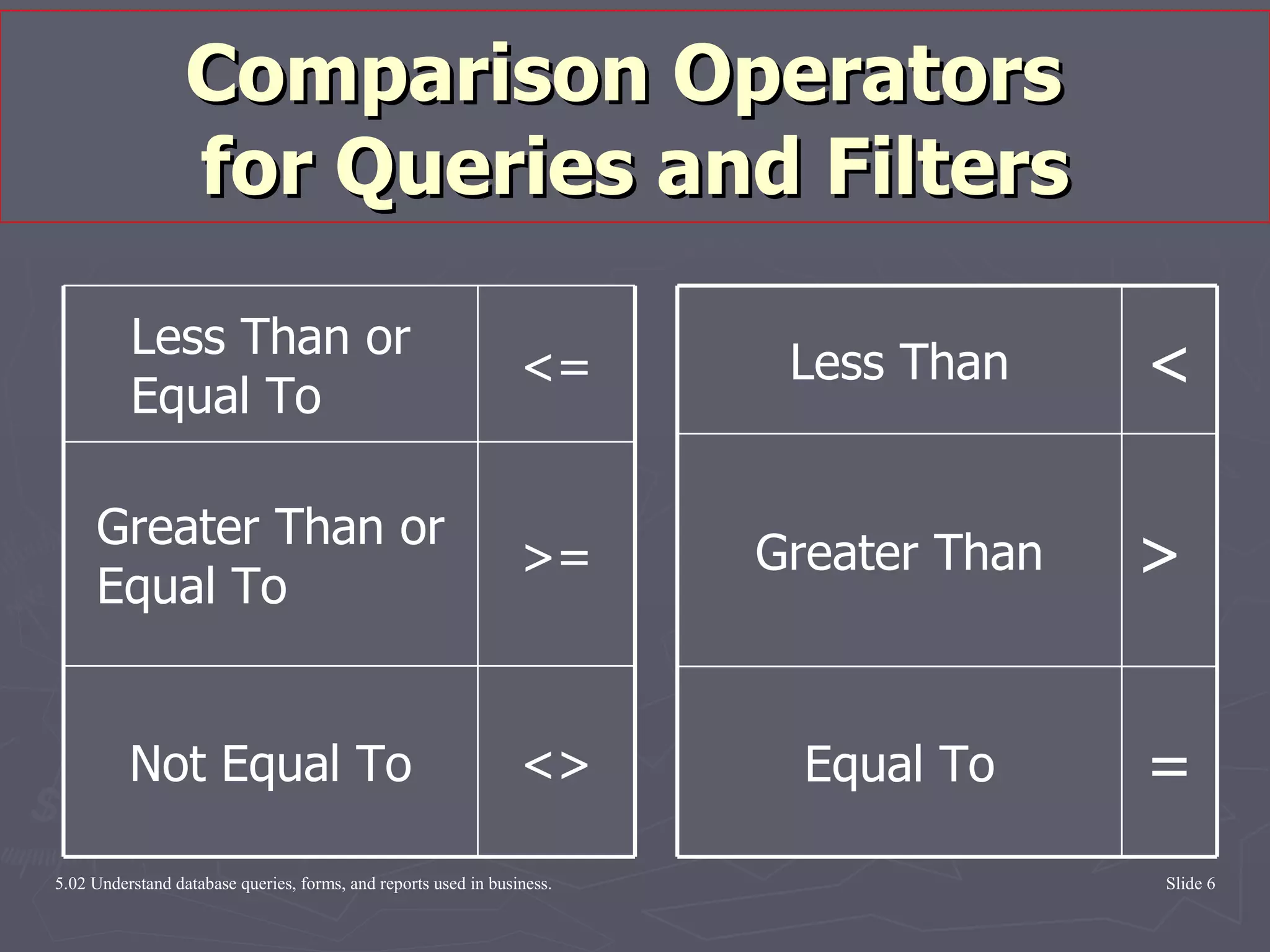
Comparison Operators  for Queries and Filters = Equal To >  Greater Than < Less Than <> Not Equal To >= Greater Than or Equal To <= Less Than or Equal To
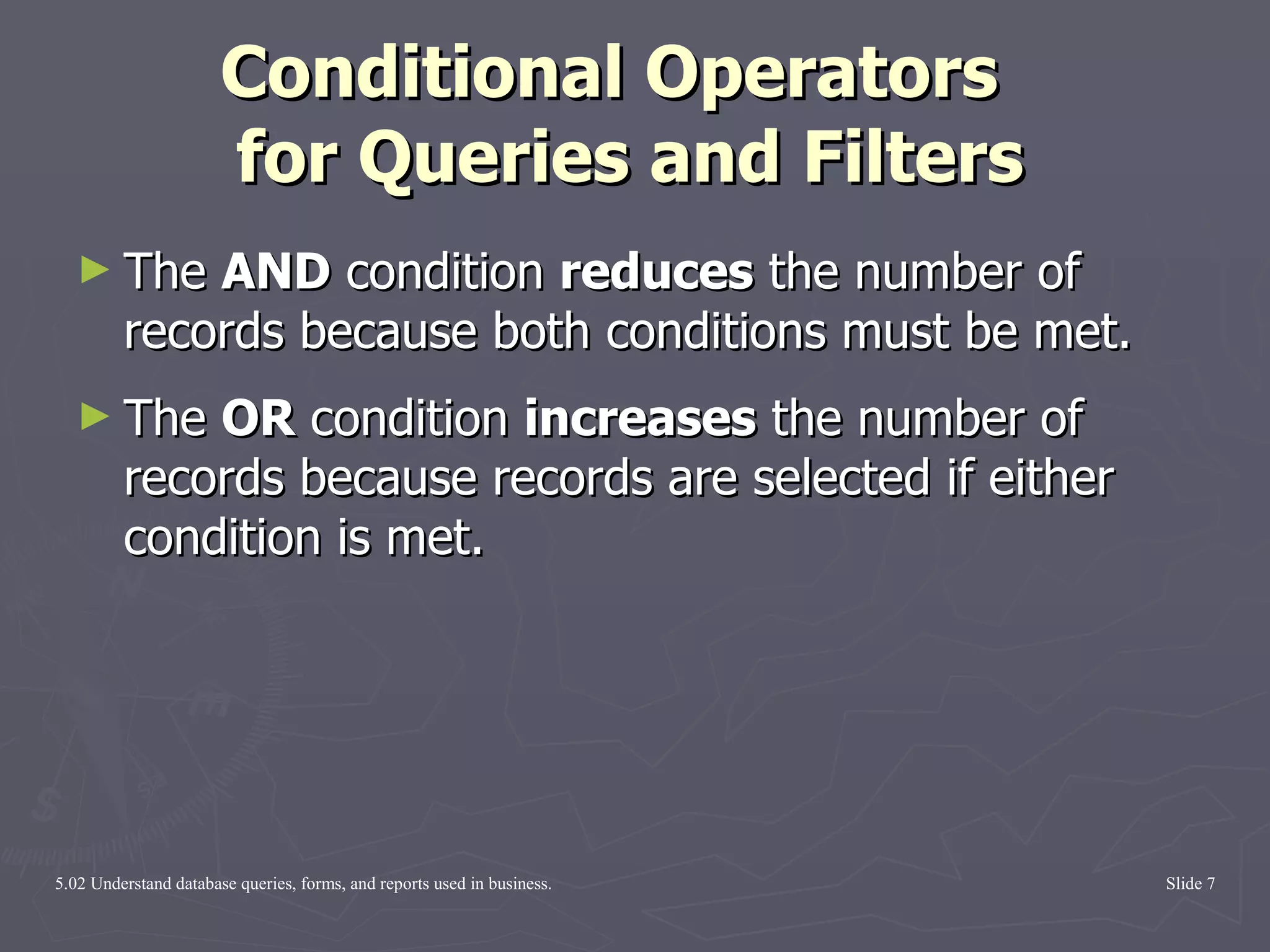
Conditional Operators   for Queries and Filters The  AND  condition  reduces  the number of records because both conditions must be met. The  OR  condition  increases  the number of records because records are selected if either condition is met.
 

Queries

  • 1.
    Queries Objective 5.02Understand queries, forms, and reports used in business.
  • 2.
    Database Objects Objective5.01 discussed and explained how tables are the building blocks for all databases. This objective will use tables to create three types of database objects: Queries Forms Reports
  • 3.
    Query A querytakes a database filter to the next level It is created by placing filters and selecting multiple criteria (comparison operators) to extract information from one or more tables The resulting data becomes an object and can be saved, recalled, and used to perform other operations
  • 4.
    Advantages of aQuery A query can be saved and used to perform other operations. One table can be associated with multiple queries. A query can perform specialized operations, such as performing calculations on field values, and place the results in a new column of a datasheet.
  • 5.
    The Difference Between Queries and Filters A filter is a one-time deal. It allows application of a set of selection criteria and/or sorting instructions to the records in a table. It is a quick and temporary tool that is created for one-time use in the context of a particular table. A query is reusable . It allows the selection criteria and/or sorting instructions to be saved and reused.
  • 6.
    Comparison Operators for Queries and Filters = Equal To > Greater Than < Less Than <> Not Equal To >= Greater Than or Equal To <= Less Than or Equal To
  • 7.
    Conditional Operators for Queries and Filters The AND condition reduces the number of records because both conditions must be met. The OR condition increases the number of records because records are selected if either condition is met.
  • 8.