
Quantitative
Methods
for
Lawyers
Intro to the R Environment
Installing R, R Studio
Class Bonus Module
@ computational
computationallegalstudies.com
professor daniel martin katz danielmartinkatz.com
lexpredict.com slideshare.net/DanielKatz
In this introduction, I will
curate for you the wonderful
set of online resources that
you can you to learn
Okay Lets Start With Some
Quick Background
is a Statistical Computing Language
is a free, open source
implementation of the S language
has particular
syntax and logic that
can be learned
(but it takes some time)
The Basic Installation Offers
a Base Model of but
you can load additional
packages as needed to
customize your experience
and add functionality
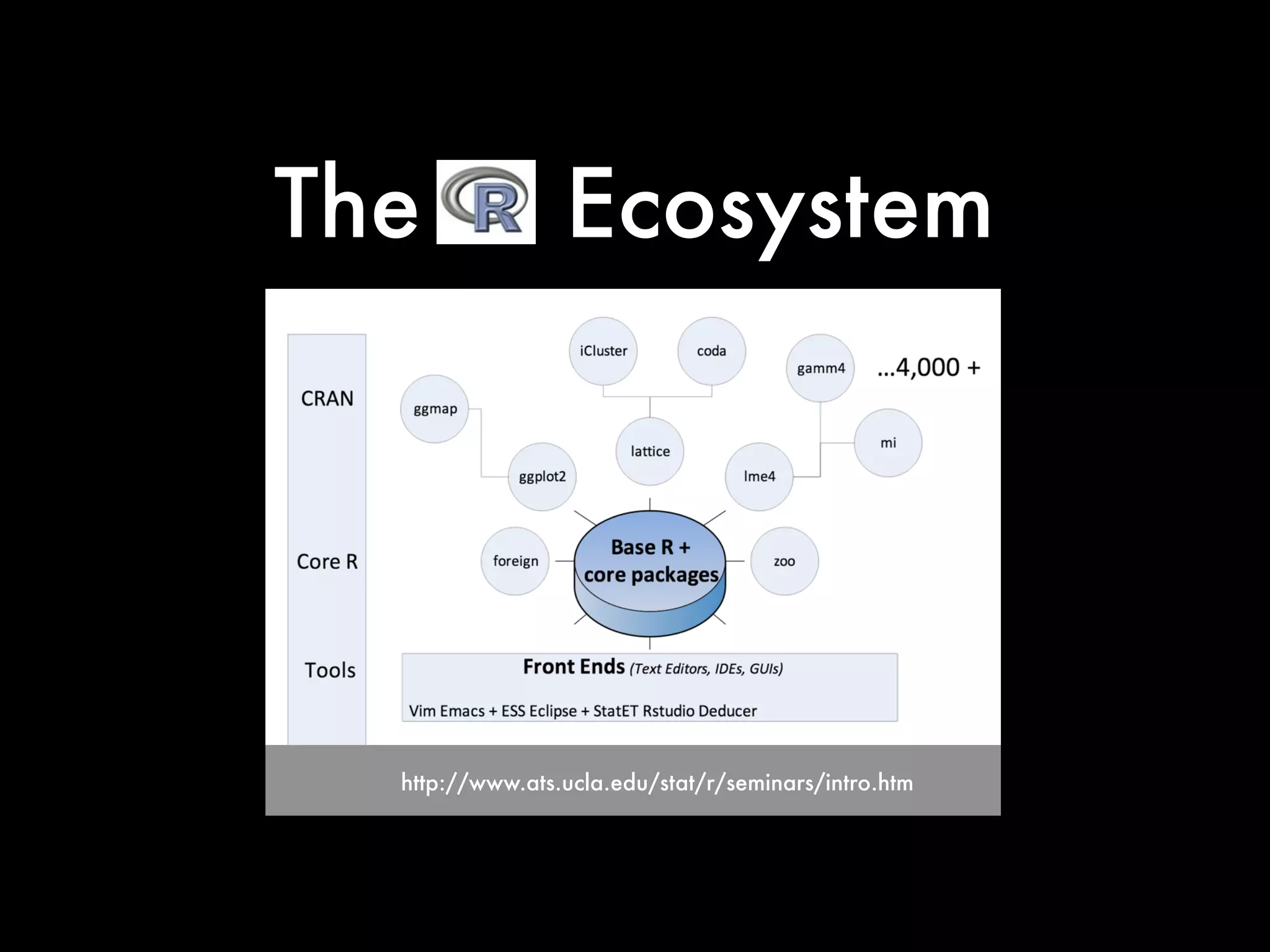
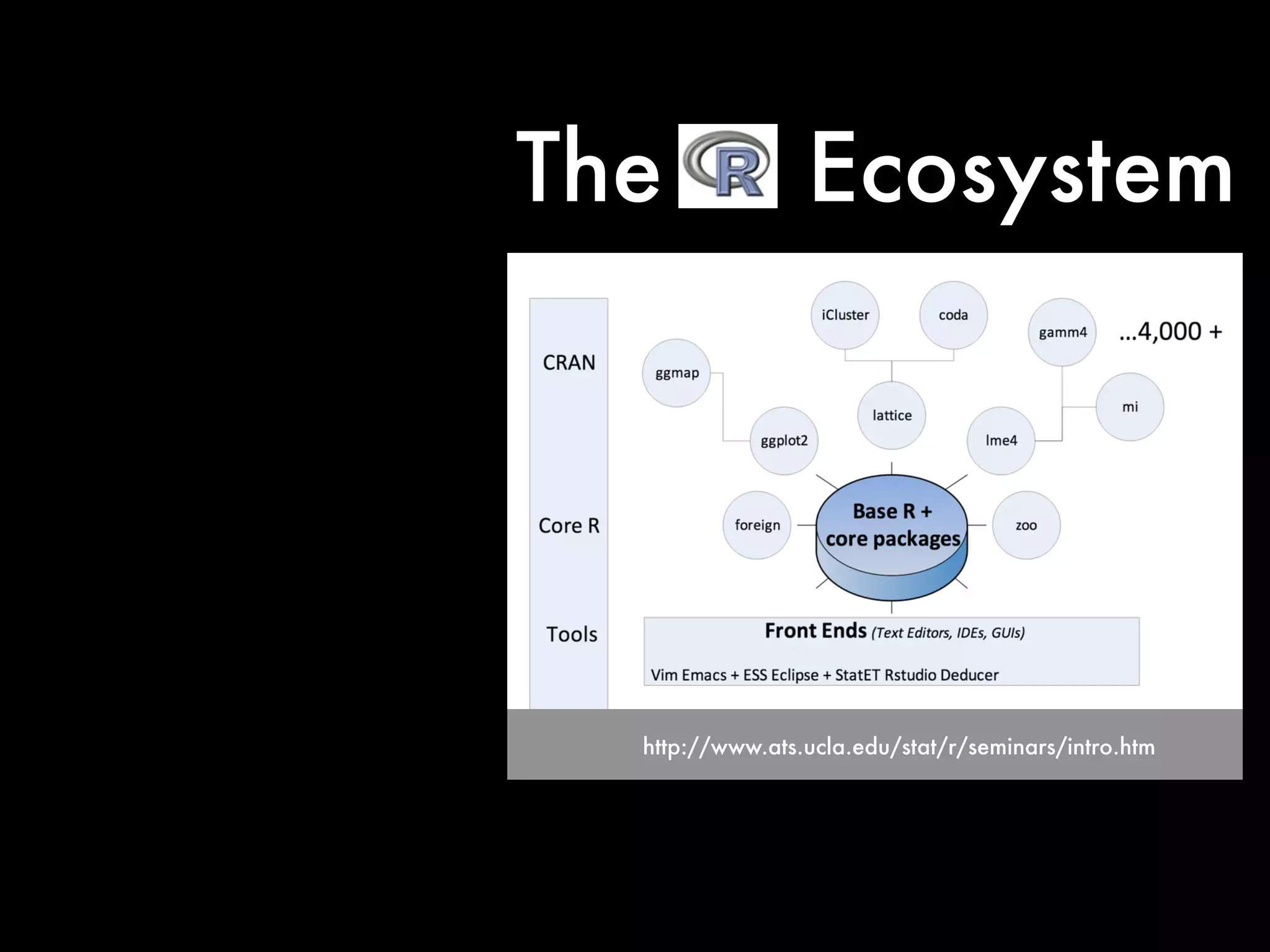
Indeed, now features
more than 4,000 different
packages
http://www.ats.ucla.edu/stat/r/seminars/intro.htm
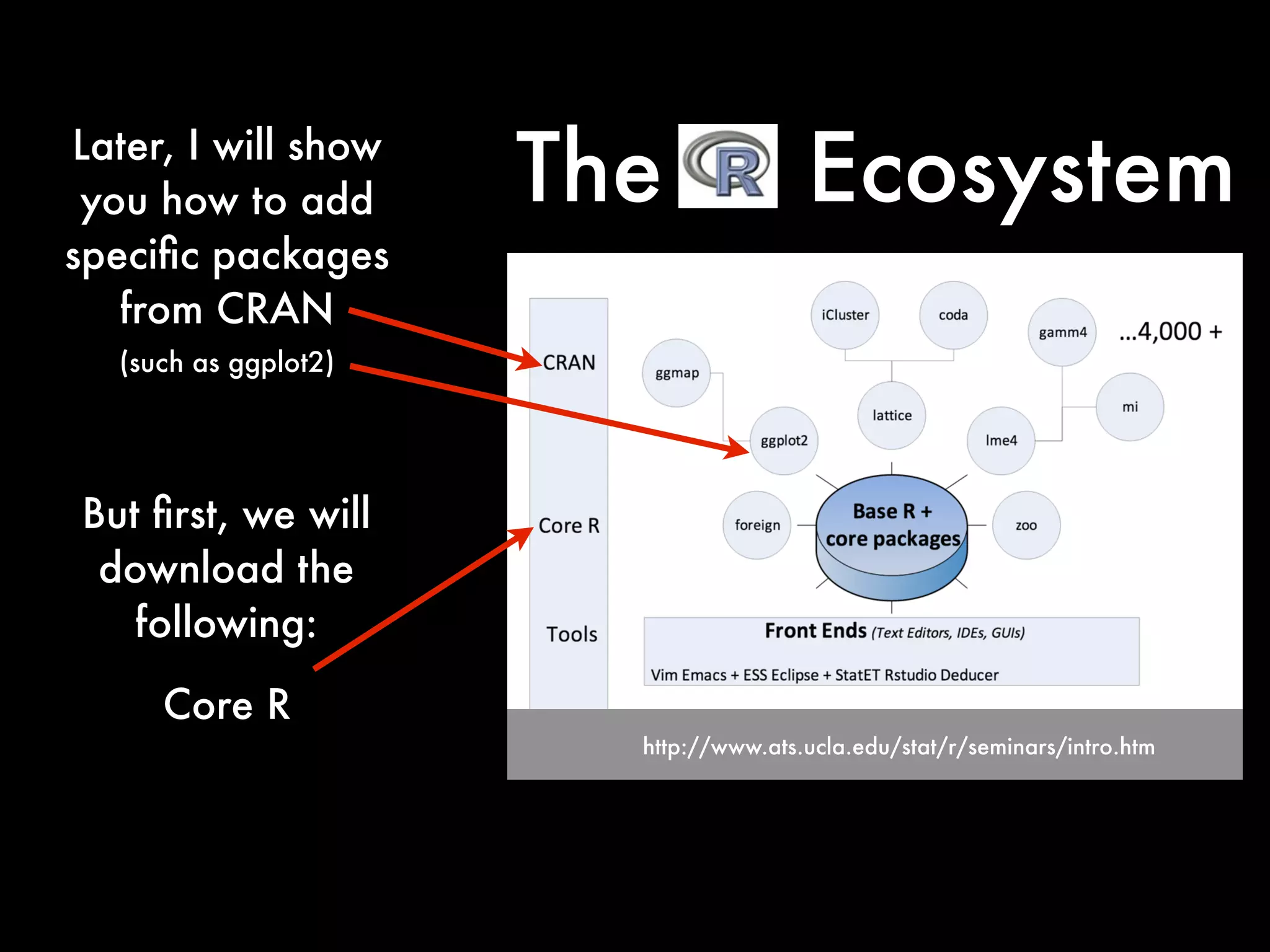
The Ecosystem
http://www.ats.ucla.edu/stat/r/seminars/intro.htm
The Ecosystem
http://www.ats.ucla.edu/stat/r/seminars/intro.htm
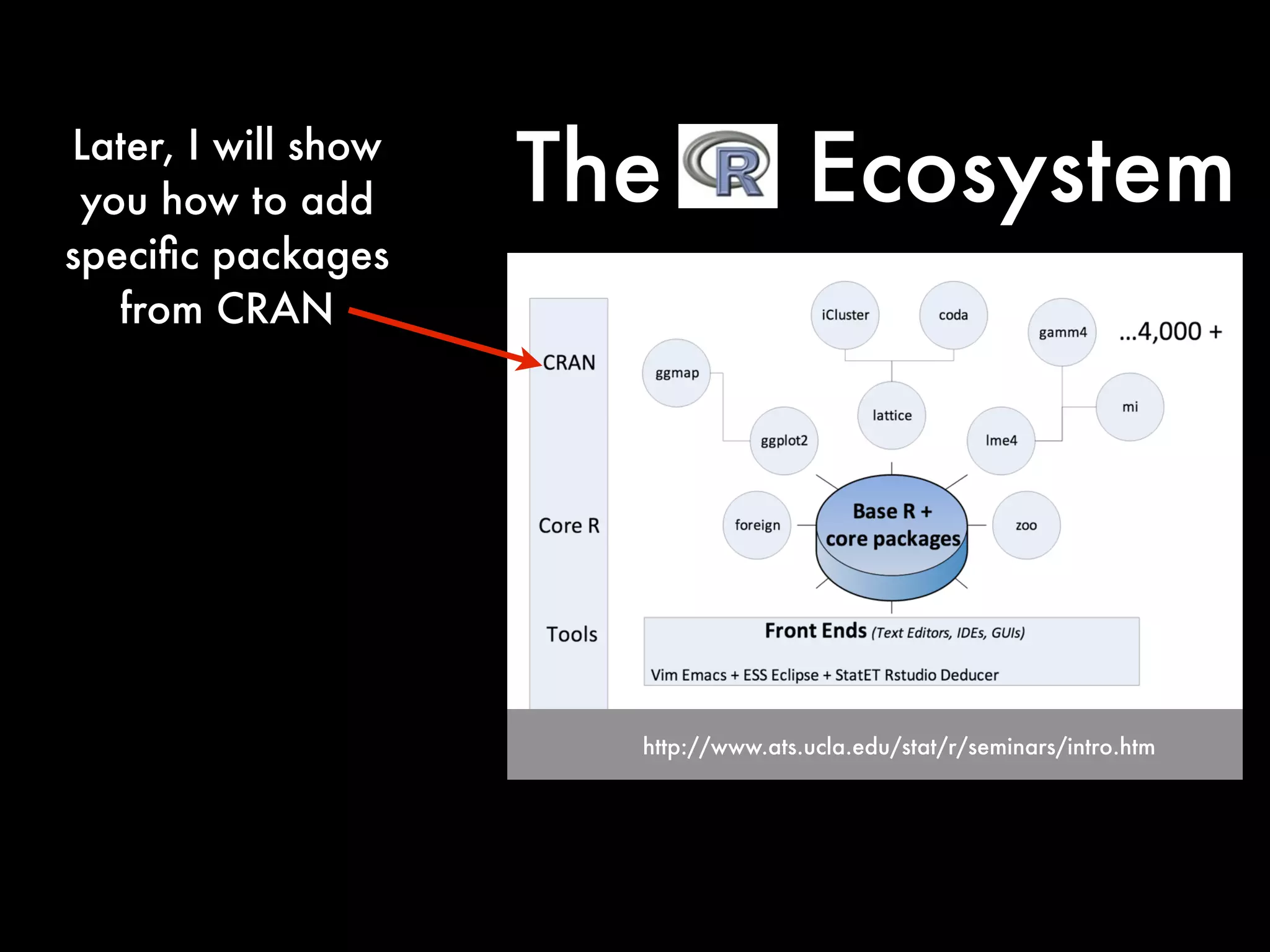
Later, I will show
you how to add
specific packages
from CRAN
The Ecosystem
http://www.ats.ucla.edu/stat/r/seminars/intro.htm
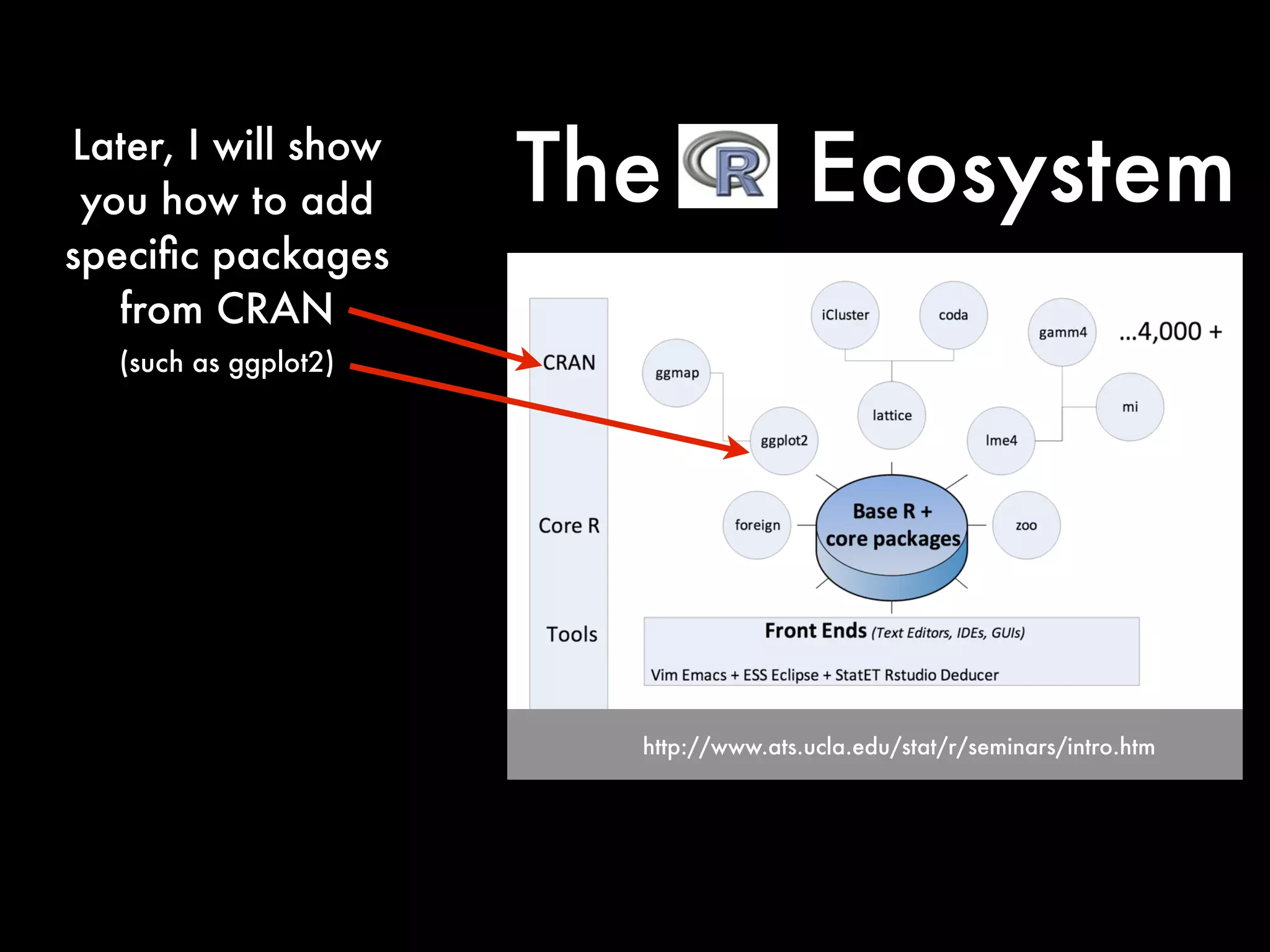
Later, I will show
you how to add
specific packages
from CRAN
The Ecosystem
(such as ggplot2)
http://www.ats.ucla.edu/stat/r/seminars/intro.htm
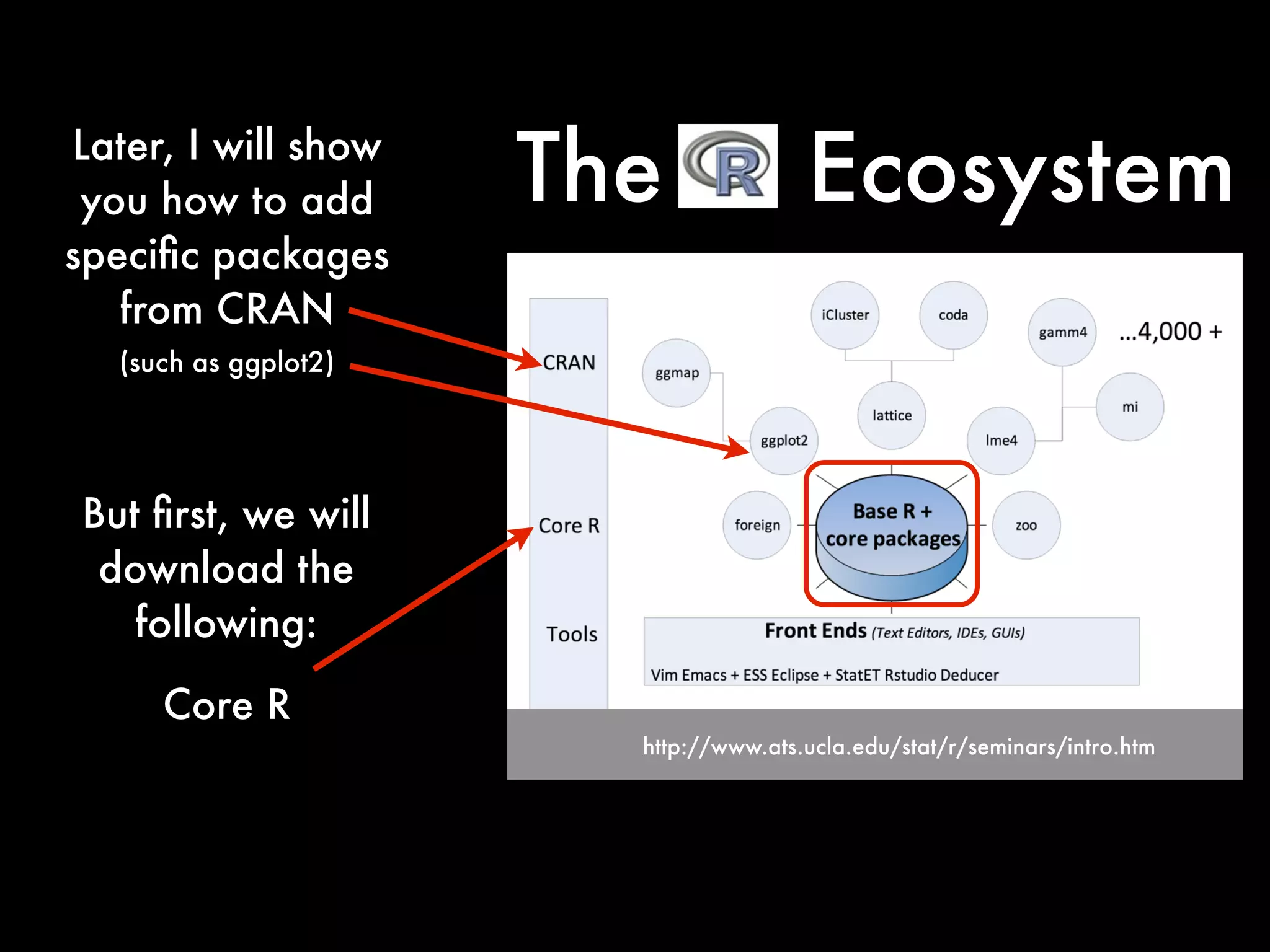
But first, we will
download the
following:
Core R
The EcosystemLater, I will show
you how to add
specific packages
from CRAN
(such as ggplot2)
http://www.ats.ucla.edu/stat/r/seminars/intro.htm
But first, we will
download the
following:
Core R
The EcosystemLater, I will show
you how to add
specific packages
from CRAN
(such as ggplot2)
http://www.ats.ucla.edu/stat/r/seminars/intro.htm
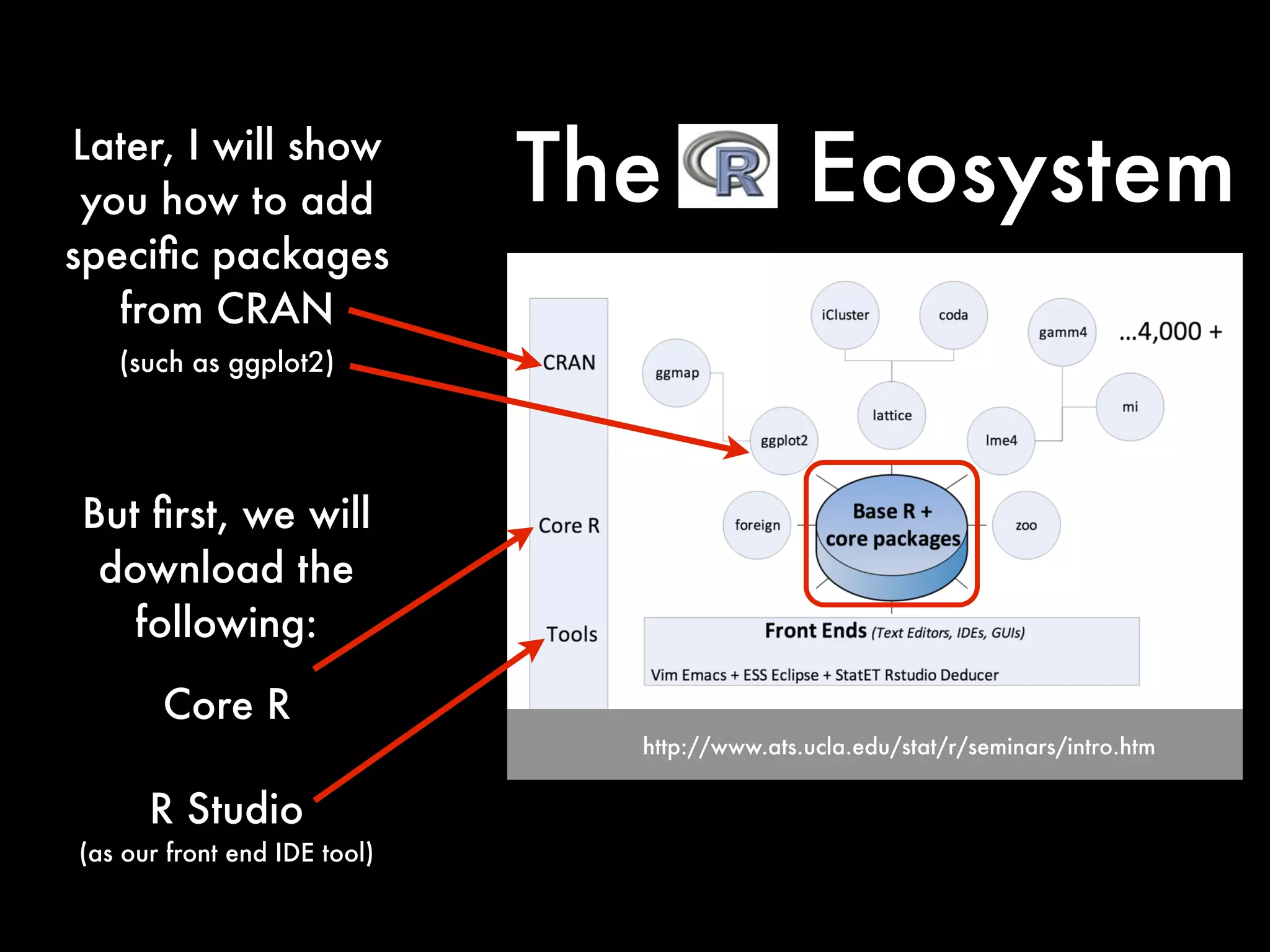
R Studio
(as our front end IDE tool)
But first, we will
download the
following:
Core R
The EcosystemLater, I will show
you how to add
specific packages
from CRAN
(such as ggplot2)
http://www.ats.ucla.edu/stat/r/seminars/intro.htm
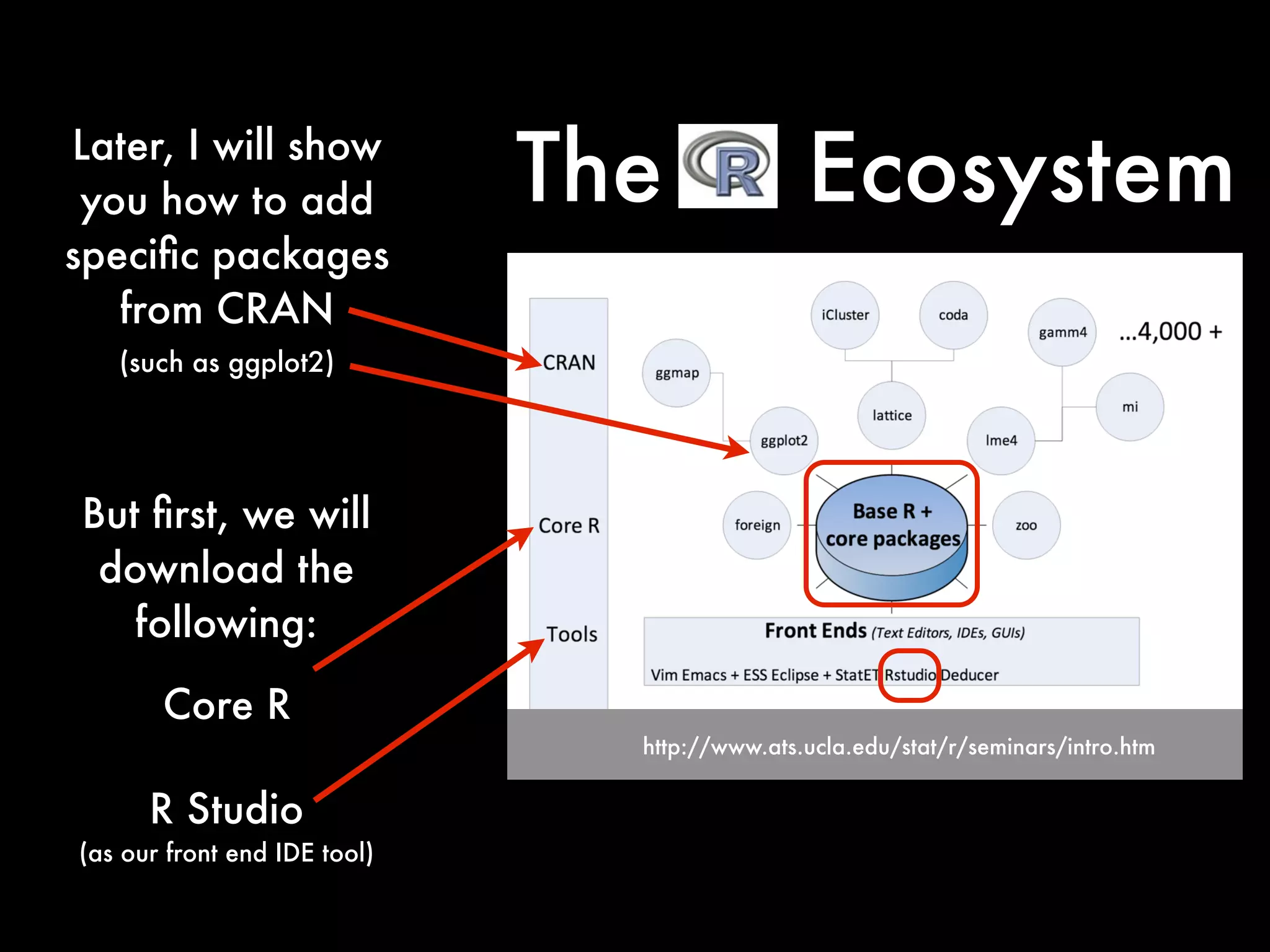
R Studio
(as our front end IDE tool)
But first, we will
download the
following:
Core R
The EcosystemLater, I will show
you how to add
specific packages
from CRAN
(such as ggplot2)
Lets Install
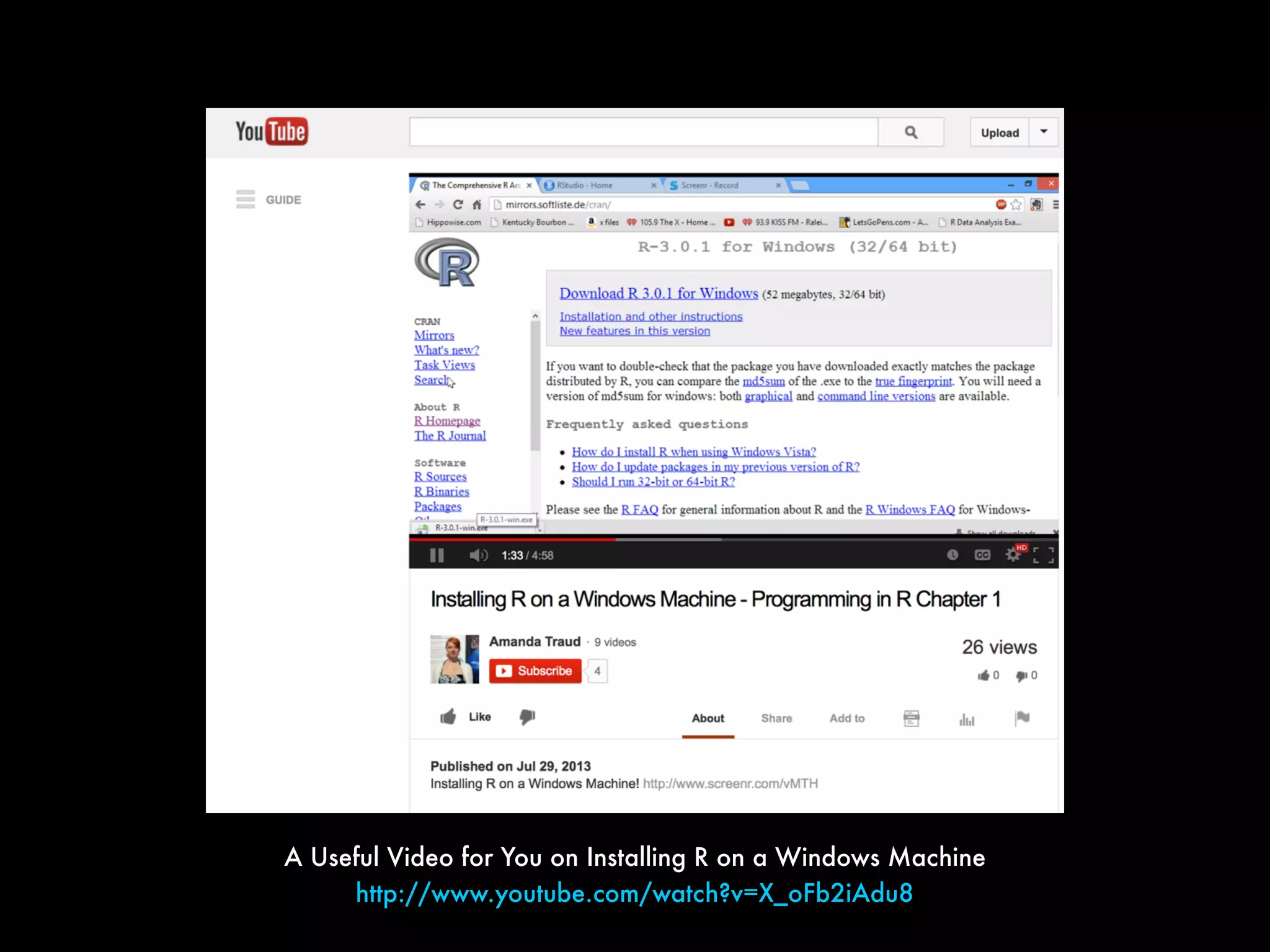
A Useful Video for You on Installing R on a Windows Machine
http://www.youtube.com/watch?v=X_oFb2iAdu8
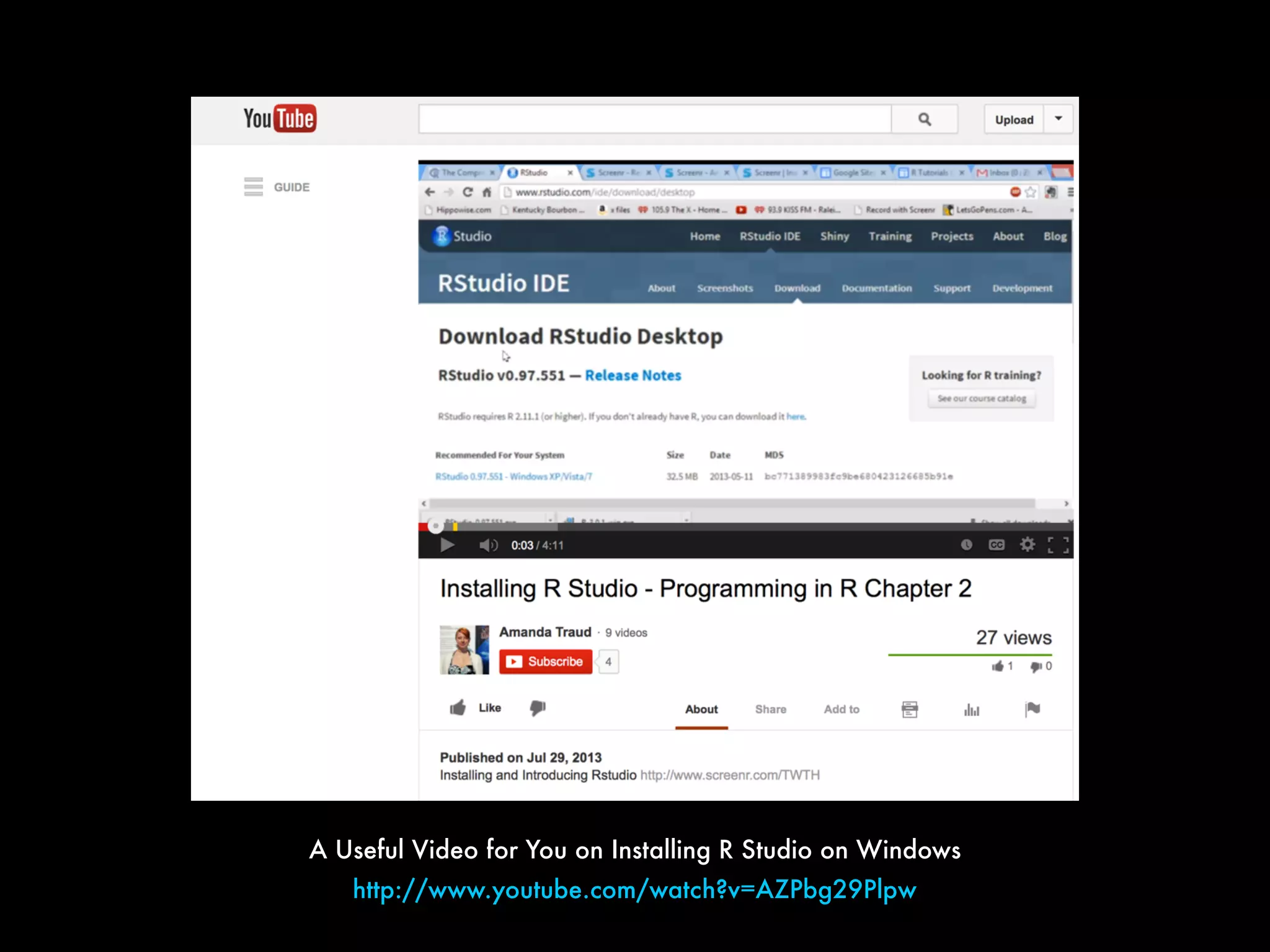
A Useful Video for You on Installing R Studio on Windows
http://www.youtube.com/watch?v=AZPbg29Plpw
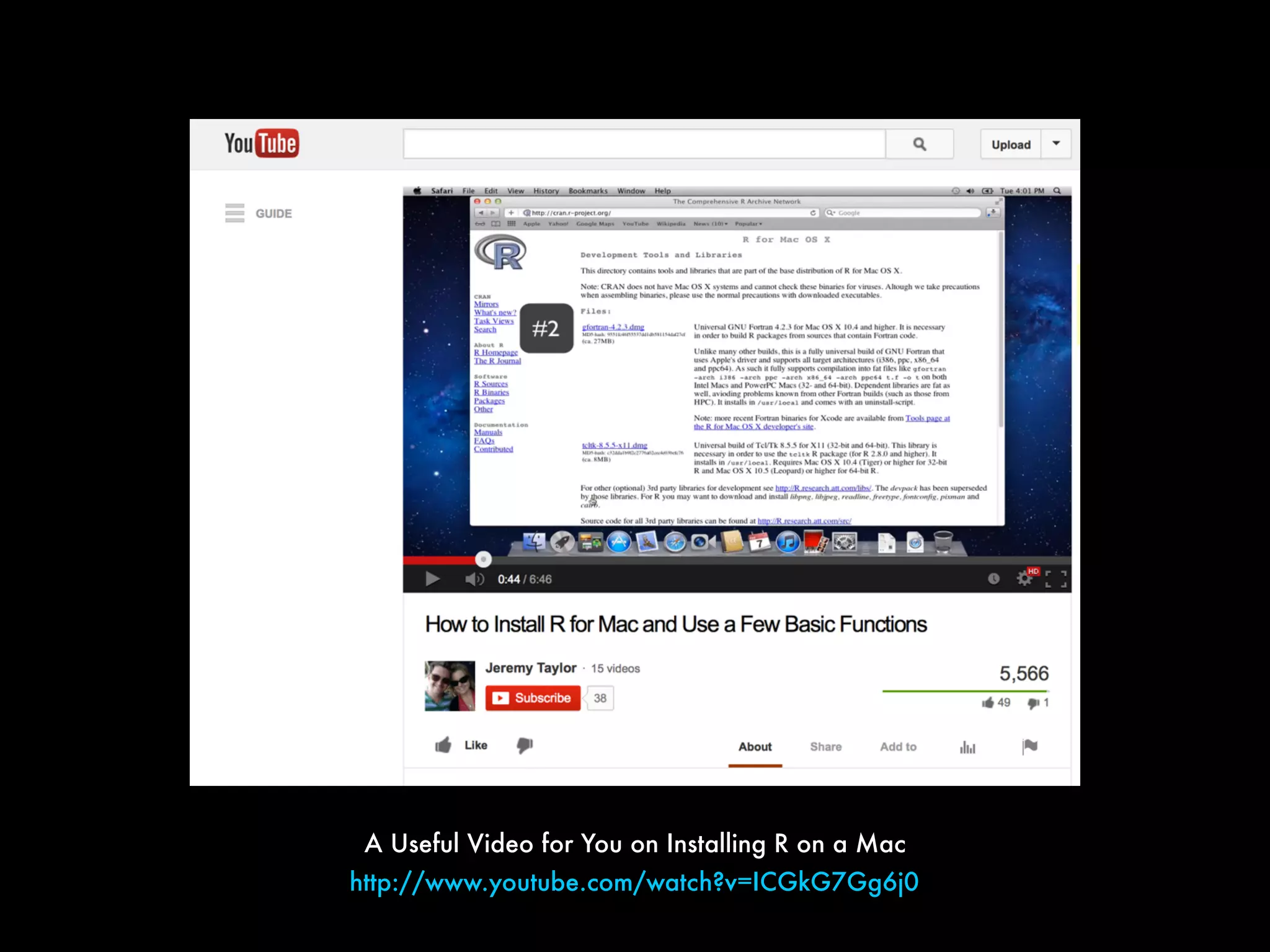
http://www.youtube.com/watch?v=ICGkG7Gg6j0
A Useful Video for You on Installing R on a Mac
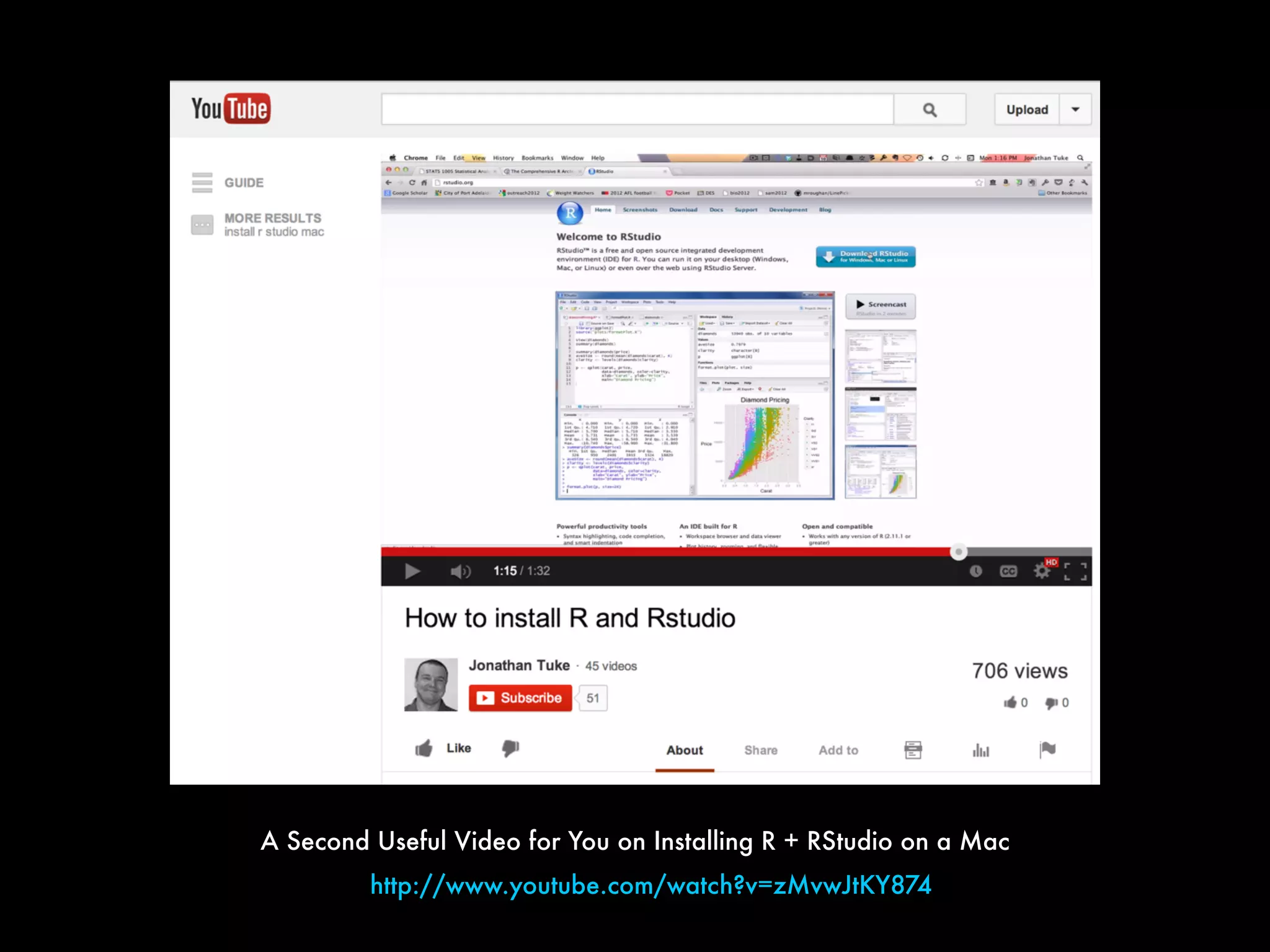
A Second Useful Video for You on Installing R + RStudio on a Mac
http://www.youtube.com/watch?v=zMvwJtKY874
Note: Mac Users Might Also
Benefit from Watching the PC
video (and vice versa)
If you have successfully
installed BOTH
and
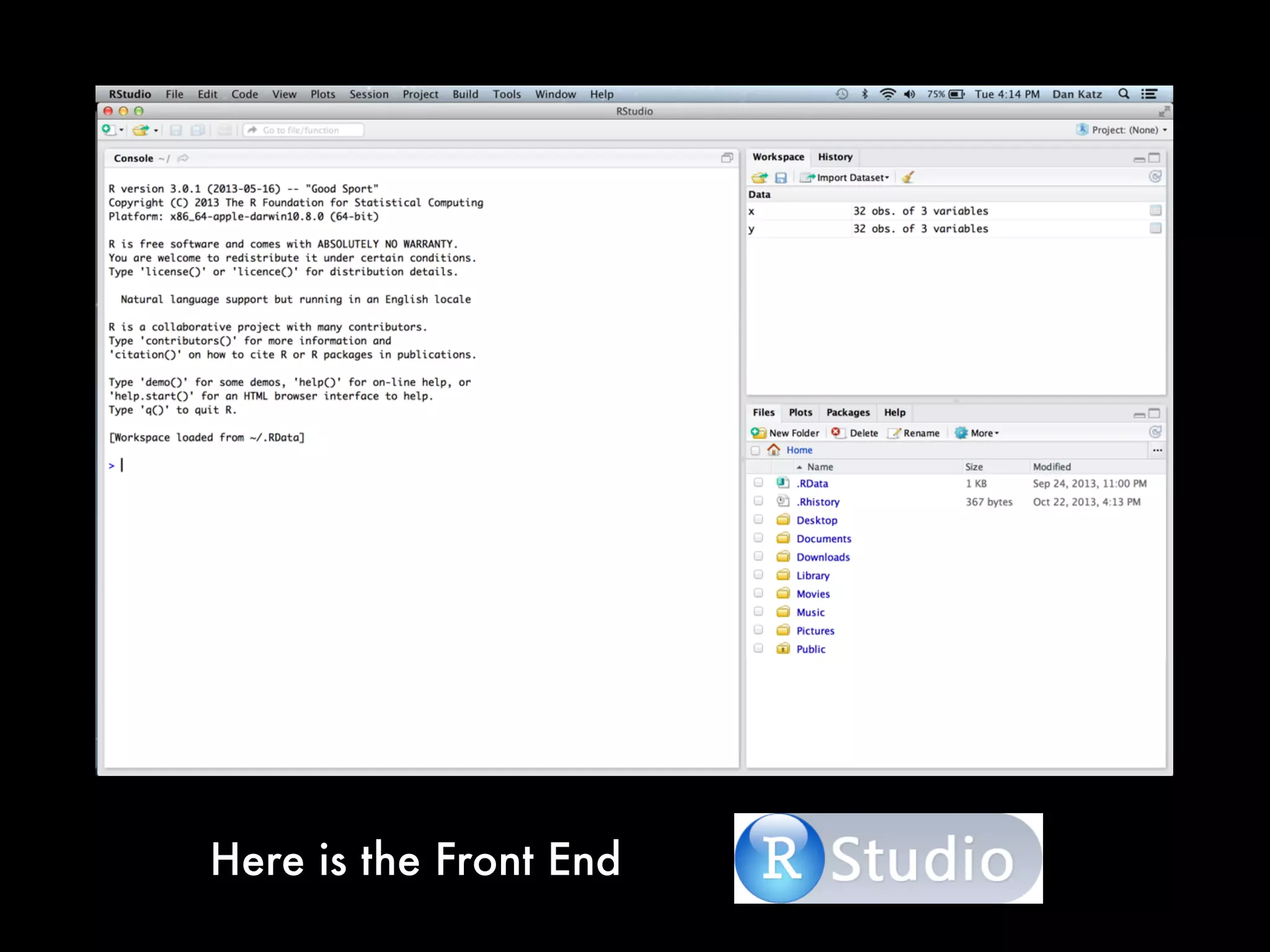
Then, it is time to explore
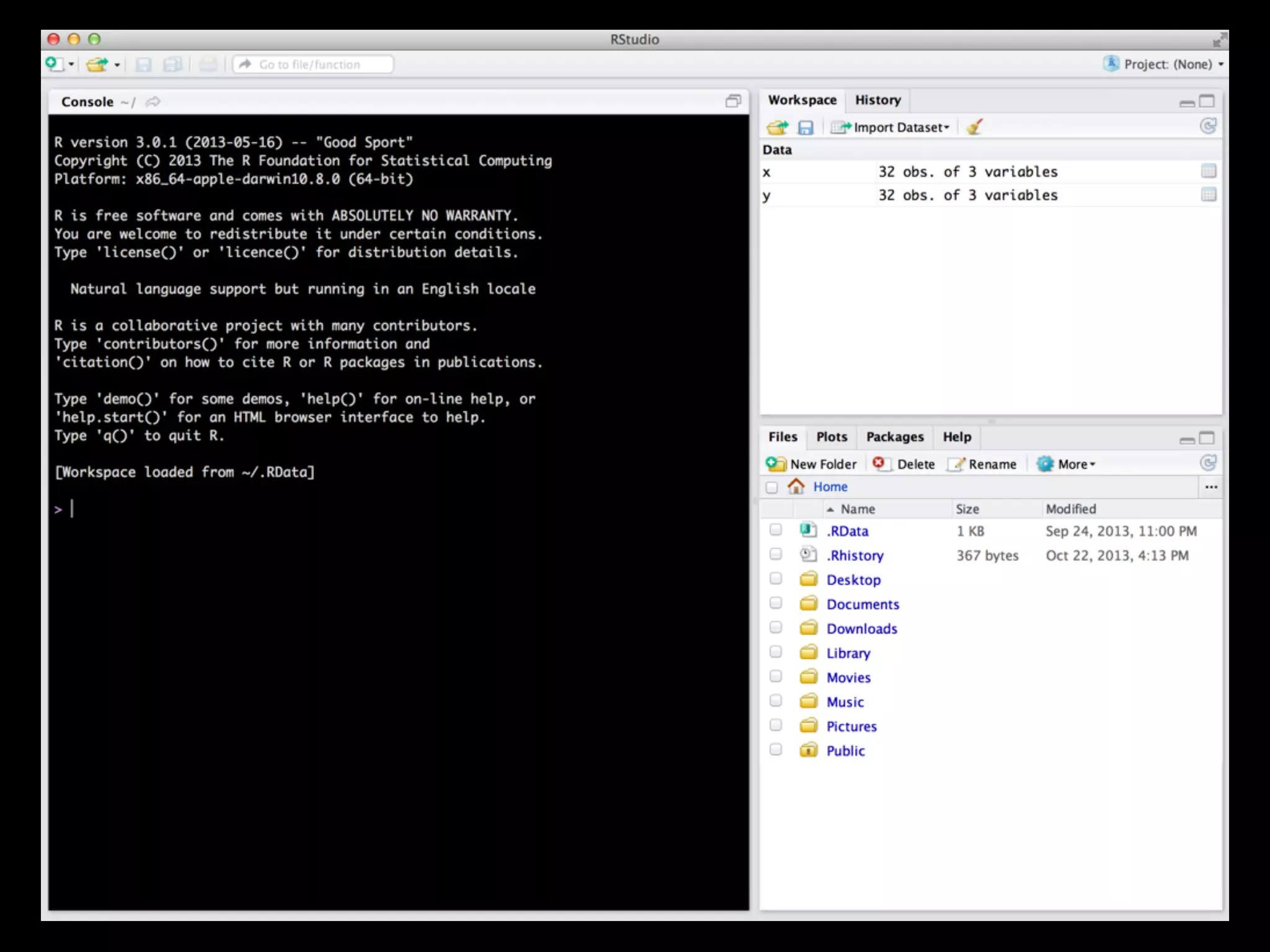
So open R Studio
Here is the Front End
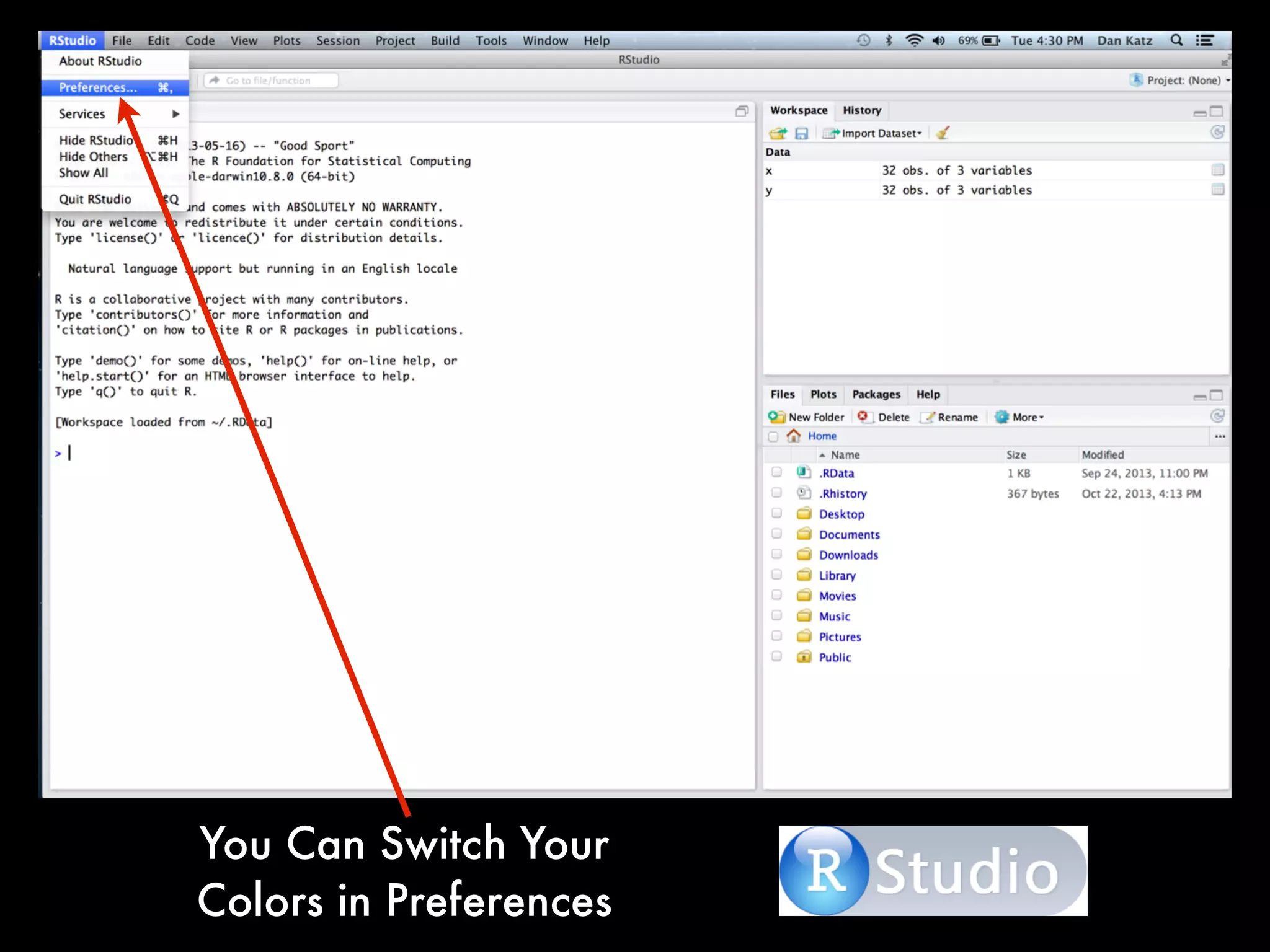
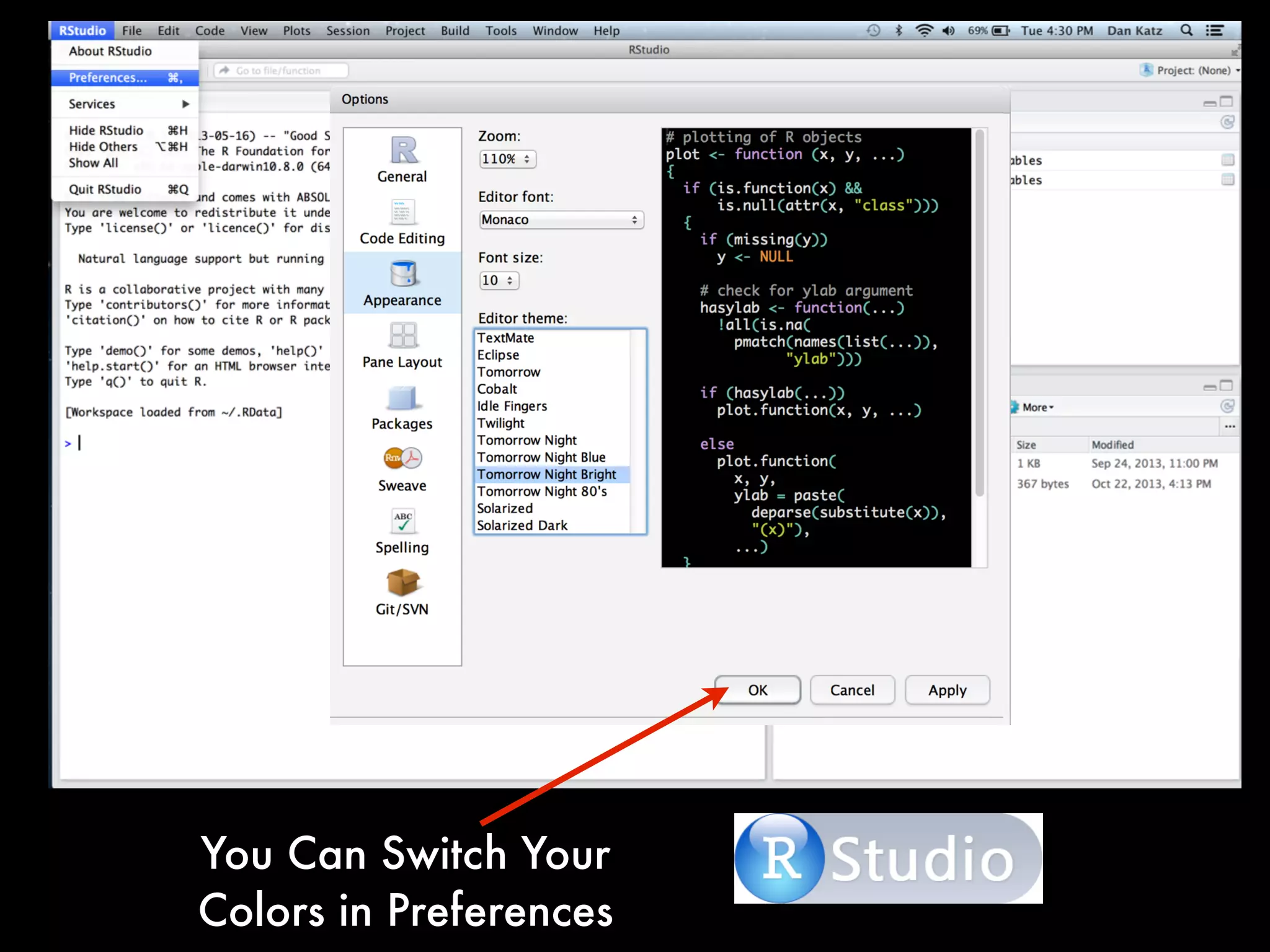
You Can Switch Your
Colors in Preferences
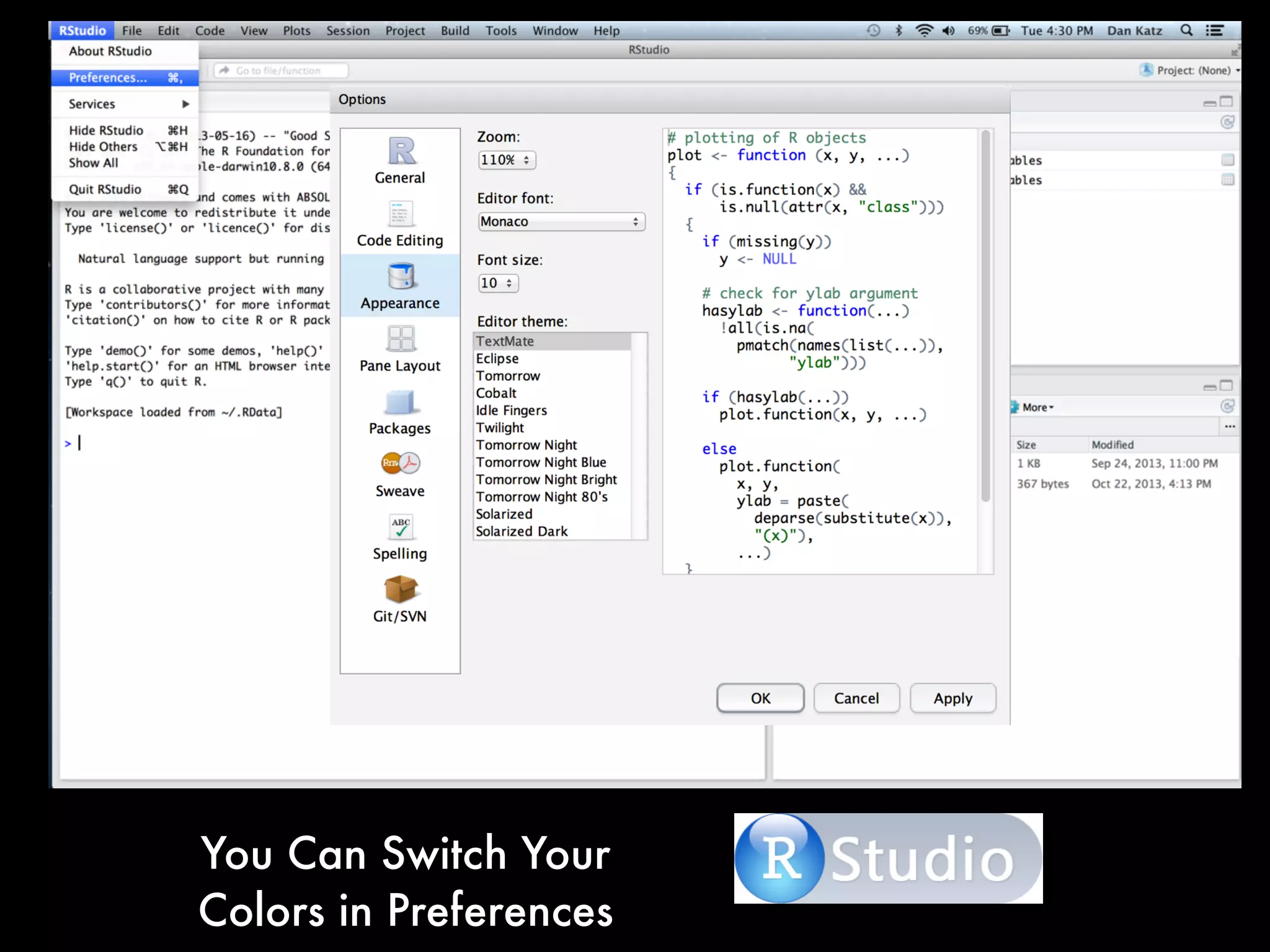
You Can Switch Your
Colors in Preferences
You Can Switch Your
Colors in Preferences
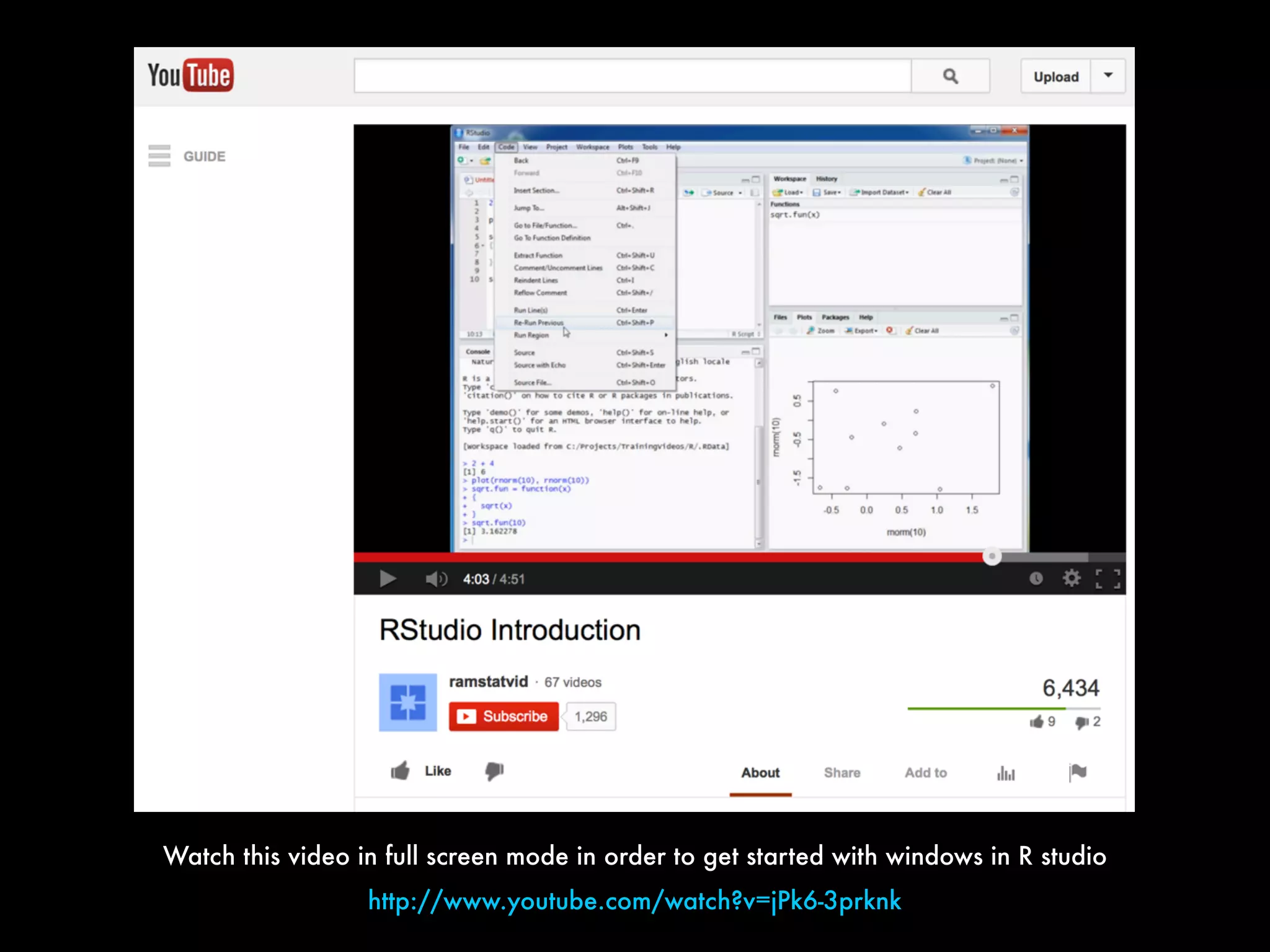
Watch this video in full screen mode in order to get started with windows in R studio
http://www.youtube.com/watch?v=jPk6-3prknk
Lets Explore Some More
Basic Stuff With R Studio
Loading Packages
As promised, I will
now show you how
to add specific
packages from
CRAN
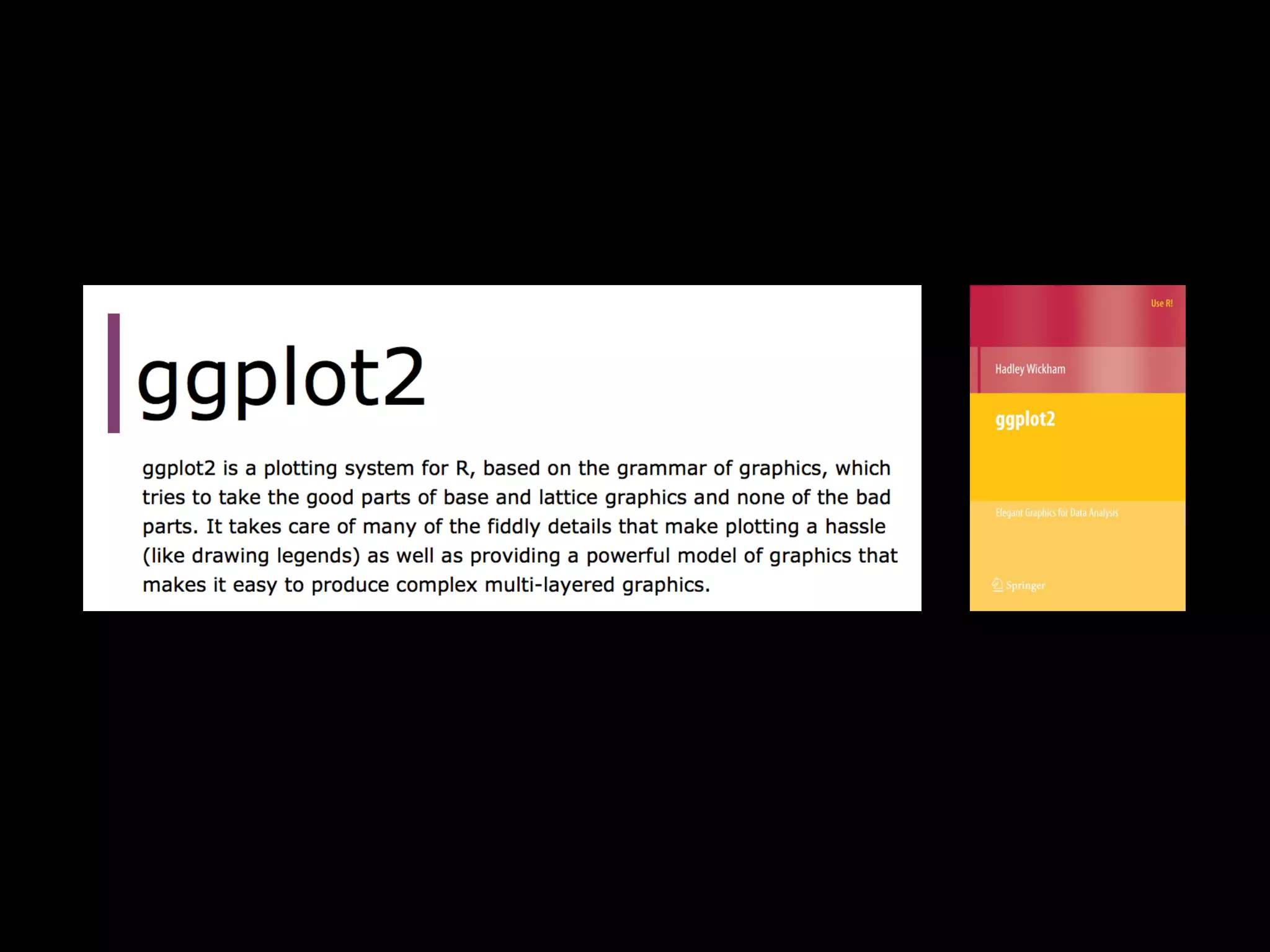
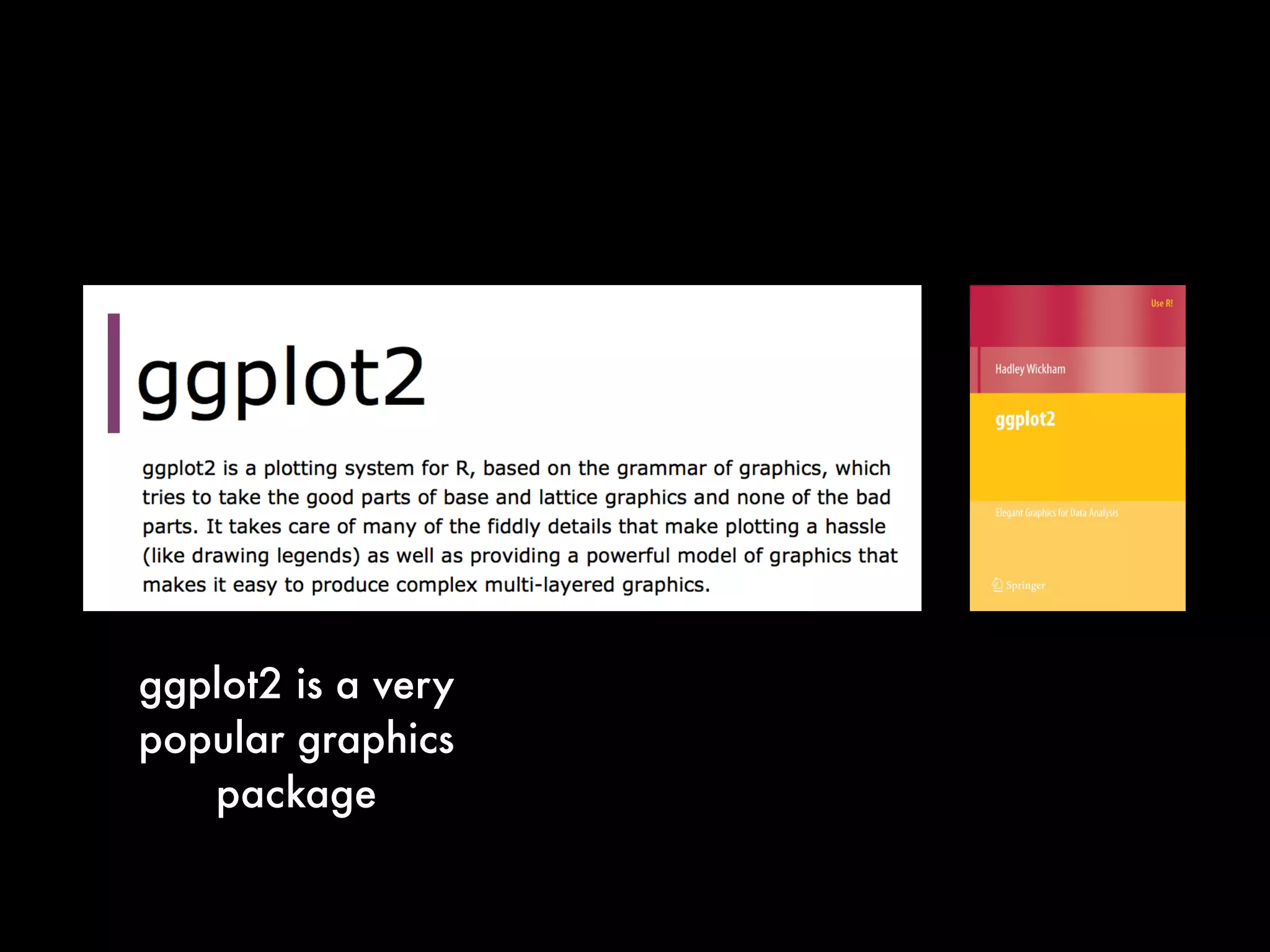
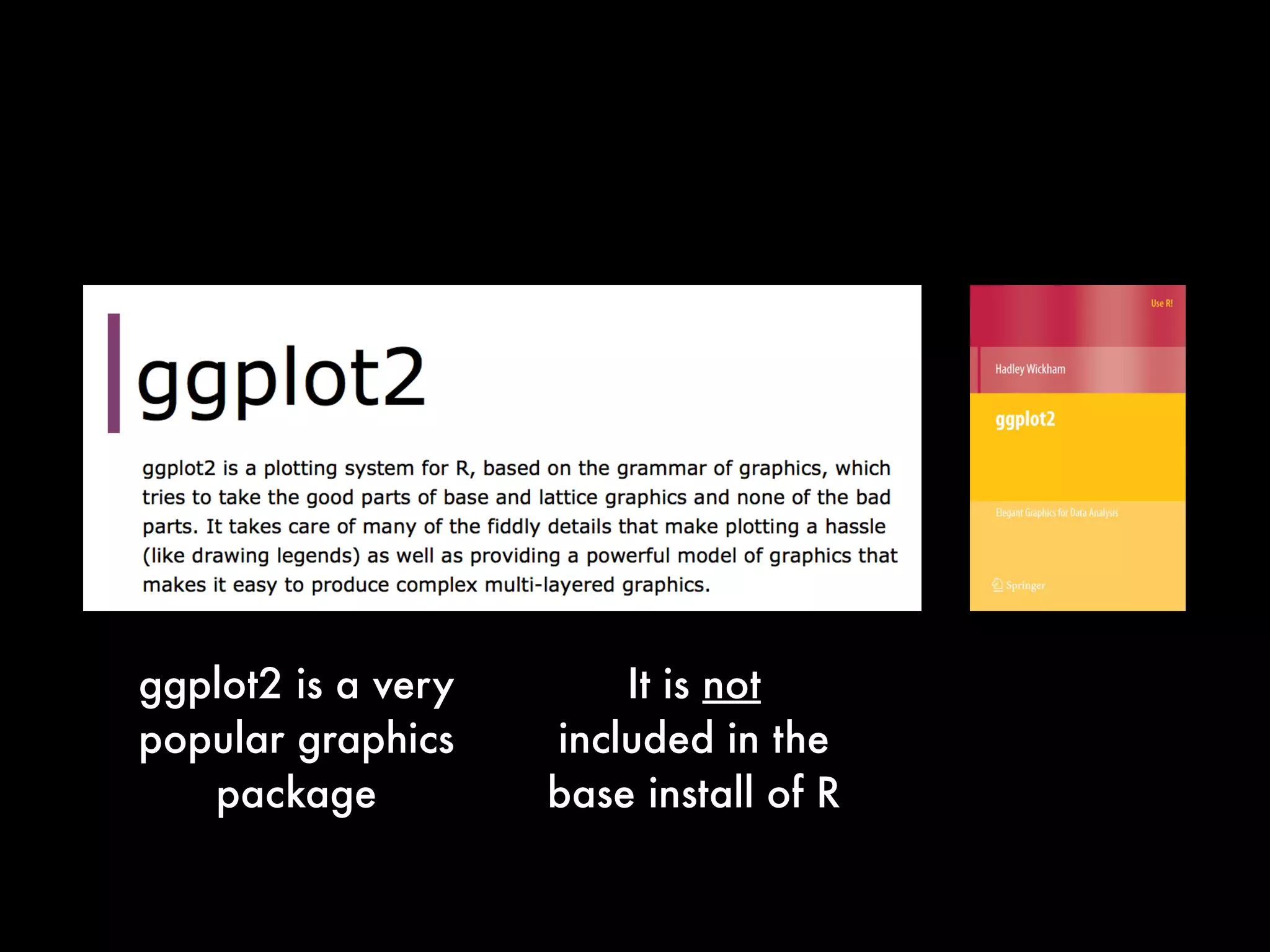
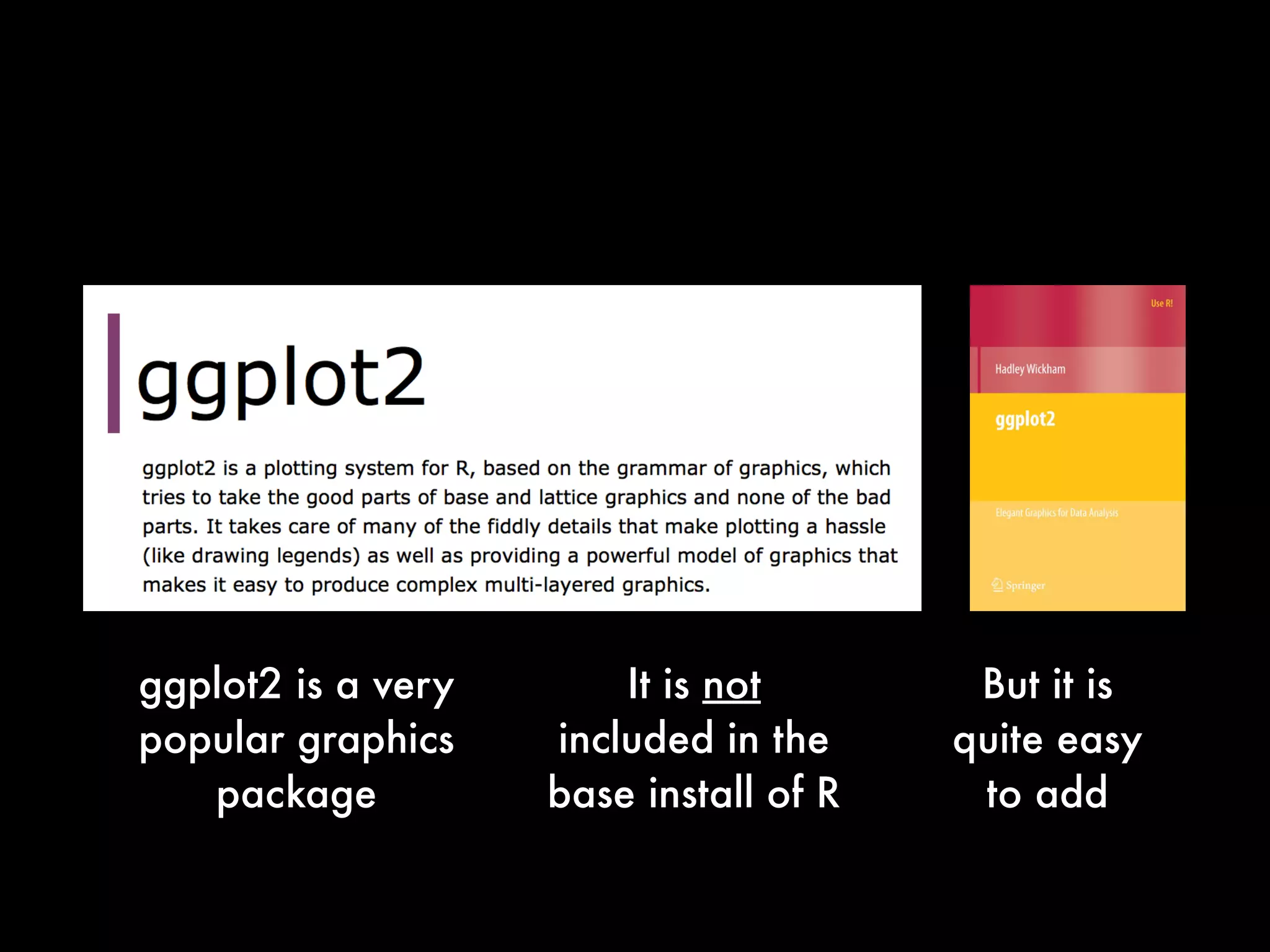
ggplot2 is a very
popular graphics
package
ggplot2 is a very
popular graphics
package
It is not
included in the
base install of R
ggplot2 is a very
popular graphics
package
It is not
included in the
base install of R
But it is
quite easy
to add
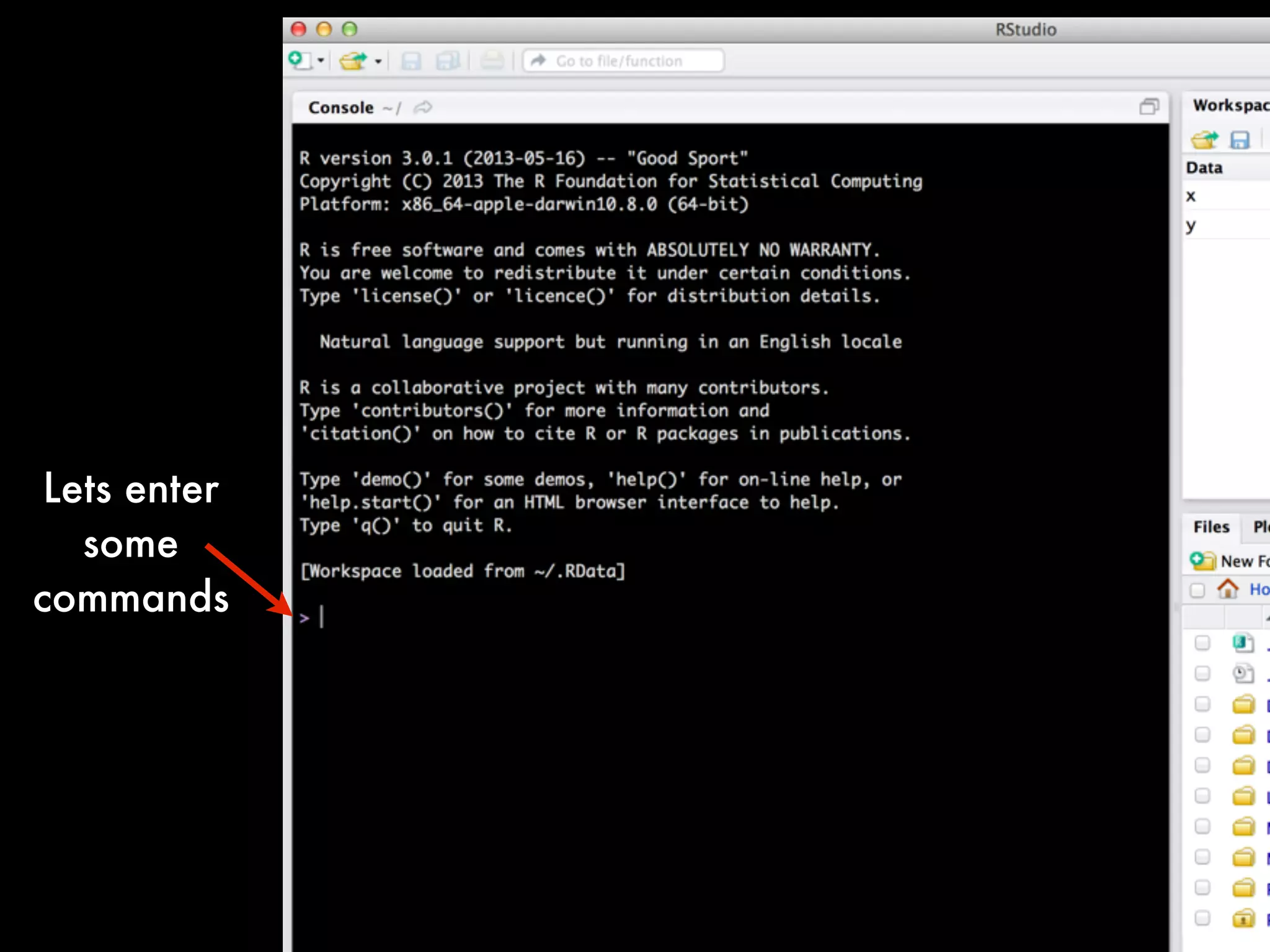
Lets enter
some
commands
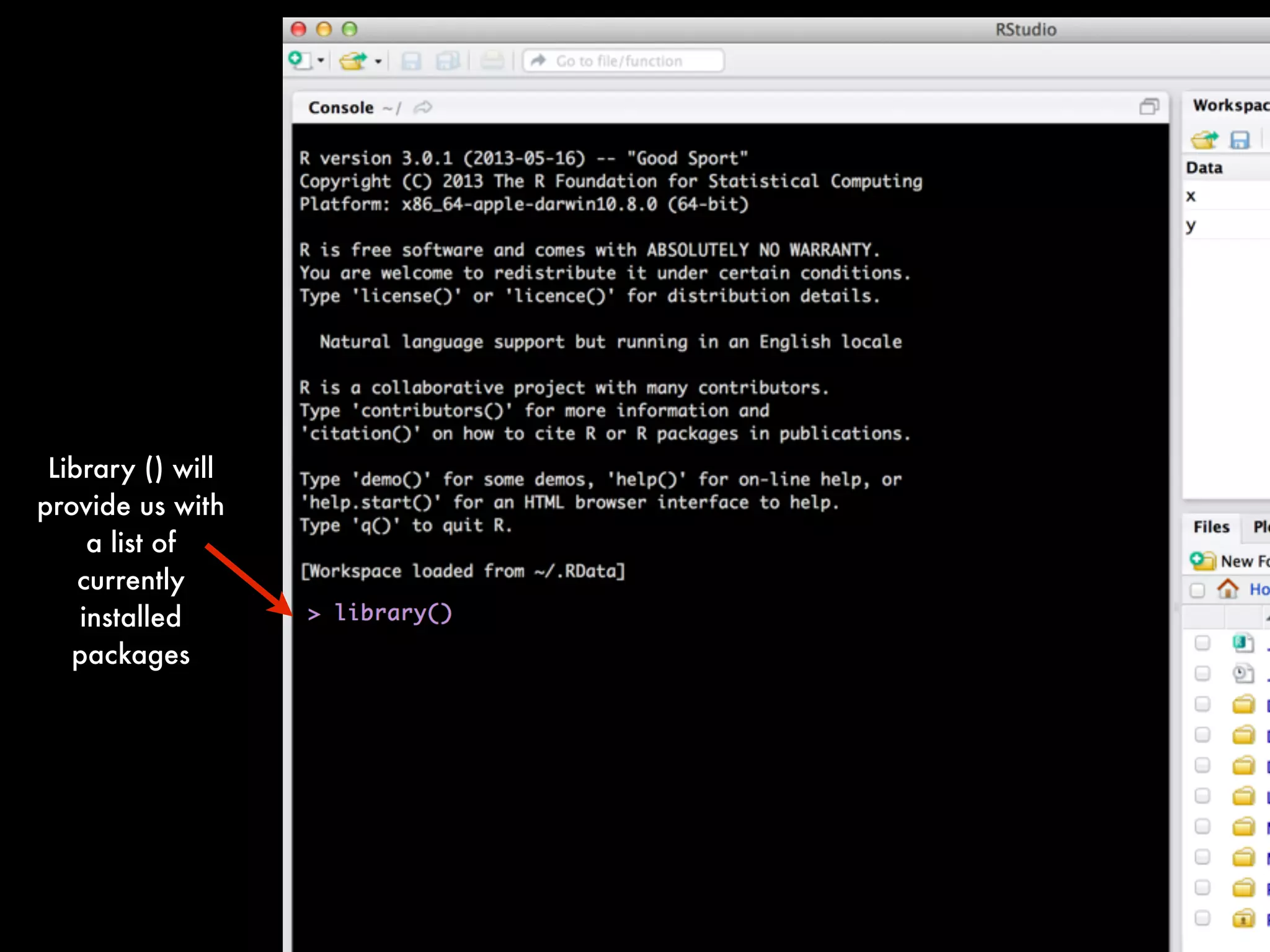
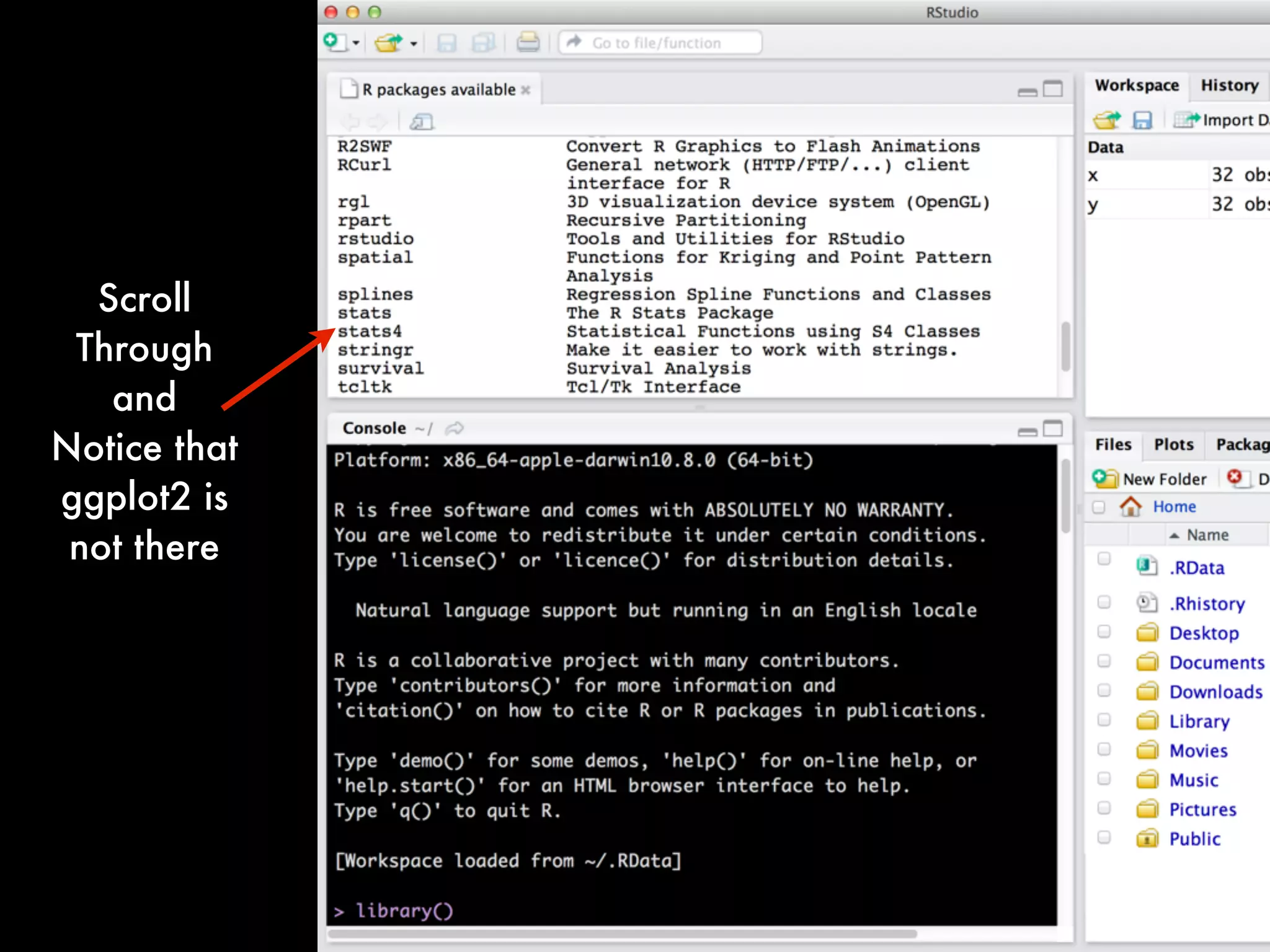
Library () will
provide us with
a list of
currently
installed
packages
Scroll
Through
and
Notice that
ggplot2 is
not there
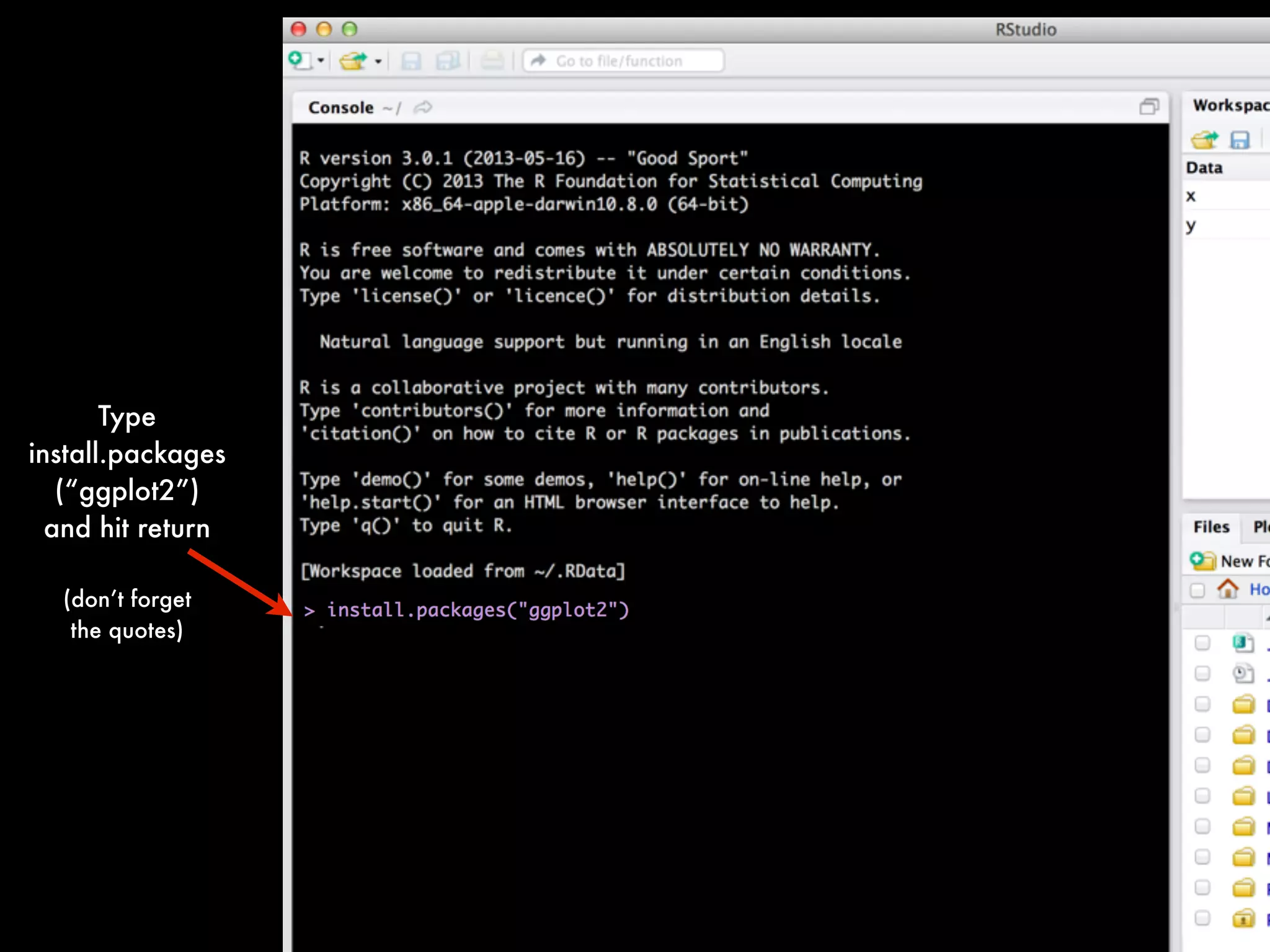
Type
install.packages
(“ggplot2”)
and hit return
(don’t forget
the quotes)
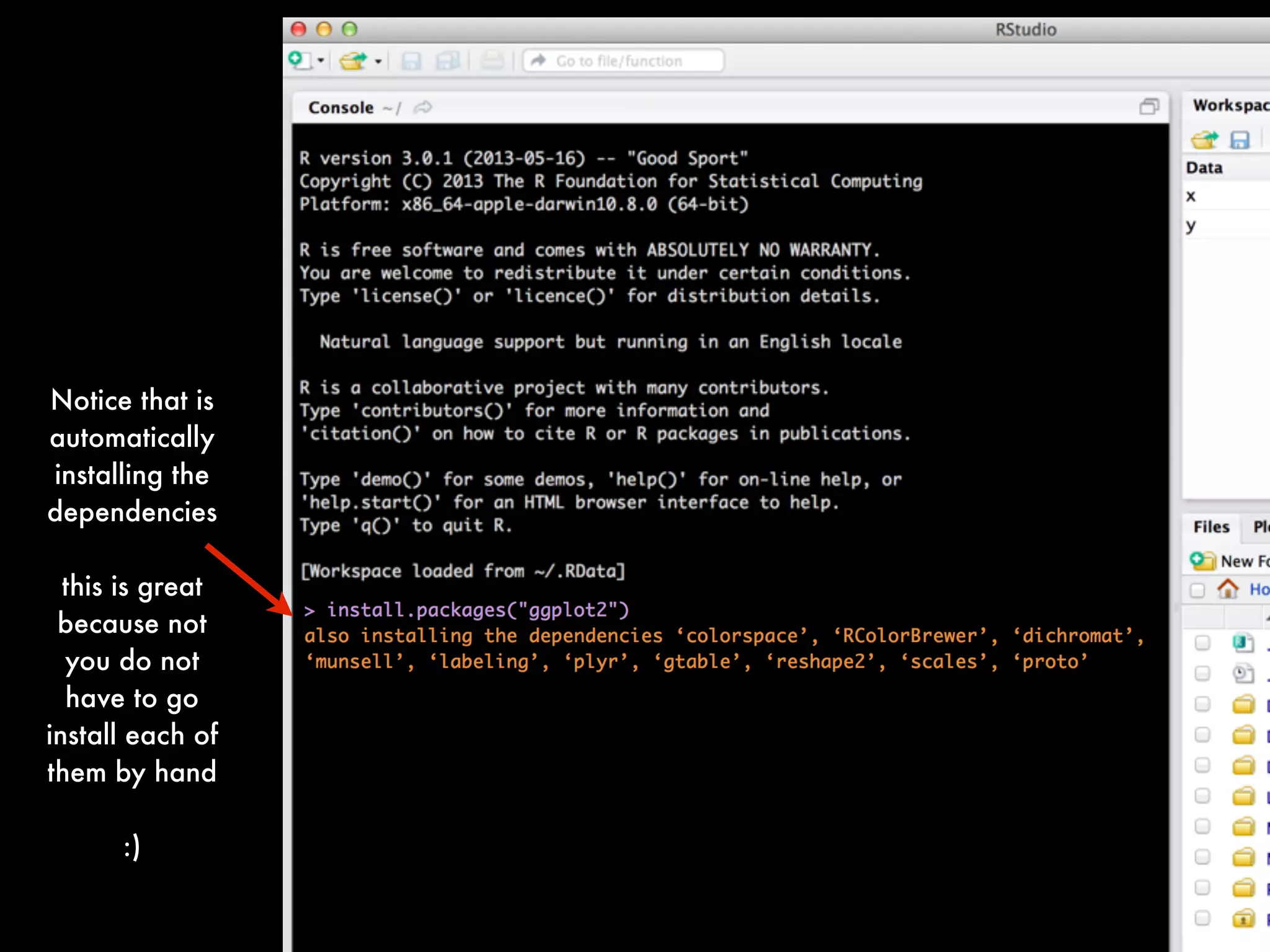
Notice that is
automatically
installing the
dependencies
this is great
because not
you do not
have to go
install each of
them by hand
:)
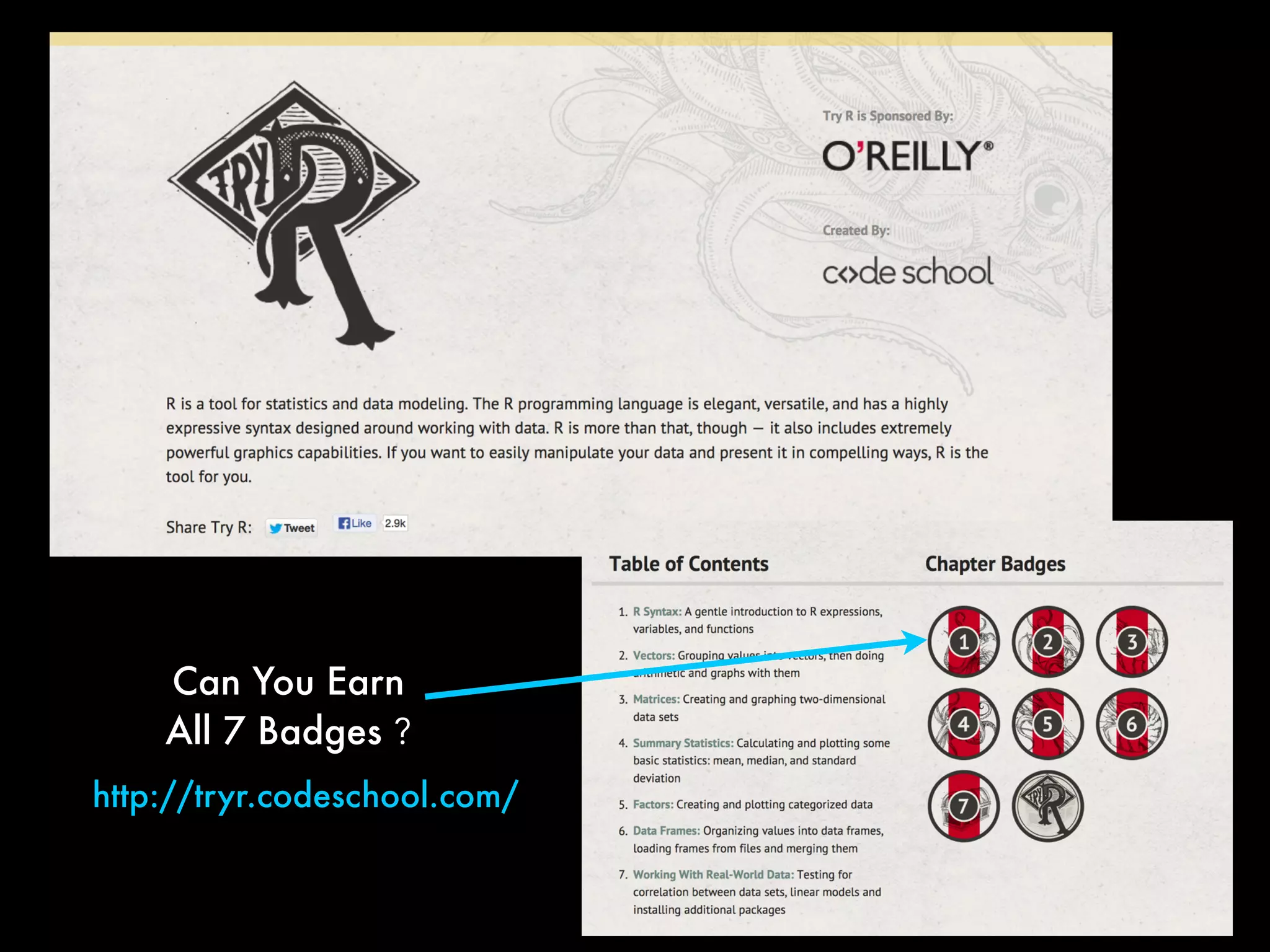
Can You Earn
All 7 Badges ?
http://tryr.codeschool.com/
Daniel Martin Katz
@ computational
computationallegalstudies.com
lexpredict.com
danielmartinkatz.com
illinois tech - chicago kent college of law@

Quantitative Methods for Lawyers - Bonus Module - Introduction to R, Installing R and RStudio - Professor Daniel Martin Katz