TITLE SLIDE
After completing this lesson, you should be able
to:
1. identify the parts of the system unit;
2. understand functions of each component of
system unit;
3. appreciate the importance of identifying and
understanding the components of System Unit
DIRECTION: Identify the following components of
System Unit. Write your answer on the space
provided before the number.
1.
DIRECTION: Identify the
following components of
System Unit. Write your
answer on the space
provided before the
number.
DIRECTION: Identify the
following components of
System Unit. Write your
answer on the space
provided before the
number.
2.
DIRECTION: Identify the
following components of
System Unit. Write your
answer on the space
provided before the
number.
3.
DIRECTION: Identify the
following components of
System Unit. Write your
answer on the space
provided before the
number.
4.
DIRECTION: Identify the
following components of
System Unit. Write your
answer on the space
provided before the
number.
5.
DIRECTION: Identify the
following components of
System Unit. Write your
answer on the space
provided before the
number.
6.
DIRECTION: Identify the
following components of
System Unit. Write your
answer on the space
provided before the
number.
7.
DIRECTION: Identify the
following components of
System Unit. Write your
answer on the space
provided before the
number.
8.
DIRECTION: Identify the
following components of
System Unit. Write your
answer on the space
provided before the
number.
9.
DIRECTION: Identify the
following components of
System Unit. Write your
answer on the space
provided before the
number.
10.
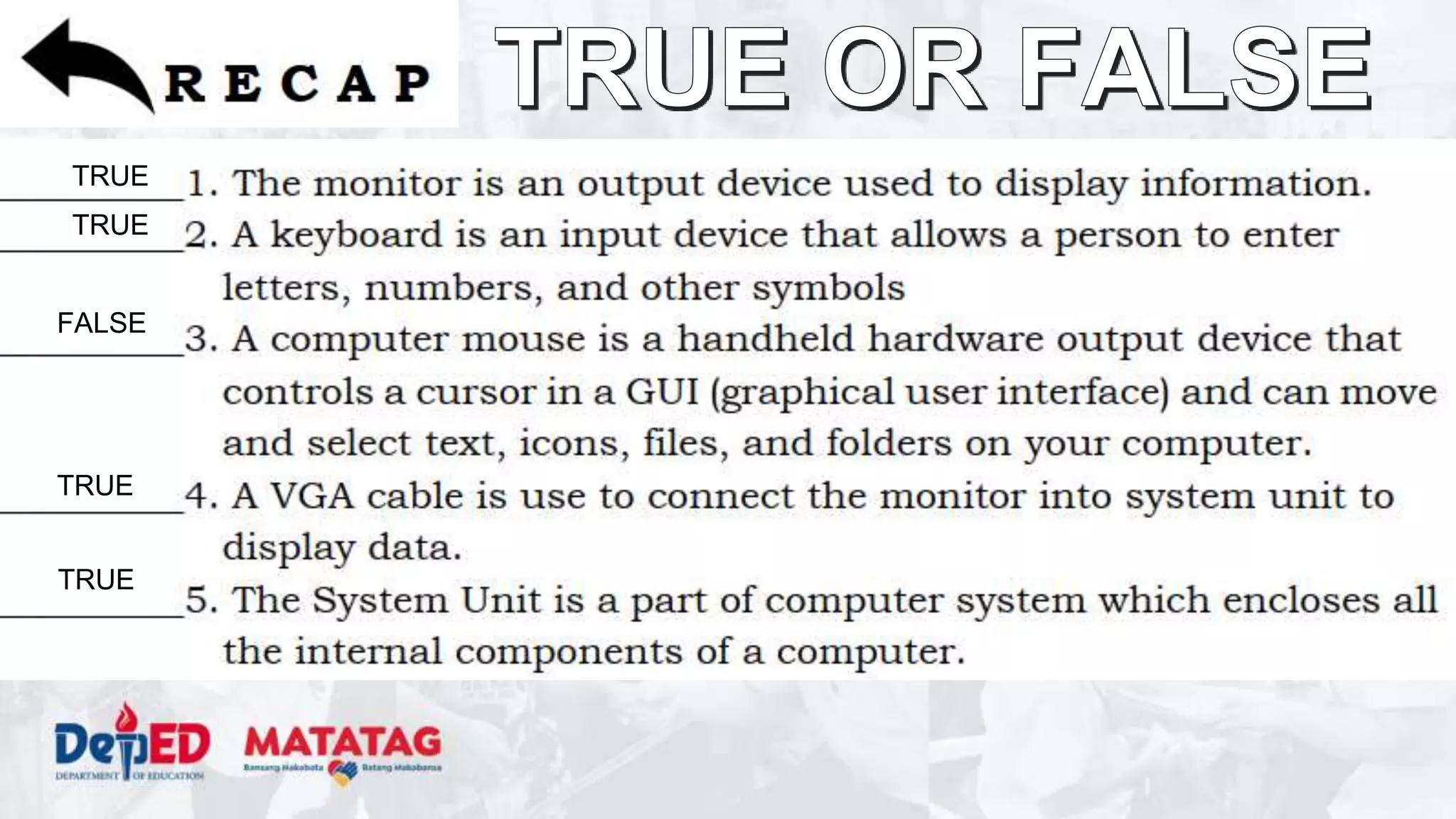
TRUE
TRUE
FALSE
TRUE
TRUE
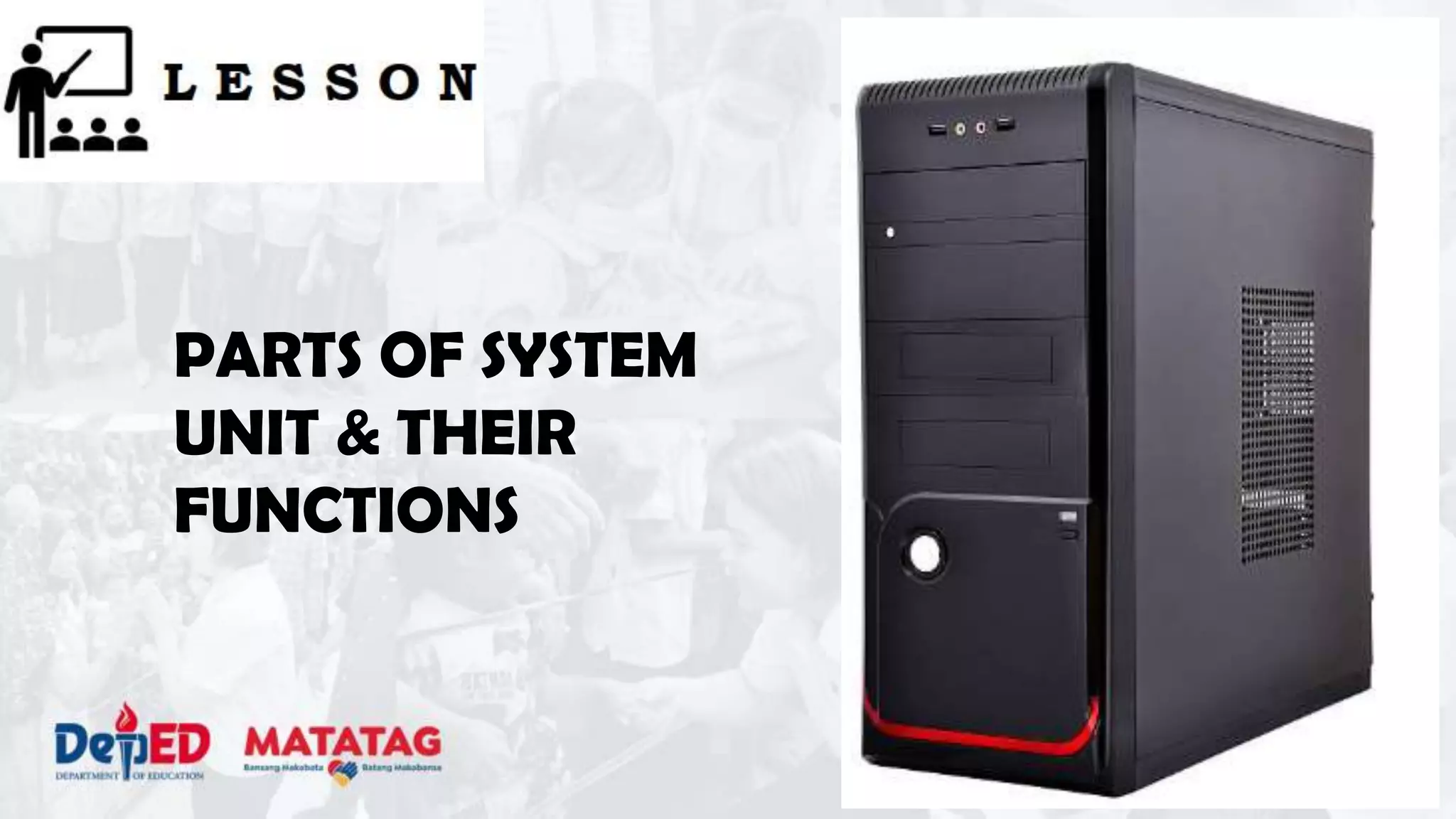
PARTS OF SYSTEM
UNIT & THEIR
FUNCTIONS
The system unit is the box-like case that
contains the electronic components of a
computer including the motherboard, CPU,
RAM, and other components. The system unit
also includes the case that houses the internal
components of the computer. Many people
erroneously refer to this as the CPU.
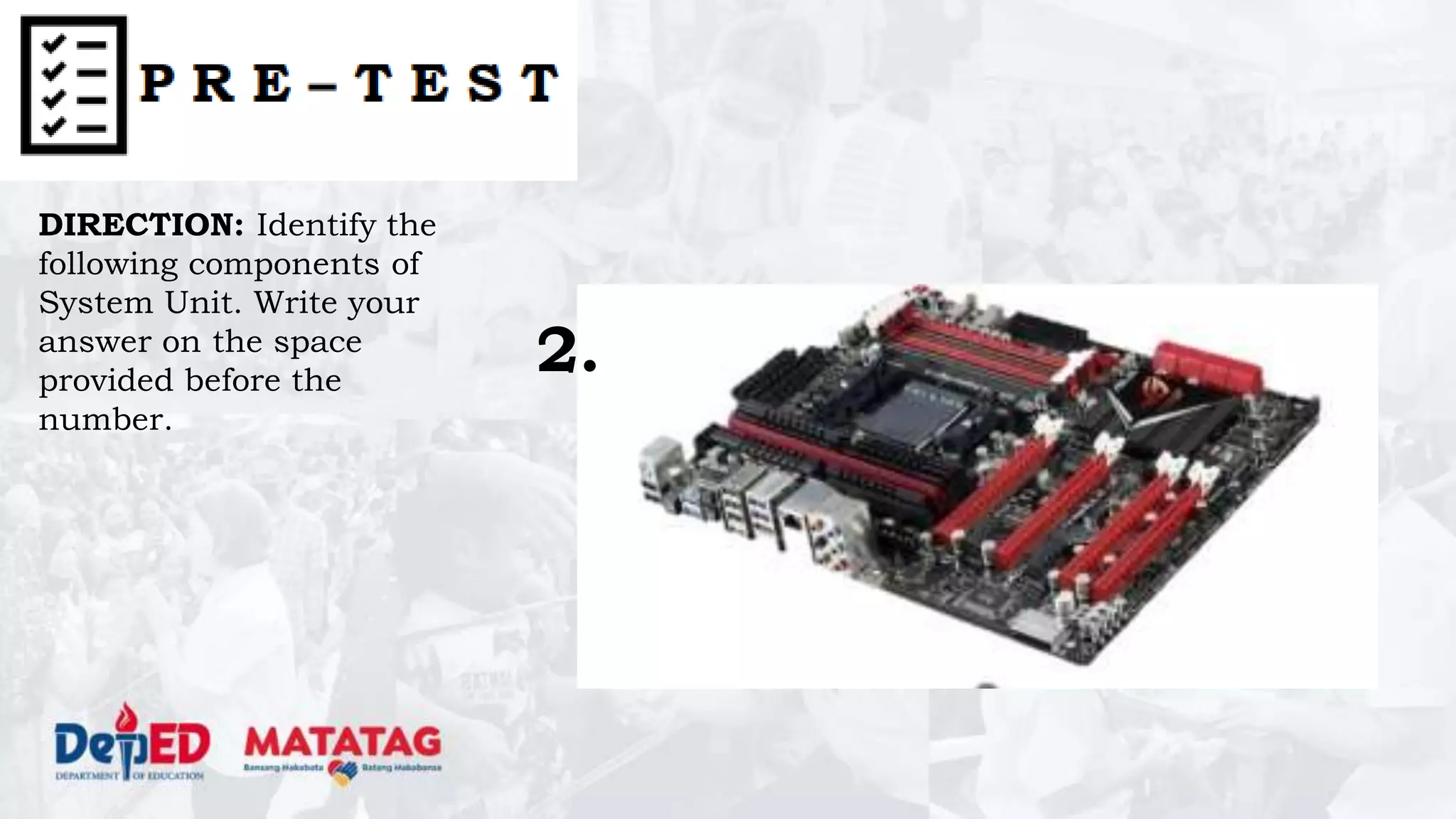
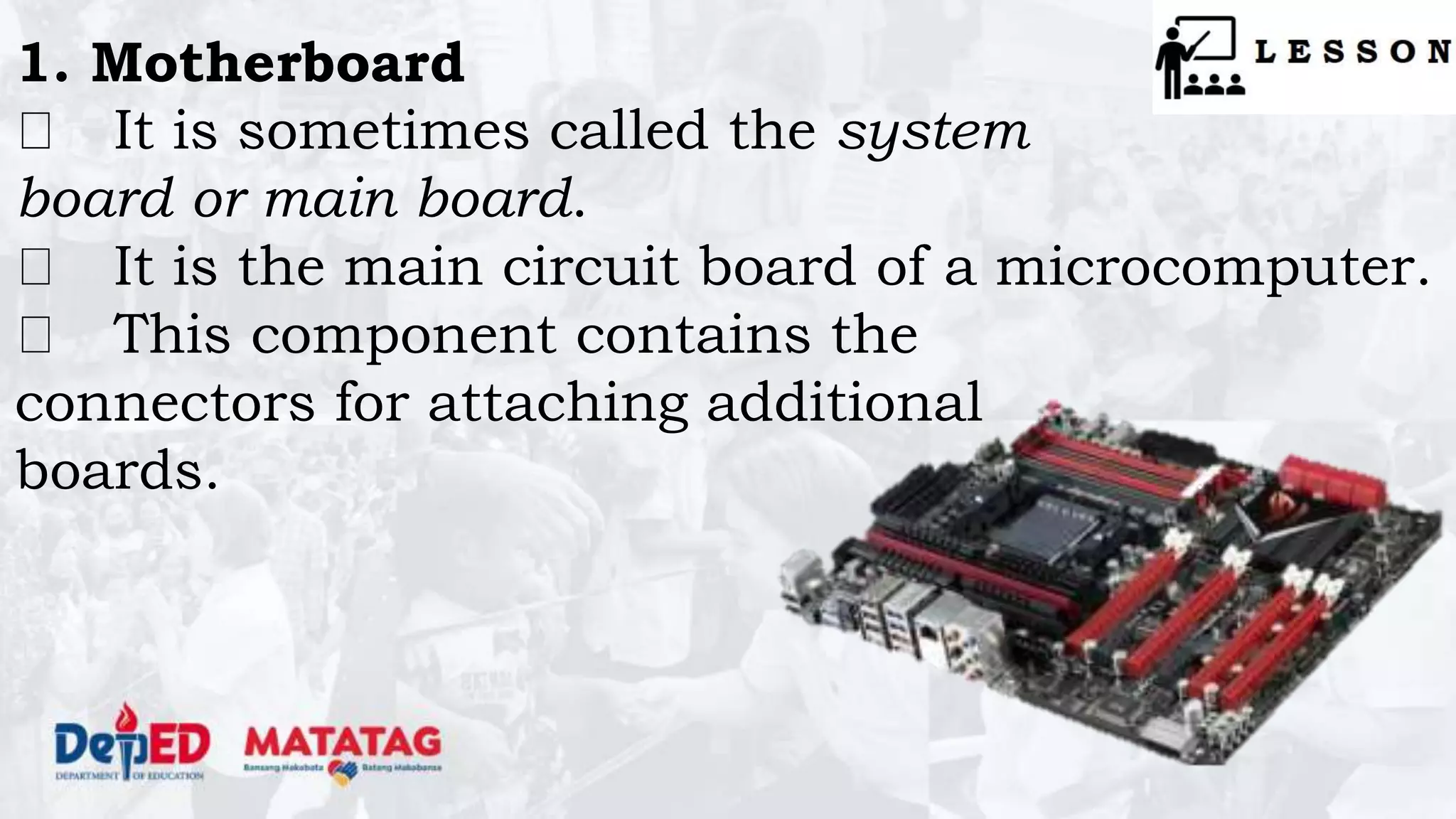
1. Motherboard
It is sometimes called the system
board or main board.
It is the main circuit board of a microcomputer.
This component contains the
connectors for attaching additional
boards.
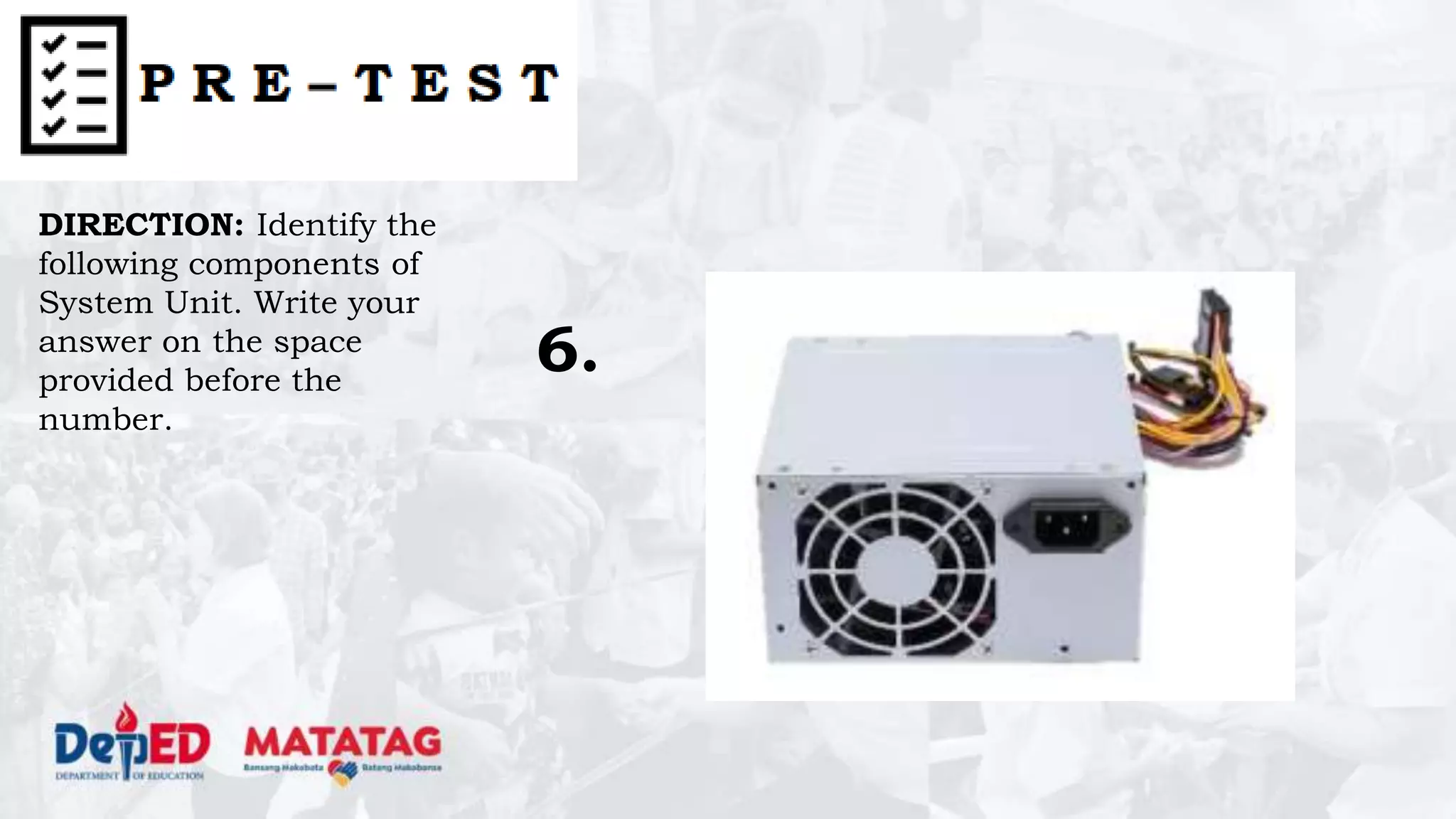
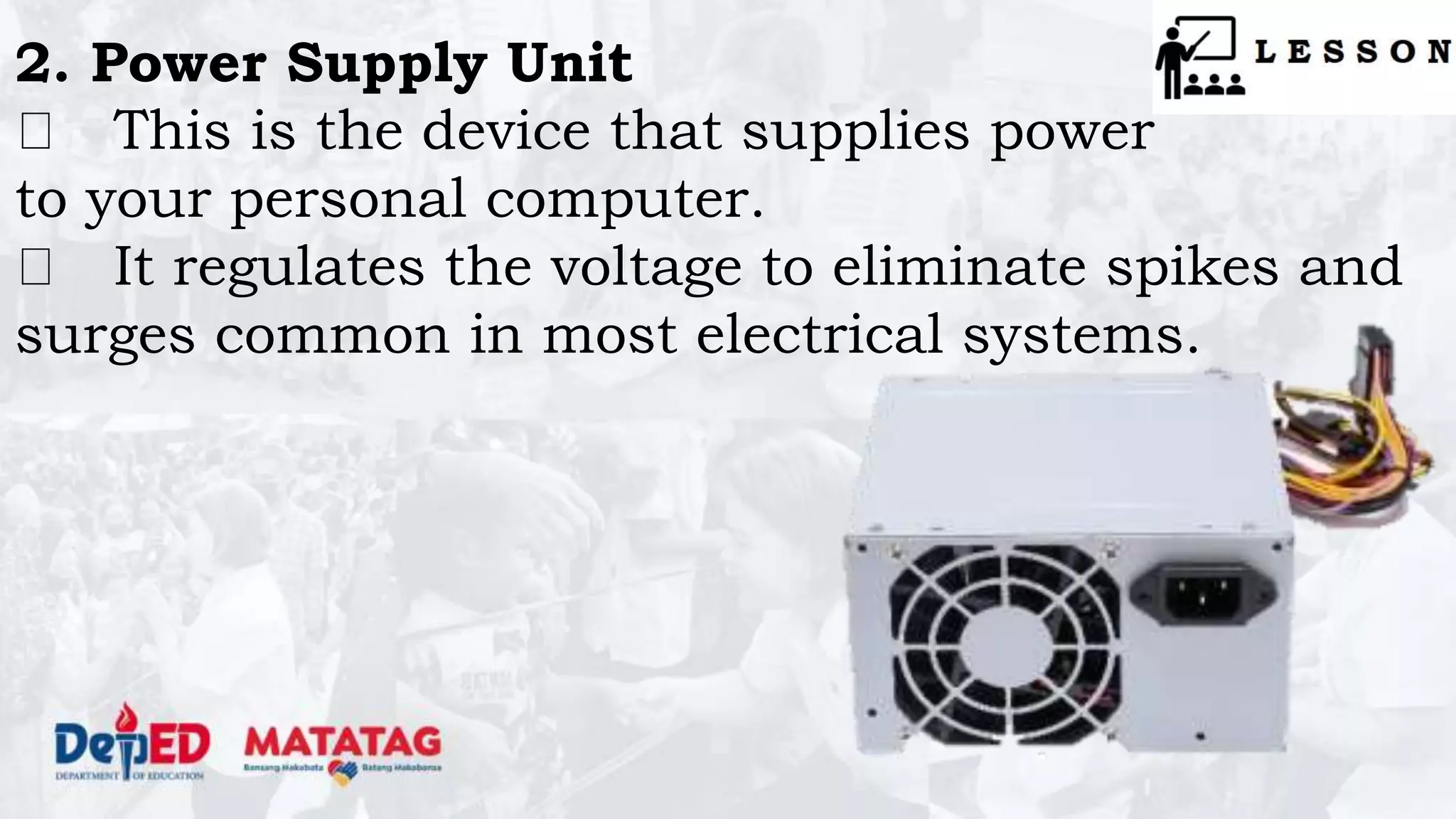
2. Power Supply Unit
This is the device that supplies power
to your personal computer.
It regulates the voltage to eliminate spikes and
surges common in most electrical systems.
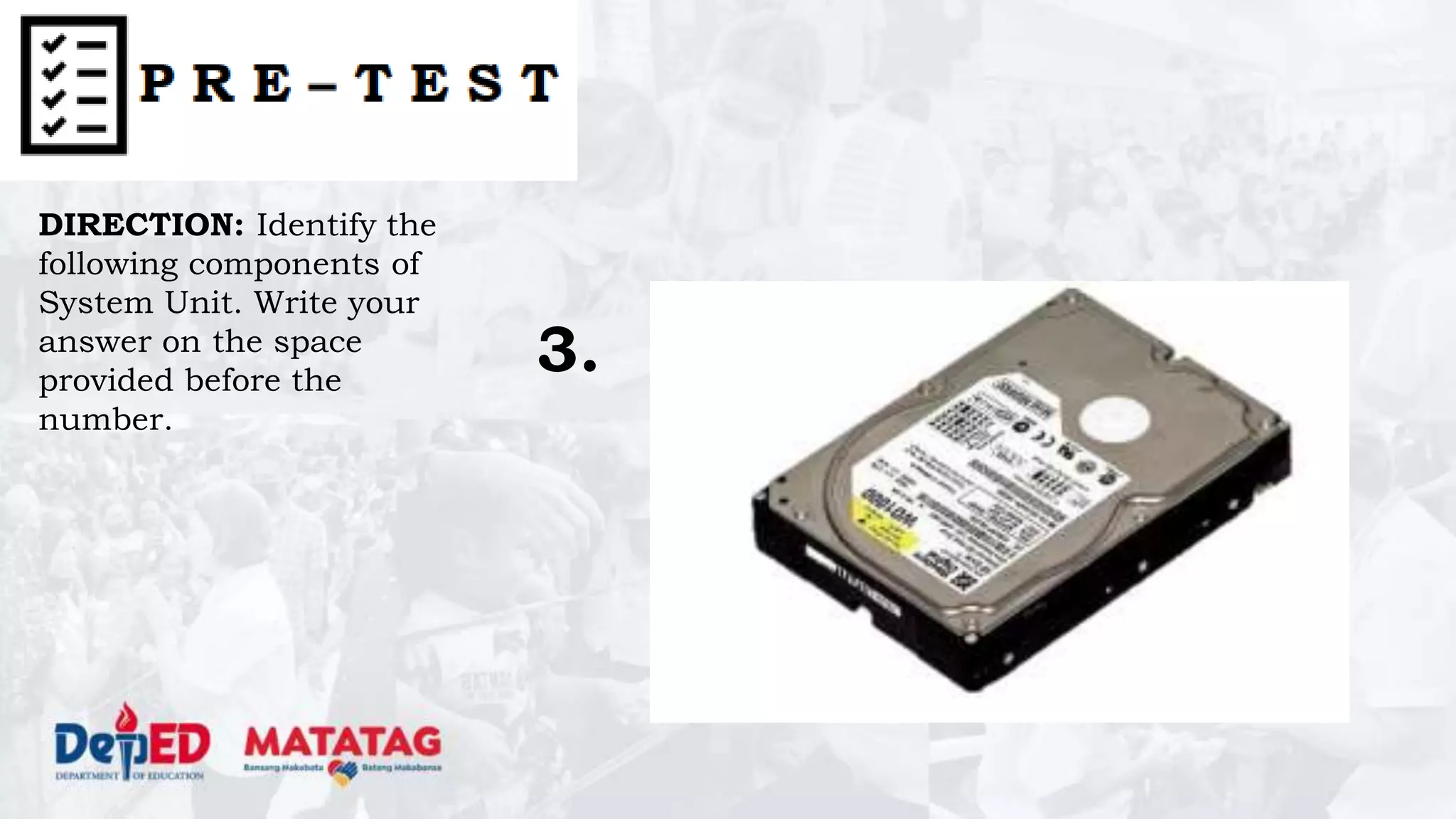
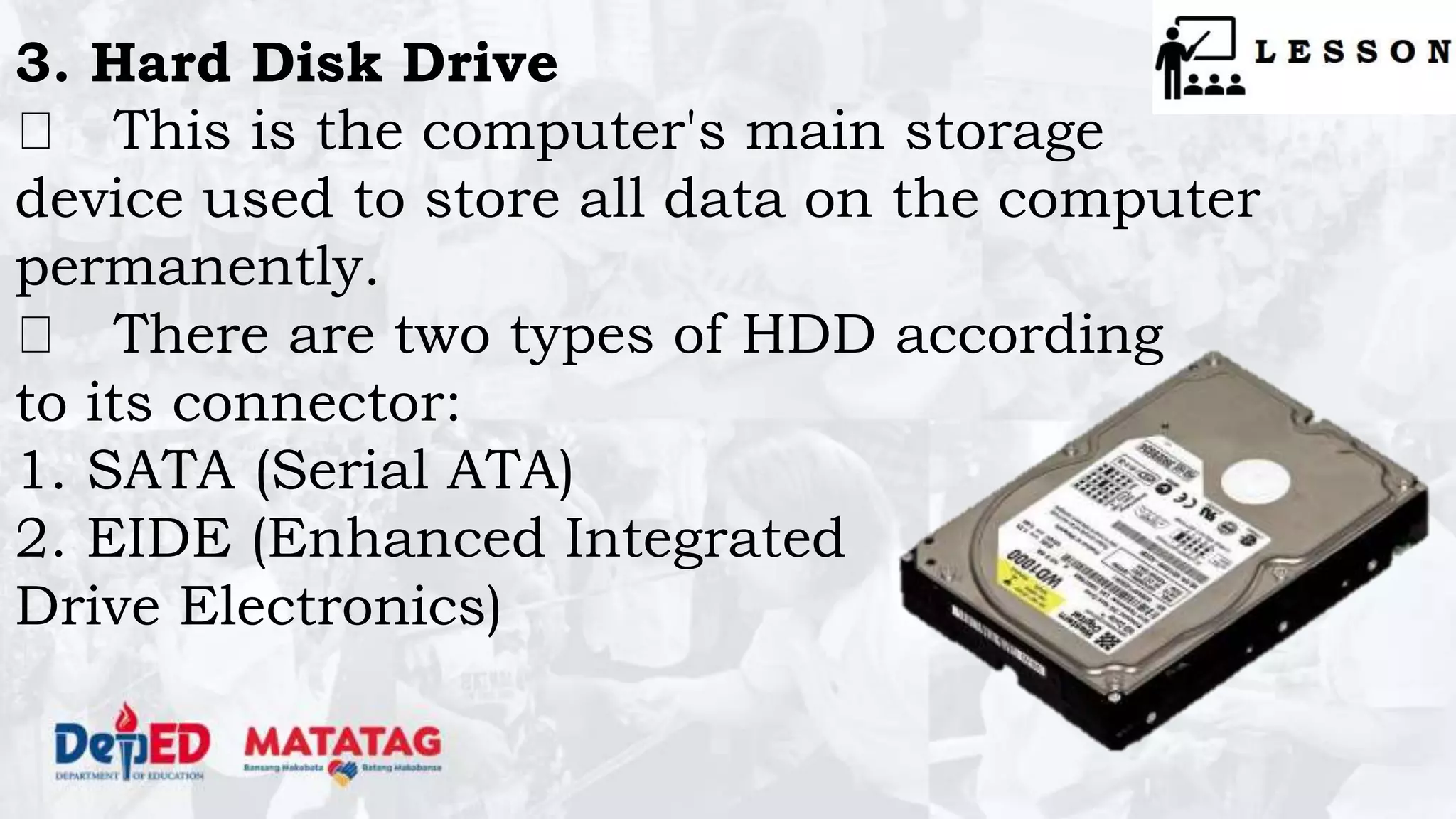
3. Hard Disk Drive
This is the computer's main storage
device used to store all data on the computer
permanently.
There are two types of HDD according
to its connector:
1. SATA (Serial ATA)
2. EIDE (Enhanced Integrated
Drive Electronics)
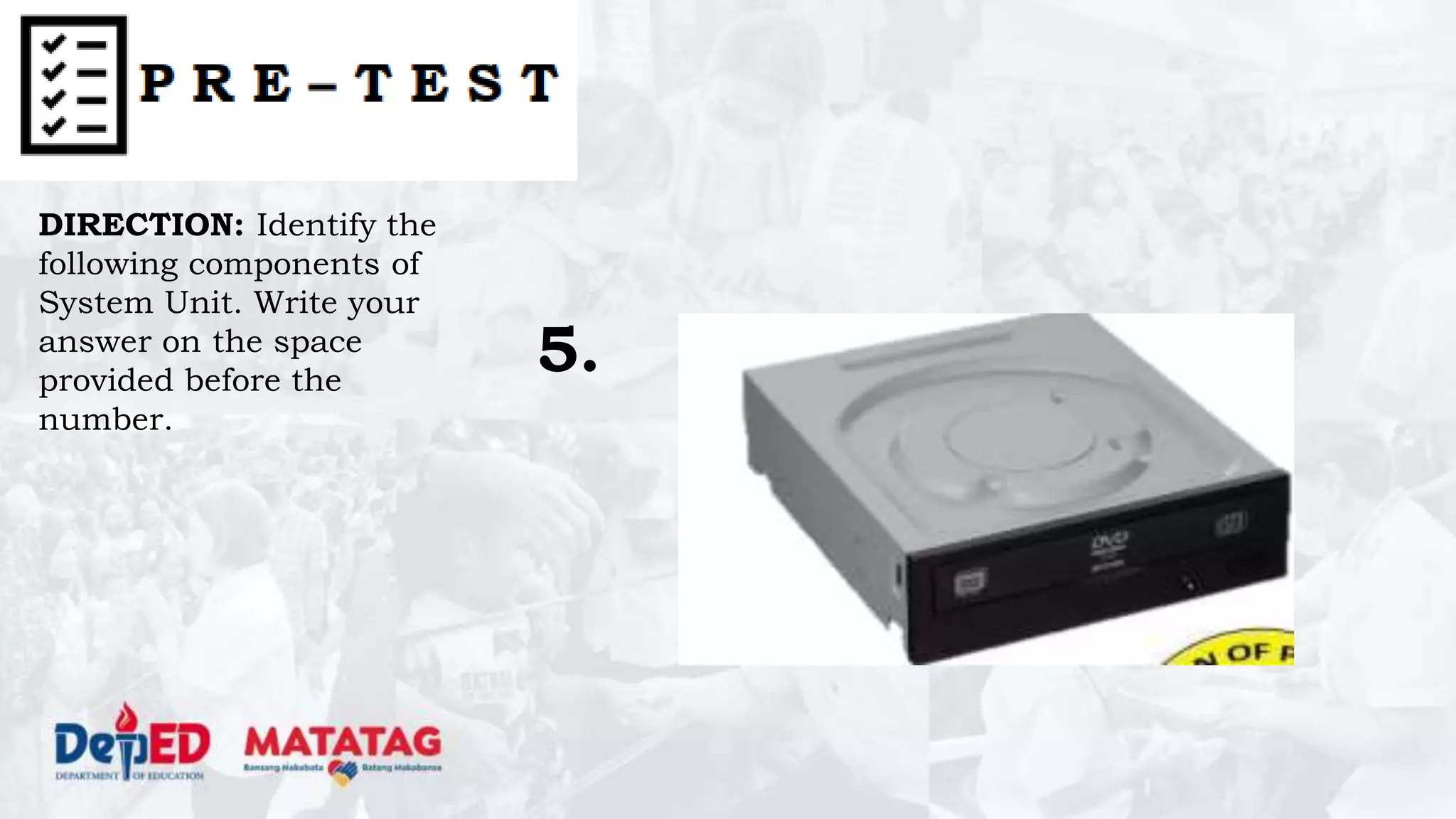
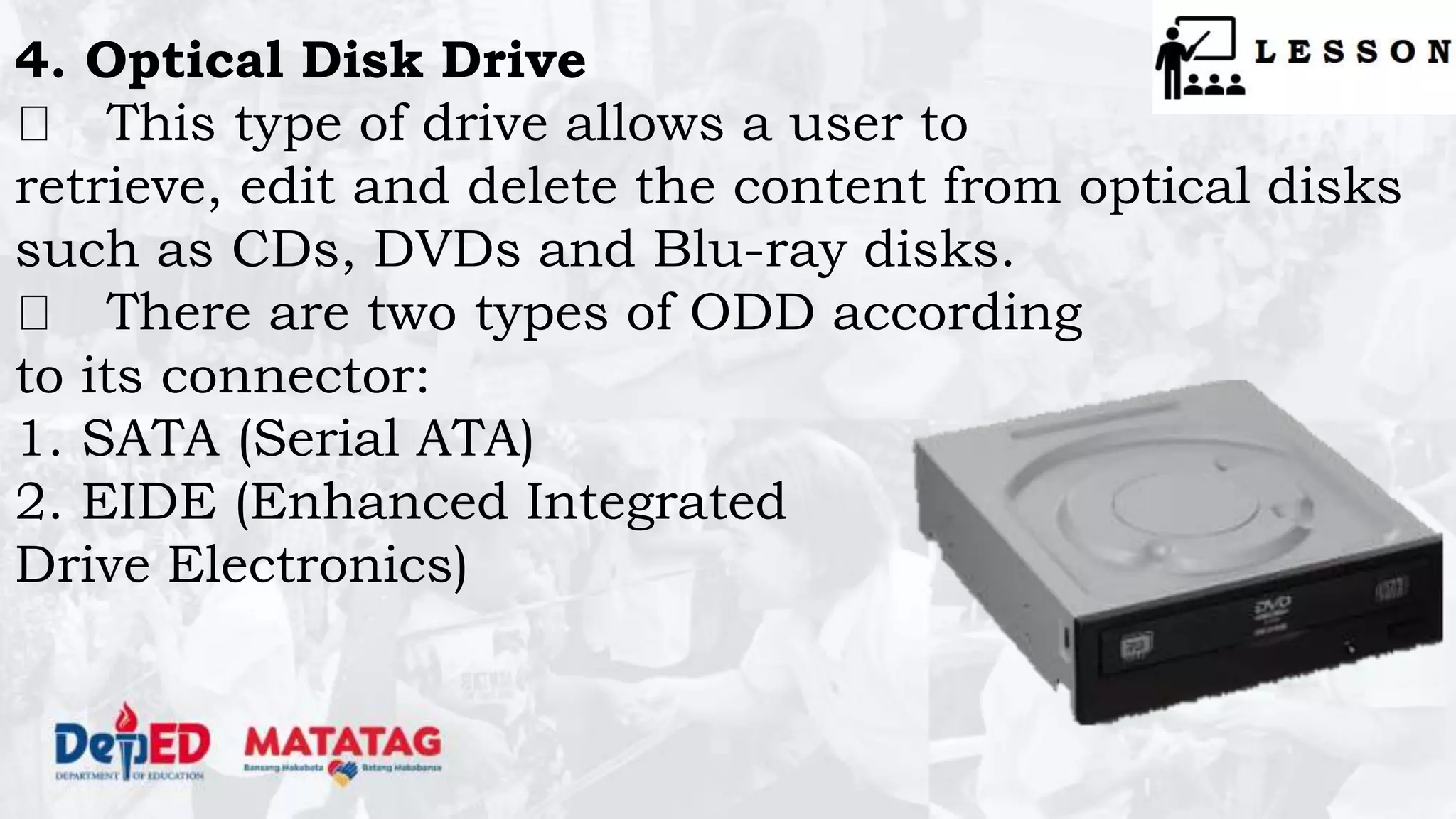
4. Optical Disk Drive
This type of drive allows a user to
retrieve, edit and delete the content from optical disks
such as CDs, DVDs and Blu-ray disks.
There are two types of ODD according
to its connector:
1. SATA (Serial ATA)
2. EIDE (Enhanced Integrated
Drive Electronics)
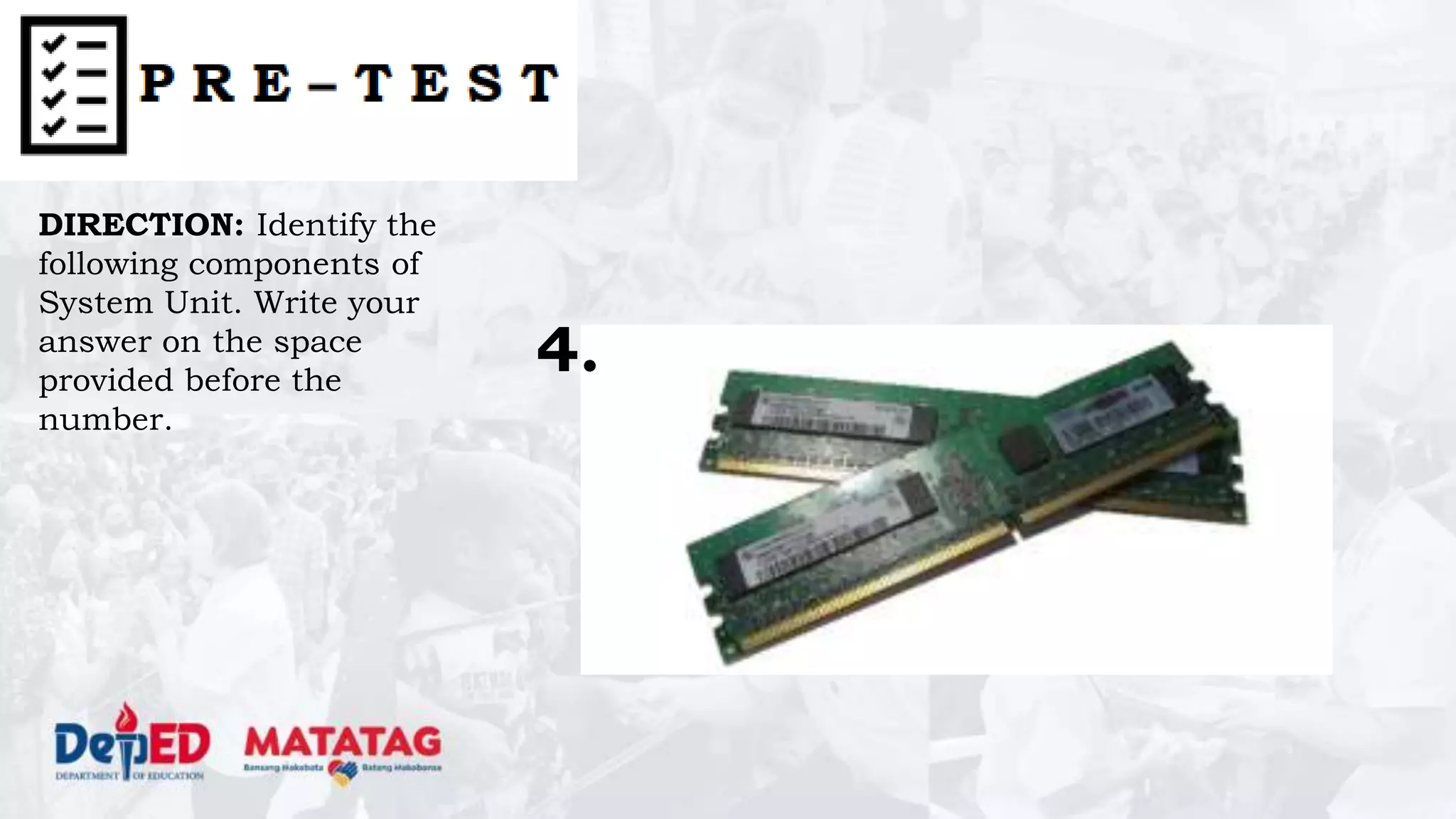
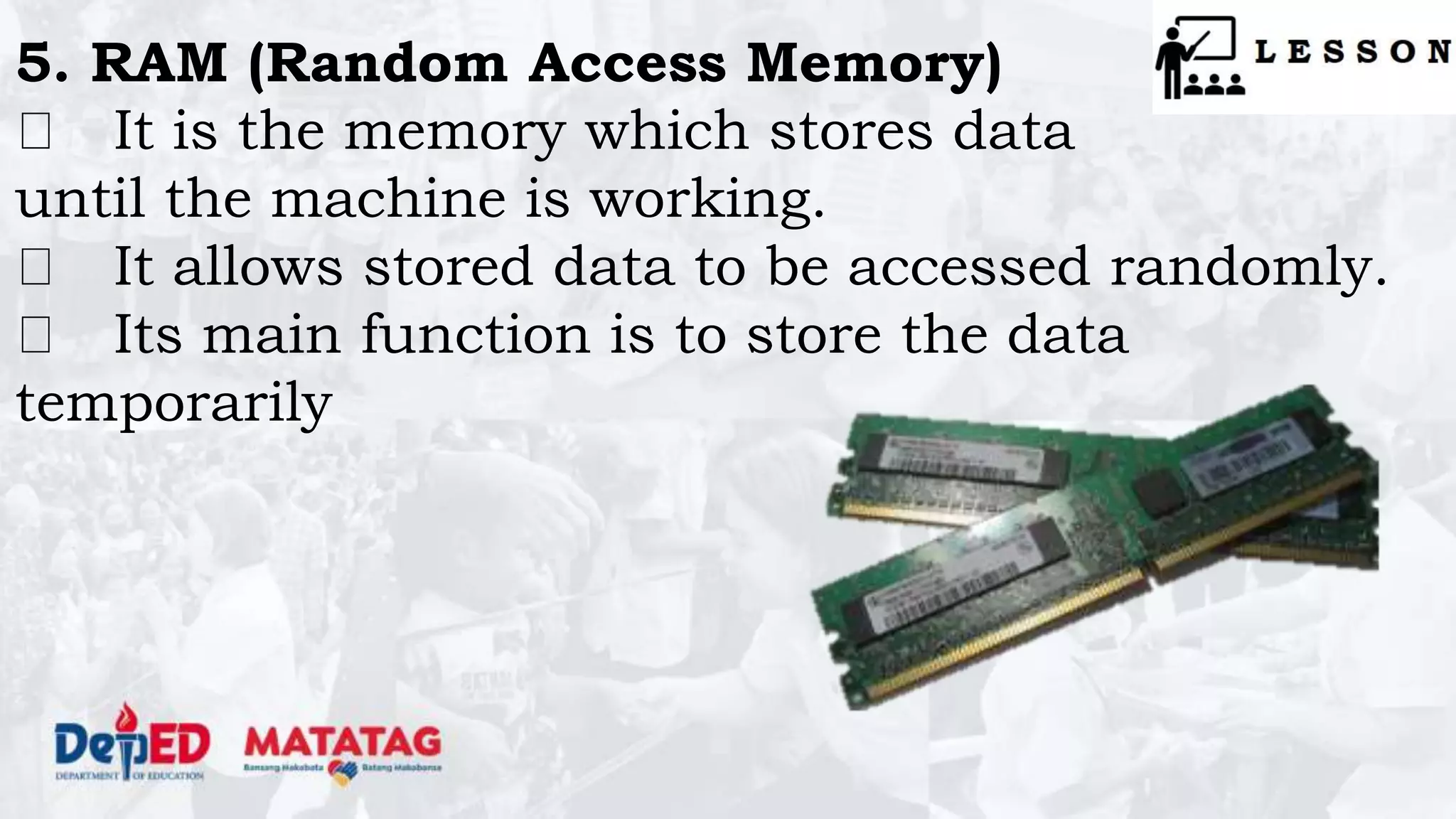
5. RAM (Random Access Memory)
It is the memory which stores data
until the machine is working.
It allows stored data to be accessed randomly.
Its main function is to store the data
temporarily
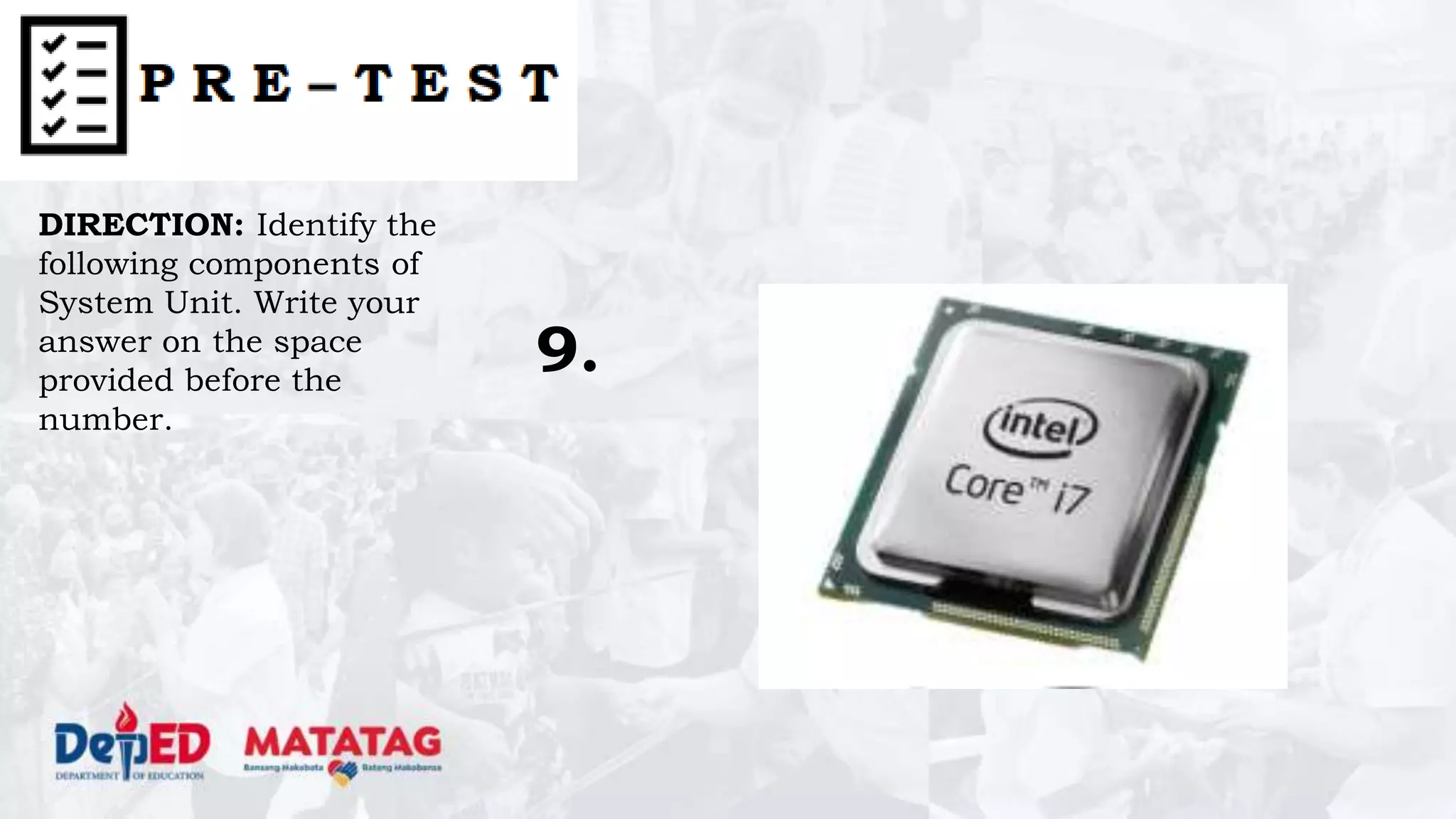
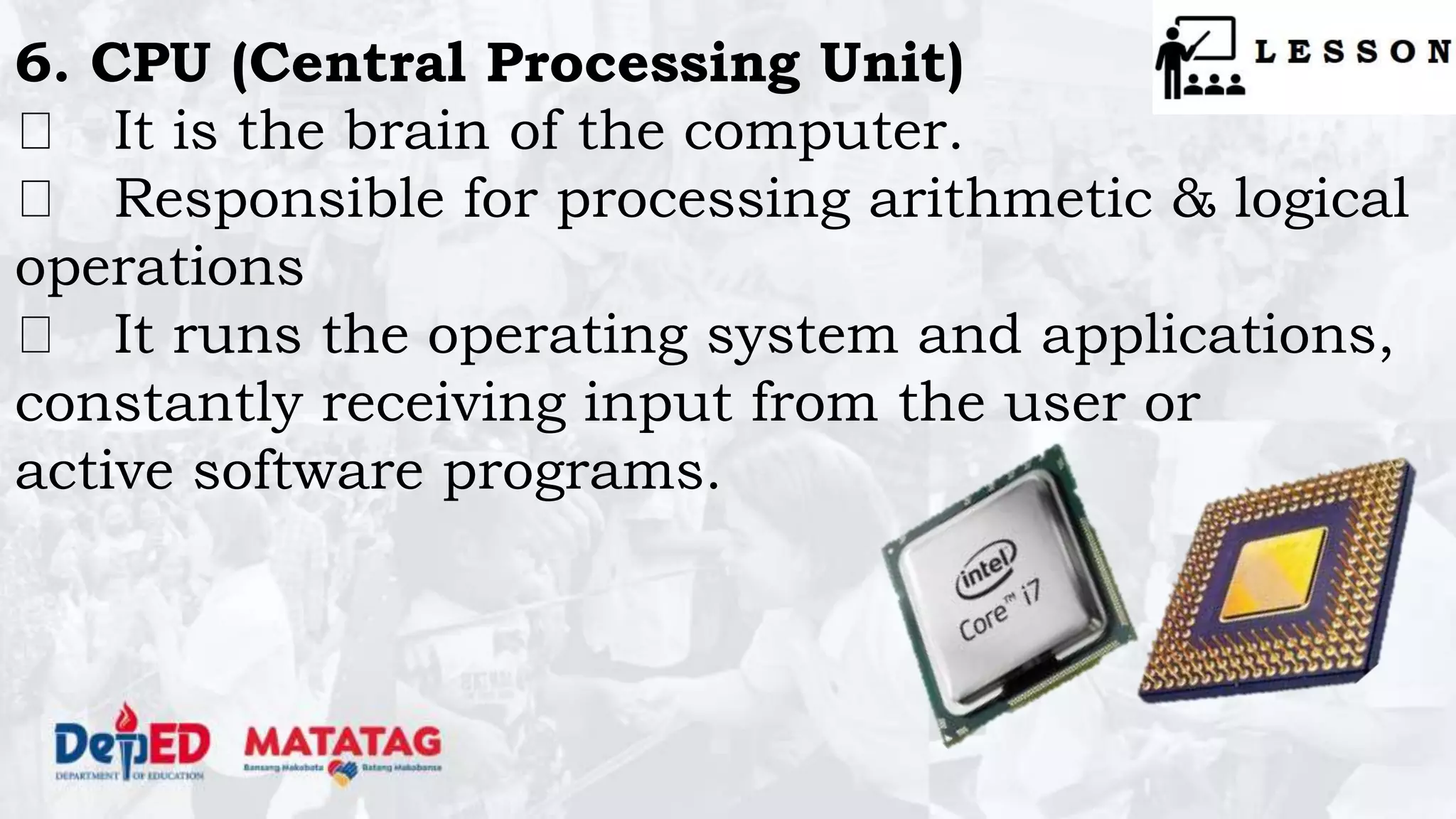
6. CPU (Central Processing Unit)
It is the brain of the computer.
Responsible for processing arithmetic & logical
operations
It runs the operating system and applications,
constantly receiving input from the user or
active software programs.
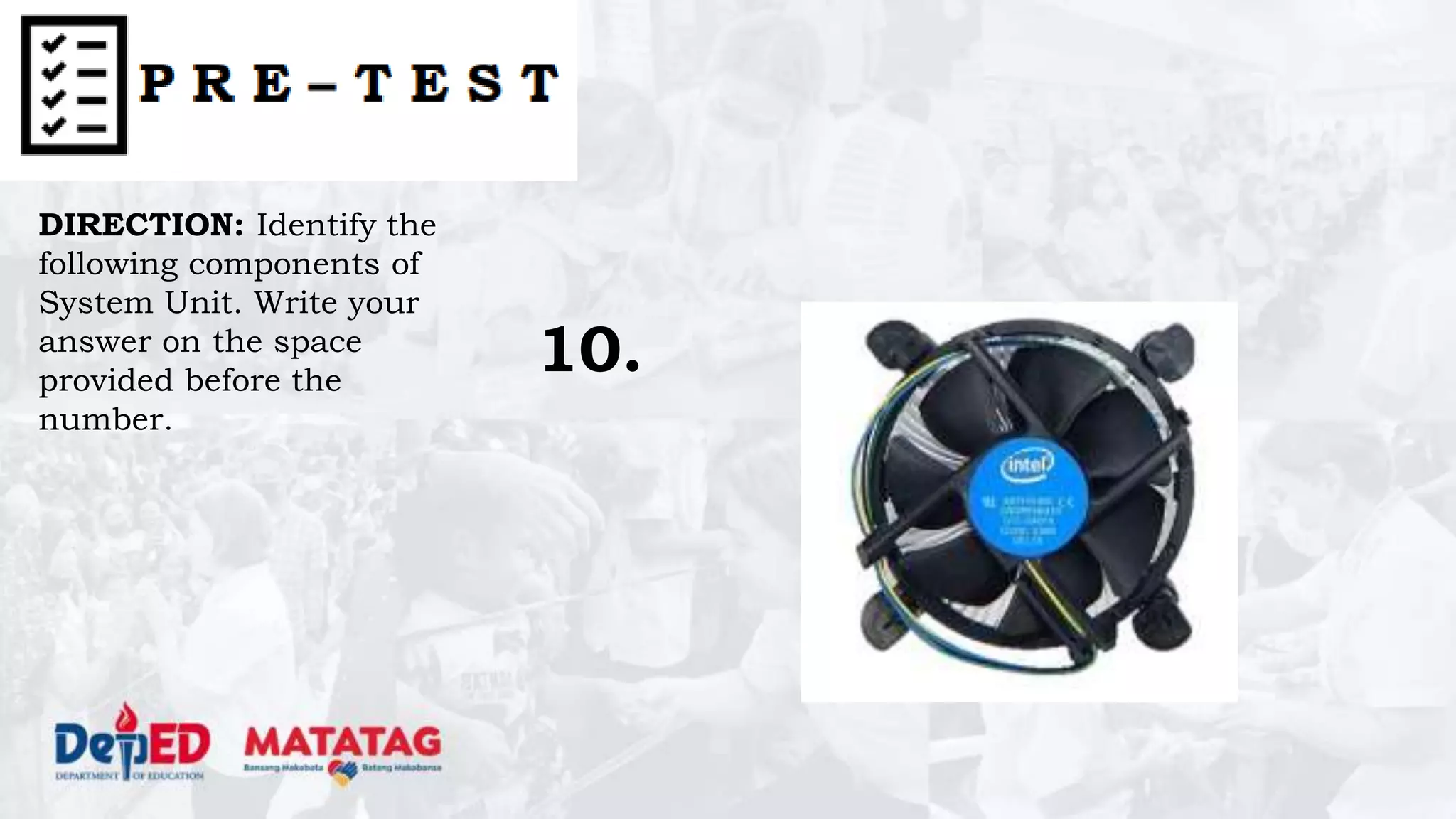
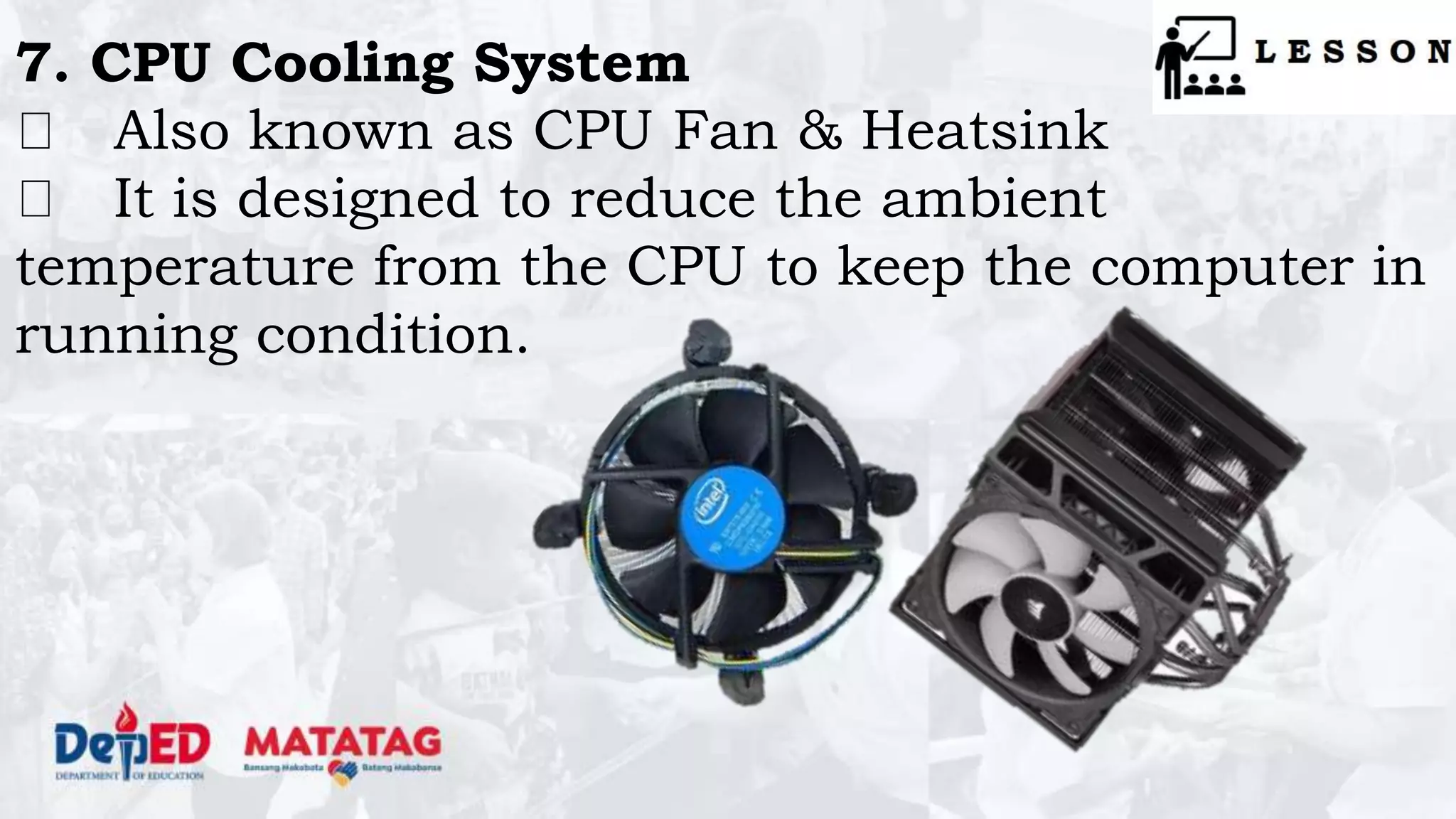
7. CPU Cooling System
Also known as CPU Fan & Heatsink
It is designed to reduce the ambient
temperature from the CPU to keep the computer in
running condition.
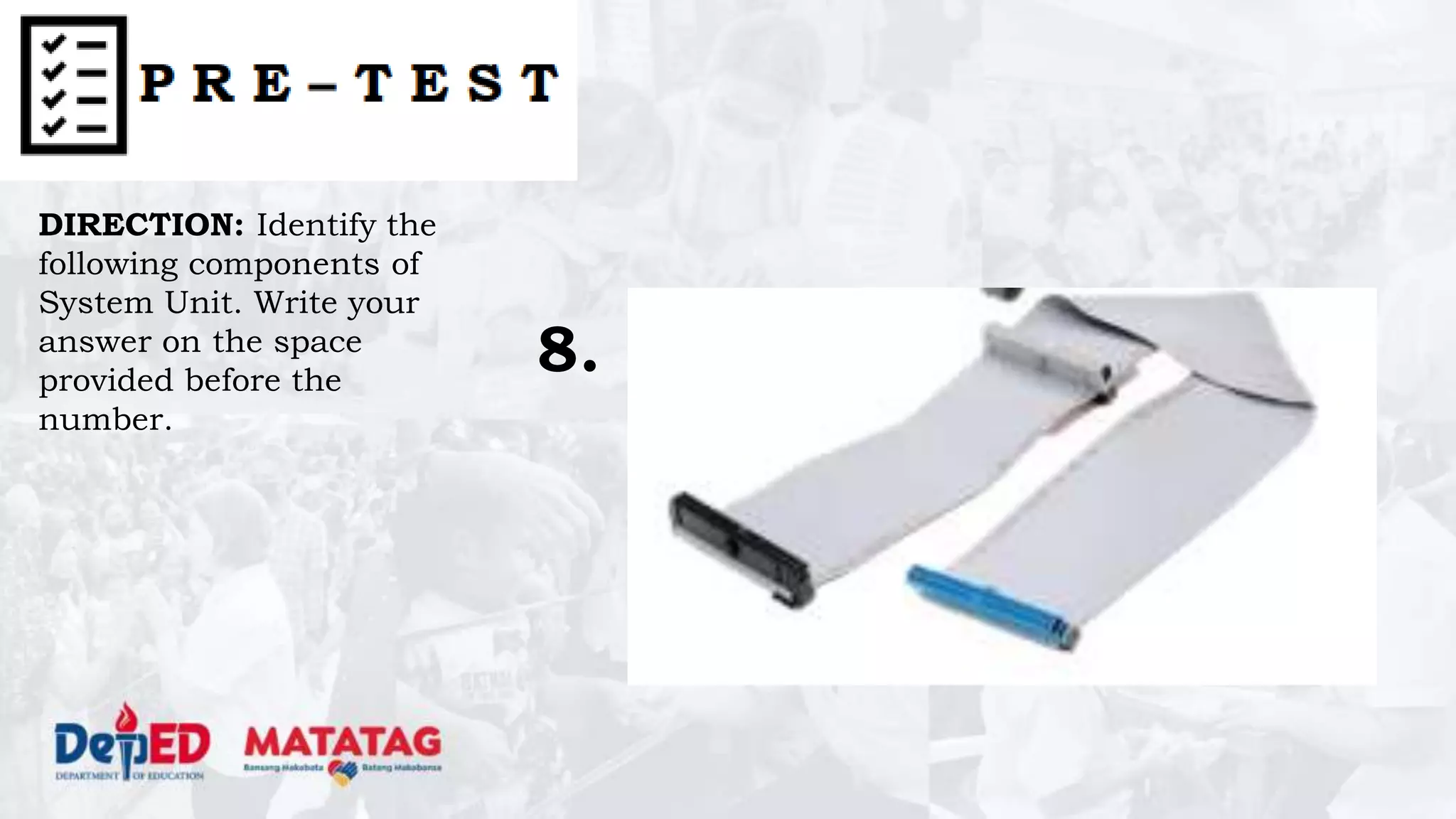
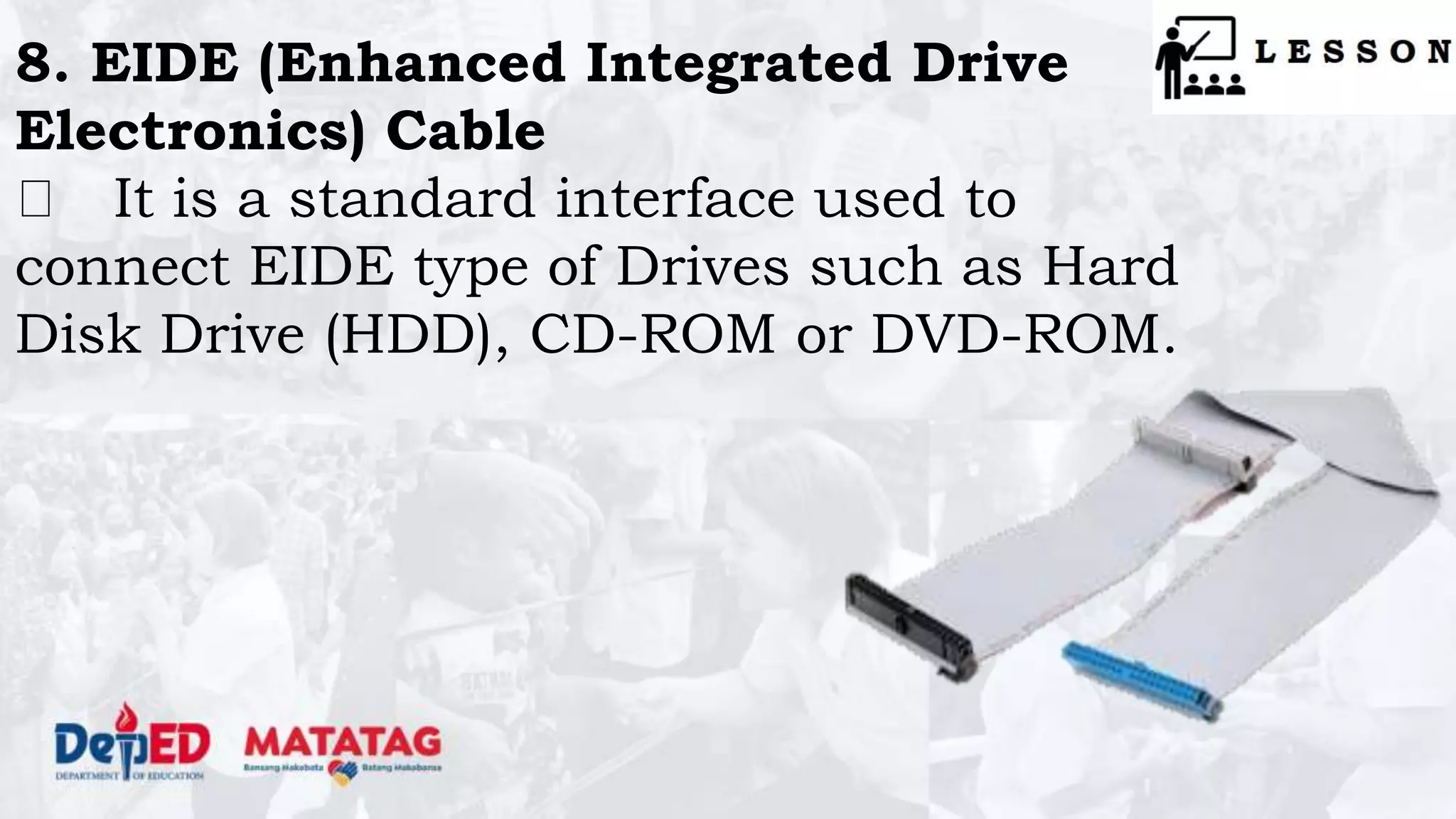
8. EIDE (Enhanced Integrated Drive
Electronics) Cable
It is a standard interface used to
connect EIDE type of Drives such as Hard
Disk Drive (HDD), CD-ROM or DVD-ROM.
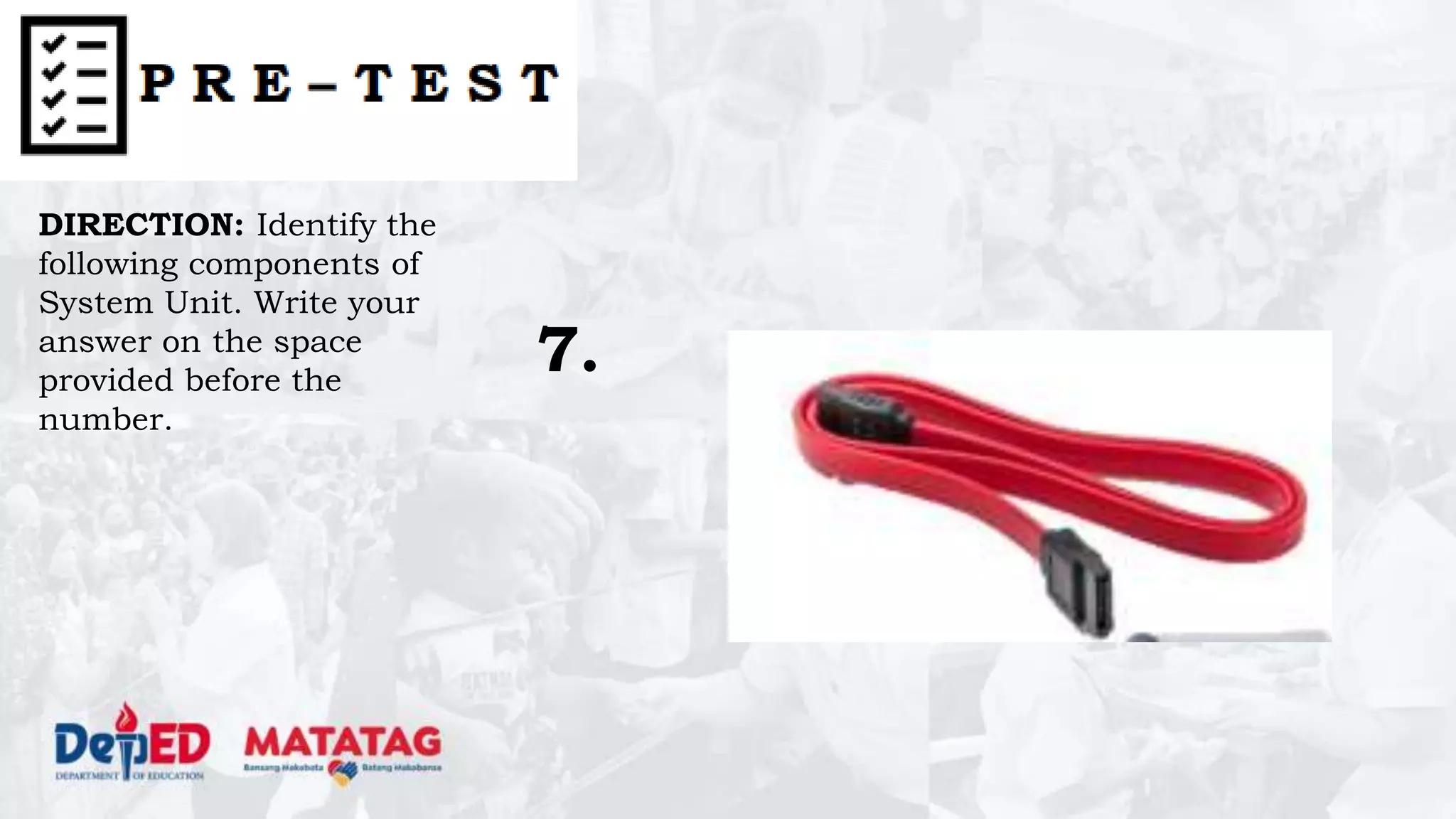
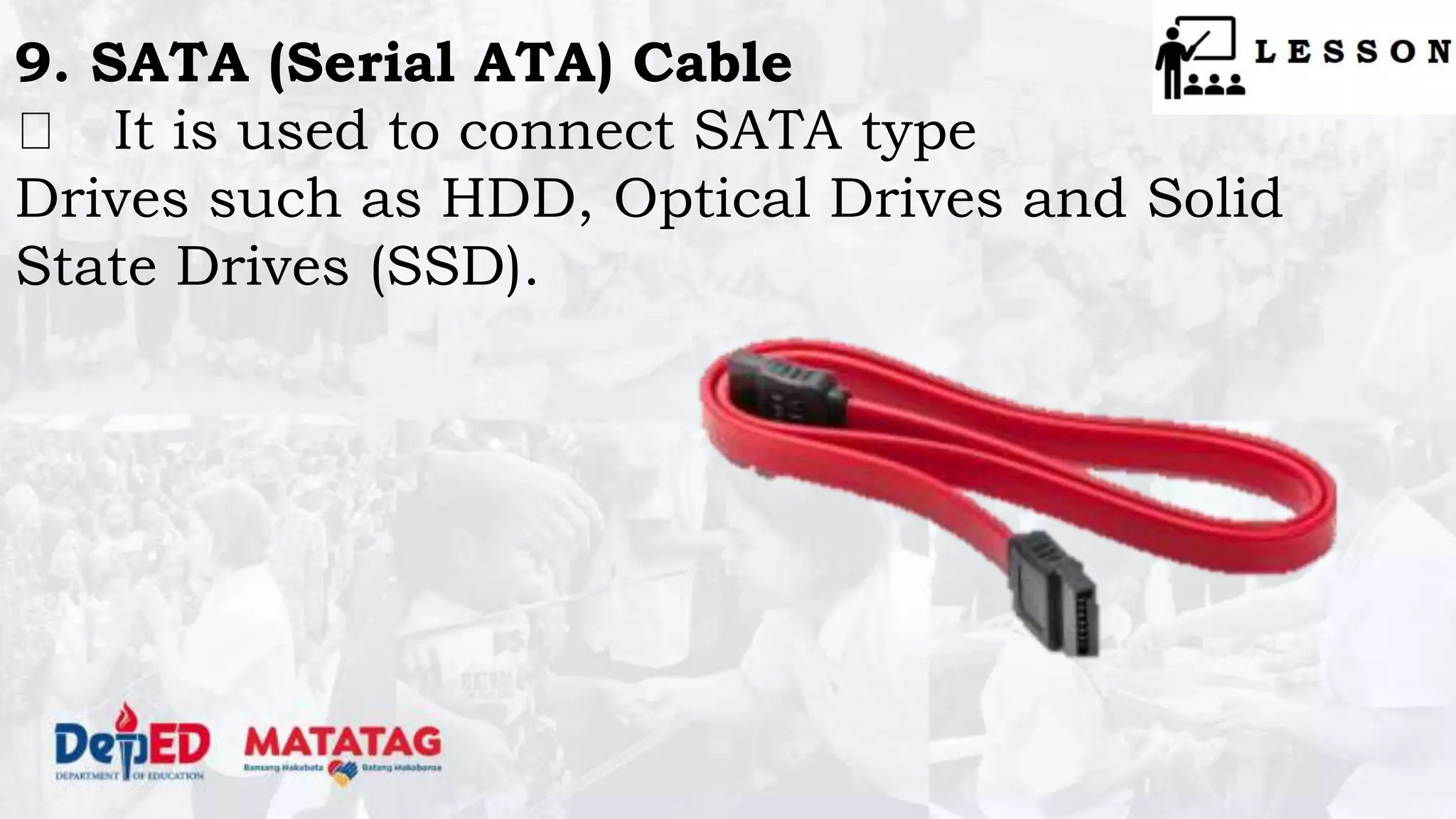
9. SATA (Serial ATA) Cable
It is used to connect SATA type
Drives such as HDD, Optical Drives and Solid
State Drives (SSD).
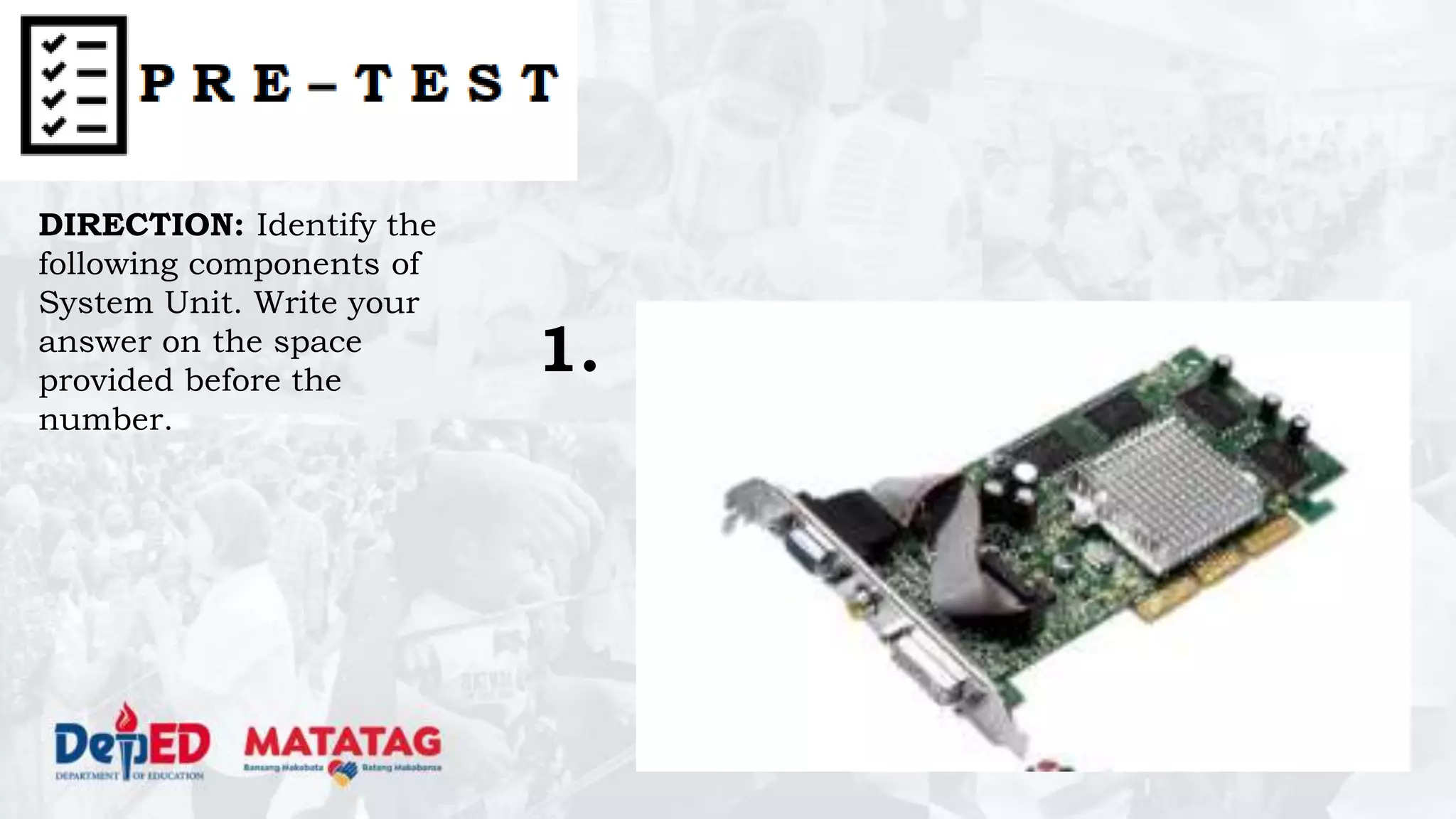
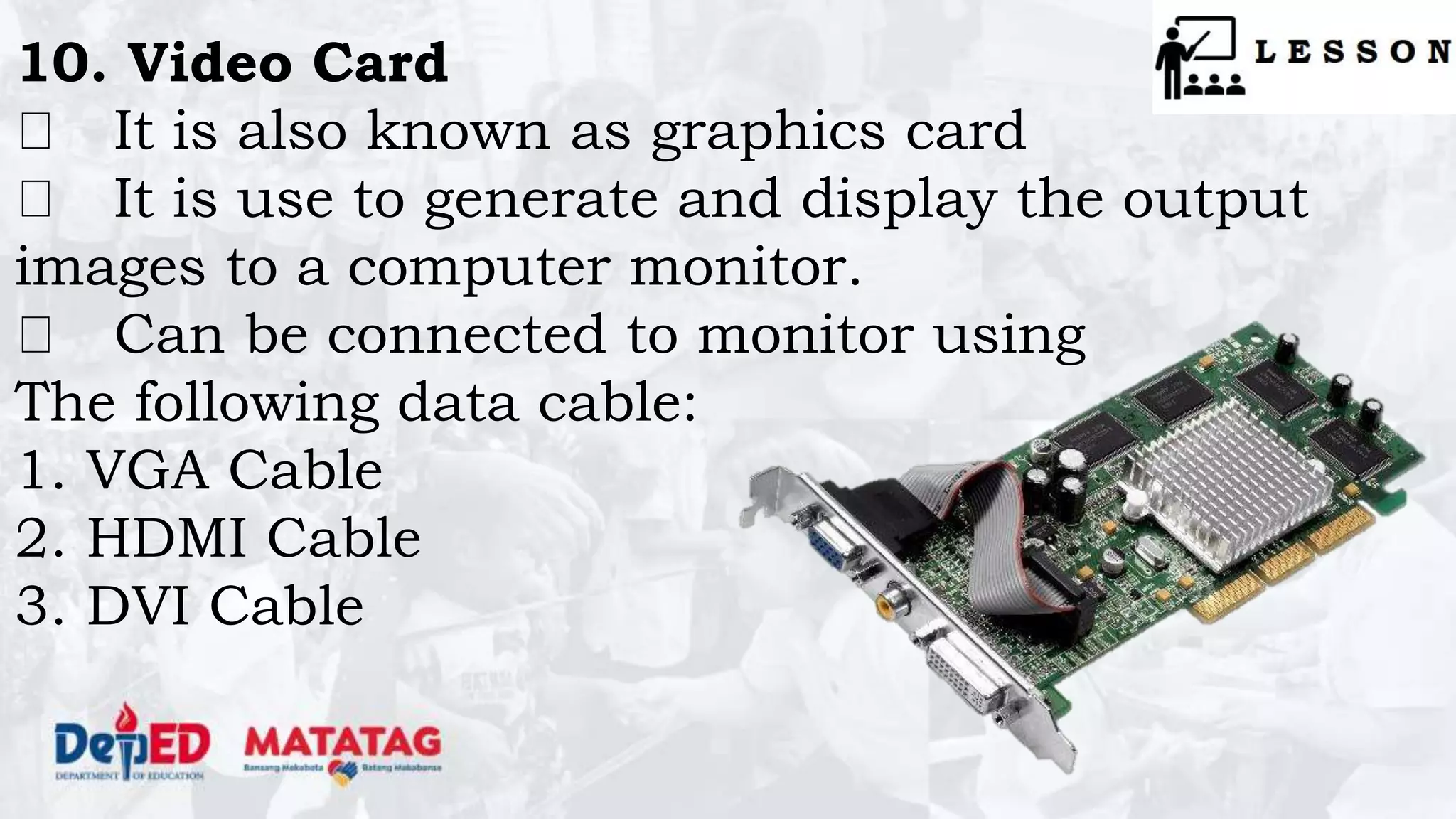
10. Video Card
It is also known as graphics card
It is use to generate and display the output
images to a computer monitor.
Can be connected to monitor using
The following data cable:
1. VGA Cable
2. HDMI Cable
3. DVI Cable
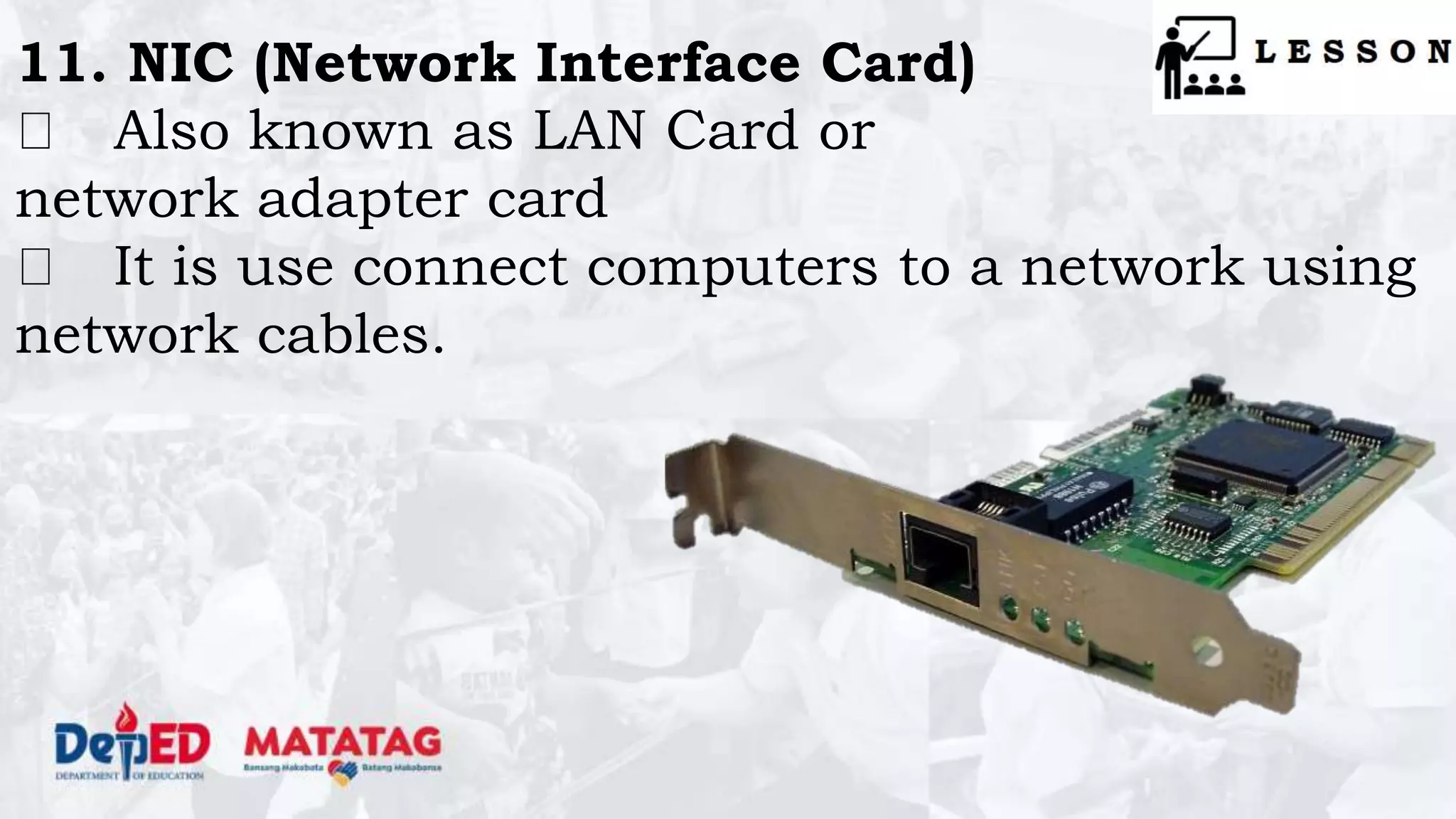
11. NIC (Network Interface Card)
Also known as LAN Card or
network adapter card
It is use connect computers to a network using
network cables.
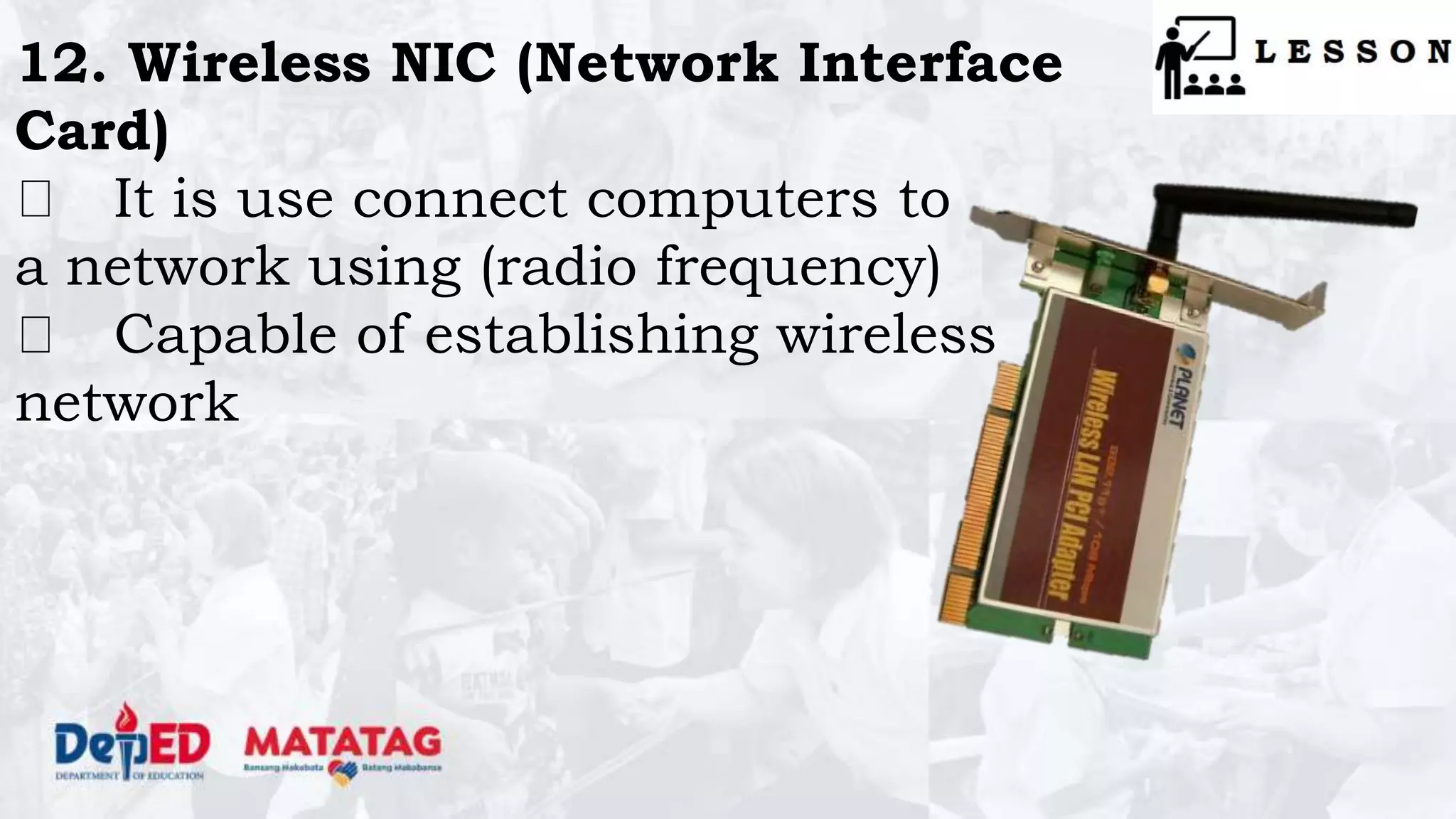
12. Wireless NIC (Network Interface
Card)
It is use connect computers to
a network using (radio frequency)
Capable of establishing wireless
network
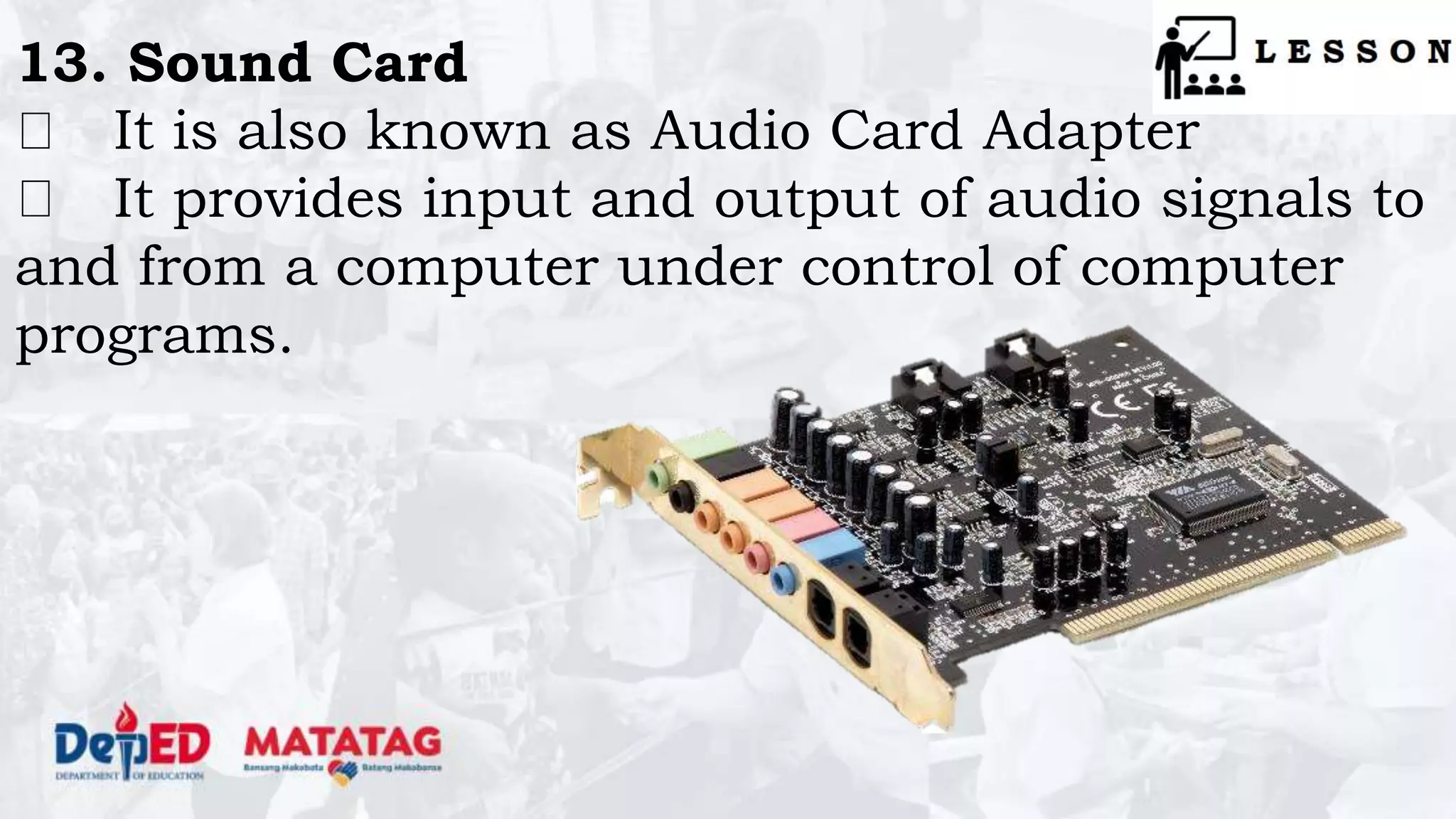
13. Sound Card
It is also known as Audio Card Adapter
It provides input and output of audio signals to
and from a computer under control of computer
programs.

Q1 - lesson-3 - PARTS OF THE SYSTEM UNIT AND THEIR FUNCTIONS.pptx

  • 1.
  • 4.
    After completing thislesson, you should be able to: 1. identify the parts of the system unit; 2. understand functions of each component of system unit; 3. appreciate the importance of identifying and understanding the components of System Unit
  • 5.
    DIRECTION: Identify thefollowing components of System Unit. Write your answer on the space provided before the number.
  • 6.
    1. DIRECTION: Identify the followingcomponents of System Unit. Write your answer on the space provided before the number.
  • 7.
    DIRECTION: Identify the followingcomponents of System Unit. Write your answer on the space provided before the number. 2.
  • 8.
    DIRECTION: Identify the followingcomponents of System Unit. Write your answer on the space provided before the number. 3.
  • 9.
    DIRECTION: Identify the followingcomponents of System Unit. Write your answer on the space provided before the number. 4.
  • 10.
    DIRECTION: Identify the followingcomponents of System Unit. Write your answer on the space provided before the number. 5.
  • 11.
    DIRECTION: Identify the followingcomponents of System Unit. Write your answer on the space provided before the number. 6.
  • 12.
    DIRECTION: Identify the followingcomponents of System Unit. Write your answer on the space provided before the number. 7.
  • 13.
    DIRECTION: Identify the followingcomponents of System Unit. Write your answer on the space provided before the number. 8.
  • 14.
    DIRECTION: Identify the followingcomponents of System Unit. Write your answer on the space provided before the number. 9.
  • 15.
    DIRECTION: Identify the followingcomponents of System Unit. Write your answer on the space provided before the number. 10.
  • 18.
  • 19.
    PARTS OF SYSTEM UNIT& THEIR FUNCTIONS
  • 20.
    The system unitis the box-like case that contains the electronic components of a computer including the motherboard, CPU, RAM, and other components. The system unit also includes the case that houses the internal components of the computer. Many people erroneously refer to this as the CPU.
  • 21.
    1. Motherboard It issometimes called the system board or main board. It is the main circuit board of a microcomputer. This component contains the connectors for attaching additional boards.
  • 22.
    2. Power SupplyUnit This is the device that supplies power to your personal computer. It regulates the voltage to eliminate spikes and surges common in most electrical systems.
  • 23.
    3. Hard DiskDrive This is the computer's main storage device used to store all data on the computer permanently. There are two types of HDD according to its connector: 1. SATA (Serial ATA) 2. EIDE (Enhanced Integrated Drive Electronics)
  • 24.
    4. Optical DiskDrive This type of drive allows a user to retrieve, edit and delete the content from optical disks such as CDs, DVDs and Blu-ray disks. There are two types of ODD according to its connector: 1. SATA (Serial ATA) 2. EIDE (Enhanced Integrated Drive Electronics)
  • 25.
    5. RAM (RandomAccess Memory) It is the memory which stores data until the machine is working. It allows stored data to be accessed randomly. Its main function is to store the data temporarily
  • 26.
    6. CPU (CentralProcessing Unit) It is the brain of the computer. Responsible for processing arithmetic & logical operations It runs the operating system and applications, constantly receiving input from the user or active software programs.
  • 27.
    7. CPU CoolingSystem Also known as CPU Fan & Heatsink It is designed to reduce the ambient temperature from the CPU to keep the computer in running condition.
  • 28.
    8. EIDE (EnhancedIntegrated Drive Electronics) Cable It is a standard interface used to connect EIDE type of Drives such as Hard Disk Drive (HDD), CD-ROM or DVD-ROM.
  • 29.
    9. SATA (SerialATA) Cable It is used to connect SATA type Drives such as HDD, Optical Drives and Solid State Drives (SSD).
  • 30.
    10. Video Card Itis also known as graphics card It is use to generate and display the output images to a computer monitor. Can be connected to monitor using The following data cable: 1. VGA Cable 2. HDMI Cable 3. DVI Cable
  • 31.
    11. NIC (NetworkInterface Card) Also known as LAN Card or network adapter card It is use connect computers to a network using network cables.
  • 32.
    12. Wireless NIC(Network Interface Card) It is use connect computers to a network using (radio frequency) Capable of establishing wireless network
  • 33.
    13. Sound Card Itis also known as Audio Card Adapter It provides input and output of audio signals to and from a computer under control of computer programs.