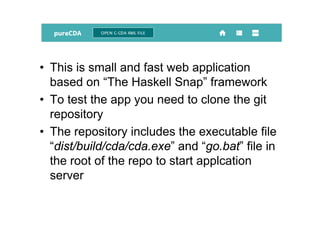
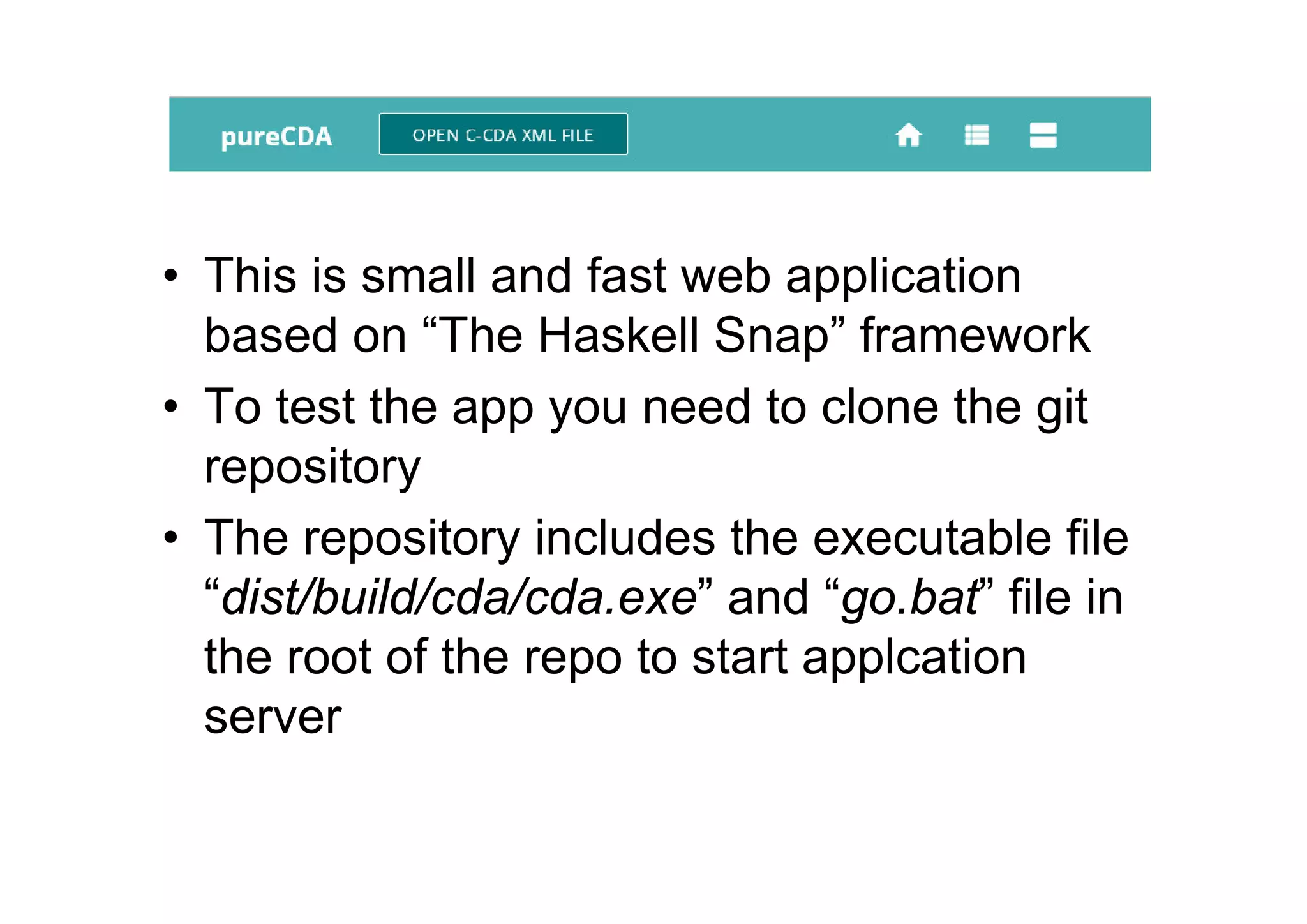
• This is small and fast web application
based on “The Haskell Snap” framework
• To test the app you need to clone the git
repository
• The repository includes the executable file
“dist/build/cda/cda.exe” and “go.bat” file in
the root of the repo to start applcation
server
• There is “server.cfg” file in the root of the
repo with configuration parameters of the
server.
• You can set up your own values to the
“server.cfg” file before start the server.
• Compiled version of the app works on MS
Windows only (tested on XP, 7, 8, 8.1, 10
versions of the MS Windows)
• To start the server you need run the Windows
“cmd.exe” then change directory to root of the
pureCdaViewer repo and to type “go”
• The server stops with two “<CTRL+C>”
• On the MS Windows platform the Snap web
server can be run as a system service with help
the tools such as NSSM (http://nssm.cc/)
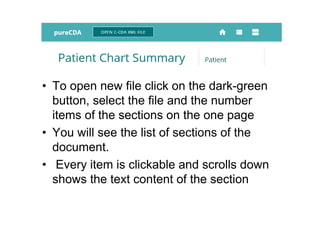
• To open new file click on the dark-green
button, select the file and the number
items of the sections on the one page
• You will see the list of sections of the
document.
• Every item is clickable and scrolls down
shows the text content of the section
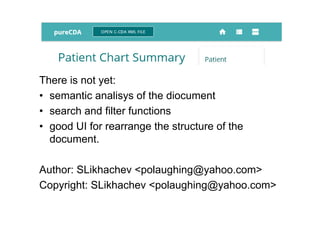
There is not yet:
• semantic analisys of the diocument
• search and filter functions
• good UI for rearrange the structure of the
document.
Author: SLikhachev <polaughing@yahoo.com>
Copyright: SLikhachev <polaughing@yahoo.com>

Pure cdaviewer

  • 1.
    • This issmall and fast web application based on “The Haskell Snap” framework • To test the app you need to clone the git repository • The repository includes the executable file “dist/build/cda/cda.exe” and “go.bat” file in the root of the repo to start applcation server
  • 2.
    • There is“server.cfg” file in the root of the repo with configuration parameters of the server. • You can set up your own values to the “server.cfg” file before start the server. • Compiled version of the app works on MS Windows only (tested on XP, 7, 8, 8.1, 10 versions of the MS Windows)
  • 3.
    • To startthe server you need run the Windows “cmd.exe” then change directory to root of the pureCdaViewer repo and to type “go” • The server stops with two “<CTRL+C>” • On the MS Windows platform the Snap web server can be run as a system service with help the tools such as NSSM (http://nssm.cc/)
  • 4.
    • To opennew file click on the dark-green button, select the file and the number items of the sections on the one page • You will see the list of sections of the document. • Every item is clickable and scrolls down shows the text content of the section
  • 5.
    There is notyet: • semantic analisys of the diocument • search and filter functions • good UI for rearrange the structure of the document. Author: SLikhachev <polaughing@yahoo.com> Copyright: SLikhachev <polaughing@yahoo.com>