Puppet CA: Certificates explained 
Thomas Gelf - PuppetCamp Düsseldorf 2014
Thomas Gelf, nice to meet you! 
joined NETWAYS in 2010 
formerly more than ten years of... 
web (application) development 
routing/switching: bank/ISP backbones 
ISP: Mail, Hosting, SIP-Carrier, IPv6...
Origins 
nationality: Italian 
mother tongue: German 
kind of. 
SOUTH TYROLEAN!!!
Me and Puppet 
first Puppet steps with 0.24 
talks, articles, blog posts 
trainer, consultant 
over-certified
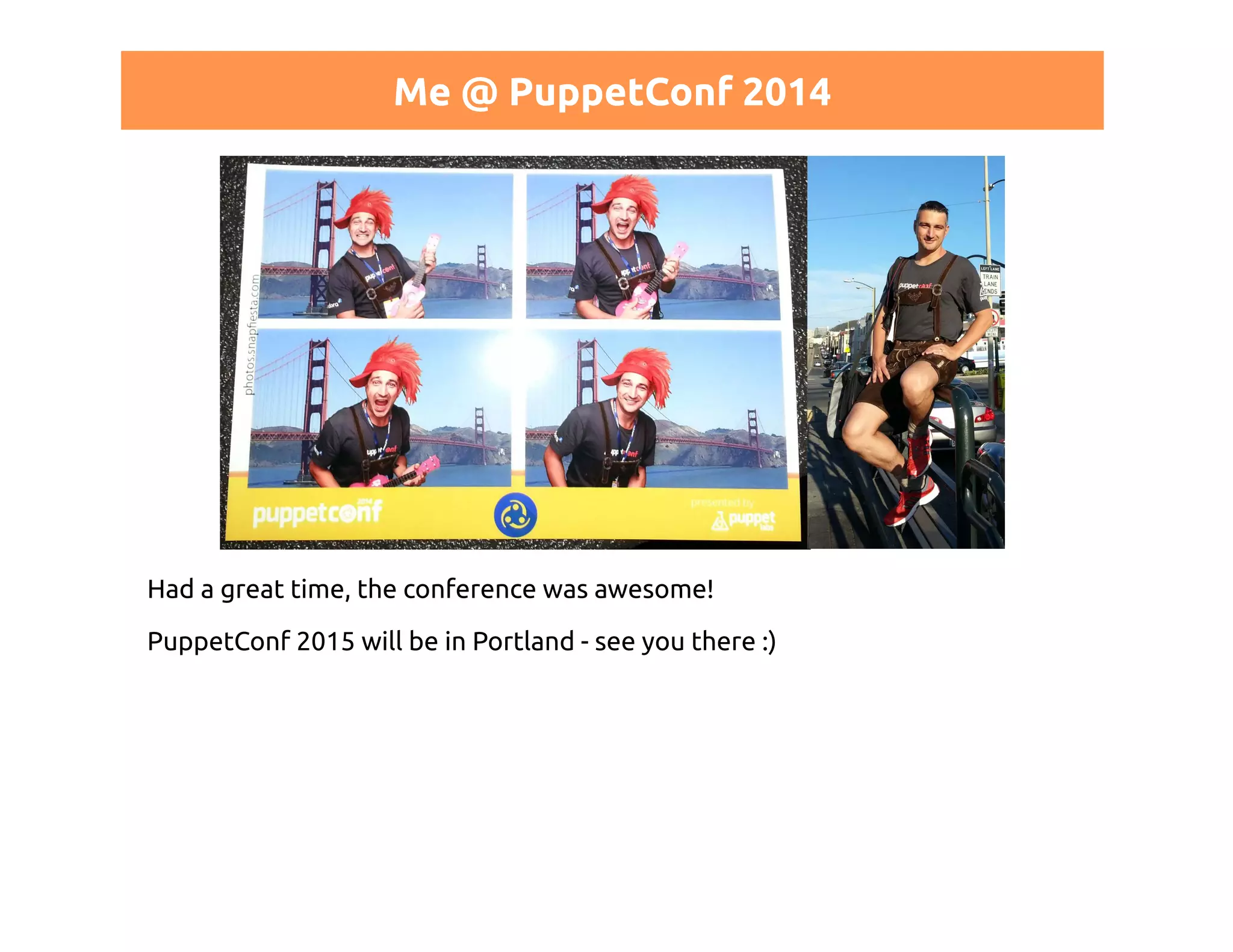
Me @ PuppetConf 2014 
Had a great time, the conference was awesome! 
PuppetConf 2015 will be in Portland - see you there :)
NETWAYS
Netways and Puppet 
German Puppet Labs Training Partner 
Trainings 
Consulting 
Workshops
Puppet Trainings 
http://www.netways.de/training
What this talk is all about 
certificates 
puppet certificates 
REST API 
distributed environments 
security issues and their consequences 
certificate lifecyle
WHY SHOULD I CARE?
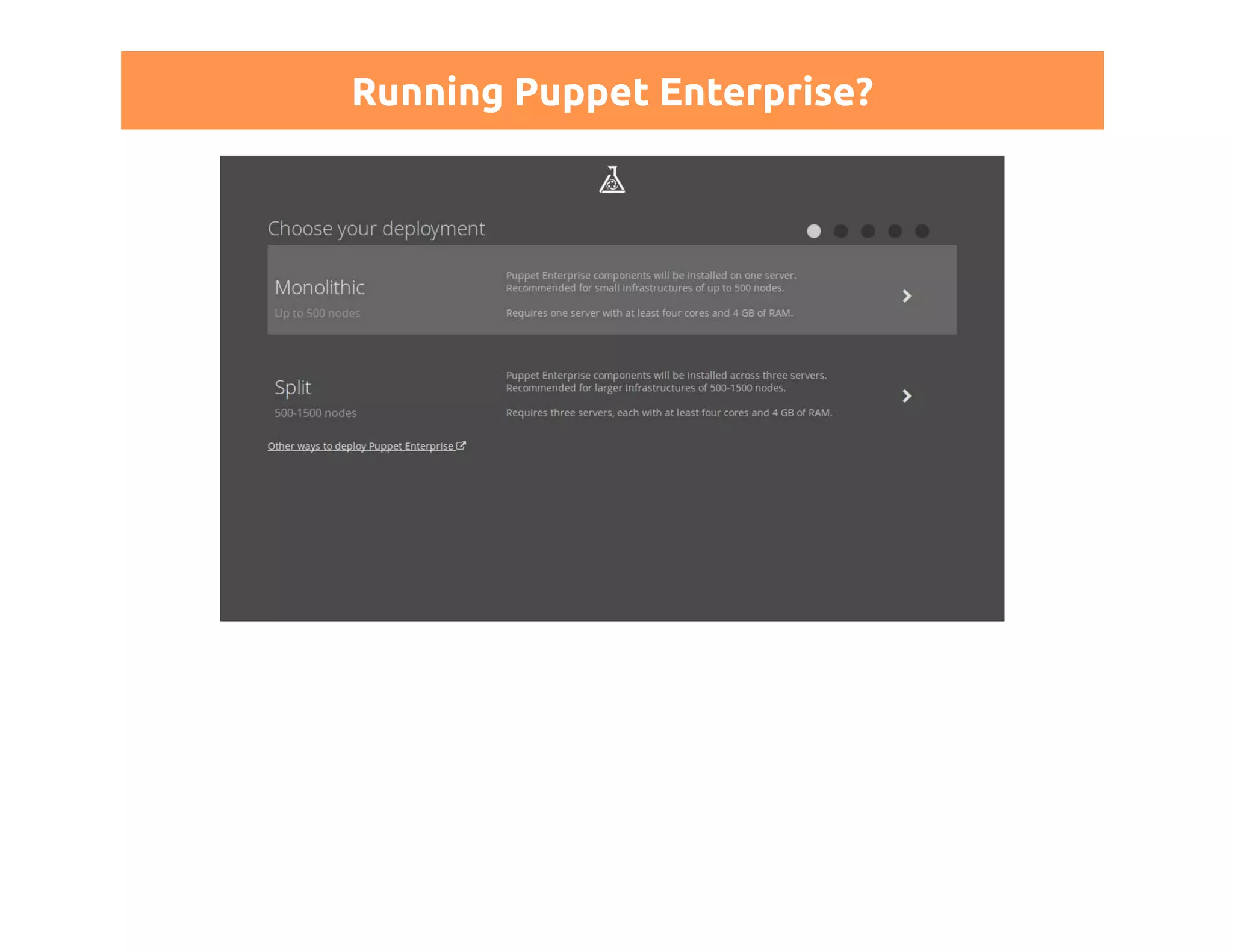
Running Puppet Enterprise?
CERTIFICATES
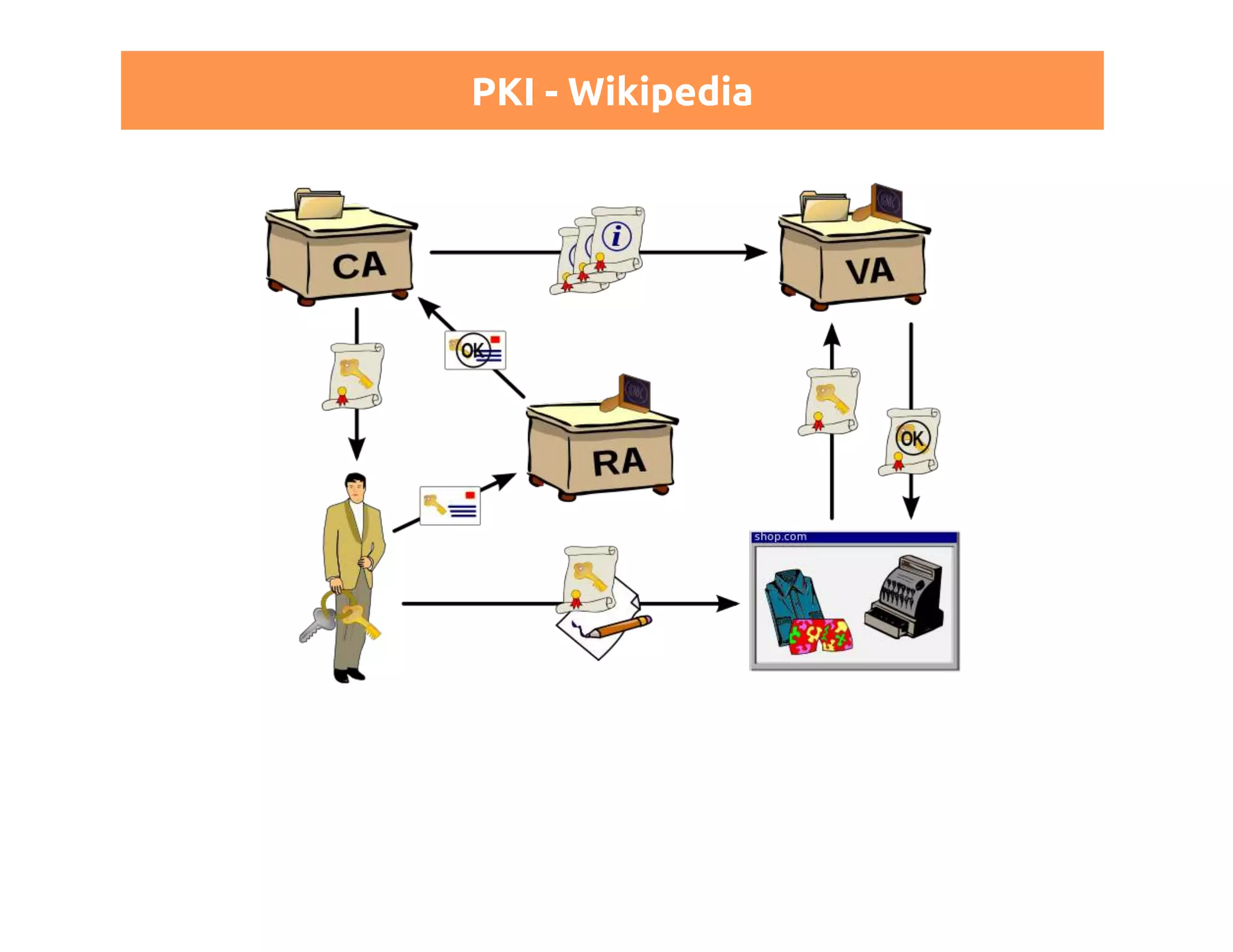
Public Key Infrastructure - PKI 
everybody has it's own private key 
signs or encrypts a message 
verification/decryption uses public key 
algorithms: RSA, DSA...
PKI - Wikipedia
X.509 
describes how our Puppet PKI works 
https:// - you use it every day 
ITU-T standard 
defines a strict hierarchy 
a tree instead of a "web of trust" 
X509v3: allows extensions
Certificate structure 
(distinguished) name 
serial number 
algorythm 
issuer 
validity: FROM - TO 
...
The distinguished name: DN 
just a string 
often a DNS name 
could also be "CA: puppet master" 
something you should care about!
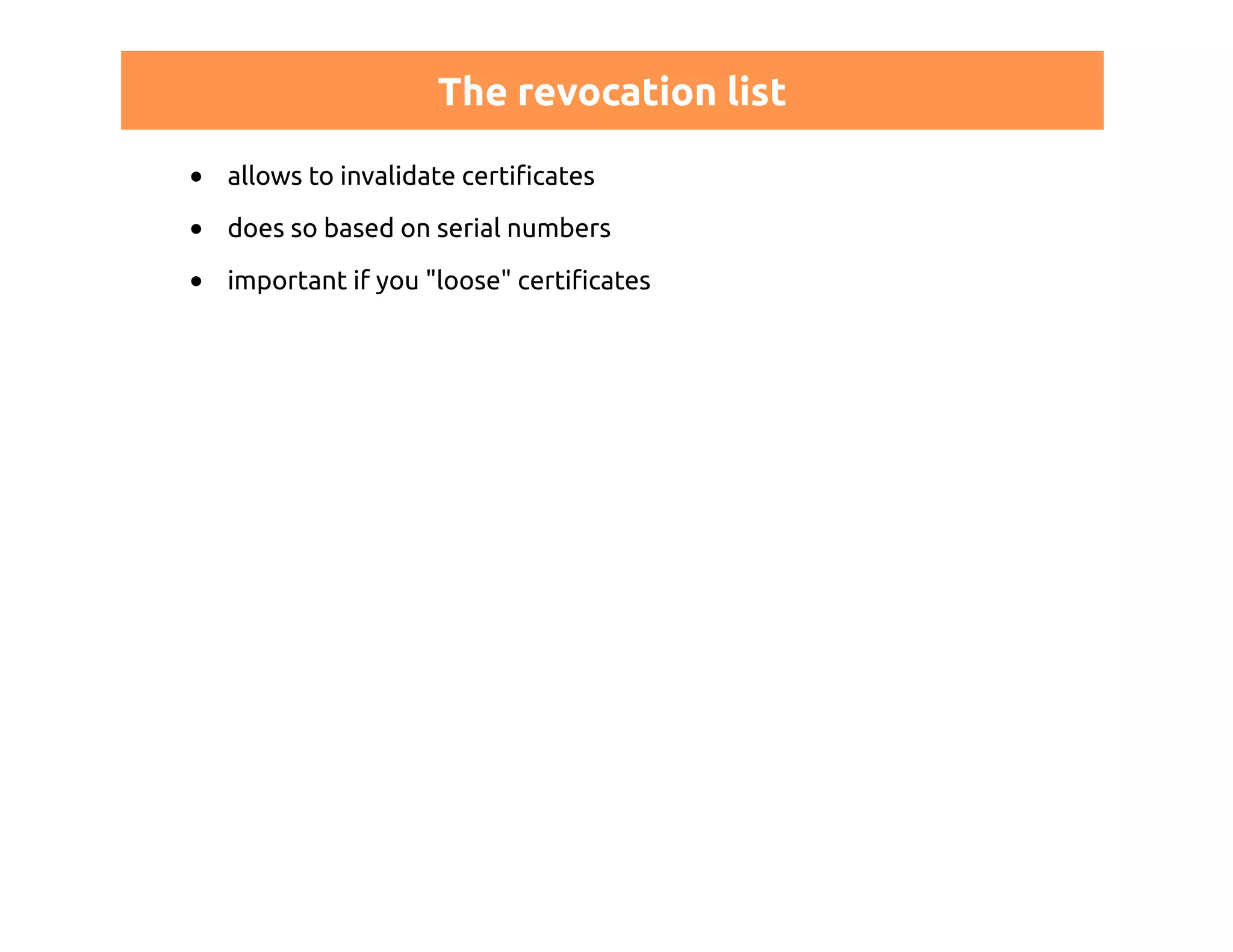
The revocation list 
allows to invalidate certificates 
does so based on serial numbers 
important if you "loose" certificates
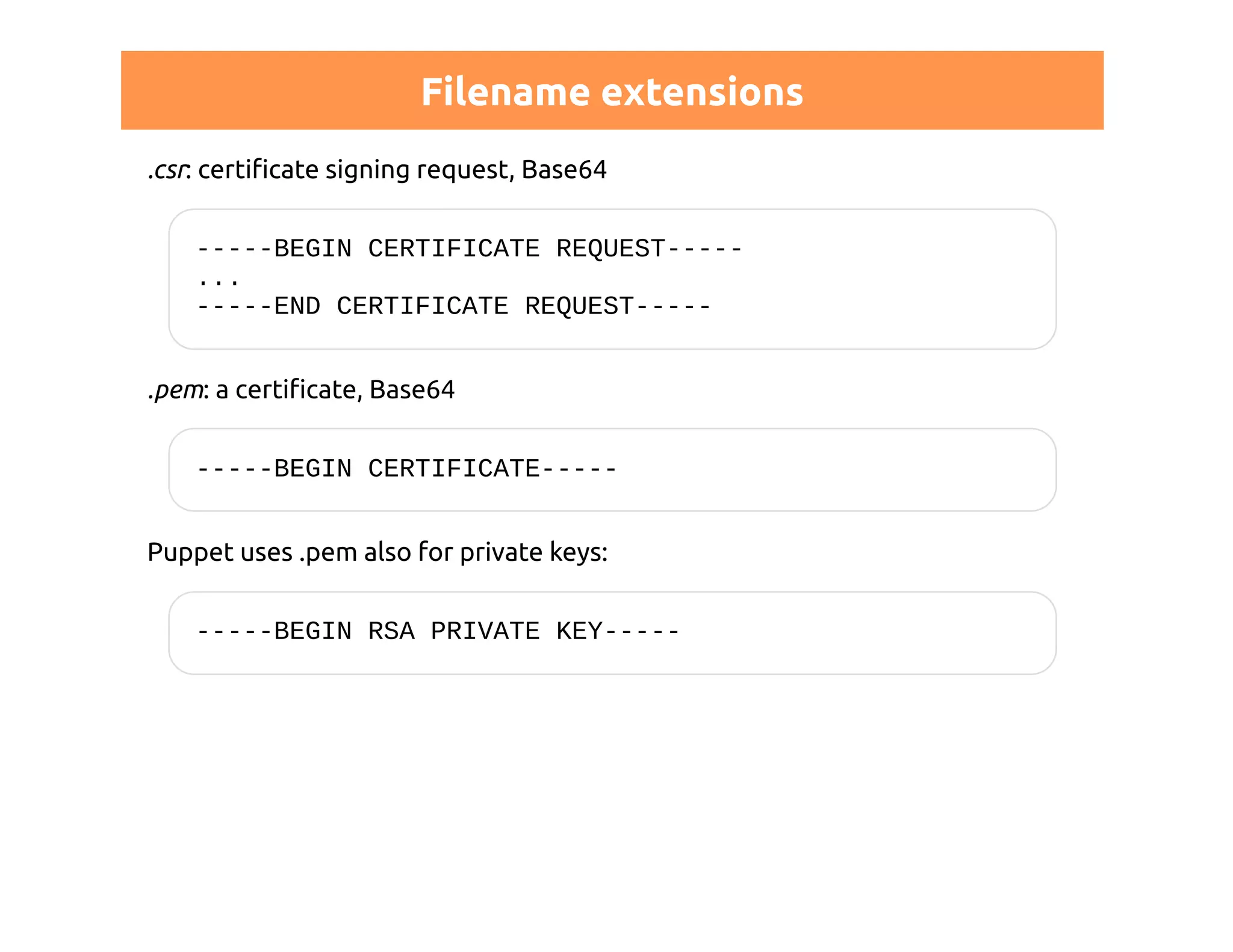
Filename extensions 
.csr: certificate signing request, Base64 
-----BEGIN CERTIFICATE REQUEST----- 
... 
-----END CERTIFICATE REQUEST----- 
.pem: a certificate, Base64 
-----BEGIN CERTIFICATE----- 
Puppet uses .pem also for private keys: 
-----BEGIN RSA PRIVATE KEY-----
PUPPET CERTIFICATES
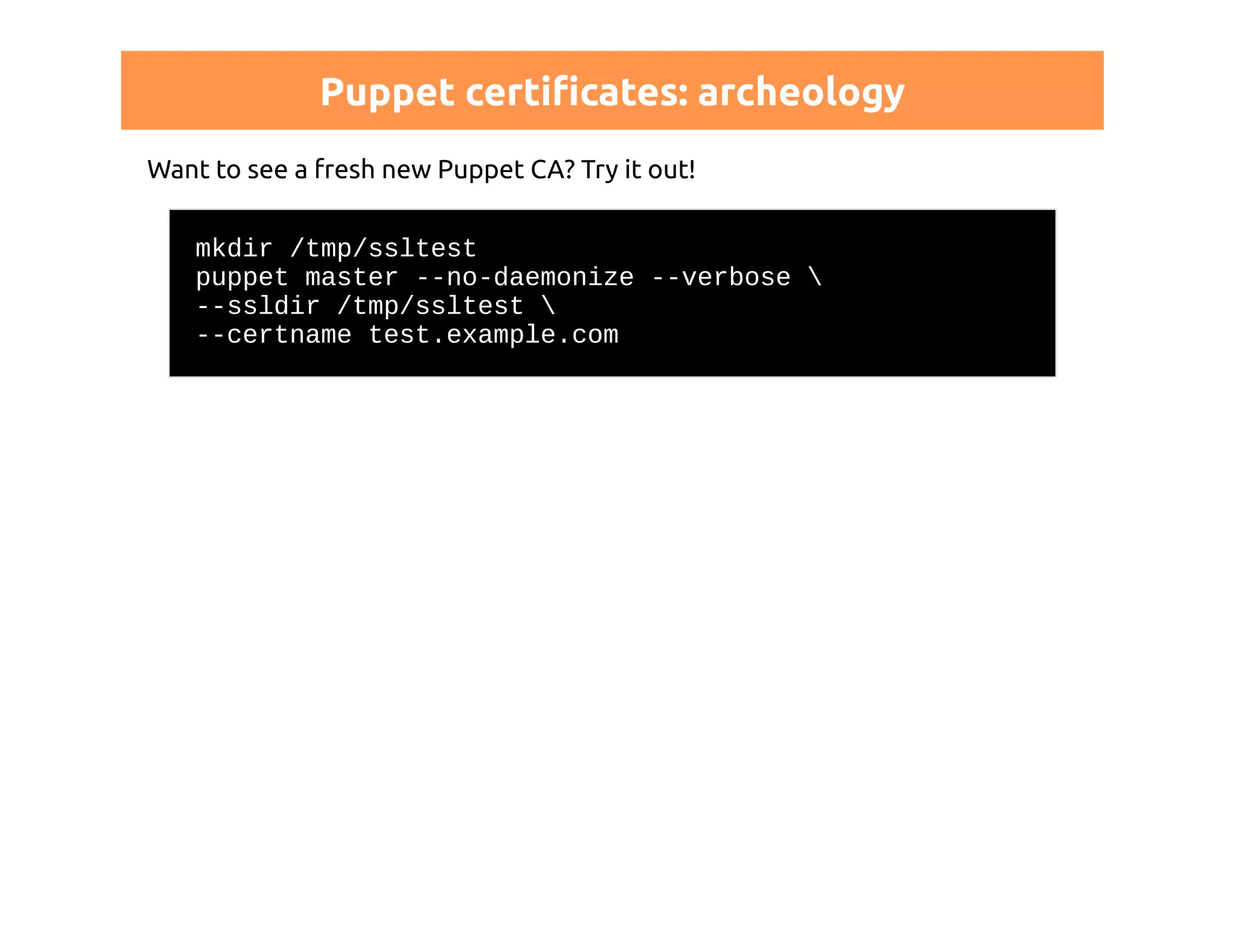
Puppet certificates: archeology 
Want to see a fresh new Puppet CA? Try it out! 
mkdir /tmp/ssltest 
puppet master --no-daemonize --verbose  
--ssldir /tmp/ssltest  
--certname test.example.com
Puppet certificates: archeology 
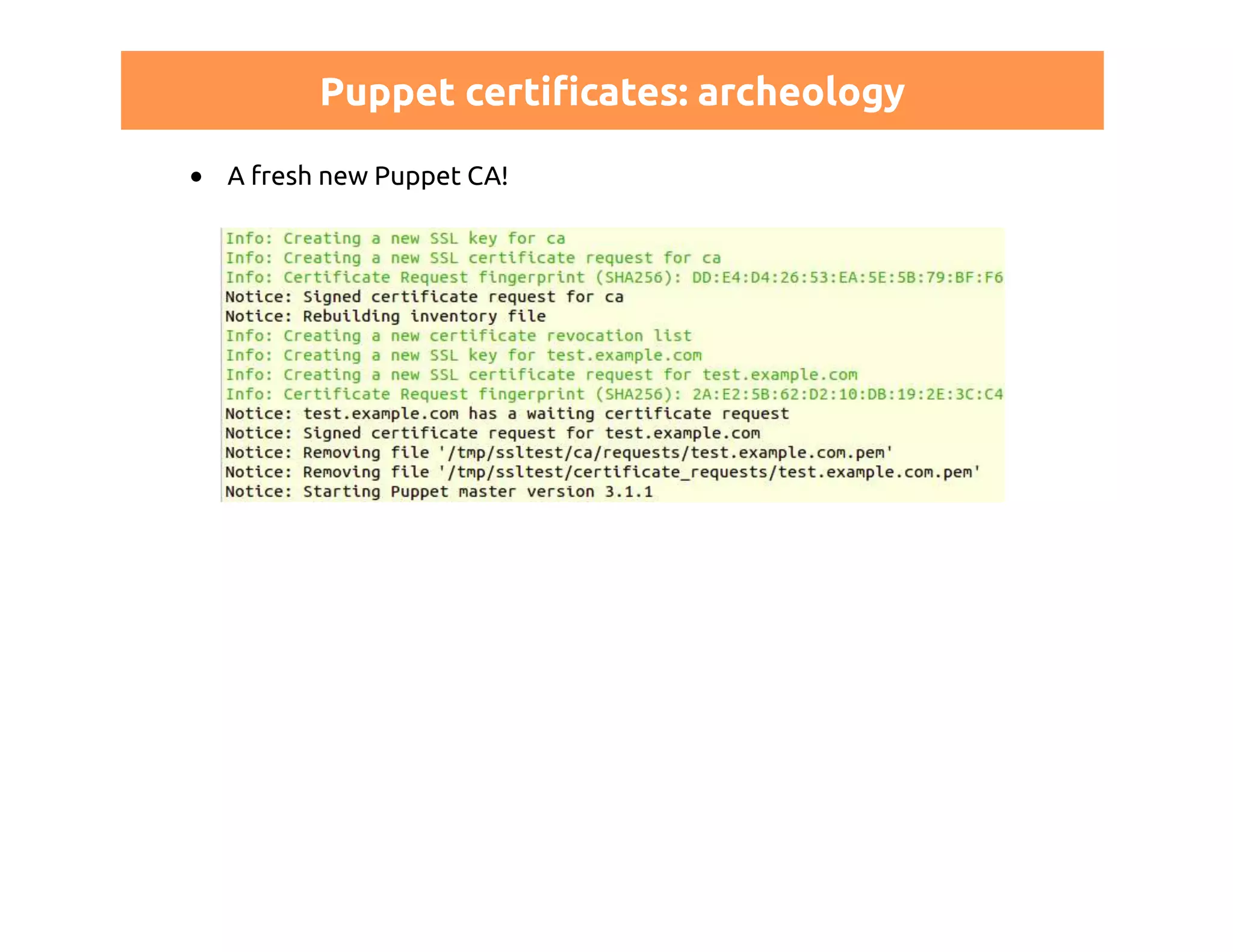
A fresh new Puppet CA!
Puppet certificates: archeology 
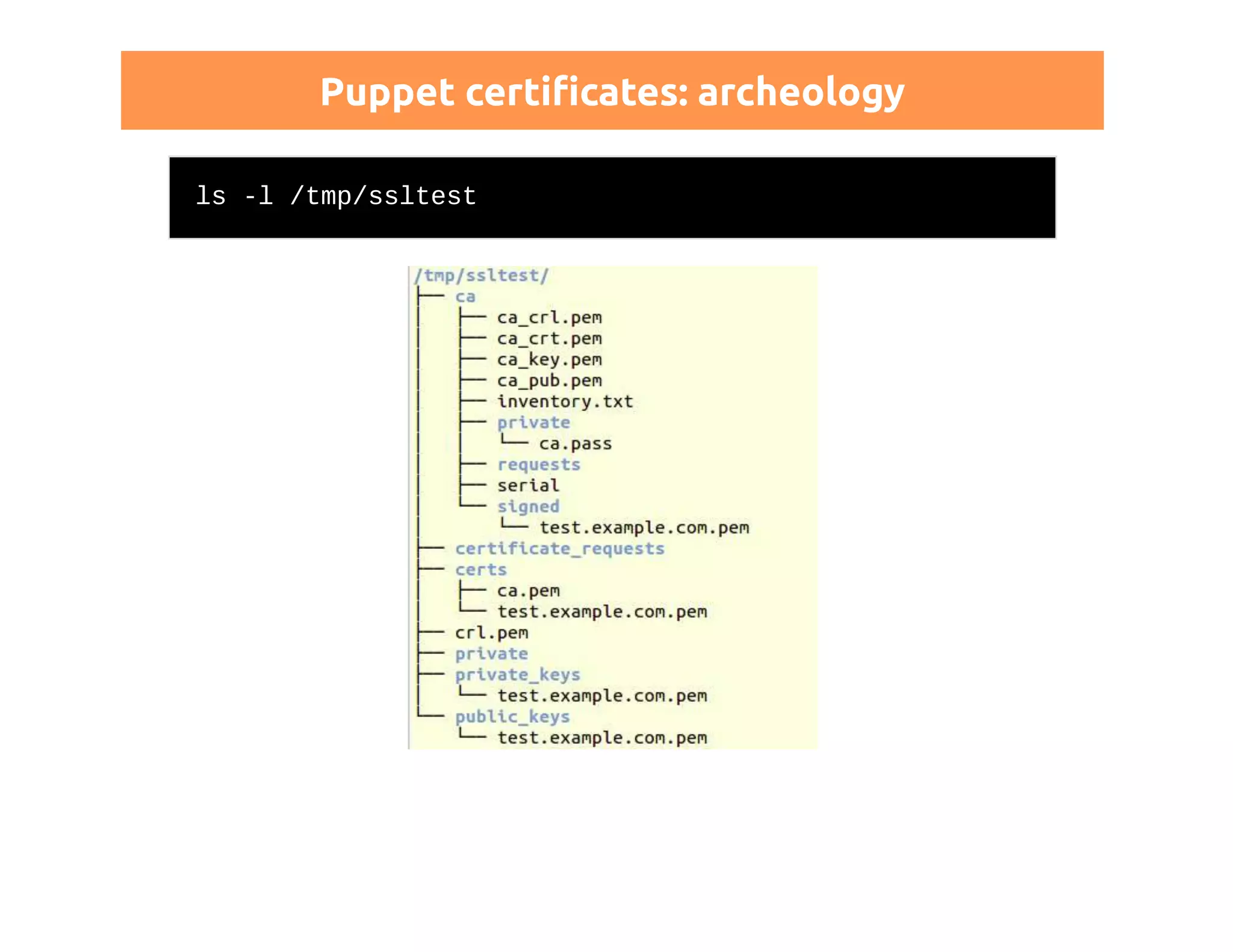
ls -l /tmp/ssltest
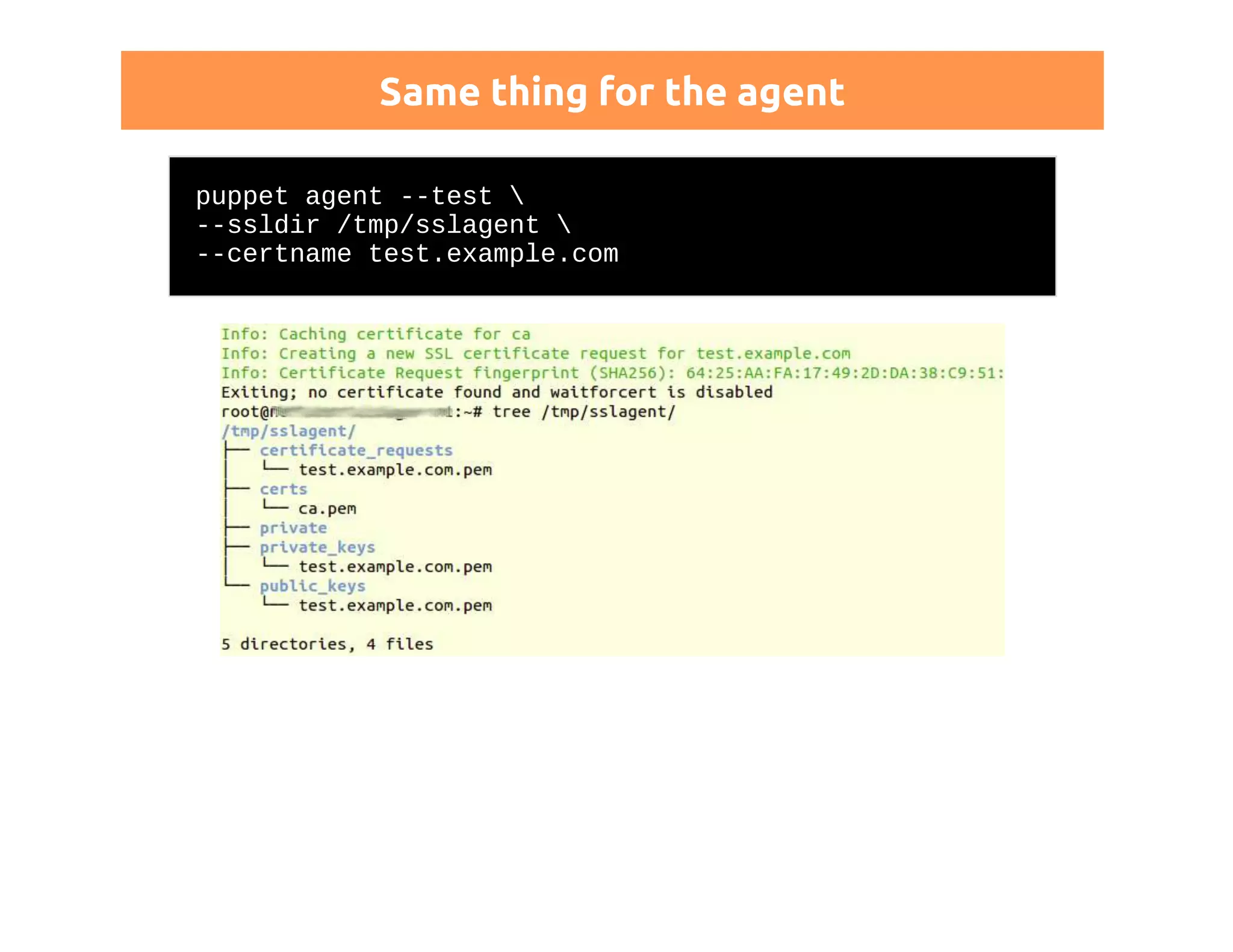
Same thing for the agent 
puppet agent --test  
--ssldir /tmp/sslagent  
--certname test.example.com
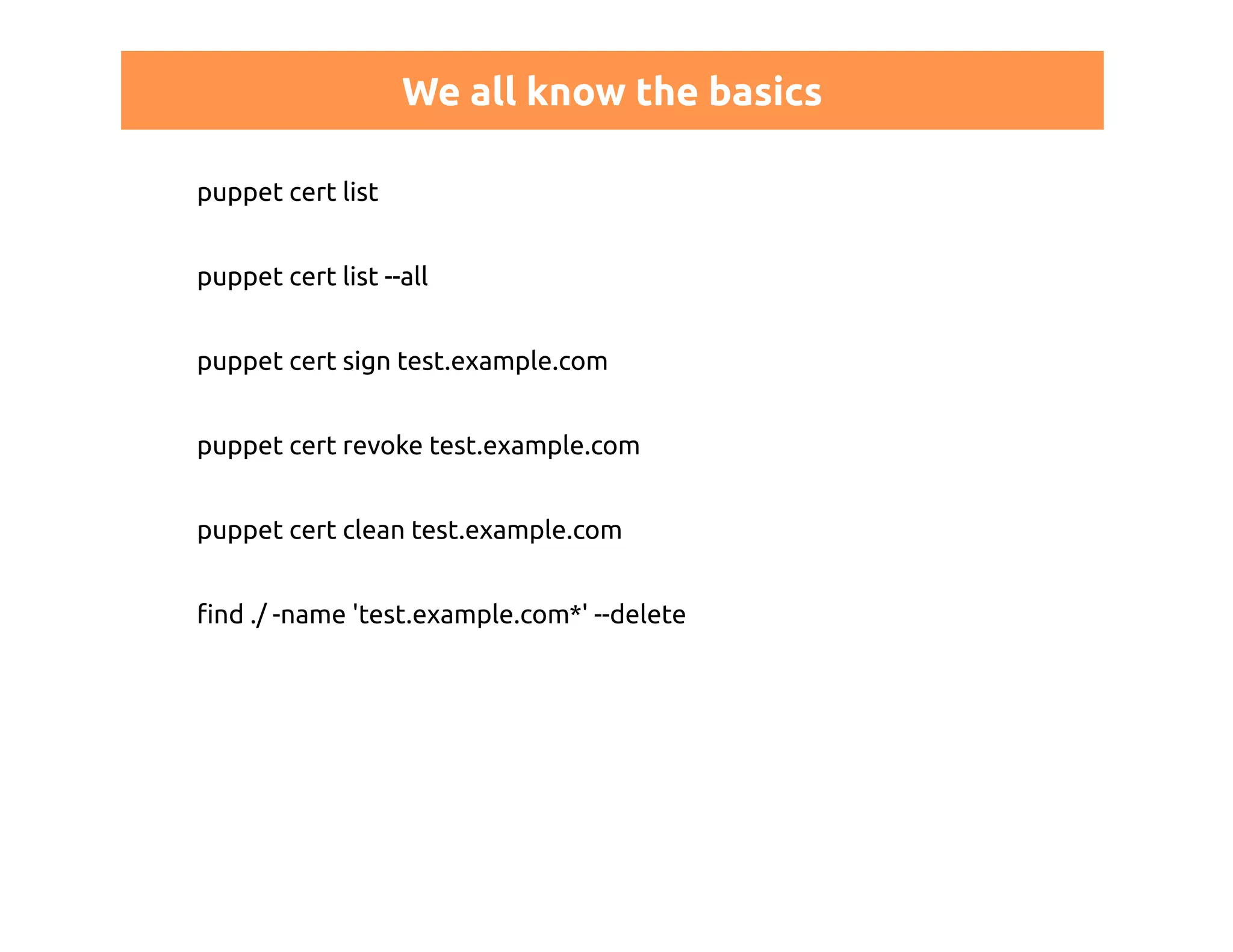
We all know the basics 
puppet cert list 
puppet cert list --all 
puppet cert sign test.example.com 
puppet cert revoke test.example.com 
puppet cert clean test.example.com 
find ./ -name 'test.example.com*' --delete
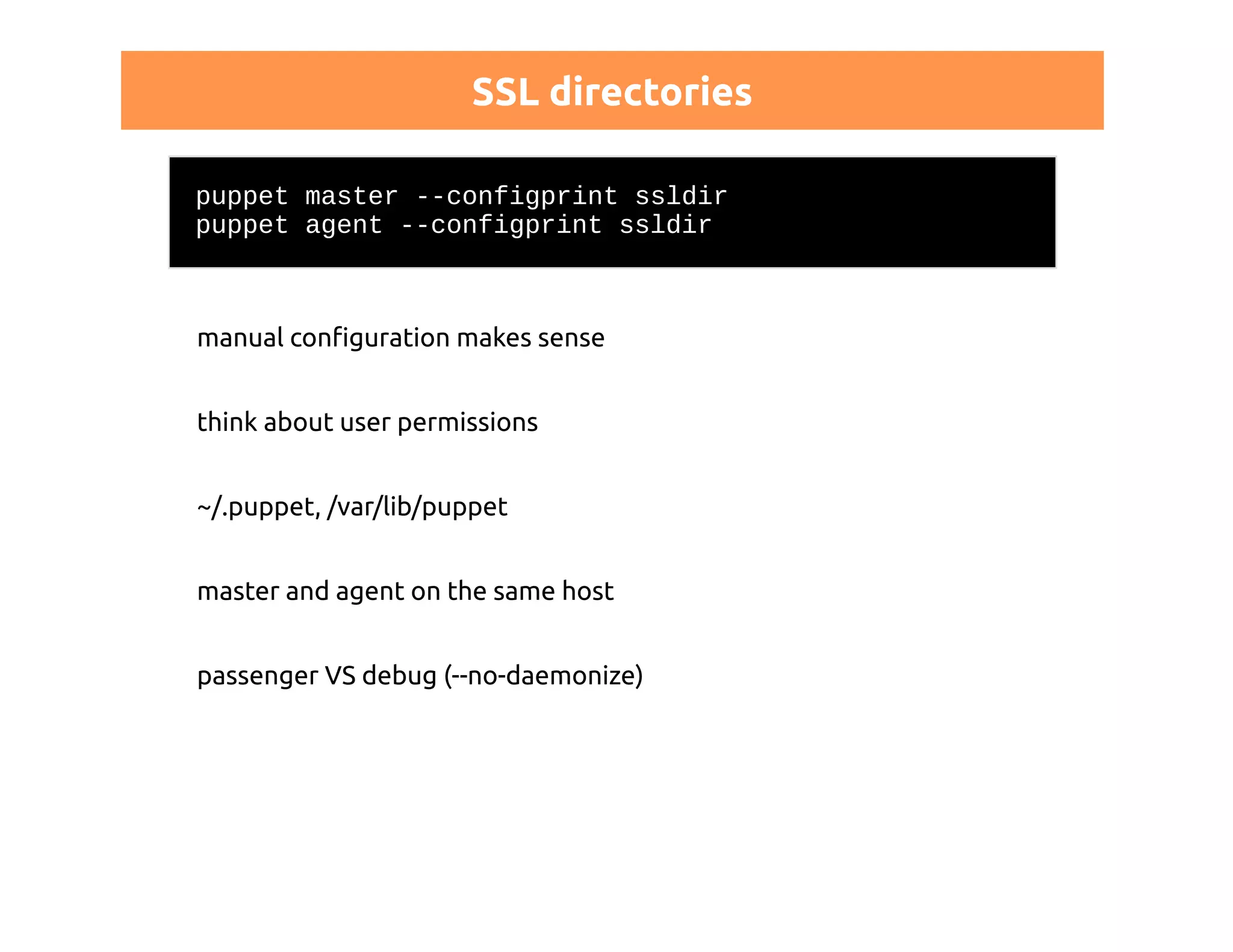
SSL directories 
puppet master --configprint ssldir 
puppet agent --configprint ssldir 
manual configuration makes sense 
think about user permissions 
~/.puppet, /var/lib/puppet 
master and agent on the same host 
passenger VS debug (--no-daemonize)
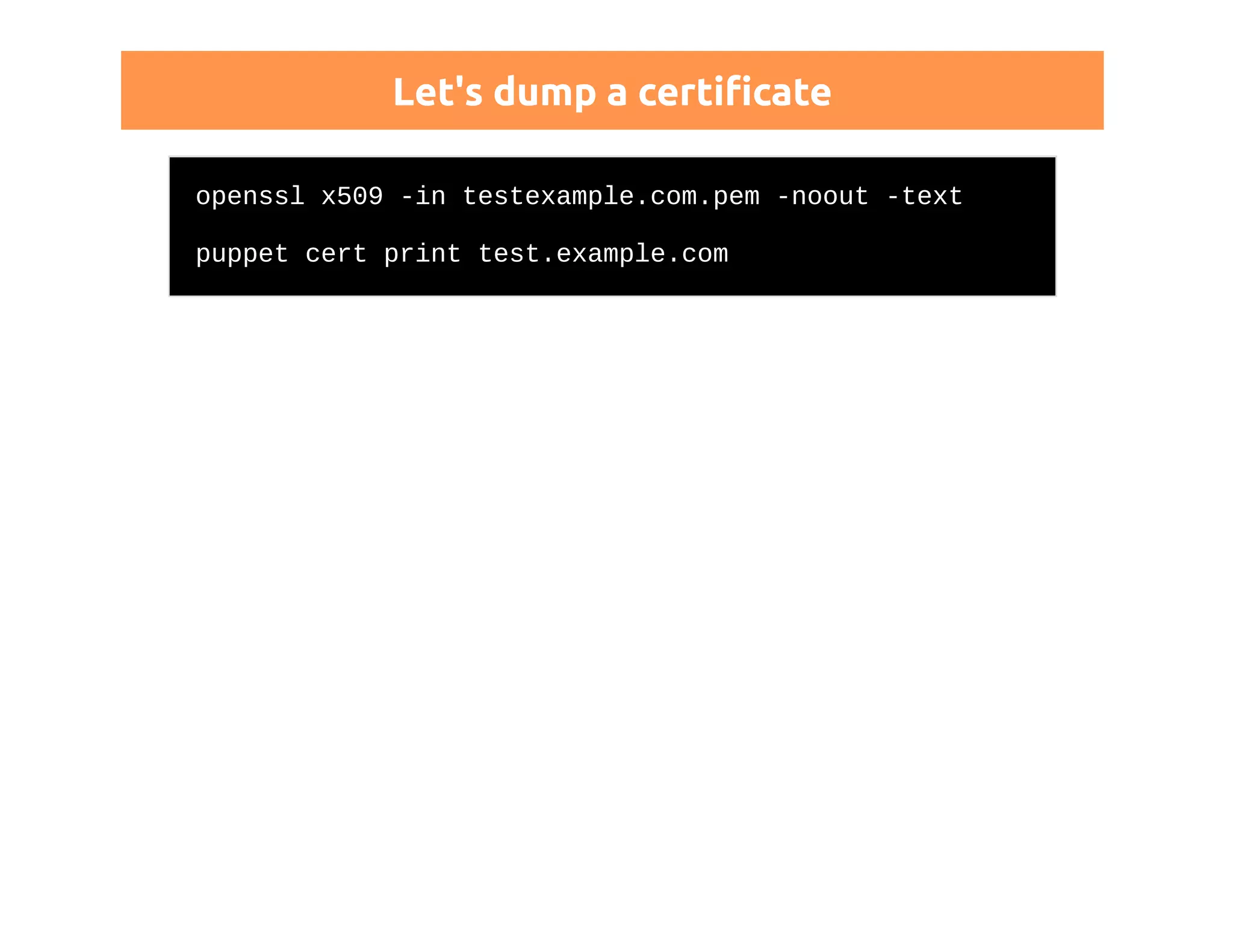
Let's dump a certificate 
openssl x509 -in testexample.com.pem -noout -text 
puppet cert print test.example.com
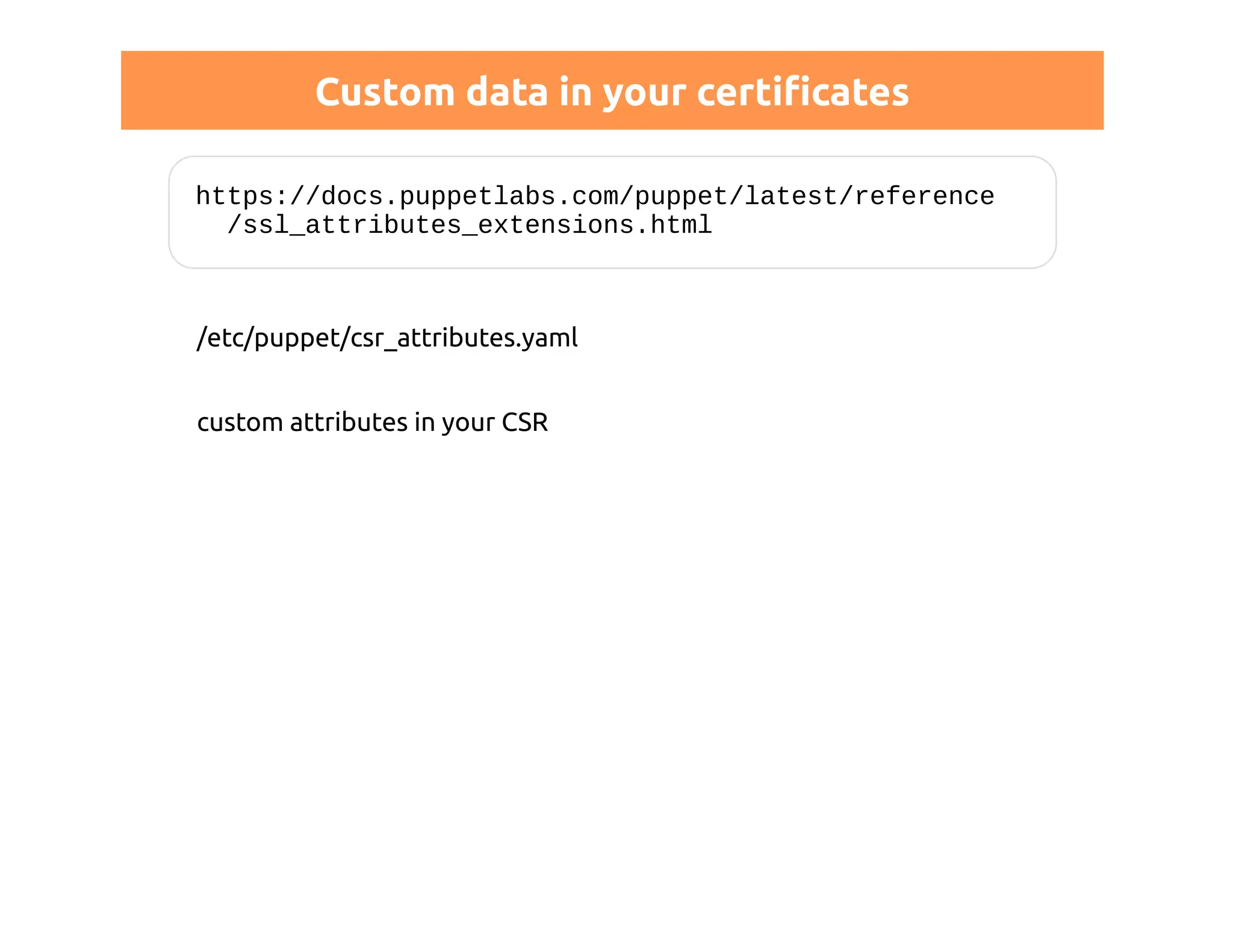
Custom data in your certificates 
https://docs.puppetlabs.com/puppet/latest/reference 
/ssl_attributes_extensions.html 
/etc/puppet/csr_attributes.yaml 
custom attributes in your CSR
MCollective
Study security guidelines! 
STUDY SECURITY GUIDELINES! 
puppetlabs.com/mcollective/security-overview
Get inspired by existing modules 
make sure you understood them 
or write your own ones 
re-use Puppet certificates 
read about trust 
and STUDY THE SECURITY GUIDELINES!
THE REST API
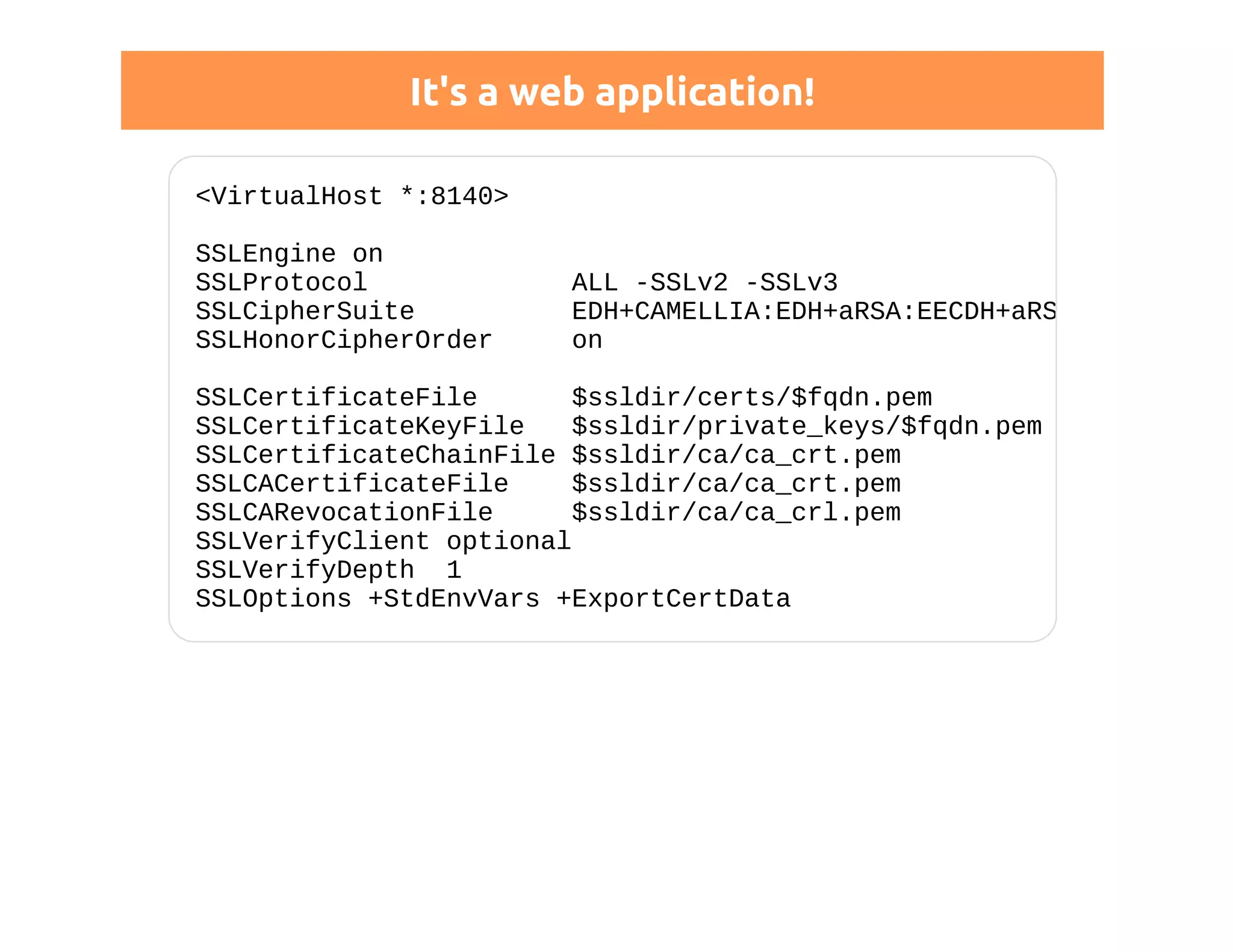
It's a web application! 
<VirtualHost *:8140> 
SSLEngine on 
SSLProtocol ALL -SSLv2 -SSLv3 
SSLCipherSuite EDH+CAMELLIA:EDH+aRSA:EECDH+aRSA+... 
SSLHonorCipherOrder on 
SSLCertificateFile $ssldir/certs/$fqdn.pem 
SSLCertificateKeyFile $ssldir/private_keys/$fqdn.pem 
SSLCertificateChainFile $ssldir/ca/ca_crt.pem 
SSLCACertificateFile $ssldir/ca/ca_crt.pem 
SSLCARevocationFile $ssldir/ca/ca_crl.pem 
SSLVerifyClient optional 
SSLVerifyDepth 1 
SSLOptions +StdEnvVars +ExportCertData
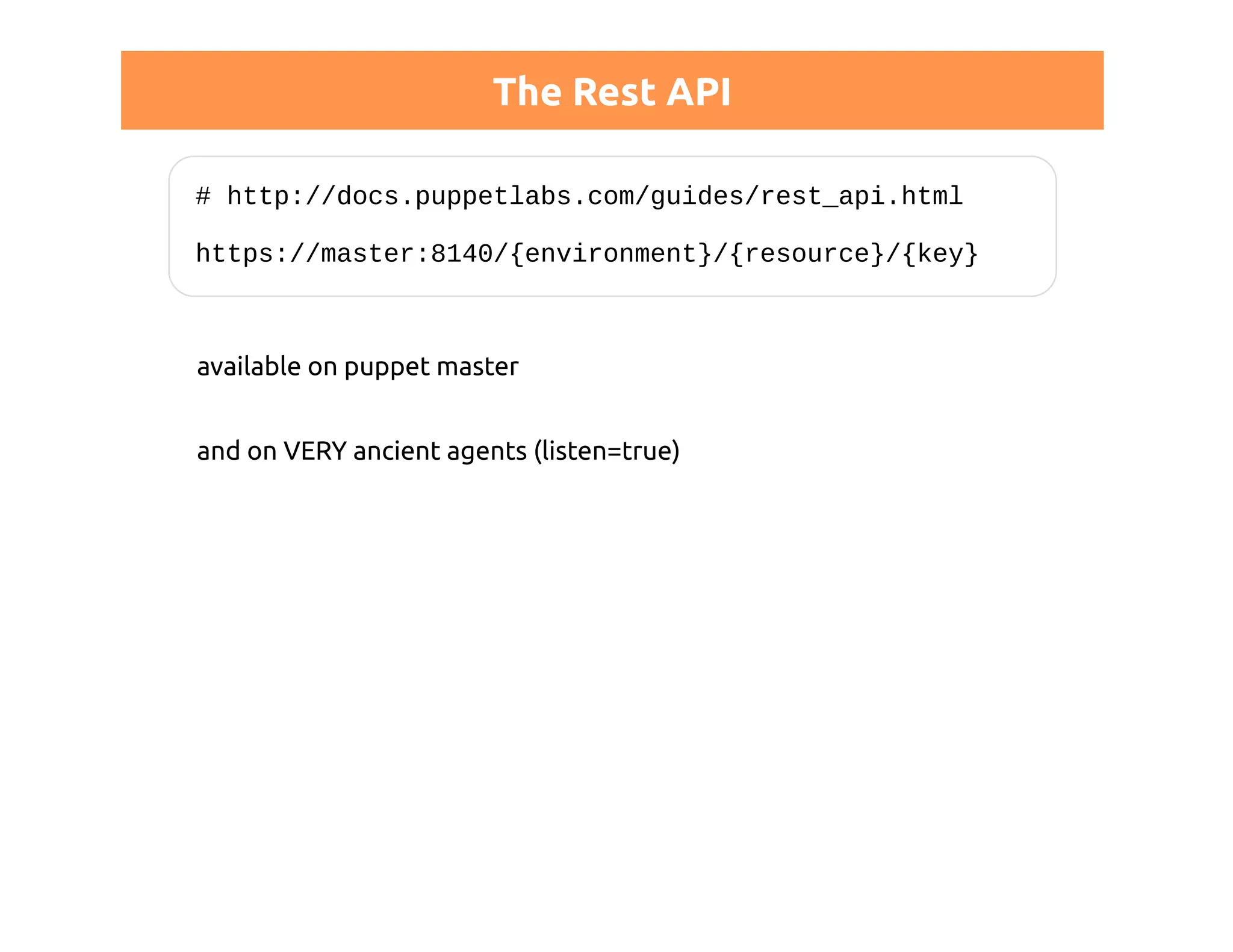
The Rest API 
# http://docs.puppetlabs.com/guides/rest_api.html 
https://master:8140/{environment}/{resource}/{key} 
available on puppet master 
and on VERY ancient agents (listen=true)
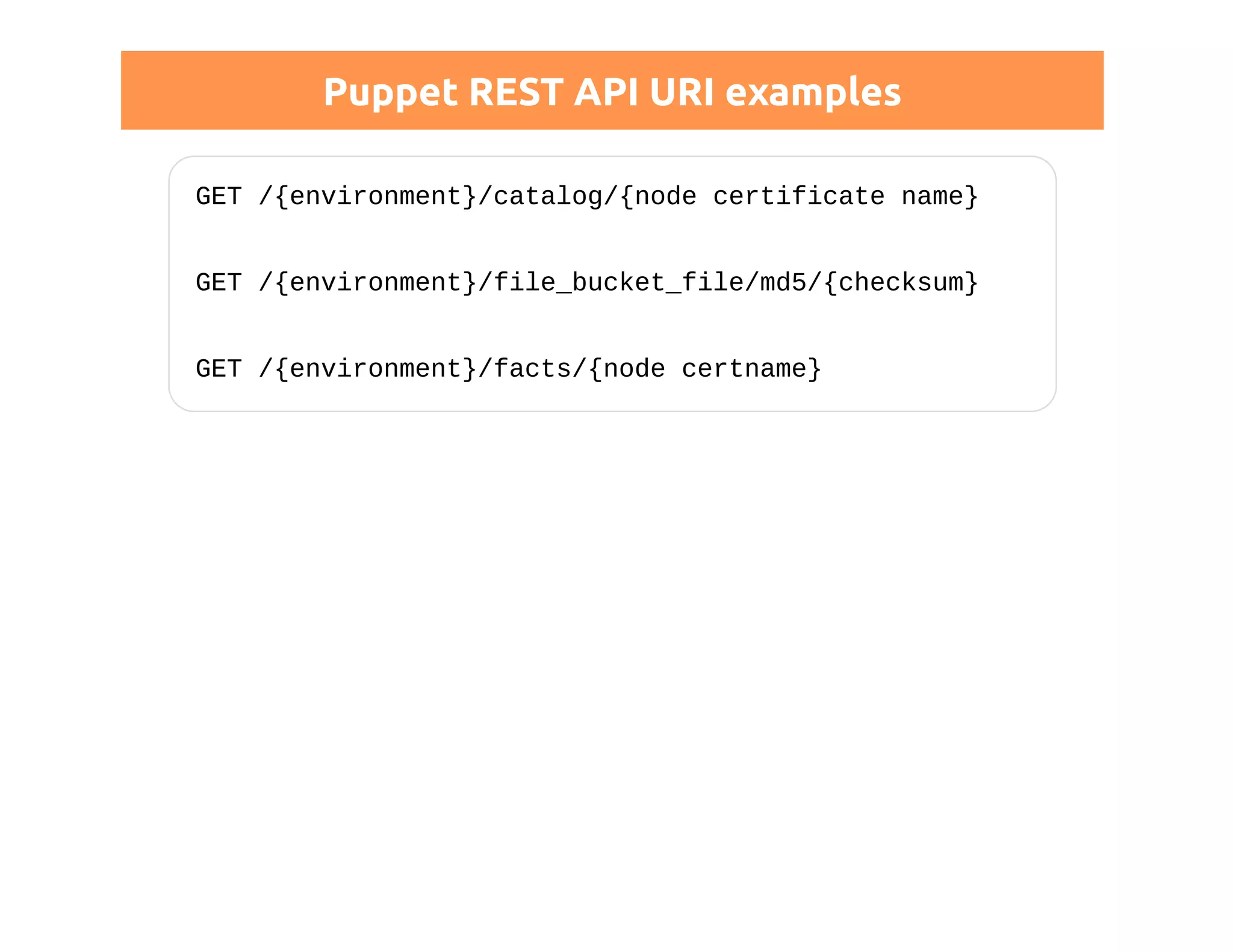
Puppet REST API URI examples 
GET /{environment}/catalog/{node certificate name} 
GET /{environment}/file_bucket_file/md5/{checksum} 
GET /{environment}/facts/{node certname}
Permissions 
http://docs.puppetlabs.com/guides/rest_auth_conf.html 
# auth.conf 
# allow all nodes to store their own reports 
path ~ ^/report/([^/]+)$ 
method save 
allow $1
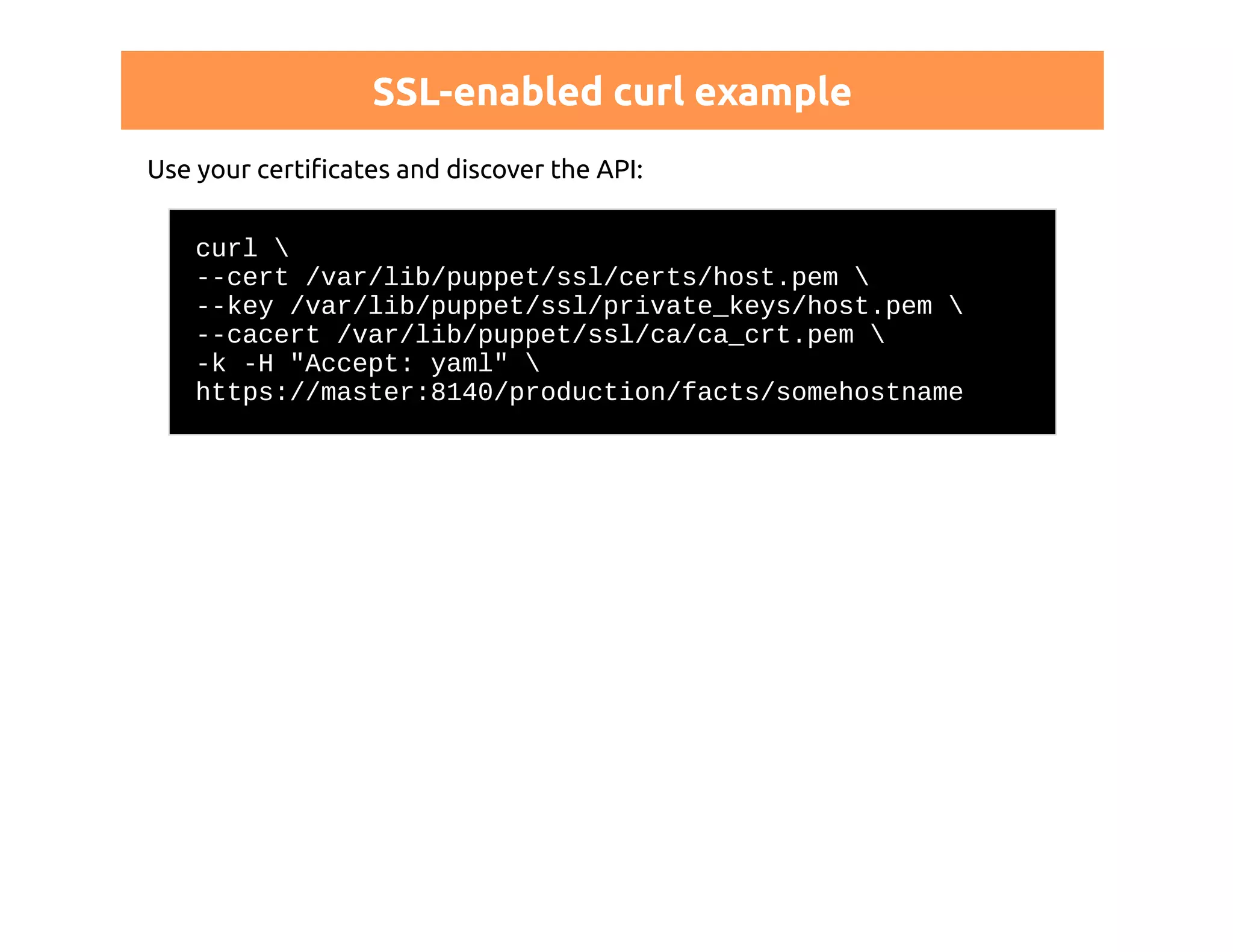
SSL-enabled curl example 
Use your certificates and discover the API: 
curl  
--cert /var/lib/puppet/ssl/certs/host.pem  
--key /var/lib/puppet/ssl/private_keys/host.pem  
--cacert /var/lib/puppet/ssl/ca/ca_crt.pem  
-k -H "Accept: yaml"  
https://master:8140/production/facts/somehostname
DISTRIBUTED SETUP
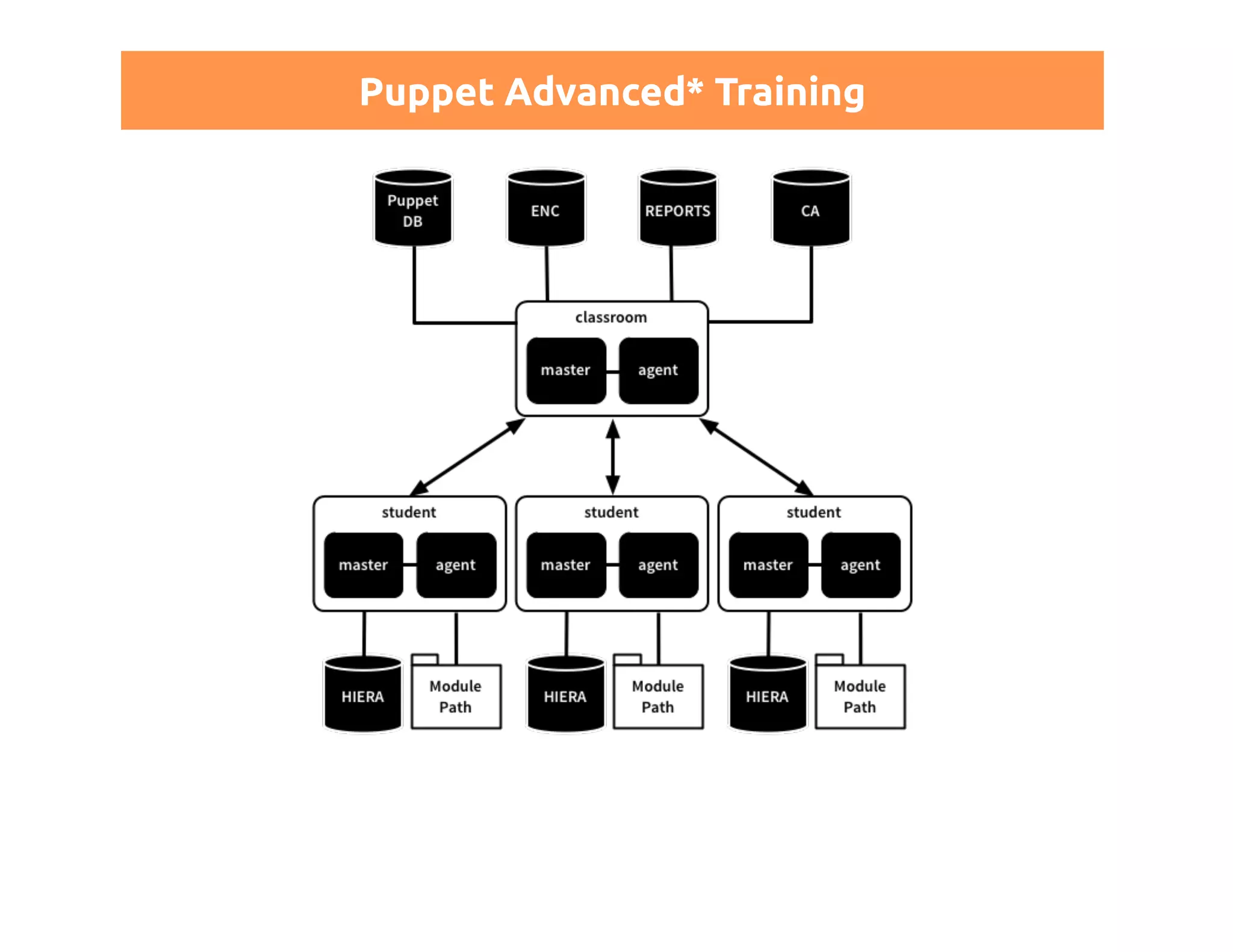
Puppet Advanced* Training
Configuration for such a setup 
One CA is more than enough: 
[master] 
ca = false 
[agent] 
ca_server = ca.example.com 
Optionally, still experimental: DNS SRV records
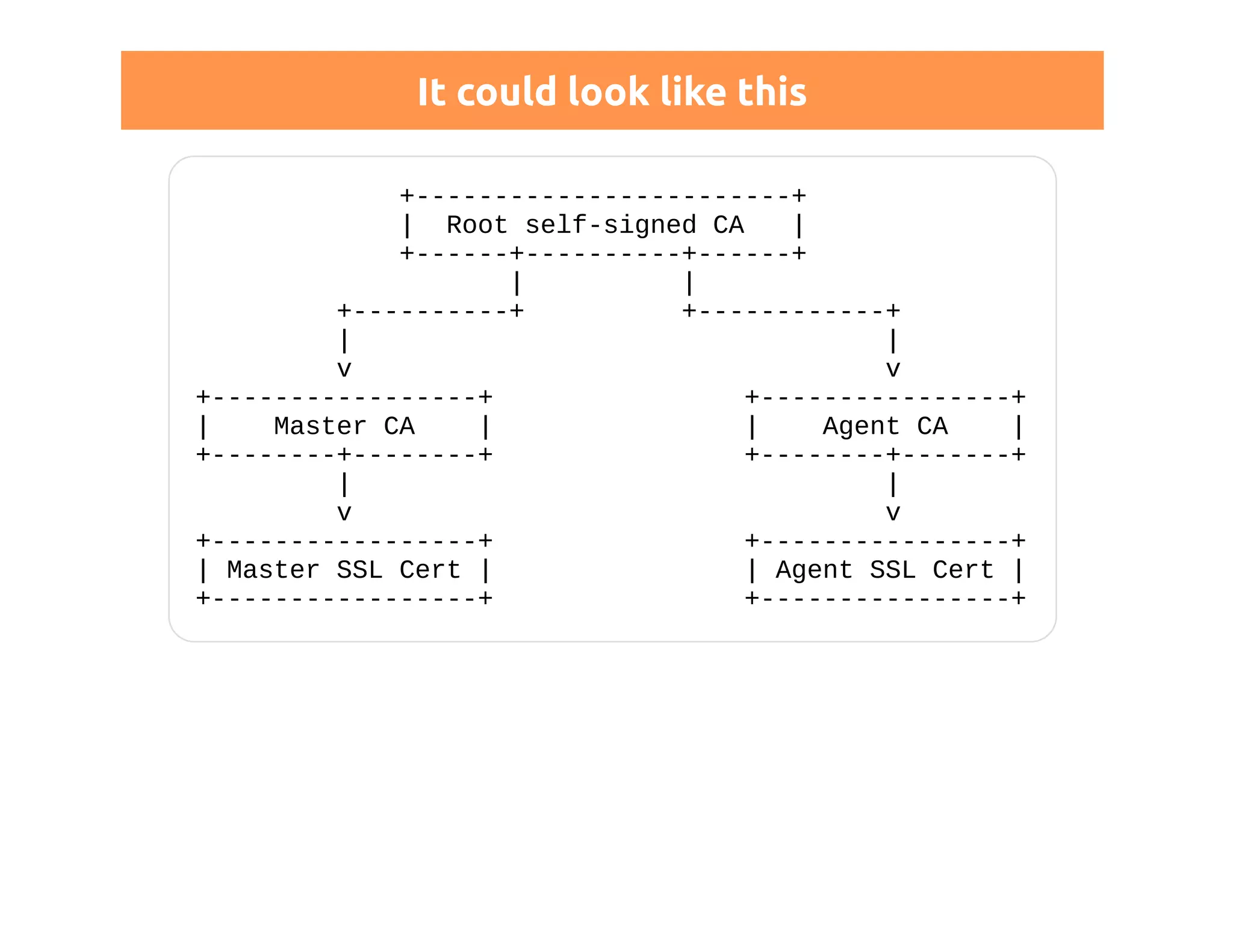
Chain of trust 
Since 3.2.1 you can use intermediate CAs to delegate trust 
# http://docs.puppetlabs.com/puppet/3/reference 
# /config_ssl_external_ca.html 
[agent] 
ssl_client_ca_auth = $certdir/issuer.pem 
Tell Apache about your chain: 
SSLCertificateChainFile "/path/to/ca_bundle.pem"
It could look like this 
+------------------------+ 
| Root self-signed CA | 
+------+----------+------+ 
| | 
+----------+ +------------+ 
| | 
v v 
+-----------------+ +----------------+ 
| Master CA | | Agent CA | 
+--------+--------+ +--------+-------+ 
| | 
v v 
+-----------------+ +----------------+ 
| Master SSL Cert | | Agent SSL Cert | 
+-----------------+ +----------------+
SSL Professional? 
integrate it in your existing hierarchy 
use your own toolchain 
ship signed certificates (carefully)
SECURITY
Puppet and security issues 
Read Security Disclosures! 
https://puppetlabs.com/security/
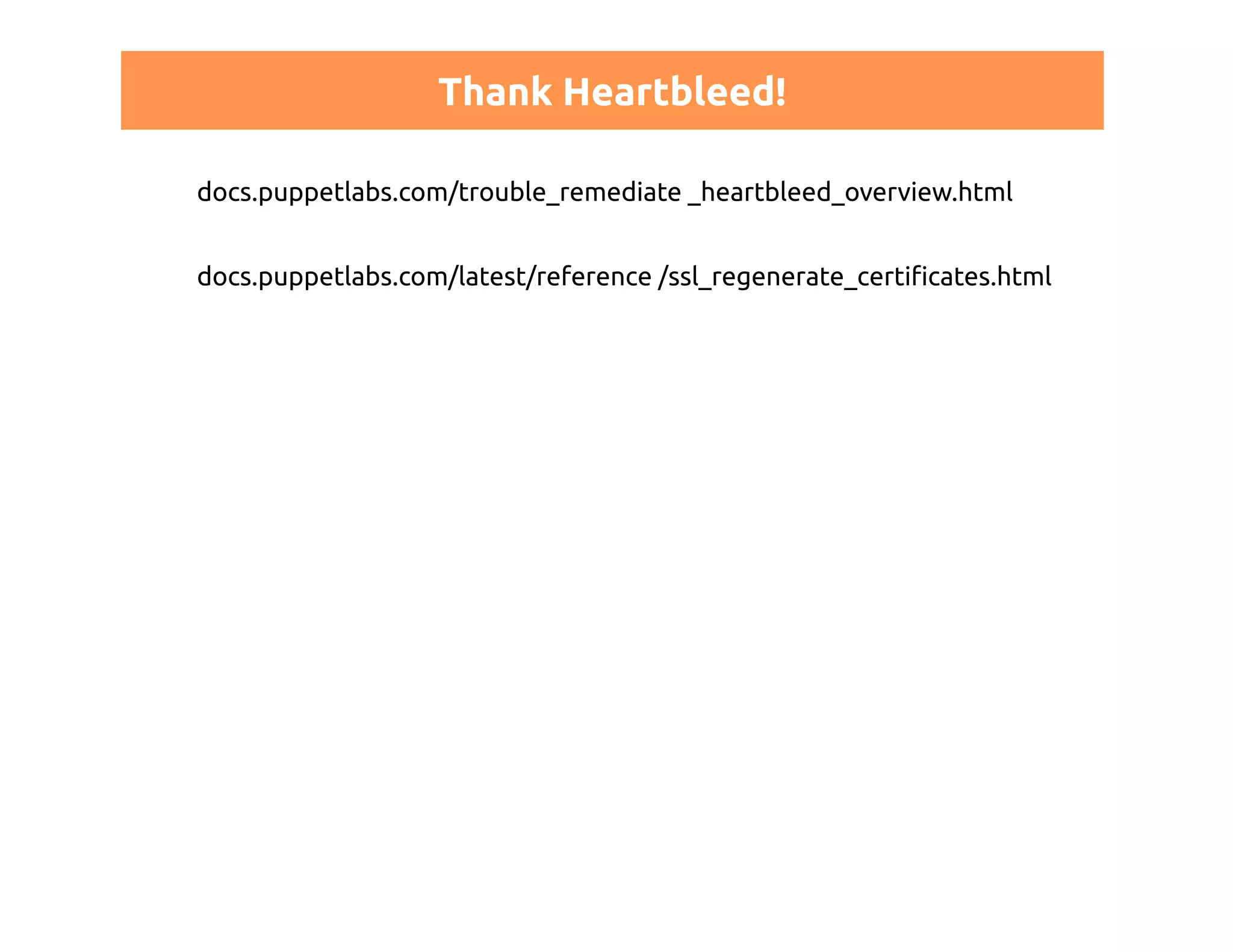
Thank Heartbleed! 
docs.puppetlabs.com/trouble_remediate _heartbleed_overview.html 
docs.puppetlabs.com/latest/reference /ssl_regenerate_certificates.html
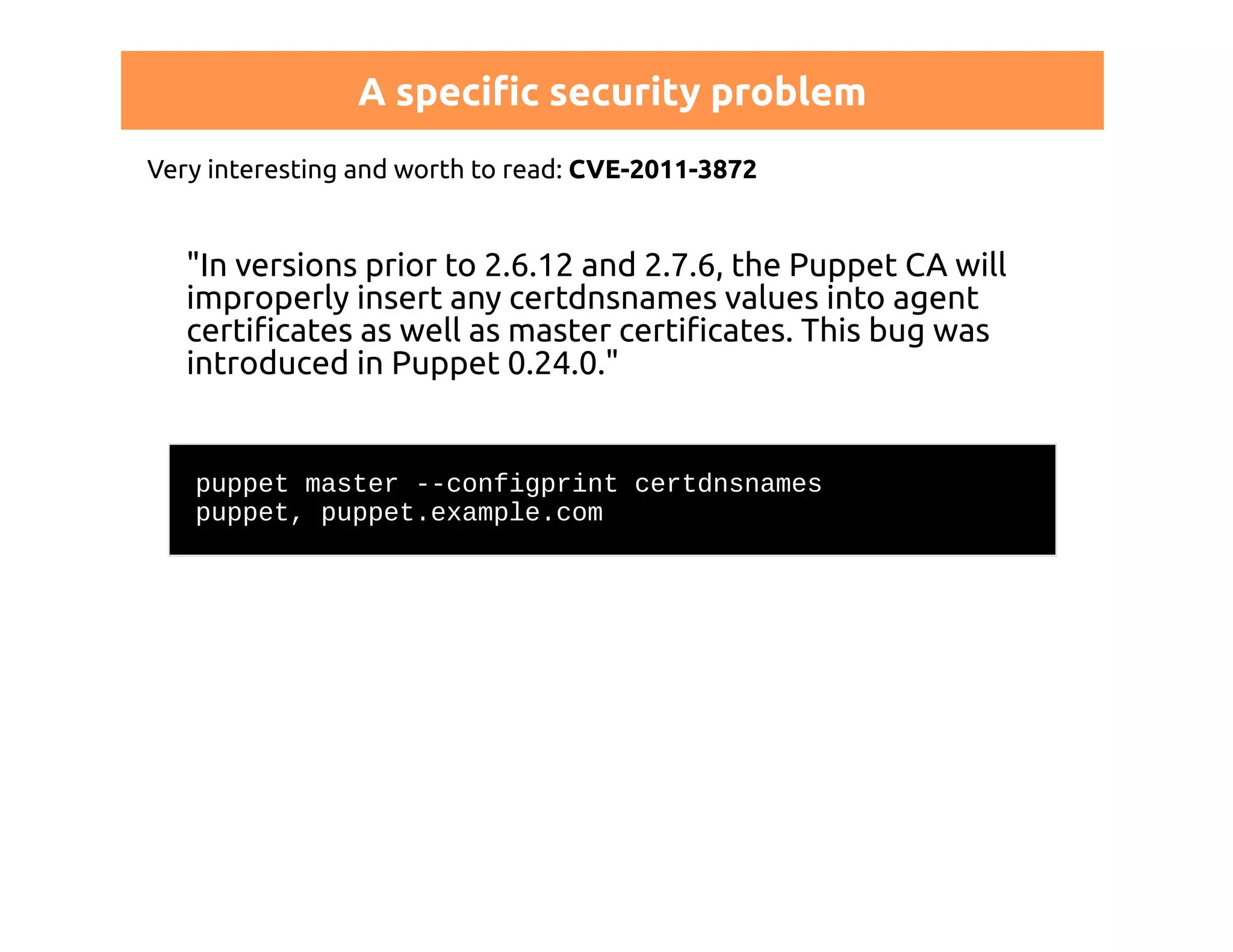
A specific security problem 
Very interesting and worth to read: CVE-2011-3872 
"In versions prior to 2.6.12 and 2.7.6, the Puppet CA will 
improperly insert any certdnsnames values into agent 
certificates as well as master certificates. This bug was 
introduced in Puppet 0.24.0." 
puppet master --configprint certdnsnames 
puppet, puppet.example.com
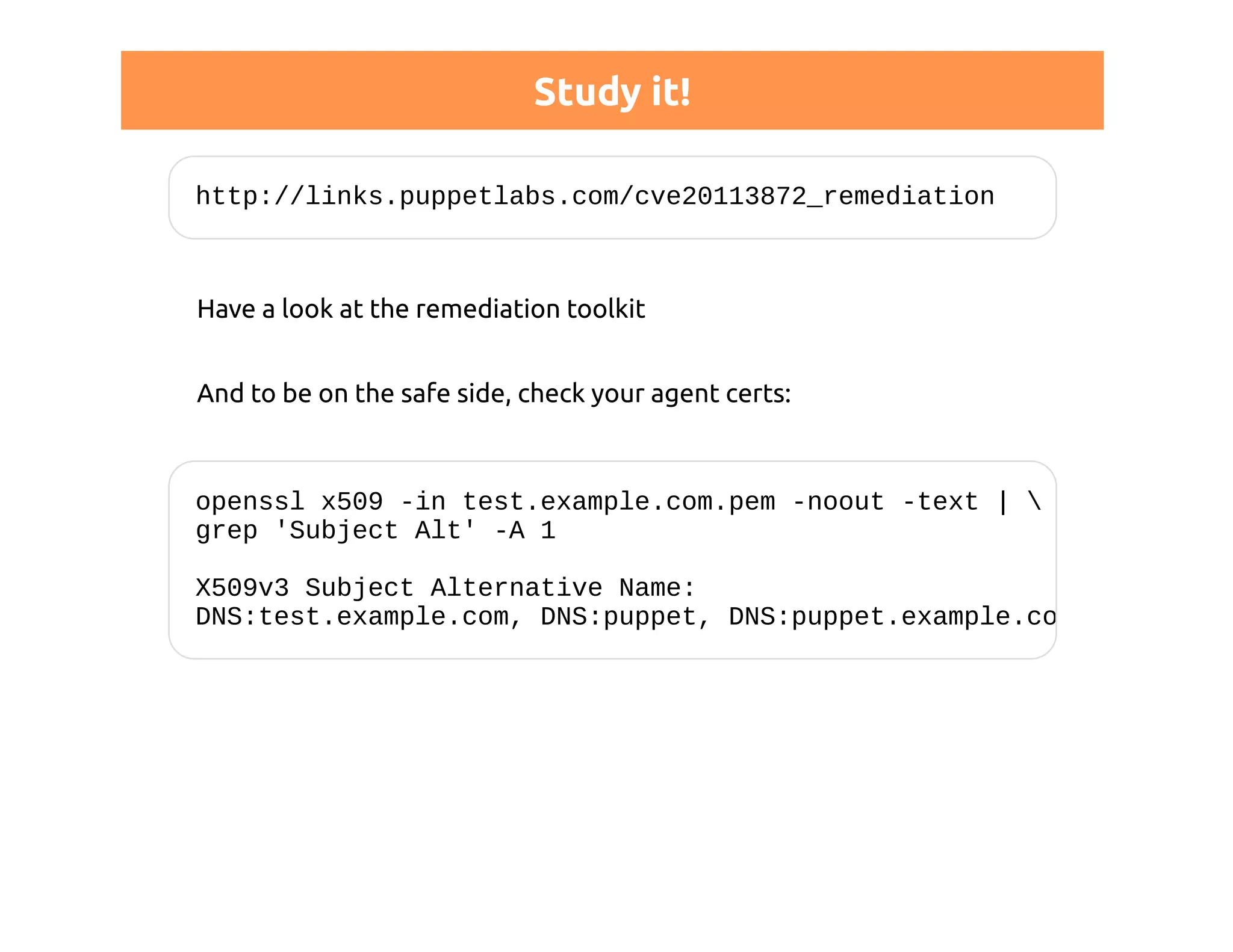
Study it! 
http://links.puppetlabs.com/cve20113872_remediation 
Have a look at the remediation toolkit 
And to be on the safe side, check your agent certs: 
openssl x509 -in test.example.com.pem -noout -text |  
grep 'Subject Alt' -A 1 
X509v3 Subject Alternative Name: 
DNS:test.example.com, DNS:puppet, DNS:puppet.example.com
WARNING 
"upgrading" doesn't fix a mess like this 
old certificates would remain valid 
you have to switch to a new CA... 
...and this leads us to the next topic
CA LIFECYCLE MANAGEMENT
Bad news 
Puppet should allow for automatic resigning of SSL certs 
http://projects.puppetlabs.com/issues/7272 
There is no such thing in Puppet 
"...will be available with Puppet Sites"
YOU ARE ON YOUR OWN
One way of replacing a CA 
stop all agents 
throw away their certificates 
create a new CA with a new name 
start your agents 
sign their new CSRs
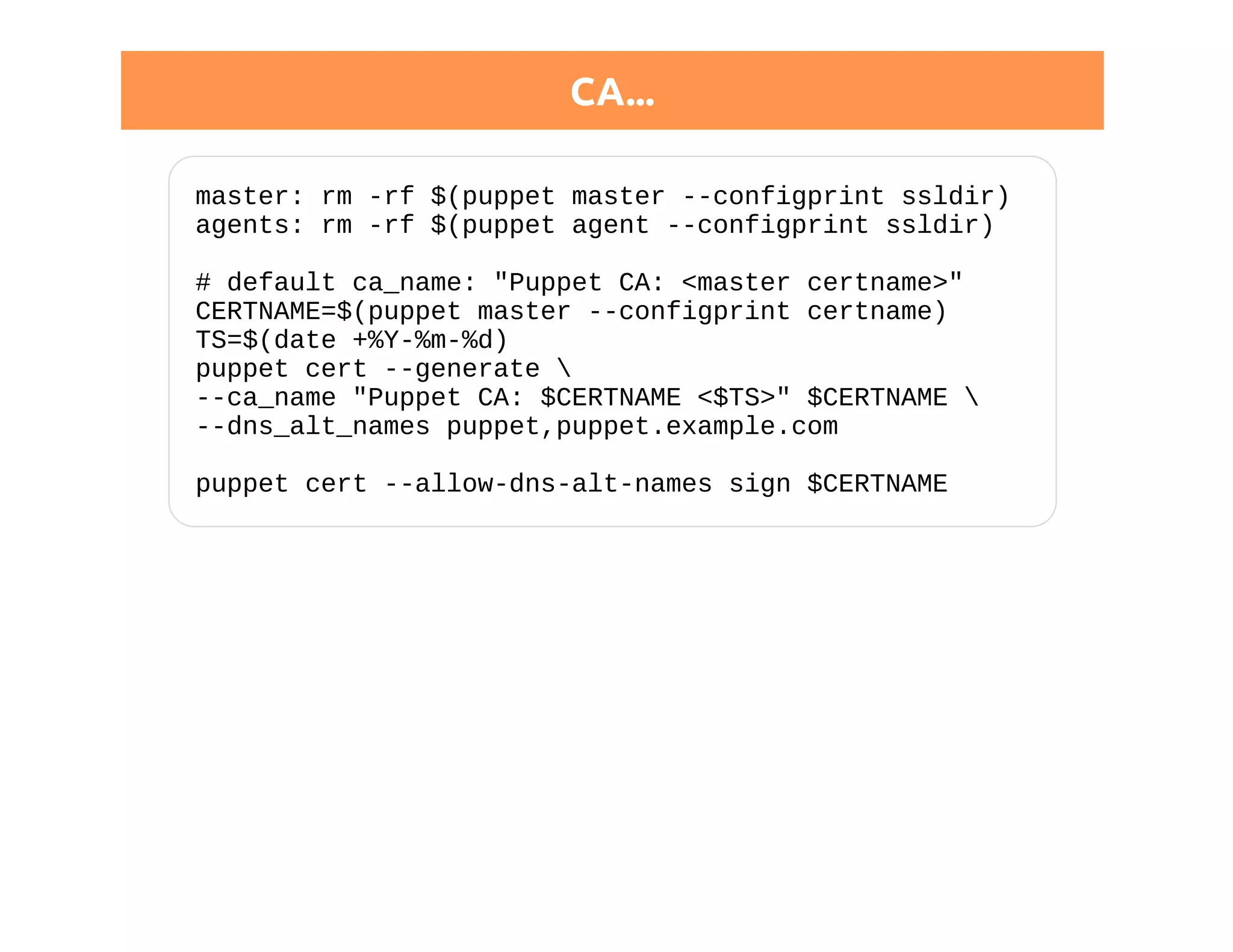
CA... 
master: rm -rf $(puppet master --configprint ssldir) 
agents: rm -rf $(puppet agent --configprint ssldir) 
# default ca_name: "Puppet CA: <master certname>" 
CERTNAME=$(puppet master --configprint certname) 
TS=$(date +%Y-%m-%d) 
puppet cert --generate  
--ca_name "Puppet CA: $CERTNAME <$TS>" $CERTNAME  
--dns_alt_names puppet,puppet.example.com 
puppet cert --allow-dns-alt-names sign $CERTNAME
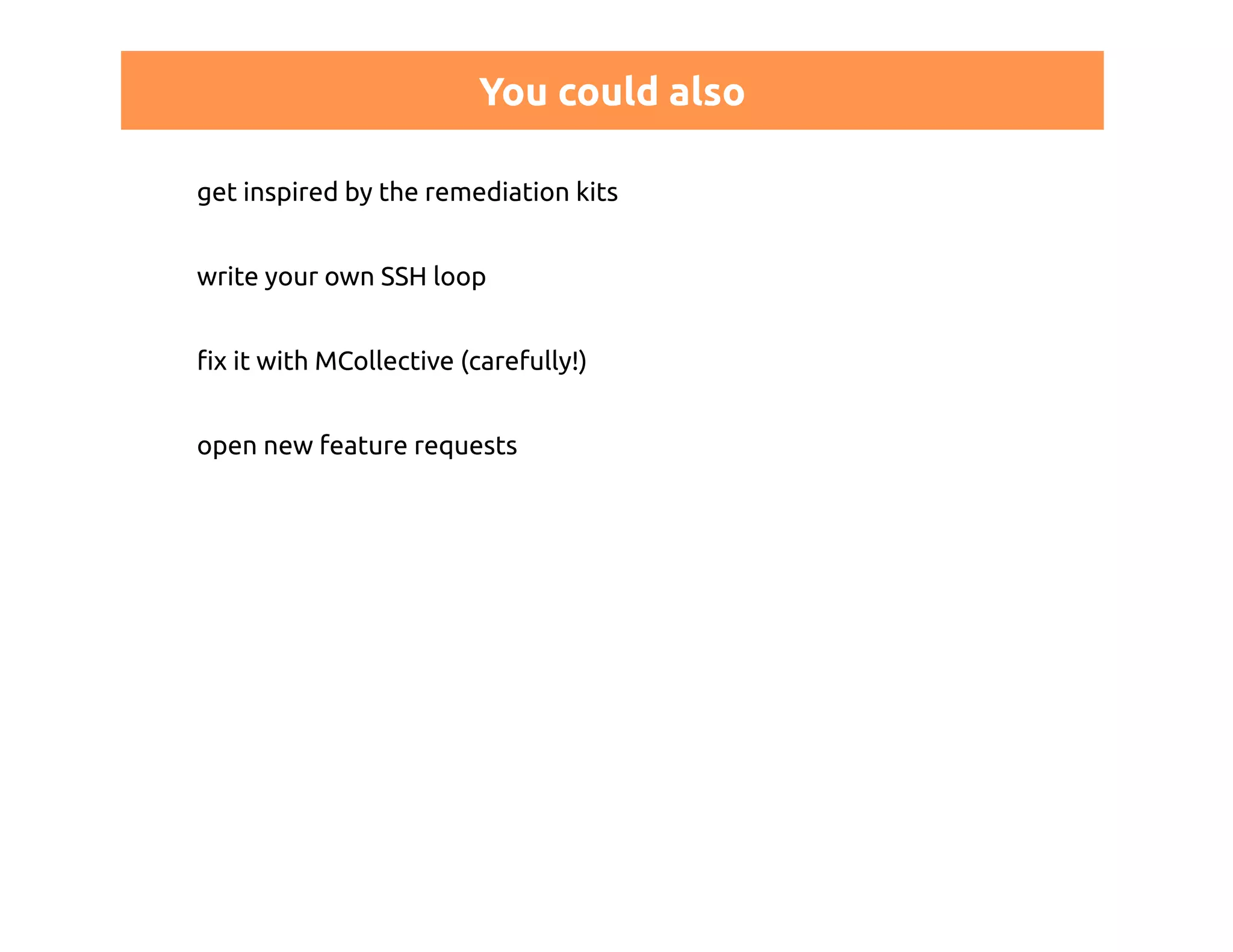
You could also 
get inspired by the remediation kits 
write your own SSH loop 
fix it with MCollective (carefully!) 
open new feature requests
Don't like trouble? 
Before generating your CA: 
[master] 
ca_ttl = 20y 
Leave your company in time 
NB: expiration > 2038-01-19 == bad idea
BTW: WE ARE HIRING ;-)
Thank you for your attention!
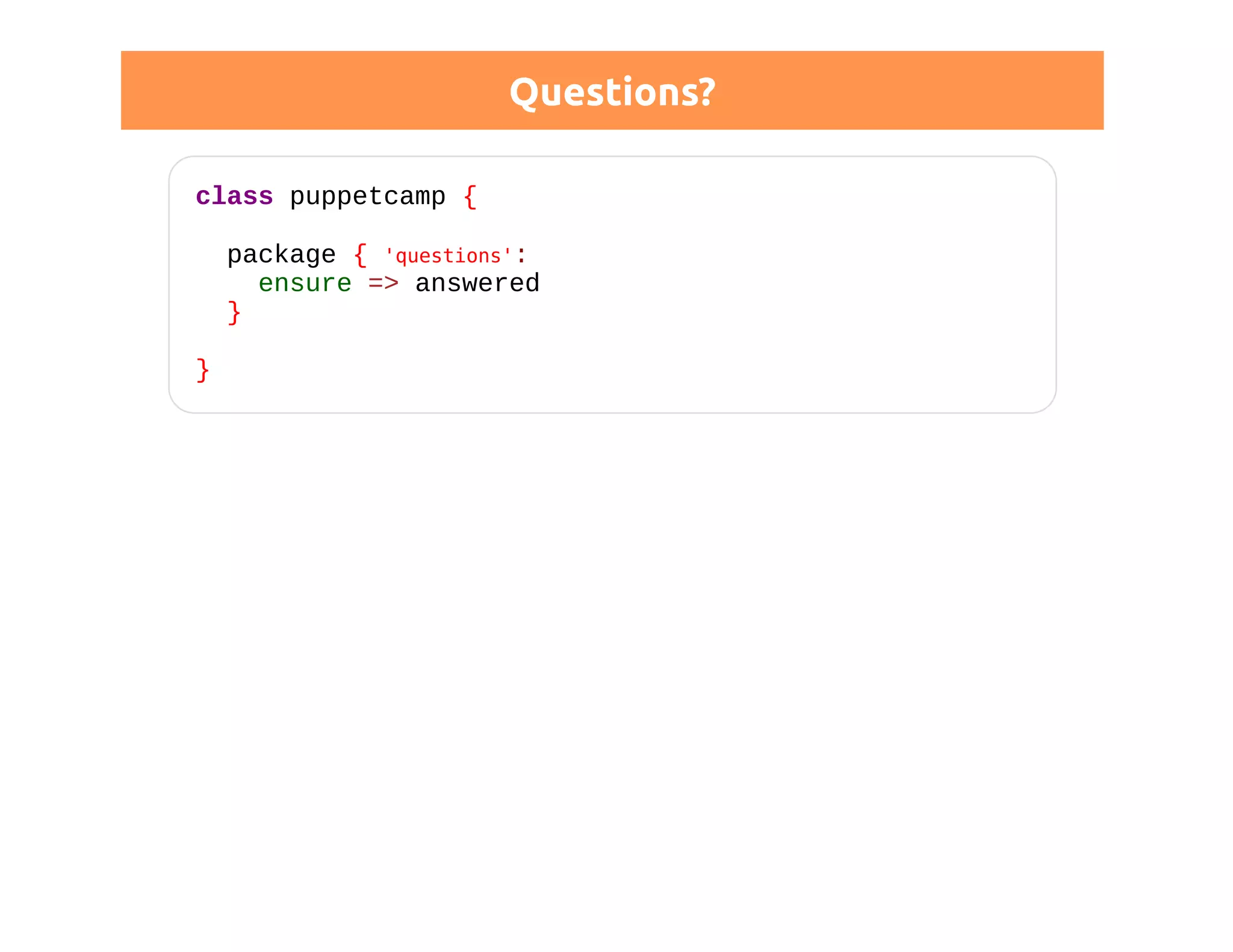
Questions? 
class puppetcamp { 
package { 'questions': 
ensure => answered 
} 
}

Puppet Camp Düsseldorf 2014: Puppet CA Certificates Explained

  • 1.
    Puppet CA: Certificatesexplained Thomas Gelf - PuppetCamp Düsseldorf 2014
  • 2.
    Thomas Gelf, niceto meet you! joined NETWAYS in 2010 formerly more than ten years of... web (application) development routing/switching: bank/ISP backbones ISP: Mail, Hosting, SIP-Carrier, IPv6...
  • 3.
    Origins nationality: Italian mother tongue: German kind of. SOUTH TYROLEAN!!!
  • 4.
    Me and Puppet first Puppet steps with 0.24 talks, articles, blog posts trainer, consultant over-certified
  • 5.
    Me @ PuppetConf2014 Had a great time, the conference was awesome! PuppetConf 2015 will be in Portland - see you there :)
  • 6.
  • 7.
    Netways and Puppet German Puppet Labs Training Partner Trainings Consulting Workshops
  • 8.
  • 9.
    What this talkis all about certificates puppet certificates REST API distributed environments security issues and their consequences certificate lifecyle
  • 10.
  • 11.
  • 12.
  • 13.
    Public Key Infrastructure- PKI everybody has it's own private key signs or encrypts a message verification/decryption uses public key algorithms: RSA, DSA...
  • 14.
  • 15.
    X.509 describes howour Puppet PKI works https:// - you use it every day ITU-T standard defines a strict hierarchy a tree instead of a "web of trust" X509v3: allows extensions
  • 16.
    Certificate structure (distinguished)name serial number algorythm issuer validity: FROM - TO ...
  • 17.
    The distinguished name:DN just a string often a DNS name could also be "CA: puppet master" something you should care about!
  • 18.
    The revocation list allows to invalidate certificates does so based on serial numbers important if you "loose" certificates
  • 19.
    Filename extensions .csr:certificate signing request, Base64 -----BEGIN CERTIFICATE REQUEST----- ... -----END CERTIFICATE REQUEST----- .pem: a certificate, Base64 -----BEGIN CERTIFICATE----- Puppet uses .pem also for private keys: -----BEGIN RSA PRIVATE KEY-----
  • 20.
  • 21.
    Puppet certificates: archeology Want to see a fresh new Puppet CA? Try it out! mkdir /tmp/ssltest puppet master --no-daemonize --verbose --ssldir /tmp/ssltest --certname test.example.com
  • 22.
    Puppet certificates: archeology A fresh new Puppet CA!
  • 23.
  • 24.
    Same thing forthe agent puppet agent --test --ssldir /tmp/sslagent --certname test.example.com
  • 25.
    We all knowthe basics puppet cert list puppet cert list --all puppet cert sign test.example.com puppet cert revoke test.example.com puppet cert clean test.example.com find ./ -name 'test.example.com*' --delete
  • 26.
    SSL directories puppetmaster --configprint ssldir puppet agent --configprint ssldir manual configuration makes sense think about user permissions ~/.puppet, /var/lib/puppet master and agent on the same host passenger VS debug (--no-daemonize)
  • 27.
    Let's dump acertificate openssl x509 -in testexample.com.pem -noout -text puppet cert print test.example.com
  • 28.
    Custom data inyour certificates https://docs.puppetlabs.com/puppet/latest/reference /ssl_attributes_extensions.html /etc/puppet/csr_attributes.yaml custom attributes in your CSR
  • 29.
  • 30.
    Study security guidelines! Study security guidelines! Study security guidelines! STUDY SECURITY GUIDELINES! puppetlabs.com/mcollective/security-overview
  • 31.
    Get inspired byexisting modules make sure you understood them or write your own ones re-use Puppet certificates read about trust and STUDY THE SECURITY GUIDELINES!
  • 32.
  • 33.
    It's a webapplication! <VirtualHost *:8140> SSLEngine on SSLProtocol ALL -SSLv2 -SSLv3 SSLCipherSuite EDH+CAMELLIA:EDH+aRSA:EECDH+aRSA+... SSLHonorCipherOrder on SSLCertificateFile $ssldir/certs/$fqdn.pem SSLCertificateKeyFile $ssldir/private_keys/$fqdn.pem SSLCertificateChainFile $ssldir/ca/ca_crt.pem SSLCACertificateFile $ssldir/ca/ca_crt.pem SSLCARevocationFile $ssldir/ca/ca_crl.pem SSLVerifyClient optional SSLVerifyDepth 1 SSLOptions +StdEnvVars +ExportCertData
  • 34.
    The Rest API # http://docs.puppetlabs.com/guides/rest_api.html https://master:8140/{environment}/{resource}/{key} available on puppet master and on VERY ancient agents (listen=true)
  • 35.
    Puppet REST APIURI examples GET /{environment}/catalog/{node certificate name} GET /{environment}/file_bucket_file/md5/{checksum} GET /{environment}/facts/{node certname}
  • 36.
    Permissions http://docs.puppetlabs.com/guides/rest_auth_conf.html #auth.conf # allow all nodes to store their own reports path ~ ^/report/([^/]+)$ method save allow $1
  • 37.
    SSL-enabled curl example Use your certificates and discover the API: curl --cert /var/lib/puppet/ssl/certs/host.pem --key /var/lib/puppet/ssl/private_keys/host.pem --cacert /var/lib/puppet/ssl/ca/ca_crt.pem -k -H "Accept: yaml" https://master:8140/production/facts/somehostname
  • 38.
  • 39.
  • 40.
    Configuration for sucha setup One CA is more than enough: [master] ca = false [agent] ca_server = ca.example.com Optionally, still experimental: DNS SRV records
  • 41.
    Chain of trust Since 3.2.1 you can use intermediate CAs to delegate trust # http://docs.puppetlabs.com/puppet/3/reference # /config_ssl_external_ca.html [agent] ssl_client_ca_auth = $certdir/issuer.pem Tell Apache about your chain: SSLCertificateChainFile "/path/to/ca_bundle.pem"
  • 42.
    It could looklike this +------------------------+ | Root self-signed CA | +------+----------+------+ | | +----------+ +------------+ | | v v +-----------------+ +----------------+ | Master CA | | Agent CA | +--------+--------+ +--------+-------+ | | v v +-----------------+ +----------------+ | Master SSL Cert | | Agent SSL Cert | +-----------------+ +----------------+
  • 43.
    SSL Professional? integrateit in your existing hierarchy use your own toolchain ship signed certificates (carefully)
  • 44.
  • 45.
    Puppet and securityissues Read Security Disclosures! https://puppetlabs.com/security/
  • 46.
    Thank Heartbleed! docs.puppetlabs.com/trouble_remediate_heartbleed_overview.html docs.puppetlabs.com/latest/reference /ssl_regenerate_certificates.html
  • 47.
    A specific securityproblem Very interesting and worth to read: CVE-2011-3872 "In versions prior to 2.6.12 and 2.7.6, the Puppet CA will improperly insert any certdnsnames values into agent certificates as well as master certificates. This bug was introduced in Puppet 0.24.0." puppet master --configprint certdnsnames puppet, puppet.example.com
  • 48.
    Study it! http://links.puppetlabs.com/cve20113872_remediation Have a look at the remediation toolkit And to be on the safe side, check your agent certs: openssl x509 -in test.example.com.pem -noout -text | grep 'Subject Alt' -A 1 X509v3 Subject Alternative Name: DNS:test.example.com, DNS:puppet, DNS:puppet.example.com
  • 49.
    WARNING "upgrading" doesn'tfix a mess like this old certificates would remain valid you have to switch to a new CA... ...and this leads us to the next topic
  • 50.
  • 51.
    Bad news Puppetshould allow for automatic resigning of SSL certs http://projects.puppetlabs.com/issues/7272 There is no such thing in Puppet "...will be available with Puppet Sites"
  • 52.
    YOU ARE ONYOUR OWN
  • 53.
    One way ofreplacing a CA stop all agents throw away their certificates create a new CA with a new name start your agents sign their new CSRs
  • 54.
    CA... master: rm-rf $(puppet master --configprint ssldir) agents: rm -rf $(puppet agent --configprint ssldir) # default ca_name: "Puppet CA: <master certname>" CERTNAME=$(puppet master --configprint certname) TS=$(date +%Y-%m-%d) puppet cert --generate --ca_name "Puppet CA: $CERTNAME <$TS>" $CERTNAME --dns_alt_names puppet,puppet.example.com puppet cert --allow-dns-alt-names sign $CERTNAME
  • 55.
    You could also get inspired by the remediation kits write your own SSH loop fix it with MCollective (carefully!) open new feature requests
  • 56.
    Don't like trouble? Before generating your CA: [master] ca_ttl = 20y Leave your company in time NB: expiration > 2038-01-19 == bad idea
  • 57.
    BTW: WE AREHIRING ;-)
  • 58.
    Thank you foryour attention!
  • 59.
    Questions? class puppetcamp{ package { 'questions': ensure => answered } }