PROTOTYPE
YOU MUST! http://animationinsider.com/
Axure RP
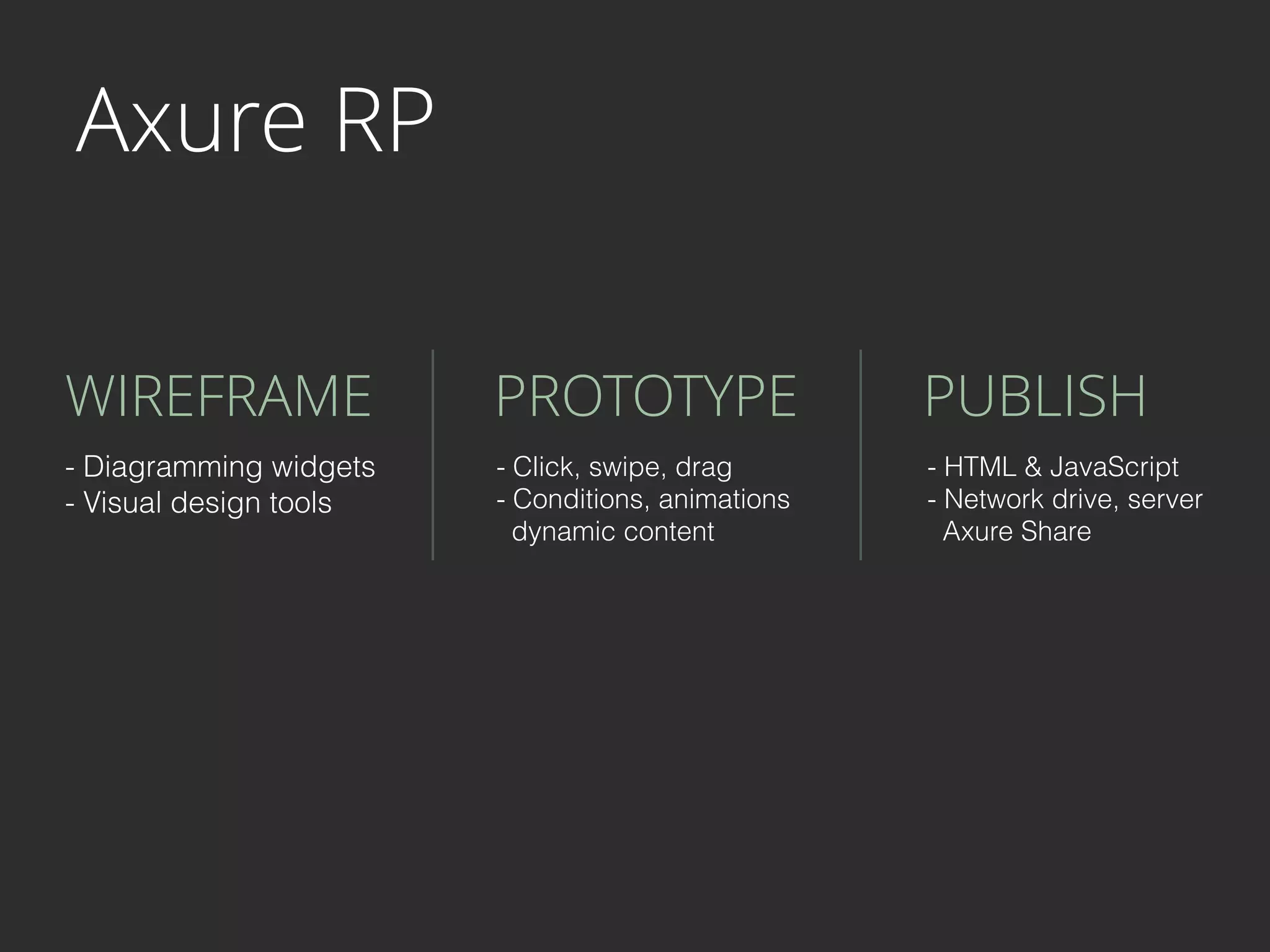
Axure RP
WIREFRAME PROTOTYPE PUBLISH
- Diagramming widgets
- Visual design tools
- Click, swipe, drag
- Conditions, animations

dynamic content
- HTML & JavaScript
- Network drive, server

Axure Share
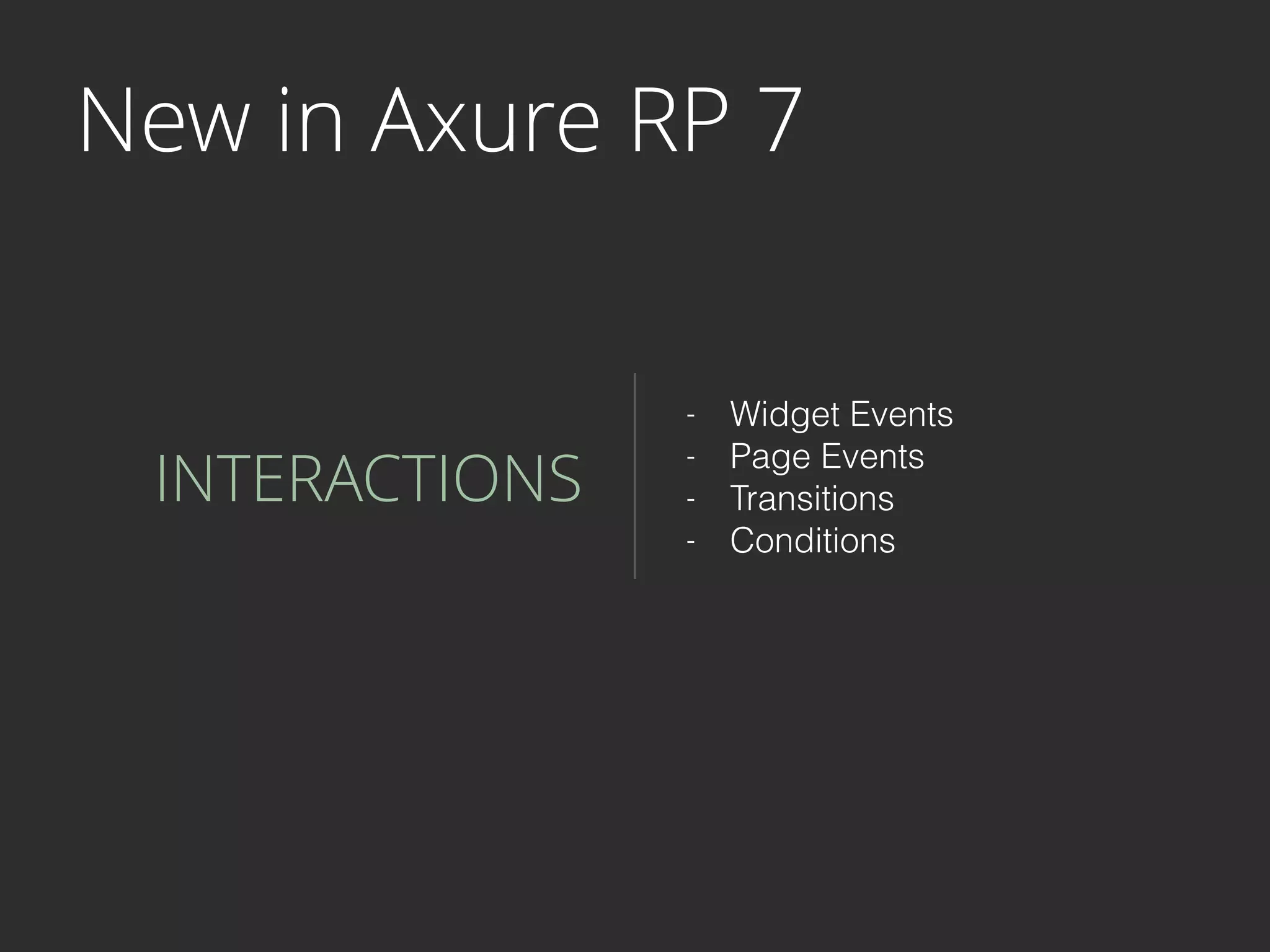
New in Axure RP 7
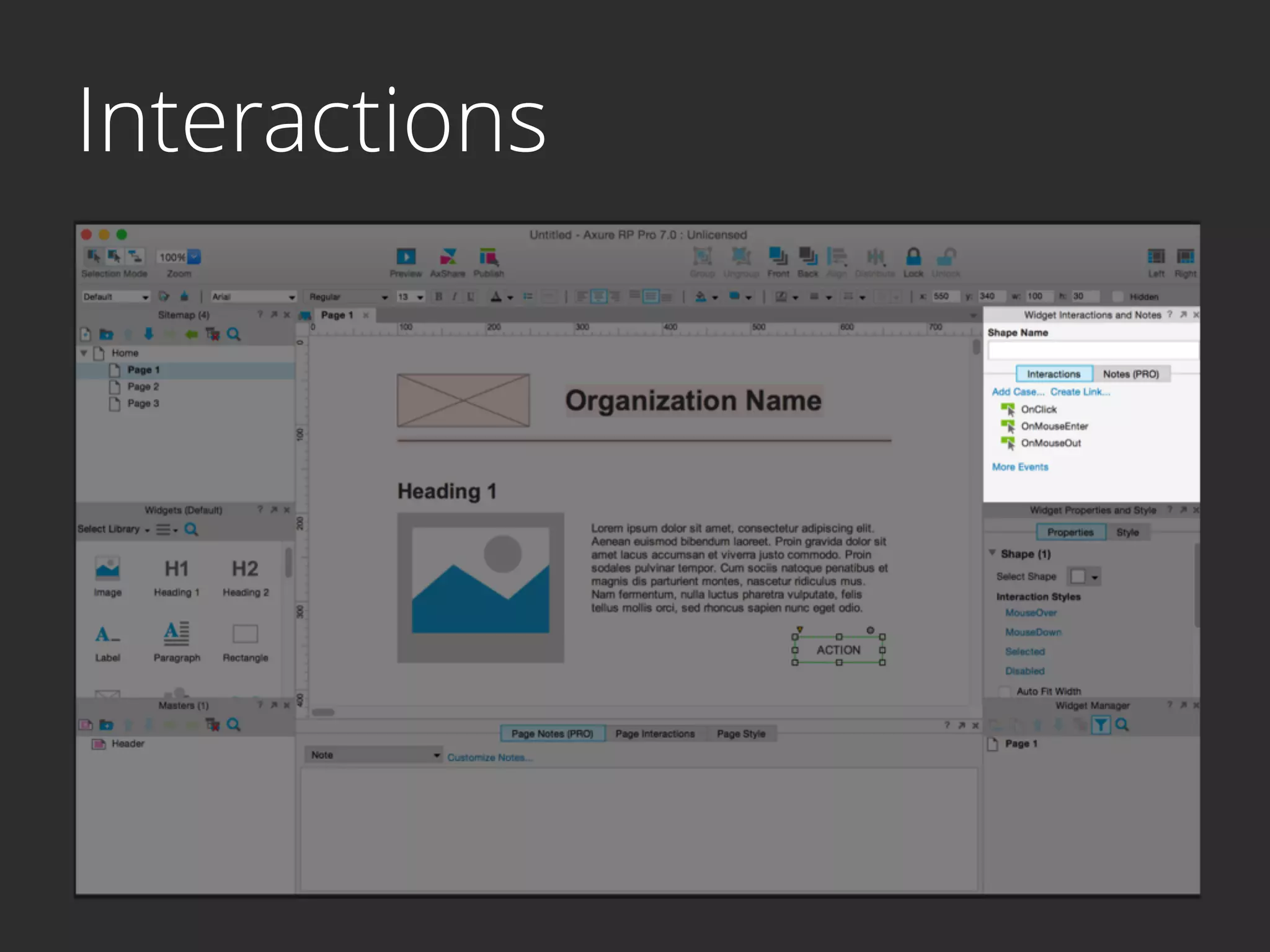
INTERACTIONS
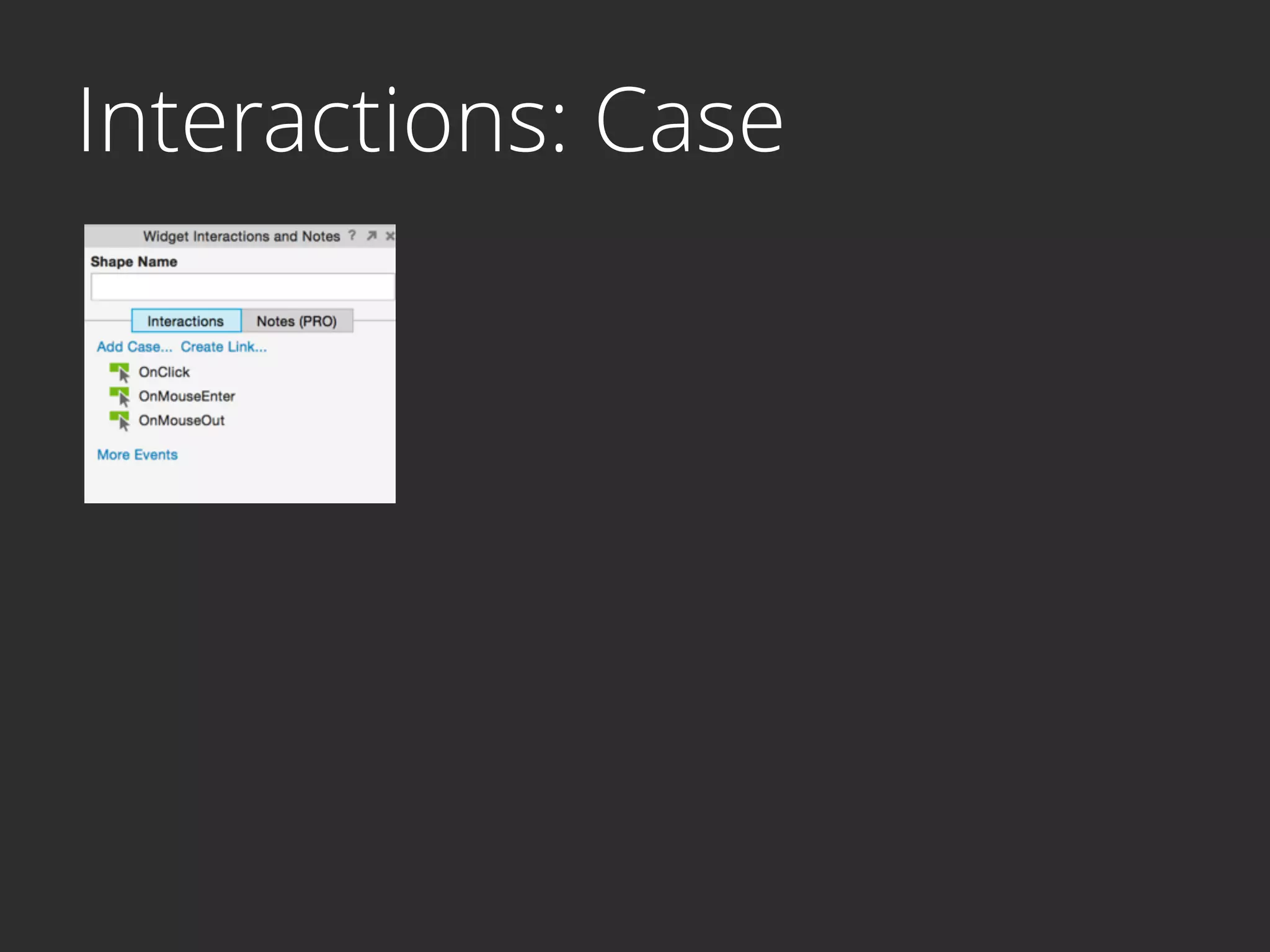
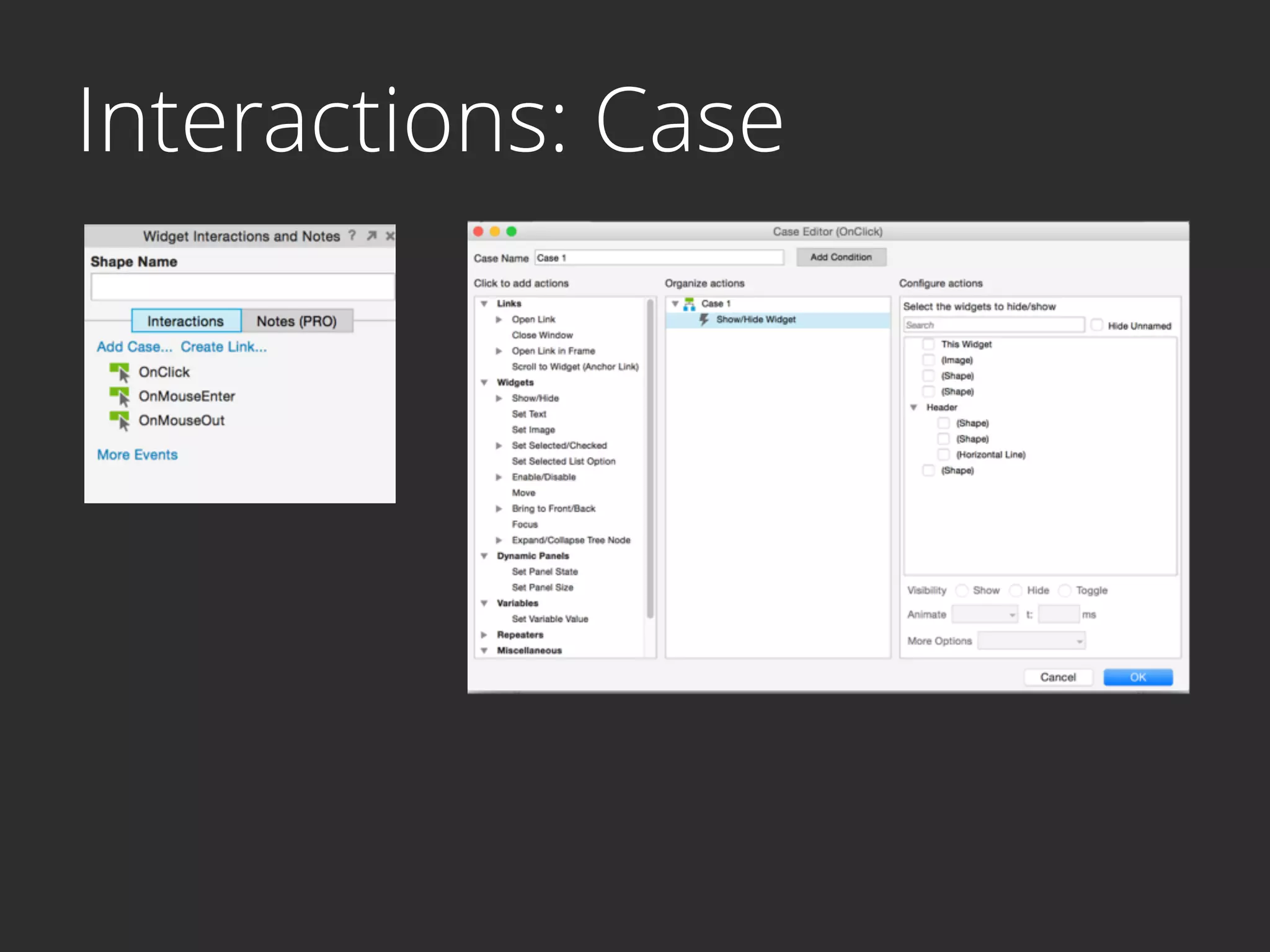
- Widget Events
- Page Events
- Transitions
- Conditions
New in Axure RP 7
ENVIRONMENT
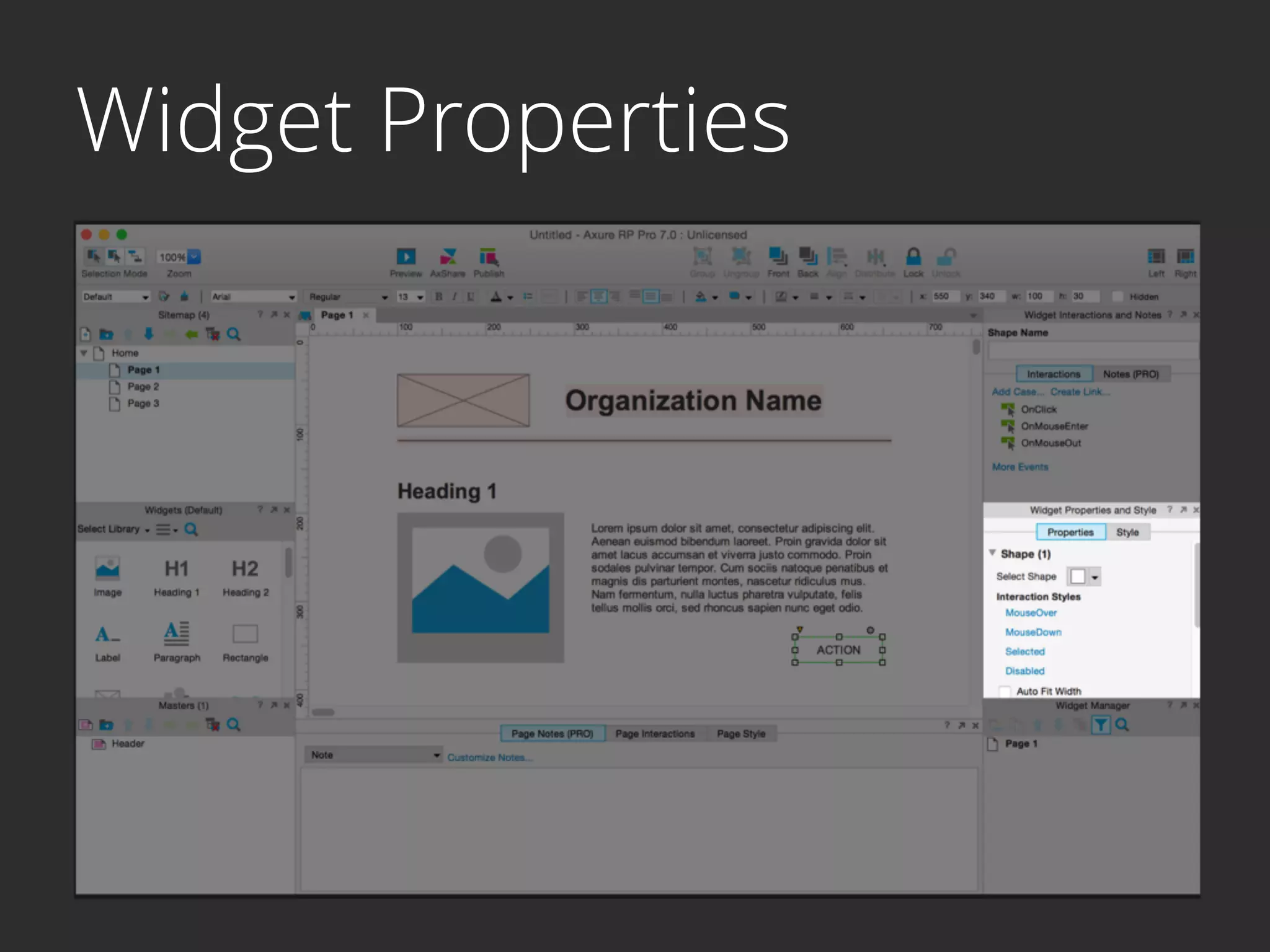
- Widget Properties

shapes, field types, states
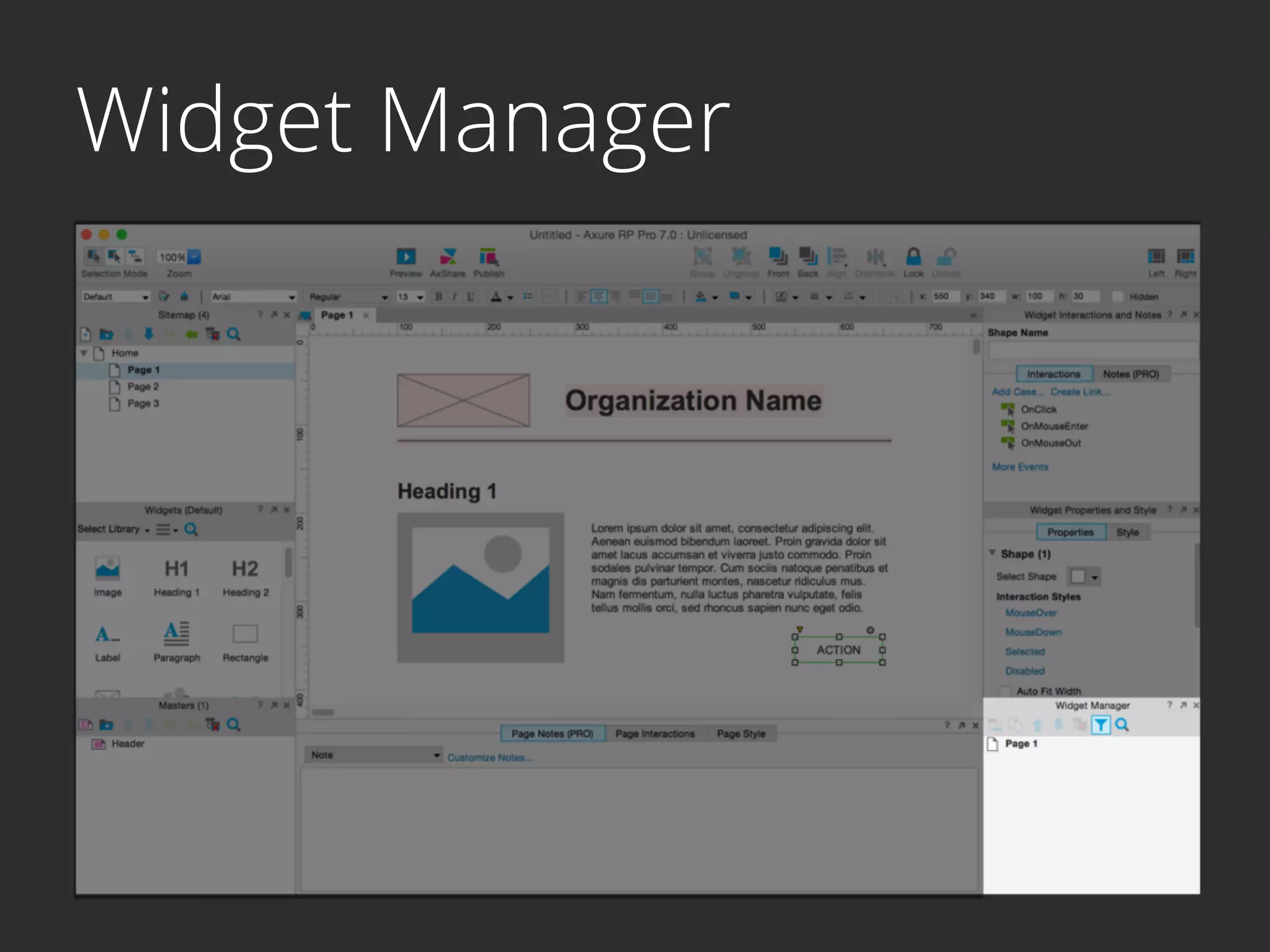
- Widget Manager
- Repeater Widget
- Adaptive View
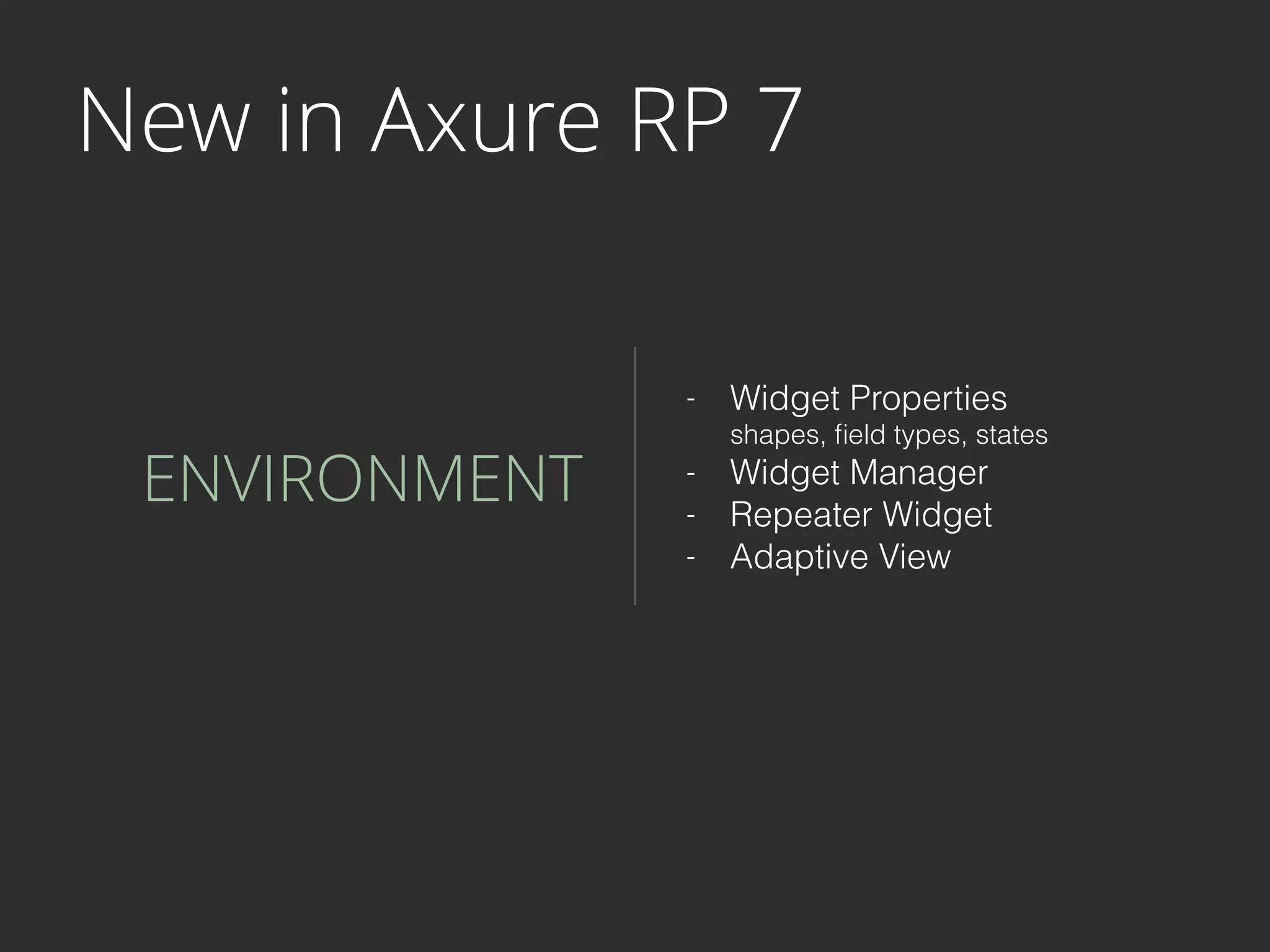
Sitemap
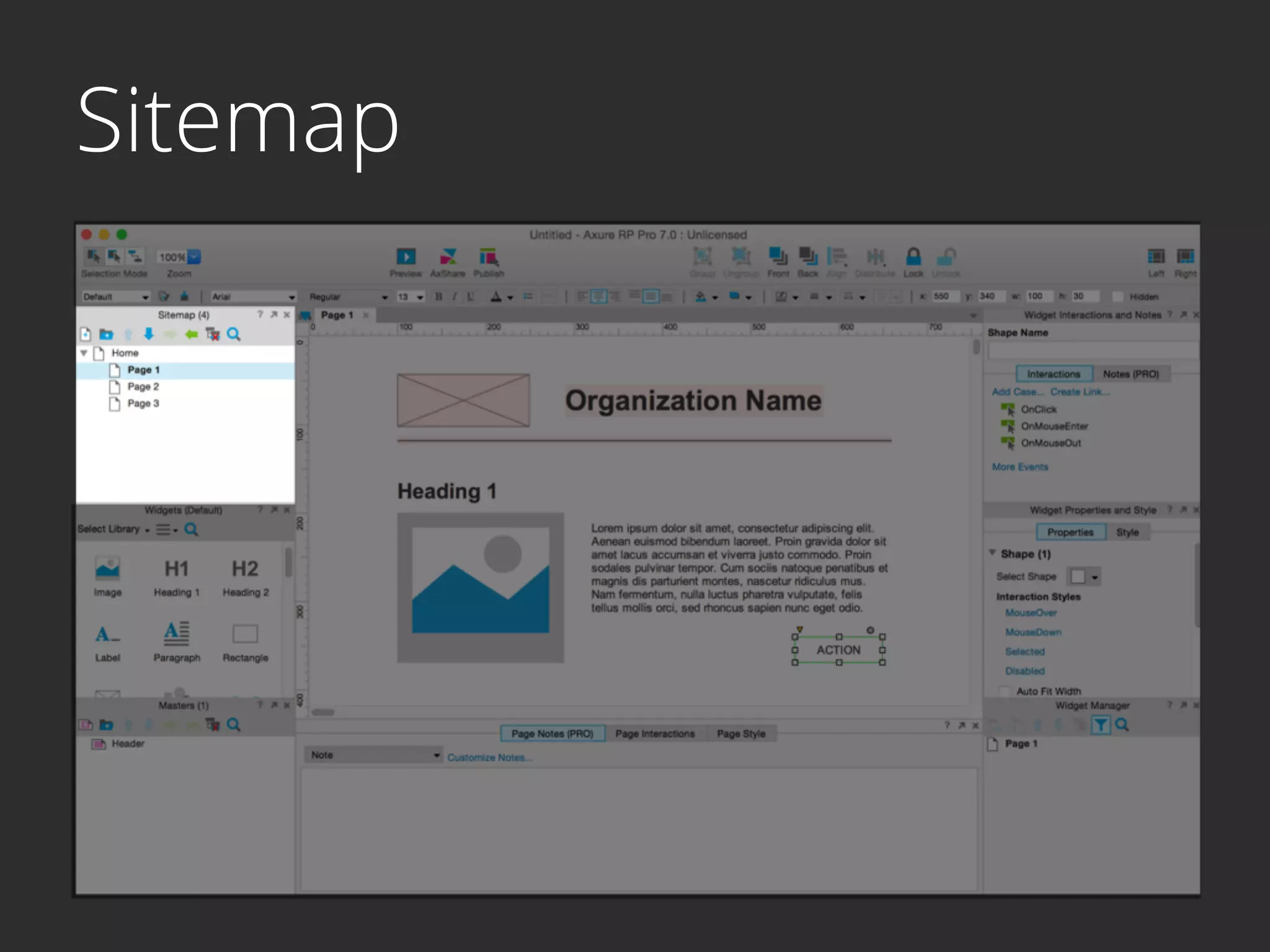
Widgets
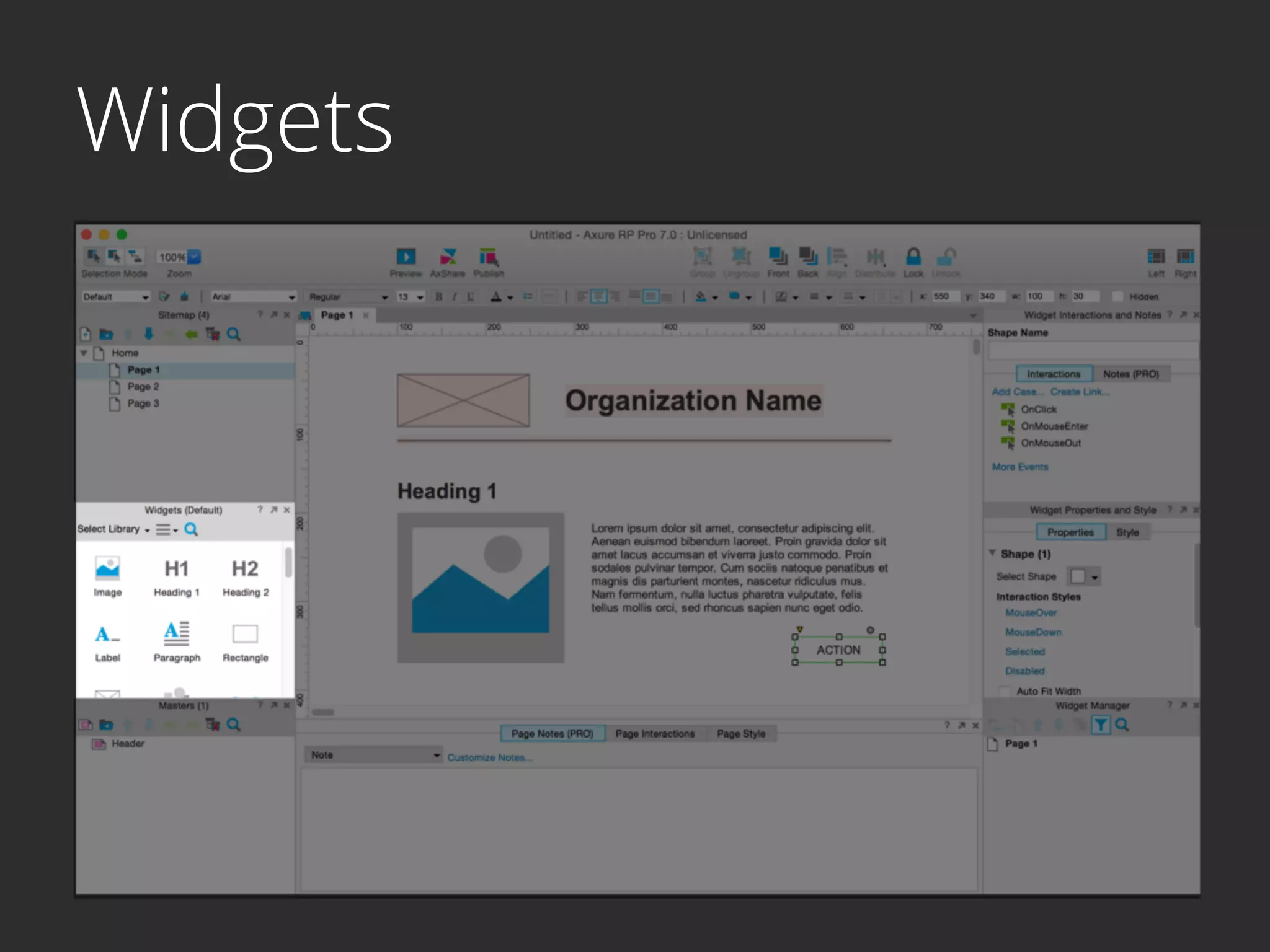
Masters
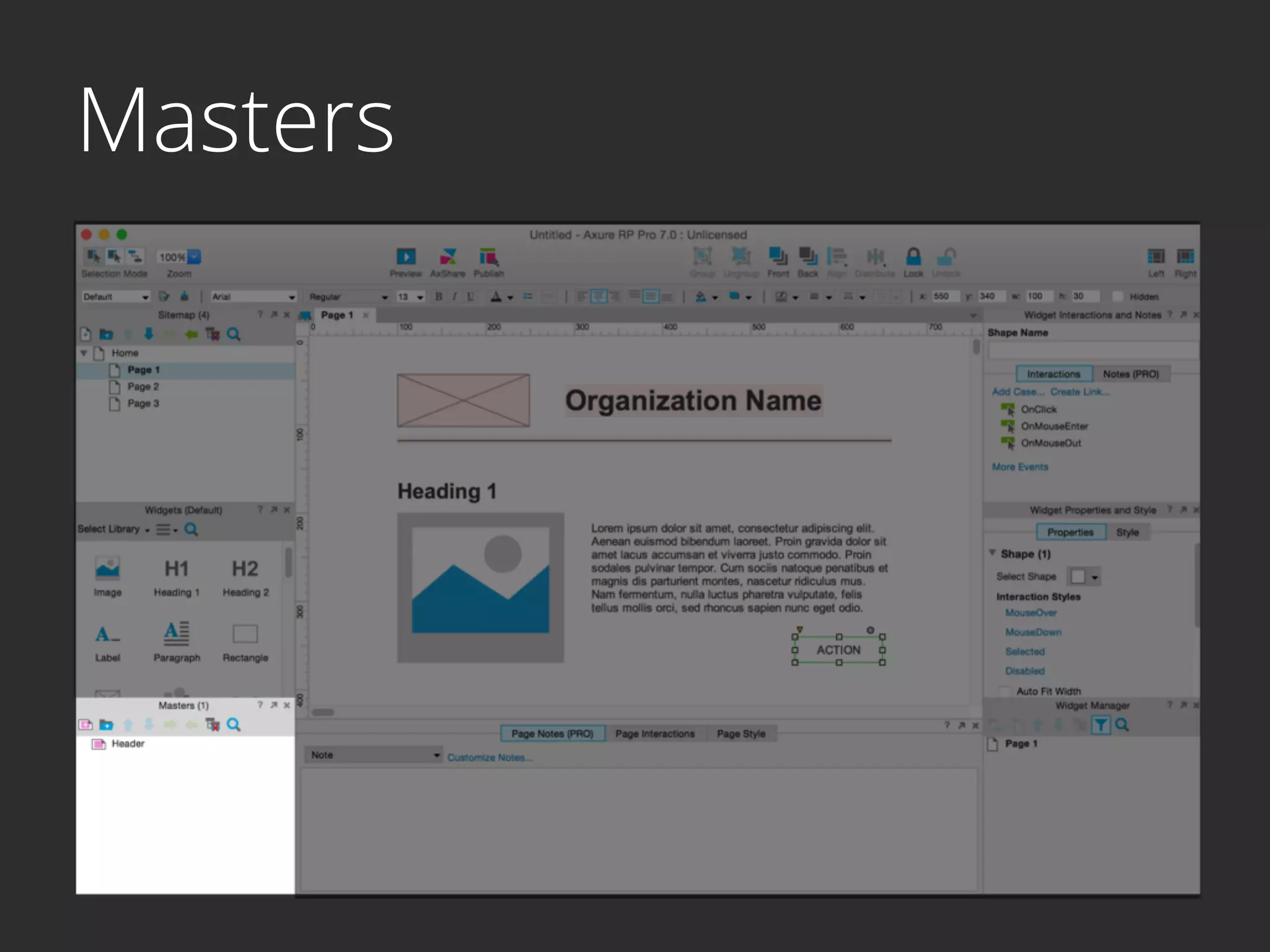
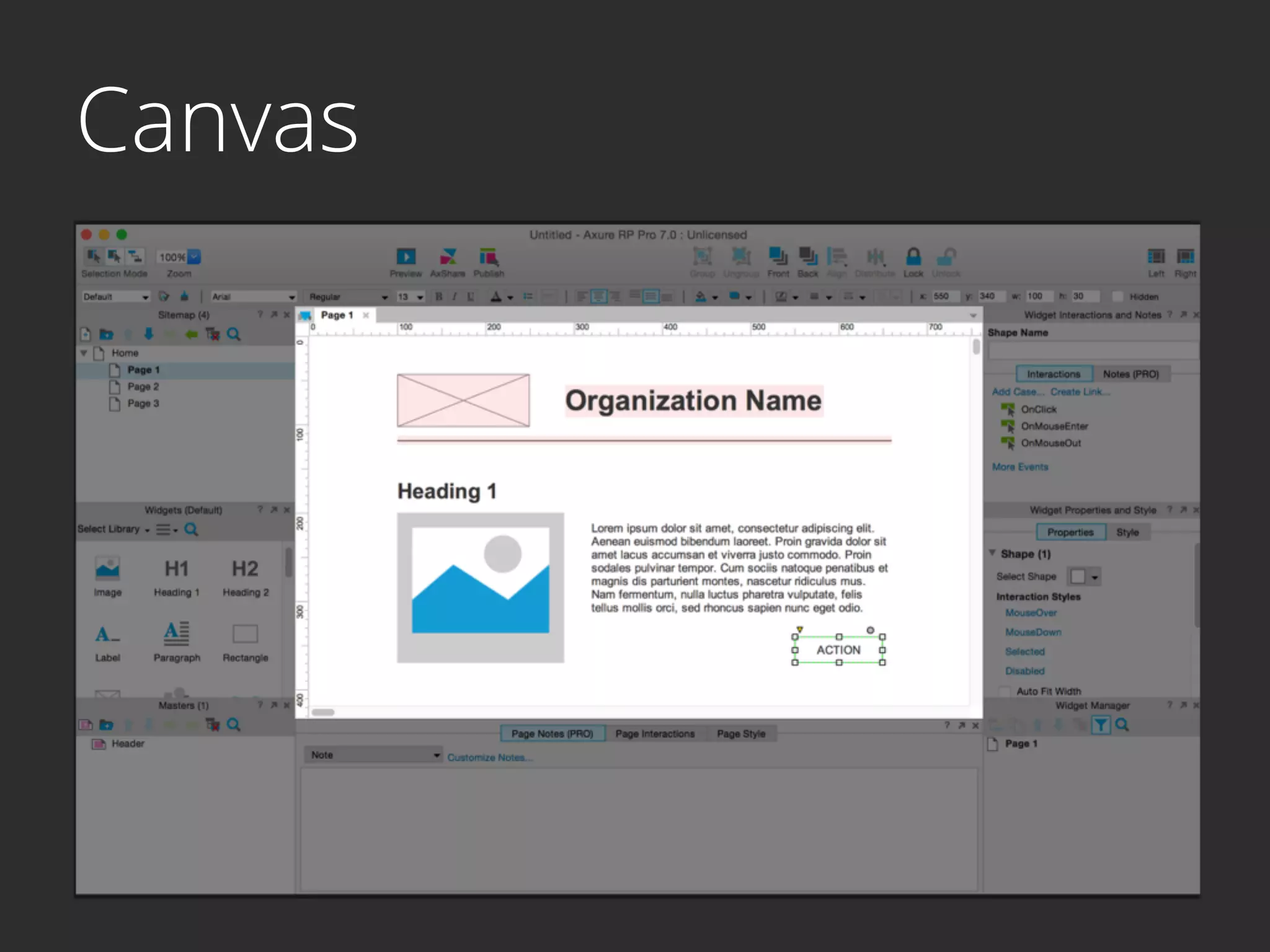
Canvas
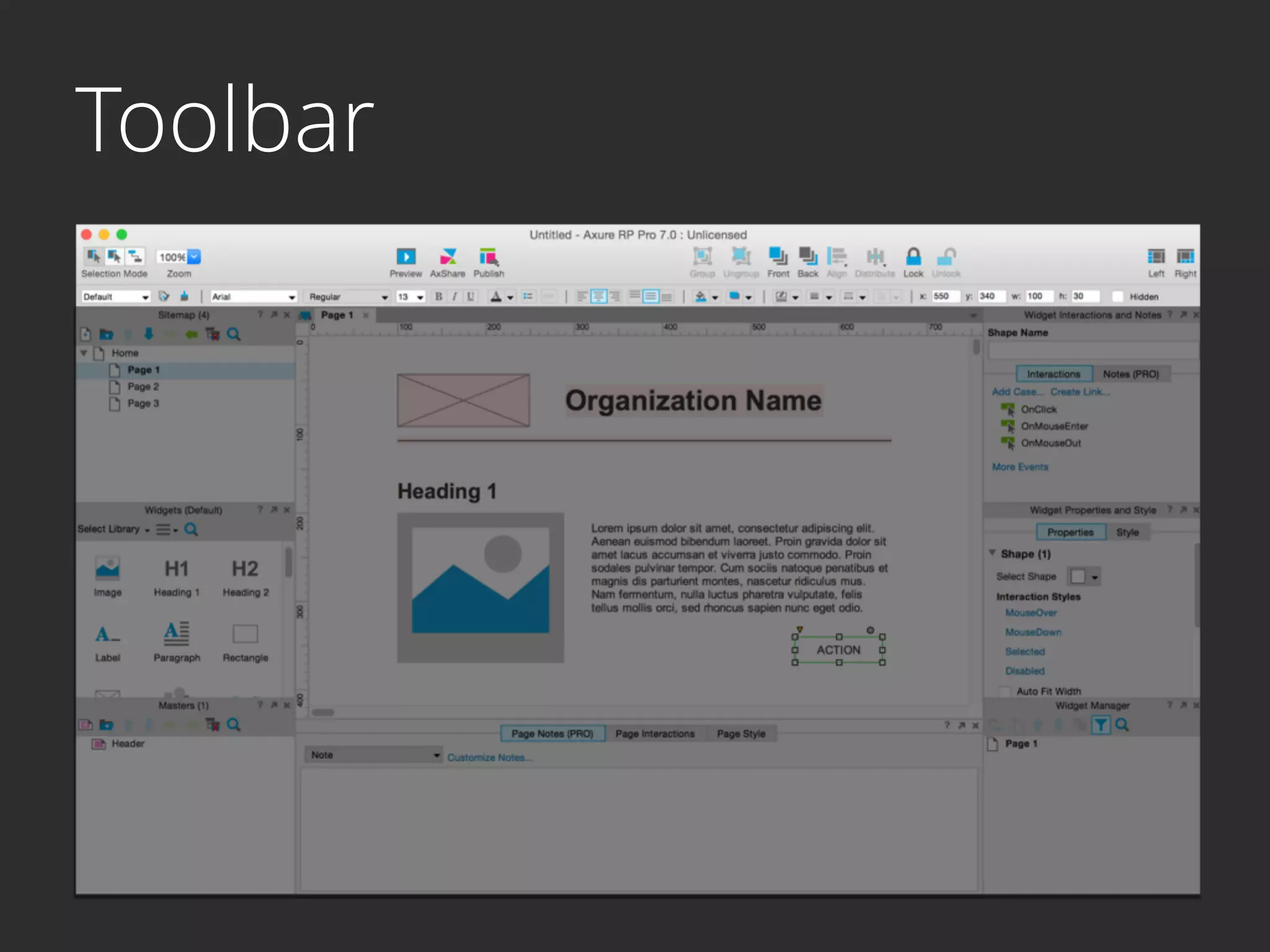
Toolbar
Widget Manager
Widget Properties
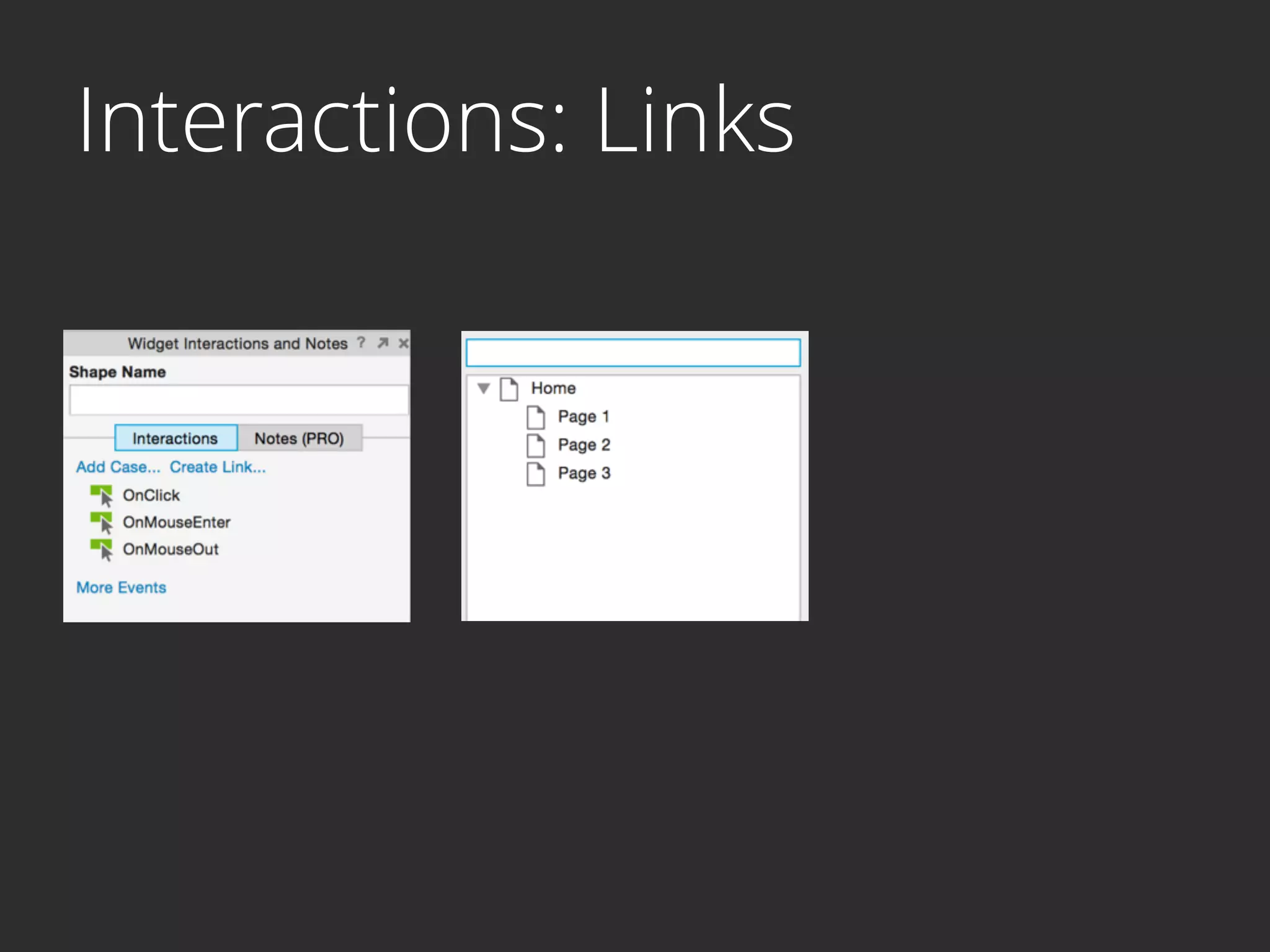
Interactions
Interactions: Case
Interactions: Case
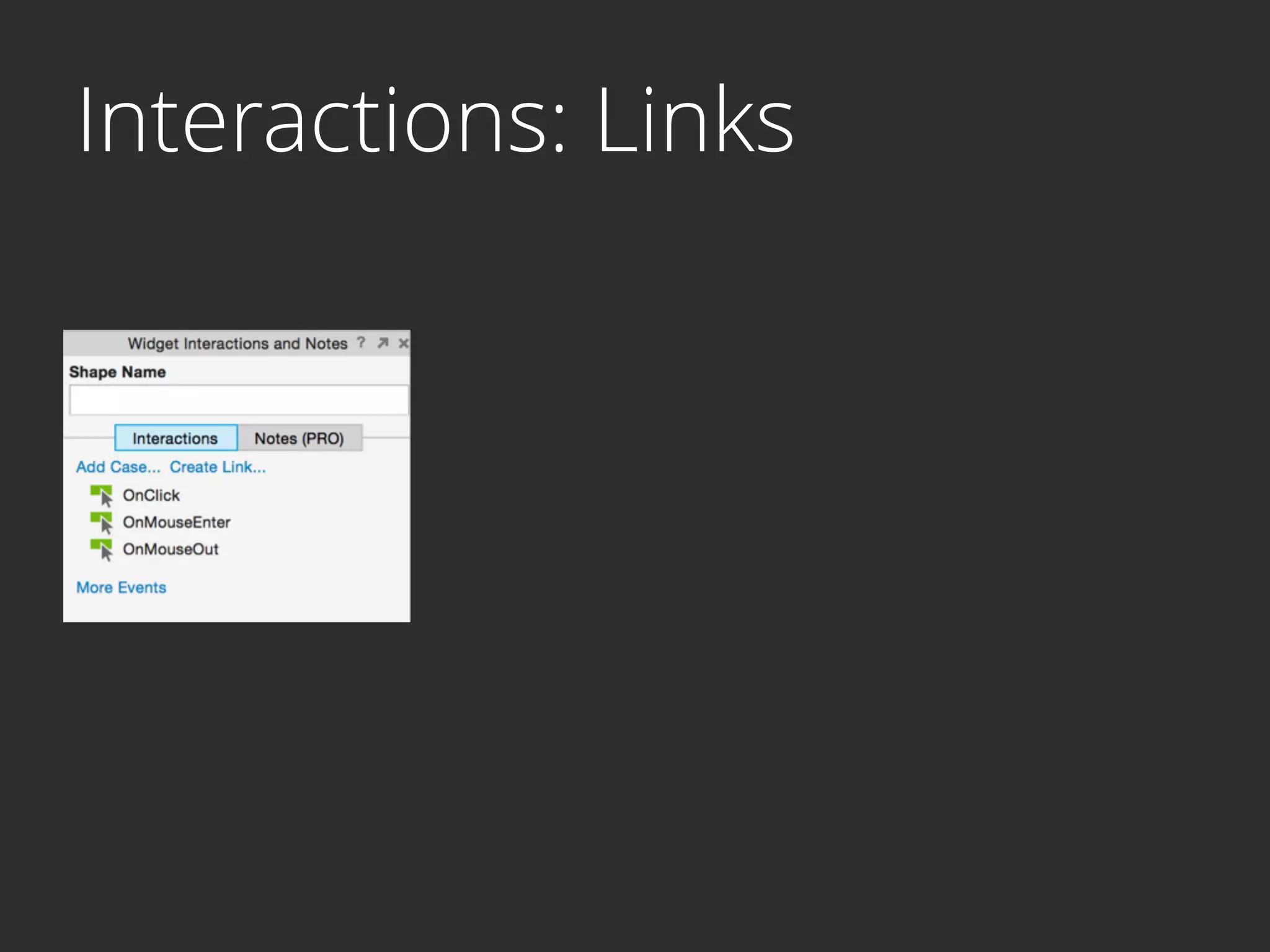
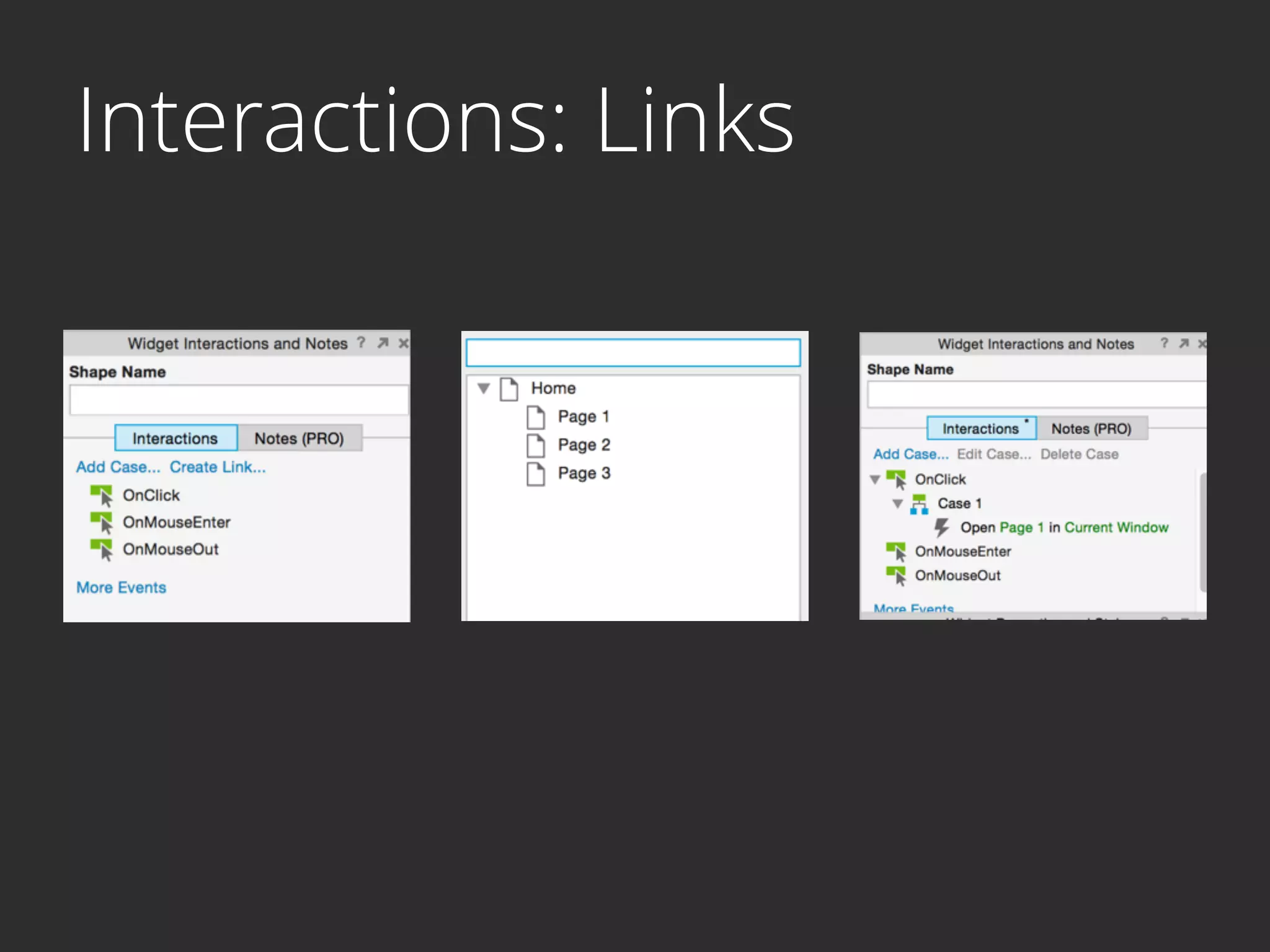
Interactions: Links
Interactions: Links
Interactions: Links
No Code?
I Like it!
http://mtvbase.com/
Wins
- Low learning curve


Wins
- Low learning curve
- Wireframe, prototype, publish, document


Wins
- Low learning curve
- Wireframe, prototype, publish, document
- Extensive widget libraries


Wins
- Low learning curve
- Wireframe, prototype, publish, document
- Extensive widget libraries
- Generate HTML prototypes
Wins
- Low learning curve
- Wireframe, prototype, publish, document
- Extensive widget libraries
- Generate HTML prototypes
- Wealth of training resources

Wins
- Low learning curve
- Wireframe, prototype, publish, document
- Extensive widget libraries
- Generate HTML prototypes
- Wealth of training resources
- Free student license
HTML
HTML
- Describes content & meaning


HTML
- Describes content & meaning
- Maintained by
- World Wide Web Consortium (W3C)
- Web Hypertext Application Technology 

Working


HTML
- Describes content & meaning
- Maintained by
- World Wide Web Consortium (W3C)
- Web Hypertext Application Technology 

Working
- Elements - Basic building blocks


HTML
- Describes content & meaning
- Maintained by
- World Wide Web Consortium (W3C)
- Web Hypertext Application Technology 

Working
- Elements - Basic building blocks
- Tags - Syntactical markup

HTML
- Describes content & meaning
- Maintained by
- World Wide Web Consortium (W3C)
- Web Hypertext Application Technology 

Working
- Elements - Basic building blocks
- Tags - Syntactical markup
- Attributes - Information about tags
Text
PARAGRAPH
<p>	
  This	
  is	
  a	
  paragraph.	
  It	


  preserves	
  one	
  whitespace	
  </p>
Text
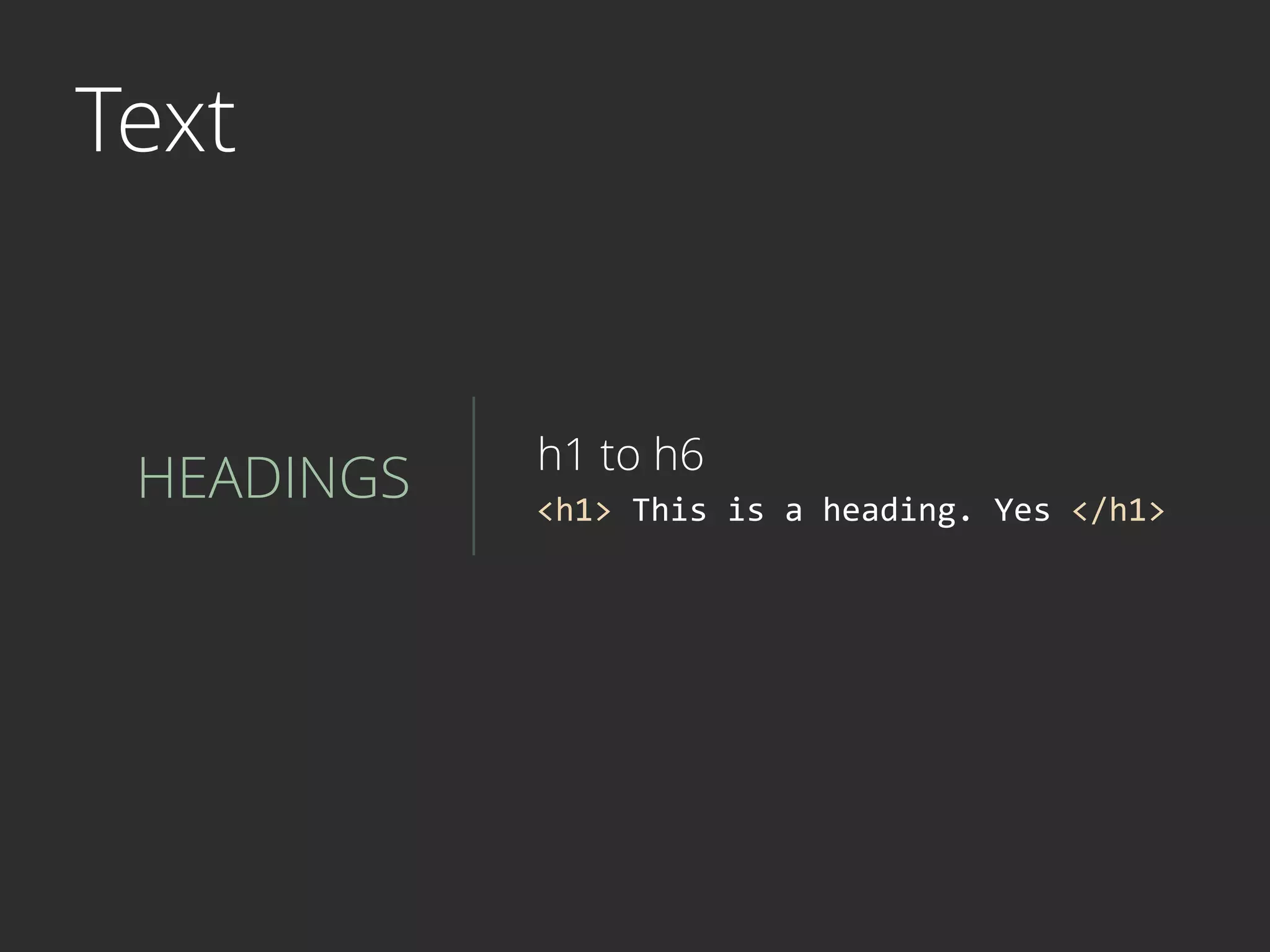
HEADINGS <h1>	
  This	
  is	
  a	
  heading.	
  Yes	
  </h1>
h1 to h6
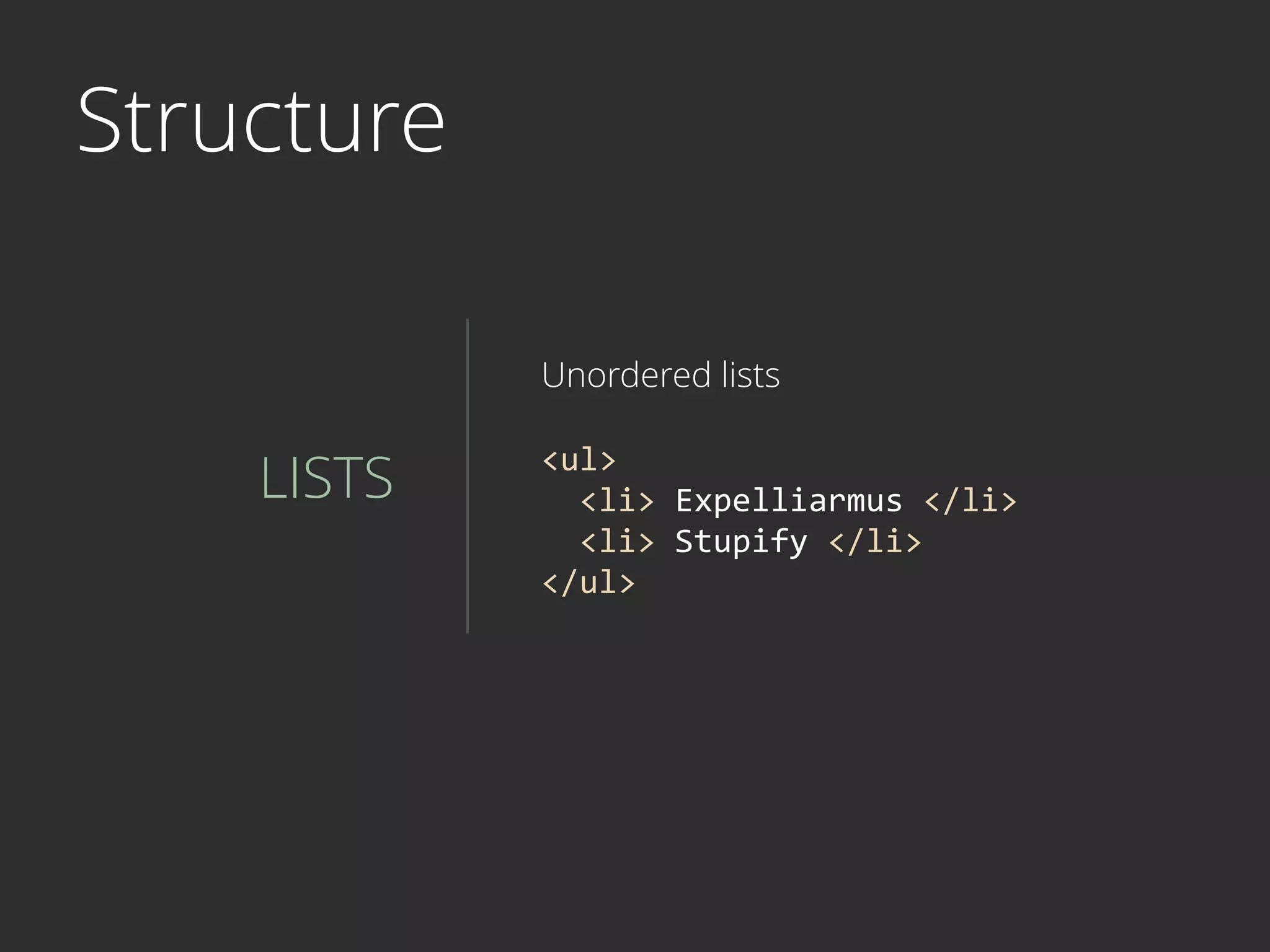
Structure
LISTS
Unordered lists
<ul>	


  <li>	
  Expelliarmus	
  </li>	


  <li>	
  Stupify	
  </li>	
  
</ul>
Structure
LISTS
Ordered lists
<ol>	


  <li>	
  Charmander	
  </li>	


  <li>	
  Squirtle	
  </li>	
  
</ol>
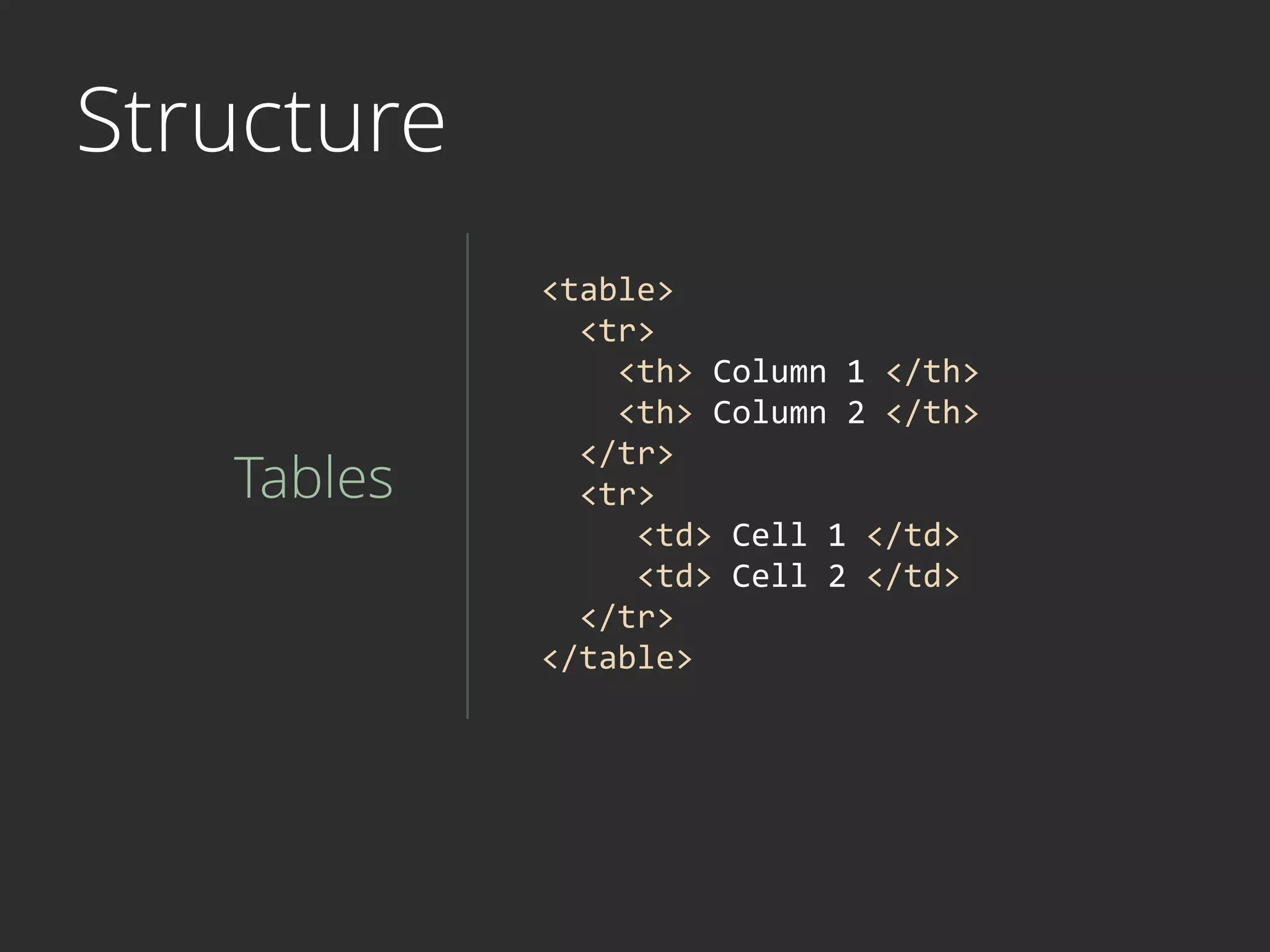
Structure
Tables
<table>	


  <tr>	


  <th>	
  Column	
  1	
  </th>	


  <th>	
  Column	
  2	
  </th>	


  </tr>	


  <tr>	


  <td>	
  Cell	
  1	
  </td>	


  <td>	
  Cell	
  2	
  </td>	


  </tr>	
  
</table>
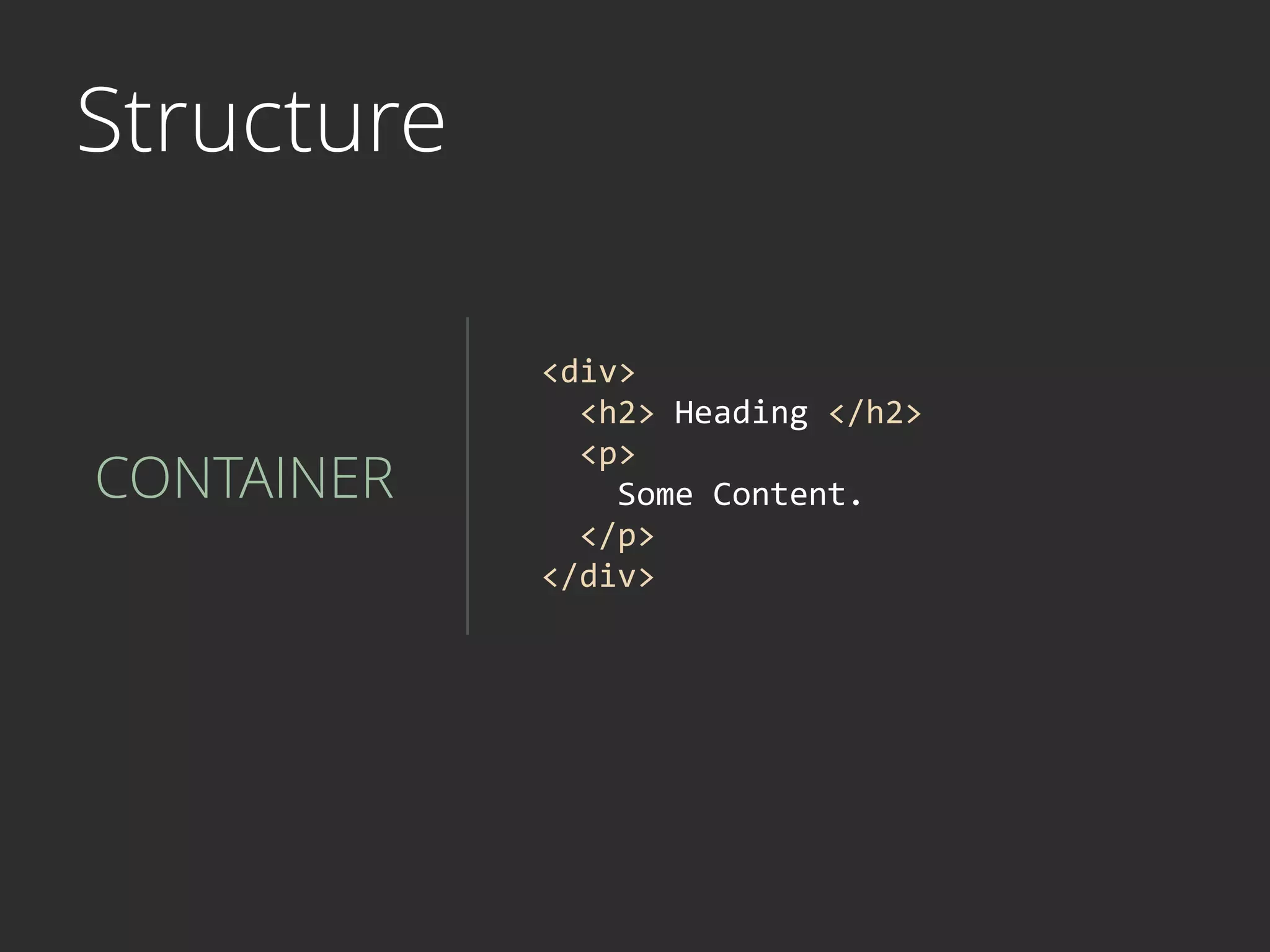
Structure
CONTAINER
<div>	


  <h2>	
  Heading	
  </h2>	


  <p>	


  Some	
  Content.	


  </p>	
  
</div>
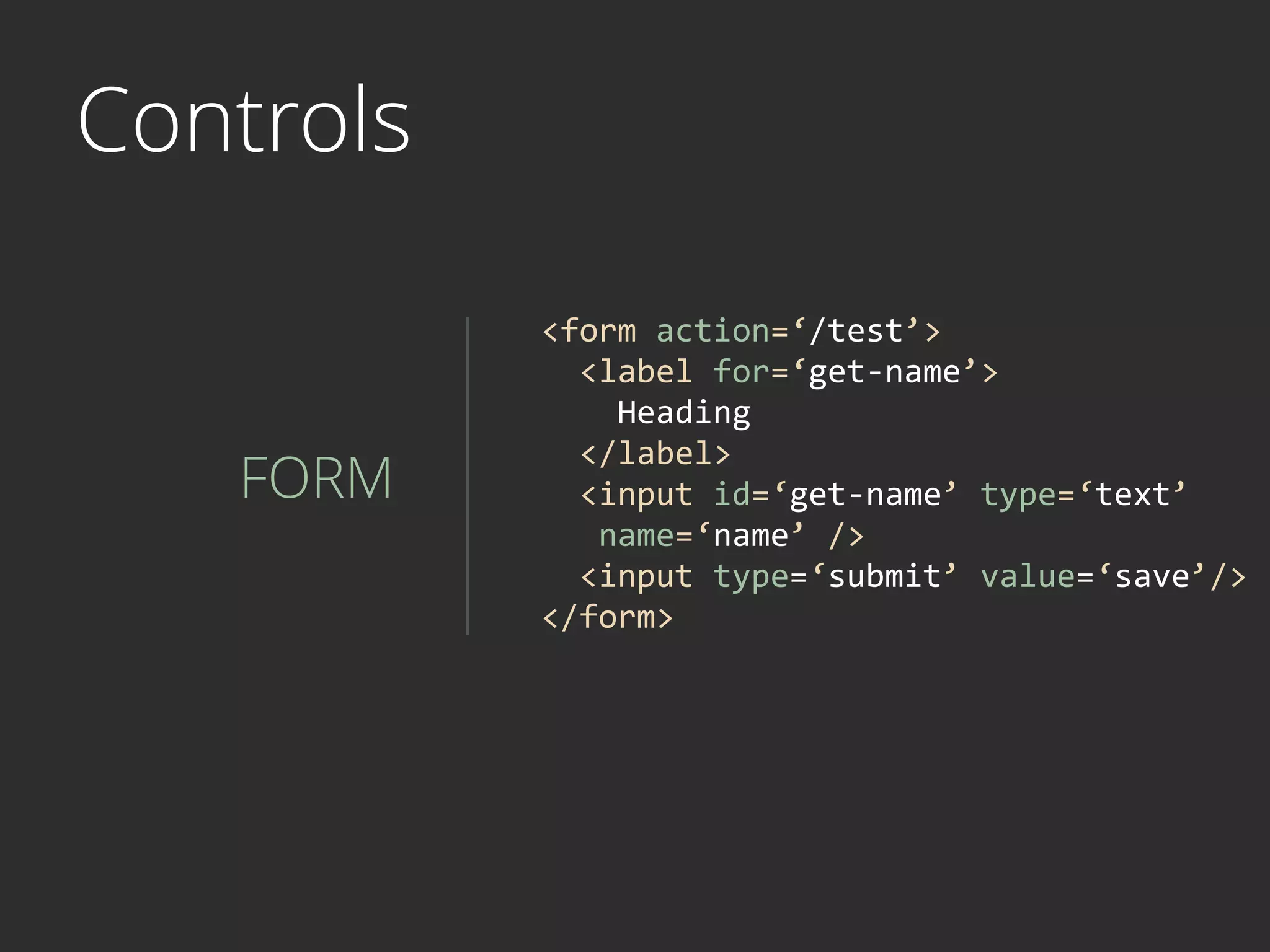
Controls
FORM
<form	
  action=‘/test’>	


  <label	
  for=‘get-­‐name’>	


  Heading	


  </label>	


  <input	
  id=‘get-­‐name’	
  type=‘text’	


  name=‘name’	
  />	


  <input	
  type=‘submit’	
  value=‘save’/>	
  
</form>
CSS
- Presentation of structured documents, 

web page


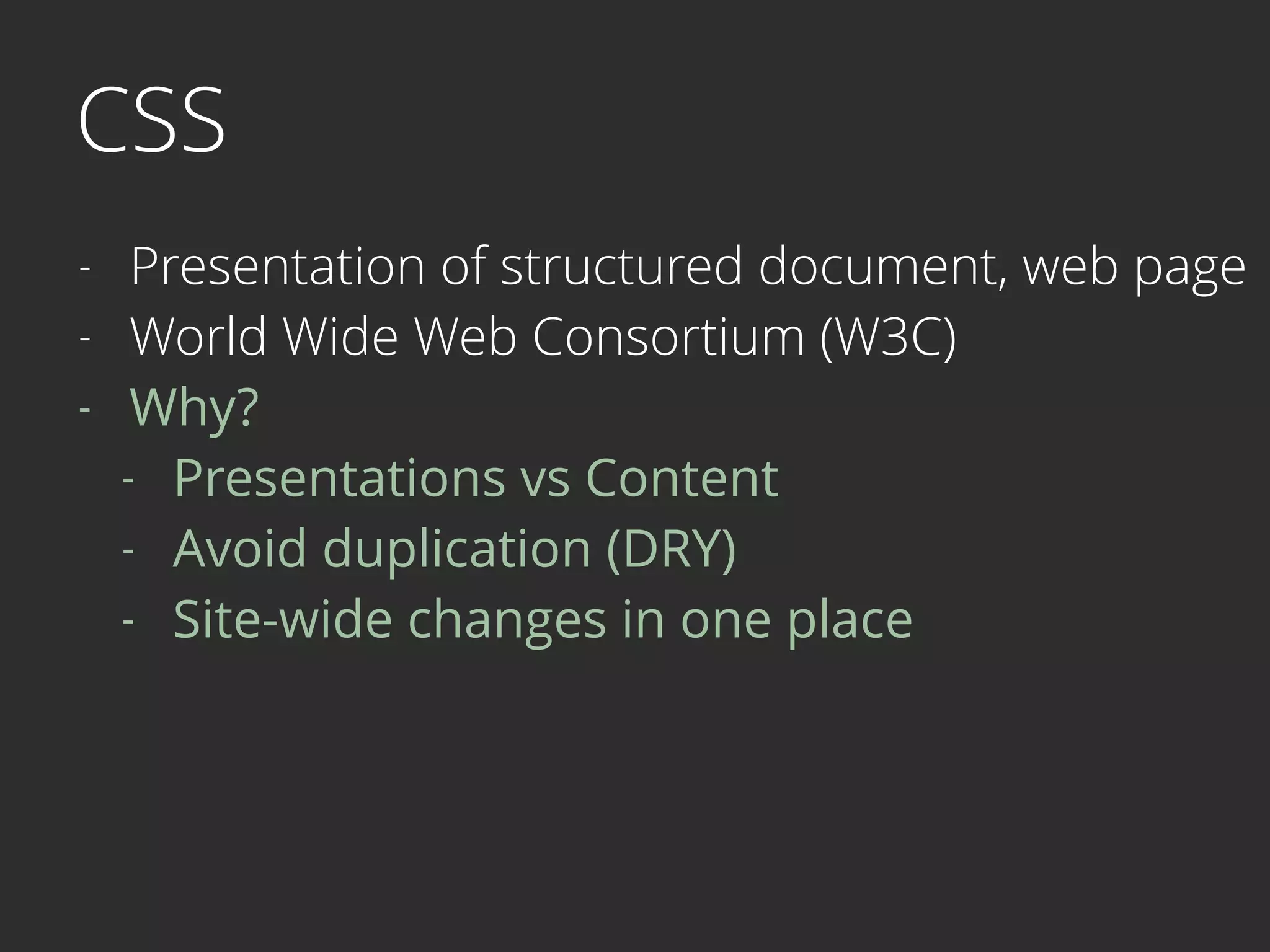
CSS
- Presentation of structured document, web page
- World Wide Web Consortium (W3C)


CSS
- Presentation of structured document, web page
- World Wide Web Consortium (W3C)
- Why?
- Presentations vs Content
- Avoid duplication (DRY)
- Site-wide changes in one place

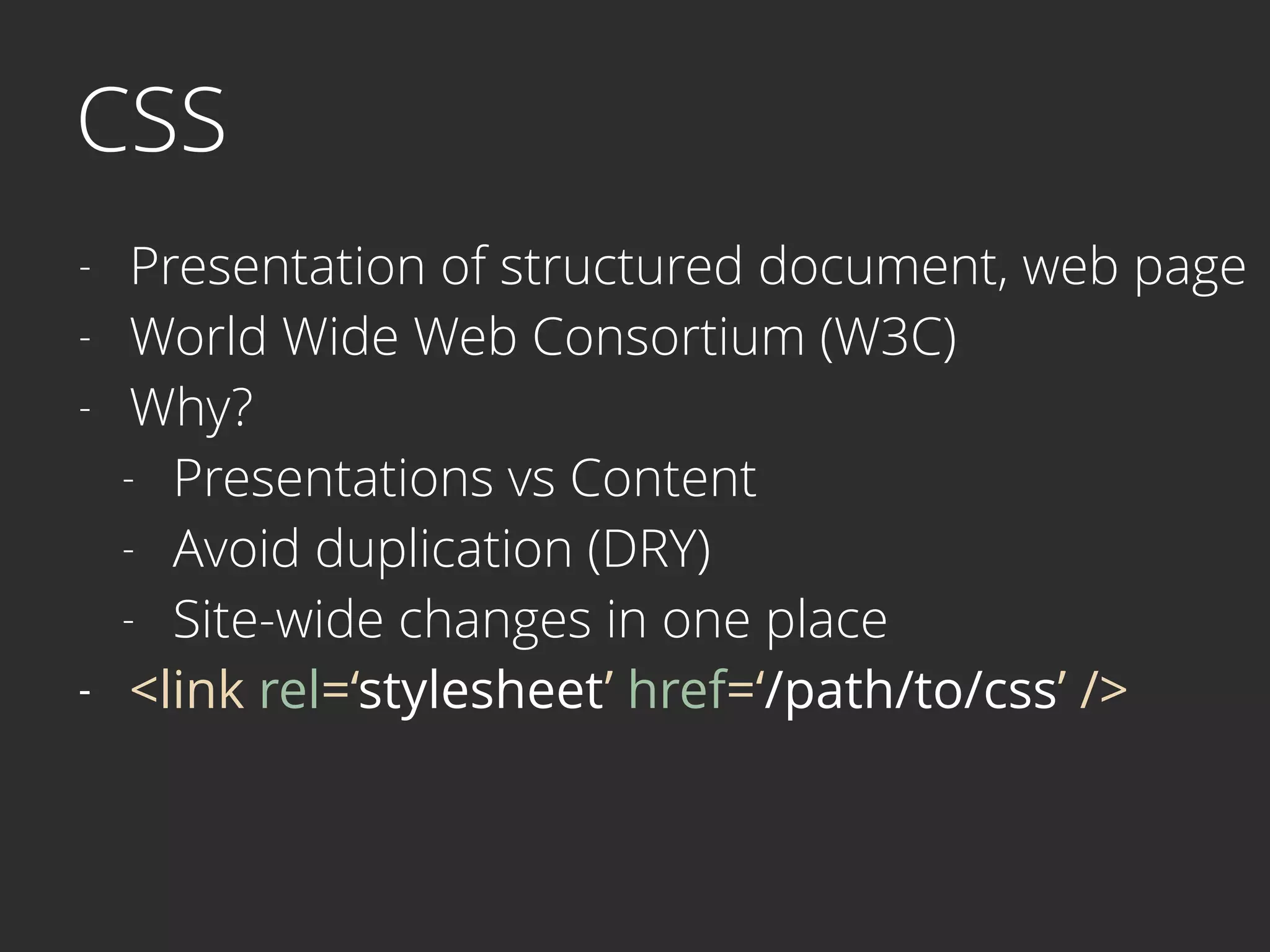
CSS
- Presentation of structured document, web page
- World Wide Web Consortium (W3C)
- Why?
- Presentations vs Content
- Avoid duplication (DRY)
- Site-wide changes in one place
- <link rel=‘stylesheet’ href=‘/path/to/css’ />
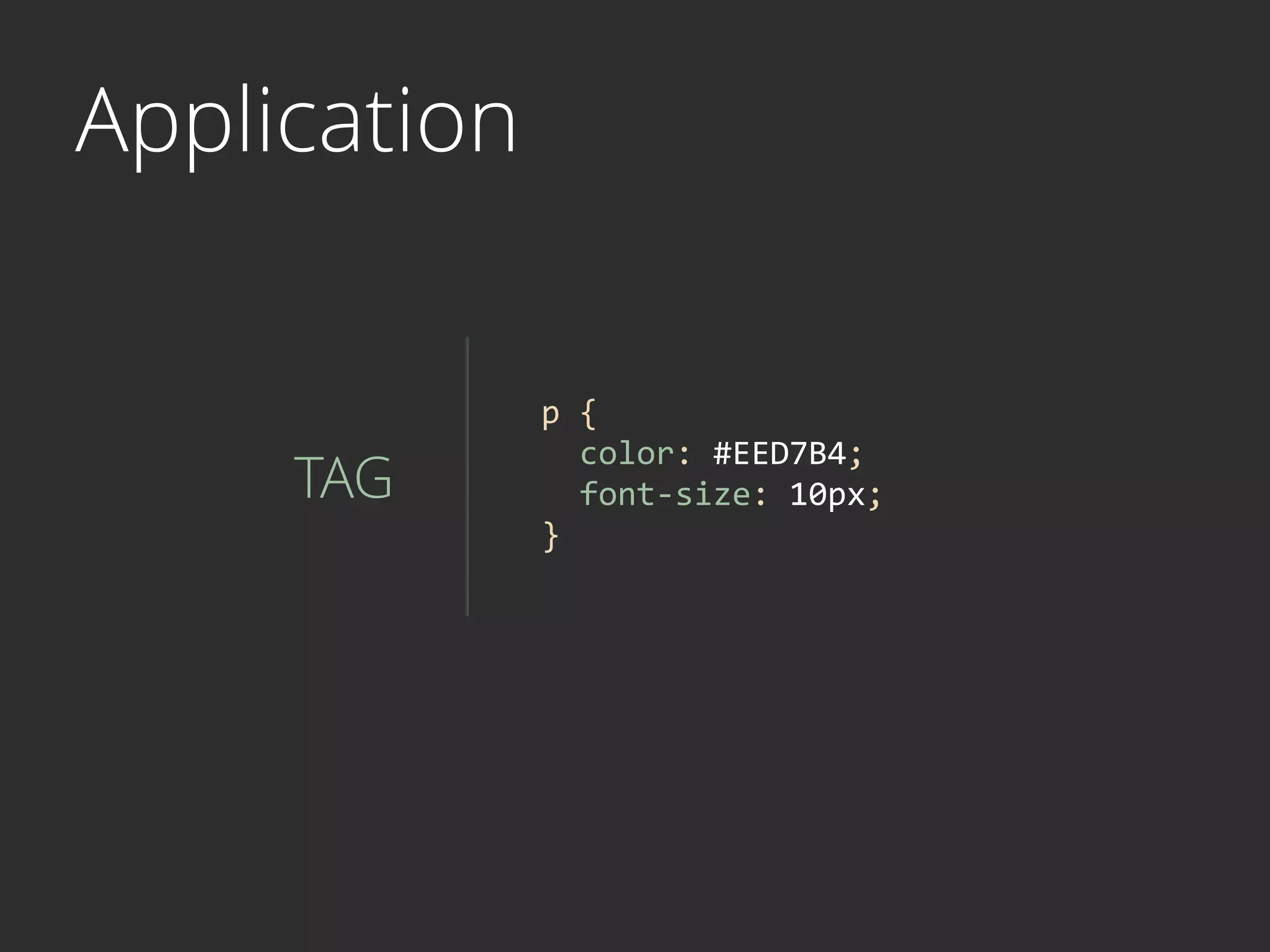
Application
TAG
p	
  {	


  color:	
  #EED7B4;	


  font-­‐size:	
  10px;	
  
}	
  
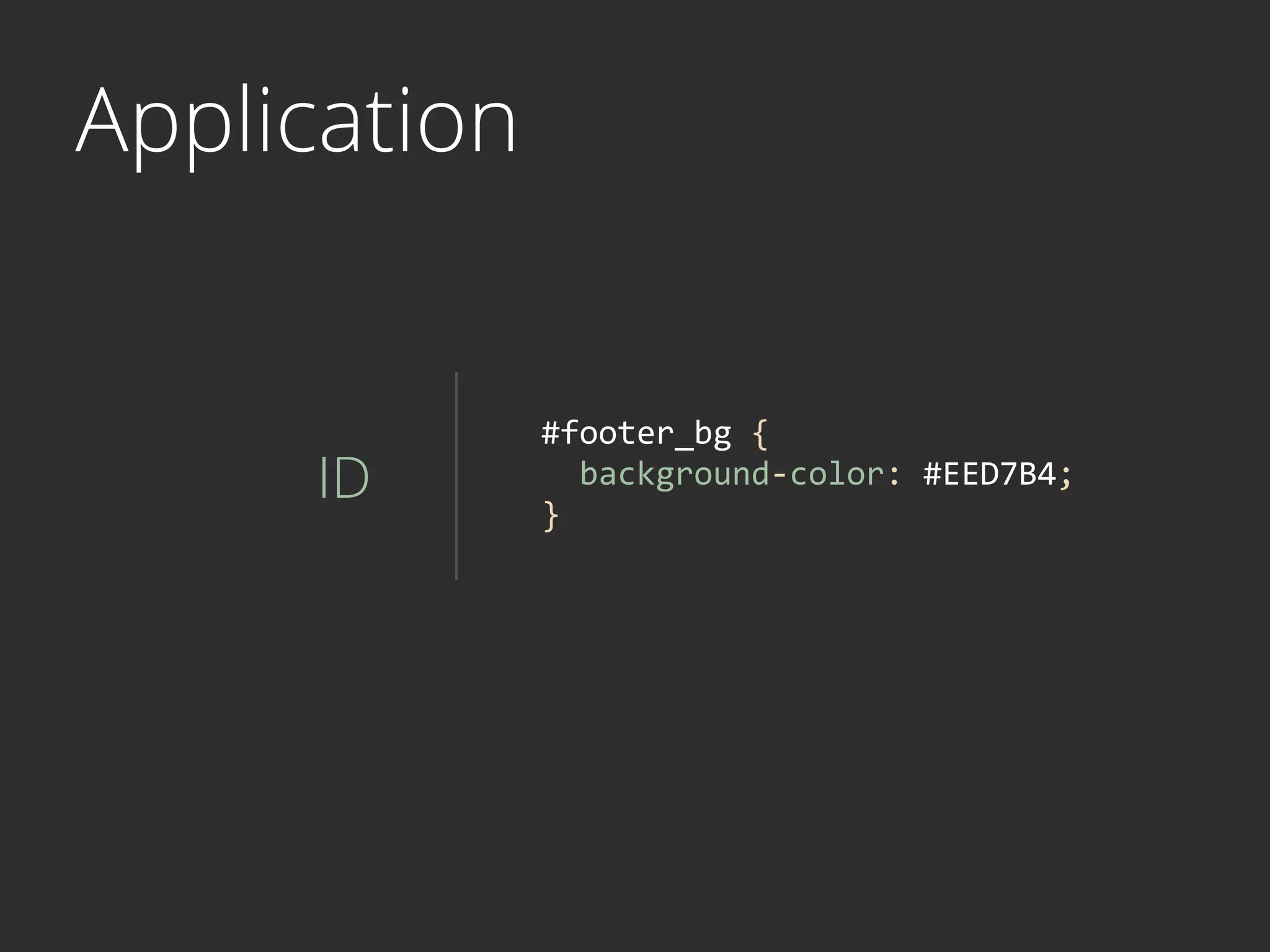
Application
ID
#footer_bg	
  {	


  background-­‐color:	
  #EED7B4;	
  
}	
  
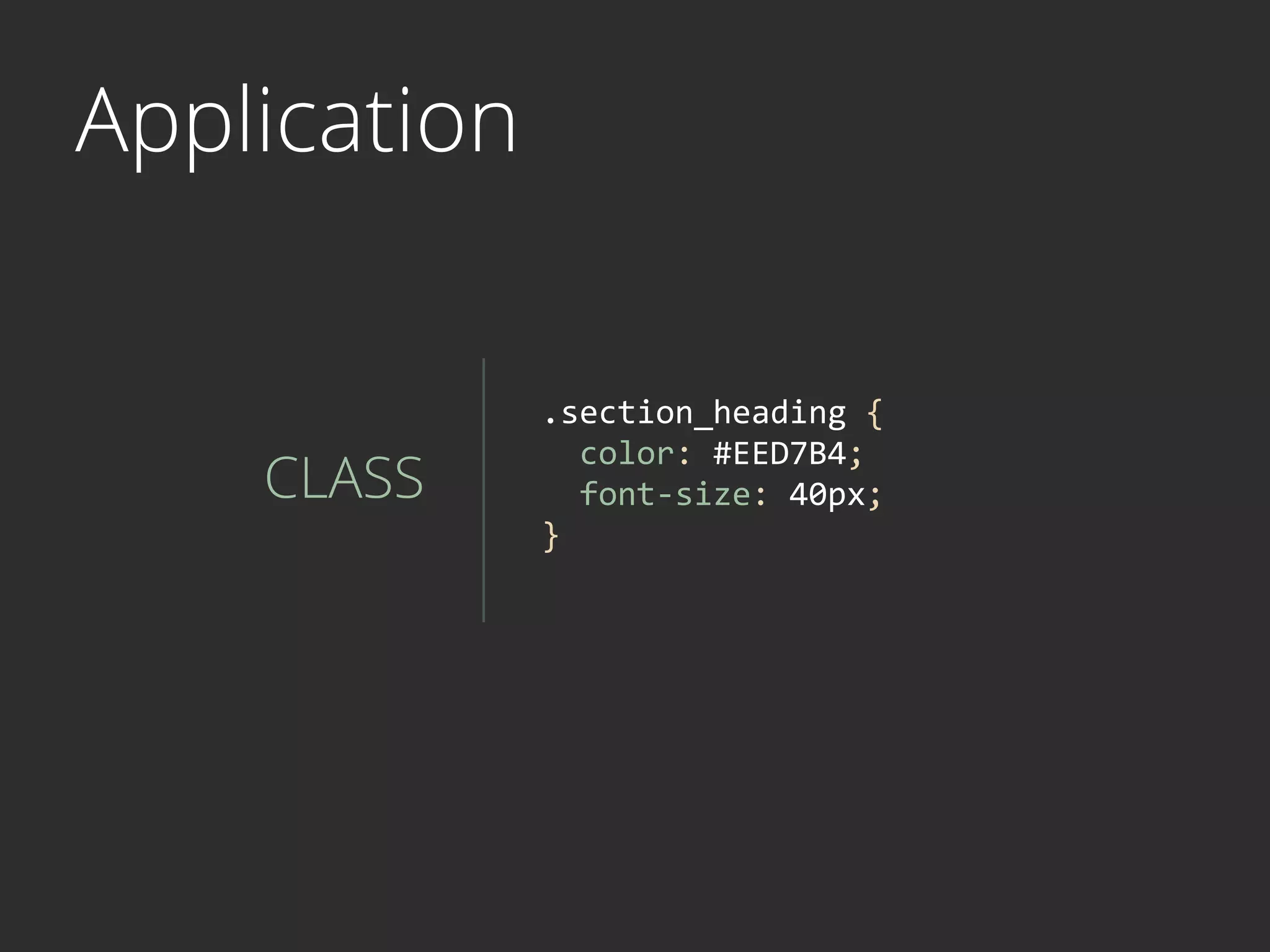
Application
CLASS
.section_heading	
  {	


  color:	
  #EED7B4;	


  font-­‐size:	
  40px;	
  
}	
  
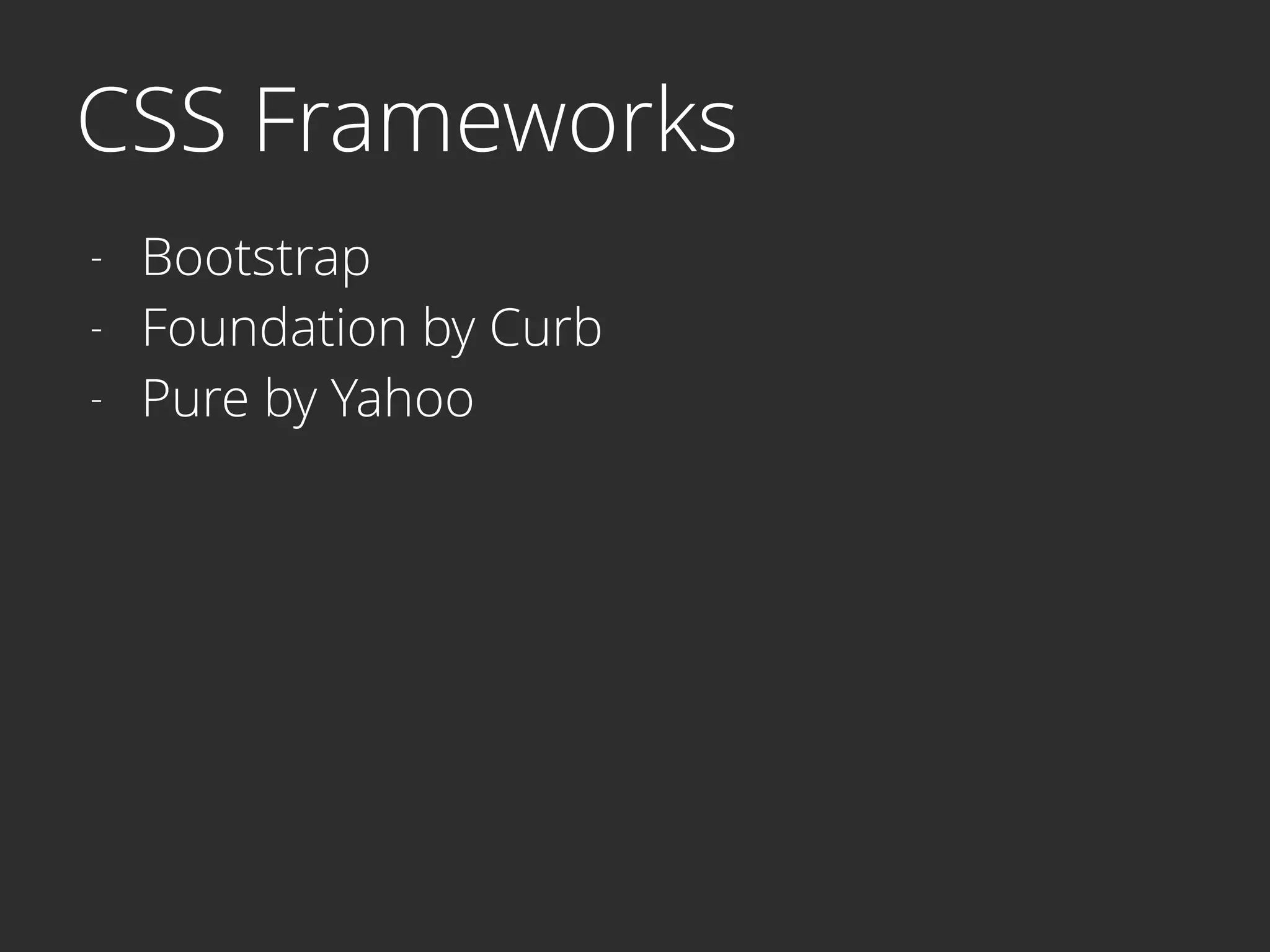
CSS Frameworks
- Bootstrap
- Foundation by Curb
- Pure by Yahoo
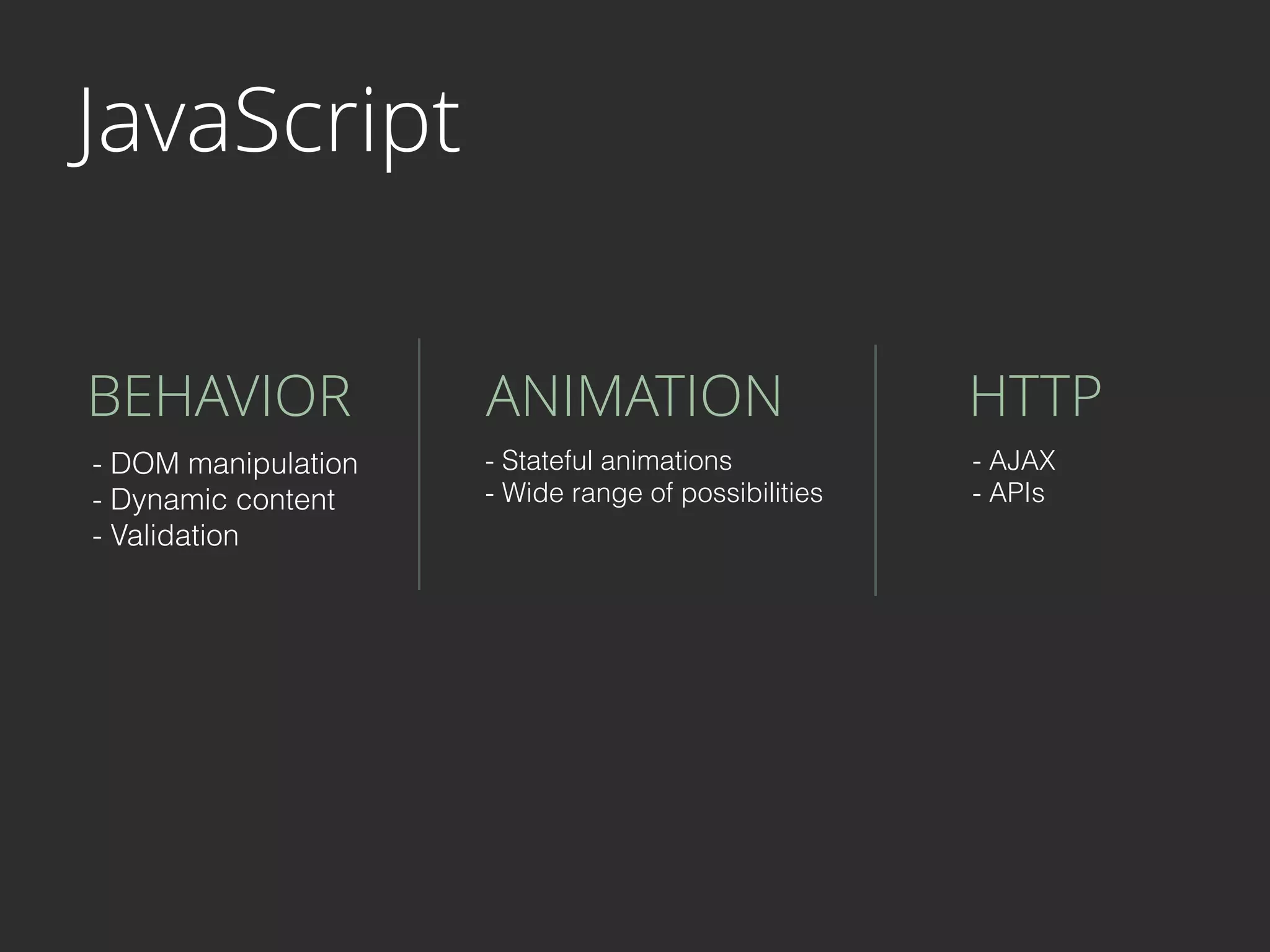
JavaScript
BEHAVIOR ANIMATION HTTP
- DOM manipulation
- Dynamic content
- Validation
- Stateful animations
- Wide range of possibilities
- AJAX
- APIs
Why?
- Visual mockups - Extra step in the cycle


Why?
- Visual mockups - Extra step in the cycle
- Inaccurate interactions


Why?
- Visual mockups - Extra step in the cycle
- Inaccurate interactions
- Text on web is different
Why?
- Visual mockups - Extra step in the cycle
- Inaccurate interactions
- Text on web is different
- Slow and painful to iterate

Why?
- Visual mockups - Extra step in the cycle
- Inaccurate interactions
- Text on web is different
- Slow and painful to iterate
- Production vs Productivity
THOUGHTS

Prototyping interactions