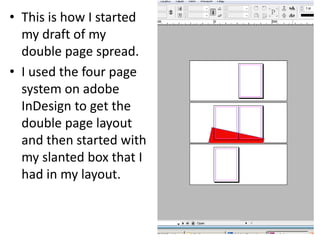
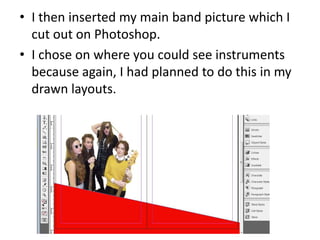
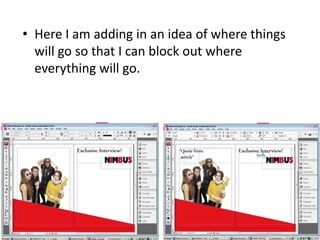
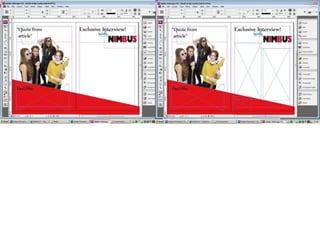
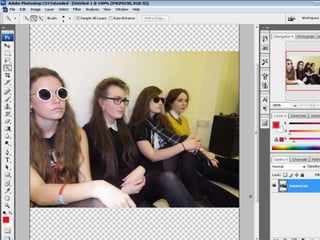
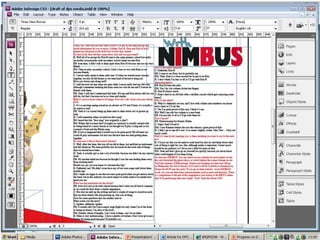
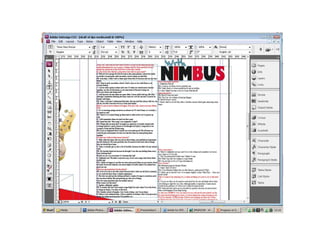
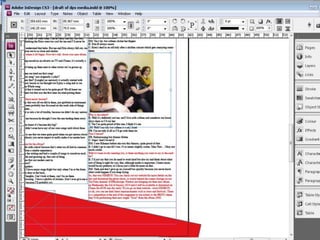
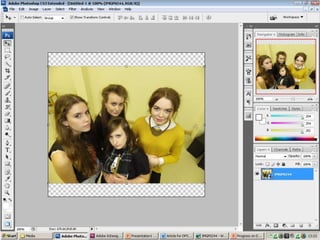
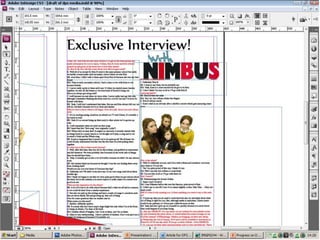
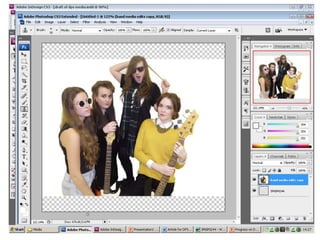
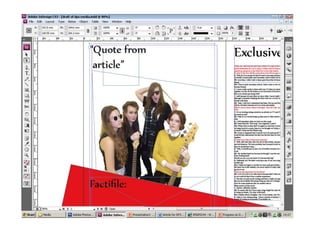
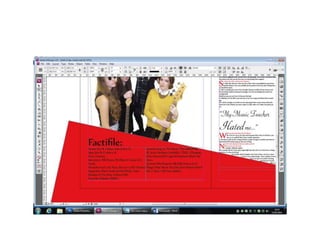
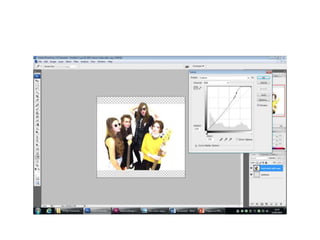
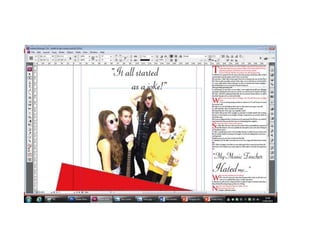
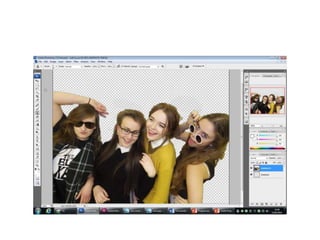
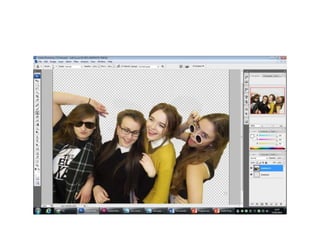
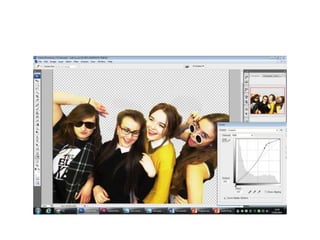
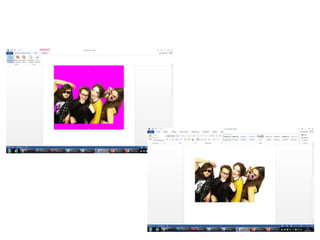
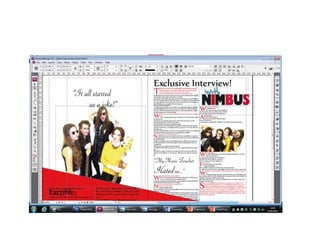
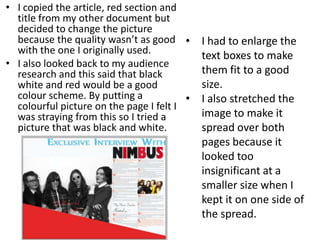
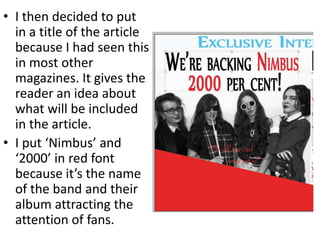
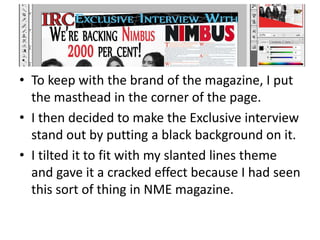
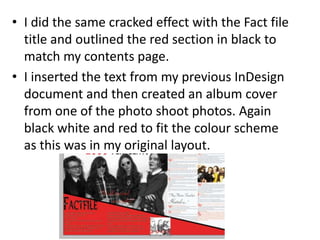
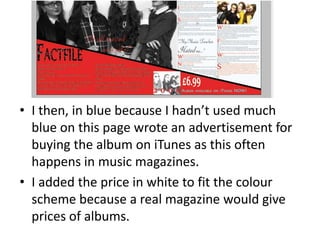
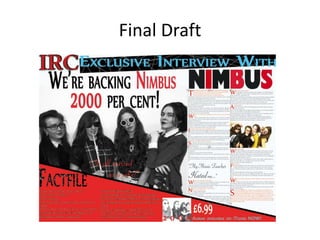
The document describes the process of creating a double page spread (DPS) for a magazine. It discusses starting with a slanted box layout in InDesign, then adding a main band picture and text blocks. Feedback suggested making the text more detailed. The content was then moved to Photoshop where a new black and white picture was chosen in line with the black, white, and red color scheme. Various design elements like titles, mastheads, and advertisements were added to complete the DPS layout.




![Final%20 magazine%20–%20double%20page%20spread[2]](https://cdn.slidesharecdn.com/ss_thumbnails/final20magazine2020double20page20spread2-120511045804-phpapp02-thumbnail.jpg?width=640&height=640&fit=bounds)


![Media models[1]](https://cdn.slidesharecdn.com/ss_thumbnails/mediamodels1-131202055141-phpapp01-thumbnail.jpg?width=640&height=640&fit=bounds)


