Virtual Reference
Technology Speed Dating
Monrow Public Library
Wednesday, March 19, 2014
Sharon Yang
Rider University Library
Virtual Reference
• Digital reference
• Remote reference
• Real-time reference
• Live reference
• E-reference
Virtual Reference Technologies
• Chat
• Videoconferencing
• Voice over IP
• e-mail
• instant messaging
• Text
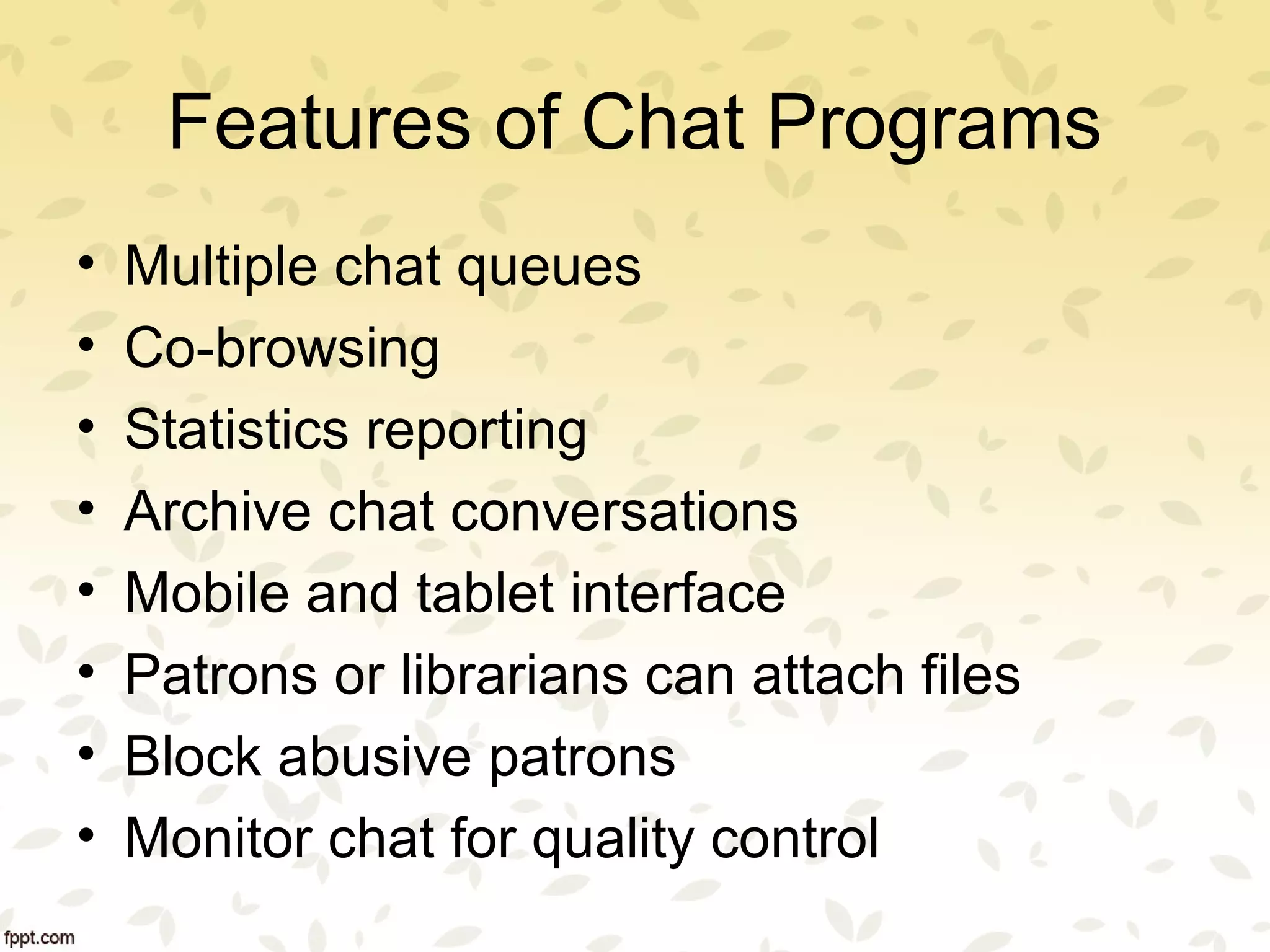
Features of Chat Programs
• No client (do not need to install anything
on your computer)
• Cloud based/Web based login
• Users do not need to create an account
• Customized display box (widget)
• All in one solution (text, IM, knowledge
base)
• Route/transfer chat seamlessly
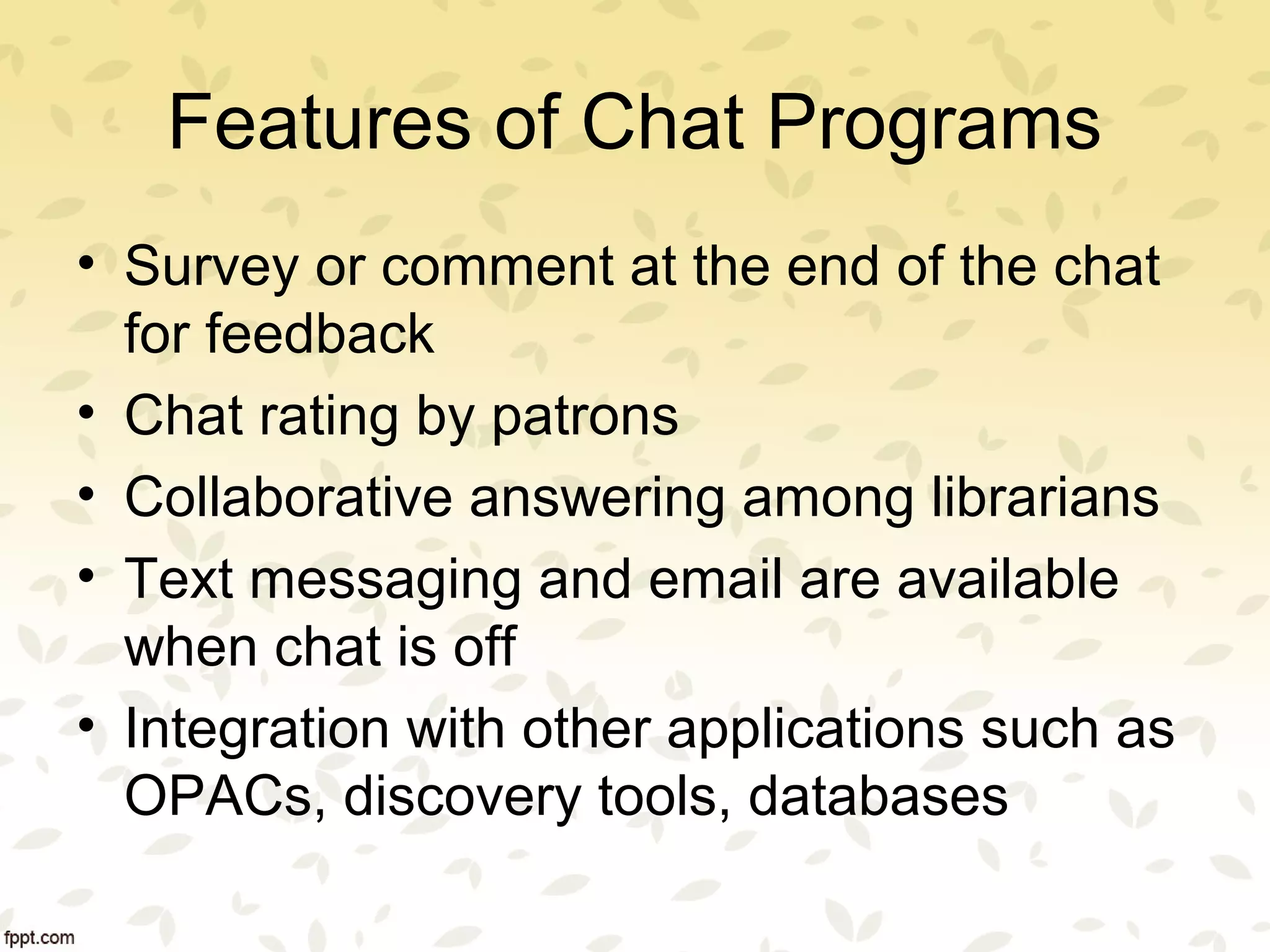
Features of Chat Programs
• Multiple chat queues
• Co-browsing
• Statistics reporting
• Archive chat conversations
• Mobile and tablet interface
• Patrons or librarians can attach files
• Block abusive patrons
• Monitor chat for quality control
Features of Chat Programs
• Survey or comment at the end of the chat
for feedback
• Chat rating by patrons
• Collaborative answering among librarians
• Text messaging and email are available
when chat is off
• Integration with other applications such as
OPACs, discovery tools, databases
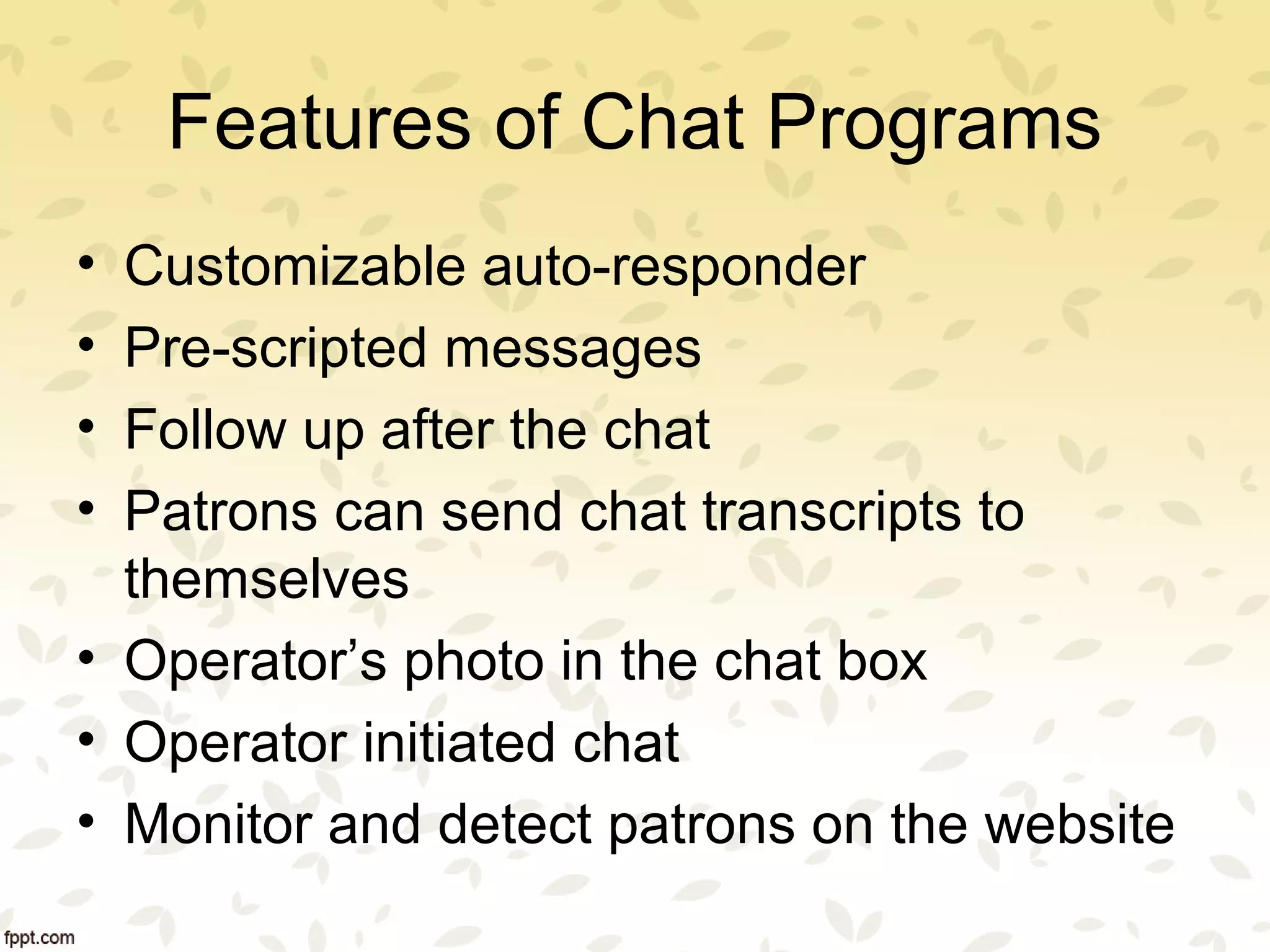
Features of Chat Programs
• Customizable auto-responder
• Pre-scripted messages
• Follow up after the chat
• Patrons can send chat transcripts to
themselves
• Operator’s photo in the chat box
• Operator initiated chat
• Monitor and detect patrons on the website
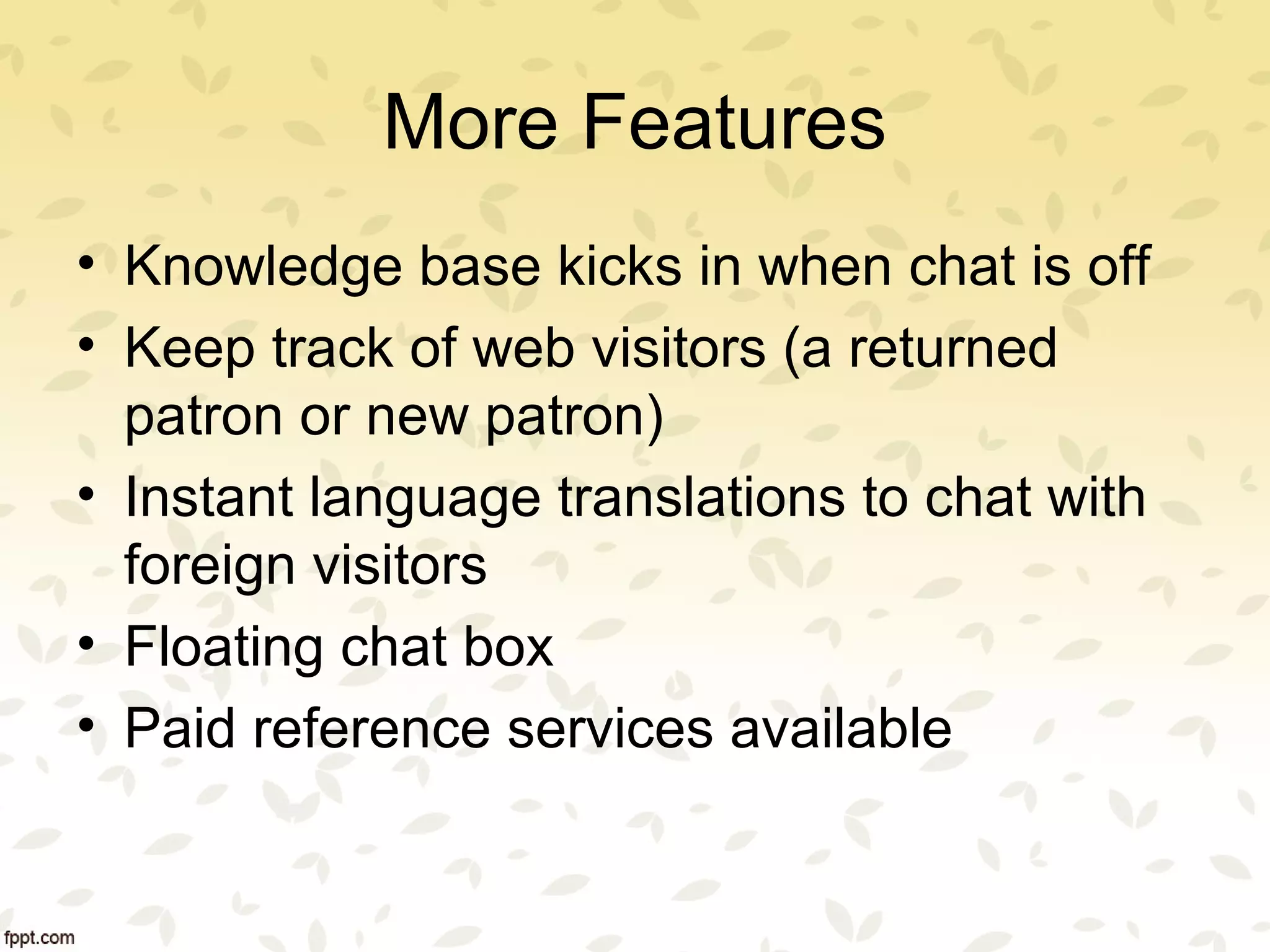
More Features
• Knowledge base kicks in when chat is off
• Keep track of web visitors (a returned
patron or new patron)
• Instant language translations to chat with
foreign visitors
• Floating chat box
• Paid reference services available
LibraryH3lp
• www.libraryh3lp.com
• Designed especially for libraries
• Cloud-based
• No local technical expertise required
• Web-based login and interfaces
• Separate login and interface for admin and operators
• User customizable chat interface or widget (users produce the code for
embedding the widget such as box, button, popup and more)
• Affordable/ inexpensive annual subscription
• A single interface for chat/IM/Text/email
• All in one solution-chat, IM, text, and knowledge base
• Simple and easy
• Multiple chat queues
• Unlimited users
LibraryH3lp
• Route chat, IM, and text among librarians seamlessly
• Statistical reporting
• Archived chat/IM/text history for analysis
• Availability of round-clock virtual reference service stuffed by library
professionals for a fee
• Mobile interface available for library experts and users (Reference provided
and received on the phone)
• Patrons can email the chat transcripts to themselves
• Patrons can attach and send files to the reference librarians
• JavaScript and HTML (not Flash)
• Block abusive patrons
• Also use XMPP/Jabber accounts, like Google Talk, to answer patron chats.
LibChat
• Designed especially for libraries
• Cloud-based
• No local technical expertise is required
• Web-based login and interface
• Use customizable chat interface or widget (users produce the code for
embedding the widget)
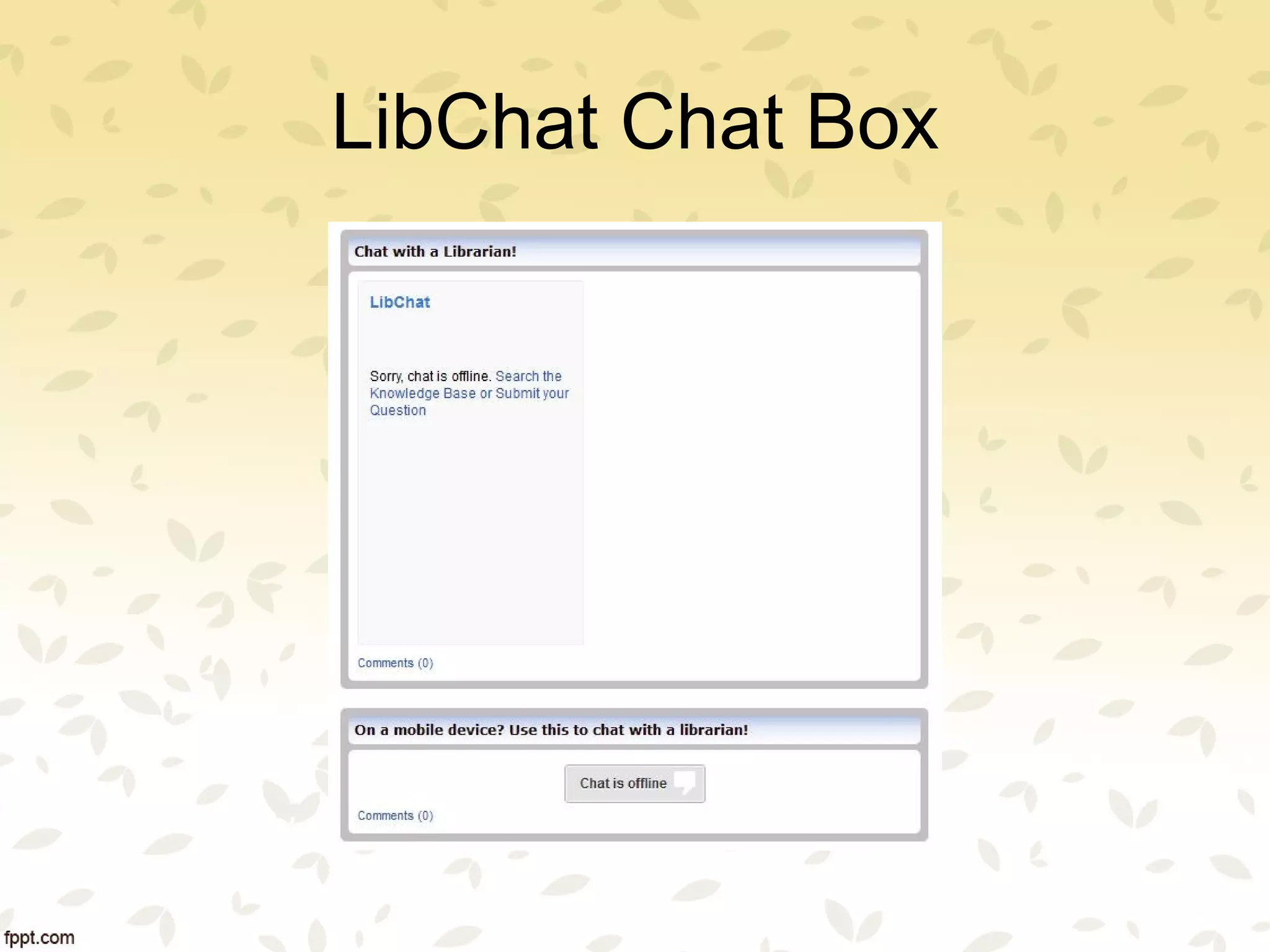
• Chat is combined with question submission form and LibAnswers
knowledge base (auto-suggest)
• LibAnswers knowledge base (auto suggest) and question submission are on
when chat is not available
• Customizable chat user interface or widget (users produce the code)
• Text/SMS
• Multiple chat queues
• Transfer file
LibChat
• Chat between librarians
• Answer Twitter questions
• Mobile interface available (not Flash-based)
• Statistics reporting
• Archived chat transcripts, chat history
• Monitor the service for quality control
• Receive chat, text, and emails in the same user interface
• Transcript download and email
• Comment at the end of the chat to collect feedback
• Chat transfer among librarians
• Chat ratings by patrons
LibChat Chat Box
Mosio
• Designed especially for libraries
• Cloud-based
• No local technical expertise is required
• A single Web-based login and interface
• One single dashboard for chat, email, SMS/text messaging and admin
• Receive and answer chat, text, and emails in the same user interface
• Simple and easy
• A tab as the link to chat, text messaging, and email
• Libraries can choose the tab from among 70 tabs or upload their own
custom made tabs
• Libraries must choose a pre-defined location for the tab
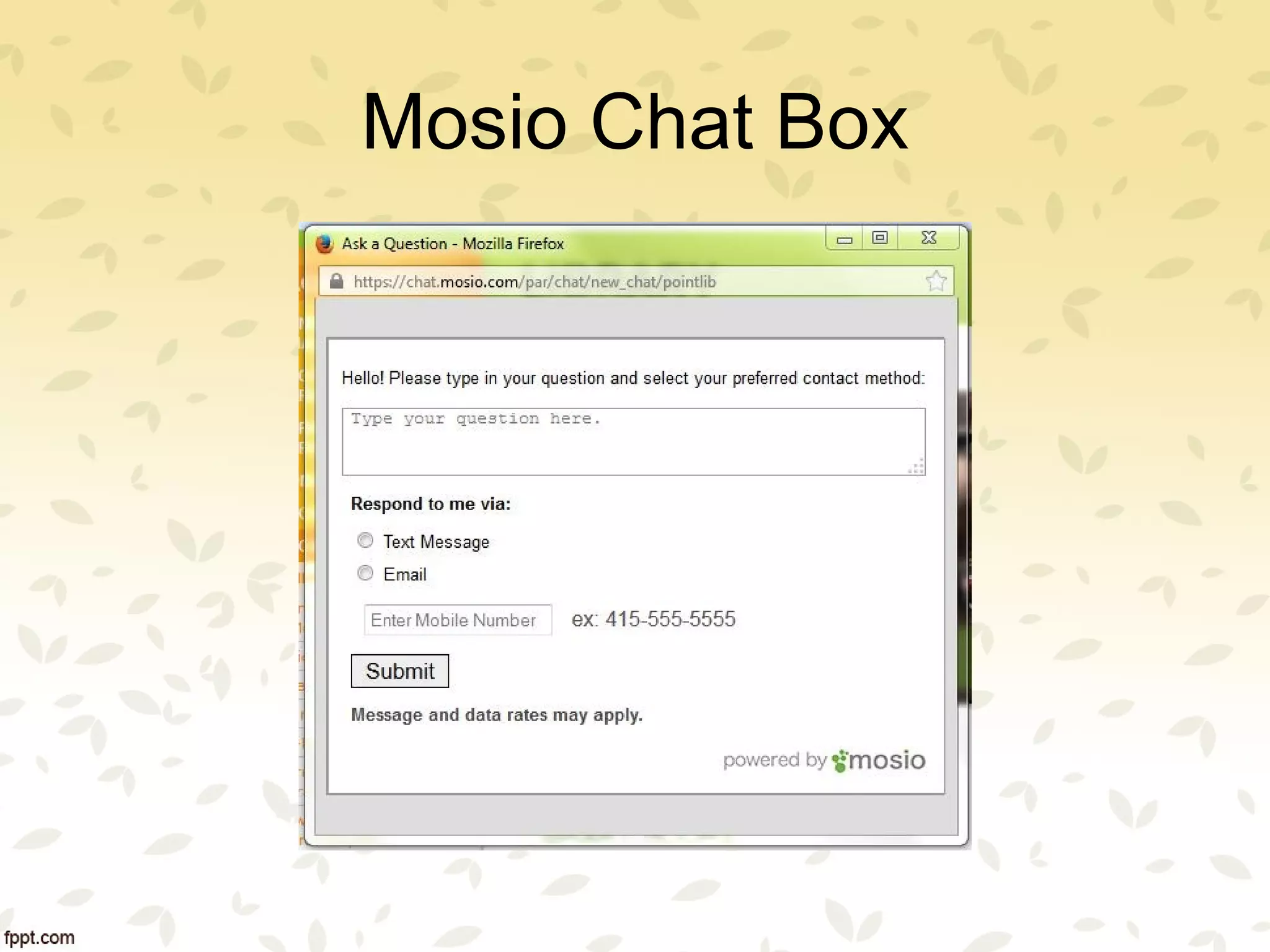
• Users have the flexibility to choose their preferred way of communication
such as chat, text messaging or email
Mosio
• Text messaging and email are available when chat is off
• Integration with Facebook, some discovery layer and OPACs,
databases, and more so patrons can seek reference help at the
point of need
• Collaborative answering among librarians
• Mobile and tablet ready
• Customizable auto-responder
• Customizable ready answer templates
• Statistics reporting
• Archived chat transcripts
Mosio Chat Box
Zoho Chat
• Designed for business
• Cloud-based
• No local technical expertise is required for installation and
maintenance
• Web-based login and a single interface for both chat and admin
• Chat, IM, and email on one single dashboard
• Limited user customizable chat interface or widget (users choose
the options offered by Zoho to produce the code for embedding the
widget)
Zoho Chat
• Chat offered in three subtly different ways for different purposes
– Live support for multiple librarians on a team, one at a time, to
chat with a patron.
– Shoutbox allows patrons to chat with each other and librarians
– Live Chat for chat between one patron and one librarian
• Multiple chat queues
• Mobile apps
• Statistics reporting
• Archived chat transcripts and chat history
QuestionPoint
• Designed for libraries
• Cloud-based
• No local technical expertise is required for installation and maintenance
• Web-based login and a single interface for both chat and admin
• Chat and email
• Chat for individual libraries, consortia, and cooperative 24/7
• Pre-scripted messages
• View a Web page in the dashboard and Push page to the patron
• Co-browsing
• Chat with other reference librarians via IM
• Pre-determined resolutions and statistical categories after the chat for follow
ups
QuestionPoint
• Transfer patrons among librarians
• Send emails to patrons after the chat in the chat box
• User customizable widget (Qwidget)
• Multiple chat queues
• Mobile ready
• Administrative monitoring
• Survey tool after the chat and statistics reporting
• Archived chat transcripts and chat history
•
LiveChat
• Designed for business
• Cloud-based
• No local technical expertise is required for installation and
maintenance
• Web-based login and a single interface for both chat and admin
• Simple to set up and start
• Chat and email
• Customizable chat interface or widget
• Email is on for patrons to leave a message when chat is off
• Operator’s photo in the chat box
• Operator initiated chat
• Monitor/detect visitors to the Web page and displays information
about the geographical location and if this is a returned visitor
LiveChat
• One chat per librarian
• Knowledge base kicks in when chat is off so patron can find
answers to their queries based on keyword search and auto-
suggestion.
• Instant language translations to chat with visitors around the world
• Plug-ins for popular websites such as Facebook, Drupal,
Wordpress, Google Analytics, Dropbox, Joomla, and more.
• Statistics reporting
• Archived chat transcripts and chat history
• Transfer chat among team members
• Prescripted messages (or canned messages)
• Patron rating after the chat
Chat Programs
• Oracle Rightnow Cloud
Chat Service
• Zopim
• LivePerson
• Digsby
• LiveHelp
• PHPLive!
• Olark
• LiveChat
• Tutor.com
• QuestionPoint
• NTRChat
• Askalibrarian
• WIMZ
• CuteLiveChat
• RefChatter
• LiveAssistance
• Askaway
• Zoho
• LibChat
• LibraryH3lp
• Mosio
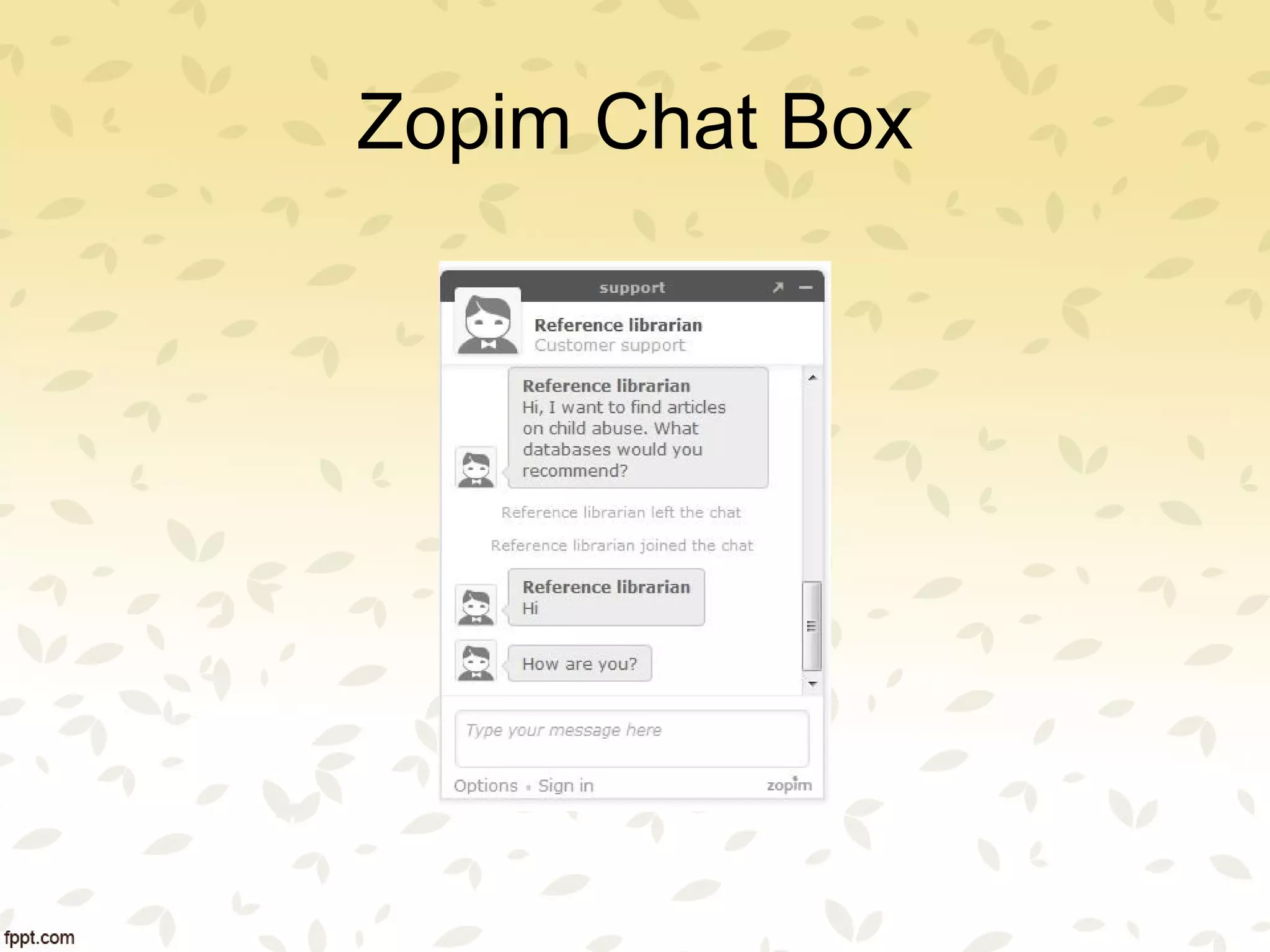
Zopim Chat Box
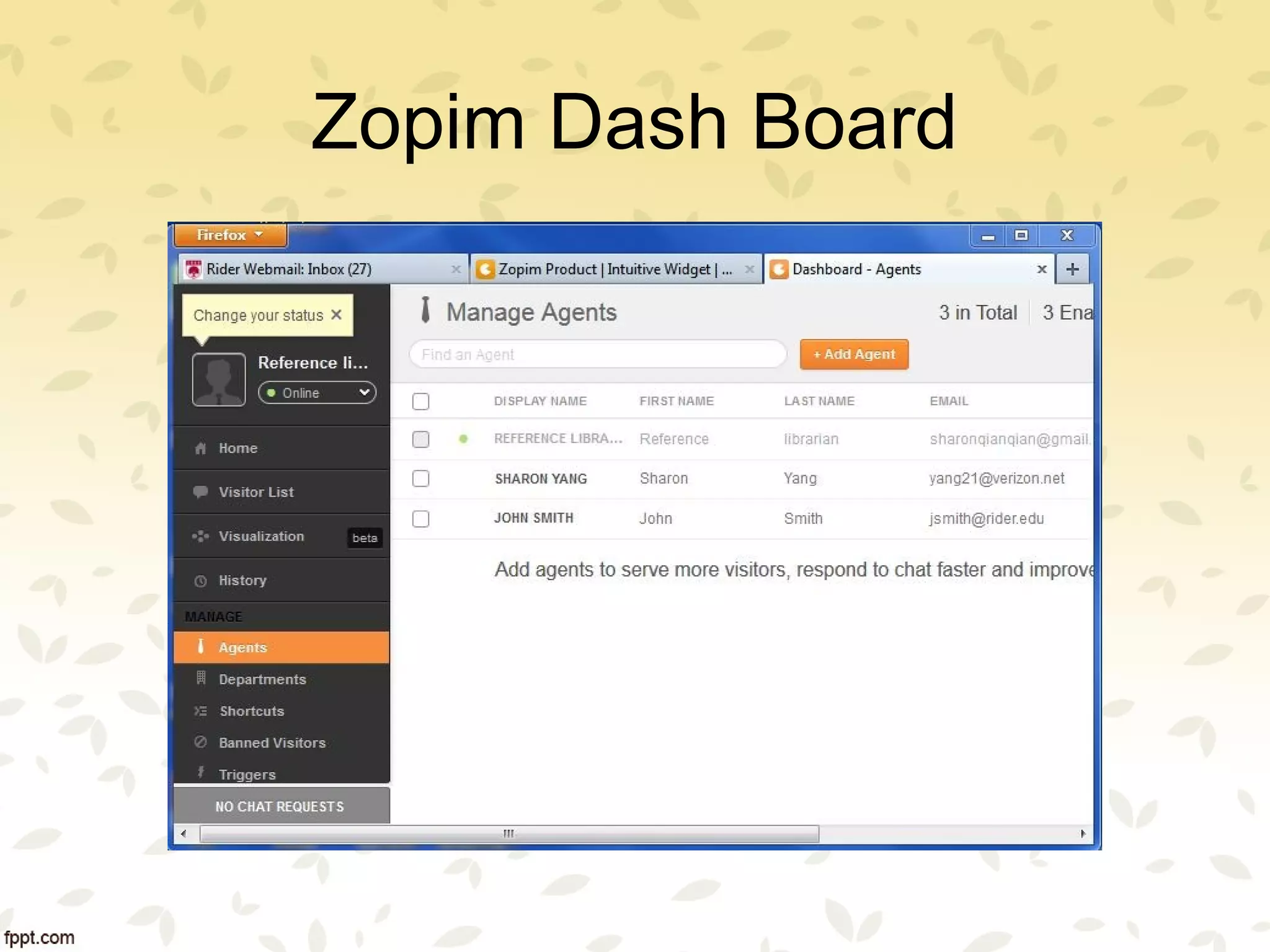
Zopim Dash Board
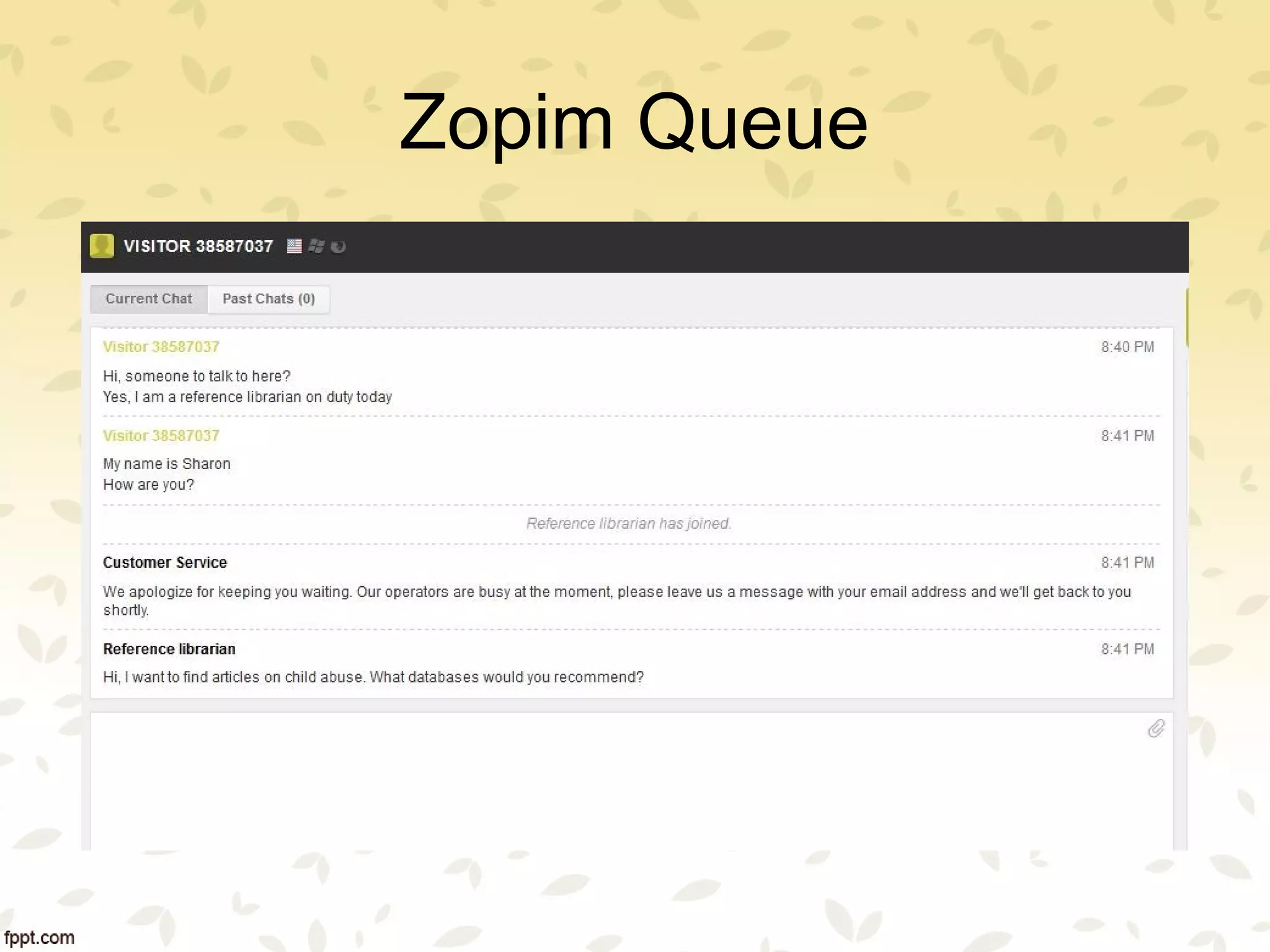
Zopim Queue
Thank you for attending this
presentation. Questions?
Sharon Yang
Rider University Library
yangs@rider.edu

Virtual Reference

  • 1.
    Virtual Reference Technology SpeedDating Monrow Public Library Wednesday, March 19, 2014 Sharon Yang Rider University Library
  • 2.
    Virtual Reference • Digitalreference • Remote reference • Real-time reference • Live reference • E-reference
  • 3.
    Virtual Reference Technologies •Chat • Videoconferencing • Voice over IP • e-mail • instant messaging • Text
  • 4.
    Features of ChatPrograms • No client (do not need to install anything on your computer) • Cloud based/Web based login • Users do not need to create an account • Customized display box (widget) • All in one solution (text, IM, knowledge base) • Route/transfer chat seamlessly
  • 5.
    Features of ChatPrograms • Multiple chat queues • Co-browsing • Statistics reporting • Archive chat conversations • Mobile and tablet interface • Patrons or librarians can attach files • Block abusive patrons • Monitor chat for quality control
  • 6.
    Features of ChatPrograms • Survey or comment at the end of the chat for feedback • Chat rating by patrons • Collaborative answering among librarians • Text messaging and email are available when chat is off • Integration with other applications such as OPACs, discovery tools, databases
  • 7.
    Features of ChatPrograms • Customizable auto-responder • Pre-scripted messages • Follow up after the chat • Patrons can send chat transcripts to themselves • Operator’s photo in the chat box • Operator initiated chat • Monitor and detect patrons on the website
  • 8.
    More Features • Knowledgebase kicks in when chat is off • Keep track of web visitors (a returned patron or new patron) • Instant language translations to chat with foreign visitors • Floating chat box • Paid reference services available
  • 9.
    LibraryH3lp • www.libraryh3lp.com • Designedespecially for libraries • Cloud-based • No local technical expertise required • Web-based login and interfaces • Separate login and interface for admin and operators • User customizable chat interface or widget (users produce the code for embedding the widget such as box, button, popup and more) • Affordable/ inexpensive annual subscription • A single interface for chat/IM/Text/email • All in one solution-chat, IM, text, and knowledge base • Simple and easy • Multiple chat queues • Unlimited users
  • 10.
    LibraryH3lp • Route chat,IM, and text among librarians seamlessly • Statistical reporting • Archived chat/IM/text history for analysis • Availability of round-clock virtual reference service stuffed by library professionals for a fee • Mobile interface available for library experts and users (Reference provided and received on the phone) • Patrons can email the chat transcripts to themselves • Patrons can attach and send files to the reference librarians • JavaScript and HTML (not Flash) • Block abusive patrons • Also use XMPP/Jabber accounts, like Google Talk, to answer patron chats.
  • 11.
    LibChat • Designed especiallyfor libraries • Cloud-based • No local technical expertise is required • Web-based login and interface • Use customizable chat interface or widget (users produce the code for embedding the widget) • Chat is combined with question submission form and LibAnswers knowledge base (auto-suggest) • LibAnswers knowledge base (auto suggest) and question submission are on when chat is not available • Customizable chat user interface or widget (users produce the code) • Text/SMS • Multiple chat queues • Transfer file
  • 12.
    LibChat • Chat betweenlibrarians • Answer Twitter questions • Mobile interface available (not Flash-based) • Statistics reporting • Archived chat transcripts, chat history • Monitor the service for quality control • Receive chat, text, and emails in the same user interface • Transcript download and email • Comment at the end of the chat to collect feedback • Chat transfer among librarians • Chat ratings by patrons
  • 13.
  • 14.
    Mosio • Designed especiallyfor libraries • Cloud-based • No local technical expertise is required • A single Web-based login and interface • One single dashboard for chat, email, SMS/text messaging and admin • Receive and answer chat, text, and emails in the same user interface • Simple and easy • A tab as the link to chat, text messaging, and email • Libraries can choose the tab from among 70 tabs or upload their own custom made tabs • Libraries must choose a pre-defined location for the tab • Users have the flexibility to choose their preferred way of communication such as chat, text messaging or email
  • 15.
    Mosio • Text messagingand email are available when chat is off • Integration with Facebook, some discovery layer and OPACs, databases, and more so patrons can seek reference help at the point of need • Collaborative answering among librarians • Mobile and tablet ready • Customizable auto-responder • Customizable ready answer templates • Statistics reporting • Archived chat transcripts
  • 16.
  • 17.
    Zoho Chat • Designedfor business • Cloud-based • No local technical expertise is required for installation and maintenance • Web-based login and a single interface for both chat and admin • Chat, IM, and email on one single dashboard • Limited user customizable chat interface or widget (users choose the options offered by Zoho to produce the code for embedding the widget)
  • 18.
    Zoho Chat • Chatoffered in three subtly different ways for different purposes – Live support for multiple librarians on a team, one at a time, to chat with a patron. – Shoutbox allows patrons to chat with each other and librarians – Live Chat for chat between one patron and one librarian • Multiple chat queues • Mobile apps • Statistics reporting • Archived chat transcripts and chat history
  • 19.
    QuestionPoint • Designed forlibraries • Cloud-based • No local technical expertise is required for installation and maintenance • Web-based login and a single interface for both chat and admin • Chat and email • Chat for individual libraries, consortia, and cooperative 24/7 • Pre-scripted messages • View a Web page in the dashboard and Push page to the patron • Co-browsing • Chat with other reference librarians via IM • Pre-determined resolutions and statistical categories after the chat for follow ups
  • 20.
    QuestionPoint • Transfer patronsamong librarians • Send emails to patrons after the chat in the chat box • User customizable widget (Qwidget) • Multiple chat queues • Mobile ready • Administrative monitoring • Survey tool after the chat and statistics reporting • Archived chat transcripts and chat history •
  • 21.
    LiveChat • Designed forbusiness • Cloud-based • No local technical expertise is required for installation and maintenance • Web-based login and a single interface for both chat and admin • Simple to set up and start • Chat and email • Customizable chat interface or widget • Email is on for patrons to leave a message when chat is off • Operator’s photo in the chat box • Operator initiated chat • Monitor/detect visitors to the Web page and displays information about the geographical location and if this is a returned visitor
  • 22.
    LiveChat • One chatper librarian • Knowledge base kicks in when chat is off so patron can find answers to their queries based on keyword search and auto- suggestion. • Instant language translations to chat with visitors around the world • Plug-ins for popular websites such as Facebook, Drupal, Wordpress, Google Analytics, Dropbox, Joomla, and more. • Statistics reporting • Archived chat transcripts and chat history • Transfer chat among team members • Prescripted messages (or canned messages) • Patron rating after the chat
  • 23.
    Chat Programs • OracleRightnow Cloud Chat Service • Zopim • LivePerson • Digsby • LiveHelp • PHPLive! • Olark • LiveChat • Tutor.com • QuestionPoint • NTRChat • Askalibrarian • WIMZ • CuteLiveChat • RefChatter • LiveAssistance • Askaway • Zoho • LibChat • LibraryH3lp • Mosio
  • 24.
  • 25.
  • 26.
  • 27.
    Thank you forattending this presentation. Questions? Sharon Yang Rider University Library yangs@rider.edu