Can U Help?
How to Deliver an Instant Messaging
Service to Improve Communication with
Your Customers
U-M StaffWorks Technology & Best Practices Conference 2011
Presented by:
Karen A. Reiman-Sendi, Julie Piacentine, Barbara Beaton
Presentation Points
• Instant messaging (IM) overview
• Why MLibrary uses IM
• Considerations when implementing IM
• Recommended IM tools & best practices
• Q & A
May 2011 2
What is IM?
• Also known as “live chat”
• Real-time text-based communication
• Based on software that allows connections
between specified known users (Contact,
Buddy, or Friend List)
• Similar to online “chat” which provides
web-based windows to communicate
between staff and anonymous web site
visitors
May 2011 3
What is IM?
• Many different “clients” or platforms
available
• Popular systems are AOL’s AIM, Google
Talk, Windows Live Messenger, Yahoo!
Messenger
• Also includes widget-based or web browser
access such as Meebo, chat within
Facebook, Chatango
(See PC Magazine online for reviews and product finder)
May 2011 4
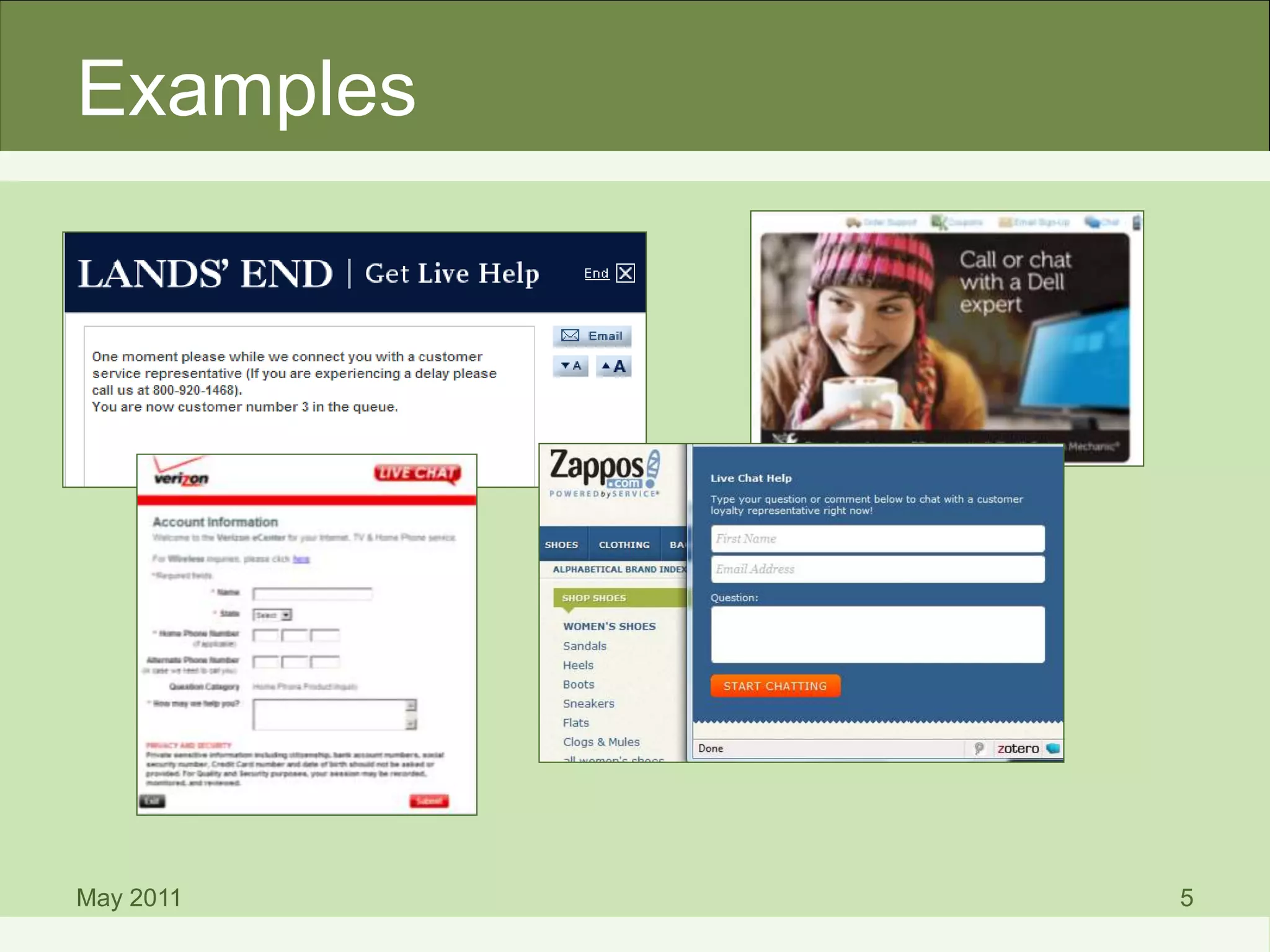
Examples
May 2011 5
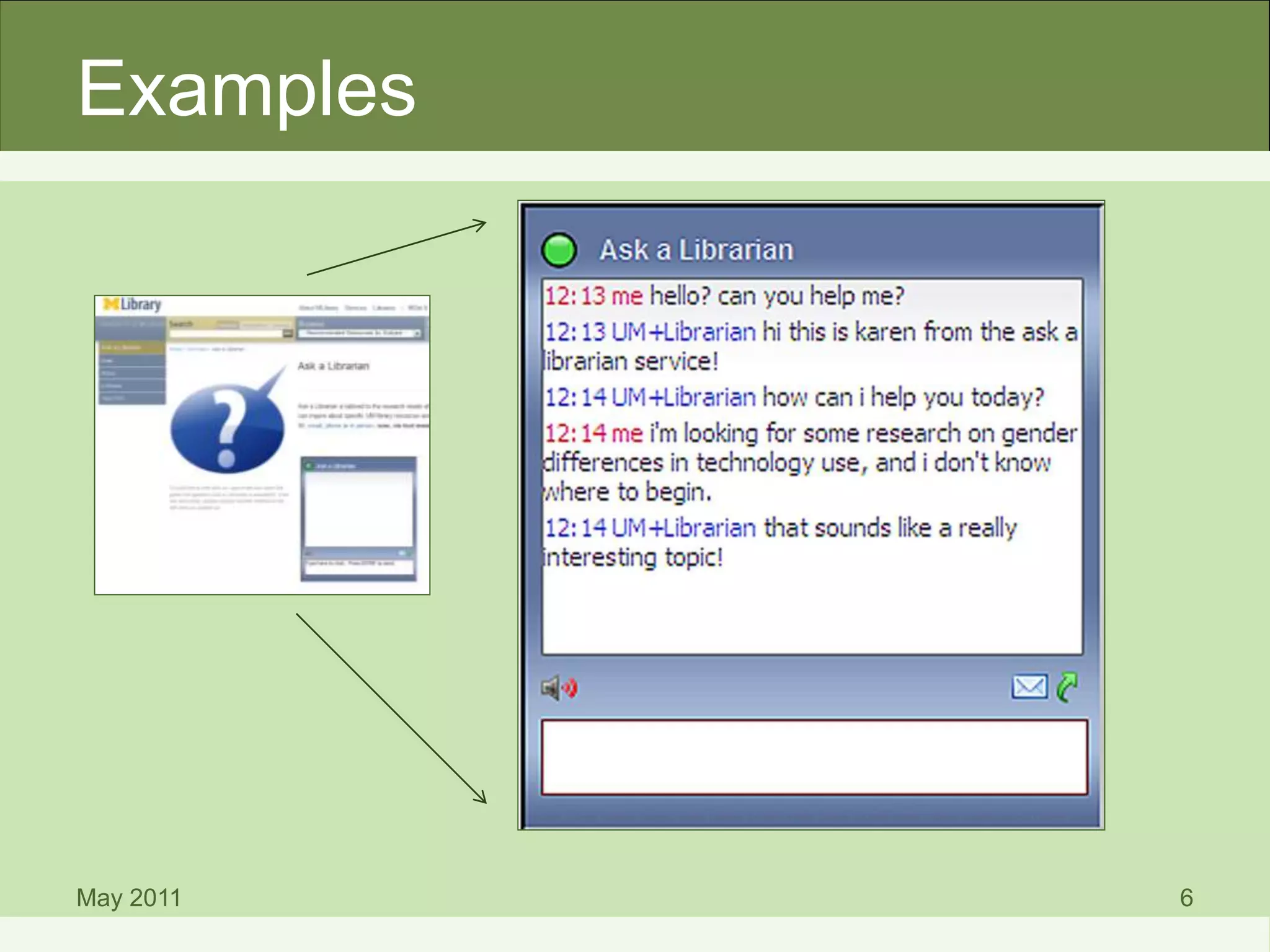
Examples
May 2011 6
Why MLibrary Uses IM
May 2011 7
Why MLibrary Uses IM
• U-M customers are familiar with and
expect IM
• Meets a different communication need
than email
• Library users can be mobile and still use
IM
• Increased online access to resources
means more users outside the library – but
they still need help!
May 2011 8
Benefits of IM
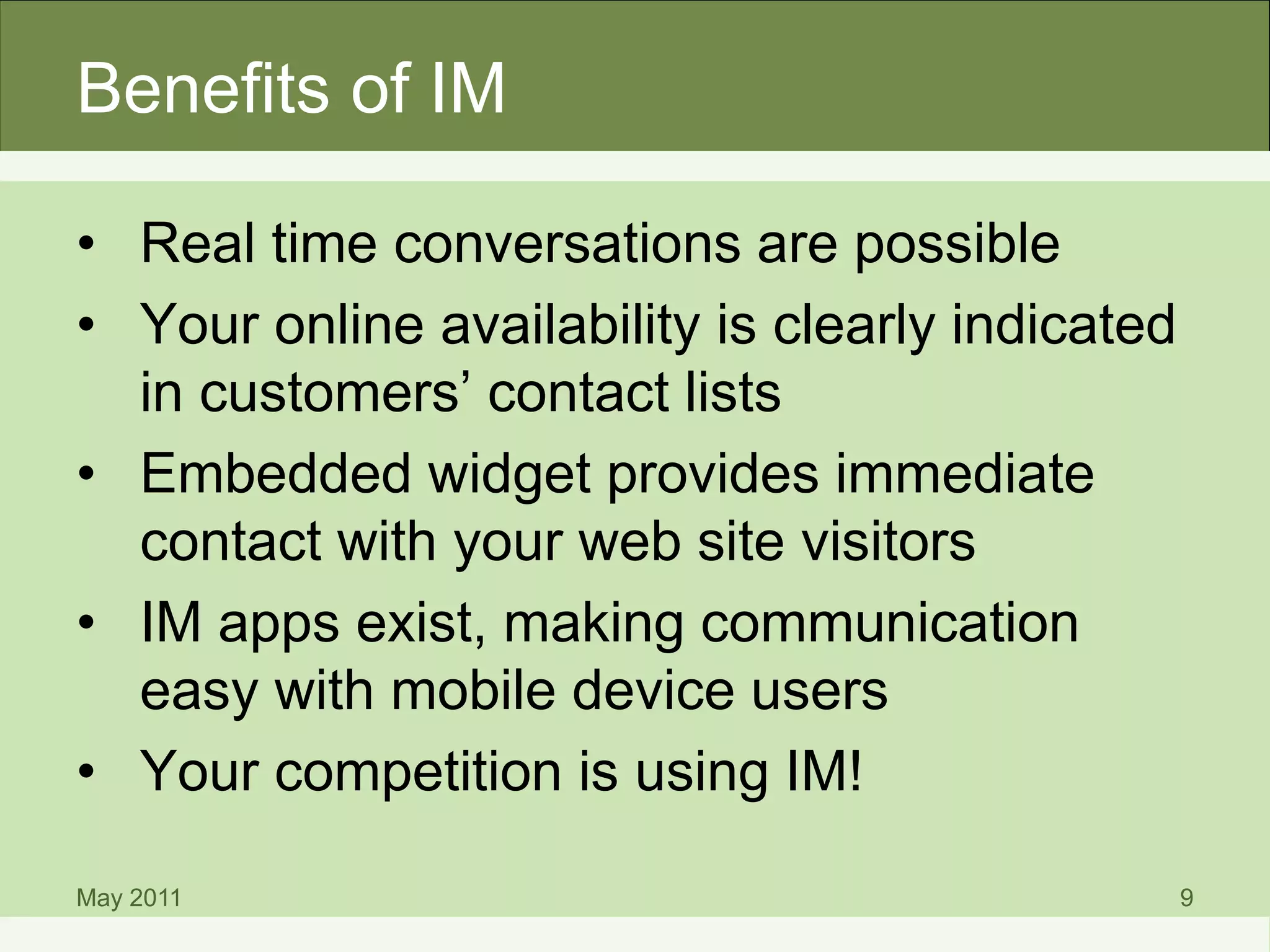
• Real time conversations are possible
• Your online availability is clearly indicated
in customers’ contact lists
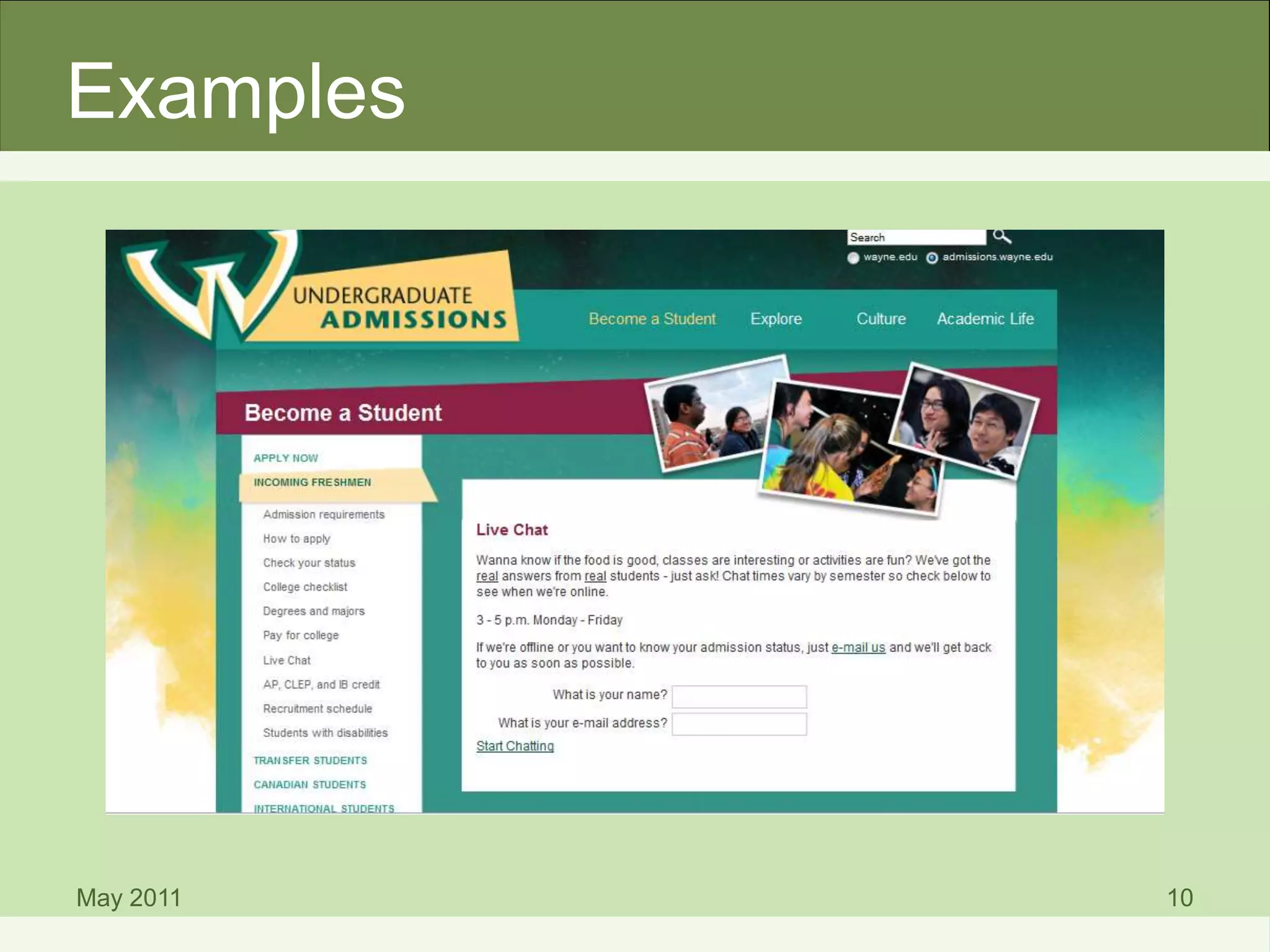
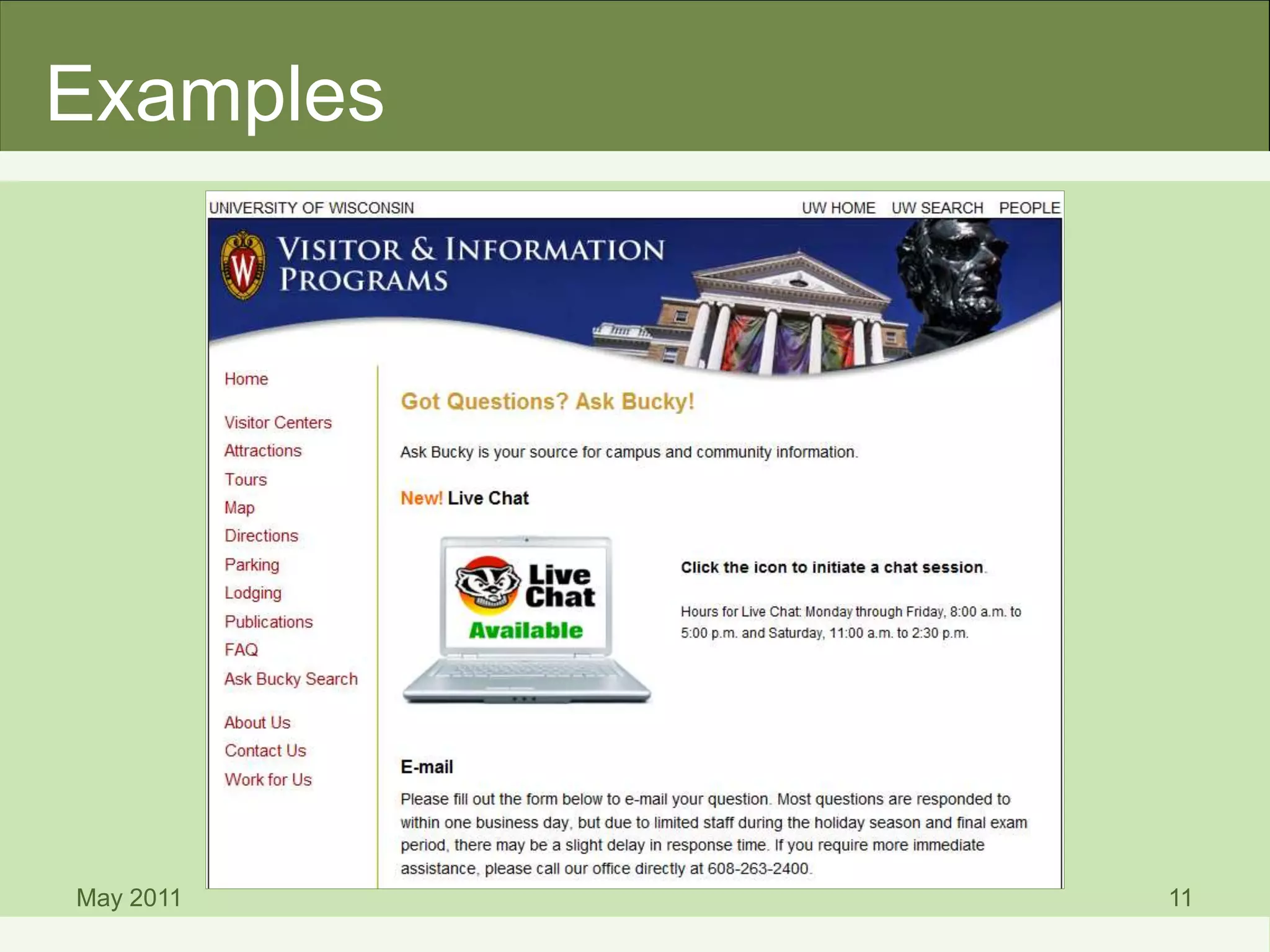
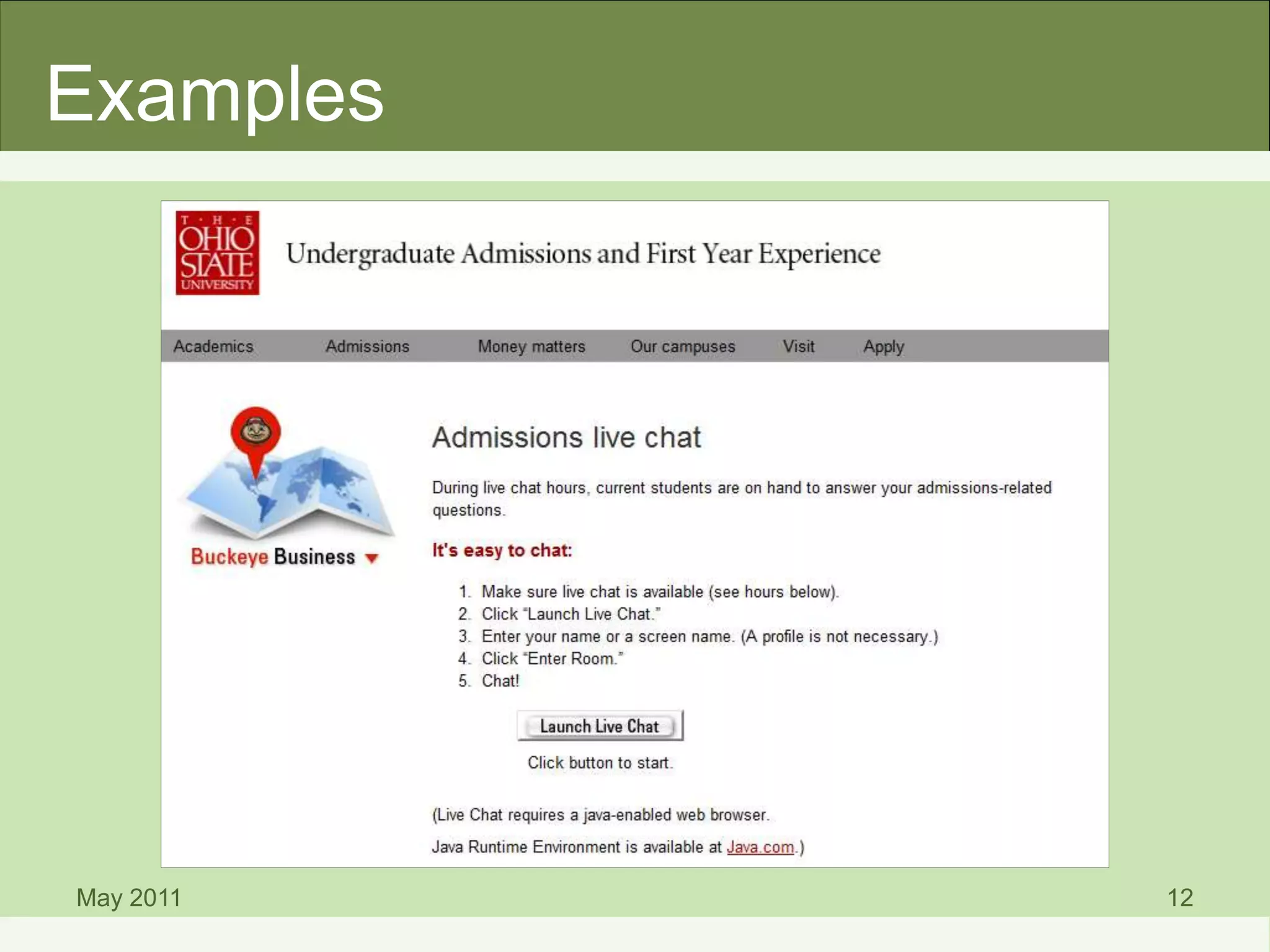
• Embedded widget provides immediate
contact with your web site visitors
• IM apps exist, making communication
easy with mobile device users
• Your competition is using IM!
May 2011 9
May 2011 10
Examples
May 2011 11
Examples
May 2011 12
Examples
Considerations When
Implementing IM
May 2011 13
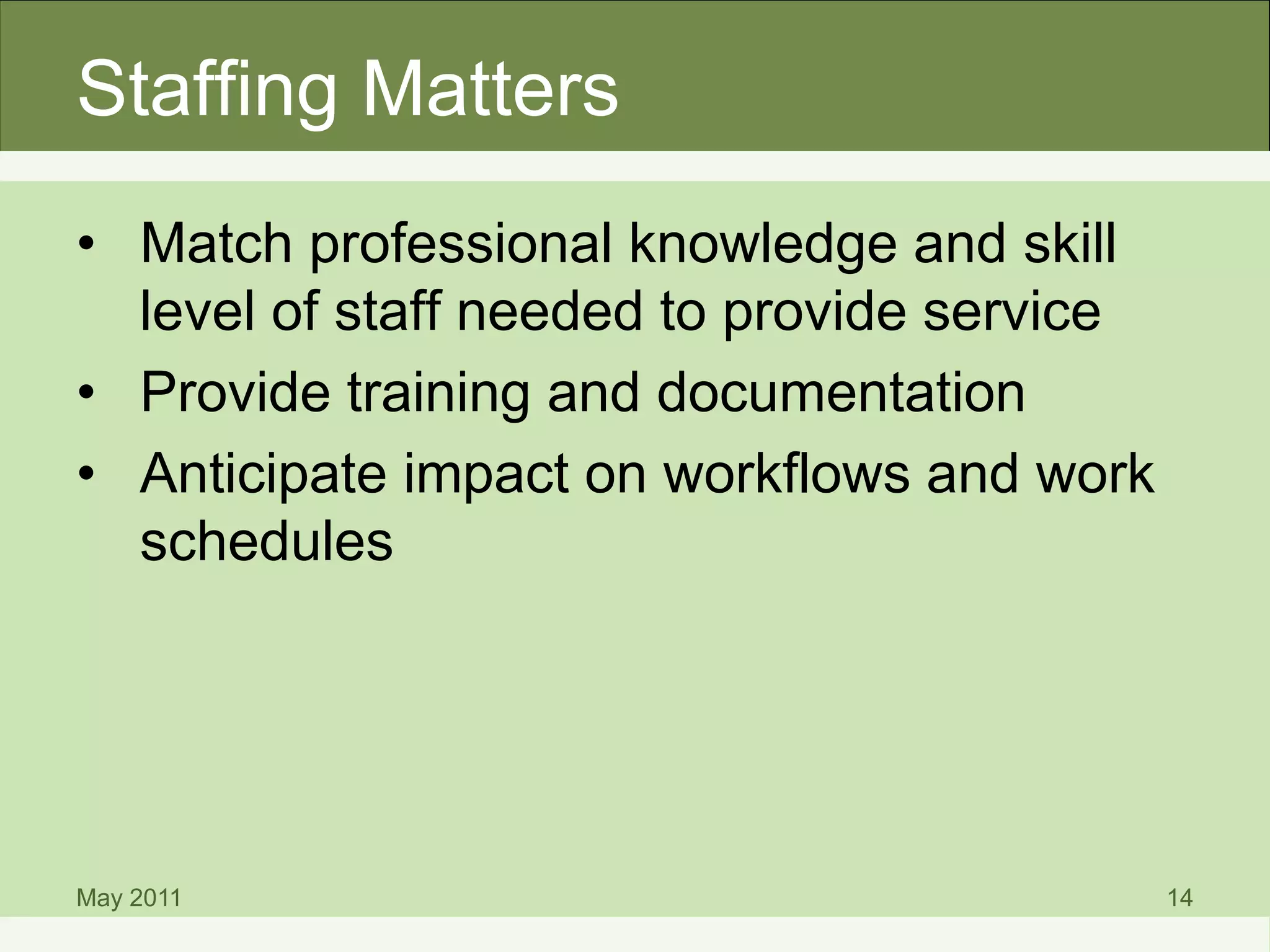
Staffing Matters
• Match professional knowledge and skill
level of staff needed to provide service
• Provide training and documentation
• Anticipate impact on workflows and work
schedules
May 2011 14
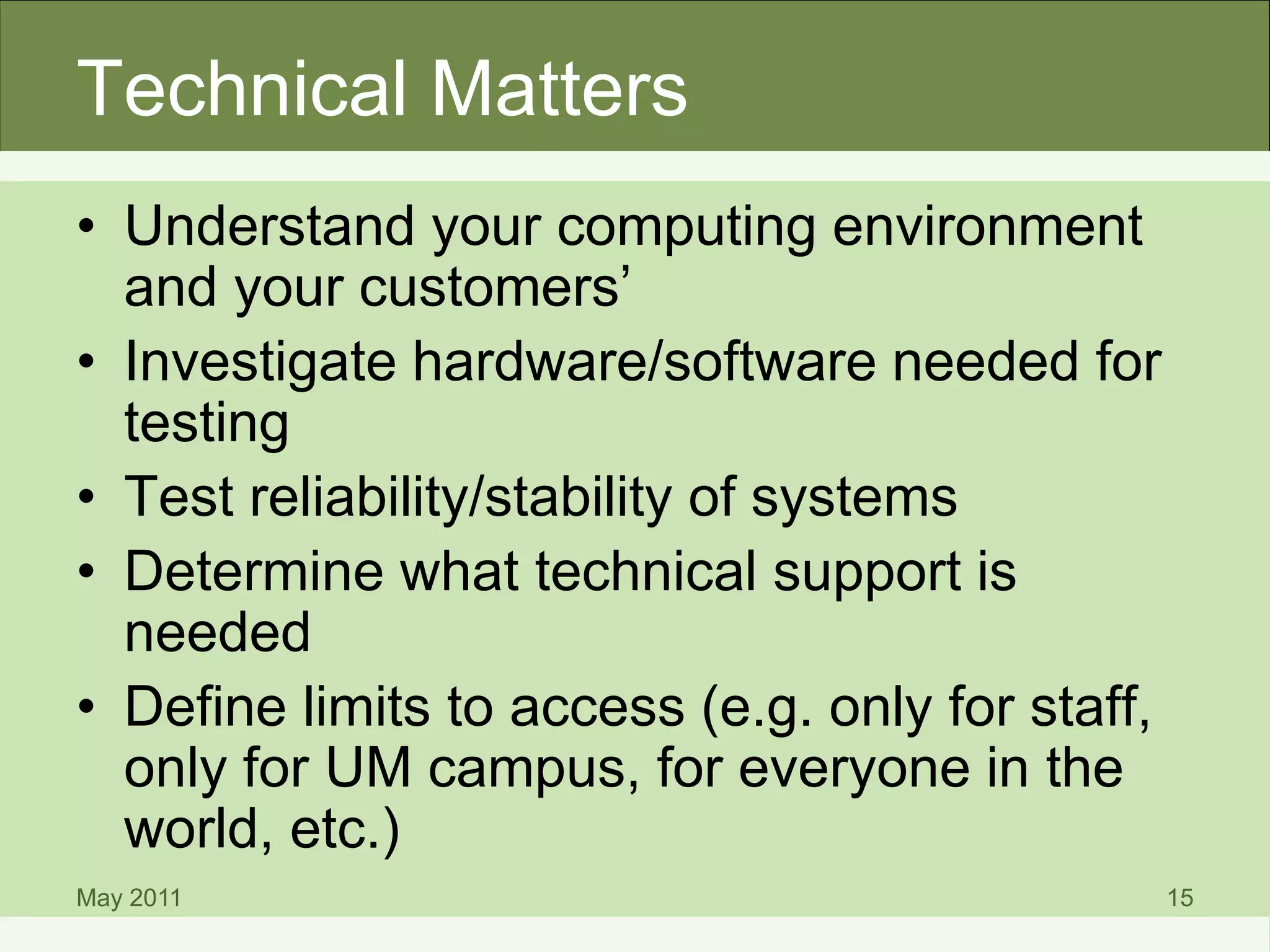
Technical Matters
• Understand your computing environment
and your customers’
• Investigate hardware/software needed for
testing
• Test reliability/stability of systems
• Determine what technical support is
needed
• Define limits to access (e.g. only for staff,
only for UM campus, for everyone in the
world, etc.)
May 2011 15
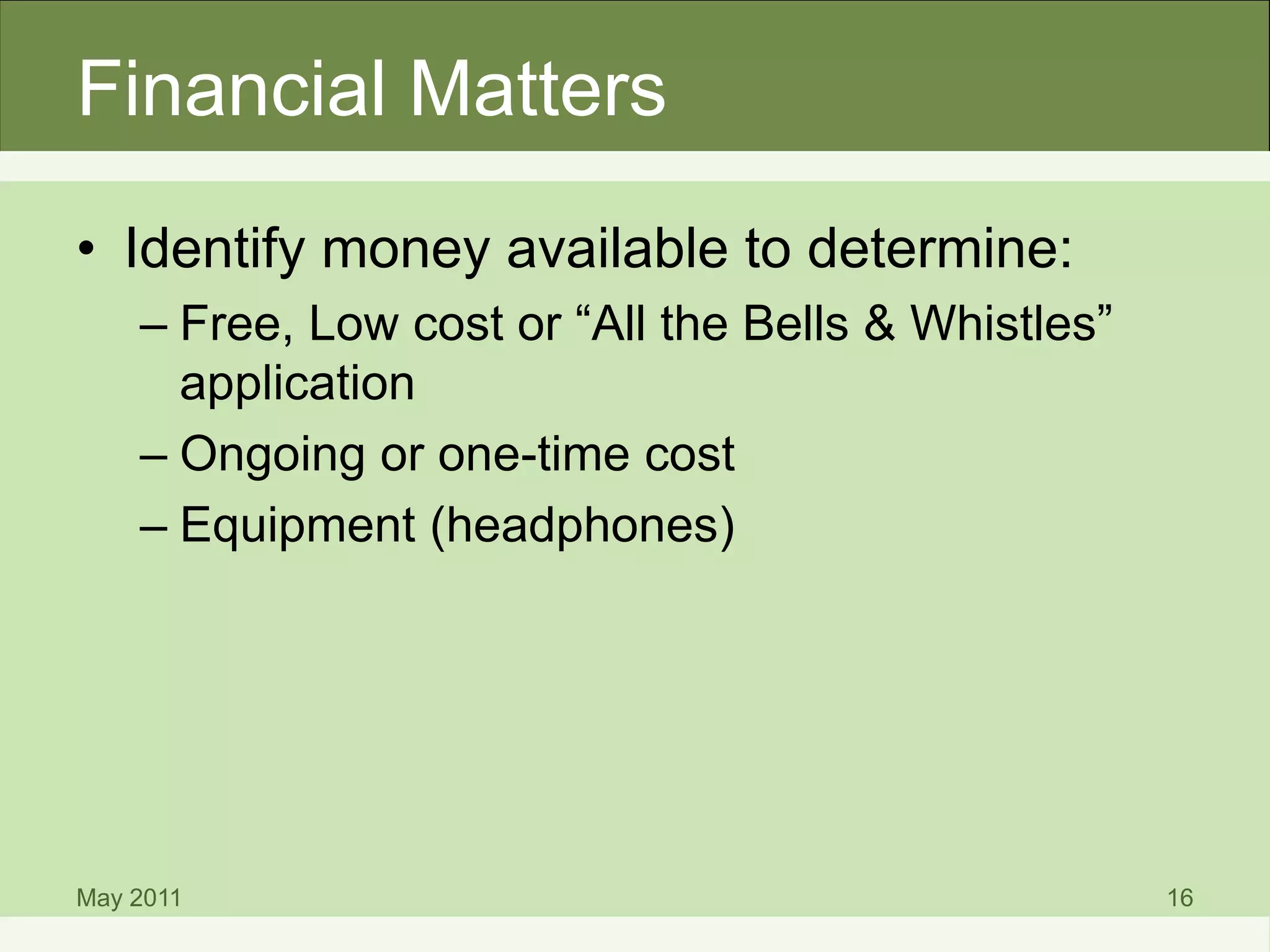
Financial Matters
• Identify money available to determine:
– Free, Low cost or “All the Bells & Whistles”
application
– Ongoing or one-time cost
– Equipment (headphones)
May 2011 16
Recommended IM Tools
May 2011 17
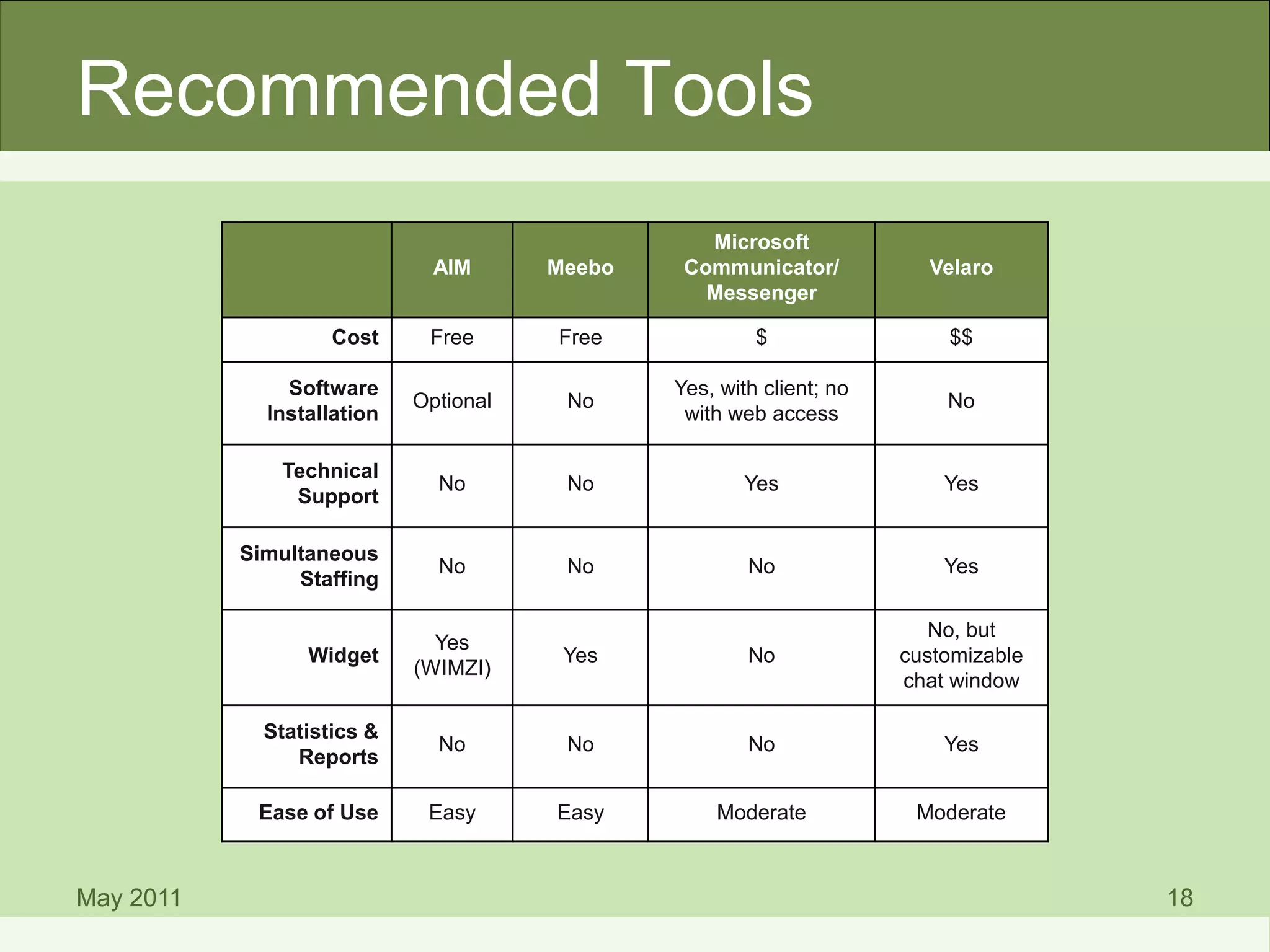
Recommended Tools
May 2011 18
AIM Meebo
Microsoft
Communicator/
Messenger
Velaro
Cost Free Free $ $$
Software
Installation
Optional No
Yes, with client; no
with web access
No
Technical
Support
No No Yes Yes
Simultaneous
Staffing
No No No Yes
Widget
Yes
(WIMZI)
Yes No
No, but
customizable
chat window
Statistics &
Reports
No No No Yes
Ease of Use Easy Easy Moderate Moderate
Ask a Librarian
• MLibrary uses LibraryH3lp for IM
(http://libraryh3lp.com)
May 2011 20
Best Practices
May 2011 21
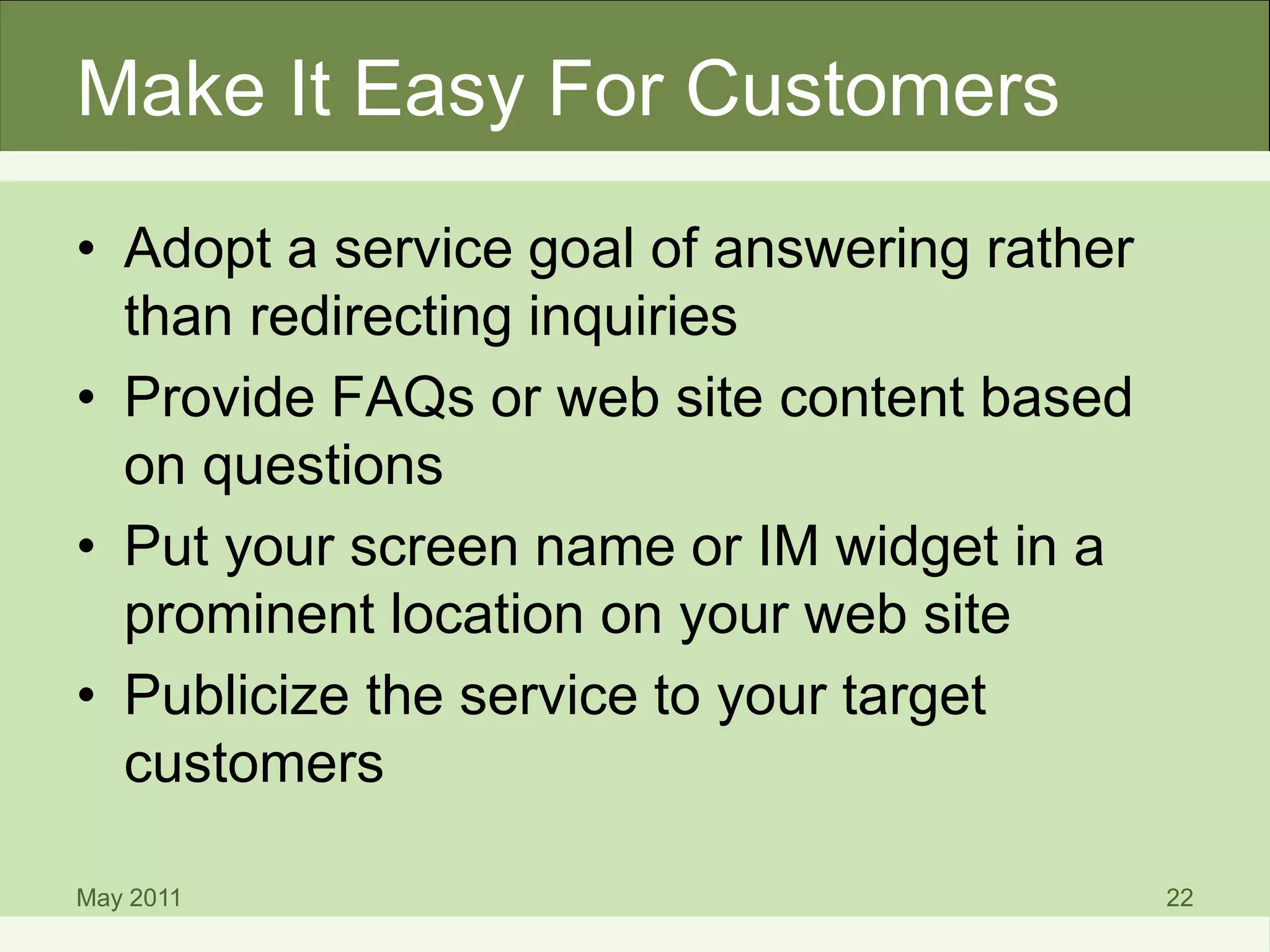
Make It Easy For Customers
• Adopt a service goal of answering rather
than redirecting inquiries
• Provide FAQs or web site content based
on questions
• Put your screen name or IM widget in a
prominent location on your web site
• Publicize the service to your target
customers
May 2011 22
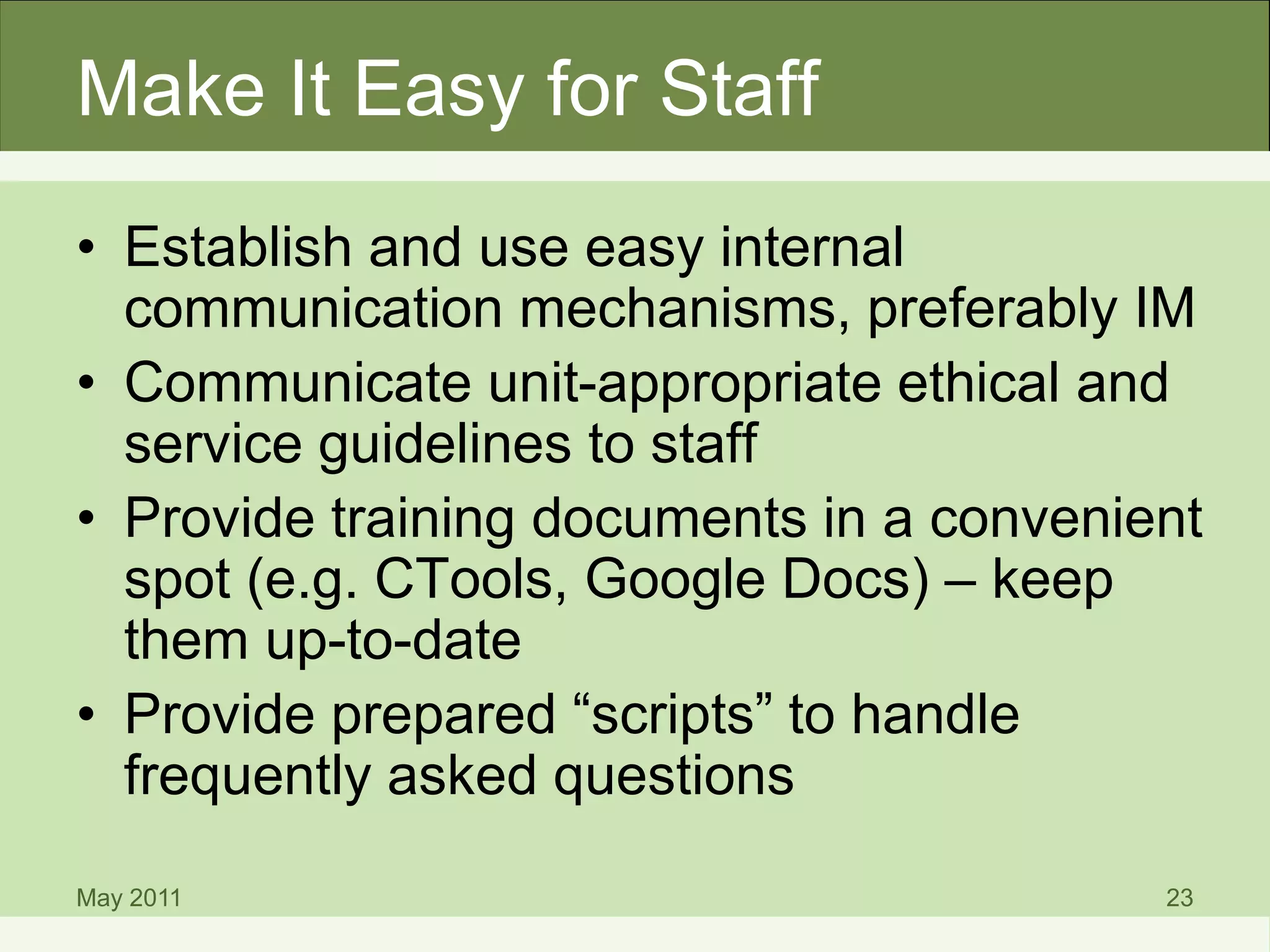
Make It Easy for Staff
• Establish and use easy internal
communication mechanisms, preferably IM
• Communicate unit-appropriate ethical and
service guidelines to staff
• Provide training documents in a convenient
spot (e.g. CTools, Google Docs) – keep
them up-to-date
• Provide prepared “scripts” to handle
frequently asked questions
May 2011 23
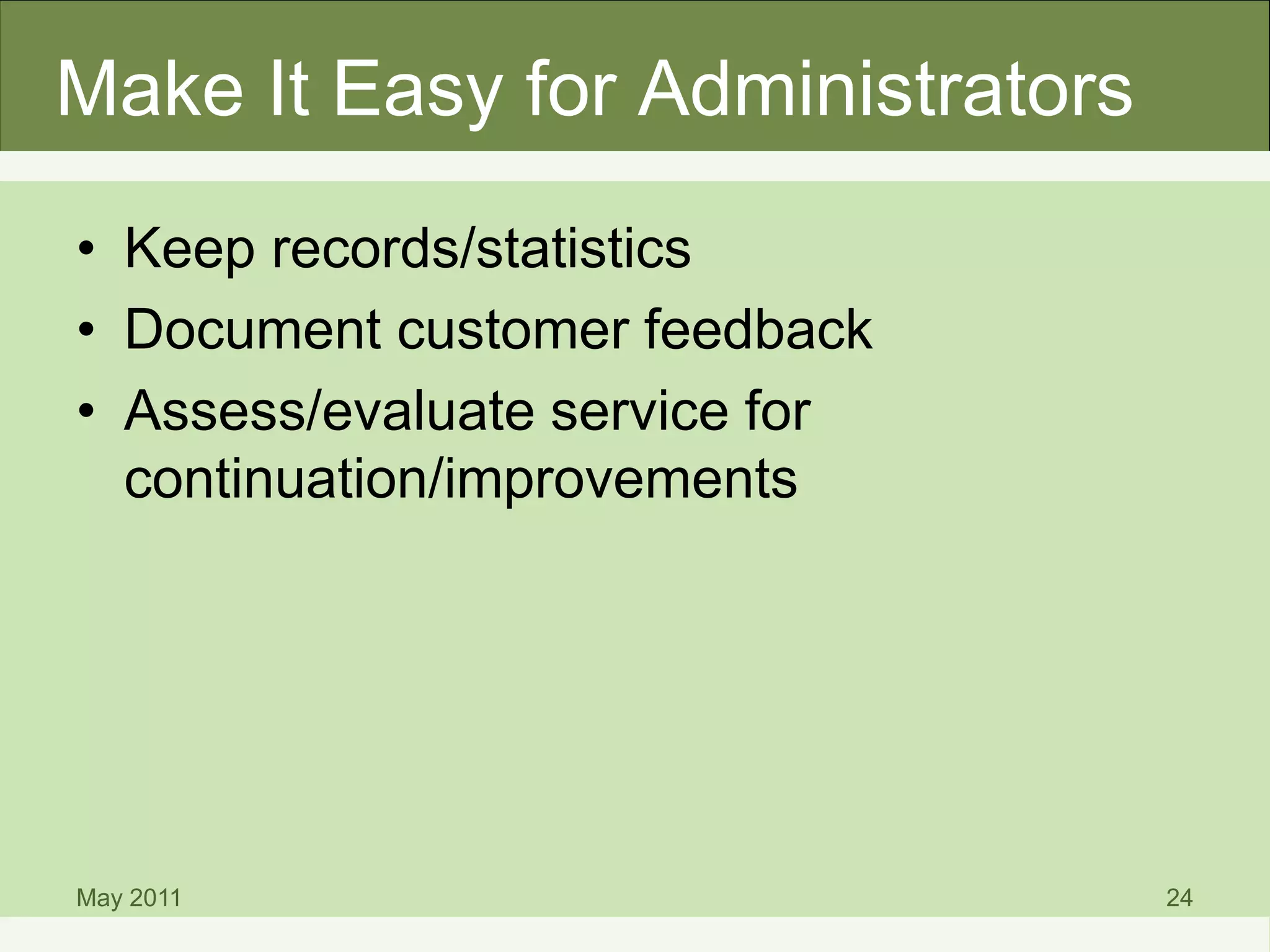
Make It Easy for Administrators
• Keep records/statistics
• Document customer feedback
• Assess/evaluate service for
continuation/improvements
May 2011 24
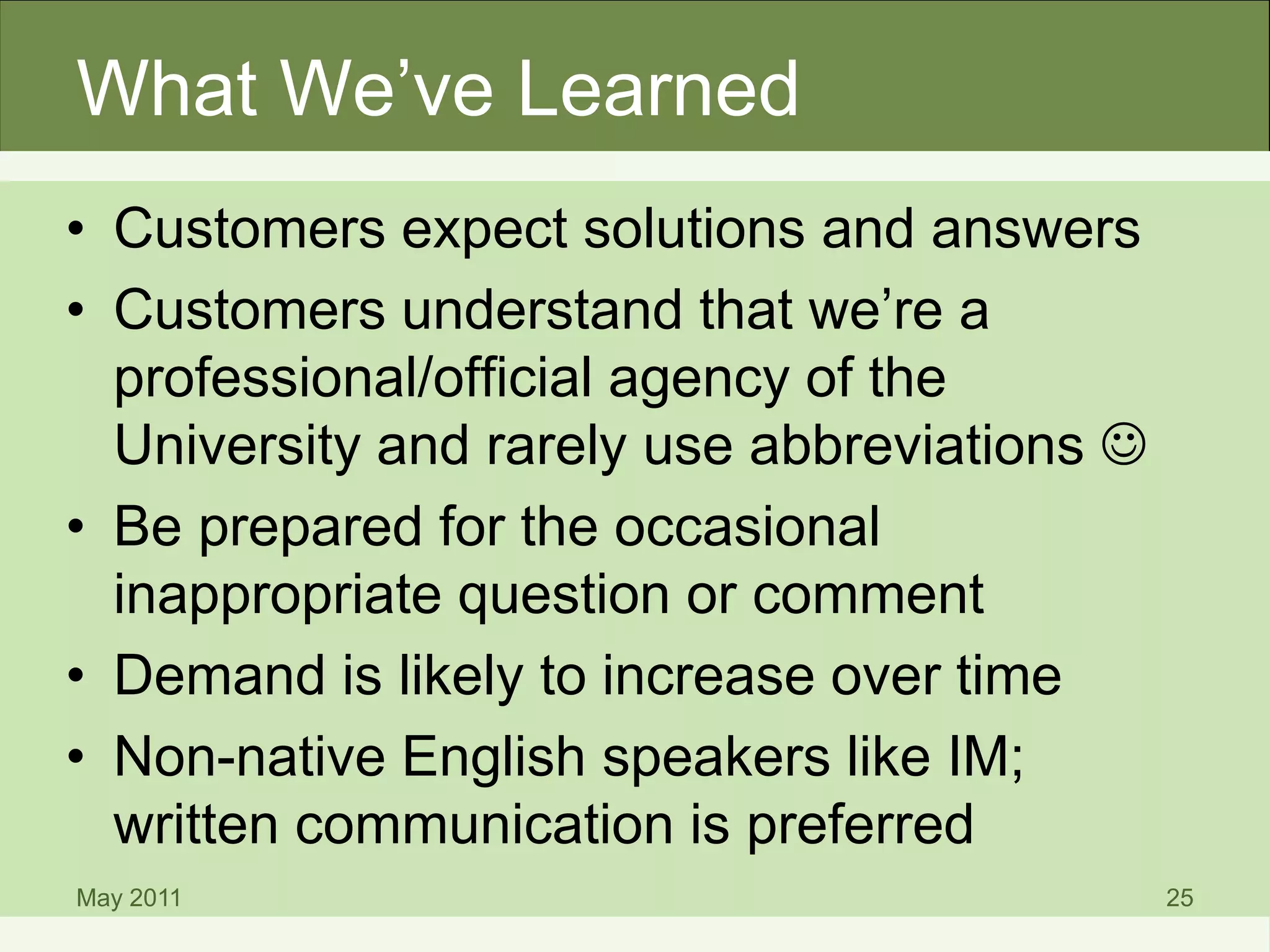
What We’ve Learned
• Customers expect solutions and answers
• Customers understand that we’re a
professional/official agency of the
University and rarely use abbreviations 
• Be prepared for the occasional
inappropriate question or comment
• Demand is likely to increase over time
• Non-native English speakers like IM;
written communication is preferred
May 2011 25
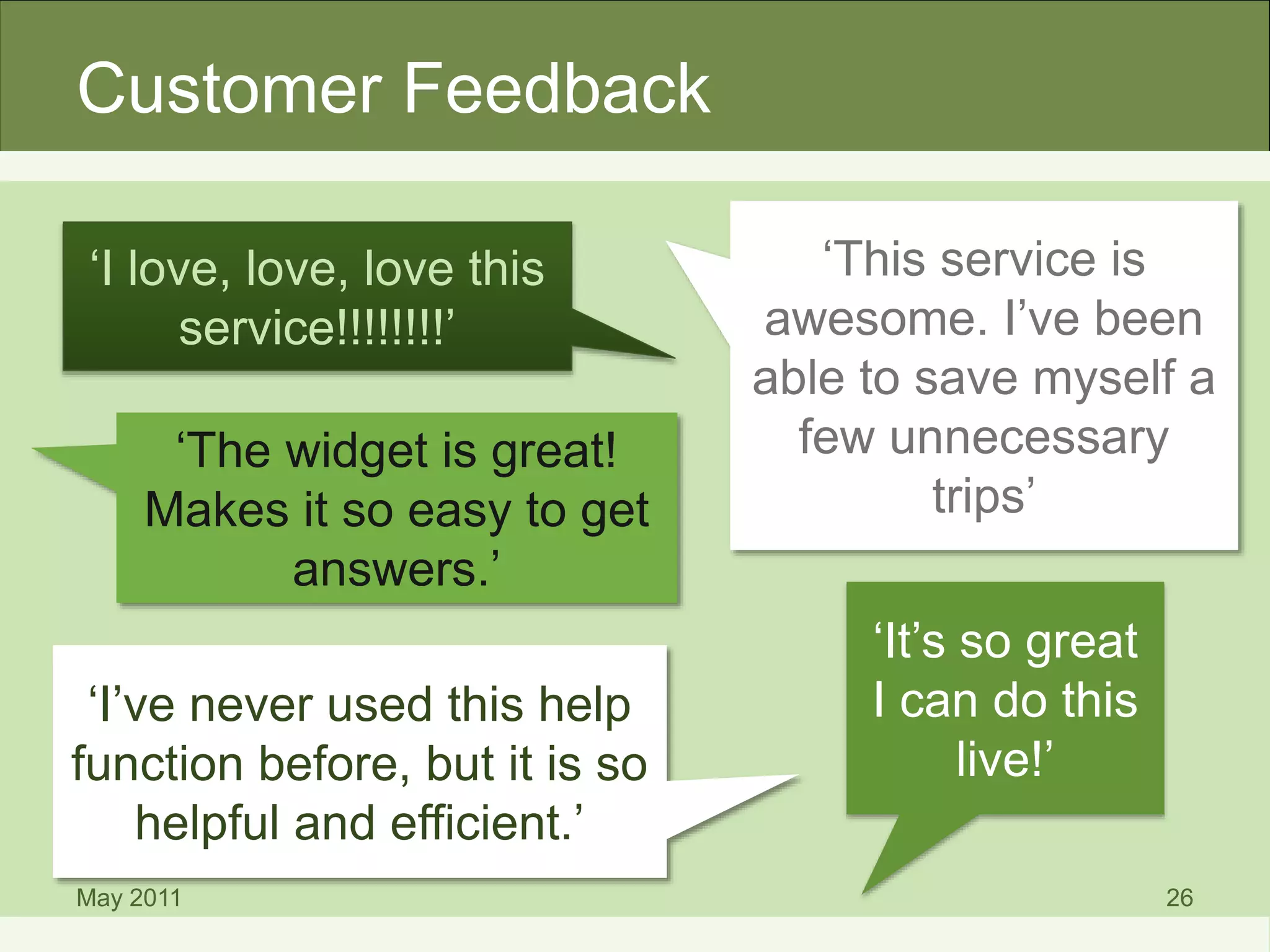
Customer Feedback
May 2011 26
‘I love, love, love this
service!!!!!!!!’
‘This service is
awesome. I’ve been
able to save myself a
few unnecessary
trips’
‘The widget is great!
Makes it so easy to get
answers.’
‘It’s so great
I can do this
live!’
‘I’ve never used this help
function before, but it is so
helpful and efficient.’
Questions?
• Karen A. Reiman-Sendi (karsendi@umich.edu)
• Julie Piacentine (juliepia@umich.edu)
• Barbara Beaton (barbara@umich.edu)
via AOL/Windows Live/Google Talk/Yahoo IM
(or email)
May 2011 27

Can U Help? How to Deliver an Instant Messaging Service to Improve Communication with Your Customers

  • 1.
    Can U Help? Howto Deliver an Instant Messaging Service to Improve Communication with Your Customers U-M StaffWorks Technology & Best Practices Conference 2011 Presented by: Karen A. Reiman-Sendi, Julie Piacentine, Barbara Beaton
  • 2.
    Presentation Points • Instantmessaging (IM) overview • Why MLibrary uses IM • Considerations when implementing IM • Recommended IM tools & best practices • Q & A May 2011 2
  • 3.
    What is IM? •Also known as “live chat” • Real-time text-based communication • Based on software that allows connections between specified known users (Contact, Buddy, or Friend List) • Similar to online “chat” which provides web-based windows to communicate between staff and anonymous web site visitors May 2011 3
  • 4.
    What is IM? •Many different “clients” or platforms available • Popular systems are AOL’s AIM, Google Talk, Windows Live Messenger, Yahoo! Messenger • Also includes widget-based or web browser access such as Meebo, chat within Facebook, Chatango (See PC Magazine online for reviews and product finder) May 2011 4
  • 5.
  • 6.
  • 7.
    Why MLibrary UsesIM May 2011 7
  • 8.
    Why MLibrary UsesIM • U-M customers are familiar with and expect IM • Meets a different communication need than email • Library users can be mobile and still use IM • Increased online access to resources means more users outside the library – but they still need help! May 2011 8
  • 9.
    Benefits of IM •Real time conversations are possible • Your online availability is clearly indicated in customers’ contact lists • Embedded widget provides immediate contact with your web site visitors • IM apps exist, making communication easy with mobile device users • Your competition is using IM! May 2011 9
  • 10.
  • 11.
  • 12.
  • 13.
  • 14.
    Staffing Matters • Matchprofessional knowledge and skill level of staff needed to provide service • Provide training and documentation • Anticipate impact on workflows and work schedules May 2011 14
  • 15.
    Technical Matters • Understandyour computing environment and your customers’ • Investigate hardware/software needed for testing • Test reliability/stability of systems • Determine what technical support is needed • Define limits to access (e.g. only for staff, only for UM campus, for everyone in the world, etc.) May 2011 15
  • 16.
    Financial Matters • Identifymoney available to determine: – Free, Low cost or “All the Bells & Whistles” application – Ongoing or one-time cost – Equipment (headphones) May 2011 16
  • 17.
  • 18.
    Recommended Tools May 201118 AIM Meebo Microsoft Communicator/ Messenger Velaro Cost Free Free $ $$ Software Installation Optional No Yes, with client; no with web access No Technical Support No No Yes Yes Simultaneous Staffing No No No Yes Widget Yes (WIMZI) Yes No No, but customizable chat window Statistics & Reports No No No Yes Ease of Use Easy Easy Moderate Moderate
  • 19.
    Ask a Librarian •MLibrary uses LibraryH3lp for IM (http://libraryh3lp.com) May 2011 20
  • 20.
  • 21.
    Make It EasyFor Customers • Adopt a service goal of answering rather than redirecting inquiries • Provide FAQs or web site content based on questions • Put your screen name or IM widget in a prominent location on your web site • Publicize the service to your target customers May 2011 22
  • 22.
    Make It Easyfor Staff • Establish and use easy internal communication mechanisms, preferably IM • Communicate unit-appropriate ethical and service guidelines to staff • Provide training documents in a convenient spot (e.g. CTools, Google Docs) – keep them up-to-date • Provide prepared “scripts” to handle frequently asked questions May 2011 23
  • 23.
    Make It Easyfor Administrators • Keep records/statistics • Document customer feedback • Assess/evaluate service for continuation/improvements May 2011 24
  • 24.
    What We’ve Learned •Customers expect solutions and answers • Customers understand that we’re a professional/official agency of the University and rarely use abbreviations  • Be prepared for the occasional inappropriate question or comment • Demand is likely to increase over time • Non-native English speakers like IM; written communication is preferred May 2011 25
  • 25.
    Customer Feedback May 201126 ‘I love, love, love this service!!!!!!!!’ ‘This service is awesome. I’ve been able to save myself a few unnecessary trips’ ‘The widget is great! Makes it so easy to get answers.’ ‘It’s so great I can do this live!’ ‘I’ve never used this help function before, but it is so helpful and efficient.’
  • 26.
    Questions? • Karen A.Reiman-Sendi (karsendi@umich.edu) • Julie Piacentine (juliepia@umich.edu) • Barbara Beaton (barbara@umich.edu) via AOL/Windows Live/Google Talk/Yahoo IM (or email) May 2011 27