Setting up PostGIS
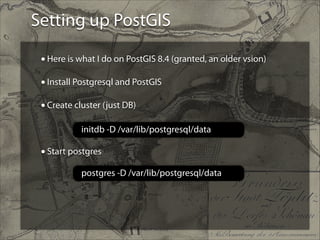
• Here is what I do on PostGIS 8.4 (granted, an older vsion)
!
• Install Postgresql and PostGIS
!
• Create cluster (just DB)
!
!
!

initdb -D /var/lib/postgresql/data

• Start postgres
postgres -D /var/lib/postgresql/data
Setting up PostGIS
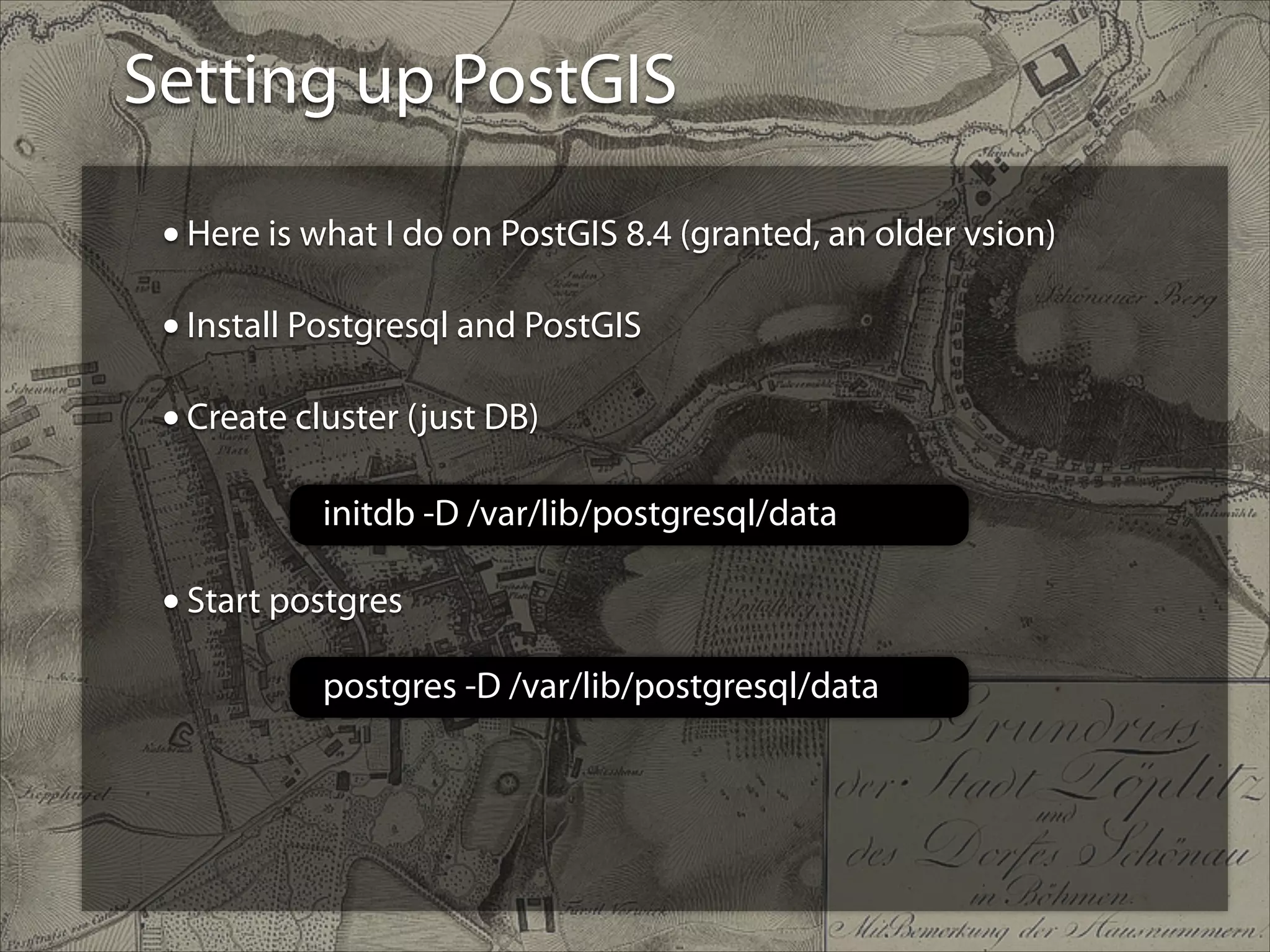
• Create database
• As “postgres" user, create postgresql tables using Imposm’s
create-db.sh script (and modified for the right db name)
• (I was using Imposm 2.0)
create-db.sh
Setting up PostGIS
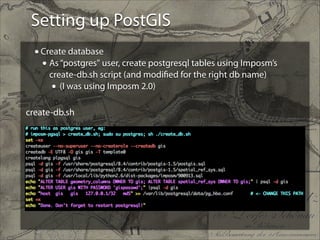
• Set it so I bind to the IP and port and expose it
!
!
!
!
!

In /var/lib/postgresql/data/postgresql.conf

• Trust the connection to the database to my computer
In /var/lib/postgresql/data/pg_hba.conf
Importing into PostGIS
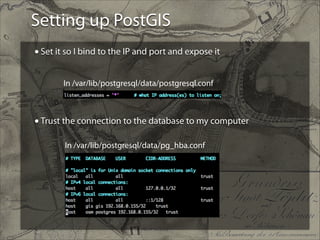
• Finally, import the data
osm2pgsql -c -G -U postgres -d osm -S /usr/share/
osm2pgsql/default.style your_file.osm.pbf 

(or .osm)

Postgis setup

  • 1.
    Setting up PostGIS •Here is what I do on PostGIS 8.4 (granted, an older vsion) ! • Install Postgresql and PostGIS ! • Create cluster (just DB) ! ! ! initdb -D /var/lib/postgresql/data • Start postgres postgres -D /var/lib/postgresql/data
  • 2.
    Setting up PostGIS •Create database • As “postgres" user, create postgresql tables using Imposm’s create-db.sh script (and modified for the right db name) • (I was using Imposm 2.0) create-db.sh
  • 3.
    Setting up PostGIS •Set it so I bind to the IP and port and expose it ! ! ! ! ! In /var/lib/postgresql/data/postgresql.conf • Trust the connection to the database to my computer In /var/lib/postgresql/data/pg_hba.conf
  • 4.
    Importing into PostGIS •Finally, import the data osm2pgsql -c -G -U postgres -d osm -S /usr/share/ osm2pgsql/default.style your_file.osm.pbf 
 (or .osm)